
#announcements
1 messages · Page 1 of 1 (latest)
 agile gate
 hard wharfBOT
Hello everyone!
There appear to be several false copy-pasted messages being passed around in VRChat-related Discord servers claiming that there is currently a "data breach" or that "a group of hackers is going around VRChat stealing personal information", or some variation.
We have not detected any such breach, and no such group of hackers exists.
Please do your part in stopping the spread of misinformation and do not repost these false messages intended to cause fear and confusion.
Thank you!
agile gate
@here Hello everyone. Since the announcement yesterday, we've gotten a LOT of feedback from all of you regarding the incoming 2022.2.2 VRChat update that integrates Easy Anti-Cheat.
We are reprioritizing, reorganizing, and changing our internal development roadmap to focus on the feedback you've given us.
Let's follow that up with the hard part: we are going to be releasing this update, and we do not have plans or intent to revert or roll it back.
However, we hear you and see you saying that many of the modified client features that are being lost due to this are extremely important to you, or in some cases allow you to use VRChat at all, when in regards to modifications that added accessibility features that VRChat currently lacks.
Addressing these concerns and feedback is our highest priority. We are changing our internal development roadmap and priorities to focus on the features and additions that you want. Currently ongoing projects are being paused, rescheduled, or re-prioritized, and resources are being re-allocated to account for this change.
In addition to the information we already had on hand, we've been talking to VRChat communities and community leaders about the changes and additions that they want most, including speaking to communities focused on accessibility to VRChat. We've also been watching and documenting constructive feedback via our typical channels like our Feedback boards, social media, and this Discord.
Our first priority for these changes is addressing several accessibility concerns in VRChat. We've got an internal list of improvements we can implement quickly and are fast-tracking it through our production and implementation process. We will be posting more information about those changes tomorrow.
Those changes will not be our last. We have more planned and are gathering more information to understand and address more of your needs. As noted before, we are immediately adjusting internal development to address these changes.
Thank you for your patience as we work as quickly as we can to address your concerns and your feedback. We'll be back as soon as possible with the first set of these updates, changes, and features.
- The VRChat Team
VRChat 2022.2.2 [1213] is now Live and includes our implementation of Easy Anti-Cheat (EAC) as well as Secure Instances.
Blog: https://hello.vrchat.com/blog/vrchat-security-update
The blog post has been updated with the above information.
This release is now live for all platforms.
This release is not network-compatible. You will not be able to join people that have not updated yet.
Patchnotes: https://docs.vrchat.com/docs/vrchat-202222
# Client

## Features
- **Implemented Easy Anti-Cheat (EAC).** Please read more in our blog post: <https://hello.vrchat.com/blog/vrchat-security-update>
  - EAC prevents the use of client modifications in VRChat
  - **If EAC detects a non-standard VRChat client, you will not be banned.** VRChat will fail to launch and display an error. Follow the instructions given in our knowledgebase to cleanly reinstall VRChat: <https://help.vrchat.com/hc/en-us/articles/4408235200403-How-can-I-completely-reinstall-VRChat->
  - VRChat is using the most up to date version of EAC, which allows you to have multiple EAC applications running at the same time as long as they do not launch at the same time
    - Other applications that use older EAC builds like Elden Ring, Halo MCC, or Apex Legends cannot be run at the same time as VRChat. If those applications update to the latest version of EAC, you could run both at the same time. As far as we're aware, Fortnite is the only other application that has updated
  - EAC is disabled in local test builds of VRChat, so doing local testing of worlds is unaffected
  - **Virtual Desktop Users**: Using the Oculus PC version of VRChat via Virtual Desktop no longer works because Virtual Desktop utilizes DLL injection. This is blocked by EAC. Please use Oculus AirLink or the Steam version of VRChat via Virtual Desktop instead.
- **Implemented Secure Instances!** Please read more in our blog post: <https://hello.vrchat.com/blog/vrchat-security-update>
  - Secure Instances means that instance rules are now enforced on the server side
    - For example, you cannot join a Friends instance without being friends with the owner, and you cannot join an Invite instance without being invited
  - **Added "Portal Locking"**, which allows or disallows users from seeing and using the portal depending on the rules of the instance you're going to
    - **By default, Friends/Friends+ portals you drop will be Locked!** This means that when you drop a Friends+ portal in a public instance, *only your friends will be able to see and use that portal!* You can still unlock the portal before you drop it in case you want everyone to join
    - **Portals to Public instances are always unlocked** because anyone can join public worlds
    - **Portals to Invite and Invite+ instances are always unlocked** because the only person that can join a new Invite or Invite+ world is the instance creator (that's you)
      - As such, be careful when dropping portals to Invite and Invite+ instances. To remain as private as possible, go to the instance and then invite your friends
    - Added UI to indicate what type of portal you're dropping, and to swap between Locked and Unlocked when dropping a Friends/F+ portal
  - Links generated from the website can now be Locked or Unlocked
    - Locked Links are generated by default and enforce rules on entry
      - Similar to portals, this is only really sensible for Friends and Friends+ instances. We'll be changing the default in an upcoming website update
    - Unlocked Links can be optionally generated, but allow anyone with the link to join (kind of like the "Allow anyone with the link to view" in Google Docs)
      - Be aware that once you've given out the Unlocked Link, that link can be shared with anyone, who can then join your instance!
    - Old instance links will break, you'll need to re-make them if you're keeping an old instance link around
## Improvements
- Improved the handling of instantiated UdonBehaviours so that they are more stable and do not attempt to do networking or cause errors in the log
- Implemented a 'Pose Reset' button in the Action Menu that will reset the position of your PhysBones

## Fixes
- Fixed issues with video players on Linux, which should resolve some video player-related issues on Steam Deck
- Fixed exploits where FinalIK scripts could be used to crash users
- Fixed an issue with nameplate text rendering
- Fixed issues interacting with some Settings in the Main Menu

## Known Issues
- **Virtual Desktop Users**: Using the Oculus PC version of VRChat via Virtual Desktop no longer works, as it utilizes DLL injection which is blocked by EAC. Please use Oculus AirLink or the Virtual Desktop with the Steam version of VRChat instead!
- Some portions of Secure Instances cannot be enabled until after Live launch, so instance join behavior, friend location, and security features may take a day or two after launch to start behaving 100% correctly

# SDK

## Improvements
- Converted DB components will now match enabled / disabled state in-app and in the SDK
- A short delay has been added between multiple local test client launches to account for some issues that would occur with simultaneous launch

## Fixes
- Fixed Left / Right foot swap during Avatar setup
To reiterate, because the wording in the initial post wasn't very clear: Virtual Desktop works fine if you use it with Steam VRChat. It doesn't work with VRChat on Oculus PC due to the use of DLL injection.
agile gate
@here Hello everyone!
Yesterday afternoon, we announced that we would be reprioritizing, reorganizing, and changing our internal development roadmap to focus on the feedback you've given us.
Please read our latest blog post for more detail on what changes we've made, and what to expect from us in the coming days and weeks.

VRChat
Yesterday afternoon, we announced that we would be reprioritizing, reorganizing, and changing our internal development roadmap to focus on the feedback you've given us. As we promised, we’re sharing a small roadmap of what the next few weeks are going to look like, and when you can expect more upd

Over the past 72 hours we've been listening to your feedback and organizing existing and new development efforts. Here's how we're going to start addressing accessibility concerns, as well as what the next few days&weeks are going to look like. Learn more: https://t.co/TtQ7pN9ug3
 Twitter
·
agile gate
Twitter
·
agile gate
Hello! This is a non-pinging announcement for a minor patch to fix a Quest-only issue.
We've just released VRChat 2022.2.2p1, build 1214. This build is only for the Meta Quest.
This patch is live-compatible.
# Client

## Fixes, Changes, and Improvements
- Fixed an issue preventing AVPro video playback on the Meta Quest version of VRChat
@here Hello everyone!
We've been hard at work since our last post. We want to share what we've been up to today, as we work with your feedback.
Take a look at our latest Developer Update on our Ask Forum here: https://ask.vrchat.com/t/developer-update-28-july-2022
More coming soon. Thank you!

VRChat Ask
Hello! Welcome to the latest VRChat Developer Update. Here, we’ll be talking about what we’re working on and what our progress looks like so far. These will be daily for a bit, although we’ll likely swap to a slower schedule eventually. We don’t think posting “worked on the same thing” 3 days in a row is interesting, even if it happens sometime...
agile gate
Hello! Quick non-pinging announcement for a minor patch.
We've just released VRChat 2022.2.2p1b, build 1215 on all platforms.
This patch is live-compatible.
# Client

## Fixes, Changes, and Improvements
- Fixed an issue where brand-new users would get stuck in loading and would have to restart VRChat to fully load into the onboarding flow
- Updated AVPro on PC
We've got another Developer Update on the way for you... as well as a live-compatible Open Beta with a bunch of the features we talked about yesterday. Keep an eye out, we'll ping for it. (Sorry, chatmods.  )
)
agile gate
@here Hello everyone!
Here's another Developer Update for you. https://ask.vrchat.com/t/developer-update-29-july-2022/10900
Please take a look at #open-beta-announcements for a Live-Compatible Open Beta.
Thank you! Have a good weekend!

VRChat Ask
Hello! Welcome to the latest VRChat Developer Update. Here, we’ll be talking about what we’re working on and what our progress looks like so far. You can read yesterday’s update here. July 29 2022 Our normal full team sync-up in VRChat was cancelled in favor of our continued work on feature requests, and to get a Live-compatible Open Beta up....
agile gate
@here Hi everyone!
Back from the three-day weekend. Thanks, Canada! 🇨🇦
Here's our latest Developer Update. https://ask.vrchat.com/t/developer-update-2-august-2022/11133
Remember, we've got a Live Beta available in #open-beta-announcements .
Thank you, see you tomorrow!

VRChat Ask
Hello! Welcome to the latest VRChat Developer Update. Here, we’ll be talking about what we’re working on and what our progress looks like so far on a selection of our tasks. You can read Friday’s update here. We had Monday off (thanks, Canada!) but we’re back on it today. 2 August 2022 Live Beta There’s currently a Live Beta (an Open Beta...
agile gate
@here Hi everyone! Time for our latest Developer Update.
Check it out here: https://ask.vrchat.com/t/developer-update-3-august-2022/11265
Also, we just updated the Live Beta in #open-beta-announcements with a few small fixes. If you haven't checked out the Live Beta yet, give it a look.
Thanks again, and we'll see you tomorrow!

VRChat Ask
Hello! Welcome to the latest VRChat Developer Update. Here’s what we were up to today. Check out our Dev Update from yesterday for some context. Starting today, we’re experimenting with opening up these threads for comment, with some limitations. Feel free to reply to this thread if you’d like to provide feedback or input. 3 August 2022 ...
agile gate
Hi everyone! Another Dev Update just got posted! Lots of videos in this one.
Check it out here: https://ask.vrchat.com/t/developer-update-4-august-2022/11583
Thanks again, see you tomorrow!

VRChat Ask
Hello! Welcome to the latest VRChat Developer Update. Here’s what we were up to today. Check out our Dev Update from yesterday for some context. Yesterday, we allowed comments on a Development Update for the first time. It went okay! We’ll keep them on for now, although that might change in the future. The features described below may not ...
agile gate
We've just released VRChat 2022.2.2p2 (build 1218) to all platforms!
This is a Live-compatible patch, which means you can see people on older versions using it. Feel free to update whenever you see fit-- but you'll probably want to use the features sooner rather than later!
We've got another Live Beta coming soon, keep an eye out for that.
Check out the full release notes here: https://docs.vrchat.com/docs/vrchat-202222p2
# Client
Most features implemented in this patch are accessed through the Quick Menu's "Gear" tab (on the far right) unless otherwise noted.

## Fixes, Changes, and Improvements
- Implemented **Horizon Adjust!**
  - This feature allows you to lay on a bed or the ground IRL, click "set horizon", and the VRChat world will be rotated around you such that you're standing up!
  - There is a warning about potentially causing motion sickness in this mode that you must confirm. Please be careful!
  - There are some additional options available that allow you to tune the behavior of this feature
- Implemented **Personal Mirror**!
  - This feature allows you to spawn a local-only mirror!
  - You can spawn the mirror from the Action Menu, under Options
  - You can move it around, resize it, adjust its opacity, and more
  - We're still working on this feature internally and plan on improving it even more in the next patch!
- Added the ability to **move the Main Menu!**
  - After opening the Main menu, hover around beneath the menu to find the handle
  - Grab on with the Grip button
  - You can find an option in the Quick Menu to change where the Main Menu opens up-- either directly in front of you, or in the old orientation
- Added option to set the instance type of the user's Home world to any instance type
  - You can use this to set your Home instance to Invite (the default), Invite+, Friends, Friends+, or even Public
  - All choices except Public will create a new instance. Public will try to put you into an existing Public instance first
- Implemented "Portal Prompt", which will require a click or trigger pull before going through a portal
  - Option is available in the Quick Menu
- Added an option to go back to the Default home when clicking on Go Home
- Moved camera screenshots off-thread, greatly reducing frame lag when taking screenshots
- Added an option to auto-disable cloning when entering a world
- Added an option to see icons on the HUD that indicate your current hand gestures
  - Currently only available in VR mode
- Added an option in to enable or disable the particle limiter
- Improved movement while headset look vector was close to Y-axis poles
- Fixed issue where reinstalling VRChat could fail
- Fixed issue where launch links from website weren't working correctly
- Fixed an issue where trying to join a full instance would cause a loading loop. This may still occur in very rare cases

## Known Issues
- MM can only be moved by the hand that has most recently pulled the trigger
- Looking straight down with MM placement can put the MM upside down
- Grabbing the personal mirror on Quest can sometimes turn the entire screen blue
- If you have the particle limiter enabled in `config.json`, it limits your own local avatar incorrectly
Hi everyone!
There's a known issue with 2022.2.2p2 (woah, that's a lot of 2s) that world builders might've already noticed.
Local build and test will result in an error. We've already located the bug, and are in the process of fixing it.
A patch will go out tomorrow-- somewhere around <t:1659812400:f>, maybe? This issue will also affect the incoming 2022.2.2p3 beta, but we'll also patch that after the Live patch.
Thanks!
agile gate
One last thing before we start the weekend: Here's our latest Dev Update!
https://ask.vrchat.com/t/developer-update-5-august-2022/11836
See you Monday!

VRChat Ask
Hello! Welcome to the latest VRChat Developer Update for August 5, 2022. If you’d like, you can check out yesterday’s Dev Update here. The features described below may not be released yet unless otherwise noted, and may change before they become available to users. 2022.2.2p2 Release We’ve made some fixes to the 2022.2.2p2 verison of VRCh...
agile gate
Okay, I lied, one more post.
Hey, world creators-- build-and-test-temp-fix is up on Steam. No password required, you might need to restart Steam to see it. Use it to use Build and Test.
It will not connect to Live instances. Don't use it to play VRChat.
We'll get you a proper patch soon. Thank you!
agile gate
Hello!
We've just released VRChat 2022.2.2p2b, build 1219. This is a very small patch.
This update is only for Steam and is network-compatible.
This update fixes the aforementioned issue with Build and Test, so you no longer have to use the temporary build-and-test-temp-fix branch.
https://docs.vrchat.com/docs/vrchat-202222p2b
# Client
Steam-only release.

## Fixes, Changes, and Improvements
- Fixed an issue preventing world Build and Test from working
Hi everyone! Here's our first Developer Update of the week.
https://ask.vrchat.com/t/developer-update-8-august-2022/12012
See you tomorrow!

VRChat Ask
Hello! Welcome to the latest VRChat Developer Update. Here’s what we were up to today. Check out our Dev Update from Friday for some context. The features described below may not be released yet unless otherwise noted, and may change before they become available to users. Quick Recap 2022.2.2p2 Released On Friday, we released 2022.2.2p2 ...
agile gate
Back again! Here's today's Developer Update!
This time around, we've got a new feature to show off-- the Full Body Tracking Calibration visualizer!
Check it out here: https://ask.vrchat.com/t/developer-update-9-august-2022/12164
See you tomorrow!

VRChat Ask
9 August 2020 Dev Update Hello! Welcome to the latest VRChat developer update for 9 August, 2022. For context, you might want to check out yesterday’s update. Schedule Change As we previously noted, we’re going to change the frequency of these posts. Starting next week we’ll be posting these twice a week (on Tuesday and Friday) versus the ...
agile gate
The Developer Update today shows off the Desktop Camera mode, updates to the Text Chatbox, and some more info on what we were up to today!
https://ask.vrchat.com/t/developer-update-10-august-2022/12224
It also contains some info regarding our recent Terms of Service and Privacy Policy changes. You'll be prompted to accept our new TOS when you log into VRChat or the VRChat Home website next.
See you tomorrow!

VRChat Ask
Hello! Welcome to the latest VRChat developer update for 10 August, 2022. For context, you might want to check out yesterday’s update. Schedule Change As we mentioned yesterday, we’re going to change the frequency of these posts. Starting next week we’ll be posting these twice a week (on Tuesday and Friday) versus the daily schedule we’ve ...
agile gate
Today's Developer Update has info on a ton of features, including several we've not mentioned before... and most of them are gonna be in Live Beta tomorrow!
https://ask.vrchat.com/t/developer-update-11-august-2022/12286

VRChat Ask
Hello! Welcome to the latest VRChat developer update for 11 August, 2022. For context, you might want to check out yesterday’s update. Schedule Change As we mentioned in the previous days, we’re going to change the frequency of these posts. Starting next week we’ll be posting these twice a week (on Tuesday and Friday) versus the daily sche...
agile gate
Hi all!
Minor patch just went out for all platforms! VRChat 2022.2.2p2c is our latest version.
This is a minor patch that includes some critical fixes to help with recent issues we've been experiencing.
# Client

## Fixes, Changes, and Improvements
- Fixed issues where VRChat would misbehave when VRChat services are degraded
The first of two Developer Updates this week has a peek into our continued work on the Chatbox, even more iteration on new and upcoming features, release plans, and our plans to put our new Main Menu into Beta very soon.
Check it out!
https://ask.vrchat.com/t/developer-update-16-august-2022/12586

VRChat Ask
Hello! Welcome to the latest VRChat developer update for 16 August, 2022. This week, we’ve moved to two Dev Updates a week, on Tuesday and on Friday. We’ll do this for a few weeks, and eventually drop down to once a week. Upcoming Releases This week we plan to release 2022.2.2p3 out to Live. This means that all the features that are in Liv...
agile gate
Before you hop on to hang with your friends on this long-awaited Friday, check out our latest Developer Update! This time around, we talk about the Live Beta update we just pushed, some design iteration for Chatboxes, and more!
Have a good weekend!
https://ask.vrchat.com/t/developer-update-19-august-2022/12775

VRChat Ask
Hello! Welcome to the latest VRChat developer update for 19 August, 2022. Check out our previous update here. Release Plans First off, let’s talk about current plans for release of new updates and new betas! 2022.2.2p3 Live Beta Over the past week we’ve been aiming to get a Live Beta out we could release to Live first thing next week. Unf...
agile gate
The first VRChat Developer Update of the week is a heavy hitter with a TON of preview videos for the new Main Menu! You can also catch up on updates for our current beta, our next releases, our portal placement improvements, and more!
Check it out!
https://ask.vrchat.com/t/developer-update-23-august-2022/12970

VRChat Ask
Hello! Welcome to the latest VRChat developer update for 19 August, 2022. Check out our previous update here. Release Plans Let’s talk about our current plans first. 2022.2.2p3 Live Beta Last week, we got a new p3 beta out! It had some issues that have since been fixed (shoutout to the “demon portals”). Right now, we’re working on getting...
agile gate
This week's second VRChat Developer Update covers our plans for the New UI Live Beta, new info on Camera updates, a whole bunch of technical words about frame-saving tech like FSR, and more!
Make sure you check it out, and have a good weekend!
https://ask.vrchat.com/t/developer-update-26-august-2022/13173

VRChat Ask
Hello, and welcome to the Developer Update for the 26th of August, 2022! You might notice that the “feature updates” section is a little thin. p3 was a doozy to get bugfixed, and we’ve diverted a good bit of team resources over to getting the UI ready. As such, there haven’t been many things worth posting about just yet since the Tuesday Dev...
agile gate
@here We've just released VRChat 2022.2.2p3 (build 1229) to all platforms!
This is a Live-compatible release, which means you can see people on older versions using it. Feel free to update whenever you see fit-- but you'll probably want to use the features sooner rather than later!
New SDKs are available. The VCC beta's packages will be updated soon.
This patch includes a ton of refinements to the features we released with p2, as well as a bunch of brand new features.
Read about them in our Update Notes: https://ask.vrchat.com/t/vrchat-2022-2-2p3/13315
Check out the full release notes here: https://docs.vrchat.com/docs/vrchat-202222p3
Or, you can read about them here, in Discord! Gimme a sec, there's a bunch, so I had to split up the message...
Text Chatbox! Use the chatbox to send text to people around you! You can also adjust tons of settings for the chatbox. By default, you can only see chatboxes from your friends, but you can easily turn it on for everyone.
To use the Chatbox, open your Action Menu, select Options, then select Chatbox.
To configure the Chatbox, open your Quick Menu and click on the "Gear" tab on the far right. Scroll to find the Chatbox options.
To show everyone's Chatbox, change the "Local Chatbox Visibility" option to "Everyone".
More Favorites! Tons more favorites for EVERYONE!
- 50 Favorite Avatars (2.0x more)
- 400 Favorite Worlds (1.5x more)
- 450 Favorite Friends (2.3x more)
VRChat Plus Supporters get a nice extra bonus:
- 300 Favorite Avatars (6.0x more)
Earmuff Mode! In a hectic, chatty instance? Turn on your Earmuffs to turn down the voice and avatar audio of people a configured distance away from you, "muffling" them. Find the options for Earmuff Mode under the Audio tab of the Quick Menu.
Hide Avatars by Distance! Hide avatars that are farther than a configured distance from you, or only show the X closest avatars. You can exempt Friends and users you've clicked "Show Avatar" on, optionally. Find this feature in the Quick Menu's "Gear" tab (on the far right).
Desktop Camera! In Desktop mode, pull out the camera and you can use it with your mouse and keyboard! You can even fly the camera lens around. VR version coming soon! Find this feature in the Camera tab when playing VRChat in Desktop mode.
Microphone Sensitivity and Denoiser! You can adjust how sensitive your microphone is! You can also turn on a denoiser to remove background noise. Find these options in the Quick Menu Audio tab.
Copy and Paste Buttons on the Keyboard! We added new buttons to copy (left side) and paste (right side) text into input panels in VRChat. Super helpful for inputting video URLs!
Camera Near Clip Override! For advanced users, you can tweak your viewpoint's "Near Clip" setting. Keep it off to use the World Settings, Dynamic to keep it as low as possible while trying to prevent problems, and Forced to turn it on, even if it'll cause visual issues. Find this feature in the Quick Menu's "Gear" tab.
More Personal Mirror Features! New "Immersive Grab" mode that works a bit like VR overlay software. Added a Face mirror too, and refined a bunch of controls! Find the Personal Mirror in the Action Menu, under the "Options" submenu.
Slider Snapping finally makes it easy to get your volume EXACTLY back to 100%. Find this feature in the Quick Menu's "Gear" tab.
Hide Avatar Globally! Click on someone using an avatar you don't like and click "Hide Avatar Globally". Now, that avatar will never be shown, no matter who's wearing it! Overridden by "Show Avatar". Find this feature when clicking on another user.
More Improvements! Calibration Confirmation prompt, camera resolution selector (8K pictures!), camera picture saving respects camera orientation, quick menu audio volume slider percentage readouts, and a whole bunch of fixes.
New Graphics and Shader Udon Nodes! Tons of new nodes that allow advanced manipulation of graphics in worlds! Check out the release notes for more info.
Main Menu Beta is next up. Get ready!
agile gate
Hello everyone! Here's another release for you, but this one's for all of our creators!
We're excited to announce the 1.0 release of our Creator Companion tool!
The VRChat Creator Companion is designed to help make creating content for VRChat easier. It's been available as an Open Beta since our "Creator Toolbox Update" announcement three months ago, and is now ready for general use.
Read more in our latest blog post: https://hello.vrchat.com/blog/creator-companion-live
If you want to dive right in, check out the Creator Companion Docs here: https://vcc.docs.vrchat.com/
The Creator Companion is available for download on our site at https://vrchat.com/home/download

VRChat
We’re excited to announce the 1.0 release of our Creator Companion tool! As a recap, the VRChat Creator Companion is designed to help make creating content for VRChat easier. It’s been available in Open Beta since our “ Creator Toolbox Update ” announcement three months ago, and is now ready for
agile gate
Closing out today's triple-play with the latest Developer Update!
https://ask.vrchat.com/t/developer-update-30-august-2022/13353

VRChat Ask
Hello, and welcome to the Developer Update for the 30th of August, 2022! As always, for context, try checking out our previous update, which you can find here. Today’s content might be a bit thin – we had two releases today! Schedule Update As we mentioned in the last Dev Update, this is the final week we’ll be doing two Dev Updates per w...
agile gate
Hello everyone! We've just released a very small patch. VRChat 2022.2.2p4 [1230] is now Live on all platforms.
This patch is live-compatible, so you'll see people that haven't updated yet. However, you should update as soon as you can.
# Client

## Changes, Fixes, and Improvements
- Fixed a networking issue that would result in synced object data being accepted from people who are not owners of the object
- Security fixes
Our last VRChat Developer Update this week recaps work we've been doing to prep the Main Menu for Live Beta, new camera features, an update on Portal Placement, a look into the upcoming OSCQuery system to make OSC EZ, and more!
Enjoy your weekend!
https://ask.vrchat.com/t/developer-update-2-september-2022/13470

VRChat Ask
Welcome to the Developer Update for Friday, September 2nd, 2022! If you’d like to catch up, you can read our previous Developer Update from Aug 30th, and also our latest Update Notes for VRChat 2022.2.2p3. Schedule Change As we mentioned in the last Dev Update, this is the final week we’ll be doing two Dev Updates per week! Starting on the...
agile gate
Hello everyone! We've just released a very small patch. VRChat 2022.2.2p5 [1231] is now Live on all platforms.
This patch is live-compatible, so you'll see people that haven't updated yet. However, you should update as soon as you can.
# Client

## Changes, Fixes, and Improvements
- Safety and security improvements
@here Hello everyone! Our Live Beta just updated to 2022.3.1, which includes the New Main Menu!!
In this Live Beta, we're introducing the long-awaited Main Menu 2.0 - which isn't just an aesthetic upgrade, it's a functional one! The new Main Menu is more organized, includes more customization options, gives users more information, and allows us to add more features to VRChat in the future.
Check out the blog post for more info: https://hello.vrchat.com/blog/main-menu-open-beta
Of course, you could just watch this video:
https://www.youtube.com/watch?v=C2iircpWUWU
Head on down to #open-beta-announcements for more info, and #open-beta-info to learn how to enable the Live Beta and try out the new Main Menu!
Once we've had a chance to get all your feedback and squish out the inevitable bugs, we'll push this update to Live for everyone to try out!

VRChat
The Main Menu is getting a new look – and you can preview it now in the Open Beta! This update has been a long time coming, and we have a lot to tell you about it. Before we get into that, though, just take a look at it!

The Main Menu is getting a new look – and you can preview it now in the Open Beta!
The new Main Menu isn’t just an aesthetic upgrade – it’s a functional one! The new Main Menu is more organized, offers more customization options, gives users more information, and allows us to add more features to VRChat in the future (things like customizable...
agile gate
Today's VRChat Developer Update talks about the UI 2.0 Live Beta, even more NEW FEATURES in the Live Beta, and a sleek update coming to the VRChat Home website that will let you organize your favorites on the web!
Check it out!
https://ask.vrchat.com/t/developer-update-8-september-2022/13658
Oh, also, the Live Beta just updated with PORTAL PLACEMENT! A brand-new feature that makes it a ton easier to figure out where to drop the dang portal. Head on over to #open-beta-announcements and #open-beta-info to check it out.
VRChat Ask
Dev Update September 8, 2022 Hello, and welcome to the Developer Update for September 8, 2022! Developer Update (but, like, with moving pictures) Yesterday we released a Developer Update video! Check it out below: You can expect to see more of these in the future. They’ll come out when we feel a features is ready to be shown ...
agile gate
Hello all! The Support team has asked that I share this information with all of you!
If you're experiencing issues where you're stuck in a download loop for a 58.00B world or finally load in after the loop but no content (such as avatars) loads in properly afterward, please follow the steps below:
- Completely log out of the VRChat client (via the settings menu), exit VRChat, log back in and try again.
- If you're continuing to experience issues loading content such as avatars, follow the steps listed here to disable IPv6: https://streamlabs.com/content-hub/post/how-to-solve-ipv6-issues
- If you're using a proxy that utilizes native Windows proxy settings, disable it, use a proxy that does not use Windows native proxy settings, or make sure that all your requests are being handled by the proxy itself.
Once you've completed the applicable steps above, try again. If you continue to experience issues here, contact VRChat Support at https://vrch.at/support.
You can view this full article here: https://help.vrchat.com/hc/en-us/articles/9526257018259
EDIT: This issue has been patched on the server side! If you're still having problems, please contact our Support team. https://vrch.at/support
agile gate
This week's VRChat Developer Update is all about upcoming bug fixes and improvements for the Live Beta of UI 2.0!
Our Beta testers have been giving us amazing feedback, which has let us make the new UI even better. Thank you, and keep it up!
https://ask.vrchat.com/t/developer-update-15-september-2022/13806
To try out the new Main Menu Live Beta, check #open-beta-info for instructions on how to use it on Steam, Oculus PC, or on Meta Quest. It works with Live, so you can try out the new Main Menu while hanging out with everyone on the Live build!
VRChat Ask
Hello and welcome to the Developer Update for September 15, 2022! Live Beta Updates Since the last Dev Update, we’ve pushed another update to VRChat 2022.3.1, which is the current Live Beta. This update mostly addressed various bugs. Specifically: Fixed button on the Controls page that’s meant to open your logs folder Fixed an issue wher...
agile gate
SUBJECT: SPOOKALITY JAM, 2022.
STATUS: Investigation pending.
Declassification to begin October 1. Case closes October 21.
SUBJECT: SPOOKALITY JAM, 2022.
Investigation pending.
Declassification to begin October 1. Case closes October 21.
 Twitter
·
agile gate
Twitter
·
agile gate
This week's VRChat Developer Update covers existing and upcoming updates to the UI 2.0 Live Beta, some info on upcoming World Discovery improvements, Chatbox iteration, OSCQuery updates, and more!
https://ask.vrchat.com/t/developer-update-22-september-2022/13923
It also covers a bit of maintenance we'll be doing within the next 24 hours. It won't affect VRChat availability, but we wanted to let you know about it anyways, since it changes behavior slightly. Summary follows:
After this maintenance, friend requests older than a year will be automatically removed going forward. The first run of this cleanup will also include “ignored” friend requests, which are friend request notifications you’ve dismissed (but not declined) on the website. This is a required clean-up to ensure the continued smooth operation of VRChat.
For those that use friend requests as a way to prevent repeat requests, don’t worry, we hear you. We have future changes that should help address this problem. ||(no ETA just yet, but trust me, I’ll need those changes too...  )||
)||

VRChat Ask
Welcome to the Developer Update for Friday, September 22nd, 2022! If you’d like to catch up, you can read our previous Developer Update from Sept 15th. Spookality 2022 Spookality is starting up soon! We recently made a tweet announcing that the Spookality Jam will begin on October 1st, and close on the 21st. More details pending! If yo...
agile gate
@here Hello! We're seeing reports that many users are encountering "loading loop" issues after the server issues from Friday and Saturday.
This appears to be due to the VRChat application getting into a bad login state. This is a bug! We're looking into it.
In the meantime, here's how we've been able to fix this problem.
WARNING: These steps will clear all of your local settings, and will log you out. You will have to log back in and set your settings back up.
It will NOT clear favorites. Those are stored on the server, they're safe.
If you cannot successfully launch into ANY VRChat world:
VRChat on Meta Quest
Uninstall VRChat from your headset completely, and re-install it. This will clear all of your settings.
VRChat on PC
Go to this Help article and follow the steps under Automatic Mode: https://help.vrchat.com/hc/en-us/articles/1500002247921-VRChat-keeps-crashing-or-has-issues-launching-properly
If you have configured an alternate cache location in your config.json you must go clear your cache manually.
If you can successfully get into VRChat:
- Press B to open your Quick Menu
- Click the "expand" icon in the top right of the Quick Menu to open the Main Menu
- Go to "Settings"
- Go to "Advanced Settings" in the top right
- Click all three buttons. Click "Clear Profile Data" last.
- You will be logged out. Exit out of VRChat and relaunch.
Live Beta Users:
- Press B to open your Quick Menu
- Click the "expand" icon in the top right of the Quick Menu to open the Main Menu
- Click the "Gear" tab on the bottom of the Main Menu
- Click "Performance" on the left side
- Scroll down to "Manage Cached Data" and click "Clear Content Cache"
- Click "Debug" on the left side
- Click "Clear Local Profile Data"
- You will be logged out. Exit out of VRChat and relaunch.
If you are still having problems after trying these steps, please contact our Support team at https://vrch.at/support. It may take some time to respond, as we're currently experiencing heavy ticket volume, but we'll help you as soon as we can.
Thank you!
agile gate
Another week, another VRChat Dev Update! This time around, we talk about upcoming Spookality Jam stuff (including a new submission system yaayyy no more gforms), some new IK-related features, some incoming Live Beta bugfixes, our recent downtime, and more!
Check it out:
https://ask.vrchat.com/t/developer-update-29-september-2022/14026

VRChat Ask
Welcome to the Developer Update for Friday, September 29th, 2022! If you’d like to catch up, you can read our previous Developer Update from Sept 22nd. Recent Downtime We had some downtime recently with very poor timing! 😰 What Happened? On the Friday the 23rd, at ~6PM PT, one of the companies that provides a service to us (an “upstream ...
agile gate
SUBJECT: SPOOKALITY JAM, 2022.
STATUS: Declassification has begun. Investigators encouraged to watch provided film and peruse attached hyperlink for more details. Case will remain open until October 21.
Our annual Halloween-themed seasonal jam is back!
From October 1st to the 21st, users will be able to submit their most unsettling avatars and bizarre worlds for consideration.
This year, we’re having creators submit their worlds and avatars via our own Jam portal on the VRChat website! You can access that by logging into the VRChat website a...
agile gate
This week's somewhat early VRChat Developer Update covers our plans to get the Beta to Live next week, some more info regarding Show and Hide Avatar changes, a reminder poke about Spookality... and two videos of GROUPS in action?!
Check it out below!
https://ask.vrchat.com/t/developer-update-6-october-2022/14179

VRChat Ask
Welcome to the Developer Update for October 6th, 2022! If you’d like to catch up, you can read our previous Developer Update from Sept 29th. Spookality Launch We launched Spookality on October 1st, opening up Jam submissions! Read the blog for more info. In short, you can go to the VRChat Home website, and submit your Spookality avatars a...
agile gate
@here Hello everyone! VRChat has just updated to v2022.3.1-- that's right, the Main Menu 2.0 Update is now LIVE! Build 1247 is up now on all platforms!
This update is Live Compatible, which means you can update whenever and you'll still be able to see your friends who haven't updated yet. Woah, neat.
Check out the blog here: https://hello.vrchat.com/blog/main-menu-update-live
The full patch notes are available here: https://docs.vrchat.com/docs/latest-release Please read them! Or else! 
We've also got our video we showed off with the Live Beta here, if you haven't seen it yet: https://youtu.be/C2iircpWUWU
This update includes a TON of new features! Here's the highlights:
A Completely New Look – The Main Menu has been reskinned to match VRChat’s visual style. We’ve spent a lot of time ensuring that it just doesn’t look better, but that it works better, too. Menus should be easier to navigate, and it overall should be more intuitive and user-friendly to figure out what it is you’re trying to do.
Redesigned HUD – The VRChat HUD has been completely redesigned! You’ll first notice an all-new microphone icon that is clearer and more intuitive. You’ll also notice that you will now receive notifications when users join or enter your instance. Many of these features can be customized to your liking under Settings!
Main Menu Launchpad – When you now open your Main Menu, you will be redirected to the Launch Pad. The Launch Pad contains a lot of useful information that you might want to know quickly, such as how many friends you have online, who you hung out with in VRChat recently (even if they aren’t your friend!), and which if your favorite worlds have recently updated.
Recently Worn Avatars – Have you ever worn an avatar, forgotten to favorite it, and then lost it forever? No more! Your last few worn avatars will now be shown under the Avatars Tab. Go check it out!
Improved Search – The new Search Tab lets you find VRChat worlds easier than ever before. In addition to improving our search results page dramatically, we’ve also added in a randomized category feature. Whenever you open the Search Tab, all of the categories you see will be randomized!
Help & Info – We’ve added a brand new Help & Info section to the Main Menu that’s been populated with a bunch of how-to articles for both new and old players alike. Additionally, this is where patch notes (like these!) will be posted in the future, so that everyone – not just the folks that lurk our Discord! – can see what’s changing and being added to VRChat.
…and so, so much more!
We hope you enjoy this latest update! We've been working on this new Main Menu for SO LONG! There's a few rough edges we still need to polish up, and we'll be getting to those next with some patches. Expect those in the coming days and next week.
Thank you!
- The VRChat Team

VRChat
The Main Menu has a new look! This update has been a long time coming, and we have a lot to tell you about it. Before we get into that, though, just take a look at it!
The Main Menu is getting a new look – and you can preview it now in the Open Beta!
The new Main Menu isn’t just an aesthetic upgrade – it’s a functional one! The new Main Menu is more organized, offers more customization options, gives users more information, and allows us to add more features to VRChat in the future (things like customizable...
agile gate
Hello everyone! VRChat has just updated to 2022.3.1p1. This is 1248, now on all platforms!
This patch is Live Compatible, which means you can update whenever and you'll still be able to see your friends who haven't updated yet.
Patch notes below, or here: https://docs.vrchat.com/docs/vrchat-202231p1
We've got more fixes on the way in a p2 patch.
# Client

## Changes, Fixes, and Improvements
- Fixed scroll position on World pages getting stuck at bottom
- When "Toggle + Keep State" is enabled, microphone state will now be remembered during restarts
- Improved Main Menu placement while sitting in stations
- Fixed "Ctrl-H" switching HUD state
- HUD Smoothing is now disabled by default
  - If you have already launched the version released yesterday, it will not be reset
  - You can toggle it off manually under `Main Menu Settings > User Interface > HUD Smoothing`
- Corrected order of Avatar Favorites sorted by "Date Added"
- Fixed some funny wording to be less funny and more correct
Today, we're introducing a new layer of security for VRChat accounts: Email Verification. This change will be rolling out to users over the next week or so.
For more information, please see our blog post: https://hello.vrchat.com/blog/email-verification

VRChat
A few months ago, we mentioned in a blog post that we’d be continuing to roll out security features for VRChat. Today, we’re announcing another major security update: Email Verification. In short, when users with a VRChat account first sign in on a device, they’ll be sent an email with a one-ti
agile gate
One last post today! (I didn't put it on Twitter because I don't wanna rob VRCat of their glory)
The latest Dev Update is out, where we talk about 2022.3.1, the first patch, some ongoing development, and a few new features and changes we've made!
Check it it out here: https://ask.vrchat.com/t/developer-update-13-october-2022/14313

VRChat Ask
Welcome to the Developer Update for October 13th, 2022! If you’d like to catch up, you can read our previous Developer Update from October 6th. UI 2.0 is LIVE! VRChat’s UI 2.0 upgrade released yesterday! Finally, the old Main Menu is gone for good. (F) This update will let us move on with implementing all kinds of cool new features much m...
agile gate
Hello everyone! We've just released a new patch! This is VRChat 2022.3.1p2, build 1249.
This patch is live-compatible, so you won't have any issues seeing your friends who haven't updated yet.
We've also released new SDKs with this build! If you're using the VRChat Creator Companion, you can grab the update now.
If you're not using the VCC, grab the updates at https://vrchat.com/home/download.
⚠️We're planning to distribute all SDK updates solely via the VRChat Creator Companion starting in 2023.⚠️
Please migrate your projects to VCC soon.
Learn how to migrate your project to use the VCC here: https://vcc.docs.vrchat.com/vpm/migrating
Full patchnotes available here: https://docs.vrchat.com/docs/vrchat-202231p2
# Client

## Features
* Main menu and Quick menu can now have separate wings
  * Uncheck "Wing Persistence" in "User Interface" settings to enable

## Improvements
* Re-added mouse sensitivity & invert controls to Input menu
* Various performance improvements
    * Reduced stutter when switching to VRCat's Variety Box tab
    * Removed performance overhead of having "Pin FPS and ping" enabled

## Fixes
* Fixed camera focus
* Fixed menu breaking if a page is left open for longer than 5 minutes
* Fixed crash with some user-uploaded gallery images
* Fixed an issue where long saved search texts would appear broken
* Fixed camera modes used for VRC+ being selectable even if you didn't have VRC+ (invite image, icon)
* Removed avatar haptic settings on Quest (the feature isn't available on Quest, but the settings were still visible)

# Udon Node Graph

## Features and Improvements
* Udon Node Graph: Added lots of hotkeys!
    * Press and hold one of the following keys, then click anywhere on the graph to create the corresponding node:
        * `1` : float
        * `2` : Vector2
        * `3` : Vector3
        * `4` : Vector4
        * `b` : Branch
        * `+` : float addition
        * `-` : float subtraction
        * `=` : float equality comparison
        * `Shift+B` : Block
    * Press and hold `C`, then click on a constant to convert it into a variable
        * You can also do this by right clicking the constant
    * `Ctrl+G` for quick grouping
    * `L+Click` logs the value of the selected node
    * `Shift+A` for aligning nodes
    * Press and hold `Shift+F`, then click on a node that outputs an array type, to generate a ForEach loop automatically
    * Most of the above are also available via the right-click menu
* Added a new topbar that shows the currently open graph, and opens new "tabs" to it when you open more graphs
    * You can close each tab with the X button
* Events/Groups entries are clickable in the sidebar for fast navigation
* Added search bar at the top which allows you to search through your active graph
    * Press `Ctrl+F` to move focus to the searchbar
    * Search activates after entering at least 3 letters
    * Pressing Enter while having multiple search results will jump between them
* There is a new "Highlight flow" toggle on the topbar, which, when enabled, will highlight the nodes connected via the flow edges
    * Use this to quickly see how does the program arrive to the particular node
    * If the node doesn't have any flow connections - nothing will happen

## Changes
* Changes video link in UdonSyncPlayer example to point to new location
This week, our Developer Update goes over your last chance to submit a Spookality Jam submission, the VRChat Creator Companion, and even more upcoming features!
(spookality submissions close on <t:1666465200:F> btw)
https://ask.vrchat.com/t/developer-update-20-october-202/14455

VRChat Ask
Welcome to the Developer Update for October 20th, 2022! If you’d like to catch up, you can read our previous Developer Update from October 13th. Spookality Submissions close soon! Spookality is in full swing, and we’re nearly at the end of the submission window! If you’ve got something cooking to show off in the Jam, please make sure you ...
agile gate
The latest VRChat Developer Update covers our latest Open Beta, which includes Hand and Finger Tracking on Quest! We also talk about the AMAZING Spookality entries, and some brand new upcoming changes and features!
Check it out here:
https://ask.vrchat.com/t/developer-update-27-october-2022/14568
Also, FYI, the Spookality Hub and the world category are fully updated! Go check out all the SPOOKY avatars and worlds the VRChat Community has created! ||There's some honestly terrifying worlds in there, shoutouts to Zippin's Adi Mente for the existential crisis. thanks!!!!  ||
||

VRChat Ask
Welcome to the Developer Update for October 27th, 2022! If you’d like to catch up, you can read our previous Developer Update from October 20th. Spookality Results Spookality’s submissions closed last week, and our judges have been hard at work taking a look at the 200+ entries! Check out the Spookality Hub for portals to the worlds as we...
agile gate
@here Hello everyone! We've just released a brand new version of VRChat!
This is VRChat 2022.4.1, build 1258, the Quest Finger Tracking Update!
This release is NOT compatible with the old version of VRChat. You will not be able to see users on the old version of VRChat, so they'll need to update.
New SDKs are available on the VRChat Creator Companion! Download it here: https://vrchat.com/home/download
World and Avatar Creators: ⚠️ Please read the note to you in the release notes linked below! ⚠️
Feature Overview
Quest Hand Tracking
You can now use the hand and finger tracking system built into the Meta Quest 2 and Quest Pro headsets to track your hands, move your fingers, move around worlds, and use the VRChat menu!
This is a VRChat Labs experimental feature! It is an experimental, under construction, in-progress implementation-- even more than usual! That being said, it works pretty dang well and is a ton of fun!
This hand tracking system only works on VRChat on Quest 2 or Quest Pro stand-alone, and does not work via Quest Link, Quest Airlink, Virtual Desktop, or other PC-connected solutions for now. This is due to platform and technical restrictions. We're looking into ways to get this same capability on PC VRChat.
Check out this quick video to see how to use it: https://www.youtube.com/watch?v=F0I2Ec4JsrE
We've created a tutorial world to try this feature out! https://vrchat.com/home/world/wrld_8bcf07ab-5f8f-40cb-9289-b2eaad15ab98
Show / Hide Avatar Player Moderation Local Storage
Starting with this build, "Show Avatar" and "Hide Avatar" Player Moderations will be stored locally, in a file.
Player Moderations are actions one player has taken on another. This does not apply to "Hide Avatar Globally", "Block", "Mute", or other player moderations.
Storing "Show / Hide Avatar" settings locally means a few things:
- When you click "Show Avatar" or "Hide Avatar" on a user, that setting will be stored locally instead of on the server
- When logging in for about a week after this release goes Live, the settings will be transmitted from the server and stored locally
- After this week, this transfer will be disabled and the settings on the server will be deleted
- If you use another device, that "Show" or "Hide" avatar action will not be transferred to that new device
- If you completely clear your VRChat data, you will lose those settings
- On Meta Quest, if you uninstall and reinstall VRChat, you will lose all Show and Hide Avatar settings
On PC, these are stored in %UserProfile%\AppData\LocalLow\VRChat\VRChat\LocalPlayerModerations. You can see the file format on the new "Local VRChat Storage" documentation page, in case you want to mess around with it: https://docs.vrchat.com/docs/local-vrchat-storage

In the Open Beta for VRChat Patch 2022.4.1, we've added a new experimental feature -- finger tracking for the Quest 2 and Quest Pro!
This isn't just the ability to use your real hands via the Quest's powerful finger tracking -- it also means you don't have to use your controllers at all in VRChat. You can move around, jump, and use your menu, a...
Networking Updates
We've made a bunch of improvements to VRChat networking, almost entirely around Udon and world creation! Fair warning: technical stuff follows.
Network IDs are now baked into the scene, and can be managed by creators. These Network IDs allow creators to move objects around their scene and across versions without breaking network compatibility. We've included a new Network ID Utility into the SDK that helps you migrate these IDs between projects, in case you're maintaining two projects for the same world. Read the documentation for this tool here: https://docs.vrchat.com/docs/network-id-utility
By the way, thanks to Asset Database v2 and iterative SDK improvements, you don't need to maintain separate projects for Quest and PC any more! You can just use the same one, and you don't need to duplicate between the two. Of course, Quest and PC scenes can vary greatly for optimization and other reasons. As such, we strongly recommend using EasyQuestSwitch (https://github.com/JordoVR/EasyQuestSwitch) to make this management even easier.
Object Owners no longer blast serialization data over the network when someone joins, which reduces the load on clients. There's also lots of little edge-cases improved for Object Sync.
Finally, we've greatly improved outbound event scheduling, which should improve IK and Voice transmission even under heavy load.
These changes have undergone heavy closed beta testing. In most cases, there's very little you need to do as a creator for this! Make sure you update your SDK so you can gain the full benefits of these new changes and the new tools available to you.
VRCGraphics Functions
We've exposed a whole new set of Graphics functions to Udon, including (but not limited to) Graphics.Blit!
Check out the patch notes for more info. We've also written up a docs page just for it: https://docs.vrchat.com/docs/vrcgraphics
Please read the full patch notes here! There's a lot, so we're not putting them into Discord. https://docs.vrchat.com/docs/vrchat-202241
As a final note, if you're a Quest user and you're currently using the version of VRChat with a purple thumbnail (the Labs version), you can go back to to the one with the blue thumbnail (the Live version) now!
agile gate
In the latest VRChat Developer Update, we talk about the brand new FINGER TRACKING update, sneak in some peeks at Groups dev progress, show off upcoming FBT updates, and talk about our plans for NYE 2023!
Check it out here:
https://ask.vrchat.com/t/developer-update-3-november-2022/14707

VRChat Ask
Welcome to the Developer Update for November 3rd, 2022! If you’d like to catch up, you can read our previous Developer Update from October 27th. VRChat 2022.4.1 - Finger Tracking Update It’s out! VRChat on Quest now has full finger and hand tracking, including locomotion methods! (that’s the open beta video but you get the i...
agile gate
Hello everyone! We've just released a small patch. VRChat 2022.4.1p1 is now live, with build number 1259.
This patch is live-compatible, which means that if you upgrade, you'll be able to join and see people that are on the previous version without issues. However, you might want to restart to get this update, especially if you plan on attending events with large numbers of people present.
This patch only has one fix, but we felt it was vital to ship before the weekend.
# Client

## Fixes
- Fixed a performance regression that particularly affected instances with many users
Exclusively for VRChat New Years 2023: Introducing the VRChat Entertainment Network!
Wanna make it on the BIG SCREEN?
Now’s your time! Submit it, and we'll play it during the New Years 2023 stream!
(as long as you follow the rules >_>)
Check out this Ask forum thread for more info and the submission form: https://ask.vrchat.com/t/new-years-2023-the-vrchat-entertainment-network/14807
 agile gate
Hello everyone! We've just released a new patch. VRChat 2022.4.1p2 (build 1260) is now available on all platforms.
This build is Live Compatible! You will still be able to join and see people on older versions after you update.
No new SDKs for this version.
https://docs.vrchat.com/docs/vrchat-202241p2
# Client

## Features
- **You can now rename your avatar favorite lists directly in-game!**
- **Add wrist and knee angle sliders to IK settings!**
  - These sliders let you offset your wrist and knee angles, allowing for some fine adjustment of how your IK behaves
  - Adjusting the wrist angle might help users who don't like the angle that the hand is anchored to with Index controllers, for example
  - Adjusting the knee angle can help out when your own stance isn't reflected by your avatar very well
  - Find these in the IK settings tab in the main menu

## Improvements
- Disable some keybinds while entering text into a world-placed InputField to avoid accidentally turning things on when typing
- Moved calibration range and arm ratio values to IK settings (they were previously launch options)
- World "Playlists", User "Groups" and Avatar "Favorites" are now all called "Favorite Lists" respectively, to avoid confusion
- Allow gestures on desktop when camera/menu open ("left/right shift + F-keys" as usual)
- Personal mirror can now be toggled in the handheld camera with the "UI" toggle and will no longer show up in world mirrors
- Added more profile link icons to show off your socials (list of new ones here: <https://ask.vrchat.com/t/developer-update-3-november-2022/14707#new-icons-for-user-profiles-15>)

## Fixes
- Fixed action menu resetting to default page when opening quick menu
- Fix remote users sinking into the ground while switching avatars
- Fix inactive menu pages still having interaction
  - Colloquially known as the "I clicked on an avatar in my menu and it brought me to a world" issue
- Fix blocked users sometimes appearing incorrectly (or not at all) in the menu
- Fix "Make Home" world button, allow resetting to default on current homeworld
- Various fixes to purchasing VRC+ on Meta Quest devices
- Fix flickering buttons in "Tools" radial menu
- Fixed blocking friends appearing wrong in the menu (but... why are you blocking your friends...)
- Fixed setting "no download limit" on Quest incorrectly blocking all avatars
- VRCat is back in their spaceship on the VRC+ page (why do they keep escaping?! CLOSE THE DOOR, DANG IT)
- Fix uploaded worlds missing for some players
- Fix "Show Avatar Author" button not always working
- Fix "clear" button when setting a new custom status
- Fix avatar wing sorting by "name" not working
- Add more tooltips around the new UI
- Lots of general menu improvements, rewording, layout fixes, etc.

## Known Issues
- Viewing avatar author the first time goes to the Launch Pad instead of the avatar details, further attempts work normally

# Udon

## Fixes
- A playerapi variable named "player" will no longer become invalid when any player leaves
- Unexposed some unnecessary static methods from VRCGraphics (Equals, GetHashCode, GetType, ToString)
In this week's VRChat Developer Update, we talk about the recent 2022.4.1p2 patch, more VRChat Creator Companion news, a sneak peek into a cool feature we're trying out for the NYE world, and more!
https://ask.vrchat.com/t/developer-update-10-november-2022/14849

VRChat Ask
Welcome to the Developer Update for November 10th, 2022! If you’d like to catch up, you can read our previous Developer Update from November 3rd. Spookality World Category Going Away on Monday! We’re closing up the Spookality world category on Monday, November 14th! The worlds aren’t going away, though! You can always find all the portals...
agile gate
In the latest VRChat Developer Update, we give a short update on the status of Groups and sneak in a little peek at OSC-powered full body tracking!!
https://ask.vrchat.com/t/developer-update-17-november-2022/14986

VRChat Ask
Welcome to the Developer Update for November 17th, 2022! If you’d like to catch up, you can read our previous Developer Update from November 10th. Creator Companion Reminder We’ve released an in-app banner for the VRChat Creator Companion Getting Started guide! We’re doing this to get people more aware of the impending migration in January...
agile gate
@here Hello everyone! We've just put out a new blog post, Dev Update video, and Open Beta, all for...
VRChat Groups! That's right, Groups is finally in Beta!
Not sure what Groups is? In short, Groups is a new system that will make it easier for everyone to find the coolest communities and creations VRChat has to offer.
Groups are such a big feature for VRChat that we've dedicated a new Developer Update Video to them! Check it out:
https://www.youtube.com/watch?v=b6c_kDRJG2A
If you're more into reading words, check out our latest blog post: https://hello.vrchat.com/blog/vrchat-groups
If you want to try out Groups, head on down to #open-beta-info to learn how to opt into the Beta test! (and yes, this Beta works with Live!)
We're super excited to see how you use Groups and hear your feedback! Please check out #open-beta-announcements to get links to our dedicated Feedback board, as well as links to FAQs to help you learn how to use Groups.
Thank you!

One of the most anticipated VRChat features is now in open beta: Groups!
Not sure what Groups is? In short, groups is a new system that will make it easier for everyone to find the coolest communities and creations VRChat has to offer.
There are genuinely so many unique and incredible communities in VRChat: people come in here to fly jets tog...
agile gate
In our latest VRChat Dev Update, we talk about the Groups Live Beta, show a bunch of people using OSC Trackers, New Years updates, UI polish, our plans for upcoming updates, and more!
Check it out!
https://ask.vrchat.com/t/developer-update-1-december-2022/15263

VRChat Ask
Welcome to the Developer Update for December 1st, 2022! If you’d like to catch up, you can read our previous Developer Update from November 17th. We skipped a week because last week was a holiday! But we’re back in it today. This month, we’ll have Dev Updates on December 8th and 15th. Groups is FINALLY in Live Beta! Yesterday, we released...
agile gate
Hello there, AMD friends!
For those using an AMD GPU, you may be familiar with an issue with recent AMD drivers that caused VRChat to crash when in a world with a video player using AVPro, with Low Latency enabled.
It turns out that this was a problem with AMD's drivers, starting after an update in May.
We've been in communication with AMD regarding this issue, and they've just released a new version of AMD Adrenalin Edition that fixes this issue!
https://www.amd.com/en/support/kb/release-notes/rn-rad-win-22-11-2
Fixed: An intermittent driver timeout or black screen may occur while videos are playing in VRChat™ on Radeon™ RX 6000 series GPUs.
If you've experienced this issue, please update to AMD Adrenalin Edition 22.11.2 when you can!
A big thank you to AMD for fixing this issue! 

... oh, another non-pinging announcement.
A new firmware update for the Meta Quest 2 is currently rolling out. Unfortunately, this firmware update breaks opening the VRChat menu when using finger tracking.
We're aware of this issue. For the moment, the workaround is to use a controller to open your menu.
Thank you!
agile gate
@here Hello everyone! We've just released a new version of VRChat!
VRChat 2022.4.1p3 (build 1263) is now available on all platforms!
This release includes the OSC Trackers feature, a bunch of performance improvements, bug fixes, and a client-only update to a new Unity version.
This build is Live Compatible! You will still be able to join and see people on older versions after you update.
No new SDKs are provided.
Sidenote: No, this is not the Groups release! But the Live Beta still works with this version too, so you can keep on using it if you like. The current Live Beta also contains all of these improvements.
Patch notes available here: https://docs.vrchat.com/docs/vrchat-202241p3
# Client

- VRChat is now using Unity 2019.4.40f1 for builds.
  - However, *you should continue using 2019.4.31f1 for your projects.* This is also defined in the <https://docs.vrchat.com/docs/current-unity-version> page.
  - In other words, **do not upgrade your projects yet.** We will let you know when it is OK for you to migrate to a newer version for your projects.

## Features

- **VRChat now offers support for receiving tracker data over OSC** with our existing calibrated full-body IK system!
  - Using an external program, you can read tracking data from any hardware you can think of, handle that data, and then transmit it to VRChat using a set of OSC endpoints.
  - This works with any avatar. This system is separate from the OSC parameters system, so you don't have to customize your avatar to work with it.
  - Using the OSC Trackers system, you can enable Full Body Tracking on the Meta Quest! To reiterate, you will need a tracking system (such as SlimeVR trackers, Perception Neuron, Kinect, Webcam pose estimation, etc.) and a program running on a computer that reads the data from the tracking system and sends it to VRChat.
  - SlimeVR has been working on implementing this system, and we expect more programs to appear over time utilizing the OSC Tracker system to enable more hardware.
  - If you'd like to implement your own system, see our docs for how to implement tracker data from an OSC sender app: <https://docs.vrchat.com/docs/osc-trackers>

## Improvements

- VRChat will now notify Quest users if they didn't grant the application the necessary permissions to function
- Added a slight fade-in to player voices upon world load
- World searching now also matches author names
- World searching now respects the Community Labs setting. If Community Labs worlds are visible, they're also searchable
- Improved chatbox scaling and mirroring in the forward position
- Improve responsiveness of HUD and nameplate voice activity indicators
- Allow unplugging and plugging in microphones at runtime, always correctly show selected one in UI, supports live-switching of Windows audio settings
- Microphone selection is now decoupled between Desktop and VR mode
- Improved initial startup loading times

### Performance

- Remote SDK3 avatar IK will see considerably better performance
- Greatly improved loading times in Udon-heavy worlds
- Improve performance and efficiency of Udon generally
- Reduced nameplate performance overhead
## Fixes

- Fixed an issue causing root motion for animations to display incorrectly to remote viewers
  - This fixes root motion for Index users (finally!) but ALSO improves emote animations for Desktop players
- Fixed an issue preventing VR tunneling from working on Quest
- Fixed some issues with nameplates containing special characters
- Fixed issues caused by enabling OSC in environments where sending can fail (e.g., Proton)
- Fixed potential corruption of local player moderations when running multiple clients at once
- Safety & Security Improvements

### Fixes since Open Beta 1261
- Fixed worlds having broken legacy shaders
- Fixed worlds with empty UdonBehaviours failing to load
- Fixed some ordering issues with Udon events on world load (introduced in 1261)
- Fixed positioning for local player's mirror nameplate and chat bubble
- Fixed nameplates moving while players are in AFK animation
- Fixed odd IK behavior with SDK2 avatars

### UI

- Fixed world category backgrounds getting squished when minimizing the side panel
- Fixed some inconsistent updating of Avatar favorites
- Corrected avatar wear button for "Other" category avatars (e.g., ReadyPlayerMe)
- Fixed closing dropdowns by clicking on them again
- Changed arrows in QM for closed sections to improve clarity
- Fixed QM animation ghosting on opening MM
- Fixed audible "pop" in menu hover sound
- Fixed the "Show Avatar Author" button (again)
- Fixed main menu appearing upside-down when starting VRC while the headset is, you guessed it, upside-down

## Known Issues
- With Unity 40f1, SDK2 worlds may sometimes exhibit problems when instantiating objects as players spawn. This change in initialization behavior may cause some SDK2 game worlds to break. In testing, this issue was exceptionally sporadic and rare, but we wanted to note it regardless. Due to the sunsetting of SDK2, *we do not expect to fix this issue*

# SDK

## Fixes

- Udon: Fixed issues with the client crashing when requesting an object from an exhausted VRCObjectPool
- Udon: Ensure `Start` is called before any deserialization or `OnVariableChanged` events fire

# Documentation
- Added page to explain the OSC Trackers system, implementation instructions, and new buttons in client to support system <https://docs.vrchat.com/docs/osc-trackers>
- Added Migrating to a newer Minor Unity Version in preparation <https://docs.vrchat.com/docs/migrating-to-a-newer-minor-unity-version>
- Added a note to <https://docs.vrchat.com/docs/vrcgraphics> regarding using `VRCGraphics.Blit` on Meta Quest
Hello!
Unfortunately, due to a bug that causes crashes, we had to roll back the Quest build to the previous patch.
VRChat on Meta Quest is now on build 1260, which is VRChat 2022.4.1p2.
Thankfully, this build is Live-compatible.
Apologies! We'll get the issue addressed next week.
agile gate
@here Hello everyone! I've got good news for you: VRChat 2022.4.2 (1274) is now live, bringing Groups to full release!
The Groups Update is now live on all platforms! This update is network compatible.
Not sure what Groups is? In short, Groups is a new system that will make it easier for everyone to find the coolest communities and creations VRChat has to offer.
They’re such a big feature for VRChat that we’ve gone ahead and dedicated a new Developer Update Video to them! Check it out, if you haven't already!
https://www.youtube.com/watch?v=b6c_kDRJG2A
You can also check out our blog post, if you like words more! https://hello.vrchat.com/blog/vrchat-groups
Patch notes to follow!
One of the most anticipated VRChat features is now LIVE -- Groups!
Not sure what Groups is? In short, groups is a new system that will make it easier for everyone to find the coolest communities and creations VRChat has to offer.
There are genuinely so many unique and incredible communities in VRChat: people come in here to fly jets together,...
Full patchnotes: https://docs.vrchat.com/docs/latest-release
# Client

## Features

- Introduced stage one of the **VRChat Groups** rollout!
    - See our [YouTube video](https://www.youtube.com/watch?v=b6c_kDRJG2A) for more details and a quick introduction
    - As mentioned in the [blog post](https://hello.vrchat.com/blog/vrchat-groups), this is the first stage. It includes the most important and foundational features for Groups to function
    - VRChat Plus is required to create a group, but not required to join one. To create a group, you'll need to do so through the VRChat website (for now!)
- You can now toggle output logging on and off! Find the option to do so in the Quick Menu under the debugging section
  - Turning off logging can improve performance, but if you encounter issues, you won't be able to refer to your output log for more information
  - You can find logs on Quest in the root folder under Logs
  - Quest will always default to having logging disabled on startup for performance reasons

## Improvements

- Added a shield level quick-switching modal to the Quick Menu

## Performance

- Moving your mouse over UI elements should be much faster

## Fixes

- Fixed worlds having broken legacy shaders
- Fixed worlds with empty UdonBehaviours failing to load
- Fixed some ordering issues with Udon events on world load (introduced in 1261)
- Fixed positioning for local player's mirror nameplate and chat bubble
- Fixed nameplates moving while players are in AFK animation
- Fixed odd IK behavior with SDK2 avatars
- Fixed some UI issues when changing the aspect ratio
- Various fixes to logging out and back in as a different user
- VRCat's earmuffs have been found and attached a little more tightly this time!

# Changes since Beta

## Groups

### Features

- Added the ability to report Groups
  - Click "Report Group" in the top right of the Group profile to report a group
  - You can select the category of report to submit
  - You can also provide custom text to add more details
  - If urgent assistance is required, please use [our Moderation ticket system](https://vrch.at/moderation)

### Improvements

- Added ability to invite users to groups from quick menu or profile page
- Added scroll bars to the "About This Group" and "Rules" panels
- You can now expand group announcement images
- When Streamer Mode is active, group notification popups in the HUD and Quick Menu are suppressed

### Fixes

- Fixed voice visual effect on nameplate as well as some visual issues with groups-enabled nameplates

## General Fixes and Improvements

- Fixed Uploaded avatars category not being visible for users with more than 100 uploaded avatars
- Fixed menu gesture with hand-tracking on Quest firmware v47
- Improved memory usage for Udon-heavy worlds
- Fixed some issues related to switching accounts
- Fixed VRCat disappearing when switching hands on QM, and gave them some food so they might stay this time
- Fixed "Favorite" button for avatars sometimes not working
- Disabled AVPro in Proton again due to audio issues, added back `--enable-avpro-in-proton` launch option to override for debugging (or if you don't mind the audio issues)
- Safety & Stability changes
In the second-to-last VRChat Dev Update of the year, we talk about the Groups release, some VCC updates, a new community package in the VCC, and a preview of a new SDK feature coming next year!
Check it out!
https://ask.vrchat.com/t/developer-update-8-december-2022/15385

VRChat Ask
Welcome to the Developer Update for December 8th, 2022! If you’d like to catch up, you can read our previous Developer Update from December 1st. We have one more Dev Update this month, on the 15th. It might be pretty short, since we’re starting to slow things down in preparation for the holidays. Groups is LIVE! Yesterday, we released the...
agile gate
Hello everyone! We've just released VRChat 2022.4.2p1, build 1275.
The patch contains a variety of fixes that we deemed essential for over the holidays. Unless there is a critical issue that requires fixing, this is the last release of 2022.
This patch is now available on all platforms. It is compatible with previous versions of VRChat.
# Client

## Improvements
- Various performance improvements
- Added more steps to the overlay that shows during world load to provide more info on loading progress

## Fixes
- Potential Fix: Some Quest users were getting stuck on a black screen at launch
- Fixed: Sometimes, notifications would fade out too quickly
- Removed rich text capabilities from various Groups-related text fields
- A variety of fixes for logging on Quest
Hello everyone!
We've recently issued a wave of moderation sanctions specifically targeting those using software that violates the VRChat Terms of Service, including software designed to help "rip" avatars, harass users, and other malicious functions. These bans were issued after investigation and research were performed to ensure the bans were legitimate and correct.
This action affected approximately 2000 accounts. Users affected by these sanctions must contact our Trust and Safety team if they wish to appeal their bans.
Thank you!
agile gate
The final VRChat Dev Update of the year is here! Let's talk about our New Years 2023 celebration, a sneak peek at the VRChat Square world, and... woah, a whole bunch of upcoming SDK and Udon updates for next year!
Check it out!
https://ask.vrchat.com/t/developer-update-15-december-2022/15518

VRChat Ask
Welcome to the Developer Update for December 15th, 2022! If you’d like to catch up, you can read our previous Developer Update from December 8th. This is the last Dev Update for us until January 12, 2023! After this, we’re on holiday! Despite some of the team taking time off, teams like User Support, Trust and Safety, DevOps, and other tea...
agile gate
Can you believe it? The **VRChat New Year's Eve 2023 **celebration, sponsored by Tundra Labs and Hololive is just a week away!
During VRChat's NYE2023 we'll have community content, DJs from around the world, and ball drops for EVERY time zone.
https://twitter.com/VRChat/status/1607205143917002753
We've got a PACKED lineup of VRChat community DJs and artists for you, with a few surprises in store! 👀
https://twitter.com/VRChat/status/1607206525810151424
(yes, the poster says Jan 31st, we'll correct it in a follow-up poster. Hopefully most people know that New Years Eve is in December, not January! 🙂 )

Can you believe it? The #VRChat New Year's Eve celebration, sponsored by @Tundra_Labs and @hololivetv is just a week away!
During #VRCNYE2023 we'll have community content, DJs from around the world, and ball drops for EVERY time zone.
Check the replies for the lineup!
Likes
134
Twitter
·
@Tundra_Labs @hololivetv We've got a PACKED lineup of VRChat community DJs and artists for you, with a few surprises in store! 👀
(reposted due to using the wrong version, sorry about that!)
Likes
145
 Twitter
·
agile gate
Twitter
·
agile gate
In the first VRChat Developer Update of the year, we remember VRC NYE 2023 , show off some of the new features and fixes you'll see in upcoming updates, and bring back a LEGEND. 🤠
Read more here:
https://ask.vrchat.com/t/developer-update-19-january-2023/15936

VRChat Ask
Welcome to the Developer Update for January 19th, 2023! Happy New Year! If you’d like to catch up, you can read our previous Developer Update from December 15th. Welcome Back! Welcome to our first Developer Update of 2023! Before we get into the first few things we’ve been working on, let’s review what’s happened since our last Dev Update....
agile gate
Our latest VRChat Developer Update discusses improvements to our audio sliders, new Quest Hand Tracking features, Search UI polish, and more!
Check it out here: https://ask.vrchat.com/t/developer-update-26-january-2023/16072

VRChat Ask
Welcome to the Developer Update for January 26th, 2023! This is the second Developer Update of 2023. If you’d like to catch up, you can read our previous Developer Update from January 19th. VRCat “Early Supporter” Badge Distribution Ending The VRCat Early Supporter Badge is getting retired at the end of the month! This badge is the one th...
agile gate
@here Hello everyone! We've just released VRChat 2023.1.1 (1277)!
This update is now live on all platforms!
⚠️ This update is NOT network compatible, so you will not be able to see your friends until they update. Users who are on older versions will not be visible to those on the latest version, and vice versa. Please ask your friends to update VRChat!
In this update, we introduced several quality-of-life features, many improvements, and some fixes for issues bugging people over the holiday break! There's so many that we decided to make a quick video for you, in case you don't like reading big walls of text:
https://www.youtube.com/watch?v=i1yMenS7Zd8
If you prefer text, check out the patchnotes here:
https://docs.vrchat.com/docs/vrchat-202311
Super short feature, improvement, and bugfix list:
# Features

- **Multi-layer camera!** Take pictures that separate out into individual layers for later editing
- **Grab-To-Adjust FBT calibration!** Fine-tune your tracker calibration by directly grabbing and moving your tracked points

# Improvements

- **Audio sliders are now logarithmic instead of linear**, which more closely models how you perceive volume
- **World and user search filters and sorting have been improved**, are now persistent, and the search flow has been improved
- **Lots of improvements to Quest Finger Tracking!** New gestures, new options, and better pick-ups!
- Check full patch notes for more

# Fixes
- **Fixed vote kick notifications** not coming through
- **Fixed performance drop when blocked users are in the same instance**
- **Fixed wrong microphone being used when starting in VR**, differing from what UI shows
- **Fixed broken scrolling on camera UI** in VR (allows easily selecting Focus option again!)
- Fixed a bug where avatars sometimes initialize with incorrect playable parameter values (fewer wardrobe malfunctions!)
- Check full patch notes for more

Patchnotes: https://docs.vrchat.com/v2023.1.1/docs/vrchat-202311
Dev Updates: https://ask.vrchat.com/c/official/dev-updates/32
We're trying something new! Here are the Video Patch Notes for 2023.1.1.
Since many people don’t like reading patch notes, we thought we’d try video! Simply put, these are quick-to-watch, quick-to-make videos about VRC...
agile gate
Don't worry, I won't ping with this one. 
In addition to today's update, we've also got our Dev Update for today!
Head on over to our Ask Forums and check out info on our latest update and some upcoming features like the Cozy Earmuff improvement, Udon MIDI playback, a nice bugfix for camera jitter in stations, a sneak peek at a Portal UI refresh, and more!
https://ask.vrchat.com/t/developer-update-2-february-2023/16218

VRChat Ask
Welcome to the Developer Update for 2 February 2023! This is the third Developer Update of 2023. If you’d like to catch up, you can read our previous Developer Update from January 26. VRChat 2023.1.1 Release We’ve just released VRChat 2023.1.1, which has a ton of quality of life features, improvements, and some nice bug fixes to boot. You ...
 verbal temple
@here Hello everyone! We've just released VRChat 2023.1.1p1, build 1279 on all platforms!
This patch is network-compatible, which means if you upgrade, you'll be able to join and see people that are on the previous version without issues.
# Client

## Improvements
- Improved audio sliders to affect perceived loudness linearly instead of logarithmically - this is the most correct middle-ground between how sliders used to work and how we changed them last update. This should fix audio sliders being too loud at low volumes, and still make the whole range of the slider useful.

## Fixes
- Fixed avatar favorite groups sometimes appearing empty (including VRC+ ones)
- Fixed Animator Tracking Control components not working for hands when using Index controllers```It's that time again! We've just posted the VRChat Developer Update for this week.
In this one, we dig into the changes we made to the audio curve in 2023.1.1p1, fancy new DataList and DataDictionary structures on the way for Udon, Localized Tooltips, and more!
Check it out here: https://ask.vrchat.com/t/developer-update-9-february-2023/16366

VRChat Ask
Welcome to the Developer Update for 9 February 2023! This is the fourth Developer Update of 2023. Thank you to ACChosen for their world, Club Orion, featured in the Dev Update thumbnail! One day I’ll get to DJ there… If you’d like to catch up, you can read our previous Developer Update from February 2. Creator Companion Reminder We’re cur...
agile gate
Hello everyone! Small patch for you today. We're now on VRChat 2023.1.1p2, build 1281. The patch has been released on all platforms.
This patch is network compatible, which means you'll be able to see users on previous versions without issue, and you don't need to rush to update.
# Client

## Improvements

- Group Banner opacity now follows icon opacity, banners will be visible even with nameplate opacity set to 0%
  - You can still turn Group Banners off entirely via the Group Banner toggle in the Quick Menu
- Group Banners now use mipmaps, meaning they will no longer shimmer and have improved visual quality at a distance
- The camera now has an option to show a rule-of-thirds grid for easier photo composition! Find the button on the far right of the options

## Fixes

- Fixed an issue causing jumpy camera motion while in moving stations
  - We are still working on improving the UI and grab functionality while locomoting
- Fixed issue where player would exit stations when trying to move in drone camera mode
- Fixed issues with aiming the camera in desktop mode while in stations
- Fixed "Take Photo" button visually looking enabled while the camera is saving a multi-layer image. Saving high-resolution layered images can take a while-- at 8K, each image is ~45MB!
- Fixed menu FPS calculation to allow for FPS values lower than 11 to be displayed... though we hope you won't need to experience that too often!
- Added "Y" button for Chatbox to keyboard controls menu in Desktop mode
Attention all varmints 'n gunslingers! The legendary VRChat world Steel 'n Gold is BACK, and it's the best darn Wild West experience you'll find beyond the Badlands. Dust off your spurs, grab a lasso, and join in for high-noon adventure!
GOLD CAPTURED!
https://www.youtube.com/watch?v=MT1ICHIjkoo
https://vrchat.com/home/world/wrld_d0a68029-96da-4e9f-aa0a-e4f8c6f5d6d9
Play it now!
👉 https://vrchat.com/home/world/wrld_d0a68029-96da-4e9f-aa0a-e4f8c6f5d6d9
Attention all varmints and gunslingers! The legendary #VRChat world Steel 'n Gold is back with a bang, and it's the best darn Wild West experience you'll find beyond the Badlands. So dust off your spurs, grab your lasso, and head on over for some high-noon ad...
agile gate
Once more, we've posted our latest VRChat Developer Update! This one's pretty technical!
This time around, we talk about Avatar texture VRAM affecting Perf ranks, Constraints, Udon Menu UI, a SDK update with tons of new toys, and more!
Check it out! https://ask.vrchat.com/t/developer-update-16-february-2023/16474

VRChat Ask
Welcome to the Developer Update for 16 February 2023! This is the fifth Developer Update of 2023. Thank you to DrMorro, whose award-winning expansive world Organism graces our Dev Update banner this week. I’d tell you to “get lost” in Organism, but that sounds kinda mean. Also, it’s kinda a given you’ll get lost in there. If you’d like to catc...
agile gate
Just FYI-- we've become aware of an issue with the program we use to resolve video URLs. Due to that issue, some videos may not be able to play.
This issue must be fixed by the developers of that software. Once that release has been pushed (looks like it'll happen Soon™️), we'll push an update automatically to you. I'll post again once we do so!
Thank you!
agile gate
We've updated the URL resolver plugin and YouTube links should work once again.
agile gate
Hello everyone! Very small patch for you! We're now on VRChat 2023.1.1p3, build 1282. The patch has been released on all platforms.
This patch is network compatible, which means you'll be able to see users on previous versions without issue, and you don't need to rush to update.
# Client

## Improvements
- Some changes to support an impending SDK update
- Safety and security improvements
Hello everyone! I've got an SDK update notification for you!
We are in the process of releasing SDK version 3.1.11!
You can grab this update via the VRChat Creator Companion, or the VCC: https://vcc.docs.vrchat.com/
This page will serve as a changelog for the SDK moving forward: https://vcc.docs.vrchat.com/guides/version-matching/#3111
Summary
This SDK update adds Remote String Loading, Remote Image Loading, MIDI Playback, and Simulation Time!
Changes
- Udon can now load remote images! https://docs.vrchat.com/docs/image-loading
- Udon can now load remote strings! https://docs.vrchat.com/docs/string-loading
- Udon can play back MIDI data! https://docs.vrchat.com/docs/midi-playback
- Udon can now access the simulation time of:
- Players https://docs.vrchat.com/docs/players#simulationtime
- Game objects with networking components https://docs.vrchat.com/docs/network-components#networking-properties
- OnDeserialization (with the newly introduced 'DeserializationResult') https://docs.vrchat.com/docs/network-components#ondeserializationdeserializationresult
Later on, we will be updating the UnityPackages available on the VRChat Home download page as usual. However, starting with this version, we will no longer be releasing the legacy .unitypackage files that extract into your Assets folder. The new packages extract into your Packages folder. These packages are meant to support users who cannot use the VCC due to platform or other limitations. They can only be used on new projects.
⚠️ WARNING: These new UnityPackages CANNOT be used to upgrade non-VCC-migrated projects. Importing one of these UnityPackages to a non-VCC project will break that project. Please migrate your project using the VCC instead: https://vcc.docs.vrchat.com/vpm/migrating
What Is It?
agile gate
This week's VRChat Developer Update covers the brand new SDK 3.1.11 features, gives a preview of some upcoming changes to improve avatar loading, and more!
Check it out here: https://ask.vrchat.com/t/developer-update-23-february-2023/16615
Thank you to DAGINATSUKO for their gorgeous world Studio 11, featured in our thumbnail this week!! If you’re looking for a place for a professional avatar photoshoot (or just to hang with some buddies), this is a great spot. Please don’t touch the car. https://vrchat.com/home/world/wrld_ed737e5c-1969-41b1-8556-97f7058fb918

VRChat Ask
Welcome to the Developer Update for 23 February 2023! This is the sixth Developer Update of 2023. Thank you to DAGINATSUKO for their gorgeous world Studio 11, featured in our thumbnail this week!! If you’re looking for a place for a professional avatar photoshoot (or just to hang with some buddies), this is a great spot. Please don’t touch t...
agile gate
Our latest VRChat Developer Update shows off Download Prioritization, talks about the latest VRChat Open Beta (which you can learn about in #open-beta-announcements), and...
Native eye tracking!! Avatar parameters not required!
Check it out! https://ask.vrchat.com/t/developer-update-2-march-2023/16706

VRChat Ask
Welcome to the Developer Update for 2 March 2023! This is the seventh Developer Update of 2023. Thank you to Lura_ for their comfy and cozy world Abstract:Echo, which gracdes the Dev Update thumbnail this week! Hang out in the fire pit and talk about life, the universe, and everything. Or maybe just the Dev Update. Hey, can you bring some ma...
agile gate
Hello everyone!
We've just released Creator Companion 2.0.0! This is the much-vaunted "Web UI Update"!
This release completely overhauls the Creator Companion's user interface! It's more responsive, more stable, faster, looks better, and is much easier for us to update and improve.
Check out more details here: https://vcc.docs.vrchat.com/news/release-2.0.0
Download: https://vrchat.com/home/download ... or, if you already have the VCC installed, relaunch the VCC and press "Update!"
Finally, if you're a visual learner, Fax has this for you: https://www.youtube.com/watch?v=0u1g0TYoJsU

Download & Docs: https://vcc.docs.vrchat.com
VRChat Forum: https://ask.vrchat.com/
VRChat Discord: https://discord.gg/vrchat
UdonSharp Docs: https://udonsharp.docs.vrchat.com/
Learn how to use the VRChat Creator Companion to create World and Avatar projects. Creating Unity projects with VRChat's SDK has never been easier!
00:00 What's the Crea...
agile gate
@here Hello everyone! We've just released VRChat 2023.1.2 to all platforms!
This is build 1286.
⚠️ This update is NOT network compatible, so you will not be able to see your friends until they update. Users who are on older versions will not be visible to those on the latest version, and vice versa. Please ask your friends to update VRChat!
In this update, we introduced several quality-of-life improvements and several bug fixes! Check out our latest Video Patchnotes for more info!
https://www.youtube.com/watch?v=wGNJvfhEkV0
FULL PATCHNOTES: https://docs.vrchat.com/docs/vrchat-202312
Here's the short list. This isn't everything, check the patch notes above!
# Improvements
- **Avatar texture memory usage is now considered a ranked performance stat and will affect your avatar's performance rank.**
  - PC:
    - Excellent: up to 40MB
    - Good: up to 75MB
    - Medium: up to 110MB
    - Poor: up to 150MB
    - Very Poor: 150MB+
  - Quest:
    - Excellent: up to 10MB
    - Good: up to 18MB
    - Medium: up to 25MB
    - Poor: up to 40MB
    - Very Poor: 40MB+
  - **This is not upload size.** This is texture memory usage. They are not the same thing.
- **Completely overhauled internal handling of portals!** This should provide much better stability and security to portals, preventing many cases of portals disappearing or desyncing between instance members
- **Friends+ portals now default to unlocked**
- **Earmuffs range can now take the shape of a cone**, allowing you to focus on conversations in front of you
- **Nameplates will show an icon when a player has earmuffs enabled**
- **Avatar "Hide by Distance" and "Hide by Count" visual aid and toggle**
- **PhysBones have been adjusted to use and maintain the initial hand-to-bone offset** as your "grab position" instead of a fixed relative position per bone
  - This means that grabbed PhysBones won't move or "snap" when you initially grab. They will only move when you move the grabbing hand
  - An upcoming SDK update (next week) will add in a toggle that will allow you to turn this behavior off per component
- **Added a Report User option to report users for using a modified client or "hacking".** You can find this under "Report User -> Behavior".
  - Reporting people using modified clients in this way is _very_ helpful to our Trust and Safety and Security teams! Thank you for your reports!

# Bug Fixes
- Fixed multi-layer camera not being accessible for non-VRC+ subscribers
- Fixed an issue that could cause crashes when disconnecting multiple audio devices at once
- Fixed last valid portal placement marker getting stuck in place when looking at invalid surfaces
- Fixed portal placement in situations with no surface available at all blocking user input
- Fixed shuffle button in "Random" worlds menu not working
- Various smaller UI fixes
- Various smaller groups fixes
- Safety and Security improvements
Also, if you missed it, we've released the VRChat Creator Companion 2.0! Check out this post to learn more and watch a great video by Fax detailing all the great improvements and changes:

Patchnotes: https://docs.vrchat.com/v2023.1.2/docs/vrchat-202312
Dev Updates: https://ask.vrchat.com/c/official/dev-updates/32
World: The Grand Fyjord by Qyr https://vrchat.com/home/world/wrld_61021c2e-c69c-41b3-a000-6426ef5cdb05
Here are the Video Patch Notes for #vrchat 2023.1.2!
VRChat - https://vrchat.com
Twitter - https://twitter.com...
agile gate
One more post for the day, then I promise we're done!
We've posted a new VRChat Developer Update! In it, we go over the latest release, talk about AsyncGPUReadback (I just made a bunch of shader wizards very excited), a new Avatar Jam, and more!
https://ask.vrchat.com/t/developer-update-9-march-2023/16838
Thank you to DrMorro for their gorgeous world, Olympia Nights, which we used in our thumbnail this week. Check it out! https://vrchat.com/home/world/wrld_a4ef4165-681c-4f3b-a293-839aebcbc434

VRChat Ask
Welcome to the Developer Update for 9 March 2023! This is the eighth Developer Update of 2023. Thank you (again!) to DrMorro for their world Olympia Nights, which we’ve used in our Dev Update thumbnail this week! Sorry, no cute joke here, it’s just a gorgeous world. If you’d like to catch up, you can read our previous Developer Update from ...
agile gate
The Default Avatar Row: home to such VRChat classics as Mr. Funk, a Hot Dog, and of course, our most beloved Brush.
If you’ve ever daydreamed about your handiwork being added to these hallowed ranks, now's your chance: we're having an Avatar Jam!
The Avatars for Everyone Jam starts today and continues until March 27.
Create an avatar, submit it to the Jam, and it might make it up to the hallowed halls of the Default Avatar Row!
Check out this blog post to learn more: https://hello.vrchat.com/blog/avatars-everyone-jam

VRChat
The Default Avatar Row: home to such VRChat classics as Mr. Funk , a Hot Dog , and of course, the most beloved avatar of all time, the Brush . If you’ve ever daydreamed about your handiwork being added to these hallowed ranks, well, we’ve got good news for you: we’re having an Avatar Jam! (Alte
agile gate
@here Hello everyone! We've just released VRChat 2023.1.2p1, build 1287.
This is a small patch that addresses some significant issues from the last release.
This patch is network-compatible, meaning that you can see people on previous versions. You do not need to immediately update, although it may benefit you to grab this update to fix the issues it addresses.
Notably, we recently had a small "blip" of downtime, and some users are still having connection problems. These issues will resolve themselves over some time as the system and network adapts.
# Client

## Fixes

- Fixed avatar parameters not saving
- Fixed global shader property `_AudioTexture` not being whitelisted correctly. This will fix AudioLink!
- Fixed avatar parameter default values specified in an Animator not being respected if a ParameterDriver is trying to write to it. This fixes issues with some common prefabs like GogoLoco.

## Known Issues
We plan to address these issues with patches in the coming week.

- In a few worlds (but not all), we've observed Udon sync breakages if both PC and Quest users are in an instance
- Avatar ParameterDriver State Behaviours don't work in the "sitting" layer animator, or in station animators.
- Exiting a station causes the lower body IK for SDK3 avatars to bug out.
Hello everyone! We've just released VRChat 2023.1.2p2, build 1288.
This is a small patch that continues to address some issues introduced with v2023.1.2.
This patch is network-compatible, meaning that you can see people on previous versions. You do not need to immediately update, although it may benefit you to grab this update to fix the issues it addresses.
# Client
## Fixes
- Improved player collision detection around portals when doing the local "too close" check
- Fixed loading hitches on avatars with many parameter drivers
- Fixed issues with animating specific transforms controlled by a VRCPhysBone component
- Fixes these Canny posts:
- https://feedback.vrchat.com/bug-reports/p/physbones-isanimated-is-broken-again
- https://feedback.vrchat.com/bug-reports/p/1287-animation-to-physbone-is-broken-in-some-cases
- Fixed exiting stations breaking lower-body IK for SDK3 avatars
- Fixed avatars not being blocked by "Poor" or "Very Poor" performance blocking options if they would only fall into that category based on VRAM usage
- Fixed avatar parameter drivers not working in the sitting controller
- Note: Parameter drivers in animators specified on stations will only be able to drive existing avatar parameters, not create new ones, which (in some edge-cases) may be a deviation from how it worked previously. *This will not be fixed*, as using parameter drivers in station animators is not a supported use-case
- Documentation on VRC Stations has been updated accordingly
- Fixed user volume on nameplates disappearing between instances
- Fixed Fallback state on nameplates sometimes showing "Error" incorrectly
## Known Issues
- Avatars with duplicated avatar parameters will have issues
- Unity prevents this by default, so we believe this is an issue with some user-created prefabs/systems that add animator parameters (like VRCFury, GogoLoco). Once these tools update, you can fix this by updating and reuploading your avatar.
- We plan on fixing this in n upcoming patch
Hello everyone! We've just released VRChat 2023.1.2p3, build 1289.
This is a small patch that continues to address some issues introduced with v2023.1.2 and subsequent patches.
This patch is network-compatible, meaning that you can see people on previous versions. You do not need to immediately update, although it may benefit you to grab this update to fix the issues it addresses.
# Client
## Fixes
- Fixed parameter drivers triggering 3 times, resulting in "Add" mode drivers giving incorrect results
- Fixed animators with duplicate parameter names causing avatars to not load
- Fixed synced parameters not being clamped locally
- For reference: int is clamped to `[0, 255]` and float to `[-1.0, 1.0]`, unsynced parameters are unaffected by these limits
One-two punch! Our latest VRChat Developer Update just got posted! We talk about some upcoming SDK changes, Udon UI, email authentication, and more!
https://ask.vrchat.com/t/developer-update-16-march-2023/16950
Today’s thumbnail features Gumball Lounge 3.0, a massive world by screamingcolor. Their name certainly gives ample warning!
https://vrchat.com/home/world/wrld_1735c569-e0d4-4e37-9767-24fe7215bd46

VRChat Ask
Welcome to the Developer Update for 16 March 2023! This is the eighth Developer Update of 2023. Today’s thumbnail features Gumball Lounge 3.0, a massive world by screamingcolor. Their name certainly gives ample warning! If you’d like to catch up, you can read our previous Developer Update from March 9. We’re Hiring! While we’ve always got...
verbal temple
Hey all! Quick update from User Support: we've become aware of an issue where some users using Bitdefender on their computers are experiencing unexpected crashing issues when using a video player or unusual connection issues (which can usually result in a variety of problems).
If you're experiencing this exact situation, you may want to consider contacting Bitdefender's Support Team directly at https://www.bitdefender.com/consumer/support/help/ to provide details that could aid them in identifying the root cause.
agile gate
Hello everyone! We've just released VRChat 2023.1.2p4, build 1290 to all platforms!
This is a small patch that continues to address some issues introduced with v2023.1.2 and subsequent patches.
This patch is network-compatible, meaning that you can see people on previous versions. You do not need to immediately update, although it may benefit you to grab this update to fix the issues it addresses.
# Client

## Fixes
- Fixed an issue where Avatar layers were not properly set in some scenarios
  - This allowed avatars to collide with you and push you around, so if you've experienced that lately, this fixes that issue!
- Fixed an issue that prevented loading of some avatars rigged as Generic

## Creators
- String loading is now limited to 100 MB maximum size
- String and Image loading queues are limited to 1000 entries
- String and Image loading queues are now properly cleared when leaving an instance
HOW IS IT ALREADY THURSDAY??
This week's VRChat Developer Update covers User Repositories for the VRCC, some more Udon UI updates, and some new features coming to the VRChat Quick Launcher tool!
https://ask.vrchat.com/t/developer-update-23-march-2023/17079
Thanks to rakurai5 for this week’s banner, which features their world Floating Breath! Please don’t tap the glass.
https://vrchat.com/home/world/wrld_94f3d1c0-2b3f-4ad4-b119-7f9dd20fa4c6

VRChat Ask
Welcome to the Developer Update for 23 March 2023! This is the ninth Developer Update of 2023. Thanks to rakurai5 for this week’s banner, which features their world Floating Breath! Please don’t tap the glass. If you’d like to catch up, you can read our previous Developer Update from March 16. We’re Hiring! As noted last week, we’ve got o...
agile gate
Our latest VRChat Developer Update FINALLY reveals what ||[REDACTED]|| and ||[REDACTED]|| were from our last updates, and they're both kind of a big deal...
Check it out here!
https://ask.vrchat.com/t/developer-update-30-march-2023/17186
Today’s featured world is Exoplanet Journey by Niko∗! Visit planets beyond our solar system while lying in comfort within an ultra-tech spaceship. Polarity inverter not required.
https://vrchat.com/home/world/wrld_7281543e-6888-4676-896a-fdd090552fc4

VRChat Ask
Welcome to the Developer Update for 29 March 2023! This is the tenth Developer Update of 2023. Today’s featured world is Exoplanet Journey by Niko∗! Visit planets beyond our solar system while lying in comfort within an ultra-tech spaceship. Polarity inverter not required. If you’d like to catch up, read our previous Developer Update from Ma...
agile gate
Hello everyone! We've just released a new SDK update!
The VRChat SDK is now on version 3.1.13, and can be updated via the Creator Companion. 3.1.12 was released yesterday but due to some issues didn't roll out properly (and had a small bug we fixed with 3.1.13).
You can grab this update via the VRChat Creator Companion: https://vcc.docs.vrchat.com/
View the full changelog here: https://vcc.docs.vrchat.com/guides/version-matching/#3113
# 3.1.13

Fixes compatibility with Avatars 3.0 Manager.

## Bug Fixes

* Reverts name of 'hasInitialized' field in `VRC_AvatarParameterDriver` to 'initialized' to avoid breaking any existing packages which expect this field name.

# 3.1.12

This SDK update adds new VRCGraphics features for Udon, new avatar performance metrics, and bug fixes. Now up-to-date with VRChat 2023.1.2p4.

## New Features

* Texture VRAM usage now counts towards your avatar's overall performance rating, and the SDK informs you of this.
* Constraints are now counted in Avatar Stats, but they do not currently affect your performance ranking.
* Added "Snap To Hand" option for VRCPhysBone. When enabled, grabbing a bone will have it snap to the user's hand, otherwise the grab is offset so it won't initially move unless dragged around.
* Added "Reset When Disabled" option for VRCPhysBones. When enabled, bones will reset to their rest position when the component becomes disabled.
* Added Self/Other filtering to various permissions in VRCPhysBones:
    * Allow Collision
    * Allow Grabbing
    * Allow Posing
* Added ability to set avatar parameters to not sync, addressing [Control the not sync parameters from Expressions Menu](https://vrchat.canny.io/avatar-30/p/feedback-control-the-not-sync-parameters-from-expressions-menu).
* Udon now has access to temporary RenderTextures as well as constructors for RenderTexture, Texture2D, Texture3D, and Sprite via [VRCGraphics](https://docs.vrchat.com/docs/vrcgraphics).


## Bug Fixes

* GraphicsSettings are only saved to disk when changes are made, to prevent unnecessary cache busting.
* Fixes issues that could cause jittering in PhysBones when isAnimated was enabled.
* Reconnects to the Creator Companion when the connection is lost.
* Ensures that the UdonEvent is called from the main thread. This avoids unexpected threading errors when the image download fails and the UdonBehaviour tries to use Unity API methods.

## Other Changes

* OnDeserializationResult parameter added to OnDeserialization() method of UdonBehaviours. This enables you to see the time at which this data was sent and received.
If you cannot use the VCC for some reason, you can grab a UnityPackage from https://vrchat.com/home/download. These packages are meant to support users who cannot use the VCC due to platform or other limitations. They can only be used on new projects.
⚠️ WARNING: These UnityPackages CANNOT be used to upgrade non-VCC-migrated projects. Importing one of these UnityPackages to a non-VCC project will break that project. Please migrate your project using the VCC instead. https://vcc.docs.vrchat.com/vpm/migrating
We use Semantic Versioning for SDK packages managed by the VRChat Package Manager (VPM) instead of the date-based format used in the .unitypackage format. This document shows the matches between the two versions for the latest SDK releases.
 fast pilot
@here
Howdy! It's Thursday, which means it's time for a Developer Update -- but surprise, it's a video! Come check out what we've been working on, including updates to Groups, Localization, and... Impostors? 👀
https://www.youtube.com/watch?v=5K4mMn_JLpk
(Prefer to read instead? Check out our blog post here: https://hello.vrchat.com/blog/april-dev-update)

In this latest Developer Update, we wanted to share a few of the things we've been silently working on behind the scenes: Group Updates, Localization, and Impostors!
For more information, check out our blog post: https://hello.vrchat.com/blog/april-dev-update
Looking to help us out with localization? Look here: https://docs.vrchat.com/docs/sug...
 fallen marsh
The 'Avatars for Everyone' jam has concluded.! We've announced the finalists and winners.
Check out the video announcement: https://www.youtube.com/watch?v=cALAazmFswc
Read the blog post: https://hello.vrchat.com/blog/avatars-everyone-winners
Great job, everyone. 🎉 We think these avatars do a fantastic job of showcasing the incredible diversity that VRChat's avatars offer.
All finalists have been added to VRChat's 'Public' row, and all winners will be awarded 12 months of VRChat Plus.
Thank you for participating, and see you in the next jam!
We’ve reached the end of another exciting jam! Four weeks ago, we asked VRChat’s creator community to submit their avatars to the Avatars for Everyone Jam. All finalists will be added to VRChat’s Featured Avatar row, and the ten winners will receive a year of VRChat Plus.
This has by far been our most successful avatar jam yet! Thank you to all...

VRChat
We’ve reached the end of another exciting jam! Four weeks ago, we asked VRChat’s creator community to submit their avatars to the Avatars for Everyone Jam. All finalists will be added to VRChat’s Featured Avatar row, and the ten winners will receive a year of VRChat Plus. This has by far been o
agile gate
Hello all!
As we've noted in several of our previous Dev Updates, we are now turning on Email Authentication for SDK logins. You may receive a prompt asking you to check your registered email and enter a code when logging into the SDK after certain changes.
If you are using an up-to-date SDK, then you have nothing to worry about, and no action is required. Thank you for keeping your SDK up to date! Make sure you keep it updated via the VCC (https://vcc.docs.vrchat.com/).
If your SDK is very out of date, you will need to update your SDK, or you will need to add 2FA to your account. SDKs more than about a year or so old do not support the email authentication method properly and will fail.
If your SDK is VERY VERY out of date (like... four years or more), you will be unable to login. In addition, since your SDK is so old, you won't be able to use 2FA. You must update your SDK to work around this issue.
Per our analytics, we expect this to affect very few users.
Please see this Dev Update for more information (linked to relevant section): https://ask.vrchat.com/t/developer-update-30-march-2023/17186#sdk-email-authentication-soon-1
VRChat Ask
Welcome to the Developer Update for 30 March 2023! This is the tenth Developer Update of 2023. Today’s featured world is Exoplanet Journey by Niko∗! Visit planets beyond our solar system while lying in comfort within an ultra-tech spaceship. Polarity inverter not required. If you’d like to catch up, read our previous Developer Update from M...
agile gate
Hello @everyone! We've got a new build out for you! This is VRChat 2023.2.1, build 1295.
This build is now live on all platforms! You may need to restart Steam or your device in order to get the latest update.
⚠️ This update is NOT network compatible, so you will not be able to see your friends until they update. Users who are on older versions will not be visible to those on the latest version, and vice versa. Please ask your friends to update VRChat!
Check out our latest Video Patchnotes for more info!
https://www.youtube.com/watch?v=jPsqMUKrI_M
FULL PATCHNOTES: https://docs.vrchat.com/docs/vrchat-202321
Here's the short list. This isn't everything, check the patch notes above!
# Client
## New Features
- **Native eye tracking is here!** It currently supports Quest Pro standalone as well as OSC input.
- There's also a bunch of new settings available in the Tracking & IK main menu page such as:
- Disabling eye-look and eyelid tracking separately
- Setting eye tracking to turn off when you mute yourself (in case you want to keep the eye rolling private...)
- A toggle that will show you where your eyes are currently looking. This toggle does not show for remote users.
- Force eye tracking raycast, which will force the eyes to converge at a distance determined by a raycast hit. A fancy feature that lets eye tracking align to the depth of different surfaces in your worlds. Perfect for those who love staring longingly into deep abysses...
- And do not fear, if your avatar had the existing automatic eye-look set up in the SDK, it should work with this system
- Note that winking is coming soon (in a future SDK version), but it will require a reupload to function
- Check the docs here for OSC endpoints: <https://docs.vrchat.com/v2023.2.1/docs/osc-eye-tracking>
- The Settings menu has been completely overhauled with a new look and better organization
- Avatar downloads are now prioritized by size, which means loading into a world—especially on slower internet connections—will show you more avatars more quickly
## Improvements
- Added a new launch flag `--disable-hw-video-decoding` that will force software video decoding on AVPro video players
- This _may_ provide a fix for those experiencing video issues on AMD GPUs, but will use slightly more CPU resources instead; if you have experienced stuttering or crashing with video players before, please let us know what hardware you have and if enabling this helps!
- The 2FA input panel will now auto-select the text field
- The camera focus ring will now fade to gray after a few moments so you can focus ( ;) ) more on your picture's subject

Patchnotes: https://docs.vrchat.com/docs/vrchat-202321
Dev Updates: https://ask.vrchat.com/c/official/dev-updates/32
World: Floating Airship by Lura_
Here are the Video Patch Notes for #vrchat 2023.2.1!
VRChat - https://vrchat.com
Twitter - https://twitter.com/VRChat
Discord - https://discord.gg/vrchat
0:00 Introduction
0:23 Feature: Nat...
## Fixes
- "Here" tab now refreshes current location after switching instances
- The Groups Info page will now allow you to accept pending invites instead of always showing "Request to Join"
- Issues when logging out and back in without restarting
- Nameplates no longer float too high above avatars in relation to SkinnedMeshRenderers without a root bone
- The "emergency avatar" shortcut (`~`, `\`, `#`, or similar) no longer triggers while typing in a text field
- "Represent Group" button now shows when viewing a group from a user profile
- Improved transparent shader for avatar hider and earmuff distance visualizations
- Built-in keyboard weirdness when moving the caret to the start position and entering a new character
- Placeholder controller image on "Controls" page
- MSAA no longer defaults to "Off" on fresh installs
- Camera issues such as scrolling through camera filters, camera submenus, and camera scrolling over focus settings when using the arrow buttons
- Issues when loading "Generic" avatars
- Issues with animated audio on avatars when earmuffs are enabled
- Hovering over elements in the wing menus sometimes not animating correctly
- Potential improvements to EAC unloading, preventing some users from restarting VRChat
- Safety and security fixes
## Additional Notes
- In a future release of VRChat, **we're adding tooltip translations to the Quick Menu and Main Menu for Japanese, German, French, Italian, Spanish, and Korean!**
- These translations are **only for the tooltips** to start
- These were originally slated for release with this update, but due to feedback from our localization community, we're delaying until a later release
- If you want to help out, check out this guide: <https://docs.vrchat.com/v2023.2.1/docs/suggesting-localization-changes>
# Creators
## Improvements
- Added `IsPosed` parameter to PhysBones
## Fixes
- `OnOwnershipTransferred` now fires when master client leaves
- Serialized network IDs (from the Network ID tool in SDK) now read correctly in client, which fixes some worlds breaking their Udon sync between platforms
- Security changes around the Udon Blacklisting system. Any `GetComponents` call may now return `null` entries if there are filtered components: Watch for this in your scripts!
Hello everyone! We've just released VRChat 2023.2.1p1, build 1296 to all platforms!
This is a small patch that corrects some issues with Udon being able to run properly in some worlds. We have further fixes coming next week for other issues that were introduced in the latest update.
This patch is network-compatible, meaning that you can see people on previous versions. You do not need to immediately update, although it may benefit you to grab this update to fix the issues it addresses.
# Client

## Fixes
- Fixed various issues where some objects and components were incorrectly made inaccessible to Udon
  - For example, objects that are siblings of a portal could not be accessed by Udon
- Some objects still have this issue and we will be addressing them in future updates. See Known Issues section below

## Known Issues
- When a VRCObjectSync is on the same GameObject as an UdonSync and at least one of the UdonBehaviour has the `SynchronizePosition` flag enabled, an exception will occur and the Udon program will halt
-  When an UdonBehaviour has an Interact Text Placement transform set, it becomes inaccessible to other UdonBehaviours and UI buttons
Hello all! We've just released a patch for VRChat.
VRChat 2023.2.1p2 (build 1299) is now available on all platforms.
This patch is network-compatible, meaning that you can see people on previous versions. You do not need to immediately update, although it may benefit you to grab this update to fix the issues it addresses.
# Client

## Fixes

- Grabbing a PhysBone component no longer breaks if the component is disabled mid-grab
- Fixed both fake eye look and real eye tracking on some avatars such as Awtter which had a head bone at a different rotation than the avatar root
- Adjusted some internal timeouts for snap-aligning OSC Trackers
  - This should fix some issues when aligning calibration rotation with SlimeVR OSC Trackers and similar

# Creators

## Fixes

- Fixed unexpected exceptions when Udon tries to interact with a `VRCObjectSync` on any GameObject that also has an UdonSync with `SynchronizePosition` enabled
- Accessing UdonBehaviours that have an `Interact` event and an interact text placement transform defined no longer causes exceptions
Hello everyone! One more post for today.
We have just rolled out some server-side changes to how instances behave! No update is required for these changes to take effect.
- If you try to join a full instance, you'll receive an error before you start traveling instead of after you spend time downloading the world, and loading it...
- Users will be denied entry into instances that aren't network compatible and are told why. In other words, we're finally free from the "why can't I see my friends?" posts in Discord... maybe 🥲
We also made some changes to support some upcoming features, but those still need to be finished! Keep an eye out for our Dev Update tomorrow, where we might be talking about some of those features 
agile gate
In this week's VRChat Developer Update, we talk about Creator Companion features that came out this month, Group Locations, Groups Bans, and more!
Check it out: https://ask.vrchat.com/t/developer-update-20-april-2023/17688
Today's thumbnail is the last thing you'll see before you respawn yet again in ville672's Instagib Tournament. Forget kill streaks, achievements, and rank-ups -- it's all about that "M-m-m-m-monster kill"!
https://vrchat.com/home/world/wrld_46e27ae3-e61d-42e8-b1fe-2a26577eafef

VRChat Ask
Welcome to the Developer Update for April 20, 2023! This is the 12th text Developer Update this year. Today’s thumbnail is the last thing you’ll see before you respawn yet again in ville672’s Instagib Tournament. Forget kill streaks, achievements, and rank-ups – it’s all about that “M-m-m-m-monster kill”! If you’d like to catch up, read our...
agile gate
In the latest VRChat Dev Update, we talk about a TON of stuff: SquishyBones, Guided Mode, new SDK features, and more!
Check it out here: https://ask.vrchat.com/t/developer-update-28-april-2023/17808
Thank you to Shiro K for their world Sailing, which graces our thumbnail today!
Batten the hatches! Mast… the uh… mainsails! Secure the… er, rum barrels? Sorry, my sailing education comes almost exclusively from Sea of Thieves.
https://vrchat.com/home/world/wrld_511d8efe-b233-4ffa-af92-846370aa0f47

VRChat Ask
Welcome to the Developer Update for 28 April 2023! This is the 13th text Developer Update of 2023. Batten the hatches! Mast… the uh… mainsails! Secure the… er, rum barrels? Sorry, my sailing education comes almost exclusively from Sea of Thieves. Today’s Dev Update thumbnail features Shiro K’s world Sailing! If you’d like to catch up, read ...
agile gate
Hello @everyone! We've got a new build out for you! This is VRChat 2023.2.2, build 1304.
This build is now live on all platforms! You may need to restart Steam or your device in order to get the latest update.
This release is network-compatible, meaning that you can see people on previous versions. You do not need to immediately update, although it may benefit you to grab this update to fix the issues it addresses.
Check out our latest Video Patchnotes for more info!
FULL PATCHNOTES: https://docs.vrchat.com/docs/vrchat-202322
Squishy PhysBones! Sure, you could stretch PhysBones before, but now you can squish them too! Make buttons, bouncy hair, and more! Check out our video:
- Guided Mode! We're testing out a simpler UI for new users that'll make it easier to learn the ropes in VRChat.
- Tons of new Udon and SDK features! Data Lists and Dictionaries, JSON decoding and encoding, ASyncGPUReadback, and more!
- Tons of improvements, like server-side avatar stat calculation, improved keyboard
- Lots of fixes too, like a fix for the recent Quest avatar performance issues
- Important note for standalone Quest Pro eyetracking users: You'll need to swap to another build temporarily to continue using your eye tracking in standalone mode! Check the docs to learn more. https://docs.vrchat.com/docs/quest-pro-eye-tracking This doesn't affect OSC eyetracking systems, only standalone Quest Pro users.
The new SDK will be rolled out soon. Alternately, you can enable the beta version of the SDK using the instructions given here: #open-beta-info message. It'll work if you're really itching to try out the new features!

Here are the Video Patch Notes for #vrchat 2023.2.2!
Patchnotes: https://docs.vrchat.com/docs/vrchat-202322
Dev Updates: https://ask.vrchat.com/c/official/dev-updates/32
World: Aircraft Carrier Jets: F-14 by Zweikaku
VRChat - https://vrchat.com
Twitter - https://twitter.com/VRChat
Discord - https://discord.gg/vrchat
0:00 Introduction
0:14 Fea...
A brand new #vrchat PhysBones feature: Squishy Bones!
Check out our patch notes to learn more: https://docs.vrchat.com/docs/vrchat-202322
Like the bunny avatar at 5 seconds in? It's made by Moop (@moopleaf on Twitter). Get it here: https://moopdrea.gumroad.com/l/bunny
Discord
Discord is the easiest way to communicate over voice, video, and text. Chat, hang out, and stay close with your friends and communities.
agile gate
In this week's VRChat Developer Update, you can learn more about the latest Creator Companion updates, the new VRChat and SDK features, and the impending Quest 1 deprecation ( 🫡 ).
Check it out here: https://ask.vrchat.com/t/developer-update-4-may-2023/17924
Rollercoaster Tycoon fanatics, this is your time to shine. Today’s Dev Update thumbnail features Reimajo’s world Udon Tycoon! Build water slides, coasters, and train tracks for you and your friends!
https://vrchat.com/home/world/wrld_257ce0c9-35cc-45ce-a8fc-9d703067c58a

VRChat Ask
Welcome to the Developer Update for 4 May 2023! Rollercoaster Tycoon fanatics, this is your time to shine. Today’s Dev Update thumbnail features Reimajo’s world Udon Tycoon! Build water slides, coasters, and train tracks for you and your friends! If you’d like to catch up, you can read our previous Developer Update from April 28. Dev Upda...
fast pilot
@here
This week's Developer Update is a video -- because it's a topic we're a little excited about (and we think you'll be, too).
Introducing the VRChat Creator Economy!
VRChat has a lot of creators – avatar and world makers, streamers, roleplayers, comedians, actors, musicians, dancers, and many, many more.
Wouldn't it be great if you could help them make money from within VRChat?
Soon, you will.
Watch here: https://youtu.be/e93QzjnVf9g
Or, if you'd prefer to read, here's our blog post: https://hello.vrchat.com/blog/creator-economy
You can also see this update on our forums! Check that out here: https://ask.vrchat.com/t/developer-update-18-may-2023/18105

VRChat has a lot of creators – avatar and world makers, streamers, roleplayers, comedians, actors, musicians, dancers, and many, many more. There’s a good chance you might be a fan of a few of them!
Wouldn’t it be great if you could easily support them from within the VRChat client – maybe even helping them turn their hobby into something that...

VRChat
VRChat has a lot of creators – avatar and world makers, streamers, roleplayers, comedians, actors, musicians, dancers, and many, many more. There’s a good chance you might be a fan of a few of them! Wouldn’t it be great if you could easily support them from within the VRChat client – maybe even he

VRChat Ask
Developer Update - 18 May 2023 Welcome to the Developer Update for 18 May 2023! Important Info / Announcements Video Dev Update - Creator Economy Today’s Dev Update is a Video Dev Update! We have these every once in a while in place of a text Dev Update. In this video, Strasz is going to tell you about our upcoming Creator Economy, and what ...
agile gate
Hello all! We've just released a patch for VRChat.
VRChat 2023.2.2p1 (build 1305) is now available on all platforms.
This patch is network-compatible, meaning that you can see people on previous versions. You do not need to immediately update, although it may benefit you to grab this update to fix the issues it addresses.
# Client

## Improvements

- Reporting a user in your instance via the Oculus "Report Abuse" button now puts you directly into the VRChat reporting flow.

## Fixes

- Fixed an issue where an unusual amount of registry ("preference") keys were created, which could cause performance issues for some users
  - On launch, a one-time process will run to clean up any existing entries
Hello all!
We have confirmed that Twitch streams no longer work in VRChat video players. This is not a VRChat bug but is instead the result of a change in Twitch's API.
The URL resolver we use has to be updated for Twitch to work again. We rely on an open-source upstream project for this, so we must wait patiently for them to figure things out and fix it.
Thanks!
agile gate
The June 1 VRChat Developer Update is here!
The Open Beta has many new features, especially for Groups! What's coming on the horizon?
We hear you want the Group cap raised...
Read the Developer Update for all of this and more!
https://ask.vrchat.com/t/developer-update-1-june-2023/18271
The Dev Update thumbnail today features the world I N I T I U M ⁄⁄⁄ イニシャル by Artsy Glitch. Explore the lore, put the story together, world by beautifully crafted world!
https://vrchat.com/home/world/wrld_29cdfde8-10f6-454e-89a3-40fce85cac38

VRChat Ask
Developer Update - 1 June 2023 Welcome to the Developer Update for 1 June 2023! The Dev Update thumbnail today features the world I N I T I U M ⁄⁄⁄ イニシャル by Artsy Glitch. Explore the lore by hopping into I N I T I U M and putting the story together, world by beautifully crafted world! If you’d like to catch up, you can read our previous Dev...
 minor junco
Hello all!
Our new Creators Site is LIVE!
Ever have trouble looking for VRChat info related to avatars or worlds?
We streamlined and improved our search resources for the SDK, ClientSim, UdonSharp, Creator Companion & more! Check it out here: https://creators.vrchat.com/

Description will go into a meta tag in
minor junco
Hello @everyone! We've got a new update out for you!
VRChat 2023.2.3, build 1309 is now live on all platforms!
This release is network-compatible, meaning that you can see people on previous versions. You do not need to immediately update, although it may benefit you to grab this update to fix the issues it addresses. You may need to restart Steam or your device in order to get the latest update.
Check out our latest Video Patchnotes for more info!
https://youtu.be/_YPJiYIOkwY
FULL RELEASE NOTES: https://docs.vrchat.com/docs/vrchat-202323
Groups Plus and Groups Public instances! Groups got a buff this release with the addition of new instance types, a new UI to browse Group instances, Queues, and more!
New Features
- Group Instances! In addition to Group-only instances, you can now create and join Group+, and Groups Public instances!
- Group+ is like Friends+. If you have a friend in the instance, you can join.
- Group Public is like Public! Anyone can join, and the instance is listed alongside traditional Public instances.
- The big difference here is that Group members see a list of all active Group instances...
- ... and Group Moderators can Warn, Kick, or Ban people from those instances!
- We've added Group Queues! When you create a Group instance you can optionally turn on Queueing.
- This kicks on if the instance fills up to maximum capacity. Users will join a queue to join the world and will be able to see the time spent in queue and their place in line.
- People can do other stuff while in the queue! When it pops, you'll get a notification. Your spot will be saved for a bit and while you load in!
- We added a Group Locations UI, which lets you see every instance of all Groups you are a part of in one place. Find it in the Social section of the Main Menu
- Group moderators with the correct permissions can now issue Group Bans! You can now ban people from your Group, even if they aren't a member of the group. This prevents them from joining your Group's instances.
- Banning someone from an instance kicks them from the instance, too. bonk! 🔨
- You can now search for Groups! Head to the Groups tab to check it out. However, there is no filtering or sorting just yet. We're workin' on it.
- Group maximum members has been set to 100,000, which is a 10x increase! This is a server-side update so it might be kinda out of sync with the release but trust me it's there
- A new SDK is available (or will be available soon) as well! Update using the VRChat Creator Companion. Changelogs visible here: https://creators.vrchat.com/releases
Fixes and Improvements
- Made the instance population refresh faster so you don't join a 10 person instance to find only 2 people there
- Made the menu behave better when you're flying along at Mach 1, camera too
- Camera "smooth" mode doesn't make your lens clip into your avatar anymore when locomoting
- a buncha other stuff, go read the full patchnotes

Here are the Video Patch Notes for #vrchat 2023.2.3!
Patchnotes: https://docs.vrchat.com/docs/vrchat-202323
Dev Updates: https://ask.vrchat.com/c/official/dev-updates/32
World: Aircraft Carrier Jets: Epilogue. Chapter 2 by DrMorro
VRChat - https://vrchat.com
Twitter - https://twitter.com/VRChat
Discord - https://discord.gg/vrchat
0:00 Introdu...
The latest VRChat SDK releases and patch notes.
minor junco
The June 15 VRChat Developer Update is here!
Learn about our upcoming Localization, UI, Custom Emoji features, and more in the Developer Update!
https://ask.vrchat.com/t/developer-update-15-june-2023/18473
THe Dev Update thumbnail today features Path of the judgment by QuarT0niX, for PC Only! Don't look up:
https://vrchat.com/home/world/wrld_9b8ef503-3bc5-4ebb-b707-7bf686af40bb

VRChat Ask
Developer Update - 15 June 2023 Welcome to the Developer Update for 15 June 2023! This Dev Update thumbnail is graced by QuarT0niX’s world Path of the judgment. Don’t look up. Don’t look up. Don’t look up. Don’t look up. Don’t look up. Don’t look up. Don’t look up. If you’d like to catch up, you can read our previous Developer Update from J...

Two fishing vessels sail on a river that holds a surprise․ Reference˸ "Harbour" by Klaufir I wanted to make this world because I've never seen such a scary scene like that in vrchat․
agile gate
@here Hello! We have a new VRChat patch out for you today!
VRChat 2023.2.3p2, build 1313, is now out on all platforms!
Check out the full patchnotes here: https://docs.vrchat.com/docs/vrchat-202323p2
⚠️ I got an error message when I tried to join my friend!
This is a non-network compatible patch. You will NOT be able to see your friends if you try to join them!
What is the "Game Server Mismatch" error?
It means the instance you're trying to join is on a different version than you are.
You are trying to join a instance which is not compatible with your current client, please update VRChat and try again.
The instance you're trying to join is on a newer version of VRChat. Go update VRChat and try again!
You are trying to join a instance which is not compatible with your current client. Please contact the instance owner and ask them to update their client.
The instance you're trying to join is on an old version of VRChat. You won't be able to join that instance!
Client Patch Notes
This update includes Custom Emoji for VRChat Plus subscribers! You can now upload and customize emoji of your own to throw!
To upload your own emoji images, you'll need to use a VRChat account and log into the website. You can create emoji there, or create emoji in VRChat using a brand new interface! Check out your Gallery in the Main Menu for more info.
Features
- Custom Emoji for VRChat Plus subscribers!
- VRC+ subscribers can now upload 5 custom emoji of your choice via the website or in-game
- Create, edit, and animate them! Use images from your gallery, take a picture, or upload images from the website with a VRChat account
- Animate your emoji with 12 brand-new animations in addition to any from our existing emoji for 27 total to choose from
- You can block Custom Emoji in the Safety menu by Trust rank, it's grouped with User Icons
- We also added a bunch of new Accessibility focused emoji!
Fixes
- If you are disconnected due to network issues, we'll now return you to your last instance instead of your home world more consistently, and we'll also pop up a disconnect message
- Users no longer need the "Open Group Instance Permission" to open Group Plus and Group Public instances
- Avatars now get cleared out of memory after 60 seconds of no one wearing them instead of 5 minutes
- Launching VRChat from the website or using the launch option to go to a specific world or instance will no longer block you from receiving in-game notifications and social menu updates
Known Issues
- The new "arrow" emoji in the Accessibility section rarely has its direction improperly synced. We think this happens on some avatars with odd armature setups, resulting in the arrow pointing too far up or down
||FYI, this is a "patch" build, so there's no video patchnotes for this version. Next time!||
minor junco
The June 29 Developer Update is here!
Learn about Custom Emojis for VRChat Plus subscribers, new updates coming to ClientSim, VCC, Standard Lite, & more!
https://ask.vrchat.com/t/developer-update-29-june-2023/18711
The Dev Update thumbnail today features Dusk by Lucifer MStar, for PC & Quest!
https://vrchat.com/home/world/wrld_f174871c-57f9-4345-b4a8-24d7aa86c1b8

VRChat Ask
Welcome to the Developer Update for 29 June 2023! This Dev Update’s thumbnail features “Dusk”, yet another gorgeous map from prolific world creator Lucifer MStar! It’s that time of year – grab some tea, sit on the porch, and listen to the crickets and frogs as the sun drops below the horizon. If you’d like to catch up, you can read our prev...

Set on a farm․ Explore and hangout in a rural and nostalgic area surrounded with the silhouettes of Dusk․ Go inside for a comfortable time․
agile gate
Hello! We've just released a small VRChat patch.
VRChat 2023.2.3p3 is now out on all platforms. This patch is network-compatible.
Patchenotes, as always, are visible in our docs: https://docs.vrchat.com/docs/vrchat-202323p3
Client
Fixes
- Fixed the issue causing worlds to show up as having 0 people in them
- Fixed the issue causing world instance lists to be empty even though there are definitely instances available
- Made some back-end changes to help reduce crashing on Quest
minor junco
The July 20 Developer Update is here!
We're updating the website, search features, and more!
https://ask.vrchat.com/t/developer-update-20-july-2023/19022
The Dev Update thumbnail today features A Long Dream by heartwrend, for PC only!
https://vrchat.com/home/world/wrld_64765b1e-003f-47cb-9fa3-ceb78a6fd7c1

VRChat Ask
Welcome to the Developer Update for 20 July 2023! Today’s Dev Update thumbnail features heartwrend’s A LONG DREAM! A humble cabin in a private valley invites you to take a few minutes to stop and touch grass smell the flowers. If you’d like to catch up, you can read our previous Developer Update from June 29. Important Info / Announcements...

"I just want to go back home․․․" Chapter 138 - Attack on Titan World commissioned from Karl Kroenen for my 1 year anniversary with my fiance․ Night time version coming soonǃ
agile gate
Hello @everyone! We've just released a brand new version of VRChat!
VRChat 2023.2.4, the "Avatar Scaling Update", is now Live!!
Check out the patchnote video here:
This update includes Avatar Scaling, a highly requested feature that allows you to change the height of your avatar! You can use it to become tall, become tiny, or even match eye height with someone else to have a chat.
Full patchnotes are available here: https://docs.vrchat.com/docs/latest-release
Not Compatible Error
 ⚠️ This new version of VRChat is not compatible with older versions! ⚠️
You are trying to join an instance which is not compatible with your current client. Please update VRChat and try again.
If you see this message, then you need to update VRChat.
You are trying to join an instance which is not compatible with your current client. Please contact the instance owner and ask them to update their client.
If you see this message, then the person or instance you're joining is on an older version of VRChat. Open a new instance!
New Features
- Avatar Scaling!! You can now adjust the height of your avatar in your Action menu, no extra avatar systems required!
- You can now change the size of your avatar in the Action Menu!
- Open your Action Menu, go to Expressions on the right, then Quick Actions. "Avatar Height" will let you change your avatar's scale if enabled in the world you're in.
- Click on someone and click "Match Eyeheight" and you'll match their height, making it a ton easier to chat with someone face-to-face!
- This is great for when you're trying to chat with a 8-foot tall robot and your neck hurts and you're just a little guy. You're just a silly little guy.
- Scaling is enabled by default in worlds and may be turned off by world authors either via Udon or a simple button press on the website.
- To turn off Avatar Scaling in your world easily, log into the VRChat website, go to the page for your uploaded World, edit the world, click the Avatar Scaling toggle, and save. Done!
- **You can also disable or customize Avatar Scaling using Udon functions in your world! https://creators.vrchat.com/worlds/udon/players/player-avatar-scaling **Doing it this way lets you customize the feature more, including changing the allowed scaling range.
- We've also added a bunch of Avatar Scaling parameters that let you do cool effects or change your avatar based on your current scale. Check those out here! https://creators.vrchat.com/avatars/animator-parameters/#avatar-scaling-parameters
- As a result of these changes, avatar scaling prefabs (such as GoGoLoco) no longer work. This is an intentional change! Use the native scaling systems instead.
- You can now change the size of your avatar in the Action Menu!
- Added search to Settings!
- Under the Settings tab in your Main Menu, you'll see a brand new text input field in the top right corner to find what you need faster.
- The first localization release is here!
- Our community-powered localizations of Korean, Spanish, French, and Italian are now Live with this update! The tooltips in our Quick and Main Menus will now appear in your selected language.
- You can select a different language in the Main Menu. It's a part of our new user flow now, too!
- Quick Menu now matches the Main Menu a lot better!
- The layout and design of the QM now matches the layout and design of the Main Menu.
- No more flipping between the two with one small bead of sweat dripping down your forehead, quietly cursing us under your breath. Well, more than usual.

Here are the Video Patch Notes for #vrchat 2023.2.3!
Patchnotes: https://docs.vrchat.com/docs/vrchat-202324
Dev Updates: https://ask.vrchat.com/c/official/dev-updates/32
World: Magnetize by Juice...
Learn how to contribute to our localization efforts using Crowdin here: https://docs.vrchat.com/docs/suggesting-localization-changes
VRChat - htt...
agile gate
Hello VRChat!
We've just released a new blog post! In it, we talk about our brand new Community Guidelines and Creator Guidelines.
The Community Guidelines have been completely updated. Instead of summarizing them here, we strongly suggest that you read through them. They’ve been completely rewritten from the ground up, so it’d be hard to summarize them anyway!
Additionally, we’ve created a new set of guidelines specifically for creators – aptly titled the Creator Guidelines.
Generally speaking, none of these guidelines are new or a surprise. These new guidelines do not come with a change to how we’re enforcing our rules, but it does mean that our guidelines are much more clear!
Keep an eye out for the Dev Update thread going live tomorrow, where we'll have a section discussing why we decided to refresh these guidelines ||(the old ones were old. like really old. like someone wrote them before i worked here dude)||, and will answer questions regarding them.
Thank you!
VRChat
The VRChat community is what makes our platform so strong – without you, VRChat would simply not exist. To be blunt, the community is the reason why we come into the (proverbial) office every day. In order to keep that community safe, we’ve always instructed our users to follow our Community Guide
agile gate
A new VRChat patch just got released!
VRChat 2023.2.4p1 (1320) is now available on all platforms.
This patch is network compatible.
Full patch notes are available below, or in our docs as usual.
Fixes
- Fixed an issue where portals wouldn't reset their countdown timer when someone went in them. Sorry, no more portal speedruns
- Fixed translation offsets for position constraints not scaling correctly
- Fixed an issue where you were unable to rejoin a local test world
- Fixed an issue where rejoining a world wouldn't properly download any new versions of that world
- Fixed a potential crash when using temporary pose space animator components
- Improved memory-clearing behaviour after leaving an instance
- Improved performance while menus are closed and during world loading
minor junco
The August 3 Developer Update is HERE!
Today's Dev Update thumbnail features the world “VR art ‘New place’”, an amazing gallery of 3D VR art! Lee Jae-hyuk’s art is featured in GreatMoonAroma_'s world (constructed by Jetdog). Go check it out!

VRChat Ask
Welcome to the Developer Update for 3 August 2023! This Developer Update’s thumbnail features the world “VR art ‘New place’”, an amazing gallery of 3D VR art! Lee Jae-hyuk’s art is featured in GreatMoonAroma_'s world (constructed by Jetdog). Go check it out! If you’d like to catch up, you can read our previous Developer Update from July 20....

This is gallery of tilt brush's art by artist 'Jaehyuk Lee'‚ and directing by VRC streamer GreatMoonAroma․ if you like 3d art․ enjoyǃ
agile gate
Hello @everyone! We've just released a brand new version of VRChat!
VRChat 2023.3.1, the "Video on Quest" update, is now Live!!
This update includes video link support for the Meta Quest headset, a highly requested feature that means that links to various video hosts will work without any additional URL changes required! Simply paste in the video URL and hit Play!
This release is network compatible, so there won't be any confusing errors this time. 😅
Check out the full patchnotes here. A short list of new features follows!
||No patchnote video this time!||
New Features
- Added video link support to Quest!
- Previously, you'd have to use a direct video link or an external link resolver to get videos from various sites to play on Quest. Not anymore! Video links of all kinds will work.
- We've implemented a link resolver similar to the one we use on PC, so now you can play video on Quest without having a direct video link. You can simply paste in the URL.
- See our Creator docs for our allow-list of services that work without having to Allow Untrusted URLs.
- You can now purchase yearly VRChat Plus subscriptions on Oculus Quest!
- There will be a new button on the VRChat+ menu yearly subscriptions, with a 16% discount versus subbing monthly.
- ⚠️ Yearly VRChat Plus subscription purchases will not work on the Beta on Oculus Quest.
- We also redesigned the VRC+ homepage in the Main Menu!
- If you're a subscriber, this page will now change to indicate the status of your sub, as well as show VRC+ specific settings.
- New "Avatar World" filter added to search for when you just need something cool to wear
- Added support for OSCQuery, which allows for easy OSC setup!
- Applications that implement OSCQuery can automatically find VRChat and configure themselves to send data. "Legacy" OSC applications should continue to work just fine, but OSCQuery is really cool and you should implement it :))))
- Native support for multiple OSC receivers! VRChat will automatically find OSCQuery apps which support data it can send, and open up a new port to send that data to each supported receiver.
- You can still configure OSC using Launch Options. However, if you don't, VRChat will automatically find a good UDP port if you turn on OSC at runtime.
- See the Unity Examples for more information on setting up an OSCQuery App to send and receive data.
Improvements
- Group menu improvements including:
- Merged the Join a Group and Group Search categories into one.
- Copied the Group Locations category from the Social tab to the Groups tab and renamed it to Group Activity.
- If you're not a member of a group we'll prompt you to find or create one.
- Added a Group Nameplate Banner toggle to the Action Menu
Important Note!
We're going to be using the <@&1136084889838555186> role for future pings! Please go to Channels and Roles at the top of your Discord channel list and click on 'Updates' to get that role. We'll keep using at-everyone for one or two more updates but after that, they're all moving to the 'Updates' role.
agile gate
<@&1136084889838555186> Hello everyone! We've just released a brand new version of VRChat!
VRChat 2023.3.1p1 is a small but mighty patch that tackles several important bugs and makes a few improvements.
This release is network compatible.
Fixes & Improvements
- Fixed some issues where video players were causing Quest crashes
- Fixed worlds with the word "avatar" in their name not showing in the UI
- Stability and performance improvements on Quest
Creators
- Fix for OSC sending malformed messages in some cases
 leaden tusk
<@&1136084889838555186> Hello everyone! We've just released a brand new version of VRChat!
VRChat 2023.3.1p2 is another lil smol patch that tackles a few more improvements.
This release is network compatible and is available on all platforms.
Updates
- More memory usage improvements for worlds with heavy Udon usage
- We now restrict maximum resolution on group nameplate banners to avoid wasting resources
- Group nameplate banners might look a little low-res for a day or two, they'll get better!
- The Quest Pro branch
Quest Pro Eyetrackingthat enabled native eyetracking is disabled indefinitely. Unfortunately, the additional software required for the Meta Quest Eyetracking SDK to operate causes some significant performance issues.- This does not affect OSC eye tracking, it only affects standalone Quest Pro's eyetracking. We expect this to impact very few users.
VRChat
This release is network compatible and is available on all platforms.ClientUpdates More memory usage improvements for worlds with heavy Udon usageWe now restrict maximum resolution on group nameplate banners to avoid wasting resources Group nameplate banners might look a little low-res for a day or ...
agile gate
Hey @everyone, we've got a big announcement for you...
The VRChat Android Mobile Alpha is now LIVE!! Check out our latest Dev Update video for more info:
https://www.youtube.com/watch?v=YpyMVAcllYs
The VRChat Android Alpha is available now for all VRChat Plus subscribers! Find and install it using the link below:
➡️ Click this on your Android phone to install the VRChat Plus Android Alpha! ⬅️
After opting into testing, it can take 15-30 minutes for your permission to be granted. After that time, you can use the install link to install the app!
⚠️ **You must have an active VRChat Plus subscription to sign into the VRChat Android Alpha! If you do not have VRChat+, you will still be able to install this app, but you will not be able to use it. Patience, let us shake out all these bugs first.
Surprise! The VRChat Android Alpha is now live for VRChat Plus subscribers!
In this video, we give you a quick preview of what you can expect, as well as try to answer some questions we know you'll be asking.
You can read a text version of this video update here: https://hello.vrchat.com/blog/mobile-alpha-now-live
Want to download the alpha? ...
In addition to the Dev Update video, we've got a blog post for ya. Dev Update forum thread too!
You can check out our first official mobile patch notes to see a summary of the changes, as well as a list of issues and problems we already know about.
Check out id:customize . In there, you can add roles to get notifications:
- <@&1141799662739787857> for mobile-related notifs
- <@&1136084889838555186> for live VRChat patches and releases
- <@&503009384968749076> for beta updates and trying out new builds before they're live
- <@&1136085996254003260> to try out new betas meant to improve our body tracking system, useful if you're a full body tracking fanatic!
Because we have these roles now, we won't be using at-everyone anymore. I'm sure Discord's push notification servers are happy about that!
Finally, we'll be opening up Mobile channels in the Discord! Check the #android-announcements channel to get started.
We're really excited to see you try out VRChat on Android!
agile gate
One more thing!
We've just posted our latest Dev Update, where we talk about a few things, like the Android Alpha, a new Preloading feature, and a lil bit more. The Dev Update video carried most of the weight this week.
https://ask.vrchat.com/t/developer-update-17-august-2023/19495
Also, woo, new <@&1141877867882492047> ping! Again, check id:customize to add that role to yourself.
Thank you, and have fun hanging out in VRChat on your phone! 📱

VRChat Ask
Welcome to the Developer Update for 17 August 2023! If you’d like to catch up, you can read our previous Developer Update from August 3. Important Info / Announcements VRChat Android Alpha is now LIVE! That’s right, the VRChat Android Alpha is available now for all VRChat Plus subscribers! Strasz has a whole Dev Update and blog post for ya....
agile gate
Hello @everyone <@&1136084889838555186> ! It's new VRChat update time!!
VRChat 2023.3.2 is now live on all platforms!
This update has a ton of new stuff, like:
- UI Color Picker - A new VRChat Plus feature that lets you customize the color of your menus!
- Find it in the Main Menu, under the VRChat Plus tab.
- Tons of Full-Body fixes and improvements!
- German and Japanese tooltip localization, and lots of other localization improvements!
- A bunch of other fixes and improvements!
This version of VRChat is not network compatible.
That means that you may run into some messages like this:
That instance is using an outdated version of VRChat. You won't be able to join them until they update!
If you see that message, the person or instance you're trying to join is on an older version of VRChat. Ask them to update, or create a new instance!
Full release notes are available in our docs.
The Android Alpha will be updated later today for network compatibility and to bring it up to date with this version of VRChat.
Unity 2022 Upgrade SOON!
Did you know we're testing VRChat on Unity 2022 in the Open Beta?! Go check it out in #open-beta-announcements! Check out id:customize to add the <@&503009384968749076> notification role to yourself so you get all the latest info!
Creators, this is your call:
Now is the time to test your stuff!!
Now! It's now! Go test! Submit bug reports! gogogo!
 agile gate
<@&1141877867882492047>
One more thing for today: Our Developer Update for August 31 just got posted! Go check it out!
In it, we talk about the latest VRChat Update, the Unity 2022 Open Beta, a brand new Groups feature called the Timeline, a behind-the-scenes look at some of our Art team's efforts, and more!
Thank you to DrMorro, whose incredible world, Epilogue․ Chapter 2, graces our Dev Update thumbnail today. Nothing like going to the snowy village, staring at the factory-church, and contemplating the void in the dark, cold night... 
 agile gate
Hey y'all  <@&1136084889838555186> We have a small patch today that fixes some bugs!
VRChat 2023.3.2p1 is out now on all platforms!
It's compatible with previous builds.
The ongoing Unity 2022 Open Beta and Android Alpha builds will be caught up to this patch soon.
Fixes & Updates
- Improvements to loading times and memory usage!
- The background of the color picker is no longer opaque.
- Japanese tooltips are no longer cut off at 2 lines.
- Calibration mirror, local nameplate, and local chatboxes now appear in the correct places when using full-body tracking.
- Group activity page no longer flickers when 3 or more groups are displayed.
Some other important info you might've missed:
We have a Unity 2022 upgrade Open Beta going on! Go check out #open-beta-announcements for the latest info.
The Android VRChat Plus Alpha is active! Check out #android-announcements to learn more. If you've got VRChat Plus and an Android phone, you can try it out right now!
We've got a new #1149075823593275504 Forum! We're using a service called Kapa.ai. If you post a thread in that channel, Kapa will answer your question based on our documentation and knowledgebase, which it's been trained on. Give it a shot!
fast pilot
<@&1136084889838555186>
Hello all!
Today, you'll notice a small change in how VRChat displays the maximum number of people in worlds in both the app and on the website. To be specific, we're now implementing the change we discussed in the April Dev Update, which you can find here under the "World Capacity Changes" section!
In short, we used to display the "soft cap" and "hard cap" of worlds. The "soft cap" could be set within the SDK, and is generally what you would see in VRChat (say, something like 12 out of 16). However, this was not actually the maximum capacity a world could hold! Instead, the real max capacity (the "hard cap") was double the "soft cap."
...except sometimes it wasn't. Things got confusing fast. So we changed it!
Now, you’ll now be able to define two explicit values via the VRChat website: the “recommended” capacity, and the “maximum” capacity. You can set these to be the same or different.
The Maximum Capacity controls how many users are allowed into one instance of a world at a time. Additional users are not allowed to join over this limit with very few exceptions, such as the world creator, instance owners, and group owners.
The Recommended Capacity controls how many users are allowed into one Public or Group Public instance of a world before that instance is no longer visible on the world instance list. Instances above Recommended Capacity are still accessible through other methods, such as joining through a group, or off of a friend. All other instance types are not impacted by the Recommended Capacity.
Finally, the SDK does not yet support these changes... but it probably will in a few hours! 😛
Of course, that's just the short version -- we strongly suggest reading the aforementioned blog post to get the full details!

VRChat
This month, we wanted to share a few things we’ve been working on behind the scenes: Groups Updates , Localization , and Impostors . We’re cooking a lot up so this is hardly an exhaustive list, but we wanted to break down these three features and talk about them in this month’s Develop
agile gate
This update is for <@&1145797715725385809> as well as <@&1136084889838555186> .
We've just put a new SDK live! SDK 3.3.0 is now available in the VRChat Creator Companion.
This SDK release is a big one! It includes the ability to upload Worlds and Avatar without entering Play Mode, a full rebuild of the SDK Builder panel, much better thumbnail uploading, new APIs for tool developers, and tons of other bugfixes and improvements to the SDK.
Check out the SDK release notes page for full info.
If you find any bugs, please submit bug reports here.
Summary
This release delivers a large rework of the Builder panel in the VRChat SDK. Including new UI, quality-of-life improvements, and easier ways to build and update your content.
⚠️ Important note for Tool Developers ⚠️
If you're making tools that integrate with VRChat SDK, pay attention! This is an important release, as it makes substantial changes to the SDK internals, specifically regarding the build and upload process.
We now provide public APIs for you to integrate with, and we will require you to migrate your tools to utilize them if you were relying on reflection or similar techniques before.
You can read more about the Public SDK APIs here.
Changes and Improvements
- Uploading Worlds and Avatars no longer requires entering Play Mode!!
- Fully rebuilt the SDK Builder panel with new UI and features
- Updating the thumbnail no longer requires a full content rebuild and reupload
- You can now select any image to be uploaded as a thumbnail
- A standardized public API has been added for tool developers
- Content Manager now marks the currently selected world and allows quickly setting any uploaded world as current
- Countless bug fixes and improvements across Worlds and Avatars SDKs
What Is It?
Summary
minor junco
<@&1141877867882492047>
Our Sept 14 Developer Update is here!
We discuss changes to the Worlds SDK & Creator Companion, provide a brief glimpse into our work against ripping, give another review of Impostors, and more! We highly suggest you check it out.
Thank you to EstyOctober for making the world featured in today's thumbnail, "Beyond a bit" which is available on both PC & Quest! This one is so magical you'll want to experience it yourself on VRChat. Trust me on this one.


VRChat Ask
Welcome to the Developer Update for 14 September 2023! The featured world for this Dev Update is Beyond a bit - 想像のちょっと先へ by EstyOctober. Gather up your friends, grab the key, unlock the chest, and enjoy the ride. If you’d like to catch up, you can read our previous Developer Update from 31 August. Important Info / Announcements Recent Uni...

Explore the mystery of stars and life together․ ちょっと不思議な、星と生物についての旅に出ましょう。 Created by team˸beyond_a_bit․ Member˸ EstyOctober‚ AYANO_TFT‚ sabakichi‚ わか⁄Waka123‚ wata23‚ yuki hata
fast pilot
<@&1141799662739787857>
We've got a new Android Mobile Alpha build for you! As always, you can find the patch notes here. There are a few known issues which you can find in the full notes using the link above!
VRChat 2023.3.2p1m
Mobile Alpha - September 13 2023
Features
- Added a DPI Scale Slider
- This can be found under Main Menu => Settings => Graphics DPI Scale
- Lowering this setting will reduce graphics quality, but will improve battery life and performance.
Fixes and Improvements
- The Reticle Visibility toggle now works while in direct touch mode.
- Fixed numerous battery indicator UI issues.
- Fixed numerous microphone icon UI issues.
- Fixed the reticle fading while in controller mode.
- Fixed an issue where the Use/Drop button was working incorrectly with certain objects.
- Switching between touch and controller input should be more intuitive.
- Numerous improvements to the notification UI.
- Optimized frame pacing has been temporarily removed, as it was causing issues on some devices.
minor junco
Spookality 2023 is Coming!
Join us from September 25 - October 16 to submit Halloween/spooky-themed avatars and worlds!
Read more on our blog here: https://hello.vrchat.com/blog/spookality-2023


VRChat
A thick fog rises, choking out the moon’s light. In the distance, you swear you can hear hounds baying into the night. Without warning, an acrid smell fills your nostrils and you’re besieged by countless whispers, echoing in your skull. The words buzz around your ears like flies, but you can’t make
minor junco
<@&1141877867882492047>
Our Sept 28 Developer Update is here!
Prepare yourself for #Spookality 2023, new web profiles, and more in this week's update.
Thank you to Artsy Glitch for making the world featured in today's thumbnail, "Archipelago" which is available on PC & Quest! Welcome to your new home, everyone.


VRChat Ask
Welcome to the Developer Update for 28 September 2023! The featured world for this Dev Update is Archipelago | アーキペラゴー, by Artsy Glitch. Global warming hit kinda hard didn’t it If you’d like to catch up, you can read our previous Developer Update from 14 September. Important Info / Announcements Spookality 2023! Spookality is upon us! ...
Cast into a new‚ changing world after the mysterious Black Box event that flooded the planet‚ you find a sanctuary in the watery void that now covers Earth․ Enjoy the view of one of the seven Atrium …
agile gate
Hello everyone! <@&1136084889838555186>
VRChat 2023.3.3 is out now on all platforms!
It's compatible with previous versions.
Click the version number above to see the full patch notes, or just watch our Video Patchnotes! https://youtu.be/FjjfEo8mtE8
Included in this update:
- World Preloading! Click on a world, click "Preload", and you can download the world without joining, allowing super fast joining once you're ready.
- Group Timelines, which shows all the announcements from your groups in chronological order!
- Content Gating Labels, which will allow you to filter out content you don't want to see in an upcoming update. Check out our blog post for more info!
- Language Detection, which swaps VRChat to the appropriate UI language if its available for you!
- A bunch of performance improvements across the board!
Check out the patch notes for the full coverage.
Don't forget to send in your submission for Spookality! Until October 16th, you can submit your most unsettling avatars and bizarre worlds for consideration.
We will feature the best submissions in a temporary Spookality World Row and a special Avatar Pedestal which will be added to the VRChat Home World, available on October 20th!
Here are the Video Patch Notes for #vrchat 2023.3.3!
Content Gating Blog Post: https://hello.vrchat.com/blog/content-gating
Patchnotes: https://docs.vrchat.com/docs/vrchat-202333
Dev Updates: https://ask.vrchat.com/c/official/dev-updates/32
Learn how to contribute to our localization efforts using Crowdin here: https://docs.vrchat.com/docs/su...
agile gate
<@&1136084889838555186> Hello everyone!
Due to some issues with changes in the new version we released yesterday, we're rolling back both the Quest and PC versions of VRChat back to the previous version. That puts us on 2023.3.2p2, build 1355.
This means you won't have world preloading and other features, but otherwise, everything should work OK.
For Creators, you can keep using the latest SDK. We've backported compatibility with the new Udon changes.
We'll get back to it next week!
agile gate
<@&1141877867882492047> Check out this week's VRChat Developer Update, where we cover the impending Spookality 2023 submission due date, some new changes with SDK versioning, and a sneak peek at our ongoing mobile UI development!
https://ask.vrchat.com/t/developer-update-12-october-2023/20354
The Dev Update thumbnail this time around has THREE cute/creepy/spooky/scary/cute/terrifying/cute Spookality submissions in it! They're named in the image, keep an eye out for them once the content feature is up!

VRChat Ask
Welcome to the Developer Update for 12 October 2023! Today’s Dev Update thumbnail contains a variety of terrifying(ly good) content that’s been submitted to Spookality 2023! Get your submissions in soon – you’ve only got 4 more days! If you’d like to catch up, you can read our previous Developer Update from 28 September. Important Info / A...
agile gate
<@&1136084889838555186> Hello all!
We've just re-released VRChat 2023.3.3, this time as VRChat 2023.3.3p1!
We're on build 1358. This build is network-compatible with the previous version of VRChat.
This release fixes the issues that caused us to revert the previous update, and includes all of the features of VRChat 2023.3.3 like World Preloading and all those nice performance fixes.
Fixes and Improvements
- Fixed an issue resulting in users not having synced position or IK between each other
- Fixed an issue resulting in greater crash frequency on PC
- Addressed a memory usage issue on Meta Quest that was causing more Out of Memory issues than previous releases
- Further memory optimizations are on the way
- You can no longer open Group Public instances of Private worlds
agile gate
<@&1145797715725385809>
New Release of our SDK Available - 3.4.1
Release Notes: https://creators.vrchat.com/releases/release-3-4-1
This update addresses post-3.4.0 issues and makes minor usability improvements to the SDK.
Fixes and Improvements
- Fixes an issue causing the SDK to fail to upload with a "Missing Credentials" error.
- Fixes an issue where avatars without Animators would break the validation messages in the SDK Builder Panel. Addresses this Canny.
- Changes "Last Updated" time to show Local Time instead of UTC. Addresses this Canny.
 fast pilot
<@&1136084889838555186>
Hello everyone!
VRChat 2023.3.3p2 is now out on all platforms!
This is a small patch that is network compatible.
Fixes and Improvements
- Meta Quest should no longer show a blue flash on startup.
- Added tooltip localization support for Polish, Russian, and Brazilian Portuguese.
- Various memory improvements on Meta Quest.
- ...and a handful of security and stability fixes.
As always, check out the full notes here.
minor junco
Spookality 2023 Submissions are now LIVE on VRChat!
Head over to the special Halloween-themed #VRChat Home World to pick out your favorite Spookality avatars! We even added a photo booth and a mirror!
For Spookality worlds, we've added two new rows to dial in your desired level of spookiness:
Scary Worlds (BEWARE! Monsters and jumpscares! Muhahahah) and Halloween Hangouts (Spookality-themed, but more chill if you just want to vibe with your paranormal friends).
 fast pilot
<@&1141799662739787857>
We've got a new Android Mobile Alpha build for you! As always, you can find the patch notes here. There are a few known issues, which you can find in the full notes using the link above!
VRChat 2023.3.3p2m
Mobile Alpha - October 20, 2023
Fixes and Improvements
- Various tooltip and label improvements.
- Fixed an issue where the tunneling system would be enabled upon app launch.
- Fixed an issue where the world audio slider would break between instances.
- Fixed an issue where mobile-specific settings were not appearing in search.
- Fixed an issue with InputLook values not reporting to Udon on mobile.
- You can now tap on a user directly to get to their profile page instead of having to go through the traditional "select user" flow.
- This feature is limited to users with 12 meters -- that feels like the sweet spot, but as always, feel free to leave us feedback.
- Improved highlighting for pickups/interactables when there are multiple options next to each other.
- Interactables now default to "auto hold" on mobile.
agile gate
Hello <@&1136084889838555186> ! It's update day, but this one's... special. So special, in fact, that I'M GONNA PUSH THE BUTTON
@everyone 
Hello everyone! We've just released a new version of VRChat!
VRChat 2023.4.1, is now available on all platforms. It's network compatible, build 1373.
And now, for the big news:
 VRChat is now running on Unity 2022!
Unity 2022 has a ton of fixes, improvements, MORE FRAMES, and new features! Check out all the info here, in our latest Patchnote Video: https://www.youtube.com/watch?v=N4VEJAnjxJw
If you prefer text logs, check out our latest release notes.
Unity Upgrade?!
Previously, we've been building VRChat on top of Unity 2019. Now, we're on Unity 2022!
We do a Unity upgrade every once a while to keep up with bugfixes, improvements, and that kinda thing with Unity. Also, they eventually deprecate old versions and since we're a live service kind of deal, we like to keep up with those fixes.
Also, the editor looks nicer.
Normally, this comes with some issues, like broken content, but this time...
🥳🥳🥳 No reuploads are required. 🥳🥳🥳
All content from previous versions of VRChat works in this build.
We've done a ton of work to ensure as much content works as possible. Our Closed Beta testers found a bunch of stuff and we've fixed most of it.
** Creators, don't upgrade your projects yet! Stay on 2019! **
A 2022 SDK is on the way.
Unlike previous Unity upgrades, developing and publishing VRChat content using Unity 2019 will work just fine. We’re taking our time with the SDK update and are not ready to release it yet. But expect the SDK to follow soon! Keep your eye on the Announcements channel in the coming weeks.
How do I report bugs
If you find any bugs related to broken features, broken content, or unexpected differences between 2019 and 2022, we'd really appreciate well made bug reports with reproduction steps and examples! Those are the most helpful and have the best chance of getting quick fixes.
You can follow the instructions here.

Here are the Video Patch Notes for #vrchat 2023.4.1!
Patchnotes: https://docs.vrchat.com/docs/vrchat-202341
Dev Updates: https://ask.vrchat.com/c/official/dev-updates/32
VRChat - https://vrchat.com
Twitter - https://twitter.com/VRChat
Discord - https://discord.gg/vrchat
TikTok - https://www.tiktok.com/@vrchat
0:00 Introduction
0:22 Unity 2022...
agile gate
Due to a crashing issue, we've temporarily disabled video link resolution (yt-dlp) on Quest.
This means that links to YouTube and other video player sites won't work. We'll fix it tomorrow!
minor junco
<@&1141877867882492047>
Our Oct 26 Developer Update is here!
https://ask.vrchat.com/t/developer-update-26-october-2023/20572
Read about our upgrade to Unity 2022, more details about Spookality, and notes from the Release team on what happened with 2023.3.3!
Thank you to all three of the amazing Spookality submissions that grace our thumbnail today. Hop into VRChat to check them out! The avatars can be found in the VRChat home world and investigating the haunted theatre.


VRChat Ask
Welcome to the Developer Update for 26 October 2023! Today’s Dev Update thumbnail contains even more incredible avatars and a world that were submitted to Spookality 2023! Hop on VRChat now to check them out! If you’d like to catch up, you can read our previous Developer Update from 12 October. Important Info / Announcements VRChat 2023.4....
agile gate
We've pushed a fix for the video link resolver crash on Quest! This means links to YouTube and other video player sites should now work fine on Meta Quest headsets.
Have a good weekend!
agile gate
Hi y'all! <@&1136084889838555186> VRChat 2023.4.1p1, build 1374, is out. It's a small, network-compatible patch.
We hope you're enjoying the upgrade to Unity 2022! 
As we said last week, we did a ton of testing to ensure things would run smoothly after this upgrade. However, if you're still running into any weird bugs related to broken features, broken content, or unexpected differences between 2019 and 2022, we'd really appreciate well-made bug reports with reproduction steps and examples. If you don't report it, we won't know it exists.
You can follow the instructions here to learn how to report a bug.
Okay, now on to the changes. The full changelog is here.
Features
- We've added simplified Chinese as an available language!
Fixes and Improvements
- Quest will no longer load additional avatars if doing so would make the device run out of memory.
- Instead, these avatars will be stuck as the loading avatar with their progress bar saying 'Memory Low' until your system clears enough RAM to safely load them.
- You can hide already loaded avatars to free up memory, or adjust your safety settings to block heavier ones.
- Quest users should see far fewer hitches and slowdowns when loading into populated instances where the system would previously become memory-constrained.
- This should also make "kick to home" events, where your system forces you back to your home world because your device ran out of memory, far less frequent.
- Fixed an issue when playing VRChat during a daylight savings transition.
- Restored Udon world button mapping on Quest for A/B and X/Y to what it was on Unity 2019.
- Fixed video players sometimes being too dark when using
--disable-hw-video-decode.disable-hw-video-decodemode is now enabled by default when running an AMD GPU to work around driver bugs. You can use--enable-hw-video-decodeto force it back on.- Additionally ensure the client properly detects if it is running on Valve Proton and use
hw-decodemode there. This should improve the chance of AVPro working as expected on Linux and Steam Deck.
- Fix rare crashes with certain avatar particle setups.
- Particle system "Shape Rotation" parameter no longer resets to
(0,0,0)on load. - Further memory improvements!
agile gate
Hello everyone!
We've just opened up the submissions for the VRChat New Years Eve 2024 world! If you're unfamiliar, each New Years Eve, VRChat opens up the VRChat New Years Eve Square for everyone to party and ring in the new year!
While you're enjoying each successive New Years across the world, you can also explore the New Years Square! we'll have posters featuring various parts of the community, booths and storefronts with familiar creators, and a video stream playing the VRChat Entertainment Network, which is a pop-up video stream featuring VRChat videos created by you!
This time around, we've got lots of ways you can participate:
PUBLIC Poster and Logo Submissions!
**We've got a limited number of poster slots available for anyone to submit to! **Create a poster featuring your community and send it in! If chosen, your poster will be featured in the VRChat New Years Eve Square world!
Head on down to the Posters and Logos forum thread, where you can find all the links you'll need! #1168968387532181624 message
VRChat Entertainment Network
The VRChat Entertainment Network is a video stream consisting of pre-recorded content for New Years Eve 2024!
Want to show off your Group? Do you make a world in VRChat? Make avatars? Do you tell stories? Run an event? Do you make animated content? Make or play music? Do you dance? Do you DJ? Want to make sure everyone stays hydrated? Do you want to wish VRChat a happy new year?
Can you think of anything remotely VRChat-related that'll fit in a video? Now's your time!
Create whatever you like, submit it here, and we'll take a look. As long as you follow the rules and the video is good, we'll play it as part of the compilation!
Find the submission link, FAQ, and more info in the thread here: https://discord.com/channels/189511567539306508/1168963621255127091
Due Date?
All materials are due by 12PM PT, Friday, December 1st. There's no exceptions, so please submit your content on time!
New Channels and Forums
To support these efforts, we've created a few new forums:
https://discord.com/channels/189511567539306508/1168961824163635200 - Post questions here about posters and logos!
https://discord.com/channels/189511567539306508/1168961659033878680 - Questions about the Entertainment Network go here!
We've also made two new chat channels. These are less for questions and more for real-time chatter. Use them to talk about ideas, what you're working on, that kinda thing. Please try to keep questions in the forums instead, they're easy to handle one-by-one.
https://discord.com/channels/189511567539306508/1168961784531652698
https://discord.com/channels/189511567539306508/1168961625596907651
Finally, we've added the role <@&1168962950418145290> . Ping that role in your forum threads and we'll help you out!
Thank you!
 minor junco
<@&1141877867882492047>
Our Nov 9 Developer Update is here!
https://ask.vrchat.com/t/developer-update-9-november-2023/20710
Read about our upcoming appearance at AnimeNYC, our launch on the Pico store, open submissions for NYE 2024 and more!
Today's thumbnail features "Driveable Steam Train" by soverin, for PC only!
 agile gate
Hiya everyone <@&1136084889838555186> ! Got a new one for you.
VRChat 2023.4.1p2, build 1375, just hit live! This is a network-compatible patch with a couple of fixes to loading and for our newest platform, PICO.
Oh yea btw we launched on the PICO 4 if you didn't know...check out our sick launch trailer here.
We'll also be attending AnimeNYC next week, Nov 17-19. If you're in town at AnimeNYC, visit us at booth #1619 OR join us virtually in our special hololive Meet x VRChat world on VRChat! Check our social channels for more information in the coming week.
Fixes & Improvements
- Fixed some audio sources not playing if entering worlds too quickly... which was only occurring because we made world loading so much faster 😉
- More fixes to avatar scaling on Unity 2022.
- Improved the stability of world loading; this should reduce amount of "error world" visits.
- VRChat now immediately unloads avatars on hide or player leave for Quest.
- If you run into a situation where avatars are not loaded because of "Low Memory", you can now hide other people and those new avatars should start loading in immediately.
- Some text in error popups was ʷᵃʸ ᵗᵒᵒ ˢᵐᵃˡˡ.
- When “Fade out Microphone Icon” is enabled, it will no longer fade in when you speak while unmuted. It will still show up when you make noise while muted!
- This is another attempt to help burn-in issues on OLED headsets, like the Bigscreen Beyond
- We're still iterating on more design changes around this problem and we'd love to hear your feedback and thoughts!
- On PICO, fixed a (hilarious) issue where portals were placed with your face instead of a tracked controller. Lmao, whoops...
- Also on PICO, fixed an issue where the loading screen overlay would occasionally offset itself at the end of the load sequence.

Imagine a space filled with limitless possibilities.
Spend your afternoon dogfighting in fighter jets, before winding down in a treehouse that exists floating in a nebula. Make a new best friend while exploring a haunted mansion, right before playing a hand of cards with a robot, alien, and eight-foot tall wolf.
In VRChat, there are hundreds o...
leaden tusk
<@&1136084889838555186>
Hello everyone!
VRChat 2023.4.1p3, build number 1376, is now out on all platforms!
This is a small patch that is network compatible.
Before we get into it: The Meta Quest 1 will be unable to launch VRChat starting with the next update. On this patch, you'll see a note warning you of this upcoming change. So long, and thanks for all the fish!
Fixes & Updates
- We've reverted the microphone fading behavior and made it an option in the menu instead.
- You can now choose between "Always On", "On Activity" (previous default), and "When Muted" (the option shipped in 2023.4.1p2).
- With this patch, everyone's preference will be reset to "On Activity".
- Additionally, some minor fixes and visual corrections related to opacity blending have been applied to the mic indicator.
- Improved memory usage on standalone VR platforms.
- On these platforms, VRChat now uses a more optimized, stylized look for loading screen elements. This will not affect PC VRChat.
- This means these elements might look a bit different in exchange for better performance.
- Safety and stability improvements!
minor junco
The Makeship campaign for the VRCat vinyl toy is now LIVE!
Preorder yours meow: https://www.makeship.com/products/vrcat-vinyl
And watch the video here:
https://youtu.be/-NdaAGNy0FA?si=ReNjWGPKwImaiN5b

Makeship
That world hopping cat is at it again! VRCat has imagined itself back into your re- meowww! ... reality. The many worlds of VRChat just weren't enough for this free-ranging feline! Meow meow meeeoooooow! Purrrr-fect for the desk of creators in need of a mu-meow! ... muse, to stand guard over your devices while you're away, or perched on a shelf ...

The official Makeship VRCat Vinyl Toy is here!
Preorder yours today before orders close December 9, 2023: https://www.makeship.com/products/vrcat-vinyl
agile gate
<@&1136084889838555186>
Hi y'all!
VRChat 2023.4.1p4, build number 1377, is now out on all platforms! This is a small, network-compatible patch with a few fixes.
We hope anyone celebrating American Thanksgiving has a good holiday, and everyone else has a good rest of your week!
Fixes & Updates
- The VRC Home world portal in the tutorial world will no longer softlock you.
- Fixed some visual issues with the loading screen and VR controller models introduced in a previous patch.
- Fixed "portal prompt" message sometimes appearing when remote users enter portals.
- The world loading screen and status indicator now works properly on Pico devices
agile gate
Hello <@&1136084889838555186> !
Normally, we don't ping for Open Beta updates, but this one is a big one.
VRChat version 2023.4.2, build 1384, just hit Open Beta. It has something in it we've been working on a long time to get just right and we're really really really excited to share it with you all:
The Creator Economy
Creator Econo-what now?
Over the last few years, we’ve talked about something we’ve called the “Creator Economy.” It kinda already exists! Folks have been buying and selling stuff in VRChat for a long time. But, as it stands now, creators within VRChat have to jump through a series of complicated, frustrating hoops if they want to make money from their creations.
For creators, this means having to setup a veritable Rube Goldberg machine, often requiring multiple external platforms, bespoke Udon scripts and external servers, name-matching, image-encoding... just a whole lot of jank. For supporters, it means having to sign up for those same platforms… and then hope that the creator you’re trying to support set everything up correctly and you cross your fingers you didn't misspell your name in that form.
The end result is a mess.
So we built something better.
We’re thrilled to announce our first step into VRChat’s Creator Economy, Paid Subscriptions!
Paid Subscriptions allow everyone in VRChat to directly support the creators they love, while also empowering creators to build unique experiences as a way to say thank you. Creators can hook subscriptions directly into Udon, meaning they’ll be able to create rad, brand-new experiences and content that you can set up however you like.
As a user, you purchase VRChat Credits. You then spend those credits on Creators and their Paid Subscriptions, which can grant you all kinds of things! Special cosmetics in worlds, extra unlocks, priority event queues, whatever!
This isn’t where we’ll be stopping. We've got a LOT more planned! We decided Paid Subscriptions were a good place to start for all the reasons you can read here in our blog post below. If what you want to do in the VRChat Creator Economy doesn't work with this system, let us know. We either have something on the way for you, or we'll add it to the list.
VRChat Creator Economy Paid Subscriptions Blog
https://www.youtube.com/watch?v=mgcAvzNVmRo
Check out the Beta!
If you're interested in checking things out, head on down to #open-beta-info , #open-beta-announcements , and #open-beta-discussion to learn more! Don't forget to add the Open Beta role to yourself in id:customize .

VRChat
From awe-inspiring avatars to mesmerizing worlds, the ingenuity of our creators — streamers, roleplayers, musicians, dancers, and more — has always been the heartbeat of VRChat. But what if this creativity could fuel not just passion, but livelihoods too? With Paid Subscriptions, that’s no longer

From awe-inspiring avatars to mesmerizing worlds, the ingenuity of our creators — streamers, roleplayers, musicians, dancers, and more — has always been the heartbeat of VRChat. But what if this creativity could fuel not just passion, but livelihoods too?
With Paid Subscriptions, that’s no longer a “what-if.”
Over the last few years, we’ve ta...
agile gate
As if that wasn't enough, here's a quick <@&1141877867882492047> for ya!
https://ask.vrchat.com/t/developer-update-22-november-2023/20878
This week's Dev Update banner features Moonlit Wanderings by WispyWoo! Find some friends, grab a warm mug of your preferred beverage, and chill out in a forest cabin teeming with magical energy.
That's all for us today! If you celebrate it, have a happy Thanksgiving holiday!

VRChat Ask
Welcome to the Developer Update for 22 November 2023! This week’s Dev Update banner features Moonlit Wanderings by WispyWoo! Find some friends, grab a warm mug of your preferred beverage, and chill out in a forest cabin teeming with magical energy. If you’d like to catch up, you can read our previous Developer Update from 9 November. Impor...

MoonLit Wanderings is your very own rainy magical cabinǃ Lay down and get comfy with friends and listen to the rainǃ
agile gate
Hi, <@&1136084889838555186>! We have a release for you.
It's a big \one. Probably our biggest of the year. It's also our last release of 2023! probably!
VRChat 2023.4.2, build 1388 has arrived on all platforms, network compatible.
Check out the video patch notes, delivered by Strasz:
https://www.youtube.com/watch?v=Pyy9Q0ZOupA
Go check out our full patch notes here!
Our first step for VRChat’s Creator Economy, Paid Subscriptions, is here!!
We're really really really excited, and have been talking about this for a while now. In case you missed it:
Folks have been buying and selling stuff in VRChat for a long time. Currently, creators within VRChat have to jump through a series of complex, frustrating hoops if they want to make money.
For creators, this means often requiring multiple external platforms, Udon scripts and external servers, name-matching, image-encoding… and a whole lot of jank. For supporters, it means signing up for those same platforms and hoping that the creator you’re trying to support set everything up correctly, and crossing your fingers you didn’t misspell your name.
The end result is a mess. So, we’re building something better.
Check out our first step: Paid Subscriptions! We have a blog post here with a video you should check out.
But VRChat I hate reading and I hate watching videos!! Ok fine:
- Qualified creators can now sell Paid Subscriptions, granting a Paid Role in a creator's group for a period of time.
- You can purchase VRChat Credit packs from $4.99 up to $99.99 to pay for creator subs in VRChat directly through Steam, Meta, Google, etc.
- You can use VRChat Credits to purchase Paid Subs for periods of time. You can buy a month of time, 3 months, a year, or anything in between!
- We've added a Marketplace tab to browse creators and see what's available!
- Creators who sell group roles can use Udon to grant special abilities for paying members.
- Everyone will be able to buy stuff, but not everyone will be able to sign up to make money from their creations just yet. We'll be ramping creator selling up over the coming weeks.
But please, check out the blog and video. They'll answer any questions about things like revenue split or when to expect to hear more about our next steps.
Here are the Video Patch Notes for #vrchat 2023.4.2!
0:00 Intro
0:16 Paid Subscriptions
1:12 Impostors
2:01 Content Gating / Filtering
2:42 C L O C K
3:35 Fixes and Improvements
5:02 bye have a nice day
Patchnotes: https://docs.vrchat.com/docs/vrchat-202342
Dev Updates: https://ask.vrchat.com/c/official/dev-updates/32
VRChat - https://vrchat....
VRChat
From awe-inspiring avatars to mesmerizing worlds, the ingenuity of our creators — streamers, roleplayers, musicians, dancers, and more — has always been the heartbeat of VRChat. But what if this creativity could fuel not just passion, but livelihoods too? With Paid Subscriptions, that’s no longer
Other really cool and exciting things
Impostors!
Impostors are avatar body doubles that show avatars in situations where you’d usually see a fallback or robot. They give the illusion of being the original avatar while bridging the gap between different systems. For example, if your avatar is PC only, an Impostor will show your friends on other platforms a simple but still recognizable version of you.
- An Impostor will also show when there is a performance issue or block.
- You can only generate impostors for avatars you own and uploaded.
- Impostors currently only work with humanoid avatars.
Please read our documentation here on generating and editing your Impostor.
Content Filtering!
Recently, we introduced Content Gating. When you upload any new content to VRChat, you're asked if it falls under any explicit labels. Now, we're adding Content Filtering.
- You can now filter avatar and world content using Content Labels.
- The labels are: sexually suggestive, adult language and themes, graphic violence, excessive gore, and extreme horror.
- These filters are off by default if you are 18 or older. If you are under 18, they are always on and can't be turned off.
- Your age is set by the birthday you entered during account registration.
- Added a new Content Gating section on the Safety Settings page to control content filters.
- You can report Worlds or Avatars for not being properly labeled.
- Added a "Missing Content Warnings" report category for all content.
Clock.
Paid-what now? Content who? amogus??? yeah whatever. let's get to the REAL FEATURE.
TIME ITSELF.
That's right, you've made it to the most important part of the patch: we added a clock. Open your Quick Menu and weep at its time-keeping beauty.
...and lots of other stuff!
- Mini update to search UI!
- We’ve added tabs to the search results page to make navigation easier.
- New All tab with top results from each category to make searches quicker
- Including the words avatar, avatars, avi or avis in your search will default you to the avatars tab!
- Added in a new outline mic icon and burn-in mitigation techniques, enabled by default on the Bigscreen Beyond headset. Try them out in the "User Interface" section in the menu!
- Fixed handheld camera and menus jittering while in a moving station.
- The handheld camera’s interaction radius now scales with your avatar size, making it easier to hold and avoid accidental grabs.
- The "Proximity" value is now also respected in world pickups! Check out our docs for more.
- The Quick Menu Here page no longer starts out scrolled to the bottom.
- Added a new built-in avatar parameter
IsOnFriendsList, type boolean, that does exactly what you'd expect it to!- ... its true if the user wearing the avatar is on your friend list. that's what you should expect it to do
- Updated Standard Lite, which now retroactively supports reflection probes, ambient occlusion, and detail maps. Any Quest avatar using Standard Lite that relied on metallics should now look more like what you would expect.
- Added a "Supersampled UI" shader. This shader performs supersampling at the texture sample level, allowing you to have extremely readable texture-based text without sacrificing mipmaps.
Meta Quest 1 Deprecation Notice
Just as a final reminder, the Meta Quest 1 is officially deprecated as of this patch, 2023.4.2. The Meta Quest 1 will be unable to launch VRChat starting with this version.
So long, and thanks for all the fish!
What are Impostors
Allows objects to be picked up, held and used by players.
This document is written with the assumption that you know a bit about Unity Animators.
 unborn moon
<@&1136084889838555186>
Hi everyone!
We hope you're enjoying yesterday's update and the creator economy! We have a small patch for you today to fix some issues that popped up.
This is VRChat 2023.4.2p1, build number 1389, network compatible and available on Steam and Meta Quest. Other platforms will receive these fixes next week, stay tuned!
Fixes & Updates
- Restored "Create Account" button functionality on Quest headsets.
- Fixed discount bundles not showing for subscriptions that offer them.
- Fixed a case where worlds accessing purchase information when players join could sometimes get stuck.
- The
 symbol in menus will no longer be hidden behind world objects and avatars.
agile gate
Hi all! <@&1136084889838555186>
I know we said the last patch would be our final patch of the year and all...
...VRChat 2023.4.2p2 build 1390 is here, network compatible and live on all platforms. This patch addresses some issues and bugs we want to tackle before the new year.
This is DEFINITELY our last patch of 2023... for sure... PROBABLY... 🤞
Fixes & Updates
- Reverted a few changes to how constraints are applied to local avatars that were causing issues. We'll talk more about this in this week's Dev Update!
- Avatars with constraints should now appear correctly when viewed in the avatars menu (on the lil "avatar preview" fella)
- Fixed issues with trails on avatars (commonly on hands, fingers) that caused them to slam into the floor
- Fixed some issues with how local avatars appear in mirrors.
- Fixed an issue that caused nameplates to render too high (or low) over heads
- Improved consistency of selecting VRC+ user icons throughout the menu.
- Texture tiling (scale and offset) is now copied correctly onto fallback materials.
- Microphone mute/unmute and other UI sounds now play more reliably.
- Text for in-world object tooltips is correctly scaled again.
- Fix mirrored particle systems on avatars playing immediately when switching avatars.
- Portal timer and player count now update correctly upon on a player entering.
- Adjusted the position of the world loading UI on VIVE XR Elite and Pico 4 devices.
- All Android based devices including Quest 2, Quest 3, Quest Pro, Vive XR Elite, and Pico 4 will now simply appear as "Android" on nameplates.
- Improved haptics support for VIVE XR Elite and Pico.
- Fixed an issue causing the top half of the screen to be pixelated on Quest 3.
Creators
- Support "Softness" option for masking in supersampled UI shader to fix some UI artifacts in worlds.
- Disabled screen-space canvas toggling when using the menu while in VR. This fixes some worlds that use a screen-space canvas to overlay information on the desktop mirror.
Before you go...
We're so happy so many of you choose to spend your time in VRChat. We love it as much as you do, and we're so excited about everything we've released this year and everything that's still to come next year. Keep an eye out on our socials for some upcoming videos before the year ends. ❤️
Happy Holidays to those who celebrate and enjoy the new year!
minor junco
<@&1141877867882492047>
Our Dec 7 Developer Update is here!
https://ask.vrchat.com/t/developer-update-7-december-2023/21274
Read about our upcoming VRCHeadChop feature, temporary changes to Content Gating, Android Beta coming soon, and more!
Today's thumbnail features "Snowpeak Retreat" by Rum Ham, available cross-platform! Avatars by TerraReef and Nae the Loud get cozy by the firepit. Hey is it snowing already?
 fast pilot
howdy <@&1141799662739787857>!
BIG NEWS: THE VRCHAT ANDROID ALPHA IS NOW... THE VRCHAT ANDROID BETA! You no longer need VRChat Plus to access it!
Likewise, this update brings the mobile client up to speed with the latest release of VRChat (2023.4.2p2).
Changes
- The app has shifted to "Beta" and is now available to non-VRChat+ users! That's right! It's freeeeeeee!
- Added a loading spinner when the app first opens.
- Added a loading screen if you try to load into a VRChat world before the VRChat client is ready to do so.
- Added an instances tab to world pages.
- Users will now receive notifications such as friend requests, group invitations and world invitations.
- Added the ability to refresh some pages by swiping down.
- Users who don't have a VRChat account yet, or are not logged in, can now browse the home feed and view worlds.
- You can now create a VRChat account from within the VRChat Android app.
- Added a new screen for updating your Terms of Service and Privacy Policy status in the app.
- You can now sign into VRChat using your Google account! Doing so will prompt you to merge an existing account if it's the first time logging in.
- VRC+ Subscriptions and Gifts can now be purchased using your mobile device in the app!
Fixes
- Fixed issue where users could not log in despite entering correct credentials.
- Group Instances, Friends and Recent titles and white spaces are now removed if there is nothing to display.
- Fixed an issue where the app could rotate when it shouldn't be shortly after starting.
- Fixed a bug on Android 14 where entering the VRChat client would result in a white bar where your nav bar used to be.
- Fixed an issue where users who hadn't accepted an updated TOS on another platform weren't able to enter worlds.
- Made changes to the underlying microphone system. This should improve outgoing voice quality, especially during low-framerate situations. As a side effect, Acoustic Noise Cancellation has been temporarily disabled on devices that previously supported it.
- Fixed an issue where using a portal while prone could break the jump button UI.
As always, for more info, check our patch notes here !
agile gate
<@&1145797715725385809> Hi everyone!
Last week, we released a new SDK, and a VCC update. This was originally a beta test, announced in the open-beta channels in our Discord.
Shortly after, however, the update turned from a Beta into a full release, and creators have been expressing confusion since then. So, let's clear some things up!
Beta or Release?
Right now, SDK 3.5.0 and VCC 2.2.2 are in Release. There was no meaningful open beta.
Why no open beta?
A few reasons! First off, we've been using the new VCC and SDK both internally and in Closed Beta for a few weeks. They're mostly production ready.
We needed to transition creators over to 2022 as soon as we possibly could. This is due to some internal changes with the VRChat client's swap over to 2022. So, speed was important, too.
wait, didn't you have a tiiiiny open beta?
We did! But then, because the VCC doesn't (yet) have a way to have a beta release channel, the beta very rapidly started causing problems for creators -- problems way worse than the bugs we expected from moving to SDK 3.5.0 and VCC 2.2.2. So, we made the decision to move to a full (albeit soft) launch.
that was confusing. don't do that again, please.
Got it, heard loud and clear. 🙏 We didn't plan it that way, and we kinda had our hand forced. Apologies if we caused issues!
So. Is 3.5.0 ready?
Yes! It's a good choice for new projects, and we've got features and updates coming next year that will only be available in 3.5.1 and beyond -- things that you'll definitely want. You should go through the migration process for any project that you want to maintain within the next few months, but there's no rush to do it right now.
Should I update to 2022 right now?!
Like I said, there's no rush to upgrade right now. However, there should be no issues as long as your community packages and scripts are ready for it.
So I can upgrade without making a backup, right?
No. Always, always make backups. Either use version control like git, or just make a copy of the whole project folder. VCC does its best to be annoyingly helpful about backups. The last thing we want to do is damage projects!
(1/2)
How about Community Packages?
Package creators can update packages to work with 3.5.0 and Unity 2022 right now, and release them when ready. There are two Package Manifest fields that you can use to signify compatibility -- the unity field and the vpmDependencies field.
The unity field describes the lowest version of Unity compatible with a given package. If your package is compatible with Unity 2019 and 2022, a value of 2019.4 should be used. If your package is compatible with only 2022, 2022.3 should be used. A warning is shown when adding a package which does not declare a Unity field to a Unity 2022 project, and packages which declare 2022.3 as their lowest supported version are blocked from being added to 2019 Unity projects. Users are prompted to migrate in these cases.
The vpmDependencies field describes which versions of the VRChat SDK their package is compatible with. If your package is only compatible with the 2022 SDK, use 3.5.x, which indicates support for all "bump" changes to the SDK (the third number) without supporting "breaking" changes (the second number). If your package is compatible with both the 2019 and 2022 SDKs, you can use a range like 3.3 - 3.5. That indicates support for all versions of the SDK from 3.3.0 to 3.5.999.
I found a ton of bugs.
Many bugs we've seen so far result from out-of-date community packages. This is expected! Normally, during Beta time, we'd see packages update over time as creators work on them. So, before you assume the SDK or the VCC is broken, please please check to ensure that your errors are not stemming from out-of-date community packages. Usually, the first error in the Unity console will point you in the right direction.
If you're still having problems, you should ensure that all of your scripts and extra packages -- VCC-managed or not -- are compatible with 2022 and the new SDK.
Regardless, after all that you're sure that you've found an issue with the new SDK or VCC, submit a report to the VCC GitHub issues or the SDK bug report form. Make sure you call out the version in the title -- 2.2.2 for the VCC, 3.5.0 for the SDK.
tl;dr? what's next?
You don't have to upgrade to 2022 right now. You can put it off and stick to 2019, but by next year, you'll want to update. Trust me 😏
You shouldn't expect to see any major updates until January. We're taking it easy for December.
We'll collect and work on bugs, as usual! We'll keep the #open-beta-discussion channel open for discussion and bug reporting over the holidays.
(2/2)
agile gate
<@&1145797715725385809> We just published Creator Companion 2.2.3!
This patch fixes a crash-on-launch issue when a Unity Editor listed in the VCC settings has been uninstalled.
Release Notes: https://vcc.docs.vrchat.com/news/release-2.2.3
Download: https://vrchat.com/home/download (or just relaunch the VCC and press "Update!" if you already have it)
If you cannot launch the VCC due to the bug it fixes, please reinstall the VCC from the download link.
 winter swallow
Heya <@&1141799662739787857>!
We’ve just released a small patch for the VRChat Android Beta to address some stability issues.
Changes:
- Improved stability of logging into the VRChat client using a Google account.
- Other minor stability improvements that should make the “loading forever” issue happen a lot less frequently.
If you were having issues logging in with a Google account on the previous build, make sure to log out, fully close the app, re-open the app, and log back in!
This will be the last patch for the Android Beta until 2024. See you all next year!!
The build version for this patch is 2023.4.2p2-1390-320719ee99
agile gate
Hello @everyone!
The New Year is upon us once more, and that means VRChat's NYE event is alive, once again!! Come join in and celebrate the New Year with everyone!
To join in, open up VRChat and check out the world menu! The VRCNYE worlds are listed front-and-center!
You can use this link for the High Capacity version, allowing up to 80 people to join! https://vrchat.com/home/launch?worldId=wrld_4ca40ec2-fdde-49a5-a3b8-cab28a139b50
You can also use this "Low Capacity" link for smaller worlds, in case you don't wanna join super huge instances: https://vrch.at/nye24
The Entertainment Network will start in about 30 minutes, and will run on loop for the entirety of the celebration!!
You can also watch it on our Twitch !
Thank you! We hope you had a wonderful year, and hope you enjoy the VRChat NYE world, full of community content, videos, posters, booths, and maybe a few sneaky secrets...

Join in on the VRChat New Year 2024 celebrationǃ This world has a maximum capacity of 80 players․
 agile gate
One final surprise: Here's a version of the #1168961468205649980 world with an unlocked video player!
https://vrchat.com/home/launch?worldId=wrld_c1c3a583-bfef-4b44-93e6-c30dfe951402
Throw your own events, parties, or hangouts!
The video player only works with allowed hosts like YouTube, Twitch, and VRCDN. Only the instance creator/owner can add URLs. The world will not be listed in the VRCNYE category.

This version of the VRChat New Years world has an unlocked video playerǃ It only works with approved hosts like Twitch‚ Youtube‚ and VRCDN․
minor junco
📺 Archivists, assemble!
Want to grab the #1168961468205649980 Entertainment Network for your own safekeeping? Later viewing? Reliving the moment? Download them below!
1080p (17.9GB): https://assets.vrchat.com/videos/nye2024/NYE2024-All-1080.mp4
720p (9.6GB): https://assets.vrchat.com/videos/nye2024/NYE2024-All-720.mp4
These files will stay up for about a week, and then be removed.
Have a Happy New Year!
minor junco
<@&1141877867882492047>
It's the first Developer Update of 2024!
Read about our New Year's Eve celebrations and peek at what's coming up:
https://ask.vrchat.com/t/developer-update-4-january-2024/21779
Today's thumbnail features the VRChat New Year world by... hey wait a minute. Cross-platform btw.
https://vrchat.com/home/launch?worldId=wrld_4ca40ec2-fdde-49a5-a3b8-cab28a139b50


VRChat Ask
Welcome to the first Developer Update for 2024! It’s January 4 2024! Today’s thumbnail image features the VRCNYE 2024 world! Although the New Year is here, you can go and enjoy the New Year world any time you like. If you’d like to catch up, read our previous Developer Update from December 7 2023. As noted in our previous update, this Deve...
Join in on the VRChat New Year 2024 celebrationǃ This world has a maximum capacity of 80 players․
agile gate
Hello everyone! VRChat 2023.4.2p3 (1391) is our latest patch, releasing right now.
This patch is release compatible. It's available on all platforms except Android, which will receive the update later.
The patch contains a small fix for the Vive XR Elite, as well as a few safety and security fixes.
Fixes
- Fixed a minor issue with file access on the HTC Vive XR Elite that might occur during logging
- Safety and security fixes
agile gate
Hi everyone!
Just a quick message to let you know that, yes, we know that that last patch broke avatar pedestals. Whoops.
We'll have a fix out for that issue tomorrow!
minor junco
Hey everyone! VRChat 2023.4.2p4 (1392) is our latest patch, releasing right now.
This patch is release compatible. It's available on all platforms except Android and Pico, which will receive the update later.
Fixes
- fixed avatar pedestals from yesterday's patch
minor junco
<@&1141877867882492047>
Today's Developer Update is a video!
In November, we mentioned that we'd have an update in the future about the Creator Economy -- and now it's here! We answer the most common questions we've heard, talk about a few upcoming features, and talk about when we'll say even more!
video: https://www.youtube.com/watch?v=6B23zpIqgA8
text form: https://ask.vrchat.com/t/developer-update-18-january-2024/22089
World Featured is WispyWoo's "After Glow", available cross-platform

In November, we mentioned that we'd have an update in the future about the Creator Economy -- and now it's here! We answer the most common question we've heard, talk about a few upcoming features, and talk about when we'll say even more!
0:00 Intro
0:12 Improving our communication
1:35 What's next for the Creator Economy?
3:05 Being more transp...

VRChat Ask
Welcome to the second Developer Update for 2024! It’s January 18 19 2024! Yesterday we put out a video developer update, which you can find below: Wait, are you not doing text updates anymore??? We still plan to do them! They aren’t going anywhere, likewise we intend to do them every two weeks as we always have. Why didn’t a tex...

VRChat lets you create, publish, and explore virtual worlds with other people from around the world.
minor junco
Heya <@&1141799662739787857> !
Here's the latest patch notes for today's Android Beta release.
Changes
- A new menu has been added to all world pages which allows the user to add or remove it as a favorite.
- "Capacity" stat on world pages has been changed to "Max Instance Capacity"
- Friends with long names are now truncated with ellipses on the home page.
- Implemented "scroll to top" functionality on all pages that use tabs. Reselecting the current tab will auto-scroll to the top.
- Added a "scroll to top" button on the home page, which automatically shows and hides based on the current scroll position.
- Added new notification tabs for friend requests, world invites, and group invites.
- Avatar worlds can now be searched for, and are visible on the home page.
- Users can now change their status when viewing their profile by tapping the status icon or text.
Fixes
- Ignored friend requests are no longer visible.
- The status bar and the navigation bar are both visible in-app regardless of the device being in light or dark mode.
- Users with spaces in their username and/or password can now login.
- Margins no longer cut off world cells when scrolling horizontally.
- Fixed scenarios where the app could crash when changing orientation.
- Home page's swipe to refresh no longer conflicts with horizontal scrolling.
- Permission to post notifications is now requested again on fresh installs.
- The app will no longer crash on rotation for devices with certain display settings.
The build version for this patch is 2023.4.2p4-1392-715d7ac368-Release.
Read the patch notes here.
minor junco
also for those of you who prefer reading the Dev Update over watching it, we have a text form of that now!
https://ask.vrchat.com/t/developer-update-18-january-2024/22089
VRChat Ask
Welcome to the second Developer Update for 2024! It’s January 18 19 2024! Yesterday we put out a video developer update, which you can find below: Wait, are you not doing text updates anymore??? We still plan to do them! They aren’t going anywhere, likewise we intend to do them every two weeks as we always have. Why didn’t a tex...
agile gate
Hey everyone! Smol little update, VRChat 2023.4.2p5 (1393) is now live on all platforms. This patch is network-compatible.
Fixes
- Service stability improvements
This is unrelated to the open-beta that we also just released - if you want more info on that, check out #open-beta-announcements !
minor junco
<@&1136084889838555186>
@ pings are red, hyperlinks are blue,
Patch 2024.1.1, build 1403 is now live,
With love on Valentine's Day, from VRChat to you.
Network compatible, available on all platforms. Check out our video patch notes below or head over to our docs to read the full list of changes.
https://www.youtube.com/watch?v=30CR-gaDewg
New & Shiny
- Traditional Chinese is now available as a tooltip language.
- In addition, we'll now attempt to detect the language of your operating system on first launch and automatically localize if your language is available.
- There is now a Clear button on the in-game keyboard.
- You can now tap/click the headers of UI menus in order to scroll them back up to the top quickly! This works for all scrollable Quick Menu and Main Menu pages, even the wings.
- You can toggle this feature off in settings if you decide that it's not for you.
- Groups tab & Search result UI improvements!
- Groups are now searchable using the global search UI.
- Multiple small improvements to the new search UI, such as better defaulting to "All" to get to the best result quicker.
- Added an Avatar Details button to the Main Menu profile page. This button is the same as the one found on the Quick Menu, which lets you easily inspect other player's avatars and impostors!
Fixes & Improvements
- Greatly improved image loading speed across menus!
- And memory improvements!!
- And general load time improvements!!!
- And many fixes and improvements for localized tooltips and toggles!!!!
- The nameplate no longer displays the wrong platform if the same VRChat account is opened on multiple devices at the same time.
- Improved voice audio fade-in behavior when joining worlds.
- We now keep your local microphone disabled until you visually enter the world: Speak your secrets into the loading screen void with confidence!
- World-specified camera reference clipping distances should no longer affect the VRChat menu.
- Fixed issues with Chinese Simplified, Japanese, and Korean languages not displaying their characters correctly.
- Fixed an issue where the "emergency avatar" would load when holding down the right menu button.
- It now correctly requires both menu buttons to be held on VR controllers (or backslash on the keyboard) while switching avatars or loading worlds.
- Static portal UI improvements and general fixes:
- Dormant static portals show whether they will lead to public or invite instances.
- When entered, they show user count/countdown timer/group name like dynamic portals do.
- Fixed several bugs that could cause static portals to not send users to the same instance.
- Fixed an issue with world portals spamming exceptions in the log.
- Multiple camera fixes:
- Fixed bloom and vignette post processing effects from causing transparency artifacts on pictures taken with the environment layer disabled.
- MSAA is now enabled correctly for handheld camera pictures.
- Depth-of-field effects are now always consistent between the camera preview and saved pictures, regardless of the configured output resolution.
And like...so much more. Please go read the full notes here!!!!!!!!!

Here are the Video Patch Notes for #vrchat 2024.1.1!
0:00 Intro
0:00 What's New
1:02 Fixes and Improvements
4:30 Conclusion
Patchnotes: https://docs.vrchat.com/docs/vrchat-202411
Dev Updates: https://ask.vrchat.com/c/official/dev-updates/32
VRChat - https://vrchat.com
Twitter - https://twitter.com/VRChat
Discord - https://discord.gg/vrchat
Ti...
minor junco
<@&1141877867882492047>
Our Feb 15 2024 Developer Update is here!
https://ask.vrchat.com/t/developer-update-15-february-2024/22904
We're opening up applications for the Creator Economy, improving localization and Standard Lite, and more! (say hi to honse)
Today's thumbnail features "Finishing Touch - Art Studio & Gallery" by Mixie!, for PC only!


VRChat Ask Forum
Welcome to the Developer Update for February 15 2024! Today’s Dev Update thumbnail features Finishing Touch - Art Studio & Gallery by Mixie! Draw and enjoy the new animals update while sketching your latest creation in this interactive art gallery. If you’d like to catch up, you can read our previous Developer Update from 1 February. Impor...

Pets updateǃ Added a really cute dog and cat AI to play and interact withǃ Udon-enhanced art studio․ Create beautiful art with advanced painting systemsǃ Blend colours with an intuitive palette˸ colo…
minor junco
<@&1136084889838555186> ¡Hola! We have a followup to yesterday's release for you - VRChat version 2024.1.1p1, build 1405. This patch is network compatible and available on all platforms.
Fixes & Improvements
- Impostor rendering has been optimized significantly - without any visual degradation!
- Fixed an issue where buttons were not working in Compact View in the Avatar Menu.
- Fixed an issue where certain items on the search results page couldn't be opened.
- Improved accuracy of
_VRChatCameraModeglobal shader property in scenarios with nested cameras. - Safety and Security updates.
 crude pasture
We've just released some SDK <@&1136084889838555186>!
SDK 3.5.1 contains multiple Unity 2022 follow-up fixes and overall quality-of-life improvements.
New features
- New methods have been added to the Worlds SDK. These methods were previously only available to Creator Economy sellers but can now be used by all world creators.
- Store.OpenGroupPage: Opens a group page based on its
grp_ID. - Store.OpenGroupStorePage: Opens a seller's store page.
- Store.OpenGroupListing: Open a seller's listing.
- Store.OpenGroupPage: Opens a group page based on its
- Various features for sellers have been added to the Worlds SDK.
- These features cannot be used in an uploaded world unless you are a seller.
Changes
- The VRChat SDK now automatically enables "Clamp BlendShape Weights" option in VRChat projects. This mirrors VRChat Client behaviour and prevents BlendShapes from moving beyond their maximum (100) offset.
Fixes
- Fixed spatialized audio sources creating warnings when entering play mode or adjusting their settings. Users might be prompted to restart their editor when adding the 3.5.1 SDK for the first time.
- Fixed upload speed increase logic breaking on macOS/Linux, preventing users from uploading.
- Fixed an issue where the SDK would not detect if the blueprint ID of a world / avatar is taken by another user or invalid, and attempt to upload a new world / avatar to that ID. That would result in an "Application Error" message. The blueprint ID is now cleared correctly in this case.
- Fixed an issue where builds that went above the upload limit, e.g. 10 MB for Android Avatars, reported the size incorrectly. The SDK now correctly shows all the decimal points for the size. You should no longer see error messages like "10.00 MB > 10.00 MB".
Full notes at https://creators.vrchat.com/releases/release-3-5-1/, you can find the packages in the Creator Companion, as always!
minor junco
<@&1141799662739787857> We have a small hotfix going live now!
Fixes
- fixed a backspace issue with input fields
crude pasture
<@&1145797715725385809>
Just published Creator Companion 2.2.5!
This version fixes issues with 2019 project migrations.
More details: https://vcc.docs.vrchat.com/news/release-2.2.5
Download: https://vrchat.com/home/download (or just relaunch the VCC and press "Update!" if you already have it)
Also, we're working on a new way to distribute Open Beta builds of the Creator Companion for easier testing, expect an update on this soon™
minor junco
<@&1141877867882492047>
Our Feb 29 2024 Developer Update is here! This time with a video:
https://www.youtube.com/watch?v=YYedghd0vmA
There's also a text version on our ask forums as always:
https://ask.vrchat.com/t/developer-update-29-february-2024/23149


Howdy! We're back again for another video Developer Update. Inside: Udon 2, Persistence, Creator Economy Updates, and more!
Creator Economy Seller Application: https://www.surveymonkey.com/r/seller-application-vrchat
VRChat Ask Forum Creator Hub: https://ask.vrchat.com/c/creator-hub/63/none
User Survey: https://forms.gle/ezRA3ocUpXqr7zBF9
0:0...

VRChat Ask Forum
Happy Leap Year! This Developer Update was turned into a video, which you can find below: Developer Update Video Transcript Howdy! It’s Strasz from the VRChat team. Today, we’re going to be talking about a bunch of stuff: more Creator Economy updates, how we’re going to be surveying users to get better feedback, Udon 2, persisten...
minor junco
Everybody get up, it's time to slam now-
Space Jam submissions are now OPEN!
Submit your best space-related worlds in this official National Space Society of Australia collaboration!
Read our blog to learn more: https://hello.vrchat.com/blog/space-jam
Feel free to coordinate in #vrchat-jams !


VRChat
Space Jam is a pioneering virtual reality competition inspired by the ambitious Artemis missions aimed at returning humans to the moon and establishing a sustainable presence there. Guided by the vision of the National Space Society of Australia (NSSA) — "People living and working in thriv
minor junco
<@&1141877867882492047>
Our 14 March 2024 Developer Update is here!
https://ask.vrchat.com/t/developer-update-14-march-2024/23401
Catch a sneak peek at some upcoming features such as Udon 2, Runtime URL Construction for Udon, changes to Avatar File and memory limit changes, & more!
Today's thumbnail features "Interstellar..." by TontonDemon, for PC only!


VRChat Ask Forum
Welcome to the Developer Update for 14 March 2024! Today’s Dev Update thumbnail features Interstellar… by TontonDemon! Watch your step in the elevator and… try not to stand too close to the edge for this one, okay? If you’d like to catch up, you can read our previous Developer Update from 29 February. Important Info / Announcements Join th...
VRChat lets you create, publish, and explore virtual worlds with other people from around the world.
minor junco
<@&1136084889838555186> We have an update for you today! VRChat version 2024.1.1p2, build 1407 is now available on PC, Meta Quest and Vive XR Elite. Other platforms will follow soon. This patch is network compatible.
Fixes & Improvements
- Enforce a stricter timeout for suspended users
- This occurs when you take your headset off on Quest, Pico, or XR Elite devices, or minimize the VRChat app on your Android phone.
- The timeout is 3 minutes for non-master players, and 1 minute for the network master. We might adjust these limits at any point, so do not rely on these numbers in scripts!
- Network master selection can now happen more intelligently.
- Previously, the oldest player in an instance would always be the network master.
- Now, when the current master player leaves, the next one is chosen based on a variety of factors like platform, network conditions, and time spent in the instance.
- Once a player is master, they will still remain it until they leave the instance (or are timed out/kicked), and the first player to load into an instance will also still be guaranteed to become master.
- Our documentation has been updated accordingly.
- Safety and Security updates
Multiplayer experiences are the heart of VRChat, so creating a world that reacts to players and synchronizes the data between them is key.
minor junco
'Sup <@&1136084889838555186> 
Got a big one for you today: This is VRChat 2024.1.2, build 1435
View the full release notes here.
https://www.youtube.com/watch?v=AF1-ttjgjWY
Upcoming Avatar File and Uncompressed Size Changes
WARNING: NERD STUFF FOLLOWS. ☝️🤓
First, some definitions.
Avatar File Size - The download size of an avatar.
Uncompressed Size - The size of the avatar after it has been downloaded and unpacked for usage.
Memory Usage - The amount of system memory (RAM) an avatar uses. Sometimes referred to as "RAM usage."
Video Memory Usage - The amount of video card memory (VRAM) an avatar uses. Sometimes referred to as "VRAM usage."
SO. Last year, we quietly implemented a maximum uncompressed size of 1.2GB for avatars. This is a very large number! It is unfortunately still way too high and is negatively impacting the performance of our users.
To fix that, on PC, we're going to drop the maximum uncompressed size to 500MB, which means you can never go past that size.
We're also dropping the file size (download size) maximum to 200 MB.
These changes will appear in July of this year, but this update includes both a new avatar stat and a new slider that allows you to lower these limits yourself. The stat is called "Uncompressed Size." It's in the big main menu, right next to the avatar download size setting. We're also adjusting the SDK soon to let you see these sizes.
This would affect roughly 2% of avatars. This is enough of an effect where we'd want to give ample warning.
This does not affect Quest or mobile as much. There, the limits are already set to lower numbers of 10MB for file size, and 40MB for uncompressed size.
One more sidenote...
Sorry, this is a very 🤓 point, but it's important!
Uncompressed size is somewhat related to RAM and VRAM usage, but they are not the same thing. Lots of things change how much space an asset uses depending on what memory it is sitting in, and what it is being used for.
That being said, if you decrease or increase your uncompressed size by changing your avatar, generally speaking your RAM and VRAM usage will move in similar directions and amounts. That also means that, if you're VRAM constrained, it will help to drop your uncompressed limit to a number like 200 or 300MB.
VRAM usage optimizations are on the way.
Things That Are Kind Of A Big Deal
- We got a haircut and hope you notice...
(Refreshed the loading screen with new tooltips and a new color palette.) - The custom emoji limit for VRC+ subscribers has increased from 5 to 9!
- Added the ability for instances to be closed from the Quick Menu Here tab.
- After an instance is closed, queues are canceled and users will be unable to join.
- You can only close an instance if you are the owner or have the "Manage group instance" permission.
- Introduced
VRCHeadChopto the avatars SDK.- This is a component that allows avatar authors to control which parts of their avatar are hidden from the perspective of the user wearing it.
- Check out the documentation for details about how to use it!
- And introduced
AnimatorPlayAudioto the avatars SDK too!- This allows you to modify an AudioSource when transitioning to an animation state.
- It can change the audio clip, volume, pitch, or loop. It can also play or stop the AudioSource automatically.
- Check out the documentation here as well!
- We've added a way for you to limit avatars shown based on their Uncompressed Size! Find this new setting next to your Avatar Download Size limit in the main menu settings.
- This is not RAM (or VRAM), but it is related. See the patchnote preface.
- Defaults to the hard limit of 1.2GB. This will change to 500MB in July 2024.
Not As Big A Deal But Still Important
- You can now view public group posts of groups you're not a part of!
- Added a debug option to display fallback shaders for your local avatar. The option will stay active when switching avatars but will reset on world change.
- Reorganized the Config section of the Action Menu into Avatar and Action Menu settings.
- The new Fallback Shaders option is in Avatar.
- The Gestures option has been moved into Avatar as well.
- Improved how avatar downloads are handled when VRChat is low on memory.
- Improved world loading times on desktop PC!
When wearing an avatar, VRChat automatically "chops off" the avatar's head bone by setting its transform scale to almost 0. This stops the head from clipping into view from the user's first-person perspective. VRCHeadChop is an optional avatar component that controls which specific bones are scaled down for head chopping, allowing avatar creator...
This document is written with the assumption that you know a bit about Unity Animators.
<@&1145797715725385809>
Creators (SDK 3.5.2)
You can also find the SDK changelog here: https://creators.vrchat.com/releases/release-3-5-2. This domain will be used for SDK beta docs from now on!
- The worlds SDK will now suggest replacing Unity's default UI shader with a super-sampled shader where appropriate.
- This can help improve the readability of text elements when viewed in VR.
- Check out the documentation here!
- Exposed System.BitConverter, System.Buffer and System.Text.Encoding to Udon.
- Added DataToken BitCast method.
- Added ResultBytes field to string downloader event to allow raw data downloads.
- If an Udon script uses
[RequireComponent]the SDK will now silence some harmless errors while building. - Updated
UnityEngine.Timelinepackage version & added to base SDK package dependencies. - A bunch of ClientSim changes:
- Added all supported languages.
- Added support for player scaling APIs.
- Fixed EditorOnly objects not getting removed in Play Mode.
- The stacked camera is now enabled/disabled depending on the state of the pause menu in order to improve performance.
- Changed "Polygons" to "Triangles" in SDK avatar performance stats for more accurate description of recommended limits.
- Fixed issues with
InputUseUdon events firing constantly when using VRChat Mobile. They should now only fire when a genuine tap is done, not while swiping or long-pressing. - The avatars SDK now warns against using mixed Write Defaults settings across avatar animators.
- We've updated our documentation around Write Defaults for avatars to describe this in more detail.
- Adds new "OnInputMethodChanged" Event to Udon, which is triggered whenever the user switches Input Methods, from a Keyboard to a Game Controller, or a Game Controller to a Touchscreen, for example. See Udon Input Events.
This page describes lower level concepts of working with binary data and is intended for advanced creators.
String Loading allows you to download text files from the internet and use them in your VRChat world. You can either use the DownloadString script included in the SDK, or you can make your own script using the new VRCStringDownloader.LoadUrl function.
You can read the input of a Player's controller in a unified way across all platforms by using Udon Input Events. These events will work correctly even when the player has remapped their controls.
This document is written with the assumption that you know a bit about Unity Animators.
VRChat allows you to create and upload custom avatars!
minor junco
<@&1141877867882492047>
Our 28 March 2024 Developer Update is here!
https://ask.vrchat.com/t/developer-update-28-march-2024/23676
Today's a light one after yesterday's mega release. Learn about our improvements to Web and some upgrades to Groups!
Today's thumbnail features "City of Liliya" by Shopow, available cross-platform!


VRChat Ask Forum
Welcome to the Developer Update for 28 March 2024! Today’s Dev Update thumbnail features City of Liliya by Shopow! Explore this miniature city by taking a stroll by the river or enjoying a seat at one of many restaurants. If you’d like to catch up, you can read our previous Developer Update from 14 March. Important Info / Announcements Spa...
VRChat lets you create, publish, and explore virtual worlds with other people from around the world.
minor junco
owo? What's this?
https://www.youtube.com/watch?v=wt6MOiLjFVY
(if you don't see it live for you yet, restart your client!)
 fast pilot
<@&1136084889838555186> Henlo pals, we got an update for you.
This is VRChat version 2024.1.2p1, build 1436, a network-compatible patch fixing some issues with last weeks 2024.1.2 release.
Fixes & Changes
- Fixed a bug where emoji wouldn't load or save in client if they used the "Snow" animation.
- Custom control bindings are configurable again in the Main Menu.
- Optimized specific cases of large numbers of disabled
Renderercomponents under shared syncedUdonBehaviour. - Shutter noise of the local camera is spatialized correctly again.
- Fixed CAPTCHA popup not working as expected and soft-locking the game.
- Fixed avatars with custom head chopping briefly showing oversized bones when coming into view of a mirror or custom camera.
- Fixed microphone auto-toggle during world change causing the mute/unmute noise to play unexpectedly.
- Fixed a variety of soft-locking issues with world loading, especially when used in combination with preloading and the Go Home button.
- The Go Home button on the loading screen now shows Go to Default Home again when already traveling to your current home world.
fast pilot
...oops. Helps if I post it here!
<@&1141877867882492047>
Our 11 April 2024 Developer Update is here!
https://ask.vrchat.com/t/developer-update-11-april-2024/23928
Today's thumbnail features Forest Camp by Kareki-枯木!


VRChat Ask Forum
Welcome to the Developer Update for 11 April 2024! Important Info / Announcements Space Jam Winners… SOON! Tomorrow (that’s April 12!) we will be revealing the winners of the Space Jam contest, sponsored by the NSSA. You can learn more about Space Jam by reading the blog post here. 2024.2.1 Just Went Into Beta! Yup! Yesterday, we pushed 202...

Forest Camp
leaden tusk
Hi <@&1136084889838555186> Welcome to VRChat 2024.2.1, build 1446!
We are now on Unity version 2022.3.22f1! This is responsible for some of the fixes listed and may also provide a slight performance uplift. As usual, we recommend NOT updating your worlds and projects yet. We'll let you know when it's a good time to update!
You can read the patch notes here and you can watch the video patch notes here.
The Big
Animated. Emoji. Yes, finally. No, this isn't late April Fools. VRC+ subscribers can now create animated emoji two ways:
- Within VRChat using the camera! Set the Camera Mode to "Emoji", and then select either 4 or 16 frames to start creating animated emojis! (more on the new camera updates below)
- On the website, under Gallery > Emoji. You can upload up to 64 frames or a sprite sheet!
- Have fun with the new Loop Style selection and "Ping Pong" looping option for animated emoji.
With the addition of animated emojis, the camera has had a few changes:
- There are now expandable Photo and Emoji buttons, which have new functions.
- All cases that used the Quick Menu camera now uses the User Camera instead, such as:
- Taking a photo to attach to a message.
- Taking a new photo for the gallery.
- Taking a new emoji photo.
- The Timed (5s) button now allows the user to stop the countdown.
- When the user uses the Timed (5s) button in Animated mode, the camera will repeatedly count down to take each photo until the animated texture sheet is filled (4 or 16 photos, depending on the Animated Emoji mode selected).
For Quest users, colors on various Meta headsets have been adjusted match our other platforms.
- This might mean certain worlds will look less saturated but be more accurate.
Added Focus View for mobile, which lets you tap to fill the camera view with world space cavasses for easier interaction.
- A couple of notes:
- The feature is only active within an activation and deactivation distance that's based on the size of the canvas, set between 0.6-2m.
- Deactivation distance is between 3-6m, depending on the size of the canvas.
- A Focus View indicator is shown on your nameplate while active, similar to earmuffs.
- Your avatar will stay in place while in Focus View.
- You can zoom and pan around while in Focus View and panning should stop at the bounds of the canvas.
....and so much more, which you can read about right over here!!!!
minor junco
No Dev Update today btw! Me, Strasz and Tupper are at a conference.
We'll see you all on May 2!
fast pilot
<@&1136084889838555186> Weeee haavvevve aan UuUpddateee Ffoor yuouuo: VRChat version 2024.2.1p1, build 1447 is now available on all platforms.
Changes & Fixes
- Fixed a bug that caused some avatars to flash magenta for a moment when becoming visible.
- Restored background audio/music playback from other apps while in-game on Android Mobile and Standalone VR.
- Fixed an issue that caused some world UIs to not be interactive as expected.
- Details for creators:
VRC_UiShapewill now setGraphicRaycaster.BlockingObjectstoNoneautomatically. VRChat handles cursor occlusion outside of GraphicRaycaster, so the property has no valid use, but was broken during the last update.
- Details for creators:
- Fixed a regression where certain Input APIs would not register in Udon or use incorrect button mappings, e.g. for the "Trigger" on certain VR controllers.
As always, patchnotes can be found here.
minor junco
<@&1141877867882492047>
Our 2 May 2024 Developer Update is here!
https://ask.vrchat.com/t/developer-update-2-may-2024/24284
In this issue, we showcase the upcoming Input Update, give you a sneak peek at the localization coming to open beta, priority access to the new Home World, & more! Don't miss it!
Today's thumbnail features "ケセドの花見舟-CHESED's JAPAN SAKURA SHIP- " by ケセドCHESED, available cross-platform!

VRChat Ask Forum
Welcome to the Developer Update for 2 May 2024! Today’s Dev Update thumbnail features ケセドの花見舟-CHESED’s JAPAN SAKURA SHIP- by ケセドCHESED! Enjoy watching cherry blossoms from this cross-platform houseboat! It is Golden Week after all… If you’d like to catch up, you can read our previous Developer Update from 11 April. Important Info / Announc...
VRChat lets you create, publish, and explore virtual worlds with other people from around the world.
 fast pilot
<@&1136084889838555186>
eyyyyy we've got a HUGE patch. absolutely LOADED. T O P. T O. B O T T O M. W I T H. C O N T E N T.
VRChat 2024.2.1p2, build 1448
Fixes
- Fixed local avatar eye movement getting stuck after a while.
You can find the docs here as usual, but uhh... that's all there is, friend.
minor junco
<@&1141799662739787857> <@&1136084889838555186>
We just opened iOS Closed Beta signups on the VRChat website!
Check out our blog for more information:
https://hello.vrchat.com/blog/apple-ios-beta-signup
And if you'd like to be pinged for additional mobile updates (formerly just "Android Updates"), assign yourself the "Mobile Updates" role!

VRChat
We’re ready to announce that we’re now accepting beta testers for the VRChat iOS Closed Beta! We’ve been cooking this one up for quite some time, as we first hinted at when we announced that we were beginning the Android Alpha last year . The Closed Beta for iOS will work a little differently th
fast pilot
<@&1136084889838555186> We have another lil' patch for you uwu. 2024.2.1p3, build 1449 is now available on all platforms.
Fixes
- Fixed a minor issue on the mobile account registration view.
- Fixed a bug that could cause the Subscribe button for new purchases to be mislabeled as Update Subscription.
As usual, notes can be found here.
minor junco
<@&1145797715725385809>
Exciting news, SDK 3.6.0 together with VCC (Creator Companion) 2.3.0 are now out of beta and available to use!
Unity Version Upgrade
With this change, we now officially support Unity version 2022.3.22f1! Don't worry, the currently recommended .6f1 version will continue to work for a while to come.
We'd still encourage you to give the upgrade a try - we haven't seen any issues upgrading projects so far, and the new VCC version will guide you through the upgrade start-to-finish!
SDK 3.6.0 Changes
The full changelog is available here: https://creators.vrchat.com/releases/release-3-6-0
Highlights
- Big updates to the Worlds SDK for creators! This is a major rework with a lot of additions including:
- A rewrite of all almost all custom inspectors in the World's SDK.
- Updated HelpURLs (the question mark on a component) to actually taking you to the VRC docs (gasp).
- Properly added almost 20 components to the Add Component -> VRChat section.
- World creators now have the ability to modify the value of
UnityEngine.Physics.bounceThresholdvia Udon.
Other Changes
- Layers 3, 6, and 7 are now reserved layers for VRChat. Previously, these were internally reserved by Unity and were freed up in Unity 2022.
- Fixed the broken Standard Lite shader Emission feature.
- Exposed missing string methods to Udon.
Public API Changes ⚠️
- SDK methods from
ShaderValidationhave been moved into theValidationUtilsclass. - Method signatures from
ValidationUtilshave been modified. Anyone using these methods may need to update their code!
VCC 2.3.0 Changes
The full changelog is available here: https://vcc.docs.vrchat.com/news/release-2.3.0
- Added a button to resolve projects directly in the Creator Companion.
- Added a "Reinstall All Packages" button to the package management screen.
- The "Logs" screen has been reworked.
- Fixed a number of cases where VCC could remove files from the project folder.
- This includes a case where VCC would remove the "UdonSharp" folder on every SDK update, which could lead to custom UdonSharp scripts being lost.
- Check the full changelogs for details on how this interacts with custom packages!
fast pilot
<@&1141877867882492047>
MAY NUMBER 16: 2024. THIS IS HOW I WRITE DATES NOW.
Our new Developer Update is here!
https://ask.vrchat.com/t/developer-update-16-may-2024/24530
READ, BY ORDER OF... ME.


VRChat Ask Forum
Welcome to the Developer Update for 16 May 2024! If you’d like to catch up, you can read our previous Developer Update from 2 May. Important Info / Announcements Signups for the iOS Closed Beta are NOW OPEN! We’re ready to announce that we’re now accepting beta testers for the VRChat iOS Closed Beta! We’ve been cooking this one up for quite...
crude pasture
<@&1145797715725385809> - We just published Creator Companion 2.3.1!
This release is focused on bug fixes:
- Creating a project in the Creator Companion will install the latest SDK once again.
- Removed excessive logging during project list scanning.
More details: https://vcc.docs.vrchat.com/news/release-2.3.1
Download: https://vrchat.com/home/download (or just relaunch the VCC and press "Update!" if you already have it)
minor junco
Hiya <@&1136084889838555186> welcome to VRChat 2024.2.2, build 1456!!!!!!!!
Network compatible 😎 Read the full patch notes here.
VIDEO PATCH NOTES: https://www.youtube.com/watch?v=fyuqebqrMbo
New Features
- Localization has been enabled for the VRChat UI!
- To change your UI language, go Main Menu settings > User Interface > Preferred Language.
- The options you can currently choose are: French, German, Spanish, Italian, Japanese, Korean, Hebrew, Brazilian Portuguese, Polish, Chinese (Simplified and Traditional), toki pona, and Russian, with more to come in the future!
- Added report buttons to the Main Menu and Quick Menu.
- These report buttons will take you to the all-new reporting page, where you can start a report for any users, avatars, or represented groups in your current instance. You can also easily report the world you are in.
- We also added a page to view all your submitted reports that you can access through this new reporting page.
- You can still report users, avatars, groups, and worlds through their respective pages.
- Portals are now selectable!
- Open the Quick Menu, then hover over the portal to select it. When selected, the portals target instance will open up in the Main Menu.

Here are the Video Patch Notes for #vrchat 2024.2.2! We've localized the whole UI, added a new reporting flow, and tossed in selectable portals! Oh, and a handful of other fixes. Check 'em out!
0:00 Intro
0:09 UI Localization
0:44 New Reporting Flow
1:12 Selectable Portals
1:24 Updates and Fixes
2:56 Read the Full Notes!!
Patchnotes: https://d...
Updates & Fixes
- Fixed an issue that would cause stuttering on certain AMD GPU systems.
- Thank you to everyone that helped test around this bug via the a-test beta branch! If you are currently relying on a-test, you should be safe to switch to this build now.
- You'll now receive invites from yourself (e.g. from the VRChat website) even while on "Do not Disturb".
- Uploading/deleting an avatar or world is now immediately reflected in the appropriate VRChat menu.
- The Main Menu Graphics Settings page has been adjusted for clarity.
- There is now a "Basic" and "Advanced" section.
- You may notice some slightly different names or positions for each of the graphics settings, but they're all still there!
- Removed the "Display and Visual Adjustment" section, which was already found within the Accessibility settings page.
- Fixed issue where a radio option would have no text in the Change Microphone menu.
- The Friend Request buttons within the Main Menu and Quick Menu user details page will now read "Accept Request" when there is a pending incoming friend request from another user.
- Fixed default color themes unreadability issue in the Safety Menu and other places.
- Offline testing avatars will now show the detected bounds used to scale them in the preview.
- This is intended to help creators troubleshoot when avatars appear smaller than expected.
- Fix issue where photo camera UI is not selectable if avatar is scaled too small on PC.
- Default user profile icon text no longer renders on the top layer of all UIs.
- Adjusted the loading screen to reduce sort-order conflicts with in-world UIs.
- Fix bug where login screen would not be visible in certain circumstances.
- Main Menu World Details page's "Published" date now matches the published date on the website.
- The "Published" and "Updated" dates on the worlds detail page now localize their date formatting to match your client language.
- Text adjustment on AM tooltip when opening it from Expressions wing menu.
- Fixed Face Mirror controls breaking upon re-login.
- The Friend Request button in the Quick Menu "Here" tab will now properly show a green icon when an incoming friend request is pending from another user.
- Fixed length in some texts in queue notifications.
- The Holoport Movement preview properly appears from the hand initiating the movement.
- Gamepad controls joysticks now show correct name in settings.
- Tooltips in all types of invites and invite responses fixed.
- Fixed issue with groups panel info page images occasionally failing to load.
- Fixed a few bugs that could cause the social menu to...uh... misrepresent your friends' location.
- Improved Impostor rendering in secondary cameras.
- Fix issue where videos in the Help menu would occasionally fail to play.
- Fixed some broken header elements on the Main Menu VRChat+ page for users that weren't subscribed to the service.
- Udon input APIs will no longer report any inputs as active while a VRChat menu or text input field is open.
- This includes the UnityEngine scoped APIs.
<@&1141799662739787857>
Mobile
- The app will no longer prompt you for permissions when launching after a fresh install.
- Added a new prompt after logging in on a fresh install that explains VRChat push notifications and provides a way to easily enable them.
- Added a new screen that appears before entering a world which explains the required microphone permission and guides you on how to enable it.
- Older devices will also see a similar screen for storage permission.
- Added new block UI for users and groups.
- Updated the UI for adding and removing favorite worlds
- Worlds can now be favorited/unfavorited via a star in the upper right corner of the screen!
- Improved highlight effects.
- Improved the layout of the world tabs.
- World author tags are now visible.
- Fixed "some bugs", as my engineer put it.
fast pilot
Hey everyone! Just a non-pinging announcement about VRChat Plus/Credits pricing for our European users.
As a note, you can read this same announcement on our blog here.
Certain European VRChat users will notice a slight pricing change to both VRChat Plus and VRChat Credits. This is due to VAT being factored into prices for countries that require “inclusive VAT.”
This means that, if you are in a country that requires inclusive VAT and have a recurring VRChat Plus subscription, you might notice an increase in the amount you are paying for VRChat Plus.
Users who have a VRChat Plus subscription through the Meta Quest Store will not be affected at this time. However, users purchasing VRChat Credits through the Meta Quest Store will have VAT factored into their purchase.
If there are any additional pricing adjustments, they will be announced via Discord, however we do not expect any others at this time.
fallen marsh
<@&1145797715725385809> Hey y'all! We released version 3.6.1 of the VRChat SDK. Check it out!
For world creators, it exposes additional TextMesh Pro components and other useful properties to Udon.
For avatar creators, it fixes a few bugs, i.e. related to VRC_AnimatorPlayAudio. Enjoy!
Summary
This release exposes additional TextMesh Pro components and other useful properties to Udon.
New features
- Exposed three new TextMeshPro components to Udon.
- Added TMP Dropdown, TMP InputField, and TMP Text to Udon.
- TextMeshProUGUI and TextMeshPro and exposed through.
- VRChat will now open the on-screen keyboard when selecting a TMP InputField.
- Added two properties to
BaseVRCVideoPlayerand exposed them to Udon.int VideoWidth { get; }int VideoHeight { get; }- These are also available in the subclasses
VRCUnityVideoPlayerandVRCAVProVideoPlayer.
- Added five voice-related getter methods to
VRCPlayerApiand exposed them to Udon.float GetVoiceGain()float GetVoiceDistanceNear()float GetVoiceDistanceFar()float GetVoiceVolumetricRadius()bool GetVoiceLowpass()
Fixes
- Worlds with vastly more renderers than materials will now build faster.
- Fixed a performance bottleneck when validating avatars after a local test build, especially when multiple avatars are present in the scene.
- Fixed some issues where the Network ID Utility could get confused about duplicate GameObject paths.
- Note that it still is not recommended or fully supported to have networked objects share the same hierarchy paths!
- Fixed a missing reference error locking up the build panel if an audio clip was deleted or missing from an VRC_AnimatorPlayAudio state behaviour on the avatar.
Changes between 3.6.1-beta.2 and final release
- Udon can now access the three new TextMeshPro components directly.
- Only the properties listed in VRChat's documentation have been exposed.
- The previously new
VRC_TMPwrapper components have been removed.
- ClientSim: Udon behaviours instantiated via other Udon scripts will now initialize right away and have variables and functions ready.
Known Issues
- The first time you open a Scene and select a GameObject inside a prefab with a U# Behaviour, the GUI for the component directly below that U# Behaviour will not show its GUI. Deselecting and re-selecting the prefab fixes this.
- Buffer Particles don't work as they did in Unity 2019, there is a workaround to fix them from community member hfcRed here.
- Unity 2022 sometimes causes Rider's debugger to stop for unhandled exceptions in Unity's IMGUI.
- Please refer to this workaround and Jetbrains's bug tracker for more information.
As always if you notice any issues, please let us know at https://feedback.vrchat.com/ ! Thannnnks
minor junco
<@&1141877867882492047>
Our 30 May 2024 Developer Update is here!
https://ask.vrchat.com/t/developer-update-30-may-2024/24821
In this issue, read about booping (?!), VRChat Constraints, a sneak peek at the next jam & more!
Today's thumbnail features "Inokashira-kōen Station(井の頭公園駅) " by nyanya, available for PC Only!


VRChat Ask Forum
Welcome to the Developer Update for 30 May 2024! Today’s Dev Update thumbnail features Inokashira-kōen Station(井の頭公園駅) by nyanya! Enjoy a stroll around this realistic recreation of a railway station in Mitaka, Japan for PC Only. If you’d like to catch up, you can read our previous Developer Update from 16 May. Important Info / Announcement...
VRChat lets you create, publish, and explore virtual worlds with other people from around the world.
minor junco
<@&1136084889838555186> Oh, what a day, what a lovely day for a patch. VRChat version 2024.2.2p1, build 1458 is now available on all platforms.
Changes & Fixes
- Network performance improvements (thanks #open-beta testers!)
- Improved memory handling for textures on Android devices.
- Improved memory handling for emojis.
- Fixed an issue that caused disconnect popups to say "DisconnectByDisconnectMessage" instead of something more helpful.
- Custom graphics settings should now be reverted properly when switching back to a standard Quality Preset.
- Fixed a bug that was causing users to exit VRCStations while interacting with the menu.
- Improved and fixed the loading screen overlay's position in VR.
- It is now unaffected by avatar scale and vertical viewing angle, meaning no more personal-space-invading loading screens when travelling worlds while laying down
- The keyboard popup will no longer close when clicking within its margin.
- Text in the keyboard popup now shifts properly in mobile VR, so you can see what you're doing when it gets longer than the box.
<@&1141799662739787857>
Android Mobile Fixes
- Fixed an Android mobile crash that could occur if you backswipe under certain conditions.
As always, patchnotes can be found here.
minor junco
Non-pinging announcement that there is no Developer Update today.
Our next Dev Update will be July 11.
fast pilot
<@&1136084889838555186>
Howdy. IT'S. TIME. FOR. 2024.2.3, BUILD 1470.
Watch here: https://youtu.be/IoUJdS6_uIE
Full notes can be found here. Quickies below:
New Features
If you were paying attention to the Open Beta, you might've noticed there's something missing from this update: Booping. That's intentional. While we were excited about testing the feature, it was clear that folks weren't into it.
We're not interested in forcing a feature on the community that they're not into, so we're pulling it. In the future, we might try testing a reworked version of Booping, but it's unlikely to be something we try for awhile.
While it didn't quite go the way we wanted it to, we still appreciate the candid and honest feedback from the community.

wow, that's a lot of fixes!!! hint: there's more in the full notes
The full patch notes can be found here: https://docs.vrchat.com/docs/latest-release
0:00 Intro
0:05 Where did Boops Go?
0:33 Fixes and Updates
2:40 we're outta here
VRChat - https://vrchat.com
Twitter/X - https://twitter.com/VRChat
Discord - https://discord.gg/vrchat
TikTok - ...
Updates & Fixes
- Various performance improvements.
- Fixed the Quick and Main Menu Expressions wings flickering when changing avatars.
- Changed a few finger tracking settings under the Main Menu to have more Consistent caPitaliZation.
- Fixed localization issues regarding overflowing text in various menus.
- Made a few changes to reduce duplicate strings in the client. This should make things easier for our localization volunteers!
- Adjusted the language of some tooltips to be more consistent across the application.
- Under notifications, we used both "View more options," and "View More Actions" interchangably. We now just use "View more options" for the sake of clarity.
- On the Worlds and Avatars wings, we no longer simply say "Recent". Instead we use "Recently Visited" or "Recently Used" to make it clear what sort of content the user is looking at.
- On the Main Menu Launchpad, we changed "Recent Worlds" to "Recently Visited Worlds."
- Revised some language under UI Settings regarding how tooltips are displayed.
- Fixed tooltip that referred to "emoji" as "icons" (apologies, some of us are boomers, mb)
- We've changed every mention of "Playlist" to "Favorites List".
- "Private worlds" are now named "Private instances".
- "Groups Plus" and "Group Plus" have been changed to "Group+"
- Added new Launch Options that allow users to manually control the process and thread priorities used by VRChat.
- See our Launch Options documentation for more infomation.
- These options are for advanced users only!
- If configured incorrectly, they may degrade performance or cause system instability.
- If you're not sure what you're doing, ignore this patchnote. You saw nothing.
- Fixed an issue where the user count in worlds was not updating correctly across all UI pages.
- VRCat's Variety Box should now have a header when you scroll down.
- The counter shown on the Social Menu (signifying how many friends you have on and where they are) should now correctly sync on both the sidebar and the window itself.
- Usernames that appear in the Main Menu and Quick Menu that use special characters should no longer be cut off.
- Fixed some sliders in the Quick and Main Menus not behaving properly when slider snapping is enabled.
- For those of you that use gamepads in VRChat, we've fixed some of the bumper/trigger text labeling in Settings.
- The Join/Leave Portal notifications should now be properly sized according to their content.
- The Group activity filter was appearing in places it shouldn't have been. We... put it in its place.
- Improved in-game alignment for users utilizing PICO 4 controllers.
- "View instance" string in the "More Actions/Options" menu should now be localized.
- Fixed various issues with text wrapping, especially for localized versions of the client.
- Fixed a bug that would sometimes revert the camera's resolution to 1080p when switching between modes.
- The personal mirror no longer stays open when you log out on Quest, Pico or XRElite.
- Notification badges on menu tabs now (correctly) display the new message count
- Fixed a missing icon on the Instance Closed button on the Quick Menu's Here tab.
 meager hollowBOT
VRChat Announcement
As of this moment, the volunteer Discord moderators FPaul and Sippbox have been removed from their duties within this Discord server. We are conducting an investigation into recent allegations and will take further action if deemed necessary.
We understand that there is a wish for more effective moderation across the VRChat platform. We have been and continue work on improved moderation systems, such as improved and more actionable in-app reports, better ways for users to provide useful information on reports, and other approaches to behavioral moderation. All of these improvements are intended to remove hateful, harmful, and toxic behavior from VRChat. It is an ongoing, "forever" task, but we are dedicated to making improvements over time.
VRChat moderation proactively collaborates with law enforcement and other authorities in cases involving minors, including NCMEC and other organizations. This has been and continues to be part of our standard operating procedure with VRChat Trust and Safety. If you have any cases where you believe a minor has been a victim of harm or is in danger of coming into harm's way, please contact our Moderation team at https://vrch.at/moderation.
Finally, while the announcement is a bit ahead of schedule, we feel it is important that we share that we have been investigating age verification services for use within VRChat. While we do not have further information at this time, the current plan is to implement a form of age verification using a trusted and well-known third party processor within the year.
As two final reminders:
Volunteer Discord moderators are not employees of VRChat and cannot assist you with in-app reports.
This Discord server does not tolerate harassment, abuse, disinformation, calls for "witch-hunts", call-outs, or any abuse of that caliber. As noted in our #rules, this Discord is not a democracy and is moderated heavily.
crude pasture
<@&1145797715725385809>
Just published Creator Companion 2.3.2!
Fixes adding community listings with embedded headers via a link, and a crash in the VRChat Quick Launcher related to the registry.
More details: https://vcc.docs.vrchat.com/news/release-2.3.2
Download: https://vrchat.com/home/download (or just relaunch the VCC and press "Update!" if you already have it)
meager hollowBOT
VRChat Announcement
After investigating all accusations and information provided, both FPaul and Sippbox have been offered reinstatement as moderators in the VRChat Discord server.
Our investigation concluded that no harm to individuals occurred and that no major violations of our guidelines took place.
While we acknowledge that FPaul made a joke in poor taste six years ago on the Discord server, there is no indication that this was or is representative of malicious intent or anything else untoward, and no harm occurred. Further, the comment was made before FPaul was a moderator for our Discord, and their statements did not violate our guidelines or Discord’s.
Additional information stated that Sippbox engaged in harmful activity on the VRChat platform. We found no harm took place and that no major violations of the VRChat guidelines occurred. Additionally, it was discovered that the video in question was several years old and was recorded before Sippbox was a member of the Discord moderation team.
While the behavior demonstrated in the evidence and reports is not something we want our Discord moderators to exemplify and is not condoned by VRChat in any way, we recognize that it occurred before the expectations of being a VRChat Discord moderator were in place. The public surfacing and reporting of this behavior was not intended to report and stop ongoing harm, but instead to cause further harm.
We found that most of the information and evidence provided was highly misleading or falsified by malicious parties. The information was gathered and presented using harmful and invasive methods (doxxing, blackmail, disinformation techniques). It was engineered and intended specifically to incite ongoing harm to both the individuals named and related parties.
Both have been offered reinstatement as Discord moderators after a short suspension period. Documented expectations for Discord moderator behavior are being updated.
Our investigation into moderator behavior has concluded.
We are continuing our investigation into the allegations themselves and the individuals who published these allegations, as the falsified or misleading disinformation appears to have been created specifically to mislead, weaponize viewers, incite hate, and cause harm.
This message has been edited once to correct an incorrect date.
fast pilot
Non-pinging announcement for Pico users!
If you're experiencing a black screen while launching VRChat on your Pico VR device, please make sure you have updated your device firmware/OS to the latest version! You can do so in Settings > General > System Version.
minor junco
Summer Music Fest 2024 Entries are now Open!
Create worlds and avatars in our latest Jam!
Read more on our blog here: https://hello.vrchat.com/blog/summer-music-jam
Discuss, plan, and share your excitement in #vrchat-jams !


VRChat
Beach vibes, a cookin’ sun, and the smell of barbeque – it’s summer, baby, and it’s time to Jam! That’s right – we’re hosting our first-ever Summer Music Fest Jam! Think of it as a VRChat beach episode, but with more bangers. This Jam will have a few parts. We’ll go into more detail below, but here
fast pilot
Non-pinging update!
This is VRChat 2024.2.3p1, build 1471. It's a very minor one!
Updates & Fixes
- Minor stability improvements.
Patch notes (lol) can be found here.
fast pilot
<@&1141877867882492047>
Our July 11 2024 Developer Update is hereeeeeeeee
https://ask.vrchat.com/t/developer-update-11-july-2024/25514
Summer Music Jam! Dynamic Bone conversion changes! Website updates! Cool performance discoveries! We've got it aaaallllllll~
Today's thumbnail features Jetski Islet by Quap. Did you know that riding on a jet ski is fun? Now you do!

VRChat Ask Forum
Welcome to the Developer Update for 11 July 2024! Today’s thumbnail features Jetski Islet by Quap. Did you know that riding on a jet ski is fun? Now you do! It’s been a minute since our last Developer Update! Our last one was all the way back in May! While we typically try to do one of these every two weeks, that wasn’t possible last month ...

Featuring 8 Jetskis‚ wave simulations‚ and unlockables‚ enjoy the beach and go for high scores on the leaderboardǃ Can you find all 16 duckies?
fast pilot
<@&1136084889838555186>
Another small update -- although please make sure to read the important note!
We've got another small patch for you today: 2024.2.3p2, build 1472.
Important Note
This build is network compatible, but we strongly recommend that you update your client as soon as possible.
Due to changes in this particular build, outdated client versions will be prevented from entering VRChat later this week.
Updates & Fixes
- Safety and security improvements.
- The camera had a bug where the menu buttons zigged when they should've zagged. We've rectified the situation.
...and that's it!
Patch notes can be found here.
fast pilot
Non-pinging heads up!
If you cannot get into VRChat, a reminder that it's probably because you haven't updated. See the patch notes above!
agile gate
Hello all,
In our continuing efforts to address avatar and asset ripping, we have issued a set of bans targeting accounts that have been verified using tools to rip avatars from other accounts.
This "ban wave" consists of approximately 1900 accounts. These accounts were carefully reviewed and verified to have violated our Terms of Service, and we have taken action accordingly.
A small amount of further detail will be available in this week's upcoming Dev Update.
Thank you!
agile gate
Hello all,
In a continued effort to fight disinformation, please be aware that the "ban wave" we employed earlier does not rely on words in avatar descriptions, avatars being public, private, or otherwise.
As always, applications that "rip" content out of VRChat are a violation of the VRChat Terms of Service, and may result in you being banned. Please don't get banned!
Thank you!
minor junco
<@&1141877867882492047>
Our July 25 2024 Developer Update is HERE!
https://ask.vrchat.com/t/developer-update-25-july-2024/25764
Read about our latest security patch, Input 2.0 & VRChat Constraints now on Open Beta, our new portals, & more!
Today's thumbnail features 真夏、往時の如し by 夏至邱芜, available on PC Only.

VRChat Ask Forum
Welcome to the Developer Update for 25 July 2024! Today’s thumbnail features 真夏、往時の如し by 夏至邱芜. Our last Developer Update was back on the 11th! Did you miss it? Go check it out here! Announcements Summer Music Jam is Still Open!! Submissions are still open – they’ll remain open until August 2! You still have time to submit a world or avatar...

木々に蟬声、 清いさえずり、真夏に団らん、往時は昨今の如し
minor junco
Non-pinging announce!
We have updated yt-dlp, so Unity Video Players can now play 360p videos by certain hosts. However, we expect there may be issues coming up again in the future. This solution will work for now.
minor junco
Another non-pinging announce:
We have once again updated yt-dlp! Videos from certain websites should no longer error out with Requested format is not available.
agile gate
In our continuing efforts to address avatar and asset ripping, we have issued a further set of bans targeting accounts verified using tools to rip avatars from other accounts.
"Ripping" is a term for downloading an asset from VRChat that does not belong to you using tools prohibited by our rules. This includes extracting and converting avatars or worlds gathered from your game cache, memory, or our API.
This "ban wave" consists of approximately 2400 accounts. These bans are being issued to accounts that were validated and verified to have engaged in ripping using unauthorized third-party tools, client modifications, or other methods. Bans have also been issued to accounts associated with those accounts, as it is very common for rippers to use an alt account to avoid bans on their primary account.
These bans are NOT issued for:
- Using an avatar with specific text in the name, description, or tags
- Using "avatar search" worlds
- Uploading an avatar that you did not know was ripped
- Having a ripped avatar in your favorites
- Wearing a ripped avatar published by another user
- Normal usage of VRChat, including uploading avatars using official VRChat SDKs and systems
If you have been affected by a ban, you may appeal your ban at https://vrch.at/moderation.
You cannot appeal your ban via Discord. Please see #moderation-reports for more information. Posting about your ban on this Discord will not result in an appeal, and your post(s) may be removed.
Thank you!
agile gate
Hello all.
Please read our most recent blog post: https://hello.vrchat.com/blog/in-memoriam-gold
Thank you, Gold. We'll miss you, buddy.
 agile gate
Hello all!
We're doing some tests with Impostors! In particular, we're creating impostors for a selection of avatars.
If you suddenly see that your avatar has an impostor generated, that's why! No action is needed from you.
Thanks!
minor junco
<@&1141877867882492047>
Our August 8 2024 Developer Update is HERE!
https://ask.vrchat.com/t/developer-update-8-aug-2024/26017
We have the iOS Closed Beta, updates to the website, and... Portrait mode? Finally! Read about all this and more in our latest Dev Update!


VRChat Ask Forum
Welcome to the Developer Update for 8 August 2024! Today’s thumbnail features Vket2024S Parareal Osaka, which was available during this year’s summer Vket! Hope you had fun! Our last Developer Update was back on July 25! Did you miss it? Go check it out here! Announcements A Moment of Remembrance Gold, a member of the VRChat team, communit...
minor junco
Non-pinging announce:
We're announcing our Summer Music Fest Jam results TOMORROW! We are still in the process of judging entries that were updated over the weekend. We appreciate your patience!
Feel free to check for updates in #vrchat-jams !
agile gate
Hello all!
We have modified our Community Guidelines. In the interest of continuing transparency and informing you of new guidelines and rules, here's the change:
Added:
- Do not post, upload, or direct people to URLs containing shocking, hateful, harmful, or illegal content. This includes video players, image loaders, user profiles, chat boxes, and other similar user input. See our Creator Guidelines for more information.
That's all for now!
minor junco
Hello all!
We just announced the winners for our Summer Music Fest Jam!
Read the blog post here for more info:
🌴https://hello.vrchat.com/blog/summer-jam-winners

VRChat
The grill is hot, the sands are hot, and – most important of all – your worlds and avatars are hot . Your Summer Music Festival Jam winners are here! As always, we’re blown away by the skill of our creative community, who have brought out their absolute best to celebrate summer vibes. As a remind
fast pilot
<@&1136084889838555186>
PATCH NOTES VIDEO: https://youtu.be/OmEzam_5EVo
FULL DOCS: https://docs.vrchat.com/docs/vrchat-202431
2024.3.1 build 1490 IT. IS. BIG.
INPUT 2.0. PCVR HAND TRACKING SUPPORT. VRCHAT CONSTRAINTS. NEW PORTALS. A TON OF FIXES.
WE'VE BEEN COOOOOKINNNNNN 👩🍳  🍜
🍜
New Features
SteamVR Input 2.0 and PCVR Hand Tracking Support!
- ⚠️ If you prevously had custom SteamVR bindings, you must reset to the new default bindings and re-customize. ⚠️
- SteamVR Skeletal System - We now have PCVR support for SteamVR skeletal hand tracking and finger-based input similar to our native Quest release!
- Finger tracking for Index controllers has also been improved, as it directly uses the skeletal data from SteamVR.
- A new button has been added to the Main Menu Controls page to open the SteamVR bindings UI for VRChat.
- Full controller remapping via the SteamVR bindings UI - Remap any action to any button you want on any controller. The customization possibilities are nearly endless!
- New gesture methods - Including new mappable "Gesture Direct" buttons that let you explicitly map gestures to any button. This is helpful for triggering avatar effects via explicit button presses!
- Gesture Wheel - You can now map the Vive wand style touchpad gesture selector on any controller type!
- Bonus Mappable Actions - Earmuffs, Nameplates, Chatbox, and more can be one button press away with an array of new mappable shortcuts.
- Auto-Hold - Tired of holding the grip button for equipable items like pens and grappling hooks? The option to auto-hold them is now active if the new "Drop" action is mapped. Now you can press once to pick those equips up and press again to drop them!
- Double-clicking the configured menu button will now open the Main Menu.
- You can toggle this off! Check the FAQ for more info.
- There's a lot here! Check out the documentation for everything you need to know.
- You can also find a FAQ here -- seriously, we know there's a lot here!
VRChat Constraints!
- VRChat Constraints are a replacement for Unity's constraints system that is more performant!
- Constraints allow folks to do really cool things with avatars -- but until now, they've been risky when it comes to performance cost. This was due to how Unity's default constraints were calculated.
- Our version is vastly more performant. That means creators can use more without impacting other folks around them.
- This performance increase means that VRChat Constraints can be used on non-PC avatars!
- It also means we can calculate their performance cost more accurately, so we'll be adding them in as a tracked performance stat.
- Secondary note: in addition, we now track a new stat called Constraint Depth. This tracks the deepest chain of constraints on your avatar. This helps us give a more accurate understanding of the performance cost of any constraint systems on your avatar.
- You can automatically convert your avatar from using Unity constraints to VRChat Constraints using the SDK!
- Unity Constraint will be auto-converted in client, so the performance improvements apply to existing avatars too!
For more information on VRChat Constraints, you should check out the Creator Docs, which you can find here! FYI: The SDK for VRC Constraints will not ship right away, although it could be as soon as tomorrow. Once it ships, this link will change.
Portal Overhaul!
You might have caught a glimpse of this in our most recent Dev Update, but we've been hard at work redesigning Portals!
This update includes the new graphic style, with a more minimalist approach putting the spotlight on your world thumbnail, a sleek new parallax shader, and fancy drop and close animations!
Website Changes!
The website friends list just got an upgrade! We pushed this one a little early. It now sorts via status by default to show who’s easily joinable, and it already has new ring-shaped status icons too so you can see who else is lurking on the website.
Location information on the website and mobile user profiles has also been updated, showing the user’s currently active platform, or showing that they’re offline.
Updates & Fixes
- Numerous stability improvements!
- Memory usage has been improved in various scenarios.
- We got out our plumber's wrench and closed off some memory leaks.
- Reduced a handful of loading hitches and stutters across the client.
- Fixed several rare crashes.
- Startup speed has been greatly approved across all platforms!
- This includes the entire startup flow -- from opening up VRChat, to the login process and loading into your homeworld. The entire process has been reworked, with the end result being a sizeable decrease in load times.
- This rework also fixed a bunch of minor bugs, crashes, and other issues.
- Various improvements to text displayed across the client in various languages.
- Friend request text should no longer overflow in other languages.
- Text in QM/MM wings should no longer overflow.
- Fixed overflows across playlists.
- The one-handed movement tooltip is now localized.
- Performance text on avatars is now translated!
- Fixed big characters not showing in the search bar, like Japanese ones.
- Added localization for transaction types in the Marketplace transactions menu.
- Tweaked UI to fix a handful of minor bugs. There's a lot of them! You can find them all below:
- Adjusted the size of the hover highlight effect on Main Menu world cells in order to make them fit properly.
- The Main Menu "offline" social count was not updating. We fixed it!
- Favorite friend group numbers were also not updating -- that's fixed, too.
- Fixed some weird issues with separators in Settings.
- Not quite a bug, but we've moved color blind filters to their own section so they're easier to find.
- Fixed small capitalization typo within the Main Menu safety page.
- Fixed the avatar pedestal appearing over some dialogs or menus.
- Fixed the vertical alignment of several buttons that were, like, a pixel off. You weren't crazy. We promise we didn't do it on purpose... heh heh heh heh.
- ...we also fixed the alignment of some text in the Social menu that was broken. Oops!
- Now the word "user" is used instead of "player" unless it is referring as the representation of a user within an instance.
- Fixed an issue that caused QM user action buttons to flicker when their avatar was shown/hidden.
- Fixed a bug that caused the QM to close after editing an invite message.
- Fixed some minor rendering artifacts on Main Menu wings and certain header icons.
- Tweaked how text is displayed in the Quick Menu while in the new reporting flow.
- Going to an external report form from the app now auto-fills the report form.
- Fixed Favorite/Unfavorite button state in Avatar Details.
- The invite/response window now has more accurate "Add Message" button tooltips.
- A few changes that are relevant to creators! These touch SDK functions, but will work right away in this client version:
- Fixed
VRCPlayerApi.SetVoiceLowpassfunction not working. OnInputMethodChangedis now called whenever the player joins a world.
- Fixed
- Introduced a limit on recursion depth between Udon Behaviors of 1000 steps.
- Dynamic Bones on avatars will now always be converted to PhysBones.
- As a heads up: if you use Dynamic Bones on your avatar, you will have to convert them to PhysBones before uploading for now on.
- You can read more about this change in the Developer Update from July 11.
- VRChat will now automatically add or remove parameters in OSC config files when an avatar is updated.
- Any manual edits to addresses in the JSON will be kept, as long as the parameter name didn't change.
- We've added tooltips for all of the stat fields on the Avatar Details page. This should hopefully give you a little insight into what each stat means and how they can affect overall performance.
- Fixed an issue that caused OSCQuery parameters to fail to broadcast with their proper default values.
- Fixed an issue that prevented badges to not appear in the Main Menu's profile menu when logging in with Steam.
- The platform compatibility icons on the Clone Avatar button disappeared! After a long search, we've found them and put 'em back.
- Fixed a bug that could cause your view height to be set incorrectly after leaving a station.
- Hid some accessibility UI options that were not available on desktop mode.
- The blue camera lens indicator light should now be properly hidden whenever the rest of the lens is.
- Fixed a bug that would make world tags unclickable.
- Local builds of new avatars will now appear in the Avatars menu without requiring a restart.
- Udon Input is no longer blocked in the Quick Menu, only the Main Menu.
- Fixed a case that could cause avatars to be left squinting if you move far enough away from them mid-blink.
- Hebrew is now available as a preferred language!
- Because Hebrew is a Right to Left (RTL) language and our UI was originally designed for LTR languages, please excuse some of the design compromises we had to make in order to get the language to play nice with our layout (like left-justification for text).
- You can now toggle Logging in the Main Menu (as opposed to just the Quick Menu).
- Fixed a bug that caused names of players involved in vote kicks to be masked from logs.
- Fixed a small issue on the avatar unavailable image where masking wasn't being applied correctly.
- The current world name in Main Menu Worlds is now hidden in Streamer mode.
- Restyled the "distance diamonds" that appear when hiding avatars by distance or by count.
- They're opaque now, which should help to improve performance in busy instances.
- Updated the list of report reasons that are available when reporting users, avatars, worlds, and groups.
- Fixed an issue where the email verification prompt on login would lead to a black screen.
- Additionally, the in-client instructions for email verification were made more legible.
- Fixed an issue that caused images viewed in the Group Announcements page to be displayed in a low resolution.
- Restored some network rate-limit logic, most notably improving ownership sync for very large object counts at once.
Mobile Updates & Fixes
- Fixed an issue that caused part of the notification UI to be partially visible behind the login button.
- Create instance tooltips should now be localized.
- "Maximum Uncompressed Size" for avatars now defaults to 25 MB on new installations.
agile gate
Having Controller Issues?
We've just released a big update that involves changes to our controller input system! If you're having problems, check out these Frequently Asked Questions.
You can also check out our Input FAQ and full Input Docs.
I'm using Virtual Desktop, and things aren't working right!
Turn off Virtual Desktop's "Forward Tracking Data" option.
We expect these problems to be fixed in a Virtual Desktop update. Their team is working hard to release a version that fixes the issues you're experiencing. Thank you, Virtual Desktop team! We'll let you know when their update goes out.
In the meantime, you can use the Beta version of Virtual Desktop. ⚠️ You must update both your Virtual Desktop CLIENT and STREAMER. ⚠️ Only updating one will make problems worse.
Please consult with Virtual Desktop support for more information.
My SteamVR bindings are gone! Can I get them back?
Unfortunately, no.
Old bindings will not transfer over, and you must reset to the default binding set. Using old bindings will not work or will cause problems.
To do so, go to Settings, Controls, Edit Steam VR Bindings. Click "Back" in the top left, then "Activate" on the official binding.
After that, you can re-create your custom binding through the SteamVR UI.
I'm using Vive Wands. What happened to the "Advanced Mode"?
Vive Wands now has two default binding sets available in SteamVR Input settings. We default to the "not advanced" mode binding.
In the SteamVR binding settings, select the other binding. This binding set is identical to the old Advanced Mode.
We are aware of other issues related to Vive Wands. We're working on it!
My fingers look or move weirdly now. Can I go back to how they were?
"How it was before" depends on the controller you are using.
If you use Quest or Touch controllers, you can disable it for all avatars by going to Settings, Controls, and turning off "Avatars Use Finger Tracking". This will revert to the old gesture-matching system.
If you are using Index controllers, avatar creators adjusted finger rigging to look good with our previous, simplistic curl-only tracking. If your avatar looks bad with the new system, you can revert to the old style with the "Legacy Fingers" option. This per-avatar setting can be found in the Expressions (radial) menu, under "Quick Actions", next to Avatar Scaling.
If you are an avatar creator, you can fix this on your avatars using the "Muscle Configuration" window in Unity. The muscle ranges will allow you to set the range of allowed movement of fingers.
My Main Menu keeps opening!
We have a new feature that allows you to open the Main Menu by double-tapping the B button.
You can disable the Main Menu shortcut in Settings, Controls.
How do I open the Action Menu while using finger tracking?
Right now, you cannot. We are working on it!
How do I use Finger Tracking?
Your device and software have to support it. VRChat simply "receives" input (through Steam Skeletal Input), so it is up to your hardware and software to transmit that data.
If you are on Quest 2, 3, or Pro and are NOT connected to your PC (aka: "native" mode or "standalone" mode), your finger tracking works as before.
If you use Quest 2, 3, or Pro and ARE connected to your PC, you can use Virtual Desktop (currently Beta, will be released soon) or ALVR. They can pass finger-tracking data to SteamVR. See this page for more information.
Steam Link does not currently support passing Finger Tracking data.
Quest Link and Quest Airlink do not currently support passing Finger Tracking data.
VRChat
My VRChat SteamVR bindings are totally broken/I had custom bindings on the Open Beta and now my bindings are broken! How do I reset my bindings? Follow the instructions here to open the bindings menu and select the default bindings for your controller: https://docs.vrchat.com/docs/steamvr-input-20#c...
VRChat
With the release of version 2024.3.1, VRChat uses a newer, more advanced, and more capable input scheme for SteamVR called SteamVR Input 2.0. If you've used SteamVR Bindings before for VRChat or another app, the binding process will be familiar. With Input 2.0, however, we've added a much more exten...
agile gate
Hi all, as promised, here's your notification that Virtual Desktop just updated! It should solve many of the issues you may have been experiencing with linking your Quest to your PC through Virtual Desktop.
BIG thank you to the Virtual Desktop team for your hard work. We really appreciate y'all!
You can check out their post on their Discord server here: #592909523295928340 message
fast pilot
<@&1136084889838555186>
So we cooked a little too hard... but, uh, have some dessert?
Here are the notes for 2024.3.1p1 build 1491!
(And as a note, if you use Virtual Desktop and are still having issues, make sure you've updated to the latest version [1.32.13 or later]!)
As always, you can find the patch notes here.
Fixes & Changes
- Fixed an issue that could prevent moving when the Action Menu is open.
- Changing action sets (for example, by entering one-handed mode or opening the Action Menu) no longer causes controller inputs to get stuck.
- For some ungodly reason this still happens specifically for strafe inputs. We'll get to that, too. 🙏
- Added a warning popup when you have misconfigured your bindings beyond repair, or need to reset them.
- Added a warning popup if you used Vive Advanced Controls before, with an explanation on how to re-enable the old behavior.
- One-handed mode is no longer activated if a device loses tracking but otherwise stays connected.
- Changed "Exclusive Hand Tracking" default to off.
- Fixed pinch-to-select in hand tracking mode sometimes not working.
- Fixed SteamVR overlay lowering in-game resolution and sometimes getting stuck that way.
- Fixed "System" render models appearing very shiny in some worlds.
- Fixed some issues with VRChat constraints not enabling correctly when two or more of them are used on the same game object.
- On mobile, the user camera is no longer permanently highlighted in the blue interaction box.
- Vive Wand Improvements!
- Changed the Vive Wand default binds to facilitate posing PhysBones by allowing a slight-trigger to grab and a full-trigger to activate.
- Changed the Vive Wand default binds to avoid unintended gesture activation after lightly releasing click-to-move while continuing to touch the touchpad.
- Decreased the delay of gesture activation for the Vive Wands Gesture Wheel from 180ms to 150ms (for context, the delay exists to prevent gestures from activating when trying to locomote).
- Changed the Vive Wand default (non-advanced) binds to allow the trigger-pull fist gesture to reset the gesture state to neutral.
- If you've already customized your bindings you may want to reset to the new defaults to take full advantage of the fixes!
- Also note that you can enable what was previously called "Vive Advanced Controls" by selecting the
Default Advanced Bindings for HTC Vive Controllersbinding we provide.
fast pilot
<@&1136084889838555186>
Ah, but one more? A brief digestif? Okay, look, I'm running out of dining-related content. Here's a small patch to fix a few more bugs before the weekend.
Version 2024.3.1p2, build 1492! This update is available for Steam users only.
Fixes & Changes
- Fixed Udon Input axis being mixed up between left and right hand controllers.
- This fixes several flight and driving worlds.
- Strafe input is now also prevented from incorrectly staying active when action sets switch (e.g. when you open the Action Menu).
- Added
gesture_activator_gripto default Index Controller bindings, restoring the ability to make a fist with "Legacy Fingers".- You will need to reset your bindings if you have customized them to get this fix!
- The one-handed movement gizmo will no longer show when actively using finger tracking.
- Important actions in the SteamVR bindings menu now have a more human-readable name.
- Distance-hider diamonds are transparent again on PC (they will remain opaque on mobile platforms for performance reasons).
- Fixed an issue that could cause constraints to not work at all sporadically.
fast pilot
<@&1145797715725385809>
To end off the week, here's one more treat: SDK 3.7.0 is now available via the VCC!
This brings the SDK part of VRChat Constraints, as well as several other improvements.
You can find the full changelog here: https://creators.vrchat.com/releases/release-3-7-0 - important stuff summarized below!
The Important Changes
- ⚠️ The SDK now blocks uploads if the last built avatar exceeds the new reduced download or uncompressed size limits for Avatars!
- VRChat Constraints! This is the SDK side of the constraints update we shipped in 2024.3.1. Check out our extensive documentation for more info!
- The Expressions Parameters and Expression Menu editors have received a major overhaul.
- Massively upgraded Standard Lite shader! Better performance, more features, and MonoSH lightmap support.
- This release integrates Unity 2022's AI Navigation package, which allows you to create non-player characters (NPCs) that can intelligently move around the game world!
- No, not like ChatGPT, just path finding.
- Implemented some new player state APIs available via Udon, like access to a players "suspended" state.
fast pilot
<@&1136084889838555186>
More fixes inbound! Seek cover!
We bring you 2024.3.1p3, build 1493 today. Back on all supported platforms this time.
The full notes can be found here.
SteamVR Community Bindings
Valve has released a beta update for SteamVR that fixes community bindings! If you opt into the SteamVR beta in Steam, and make sure you're at least on version 2.8.4, you will be able to download and share community controller bindings in the Bindings Menu Tab accessible also via our Controls Settings page.
Notes for our Open Beta Folks!
As a side note, we've been keeping our open-beta branches up to date with these releases too, even while there is no ongoing public beta. This means you don't need to switch back to live to continue staying on the latest version!
That said, we will deprecate our Meta AppLab beta platform tomorrow!
If you are using the AppLab version of VRChat, we recommend switching to the regular Meta store one right away. To participate in future betas, or to sign up to our open-beta program in the first place (and help us test out future stuff from time to time!), check out the #open-beta-info channel!
Fixes & Changes
- On SteamVR, input bindings in the
globalaction set will continue to work whenone_hand/action_menuare active (provided that they don't conflict with the bindings in those action sets).- In other words: You can now jump and mute while the Action Menu is open.
- Added new binding
Gesture_Activator_Stick_Deflectionwhich can be bound to a joystick position in order to create Oculus-like gestures on controllers which don't have capacitive sense.- This follows the same behavior that used to apply to the Reverb G2 controllers.
- The default bindings for Reverb G2 have been updated to use this feature. If you are having issues with Reverb G2 controls, revert back to default bindings after installing this update.
- Added "Finger Tracking Exclusive Mode" setting to the mouse and keyboard controls page when you're on Desktop.
- This is intended for when you accidentally enable that setting on certain hardware, locking yourself out of interacting in VR mode.
- Further corrections for issues with constraints on the same GameObject that could cause visual inconsistencies in mirror reflections.
- Fixed and optimized a bunch of "stuff" on the login screen. Login popups should no longer show incorrect errors and have significantly less stutter.
- It is no longer possible to interact with
VRC_UiShapesthat are children of aVRC_Pickup, when the pickup is held in the same hand as the active cursor.- You can obviously still interact with held items in your other hand.
- The most commonly experienced bug that this fixes is accidentally adjusting the zoom on the handheld camera when trying to take a picture.
- Hardware objects (controllers, trackers, etc) can be seen by the camera again, when the UI layer is toggled on.
- Improved conditions under which the "Missing Required Bindings" popup shows up, hopefully reducing false positives.
- Fixed a memory leak when taking camera pictures on certain platforms.
- Stability and security improvements.
minor junco
<@&1141877867882492047>
Our Aug 22 2024 Developer Update is here!
https://ask.vrchat.com/t/developer-update-22-aug-2024/26325
Read about our official VRChat Wiki, our upcoming Summer Music Fest party on Aug 26, updates to Udon, our creator roadmap for August 2024, & more!
Today's thumbnail features Aquarius by Fins, available on PC Only.

VRChat Ask Forum
Welcome to the Developer Update for 22 Aug 2024! Today’s thumbnail features Aquarius by Fins, for PC Only. Our last Developer Update was back on the 8th! Did you miss it? Go check it out here! Announcements Summer Music Jam Winners! The Summer Music Festival Jam winners are here! As a reminder, the Summer Music Festival Jam was open to wo...
Aquarius is a multi biomes aquarium experience‚ come and gaze upon the marine life‚ and learn something new․
minor junco
<@&1136084889838555186>
We bring you 2024.3.1p4, build 1494. Network compatible, but we highly recommend you update as soon as possible!
Fixes & Changes
- Safety and Security fixes.
fast pilot
<@&1136084889838555186>
Freshly plucked from the update tree, we bring you 2024.3.1p5, build 1495.
Security Note: For safety reasons, we will disable access to builds older than 1494 (the previous update). Make sure you are up to date!
Fixes & Changes
- Restored functionality around texture constructors with non-standard TextureFormats. We appreciate your patience and feedback while we were getting this sorted securely.
- The new limits remaining are a maximum dynamic texture allocation size of 1GB, with the
createUninitializedparameter being unsupported. These limits are required to mitigate the security issue and will not be lifted further.
- The new limits remaining are a maximum dynamic texture allocation size of 1GB, with the
- Unmapped the hand skeletons in the default VIVE XR Elite controller bindings to improve compatibility with VIVE Hub.
- Changed SteamVR default input bindings so that
one_handno longer overrides the jump button (for all controllers but Vive Wands). - Fixed the Vive Advanced default bind for "open hand" when clicking the grip button.
- The one-handed move gizmo will no longer show if hand tracking is active.
As a reminder, for default binding changes to apply, you may need to reset your bindings profile.
fast pilot
<@&1141877867882492047>
Heyyyyy -- it's Dev Update time. Surprise: it's a video!
VRChat+ is Evolving... and there are some new features coming soon! Go check it out!
Prefer to read? Check out the Ask forums post here.

VRChat+ is changing -- and we've got the details. Welcome to the (video) Developer Update!
0:00 Intro
0:52 Stickers
2:27 Sharing
4:00 More new features
VRChat - https://vrchat.com
Twitter/X - https://twitter.com/VRChat
Discord - https://discord.gg/vrchat
TikTok - https://www.tiktok.com/@vrchat
VRChat Ask Forums - http://ask.vrchat.com/
agile gate
Did you know: VRChat has a wiki!
Our wiki contains a ton of information on various parts of VRChat! For example, you can learn how to get started, learn about the controls, figure out Groups, or finally figure out how to make a custom avatar. 
In addition, there's also a growing Community space with information on worlds, technical guides, resources, and more!
Our hardworking Maintainers, Organizers, and contributors continue to fill out the wiki, especially in the Community space. If you'd like to contribute either by writing content or localizing existing content, we'd love to have you! Check out the Contributor Hub to learn more and join the Wiki Discord server.
A community-driven collaborative guide to VRChat.
crude pasture
<@&1145797715725385809>
Just published Creator Companion 2.3.3!
This release is focused on bug fixes.
More details: https://vcc.docs.vrchat.com/news/release-2.3.3
Download: https://vrchat.com/home/download (or just relaunch the VCC and press "Update!" if you already have it)
fast pilot
<@&1136084889838555186>
Offline Invites! Impostors! And a ton of bug fixes!
Welcome to 2024.3.2, build 1504!
You can read the full patch notes here! And of course, if you'd prefer to listen to Strasz read them, you can do that here:
As a note, all mobile-focused notes can be found in the full patch notes link above -- you won't find them listed in this Discord post.
Features
Offline Invites
Have you ever wanted to send an invite to a friend that is offline or on the website? Well, now you can!
You can now invite "offline" friends who:
- Receive push notifications though the VRChat mobile app!
- Are active on the VRChat mobile app!
- Are active on the VRChat website!
There are a few other changes that have come along with this! For example, you can now see how long friends have been offline in the VRChat client itself, not just on the website. There are also new status icons that help you see the precise status of your friends (in other words, if they're active in VRChat, or on the website, or totally offline).
If you're curious to learn more about this feature, check out the Dev Update from August 8!
Offline Invites, Impostor Improvements, and a bunch of bug fixes!
Full notes here: https://docs.vrchat.com/docs/vrchat-202432
0:00 Intro
0:20 Offline Invites
1:12 Impostors Update
1:48 Fixes and Changes
VRChat - https://vrchat.com
Twitter/X - https://twitter.com/VRChat
Discord - https://discord.gg/vrchat
TikTok - https://www.tiktok.com/@vrchat
Fixes & Changes
- Fixed some incorrect tracker and controller visibility behavior, for example hovering pickups during FBT calibration will no longer confuse the system!
- Added a new PC-only settings option: Interactive Object Tooltips!
- This allows you to specify how you want hover information for interactable objects (like pickups and buttons) to appear.
- The old "Enable Tooltips" setting now exclusively controls UI tooltips. If you've never touched this setting before, it will be set by default to "Controller". If you have adjusted it, your old settings will be translated over to a similar setting.
- Aside from the existing "Controller Model + Text" and "Only Blue Tether and Outline", there's now also a mode that hides the controller but leaves the text, and one that only shows the blue outline for maximum immersion.
- This allows you to specify how you want hover information for interactable objects (like pickups and buttons) to appear.
- If you are using a platform account (for example, you sign into VRChat via Steam/Meta/etc. instead of a VRChat account) you will be prompted to upgrade to a full VRChat account.
- This involves clicking through, giving us your email address, and then verifying your identity.
- This only applies if you've never upgraded (or "merged") your platform account with a VRChat account in the past.
- This prompt will not expire until the account is upgraded to a full VRChat account.
- You can also tell you are on a platform account if you have a series of four random numbers and letters after your name. Or: if you can get into the SDK, you won't see this popup
- Impostors have received a lot of work! In addition to being more performant, they also should look better.
- We've actually been improving them quietly over the last three months! This includes:
- Reducing "limb pinching".
- Greatly reducing VRAM/texture size!
- Improving their geometry/edges.
- Improving results for avatars with large features like wings/tails/hair.
- An ENORMOUS amount of bugfixes!
- And of course, auto generation has been rolling out, too! Over time, you'll notice more and more impostors as we get caught up.
- ...they're being generated for iOS, too!
- We've actually been improving them quietly over the last three months! This includes:
- Added a VRC+ tab to the Quick Menu.
- This, functionally, has all the same features as the Main Menu VRC+ tab.
- The UI popup shown after successfully purchasing a subscription via the Creator Economy has been updated with a new design. In addition, the confirmation popup has also been redesigned.
- DPID support has been added to the client.
- This makes portal backgrounds, nameplates, user icons, and Udon-loaded images look far more legible/sharp from a distance! You can expect legibility to be comparable to a headset with 1.4-2x the resolution.
- It uses a compute shader to perform the algorithm on-GPU, on-load. There should be no noticeable hitches or lag, even on the phone. Once it's done it's done!
- A few other related displays have been improved, specifically on mobile/quest: API textures now default to loading as Trilinear, portal textures have anisotropic applied, and nameplates now use the same supersampling we use for UI elements.
- Updated Product Details UI with new layout to better display Creator Economy listing details.
- Fixed a bug that caused an avatar's head to flicker in first person when in an immobile station and physically moving in VR.
- Added "Finger Tracking Exclusive Mode" setting to the mouse and keyboard controls page.
- Fixed SteamVR-based input issues causing "Action Menu" and "one-hand" modes to interfere with gestures.
- New actions for gestures were added to those action sets and the default bindings were updated.
- As always, if you customized them, you'll need to add these new bindings or just revert to the default bindings to get the fix.
- Merged FBT Locomotion animation tooltips and improved the tooltip.
- Fixed an issue that was causing visual accessibility options in the Quick Menu to display improperly.
- Localization changes!
- Additional strings added in from Crowdin to help localize the client.
- Split some report strings to allow better translations.
- Added "Constrain Depth" tooltip on the avatar performance details page.
- "True" and "False" on the avatar performance details
- Fixed set of unlocalized tooltips related to total users in a group and users online in a group page should now be configured for localization.
- Configured the portal proximity warning on the HUD for localization
- Portals text is now localized!
- Added tooltips to the copy and paste buttons on the keyboard.
- Small variant fix for word
Public(now uses variantinstanceinstead ofworlds) in the create new instance modal. - Replaced complex localized string from reports title with simpler more direct ones for each case.
- Removed word "Environment" from user-shown strings, now we used "World".
- Clarified language in various strings using the terms "Environment" and "World".
- Clarified language for Avatar Download Prioritization settings.
- Created a better tooltip for Report View button.
- Small variant fix for word
- Fixed a text-wrapping issue on the Quick Menu's selected user page block button.
- Avatar interaction now works when using multiple clients with the same account, such as with Build & Test.
- Now foldout buttons will make sound on click, not button down.
- HUD notifications now support multi-line text, which should make longer messages more legible.
- Avatars hidden by performance settings (avatar hider) will no longer report "Incompatible" on nameplates.
- Adjusted the text size on some Quick Menu buttons to make them more legible.
- Fixed issues with the Main Menu Avatars page having overflowing columns when an avatar was selected.
- The Report button found on the Quick Menu's Selected User page has been moved to the left of the arrow buttons. This prevents the arrow buttons from shifting their position when you arrive to your own profile.
- Improved Lightprobe Hack behavior in situations with lots of ambient lighting.
- Restored the ability to use UI on pickups in desktop mode while holding Tab.
- Devices in the
--ignore-trackers=command line argument list will now also be hidden visually. - Fixed cases where avatar constraint stats could be inconsistent between the VRChat client and SDK.
- Logging in with a VIVE account will no longer require you to log in each time. You will now be logged in automatically.
- Players on iOS devices will no longer show "Quest" as their platform on their nameplates. Instead, now "iOS" will be shown.
- Fix issue where an existing listing subscription renew dialog showed "Add Subscription" instead of "Update Subscription" for the title.
- Fixed an issue that caused Quick Menu banners to sometimes not navigate to the correct Worlds menu category.
- Action Menu no longer blocks "grab" input for pickups.
- Fixed right-hand default grip threshold for certain controller types.
- As usual, you may need to reset your bindings to default for the two items above!
- Renamed a couple of SteamVR input actions that had been mislabeled.
- Fixed very far impostors disappearing entirely. They were hiding... in the void. Do not ask questions.
- Added empty default bindings for Steam Link hand-tracking controllers. This avoids Steam's gestures triggering on certain hand poses and prefers VRChat's implementation.
- Fixed issues with Vive Wand non-advanced "stay" style gestures getting cancelled when the SteamVR dashboard was opened.
- Fixed auto-hold mode (set via adding the "drop" binding), momentarily canceling and dropping items when the SteamVR dashboard was opened.
- Avatar loading stability improvements.
- CPU performance optimizations for how we determine used memory on Quest.
- Accepting an invite request in an instance where you cannot invite the requestor to will now show an error message.
fast pilot
<@&1136084889838555186>
Minor patch day, 2024.3.2p1 build 1505 is now available on all platforms except Pico Native, which will shape a little later.
Fixes & Changes
- Fixed launchpad buttons leading to incorrect pages or breaking the Main Menu entirely.
- Number icons on social menu tabs no longer count users "Active on another platform".
- Fixed an issue that could cause friends in the same instance to appear as "Online in private location" when their status was set to "Ask Me" or "Do not Disturb".
- Fixed portal prompt message getting stuck on the screen permanently if changing language while it is visible.
- The account "Upgrade" button and dialogs were renamed to "Merge".
- Android mobile crash fixes.
- Safety and security updates.
crude pasture
<@&1145797715725385809>
Just published Creator Companion 2.3.4!
This release fixes a bug related to Unity Hub.
More details: https://vcc.docs.vrchat.com/news/release-2.3.4
Download: https://vrchat.com/home/download (or just relaunch the VCC and press "Update!" if you already have it)
minor junco
<@&1141877867882492047>
Our Sept 19 2024 Developer Update is here!
https://ask.vrchat.com/t/developer-update-19-september-2024/26829
Get a sneak peek at Persistent User Data, upcoming changes to Physbone & Constraint execution order, Chatbox 2.0 (now availabie in Open Beta!) & more!
Today's thumbnail features Experience by Nootau, available on PC Only.


VRChat Ask Forum
Welcome to the Developer Update for 19 September 2024! Today’s Dev Update thumbnail features Experience by Nootau! Re-experience Windows XP in 3D space, for PC Only. If you’d like to catch up, you can read our previous Developer Update from 5 September. Important Info / Announcements VRChat Avatar Seller Pilot Program & Feedback Opportunit...

Alpha v1․02
crude pasture
<@&1145797715725385809> - 3.7.1 has graduated from Open Beta to Release!
This update exposes some highly-requested functions to Udon, adds high-quality DPID mipmapping support (opt-in beta), and optimizes PhysBone gizmos.
New features
Exposed the following C# features to Udon:
Array.Sort()allows Udon to sort Arrays in various ways, which is useful for managing Players in an Udon world. Addresses this Canny post.System.Randomallows Udon to create deterministic random seeds, as well as random Bytes and Doubles, extending the possibilities for randomness in Udon Worlds beyond whatUnityEngine.Randomcan do. We exposed 4 new functions, addressing this Canny post.System.Text.StringBuilderallows Udon to build and reformat strings with better performance than the existing string functions. We exposed 18 new functions and properties, addressing this Canny post.System.Text.RegularExpressions- RegEx is a powerful system for searching, matching and replacing patterns within strings of text. We exposed 14 new functions and properties, addressing this Canny post.System.Typeallows Udon to interact with data types, and can be useful to advanced creators who want to validate object types at runtime. We exposed 67 new functions and properties, addressing this Canny post
The SDK now supports "Detail Preserving Image Downscaling" (DPID) mipmaps, which greatly improve the sharpness of world/avatar textures.
PhysBone gizmo rendering has been optimized.
- Editor gizmos for PhysBones with non-0 radius setting now render 2-3x faster.
- Editor gizmos of multiple PhysBone components in the hierarchy of the selected object now render 1.5-2x faster.
- Addresses this Canny post.
Fixes & Changes
- The SDK now blocks avatars containing particle systems or trail renderers set to destroy themselves when they finish. Particle systems on the avatar's root that disable themselves when they finish are also not allowed.
- Fixed typo in the Expression Parameters inspector showing used memory as bytes rather than bits.
- Fixed SDK Control Panel setting scripting defines every IMGUI redraw (improves performance slightly).
- Improved Lightprobe Hack behavior in situations with lots of ambient lighting.
- Fixed how empty expression parameter lists are filled with default parameters. Expression parameter lists can be empty again.
- Removed internal warning messages related to PhysBone and Constraint Burst jobs sometimes appearing when opening a project or recompiling scripts.
Full release notes at https://creators.vrchat.com/releases/release-3-7-1
minor junco
Spookality 2024 is Coming Oct 1!
Bring out your cauldrons, experiments, and candy, because it's time for Spookality!
Read our blog post to learn about the sub-themes this year and prizes 👀 :
https://hello.vrchat.com/blog/spookality-2024-arrives-october-1
Head on over to #vrchat-jams to discuss and share your work!

VRChat
Amid twisting doorways, a dungeon maze, VRRat hovers in a bubbling haze. In his paws, a flask of green, He whispers softly, "October 14th..." The liquid stirs, begins to rise! “It’s ALIVE!” he cheers with sparkling eyes. The ritual complete, the spell is cast— It’s V
minor junco
Hey all! Non-pinging announce to let you know that we're releasing:
Spookality Enamel Pin Set with Makeship!
Get yours here, now open until October 16 2024!
Check the website for more details. If there aren't enough orders, none will go out and everyone will be refunded!

Makeship
"Just one more ingredient and my experiment should be complete… hold still VRCat!""meeeeeeeEEeEoOoOOwWWW"Oh no! VRCat's fallen into one of VRRat's crazy experiments… and just in time for Spookality! Snag this rare bone-ified treat, and add Glow-in-the-Dark Skeleton VRCat to your pin collection. We all know you have one ;)Happy Spookality you gho...
fast pilot
<@&1136084889838555186>
Gingerbread is available in stores again, you know what that means!!!!!
... Actually, it's September, let's not do this. But in the spirit of giving, here's a few fixes and performance updates for you. 🎁
VRChat 2024.3.2p2, build 1506 is now available on all platforms!
You may recognize some of these changes from our ongoing 2024.3.3 open beta - we split them out to get them to you faster, as 2024.3.3 might get some bonus features soon. Keep an eye out and join our open beta program if you're curious!
Fixes & Changes
- Improved reliability of blocking other users, as well as being invisible to each other (regardless of who blocked who).
- The "Blocked" social section no longer show how many players you have blocked.
- Improved nameplate placement height on impostors.
- Improved impostor CPU performance, and fixed an issue that could cause colors on impostors to appear too bright/over-exposed.
- There's no need to re-generate impostors for these fixes.
- Fixed a couple cases of error avatars showing up when they shouldn't, or avatars not updating right away after an upload.
- Performance improvements, especially on mobile platforms and around impostors.
- Safety and security improvements. Bunch of 'em.
- At this time of day?
- At this time of year?
- No, you can't see them.
- At this time of day?
Relevant for World Creators
- Fixed an issue that would cause the network to appear slightly clogged to Udon, even when idle.
- Error messages returned to Udon from
VRCImageLoaderno longer contain the full response body but a shortened error string similar toVRCStringLoader.
Known Issues
- You might not be able to create emojis in the client via gallery photos (or using the camera). That will be fixed in 3.3, don't worry!
agile gate
In our continuing efforts to address avatar and asset ripping, we have issued a further set of bans targeting accounts verified using tools to rip avatars from other accounts.
"Ripping" is a term for downloading an asset from VRChat that does not belong to you using tools prohibited by our rules. This includes extracting and converting avatars or worlds gathered from your game cache, memory, or our API.
This "ban wave" consists of approximately 1200 accounts. These bans are being issued to accounts that were validated and verified to have engaged in ripping using unauthorized third-party tools, client modifications, or other methods. Bans have also been issued to accounts associated with those accounts, as it is very common for rippers to use an alt account to avoid bans on their primary account.
These bans are NOT issued for:
- Using an avatar with specific text in the name, description, or tags
- Using "avatar search" worlds
- Uploading an avatar that you did not know was ripped
- Having a ripped avatar in your favorites
- Wearing a ripped avatar published by another user
- Normal usage of VRChat, including uploading avatars using official VRChat SDKs, the VRChat Creator Companion, and related systems
If you have been affected by a ban, you may appeal your ban at https://vrch.at/moderation. Please see #moderation-reports for more information.
You cannot appeal your ban via Discord. Posting about your ban on this Discord will not result in an appeal, and our moderators may remove your post(s).
Thank you!
minor junco
Non-pinging announce!
We're hosting a casual Stickers & Sharing stream on Twitch tomorrow <t:1728075600:f> ! Join us if you can:
Twitch
VRChat offers an endless collection of social VR experiences by giving the power of creation to its community. Whether you're looking for new VR experiences or have an idea of your own, VRChat is the place to be.
minor junco
<@&1141877867882492047>
Our Oct 3 2024 Developer Update is here!
https://ask.vrchat.com/t/developer-update-3-october-2024/27095
Read about upcoming Manage Badge systems, more improvements to Impostors & more!
Today's thumbnail features Magic AI-Art˸ Dimensions by Niko∗, available cross-platform.


VRChat Ask Forum
Welcome to the Developer Update for 3 October 2024! Today’s thumbnail features Magic AI-Art: Dimensions by Niko*. Our last Developer Update was back on the 19th of September! Did you miss it? Go check it out here! Announcements Spookality Submissions Are Now Open! You have until October 14th to submit your spooky creations to this year’s H...

Immerse yourself in a captivating blend of art and technology․ Experience a psychedelic journey through special shaders‚ showcasing mesmerizing images crafted with the aid of artificial intelligence․…
fast pilot
<@&1136084889838555186>
No funny note today. This is serious business. We're doing work here.
A small patch, VRChat 2024.3.2p3, build 1507 is now available on all platforms.
Fixes & Changes
- Fixed stutters when opening or using certain pages in the Main Menu, like the "Social" tab.
- This temporarily reverts "DPID mipmapping" for client textures as it was identified as the cause for the stutter.
- Added
--skip-registry-installcommand line switch to prevent the VRChat Installation Helper dialog from displaying after closing the game.- This is for advanced users only.
- Fixed a memory usage regression on mobile platforms.
- Security improvements for Udon Code Signing.
- Read more about this feature in our latest dev update!
minor junco
Non-pinging announce!
We're hosting a casual Stickers & Sharing stream on Twitch in 15 minutes: <t:1728075600:f> ! Join us if you can:

Twitch
VRChat offers an endless collection of social VR experiences by giving the power of creation to its community. Whether you're looking for new VR experiences or have an idea of your own, VRChat is the place to be.
fast pilot
We've been made aware of multiple phishing websites impersonating our official site. These fake sites often use similar domains or small typos to trick you into entering your login information.
VRChat's official domains are vrchat.com, vrc.group for groups, and vrch.at for short links
- Always double-check the domain in your browser’s address bar before logging in.
- Avoid re-using passwords across multiple sites.
- Use a password manager to generate strong, unique passwords and auto-fill your credentials on the correct site.
- Enable Two-Factor Authentication (2FA) for an extra layer of protection.
Stay vigilant and protect your account!
fast pilot
<@&1136084889838555186>
PATCH 2024.3.3.
OR AS I LIKE TO CALL IT, 2024 + 3 + 3, BECAUSE THAT'S THE NUMBER OF FEATURES WE'RE DROPPING ON YOU.
okay maybe it's not that much but this is a big one.
Don't like to READ? Let VRChat's Patch Notes VTuber Senior Community Manager Strasz read them to you here.
build 1518. let's GO
(Also, you can find the full patch notes here! Note that sometimes this link takes a hot second to work!)
A quick note: Due to technical issues, Meta PC (Rift) builds are delayed. You can use the SteamVR version on PC in the meantime.
New Features
Stickers
Stickers have been added to VRChat as an exclusive VRChat+ feature! Users with VRChat+ can now place stickers in any* world. You can upload stickers using the VRChat website, or by taking a picture and selecting it as a sticker in the VRChat client.
- You place stickers by using the option in your Action Menu!
- You can have 9 stickers active at any given time (as in, stickers useable in your Action Menu).
- As a note to those who were in the beta: you'll find on live, the Action Menu has a combined submenu for Stickers and Emoji, instead of one for each.
- You can place one sticker in the world at a time.
- Stickers are only available in worlds that have them enabled -- although the feature is enabled by default. World creators who
hate funhave a specific artistic vision they want to maintain can choose to disable them on the website.- For excluding certain surfaces in your world, check out our Unity Layer documentation.
- You can click on them to disable them, if you see one you don't like. You can also choose to report them if they're offensive or otherwise break our ToS.
For more information, you can check out the Developer Update here!
Sharing
Sharing has been added to VRChat as an exclusive VRChat+ feature! With sharing, you can easily share (surprise!) stickers, emoji, photos, and UI color palettes to other users. You can do this either by directly sharing them via the Main Menu, or you can choose to drop a pedestal that will enable you to easily share stuff with folks in your world!
- Using the menu, you can directly share stickers, emoji, photos, and UI color palettes with anyone on your friends list.
- If you use the pedestal, you can choose if it's only visible to certain groups.
- You can also choose how long the pedestal lasts in the world.
- Pedestals can be hidden and are affected by avatar hiding settings (so they'll disappear, for example, if they're outside whatever range you've set under avatar culling).
- You can choose to hide them completely, if you'd rather not see them.
For more information, you can check out the Developer Update here!
Can you feel that? Something big is coming -- it's 2024.3.3, and it's full of FEATURES. Stickers, Sharing, Chatbox 2.0, camera updates, and so much more.
The full patch notes can be found here: https://docs.vrchat.com/docs/vrchat-202433
0:00 Intro
0:20 Stickers
1:00 Sharing
2:00 Chatbox 2.0
3:28 Camera Improvements
4:48 Changes and Fixes
VRCh...
VRChat+ is evolving -- and we've got the details. Welcome to the (video) Developer Update!
Check the thread for this Developer Update on the Ask forums here: https://ask.vrchat.com/t/developer-update-5-september-2024/26542
Let us know your suggestions for VRC+ features here: https://feedback.vrchat.com/vrchat-plus-feature-ideas
0:00 Intro
0:...
Chatbox 2.0
The Chatbox has received a handful of frequently-requested updates! Some of these will be reflected in the changes/fixes section below, however we felt it was worth it to callout some specific changes here:
- Chatboxes are now visible to everyone by default.
- You are now able to hide individual users' chatboxes in a similar way that you'd mute their voice.
- Chatbox messages will be sent live to other players as you're writing the message -- but you can also turn this off if you'd prefer the old way.
- If you have a player highlighted/selected, their message won't dissappear until you deselect them.
- A new chatbox button is available next to the PTT mic button on the mobile UI, to make chatting easier on mobile.
- Chatbox visibility now respects Earmuffs and world zones.
- This means that chatboxes will fade out past your set earmuffs range.
- To clarify: when we say "world zones," we mean worlds that use Udon to modify other player's voice volumes. So players muted by worlds will also have their chatbox disabled.
- A basic profanity filter is now enabled by default on chatboxes.
- You can turn the filter off in the settings.
- The keyboard input popup can now be minimized to a smaller, simplified view, hiding most of the keys and buttons.
- This will be the default on mobile, desktop, and Pico. The full view will be default in PCVR.
- ...there are a bunch more details to share here (check 'em out in the full notes below).
Camera Updates
There have been a lot of requests to improve the camera... again! So we did!
- A Focus Overlay has been added!
- The focus menu now has a toggle to enable an overlay to help vizualize the camera's focus.
- Portrait Orientation!
- It's sideways now.
- This mode is especially useful with Camera Flight!
- On Desktop, a new button has been added to switch between landscape and portrait modes.
- In other news, if you hear screaming in the distance, it's the handful of millennial VRChat staff members crying out that the war against people recording videos in portrait mode has been lost. Send your sympathies, please.
- Desktop Stream Mode
- Stream mode is now supported on Desktop via Spout, a protocol for sharing real-time video.
- While the camera is in Stream Mode, applications that can receive Spout streams will be able to receive the camera view.
Fixes & Changes
- Improved handling of PhysBones to reduce jittering while moving.
- This change primarily affects PhysBones using the Advanced method with Momentum. The should solve most (but not all) jittering issues when moving normally, or when in a vehicle/station.
- Ukrainian has been added as a supported language for the client. Слава Україні!
- Automatically upgrade Anisotropic Filtering and texture filtering settings on Quest and Mobile.
- Anisotropic Filtering and Trilinear Filtering improve the quality of visible textures by increasing the detail seen at sharp angles and preventing abrupt obvious transitions between mipmaps on large flat surfaces, respectively.
- Previous default settings leave everything looking blurry and chopped on Quest, not matching the Desktop upload expectations (where texture filtering quality is always maxed out by default).
- Avatars (where large flat planes are rare) upgraded to 4x AF for _MainTex, 2x AF for everything else, and kept Bilinear.
- Worlds (where trilinear matters) are upgraded to 2x AF for _MainTex, 1x AF for everything else, and switched to Trilinear (but only for VR).
- World quality is always brought up to a baseline if below, but left alone otherwise. Avatars are always forced to the baseline.
- The exception is special cases like Point sampling, where we'll always leave things alone.
- These defaults were determined by careful performance testing, and were chosen to be the best tradeoff between performance and quality. We hope this will close the gap to PC quality by at least a bit!
- Chatbox centric-changes, as mentioned above! Some of these may be duplicated from the Feature section.
- Chatboxes are now visible to everyone by default. They were previously set to "Friends" by default, meaning you would have to toggle them on for all users. You no longer have to do this, unless you manually change it.
- You are now able to mute/unmute individual users' chatboxes in a similar way that you'd mute their voice.
- Chatbox messages can be sent to other players as you're writing the message -- but you can also turn this off if you'd prefer the old way.
- This is enabled by default. There is now an "Auto Send Messages" setting, which can be toggled on/off.
- If you have a player highlighted/selected, their message won't dissappear until you deselect them.
- A new chatbox button is available next to the PTT mic button on the mobile UI, to make chatting easier on mobile.
- Chatbox visibility now respects Earmuffs and world zones.
- This means that chatboxes will fade out past your set Earmuffs range. The range and how much they fade is determined by your Earmuff settings and how much you are fading out voice volume.
- If you can't hear them (with regards to world zones) you should now no longer see their chatbox.
- A basic profanity filter is now enabled by default on chatboxes.
- You can disable this under the Comfort and Safety settings menu.
- The keyboard input popup can now be minimized to a smaller, simplified view, hiding most of the keys and buttons.
- The arrow button in the upper left of the top bar toggles the keyboard between the full and minimized views.
- When in minimized view, a new "submit" button appears to the right of the input field.
- This will be the default on mobile, desktop, and Pico. The full view will be default in VR.
- The "submit/send" key on mobile keyboards can be (correctly) used to submit input.
- The keyboard popup will now open in portrait mode on mobile and not force the orientation to landscape. This will allow chatbox messaging and world input in portrait orientation.
- The Quick Menu should no longer flash when you deselect a user.
- Hey, camera changes -- as is the case with the Chatbox changes, you may see some information duplicated here from the New Features section.
- The focus menu now has a toggle to enable an overlay that helps visualize the camera's focus.
- Portrait orientation has been added!
- Camera UI buttons are adjusted to always be upright as the camera switches orientation.
- On Desktop, a new button has been added to switch between modes.
- Split "Auto Level" on the handheld camera into "Roll" and "Pitch" to allow for more control over how the camera is leveling.
- When "Auto Level Roll" is enabled, the camera snaps to the nearest 90 degree angle as you roll it over.
- When "Auto Level Pitch" is enabled, the camera snaps to always face towards the horizon.
- You can enable both of these options at once if you like.
- Desktop stream mode!
- Stream mode is now supported on Desktop via Spout, an application for sharing real-time video.
- While the camera is in Stream Mode on PC, applications that can receive Spout streams will be able to receive the camera view.
- For example, OBS supports this via a Spout plugin: Install the plugin, Open OBS, Create a new Spout2 Capture source, and you should be able see the VRC camera while in Stream Mode.
- While streaming, the camera can be closed and the Spout stream will remain active. This way, Desktop users will be able to stream without having the camera stuck in the middle of their screen.
- While streaming with the camera closed, the lens should always be visible unless explicitly hidden by setting Lens Visibility to None. Others should continue to see the lens indicator whenever Spout is active.
- The volume slider that is present when you are adjusting another users's volume via the Quick Menu should now respect slider-snapping rules.
- Additionally, the slider should no longer get stuck at 5%.
- The Personal Mirror in "Immersive Mode" now respects the "Pickup Haptics" setting.
- The UI displayed when users do not have enough credits to purchase a given item has been updated with a new design.
- Fixed an issue causing the top-left section of the Main Menu to break when a certain number of buttons was visible.
- Fixed a case where toggled constraints could misbehave when three or more constraints are used on the same game object at once.
- The account "Upgrade" button and dialogs were renamed to "Merge".
- Added a HUD notification when your mobile (VR) device is running low on memory. In this case, all Stickers will be hidden, among other things, to prevent a crash.
- Allow the menu button(s) to close the keyboard input popup.
- Fixed a bug that caused the VRChat+ menu to always show the default tab the first time it is opened in a session.
- Both the "Request Invite/Join" and "Send Invite" buttons in the user details menus will now be disabled, instead of disappearing and causing other buttons to shift.
- Fixed HUD notifications queuing up forever if HUD is disabled.
- Squished the logo on the login screen.
- Squished it real good.
- In Desktop mode, world UI elements are no longer clickable while the Action Menu is open.
- Added tooltips to disabled "Send/Request Invite" buttons, which include the reason why they are disabled.
- Added an option to mute chatboxes through the "Moderate User" action on a user's profile page.
- Fixed a bug that would result in icons sometimes appearing on top of each other when viewing the "Moderate User" window.
- Fixed a bug that caused disabled renderers/colliders to contribute to object highlights, e.g. on pickups.
- Fixed a bug that sometimes prevented avatar previews in the main menu from loading.
- Fixed keyboard keys or other buttons getting stuck in visual "on" state when swapping input hands in VR.
- Fixed a bug that could prevent some users' "Uploaded Avatars" list from fully loading if it had more than 100 entries.
- Fixed a bug that would cause platform icons for worlds uploaded to PC/iOS but not Android to display incorrectly.
- Safety and security improvements.
fast pilot
Non-pinging announcement!
Yesterday's update (2024.3.3, build 1518) is now live on Meta PC (Rift). Go get it!
verbal temple
Hey everyone, non-pinging announcement!
We identified an issue affecting some users on Meta Quest (standalone) that prevented them from opening their Main Menu or Quick Menu after launching VRChat.
We deployed a small patch for Meta Quest to Open Beta yesterday, verified its success, and have pushed it to all users as of this morning.
fast pilot
<@&1136084889838555186>
#> ./deploy-vrchat-update.sh ↵
VRChat version 2024.3.3p1, build 1519
now available on: all platforms
update type: minor patch
network compatible: yes
rollout complete: 100%
#> █
Fixes & Changes
- Added "Copy" and "Paste" buttons to the minimized keyboard view.
- Fixed Quest requiring you to log back in after taking the headset off and leaving it until WiFi disconnects.
- Share pedestals that were set to stay until you leave the instance will now retain that setting after being moved.
- The "Custom Emoji" Action Menu and wing no longer load empty images when emojis are updated through the website or from a sharing pedestal.
- The login page UI collider no longer appears to float off of the panel.
- Fixed an issue where the UI wouldn't appear for some Quest users.
- A workaround version of this was deployed last Sunday, now it's a proper fix and on all platforms.
- The "No Limit" option from the "Avatar Max. Download/Uncompressed Size" settings has been renamed to "0 MB", to be more consistent with its actual function.
- There is no way to fully disable this limit, other than by overriding it with the "Show Avatar" option per-user. This behavior has not changed, but it is now displayed correctly in the menu.
- Fixed Virtual Desktop SteamVR bindings interfering with VRChat's built-in hand tracking input.
- Network stability improvements.
- Android Mobile: Native app stability improvements.
minor junco
<@&1141877867882492047>
Web updates, a signup form for testing iOS if you build worlds, Persistence User Data in Open Beta & more!
It's the Oct 17 2024 Developer Update!
https://ask.vrchat.com/t/developer-update-17-october-2024/27319
Today's thumbnail features The Pumpkin Cabin by Lucifer MStar, available cross-platform.

VRChat Ask Forum
Welcome to the Developer Update for 17 October 2024! Today’s thumbnail features The Pumpkin Cabin by Lucifer MStar. Our last Developer Update was on October 3. Check it out here. Announcements We’re Streaming… Again! Our last stream went well, so we’re doing it again! In fact, we might make a habit out of doing a stream the day after every...

Situated on an old giant tree stump․․ enjoy this tree house like Autumn (pumpkin) theme'd Cabin․ Hangout in a cosy but spacious room and play games with your friends․ Sleep and or have some cuddly ti…
minor junco
Non-pinging announce that we're going live on Twitch soon!
Join us for a casual world hop and Q&A:
https://www.twitch.tv/vrchat
Twitch
VRChat offers an endless collection of social VR experiences by giving the power of creation to its community. Whether you're looking for new VR experiences or have an idea of your own, VRChat is the place to be.
minor junco
Non-pinging announce;
Our Spookality 2024 winners are now live! Check them out on VRChat or read our blog post to learn about the winners:
https://hello.vrchat.com/blog/spookality-2024-winners

VRChat
We’ve judged your conjurations and constructions, your apparitions and summoned fiends. After much deliberation (see: being really scared but trying to act really cool and unbothered) we’re ready to announce the Spookality 2024 winners. Also… we’re exhausted! This year we saw more entries
fallen marsh
<@&1145797715725385809> - SDK version 3.7.2 is now available in the Creator Companion!
This update adds Build & Test for Mobile, Example Central and some fixes that were made for Spookality '24! It also introduces Udon Code Signing for improved security.
New features
- Build & Test for Mobile
- This allows sending worlds directly to a connected Android device while working on it for much quicker testing and iteration.
- Example Central
- You can now browse and import SDK Examples from within the Unity Editor!
- Find it under
VRChat SDK > 🛖 Example Central
- Udon Code Signing
- Any worlds uploaded with this SDK (or newer) receive a server-side signature. This helps ensure only authentic (unmodified) versions of your world can be loaded into VRChat, making it significantly harder for malicious players to cheat or bypass scripts in your worlds.
- Each platform (PC, Android, iOS) has a different signature, so we recommend upgrading all of your world's platforms for improved security!
- Read more about this in our Dev Update from October 3rd.
Fixes & Changes
VRCPlayerAPI.SetAvatarEyeHeightByMultipliernow works properly in ClientSim.
Full release note at: https://creators.vrchat.com/releases/release-3-7-2
minor junco
Non-pinging announce!
We're hosting a casual Spookality submission showcase on Twitch at <t:1729890000:F> !
We also added a new role <@&1299138636570431550> that you can opt into in id:customize
Join us if you can at:
Twitch
VRChat offers an endless collection of social VR experiences by giving the power of creation to its community. Whether you're looking for new VR experiences or have an idea of your own, VRChat is the place to be.
minor junco
Non-pinging announce!
We put out a video showcasing some of the best content to come out of this year's Spookality!
https://www.youtube.com/watch?v=PVF7QW2Orfw
As always, we couldn't capture everything in one short video. Check out all of them for yourself on VRChat!

Gather your friends, Spookality 2024 is here! Explore some of the best Halloween worlds featured this year. You can check out these spooky worlds and avatars yourself by visiting the VRChat home world or through the main menu!
–
Worlds featured, in order:
The Old Cemetery By Axinovium
VRChat Home By vrchat
Midnight Rest By Bia_Kawaii_Br
Hallow...
fast pilot
<@&1136084889838555186>
It's spooooky season. It's also patch season. Patch 2024.4.1, build 1533 is now live!
For full notes, click here.
As always, if you'd prefer to listen/watch, you can do so below:
Features
Hand Tracking Update
In this update, we've added two new features for hand tracking: Quick Menu Openers and the Action Menu.
Quick Menu Openers
Some VR streaming apps use the same gesture to open the SteamVR dashboard that we use to open the Quick Menu. So, to get around this, we're introducing two new ways to access it:
Circle-Key Opener
A wrist-mounted virtual wearable interface that opens the Quick Menu when you pilot the icon into the circular socket. Only requires one hand to use.
Push Button
A wrist-mounted virtual wearable interface that opens the Quick Menu when you press the button with the opposing hand's index finger. Requires two hands to operate.
You can select between these and the original mode with a new setting on the "Controls" page in the Main Menu.
Action Menu
Previously, the Action Menu was unavailable when using hand tracking. You can now place and open it by looking at your right palm, and pinching your thumbtip and pinky fingertip together. It will show you a preview of the drop location, and place itself there when you release.
It's VRChat Patch 2024.4.1! This is a minor patch, but there's still some good stuff in there!
As usual, you can find the full notes here: https://docs.vrchat.com/docs/vrchat-202441
0:00 Introduction
0:17 Hand Tracking Updates
1:05 Changes and Updates
3:58 End
VRChat - https://vrchat.com
Twitter/X - https://twitter.com/VRChat
Discord - https:...
Changes & Updates
- Added additional SteamVR Input bindings. You can set these up by creating a custom Input profile in the SteamVR menu, if you'd like.
- These include: Face Mirror toggle, Personal Mirror "Grabbable" toggle, Stream Camera toggle, as well as Avatar and OSC Debug Overlay toggles.
- These also include a way to configure a binding for confirming FBT calibration. If left unused (the default setting), the standard method is kept. This can be configured in one-handed mode.
- Output logs now include user IDs when players join or leave an instance.
- Default safety "shield" levels have been updated:
- Both
Emojis/Stickers/SharingandAnimated Emojiswill now be ON for all ranks inside of the Normal shield level.
- Both
- Introduced UI for managing and viewing user badges in the Main Menu.
- Added a new camera option that lets you set your Spout stream resolution.
- It is located right next to Photo Resolution!
- Supported resolutions range from 720p to 4k, with the default being 1080p.
- You can define a custom stream resolution (including non-16:9 ones) with a pixel count of at least 720p and at most 4k in your local config. You can see the specifics in the full patch notes, which can be found here.
- Fixed rotation, aim and look-at constraints potentially drifting very gradually when one or more axes are unfrozen in certain configurations.
- Fixed the personal mirror not scaling with your avatar on desktop when set to track your head or playspace.
- Fixed non-English characters not appearing in the search bar when searching through settings or groups.
- Added a better
Uncompressed Sizetooltip to Avatar details. - Fixed Erroneously Capitalized Text on fields within the "Create New Instance" modal for Group Instances.
- Added an option to sort avatars by their performance ranking.
- Fixed image quality of various menu banners on standalone VR hardware.
- When you close VRChat, it will now fade to black. This should be less jarring, especially in VR.
- Your friends will also no longer disappear into the aether prematurely when you leave VRChat. They were scared. You left them there every time. How could you.
- Fixed VRChat Constraints applying incorrect positions when the target transform is scaled to zero in any axis.
- Fixed VRChat constraints sometimes having their position or rotation shifted by a tiny amount every frame under certain conditions when they should be staying still.
- The above two fixes should fix some occurences of nameplates being too high.
- Improved performance of loading and error robot avatars.
- The Account Upgrade banner will now stick around until your email has been verified.
- Fixed animated emojis sometimes showing the spritesheet as the Action Menu icon.
- Fixed the login page UI plane from appearing to float off of the panel.
- Fixed camera indicator nameplates sometimes not showing usernames when they should.
- Made a slight change to video player URL resolution around handling of untrusted URLs.
- Fixed compatibility with persistence-enabled worlds.
- As we're approaching Halloween, what could possible be more spooooky than GPU driver issues! If you use an AMD graphics card, you may be interested in the following:
- Currently, we use a slightly hacky workaround to prevent stutter in certain VR configurations on AMD GPUs (usually when wireless streaming). Some might remember testing this on the old
a-testbeta branch, related to this canny. - Now, first off: Don't expect any magic bullets here. Our internal investigation shows that the workaround does not cause any performance drops, and we are keeping it enabled by default. However. We do also see people continuing to report AMD weirdness, and we do take it seriously. Unfortunately (?) we've almost entirely ruled out any possibility that this is being caused by our code directly. It might be the AMD driver, it might be Windows, it might be hardware, who knows 🤷
- But, in the spirit of at least trying, we have done two things in this build:
- We updated our OpenVR library dependencies. This technically affects all GPUs. The expected change here is… none, but you never know, number go up, maybe it fixed something.
- We added a new command line flag,
--disable-amd-stutter-workaround, which you can use on AMD systems to disable our hack. You're on your own if you try this, most likely you'll just get the stutter again. But if you do, and it does improve something for you, please let us know!
- Currently, we use a slightly hacky workaround to prevent stutter in certain VR configurations on AMD GPUs (usually when wireless streaming). Some might remember testing this on the old
- When switching accounts, user blocks and avatar show/hide options will now reload properly.
- Default maximum download cache size on PC has been increased to 30 GB.
- Fixed log spam from
VRC_AnimatorPlayAudioon disabled sources or null clips. - Minor stability and performance improvements.
- They are minor and complicated. Please do not ask me to explain, I'm not an engineer. Best I can do is "math magic."
minor junco
<@&1141877867882492047>
Happy Halloween! It's the Oct 31 2024 Developer Update.
Read about web changes, Android mobile face tracking updates, a reminder about the server-side enforcement for PC Avatar Download and Uncompressed Size, & more!
https://ask.vrchat.com/t/developer-update-31-october-2024/27596
Today's thumbnail features Ghost Hunters by Jar, available cross-platform.


VRChat Ask Forum
Happy Halloween and welcome to the Developer Update for October 31. Today’s thumbnail features Ghost Hunters by Jar. Our last Developer Update was on October 17. Check it out here. Announcements 2024.4.1 is Out! Yesterday, we released 2024.4.1. This was a relatively minor patch. It added some updates for hand tracking, as well as a bunch o...
Huntin' makes me feel good․ Asymmetrical ghost hunting game for 2-12 players˸ Ghost versus Ghost Huntersǃ
minor junco
<@&1299138636570431550>
another casual VRChat Stream today at <t:1730494800:F> on Twitch!
Join us then:
https://twitch.tv/vrchat/home
 minor junco
NYE2025 Community Content Guide is now LIVE!
VRCNYE2025 submissions open on November 15th, but you can start working on them NOW!
You can create a poster, submit a video, or tag the walls with your DJ or music logo.
Check out the content guidelines below, and be ready to send it in on the 15th!
Submissions will close on Friday, December 6th.
crude pasture
<@&1145797715725385809>
Everyone having a good day so far? It's about to get better!
SDK 3.7.3 is now available in the VRChat Creator Companion!
It features a whole slew of improvements around Physbones and VRChat Constraints. Read on or check out the full changelog page on our creator docs to learn more.
New creator features
- Added an option to the Settings tab of the SDK Control Panel to prevent VRChat constraints from running while in Edit mode.
- It is now possible to trigger the "Activate" and "Zero" functions on a VRChat constraint from C# Unity Editor scripts by using the new
ActivateConstraint()andZeroConstraint()methods, addressing this Canny request.
Fixes & Changes
- Improved Physbone and Contact behavior when used beneath VRChat Constraints to reduce jittering.
- They sort their internal execution orders properly within a frame now.
- Fixed a case where toggled constraints could misbehave when three or more constraints are used on the same GameObject at once.
- Fixed the "Activate" and "Zero" functions of VRChat Constraints not applying as overrides to prefab instances.
- Fixed
VRCConstraintSourcehaving its values overwritten with defaults when created with the default constructor in C#. - Fixed rotation, aim and look-at constraints drifting very gradually when one or more axes are unfrozen in certain configurations.
- Fixed constraints applying incorrect positions when the target transform is scaled to zero in any axis.
- Fixed constraints sometimes having their position or rotation shifted by a tiny amount every frame under certain conditions when they should be staying still.
- This should make it easier to work with prefabs containing constraints.
- Physbone stats now recalculate properly when reloading a scene or switching platform.
- Fixed Physbone jitter by including fixes from client release 2024.3.3.
- Fixed "Avatar Options" incorrectly being shown twice in the Settings tab of the SDK Control Panel.
- Fixed
com.unity.uguimissing as a dependency of the Worlds SDK, addressing this Canny request. - Added a new "ExampleData" type to the SDK, which will be used to hold metadata for Examples in the future.
fast pilot
<@&1136084889838555186>
Patch time, here's 2024.4.1p1, build 1534.
Fixerinos & Changelings
- Fixed a bug where the hand tracking tutorial would not be hidden properly when switching back to controllers.
- Fixed the "hand tracking tutorial complete" noise triggering when it shouldn't.
- Improved PhysBone and Contact behavior when used beneath constraints to try and reduce jittering.
- This was available during the 2024.4.1 open-beta but was pulled out for performance reasons. We have now addressed those issues (in fact, this should slightly improve constraint performance!) and are making it available to everyone.
- The
3.7.3SDK release from yesterday already has this change, so the behavior should match in the Unity editor.
- Fixed the "User has left your instance" notification not appearing.
- Fixed avatar previews in the main menu showing over the black fade that appears when you quit VRChat on PC.
- Fixed the camera lens remaining visible on the login screen when logging out while streaming.
minor junco
<@&1299138636570431550>
another casual VRChat Dev Stream today on Twitch at <t:1731103200:F>
Join us then:
https://twitch.tv/vrchat
Twitch
VRChat offers an endless collection of social VR experiences by giving the power of creation to its community. Whether you're looking for new VR experiences or have an idea of your own, VRChat is the place to be.
fast pilot
<@&1136084889838555186>
🎶 A patch note is a patch note, no matter how small 🎶
Please welcome 2024.4.1p2, build 1535.
Fixes and Changes
- Several "Marketplace" menu improvements and reorganization.
- Moved Wallet information to its own tab in the Navigation bar.
- Renamed the "Transactions" tab to "Purchases".
- Visual design improvements to the "Subscription" popup.
- Added a tab row to the Main Menu's World Details page separating the "World" and "Author" details.
- Fixed an issue causing constraints to not follow their sources correctly if they depend on another PhysBone and have a child.
- Fixed visual jitter on constraints in mirrors when using complex constraint setups.
- Fixed a bug that made avatars fail to render in rare cases when a constraint was beneath a transform scaled to zero.
- Fixed a missing loading screen on the Meta PC version.
minor junco
<@&1141877867882492047>
It's time for the Nov 14 2024 Developer Update!
Read about upcoming features like Prints, Persistence, and One Time Purchases in this week's Dev Update:
https://ask.vrchat.com/t/developer-update-november-14-2024/27882
Today's thumbnail features Autumn Flash by DavidsonVROOM, available cross-platform.

VRChat Ask Forum
Welcome to the Developer Update for November 14! Today’s thumbnail features Autumn Flash by DavidsonVROOM. Our last Developer Update was on October 31. Check it out here. Announcements NYE 2025! VRC NYE 2025 submissions open TOMORROW, November 15! You can create a poster, submit a video, or tag the walls with your DJ or music logo. Check...

A cozy autumnal-themed world to travel through the clouds and watch the falling leaves․
minor junco
Non-pinging announce!
We've updated our video URL resolver. You may need to restart VRChat for the update to apply. This should restore video playback from major streaming sites.
minor junco
VRChat NYE2025 is upon us!
Submit your videos, posters, and music logos until <t:1733515200:F>:
(You must use a Google account to sign in)
Video Submission Form - https://forms.gle/iZPn8ukwUSxit37G9
Poster Submission Form - https://forms.gle/kjkpxLpPTWmkLfs87
Music Logo Submission Form - https://forms.gle/7T59C87qMAoxgTaN8
 fast pilot
<@&1136084889838555186>
Hey all, what if we just dropped a major feature on you that creators have been asking for, for like... forever? Sounds good to meeeee 
Patch 2024.4.1p3, build 1537 has shipped to all platforms! This contains one major change:
Persistent User Data is now live!
If you haven’t had a chance to try it out on Open Beta, here are the basics:
- The feature allows world creators to save information about individual visitors. This means that any time a user returns to any instance of a particular world, certain information can be retained.
- There are two types of Persistent User Data: PlayerData and PlayerObjects.
- PlayerData is a key-value database that allows Udon scripts to save and load User Data.
- PlayerObjects are GameObjects that automatically instantiate themselves for each player. All their synced Udon variables can be persistent, if marked with a
VRCEnablePersistencecomponent.
- There are two types of Persistent User Data: PlayerData and PlayerObjects.
We can’t wait to see what folks do with this feature now that it’s available to the broader VRChat community!
Persistent User Data has the potential to unlock a new world of possibilities in both progression and personalization. Have you ever wished you could provide visitors to your world with the ability to…
- Unlock new facets of your world over longer (or multiple) sessions?
- Customize their experience and retain their choices the next time they return?
- Express themselves creatively in more dynamic ways?
…well, you now can!
Please share feedback here and let us know which use cases for Persistent User Data are most exciting to you, and what you think of this new feature. You can also share worlds or tools that leverage Persistent User Data on our Persistence Showcase thread, or check out what other Creators are making for inspiration!
SDK Update for Creators
To be able to create persistent worlds, you need to upgrade to the new 3.7.4 SDK version, available now in the Creator Companion.
In addition to Persistence, it also includes a few fixes for VRC Constraints and VRCJSON.
You can find the full SDK changelog, including links to the extensive Persistence Documentation, here: https://creators.vrchat.com/releases/release-3-7-4
Additional Changes for Creators
This might be new, even if you have previously used our persistence-beta branch!
- Udon Start order is now consistent with Unity.
Startwill be called on all activeUdonBehavioursin the same frame during initialization.- DefaultExecutionOrder should be respected even in
Startevents. - Transform hierarchy no longer plays a role in initialization order.
- Several fixes for VRCJSON:
- Fixed an issue where braces inside strings can fail to deserialize.
- Fixed an issue where empty arrays can fail to deserialize if there is whitespace between the opening and closing, such as
[ ]. - JSON which starts with a BOM (Byte Order Mark,
\uFEFF) would fail to deserialize. This character will now be ignored if it is at the start of the input.
As a final note, we will update the current 2024.4.2 open-beta with persistence very soon, too.
minor junco
<@&1299138636570431550>
Dev Stream today at <t:1732318200:F> !
We'll chat about One Time Purchases, Persistence, and have a Q&A!
Twitch
VRChat offers an endless collection of social VR experiences by giving the power of creation to its community. Whether you're looking for new VR experiences or have an idea of your own, VRChat is the place to be.
unborn moon
<@&1136084889838555186>
Hey everyone! Talk about a slightly rocky start, but fear not, patches for the Persistence release have arrived!
We bring you what's listed below in 2024.4.1p4, build 1538, ready to enjoy over the weekend.
Also go watch our comms team, live on Twitch right now, link above!
Fixes
- Fixed
RequestSerializationnot working inStart. - Fixed
OnDeserializationsometimes firing without data. - Fixed late-joiner sync not working for UdonBehaviours set to Manual sync mode.
- This was a server-side change that we already deployed earlier, but letting you know here!
- Fixed a rare issue that could cause users to be stuck on the loading screen.
minor junco
<@&1141877867882492047>
It's not Thursday! Surprise! An off-cycle Developer Update!
Read about the launch of Persistence and One Time Purchases, as well as an update regarding Udon 2.
https://ask.vrchat.com/t/developer-update-25-november-2024/28125

VRChat Ask Forum
Welcome to a different kind of Developer Update. We’re off schedule today for some special announcements regarding the Creators Roadmap! There’s no featured world today – but if you’d like to see our last Developer Update, you can do so here. The Creators Roadmap Has Been Updated! Go check it out here! We strongly suggest that if you’re a c...
fast pilot
<@&1141877867882492047>
We've another surprise -- this time about something we've heard a lot of questions about lately: Age Verification.
In this short video, we go into what it is, how it'll work, and when you can expect it.

Introducing Age Verification -- a new system designed to increase trust between VRChat users.
0:00 Intro
0:38 Why Age Verification?
1:46 What Does Age Verification in VRChat Look Like?
3:28 Rolling Out Age Verification
4:18 Conclusion
VRChat - https://vrchat.com
Bluesky - https://bsky.app/profile/vrchat.com
Twitter/X - https://twitter.com/VRCh...
fast pilot
<@&1136084889838555186>
More fixes incoming, and Happy Thanksgiving from the VRChat Release Team!
Here's version 2024.4.1p5, build 1539.
Fixes
- Fixed some unexpected "Unusual client behavior" errors.
- Fixed Instance Queues sometimes not allowing you to join an instance after completing.
- Fixed an issue where Group Stores were not always shown.
- Fixed some layout issues in the VRChat+ subscription menu.
- For Udon creators: Fixed
sendTimeandisFromStorageproperties being incorrect inOnDeserialization.
(also go watch the dev update above ok)
minor junco
fast pilot
<@&1141877867882492047>
We've another surprise -- this time about something we...
<@&1141877867882492047> related to the last Developer Update re: Age Verification
We wrote up an FAQ about Age Verification!
Please read it here: https://ask.vrchat.com/t/age-verification-faq/28458

VRChat Ask Forum
This thread will be used to answer some of the most frequently asked questions about VRChat’s upcoming Age Verification system. If you don’t know about it, watch this video first: If you have questions you’d like to have answered, please post them in this thread, and we’ll periodically update the FAQ with answers to the most-reac...
fast pilot
<@&1136084889838555186>
WOAH. IT'S A BIG ONE!
Patch 2024.4.2, build 1552 is now live. The last major patch of the year!
As always, you can watch the Patch Notes here. As an FYI, you'll see a few things in there that aren't mentioned here, because they were previously released features that happened post 4.1!
Or, if you'd prefer to read, you can find a link to the FULL notes here.
Features
Prints
Prints are a unique way to share memories with other users in-game. In short: you can now Print photos directly from the camera in app, handing them to others, or just... flinging them across the room. Your choice.
While only VRC+ users can create Prints, those without VRC+ can still grab them and add them to their Gallery. Oh, by the way -- we updated the Gallery!
You can make a new Print by selecting the right "mode" on the camera, or finding the button in the VRChat+ menu.
For more information on this feature, check out the Developer Update blog post, found here.
Gift Drops
Gift Drops are a new feature that allows you to drop a gift bundle in an instance you’re in. What’s in the gift bundle? VRC+ subscriptions, of course! The process is simple: choose the number of subscriptions you want to be distributed into the instance you’re in, then pick if you’d prefer them to be focused around a specific present you drop on the ground, or if you’d like them to be randomly assigned to anyone in the instance you’re in.
If you purchase more subscriptions than people in the instance, those additional subs will stack onto users, gifting them additional months (depending on how many subscriptions there are to go around).
You’ll be told via notification who you tossed a present at, too. Oh, and you’ll receive an icon over your head that lets everyone know you’re the person they should thank.
- Oh – and a little note here – if you gift someone VRChat+, you’ll notice a little badge on your bio. I hear that it might change the more gift subs you hand out… but you’ll have to see for yourself.
WOAH! That's a big patch!
0:00 Intro
0:36 Persistence
1:41 One-Time Purchases and World Stores
2:27 GeForce NOW by NVIDIA
2:59 Prints
3:48 Age Verification
4:38 Gift Drops
5:42 Face Tracking on Mobile
6:34 Changes and Fixes
9:24 woah
Age Verification FAQ: https://ask.vrchat.com/t/age-verification-faq/28458
Age Verification Dev Update: https://...
Age Verification
Yup – we’re starting to test Age Verification! While this feature isn’t quite out for everyone just yet, you might start to see folks with Age Verification badges, or instances that can only be entered if you’ve age verified.
As it’s in a testing phase, things could change pretty rapidly – but the TL;DR is that Age Verification is a system that lets folks verify their age. When you verify your age, you can choose to display a badge on your profile showing that you’ve done so. If you’re over 18, you can choose to display either a generic age verification badge or one showing that you’re 18 or older.
Displaying these badges is totally optional. Additionally, if you verify your age and are over 18, you can gain access to age-verified Group instances.
For more information on this system, check out the Developer Update, as well as the FAQ on our forum, which is being updated as folks reach out to us with their questions.
Face Tracking on Mobile
"Selfie Expression" is now available on Android Mobile. You can now use your selfie camera to get head, eye and face tracking on your avatar. Now anyone can have a VTuber-like experience!
Our existing SDK mapping for lipsync visemes and eyelook and eyelids are used, so this will work on most avatars!
Selfie Expression can be found in the Tracking & IK section of the settings main menu. It comes with an Auto Adjust Quality toggle, and an associated Quality setting. We expect the camera tracking to work well on newer devices from the last 3 or 4 generations (so around Pixel 6 equivalent and later).
Older devices will auto-adjust the quality all the way down to "off" however you can disable the auto adjust and force it back on
As a note, camera image processing is all done on-device and nobody will see your real face.
Introducing Age Verification -- a new system designed to increase trust between VRChat users.
FAQ here: https://ask.vrchat.com/t/age-verification-faq/28458
0:00 Intro
0:38 Why Age Verification?
1:46 What Does Age Verification in VRChat Look Like?
3:28 Rolling Out Age Verification
4:18 Conclusion
Group Age Verification form: https://docs.googl...
Changes & Fixes
- Mipmap streaming has been enabled.
- This will dynamically load lower-resolution textures for Avatars and Worlds into VRAM as needed, meaning much more can be loaded before you start running into issues (stuttering, avatars failing to load, and hard crashes).
- On Android and Quest, this budget is dynamically updated periodically based on your device's available shared memory, which should considerably reduce crashes and 'kicked to home' events.
- On PC, the budget is set once on load based on your GPU's available VRAM, with a little wiggle room left for the OS.
- On Avatars, "Mipmap Streaming Priority" is always treated as 0 (the value you set in the SDK is ignored). Whereas for Worlds, texture priority is left alone.
- Video players no longer play untrusted URLs in public instances, unless the domain is allowlisted by the world's creator.
- This means that world creators now have the ability to whitelist certain URLs for public instances of their world. This can be done via the "Video Player Allowed Domains" list on the VRChat website.
- As a note, private instances do not have this limitation and will work as they always have. Sites from our "trusted" URL selection will also still work in publics.
- Standalone Quest users will now use the same hand tracking system that was previously intoduced for PC users.
- This includes the Action Menu now being available for Questies!
- DPID has now been re-enabled, following a change to avoid locking up the client when opening an image-heavy tab.
- DPID has been reworked to have much sharper visuals when operating on
AlphaIsTransparencytextures. - Stickers, Nameplates, User Icons and others will now be much more crisp when using transparency.
- DPID has been reworked to have much sharper visuals when operating on
- Desktop mode now features a resolutions dropdown and fullscreen toggle in the graphic settings.
- Fixed object highlight outline showing across the eye-border in certain VR headsets.
- Made improvements to world loading times on PC, especially for very complex worlds.
- Enabled the system keyboard for input on Pico devices to allow for multi language input.
- Minor improvements to Camera Indicator movement for remote players.
- Framerate has been capped on loading and login screens.
- When someone else changes avatars, they should no longer appear stuck in a standing pose until their new avatar finishes loading.
- If you are on the blue "Join Me" status in a Group instance where you don't have invite permissions, you will now be notified if someone else tries to "Request Invite" on you.
- Fixed issue caused by logging in and canceling the process, which then resulted in the AM exhibiting issues placing stickers.
- Fixed invite request replies not sending if the user closes their menu too quickly after hitting any of the response buttons.
- Various in-app reporting fixes and improvements.
- Additionally, improved sticker reporting by auto-selecting the right checkboxes.
- Fixed issue that prevented stickers from being placed on some Unity Terrain surfaces.
- This only affected Terrain with Instancing enabled.
- Fixed an issue that caused status messages to not be localized.
- Fixed an issue which allowed stickers to show up on the login screen after logging out.
- Fixed an issue where the population text on instance cells would wrap unexpectedly after the user count was over two digits long.
- "No Limit" from the "Avatar Max. Download/Uncompressed Size" settings has been renamed to "0 MB", to be more consistent with its actual function.
- Contact receivers marked as local-only no longer count towards an avatar's performance rank.
- Fixed Steam login sometimes showing "invalid ticket" error.
- Fixed Spout camera not correctly disabling itself when switching account.
- When grasping objects on a flatscreen device (desktop, mobile) the position of the avatar's hand should be consistent for avatars of different scales.
- Fixed the tooltip of the sticker share button.
- Fixed tooltips of avatar favourite category buttons.
- When "Freeze To World" is enabled on a VRChat constraint, it now freezes the target transform at the end of the frame instead of at the start. This should reduce cases where frozen transforms mismatch in mirror reflections.
- Fixed more cases of jittering with specific configurations of VRChat constraints.
- Fixed some issues around rejoining an instance, especially in quick succession to other users.
Removed herobrine.Fixed an issue where you could sometimes not see specific users in an instance. Also known as the "gaslighting bug".- Fixed an issue that could cause home world instance type settings to not apply correctly.
- Removed an incorrect date from the tooltips when viewing other users' badge.
- Further improved VRChat shutdown speed.
minor junco
<@&1299138636570431550> VRChat Dev Stream today at <t:1733522400:F>!
We'll be doing a casual world hop and Q&A. Lots to cover from the latest release!
Twitch
VRChat offers an endless collection of social VR experiences by giving the power of creation to its community. Whether you're looking for new VR experiences or have an idea of your own, VRChat is the place to be.
unborn moon
<@&1136084889838555186>
Ho, ho, whoa - you folks have really been getting into the holiday spirit! Santa's got a tough act to follow this year.
From our side, 2024.4.2p1 build 1553 is here to kick a couple bugs to the curb before our first full December weekend.
Fixes & Changes
- Fixed a crash that would occur when wearing certain avatars.
- Tuned up (down?) the Gift Drop sound effect volume to be less... explosive.
- Fixed a bug that prevented non-PC users from being able to accept shared Animated Emojis.
- Hid the Gift Drop purchasing menu on Android Mobile (since it doesn't work - for now).
minor junco
<@&1299138636570431550> special livestream this <t:1734127200:F>!
We'll have Co-Founders of VRChat Graham and Jesse (CEO & CTO respectively) join us in VRChat! Come submit questions:
https://forms.gle/CChfRJ9aPFicdPiT8

Google Docs
Please submit your question(s) one at a time for consideration to be answered during the stream on Dec 13 at 2pm PST.
fast pilot
<@&1145797715725385809>
What's Tuesday without a fresh new SDK update to play with?
Version 3.7.5 adds Build & Test for Quest, similar to how it works on Android phones. Local-only contact receivers no longer count towards an avatar's performance rank. And there's also a new Udon event, OnVRCPlusMassGift, to make your worlds react to Gift Drops!
Full changelog and docs here: https://creators.vrchat.com/releases/release-3-7-5
Summary
fast pilot
<@&1136084889838555186>
Merry Holidays and a Christmas New Year. Feliz Navidad Hanukkah?
Whatever you celebrate, you can now do so with all the fixes from the latest patch, 2024.4.2p2, build 1554. Unless something breaks terribly, this will be the last patch from us this year!
Fixes & Changes
- Fixed several memory usage and performance regressions from 2024.4.2.
- Tuned the thresholds for Mip Map Streaming on mobile devices and standalone VR.
- This should lead to fewer blurry avatars.
- Nameplates will now show "Server Processing..." if an avatar that's loading is still being worked on by our security checks.
- Note that over the past few days we've seen some issues with increased load on our backend. This may have caused some avatars to appear "stuck" in a loading state. The expected case is that the processing time for all but the heaviest avatars should be around 15 seconds.
- This will only happen right after uploading a new version of an avatar, or when nobody has used an avatar for an extended period of time.
- We switched to a new brand of film for our Prints.
- They now fade in from white. You can stop yelling at us, photography enthusiasts.
- When thrown, other users will now be able to admire your Print's sweet contrail.
- Gift Drops are now using the "UI" volume slider for their opening effect.
- The Face Mirror is no longer affected by Occlusion Culling.
- Fixed a bug that could cause the local user's name to not be updated in the QM when switching accounts.
- Fixed an issue where typing
{1}in an input field could break UI elements. - Fixed some issues that could lead to Prints not showing up in the menu, not deleting properly, or not being sorted in the right order.
- Fixed the location text overflowing on the user profile when displaying unexpectedly long locations.
- Fixed some exception log spam related to VRC+ banners.
- The yellow feature callout boxes in the Quick Menu no longer have garbled text.
- The "Join a Group" and "Create a Group" help article buttons on the Main Menu's Groups tab are functional again.
- Fixed an issue that could sometimes lead to keyboard buttons not being interactable in VR.
- This bug triggered specifically after closing the Quick Menu in certain scenarios, including while pointing at a remote user.
- Fixed a physics bug that caused severe framerate drops in complex worlds when grabbing certain objects, including Prints and Personal Mirrors.
- Android Mobile: Fixed blue highlight effect on interactable world objects.
- Android Mobile: When logging in from an unexpected location the proper error message is now shown, instead of one claiming your credentials are incorrect.
minor junco
<@&1141877867882492047>
It's time for the Dec 12 2024 Developer Update!
Missed our last few updates? We recap the most important features in this week's Dev Update:
https://ask.vrchat.com/t/developer-update-december-12-2024/29105
Today's thumbnail features Hearthwood by ~Sam, available cross-platform.


VRChat Ask Forum
Welcome to the Developer Update for December 12 – the last Developer Update of the year! Today’s thumbnail features Hearthwood by ~Sam. The last Developer Update was on November 25. You can find it here. Announcements New Year’s Eve is Coming Fast! VRChat NYE is almost here! The event, featuring a world filled with posters and stickers cre...

A warm winter cabin at night in the snow with YouTube search‚ ‚ video player‚ mirrors and pens
minor junco
Discord bans have been reversed for those falsely banned by Discord for being... German. Welcome back!
minor junco
NYE2025 is coming up!
Hope to see you all there!
Check out our landing page and special video, for those new to NYE:
https://hello.vrchat.com/nye-2025

VRChat

Join us for NYE2025! https://hello.vrchat.com/nye-2025
Want more John Chat? Follow wuushie:
@wuushie
https://bsky.app/profile/wuushie.com
Want to join NYE2025 but don't have a strong PC or VR?
Try joining us on Android! (iOS coming soon):
vrch.at/androidyt
minor junco
New Year's Eve 2025 is nearly here!
The world row with the High Capacity, Low Capacity, and Unlocked Links will go live at <t:1735632000:F>
The Entertainment Network will start in the High and Low Capacity instances.
You can also watch the Entertainment Network on our Twitch when the worlds go live!
https://www.twitch.tv/vrchat
Twitch
VRChat offers an endless collection of social VR experiences by giving the power of creation to its community. Whether you're looking for new VR experiences or have an idea of your own, VRChat is the place to be.
agile gate
Hi all!
The VRChat Entertainment Network is starting up in a few minutes!
This year, we set up a schedule for you. Check out the link below for a rough schedule of when videos will appear.
Google Docs
agile gate
The VRChat New Years 2025 experience is LIVE NOW!
Join now through the Worlds menu to check it out!
Hop in on Quest, desktop, PCVR, or mobile, and invite your friends to ring in every New Year around the world!
The VRChat Entertainment Network is also LIVE NOW with 16 hours of community-created content! You can watch it in the world, or you can head over to https://twitch.tv/vrchat to watch it (while you're taking a break to recharge)
We also have a schedule up here: http://vrch.at/nye-2025-schedule
Just like last year, we've got three separate worlds:
- Limited Capacity, for smaller groups
- Max Capacity, for a full 80 instance! (or more??? 🙃)
- Unlocked Link, if you want to use the world for your own event
 minor junco
VRChat NYE2025 Entertainment Network Download!
**Relive the 16+ hours of VRChat NYE2025 Entertainment Network! **
Keep these for your own memories, watch videos you might have skipped, or archive it!
Download the entire archive in 1080p below! ⬇️
**Part 1: **https://assets.vrchat.com/videos/nye2025/EntertainmentNetwork_V1_2.56.mp4
**Part 2: **https://assets.vrchat.com/videos/nye2025/EntertainmentNetwork_V2_5.59.mp4
**Part 3: **https://assets.vrchat.com/videos/nye2025/EntertainmentNetwork_V3_9.02.mp4
Part 4: https://assets.vrchat.com/videos/nye2025/EntertainmentNetwork_V4_11.57.mp4
Part 5: https://assets.vrchat.com/videos/nye2025/EntertainmentNetwork_V5_13.51.mp4
These files will stay up until Jan 20 2025, and then be removed.
Hope you all had a wonderful New Year!
minor junco
<@&1299138636570431550> we're back to our regularly scheduled Friday streams! <t:1736546400:F>
The crew will be playing games and viewing the NYE2025 worlds before winding down with Q&A.
See you there!
minor junco
minor junco
<@&1299138636570431550> we're back to our regularly scheduled Friday streams! <t...
<@&1299138636570431550> Stream in about half an hour!
minor junco
<@&1299138636570431550> question for ya ^
EDIT: We're running a poll to see when people can tune into our Dev Livestreams! Vote on the official VRChat Discord!
minor junco
minor junco
poll_question_text
How often would you prefer to tune into our Dev Streams?
victor_answer_votes
327
total_votes
585
victor_answer_id
1
victor_answer_text
ONCE A WEEK - same way it is right now
victor_answer_emoji_id
608452275656196176
victor_answer_emoji_name
vrcAevSlap
victor_answer_emoji_animated
true
agile gate
Hello!
VRChat will be shutting down the language channels in our Discord soon. We encourage you to go to #1204490664637890580 to locate a server for a community for your language.
We will be locking these channels on <t:1737489600:D>.
On <t:1738094400:D> we will archive these channels, making them inaccessible to users.
Thank you for your understanding!
minor junco
<@&1141877867882492047>
It's time for the first Dev Update of the year! Jan 16 2025!
We have some important announcements, such as SDK2 New Upload Deprecation, so please read:
https://ask.vrchat.com/t/developer-update-16-january-2025/39210
Today's thumbnail features 消えたあなたと‚ 止まっている春が-Spring and you by AREN _ by AREN _, available for PC Only.

VRChat Ask Forum
Welcome to the Developer Update for January 16 – the first Developer Update of the year! Today’s featured world is 消えたあなたと‚ 止まっている春が-Spring and you by AREN _ (with the space!) Announcements The Next Jam We’ll be announcing our new World Jam on February 24! Want to discuss your excitement or plans for the next Jam? Join our Discord and chec...
minor junco
GET OUR TIKTOK TO 100K PLEASE
we're giving away a bunch of 1 month vrc+ to people who follow our TikTok and comment on our latest video, subs will be given out on the night of the 18th (EST)
Please help us reach 100k.... blease....
 minor junco
<@&1299138636570431550>
Today's stream features members of the QA team! Learn about how QA works at VRChat and get to know some more developers.
Join us at <t:1737151200:F> on our Twitch channel!
https://discord.com/events/189511567539306508/1326643064642601121
minor junco
<@&1299138636570431550>
NO LIVESTREAM THIS WEEK!
Instead visit the MAGFest Portal this weekend and say hi to Tupper and Flare

Super MAGFest˸ January 23 - 26‚ 2025
Join us over the weekend for a VR portal into the convention‚ evening programming‚ and main stage concerts streamed into our stage in surround sound mix․
Join t…
fast pilot
Mail call! ✉️ 📫
We've got a small update for you today, designed to slide in some small changes in preparation for a bigger update next week.
2024.4.2p3 build 1555 is now live!
Fixes & Changes
- Prep work for some future updates.
- Most of this isn't visible to users -- so you shouldn't notice much different in this one.
- Added special client notifications that may appear for some users.
<@&1136084889838555186> because I forgot the ping!
crude pasture
We've got an important announcement for anyone who runs a VCC Package Listing -
GitHub has deprecated several actions which we used in our template-package and template-package-listing repositories. These actions will start to fail after January 30, 2025.
This is a manual update guide for people who already use those templates:
Template-Package-Listing
If you have created a listing repository from the template-package-listing template, these are the steps you should follow to update:
- Open the .github/workflows/build-listing.yml file
- Change both cases of actions/checkout@v3 to actions/checkout@v4
- Change actions/cache@v3 to actions/cache@v4
- Change actions/configure-pages@v3 to actions/configure-pages@v5
- Change actions/upload-pages-artifact@v1 to actions/upload-pages-artifact@v3
- Change actions/deploy-pages@v2 to actions/deploy-pages@v4
Relevant Pull Request for reference: https://github.com/vrchat-community/template-package-listing/pull/17
Template-Package:
If you have created a package repository from the template-package template, these are the steps you should follow to update:
- Open the .github/workflows/build-listing.yml file
- Change both cases of actions/checkout@3df4ab11eba7bda6032a0b82a6bb43b11571feac to actions/checkout@v4
- Change actions/cache@704facf57e6136b1bc63b828d79edcd491f0ee84 to actions/cache@v4
- Change actions/configure-pages@f156874f8191504dae5b037505266ed5dda6c382 to actions/configure-pages@v5
- Change actions/upload-pages-artifact@a753861a5debcf57bf8b404356158c8e1e33150c to actions/upload-pages-artifact@v3
- Change actions/deploy-pages@9dbe3824824f8a1377b8e298bafde1a50ede43e5 to actions/deploy-pages@v4
Relevant Pull Request for reference: https://github.com/vrchat-community/template-package/pull/25
Depending on when you have created your repository - the exact old versions may vary, but you should update them to the latest versions as shown above even if the versions are different.
Thanks to @lavish agate for calling out the issue and creating the PR for the listing repo!
fast pilot
Age Verification is now available for all VRC+ subscribers! Age Verification is a new system that allows users to verify who they are via Persona, a third-party service.
Verified users receive an optional special marker on their bio to let others know they’ve gone through the process. Users who are 18 or older can also display that on their profile with an additional marker, if they choose to do so.
Verified users aged 18 or older can also create Age Verified Group instances — if their group permissions allow it. If you're a group owner or admin, be sure to enable the "Create Age Gated Instances" permission for the roles you want to have this ability!
The age verification process utilizes Persona to verify your government-issued ID and compare it to your likeness. VRChat will receive and process text extracted from your ID, and will not receive any images or face scans. This information is used to generate an irreversible hash, which is saved.
All extracted text from your verification process other than your birth date is deleted, and is never stored on our servers.
If you have VRC+, you can complete Age Verification right now by clicking here.
Read more in our blog post: https://hello.vrchat.com/blog/age-verification
VRChat lets you create, publish, and explore virtual worlds with other people from around the world.

VRChat
Age Verification is now available for all VRC+ subscribers! Age Verification is a new system that allows users to verify who they are via Persona, a third-party service. Verified users receive an optional special marker on their bio to let others know they’ve gone through the process. Users who are
fast pilot
A late update regarding Age Verification and Groups! We fixed a server-side issue that was preventing group owners/admins from being able to see the permission to enable creating age-gated instances.
You should be able to see it now!
fast pilot
<@&1136084889838555186>
AND SO, WE AWAKE FROM OUR SLUMBER.
...hold on, give me a second, I need my coffee.
ahem
It's the first patch of the year! 2025.1.1 build 1567 -- loud coffee slurping sounds.
(Full notes, as always, can be found here.)
(or, if you hate reading, we've gotchu: https://youtu.be/fYC2FgzKuaY)
Changes & Fixes
- We fixed an issue with Instant Listings in the Creator Economy. They can now be purchased in worlds, even if the Listing is hidden from the world's store.
- Prints that were taken in worlds that are no longer available will now work correctly.
- Avatar scaling parameters should now be synchronized immediately on other users when they join your instance in an avatar at a non-standard height or switch to an avatar at a non-standard height.
- Made changes to try and disable animators on avatars worn by other players that are currently distance hidden.
- This change aims to boost performance in very busy instances so you can have more avatars visible at once before VRChat starts dropping frames.
- Added a new
IsAnimatorEnabledanimator parameter that gets set to false one frame before the avatar's animator is disabled, and then set to true again as it is re-enabled. This can be used by complex animator states that need to respond to the animator being turned on and off.
- Users that fall into a certain disconnection state because of internet connection issues will not encounter an, uh, extremely loud THUNK noise.
- Instead, we'll send that noise to your ISP automatically.
- Fixed parent constraints not responding to avatar scaling, which could cause constrained objects on avatars to become misaligned when they were scaled up or down.
- Improved error messaging for VRChat Plus subscription purchasing.
- We made a handful of fixes to Age Verification.
- Fixed a bug that caused the client to fail to display the "Age Verified" badge.
- Added an icon to designate age-gated instances on the Group Activity page.
- Added a tooltip to explain why the user might be unable to create an age-gated instance.
- The Gift Drop explanation text was changed to make it more obvious that the whole bundle is used at once and cannot be broken up.
- Additionally, the "Use Bundle" button was visually changed to make it more consistent with similar buttons.
Woah! That's a lot of bug fixes!
Full notes: https://docs.vrchat.com/docs/vrchat-202511
0:00 Intro
0:11 Changes and Fixes
3:21 Conclusion
VRChat - https://vrchat.com
Bluesky - https://bsky.app/profile/vrchat.com
Twitter/X - https://twitter.com/VRChat
Discord - https://discord.gg/vrchat
TikTok - https://www.tiktok.com/@vrchat
VRChat Ask Forums...
- Added a Valentine's Day surprise.
- You don't get to know what it is yet.
- That's why it's called a surprise.
- You don't get to know what it is yet.
- User's cursor should no longer be blocked from selecting the bottom half of the "Show More" button for world descriptions.
- Fixed a bug causing the notification UI to freak out a bit when notifications had a long title.
- The C H A O S T I M E G O D has returned.
- ahem
- ||The "Random" clock setting now correctly randomizes the clock every time the Quick Menu is opened.||
- Fixed the blue loading avatar sometimes doubling up briefly before your own avatar has finished loading as you join a new instance.
- Fixed tooltip labels for held pickups rotating away from you in VR.
- Fixed minor flow issue with the Wallet tab.
- Clarified some Marketplace/Creater Economy UI elements.
- Fixed a regression that caused
VRCPlayerApi.isInstanceOwnerto return true when using Build & Test from the Worlds SDK. - Eyelid blend shapes for looking up/down will no longer remain stuck when the Animator Tracking Control has "eyes" set to "animation".
- "Open Logs" button on Quest, Pico, and XR Elite now directs users to the FAQ.
- Fixed an Udon networking issue where serializations from remote users could execute before the
OnPlayerRestoredevent, which caused scripts to observe synced variables out-of-order.OnPlayerRestoredis now always executed before synced variables. - Fixed cases that could cause contacts marked as Local Only to get stripped from an avatar.
- Your local display path will no longer be visible when using the Camera.
- Fixed a bug with holoport locomotion that would sometimes cause your avatar to continue running off in the distance after loading into a new world via a portal.
- "Invite" and "Request Invite" popups will now share the last image you attached.
- Fixed a bug that could cause the wrong avatar to load for remote users, when they are switching rapidly.
- When sorting avatars by performance, avatars that don't have a server-side performance ranking yet will now be placed at the end instead of at the start.
- Worlds set to private will no longer show their descriptions within the tooltips of their world cells in the Main Menu.
- Fixed avatar hips jittering when not in a station and moving very fast.
- Fixed some issues with the Hand Tracking tutorial.
Mobile
- Fixed a bug with the account upgrade flow on mobile.
- Added a spiffy new screen to the Android UI when loading worlds.
- Tips!
- VRCat!
- Previously, pressing the "Open Logs" button on mobile would do nothing. It now has been replaced with "Share Logs" and "Share All Logs".
- "Share Logs" uses the devices share UI to send the log file to an app of your choice.
- "Share All Logs" does the same, but with... all logs.
- Avatar stations have been tweaked to be more interactable on mobile.
- Fixed issues with Quick Menu user details not loading properly.
- When logging in from an unexpected location, users should receive the proper error message instead of one claiming their credentials are incorrect.
minor junco
<@&1141877867882492047>
New Dev Update! Jan 30 2025!
Read about updates to the VRChat SDK, main menu revamp, and more in this week's update:
https://ask.vrchat.com/t/developer-update-30-january-2025/40905
Today's thumbnail features Ritual by DrMorro, available for PC Only.

VRChat Ask Forum
Welcome to the Developer Update for January 30. Today’s featured world is Ritual by DrMorro. Leeeet’s get into it! Announcements Age Verification is Now Available for VRC+ Subscribers! Have VRC+? You can now get Age Verified via Persona! You can read more here. We strongly suggest reading the FAQ (which can be found in the linked blog pos...
minor junco
<@&1299138636570431550>
Today's stream features members of the Data team!
Join us at <t:1738360800:F> on our Twitch channel!
https://discord.com/events/189511567539306508/1332891283022413926/1335006697881600000
fast pilot
<@&1136084889838555186>
2025.1.1p1 build 1568 is now available!
WE FIX IT. WE BREAK IT. WE FIX IT AGAIN: DEVELOPMENT.
IT'S TIME FOR SOME BUG FIXES. I'M YELLING, JUST IN CASE DISCORD HICCUPS AGAIN AND THE ONLY WAY YOU CAN HEAR ME IS BY THE VERY PROJECTION OF MY BOOMING VOICE THROUGH SPACE AND TIME. SPACETIME, IF YOU WILL.
Fixes & Changes
- Fixed a regression with aim constraints that could cause them to roll incorrectly when the aim vector and up vector are parallel.
- Fixed an issue with certain avatars that could cause constraints to stop running.
- Avatar gestures are no longer culled at long distance.
- Fixed a few bugs that caused UI navigation in certain sections to not work as expected.
minor junco
<@&1299138636570431550>
Today's stream will feature 2 Client Engineers! They look so pattable...
Join us today at <t:1738965600:F> on our Twitch channel!
https://discord.com/events/189511567539306508/1335032391701630976/1337543412940800000
 minor junco
<@&1141877867882492047>
Feb 13 Dev Update is now here!
Read about the Camera Dolly in the Open Beta, built-in SDK Avatar Optimization, new Impostors update, and more in this week's update:
https://ask.vrchat.com/t/developer-update-13-february-2025/41299
Today's thumbnail features 憩い, available for PC Only.
 minor junco
Want to play VRChat with Hand & Finger Tracking for Quest & Pico headsets?
Check out our guide on YouTube!

Express yourself without the limitations of controllers with HAND/FINGER TRACKING.
VRChat Wiki, Hand Tracking: https://wiki.vrchat.com/wiki/Controls
0:00 - Intro
0:25 - Standalone VR
0:40 - PCVR
1:12 - Controls
minor junco
<@&1299138636570431550>
Today's stream features Razzy, the engineer behind the Camera Dolly! We'll be going over the Camera Dolly and some features of the Dev Update in today's livestream.
Join us today at <t:1739570400:F> on our Twitch channel !
minor junco
<@&1299138636570431550>
Head's up! No Dev Stream this week - we'll catch you all on Feb 28!
https://discord.com/events/189511567539306508/1340413936410820618/1345153558118400000
Follow our Twitch account to get notifications when we go live on most Fridays:
https://www.twitch.tv/vrchat
Twitch
VRChat offers an endless collection of social VR experiences by giving the power of creation to its community. Whether you're looking for new VR experiences or have an idea of your own, VRChat is the place to be.
fast pilot
<@&1136084889838555186>
AHHHHHHHHHHHHHHHHHHHHHHHHH
Sorry, sometimes you just need to scream, you know? Anyway, you know what else you sometimes need to do? Release an update for a social virtual reality platform! Woo! It's 2025.1.2, build 1585! LET'S GOOOO!
As always, read the full notes here.
OR! If your eyes are tired, give your ears a workout and listen to Strasz read the notes instead:
Features
Main Menu Updates
We've significantly tweaked the Main Menu -- enough that we could almost consider this a "2.5" version!
- A new header bar has been added to the Main Menu with links to your profile, the search function, notifications, safety options, help & info, settings and most importantly, a clock.
- The bottom tabs of the Main Menu have been enlarged with new text labels.
- VRChat Credit values are now censored on all top-level UIs while in Streamer Mode.
- The Main Menu tooltip box has been shortened to just two lines in order to fit the new header.
- The tooltips on the trust ranks found on the Main Menu safety page have been re-written for brevity.
- The Quick Menu header transparency was adjusted slightly to allow for menu background themes to show through.
Age Verification Updates
We've made some visual changes to how Age Verification status is displayed to other users.
- The Trust Shield icon on user profiles and nameplates will now show a checkmark for all users who have undergone age verification.
- The checkmark has been removed from the "Age Verification ID" icon.
- The blue "Age Verified" status badge on user profiles has been removed and is no longer selectable as an option.
- Essentially, this marker simply meant that you had completed the process - you had verified your identity, but you may not have been 18 or older.
- Now, being "verified" in this way is represented by the Trust Shield icon, as mentioned above.
- Users 18 or above can still display the "Verified 18+" status badge!
- ...but it's now blue!
- Red looked really bad on some headsets and didn't match our visual design.
- Age-gated instances are now prioritized in the instance list for users who are age verified and over the age of 18.
- Some elements on the VRC+ page have been re-ordered to better highlight Age Verification.

Woah! We've got a lot in there! Read the full notes here:
https://docs.vrchat.com/docs/vrchat-202512
0:00 Intro
0:10 Main Menu Tweaks!
0:37 Age Verification Updates
1:42 Changes and Fixes
5:01 Where's the Dolly?
5:19 byeeeee
VRChat - https://vrchat.com
Bluesky - https://bsky.app/profile/vrchat.com
Twitter/X - https://twitter.com/VRChat
Disco...
Changes & Fixes
- Adjusted touch interactions and pickups (the ones based on hand proximity as opposed to pointing at stuff) to no longer detect things located behind your hand.
- Fixed several memory usage and performance regressions from 2024.4.2.
- Using "Clear Local Profile Data" will no longer softlock, and instead just close the application, since it requires a restart anyway.
- OSC Changes!
- You can now use OSC to change avatars!
- To do so, send a message to the
/avatar/changeaddress with an avatar ID as the argument. avtr_26187637-0c30-4a09-86e1-bc928c07309e, for example. It should look like that.- You can only change to avatars in your favorites, your recents, or that you've uploaded yourself.
- If you're on a Steam beta branch, it will now be shown in the tooltip when hovering the build number in the Quick Menu. It will also be visible in log files.
- Avatar colliders no longer trigger portals, only your actual player capsule will.
- Increased the upper limit on the "Maximum Shown Avatars" setting from 30 to 80.
- The sliders for controlling earmuffs and avatar hiding/prioritization distances now scale non-linearly. This makes it easier to fine-tune these settings.
- Fixed an issue with execution order when a PhysBone and Constraint component are used together on the same GameObject.
- Optimized notifications page when displaying large numbers of notifications.
- Since it's so much faster now, we have also removed the arbitrary limit of 100 visible notifications.
- Having a homeworld you cannot create instances of will no longer lead to a softlock
- Fixed VRCat escaping confinement from the Quick Menu AGAIN. He's too powerful.
- Related: VRCat's agility stat has been reduced by 50%. We're keeping an eye on matchmaking to determine if this requires further adjustment.
- Some UI elements weren't aligned properly.
- We aligned them.
- Properly.
- We aligned them.
- Added spawn / despawn animations to sharing pedestals.
- Fixed camera scrolling arrows not being visible in portrait orientation.
- Added default SteamVR bindings for HTC Vive Focus headsets.
- Improved memory behavior for avatars by dropping CPU-based mesh and texture data after the avatar has finished loading.
- Fixed avatars visually shifting for one frame as they are unhidden while distance hiding is enabled.
- Fixed a rare issue where trail renderers would appear incorrectly in mirrors.
- Fixed some minor issues with text overflows in some languages.
- Additionally, added in some missing strings that were missing from some languages.
- We deleted over a million lines of unused code and prefabs from VRChat's codebase. This won't change anything for you, but the engineer responsible wanted to share their relief with anyone who also works in software.
- Please clap.
- Fixed the world preload button not showing preload progress if the world is updated while the world details panel is still open.
- Sliding across QM and MM tabs on mobile no longer trigger their double click feature.
- Prints now save to your local gallery during creation.
- Fixed expiring product subscription notification - now shows on "Purchases & Subscriptions" tab instead of "Wallet Tab" in Marketplace menu.
- Fixed an issue causing parts of some avatars to reappear before other parts when being unculled.
- The VRChat logging system has been changed to be more efficient.
- For details, check out this Developer Update.
- Fixed visibility of VRChat Credit bundle amounts when using non-default UI themes.
- Fixed an issue where UI tiles could appear squashed when viewing recent worlds or users.
- The "Pixel Light Count" setting now follows the "Quality Preset" option correctly.
- Distance hider diamonds now apply avatar scaling properly (up to certain limits to prevent them from becoming annoying).
- Fixed a few instance where swapping back to a previous avatar after your current one failed to load was not working.
- Shaders that define Matcap as their
VRCFallbacktag should now have their_MatCaptexture copied correctly. - Fixed issues entering "Build & Test" instances when launching/reloading multiple clients simultaneously.
- Fixed a bug that prevented saving an emoji or sticker to local storage.
- Fixed some edge cases in the group instance creation dialog that could lead to errors getting stuck on the screen.
- Minor stability improvements around avatar loading.
- Minor security improvements.
- Note for world creators: Dynamically dropped portals are no longer accessible from Udon. They weren't ever supposed to be, actually.
minor junco
Space Jam 2 is Here!
Check out our latest World Jam, running until April 5 2025!
Read more info here: https://hello.vrchat.com/blog/space-jam-2025
Feel free to ask questions or discuss in #vrchat-jams

VRChat
Last year, we partnered with the National Space Society of Australia (NSSA) to host Space Jam! This year, we’re bringing it back! In partnership with VRChat, the NSSA will be administering Space Jam – again! Guided by the vision of the National Space Society of Australia (NSSA) — "Peop
minor junco
<@&1141877867882492047>
Feb 27 Dev Update is now here!
Read about our progress on Soba, changes to the Avatar page, and more!
https://ask.vrchat.com/t/developer-update-27-february-2025/41721
Today's thumbnail features A Simple Fishing World, available for cross-platform.

VRChat Ask Forum
Welcome to the Developer Update for February 27. Today’s featured world is A Simple Fishing World by Puppet~. Announcements SPAAAAAAAAAAAAAAAAAACE (jam) (2) Space Jam 2 is live! This World Jam, hosted by the National Space Society of Australia, is an opportunity for world creators to make a VRChat world fitting the chosen theme. All entrie...
minor junco
<@&1299138636570431550>
VRChat Dev Stream today at <t:1740780000:F>!
Come join us as we talk about the Art Direction of VRChat with Mike and wind down with some Q&A!
https://discord.com/events/189511567539306508/1342631522502574213/1345153558118400000
Twitch
VRChat offers an endless collection of social VR experiences by giving the power of creation to its community. Whether you're looking for new VR experiences or have an idea of your own, VRChat is the place to be.
fast pilot
<@&1145797715725385809>
It's time for a new SDK! Version 3.7.6 is now available in the Creator Companion for your VRChat projects.
This update reworks the SDK's Build Panel, adds multi-platform Build & Publish, and allows you to Build & Test Android/Quest avatars.
You can read the full changelog here: https://creators.vrchat.com/releases/release-3-7-6 - Here's some highlights:
Fixes & Changes
- The VRChat SDK's Build Panel has received a major overhaul.
- You can now target multiple platforms at the same time when publishing!
- Multi-Platform Build & Publish goes through each selected platform in sequence and builds your content for that platform.
- You can monitor the progress in both the Builder panel and in Unity's Background Processes window accessed in the bottom right area of the editor.
- Content Info editing has been improved, including a better tag and content warning menu.
- Capturing thumbnails is significantly easier and more responsive.
- You can now target multiple platforms at the same time when publishing!
- You can now build and test avatars on Android/Quest.
- This requires connecting a phone (or any ADB device) to your PC - check out our documentation!
- Added support for Contact Senders to be local only.
- These do not contribute to an avatar's performance ranking, but still count towards the hard Contact limit.
- Added a new ClientSim setting,
Hide Menu on Launch.- In addition, the ClientSim pause menu now automatically closes when you move your player, similar to how the Quick Menu works in the Client.
- Fixed multiple
UdonBehaviourscripts on one GameObject not functioning correctly in ClientSim. - Fixed UdonSharp's log watcher by updating it to VRChat's new log file format.
- Fixed an issue with uploading worlds on Linux.
- Linux is not a supported platform for our SDK, but internal tests show that you should now be able upload both worlds and avatars.
Summary
Contacts are a system that allows avatars to detect collisions with itself or other avatars. These collisions can then be used to drive the animation controller and perform all sorts of fun effects.
minor junco
<@&1299138636570431550>
VRChat Dev Stream today at <t:1741384800:F> !
Come join us as we world hop and answer Q&A with the usual crew!
https://discord.com/events/189511567539306508/1345192869127782462/1347690273177600000
Twitch
VRChat offers an endless collection of social VR experiences by giving the power of creation to its community. Whether you're looking for new VR experiences or have an idea of your own, VRChat is the place to be.
minor junco
<@&1141877867882492047>
The Mar 13 Dev Update is now here!
Camera Drone, Camera Dolly, Selfie Expression, oh my!
We have a lot in the Open Beta right now, but what else are we up to...? Read our Developer Update to learn more:
https://ask.vrchat.com/t/developer-update-13-march-2025/42053
Today's thumbnail features Far Citizen ˸ Elite Mining, available for PC Only.

VRChat Ask Forum
Welcome to the Developer Update for March 13. Today’s featured world is Far Citizen: Elite Mining by | KitKat |. Announcements Space Jam is Ongoing! Space Jam 2 is live! This World Jam, hosted by the National Space Society of Australia, is an opportunity for world creators to make a VRChat world fitting the chosen theme. All entries will b...
minor junco
<@&1299138636570431550>
VRChat Dev Stream today at <t:1741986000:F> with pi, for Pi Day!
We'll be discussing the Dev Update, Open Beta, the release process with our Release Team Lead, pi, and answering Q&A!
https://www.twitch.tv/vrchat
https://discord.com/events/189511567539306508/1347728442032128110/1350211888742400000
Twitch
VRChat offers an endless collection of social VR experiences by giving the power of creation to its community. Whether you're looking for new VR experiences or have an idea of your own, VRChat is the place to be.
fast pilot
A brief non-pinging notice for avatar creators!
A few weeks ago, in a Developer Update, we announced an update to the Avatar Gallery on our website. This update allowed creators to add descriptive tags to their avatars.
Due to a mistake on our part, these tags will be reset on Monday, March 24.
As a note, this only impacts tags -- not styles!
We're giving you a heads-up so you can write them down and reapply them if you'd like.
No idea what this means? Ignore it!
Our apologies for the hiccup! 
minor junco
Official VRChat x The Black Cat Merch!
Pick up these special collaboration pins with Spookyghostboo featuring Soot, the Black Cat mascot, and the Black Cat logo!
Available now until April 11!


VRChat Merch
Bring a piece of The Black Cat into the real world with this exclusive two-pin set, featuring: • The Black Cat logo – a tribute to the iconic VRChat hangout. • Soot Riding The Goose – because no trip to The Black Cat is complete without a little chaos. Crafted with smooth, high-quality hard enamel and bold detailing, t
fast pilot
<@&1299138636570431550> oops flare isn't here and I'm bad
we're streaming!
fast pilot
<@&1136084889838555186>
Three brand new features. Oodles of QoL fixes. How much stuff? All of it.
2025.1.3. Build 1606
It's a big one. I'll let the notes speak for themselves.
Full notes can be found here.
Alternatively, you can watch the Video Patch Notes: https://youtu.be/CHt6VsK9STk
Features
Camera Drone
Introducing the Camera Drone! This is a new feature for VRC+ subscribers.
The Camera Drone is a fully functional drone that you can fly within VRChat. You can use it as an additional recording tool, or you can simply fly around with all of your friends!
Not an expert at flying? That's okay! The Camera Drone features a handful of control and flight settings that can change the way it behaves, meaning that no matter your experience with flying (in VRChat or otherwise), you should be able to get the hang of it!
You can find the Camera Drone in the Quick Menu's camera tab.
Want to read more about Camera Drone? We suggest the Wiki page! Also, if you're trying to use a Radio-style controller, check out our Drone Legacy Input docs page.
Camera Dolly
The Camera Dolly is a new VRC+ exclusive feature for creators who want a little more oomph in their camera.
In short, it allows you to set a pre-defined path for the camera. Think of it like an in-client animation system for the camera, giving VRChat videographers a ton of extra power to do... well, whatever you can dream up!
In short, it adds:
- Path Management: Additionally, paths allow you to play multiple animations in sequence. New camera controls have been added that enable more fine-tuned camera usage. Camera parameters the dolly can animate currently include:
- Position
- Rotation
- Zoom
- Focal distance and aperture
- Look-at-me offsets (these are new!)
- Green screen color (this is new too!)
- We've included a number of other configuration options to give you even more control over the camera's movement and behavior. How fast does it move? How does it transition between states? Does it loop? You can do a lot here.
- While using the Camera Dolly, you can record video without relying on an external capture program, like OBS.
- You can import and export paths -- meaning you can set them up and then come back to them later.
- ...and it all works with OSC.
For more details, we'd strongly suggest reading the Wiki page! Prefer to see it in action? Check out this video we recorded for the open beta, or visit our demo world.
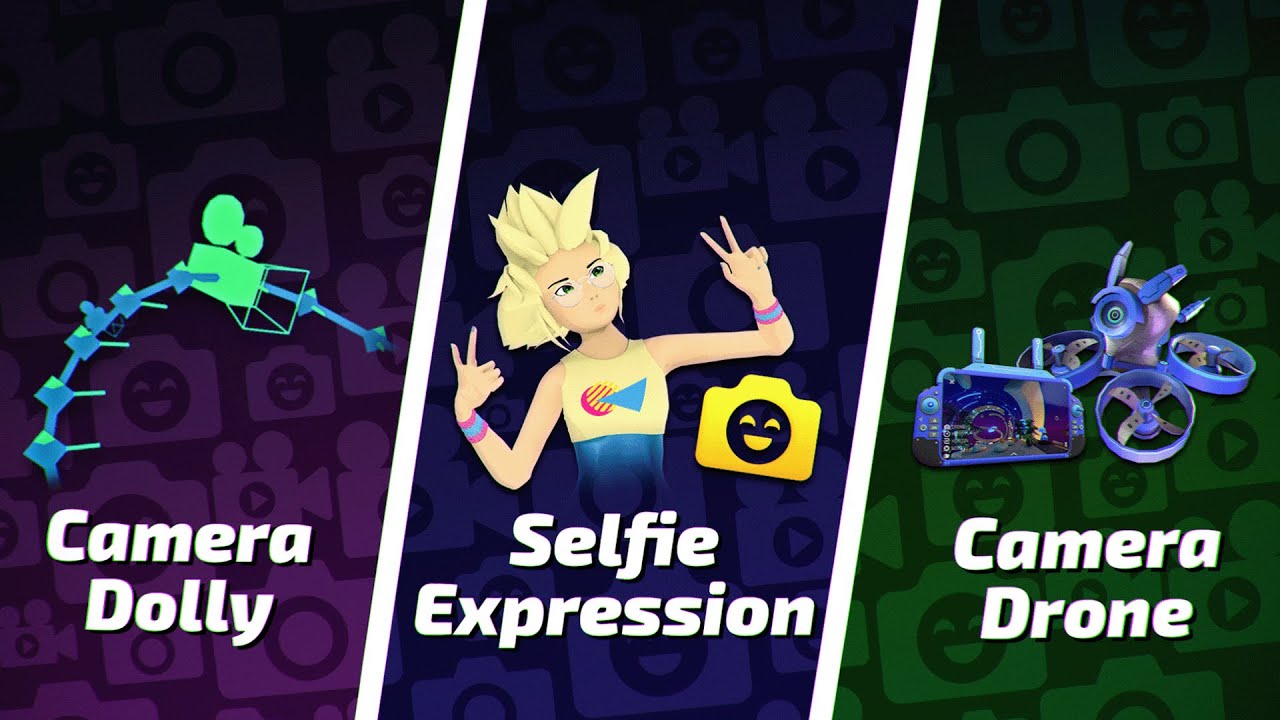
Camera Drone, Camera Dolly, Selfie Expression, Instance Settings, Updated Safety Settings, Thai language support, voice latency improvements... uhh, did we mean to ship this much at once, guys??????
It's big. Read the full notes here: https://docs.vrchat.com/docs/vrchat-202513
0:00 Intro
0:33 Camera Drone
1:38 Camera Dolly
2:53 Selfie Expressi...
Selfie Expression
Seflie Expression enables you to use your webcam to add tracking to your desktop avatar! As a note, this feature is in Early Access for VRC+ subscribers, although it's likely it will eventually become a general-access feature.
Yes, that's right -- this feature allows desktop users to track their facial expressions, head and eye movement, and even their hands.
This system uses built-in visemes and your webcam -- meaning that it should work for most avatars with no additional effort required!
Selfie Expression adds an entirely new level of interaction for desktop users. Wave to your friends! Smile! Give them a high-five! Pat them on the head! You can do it all, baby.
Because Selfie Expression requires use of your webcam (and because everyone has a different environment/system) there are new options related to this feature in Settings, under Tracking & IK. Likewise, because it requires the use of your webcam, you have to enable it here before it will work.
All webcam data is processed locally -- the image is never sent to us or other users. This does, however, mean it can be a little heavy on some systems. Beware!
(Note: if you notice your avatar's eyes aren't tracking, it's likely you haven't set up eyelook in the SDK! Go fix it!)
New Badges for VRC+ Subscribers!
VRC+ Subscribers now get a special badge depending on how long they've been subscribed to VRC+. Subscribe for longer, get a fancier badge. Neat! Our Neat and Cool Wiki team has documented all of them and what they look like here.
While this isn't something that's come in this patch (we actually rolled it out last week!) we did want to point it out to you.
Changes & Fixes
- The Safety Settings Menu has been completely redesigned.
- All of the old Safety Settings can now be found alongside the regular Settings, instead of in their own menu.
- This allows us to add more options for users, giving them more customization over their experience.
- We've updated the instance creation flow.
- Instance creators can now choose to enable or disable a bunch of features.
- This includes Emoji, Stickers, Sharing Pedestals, Prints, and Drones.
- These can be adjusted on-the-fly after the instance has been created.
- If they are disabled while content is in the world, that content will be removed.
- Ex: If there are Prints or Stickers in the world and you disable them, they will all be removed from the world.
- You can do this via the client. World authors can also choose the defaults for their world from the website.
- Public instances not owned by any group will always use the defaults chosen by the world author.
- Instance creators can now choose to enable or disable a bunch of features.
- Thai language support has been added!
- Reduced player voice latency.
- By up to 250ms, on the receiver's side.
- Yes, really.
- The camera indicator (the lil' floaty lens you see for remote users) has been completely refactored!
- Basic functionality should be about the same, but much more stable:
- Improved late joiner syncing of camera position.
- Fixed indicator jittering for VR users while they are turning.
- Improved positional snapping, e.g. when you change lens space. No more lenses awkwardly resetting across the map.
- When using the Dolly's "multi-cam streaming" mode, all active cameras will have a remote indicator (up to 4).
- New visual effects!
- The indicator now flashes white in addition to the shutter sound to indicate a picture has been taken.
- When using the "Timed Photo" functionality, remote users will now see a ring around the indicator counting down visually in addition to the bloop noises.
- Fixed an intermittent spatialization issue with the shutter and timer bloop noises.
- Basic functionality should be about the same, but much more stable:
- Added a new "Audio from Camera" option to the Stream camera, the Drone, and during Spout streaming!
- It will be available in all scenarios where Spout streaming works too.
- As before, this will make all audio sound like it is coming from the position and rotation of your camera.
- For technical reasons, we cannot have an Audio Listener attached to your camera and your head simultaneously.
- The value is saved for Stream and Drone mode independently, but resets across client restarts.
- Hover states over the entire UI have been improved, making them more consistent across platforms.
- User Details Status, Trust Rank, and Age Verification are now inside a field that can be scrolled through, giving this section a little more room. This is useful for languages that needed the space.
- Fixed being able to sit in stations on distance or personal space hidden avatars.
- If you're in a station on an avatar, you will now be removed from the station if that avatar becomes hidden by distance.
- Improved the visual quality of the loading screen.
- Things were blurry. We called the optometrist.
- Fixed an issue that would cause others to hear a pop if you muted yourself while you were still transmitting audio.
- In some rare cases, the transparent microphone icon would pop up on the loading screen. This has been fixed.
- Fixed alignment issues in the Instance Creation menu.
- PhysBone Tweaks!
- PhysBones now run in order of dependency. This means you can put a
VRCPhysBone/VRCPhysBoneCollideron an object under another PhysBone component, and they will run in the proper order. The max dependency depth is set to 8 levels deep. - Fixed issues related to when PhysBone gravity falloff is calculated. Now it should no longer mater what position the player is in when switching to a new avatar, the gravity falloff will be calculated the same each time.
- Minor optimizations for PhysBones.
- PhysBones now run in order of dependency. This means you can put a
- Notification events on top of the Quick Menu should now always display the proper image.
- Fixed Print images that are saved locally during creation.
- Fixed an issue that could lead to disconnects if spawning more than 50 prints in one instance.
- But, like, stop.
- Fixed inconsistent ability to interact with the "Show badge on profile" and "Hide badge" options.
- Improved messaging if an error occurs while attempting to buy VRC+ on Steam.
- Fixed a bug that could disable Prints for the remainder of a session if an error occured while printing.
- Fixed spacing issues with the Main Menu affecting localization.
- InputFields (TMPro/Built-In/VRCUrl) now respect the
Interactableandenabledstates and will not open the VRChat keyboard popup if disabled.- This is a minor breaking change and was announced here: https://ask.vrchat.com/t/developer-update-27-february-2025/41721#p-76714-note-for-world-creators-about-input-fields-3
- Changed the VRC+ Quick Menu page layout to fit 5 buttons per row.
- Added Camera Dolly, Drone and Selfie Expression buttons to fill up the newfound space.
- Player nameplate voice indicator FX now takes Udon-configured voice distance into account instead of a hard-coded distance limit.
- This means that in worlds with a radio system you should see nameplates light up with voice as long as you can hear someone, even if they are across the map.
- Reduced compression artifacts on several UI elements on PC.
- Fixed a minor audio glitch on Camera UI noises.
- "Shared by" text on sharing pedestals no longer renders over world geometry.
- Minor security change related to
Texture2D.blackTextureand similar internal textures.- Udon access to those will now be redirected to equivalent copies that reset on world change.
minor junco
<@&1141877867882492047>
The Mar 27 Dev Update is now here!
We had a big Release yesterday! Catch up on what we've been cooking:
https://ask.vrchat.com/t/developer-update-march-27-2025/42391
Today's thumbnail features [The Pool Parlor | 8 Ball Pool](<https://vrchat.com/home/world/wrld_99bdc4c6-b80c-49f3-aae0-5d67017d8340/info), available cross-platform.

VRChat Ask Forum
Welcome to the Developer Update for March 27. Today’s featured world is The Pool Parlor | 8 Ball Pool by Ahoya. Announcements Space Jam is Ongoing! Space Jam 2 is still live! This World Jam, hosted by the National Space Society of Australia, is an opportunity for world creators to make a VRChat world fitting the chosen theme. All entri...

Relax and play some billiards with friendsǃ | Official VRChat Group˸ https˸⁄⁄vrc․group⁄POOL․1053 | Discord˸ discord․gg⁄poolparlor
fast pilot
<@&1136084889838555186>
Fast-follow! Today we bring you patch release 2025.1.3p1, build 1607.
Aside from the fixes noted below, this release will reset your download cache. Existing data will not be cleared, but you will need to re-download all content once.
Fixes & Changes
- Reduced hitching when taking high-resolution pictures and screenshots.
- Fixed Avatar Pedestals having glitchy artifacts around the corners.
- Fixed Spout stream resolution setting not applying during Dolly animations.
- Fixed a bug where Dolly point menus wouldn't stay upright while rotating points.
- Safety & Security changes.
(also watch the patch notes and see how cool it looks when good people use the drone and not me, a person with bad hands that fly things into walls instead of, uh, the sky)
minor junco
<@&1299138636570431550>
VRChat Dev Stream today at <t:1743195600:F> with some of our DevOps Engineers!
We'll be discussing the Dev Update, Release, and talk with our DevOps Engineers about the work they do at VRChat. And of course, Q&A at the end!
https://discord.com/events/189511567539306508/1353920611948433428/1355285318860800000
Twitch
VRChat offers an endless collection of social VR experiences by giving the power of creation to its community. Whether you're looking for new VR experiences or have an idea of your own, VRChat is the place to be.
minor junco
HMMM.............................. ||<t:1743516000:f>||
 minor junco
THE RATS HAVE TAKEN OVER!!! AAAAAAAAAAAAAAAAAAAAAAAAAAAAAAAAAAAAAAAAAAAAAAAAAAAAAAAAAAAAAAAAAAAAAAAAAAAAAAAAAAAAAAAAAAAAAAAAAAAAAAAAAAAAAAAAAAAAAAAAAAAAAAAAAAAAAAAAAAAAAAAAAAAAAAAAAAAAAA
 fast pilot
<@&1136084889838555186>
Cheese. CHEESE! ChEeSeEeEe!! ...wait, hold on, what do you mean this is real? We're shipping a real patch, not a joke, like actual bug fixes?? It doesn't even have cheese???
Right, uh. It's hard to believe, but here is 2025.1.3p2, build 1608. Not an April Fools joke. The jokes were already shipped earlier, as you can tell by... VRRat posting these notes. Life is strange.
Fixes & Changes
- Your cache will be cleared once more in this version.
- There was a rare issue caused by stale cache entries that will be fixed by this.
- We apologize for the inconvenience of having to clear the cache twice in a row, we aim to only do this when absolutely necessary.
- Fixed a bug that could leave the Quick Menu enabled but invisible.
- Fixed incorrect "0B downloaded" loading screen appearing for cached worlds.
- Fixed a case where the "Uploaded Avatars" list could disappear.
- Fixed avatars not working in Build & Test.
- Note that by design you can only use avatars from the featured "Public" row or ones that you have uploaded yourself in Build & Test mode.
- Fixed using Drones in Build & Test instances making our servers unhappy.
- Using the Drone is still not fully supported in Build & Test, you may not see some remote Drones, but it will no longer lead to kicks (or bans).
- Fixed initialization of disabled-on-load network objects, for example in a
VRCObjectPool. - The Camera Dolly should now be able to animate zoom and DoF while the viewfinder is hidden.
- The camera's timed-photo indicator circle is now on the UI layer.
- Fixed the camera shutter sound not being audible when someone took a timed photo.
- Minor memory usage optimizations for Stickers and Emoji.
- Improved stability of avatar loading.
- Improved world loading speed.
- Maybe a little bit of cheese.
- Probably Pecorino Romano.
- It's better than Parmigiano Reggiano.
- "I like both" cool, man, well that's nice but it's still better. it's just the superior pasta cheese.
- It's better than Parmigiano Reggiano.
- Probably Pecorino Romano.
fast pilot
<@&1136084889838555186> <@&1145797715725385809>
VRChat version 2025.1.3p3, build 1609, is now available on all platforms!
(We are also releasing a new SDK; more info on that is below!)
Fixes & Changes
- Fixed an issue where Udon behaviors on GameObjects with a
VRCStationcould incorrectly benull. - Fixed an issue where playing a Camera Dolly animation could cause the outgoing Spout2 stream to display the HMD view rather than the camera view.
- Note that the Camera Dolly no longer engages Spout automatically. If you want to receive a Spout stream while using the Camera Dolly, you have to switch into Stream camera mode and turn on the "Spout Stream" toggle.
- Multi-stream animations are an exception, since this expects Spout to be active. If Spout isn't already active when the animation is played, it will be enabled while animating, and disabled again once it stops.
- The "Single" stream type option has been renamed to "None", and tooltips have been tweaked a smidge to better highlight how this feature interacts with Spout.
- Further improvements to avatar loading stability.
SDK Update
We're also announcing a new version of the VRChat SDK -- Version 3.8.0. As a note, this was in beta as 3.7.7.
You can find the full release log here.
This update adds an Udon interface for the VRChat+ Drone, improves PhysBones, and fixes a variety of minor bugs.
Fixes & Changes
- Added Udon API to access the VRChat+ Drone of players in your world!
- Improved the content ownership confirmation flow during uploads.
- The old checkbox was removed in favor of a modal.
- The modal only appears once per Unity Editor session and content ID.
- Includes PhysBone dependency sorting as introduced in VRChat client version 2025.1.3.
- PhysBones and PhysBone Colliders now execute in deterministic order depending on their transform relationships with other Physbones. There is a maximum dependency depth of 8 levels deep.
- Added an
ignoreOtherPhysBonesoption to PhysBone components.- If you enable this option, the PhysBone will ignore other Physbones and their affected transforms beneath itself in the scene hierarchy.
- You should avoid disabling this option. Controlling the same Transform with multiple Physbones may lead to unsupported behavior.
- This option is enabled by default. For compatibility, it is disabled for existing avatars.
- Allowlisted
IVRCImageDownload.Dispose()for Udon, allowing you to dispose individual downloaded textures once they're no longer needed.- This is an alternative to disposing the entire downloader at once. This makes it easier to set up a rotating carousel of images using an image downloader.
- For more information, see our documentation for Image Loading.
- Note that failing to dispose
IVRCImageDownloadobjects can lead to excessive memory consumption of your world over time!
- Fixed avatar dynamics sometimes not simulating as soon as you enter play mode in avatar projects that have automatic domain reloading disabled.
- Fixed four benign warning messages that always appeared in World SDK projects.
minor junco
<@&1299138636570431550>
VRChat Dev Stream today at <t:1743800400:F> with some of our User Support team!
We'll be world hopping the community-led VRRat Takeover for April Fool's Day and answering Q&A at the end!
Twitch
VRChat offers an endless collection of social VR experiences by giving the power of creation to its community. Whether you're looking for new VR experiences or have an idea of your own, VRChat is the place to be.
fast pilot
Non-pinging announcement!
We just pushed a Quest-only build (still 1609) to try to fix a particular memory issue. If you are using a Quest 2 and were running into out of memory errors, let us know if this helped!
minor junco
The #VRRatTakeover April Fool's Day community showcase is ongoing until <t:1744639200:F>!
Check out some of the participating worlds in our special world row and tag us in your photos/videos!
 minor junco
<@&1141877867882492047>
The Apr 10 Dev Update is now here!
New profile refresh, updates to the VCC, changes to the instance creation settings, and more! Read our latest Dev Update here:
https://ask.vrchat.com/t/developer-update-april-10-2025/42765
Today's thumbnail features [New Grass Station](<https://vrchat.com/home/world/wrld_8cd302c3-d0b7-4a16-a39b-6860c24ee0c2/info), available for PC Only.

VRChat Ask Forum
Welcome to the Developer Update for April 10! Today’s featured world is New Grass Station by 瑞瑞Rys, for PC Only. Try flying your Camera Drone here! Announcements Space Jam 2 Winners Announced SOON The NSSA team is currently judging the Space Jam 2 entries! We will announce the winners tomorrow (Apr 11). The world rows featuring winn...
Helloǃ Welcome to NEWGRASS Stationǃ This platform stands tall above the clouds‚ accompanied by the budding of new life‚ depicting a story about the birth of new life and the growth of life's strength…
minor junco
<@&1136084889838555186>
patch¹ (/pæt͡ʃ/):
noun : (computing) a minor correction or modification in a computer program
verb : (computing) to apply a patch to (a computer program)
¹ Merriam-Webster. (n.d.).
Accordingly, here is VRChat 2025.1.3p4, build 1610, a patch release.
Fixes & Changes
- Fixed several crashes related to accessing webcams for Selfie Expression.
- Fixed a bug where playing a looped multi-stream camera dolly animation could cause a crash.
- Further reduced world load time regressions on PC.
- We are working on similar improvements for non-PC platforms too, stay tuned.
- Other minor stability improvements.
minor junco
<@&1299138636570431550>
VRChat Dev Stream today at <t:1744405200:F> !
We'll be world hopping through the Space Jam 2 winners and answering Q&A at the end! (Winners blog going out soon... stay tuned!)
Twitch
VRChat offers an endless collection of social VR experiences by giving the power of creation to its community. Whether you're looking for new VR experiences or have an idea of your own, VRChat is the place to be.
minor junco
Space Jam 2 Winners are HERE!
Thank you to everyone who entered!
VRChat Ask Forum
Space Jam 2 Winners The winners for Space Jam (2) are here! There were so many amazing entries that we actually wanted to expand the Special Mentions categories! As a reminder, we had two categories: Sustainable Space, Resilient Earth New Horizons, Shared Futures New worlds submitted to Sustainable Space, Resilient Earth that did not win...
minor junco
<@&1299138636570431550> NO LIVESTREAM THIS FRIDAY
Go check out our VODs on Twitch to catch up on the Space Jam world hop we did last week!
https://www.twitch.tv/vrchat/videos
Twitch
Watch all of VRChat's best archives, VODs, and highlights on Twitch. Find their latest VRChat streams and much more right here.
crude pasture
<@&1145797715725385809>
We've just published Creator Companion 2.4.2!
This release updates the VRC Quick Launcher.
VRC Quick Launcher
- Fixed an issue where local test worlds created with VRC SDK version 3.7.6 or newer would not appear in the VRC Quick Launcher world dropdown.
- Fixes this Canny report.
Feedback
Please report issues to the Creator Companion repo on GitHub.
Download
If you already installed the Creator Companion, simply open it and click Update.
To install the Creator Companion, download the latest version from the official download page.
However, if a direct link to this version is needed, it can be found at VRChat_Creator_Companion_Setup_2.4.2.exe.
minor junco
<@&1141877867882492047>
The Apr 24 Dev Update is now here!
We have a lot of updates for Creators in this one... Check out the Dev Update here:
https://ask.vrchat.com/t/developer-update-april-24-2025/43071
Today's thumbnail features Stellarya, available cross-platform.


VRChat Ask Forum
Welcome to the Developer Update for April 24! Today’s featured world is Stellarya by Bia_Kawaii_Br, available cross-platform. This was the Space Jam 2 world grand prize winner! Announcements Whatcha doing for Pride? We have a number of things lined up for Pride Month this year! Keep an eye out for news on our socials tomorrow for a guide...
minor junco
<@&1299138636570431550>
VRChat Dev Stream today at <t:1745614800:F>!
We'll be exploring the PJKT Graffiti Grab row and answering Q&A at the end!
https://www.twitch.tv/vrchat
https://discord.com/events/189511567539306508/1363051066702430239/1365432179097600000
Twitch
VRChat offers an endless collection of social VR experiences by giving the power of creation to its community. Whether you're looking for new VR experiences or have an idea of your own, VRChat is the place to be.
minor junco
NON-PINGING ANNOUNCE:
Celebrate Pride Month in #VRChat with us!
We're looking for posters (public) and Pride Floats (invite only) for a Pride Month-themed world, similar to NYE. Please review the guidelines here:
https://docs.google.com/presentation/d/1xT84ES2ouMHcSRN9TmCYc7Z5nYNnmd4wZ8DrFZKvZKE
Forms open on May 2! We can't wait to see your submissions!
 fast pilot
<@&1136084889838555186>
It's time! 2025.2.1, build 1626 is here for all platforms!
This build is NOT network-compatible! People on older versions will not be able to join your instance if you upgrade. Everyone should update to the newest release!
Full notes can be found here.
Alternatively, you can watch the Video Patch Notes: https://youtu.be/LC60Re3Nmwo
Say hi to Tupper, who was TAKING BACK THE THRONE while I explored Family Mart's bountiful offerings. I wanna go back... er ahem also watch out for exploding Sai's.
Features
Profile Refresh & Pronouns
Profile Editing got a refresh and we added a new field: Pronouns!
There is now a new "Edit Profile" button on your personal profile page. You can edit your profile picture, icon, bio, links, languages, and pronouns.
The new pronouns field has also been added to player nameplates. Don't want yours to show? Leave them "Unlisted."
VRRat uses he/him, if you're curious.
New profile settings! Pronouns! And... lots of changes! Check 'em out.
It's big. Read the full notes here: https://docs.vrchat.com/docs/vrchat-202521
0:00 Intro
0:22 Features
0:28 Not Network Compatible pls update
0:45 Profile Refresh
1:11 Mobile App Localization
1:28 Changes and Fixes
4:04 Ending
VRChat - https://vrchat.com
Bluesky - https:/...
Changes & Fixes
- Made some changes to how instance settings are presented based on feedback:
- We've removed the extra step to change instance settings when creating a new instance. You can still change them from the Quick Menu's "Here" tab after you've entered your new instance.
- Changed how the Emojis and Stickers options in the action menu appear while in an instance with those settings disabled.
- Fixes have been made to PhysBones to address jitter that was introduced in 2025.1.3.
- These changes affected many avatars, but were most noticeable on a few skirt setups as well as long flow bones like flow toys. These changes also address an underlying jitter issue that were present in older versions but only under high framerate situations, greater than 60fps.
- Please test your PhysBone creations and report any new or unfixed issues!
- "Do Not Disturb" no longer auto-declines incoming friend requests.
- Instead, they are delivered quietly to the "Friend Requests" inbox.
- Fixed "Audio from Camera" mode incorrectly changing listener radius based on avatar scale.
- Fixed a regression in world load times on non-PC platforms.
- Added more options to control the Drone's FPV screen movement in VR: Slow move, static, and head lock.
- Fixed VRChat aim and look-at constraints calculating incorrect offsets in some specific situations with the component active and the offset unlocked.
- Added an option to completely disable output logging.
- Improved reliability of avatar download prioritization.
- Improved behavior for choosing which hand has the "active" cursor, for example while the Quick Menu is open, or while holding pickups.
- Fixed sharing pedestals sometimes showing scrambled or corrupt images when device memory is low.
Fixed UI state issues when switching into a local avatar.
- Fixed processing dialog sometimes remaining after purchasing a VRC+ subscription.
- Improved latency of voice and IK after teleporting long distances, or when Udon changes voice ranges.
- StringLoading will no longer cause a hitch when loading large non-string data.
- Accessing
Resultwill still convert the data to a string viaEncoding.UTF8.GetStringand may stutter, but usingResultByteswill not.
- Accessing
- Fixed
VRCObjectSyncnot setting the gravity/kinematic states of the attached rigidbody if these are changed via Udon as soon as the game object is enabled. - Fixed an issue that allowed certain incompatible shaders to render with transparency on mobile platforms, including Quest.
- As a reminder, transparency on mobile and Quest isn’t generally supported, because those little guys just can’t handle it. 😦
- Fixed "Purchase VRChat Credits" menu not opening when trying to make a purchase with not enough credits.
- Improved corner-rounding on several assets, including sidebar elements and desktop loading screen thumbnails.
- Improved the hip/height positioning of other user's avatars when they're locally wearing a different avatar than what you see.
- This happens when you are seeing a fallback for example.
- Several internal network optimizations.
- Observed behaviour for users and creators (in Udon) should not change. Please open a bug report if you encounter any problems!
- This includes a full rework of how
SendCustomNetworkEventworks internally, which is a pre-requisite for Udon Events with Parameters (check our dev update for more). For existing content, you may notice slightly improved throughput or latency, but otherwise full compatibility should be maintained.
- Safety & Security Fixes. We love to see it.
Camera Dolly Fixes
- Added an option for Camera Dolly points to stay visible while playing an animation. Points will not be visible to the camera.
- Fixed Look-At-Me constraint not being applied to Camera Dolly multi-stream cameras.
- Fixed Camera Dolly animations in portrait looking skewed.
- Added an option to export animations relative to the world origin (previously the default behavior) or relative to yourself (local).
Known Issues
- Your Drone configuration may be reset when coming from a previous build.
Android
- We added Localization to Android!
- The Android mobile app now supports all the same languages in the mobile UI that were available in the client.
- The chosen language is synced between the companion app (mobile) and the client (Unity), so when one changes, the other one is changed as well.
- When the app is first installed, it will switch to the device's language, if it's supported, otherwise it will default to English.
- The language can be changed any time in Profile -> Settings Menu (the gear icon in the upper right).
- Fixed an issue that caused users to be placed into a full instance when tapping the Quick Join button.
- Changed Announcements to Posts in the Group Details page
- Fixed an issue that caused the loading screen to become unresponsive when resuming the app, for users who are disconnected from a world due to long periods of inactivity.
- Fixed issues were direct touch mode on mobile would highlight objects it should not.
- The notification permission prompt will no longer appear if the user is getting ready to join a world.
- Push notification sounds can now be heard in a world while the app is running in the background.
- Updated the push notification sound to be a bit louder and more noticeable.
- The alert popup now has a fixed size similar to other popups and will no longer be stretched out in aspect ratios like portrait mode.
- The microphone is now only active when you are in a world.
- Reduced jitter when rotating the Camera very slowly.
- The default FPS cap for mobile devices with >100 Hz displays is now set to half.
- For example, if your device supports 120 Hz, the default will be 60.
And finally, posting this at the end because IT IS VERY IMPORTANT:
THIS IS NOT A NETWORK COMPATIBLE RELEASE. YOU MUST UPDATE, ELSE YOU WILL NOT SEE YOUR FRIENDS!
fast pilot
<@&1136084889838555186>
Time for everyone's favorite: The we-broke-it-and-now-we-fix-it-again patch! Here is VRChat version 2025.2.1p1, build 1627, this time network-compatible with yesterday's release.
Fixes & Changes
- Fixed an "Unusual Client Behaviour" error in certain worlds that use player objects and network events.
- Fixed specific persistence data from 2025.1.3p4 and earlier versions not loading in some worlds.
- If you have encountered this bug already, your data will be cleared once again. This only affects worlds you have visited, data that has never been attempted to be loaded on 2025.2.1 will remain intact.
- We'll talk more about what happened here in the next Developer Update on our Ask forums.
- If you have encountered this bug already, your data will be cleared once again. This only affects worlds you have visited, data that has never been attempted to be loaded on 2025.2.1 will remain intact.
- Fixed a regression that could lead to some users appearing to float mid-air, especially when using avatar scaling.
- Fixed the error robot looking a little too green.
- Added tooltips to the pronouns field.
fast pilot
<@&1299138636570431550>
dev stream
i yell, tupper yell, we all yell. for what? i dont know, you know, things! come ask questions or hang out or whatever
Twitch
tupper and strasz yell at you for one hour and thirty minutes ASMR | VRChat Developer Stream! 🛠️
fast pilot
Non-pinging update!
Poster submissions for the VRChat Pride Parade Hub World world are now OPEN!
We're looking for Groups that celebrate and support LGBTQ+ members, posters that send a positive message to the LGBTQ+ community, & more!
Guidelines can be found here.
...and the submission form can be found here.
Submissions close <t:1748631600:F>!
 fast pilot
<@&1136084889838555186>
Patch release 2025.2.1p2, coming in hot! Or cold, or... lukewarm. Safe to dip your toes in.
You can report any issues you experience on our bugtracker, build number is 1628.
Fixes & Changes
- Fixed an issue causing Udon scripts to not load in some worlds.
- Fixed a rare case where a master client would not see updates from continuous Udon behaviour sync.
- Fixed a regression causing other users' avatars to briefly sink into the floor after an animation finishes playing.
- Fixed a regression causing the VR view to flip under certain circumstances on headsets with canted displays (e.g. Pimax).
- Fixed an issue that was causing the Android Mobile app to crash for some users after upgrading their account.
- Improved idle network usage.
fast pilot
<@&1141877867882492047>
The May 8 Dev Update is here!
This is mostly a wrap-up post! You can check it out here.
Today's thumbnail features the NSS Space Jam Hub world.
 agile gate
Are you the leader of a VRChat Group? Do you run events, moderate Group Publics, run Age Verified instances, collaborate on projects, or build communities?
If so, we want YOU to join the Group Leader Discord!
The VRChat Group Leader Discord is a special place where we bring together Group Leaders from all over VRChat to talk to the VRChat development team, get support, provide feedback, and help us understand what you use VRChat for -- and what you need to be successful.
This collaboration has existed since late 2024, but now we're expanding. We want to gather groups of all types so we can tell you what's coming, get feedback straight from you, and get you into new features early.
⚠️ Please only fill this out if you are the leader, owner, or creator of your group. If you are not a Group leader, pass this form along to the people who run your Group and ask them to fill it out!


Google Docs
Are you the leader of a VRChat group? Do you run events, moderate Group Publics, run Age Verified instances, collaborate on projects, or build communities?
If so, we want YOU to join the Group Leader Discord!
This is a special place where we bring together Group Leaders from all over VRChat to talk to the VRChat development team, get support, ...
fast pilot
<@&1299138636570431550>
Hey! We're alive. Stream starts in a few minutes! Join us to hang out + ask questions!
Twitch
i swear to god if flare doesnt come back soon im going to go insane | VRChat Developer Stream! 🛠️
fast pilot
@everyone
I am using the FORBIDDEN PING for a big one:
For once, the rumors are true... Avatar Marketplace is coming to VRChat!
Watch here:
https://www.youtube.com/watch?v=MWH1RA3bEz0&feature=youtu.be


Coming soon: the ability to buy and sell avatars from within VRChat!
0:00 Intro
0:48 Introducing the Avatar Marketplace
1:58 More Options, More Flexibility
3:11 Selling on the Marketplace
3:56 What's Coming Next
4:47 Wrapping Things Up
Find out more here: https://ask.vrchat.com/t/announcing-the-avatar-marketplace/43554
FAQ for Creators: https:...
fast pilot
<@&1136084889838555186>
Who ships to prod on Friday? Us. I guess. Welp.
Here's patch 2025.2.1p3, build 1629, network-compatible and rolling out on all platforms.
Fixes & Changes
- Fixed a bug that could break Sharing Pedestals for late joiners.
- Fixed a wrong tooltip in the User Profile's bio section.
- Fixed WebP images not displaying correctly when loaded via Udon Image Loading.
- Improved idle network usage.
- Some Android Mobile specific fixes:
- Fixed an issue that caused the app to crash when the widget was loaded.
- Fixed a bug with loading avatars of certain performance ranks.
- Safety and Stability improvements.
A note about Toon Standard
Toon Standard is our upcoming mobile-compatible toon shader. It includes many advanced features avatar authors have been asking for on non-PC platforms. You can currently try it out in the beta version of our SDK.
This build contains several changes and updates to Toon Standard, and may cause some avatars previously uploaded with the beta version of the shader to look incorrect.
Please look out for an SDK update to 3.8.1-beta.4 on #open-beta-announcements later, which will bring everything back in line and contain a full changelog for Toon Standard!
minor junco
<@&1299138636570431550>
LIVE in half an hour with a sneak peek of Avatar Marketplace! Say hi to the devs and join us for Q&A at the end:
https://discord.com/events/189511567539306508/1370531340931567636/1373042324275200000
Twitch
VRChat offers an endless collection of social VR experiences by giving the power of creation to its community. Whether you're looking for new VR experiences or have an idea of your own, VRChat is the place to be.
minor junco
<@&1141877867882492047>
The May 22 Dev Update is now here!
What have we been working on? Avatar Marketplace, and some things to come... Check out the Dev Update here:
https://ask.vrchat.com/t/developer-update-22-may-2025/43959
Today's thumbnail features 森, available for PC Only.


VRChat Ask Forum
Welcome to the Developer Update for May 22. Today’s featured world is 森 by ChordNanami. Announcements Pride Month is Coming! We’re planning on announcing some of our Pride plans on May 28. Keep an eye on our YouTube channel! If you missed our previous announcement: This June, we’ll be launching a Pride Parade Hub world – an incl...
fast pilot
<@&1145797715725385809>
This is a big one! Look at all those chickens features!
SDK version 3.8.1 adds the mobile-compatible Toon Standard shader, Udon network events with parameters, exposes several new VRChat-specific classes to Udon (including Camera access and Network Debug Stats), and adds Build & Test for iOS.
This update also allows specifying per-platform overrides for Multi-Platform Build & Publish, and fixes several UI issues in the SDK Control Panel.
Udon Network Events with Parameters
Please read the extensive network events documentation for details! It includes several examples, network specifications for events, explanations around rate limiting, detailed notes on backward compatibility and security notes.
TL;DR: You can now specify up to 8 parameters on custom network events sent via SendCustomNetworkEvent. All types supported by Udon Sync work. In UdonSharp, you need to use the new [NetworkCallable] attribute. Your existing Udon scripts will continue to work without any changes.
- Added
[NetworkCallable]attribute to UdonSharp, and extended the Udon Graph UI for theCustom Eventnode to allow parameters to be added.- Optionally takes a rate limit parameter, defaulting to 5 per second, per event (max 100 per second). Check out the docs on rate-limiting.
- Added
NetworkEventTarget.Others, which acts similarly toAllbut excludes the sender from receiving their own event. - Added
NetworkEventTarget.Self, which bypasses rate limits and can be used to send local events with parameters. - Added functions
NetworkCalling.GetQueuedEventsandNetworkCalling.GetAllQueuedEventsto monitor outgoing event queues (useful when working with rate-limiting). - Added
VRCPlayerApi NetworkCalling.CallingPlayer { get; }to get the sender of any event (including legacy ones!) while inside a function triggered remotely.- Includes
bool NetworkCalling.InNetworkCall { get; }as a shortcut forUtilities.IsValid(NetworkCalling.CallingPlayer).
- Includes
Toon Standard Shader
- Added the
Toon Standardshader, available asVRChat/Mobile/Toon Standard! - This is a full-featured toon shader that is compatible with mobile versions of VRChat. It can be used on PC, Android and iOS.
- It comes with many highly requested features that you may know from community-made PC shaders. For example:
- Custom shadow ramps with configurable toon-style shading
- Detail maps with selectable UV channel and render mode
- Packable Metallic, Gloss and Occlusion maps, with configurable color channels
- Configurable backface culling
- Matcap support, additive and multiplicative
- Toggleable vertex color support
- Hue shift effect
- Rim lighting
- The focus of this shader is on performance, which means the feature set is limited. Transparency is not supported.
- There is also a
Toon Standard (Outline)variant that is PC-only. Uploading an avatar with the outline variant to a non-PC platform will automatically fall back to the non-outline variant. - You can select Toon Standard as a PC fallback shader by specifying
toonstandardortoonstandardoutlineas theVRCFallbacktag, making it opt-in.
Even More New Features
- Added Build & Test support for iOS.
- This works a bit different than other platforms, so check out the documentation!
- You can now specify per-platform versions of the avatar to be used during multi-platform build & publish
- Full documentation for this feature, including public API, is available here.
- Exposed Screen & Photo Camera as well as certain Quality Settings to Udon via appropriate wrapper classes.
- Also exposes certain quality settings, including shadow distance, to Udon.
- Includes 2 new events,
OnVRCCameraSettingsChangedandOnVRCQualitySettingsChanged, for when the local user changes camera or quality settings, documented here.
- Added several Udon interfaces to access network debug information.
- These are meant for advanced Udon networking creators. Check the full documentation here.
Fixes & Changes
- Fixed the "Alerts" section not updating after docking the SDK Build panel and switching tabs.
- Fixed an issue where failing to build a world bundle could result in uploading a previous bundle (e.g. a bundle for a different platform).
- Slightly changed how default scale factors are assigned when adding new targets to a
VRCHeadChopcomponent.- The component will now copy the weight from the previous target in the list. This change has been made to improve support for user made tools that assign scale factors from code.
- Fixed VRChat aim and look-at constraints calculating incorrect offsets in some specific situations with the component active and the offset unlocked.
- The Avatar SDK no longer blocks the build button due to validation errors.
- The builds will still fail if validations do not pass after all the avatar processing callbacks finish.
- SDK no longer becomes unresponsive when encountering API issues during thumbnail and content info updates.
- SDK no longer gets stuck in a disabled state when attempting to save changes when the content name is empty.
- Includes PhysBone fixes and changes up to VRChat client
2025.2.1, build1622.
minor junco
<@&1299138636570431550>
What's that whizzing through the sky?! A drone?!
Join us on stream with a special community guest at <t:1748034000:F>!
https://discord.com/events/189511567539306508/1373065225527361627/1375579039334400000
Twitch
VRChat offers an endless collection of social VR experiences by giving the power of creation to its community. Whether you're looking for new VR experiences or have an idea of your own, VRChat is the place to be.
minor junco
We'll be reposting our Pride Month 2025 plans at a later time, sorry for the confusion!
WE ARE NOT CANCELING OUR PRIDE MONTH PLANS, we just need to fix the video 

VRChat
minor junco
PRIDE IS COMING
WHAT ARE WE DOING??
VIDEO:
https://www.youtube.com/watch?v=yG6h2G8Di7k
(Pls leave a comment if this is something that matters to you, it means a lot! )


(let's try this again!) Check out our landing page for more information on Pride 2025 at VRChat: https://hello.vrchat.com/pride-2025
Featured world: https://vrchat.com/home/world/wrld_fb99e4b6-822d-43c3-8990-fa4c1ef2cfe8/info
VRChat - https://vrchat.com
Bluesky - https://bsky.app/profile/vrchat.com
Twitter/X - https://twitter.com/VRChat
Disco...
minor junco
<@&1299138636570431550> NO DEV STREAM THIS WEEK!
We'll see you next week! 
fast pilot
<@&1136084889838555186>
Avatar Marketplace is now LIVE! I told you it would be soon.
VRChat 2025.2.2, build 1648 -- now live! This build is network compatible.
But hey! That's not all. There are a few other fixes/changes in this one, too. As always, you can watch the Patch Notes (and you really should, if you want to learn more about Avatar Marketplace) or you can read the full changelogs, found here.
Features
Avatar Marketplace
Avatar Marketplace is now Live!
The Avatar Marketplace is a brand-new feature that lets you buy avatars from within VRChat. Simply open up your Avatars tab and click “Explore.” You can browse through a bunch of high-quality avatars, uploaded by VRChat creators.
See an avatar you like? Click it – try it on! Like what you see? Cool – buy it with VRChat Credits and now it’s yours!
Watch the Patch Notes Video for more information on the Avatar Marketplace!
Also -- you can find a FAQ on the Avatar Marketplace here!

Avatar Marketplace! It's live! I TOLD YOU IT WOULD BE SOON.
...oh, and there are a bunch of other cool fixes, too.
Full notes: https://docs.vrchat.com/docs/vrchat-202522
0:00 Introduction
0:21 Avatar Marketplace is Live!
1:10 It's a work in progress!
2:18 Changes and Fixes
4:06 ...and that's it!
Full notes can be found here:
Avatar Marketp...
Changes & Fixes
- World downloads are now triggered earlier than they were previously.
- A side effect of this is that you might see the loading bar already partially filled as you travel to a new world!
- Fixed a bug causing increased "Server Processing" delay when loading avatars.
- Fixed an edge case that could cause avatar particles to start spinning in mirror reflections only.
- Sorry. You, in particular, were haunted. We took care of it.
- We've updated our platform indicators! All across the UI, you've likely seen our "Venn Diagram" style platform indicators that show which avatars and worlds are available for each platform. These icons have now been updated to three discrete platform icons for Windows, Android and iOS respectively.
- Fixed Main Menu World panels from resetting their scroll position after you switched menu pages.
- Increased resolution on product thumbnails in Create Economy listings.
- The purchase button for Creator Economy listings will now properly read "Unavailable" instead of "Owned" when all products in a listing are unavailable.
- Updated some loading screen tooltips.
- Other users will no longer appear to float in the air (or sink into the floor) when wearing a locally built avatar that others cannot see.
- Instead, their height will be adjusted to match the avatar they are testing.
- Fixed the "Edit Message" dialog always reading zero minutes left if you try to edit a response message that's been edited recently.
- Fixed an issue that could cause crashes when certain webcam drivers were installed.
- Fixed an issue where humanoid avatars with nested armatures would not have animations played on them when viewed by another user. This kind of setup will be discouraged in a future Avatars SDK release.
- Fixed the
DownloadImage()method inVRCImageDownloaderthrowing an exception when called from UdonSharp with no event receiver. - Somnium VR-1 headsets now use the experimental pixel shifting HUD, similar to the Bigscreen Beyond.
- Sorting avatar lists by "Date Added" will provide more accurate results.
- Improved scale of Avatars and Impostors when viewed in the Main Menu.
- Adjusted some button colors to be more visibly clickable.
- The Main Menu's "Marketplace" tab now also displays a few featured avatars from the Avatar Marketplace.
Toon Standardshader fixes:- Improved specular stability on mobile devices, which should help reduce bright flashes/"sparkles".
Toon Standard (Outline)now correctly falls back to regularToon Standardon mobile devices.
- Fixed user cells on the "All" tab of the search results page not being clickable.
- Fixed distance-hidden fallback avatars showing a white square on the nameplate.
- Due to a Unity bug, the API to enable
LayerCullSphericalviaVRCCameraSettingsis temporarily disabled in Udon. Your scripts will remain working, but the value won't be set on the underlying Camera object.- This will fix chatboxes disappearing in a few worlds that tried to make use of this before.
Other Changes
- Fallbacks are being deprecated slowly over time in favor of impostors. This update removes them from the VRChat application, but you can still select them on the website.
Android Mobile
- Improved double-click logic to work better on touch-based platforms.
- If you're on a slow connection, you'll now see a loading spinner when the app opens.
- If there are connection issues, you'll see a "Try Again" button.
- Fixed a crash that occurred during one-tap Google account creation.
- Improved display/font scaling support on the Android-specific Native UI.
- Fixed the Android Widget becoming unresponsive in 2x2 mode.
- Users can now tap the status text in the Settings menu to open the VRChat Status web page.
- Fixed a bug where using the "Share Logs" or "Share All Logs" on Android would fail to start the fail share UI.
- Changed "Announcements" to "Posts" when unsubscribing from Group posts in a notification.
- Changed "Information" to "Group Info" in the Group Details navigation bar.
- Returns the fly button to the camera on mobile versions of VRChat so you can fly again.
- Well, your camera can.
- Good for them.
- Well, your camera can.
- Fixed an issue that was causing Traditional and Simplified Chinese to always fall back to English.
iOS
- Fixed view obstruction caused by “dark mode” shaders when loading an Android world on iOS.
minor junco
small update
We gay now
fast pilot
<@&1136084889838555186>
It's dangerous to go alone, take a patch! VRChat version 2025.2.2p1, build 1649 is now available.
Full docs here!
Fixes & Changes
- Improved reliability of player networking, addressing several issues with invisible players.
- Fixed a bug where switching into an avatar directly from the purchase flow would sometimes not work.
- Fixed the "Switch Into Avatar" button showing in some cases where it shouldn't have.
- Fixed an issue that caused the bundle info dialog to not show when buying an Avatar with only a single purchase option.
- Fixed an issue that caused avatars on the Explore page to disappear after switching accounts.
- Fixed "Forced Camera Near Distance" option not applying the configured value.
- Fixed an issue where your rotation would sometimes not sync if you moved your mouse very slowly in desktop mode.
- Fixed an issue where players standing still could disappear on rejoins in Build & Test mode.
- Improved memory usage by reducing built-in shader variants.
- This does not affect shaders visually.
- Several
Toon Standardimprovements. These will be available for PC avatars via a future SDK update, for now they will apply to shader fallbacks and mobile platforms only.- Improved specular highlight fidelity on mobile platforms.
- Fixed specular calculation when "Use Normal Map" is disabled.
- Scaled fresnel effect on low-metallic and low-specularity/gloss settings. This will avoid any specular effects showing up on parts where the Gloss Map is completely black.
minor junco
<@&1141877867882492047>
The June 6 Dev Update is now here!
Want to catch up on what we're working on? Read about our Pride plans, Avatar Marketplace launch, and more:
https://ask.vrchat.com/t/developer-update-6-june-2025/44358
Today's thumbnail features Solstice Cliffs, available for PC Only.


VRChat Ask Forum
Welcome to the Developer Update for June 6. We’re a day late! Today’s featured world is Solstice Cliffs by Anonine. Announcements Pride Month is Here! Last week, we announced our all-month-long Pride celebration! You can read more about it here! For over a decade, VRChat has been a place where its users can explore their...
fast pilot
<@&1136084889838555186>
Version 2025.2.2p2, build 1650 is here! Just in time for the weekend.
No funny quip today, this is a Friday release - just cross your fingers 🤞
Fixes & Updates
- Fixed
VRCObjectSyncnot interpolating correctly on remotes, leading to stuttery pickup and object physics. - Fixed avatar pedestals not working while you are trying on a Marketplace avatar.
minor junco
<@&1299138636570431550> THREE PINGS IN ONE DAY? If you're lucky, that is!
We'll be starting our dev stream at <t:1749243600:F> !
Come join us for a Furality world hop and Q&A!
https://discord.com/events/189511567539306508/1378173368984928426/1380652469452800000
Twitch
VRChat offers an endless collection of social VR experiences by giving the power of creation to its community. Whether you're looking for new VR experiences or have an idea of your own, VRChat is the place to be.
minor junco
Our Pride 2025 Campaign is now LIVE!
Earn a badge and some special surprises (delivered at the end of the month) with a Gift Drop or gifted VRC+ purchase until June 30. A portion of the purchases will be donated to Trans Lifeline!
Also check out our new Event Hub world, which has Pride Floats and Posters submitted by the community. The Home world got an update too!
Tag us with #VRCPride2025 and we'll share our favorites throughout the month!
Hub world: https://vrchat.com/home/world/wrld_005f92e8-140d-4e67-8d09-f64a3acfa333/info
Site with more info: https://vrch.at/pride2025


VRChat Event Hub
VRChat
minor junco
<@&1299138636570431550> Developer Livestream with the usual crew at <t:1749848400:F>!
Come join us as we talk about some of the features in the Open Beta, go over some Pride Month details, and world hop before we dive into Q&A!
https://discord.com/events/189511567539306508/1380675656454770759/1383189184512000000
Twitch
VRChat offers an endless collection of social VR experiences by giving the power of creation to its community. Whether you're looking for new VR experiences or have an idea of your own, VRChat is the place to be.
minor junco
Non-pinging announce!
VRChat is doubling our match for Trans Lifeline from $50K to $100K! Thanks for your overwhelming support!
Note that the special surprise rewards will still be given out at the end of the month/early July as long as we hit the $50k goal.
For more information on our Pride campaign, please view our landing page: https://vrch.at/pride2025

VRChat
minor junco
Our next Avatar Jam, Summer Festival Jam, is starting on June 23!
Learn more about the jam on our forums:
https://ask.vrchat.com/t/summer-festival-jam-2025-june-23-july-21-2025/44710
Discuss the jam in #vrchat-jams !

VRChat Ask Forum
Sunscreen? Check. Bathing suit? Check. Cooler full of sammies? Check. Sand in cursed and forbidden places? NOT HERE, FRIEND. THIS IS VIRTUAL REALITY. THERE. IS. NO. SAND. But there is summer – and you know what that means! It’s time for our (now!) annual Summer Festival Jam! This is a revival of last year’s Summer Music Fest Jam, wit...
minor junco
We raised $100k to donate to Trans Lifeline! Thank you to everyone who contributed!
As a reminder, the Pride Welcome Bundle and Mystery Gift will be available for everyone at the end of this month/early July with the release of Inventory.
The Pride Supporter Bundle will be available for those who donated, also with the release of Inventory.
Happy Pride, and see you at the stream later today at <t:1750453200:F>!
 minor junco
<@&1299138636570431550> Developer Livestream with Trans Lifeline and some of the Pride Float contributors today at <t:1750453200:F>!
Come join us as we talk to the featured charity and some of the Float creators in the Pride Hub!
https://discord.com/events/189511567539306508/1383213382592762016/1385725899571200000
Twitch
VRChat offers an endless collection of social VR experiences by giving the power of creation to its community. Whether you're looking for new VR experiences or have an idea of your own, VRChat is the place to be.
fast pilot
<@&1136084889838555186>
We're back! This is VRChat 2025.2.3, build 1664.
Inventory! Content Drops! Items!
REFERENCE CUBE.
You can find the Patch Notes Video below:
Full change log can be found here!

hey everyone can someone tell me what the reference cube does????
0:00 Intro
0:07 Inventory
0:57 Content Drops
1:47 REFERENCE CUBE
1:58 Other Stuff
2:14 Items
2:56 Changes and Fixes
3:58 END
Full notes here:
VRChat - https://vrchat.com
Bluesky - https://bsky.app/profile/vrchat.com
Twitter/X - https://twitter.com/VRChat
Discord - https://disco...
Features
Inventory
Introducing the Inventory!
This is a system-level change that should make managing Emoji, Stickers, and more a lot easier! This includes:
- The ability to customize your Action Menu, binding Emoji/Stickers to individual slots.
- An increase in Emoji/Sticker slots!
- We doubled them.
- You now have 18. (Of each.)
- We doubled them.
- Stickers are no longer a VRC+ feature -- they're available to everyone!
- Custom Stickers are still a VRC+ feature, however.
- A new "Inventory" menu that contains all of your Stickers, Emoji, and more.
- You can find it via the "Chest" button on the top row of the Main Menu, or from the tab on your profile.
Content Drops!
- We're going to be bringing seasonal drops to VRChat!
- These will contain special Stickers and Emoji... and maybe something else. 👀
- We've made our Stickers a little... fancier.
- You might've noticed that we previously were changing the default Stickers to be seasonal... well, people got sad when they changed back and we thought, why not let them keep 'em?
- So now you can!
- No, these aren't "loot boxes."
Items
Inventory and Content Drops give us the chance to try out other things that don’t necessarily have a place anywhere else. We’re calling those Items – they’ll have their own special category.
- What can these do? A lot!
- "That's not specific!"
- Yeah, we know! We're going to be experimenting a lot.
- "That's not specific!"
- You probably want to know when you can make an Item.
- It's... going to be a bit before we can figure that out.
- Not until 2026, at least.
- We have a lot of experimentation to go through first. Releasing them as a "first party" thing first lets us figure stuff out a lot easier, though.
- ...and it opens up a lot of fun things we can potentially do.
- It's... going to be a bit before we can figure that out.
- REFERENCE CUBE
- IT IS TIME.
- IT WILL EVOLVE.
- IT IS TIME.
Changes & Fixes
- We've received a lot of feedback regarding the Avatar "Explore" tab. We're testing out some changes. You might see a different version compared to your friends for a bit.
- "Forced Camera Near Distance" no longer resets between world switches or client restarts.
- World creators can use VRCCameraSettings to detect this case from Udon. Placing the user very far away from origin while having a high Far Clip Plane set can cause issues, this is not recommended regardless of this option being available.
- Fixed a bug that caused the wrong avatar to load locally when switching avatars rapidly.
- Improved the styling of avatar category titles within the side panel of the Avatars menu.
- Avatar Marketplace product details can now be viewed directly within the Marketplace tab without needing to move to the Avatars tab.
- Some Marketplace avatars were appearing too large in the UI immediately after they were purchased. We shrunk them down.
- Fixed header scroll reset functionality on the new Avatars page. Click on the dead space around the navigation header buttons to quickly scroll back up to the top of the page.
- Fixed Camera Dolly nodes not being cleaned up correctly when using multi-stream.
- The "Shield" settings menu now properly reloads avatars when changing specific options for the "Custom" shield level.
- Fixed an issue that sometimes caused travel to fail, sending you back home instead.
- Fixed images not being flipped when taking pictures with the camera after clicking the Flip button. The Flip button should now also show an alternate icon if the camera Anchor isn't set to Default, in order to better highlight that the Flip button behaves differently based on the set Anchor.
- The pop-up dialog for purchase failures now shows more details about the problem encountered.
- Avatars will now update constraints before they are scaled to fit in the preview UI.
- Fixed an edge case where certain shaders utilizing render queues could look different in avatar previews in the menu in comparison to how they look when in use.
- Fixed avatar pedestals in the yellow-chevron "Error" state using an incorrect render layer.
- Fixed an issue that could cause a player's position to desync while using certain Impostors.
- Fixed an issue that was preventing theme colors from affecting specific parts of the Quick Menu.
- Minor stability improvements.
Android Mobile
- Users can now purchase and manage a VRC+ subscription via the mobile-native UI.
- You'll now be notified when the client needs an update from within the mobile-native UI.
- When using a controller, you'll now correctly see the microphone UI letting you know its current state.
- Users that have a gifted VRC+ subscription can now subscribe to VRC+ from the native Home or Settings pages.
- Updated localization across multiple languages.
- Users who were already subscribed to VRC+ will no longer see VRC+ loading tooltips.
- Instances of the word "Player" have been changed to "User."
- Fixed some issues that caused the Age Verification icon to appear incorrectly.
- Updated the app icon for Android Mobile.
fast pilot
<@&1145797715725385809>
New SDK! New you.
SDK version 3.8.2 brings a spawn radius setting to worlds, matches the new Item Unity layer to the VRChat client, and fixes several issues.
Full notes here!
Fixes & Changes
For World Creators
- The
reserved3Unity layer has been renamed toItem, and is now set up in the physics collision matrix to match the VRChat client (items only collide with other items). - Worlds now support a spawn radius for players!
- The SDK now lets you define a circular
Spawn Radiusin the scene descriptor component. The radius applies to all spawn points, and the editor visualizes the radius when you select a spawn point in the scene view. - The spawn radius defaults to
0.2mfor new worlds (as defined in the default VRC world scene template). - Players spawn randomly within this radius. New and existing worlds where the radius is set to
0continue to work as before, with players spawning at the exact spawn point.
- The SDK now lets you define a circular
- Fixed the
DownloadImage()method inVRCImageDownloaderthrowing an exception when called from Udon Sharp with no event receiver. - Fixed
VRCObjectPool'sStartPositionsandStartRotationsshowing as exposed in the Udon class exposure tree window. - Fixed ClientSim not letting you enter Play Mode without a Scene Descriptor.
- Added a warning message on avatar pedestals with private avatar IDs.
- All custom events are visible in the Udon Graph editor's sidebar again.
- Added a warning when any of the Spawns in the
VRC Scene Descriptorare too far from origin (more than 1000 units on any axis).- Moving the player this far out can cause issues with rendering or UI interaction and is not recommended.
For Avatar Creators
- You can now edit avatar tags in the SDK.
- Added a validation error that prevents a humanoid avatar from being uploaded if it has a nested armature.
- "Nested armature" means the root of the armature is not a direct child of the GameObject containing the avatar's animator. Avatars set up this way have previously not had animations play for other users when seen in VRChat.
- Specifically, this means the
avatarRooton the rootAnimatoris not the same transform as theVRC_AvatarDescriptor. - This is not a supported configuration.
- Opening the VRChat SDK Build Panel no longer creates an empty "VRC Per-Platform Overrides" component.
- When all per-platform overrides are removed from an avatar, the "VRC Per-Platform Overrides" component will now be removed as well.
Toon Standardshader updates:- Fixed "Outline from Albedo" not taking Tint and Vertex Color (if enabled) into account.
- Fixed normal maps being inverted on backfaces and outlines sometimes glitching through on "Cull Off" (double-sided) materials.
- Updated the performance rank message in the SDK Build Panel to mention that it is only an estimate.
fast pilot

IN TIME, IT/MORE WILL FOLLOW/BE REVEALED
VRChat - https://vrchat.com
Bluesky - https://bsky.app/profile/vrchat.com
Twitter/X - https://twitter.com/VRChat
Discord - https://discord.gg/vrchat
TikTok - https://www.tiktok.com/@vrchat
VRChat Ask Forums - http://ask.vrchat.com/
minor junco
<@&1141877867882492047>
The June 26 Dev Update is now here!
Pride bundles, 2025.2.3, web updates, and a blast from the 2014 past?
https://ask.vrchat.com/t/developer-update-26-june-2025/44933
Today's thumbnail features Suntail Village, available for PC Only.

VRChat Ask Forum
Welcome to the Developer Update for June 26. We’re back! Today’s featured world is Suntail Village by, Nova4Dayz. Announcements Our Pride Campaign Blew the Doors Off To celebrate Pride, we set out to raise $50,000 for Trans Lifeline, a trans-led nonprofit that offers direct emotional and financial support to trans people in crisis. It ...
minor junco
<@&1299138636570431550> no dev streams until July 18! We'll see you then!
https://discord.com/events/189511567539306508/1385757492394590318/1388262614630400000
fast pilot
<@&1136084889838555186>
Something a little different!
We've just released a small patch for Steam users only. Version number is still 2025.2.3, build 1664.
There are no visible changes in this release. We added some internal debug logic for a specific crash that has recently started occurring. We hope this will lead us to a fix!
agile gate
We've partnered with Bigscreen to launch the Beyond 2e: VRChat Edition!
Experience the lightest VR headset EVER, designed for maximum VRChat immersion.
The Bigscreen Beyond 2e: VRChat Edition comes with:
- Eyetracking
- BSB2e: VRChat Edition Custom Box
- Limited edition Atomic Purple shell
- An exclusive in-game VRChat Item, Sticker, and Badge
You’ll get all the benefits of the BSB2e: adjustable IPD, incredible optics, high-rez high-contrast uOLED screens, studio-quality mic, unmatched low weight, and native compatibility with SteamVR.
Preorder now, ships in September: https://vrch.at/bsb2e-vrc-order
Read more: https://vrch.at/bsb2e-vrc-blog
Check out our collab hour long podcast video featuring Darshan from Bigscreen and Tupper from VRChat, talking about the Bigscreen Beyond 2e, the VR industry, and VR hardware – premiering here RIGHT NOW: https://www.youtube.com/watch?v=iZ4hPV6ExuQ


We’re thrilled to announce a partnership with VRChat! Introducing the Bigscreen Beyond VRChat Edition! The VRChat Edition is a custom Bigscreen Beyond 2e (with eyetracking) featuring:
- Exclusive Atomic Purple shell
- Custom-designed special edition VRChat packaging
- Exclusive in-game items, stickers & badges in VRChat
To kick things off,...
fast pilot
<@&1136084889838555186>
Something a little different... again! We've just released (another) small patch for Steam users only. Version number is still 2025.2.3, build 1664. There are no visible changes in this release.
We've added a potential fix for the issue we were trying to suss out yesterday. If anything catches on fire, let us know.
minor junco
<@&1141877867882492047>
The July 17 Dev Update is now here!
Bug fixes, new badges and... an Events Calendar in VRChat?!
Read our latest Developer Update here:
https://ask.vrchat.com/t/developer-update-17-july-2025/45485
Today's thumbnail features Monument, available for cross-platform.

VRChat Ask Forum
Welcome to the Developer Update for July 17. It’s been a second! Today’s featured world is Monument by Sylan Troh. Announcements The Bigscreen Beyond 2e VRChat Edition is Available to Preorder! That’s right — we’ve partnered with Bigscreen to introduce the exclusive Bigscreen Beyond 2e: VRChat Edition! The Bigscreen Beyond 2e:...
minor junco
<@&1299138636570431550> boo! Stream at <t:1752872400:F> on our usual Twitch channel.
We'll be going over the Events Calendar with special guests, world hopping through Vket, and more!
https://discord.com/events/189511567539306508/1390800353846624276/1395872759808000000
Twitch
VRChat offers an endless collection of social VR experiences by giving the power of creation to its community. Whether you're looking for new VR experiences or have an idea of your own, VRChat is the place to be.
fast pilot
<@&1136084889838555186>
Can I still call it something different if it's the third time we've done it? Uhh -- third Steam-only patch is the charm?
We've just released (another) small patch for Steam users only. Version number is still 2025.2.3, build 1664.
Our investigation is making progress, unfortunately the last build introduced a case where PhysBones could stop working in some scenarios. The good news is that these are scenarios that may have crashed you before! This build makes it so that you hopefully a) don't crash, b) still have working PhysBones. Fingers crossed? 🤞
minor junco
Official VRChat Film Jam: August 4 - September 1 2025
We're launching our first-ever Film Jam! Make a short narrative or documentary film and submit it for a chance to win VRC+ and a badge!
Read more about this jam here: https://ask.vrchat.com/t/film-jam-2025-august-4-september-1-2025/45595
Or watch our YT video for a quick overview:
https://www.youtube.com/watch?v=DxgSIiq-84Y


VRChat Ask Forum
VRChat’s Official Film Jam Begins August 4! LIGHTS, CAMERA, ACTION! We’re hosting our first-ever Film Jam! Filmmakers of any experience level are encouraged to join. Filmmakers are free to form their own teams to work with, however there are only a limited number of prizes per winning team. Read the full contest rules here. Important F...

Join our first-ever Film Jam, run in collaboration with the Filmmakers of VRChat!
The Film Jam will begin accepting submissions on August 4 and will close on Sept 1 at 11:59pm PST.
Read our blog post here for more info:
Join the Filmmakers of VRChat Discord: https://discord.gg/fSrswYVwKk
fast pilot
<@&1136084889838555186>
We just shipped another Steam-only build. This is still build 1664, 2025.2.3.
We're still working through that same bug from last week. This one will help us gather even more data. Delicious.
minor junco
<@&1299138636570431550> who else survived the USWest instance creation issues from the last few hours? 💁♂️
We're doing a mostly Q&A focused stream today on our Twitch! Come hang out at <t:1753477200:F>
https://twitch.tv/vrchat
https://discord.com/events/189511567539306508/1390800353846624276/1398409474867200000
Twitch
VRChat offers an endless collection of social VR experiences by giving the power of creation to its community. Whether you're looking for new VR experiences or have an idea of your own, VRChat is the place to be.
fast pilot
fast pilot
<@&1136084889838555186>
We just shipped another Steam-only build. This is stil...
...again!
<@&1136084889838555186>
Same as above, but this time it has to work, because the hash was way cooler. Steam only, again. Same version.
 hasty breach
Non-pinging announce!
We are aware of an issue on  Quest Standalone that gets users stuck in a connection loop. Please make sure to swap off the open-beta branch back to live as a temporary workaround while we investigate!
fast pilot
Another non-pinging announcement!
We just pushed a fix that should've taken care of the above issue. Thank you for your patience! 
fast pilot
<@&1136084889838555186>
Back to your normal scheduled... haha, jk, it's another Steam-only patch! Once again, this is still 2025.2.3 build 1664!
We're getting there, believe it or not! This should be our last test build for now, with the ongoing open-beta bringing you the final fix Soon™.
minor junco
<@&1141877867882492047>
It's the July 31 Dev Update!
This is a big one... did someone say World Physbones?
Read what we've got cooking:
https://ask.vrchat.com/t/developer-update-31-july-2025/45861
Thumbnail feature is Paradisa by Fins, available for PC Only.

VRChat Ask Forum
Welcome to the Developer Update for July 31. Today’s featured world is Paradisa by Fins. It’s PC only – but really detailed! That guy’s really good, someone should hire him… Announcements The VRChat Film Jam is Ongoing! It’s still going! You can find all the details in our blog post, found here. As a note, we recently added an ...

A slice of District Roboto‚ Paradisa is a safe haven for cats located outside of Complex 7․ Refreshing waves‚ surfing board‚ kites‚ far from the dark and lurking danger of the invaders․ Update 7⁄28 ˸…
minor junco
We just announced our Summer Festival Jam winners! Come celebrate and check out other submissions in #vrchat-jams !
https://ask.vrchat.com/t/summer-festival-jam-2025-winners/45922
VRChat Ask Forum
It’s finally time to announce the winners for Summer Festival Jam! Thank you to everyone who submitted avatars. We had about 50 eligible submissions this year, and for many, this was their first serious attempt at making an avatar. Without further ado, here are the 12 winners, in no particular order: Summer Festival Jam Winners Grilln...
minor junco
<@&1299138636570431550>
Dev Stream on Twitch! We're world hopping and then doing some Q&A! Come hang out at <t:1754082000:f>
https://twitch.tv/vrchat
https://discord.com/events/189511567539306508/1390800353846624276/1400946189926400000
Twitch
VRChat offers an endless collection of social VR experiences by giving the power of creation to its community. Whether you're looking for new VR experiences or have an idea of your own, VRChat is the place to be.
fast pilot
<@&1136084889838555186>
It's time... to get a calendar? That's how that dad joke goes, right?
Woo! It's 2025.3.1, build 1680! We've got an Event Calendar and a ton of fixes!
Watch the Video Patch Notes here: https://www.youtube.com/watch?v=0efv70s2xmU
You can find the full notes here.

Event Calendar! Woo! Now you can see when cool stuff is going on.
0:00 Intro
0:11 Event Calendar
1:19 Summer Content Drop
1:49 Changes and Fixes
6:30 Byeeeee
Full Release Notes:
VRChat - https://vrchat.com
Bluesky - https://bsky.app/profile/vrchat.com
Twitter/X - https://twitter.com/VRChat
Discord - https://discord.gg/vrchat
TikTok - https://...
Features
Event Calendar
Introducing the Event Calendar!
We've added a calendar to VRChat for all your Group events! You can access it from the Main Menu. Look for the lil calendar icon in the top right!
Groups can add events to the calendar and they'll show up for everyone who has joined your Group. Likewise, we've added the ability for us (that is, VRChat) to highlight and feature certain events -- meaning that everyone will be able to see them on the calendar.
Likewise, users can click on the calendar to see what is going on! You can add events to your own calendar that you want to go to, so you don't forget about them.
Other cool bits:
- There's a new Group permission that allows folks to edit/create calendar entries.
- There are a TON of filters. You can filter out events you don't want to see... or ones you do!
- You can share an event link doesn't require a VRChat account to view!
- That means you can easily share events with friends!
- Events work great on the mobile app!
- Once the Event Calendar is out of beta, you'll be able to use the mobile app to make sure you're getting notifications for events you don't want to forget!
- You can export events, so that you can throw 'em on other (non-VRChat) calendars you might be using.
Want to see more? Go check out the Developer Update from last Thursday.
Changes & Fixes
- Interactable objects: Pickups, Stations, Udon Interact scripts, are no longer clickable beyond their proximity distance if they are surrounded by trigger colliders.
- Fixed a bug that caused avatars with world-space constraints to be scaled inconsistently in the menu.
- Radial puppets no longer snap to incorrect values for remote players shortly after opening them.
- Added the ability to scroll through multiple available inventory bundles.
- Updated bundle notification icon actions, making their functionality clearer to users.
- Added optional explicit SteamVR bindings for grabbing and freezing PhysBones. If you reset your Vive Wand bindings to default, you'll now have the old behavior of trigger-to-grab and grip-to-freeze for PhysBones.
- Fixed an issue that prevented bundle notifications from being received.
- "Spawned" message in Items menu now has the correct UI style.
- This should make it easier to read in more scenarios.
- Pictures taken with the in-app Camera now have metadata for the author of the photo and the world that it was taken in.
- Stored variables include:
- The
Authorfield contains the author's display name. vrc:AuthorIDholds the author's user ID.vrc:WorldDisplayNameholds the human-readable name of the world the photo was taken in.vrc:WorldIDholds the ID of the world the photo was taken in.- Format changes also apply to Prints, which previously stored only some of this data.
- The
- Stored variables include:
- The VRC+ menu tab found on both the Quick Menu and Main Menu now only highlight yellow for non-subscribers. Outside of specific campaigns, the VRC+ tabs should now inherit the UI color palette for subscribed users.
- Fixed an edge case where sending Udon Network Events with more than 1kB of data to
NetworkEventTarget.Selfwould cause subsequent remote targeted events to contain incorrect data. - Fixed a bug that caused some UI sounds to play louder than others.
- Previously, during low-performance scenarios, avatars would sometimes teleport or animate at 4/5 FPS. This has been fixed.
- This was especially prevalent on older Quest hardware.
- Fixed a bug that caused world geometry to be missing from photos taken with the Camera, if it is generated by Udon scripts using
VRCGraphics.DrawMeshInstanced(). - We found a bunch of overflowing localized text. It's fixed!
- Fixed an issue with overflowing text on Help & Info buttons.
- Fixed an issue where your avatar would turn into a new, interesting, non-Euclidean shape if you scaled yourself when in ragdoll mode.
- Speaking of ragdoll mode, you'll no longer get stuck permanently if you open the Main Menu while in ragdoll mode.
- Fixed a bug that caused the My Avatars menu to sometimes save Sort Order selections incorrectly.
- Various localization fixes.
- Server side processing has been added to worlds.
- This is similar to the processing that is done for avatars, but for... worlds.
- Unlike avatars, by default you will not encounter the "Server processing" step, instead continuing to load if it has not been processed yet.
- If you are an advanced user or world creator looking to debug there is a launch argument for force require the world to be processed (like avatars). It is
--enforce-world-server-checks. - If you have a world which is failing the server side processing, but don't believe it should be, do report it on the Feedback forum or contact support. Please include the world ID, as well as what platform you are on (PC, Quest, etc).
- This is similar to the processing that is done for avatars, but for... worlds.
- Removed the ability for desktop users to select other players when the Camera was open, leading to UI funkiness.
- The "Other" notification category will now properly catch all notifications that don't fit in the other categories.
- Fixed a bug that could cause the wrong performance rank for the current platform to appear in Avatar Details, under Performance Breakdown.
- The client now uses the performance stats determined by Server Processing. This does a better job of calculating VRAM use by detecting Material Swaps, so avatars using that technique may have a different rank in-client.
- This means that, in some cases, your performance rank might be downgraded.
- Keep in mind, however, that this is because the information being provided is more accurate, not that our standards have changed.
- This means that, in some cases, your performance rank might be downgraded.
- The ToS pop-up now has more space for text.
- This should make it easier to read.
- You're totally reading it, right?
- This should make it easier to read.
- If a user is unable to purchase VRChat Credits a reason will now be displayed as part of the error alert.
- Added an option to invert vertical look on game controllers.
- Fixed an issue that prevented unfavoriting avatars that have been made into AVM avatars or failed security checks.
- Fix a bug that could sometimes cause UI animations to be skipped after switching tabs.
- The VRC+ menu tab specifically on the Main Menu now properly expands to it's full height when hovered or selected.
- Marketplace Avatar Pedestals have been fixed.
- If you already own the Marketplace avatar displayed on a pedestal, you should immediately change into it after clicking on the pedestal. Otherwise, the Avatar Details page should open to allow you to explore the avatar and it's purchase options.
- Pedestals should work just as they have before for any other type of avatar (i.e., if it's a public avatar, you'll immediately change into it after clicking on the pedestal).
- If you already own the Marketplace avatar displayed on a pedestal, you should immediately change into it after clicking on the pedestal. Otherwise, the Avatar Details page should open to allow you to explore the avatar and it's purchase options.
- The "Switch Into Avatar" button is no longer shown on the transaction complete popup when purchasing a bundle.
- Removed some obsolete performance code that could cause other users' animations to become very choppy.
- Fixed a couple PhysBone jitter issues, related to gravity falloff and frame timing code.
- Fixed crashes caused by certain edge cases in internal PhysBone code.
- Yes, this is the result of all those test builds on live we shipped over the past few weeks.
- We're happy to report that the very-non-obvious root cause has been determined, and this should (knock on wood) finally be a proper fix.
- The engineer responsible is quoted saying: "I can finally sleep now." Wish them a good night.
- Fixed an issue that sometimes caused portals in worlds to fail with an error.
- In the Main Menu, the clock has been shifted left to avoid collisions with the navigation buttons in the top-right corner.
- The Group Activity panel in the Main Menu will be sized properly again when returning there after collapsing its tab bar.
- Fixed text collision issues between your username/status and certain clock modes on the Quick Menu.
- Added a new clock mode: "Days in VRChat"
- We heard you were running out of space on your wall to keep track yourself.
- Added an "Items" option to the Camera Mask.
- Users can now select their preferred time zone and hour format for use by the clock and calendar.
- Look for these in the settings menu under "User Interface".
- These will also apply to the clock.
- Fixed a bug that could cause the UI to get stuck when opening a bundle.
- Fixed an issue that could cause VRC to get stuck when switching user accounts.
- Improved the System Default behavior for 12 vs. 24 hour settings on Windows and Android-based devices.
- Fixed a bug that prevented switching out of clock modes that don't display text.
minor junco
<@&1299138636570431550>
NO DEV STREAM TODAY, we're busy!
https://discord.com/events/189511567539306508/1390800353846624276/1403482904985600000
fast pilot
<@&1136084889838555186>
Just a quick patch! It's 2025.3.1p1, build 1681.
Changes & Fixes
- Fixed an issue that could cause mesh positions to be slightly desynced in photos.
- Reverted the change to photo metadata from 2025.3.1.
- This means that photos taken in VRChat with the in-app camera will no longer have additional metadata (for example, including who took the photo) added to them.
- This change was made due to community feedback. It might come back in the future behind a toggle, depending on the response to this change.
minor junco
<@&1141877867882492047>
it's the Aug 14 2025 Dev Update!
Read about web updates, Film Jam, our future plans for SDK2 uploads, & more. This is an important one for you if you upload SDK2 content!
https://ask.vrchat.com/t/developer-update-14-august-2025/46303
Thumbnail feature is Dream Ocean by Shinyflvres.


VRChat Ask Forum
Welcome to the Developer Update for August 14! Today’s featured world is Dream Ocean by Shinyflvres. Announcements Film Jam is Ongoing! Get those cameras rolling! In case you missed it, we’re running our first-ever Film Jam from August 4 - September 1! Read the rules and guidelines on our blog post, linked above. There’s a VRChat ba...
minor junco
<@&1299138636570431550>
INSTAGIB TODAY at <t:1755291600:F> (and Q&A at the end)
https://discord.com/events/189511567539306508/1390800353846624276/1406019620044800000
Twitch
VRChat offers an endless collection of social VR experiences by giving the power of creation to its community. Whether you're looking for new VR experiences or have an idea of your own, VRChat is the place to be.
minor junco
<@&1299138636570431550>
World Hop & Dev Q&A at the end! Come join us at <t:1755896400:F>
https://discord.com/events/189511567539306508/1390800353846624276/1408556335104000000
Twitch
VRChat offers an endless collection of social VR experiences by giving the power of creation to its community. Whether you're looking for new VR experiences or have an idea of your own, VRChat is the place to be.
minor junco
<@&1141877867882492047>
It's the Aug 28 2025 Dev Update!
Read about AutoHold for VR, Steam Audio Beta Updates, our new Avatar Marketplace Avatar row and more!
https://ask.vrchat.com/t/developer-update-28-august-2025/46531
Thumbnail feature is VRC Volleyball by mamemoyasys


VRChat Ask Forum
Welcome to the Developer Update for August 28. Today’s featured world is VRC Volleyball by mamemoyasys. Announcements Bigscreen Beyond 2e: VRChat Edition + 10 Years of VRC+ Giveaway You read that mouthful right! We’re giving away a Bigscreen Beyond 2e: VRChat edition and 10 Years of VRC+ to one lucky X/Twitter user! Please read the ...
fast pilot
<@&1136084889838555186>
COOL NEW DRONE ALERT. Is that a feature spoiler? Maybe! Or maybe I just really want you to go grab it right now.
ahem
Fresh update! We've got 2025.3.2, build 1695 headin' your way.
Features
Drone Customization
When we released the Camera Drone, we heard almost immediate feedback that folks wanted to customize their drone. Well, now you can!
- You can find the Drone under "Cosmetics" in the Inventory.
- Here, you'll be able to customize the appearance of your Drone.
- Change its color!
- This will change the color of your controller, too!
But that's not all!
You can now select an entirely new drone variant! VRC+ subscribers can acquire the Trace Drone if they sign in before September 24. Make sure you claim it before then!
The full notes can be found here: https://docs.vrchat.com/docs/vrchat-202532.
trace drone trace drone trace drone trace drone trace drone
Full Release Notes: https://docs.vrchat.com/docs/vrchat-202532
0:00 Intro
0:31 Drone Skins
1:00 Trace Drone
1:25 Changes and Fixes
6:36 Q&A Intro
6:46 What's coming next for the Avatar Marketplace?
7:07 Repeat calendar events?
7:32 Soba updates?
7:53 Steam Audio updates?
8:20 DMs whe...
Changes & Fixes
- Added a Reduce Menu Animations toggle under Accessibility settings. This eliminates a lot of the larger menu animations/fade-ins/fade-outs to allow the menu to be somewhat snappier.
- Added a new toggle to the Camera UI that controls whether World/Author metadata will be attached to photo files.
- This toggle is enabled by default.
- This toggle only affects the XMP metadata that is attached to photo files when saved to your local device.
- Only the ID/Name of the user that captured the photo (the author) is recorded. We do not write other players' information.
- If you are seeing this sort of data written to your photos, it's probably another tool you're running.
- Don't blame us!!!
- If you are seeing this sort of data written to your photos, it's probably another tool you're running.
- If a world is private, its ID and name are not written.
- Prints still send World and Author information to the server to support sharing features. When you save a local copy of a Print, this toggle determines whether that information is written to the file or not.
- Menu alerts should now render on top of all UI elements, including the yellow "new feature callout" flags.
- Instance and population indicators on menu world/instance cells should no longer occasionally overflow or look jumbled up.
- The Depth-of-Field effect is now available on Android Mobile and Standalone VR.
- Note that this can be a very performance intensive option, so uh, keep that in mind when trying to take an 8K picture in a full 80-person rave instance, you know?
- Added a Microphone Test Button to the audio settings page!
- This allows you to hear how you sound to others, featuring a neat UI showing your level.
- CAN YOU HEAR ME?
- GUYS??????
- IS MY MIC WORKING?????????
- STATIC NOISES
- IS MY MIC WORKING?????????
- GUYS??????
- CAN YOU HEAR ME?
- This allows you to hear how you sound to others, featuring a neat UI showing your level.
- You can no longer click through the Main Menu header background onto selectable objects behind it.
- Clicking a "Launch World" link while VRChat is already running will now navigate to the World Instance's details in the Main Menu rather than open a new copy of the client.
- To use the new behavior where a launch link opens the menu in an existing client instance, it needs to contain
&launch=1, making this opt-in for third-party tools. - "Launch World" links on our website have this enabled by default!
- To use the new behavior where a launch link opens the menu in an existing client instance, it needs to contain
- Fixed a bug that caused some avatars to show conflicting performance rank information in Avatar Details.
- This was because avatar bounds can be slightly different in-client vs. during server processing. The client now properly displays the server's bounds calculations.
- New Inventory shortcut icon button added to the top of the Quick Menu to open up the Inventory Main Menu.
- New Calendar shortcut added to the top of the Quick Menu to open up the Event Calendar.
- Fixed a bug that could prevent the Main Menu from showing Avatar Details after selecting a marketplace avatar pedestal.
- Bundles & Packs tab in the Inventory menu now remains accessible when empty.
- Sorting Avatar Lists by "Date Added" now refers to the date that the Avatar was added to that list rather than the upload date of the Avatars themselves. Avatars will appear in order of newest added to the list first.
- VRC Avatar Parameter Drivers can now use VRChat's built-in Parameters as Sources.
- Tab buttons in the Inventory menu now fit a little better.
- The UI Themes and Backgrounds shortcuts in the Quick Menu now lead to their new home in the Inventory's Cosmetics tab.
- Fixed the "View Fallback Details" button on the Quick Menu's selected user page. It should now be fully interactable when viewing a user wearing a fallback avatar and should no longer display a slightly transparent performance indicator within the button.
- Fixed an issue in the Main Menu Social tab that allowed users without instance moderator privileges to see which users were blocking them.
- Users that do have instance moderator privileges, like group moderators or instance owners, should still see the "blocked by" list.
- Adjusted the position of the "try on" button for Marketplace avatars.
- Added a tile at the end of avatar lists that redirects to the "Explore" tab.
- Fixed Main Menu World Author and Instance Owner text layout sizes so that their click area is more consistent.
- The Quick Menu is now the correct size for VRCat when flipped.
- He's just hanging out, man.
- Fixed a bug where group toggles would not load immediately in the Event Calendar filters.
- Fixed a few issues with text wrapping during the VRC+ Gifting process.
- Added an Items wing menu that you can use to quickly place and remove items you own from the wings of the Quick and Main Menu.
- The side list on the Event Calendar page now remembers its scroll bar position.
- The "Added" event tag now updates when backing out of the event details page after adding or removing the event from your calendar.
- Increased the resolution of the group icon outline on the Event Calendar.
- Long group names and languages now truncate correctly in the event filter settings for the Event Calendar.
- World Favorites List name max lengths in client now match the website (20 characters).
- Fixed an issue with the buttons within the World Favorites List settings side panel that prevented them from registering clicks consistently.
- You can now select a month to view on the Group's Events tab.
- The calendar will no longer forget its scroll position after following or unfollowing an event.
- Fixed an issue that prevented some events from appearing on the Group Events page.
- Slightly adjusted World Favorites List titles within the Wings and Main Menu side bar buttons so that they fit better.
- Region options found within the Create New Group Instance flow now have tooltips that properly reflect each region's name.
- Adjusted the size of the Report and Expand to Main Menu buttons on the Quick Menu header to be more consistent.
- Added new labels on individual products to clarify what type they are (Avatar, World Perk, etc.)
- Info UI text on the camera is now clickable. When selected, it will cycle through available options for that setting.
- The Send Invite button on a user's profile page should no longer be blocked out by default if they have sufficient permissions to join your Group instance.
- The Avatar Details page preview window has been adjusted to match more closely with the My Current Avatar page.
- Adjusted Avatar Height text field to prevent it from colliding with the Impostor Preview Toggle.
- Added tooltips to the Main Menu Avatar page navigation bar buttons.
- Fixed an issue with world portals that could cause them to sometimes try and send you to a closed instance.
- Optimized object highlighting when an Interactable/Pickup object and an Item removal in the Action menu are selected at the same time.
- Fixed a bug that allowed alert messages to persist after the Main Menu was closed.
- Minor refactors to PhysBones.
- This was a small change and should not be noticeable.
- Slightly improved VRChat's launch time.
- Fixed missing haptics on some UI components.
- Various UI styling fixes.
- Security and stability improvements.
- Assorted localization updates.
Known Issues
- Currently, there is an issue preventing users from purchasing VRC Credits on Pico, iOS, and Google Play. We'll be fixing this shortly, but for now, use a different platform if you are able (and want to purchase some creds!)
<@&1136084889838555186>
Apologies for the double-ping, but Discord ate some links!!!
You can find the full 2025.3.2 patch notes here: https://docs.vrchat.com/docs/vrchat-202532
And, of course, you can have 'em read to you here: https://www.youtube.com/watch?v=OFMmLAT5vp0
As a special bonus, at the end of the video, there's a section where we answer a bunch of questions. Maybe if you ask some more in the YouTube comments, we'll have this as a new section in the future??? 👀
minor junco
<@&1299138636570431550>
Venice Immersive World Hop & Developer Q&A at the end! Come join us at <t:1756501200:F>
https://discord.com/events/189511567539306508/1390800353846624276/1411093050163200000
Twitch
VRChat offers an endless collection of social VR experiences by giving the power of creation to its community. Whether you're looking for new VR experiences or have an idea of your own, VRChat is the place to be.
fast pilot
<@&1136084889838555186>
Small patch for you!
This is 2025.3.2p1, build 1696.
There's just one change here!
As we've mentioned in last week's Dev Update, we want to give folks a heads up that we're testing some things!
What things? It depends!
Because of this, you might notice that your experience(s) are a little different from your friends. While we’ll try to let the community know if we’re testing something really noticeable, don’t panic if something appears different.
Changes & Fixes
- Minor change to enable an A/B test in the client.
fast pilot
Small Steam-only patch! No ping for this one.
This is (still) 2025.3.2p1, build 1696.
Changes & Fixes
- Fixed an issue preventing some users from purchasing VRC Credits.
fast pilot
<@&1136084889838555186>
Another Steam-only patch... but with a bit of a surprise!
Selfie Expression is now available to everyone!
With this patch, we've graduated Selfie Expression from VRC+. This means that, as of now, you no longer need VRC+ to use Selfie Expression.
As a reminder, Selfie Expression can track a user's facial expressions, head, and eye movement, arms, hands, and fingers, just by using your webcam!
This system uses your camera along with your avatar's visemes, allowing it to work with almost every avatar!
Selfie Expression requires the use of a camera and can be enabled in the Main Menu Settings, under Tracking & IK. Click "Enable Selfie Expression" to turn it on.
For more information, we strongly suggest checking out the VRChat Wiki!
This is (still) 2025.3.2p1, build 1696.
Changes & Fixes
- Graduated Selfie Expression out of VRC+ for all users.
minor junco
<@&1299138636570431550>
VRChat Developer Stream today at <t:1757106000:F>!
Come join us for world hops and Developer Q&A!
https://discord.com/events/189511567539306508/1390800353846624276/1413629765222400000
Twitch
VRChat offers an endless collection of social VR experiences by giving the power of creation to its community. Whether you're looking for new VR experiences or have an idea of your own, VRChat is the place to be.
minor junco
<@&1141877867882492047>
The Sept 11 Dev Update is here!
Read about what's coming up in our latest Open Beta, Selfie Expression, a Downtime Postmortem, & more!
https://ask.vrchat.com/t/developer-update-11-september-2025/46635
Today's thumbnail features The Forgotten Bloom by Lilly the cat.


VRChat Ask Forum
Welcome to the Developer Update for September 11. Today’s featured world is The Forgotten Bloom by Lilly the cat. Announcements 2025.3.3 is in Open Beta! 2025.3.3 is in Open Beta! You can find the full open beta notes here. However, some top-level highlights: Instance Naming VRC+ Subscribers can name their instance from within VRChat o...
minor junco
<@&1299138636570431550>
Stream time: <t:1757710800:F>
Flight Week is live! Come talk with the organizers and join us for dev Q&A at the end !
https://discord.com/events/189511567539306508/1390800353846624276/1416166480281600000
Twitch
VRChat offers an endless collection of social VR experiences by giving the power of creation to its community. Whether you're looking for new VR experiences or have an idea of your own, VRChat is the place to be.
minor junco
We just announced our winners for Film Jam 2025!
Check out our blog post here:
https://ask.vrchat.com/t/film-jam-2025-winners/46660
Thank you to everyone who submitted a film this year. We hope you continue creating wonderful films outside of Film Jam!

VRChat Ask Forum
Film Jam 2025 is officially over! Time to announce the winners! Before we announce, we just wanted to congratulate every single team who submitted a film. We had over 150 entries this year for our first-ever Film Jam, which is significantly more than we could have ever dreamed of. All of the films were incredible, and we want to thank each a...
minor junco
We just announced our plans for Spookality 2025, starting September 22!
Read our blog post for more info: https://ask.vrchat.com/t/spookality-2025-jam/46681

VRChat Ask Forum
Strasz 4:23 AM: Hey man, I know it’s late but I saw you on Slack. I’m guessing you saw it? Tupper 4:27 AM: Why’d you wake me up? It’s the third time… Strasz 4:28 AM: I know. I’ve received, like… a hundred messages? More, maybe? Discord broke, it’s just showing me random numbers and question marks. Tupper 4:30 AM: Me too. Everythi...
minor junco
<@&1299138636570431550>
Stream time: <t:1758315600:F>
Get your Battle Discs ready: we're checking out Sanrio & the Tron: Ares world made by HIKKY!
https://discord.com/events/189511567539306508/1390800353846624276/1418703195340800000
Twitch
VRChat offers an endless collection of social VR experiences by giving the power of creation to its community. Whether you're looking for new VR experiences or have an idea of your own, VRChat is the place to be.
minor junco
<@&1299138636570431550> Watch the screening for the winners of our Film Jam 2025 on Twitch or join the Premieres on VRChat!
Livestream: <t:1758398400:F> - https://www.twitch.tv/vrchat
For the public VRChat screenings, join the Filmmakers of VRChat group (https://vrc.group/FILM.3085)
First come first served!
Western Timezone Screening: <t:1758409200:F>
Asian Timezone Screening: <t:1758448800:F>
See you there!
Twitch
VRChat offers an endless collection of social VR experiences by giving the power of creation to its community. Whether you're looking for new VR experiences or have an idea of your own, VRChat is the place to be.

Welcome to the Filmmakers of VRChat community‚ a place for filmmakers of all skill levels to connect‚ collaborate‚ share their work‚ and exchange knowledge․ We welcome all filmmakers and film cast⁄cr…
fast pilot
<@&1136084889838555186>
Instance Naming! Filtering for the Avatar Marketplace! Camera OSC endpoints! AND MOOOOORE
2025.3.3, build 1711 -- out now!
Want to watch Strasz (woah that's me) tell you all about it? Watch the Video Patch Notes (and stay to the end, where I answer some of your most asked questions about... everything).
Full notes can be found here.
Features
Instance Naming
VRC+ Subscribers can now name their instance from within VRChat! When creating an instance, you'll have an option to name it -- changing what it appears to other users as.
This could be useful for setting the tone, letting folks know what vibe you're going for.
Two quick notes about this: First, we're aware that this presents a moderation concern -- so this also comes with a new way to report instances that are named inappropriately.
Second, we know that this is something you can do via the API from outside of VRChat. We're not taking that functionality away! This is just an easy way for folks to name their instance from within VRChat.
If VRC+ subscribers wish to use generic "code" instance names again, they can simply submit a blank instance name or hit the "Clear" button found on the "New Instance Created" modal.

now you can stop asking me when it's coming to everyone
Full notes: https://docs.vrchat.com/docs/vrchat-202533
0:00 Intro
0:22 Instance Naming
0:55 September content
1:13 Selfie Expression for everyone!
2:09 Changes and fixes
5:05 Questions!
5:13 Can we have visible menus for others?
5:55 World discovery?
6:37 Moderation roles for world creat...
Changes & Fixes
- Added better sorting and filtering to the Avatar Marketplace!
- You can filter by tags, performance and platform. You can also search based on an avatar's name or tags -- great if you have an idea of what you want and want to quickly see if it's available on the Marketplace.
- This update also fixes issues with the previous Avatar Marketplace sort functionality.
- Also removed some misleading platform icons from previews.
- Badges showcased on the User Profile page will now display the name of the badge preceding the description within the tooltip. If you're viewing your own profile, you'll also see the date when you earned each badge in it's tooltip.
- Added an Exposure slider to the camera. This allows you to adjust brightness. It works for photos, videos, stream mode / Spout, and can be animated with the Camera Dolly.
- Added OSC endpoints for interacting with the camera. All of the new endpoints have read/write access.
- For more information, please see the full patch notes.
- The "See All" button in the Search Results page has been renamed to "View All" to keep things more consistent. Its tooltip was updated to match.
- Users in Do Not Disturb (red) status and/or Streamer Mode will no longer receive Group notifications.
- The "Edit Profile" button is now hidden when on the Inventory tab.
- Fixed validation for URLs added to user profiles in the Main Menu.
- The profile URL input fields are now capped to 64 characters.
- (tip: schemes, i.e., https://, are included automatically and you don't necessarily need to type them in for this field!)
- Fixed a bug where invalid profile URLs would still be added to the local user's profile anyways despite being rejected API-side.
- Made the API-error for an invalid profile URL a little more friendly and less API-y.
- The profile URL input fields are now capped to 64 characters.
- If you are allowed to interact with another user's avatar, you will no longer see a yellow hand indicator in their nameplate.
- You will now only see a crossed hand indicator if you are unable to interact with another user's avatar.
- This is more in-line with the other status indicators on our nameplates that usually only appear if a deviation from the default is set.
- You should notice no difference when headpatting your friends.
- The VRChat handshake, as it were.
- Added the option to clear your profile picture through your profile. (This returns it to using your current avatar's picture.)
- Removed an unmasked, redundant background layer from certain Quick Menu pages.
- Fixed the "Audio From Camera" tooltip when using the camera in Drone Mode.
- Set the Apply / Purchase button to hidden when the avatar is in an invalid state.
- Reordered some Quick Menu pages so that their transition animation matches the expected direction relative to their navigation buttons at the bottom of the menu.
- Fixed the
_VRChatCameraModeand_VRChatCameraMaskshader global variables not being set when streaming to Spout with the Camera closed. - Gesture Weight Avatar Parameters are now smoothed for remote players. As a result, any animations/blend trees that rely on
GestureLeftWeightandGestureRightWeightshould look closer to how they appear locally. - Sharing pedestal particle effects should no longer appear when the pedestal is hidden.
- Fixed a bug that caused players to move while interacting with the Action Menu on Quest, when only one controller is on and the "One-Handed Movement" setting is disabled.
- The Favorite/Unfavorite Friend button found on user profiles now have tooltips and iconography that more accurately display their current status.
- Selecting an item in your inventory now displays a 3D preview of it.
- Fixed "Forced" near clip distance getting stuck enabled in some worlds.
- Fixed an issue where
allowMSAAwould not apply correctly when set fromVRCCameraSettingson PC. - The camera viewfinder no longer lags behind, nor does it create clipping issues with its own UI.
- Removed the Selfie Expression button in the Quick Menu VRC+ page as the feature is now available for everyone.
- You can now run an unlimited amount of simultaneous VRChat clients on one machine.
- But, like, don't.
- Fixed text input fields sometimes not selecting properly.
- Fixed showcased badges not appearing on profile wing menus.
- Fixed camera movement timing so Udon access to the Drone position is no longer one frame behind.
- The "Clear All" button on the QM and MM notifications pages now remove calendar event and sharing notifications.
- Fixed a UI bug that prevented OSC Wrist and Head Tracking from being enabled on Quest.
- Tooltips for inventory objects have been simplified.
- The clock can now count beans.
- Various UI spacing fixes.
- Various tooltip fixes.
- Various localization fixes.
agile gate
Hey everyone,
We've updated our Community Guidelines and strengthened our Trust & Safety programs to keep VRChat safe and welcoming for all.
Here's what's new:
- Clearer, easier-to-follow rules
- Stronger protections for minors
- Improved reporting tools and controls
Read the full update: https://hello.vrchat.com/blog/vrchat-trust-and-minor-safety
fast pilot
Hi!
Recently, we updated our Community Guidelines, as you can see in the announcement above. In those Guidelines, we added a line discouraging account sharing.
**This does not reflect a change in policy. **
This was previously stated in the Community Guidelines, it just was worded differently.
Account sharing can cause numerous problems for users -- we don't want you to do it!
Likewise, if you do share your account credentials with someone else and they do something malicious, then you will be held responsible.
With that said, we are not banning avatar creators for uploading avatars for others.
We simply would strongly prefer you to not do this, as it is a potential vector for you losing your account.
Likewise, we do not condone third-party automated services that do this, as these services are out of our control and could, once again, lead to you losing your account.
minor junco
<@&1141877867882492047>
The September 25 Dev Update is now here!
Read about our Community Guidelines update, Discord linking, preview our PhysBones, Contacts & VRChat Constraints in worlds, & more!
Read our latest Developer Update here:
https://ask.vrchat.com/t/developer-update-25-september-2025/46733
Today's thumbnail features Steps of Time ⁄ 時間の階段, available for PC Only.

VRChat Ask Forum
Welcome to the Developer Update for September 25. Today’s featured world is Steps of Time/時間の階段 by _Harim. Announcements Spookality is Back! That’s right – Spookality is back again! Spookality is our annual celebration of the dark, spooky, and ██████. This year, creators can submit avatars and worlds between Sep...
minor junco
<@&1299138636570431550>
Stream time: <t:1758920400:F>
World Hop and Dev Q&A at the end! You know the drill.
https://discord.com/events/189511567539306508/1390800353846624276/1421239910400000000
Twitch
VRChat offers an endless collection of social VR experiences by giving the power of creation to its community. Whether you're looking for new VR experiences or have an idea of your own, VRChat is the place to be.
minor junco
<@&1299138636570431550>
<t:1759525200:F>
Halloween the 3rd is here! Let's get in the spirit: Games & World hop, then Dev Q&A at the end!
https://discord.com/events/189511567539306508/1390800353846624276/1423776625459200000
Twitch
VRChat offers an endless collection of social VR experiences by giving the power of creation to its community. Whether you're looking for new VR experiences or have an idea of your own, VRChat is the place to be.
fast pilot
<@&1136084889838555186> <@&1145797715725385809>
Hi there! You may have heard that Unity has issued a security advisory for all games built with Unity 2017 or higher.
The bad news: Yes, this bug includes VRChat. It affects all Window versions that we support. It only affects Quest if you are on a Meta OS version older than v77, which came out in May.
The good news: VRChat is not affected in any practically abusable way per our current analysis, thanks to several protections we have already implemented.
Just to be sure, we're shipping a patch that includes the Unity-provided fix. Here's VRChat version 2025.3.3p1, build 1712. This build does not include any other changes. Please update as soon as possible.
For Creators Using the SDK
You can ignore the big red security warning in the Unity Hub for VRChat projects. Do NOT update to a newer editor version when uploading VRChat content, it will not work!
The reported issue does not affect the Unity editor itself. As such, you can safely continue to use the recommended version 2022.3.22f1 to create and upload Worlds and Avatars for VRChat.
This advice only applies to VRChat content, we can not guarantee anything beyond that. Please refer to Unity's advisory for other uses of the Unity editor.
Note About Other Games
You may see similar updates for other games in the coming days - while it's not our jurisdiction, we recommend you install those patches as soon as possible too! If you have older Unity games installed, you may consider uninstalling them until a fix is available for them.
In general, keep your OS and Antivirus (including Windows Defender!) up to date. Most major Antivirus distributions have already shipped updates to detect and prevent the bug from being abused, which provides an additional layer of defense.
 fast pilot
<@&1145797715725385809>
Here we go, SDK 3.9.0 is now live and ready to handle your janky Udon ahem beautiful world and avatar projects!
You can also find the full changelog on our creator docs!
⚠️ Important note for tool creators and advanced users: Content ID assignment has changed, which is a breaking change. If you use the SDK's C# API for editor tooling, please check out the details in our migration notes!
Summary
SDK Version 3.9.0 brings an Udon API for the camera dolly, a new Auto Hold mode for pickups, improvements to the Network ID Utility, new VRCCameraSettings APIs, and some changes to how Avatar IDs are assigned.
New Features
- Worlds can now define Camera Dolly paths and activate them via Udon!
- Check out the dolly documentation on how to use the new
VRCCameraDollyAnimation,VRCCameraDollyPath, andVRCCameraDollyPointcomponents together with theVRCCameraDollyAnimation.Import()Udon function.
- Check out the dolly documentation on how to use the new
- "AutoHold" for VRCPickup objects is now supported across all input devices!
- You can choose to upgrade any pickup in your world to the new AutoHold system for improved handling (and a simpler yes/no checkbox instead of a 3-choice dropdown), then reupload your world to use the new system.
- If you don't upgrade your pickups, your existing worlds are unaffected.
- Additions to the VRCCameraSettings and VRCQualitySettings APIs:
- Exposed
CullingMaskproperty viaVRCCameraSettingsto allow modifying active render layers at runtime. Some internal layers are excluded from this. - Added a
VRCCameraSettings.GetCurrentCamerafunction as a proxy for Unity'sCamera.current. - Added
VRCQualitySettings.ShadowCascade2SplitandShadowCascade2Splitproperties. These are writeable. - Enabled setting
depthTextureModeonVRCCameraSettings.PhotoCamera. Note that you cannot disable basic Depth mode on PhotoCamera, but you can additively add other flags.
- Exposed
Fixes & Changes
- Removed the trust rank requirement for building & testing worlds and avatars.
- This means that Visitor accounts can now use the SDK to locally build and test their own avatars and worlds.
- However, Visitors still need to increase their trust rank before uploading content.
- Fixes and improvements to the Network ID Utility:
- Improved UI responsiveness in very large projects containing a lot of networked objects.
- Fixed a case where importing IDs would fail due to an exception being thrown.
- The tool now warns against GameObjects with forward slashes (
/) in their names while exporting, since this can cause problems when importing again later.
- Fixed the
_Angleparameter on PhysBones not working if the PhysBone chain started with a scale of zero. - Minor performance improvement to the PhysBone inspector panel.
VRCShader.SetGlobalIntegernow uses the correct integer variant of the backingUnityEngine.Shaderfunction, preserving bit patterns.- Improved handling of
UdonBehaviourcomponents with an invalid script assigned to them. - UdonSharp scripts are now recompiled when you switch platforms.
- Fixed world uploads sometimes failing due to the SDK trying to assign an avatar ID instead of a world ID.
- Transform animations inside the
Gesturelayer should no longer break if no custom FX Layer is provided. - The
vrc_AvatarV3FaceLayersample controller now follows our animator best practices. - Setters on
VRCCameraSettingscan now be used fromStartin ClientSim without throwing exceptions. - Using
Standard Liteshaders in worlds no longer breaks lightmapping.- This used to result in an infinite "compiling shaders…" during bakes.
minor junco
Non-pinging announce!
No Developer Update today! We're moving it to tomorrow!
Expect a Release today... 🍬
minor junco
...or not! Release has been pushed back 
minor junco
<@&1299138636570431550>
<t:1760130000:F>
You know the drill: World Hop then Dev Q&A at the end!
https://discord.com/events/189511567539306508/1390800353846624276/1426313340518400000
Twitch
VRChat offers an endless collection of social VR experiences by giving the power of creation to its community. Whether you're looking for new VR experiences or have an idea of your own, VRChat is the place to be.
minor junco
<@&1141877867882492047>
The Oct 10 Dev Update is now here!
Read about our Debug UI rework, the deprecation of the Legacy Avatar row, and more.
Read our latest Developer Update here:
https://ask.vrchat.com/t/developer-update-10-october-2025/46874
Today's thumbnail features Midnight Rest, available cross-platform.
ALSO REMINDER: STREAM NOW!
https://www.twitch.tv/vrchat


VRChat Ask Forum
Welcome to the Developer Update for October 10, 2025. Today’s featured world is Midnight Rest by Bia_Kawaii_Br. Announcements Spookality is Here! That’s right – Spookality is here! Spookality is our annual celebration of the dark, spooky, and ██████. This year, creators can submit avatars and worlds between September 22 a...
Twitch
VRChat offers an endless collection of social VR experiences by giving the power of creation to its community. Whether you're looking for new VR experiences or have an idea of your own, VRChat is the place to be.
fast pilot
@everyone
Introducing 2025.3.4, build 1726 -- the Shop Update!
There's a shop now! You can buy stuff in it! To start with, you can grab a bunch of stuff for Spookality. You can even start a quest -- for free! -- just grab yourself a Candy Codex.
But hey! Why don't you ignore the fact that we're in The Spooky Month and instead simply let Strasz tell you about this update in the most normal way possible via the Video Patch Notes?
Full notes here: https://docs.vrchat.com/docs/vrchat-202534
CUTE CAT CUTE CAT CUTE CAT
Full Notes: https://docs.vrchat.com/docs/vrchat-202534
Candy Quest Information: https://hello.vrchat.com/candy-quest
Spookality 2025 Jam: https://ask.vrchat.com/t/spookality-2025-jam/46681
0:00 Intro
0:23 Introducing the Shop!
0:57 Candy Quest
2:18 Changes and Fixes
3:05 Loading screen options?
3:20 Permanent, persis...

Features
Introducing... the Shop!
2025.3.4 brings with it a brand-new tab in VRChat: the Shop!
What can you find in the Shop? Stuff! What kind of stuff? Well, you'll see!
In short: you'll be able to buy all kinds of things in the Shop: that might mean Items, it might mean Emoji, it might mean Stickers, it also might mean crazier things like, say... Portals.
Begin Your CANDY QUEST
Grab your FREE Candy Codex from the Shop! Alongside the Candy Codex, you’ll notice a bunch of new listings for Spookality! Two that might immediately jump out at you are Treats and Kath.
Treats and Kath are both Companions. Companions follow you around and can be interacted with in some way. In the case of Treats and Kath, they'll give you candy.
When you see a Treats or Kath in the wild, pull out your Candy Codex! Either Companion might signal that they want to give you a treat. When they do, give 'em a head pat, and you'll be rewarded with a piece of candy. As a note, you can't get candy from your own Companion – you've gotta get them from others!
Fill out your Candy Codex to unlock a special badge!
Or, to put it another way, you’ve gotta get out there and do a little trick-or-treating. Go visit your friends! Go check out a new world! Go find something spooky to attend via the Event Calendar!
You can read more here!
Treats is SO. CUTE. OH MY GOD
:3
what the hell is kath
television
Changes & Fixes
- The Quick Menu has been (slightly) altered.
- ...temporarily.
- We had to squeeze some things in.
- We have a (better) update to the Quick Menu coming shortly, but it isn't in this version. The (incoming) Quick Menu will slightly reorganize the buttons in a way we think provides a better user experience. It should be in 4.1!
- ...temporarily.
- The back button would sometimes stop working after trying on an avatar. We re-back-ified it.
- Drone skins sometimes wouldn't look right when viewing them in the Inventory. We made them, uh, look right.
- Fixed remote player voice audio clipping unexpectedly in some scenarios.
fast pilot
<@&1299138636570431550>
Heads up! No stream this week. We'll be back next week, though!
fast pilot
<@&1136084889838555186>
Don't call me patches. But we're patching! Here is VRChat version 2025.3.4p1, build 1727, which brings a few important fixes to all platforms.
Fixes & Changes
- Fixed remote users getting stuck in place under some rare conditions when avatar blocking via safety settings was enabled.
- This was particularly noticeable in some game worlds like Murder 4.
- Fixed Candy Quest progress not saving for users on accounts with shortened/"old" user IDs.
- Fixed an issue that prevented the keyboard from appearing properly on Quest headsets running Meta Horizon OS v81.
- Fixed a bug that could cause Portals and other effects to be delayed until all other downloads finished.
- Fixed a bug that could cause your UI theme to look wonky or totally fail to load.
- Fixed opening Inventory from the Quick Menu so it will re-open to the last Inventory section you had opened... instead of always opening to the sticker section.
minor junco
Non-pinging announce that we're finally announcing our Spookality 2025 winners!
Thank you to everyone who submitted content this year!
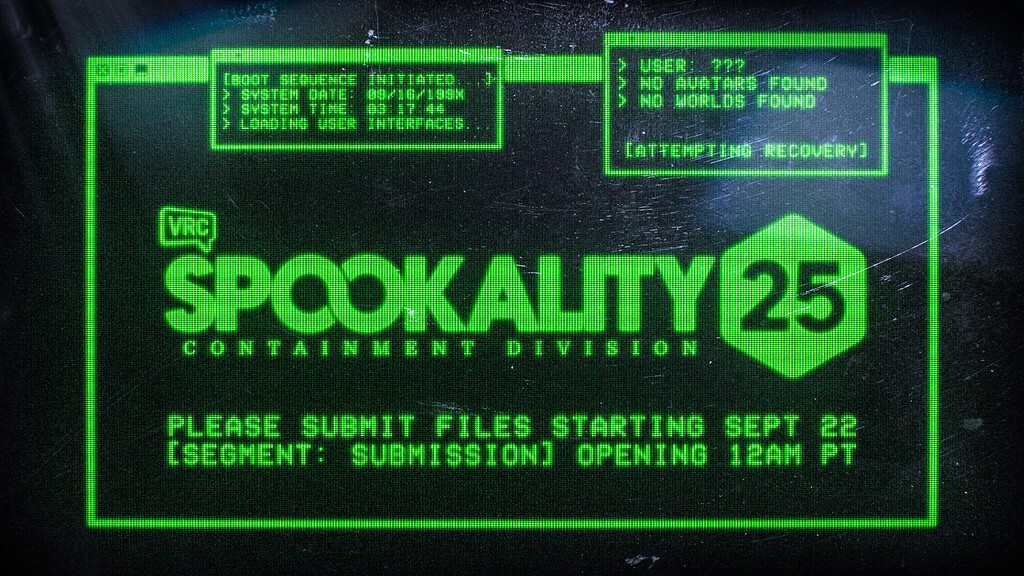
VRChat Ask Forum
Spookality 2025. Ten worlds. Ten avatars. They have been selected. They will be here, too. You will be here, too. You will be here, too. You will be here, too. You will be here, too. You will be here, too. You will be here, too. You will be here, too. You will be here, too. You will be here, too. You will be here, too. You will be here, too. Y...
minor junco
<@&1141877867882492047>
The Oct 23 Dev Update is here!
Get a sneak peek at features coming in 2025.4.1 and more!
https://ask.vrchat.com/t/developer-update-23-october-2025/46983


VRChat Ask Forum
Welcome to the Developer Update for October 23, 2025. Today’s featured world is the VRChat Home world by us!!! Announcements The Spookality Row is Up! Spookality is our annual celebration of the dark, spooky, and ██████. This year, creators had a chance to submit avatars and worlds between September 22 and October 13. They did...
minor junco
<@&1299138636570431550>
You'll be here, too. Big announcement at <t:1761343200:F>, you won't want to miss stream!
We're checking out Spookality worlds with the team starting at <t:1761339600:F>.
https://discord.com/events/189511567539306508/1390800353846624276/1431386770636800000
Twitch
VRChat offers an endless collection of social VR experiences by giving the power of creation to its community. Whether you're looking for new VR experiences or have an idea of your own, VRChat is the place to be.
fast pilot
<@&1141799662739787857> <@&1272925643666886768> <@&1136084889838555186>
In the off chance you missed it, VRChat is now available on iOS and Android!
No, not beta -- it's out! You can get it now!
Also, to celebrate, we released an animated trailer for VRChat! Go check it out!
https://www.youtube.com/watch?v=yRafChFjvUk
Finally, if you'd like to know more, you can check out our blog post here:
VRChat is now available on Android and iOS... for everyone!
For more information, see the blog post here: https://hello.vrchat.com/blog/vrchat-mobile-release
VRChat - https://vrchat.com
Bluesky - https://bsky.app/profile/vrchat.com
Twitter/X - https://x.com/VRChat
Discord - https://discord.gg/vrchat
TikTok - https://www.tiktok.com/@vrchat
VRCh...

VRChat
We’re thrilled to announce that VRChat is now available on both iOS and Android! This moment has been a long time coming! We can’t wait to see what new audiences will discover the magic of VRChat via an entirely new way to experience this place we love so much. You can find VRChat on the App Stor
minor junco
<@&1299138636570431550>
Spookality World Hop again and Dev Q&A at the end!
Join us at <t:1761944400:F>
https://discord.com/events/189511567539306508/1390800353846624276/1433923485696000000
Twitch
VRChat offers an endless collection of social VR experiences by giving the power of creation to its community. Whether you're looking for new VR experiences or have an idea of your own, VRChat is the place to be.
fast pilot
<@&1136084889838555186>
hey boops u hey boops u hey boops u
Boops are back! Also: a lot of other stuff! It's a big one!
2025.4.1, build 1749 -- now LIVE!
Video Patch Notes here: https://youtu.be/z17bGorS65I
Full (text!) notes here: https://docs.vrchat.com/docs/vrchat-202541
Features
Boops are BACK!
Boops are back! You might remember this feature from last year, when we tried it out in Open Beta... only to decide that it wasn't quite ready yet.
After we announced we pulled it, people immediately wanted it back! Well, it took a hot second, but here it is again!
Booping is a feature that allows you to send “Boops” to their friends! They can attach any emoji to their Boop! VRC+ subscribers can even attach custom and animated emojis.
When the recipient opens their notifications, they’ll see a Boop Explosion containing all of the Boops they’ve just received!
Boops can be sent by opening the User Details page in either the Quick Menu or Main Menu in the Client and tapping the new Boop button. They can also be sent also from within the mobile apps.
The Live Now Tab
The Launchpad tab in the Main Menu is being replaced*.. with the Live Now tab!
First: were you a fan of the "Recently Seen" tab that lived here? It still exits! We just moved it to the Social tab. Because, you know, that makes sense.
Anyway -- the Live Now tab!
The Live Now tab will show you events that are (wait for it) live! That means you'll easily see what's going on when you're in VRChat. You'll be able to easily join these events directly from there -- getting you to the good stuff a little bit faster.
It also shows Group and Friend locations -- letting you see where everyone is at a glance.
(Also: you'll see this in the Changes & Fixes section, but Groups are now able to attach Instances directly to Events -- making the process for getting into a poppin' instance a lot easier.)
As a note, we are slowly rolling this out to everyone over time. That means you might not see it immediately!
Discord Login
You can now login to VRChat using Discord!
For existing users, if you have a Discord account, you can choose to link your VRChat and Discord accounts. This will then allow you to sign into VRChat using your Discord login information.
New users will be able to make a new account using their Discord information.

strasz boops u hi i've got some new stuff for you. here's what we cooked.
Full Notes: https://docs.vrchat.com/docs/vrchat-202541
Beta SDK Notes: https://vrc-beta-docs.netlify.app/releases/release-3-9-1
0:00 Intro
0:20 Boops
0:56 Discord Login
1:13 New Reporting Flow
2:00 Live Now
2:37 Instance Linking
3:02 VRChat Dynamics for Worlds
3:31 Cha...

World Dynamics
This is a feature dependent on the (currently in beta!) 3.9.1 SDK and is reliant on world creators updating/adding them to their project!
Whew, with that warning out of the way...
2025.4.1 adds support for the long-requested World PhysBones, Contacts, and Constraints.
This means that world creators will now be able to use systems similar to their avatar counterparts (Avatar PhysBones/Contacts/Constraints).
This should open up a bunch of new possibilities for world creators! Easier interactions! Better performing worlds! Cool things we can't possibly imagine because we aren't nearly as creative as they are!
A Note About Persistence
You will no longer be able to join instances opened with older versions of a world, unless that version has a fully compatible network layout.
- What determines if a world is compatible?
- All objects that exist in both versions (selected by Network ID) must have a matching variable and component layout. Udon changes that don't update variable types, order or count will not break compatibility. Updates to non-networked parts of a world are also fine, e.g. simply moving an object in the scene.
- You can also add new synced components without breaking anything.
- Does this mean I can't iterate on my world while people are in an instance anymore?
- You can, but if you break network compatibility people will not be able to join existing instances anymore.
- Be careful updating your worlds during ongoing events! If you break compatibility, you will effectively close existing instances for new joiners.
- It is possible to re-upload a previous version to restore compatibility to existing instances, should you break your world by accident.
- What happens when I try to join an incompatible instances?
- You will not be allowed to join and notified via a popup. You will then be redirected home.
- Okay, but why? And why call this a fix for Persistence?
- Since Persistence relies on networking, incompatibilities in the layout could previously lead to loss of data. With this change, persistent data (other than the part that you intentionally made incompatible) is protected.
- This could have also lead to non-Persistence related network issues, e.g. late joiners decoding incorrect data after compatibility was broken.
Changes & Fixes
- In-app reporting has been revamped.
- Added the ability to see all Stickers, Prints, and Emoji that have been used in the current instance for easier reporting.
- You can see these under the "Report" screen, visible via a button in the Quick Menu (next to Inventory).
- Added the ability to see the Stickers, Prints, Emoji, and Events you have reported.
- You can see these under the "Report" screen, visible via a button in the Quick Menu (next to Inventory).
- The entire flow has received quality-of-life improvements to make the reporting process easier.
- Added the ability to see all Stickers, Prints, and Emoji that have been used in the current instance for easier reporting.
- Added the ability to link instances and events!
- We've added a new permission for Group members that allows them to link instances and events.
- Events that are live (or are within a six-hour window of beginning or ending) will appear on the Group instance creation UI for permitted users to select as being associated with that particular instance.
- When an instance is linked to an event, it shows up in its own special event row on the Instances tab on the details page for that particular Group.
- Rows for events that don't have any instances associated with them will still show up.
- Instances for events will also show up in the friend/available instance rows where applicable. This is expected.
- The event details page now has a button labeled "Join" instead of "View Instances". When clicked:
- If there's only one instance for the event and it's joinable, you'll join it.
- If there's only one instance for the event and it's not joinable for some reason (e.g., there's a queue), you'll be brought to the instance details page.
- If there are zero or multiple instances, you'll be brought to the Instances tab for the Group that owns the event.
- The default name for an event instance will be set to the event name for VRC+ users.
- We may make this happen for non-VRC+ users as well in the future.
- You can still change or remove the name if you have VRC+ if you wish.
- The Quick Menu has been visually refreshed.
- It should make more sense now. We hope?
- Let us know what you think.
- It should make more sense now. We hope?
- Fixed a PhysBone jitter issue which affected high framerate scenarios.
- Avatar Pedestals have received some much-needed love.
- They now initially show a "Loading" image instead of just white.
- Loaded thumbnails no longer leak memory.
- All avatar preview images are now downscaled, even on PC.
- This means data loading via pedestals may no longer work. This was never officially supported, and we recommend switching to
VRCImageLoadingorVRCStringLoadinginstead.
- This means data loading via pedestals may no longer work. This was never officially supported, and we recommend switching to
- Tweaked the camera's zoom slider. The default position has been moved up, and the slider's scaling has been adjusted.
- Fixed items not consistently appearing ahead of you when using Full Body Tracking in VR.
- Fixed a bug where sometimes users could see Sharing Pedestals from the previous instance playing despawn animations in the loading screen.
- The Main Menu Social page now features the "Recently Seen" player list.
- This is the same list that you'd find on the Launchpad page, but we figure the Social page would be a better home for this!
- Fixed emergency avatar sometimes appearing unexpectedly when holding the Escape key to close the menu.
- An intentional shortcut to load the emergency avatar has been added to
Shift + ESC. You can use this if your keyboard mapping does not have a Backslash key.
- An intentional shortcut to load the emergency avatar has been added to
- Fixed the exclusive store time remaining icons having incorrect spacing with the text.
- Fixed certain Quick Menu doodads overlaying other doodads.
- No, you read that right.
- Fixed foldouts when selecting a user in the Quick Menu.
- Fixed a case where the Recently Updated Favorite Worlds would be missing on the Launch Pad.
- Shapes for PhysBone collider components and Contact components should now exactly match between the client and the SDK. This mostly only affects setups that use non-uniform or negative scaling.
- Fixed some odd behavior with the face mirror and Selfie Expression callouts when the HUD mode was set to Off.
- When an in-world Creator Economy listing is viewed, the products within it should show their correct preview.
- Fixed opening Inventory from the Quick Menu so it will re-open to the last Inventory section you had opened... instead of always opening to the sticker section.
- Fixed a bug that could caused your UI theme to look wonky or totally fail to load.
- Fixed a bug that could cause Portals and other effects to be delayed until all other downloads finished.
- Items will now correctly display their information (description, creator name, etc.) when viewed in the Shop.
- Customizing Kath's palette from the Shop tab now works as intended.
- The customize button is now hidden if you don't own Kath yet.
- Streamer mode now hides sender usernames in notification texts.
- Notifications about a gift you have received now have a button to view what you got.
- The
--ignore-trackerslaunch flag can now handle spaces as documented here - you need to replace any spaces in serial numbers with%20. - Fixed "Custom" control selection UI not working on Quest.
- Fixed "Unusual Client Behavior" kicks when sharing old UI themes with overly long names.
- Your local chatbox and nameplate no longer render in the face mirror.
- Added a new shader global named
_VRChatFaceMirrorModewhich reads 1 when rendering inside the face mirror camera (and 0 otherwise). - Fixed render queue (ZWrite) on personal mirror when opening for the first time during a session.
- The error robot avatar can now use stations.
- Take a seat, Mr. Robot. We've been expecting you.
- Minor text fixes.
crude pasture
<@&1145797715725385809> We've just published the VRChat Creator Companion version 2.4.3!
Summary
This release is focused on improving the Creator Companion's startup reliability.
Improvements
- Adjusted the startup logic to more reliably work across different system configurations.
- The Creator Companion now attempts to bind to alternative ports more effectively if the default ports are occupied.
- This should reduce startup failures related to port conflicts.
- Improved error handling during the initialization phase to provide clearer feedback in case of issues.
Changes
- Upgraded included templates to use 3.9.x VRChat SDK versions.
- Added a root-level
.gitignorefile to the templates. - Adjusted the
.gitignorefile inside thePackagesfolder to avoid skippingvpm-manifest.jsonfiles.
Feedback
Please report issues to the Creator Companion repo on GitHub.
Download
If you already installed the Creator Companion, simply open it and click Update.
To install the Creator Companion, download the latest version from the official download page.
However, if a direct link to this version is needed, it can be found at VRChat_Creator_Companion_Setup_2.4.3.exe.
fast pilot
<@&1136084889838555186>
BEHOLD, WIZARD CONTENT
The November content update is live!
The Flask of Effervescence! The Emoji Grimoire Pack! The Sigil of Teleportation! The RUNIC GATEWAY! Of course, the Wizard Sticker Pack! And... a Penlight? Yeah, okay.
You'll have until December 4th at 1PM PST to purchase all the goodies, so go get 'em.
Let STRASZ THE PURPLE tell you more:
The content drop arrives precisely when it means to.
You'll have until December 4th at 1PM PST to purchase all the goodies, so go get 'em.
VRChat - https://vrchat.com
Bluesky - https://bsky.app/profile/vrchat.com
Twitter/X - https://twitter.com/VRChat
Discord - https://discord.gg/vrchat
TikTok - https://www.tiktok.com/@vrchat
VRChat Ask Forums...
crude pasture
<@&1145797715725385809> We've just published the VRChat Creator Companion version 2.4.4!
Summary
This release fixes an issue with new user onboarding.
Fixes
Fixed an issue where new users would not be able to complete the onboarding process.
Feedback
Please report issues to the Creator Companion repo on GitHub.
Download
If you already installed the Creator Companion, simply open it and click Update.
To install the Creator Companion, download the latest version from the official download page.
However, if a direct link to this version is needed, it can be found at VRChat_Creator_Companion_Setup_2.4.4.exe.
fast pilot
<@&1141877867882492047>
The Dev Update for November 6 is up!
https://ask.vrchat.com/t/developer-update-6-november-2025/47084
We've got WIZARDS, we've got Event and Group Sharing, we've got creator fixes... and some behind-the-scenes stuff for Steam Audio!
🧙♂️


VRChat Ask Forum
Welcome to the Developer Update for November 6, 2025. Today’s featured world is Cozy Coast by +Vera+. Announcements WIZARDS STRASZ THE PURPLE has ENCHANTED YOUR EYEBALLS so that you MUST WATCH THIS VIDEO: But yes, we have a lot of content for November! The Flask of Effervescence! The Emoji Grimoire Pack! The Sigil of Telepo...
agile gate
<@&1299138636570431550>
i cast "cancel stream" 🪄
SEE YOU NEXT WEEK
minor junco
VRChat New Year's Eve is almost upon us!
We're opening submissions for posters and music venue logos on MONDAY, Nov 17.
Read our Community Content Creation Guides below to see what kind of content we're looking to showcase.
Get cooking!
Swipe through the presentation by clicking or using the arrow keys!
 minor junco
<@&1299138636570431550>
Special community-featured World Hop and Dev Q&A at the end!
Join us at <t:1763157600:F>
https://discord.com/events/189511567539306508/1390800353846624276/1439012015308800000
Twitch
VRChat offers an endless collection of social VR experiences by giving the power of creation to its community. Whether you're looking for new VR experiences or have an idea of your own, VRChat is the place to be.
minor junco
<@&1299138636570431550> two pings in one day, it's brazy
Small change: we're delaying stream until about 3:15pm PT! See you then!
https://discord.com/events/189511567539306508/1390800353846624276/1439012015308800000
Twitch
VRChat offers an endless collection of social VR experiences by giving the power of creation to its community. Whether you're looking for new VR experiences or have an idea of your own, VRChat is the place to be.
minor junco
hello all!
NYE2026 Content Submission Forms are now LIVE!
Submit posters, music venue logos, and videos to our Entertainment Network!
You have until <t:1765396800:F> to submit!
POSTERS:
https://forms.gle/JQKpvbtFBBv1xxTH7
MUSIC LOGOS:
https://forms.gle/2dX8SLmWGnyPrkmbA
ENTERTAINMENT NETWORK:
https://forms.gle/D1JUigG7xwoW3SWW8
Read our Community Content Creation Guides below to see what kind of content we're looking to showcase.
Swipe through the presentation by clicking or using the arrow keys!
agile gate
<@&1145797715725385809> This is a deprecation announcement! Update your SDKs! 
Please update your Avatar SDK to the latest version.
We will be deprecating versions older than 3.9.0 on <t:1764705600:D>. Any SDK older than that will no longer be able to upload new avatars after that date.
This is due to the changes in avatar ID generation that we described in this Dev Update from August 2025. This is not a removal of avatar uploading capabilities or a restriction; it is simply a change in how we generate the data required to upload a new avatar.
VRChat Ask Forum
Welcome to the Developer Update for August 14! Today’s featured world is Dream Ocean by Shinyflvres. Announcements Film Jam is Ongoing! Get those cameras rolling! In case you missed it, we’re running our first-ever Film Jam from August 4 - September 1! Read the rules and guidelines on our blog post, linked above. There’s a VRChat ba...
fast pilot
<@&1136084889838555186>
Hot off the press, here's a patch! VRChat 2025.4.1p1, build 1750, is now available on all platforms.
If you encounter any problems, you can always report them on Canny, our bug tracker directly with your VRChat account!
As a note, please pay attention to the message in Discord above this one if you are someone who regularly uploads avatars!
Changes & Fixes
- Fixed an issue that could prevent loading worlds with certain valid player object setups.
- Fixed "Community Labs" icon on portals overlapping geometry on some models.
- Fixed an issue where group owners and other members with many events between all their groups would sometimes not be able to see certain events, or link instances to them.
- Fixed the incorrect thumbnail and name appearing for some items in the Quick Menu.
hasty breach
<@&1141877867882492047>
-# We are a bunch of silly billies and forgor to post about the Developer Update in here, tee hee :3
The Dev Update for November 20 is up!
https://ask.vrchat.com/t/developer-update-november-20-2025/47185
We've ... still got WIZARDS, we've got some updates for the creators roadmap, we've got Third-Person View and more!
This is also a reminder to update your SDK as we are deprecating versions older than 3.9.0 on <t:1764705600:D>
 agile gate
<@&1299138636570431550>
flare is out of office. sai is back. our limitations are lifted. we have no chaperone. chaos approaches. vrrat is in his heaven, all's right with the world. it is time to ball
starting in 2 mins
https://discord.com/events/189511567539306508/1390800353846624276
Twitch
VRChat offers an endless collection of social VR experiences by giving the power of creation to its community. Whether you're looking for new VR experiences or have an idea of your own, VRChat is the place to be.
fast pilot
No ping for this one!
Hey! As a heads up, we're currently aware of an issue that may cause VRC+ subscriptions purchased/renewed through Steam to not sync properly.
While we are currently working on a fix, we do have a workaround that can force sync your VRC+ subscription status:
- Launch VRChat through Steam.
- Navigate to the VRC+ Subscription Tab in your menu.
- Attempt to subscribe again, and you will see an error about an existing subscription.
- Restart VRChat if you are still unable to access benefits.
This should automatically detect your existing subscription and sync it to your account.
Thanks for having patience with us!
fast pilot
<@&1145797715725385809>
You are now aware that you have bones. World PhysBones, that is! SDK 3.10.0 is now live!
As always, you can find the full changelog inside our creator docs!
We strongly suggest avatar creators upgrade to this release! Very soon, we will be blocking SDKs before 3.9.0 from uploading new avatars!
As a note, this SDK contains the highly requested fix for the issue where opening the SDK Control Panel will sometimes reset changes to your avatar. If this was preventing you from upgrading previously, please give this one a shot!
Summary
SDK Version 3.10.0 brings VRChat Dynamics to Worlds! This includes PhysBones, Contacts, VRC Constraints, and Udon integration for all of them. Additionally, world persistence now exposes data usage information and limits.
New Features
- VRChat Dynamics are now supported in Worlds!
- PhysBones, Contacts and VRC Constraints are now available in worlds projects.
- All of these components have new Udon APIs and events that allow your scripts to work with them!
- This is one of the most requested features for our Worlds SDK - we can't wait to see what you will create with it!
- World persistence now has an API to retrieve Storage Information.
- This includes 3 new functions,
GetPlayerDataStorageUsage,GetPlayerDataStorageLimit, andRequestStorageUsageUpdate. - The Request function pairs with the new
OnPersistenceUsageUpdatedevent. - There are also 2 new events for
PlayerDatausage:OnPlayerDataStorageWarningandOnPlayerDataStorageExceeded.
- This includes 3 new functions,
Fixes & Changes
- A validation warning is now shown in world projects where any spawn point is below the respawn height for the world.
- Improved handling of missing spawn points in world projects.
- Reduced internal log output when a project loads and when assemblies are reloaded.
- Avatar and world IDs now have leading and trailing whitespace removed.
- Fixed an SDK crash triggered by deleting any source transform for a VRChat constraint while that constraint component was still visible in the inspector.
- Fixed the validations window inadvertently resetting custom poses or animations applied to the avatar in the scene every time it was refreshed.
- Fixed some entries in the Udon Class Exposure Tree showing as "not exposed" when they actually are. This mostly affected the recently added dynamics components.
- Fixed avatar uploads failing with an incorrect "missing thumbnail" error if the upload process was interrupted part way through.
- Resolved a case that would allow uploading an avatar with no thumbnail attached to it.
fast pilot
<@&1136084889838555186>
1811 DAYS, DEAR READER. IT'S TIME.
2025.4.2, build 1768 is here! It brings a long awaited change. What do I mean? Keep reading! I mean, unless you've been on open beta, then you know already.
Watch the Patch Note Video here: https://youtu.be/_rpJ2F_ax9Q
Full notes here: https://docs.vrchat.com/docs/vrchat-202542
Features
Group and Event Sharing
You can now share Groups and Events directly to other users or via Pedestals -- just like you can with Emoji, for example!
Sharing Groups and Events will not require VRC+, so go crazy and share all of the cool things that you’re interested in with your pals!
Group Discovery
You'll notice on the Groups tab that things look a little different. We've added a new flow to make finding interesting Groups a lot easier!
FYI: This feature is rolling out slowly over time, so you might not see it at first!
Mutuals
Speaking of cool new friends... what if you could see who you had a lot of friends in common with in VRChat? Well, now you can!
You will see an added icon above users who you share one (or more!) connections with. You can then click on their profile where you'll see a new button, showing you specifically who you share in common.
You can also see what Groups you share in common with users.
And, because we know you'll ask, you will have the option to disable this via the website -- just in case you would like a bit of privacy regarding who your friends are. FYI: it's under the "Settings" section (the lil gear in the top left).
FYI: This feature is rolling out slowly over time, so you might not see it at first!
STEAM AUDIO!!!
IT IS TIME, FRIENDS! THE SITE CAN FINALLY BE SET FREE.
Up until now, VRChat has used ONSP as our audio spatializer. What’s that mean? It’s basically what processes all the sound outputs, making them sound like they are in a 3D space and not just… like… blasted into your ears.
For a long time now, we’ve been testing Steam Audio in a series of betas, as we’ve wanted to move away from ONSP. Why move away? Well, a lot of reasons – some of these are very much under-the-hood. Engineering headaches, bugs that aren’t possible to fix on our end, and limitations and inconsistencies across platforms.
But then there’s other, more exciting stuff: for one, we (personally) think that Steam Audio sounds similar… but better. It’s more flexible. It handles things, like, say a crowded instance, a lot better. It also allows us to tinker and tweak the VRChat experience in many ways that just all come together to make things… well, better.
Additionally, this opens up a lot of potential options for creators in the future. While we aren’t quite opening that can of worms yet, it at least gives us the option.
Finally: if you haven’t been using the open beta, you will probably notice things sound a little different. Or maybe you won’t notice at all. Either is fine – but before coming to a solid conclusion on how you like or dislike it, we’d suggest giving it a week. It turns out sound, and how your brain processes sound, is super complicated!
And just to be clear, Steam Audio is for everyone, on every platform, not just PC users! Steam Audio is just a name!
Steam Audio, by the way, is for everyone -- not just PC users. It's just what it's called!
Full Notes: https://docs.vrchat.com/docs/vrchat-202542
0:00 Intro
0:20 Group and Event Sharing
0:35 Group Discovery
1:01 Mutuals
1:42 Steam Audio
3:10 Changes and Fixes
6:04 Question 1
6:55 Question 2
7:18 Question 3
8:04 Question 4
8:40 Question 5
9:03 ...

Changes & Fixes
- Our Debug UI has received a major overhaul!
- You can now open it from the Quick Menu. Check the bottom of the Settings tab for the "Toggle Debug UI" button.
- It now works in VR and on mobile!
- You no longer need the
--enable-debug-guilaunch parameter, it will always be enabled. The performance cost which made the parameter necessary previously has been removed. - The whole thing received a bit of a visual overhaul. For example, it now respects UI themes.
- Added "Local Movement" mode.
- When enabled using the toggle in the bottom left corner, the menu will move with your playspace.
- In VR, this behaves like the personal mirror in "Local" tracking space.
- In Desktop mode, it behaves like a screen-space overlay. Use the TAB key to free your mouse and click on the menu.
- Added a new debug overlay: The
VRC_UiShapedebugger.- It can be enabled with
RShift-Tilde-0, or via the dedicated button in the new debug UI. - When active, all interactable UI in your world will be highlighted.
- On screen or on your hands (in VR) you will see the hierarchy path of whatever object you are currently pointing at.
- This is gated behind World Debugging, of course.
- It can be enabled with
- Added a "Face Mirror Spout Stream" option in the Face Mirror category for PC.
- Enabling this will send the contents of the Face Mirror to Spout, where it can be used by external tools like OBS. Vtubers rejoice!
- Moved Explore Avatars out of the Avatars Tab and changed the Avatars Tab design to better match the other pages.
FYI: This change is rolling out slowly over time, so you might not see it at first! - The Inventory should handle longer names... better.
- Improved cursor jitter when using Forced Camera Near Distance.
- Floating point inaccuracies will still occur, but the near distance setting specifically should have less of an effect on UI usability now.
- By default, VRC+ Gift Drops will only affect users that do not have an active subscription. Users will be able to toggle this behavior off, however, if they prefer.
- Clarified VRC+ Gift Drop purchase text.
- Gift Drop effects are now tied to the "Items" volume slider.
- Increased range desktop users heads can visibly rotate up and down.
- This does not affect how much a desktop user can actually rotate their head, just the visible range.
- Fixed a bug that caused the World and Group stores to be shuffled every time the menu is opened.
- Fixed the
/avatar/changeOSC end point. It now should allow switching to avatars that are recently used, uploaded by you, or purchased by you. Previously, it only worked with favorited avatars. - String and image download requests triggered via Udon now set their Accept headers to
*/*andimage/*respectively, so the server handling the request can see which kind of content is being requested. - Technical improvements for UI shaders.
- Minor UI fixes.
- UI themes are now gradually transitioned to when they are hovered over.
- VRChat Shop items with VRC+ discounts will now properly display the VRC+ logo next to their discounted prices instead of just text.
- Particle systems attached to an avatar can no longer collide with objects on the Pickup, PickupNoEnvironment or Item layers if they also apply a physics force. This resolves an exploit that could render some worlds unplayable.
- Items that are still being loaded now display their load progress the same way avatars do.
- Fixed an issue where group owners/members with many events between all groups in which they are a member sometimes wouldn't be able to see certain events or link instances to them either.
- Fixed
VRCObjectSynctransforms not respawning in their original location. - Fixed an invisible loading screen after visiting certain worlds.
- Fixed the occasional issue where Unicode characters on the Live Now page fail to mask correctly, causing characters to float outside of the bounds of the menu.
- Preview images now show correctly in the "Selected Sticker" page.
- Fixed missing "Spawned" indicator on items that have been. Well. Spawned.
- Platform compatibility indicators now properly show on world cells that appear within the Search Results page.
- Archiving an item now immediately updates the Item Wings.
- Minor changes on a few VRC+ related loading screen tips.
- Added additional functionality for some Items.
- You might notice a change with the Campfire / Marshmallow on a Stick.
- Fixed very quiet microphones cutting out in some cases.
- Fixed unnecessary Z offset on dialog windows.
- This caused the cursor to appear to float on top of dialogs.
- We also suspect that this caused some occasional incorrect Z-layer artifacting with certain menu graphics.
- Improvements to underlying networking code.
minor junco
<@&1141877867882492047>
The Dec 4 Dev Update is here!
Read about Steam Audio, Dynamics on Items, our new series "Success Stories," and more!
also who's this bunny featured in the Developer Update? 🐰
https://ask.vrchat.com/t/developer-update-4-december-2025/47243
World featured is Crimas by WispyWoo!

VRChat Ask Forum
Welcome to the Developer Update for December 4, 2025. Today’s featured world is Crimas by WispyWoo. Announcements New Years 2026 is Coming! Submit Something! New Year’s Eve is almost upon us, which means it’s time to start creating. POSTERS! MUSIC VENUE LOGOS! ENTERTAINMENT NETWORK VIDEOS! You name it! As usual, the booths will be inv...
fast pilot
<@&1145797715725385809>
Here's a little SDK update! We heard your feedback on these issues, and decided it's worth shipping fixes as a patch before the holidays.
SDK Version 3.10.1 fixes two critical bugs in the avatars SDK. For a full list of recent features we recommend reading the previous 3.10.0 changelog.
Fixes & Changes
- Fixed a performance regression caused by nesting avatars under a shared root game object. This caused delays as you opened or refreshed the Builder tab in the VRChat SDK control panel.
- Choosing a high-resolution image for an avatar thumbnail no longer breaks first-time avatar creation.
minor junco
<@&1299138636570431550> going live shortly on Twitch!
Join us for a world hop and Developer Q&A at the end!
minor junco
Tis the Season of Giving! 🎁
Learn more about the Holiday Gifting Event and the December Shop goodies, live now!
🎅 The Holiday Gifting Event ends Dec 31.
🎄The December Shop contents will be available through the end of January.

new stuff!!! give stuff to your friends and GET THINGS BACK!!! woah, it's the December 2025 Content Drop... and the VRChat Holiday Gifting Event!
VRChat - https://vrchat.com
Bluesky - https://bsky.app/profile/vrchat.com
Twitter/X - https://twitter.com/VRChat
Discord - https://discord.gg/vrchat
TikTok - https://www.tiktok.com/@vrchat
VRChat Ask ...
fast pilot
<@&1136084889838555186>
tag for the above! go to youtube and laugh at my great jokes. also buy things for your friends. if we hit the goal i'll read everyone a nice story for the holidays
crude pasture
<@&1145797715725385809> We've just published the VRChat Creator Companion version 2.4.5!
Summary
This release updates the built-in project templates.
Changes
- Updated built-in templates to use the VRChat SDK 3.10.x.
Feedback
Please report issues to the Creator Companion repo on GitHub.
Download
If you already installed the Creator Companion, simply open it and click Update.
To install the Creator Companion, download the latest version from the official download page.
However, if a direct link to this version is needed, it can be found at VRChat_Creator_Companion_Setup_2.4.5.exe.
fast pilot
<@&1136084889838555186>
Hey! There's a change log for 2025.4.2p1 below. But before we get to that, I wanted to share another update!
As part of the December Shop update, we introduced a new Item called the Portable Winterizer. This Item was a little different compared to past Items in that it was consumable — meaning that you could only use it a limited number of times before it would disappear from your inventory.
After releasing it, we heard a lot of feedback from the community. Clearly, this wasn't something you wanted in the Shop!
So, two things:
First, we're going to be changing the Portable Winterizer. Soon, it will behave like any other Item — that means it will no longer be a consumable. Once you buy it, you'll be able to put it down as many times as you'd like.
As a note, if you've already bought (or were gifted) the Portable Winterizer, you'll be getting this new, unlimited version. If you bought two (or more) of them, we'll be refunding your credits. If you don't receive those by the end of the week, please reach out to our support team!
This change will be going live soon — it could be today, it could be tomorrow. Keep an eye out!
Second, we want to thank the community for being vocal about this. The Shop gives us the ability to try different things and see what works and what doesn't. Sometimes, when we try something new, it won't work out. That's okay, and we're more than willing to be wrong if it means we can learn from it.
Ultimately, the thing we are most interested in is building things that people want to buy. After all, we need to make money, and to do that, we need to make stuff that you're excited about.
Anyway -- to the patch! It's 2025.4.2p1 build 1769! (You can see these full notes here, by the way!)
Changes & Fixes
- Steam Audio related:
- Fixed spatialized audio (including voices) not working on some rare Mono speaker setups.
- Thanks to everyone who helped test on the
a-testspecial branch! You can now switch back to live.
- Thanks to everyone who helped test on the
- Fixed Doppler effect being incorrectly enabled on AudioSources without the appropriate VRC component.
- Fixed spatialization in "Audio from Camera" mode. This affected Stream mode and Drone FPV flying.
- Perspective Correction is now enabled when in "Audio from Camera" mode, even in VR, and will adapt correctly to the size of the camera output instead of your viewport.
- This should mean that people will sound less "in one ear only" for viewers when streaming VRChat with "Audio from Camera".
- Fixed chatbox notification volume.
- Applied more tuning to voice audio falloff and compression.
- Improved "ILD Nudging," or in other words, the stereo separation when audio sources or voices get really close to your ear. This should mean:
- Someone whispering in your ear, or implements in ASMR worlds, will now sound more properly "in your ear."
- People standing close, but not super close, will sound less like they are panned to just one ear.
- Reduced excess gain when very close.
- Changed how we scale the near-field experience based on avatar eye height.
- Additionally, we have added a system that allows us to tweak some parts of the audio experience server-side, without needing a new update. You may hear things subtly change over the coming days as we fine-tune the system based on your feedback!
- Fixed spatialized audio (including voices) not working on some rare Mono speaker setups.
- Portal skin previews are now scaled properly and face the camera in the menu.
- Clicking a "Hidden Mutual", i.e the placeholder for when someone has opted out of mutuals, will no longer try to bring you to their (lack of a) page.
- Fixed the "View Friends" leaderboard button in the holiday campaign so it actually does what it says.
- Fixed an error that would occur if you tried to gift a permanent world listing to someone not in the current instance.
Side note: Steam Audio changed the range of the "Voice" audio slider. It was reset to keep your current volume level in the last update, but we have heard some feedback that people set it right back to 100% - this will now be very loud! For comparison, 100% on the old audio system is now approximately 65%. Try dialing in the Voice slider in a real instance if you think voices are too loud or quiet now!
minor junco
<@&1299138636570431550>
Developer Stream at <t:1765576800:F>! Remember we have Q&A at the end, bring your questions!
https://discord.com/events/189511567539306508/1390800353846624276/1449158875545600000
Twitch
VRChat offers an endless collection of social VR experiences by giving the power of creation to its community. Whether you're looking for new VR experiences or have an idea of your own, VRChat is the place to be.
fast pilot
<@&1145797715725385809>
Hey! This isn't really an, uh, update... but it is also an update???
Anyway, as we've been talking about for months, we have finally pushed out an API change that will prevent anyone from uploading a new avatar if they are not using SDK3.9.0 or newer.
While you will still be able to update old avatars, you will not be able to upload brand new ones.
This is due to the changes in avatar ID generation that we described in this Dev Update from August 2025. This is not a removal of avatar uploading capabilities or a restriction; it is just a change in how we generate the data required to upload a new avatar.
fast pilot
No ping for this one! Just a very minor patch, Steam exclusive.
This is 2025.4.2p2, build 1770.
Changes & Fixes
- Minor stability improvements.
minor junco
<@&1141877867882492047>
The last Dev Update of the year is here!
Read about two new upcoming features for VRC+, clarification on moderation in VRChat & more!
https://ask.vrchat.com/t/developer-update-december-18-2025/47354
Today's thumbnail features the world "Cozy Christmas" by Mei ʚɞ! Available cross-platform!

VRChat Ask Forum
Welcome to the Developer Update for December 18 – the last Developer Update of 2025!!! Today’s featured world is Cozy Christmas by Mei ʚɞ. Announcements New Year’s Eve in VRChat! VRChat NYE is rapidly approaching! The forms for booths, posters, and logos are all closed – we’re now putting it all together so you have a really coo...
minor junco
<@&1299138636570431550>
Let's recap 2025 with the Community Team on today's stream at <t:1766181600:F> !
We'll be playing a guessing game on who talked the most, who was on orange the longest, etc.
Come join us for our last Developer Stream before NYE2026! Q&A at the end as usual.
https://discord.com/events/189511567539306508/1390800353846624276/1451695590604800000
Twitch
VRChat offers an endless collection of social VR experiences by giving the power of creation to its community. Whether you're looking for new VR experiences or have an idea of your own, VRChat is the place to be.
fast pilot
<@&1136084889838555186>
Hey all!
We have a brief video from Tupper, discussing some upcoming Trust and Safety commitments we're making in 2026. We wanted to let you know what our plans are, including changes to Content Gating and Age Verification.
Tupper talks about some upcoming Trust and Safety commitments VRChat is making in 2026. Thank you for your support!
Check out our blog for more info: https://hello.vrchat.com/blog/trust-safety-update-2025
VRChat - https://vrchat.com
Bluesky - https://bsky.app/profile/vrchat.com
Twitter/X - https://twitter.com/VRChat
Discord - https://discord.g...
minor junco
<@&1299138636570431550> (unless Tupper randomly decides otherwise)
NO DEVELOPER STREAM TODAY! Catch last week's VOD for stats and our data game instead:
https://www.twitch.tv/videos/2648241795
https://discord.com/events/189511567539306508/1390800353846624276
 minor junco
<@&1136084889838555186> surprise! We have some NYE2026 content for you!
Enjoy 3 free things with VRC+ and some new goodies for the Shop!

Happy New Year! Also, drink water. Please.
VRChat - https://vrchat.com
Bluesky - https://bsky.app/profile/vrchat.com
Twitter/X - https://twitter.com/VRChat
Discord - https://discord.gg/vrchat
TikTok - https://www.tiktok.com/@vrchat
VRChat Ask Forums - http://ask.vrchat.com/
#vrchat
Worlds used:
Clouds By WispyWoo
VRCHAT NYE 2025 By VRChat
...
minor junco
Non-pinging announce!
Did you submit a video to the VRChat Entertainment Network? You can now preview the order and see which video is playing from this schedule!
The worlds will go live at <t:1767160800:F> tonight with the stream following 2 hours later, so don't miss out on 13+ hours of community-submitted content!
VIDEO SCHEDULE FOR VRCHAT NYE2026:
https://vrch.at/nye-2026-schedule
minor junco
<@&1299138636570431550> NO DEV STREAM THIS WEEK: we're still on break!
And then next week we'll be at MAGFest 2026! So probably no stream until Jan 16!
See you then!
https://discord.com/events/189511567539306508/1390800353846624276/1456769020723200000
minor junco
Non-pinging announce:
Winter Cheerizer has been sent out to all VRChat users! You have until <t:1770325200:F> to claim it!
For NYE2026, the Entertainment Network will be available tomorrow (pending no issues...)
We'll post a link with the full download when it's ready!
minor junco
Non-pinging announce!
The NYE2026 Entertainment Network is now available to download until Feb 2026!
Download the files here!
minor junco
Non-pinging announce!
We’re looking for 18+ VRChat users to complete a survey for us regarding VRC+.
We’re interested in hearing from both subscribers and non-subscribers. If you are interested, please fill out this form:
https://www.surveymonkey.com/r/NGJ5QK9
Take this survey powered by surveymonkey.com. Create your own surveys for free.
minor junco
well well well...
<@&1299138636570431550> we're trying something new!
Join the Official VRChat Twitch Streams Group to watch along with fellow VRChat members.
This is NOT an invite to the instance we're streaming from!
Add the Stream to your VRChat calendar:
https://vrchat.com/home/group/grp_dc5f3e7a-0f58-4885-b2a0-3d3660b93bdf/calendar/cal_8961071d-7e08-4710-a4a9-6be25f5e477a
We'll be celebrating VRChat's 12 birthday (it's today!), world hopping, and answering twitch chat questions for a Community team Q&A at the hour mark!
See you at <t:1768600800:F>!
https://www.twitch.tv/vrchat

Tune in for the official VRChat Dev Streamǃ
Go to twitch․tv⁄vrchat or paste it into a video player‚ or join the group and hop into a Group instance to hang out with other people watching along․
Twitch
VRChat offers an endless collection of social VR experiences by giving the power of creation to its community. Whether you're looking for new VR experiences or have an idea of your own, VRChat is the place to be.
minor junco
<@&1141877867882492047>
The first Dev Update of the year is here!
Read about Creators Fixes & Improvements, upcoming Central Marketplace Live Previews, changes to Trust & Safety reporting flow, and more!
https://ask.vrchat.com/t/developer-update-22-january-2026/47647
Today's thumbnail features the world "waiting" by ❀❀❀❀, for PC Only.


VRChat Ask Forum
Welcome to the Developer Update for January 22, 2026. Today’s featured world is waiting by ❀❀❀❀. Announcements We’re BACK Woo, it’s 2026! We’re back! :3 Hopefully everyone’s having a strong start to the year! Speaking of, you can still grab the January content bundle (FIREWORKS. LIGHTER. IGNITE THINGS.) until February 4th...
agile gate
We have been aware of and tracking issues with Shadow PC, a cloud gaming service that some players have been using to play VRChat. Recently, Shadow PC has stopped working for VRChat.
After investigation, we have determined that these issues with Shadow PC are outside of our control. These issues are not a result of any configurations we have set or changes we have made to VRChat. We cannot make changes to VRChat or its configuration that would fix these issues or future issues with Shadow related to this particular problem.
We understand that these issues with Shadow may be disappointing, as some users rely on it as their main way to access VRChat. We feel it too - some of our team members are affected by these problems as well!
Please read our post on our Feedback boards for a little bit more detail.
For those encountering issues, please contact Shadow's support team. Our support team will also redirect players who ask us about Shadow PC to their support.
minor junco
<@&1299138636570431550>
Happy New Year! Wait, it's the end of January already?
Join us at <t:1769205600:F>for a special NYE2026 Data Stream with DataDazed! We'll be going over some New Year's stats and the world heatmap.
https://discord.com/events/189511567539306508/1390800353846624276
And if you want to watchalong in VRChat, join the official Dev Streams Watchalong instance:
https://vrchat.com/home/group/grp_dc5f3e7a-0f58-4885-b2a0-3d3660b93bdf/calendar/cal_db705756-5d92-4537-a221-104543a9c1aa
Twitch
VRChat offers an endless collection of social VR experiences by giving the power of creation to its community. Whether you're looking for new VR experiences or have an idea of your own, VRChat is the place to be.

Tune in for the official VRChat Dev Streamǃ
Go to twitch․tv⁄vrchat or paste it into a video player‚ or join the group and hop into a Group instance to hang out with other people watching along․
Aft…
fast pilot
<@&1136084889838555186>
2026.1.1! Build 1784! Now out! What's it got? Some stuff! How much stuff? A small but noticeable amount! It's the first release of the year, woo!
Watch Strasz explain things to you (and answer your questions): https://www.youtube.com/watch?v=X0CPD-opZoM
Or, you know, you can also read 'em here.
Features
World Favorites Increase
This release doubles the amount of world favorites for VRC+ subscribers!
This is now live! That means if you're subscribed to VRC+, your world favorites will jump from 400 to 800! Four new rows! Woo!
As a heads up (and you'll see this if you watch the Video Patch Notes!) we initially planned to wait a little bit before flipping this switch... but we're just doing it now! So uh, apologies for the confusion!
We also added in some QoL changes for organizing your world favorites. Go look at Changes & Fixes to see them.
Group Progress Bar
We're experimenting with a new progress bar for users who have joined fewer than 15 groups. If you haven't joined that many groups yet, there's a chance you'll see a bar on the Groups page that tracks your progress.
Essentially, we'd like to encourage newer users to try out features like Groups, so we're trying to gently nudge them to... well, do exactly that!
There is no "reward" for completing this, uh, challenge. The stakes have never been lower! (There is a little fanfare for completing it, though -- but, like, that's just for fun.)
Group Auto Invitations
Another experiment! If you hang around in a Group instance for a long enough period of time, you may receive an automatic invitation to join that particular group.
This only applies to groups that are public with open invitations enabled. You (and the group!) will have to be in the test cohort for this to trigger.
Likewise, if you make a friend in a Group instance (under the same conditions!) you might also receive a group invitation.
To be clear, you have to be in the test cohort to see these invites! You also have to be in the test cohort to see the setting below to turn it off!
If you'd rather not see these automatic invitations, you can toggle them off! Go to Settings -> User Interface -> Notifications -> Automatic Group Invitations.
Live Now... for Everyone!
The "Live Now" tab in the Main Menu and the subsequent Quick Menu Launchpad redesign have been rolled out to all users!
This was introduced in the previous patch, but should now be turned on for all users.

it's january ok you get a small patch, be nice to him
full notes: https://docs.vrchat.com/docs/vrchat-202611
VRChat - https://vrchat.com
Bluesky - https://bsky.app/profile/vrchat.com
Twitter/X - https://twitter.com/VRChat
Discord - https://discord.gg/vrchat
TikTok - https://www.tiktok.com/@vrchat
VRChat Ask Forums - http://ask.vrchat.com/
#vr...
Changes & Fixes
- Added a "Quick Join" button for Groups in the Explore Groups tab.
- The "Error World" has been updated. It's cool now.
- Added the Performance Debug Dashboard. Use Right shift + ~ + 1 to open the debug menu, then click the new "Performance" tab.
- This allows you to create and customize a performance dashboard, which can chart a wide variety of useful metrics.
- Made tweaks to Shop text, explaining listings with more clarity.
- Fixed the
IsAnimatorEnabledavatar parameter not being set back to true when it should be, in some cases involving particle systems. - Updated both the client and the website phrasing to help users understand what cancelling a subscription immediately entails.
- Prints are now easier to drop gently in place, without drifting.
- While filling out a report in the Quick Menu, clicking outside the keyboard to dismiss it will no longer leave you stranded in the Main Menu.
- Fixed PhysBones regression which caused bones resting on PhysBone colliders to jitter.
- Various world favoriting improvements!
- Added the ability to move worlds between favorite lists.
- Improved the design of the world favoriting modal in the Quick Menu and Main Menu.
- Improved the design of the world favorite lists sidebar elements.
- Improved the design of the UI used to edit a world favorites list.
- Four new rows!
- For VRC+ subscribers!
- Fixed a bug that would prevent users from being able to select other users while using the Quick Menu.
- Warp effects are now spawned when closing the client.
- Mutuals is now fully enabled for all users.
- As always, you can still opt out via the Settings menu.
- A handful of minor performance improvements.
agile gate
<@&1299138636570431550>
Another week, another stream! Join us at <t:1769810400:t> at https://twitch.tv/vrchat to hang out with the VRChat Community team! We're gonna go over our latest update, reveal a SUPER SECRET UPGRADE to groups (that'll apply to like... 5 groups, but still) and then we're gonna go cut things in half.
Also, frogs, and we're going to let Sai pick a world. Oh boy I sure can't wait to play battle discs.  ||hey vard, are you around? they might need some humbling...||
Hop into the VRChat Dev Stream group instance to hang out with other watchers! We might come bug y'all after we're done.
https://discord.com/events/189511567539306508/1390800353846624276
Twitch
VRChat offers an endless collection of social VR experiences by giving the power of creation to its community. Whether you're looking for new VR experiences or have an idea of your own, VRChat is the place to be.
Tune in for the official VRChat Dev Streamǃ
Go to twitch․tv⁄vrchat or paste it into a video player‚ or join the group and hop into a Group instance to hang out with other people watching along․
Aft…
fast pilot
<@&1136084889838555186>
hiiiiiiiiiiiiii
it's me, in your dms with a patch. okay so maybe not in your dms, maybe like, just your discord notification inbox thing. ping. :3
2026.1.1p1 build 1785 is now available!
Changes & Fixes
- Fixed an error that blocked the removal of unavailable worlds from your favorites lists.
- Fixed a bug that prevented the chat textbox from displaying warning messages when you've been timed out for sending messages too quickly.
- It uses the same throttling behavior as before, but now you can tell when your chat function is in time out.
- Fixes for the ongoing Third Person experiment:
- If the Third-Person View setting is disabled, you can no longer switch into it by "zooming out" with the scroll wheel.
- Holding ALT to push/pull held objects is now only necessary when the Third Person setting is enabled.
- Added some contextual alert messages to help clarify these rules.
- Fixed some edge cases involving cursor selection while Third Person is active.
- As a reminder,
F5 toggles Third-Person View, the scroll wheel adjusts distance, and TAB allows free rotation. If you press TAB while already walking, you can free rotate while you walk too! - One more note: The 3P test will be starting up again very soon. How soon is very soon? You and I are about to find out in real time. Put your, uh, (speedy) testing hats on?
- Fixed an issue that meant the 500th person to try to join an instance would have difficulties getting in.
- You're our unlucky 500th customer!
minor junco
<@&1141877867882492047>
Feb 5 Dev Update is here!
Group Public Instances Fix, Creator's Bug Fixes, and Web Updates!
Read it here: https://ask.vrchat.com/t/developer-update-5-february-2026/47764
Today's thumbnail features the world "Endless hug / 永遠の抱擁" by _Harim, for PC Only.

VRChat Ask Forum
Welcome to the Developer Update for February 5, 2026. Today’s featured world is Endless hug / 永遠の抱擁 by _Harim. Announcements 2026.1.1 Released! Last week, we released 2026.1.1! We also released 2026.1.1p1 with some added fixes this past Tuesday. You can read the notes: Here (2026.1.1) or Here (2026.1.1p1). Or, watch the Patch ...

 fast pilot
<@&1136084889838555186>
vrcat is going on a date, if u even care... ❤️ ❤️ ❤️ ❤️

Happy (early) Valentine's Day!
VRChat - https://vrchat.com
Bluesky - https://bsky.app/profile/vrchat.com
Twitter/X - https://twitter.com/VRChat
Discord - https://discord.gg/vrchat
TikTok - https://www.tiktok.com/@vrchat
VRChat Ask Forums - http://ask.vrchat.com/
#vrchat
agile gate
<@&1299138636570431550>
come join us <t:1770415200:R> for our weekly VRChat Dev Stream! https://twitch.tv/vrchat
hang out with the community team as we go over updates & latest happenings. as always, we'll be taking Q&A questions and answering them at the end of the stream. make sure you tag aliquem in chat!
also, flare isn't here, so we're going to blow up.
Hop into the VRChat Dev Stream group instance to hang out with other watchers, and we'll try our best to come by after we're done if you wanna hang out! 
Join the event: https://vrchat.com/home/group/grp_dc5f3e7a-0f58-4885-b2a0-3d3660b93bdf/calendar/cal_609bd17e-8e7d-48b8-beed-c87ff33f69d5
Join the group: https://vrc.group/VRCSTR.0000
Discord Event: https://discord.com/events/189511567539306508/1390800353846624276
Twitch
VRChat offers an endless collection of social VR experiences by giving the power of creation to its community. Whether you're looking for new VR experiences or have an idea of your own, VRChat is the place to be.
Tune in for the official VRChat Dev Streamǃ
Go to twitch․tv⁄vrchat or paste it into a video player‚ or join the group and hop into a Group instance to hang out with other people watching along․
Aft…
The official group for the VRChat dev streamsǃ wooǃǃ
hasty breach
Small non-ping announcement
We are excited to introduce the Community Helper role.
What is it? A special designation for members who go above and beyond to provide quality assistance in our help and community channels.
How do I get it? This role isn't something you apply for - it's earned! Our staff will be keeping an eye out for users who are consistently supportive and knowledgeable.
Embed Usage for Boosters
Heads up! We've seen some users spamming images and GIFs with their booster perks. To keep the channels clear, we may temporarily revoke embed permissions for individuals if necessary. Please use your perks responsibly!
fast pilot
<@&1136084889838555186>
Here is VRChat version 2026.1.1p2, build 1786, which mostly brings some behind-the-scenes and gifting updates.
Changes & Fixes
- Gifting shop items is now only possible at a trust rank of "User" or higher.
- Fixed a bug where some text was showing incorrectly while a user was unable to purchase credits.
- Safety & Security improvements.
minor junco
<@&1299138636570431550>
Strasz and Sai are both out this time! It's just the furry and the blue robot this time. Come say hi at <t:1771020000:F>!
As always, we'll have Developer Q&A at the end, so please join with some questions! Make sure to tag Aliquem in the chat so your question doesn't get missed.
Hop into the VRChat Dev Stream Group instance to hang out with other watchers and say hi to me and Tupper after the stream!
Group: https://vrc.group/VRCSTR.0000
Discord Event link: https://discord.com/events/189511567539306508/1390800353846624276/1471989311078400000
and of course:
Tune in for the official VRChat Dev Streamǃ
Go to twitch․tv⁄vrchat or paste it into a video player‚ or join the group and hop into a Group instance to hang out with other people watching along․
Aft…
The official group for the VRChat dev streamsǃ wooǃǃ
Twitch
VRChat offers an endless collection of social VR experiences by giving the power of creation to its community. Whether you're looking for new VR experiences or have an idea of your own, VRChat is the place to be.
fast pilot

HORSE HORSE HORSE HORSE HORSE HORSE
VRChat - https://vrchat.com
Bluesky - https://bsky.app/profile/vrchat.com
Twitter/X - https://twitter.com/VRChat
Discord - https://discord.gg/vrchat
TikTok - https://www.tiktok.com/@vrchat
VRChat Ask Forums - http://ask.vrchat.com/
#vrchat
minor junco
Non-pinging announce!
World & Film Creators, this is your chance to win some prizes with the National Space Society!
Check out our Space Jam 3, now open until <t:1775458740:F>:
https://ask.vrchat.com/t/space-jam-3-is-here-feb-18-apr-5-2026/47843


VRChat Ask Forum
Ready, Set, Blast Off: Space Jam 3 is Here! We’ve partnered with the National Space Society (NSS) and their partner JGC to host Space Jam – our third one! That’s right, it’s time to head back to space! Guided by the vision of the National Space Society (NSS), they’ve provided their statement of philosophy for this year’s theme ...
minor junco
<@&1136084889838555186> bonus ping
VRC+ Subscribers can claim a free Lucky Red Envelope in the VRChat Shop for a limited time, which includes 400 399 Credits!
https://x.com/VRChat/status/2024280535921569915
UPDATE: Due to the cultural significance of 4, we changed the free credits to 399.
Surprise! We have one more gift in store: a Lucky Red Envelope!
VRC+ Subscribers can redeem this for free from the VRChat Shop for a limited time.

 X
·
minor junco
X
·
minor junco
<@&1141877867882492047>
The Feb 19 Dev Update is here!
Read about the ongoing Groups Fair, Space Jam 3, our Lunar New Year goodies, Repeating Events and more:
https://ask.vrchat.com/t/developer-update-19-february-2026/47849
Today's thumbnail features Exoplanet Journey by Niko*! Available cross-platform.


VRChat Ask Forum
Welcome to the Developer Update for February 19, 2026. Today’s featured world is Exoplanet Journey by Niko*. Announcements Lunar New Year Lunar New Year is here… alongside a Shop update! And hey – in addition, VRC+ Subscribers can pick up a free Red Envelope that’s filled with 399 credits. You have to grab it from the...
minor junco
<@&1299138636570431550>
NO DEV STREAM TODAY!
Want to join a watchalong party for next time? Join the VRchat Dev Stream Group!
Group: https://vrc.group/VRCSTR.0000
We'll see you next week!
The official group for the VRChat dev streamsǃ wooǃǃ
fast pilot
<@&1136084889838555186>
Release time! It's 2026.1.2, build 1800 -- now live, on all platforms!
You can find the full notes here.
Or, as always, watch me yap at you (and also answer some of your most asked questions): https://www.youtube.com/watch?v=bnDdmJNmHrM
Features
Discord Friends
If you’ve linked your Discord and VRChat accounts, you'll now be able to see your Discord friends in VRChat. You'll see all of them under the Social > All Friends tab.
Here's how it works:
- If a Discord friend has a linked VRChat account, you will be able to view their profile, send them a friend request and/or a Discord invite.
- If a Discord friend has no known linked VRChat account you will be able to send them a Discord Invite to join VRChat.
- Discord friends will have a Discord icon displayed on their user cell in the UI.
There is a new Allow Discord Friends setting under Comfort and Safety to opt out of the Discord friends features and prevent your VRChat account from being shown in other users' Discord friends list. You can also turn off Allow Discord Friends via the VRChat Home website.
If you've previously logged in with Discord, you will see a prompt on the Quick Menu letting you know about this feature, and give you the option to turn it off.
In addition, since we had to add some new permissions to our Discord login integration, you will be prompted to re-log in and accept these new permissions. It only takes a sec.

don't cause too much discord in the comments please
docs: https://docs.vrchat.com/docs/vrchat-202612
get it, because, you know, the name
VRChat - https://vrchat.com
Bluesky - https://bsky.app/profile/vrchat.com
Twitter/X - https://twitter.com/VRChat
Discord - https://discord.gg/vrchat
TikTok - https://www.tiktok.com/@vrchat
VRChat Ask Forums ...
Changes & Fixes
- Easier Event Instance Linking: You can now link an event to your Group instance after you created it!
- In the future, our UI and discovery flows will prefer events that have a linked instance. So you should do it!! Link the instance!!!!!!!!!
- Repeating events will be enabled soon!
- This will be an option on the website. While not currently active, we anticipate it will be going live shortly.
- You can read more in the Dev Update from last week here.
- Added a "Random" option to your cosmetic inventory item categories.
- What kind of portal are we getting this time? No one knows! Chaos mode!
- The Shop now features a 3D preview of the thing you're looking to buy! (Portals, Items, and so on.)
- Fixed an issue with the "Show Mutual Connections" button in the Quick Menu Selected User page sometimes showing as active, yet remaining unclickable when users changed their Mutual Connections setting state.
- Fixed an issue where the Personal Mirror's Immersive Move distance adjustment was too slow.
- Improved initial startup speed (the black or white screen before the music starts).
- Fixed an issue that could cause VRChat to hang on a black screen instead of closing on some systems.
- Fixed issue where pickups with
AutoHoldset toYeswhich were deactivated through a script instead of dropped, would leave the user's hand in a 'held' state and block further interactions until the Drop action was triggered by the user.- Things got a little sticky. Wash your hands.
- Added a new Debug UI Page: Audio Sources!
- This will show all
AudioSourcecomponents in the current world, provided you have world debugging permissions. - It includes some pretty specific information about our Steam Audio near-field enhancements, as well as general information about playback, distance, conversion state, and perspective correction.
- This will show all
- For OSC Tracker fans:
- The "single message snap alignment" OSC Trackers feature previously only worked for rotation. It will now work for position as well.
- For OSC Trackers app makers: OSC Tracker data sent as a single pulse to
/tracking/trackers/head/positionwill allow snapping the OSC tracking space into alignment with the user's head position, just as a single pulse/tracking/trackers/head/rotationdata already aligned to the user's head rotation.
- Fixed a Camera Dolly bug where multi-stream cameras on animation paths with different durations weren't updating while waiting for other cameras.
- Fixed Camera Dolly multi-stream cameras not providing an alpha layer to Spout.
- Increased the resolution of the Face Mirror in desktop mode.
- It will scale with the displayed size, up to 2048x2048 pixels.
- When streaming via Spout, it will always be at max resolution.
- Clicking on a World or Group cell in the Marketplace World Stores or Group Stores section will now open to the corresponding World Store or Group Store section in the menu.
- Fixed the "Date Added" setting for World Favorites. It should now, as expected, sort worlds based on when they were added to the list.
- Fixed audio popping related to toggling avatar audio sources rapidly with animations or
VRC_AnimatorPlayAudio. - Fixed an issue that sometimes caused Palette colors not to be applied properly to the menu backgrounds.
- No more accidental Windows 98 menu theme!
- Added the
--error-worldcommand line parameter, for when you really want to experience issues. (it sends you to the error world) - Fixed an issue with "callout" text (the yellow bits that draw your attention to something!) sometimes being blurry.
- Fixed Sharing Pedestals failing to correctly load the thumbnail images of Events & Groups.
- The free-form description field in the reporting flow is now wrapped and scrollable for easy reading.
- Fixed internal exceptions thrown when destroying a PhysBone that is the parent of one or more VRChat Constraints.
- The Toon Standard shader and its Outline variant now set "RenderType" = "Opaque".
- Shader nerds rejoice.
- Improved stability of notifications (websocket connection).
- After many tribulations and unironically fixing 10-year-old code written by our CEO himself, we have managed to resolve one of the longest standing, unabashedly game-breaking bugs plaguing VRChat: The login screen is no longer off-center by
-0.007units to the left.- We deeply apologize for this oversight.
- Sticker & Emoji descriptions are now displayed in inventory details.
- PlayStation VR2 is now correctly detected as an OLED display.
- Fixed minor artifacting on the face mirror with some transparent shaders.
- Added a new clock. 🗓️
- Shop UI adjustments.
- Localization updates.
- Live Now UI adjustments.
- Safety and security improvements.
Special Note for AMD GPU Users!
- Disabled 2 workarounds for broken AMD graphics drivers, as recent updates appear to have fixed these.
- Hardware video decoding is now enabled by default.
- The
--disable-amd-stutter-workaroundlaunch parameter has been changed to--enable-amd-stutter-workaround, and the default behavior is now to never use it. - You may notice minor performance improvements on AMD GPUs in VR.
- ⚠️ Update your AMD drivers to at least 25.10.2* if you encounter issues with video playback or stutter in VR! If you're still having trouble (that you don't have on live), open a Canny with your driver version and specific GPU hardware please.
- * if you use Virtual Desktop or other wireless VR software, newer drivers of the 26.x series may cause issues instead. Stick to
25.10.2. This is unrelated to this fix.
- * if you use Virtual Desktop or other wireless VR software, newer drivers of the 26.x series may cause issues instead. Stick to
fast pilot
Non-pinging update!
Patch time! It's 2026.1.2p1, build 1801 -- now live!
Changes & Fixes
- Minor stability fix.
fast pilot
<@&1145797715725385809>
SDK Version 3.10.2 is here! It brings a large number of fixes and UX improvements, alongside several new Udon APIs.
Full log can be found here.
Features
- Added
EventTiming.PostLateUpdateandEventTiming.FixedUpdateas available timing options for delayed custom events in Udon. - Added the option to read and filter client log files within the SDK.
- You can find this utility under
VRChat SDK/Udon Sharp/Parse Logs from File. - Special thanks to "BobyStar" for this canny!
- You can find this utility under
- UX improvements for the Avatar Expressions Menu editor:
- Since controls always set their associated parameters to zero when they deactivate, the SDK now warns you when you try to set the activation value to zero, too, because this would mean the parameter's value would never move off zero -- which is probably not what you want.
- When targeting a Boolean parameter, the
Valueattribute is now hidden and is always treated as enabled, since that's the only option that works for a Boolean (truewhen activated,falsewhen deactivated).
- Added a parameterless version of
VRCPlayerApi.GetPlayers()that returns an array of the players currently in your world.- The version accepting an array of players to populate also remains available, and is still preferred when getting the current list of players very regularly (for example, every frame) due to memory allocations.
- Added
matchingTagstoContactExitInfo. This means you can now check what tags a VRChat Contact Sender and Receiver have in common as they stop contacting each other.- Previously, this was only available when the contacts started contacting each other.
- Check the Udon API documentation for details.
- Avatar Parameter Drivers now support preventing repeats when selecting random values, meaning the parameter will never be set to the same value twice in a row.
- The properties
enabledandisActiveAndEnabledhave been allowlisted for use in UdonGraph and UdonSharp. This applies to everything that derives fromUnityEngine.Behaviour, which includes the majority of custom and built-in components.- Known limitation: Accessing
enabledorisActiveAndEnabledon a field serialized as aBehaviourwill not work if the component being targeted is derived fromUdonSharpBehaviour. You should instead declare the field with your own custom U# type.
- Known limitation: Accessing
Fixes & Changes
- In the "Authentication" tab, pressing the "Enter"/"Return" key after entering your username and password now logs you in.
- We also shifted things around slightly to make it less likely that you accidentally hit "Logout" while trying to verify your 2FA code.
- Removed redundant spaces that were included when serializing a data list or data dictionary to JSON with the
Minifyexport type using VRCJSON. VRCJson.TryDeserializeFromJson()now always returnsfalseinstead of potentially throwing an exception if the input cannot be deserialized.- Fixed DataDictionary sometimes failing to get a value if the key is a data structure like
Vector3Int. - The VRCMirrorReflection component now instantiates non-editable materials instead of changing the original material directly. This means the component no longer modifies the default material built into Unity when it is added to a Unity primitive.
- Passing VRChat Contact Sender or Receiver proxy objects to
Utilities.IsValid()now gives accurate results based on whether or not the proxy is still valid. - Fixed VRChat Constraints sometimes failing to appear properly in the inspector when viewed as prefab overrides.
- Added a validation hint to disable the "Auto Roll" option for particle systems in worlds, since this can be immersion-breaking for users in VR.
- Fixed VRCPickup's "Use Text" inspector field not appearing consistently.
- Fixed an issue that could result in the
VRCFallbacktag being set incorrectly on materials after using certain community packages, which could then result in the materials not appearing correctly inside VRChat. - The SDK no longer reverts changes made to the default world scene and UdonSharp utility scripts when you delete your world project's Library folder.
- Additionally, UdonSharp utility scripts that come with new world projects will no longer be recreated if you delete them, provided you don't also delete the data locator next to them.
- Removed some empty entries in the default expression parameters set included in the SDK's samples.
- Fixed validation messages being generated against the wrong platform in avatar and world projects if any assets have platform-specific overrides.
- Fixed PhysBones regression which caused bones resting on PhysBone colliders to jitter.
- PhysBone roots can now be multi-edited.
Fixes & Changes from 3.10.2-beta.1 to live
- Added 4 new shader globals containing information about time.
- The Toon Standard shader and its Outline variant now set
"RenderType" = "Opaque". - Fixed internal exceptions caused by destroying a PhysBone that is the parent of one or more VRChat Constraints.
Known Issues
- In rare cases, you may see an "All pipe instances are busy" error while building. This is a Unity issue. Restarting your editor and trying again should fix it.
minor junco
<@&1299138636570431550>
🎣 & 🌏 hop! Also Dev Q&A in the last half hour.
Join us at <t:1772229600:F>:
WATCH ON TWITCH: https://twitch.tv/vrchat
Group to Watchalong in VRChat: https://vrc.group/VRCSTR.0000
Discord Event link:
https://discord.com/events/189511567539306508/1390800353846624276/1477062741196800000
minor junco
Non-pinging announce!
Streamers!
If you're livestreaming FISH! in the VRChat category on Twitch from <t:1772733600:F> to <t:1772748000:F>, VRChat just might make an appearance...
Show off your best catches and have fun!
 fast pilot
<@&1136084889838555186>
BWAAAH!!!!!!
https://www.youtube.com/watch?v=OKmm4bK4xQY
This March, the Rabbids are taking over the VRChat Store!
In addition to a bunch of new items (is that a PLUNGER?), you can also buy a Rabbids avatar – complete with face tracking!

This March, the Rabbids are taking over the VRChat Store!
In addition to a bunch of new items (is that a PLUNGER?), you can also buy a Rabbids avatar – complete with face tracking!
© Ubisoft Entertainment. All Rights Reserved. Rabbids, Ubisoft and the Ubisoft logo are registered or unregistered trademarks of Ubisoft Entertainment in the U....
minor junco
<@&1141877867882492047>
It's time for the Mar 5 Dev Update!
Learn about our upcoming Impostors update, exposing VRC+ status to Udon, & more!
https://ask.vrchat.com/t/developer-update-5-march-2026/47978
Today's thumbnail features... well everyone on VRChat is here, right? Available cross-platform, by Trickforge Studios


VRChat Ask Forum
Welcome to the Developer Update for March 5, 2026. Today’s featured world is Fish! by Godfall. Announcements BWAAAH! Rabbids x VRChat Shop Takeover! This March, the Rabbids are taking over the VRChat Store! In addition to a bunch of new items (is that a PLUNGER?), you can also buy a Rabbids avatar – complete with face tra...
agile gate
<@&1299138636570431550>
BWAAAAAAH
Also Dev Q&A in the last half hour.
Join us <t:1772834400:R> at <t:1772834400:t> for our weekly Dev Stream! We're probably just gonna fish, BWAAAH, and hang out with chat. Or maybe something else. Who knows,.
WATCH ON TWITCH: https://twitch.tv/vrchat
Group to Watchalong in VRChat: https://vrc.group/VRCSTR.0000
Discord Event link:
https://discord.com/events/189511567539306508/1390800353846624276/1477062741196800000
fast pilot
<@&1136084889838555186>
A small one! It's 2026.1.2p2, build 1802.
Changes & Fixes
- Fixed an issue that could cause saved persistence data to be lost or not updated when leaving an instance as the last inhabitant.
- "Auto Walk" has been disabled by default for all users.
- If you prefer this setting on, you can switch it back!
- This is only relevant for Mobile users, but we're sticking it here for everyone.
- Added a small "New!" callout to the Quick Menu's shop menu, for the Rabbids x VRChat Shop Takeover.
- Fixed a bug that caused
EventTiming.PostLateUpdateevents in Udon'sSendCustomEventDelayed*to never fire when no Udon scripts overridePostLateUpdate().
agile gate
<@&1299138636570431550> did u know that the US still does DST? lmao. lol and lmao
anyways, STREAM STARTING IN A SEC
Also Dev Q&A in the last half hour.
Join us at <t:1773435600:t> for our weekly Dev Stream!
WATCH ON TWITCH: https://twitch.tv/vrchat
Group to Watchalong in VRChat: https://vrc.group/VRCSTR.0000
Discord Event link:
https://discord.com/events/189511567539306508/1390800353846624276/1477062741196800000
Twitch
we still love you, fish, but maybe its time we saw some other worlds... 🛠️VRChat Developer Stream
The official group for the VRChat dev streamsǃ wooǃǃ
minor junco
Non-pinging announce:
VRRAT IS MISSING!
Hop into the "Venture into the (Un)known" World Row on VRChat to help us find VRRat and solve the mystery!
Something's not right... #VRCNullVoid
minor junco
<@&1141877867882492047>
It's time for the Mar 19 Dev Update!
Read about Avatar Accessories, the Creators Roadmap for March 2026, and more!
https://ask.vrchat.com/t/developer-update-19-march-2026/48078
Today's thumbnail features "Waiting⁄ 待ち" by _Harim, available on PC only.
Want to read just the Creators Roadmap? Check it out here:
https://ask.vrchat.com/t/vrchat-creators-roadmap-march-2026/48077


VRChat Ask Forum
Welcome to the Developer Update for March 19, 2026. Today’s featured world is by Waiting ⁄ 待ち by _Harim. Announcements Space Jam 3 is Here! Space Jam this year is a World & Film Jam! Submissions are open from Feb 18 to Apr 5 2026 at 11:59pm PT. Please check out our forum post to learn more about the judging criteria and prizes. 20...
VRChat Ask Forum
Welcome to 2026! We’re excited to give you an update on new and upcoming features for VRChat world and avatar creators. Please remember that it’s not a complete list - it doesn’t include every change, our plans might change, and new features might make it in before they’re announced here. Completed Roadmap Items We improved VRChat’s ...
agile gate
<@&1299138636570431550>
Join us at <t:1774040400:t> ( <t:1774040400:R> ) for our weekly Dev Stream!
WATCH ON TWITCH: https://twitch.tv/vrchat
Group to Watchalong in VRChat: https://vrc.group/VRCSTR.0000
Discord Event link:
https://discord.com/events/189511567539306508/1390800353846624276/1477062741196800000
VRChat Event link: https://vrchat.com/home/group/grp_dc5f3e7a-0f58-4885-b2a0-3d3660b93bdf/calendar/cal_32f2ebad-b0c0-48f8-a06b-054af5b89567
minor junco
<@&1299138636570431550> no stream tonight! we're busy!
catch you next week!
minor junco
Non-pinging announce!
Thank you to everyone who helped find VRRat! 
What did you think about "Venture into the (Un)known" on VRChat? We're looking for feedback!
Please fill out this survey here (EN only):
https://forms.gle/HABZXe4B9bLKwaet6
Form will close in 1 week's time!

Google Docs
Hello!
We'd like to collect feedback on how you felt about the event "Venture into the (Un)known," which was a collaborative effort between VRChat and community members.
All information collected will be anonymous.
minor junco
Non-pinging announce!
Reminder that Space Jam 3 World & Film submissions close on <t:1775458740:F>!
It's not too late to enter and create something, even if it's small! Have fun with it!
Read more about the jam here: https://ask.vrchat.com/t/space-jam-3-is-here-feb-18-apr-5-2026/47843
VRChat Ask Forum
Ready, Set, Blast Off: Space Jam 3 is Here! このポストの日本語の翻訳は英語原文の下にあります。 We’ve partnered with the National Space Society (NSS) and their partner JGC to host Space Jam – our third one! That’s right, it’s time to head back to space! Guided by the vision of the National Space Society (NSS...
minor junco
<@&1136084889838555186>
We're Here.
A message from our founders:
https://hello.vrchat.com/blog/were-here


VRChat
It's been a rough month for our corner of the industry. Horizon Worlds VR moved into maintenance mode . Rec Room announced yesterday that it's closing on June 1 . Both were very well-funded platforms with real communities -- and both are winding down. If you're reading this and you built worlds t
fast pilot
<@&1136084889838555186>
who up warping they tunnel
man that's a strange thing to write strasz why did you do that. uh. anyway. it's a new VRChat release! 2026.1.3! Build 1818!
Watch the patch notes here: https://youtu.be/igt9THTkLIg
Or... read them here.
Onward!
Features
Loading Screen!
That's right -- you can now change your loading screen! You do this via your Inventory, where you can equip whatever Loading Screen you'd like.
VRC+ Subscribers will be getting a special loading screen (soon) – one that folks have been asking for for a long time...
As a note, to get this loading screen, you’ll have to have an active VRC+ subscription. It’s not a time-limited drop, so it’ll always be there if you choose to subscribe in the future.
There also might be another loading screen in April’s Shop Update. Wink. Next up...
Impostor Updates!
We've given Imposters some new polish!
First: any Impostors generated up until this point on PC will now use Bicubic filtering on the alpha channel to prevent 'blocky' outlines. They also now do a much better job of avoiding sampling neighboring pieces while rendering. This is why you'd see floating lines of pixels sometimes. You shouldn’t now.
Impostors generated in the near future, however, will receive even more upgrades.
- We've done some magic on the backend to preserve 2.5-4x of the depth precision, as well as more evenly preserving it for a total of 5.5-8.8x the precision!
- We solved a bug where depth captures had ~8cm of wiggle room added to the capture that wasn't accounted for in the end reproduction. This was why some Impostors can look 'squished' relative to the overall mesh.
- We use more conservative downscaling to avoid harsh pixelization.
- We now ensure all tris have their long side facing away from the center of the quad, making pieces smoother and less zig-zaggy.
- We've updated our texture compression to be more perceptually-based to improve color quality.
- Finally, we've improved edge-extension to be more precise, meaning you should rarely see a piece that appears to stretch backwards a distance.
And that’s all! On to Changes... wait! Where are Accessories?
Where are Accessories?
You might’ve seen our Developer Update video we released a few weeks back talking about Accessories being in Open Beta. They were! Or, well are! We split Accessories off into their own beta, which you can still access by selecting the “Accessories” Beta branch.
Why? We wanted to give them a little more time to cook, but didn’t want to slow down every other change in 2026.1.3. So, don’t worry, you’ll see them soon.

I have to imagine that other developers are very confused about why people are excited about being able to change their loading screen in VRChat. We're a mysterious bunch.
Full notes: https://docs.vrchat.com/docs/vrchat-202613
0:00 Intro
0:14 Custom Loading Screen
0:43 Impostor Updates
1:54 Additional Changes
2:23 wait, where are accessories?
...
Changes & Fixes
- Slightly changed mirror render timing. You shouldn't notice this one, but let us know if you encounter any issues with mirrors.
- They now render in
Camera.onPreCullinstead ofOnWillRenderObject.
- They now render in
- Shop UI Changes!
- Added a new navigation sidebar to the VRChat Exclusive Shop tab.
- Updated the banner layout on the same tab.
- The Quick Menu "Shop" Button will now show a "New" indicator when the Shop is updated.
- The Camera's Move Speed slider has been tweaked so slower speeds are easier to control.
- Likewise, the slider value should show one decimal instead of a rounded integer value.
- Discord friends now has its own section / tab on the Main Menu Social tab when the feature is enabled to make it easier to find.
- Improved Discord rich presence display.
- It should now (correctly) display the instance size.
- Emojis categories in Boops and Wings don't suffer from duplicate emojis appearing anymore.
- The "Net Objects" debug page now displays incoming and outgoing data rates separately.
- Refactored logic for hiding on-screen Canvases (world HUDs, etc.) when a VRChat menu is open.
- Improved performance in worlds with many screen-space canvases.
- Fixed an issue that caused canvases rendering to world cameras to be affected incorrectly.
- Fixed some timing issues that could cause flickering canvases or some HUDs not being re-enabled correctly.
- We've removed the Download Prioritization options.
- Based on internal data, the vast majority of people never touched these settings.
- This DOES NOT MEAN we have removed what this did.
- Now, by default, VRChat will prioritize users close to you, regardless of if you are their friend or not. We also tweaked how this feature worked in general, so it should just... do its job better.
- But wait! Why would we do that?
- No one was using it, which meant that it was carrying extra UI and engineering heft for literally no reason! So we simplified it!
- Based on internal data, the vast majority of people never touched these settings.
- Fixed avatars sometimes still displaying real time lights while hidden by distance.
- Fixed an issue that caused some world lights to affect 3D object previews in the Main Menu.
- Fixed minor issue where transparent shaders could look different in the Face Mirror vs the Personal Mirror.
- Fixed a regression causing avatar and item loading bars to be shown incorrectly when loading many at once.
- Fixed a minor text-collision issue on the Main Menu Avatar Details Download Size text field.
- Fixed the Recently Used Avatars tab not sorting avatars according to whatever setting the user has selected.
- Shop listings will now show Publisher information if relevant, just like Avatars and Items.
- Small optimization to avatar loading and mirror performance, especially with high animator parameter counts.
- Discord friend states will now properly be cleared when logging out and switching accounts.
- Fixed issue on Quest/Android where certain UI elements could be obscured by 3D objects in the scene, including your own avatar.
- Fixed external instance opening (e.g. from the VRChat website) failing under some rare circumstances.
- Minor performance optimizations for world portals.
- The Quick Menu no longer breaks when Udon is rendering a camera in
(Post)LateUpdate. - Wings Emoji Filters menu is scrollable again.
- Inventory tooltip fixes.
- Improved responsiveness of scrolling menu content.
- Fixed the text within the yellow Quick Menu callout boxes becoming distorted.
- Slight Quick Menu Performance improvements.
- Safety and security improvements.
minor junco
<@&1299138636570431550>
SURPRISE!
We're hosting an April Fool's Day stream TODAY at <t:1775080800:F>!
Join us for touching virtual grass, shenanigans, and dev q&a at the end.
WATCH ON TWITCH: https://twitch.tv/vrchat
Group to Watchalong in VRChat: https://vrc.group/VRCSTR.0000
Discord Event Link: https://discord.com/events/189511567539306508/1390800353846624276/1489731216998400000
VRChat Event Link: https://vrchat.com/home/group/grp_dc5f3e7a-0f58-4885-b2a0-3d3660b93bdf/calendar/cal_ed2de038-1d7d-442a-bc49-f8c293ba28c8
minor junco
<@&1136084889838555186>
The Hanami April Shop update is now live! Get your Hanami content until <t:1777665600:F>!
gonna get me some sakura-flavored ice cream. that's not an item. that's just what i want right now ok
VRChat - https://vrchat.com
Bluesky - https://bsky.app/profile/vrchat.com
Twitter/X - https://twitter.com/VRChat
Discord - https://discord.gg/vrchat
TikTok - https://www.tiktok.com/@vrchat
VRChat Ask Forums - http://ask.vrchat.com/
#vrchat
fast pilot
<@&1136084889838555186>
yo did you hear about the latest vrchat update? i heard it's patchin' awesome
Patch release 2026.1.3p1, build 1819 is now available on all platforms, enjoy!
Notes can also be found here.
Fixes & Changes
- Potential fix for a performance regression.
- Thanks to everyone helping out on
perf-testover in the open beta channel! - We are mostly confident that this should restore performance fully, but we'll keep measuring and have some alternative fixes ready in case it doesn't.
- Thanks to everyone helping out on
- Fixed an issue that could lead to a softlock on a black screen after switching accounts without restarting VRChat.
- VRC+ exclusive cosmetics will now be correctly unselected if your subscription lapses.
- Fixed not being able to place any Stickers (including free ones) from the Wing Menus without VRC+.
- Fixed a regression that made impostors invisible on some hardware.
- Fixed issues that would lead to the avatar detail page showing incorrect information.
minor junco
<@&1141877867882492047>
It's time for the Apr 9 Dev Update!
Read about Impostor Updates, Avatar Performance Gated Group Instances, and the upcoming new Group role "Bypass Avatar Performance Requirements."
https://ask.vrchat.com/t/developer-update-9-april-2026/48173
Today's thumbnail features "中文吧 Chinese Bar 8․0․9" by Circes, available on all platforms.

VRChat Ask Forum
Welcome to the Developer Update for April 9, 2026. Today’s featured world is 中文吧 Chinese Bar 8․0․9 by Circes. Announcements 花見 !! Hanami is here! And so is our shop update for April. It’s sakura themed! You have until May 1 at 1PM PT to buy 'em up. 2026.1.3 is out! Last week, we released 2026.1.3! It featu...

 minor junco
<@&1299138636570431550>
Developer Stream today at <t:1775854800:F>!
Join us for world hopping and dev q&a at the end.
WATCH ON TWITCH: https://twitch.tv/vrchat
Group to Watchalong in VRChat: https://vrc.group/VRCSTR.0000
Watchalong Instance in VRChat: https://vrchat.com/home/group/grp_dc5f3e7a-0f58-4885-b2a0-3d3660b93bdf/calendar/cal_1656fce1-deb0-49e2-90ac-6788f02b9412
Discord event: https://discord.com/events/189511567539306508/1390800353846624276/1492267932057600000
Twitch
VRChat offers an endless collection of social VR experiences by giving the power of creation to its community. Whether you're looking for new VR experiences or have an idea of your own, VRChat is the place to be.
The official group for the VRChat dev streamsǃ wooǃǃ

now watch this drive
can you tell Flare made this event?
Watch the official VRChat Developer Stream on Twitch alongside your fellow furries‚ men‚ robots‚ Avalis- any and all are welcome‚ just be k…
fast pilot
<@&1136084889838555186>
Hey! Another small patch -- it's 2026.1.3p2, build 1820.
Changes & Fixes
- Contains a few more experiments that should hopefully resolve some of the lingering performance issues users were having.
- If you notice anything off, please let us know!
fast pilot
<@&1145797715725385809>
Now you're thinking with portals rays!
SDK Version 3.10.3 brings Toon Standard improvements, the VRCRaycast component, and exposes VRC+ subscription status to Udon!
Features
- Added the VRCRaycast component.
- It allow avatars to fire rays through the scene that hit against colliders in the world or on players. A transform is positioned at the point the raycast hits.
- This provides similar functionality to FinalIK, but is much more optimized and easier to use.
- It includes animator parameters for complex setups:
{Name}_Hitis a boolean parameter set totruewhile the ray is hitting a collider and false while it isn't.{Name}_Ratiois a float ranging from zero to one that gives the ratio of the full distance covered by the raycast. For example, if the hit is 50% of the way along the ray's maximum distance, this value will be set to0.5.{Name}_Distanceis a float giving the actual distance traveled by the ray in world units before it hit something.
- The Toon Standard shader now supports a "Color Mask" property.
- This allows you to apply different Tint values based on an RGB(A) mask texture.
- Every channel can additionally be configured with Emission.
- The additional Tint can be applied in Multiply and Additive modes.
- Color masks without an alpha channel will automatically disable the 4th Tint option to avoid confusion.
- Added an isVRCPlus property to
VRCPlayerApito allow Udon to query if a user has an active VRC+ subscription.
Fixes & Changes
- Fix String and Image URL loading features not working in ClientSim since
3.10.2. - Mirrors now render in
Camera.onPreCullinstead ofOnWillRenderObjectto match client.
agile gate
<@&1299138636570431550>
Developer Stream live NOW!!!! WATCH ON TWITCH: https://twitch.tv/vrchat
Join us for world hopping and dev q&a at the end. we are going to crates. flare told me that the new hotness is crates. i dont know wtf theyre talking about tho
Group to Watchalong in VRChat: https://vrc.group/VRCSTR.0000 Join the group and hop in the instance!
https://discord.com/events/189511567539306508/1390800353846624276
The official group for the VRChat dev streamsǃ wooǃǃ
minor junco
Hello all!
Pride Month is coming up, and we're looking for community-submitted Posters & Logos this year! Floats are invite-only.
We'll be updating last year's Hub world.
Links to the guidelines and forms here:
PRIDE CONTENT GUIDE: https://docs.google.com/presentation/d/1yTCetOwxg844yzjVojVGbXvP1kP-y7s4FAvIH2oHWME
POSTERS FORM: https://forms.gle/ZBh84ifdFMw37RZ7A
LOGOS FORM: https://forms.gle/CeaRGMVyY94i2N2y9
Forms close <t:1778871600:F>!
 minor junco
Another non-pinging announce:
Our Space Jam 3 world and film winners are finally here!
Read our forum post to see all the winners and prizes: https://ask.vrchat.com/t/space-jam-3-world-film-winners/48309

VRChat Ask Forum
Thank you to everyone who submitted worlds & films to this year’s Space Jam 3, hosted by the National Space Society and their partner JGC! Without further ado, here are the winners for each category, starting with Worlds: WORLD WINNERS: First Place: Starlight Lab by Bia_Kawaii_Br $5,000 AUD Virtual Trophy Space Jam 3 Badge (up to 6 per te...
fast pilot
<@&1136084889838555186>
Just in time for the weekend, here's a small Quest-only hotfix to help with low memory issues on Quest 2.
2026.1.3p2, build 1821 pulls a few levers to create more headroom for content and avoid memory-related disconnects and crashes.
Changes & Fixes
- Anti-aliasing on Quest 2 devices has been changed from MSAA 4x to 2x.
- Object edges will look a bit "crispier" now, but this change alone frees up 210 MB of system RAM.
- Optimized a handful of menu textures as well.
minor junco
<@&1141877867882492047>
It's time for the Apr 23 Dev Update!
Read about the new web profile update, upcoming jams, instance-wide announcements, and more:
https://ask.vrchat.com/t/developer-update-23-april-2026/48321
Today's thumbnail features "Space Jam Hub" by NatlSpaceSoc, available on all platforms.

VRChat Ask Forum
Welcome to the Developer Update for April 23, 2026. Today’s featured world is the Space Jam Hub by NatlSpaceSoc. Announcements 花見 !! Hanami continues! You have until June 1 at 1PM PT to buy 'em up.* As noted last time, it’s likely shop content will stay up for two months instead of just one in the future. Although it’s still up i...
minor junco
<@&1299138636570431550>
Developer Stream live at <t:1777064400:F>!
We do Dev Q&A about an hour in, bring your questions! Today we're looking at Space Jam 3 worlds.
Watch on twitch:
https://twitch.tv/vrchat
Group to Watchalong in VRChat: https://vrc.group/VRCSTR.0000
Group Instance to Watchalong in VRChat: https://vrchat.com/home/group/grp_dc5f3e7a-0f58-4885-b2a0-3d3660b93bdf/calendar/cal_e650477b-ae57-41d6-840e-88bf932482bf
Discord notif: https://discord.com/events/189511567539306508/1390800353846624276/1497341362176000000
Twitch
VRChat offers an endless collection of social VR experiences by giving the power of creation to its community. Whether you're looking for new VR experiences or have an idea of your own, VRChat is the place to be.
The official group for the VRChat dev streamsǃ wooǃǃ

Join the watchalong party for the official VRChat Developer Streamsǃ
Be kind‚ be respectful‚ and have fun․
The devs may jump in at the end after the stream to say hiǃ
fast pilot
<@&1136084889838555186>
ANGELS. DEMONS. PATCH NOTES. ACCESSORIES. THIRD-PERSON VIEW. PERFORMANCE GATING... AND MORE.
Sorry for yelling. I'm just very excited.
Introducing VRChat 2026.2.1, build 1835. As always, you can find the full release notes here. But why read? Who does that? Well, you do. Because you're a good boy (genderless). But also, you can just watch them here:
get yo wings on and fly, girl
Previous Dev Update on Accessories: https://www.youtube.com/watch?v=Clk2OhiWphg
Dev Update (Performance Gating): https://ask.vrchat.com/t/developer-update-9-april-2026/48173
0:00 Intro
0:35 Accessories
1:35 Third-Person View
2:17 Loading Screen Updates
2:37 Avatar Performance Gating
3:26 Changes & Fixes
5:53 Q&A
...
Accessories
They're here!
Avatar Accessories are exactly what they sound like! They’re accessories that you can put on your avatar: think a hat, or sunglasses, a halo, a tail, or… well, you get the idea.
They are performant little additions you can toss on your avatar… and they stay there! That means that they’re not quite like Items, where they despawn after you leave a world. No, with Accessories, these are always on your avatar. It’s basically like opening up Unity and adding something to it, except… right from your VRChat client.
With this release, you’ll be gaining access to our first few Accessory collections. We’ll be releasing these alongside Shop updates, although we intend to also have a lot of evergreen options that aren’t limited in the Shop, too.
Third-Person View
Over the past few months we've been experimenting with adding an optional third-person view for Desktop users. The feature is now live, as a VRC+ Early Access feature!
Early Access is expected to last until the end of June, at which point this feature will be enabled for everyone.
You can find options for this feature in the Graphics Settings in the Main Menu. There are key binds to control it as well: F5 to toggle, TAB to freely rotate, and scrollwheel to adjust distance.
Loading Screen Updates
The loading screen has changed! Wait, what -- didn't we just do this?
Well, sort of. In the last release, we changed the ability to customize the background itself. In this release, however, we're tweaking how the "box" UI looks.
You'll see soon enough. 👀
Avatar Performance Gating in Group Instances
We have added the ability for Groups to add minimum avatar performance levels to their instances.
How does this work? We have a very long post about it in our Dev Update! You can read that here.
Changes & Fixes
- We've changed how the chatbox timeout behavior works.
- The flat timeout has been removed and replaced with a "leaky bucket" rate limiter. You are now allowed to send 5 messages within 5 seconds before having to wait to send your next message.
- Auto sent messages will no longer contribute to rate limiting, only manually sending a message will have limits.
- Improved the chatbox typing indicator.
- The typing indicator should now show and hide more reliably, not get stuck, and work when backspacing.
- VRCat's Variety Box world category is no longer forced to always take the top spot in the world category list.
- It is now possible for other world categories to choose a higher priority and take that first spot over.
- This change does not inherently rearrange anything, as VRCat's Variety box still has the highest priority, but it is now possible for us to change that in the future.
- Removed the automatic group join notification some users could receive if they spent enough time in a group instance.
- We also removed the setting related to toggling off automatic group join notification as it's no longer in the game.
- We've removed the progress bar from the Explore Groups page that encouraged some users to join at least 15 groups.
- For those that participated, we hope you found a cool group or two!
- The per-user volume adjustment can now be set up to 300% and will snap to exactly 100% for easier resetting.
- Tweaked the Item section of the Quick Menu:
- Removed Visibility toggle for your own Items.
- Removed View User Profile button for your own Items.
- Changed "Remove" button to "Put Away" for your own Items.
- Added a "Customize" button for your own Items.
- Fixed a bug that would prevent some moderation and badge-related notifications from being cleared using the "Clear All" button.
- Fixed an issue where bundles in the Shop would not show as fully "owned" if the Items/avatars within had been obtained independently (i.e., from individual listings or gifts).
- Fixed a bug with the Camera Lens sometimes appearing, uh, huge.
- Fixed a bug with the scroll bar in some menus going too far down after hitting the back button.
- Too far... into the jungle.
- 160 bpm amen break begins
- Fixed a bug preventing first-party store products from being able to be gifted to non-friends.
- Added an OSC endpoint for Avatar Scaling. This enables larger scales than the default UI allows.
- For more information, see please see our new documentation regarding this new OSC endpoint.
- VRCRaycast components are now stripped from other users' avatars when Poor or Very Poor avatars are locally blocked and the count of raycast components is above their respective performance thresholds.
- Fixed an issue that could cause animator parameters set by VRCRaycast to be incorrect in worlds with no realtime lights when those raycasts are moved by the avatar's animator.
- VRCRaycasts from the avatar's head now apply before the head is hidden from the first-person perspective of the person using it, not after. This makes them consistent with how they behave when that avatar is used by someone else.
- Fixed users without any VRC+ exclusive emoji not being able to spawn default emoji.
- Remote portals (from other users) will show as their default skins when in low memory mode, instead of not at all.
- Fixed black fade on quit when certain Warp Effects were selected.
- Sliders on the handheld camera now have consistent decimal formatting.
- Fixed an issue that could lead to players becoming invisible on mobile platforms.
- Spelling fix on the "VRC+ Exclusives" banner in the VRC+ menu.
- Minor performance optimizations for network IK.
- Network optimization: Unreliable network data (e.g. VRC Object Sync or Udon Behaviors set to Continuous mode) will now be dropped client-side if the outgoing queue gets too large. The latest state will still always be transmitted, so there should be no desyncs, but under extreme network load in-between data may be dropped in favor of maintaining local FPS and RAM footprints.
- There should be no direct user- or creator-facing impact except improved performance in some scenarios (our servers were always dropping some of these anyway), but please do let us know if this causes issues in any of your uploaded or favorite worlds!
- Group instance defaults no longer reset between VRChat updates.
- They will reset one more time, then it'll save going forward.
- Fixed certain dialogs, like the Quest's popup for denying microphone permission, disappearing instantly.
- Fixed the "In Use" animation in the Emoji wing menu appearing on the wrong emoji after scrolling.
- Fixed a bug where "Link Event" was showing for Group Instances you couldn't actually link events to.
- Inventory UI updates.
- Lots of small code refactors and minor performance optimizations in this one. More than usual, so we thought we'd mention it!
- Animated Sticker thumbnails should no longer be blurry.
- Fixed Animated Stickers showing up all janky in the Shop.
Known Issues
- If someone in your instance scales beyond, uh, reasonable limits, everyone will receive a message.
- This is not intentional.
- It is kinda funny, though.
- "your did it!" but in scale form!
fast pilot
also recurring events are live too
that should be in there but it isn't but now you just saw it because you clicked this. i am a professional. :3
agile gate
<@&1136084889838555186> Trust & Safety Update:
Text Input Moderation now live in VRChat!
We're now using a machine learning text classifier to scan text fields in VRChat for text that violates our rules. If it finds it, or if you try to put in something that breaks the rules, it'll tell you the text can't be used.
It will not ban you. It will not be a mark on your record. It simply does not let you use the text!
If you disagree, you can click a button, and we'll take a look. We'll use that feedback to further tune the model.
It runs on most text fields in VRChat, but not all. It does not include text chat. We plan to expand it to include more text fields in the future.
The model runs on our own hardware. We do not send the text to any third-party providers. We have tuned this model using tens of thousands of human-reviewed, human-labeled examples from VRChat specifically.
If you have questions, read our blog post for more info, including screenshots of what it looks like when it pops up.


VRChat
Learn about our new Text Moderation systems in VRChat.
fast pilot
<@&1136084889838555186>
The voices in our heads (Canny) told us to give you this update.
Patch release 2026.2.1p1, build 1836 is now available on all platforms! (That means iOS, too... in like a few minutes.)
Fixes & Changes
- Fixed a bug that caused the Accessories notification to appear every time instead of just once.
- Fixed fallback shaders breaking on avatars with Accessories.
- Fixed the attribution text on listings in the Accessories store.
- Fixed a bug that caused the Accessories notification to appear every time instead of just once. :/
- The "Unsupported avatar scale" warning will no longer show when a remote user scales outside the limits, only locally.
- "Muted" and "Volume" indicators no longer appear on your local nameplate.
- Fixed an issue preventing Animated Emoji from being created using the in-game camera flow.
- Fixed an issue that could lead to players becoming invisible on mobile platforms when low on RAM.
- Fixed a bug that caused the Accessories notification to appear every time instead of just once. 😠
Known Issue
- The loading avatar can sometimes appear pink for a frame.
minor junco
<@&1299138636570431550>
Official Developer Stream going live at <t:1777669200:F> ! We world hop, we talk about what's going on in VRChat, and we answer Developer Q&A at <t:1777672800:F> . See you there!
https://www.twitch.tv/vrchat
Join the watchalong instance: https://vrchat.com/home/group/grp_dc5f3e7a-0f58-4885-b2a0-3d3660b93bdf/calendar/cal_abcdfe0a-92f7-4280-b15a-62aacc9c8317
Watchalong Group: https://vrc.group/VRCSTR.0000
Discord event: https://discord.com/events/189511567539306508/1390800353846624276/1499878077235200000
unborn moon
<@&1136084889838555186>
One More Time 🎶
VRChat 2026.2.1p2, build 1837, is now live on all platforms for your weekend enjoyment!
Fixes & Changes
- Avatar audio is controlled by the correct volume slider again.
- Fixed an issue that could cause your camera position to change when selecting certain accessories in the shop.
- The loading avatar is no longer pink.
- It was just a phase. 💔
fast pilot
<@&1141877867882492047>
it time
https://ask.vrchat.com/t/developer-update-7-may-2026/48395
Featuring updates on VRCTween, client-side image compression, and more!
Today's featured world is Vintage Camera Shop by えるけーにっひ.

VRChat Ask Forum
Welcome to the Developer Update for May 7, 2026. Today’s featured world is Vintage Camera Shop by えるけーにっひ. Announcements 花見 !! Hanami continues! You have until June 1 at 1PM PT to buy 'em up.* As noted last time, it’s likely shop content will stay up for two months instead of just one in the future. Although it’s st...
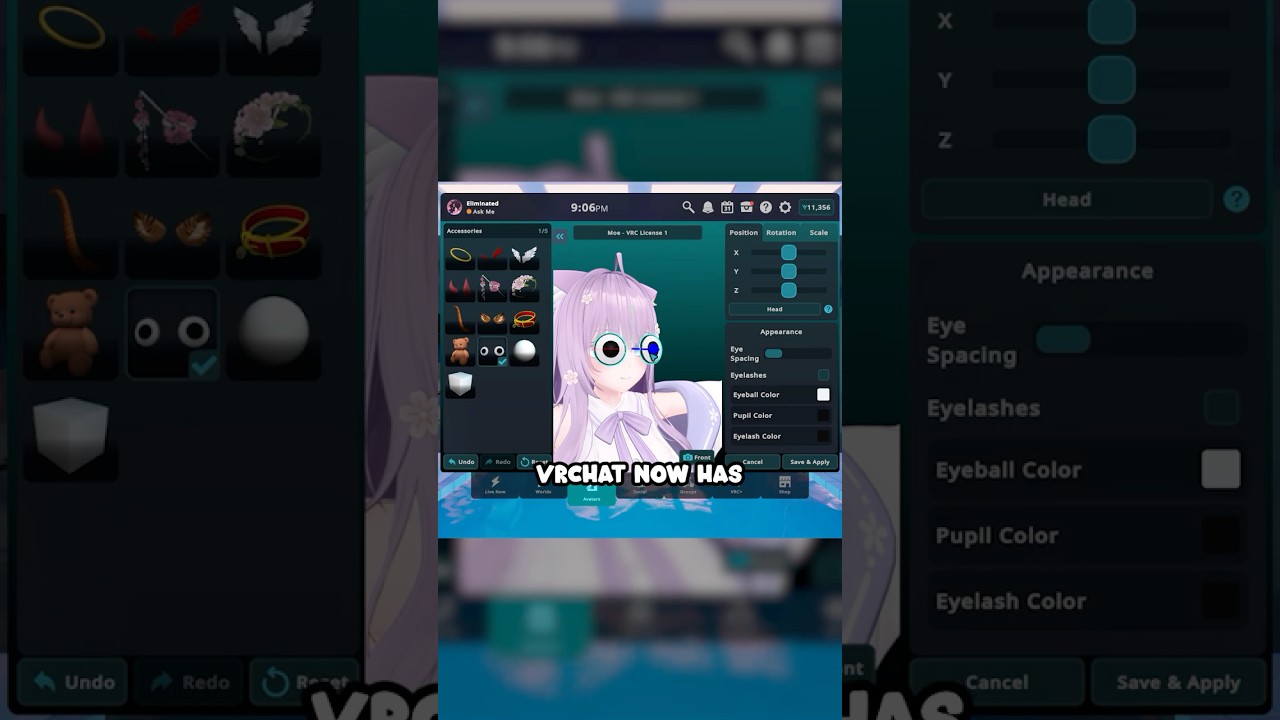

Specialized in vintage and classic cameras․ Also comes with a darkroomǃ
fast pilot
<@&1136084889838555186>
hey guys who wants to go to space (in the shop). you can buy a black hole. a literal black hole. just don't call the pulsar a quasar or something else or tupper will get mad and yell at me about physics

help im stuck in a black hole
VRChat - https://vrchat.com
Bluesky - https://bsky.app/profile/vrchat.com
Twitter/X - https://twitter.com/VRChat
Discord - https://discord.gg/vrchat
TikTok - https://www.tiktok.com/@vrchat
VRChat Ask Forums - http://ask.vrchat.com/
#vrchat
fast pilot
<@&1136084889838555186>
No time to explain, take this live patch!
Well, okay, a little time to explain. It's 2026.2.1p3, build 1838.
Changes & Fixes
- Fixed a bug that caused issues traveling and loading content for users that had "Random Warp Effect" selected without owning any.
- The "Advanced 3P Options" section in Settings is no longer missing while using Oculus PC Desktop.
minor junco
<@&1299138636570431550>
NO STREAM THIS FRIDAY, we're busy!
See you next time!
https://discord.com/events/189511567539306508/1390800353846624276/1504951507353600000
fast pilot
<@&1141877867882492047>
hey it's a DEV UPDATE. we've got BOX COLLIDERS or something. also, pi talks about audio a lot.

VRChat Ask Forum
Welcome to the Developer Update for May 21, 2026. Today’s featured world is Cozy Calm by ~Sam. Announcements SPACE Last we we released the Cosmic Journey Shop Update! Do you want to jump into VRChat from a black hole? You now can! You can do some other cool things, too. Watch the video! Grab the bundle! Pride Month is Com...

A warm inviting home with plenty of comfortable spots set in a rainy neighborhood․ Complete with Mirrors‚ video Player‚ pens‚ coffee and gamesǃ
agile gate
<@&1299138636570431550>
We're LIVE! It's been a while...
Come hang out with us on Twitch!
Stream starts at <t:1779483600:t> . We'll explore worlds until <t:1779487200:t> , then do 30 minutes of Q&A!
If you have questions, please make sure you post them in the Stream chat and tag @GhostFromVRC.
Watchalong Group: https://vrc.group/VRCSTR.0000
 static oasis
If you are having problems with the client (see everyone in floor, taking forever to load, namtags/portals don't work, etc), we are looking into it right now. We apologize for the invonvienence.
Everything should be fixed and back to normal now
static oasis
Quick tip for Discord - If you want to match your Discord name to in game name right click on VRChat icon on left and click change nickname
static oasis
We have lost audio in the meetup. Looking into it
and it's back
still having audio issues. Looking into it. Please talk amongst yourselfs for next few minutes while we look into it (if you can hear/talk)
static oasis
If there is a large moderation issue going on in the app (troll raid), or VRChat is down, please @vrpill or <@&337696530112839711> so we can notice quickly. Without using these we might not notice your message right away
Also, if you need to post output logs to #user-support-old , please open windows explorer, and you can find them in C:\Users\vrpill\AppData\LocalLow\VRChat
Replace vrpill of course with whatever your PC name is. The file is called vrchat;output_log.txt .
You do not have to exit VRChat to grab an output log.
static oasis
5.6 beta will not be releasing until Tuesday
static oasis
VRChat world tour is instead of the Sunday Meetup. The calendar has been updated and it will run from 12pm PST to 5:30pm PST. https://vrchat.com/calendar
static oasis
Town Hall & 5.6 release are still in a holding pattern. We are waiting until we release 5.6 to do our Town Hall, so we will have to hold out any times for the Town Hall until 5.6 is released. As Graham stated yesterday, it's extremely important to us that the major bugs are ironed out with 5.6 before we release it to the public.
Please check the #announcements channel here as we have more information on when 5.6 will be hitting along with the Town Hall.
Thanks for your patience!
static oasis
Just a reminder that we are NOT releasing a date for when 5.6 will come out. When it's ready it's ready. Fixing all the critical bugs are of upmost priority to us so that the community experiences a smooth release. We have our guys working around the clock to make that happen. We will do our best to give room creators a heads up prior to it's release.
If anyone asks in other channels please refer them to this announcement. Thanks!
static oasis
If you are having problems getting into vrchat, it's because Photon is down. We apologize and will let you know as soon as it's back up
static oasis
Photon is back up and we're back to normal again!
static oasis
Let’s Dance! The 5.6 Update is here! - http://steamcommunity.com/games/vrchat/announcements/detail/1451703867053168479
Full patch notes at - https://vrchat.com/release
static oasis
@here Attention #337682383828680706, #337677641211707395 , #337674630758268940 , #337681764140974092 ! The following channels will all be rolled into #general-media for further discussion over the next few hours.
I'll be opening up a new channel called #353285911322034177 where people can advertise their own Discord group.
static oasis
Good morning! Tomorrow (9/5) from 3pm to 4:30pm PST will be a VRChat Town Hall about Scripting with Graham, Jesse, and Ron. If you plan on scripting you don't want to miss this one!
static oasis
Good morning! Reminder that today from 3pm to 4:30pm PST (About 12 hours from time of this post) is the VRChat Town Hall on scripting with Graham, Jesse, and Ron
static oasis
@here Town Hall in 3.5 hours from time of this post. You can start posting questions related to Playmaker and Scripting in #vrchat-town-hall channel I just setup.
static oasis
#event-system-sdk2 channel is now open as we get closer to playmaker beta. Discuss all things scripting there
static oasis
Town Hall on Scripting is in less than an hour. Town Hall room (thanks @red hawk !) is now open. We will be streaming this to periscope and I'll link it here in announcements when the stream starts
 static oasis
I just put up a Canny feature request for searchable YouTube walls. If this is something you want to see enabled in VRChat, please upvote on the canny link I provided. Also comment if you want to see Twitch and Periscope compatability in the future. https://vrchat.canny.io/feature-requests/p/enable-videosync-to-search-youtube-from-within-vr
static oasis
@here if you are experiencing infinite reload with the Hub, we are aware and looking into the issue right now. Thanks for your patience!
If you want an immediate workaround, please click this link to directly join avatar testing. Keep in mind joining the hub again will result in the same issue until it's fixed.
https://vrchat.net/launch?worldId=wrld_8ef393c0-a985-4d7e-90f0-33ab10d41ee3&ref=vrchat.com

Avatar Testing!
Can everyone @here please go into the avatar world linked above then enter hub instance #2?
Everything seems to be fixed now. All back to normal. Thanks for your patience
Looks like the problem has appeared again. We are still looking into it.
static oasis
Hey guys. Opened a new channel #vrchat-videos
static oasis
@here if you are experiencing infinite reload with the Hub, we are aware and looking into the issue right now. Thanks for your patience!
If you want an immediate workaround, please click this link to directly join avatar testing. Keep in mind joining the hub again will result in the same issue until it's fixed.
https://vrchat.net/launch?worldId=wrld_8ef393c0-a985-4d7e-90f0-33ab10d41ee3&ref=vrchat.com
Avatar Testing!
static oasis
Thanks for your patience. The hub is fixed now.
static oasis
Hey everyone! We're opening a closed beta to experiment with Playmaker visual scripting and Unity C# scripting in VRChat. We're looking for a few builders with experience, time and interesting ideas to participate in this early beta. These beta builders will work closely with the VRChat team to develop their ideas, find issues and give feedback. Likely, the beta will last 30 days. Beta builders will likely have to submit source for their projects to be reviewed by the VRChat team.
Please fill out the form below if interested.

Google Docs
We're opening a closed beta to experiment with Playmaker visual scripting and Unity C# scripting in VRChat. We're looking for a few builders with experience, time and interesting ideas to participate in this early beta. These beta builders will work closely with the VRChat team to develop their ideas, find issues and give feedback. Likely, the beta will last 30 days. Beta builders will likely have to submit source for their projects to be reviewed by the VRChat team.
static oasis
@here if you are experiencing infinite reload with the Hub, we are aware and looking into the issue right now. Thanks for your patience!
If you want an immediate workaround, please click this link to directly join avatar testing. Keep in mind joining the hub again will result in the same issue until it's fixed.
https://vrchat.net/launch?worldId=wrld_8ef393c0-a985-4d7e-90f0-33ab10d41ee3&ref=vrchat.com
Avatar Testing!
static oasis
Good evening all! VRPill will be out of the virtual office from tomorrow (Thursday 9/14) and returning Monday (9/18). If you need a room public, help with an event, moderation incident etc please reach out to @granite yew during this time. Thanks and see you when I get back!
static oasis

Proud to announce our first official world design contest. Chance to win an @htcvive and more! https://t.co/vvetrr5oPw
 Twitter
static oasis
Twitter
static oasis
#3d-printing is now open. Managed by @vivid drift
static oasis
Hey guys. If you see or hear of any pedophilia activity OR anyone running around calling people pedophiles please let us know ASAP. Do an <@&337696530112839711> , send a direct message to VRPill or Gunter, post in #337678423352672268 .
Both genuine incidents of pedophilia and trolling with calling people pedophiles are of upmost concern to us and something we take very seriously here at VRChat. With that said, please be aware that when you are in the Hub it is a public space, and someone running by hearing bits of conversations can be misconstrued.
Either way golden rule any hint of this get a moderator involved ASAP. Thanks
static oasis
Have questions in VRChat like "How do I make custom avatar" and more? Ask in our readme.io question board (or search there once we get LOTS of questions answered)
static oasis
Reminder that VRPill will be out Thursday, Friday, Saturday and possibly Sunday. Also the dev meetup has been cancelled this week and will resume next Saturday.
If you have inquiries please direct them to Gunter.
static oasis
European Meetup tomorrow is cancelled and will resume again next weekend
static oasis
Hello everyone! I am back after my 4 days off. Already took a look at some new rooms and avatars. Very cool stuff!
I want to remind everyone regarding PM's (per #rules)
You should only be sending a direct message to Gunter or VRPill on the team and for the following reasons:
- I need to make a world public.
- There is an imminent moderation emergency that is putting myself at severe personal risk or harassment, emphasis on the severe.
- I have an event that I would like to add to the calendar or edit an event’s details.
- VRPill or Gunter have reached out to you already about something else in a direct message or asked you to reach out to them, and your message is in relation to that.
Also please remember #337678423352672268 is only for reporting incidents. Please do not mention names in that channel, and please do not have discussions in that channel.
static oasis
@here
New patch! (VRCHAT 0.12.0p1) http://steamcommunity.com/gid/103582791457096143/announcements/detail/1467469635876316285
Full release notes can be found at https://vrchat.com/release

VRChat
static oasis
New SDK is live on https://www.vrchat.com

VRChat lets you create, publish, and explore virtual worlds with other people from around the world.
static oasis
Hey guys! Our servers are experiencing issues at the moment. We are looking into it. Thanks for your patience!
static oasis
Servers are back up
static oasis
Hey everyone! We have a new channel up (read only) called #vrchat-guides . It contains tutorial videos we made for VRChat, which will be added in the future to an in app tutorial room
static oasis
Hey guys I am back! Connect 4 was a great time and look forward to seeing what the community has come up with this past few days. Looks like we hit an all time high with 210 users in last night! I'll be looking through Discord PMs now
static oasis
We have replaced #moderation with #moderation-reports . You can click on the google form link within the channel to file a moderation report. This channel is read only. Moderation reports will not be responded to but will be reviewed by our moderation team. Videos are extremely helpful in reviewing these reports.
static oasis
@here Hey guys! You might have noticed recently the long loading times getting into the hub. This is a bug that we are actively working on fixing.
Until this bug is fixed, in order to alleviate these loading times, we are removing the ability to drop portals in the hub. You can still use the world menu in the meantime to go to other rooms and drop portals in other rooms.
This is only temporary until we patch a fix for the long hitching / load times upon entering the hub.
 weary cloak
I'm actually working on the fix right now but I might not complete it tonight PST time so may do around 10am PST Wed morning.
weary cloak
Ok. Looks like turning on "Forbid User Portals" in VRCWorld also removes the static portals (bug) So we'll need to add to next week's patch. I may place down more spawns in the hub today to reduce or prevent user portals temporarily. That will help alleviate the hitch.
static oasis
Hey guys. Reminder I'm off today and tomorrow. If you need anything message @granite yew
static oasis
Just opened #vrchat-support channel. It's read only but has a very important link to https://docs.vrchat.com/discuss. If you need support, post your questions there.
static oasis
Hey guys. Quick maintenance is happening right now to deal with increased users as the day goes on. It shouldn't affect your ability to get in, but you may experience some slowdown until maintenance is over.
weary cloak
@here
New patch! (VRChat 0.12.0p2)
http://steamcommunity.com/games/vrchat/announcements/detail/1458464431504372342
Full release notes can be found at https://vrchat.com/release
New SDK is live on https://www.vrchat.com/
VRChat lets you create, publish, and explore virtual worlds with other people from around the world.
weary cloak
@here SERVERS are down TEMPORARILY for an unexpected FIX please stand by
static oasis
@here we are back in action. servers back up
static oasis
Via @lusty mason
I mentioned this in the #user-support-old channel, servers are having some issues currently, this currently includes long delays in any uploaded content and lag with in game notifications
I'm trying to keep an eye on it to see if it improves but it seems it will need a more indepth look by our backend team when they can
static oasis
Update: Everything should be much smoother for now with servers. We'll do a full check on the situation this Monday so still expect some delays on uploading content.
static oasis
@here Halloween event starts 15 minutes from time of this post. The room soft limit is 20 people. You will have all the contest avatars plus other submitted avatars to change into (if you want) in there. I'll be going through the different instances. At 3:40pm PST (55 minutes from time of this post), I'll be going to each instance announcing the winners.
We are going to do this event by designating a contest room every hour where people will hang out. Order is as follows:
You will not be able to see nametags in the Halloween rooms, but rest assured moderators can still see name tags, so we request you still abide by our community guidelines at https://vrchat.com/community
static oasis
@here The winners of the Halloween Contest are.............
Winning World: Jet Dog's Shadowed Halls
Runner up World: Marbolaide's Cocoon World
Winning Avatar: Demon Girl by Sven118
Runner up Avatar: Praying Mantis by Ragdoll Zombie
Thanks to everyone else for your hard work and let's have a great time tonight!!! Until our next contest... 😃
static oasis
The party continues starting 10pm PST with the Halloween rooms not in the contest
static oasis
@here Hey everyone! We are looking for immediate feedback on some moderation features we are working on. Sorry for the short timeframe but please fill out this form within 24 hours. We are experimenting with different feedback loops between the vrchat dev team and vrchat community. We appreciate your feedback regarding the moderation . https://docs.google.com/forms/d/e/1FAIpQLSfMfidit-pLWSnNKcae3GjbYA0DGk75ey7NkGriHrrpUdPA1w/viewform

Google Docs
In the long term, we have ideas for wide-ranging and more ambitious features, such as groups and user trust levels. We are currently working on allowing our moderators to ban users from public worlds (allowing them to still use VRChat), and displaying the reason for why a user was banned. There are also some smaller features that will help our users self-moderate. We'd like your feedback on what you feel is the most important. Please rate the following features.
weary cloak
@here the hub has been switched back from halloween to normal but I've kept some consumables and added some dice. I may add some more things if I get time this week. The new hub is being tested this week and should hopefully be showing up soon. Stay tuned!
static oasis
Hey guys! Just a reminder that VRPill (me) will be off today and Saturday. If you have any pressing issues, please contact Gunter.
weary cloak
@here The Dev team will be hanging out tonight in VRChat for a social hour from 4-5pm PST. The yellow [MOD] label will let you identify us. Hope to see you online! 😄
static oasis
Just another reminder that VRPill is off today. For any issues please message Gunter
static oasis
The first edition of VRC News, our bi-monthly community focused blog is out! #SocialVR https://t.co/iFOUpPVF2r
 Twitter
static oasis
Twitter
static oasis
Reminder that VRPill is off today and tomorrow. All issues please contact Gunter
static oasis
@here Upon loading VRChat now you may notice you are no longer in the old hub. That's because we have switched over to the new hub starting.... Now!
We want to thank everyone who gave feedback during our beta testing of this hub, as it was because of you that it got to this point 😃
static oasis
#vrchat-vrchive-panos is a new channel now open. Post cool panoramas in VRChat from https://vrchive.com/all/new/ on there.
To take a pano in app, open your quick menu, then select camera, then VRCHIVE Panorama. As soon as you hear the ding sound you can find your pano on VRCHIVE at https://vrchive.com/all/new/
static oasis
#shameless-self-promotion channel is now live: Channel description....
"
IMPORTANT - Make sure your self promotion is something related to VRChat.
Do you have a blog, YouTube channel, Twitter, Facebook group, Twitch channel, etc etc etc related to VRChat that you want to promote? This is the place to do it! Please promote once a week maximum
"
static oasis
Reminder that VRPill will be out Thursday and Friday. For those days if you need something please get in touch with @granite yew . Thanks and see you all on Saturday!
weary cloak
@here The entire VRChat Dev team will be in VRChat today from 4-5pm PST Anyone with a [MOD] next to their name is dev team. Find us and say hello!
 granite yew
@uneven fable @wispy echo @agile gate have launched VRCat, an unofficial community forum!
Want to find posts about tutorials? Discuss the latest events? Find infomation about worldbuilding or creating avatars? This is the place to go. https://vrcat.club/
@here

VRCat: Community-Run VRChat Forums
A fan-made community for VRChat.
static oasis
The new Hub steam announcement is up. It provides descriptions of everything that is new in the Hub. http://steamcommunity.com/games/vrchat/announcements/detail/2669934641508278902
static oasis
We have added an #faq channel to the Discord. Please review prior to reaching out to an Admin.
Starting Monday at 5am UTC all worlds will only be approved public via filling out https://goo.gl/forms/fvpseZxRRcXAF0sg1
@here

Google Docs
*** This form will be mandatory starting Monday 11/20/2017 at 5am UTC. ***
***** Requesting a world to be made public that is not your own will result in moderation action taken on your VRChat account and on our Discord. *****
This is a form for making worlds public. We approve worlds as public everyday at 2am UTC (use http://www.thetimezoneconverter.com/ to convert times). (excluding holidays)
We will not approve worlds as public via PM’s or emails. We also highly recommend putting a portal in your room and naming it “test” followed by your room name and assigning a separate world ID to it. This way users can still experience your updated content prior to our daily updates. If you have an avatar room with many avatars you can create avatar IDs as placeholders so that you do not have to keep making the room public every-time you add a new avatar.
Want to make your world private again? All you need to do is re-upload the world and it will turn to private. Please make sure to re-upload your world prior to the 2am UTC deadline.
We will not approve worlds that have content that violates our community guidelines, found at https://vrchat.com/community. We may also email you from an @vrchat.com email address to confirm your identity prior to making your world public the first time.
If you have any questions about the process please email hello@vrchat.com with your question. If you run an event or have a highly trafficked world in the app and need a world made public at a different time, please reach out to us via email at least 24 hours in advance.
static oasis
We have added 7pm UTC (everday except Thur/Fri) as another time worlds will be made public at the above google form.
static oasis
#vrchat-livestreams is now open. It's a channel to post your livestreams as they happen in VRChat. Please try and let people know when the livestream linked is finished.
static oasis
We are going to switch up featured worlds, some of the avatar portals, and featured avatar in the Hub today. We will now be changing these every week so we look forward to seeing what you guys come up with!
static oasis
Don't forget there are also Black Friday sales today on www.turbosquid.com (30% off select items) and www.cgtrader.com (up to 65% off select items) in addition to the one going on in the unity asset store https://www.assetstore.unity3d.com (up to 50% off select items)
static oasis
Just a reminder that the Steam award nominations are going on! If you feel so inclined, nominations can be made at http://store.steampowered.com/app/438100/VRChat/

Imagine a world where anything is possible. Join a game of capture the flag in outer space. Share stories around a campfire while roasting marshmallows, then moments later experience a retro game of bowling with an alien and robot. In VRChat ther...
Recommendations
675
static oasis
If you are experiencing server problems we are looking into it
static oasis
If you were experiencing issues due to "Bad Gateway", these issues should now be resolved. Thanks for your patience!
static oasis
#vrchat-inspiration is now open. Place for concept images, ideas and concepts for VRChat worlds and Avatars
static oasis
Reminder: Today is Cyber-monday. That means great sales on the following:
Unity Asset Store - https://www.assetstore.unity3d.com/en/
Turbosquid - https://www.turbosquid.com/
CGTrader - https://www.cgtrader.com/cybermonday
NoneCG - http://www.nonecg.com/
*** Some of these sales have less than 16 hours remaining from time of post! Happy shopping ***

CGTrader
Get assets with up to 65% off on CGTrader’s Cyber Monday Sale! Browse the extensive library of 3D models available in all industry formats & grab your deal now.
static oasis
@here Two new channels added:
#german - a place for our growing German community
#post-production - a place for Twitch Streamers / YouTubers to discuss making videos & more!
static oasis
Hi guys!
Some of you may be experiencing a "bad gateway" error when trying to get into VRChat.
We are investigating an issue affecting a lot of our users and many from Europe. We hope to have it back and working for those experiencing this issue soon. Thanks for your patience 😃
static oasis
Update: The issue above should be back to normal and fixed now. Thanks for your patience
Also, reminder that VRPill will be out today and tomorrow (Thursday & Friday). Please message @granite yew these two days for any issues.
static oasis
If you are getting a bad gateway, we are fixing it. Will update when fixed 😃
static oasis
Update: The issue above should be back to normal and fixed now. Thanks for your patience
static oasis
If you are getting an error "Could not log in", we apologize and are looking into the issue right now. We'll let you all know when it's fixed. https://i.imgur.com/vqVgB7z.png
 static oasis
^^ Above issue update - It's fixed now
static oasis
The VRChat Community is growing all over the world! To accomodate our Spanish speaking community, we have opened a #spanish channel on the Discord.
static oasis
We have brought back the #gaming channel. Talk about videogames there, both 2d and VR
static oasis
Hi everyone! We are aware that the servers are having issues and are working on it right now! We'll update as soon as things are fixed. Thanks.
static oasis
@here Servers are back up and running stronger than ever. Thanks for your patience and hope the withdrawal wasn't that bad! 😃
static oasis
Hey everyone!
As you may have noticed, we have had a huge surge in players over the last week. This was unexpected, and as we ramp up our servers, VRChat may be up and down for the next few days. We understand your frustration, but this is a good thing as well. This means once everything is set up, the experience will be even smoother for all of our users. We appreciate your patience as we work through this and we'll let you know once the entire process is complete.
Thanks,
The VRChat Team
@here
static oasis
Our new instagram is now live. Follow us at https://www.instagram.com/vrchatofficial/
We've also opened the #vrchat-instagram channel for sharing your pictures. All pics will be credited. Put filter preference if you have one and title if you want one along with your pic. Don't forget to turn off nametags with ctrl + n in VRChat before taking a picture.

0 Followers, 0 Following, 0 Posts - See Instagram photos and videos from Jason Pill (@vrchatofficial)
static oasis
Servers are down right now. We will update when they are back up in the #announcements channel (that's here). Working hard to fix
static oasis
~ Servers are back up ~
static oasis
#vrchat-fan-art channel is now up. Post all your cool fan art there. Fanart will be added to our instagram and credited to the creator.
static oasis
Hello VRChatters! We are currently experiencing issues with our servers and are looking into a fix.
@here
Swift fix! Servers are back online!
static oasis
Hello everyone. We have a new policy on reverse engineering our API & reverse engineering the APP and/or using hacked clients.
Regarding reverse engineering our API - Our stance here is don't be malicious. This is unsupported and it might break.
Regarding reverse engineering our APP or using hacked clients - reverse engineering the VRChat app is a violation of section 9 of our TOS and can lead to a permanent ban from the service.
static oasis
@here We are currently experiencing issues with the login server. We'll have an update shortly once fixed.
@here Servers are back up
static oasis
Hey everyone! Long overdue but split #avatars-2-general channel into 4 separate channels. There will still be #avatars-2-general for general discussion on how to bring in avatars through Unity but added 3 additional channels:
#avatar-rigging : Place to discuss rigging avatars
#animation : Place to discuss animation for avatars & worlds, including animation overrides
#3d-modeling : Place to discuss all things 3d modeling for Blender, Maya, C4D, 3DSMax etc
Please keep conversations in the appropriate channel from here on out. Hope this helps with the speed at which avatar discussion goes by in here!
static oasis
We've also just added an #avatars-mmd channel for all mmd related avatar discussion
static oasis
Patch is out!!! Read more here -> http://steamcommunity.com/games/vrchat/announcements/detail/2501052186921494602
If you find yourself increasingly lonely in VRChat this means you might need to update VRChat in Steam 😃
@here
static oasis
We're aware that Portals are often broken in very high traffic rooms, like hub, and are trying to find a hot fix. Thanks for your patience 😃
static oasis
We are also aware of some users experiencing problems with the spatial audio and are looking into a hot fix for that as well.
If you see a lot of people in a room, join and you are all alone, please make sure you have updated to today's patch. This is probably why this is happening.
 nimble sleet
@here we just pushed a hotfix for portals and framerate issues. The build # is 419. You can checkou the build # on your quick menu. Restart steam to grab the new update!
static oasis
Please do not ping admins for bugs reports.
Bug reports should be sent to the #user-support-old channel. You should also post your bug report to vrchat.canny.io
static oasis
@here The servers may be down for some. We are currently looking into the issue.
static oasis
@here Servers are back up
static oasis
Developer meetup is cancelled for tonight
static oasis
Hi everyone! While we work on adjusting events to our higher traffic, Dev Meetup, Sunday Meetup, and European Meetup will be cancelled until further notice. Thanks!
static oasis
I have just made the team aware of issues with the server being down. We are looking into it
@here
static oasis
@here servers are back up
static oasis
Our servers are currently down. Thanks for your patience while we quickly work on a fix.
@here
static oasis
@here Server issues have been fixed.
Might be around 10 minutes of slowness while servers catch back up
static oasis
Our servers are currently experiencing issues. Thanks for your patience while we quickly work on a fix.
@here
static oasis
Servers are going to be rocky until the morning. No ETA at this time.
static oasis
#392872967090208776 channel is now live for our growing Chinese community.
static oasis
Our servers are currently undergoing maintenance. We'll let you know shortly when it's finished.
static oasis
Reminder about Rule #20. Regarding petitions & protests: All questions and concerns should be emailed to feedback@vrchat.net. Any effort to organize a petition or protest on this Discord is forbidden.
If you find your posts getting deleted in the Discord this is a warning, and further action will result in a kick/ban from the Discord.
static oasis
@here
The VRChat community is something special. It lets people truly be themselves, without fear of judgement or hate, to connect with people from all cultures and mindsets.
Hatred and other behavior that negatively affect the VRChat community do not have a place here.
It is our policy to take action against individuals who engage in, or promote, this kind of behavior.
We have taken action on a select few accounts in light of recent events.
We are still in the early stages of this community and are excited to see where we go from here.
Thank you for your support.
- The VRChat Team
static oasis
Our servers are currently experiencing issues. Thanks for your patience while we quickly work on a fix.
@here
static oasis
Our servers are currently experiencing issues. Thanks for your patience while we quickly work on a fix. @here
static oasis
@here Check out VRChat Status at https://twitter.com/VRChat_Status?s=09
 static oasis
@here Just a week since we hit 2k, and we just hit 3,000 concurrent users. Thanks everyone for being such a fantastic community and happy holidays!
Also about to hit 4k online in the Discord and nearing 10k total Discord members
static oasis
@here Happy Holidays to everyone. Also we just hit 10,000 users on our Discord!
static oasis
Reminder as we get more users that there is a #moderation-reports form at https://docs.google.com/forms/d/e/1FAIpQLScy051RCaR0BRe8JPiWpfAgYlAf-VyunKVTm14Q4YMZPY3jDQ/viewform?usp=sf_link . If you catch an inappropriate avatar all we need is the name and we can look it up. Sam with inappropriate name.

Google Docs
Reports will not be responded to. They will be reviewed by the VRChat moderation team. Only unlisted YouTube videos or photos on imgur, tinypic, photobucket, flickr, google photos will be looked at. All videos need to be a minimum of 2 minutes and show context for the situation. Also need to show nametags of person reporting clearly.
static oasis
4,000 concurrent users! (I'm running out of catchy things to say at this point but yay!)
static oasis
Hey everyone!
For the new users who have joined us, we have community-run forums (VRcat - https://vrcat.club/ ) to offer slower, easier-to-follow conversation/discussion. On VRCat you can learn to create your own avatar, build worlds, see event listings, and interact with the VRChat community in a typical “forum” style.
Feel free to create a thread about your guides, tools you've created, avatars you've crafted, worlds you've created, or anything VRChat related!
VRCat: Community-Run VRChat Forums
A fan-made community for VRChat.
static oasis
@here Our servers are currently experiencing issues. Thanks for your patience while we quickly work on a fix.
static oasis

 static oasis
5,300 users online right now in VRChat and growing! Next stop 10k ~ Overwhelming community support over the holidays. #VRChat #VR #SocialVR #ReadyPlayerOne #rpo @htcvive
Twitter
static oasis
@here Let's get this party started! The best New Years celebration is happening in VRChat. Happy New Years everyone! We worked hard to bring you the first ever VR Times Square ~
Join us #NewYearsEve all day long as we celebrate in #VR #TimesSquare . @UploadVR @RtoVR @Polygon @nytimes @nypost @WSJ @NYDailyNews @Newsday #ReadyPlayerOne #RPO
Twitter
static oasis
Our Times Square New Years World has a live Twitter Feed. Tweet @vrchatnet and if we retweet it, your tweet and picture could be in Virtual Times Square!!! Don't forget to use #vrchat , #NYE2017 , #NewYearsEve2017 & #TimesSquare hashtags. Let's make this trending! 😃 .
static oasis

Virtually Celebrate New Year's Eve in Every Timezone with the 'VRChat' Community https://t.co/zqMNWU4syZ @VRChatNet @htcvive @AGraylin @obriend17
 Twitter
static oasis
Twitter
static oasis
@here The Great Pug has been updated for New Years. Thanks @supple condor ! If you are experiencing bad performance in this room, it's because there are people on both old and new versions of the room. You will need to go to a fresh new instance so you don't have performance issues.
static oasis
@deadmau5 closed #NewYearsEve2017 with a #rickAndMorty surprise on the NYE Mau5 Cube, powered by #VRChat @JustinRoiland https://t.co/KzOCpljPvs
Twitter
static oasis
@here as promised, power level 9,000!!! We've reached 9,000 concurrent users. Feel free to cringe now at the statement 😉
static oasis
 static oasis

Hi folks! We are still looking into the server issues. We should have things running smoothly soon. Thanks for your patience.
Twitter
static oasis
EDIT: Thanks for all the responses. The form has now closed
Hi everyone! First wanted to give a quick update on the servers. We are working hard to get them back to optimal level today. We'll have an update on that when everything is looking good.
Second, doing a poll that will close in 1 hour. The community is putting a new header image on the VRChat subreddit that will include the faces of the most famous personalities. Please enter your top 3 and submit. Again, form will close in 1 hour from now.
static oasis
Our new SDK is out. Download at https://www.vrchat.com
VRChat lets you create, publish, and explore virtual worlds with other people from around the world.
We also have an an update tomorrow morning and you will need to verify your email in order to login (if they are not using steam)
static oasis
@here Patch 0.12.0p4 now LIVE on Steam http://steamcommunity.com/games/vrchat/announcements/detail/1596955106525339059
static oasis
Currently investigating reports of server downtime. @VRChatNet #VRChat
Twitter
static oasis

Servers are a go. All issues have been fixed. Runway is all clear! @VRChat_Status #VRChat https://t.co/qMMZMKqUyF
Twitter
static oasis
Everything's back up and running again. @VRChat_Status #VRChat
Twitter
static oasis
@here notifications are likely going to be down for the rest of the day. This will affect friends requests, invites to new rooms, etc. We are busy working on a solution to this. https://twitter.com/VRChat_Status/status/950072541208555520
There is a current issue with in game notifications, including friend requests and invites in VRChat. We are working on fixing, but the system will most likely be down for the rest of the day. We apologize for the inconvenience. @VRChatNet #VRChat
Twitter
static oasis
Going forward we will not allow links to other Discord servers in the VRChat Discord. The #related channel has been removed effective immediately.
agile gate
@here Guys, we just un-jammed the pipes for various things like friend notifications, email verifications, password changes, and the like. If you've tried to do any of these things in the past 24 hours, do it again. But please be gentle.
Oh, and sorry about the notification. 
agile gate
@here Okay, same song and dance as before. Servers are angry and we're attempting to calm them. I don't have an ETA for you just yet, so please be patient.
To be clear, many services related to VRChat are in a degraded state at the moment. Content uploads (avatars, worlds) is not working right now. The website is slow as well. Again, please be patient-- we are aware and are working the problem!

agile gate
@here Hey guys, there's a small patch out for VRChat! 0.12.0p5 has some fixes for stability that will help us with server issues. Please note that this is NOT going to be an immediate fix, but it will help us sort through our issues. Please have patience! Trust me, the devs are burning HARD to get this stuff working for all 20,000+ of you. 
Please exit VRChat, restart Steam, and the update should be queued.

agile gate
Hi guys, I won't ping this time. Keep an eye on #server-status and https://twitter.com/VRChat_Status for the latest info on VRChat server status.
 static oasis
Looks like we hit the discord cap of 10,000 active online members again. We have contacting Discord about this and are waiting for the cap to be raised.
agile gate
@here Good news, everyone! Servers are spinning back up! Thanks for being so patient. 
static oasis
@here An open letter to our community - https://medium.com/@vrchat/an-open-letter-to-our-community-1b7aa5d9026f
 agile gate
@here If you're thinking that the servers are having some issues, you're right! Logging in and connecting to VRChat is currently degraded. We're on it, guys. 
agile gate
If you're getting a message that your login is "Forbidden", you are not banned! This is a server issue! Please be patient 
agile gate
@here Servers are starting to stabilize. Thanks for being patient! 
By the way, if you don't want to get pings for this channel, you can adjust your notification settings for this server to ignore all at-here or at-everyone mentions. 
agile gate
@here Hi all! Things are looking great today. Thanks for the patience over the past few days.
I'm making this announcement because we're changing the way you get support from VRChat. Before, many issues were handled through the same site we handled our documentation (http://docs.vrchat.com/). We also handle our Feedback at our Canny (https://vrchat.canny.io/). The old support forums have been retired in favor of a new ticketing system, which you use by emailing us at the same email addresses we've been using the whole time!
As a reminder:
General requests and questions - hello@vrchat.com
Support requests, crashes, technical issues - support@vrchat.com
Moderation questions - moderation@vrchat.com
These email addresses will be the primary channels for you to get support with VRChat! Thanks, guys!
agile gate
@here Another day, another patch! We're pushing VRChat 0.12.0p6 right now! Once your friendly neighborhood Steam datacenter has the files, you'll automatically update. If you want to force a check, the best way to do it is to restart Steam.
You can see our release notes here: https://vrchat.com/release
Thanks, everyone! 
static oasis
We're looking into reports of users unable to login. Please be patient, we're on it! @here
We're looking into reports of users unable to login. Please be patient, we're on it! @VRChatNet #VRChat
Twitter
agile gate
@here Hi all! We're aware of some significant issues with the servers right now, and we're working on it. Please be patient. 😄
Additionally, there's a new version up on Steam. Make sure you restart Steam to get the latest build. The current latest build is 458, which you can see at the bottom of your Menu (it says "Build 458"). Changelogs are pending!
agile gate
@here Guess what, another announcement. But this time, its because we just hit 20,000 users online in VRChat! 
agile gate
@here New patch! All this amazing growth means we get to iterate that much faster. Make sure you restart Steam to get the latest build. The build number is 461, which you can check at the bottom of your Menu. It should say "Build 461". Changelogs are going to be merged as we move forward, but we don't have any logs for you at this moment.
agile gate
@here Hi all, our systems are lagging behind a bit. You may experience trouble with email verifications and password resets-- as in, they won't work for the moment. I'll let you know as soon as this changes! Thanks for your patience.
agile gate
@here Yet another ! Our servers are having some issues with logins. We're aware and are working the problem. We appreciate your continued patience!
@everyone Hi, all. We're aware of a small set of users that are using tools to take avatars and wear them (as if they used an avatar pedestal) as well as modify their nameplates to potentially impersonate others. We are actively working on this issue and hope to have a resolution soon. As a reminder, modifying the client in any way is a lifetime ban offense, and a moderator will not hesitate to ban on report.
Additionally, please be aware that despite best efforts at security, it is often possible to rip a model from any game using software tools. If you upload content to VRChat, it is possible for a malicious user to rip this content from VRChat and reupload it as their own. Keep this in mind when uploading content to the app.
Thank you!
agile gate
@here Good morning/afternoon/evening/night! Just to let you know, if you're running an old SDK for uploading avatars/worlds, you need to update. The latest version is 2018.01.03.12.06 and you can get it here: https://vrchat.com/download/sdk
Make sure you delete your VRCSDK folder before importing the new package. If you need help importing the SDK, check out the docs: https://docs.vrchat.com/docs/setting-up-the-sdk
As a reminder, your first step in any "I can't upload!" troubleshooting should be updating your SDK.
Requirements We're going to need a couple things before we can get started, - Unity 5.6.3p1 - VRChat SDK ## Step 0 - Installing Unity This step is for anyone who hasn't installed unity, if you already h...
agile gate
@here Yep, servers are having some issues with logging in. Assume any and all issues right now (logging into VRChat, uploading content, etc) are related to this. Please be patient and I'll at-here again once we've plugged the servers back in. 
agile gate
@here Okay, we seem to be back on track. Logging in appears to be working once more. Sorry about the hiccup! 
agile gate
@here We're getting lots of reports of people having issues logging in. We're aware, and working on the problem. Please be patient while we track down these issues!
agile gate
@here New update is out! Make sure you restart Steam to get the latest version. The build number you're looking for to make sure you're patched is Build 469, which you can check by looking at the bottom of your menu.
This update and all updates this week are focused on upgrading servers and security systems. We ask for your patience while we roll these out. This patch also address some other improvements to overall system stability. We're working extra hard here for you all. More to come soon!
Until you do your update, you're not going to be able to see people on different builds in worlds you're in. So, please update! Thank you!
agile gate
I'm doing a non-pinging announcement just to keep this visible: We're aware of our issue with malicious users. However, please be aware-- you cannot be banned by these malicious users. If you get a fake ban message or ban warning, restart VRChat. You will be able to join worlds again as normal.
Please be patient as we continue with the changes as stated in the previous announcement post.
static oasis
@here Reports inbound of many people getting stuck in infinite loop, not being able to log in, and other issues with the server. We are investigating.
Also uploads appear to be down right now.
P.S. It's not a ddos. We are looking into it.
agile gate
@here SECURITY ALERT
We'd like to advise the entire community that using modified versions of VRChat obtained outside of our official distribution platforms may be installing malware on your computer. Secure locations to download VRChat are via our Steam page (https://store.steampowered.com/app/438100/VRChat/) and our website (https://vrchat.com). Also, as a reminder, users found using altered versions of the client will be permanently banned from our service. If you know of users using one of these clients, you may want to warn them of the risks.
Please be patient with us (and our response times!) while we continue to work hard on major updates to provide increased security, more reliable servers and an overall improved VRChat. A patch went out this week and we'll have another one out shortly.
We'd also like to thank our dedicated community for their feedback, detailed reports and other helpful efforts that go toward making VRChat a better experience for everyone. We do it all for you. ❤
Sincerely,
The VRChat Team
 static oasis
Hey guys!
There's a known issue right now with avatar pedestals and uploads. If your avatar pedestal or avatar is red or not uploaded properly, this is why. We will have more details on this in the near future.
For now, reuploading your avatar should fix this.
weary cloak
@here AVATAR WORLDS AND PEDESTALS
Major server updates to improve the quality and security of VRChat have caused exisiting avatars and pedestals to be temporarily disconnected and thus appear broken. We are aware of the issue and in the process of restoring them soon. Feel free to update or upload new avatars. Newly updated or uploaded avatars and their associated pedestals will work fine and not be affected by this process.
Well make another announcement when the process is complete.
Thanks for your patience while we perform all these updates. It'll help the future of VRChat be a much more reliable and smoother experience for all.
The VRChat Team
agile gate
@here Hi all! Short announcement regarding an ongoing issue I'm seeing-- if you don't see players in the worlds you join, we're aware! We're working on the problem and hope to have a fix out soon. In the meantime, try joining on your friends, or check out the Worlds menu to find populated worlds to join.
agile gate
@here Hi all, we're aware of some issues with server responsiveness, logins, and account creation. We're aware of the issue and are actively working on it. Apologies, and please be patient while we get this figured out.
agile gate
@here Okay, server responsiveness and logins appear to be smoothing out. Sorry about that!
agile gate
@here Hey guys, we've got a fresh update for you! 0.12.0p10 is rolling out right now. Please restart Steam to get the latest version. You'll know you're running the right version when you see Build 487 at the bottom of your menu in-app. If you don't update, you won't be able to see people on the latest build in the app.
Changelog: https://vrchat.com/release
Known Issues: Eye simulation (tracking) is not working, will be fixed in next patch
agile gate
@here We're aware of users having issues connecting to our services (website, application, uploading, etc). We appreciate your patience while we work on this problem!
agile gate
@here Things should be stabilized now. Thanks for your patience during this hiccup. 😄
static oasis
@here
VRChat Patch 0.12.0p11 is LIVE
This patch has ongoing server and security updates which should improve the overall experience for everyone in VRChat. We've also fixed some bugs and updated a few systems to improve usability. In addition, we've begun to lay the groundwork for future features and systems now in progress. We care about our awesome community and want to thank everyone for their help and patience. We look forward to some very exciting things coming soon.
The VRChat Team
RELEASE NOTES
-Eye simulation works again!
-Audio bug progress. Should be less frequent but if you encounter it please send us video or steps to reproduce.
-Fixed issue where certain pickups only could be picked up by master.
-Fixed issue where static portals didn't take users to the same instance.
-Local testing has been fixed (requires new SDK).
-Fixed issue where objects deleted caused performance drop.
-In the world details we now show 20 automatically selected instances of a world that are sorted to be more meaningful to users, instead of all instances of that world.
-Fixed bugs and updated the automatic instance selection where users were loading into an empty hub or other worlds.
Automatic instance selection is used in the following cases:
- when joining the HUB (or any room) on launch
- used to select the instance that appears in the upper left on the worlds menu
- used to pick the instance that a dynamic portal goes to
- used to pick the instance that a static portal goes to when someone walks through it
And finally...
-Due to security updates, you can no longer request invite from people in private instance. In the last patch for various reasons we deliberately and temporarily enabled a user to request an invite from anyone in an invite only instance. However, that meant invite only instances weren't truly controlled by the author/owner. We are aware that might be slightly confusing or frustrating. Going forward some systems, including instances and notifications, will be getting updates to improve VRChat travel and flow.
static oasis
New SDK is up. Download at https://vrchat.com/download/sdk
agile gate
Hi @everyone ,
With our latest patch (0.12.0p11) we made some changes to the way Invite instances work. We have been planning on adding new instance types, and to help our community we are pushing a new Invite instance type in an upcoming patch.
This is how Invite instances will now function:
Invite : These are very private. The owner must send out invites. Occupants can get notifications that people want in but have to tell* the owner to invite the user who wants in. *(this is done vocally-- or for those who don’t speak, through Discord, Steam, etc.)
Example: Tupper owns an Invite instance, and Ron is in the instance with him. VRPill wants to join the instance, and sends an invite request to Ron. Ron gets a notification without any ability to invite, and must tell Tupper that VRPill wants an invite. Tupper can send VRPill an invite, and VRPill can join.
Invite+ : Somewhat private. The owner and any occupant can accept invite requests to let people join.
Example: Tupper owns a Invite+ instance, and Ron is in the instance with him. VRPill wants to join the instance, and sends an invite request to Ron. Ron can click "Accept", and VRPill will be invited into the instance.
Please keep in mind that these systems may be changed and improved in future patches, but we hope that this will help our community use VRChat in the way that best suits their needs.
As stated in the beginning of this post, this feature will come out soon with our next patch.
As always, thank you for all of your patience and support!
agile gate
@here Welcome to VRChat 0.12.0p12! We’ve got a few changes and fixes.
Before we get started, just so you know, VRChat released on Steam one year ago as of yesterday! 🍰 🎊
On to the patch! Here’s a summary.
Invite and Invite+ Instances
We talked about this in an announcement a few days ago. This is how Invite instances will now function:
Invite : These are very private. The owner can accept invite requests and send out invites. Occupants can get notifications that people want in.
Example: Tupper owns an Invite instance, and Ron is in the instance with him. VRPill wants to join the instance, and sends an invite request to Ron. Ron gets a notification without any ability to invite, and must tell Tupper that VRPill wants an invite. Tupper can send VRPill an invite, and VRPill can join.
Invite+ : Somewhat private. The owner and any occupant can accept invite requests to let people join.
Example: Tupper owns a Invite+ instance, and Ron is in the instance with him. VRPill wants to join the instance, and sends an invite request to Ron. Ron can click "Accept", and VRPill will be invited into the instance.
Updates
- Friends list is now sorted alphabetically.
- User lists on the social page are now expandable.
- The small Red Arrows that allow expanding of rows in menus have been replaced with Expand and Collapse buttons to make that functionality more clear. Try it out in worlds, social or avatar menus.
- You can now join friends in Friend instances if the owner is also your friend.
Technical Changes/Fixes
- Object owner disagreement between clients has been fixed. This was causing pickups to fly around worlds.
- Fixed notifications showing up blank in some cases.
- The forced audio source falloff curve in the SDK has been fixed.
Please keep in mind that our systems may be changed and improved in future patches.
Close VRChat and restart Steam to get the latest update! Look for Build 507 at the bottom of your Quick Menu to ensure you’re on the right version. Also, make sure you update your SDK (new version coming very soon)! https://vrchat.com/home
As always, we thank you for your patience and continued support!
The VRChat Team
agile gate
@here We're aware of issues logging into VRChat. Please be patient while we fix things up!
agile gate
@here Servers seem to be behaving once more. Thanks for your patience!
If you find yourself in the "Old Hub", don't worry-- we're aware and checking that out. For now, enjoy the change in scenery!
static oasis
Reminder that we have a form for reporting moderation incidents in app. You can fill out this form at https://docs.google.com/forms/d/e/1FAIpQLScy051RCaR0BRe8JPiWpfAgYlAf-VyunKVTm14Q4YMZPY3jDQ/viewform?usp=sf_link
Also quick update on servers. We are still working on the issues. Sorry for the inconvienence if you are unable to get in.
Google Docs
Reports will not be responded to. They will be reviewed by the VRChat moderation team. Please just describe the incident and put names of people involves on the report. Pictures / Videos will not be looked into at this present time.
static oasis
@here We are are aware of community concerns with regards to security. We consider that a high priority and are working diligently to upgrade related systems. Also, as a reminder, using a modified client or a tool that modifies the client or any form of "cheat" tool is against the ToS and will result in a ban from VRChat. We actively monitor and enforce this. We will continue to take moderation action against accounts that violate the ToS.
Thanks for your patience while we continue to work towards making VRChat a safer environment for all.
agile gate
@everyone Just to assuage your worries-- offline friends are temporarily no longer being shown while we make some updates to the system. You haven't lost your friends, they just won't show on your list if they're offline (they also won't show in searches). Please be patient while we rework some of our systems!
agile gate
@here Just so you're aware, we're getting reports of users having problems creating accounts, verifying accounts, and other VRChat server-related goodness. We've got our team on it right now. Apologies, and thank you for your continued patience!
agile gate
@everyone Hi! Welcome to VRChat 0.12.0p13. Here, have some release notes.
Restart Steam to force the download of the latest client. The current build number is Build 522.
CLIENT
CHANGES
-
Avatar Pedestals save between sessions - Any avatar selected from a pedestal will now stay as your current avatar until you select another one from the menu or another pedestal. Even if you exit VRChat and come back. This will be true as long as the creator of that avatar keeps that content public.
-
Panic Button - In the event that unwanted audio or visual spam occurs or that frame rate tanks you can now engage a “Panic Mode”. This mode will visually mute any avatars and audio mute any users who are not your friends.
- Desktop: both Shift keys AND ESC key
- Rift: both triggers OR both grips, AND both menu buttons (B/Y)
- Vive: both triggers OR both grips, AND both menu buttons
- Windows Mixed Reality and other VR controllers: both triggers OR both grips, AND both menu buttons
- XBox Controller: both triggers AND back AND menu buttons
- Once you enable Panic mode, you must disable it by unchecking options in the System menu:
- Mute Users by Default - All users except for your friends will be mic-muted until you friend them
- Block Avatars by Default - All users except for your friends will have their avatars blocked until you friend them
-
Avatar Public/Private Flag
- In the SDK, you can now set an avatar as public or private
- You can set this on upload, or toggle it on existing avatars
- Public is meant for use when you want to put your avatar on a pedestal
- Private will prevent other users from wearing that avatar (will show a lock when shown on pedestals)
-
New Rows in the Worlds menu
- In response to the community stating that high quality/fun worlds were being lost in the constant stream of new worlds, we have introduced two new rows in the Worlds menu:
- Community Spotlight - Worlds of high quality, interesting content, or fun games
- Avatar - Avatar worlds with lots of pedestals to choose from
- In response to the community stating that high quality/fun worlds were being lost in the constant stream of new worlds, we have introduced two new rows in the Worlds menu:
-
Avatar Audio - Avatar sound effects are now affected by the “SFX” slider in the System menu. In upcoming releases this will be getting its own audio slider in the menu.
-
Vive Movement/Gesture Changes
- The HTC Vive Wands now have a new movement system that allow you to walk and hold gestures while moving
- Select your gestures as normal, however they will only hold as long as you hold your thumb on the touchpad. Center will give you the “closed hand” gesture.
- Pulling and holding Trigger will “save” that gesture to the trigger, allowing you to move while gesturing.
- Finally, you don’t need to hold down the touchpad button to move! Just tap it once to start moving, and tap it again to stop (or just lift your thumb from the pad)
- Any motion input, movement, turn or jump, requires you to release the pad and touch it again to trigger gestures. There is a slight delay the first time you touch the pad to give you time to click it for motion, to avoid accidentally triggering a gesture.
-
Keyboard Gesture Overrides
- You can now trigger gestures with keyboard!
- Hold down Left Shift and F1-F8 for left hand gestures.
- Hold down Right Shift and F1-F8 for right hand gestures.
- F1=open fist (relaxed), F2=closed fist
- F3-F8 are: LetGo, Point, Peace, RocknRoll, Gun, Thumbup
- Your arm is not animated by default, so these are mainly useful for animation overrides.
- You can now trigger gestures with keyboard!
-
General Gesture Changes
- There is no longer an “Empty” gesture, this is the Fist at full open. This should allow the full range of motion of the analog value.
FIXES
- Issues with audio spatialization failing when users with audio clips on their avatar load/play audio have been resolved. Yes, you read that right-- the audio bug is dead.
- Hip tracking using a single Vive Tracker has been fixed
- Offline friends will now appear when you expand that section
- Issues with friends “disappearing” off friends lists have been resolved
- VRChat cache size has been limited to 10GB
- Local Avatar override (change to default emergency button) was changed to Ctrl-\
SDK
You MUST download the new SDK. Using ANY older versions of the SDK will not work properly and will not be supported.
https://vrchat.com/download/sdk
When upgrading, make sure you exit Unity, delete the VRCSDK folder from your Assets in your project, relaunch Unity, and then reimport the new VRCSDK package. Do not import the new SDK over your old copy!!
CHANGES
- When you upload an avatar, you can now mark it as Private or Public (see Client section above)
- You can toggle the private/public status of an avatar in the Manage Uploaded Content window
FIXES
- Changed the default interact distance of various prefabs/components from 100 to 2 meters
- Security improvements
weary cloak
@everyone Hi. Aware of all the vive motion/gesture feedback. We'll look into making it an option to use old system. Meanwhile thanks for feedback and hang in there until we can get to it.
static oasis
We are currently looking into the reports of 401 errors in the app. Thanks.
agile gate
@here Hi! Welcome to VRChat 0.12.0p14. This is a quick, small patch to fix some outstanding bugs.
Restart Steam to force the download of the latest client. The current build number is Build 523.
CLIENT
FIXES
- Desktop override buttons will no longer trigger all other avatar's overrides locally.
- Fixed login issues
agile gate
@everyone Hi! Welcome to VRChat 0.12.0p15. This is another small patch meant to address further outstanding bugs. The current build number is 526. Have some release notes!
CLIENT
CHANGES
- Vive Movement Tweaks
- Pressing the trackpad down a second (or subsequent times) will no longer stop your movement. Lift your thumb from the pad to stop movement.
- Center deadzone is slightly larger to help with fist gesture
- New World Row
- When a world is graduated up to either the Avatar or Community Spotlight row it should no longer appear in the new world row.
FIXES
- Issues with failing to login with a “SendHMDAnalytics” or “TooManyRequests” message have been fixed
- Fixed Panic Mode hotkey on Xbox controllers, keyboard
- Avatars should no longer “squish” down into their seats over time when seated
- Various security and stability fixes
SDK
A new SDK will be uploaded within the next day or so (we're still cookin'), but here's some preliminary changes. You'll get another ping once we've uploaded it.
CHANGES
- Manage Uploaded Content window now:
- Shows the progress of how many items it has loaded
- Caches avatar/world images
FIXES
- No longer causes performance issues when Build Control Panel is open with avatars in the scene
I will also add that if you are having problems logging in where it appears as if your account is missing, please email us at support@vrchat.com with your VRChat username from the email address you registered under. We'll take care of you!
agile gate
@here As promised, the new SDK has been uploaded!
https://vrchat.com/download/sdk
The version you should be downloading is VRCSDK-2018.02.28.21.21_Public.unitypackage.
When upgrading, make sure you exit Unity, delete the VRCSDK folder from your Assets in your project, delete the VRCSDK.meta file, relaunch Unity, and then reimport the new VRCSDK package. Do not import the new SDK over your old copy!!
You MUST download the new SDK. Using ANY older versions of the SDK may not work properly and will not be supported. If you have problems with our SDK, do not use older versions-- contact us at support@vrchat.com so that we can help you sort out your problems.
agile gate
@here We're aware of some issues with logging into the application as well as uploading content. Please be patient, we're on it!
static oasis
We should be good to go again with those who were experiencing issues with login and server response times.
agile gate
@here We're tracking some issues with various server interactions (email verification, content uploading, etc) that might be causing the problems you guys are seeing. Please be patient, we're working on it!
agile gate
Servers appear to be behaving once again. If you're still having issues with uploading content, please check out #vrchat-support and follow the instructions under the SDK section.
static oasis
@here We are now aware of an issue with Oculus users logging into VRChat. The devs have been summoned and are investigating now.
The above incident looks like a widespread issue with Oculus. https://www.reddit.com/r/oculus/comments/82nuzi/cant_reach_oculus_runtime_service/
And an article to accompany the Reddit post above - https://www.neowin.net/news/every-oculus-rift-vr-headset-bricked-due-to-expired-certificate

reddit
Today Oculus decided to update and it never seemed to restart itself, now on manual start I'm getting the above error. Restarting machine and...

Neowin
There is nothing wrong with your computer. Do not attempt to adjust the picture. Oculus have failed to control the transmission by letting a certificate expire, as discovered by some unhappy users.
agile gate
@here Hi! Welcome to VRChat 0.12.0p16. The current build number is 532. This is a small patch intended to fix one single issue. To easily ensure you get the patch, restart Steam.
CLIENT
FIXES
- Fixed an issue where a world listed in Community Spotlight or Avatar rows in the Worlds tab would not show up in search
agile gate
@here Hi all, looks like Oculus finally fixed their issue. Follow the instructions here to repair your Oculus Rift HMD's software.
agile gate
@here We're aware that users are having problems logging in. We're on it! Please be patient while we sort this out.
agile gate
@here Servers should be behaving again. Sorry about that!
static oasis
Hey guys! Pill here with a PSA. I'm sure most of you are aware but it's not a good idea to use any site that asks for your VRChat login credentials other than our official website at www.vrchat.com. There are other sites out there now that are asking you to enter your VRChat username and password, and some may even look like our official website. These sites are not safe and are not endorsed by VRChat. Thanks!
agile gate
@here We're doing some work that might cause temporary login/connection issues. Shouldn't last too long!
agile gate
@everyone Been wondering what we've been up to? Take a look at the first VRChat Developer Update!
Community/Developer Support team member Tupper gives an update on what we have been working on and what to expect soon. 00:08 - Intro 00:59 - Safety 02:29 - ...
agile gate
@everyone Hello and welcome to VRChat 2018.1.1! Restart Steam to ensure you have the latest update. The latest build is Build 553, which you can check on the bottom left of your quick menu.
CLIENT
FEATURES
- Cameras
- Photo Camera (VR Only) - Access in the “Camera” menu. Take pictures with a handheld camera! Detach the lens for easy group shots, use a timer for easy setup, and use an arm extension for easy selfies! Images are saved in UserProfile/Pictures/VRChat.
- Timer - Sets a five second timer to count down before taking an image.
- Detach Lens - Lets the lens float in space, which allows you to move around while the camera remains stationary
- Extender - Extends the grab/hold range of the camera to two meters
- Stream Camera (VR Only) - Access in the “Camera” menu. While using a VR headset, use the Stream Camera to mirror the camera’s view to your desktop. Ideal for recording or streaming in third person!
- See Active Cameras - You can see all active cameras around you by opening your Quick Menu. All cameras by any user will be highlighted with a bright red column of light, and their viewpoint will be indicated by a red triangle.
- Photo Camera (VR Only) - Access in the “Camera” menu. Take pictures with a handheld camera! Detach the lens for easy group shots, use a timer for easy setup, and use an arm extension for easy selfies! Images are saved in UserProfile/Pictures/VRChat.
- Home
- VRChat Home - You will now spawn in the new VRChat Home when you launch. Explore the Help videos, some nice music, the latest Developer Update, and a few other fun toys. You can invite your friends to your Home!
- Set Home - You can set a custom Home world by accessing the World entry for a world, and selecting “Make Home”. Reset it back to the VRChat Home by selecting “Reset Home”
- Go Home - You now have a “Go Home” button on your quick menu which transports you to your set home world (default is VRChat Home)
- Vive Movement Toggle - You can now swap between the Advanced and Classic Vive movement system by choosing “Advanced Vive Movement” in the System menu. You will default to the Classic system on first login.
- High-Resolution Screenshot - Press Ctrl-F12 in Desktop mode to take a 4K screenshot. It will be saved to UserProfile/Pictures/VRChat. This may cause a little bit of lag, so be careful!
- You can now toggle the HUD and nameplates in your quick menu
- New audio slider in settings for audio sources on avatars
- General security improvements
- General server stability improvements
FIXES
- Fixed issue where logging out and then in again in-app resulted in infinite loop
- “Fist” gesture now releases in an analogue-like manner
- Particle systems are limited to reasonable levels (https://docs.vrchat.com/docs/avatar-particle-system-limits)
CHANGES
- Personal avatars are now shown above default avatars
KNOWN ISSUES
- Buttons on the camera can be difficult to select (hold the camera while you select buttons)
- Camera extender is difficult to grab (point your hand towards the camera to grab more easily)
- Nameplates above cameras are not toggleable
- If you have a camera held in your hand and disable the camera, it will prevent you from grabbing things with that hand. Disable the camera while it is not being held.
- If you have your "Mic Defaults On" setting unchecked, your microphone will be muted when you enter a new world.
SDK
The new SDK is available at our site!
https://vrchat.com/home
FEATURES
- Enable VRC_Pickup.Drop() to the SendRPC event type
- New VRC_IKFollower component for use with world space particles on avatars
- WorldID is removed from VRC_PipelineManager when the world is deleted from ContentManager
- Added Actions to the VRC_Trigger for making easier logic with Animators
AnimationIntAdd - Add a value to an Animator int parameter,
AnimationIntDivide - Divide an Animator int parameter by value,
AnimationIntMultiply - Multiply an Animator int parameter by value,
AnimationIntSubtract - Subtract a value from an Animator int parameter
FIXES
- Removed pre-attached world ids from example scenes
- AddDamage and AddHealth event types now work with players when VRC_CombatManager component is present in a world
CHANGES
- Removed popup when toggling privacy status on avatars in SDK
VRChat lets you create, publish, and explore virtual worlds with other people from around the world.
agile gate
The new SDK is now available for download! https://vrchat.com/home
VRChat lets you create, publish, and explore virtual worlds with other people from around the world.
agile gate
@everyone We're aware of users seeing UserIDs in your quick menu. This ID cannot be used to login without a password. Regardless, we are pushing a patch shortly to remove this information from your quick menu.
static oasis
Hi @everyone ! We just pushed a hotfix to yesterday's patch. Here's a list of some of the changes.
- While we work on some revisions, we are temporarily disabling the particle limiter. Thanks for those that gave us feedback on this!
- You might have noticed some new info at the bottom of the quick menu. This was not intended to be displayed and has been removed.
- Static portals now take you to instances with others as they should!
- Issues preventing a small amount of users from uploading with the SDK have been resolved.
Microphone
- No longer toggles off when entering a new world.
- Defaults on without toggle voice now working as expected.
agile gate
One more @everyone for good measure: Check this neat thing out. https://youtu.be/0D7kXvZWR1A
Also, don't forget to update your SDK to fix the uploading issue!
Community/Developer Support team member Tupper gives an update on the 2018.1.1 update. 0:23 VRChat Home 01:13 Cameras 02:48 Vive Controls 03:15 Additional Fe...
agile gate
@everyone Take a few minutes to read about one of the first components of the "Trust" systems: Content Gating! Going live right now.
https://medium.com/@vrchat/trust-systems-content-gating-9e501de487fa
As an aside, we should have a new SDK for you later on today. I'll make another announcement when it is ready for download!
Medium
Hello, VRChat! We’ve been working on some new “Trust” systems to help make VRChat a friendlier place. These systems will be used to help…
agile gate
@here New SDK is live! I won't give much of a changelog as the details are short: We fixed a handful of bugs with content uploading and updating.
Please note that Content Gating works no matter which SDK you use.
Download the new SDK here: https://vrchat.com/home
Upgrade guide:
- Close Unity.
- Find your Project folder with Windows Explorer, and find the Assets folder.
- Delete the VRCSDK folder, as well as the VRCSDK.meta file in the Assets folder.
- Go into Plugins (if you have that folder) and delete the VRCSDK folder, as well as the VRCSDK.meta file in the Plugins folder.
- Relaunch Unity, and then re-import the freshly-downloaded SDK. Do so by going to Assets, then Import Package, then Custom Package.
- Select the new SDK (you probably saved it in Downloads)
- Wait a moment, and click "Import" in the bottom left. If any files in the list are greyed out/unchecked, and you can't check them, you didn't delete everything you should have! Start over.
- Wait a minute as the SDK finishes importing.
VRChat lets you create, publish, and explore virtual worlds with other people from around the world.
agile gate
@everyone We're currently investigating reports of issues with uploading content to VRChat, sending notifications, and other server-related activities. Hold tight, we're on it!
agile gate
@everyone Hello! Welcome to VRChat 2018.1.2! Restart Steam to get the latest version! If you're updated, you should see 2018.1.2 in your System Menu in the top right.
Check out the patch notes here, in our Docs: https://docs.vrchat.com/docs/vrchat-201812
5/10/2018
agile gate
@everyone We're investigating reports of users having issues uploading, deleting, and switching avatars. Thanks for your patience, and I'll keep you up to date!
agile gate
@here We've just pushed 2018.1.2p1 up. Restart Steam to get the latest update.
This patch fixes an issue with uploading/deleting avatars, and handling avatars that won't load.
agile gate
@everyone We're aware of users having issues logging in, and we're working on it. Thank you again for your patience!
agile gate
To clarify, we are also seeing issues with uploading content and accessing content. In short, a lot of things aren't working right now, and if something you're trying to do isn't working, that's probably why!
agile gate
Servers are behaving once more. Thanks for your patience!
agile gate
@everyone Hey, look, we got this thing for you: Check out the third VRChat Developer Update! https://www.youtube.com/watch?v=ugRfCGFH708
Community/Developer Support team member Tupper gives an update on the 2018.1.2 update. 0:25 New Camera Features 02:31 Menu Rendering 02:53 Fixes and Small Ch...
agile gate
@everyone We've just pushed VRChat 2018.1.2p2! This patch fixes the issue with freezing/long loading time with some avatars.
Please note: If you do not update, you will not be able to see other users on the new patch (which is why I'm pinging). Please exit VRChat and restart Steam to force the download of the latest update. If you open your quick menu, the updated Build Number (at the bottom of the menu) is 559.
Thank you!
agile gate
@here We're investigating reports of users having issues logging in, uploading content, and accessing content. Thanks for your patience while we look into this!
agile gate
Seems like the servers are behaving once more. Thank you for your patience!
agile gate
Hey, look at this thing: #open-beta-info
agile gate
@everyone We've just pushed VRChat 2018.1.3! This patch includes a few new features, some fixes to the VideoSync panels, and other updates. Restart Steam to force a check for the new update.
Check out the patch notes here: https://docs.vrchat.com/docs/vrchat-201813
Please note: If you do not update, you will not be able to see other users on the new patch. Please exit VRChat and restart Steam to force the download of the latest update. If you open your quick menu, the updated Build Number (at the bottom of the menu) is 563.
May 29, 2018
agile gate
Hi all! You might've seen some notifications pop up regarding a "Feedback" system. You can safely ignore them (just press OK). This system isn't yet implemented and we're working on some support for it, and mistakenly flipped a switch that wasn't supposed to flip just yet. Look for more information about this system in upcoming notes and Dev Updates-- when it's done, of course!
agile gate
Hello everyone! We're open up for another round of Open Beta testing, the details and changelogs of which are available in #open-beta-info . Keep in mind that using this Open Beta will put you into a separate instance of the VRChat universe, so you can't really use it to hang out. However, feel free to test out the new features (especially with the SDK) and try to break stuff. Post in our Canny about stuff you like, stuff you dislike, and stuff you managed to break. Check out #open-beta-info for all the info, and #open-beta-discussion for chat about the Open Beta.
agile gate
@everyone If you're using a Steam account, you may encounter some issues logging in right now. Steam's login servers are down, which prevents Steam accounts from authenticating. Please be patient while Steam works on this issue and fixes it.
In the meantime, you can login using a VRChat account. If you haven't created one yet, create it at our site at https://vrchat.com, or within the app when you're logging in.
agile gate
Hello @everyone ! Today I come to you with a bit of a public service announcement regarding Account Security. Please take a few minutes to read our latest blog post.
agile gate
Hi @everyone ! We've just pushed VRChat 2018.2.1 live. The build number to check for in your Quick Menu is 567. Read about the changes here: https://docs.vrchat.com/docs/vrchat-201821
The new SDK is also live at https://vrchat.com/home ! Download it and give all the new trigger types (and the MIDI/OSC device support!) a try!
agile gate
Hello! I won't ping everyone this time (  ) but we'll be pushing a fix in the next hour or so that provides the following fix:
- Fixed a regression that broke AddDamage and AddHealth action on players
You'll know you're on the latest update when you see Build Number 568. You will not be able to see users that haven't updated yet. Users on 567 will have problems with rooms like Steel 'n Gold, CTF, and any rooms that utilize the AddDamage and AddHealth actions until they update.
agile gate
Okay, nevermind, I'm getting enough confused users that I need to ping. Hey, @here , we released an update earlier today-- if you don't update, you won't see everyone else! When you get a chance, shut down VRChat and restart Steam to get the latest build! The latest version is Build 568, as described above.
agile gate
Oh hey check out these sweet new emoji











These work best on Discord's Dark Theme. (Which you should be using anyways, don't burn out your eyeballs~)
agile gate
This announcement is for our AMD friends-- Guess what! AMD fixed their drivers to work with Cubed's Flat Lit Toon shader! Just install the latest driver (18.5.2) and you'll no longer have invisible people in VR with RX 4-500 series cards.
Support is very very glad that this issue is now in the past. 
agile gate
@everyone Check out our latest blog post on the future of building amazing new worlds in VRChat: the "Node Graph".
https://medium.com/@vrchat/vrchat-node-graph-playmaker-and-soon-1a958672688d
Medium
Hello, VRChat! Today we’d like to chat about a hot subject for our Community Creators — the integration of Playmaker. It is no secret we…
agile gate
Hello @everyone !
We have just released VRChat 2018.2.2 on Steam! Make sure you restart Steam to get the latest version as quickly as possible. If you are on the right version, you should see Build 570 in the bottom left of your quick menu.
Check out our release notes here: https://docs.vrchat.com/docs/vrchat-201822
Here's some highlights! See our full release notes for more information.
CLIENT
FEATURES
- We now support the use of the VRC_SyncVideoStream component for playing Twitch and YouTube Live streams!
- There is now a mouse sensitivity slider for Desktop users! Find it in the System menu
- The particle limiter has been re-implemented, but it is now an optional, beta system that a user must enable. See a guide and a video on the recommended limits and how to set your own limits in our docs. To reiterate, this system is not enabled by default and must be enabled by creating the configuration file.
CHANGES
- VRChat will now display the file size of worlds on the World's icon in the top left
- If VRChat detects that you are using an AMD card with drivers installed known to have issues with some community-created shaders, it will inform you that you need to update
SDK
FEATURES
- You now have access to the VRChat Home Kit! Check out our video and view more documentation about the Home Kit at our docs page: https://docs.vrchat.com
- Added the VRC_SyncVideoStream component
Make sure you grab the latest SDK, available at the VRChat webpage: https://vrchat.com/download/sdk
With this release, we are also releasing the VRChat Home Kit! Want to use the Home assets to build your own custom world? Grab the Home Kit asset package here! https://docs.vrchat.com/docs/vrchat-kits If you've never made a world before, no worries. Rocktopus has you covered with a comprehensive video on how to customize your own Home world, available at the Home Kits documentation page.
Client FEATURES - We now support the use of the VRC_SyncVideoStream component for playing Twitch and YouTube Live streams! See the documentation on this feature here. - There is now a mouse sensitivity slider for D...
- Home Kit - Unity Package with the assets you’ll need to customize and upload your own home.
Also, check out some information on the AMD bug and the new AMD drivers here: https://medium.com/@vrchat/custom-shaders-and-the-amd-bug-7f5c7c129404

Medium
Over time, users and the Community have become quite creative with custom shaders in VRChat.
agile gate
@everyone After a release and a blog post, let's close out the day with a Developer Update, hot off the presses! https://www.youtube.com/watch?v=sst9GZAZBDU
Make sure to watch, we've got some good news regarding that new system we announced last week...

Community Manager Tupper gives an update on the 2018.2.2 update. 0:30 Favorite & Recent Worlds 01:32 Sync Video Stream 02:43 VRChat Home Kit 03:42 VRChat SDK...
 reef coyote
@here We're investigating reports of users having issues logging in, uploading content, and accessing content. Thanks for your patience while we look into this!
agile gate
You probably noticed that our Terms of Service changed, and you got a pop-up when you logged in (or you will get one when you log in next). Here's a short list of changes. These notes are not comprehensive or technical, so we encourage you to read the Terms completely if you are interested in the changes.
- Updated Section 5 to cover Content Kits (like the Home Kit)
- Added Section 8.2 for Repeat DMCA Infringers
agile gate
@here We've become aware of some issues with your online friends list not being totally accurate at times. We're working on it, thanks for your patience!
agile gate
@here We are looking into reports of users having issues logging in and interacting with various VRChat services. Please be patient while we work on it! 🔨
agile gate
@here Seems like Steam is having some pretty major issues right now. This will affect users attempting to log in using Steam accounts, as well as new downloads of the VRChat client via Steam. Creating and using a VRChat account should still work fine. Keep an eye on Steam's status via https://steamstat.us

Steam Status
Displays status of Steam client, Steam store, Steam community, Dota 2, TF2 and CSGO
agile gate
@here We're aware of issues logging into VRChat and accessing VRChat service (like content upload). We're on it! We appreciate your patience while we sort things out.
agile gate
@here Looks like VRChat and related services are back up-and-running. Thanks for your patience!
agile gate
We're currently looking into issues with where new VRChat accounts fail to receive verification emails. As always, we appreciate your patience!
agile gate
@here We're currently working on issues with both new VRChat account verification emails and password reset emails. For the moment, you may not receive these. We'll keep you up to date and appreciate your patience while we solve this problem!
In short, please do not attempt to reset your password at this time-- you will not get the password reset email.
agile gate
@here Alrighty, emails for new account verification and password reset should be going out once more. If you've requested a password reset or a verification email in the last 24 hours and did not receive it, please go to https://vrchat.com/home and request a new email to be sent. Thanks for your patience!
static oasis
Hey everyone! Hope you are having a great summer so far. Quick PSA as a lot of people have been receiving a message on Discord about vrchatapp. They are in no way affiliated with vrchat and if you have any information regarding any discord handles they are using etc. please email moderation@vrchat.com. Thanks and have a great day!
agile gate
@here We're aware of some users experiencing issues retrieving friends lists and lists of online users. We're looking into it, and appreciate your patience as always
agile gate
@here Problems with your friends lists and online user lists should be resolved! Thanks for waiting! 
agile gate
@here We're aware of users experiencing issues getting your friends lists. We're looking into it!
agile gate
@here Seems like the friends list issue is clearing up. Thanks for your patience!
agile gate
@everyone VRChat has identified a security issue regarding Web Panels, and as a result, Web Panels have been disabled. Please see our blog post here for more details:
https://medium.com/@vrchat/security-update-web-panels-4699fa0be103
Medium
VRChat has identified a security issue regarding Web Panels, and as a result, Web Panels have been disabled. We are not aware of any…
static oasis
Watch the @DOTA2 International 2018 #TI8 live in #VirtualReality and choose from over 110 Dota 2 avatars. #VRChat @Dota2Major .
https://t.co/NCtZyI4KHM and join via vrchat://launch?ref=https://t.co/jXOTKq8OAR&id=wrld_56f52000-b464-492b-8a38-6fd260a7c6ce
 Twitter
Huge thanks to @reef coyote who worked hard to get this in with permission from Valve
agile gate
@everyone We have just released VRChat 2018.2.3 on Steam! Make sure you restart Steam to get the latest version as quickly as possible. If you are on the right version, you should see Build 620 in the bottom left of your quick menu.
Check out our release notes here: https://docs.vrchat.com/v2018.2.3/docs/vrchat-201823
If you're a creator, make sure you grab the latest SDK available here: https://vrchat.com/home/download
As an aside, we'd like to give our Open Beta testers a very special Thank You! Your reports, testing, and feedback were extremely valuable. If you'd like to help out with the next release, keep an eye on the #open-beta-info channel when it becomes available once more.
Client ### Features - You might have noticed that we've released a new Hub! Our art team has put a lot of hard work into it, and it was been designed as a meeting place for groups before you go out adventuring through the metaverse. Take some time to explore, put on a...
VRChat lets you create, publish, and explore virtual worlds with other people from around the world.
agile gate
@here VRChat has been updated to 2018.2.3p1 on Steam! Make sure you restart Steam to get the latest version immediately. If you're on the right version, you should see Build 621 in the bottom left of your quick menu.
This patch should address the red nameplates at spawn, black screens on world join, repeating voice on mic, and related issues.
Thank you to everyone who helped report this issue by submitting output logs!
agile gate
@here We're aware of some problems users are having trying to join instances or their friends and getting bounced back out to Public. We're looking into it! Thanks for your patience.
agile gate
@here Alrighty, looks like we've got it handled. Relaunch VRChat and you should be good.
Keep in mind that if you try to join on a friend who hasn't updated yet, you might still experience the "bounced to public" issue.
As always, thanks for your patience!
To be clear-- start a new instance! Old instances will still have the same problem as before.
agile gate
@here Okay, looks like it is fixed for real this time. You will have to join a new instance in order for the fix to work.
In other words, if you join on a friend and still get bounced to another Public instance, they are in an instance still affected by the bug and they should leave that instance.
static oasis
Good morning / Good afternoon / Good evening @everyone
We are currently investigating reports of user's receiving custom messages in game. If you receive a custom message and find your session unresponsive, please restart VRChat. Also if possible send us an email with the details to moderation@vrchat.com. Please provide any applicable information including pictures, videos, and output logs.
We also want to remind you that only official VRChat moderators are able to ban an account.
We appreciate your patience while we investigate this.
agile gate
@here We're looking into reports of users not being able to connect to VRChat services. We appreciate your patience while we work on this!
agile gate
@here Servers have stabilized and you should be able to get into VRChat. If you're still having problems, please check out #vrchat-support and send us an email after you have followed the instructions carefully. Thanks for your patience!
As a reminder, if you receive a custom warning message with text other than "A moderator has warned you... etc", it is a false message. If possible, please send us an email to moderation@vrchat.com with your output logs, screenshots, and videos (if possible). Only official VRChat moderators are able to ban an account.
granite yew
@everyone While our engineers have been busy hammering away at the app, I've been working on something a bit different: the VRChat Store is now live!
Many have asked where they can get their hands on some cool VRChat swag. As of today, we're excited to announce the launch of our new VRChat Store! This is where you can purchase all kinds of apparel including t-shirts, hoodies, and tank tops, along with accessories like coffee mugs and phone cases.
We've teamed up with the folks at Threadless to manage the full process for us so that we can stay focused on what matters most: our app and community.
We hope you enjoy grabbing up some goodies for yourself, friends and family. We can't wait to see our community sporting apparel from their favorite social app!
To visit the shop, go to our website at https://www.vrchat.com and click the Store link in the main menu. Threadless is currently offering a deal on free shipping, so go check it out! You can also click the following link to go directly to the store: https://vrchat.threadless.com/collections
Also click here to view the accompanying article on our medium blog post. https://medium.com/@vrchat/while-our-engineers-have-been-busy-hammering-away-at-the-app-gunter-has-been-working-on-something-1652c29d81a7
agile gate
@everyone We have just released VRChat 2018.3.1 on Steam! Make sure you restart Steam to get the latest version as quickly as possible. If you are on the right version, you should see Build 625 in the bottom left of your quick menu.
Check out our release notes here: https://docs.vrchat.com/v2018.3.1/docs/vrchat-201831
If you're a creator, make sure you grab the latest SDK available here: https://vrchat.com/home/download
August 28, 2018
VRChat lets you create, publish, and explore virtual worlds with other people from around the world.
static oasis
Hey @everyone ! Next week we will be officially announcing this year's Halloween 🦇 event. While we can't give official details yet, this is a heads up so you have time to get started on avatars and worlds. This year we are going to have many more smaller prizes 🏆 , so there will be opportunity for many to win! Stay tuned for a follow-up announcement next week.  . (Not /s really soon as in next week) 😉
agile gate
@everyone Security and Safety FYI: The only official VRChat sites are vrchat.com, vrchat.net, and vrchat.cloud. Never enter your login information into any other site or application. We do not have a mobile application at this time. Never enter your login information except into the VRChat application, VRChat SDK, or the official sites listed above.
If we add an additional domain name in the future, we will inform you via official channels.
As always, keep your password safe. Ensure your password is strong, that you don't use it anywhere else, and that you never share it with anyone. You can change your password at https://vrchat.com/home at any time.
Thanks!
agile gate
@everyone Some of you might have been seeing a new build being shown off on various streams last night and earlier today, featuring the Trust and Safety System. We've got a new blog post for you describing the system, how it works, and what it looks like. Check it out here:
https://medium.com/@vrchat/vrchat-safety-and-trust-system-4073f05ab602
On top of that, our Open Beta just went live with the next release of VRChat, v2018.3.2! This includes the Trust and Safety system along with some other fixes. Check out #open-beta-info to see how to log into the beta and provide feedback or report bugs. Please keep in mind that the Open Beta is not compatible with the current version of VRChat and you will not see people on the Live version of the app while in the Open Beta.
We are hopefully releasing v2018.3.2 next week, barring any major problems.
Thank you!
static oasis
@here Our annual Halloween contest, "Spookality", is live! https://medium.com/@vrchat/win-prizes-in-spookality-our-2018-halloween-contest-242b5ac9038
We have 30 prizes this year you can redeem for VRChat swag. $50 Threadless gift cards for best avatars (25 total) & $100 Threadless gift cards for best worlds (5 total).
Judges will be picked from the community. If you want to be a judge, fill out https://docs.google.com/forms/d/e/1FAIpQLSe1GTmMo5wOpyvpRj4QS5SfyP59PEKyfx2L1G5QmA1LriQE1g/viewform . Once judges are selected, you will be able to see fictional profiles for all of them on our Judges page.
If you are working on a world or avatar, the form for submission won't be live until October 22nd. You will be able to find that form on the blog starting then and on the official website at https://vrchat.com/spookality2018 (not too mobile friendly until monday)
Terms & Conditions can be found at https://www.vrchat.com/spookalityterms
Good luck!

Create a new survey on your own or with others at the same time. Choose from a variety of survey types and analyze results in Google Forms. Free from Google.
VRChat lets you create, publish, and explore virtual worlds with other people from around the world.
VRChat lets you create, publish, and explore virtual worlds with other people from around the world.
agile gate
@everyone We've got an update for you on the latest Open Beta feedback. There's some changes to the Trust and Safety System, as well as details on various other things we've been tweaking and working on. Check it out in our latest blog post!
https://medium.com/@vrchat/vrchat-safety-and-trust-system-changes-and-feedback-a3a9e54ec572

Medium
We released a blog post recently alongside our Open Beta push, showing off a new system we’ve been working on for quite some time. The…
agile gate
@here We've re-opened the Open Beta with the latest changes that we described in our last blog post. In addition, we've got a new blog post with a significant change to the way we handle Legacy animations.
Check out the Open Beta by checking out #open-beta-info !
Read more about the change to animations in our blog post here: https://medium.com/@vrchat/legacy-animations-update-5906df811183
Medium
Along with all of the features and changes coming with VRChat v2018.3.2, we are also making a change that may impact avatar creators and…
agile gate
Hello @everyone !
VRChat v2018.3.2, along with the Trust and Safety System is now LIVE!
Check out the patch notes here: https://docs.vrchat.com/v2018.3.2/docs/vrchat-201832
Read more about the Trust and Safety system here: https://docs.vrchat.com/v2018.3.2/docs/vrchat-safety-and-trust-system
In order for you to update as quickly as possible, close VRChat, restart Steam, and you should get the new update. Keep in mind that you will be unable to see users on older versions. In other words, tell your friends to update!
If you're a creator, make sure you download the latest SDK here: https://vrchat.com/home/download
October 2, 2018
The VRChat Trust and Safety system is a new extension of the currently-implemented VRChat Trust system. It is designed to keep users safe from nuisance users using things like screen-space shaders, loud sounds or microphones, visually noisy or malicious particle effects, and ...
VRChat lets you create, publish, and explore virtual worlds with other people from around the world.
agile gate
@everyone We're aware of the issues with full-body tracking, and are working on it as an immediate priority. We'll keep you up to date.
agile gate
Hello @everyone !
VRChat v2018.3.2p1 is now Live!
Check out the patch notes here: https://docs.vrchat.com/v2018.3.2/docs/vrchat-201832p1
Fixes
- Fixed an issue which caused full-body tracking not to initialize properly, preventing it from working locally or remotely
- Fixed an issue causing strange stretching/bending when crouching in desktop and looking up/down
- Fixed an issue causing other users' camera indicators not to appear when they have been spawned
- Fixed an issue causing stations (seats), portals, onTimer triggers, and various other components not to work properly in some cases
In order for you to update as quickly as possible, close VRChat, restart Steam, and you should get the new update. Check your Quick Menu for the build number to ensure you're updated. This version of VRChat is Build 636.
Client ### Fixes - Fixed an issue which caused full-body tracking not to initialize properly, preventing it from working locally or remotely - Fixed an issue causing strange stretching/bending when crouching in desktop and looking up/down - Fixed an issue causing other us...
static oasis
~ ~ Soft announcement time ~ ~
We have finished the random selection of the judges for this year's Spookality, our annual Halloween contest.
We have sent emails to the 13 chosen judges (from moderation@vrchat.com for added spookiness). The chosen judges will have until 11:59pm on Friday 10/12/2018 to respond accepting their role as judges.
The fictional chosen judges (pending acceptance) are:
DeadeyeMedic
MrScarry
Gin the Forsaken drunk
Count Eggacula
Kang
PC LOAD LETTER
Jack Squeekington
Yupilax
Artorias
MrB
Madame Von Wheeler
Hololanta
Bee
Editor's note: "The names of the judges are chosen fictional names. That probably explains why you don't know anyone on the list."
agile gate
@everyone Hello VRChat!
We've just released version 2018.3.3 on Steam! Make sure you restart Steam to get the latest version as quickly as possible. If you are on the right version, you should see Build 642 in the bottom of your quick menu.
Check out the release notes here:
https://docs.vrchat.com/docs/latest-release
Remember that you cannot see users on older versions, so if you are entering empty rooms, give people some time to update.
If you're a creator, make sure you grab the latest SDK available on VRChat Home:
https://vrchat.com/home/download
static oasis
If you are submitting a Halloween avatar world, please be sure to put "avatar" or "avatars" somewhere in the first few words of the title. Please also make sure that all the avatars in the world are Halloween themed.
agile gate
@everyone Let's chat about security for a moment!
You should always ensure that you are using unique, strong passwords for all online services, including VRChat.
Don't ever open links sent from random users, and never open EXE/SCR files from anyone, even if you trust them.
Additionally, do not import UnityPackages from sources you do not know or trust. These packages may contain code that executes when you import the package. This includes VRChat SDKs from download locations that are not the official VRChat sites.
Finally, do not enter your VRChat credentials into anything except the official app, our SDK (downloaded from our sites), or our official websites (vrchat.com, vrchat.net). Never enter your username/email and password anywhere else.
If you believe your account has been compromised, contact moderation@vrchat.com with "Account Compromised" in the title, with all details of the incident.
static oasis
@everyone
Spookality 2018 world & avatar submissions are open and LIVE until 10/24/2018 at 11:59 PST. Submit at https://goo.gl/forms/PSFhi8vEdOu88KfU2

Google Docs
Thanks for your participation in this year's Spookality 2018 Halloween Contest! Our 13 community judges and the entire VRChat community look forward to seeing your Halloween themed rooms and avatars.
Please fill out the short form below.
static oasis
This is the last day to submit your avatar / world for the Spookality Halloween 2018 contest. There's less than 24 hours remaining to send yours in. Don't miss out your chance at over $1500 in prizes. https://goo.gl/forms/PSFhi8vEdOu88KfU2
Google Docs
Thanks for your participation in this year's Spookality 2018 Halloween Contest! Our 13 community judges and the entire VRChat community look forward to seeing your Halloween themed rooms and avatars.
Please fill out the short form below.
static oasis
@here
IMPORTANT:
If you submitted an avatar for the Halloween contest please SET IT TO PUBLIC ASAP. Private avatars cannot be switched into, therefore cannot be judged and will be disqualified from the contest.
static oasis
@everyone
~ ~ ~ ~ Halloween Hub is now LIVE! ~ ~ ~ ~ Find in featured / halloween rows or join directly at https://vrchat.com/home/world/wrld_1338f8c2-bece-4b1d-96bb-d0182538fe0d
Don't miss your chance to vote for the community choice! While our 13 community judges are choosing 21 avatars and 4 worlds, the rest of the community gets to vote on their favorite world and 4 favorite avatars. Vote here -> http://tinyurl.com/spookalityform
Edit: We have stopped receiving responses for the contest and are currently reviewing results.
agile gate
@everyone We're aware of the current issues with connecting to VRChat or using our services (website, SDK, etc). We're working on it!
agile gate
@here Looks like our server issues have been resolved. Things like retrieving friend and avatar lists might be a touch slow for a bit as we warm back up, but you should be able to hop back in right now. Thanks for your patience!
Looks like I spoke too soon. You may experience issues with connecting to VRChat still. I won't ping again so I don't annoy people, but we're still on it!
agile gate
Alright, take two... things seem to have stabilized for now. Go play VRChat!
static oasis
Looks like Sketchfab is doing a VRChat Halloween avatar contest as well! Don't miss your chance to win more prizes. https://twitter.com/Sketchfab/status/1055081602559213571

Green hair, shark teeth and a sensible purse? Or no ears and purple skin? This week we challenge you to create a unique low poly VR Chat avatar. https://t.co/4ZPAKbPUT4
Twitter
static oasis
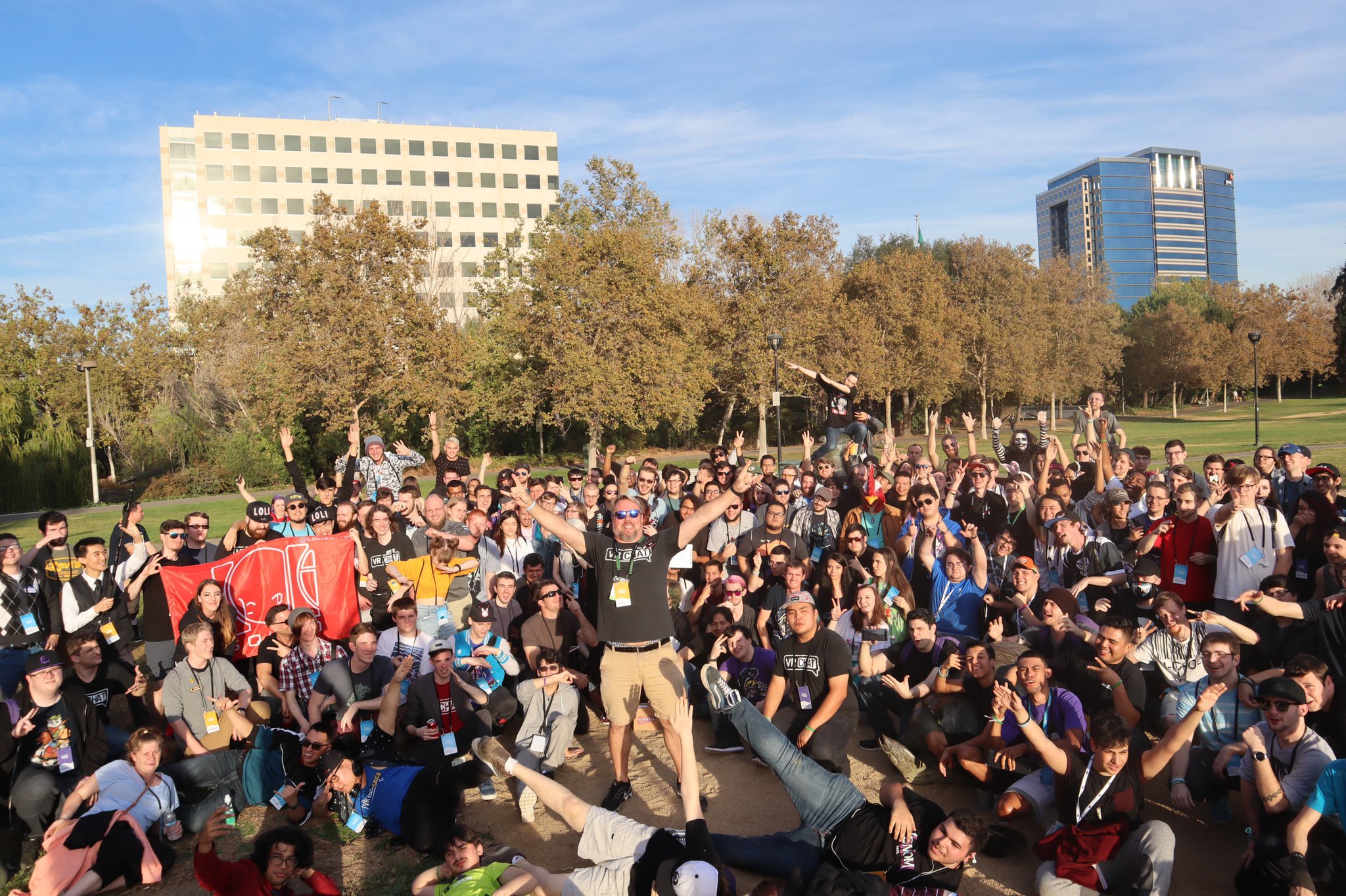 static oasis
Happy Halloween (give or take a few days) to @everyone ! We have tallied up the votes for the Halloween Contest. Below are the winners of the Spookality 2018 VRChat Halloween Contest. We want to thank everybody who participated in this contest, the 13 community judges, and the countless community members who judged for the community choice portion of the contest.
Winners will be attempted to be notified by email and will have 10 days from notification to accept the prize.
COMMUNITY CHOICE
Best World $100 Threadless Gift Card
Project Alice < BETA > by SnipSnap
Best Avatar $50 Threadless Gift Card
C6 Demon FireCat by NatchQS (1st Place)
D6 Spookma by Wigma-Chan (2nd Place)
A1 Halloween by TiGarNn (3rd Place)
B3 NanaBell H.ween v1 by ◀ SILICA ▶ (4th Place)
JUDGES CHOICE
Best World $100 Threadless Gift Card
Trick or Treat by Kiran (1st Place)
Abandoned Station - Horror Adventure by 1029Chris (2nd Place)
Pyramid Nightmare by Jar (Tied for 3rd Place)
YAMI FunHouse by CyanLaser (Tied for 3rd Place)
Best Avatar $50 Threadless Gift Card
A2 Dullahan by JustSomeSlav (1st Place)
A14 Creepy Xert by XerTmet (Tied for 2nd Place)
C6 Demon FireCat by NatchQS (Tied for 2nd Place)
D2 Toothy Nightmare by Xiff_ (Tied for 2nd Place)
OTHER AVATAR PRIZE WINNERS IN NO PARTICULAR ORDER $50 Threadless Gift Card
A5 Scene Queen Zombie by AcesX
A7 Skeleton by Kioku
A8 Halloween Costume 〈TEST〉by Whaddageek
A12 TV Creature by Dragoender22
B3 NanaBell H.ween v2.2 by ◀ SILICA ▶
B4 Skelebro by Ethosaur
B5 Pumpkin Surprise by Defalt.
B6 Himeko_ZombieHorde by Kareeda
B7 ulyazombie by charik
B13 JackModel by UnknownEgg
C2 Collider Halloween by Anféenix
C5 B. Parasyte by Stayss Birb
C12 Peddy Halloween by Peddy
D3 test laser avtraar by CatSlaeder
D4 Halloween ONE by MongDoong
D7 KrEmEy RE [Halloween] by KrEmEyKaOs
agile gate
@everyone We have just released VRChat 2018.4.1 on Steam! Make sure you restart Steam to get the latest version as quickly as possible. If you are on the right version, you should see Build 651 on the bottom of your quick menu.
Among the changes for this version of VRChat is the ability to upgrade your Steam account into a VRChat account. Doing so is easy-- simply log into the new version of VRChat, go into your Settings menu, and click the "Upgrade Account" button. Follow the steps as prompted, and you'll soon be logging in with a full VRChat account, with all your friends, favorites, groups, and the ability to earn Content Uploading capability!
If you don't have a VRChat account, the process will prompt you to create one.
Upgrading your Steam account into a VRChat account will cause that Steam account to be irrevocably linked to that particular VRChat account. You cannot unlink an account once it has been upgraded, so make sure you're linking to the correct VRChat account!
Check out our full release notes here:
https://docs.vrchat.com/docs/latest-release
If you're a creator, make sure you grab the latest SDK from the VRChat Home Website:
https://vrchat.com/home
agile gate
@everyone Please refrain from using the Steam Account Upgrade feature for the time being, we are investigating issues involving Trust Rank being reduced in situations where it should not be when merging accounts.
We will be pushing an update within the next few hours that will disable the feature and allow us to re-enable it easily once the issue has been resolved.
agile gate
@here You may notice an update, this is VRChat v2018.4.1p1, build 652. There is only one change for this update:
- Temporarily disable "Upgrade Account" button until Steam Account upgrade issue is resolved
We will inform you when the Upgrade Account feature has been re-enabled.
agile gate
We've updated once more, I won't ping out for this one. The latest update is VRChat v2018.4.1p2, build 653. This build includes a single change:
- Updated Video Player backend components to fix YouTube playback.
We are aware of the avatar audio problems and are working on a fix.
agile gate
FYI, Steam Account Upgrade should be good to use once again. It has been enabled for some time, but we wanted to ensure it was OK before making a wider announcement. So... wider announcement, here you go! 
agile gate
@everyone Hey everyone, we've just released VRChat 2018.4.1p3, Build 656. This patch addresses the following issues:
- Fix an issue causing most audio on avatars to be set to zero volume
- Fix an issue that was disabling GPU skinning optimizations
- Fix an issue causing sessions to expire when sitting in a room for too long
Please restart Steam to get this update as soon as possible.
agile gate
Hey all, quick non-pinging announcement. Want to change your name? Don't want to harass the poor Support team with Yet Another Namechange Request EMail? Well, good news for both of you-- you can now change your own name! Some quick details:
- You can only change your name once per 90 days
- Your name change must be unique
- Once your name has been changed, you must wait 90 days to change it again
Check out our Knowledgebase Article on namechanges below, which includes how to do it and the rules involved.
https://vrchat.groovehq.com/knowledge_base/topics/id-like-to-change-my-username
This is a new system, so if you run into odd issues, try refreshing the page. If that doesn't work, try a hard refresh (Ctrl+Shift+R). If you have problems, please contact support@vrchat.com with a description (and ideally, screenshots of the issue).
agile gate
@everyone We've got something pretty exciting for you this Friday night.
Check it out: https://medium.com/@vrchat/vrchat-upgrade-to-unity-2017-4-90727844522a

Medium
We would like to announce that VRChat is planning to upgrade to Unity 2017.4.15f1 LTS for an upcoming release in the next few weeks.
agile gate
@everyone We have just released VRChat 2018.4.2 on Steam! Make sure you restart Steam to get the latest version as quickly as possible. If you are on the right version, you should see Build 660 on the bottom of your quick menu.
Check out our release notes here: https://docs.vrchat.com/docs/latest-release
If you're a creator, make sure you grab the latest SDK available on the VRChat Home Website: https://vrchat.com/home/download
(No, this isn't the Unity 2017 update. We're still on 5.6!)
static oasis
A very soft announcement to all VRChatters ~
We just finished setup of our creator homepage, making VRChat eligible for nomination in the Steam Awards for the first time ever! Read more about the Steam Awards at https://store.steampowered.com/SteamAwardNominations/

It is time again to convene the Steam Award Selection Committee, whose sole task is to nominate the best and brightest of the year. This esteemed committee is composed of those most qualified to judge: you! You must determine who elevated the medium of games, by metrics as un...
agile gate
@here FYI! If you're on VRChat in about 8 hours, you may experience some issues connecting to our services as we perform some maintenance. We don't expect this to last any longer than about an hour-- if this changes, we'll let you know.
"VRChat will be undergoing some maintenance between 12:30AM-1:30AM PST (3:30AM-4:30AM EST, 8:30AM-9:30AM GMT) on Nov 28th, approximately 8 hours from now. Users may experience issues connecting to our services at the listed times."
https://twitter.com/VRChat_Status/status/1067574544402006016
VRChat will be undergoing some maintenance between 12:30AM-1:30AM PST (3:30AM-4:30AM EST, 8:30AM-9:30AM GMT) on Nov 28th, approximately 8 hours from now. Users may experience issues connecting to our services at the listed times. @VRChatNet #VRChat
Twitter
agile gate
@here We're currently looking into issues causing users to time out. If you're stuck at a black screen, there is a hidden dialog box that you can press "OK" to confirm and log back in. We'll let you know when things have stabilized.
agile gate
@here Looks like the timeout disconnects have stopped-- some of our network services had a bit of a hiccup. Should be good to go now!
That being said... as noted earlier today, we have maintenance scheduled in about 25 minutes (12:30AM PST, 3:30AM EST, 8:30AM GMT) that should last about an hour. You might experience some problems with our services during that time, but things should be stable afterward. Thanks for your patience! We'll let you know if anything changes.
agile gate
Maintenance has completed without a hitch. All's well, thanks for your patience!
agile gate
@here We're looking into reports of users having trouble with getting Timeout disconnects and black screens when attempting to join a world. We're looking into it, and appreciate your patience.
agile gate
Doing a soft announce-- we've just released a patch for VRChat, 2018.4.2p1. Users on this patch can see 2018.4.2 users, so there should be no "I can't see my friends in the room" if they/you haven't updated yet. This patch has only one change:
- Modified disconnection error dialogs to auto-dismiss after a short period
We're still experiencing networking issues, and we'll let you know when that changes. We're working on it!
agile gate
@here Although we're still continuing to deal with network problems as we've stated before, we're currently experiencing a spike of network issues. You may experience trouble connecting to VRChat or changing instances. We're aware of these issues, and are actively working on them.
We appreciate your patience!
agile gate
@everyone Please check out the blog post below addressing our recent service interruptions.
https://medium.com/@vrchat/vrchat-service-interruption-nov-28-dec-3-818231ceb51b
Medium
On Wednesday, November 28th — a few hours before our planned maintenance — we noticed an increase in disconnects from the VRChat service…
agile gate
Hello @everyone ! We've just updated our Open Beta for VRChat 2018.4.3. This is the version of VRChat where we upgrade to Unity 2017.4! We don't often do pings for announcing Open Beta, but we are this time-- that's because the release of this Open Beta signifies that we are set to release the Unity 2017 Upgrade of VRChat (2018.4.3) next week!!
Check out the changelog here: https://docs.vrchat.com/v2018.4.3/docs/latest-release
You may need to update your content (worlds or avatars) by this date if you want to be ready to go at that time. Please read our Blog post below and check out #vrchat-2017-beta-info for more information on moving over to Unity 2017.4, and if you'll need to worry about re-uploading content.
https://medium.com/@vrchat/vrchat-upgrade-to-unity-2017-4-90727844522a
Please remember, this is a Beta, and the intent of this testing period is to find and report bugs. Check out the #vrchat-2017-beta-info channel to find the Canny for this new version of VRChat. Report any bugs you find, even if you think someone else might've beaten you to it. We don't want to miss anything!
static oasis

 agile gate
Hey @everyone ! VRChat 2018.4.3 is now LIVE on Steam! Make sure you restart Steam to get the latest version as quickly as possible. If you are on the right version, you should see Build 668 on the bottom of your quick menu. ***This release means that we've officially migrated over to Unity 2017.4.15f1! ***
Check out the full release notes here: https://docs.vrchat.com/docs/latest-release
If you need to migrate your projects over to Unity 2017.4, check out our guide here on how to do it as painlessly as possible: https://docs.vrchat.com/docs/migrating-from-56-to-20174. Don't forget to update your SDK! https://vrchat.com/home/download
We've also updated our Steam Store page (https://store.steampowered.com/app/438100/VRChat/) with new media and a pretty awesome new trailer-- check it out! The trailer may not be live on the Store page just yet, so you can check it out on YouTube here: https://www.youtube.com/watch?v=S8ZL3C4OPqM
Special thanks to our community members who participated, and to Chris Lake for providing the awesome track.
You might've caught our hint on Twitter yesterday, but we've got something else in store for you... coming Soon™
agile gate
@everyone and one more ping for good measure-- we're now Live on the Oculus Store! Check out our Blog post detailing it here: https://medium.com/@vrchat/vrchat-2018-4-3-unity-2017-4-and-the-oculus-store-31913ca0cf3b
Oculus Store link: https://www.oculus.com/experiences/rift/997678176960598/
Those of you with a keen eye probably already figured our surprise out, but hey. 😃

Medium
Hello everyone! We’ve just released VRChat 2018.4.3, which is the first version of VRChat on Unity 2017.4!
agile gate
@here We're investigating reports that users are having trouble getting into VRChat. We're on it, and will let you know when we have an update.
agile gate
@everyone We've just dropped a patch release for VRChat on both Steam and Oculus Store. The new version is 2018.4.3p1. Restart Steam to get the update quickly. The build number you should be seeing is 670.
Very short patch notes: https://docs.vrchat.com/docs/vrchat-201843p1
- Slight change to client reconnection behavior to mitigate issues when having problems with real-time networking services
This will mitigate most of the effects of the ongoing issues. We're still working on the network/server issues, but you should be able to use VRChat normally with this patch.
December 12, 2018
FYI, even though the patch helps with reconnecting, you still have to sit and wait a bit as your client sorts out a connection to our servers. Be patient!
static oasis
First VRChat Twitch Livestream later tonight to welcome new users!
VRChat Livestream https://t.co/xRXRyqA9mh
Join us 6pm PST for our 1st #Twitch stream! Community Managers @dtupper & @guntersuniverse will welcome our new Oculus users. Also, share useful tips, cool community content & getting started /w content creation #MadeWithUnity #V...
 Twitter
agile gate
Twitter
agile gate
It seems that Oculus' software had an update which has caused users to temporarily be unable to use the headset. Read more about it here: https://www.reddit.com/r/oculus/comments/a6cxe2/latest_update_bricks_oculus_software_cant_reach/
reddit
96 votes and 168 comments so far on Reddit
agile gate
The Steam Awards Nominees have been announced, and it looks like that your efforts paid off: We're a nominee for VR Game of the Year!
https://steamcommunity.com/games/593110/announcements/detail/2796070940830340422

The Steam Community has spoken, and we are proud to announce the finalists for The Steam Awards 2018 -- but we still need your help choosing the winners! Voting will open on December 20th, at the start of the 12th annual Steam Winter Sale. Vote in each of our 8 categories to ...
agile gate
Hello @everyone , especially our Avatar Creators! I have a quick announcement for you.
In an upcoming release, we will have a feature called Clone Public Avatar. This allows any user to click on another user that is wearing a Public avatar, click "Clone Public Avatar" and wear that avatar. You can also View Author of the avatar that a user is wearing with a button right below the Clone button.
Wanting to try out an avatar someone found can be cumbersome. You have to find out which world to get it from, and then you have to leave to grab it, potentially losing track of your group. Having Cloning allows you to try the avatar on immediately. Additionally, the View Author button lets you check out the Avatar Author's world to see more of their work. This is an easy way to find new Avatar Worlds to explore, Favorite, and add to shared World Playlists (a new feature). There's a lot of Avatar Worlds out there, so this should help you find some that you like!
Our goal was to keep things more social and more immediate without interrupting the fun. This is a bit of an experimental test feature. We'll keep an eye out to see how it is received and used. Hopefully you find it as fun as we do!
This feature can be disabled in two ways:
- To disable users being able to clone your avatar, no matter which avatar you're wearing, uncheck "Allow Avatar Cloning" in settings. "Allow Avatar Cloning" is enabled by default.
- You can disable Avatar Cloning on a per-avatar basis by setting the avatar to Private using the VRChat SDK.
In short, please make sure that avatars you want to be un-Cloneable are set to Private. There's a button next to each avatar in the Manage Uploaded Content menu in the SDK where you can easily toggle this for each avatar.
We're giving this heads-up to you now so you won't be caught off-guard when we release this feature, and have time to set your avatars to Private if you need to.
That's all for now! Thanks!
static oasis
The voting has started! https://twitter.com/vrchatnet/status/1075846865374068736?s=21
#VRChat was nominated in #Steam Awards for VR Game of the Year! Vote for us at https://t.co/PWT6NVLVlZ
Twitter
agile gate
Hello @everyone ! We don't normally do server-wide announcements for Open Betas, but this one is special with tons of changes. We are opening up the Open Beta for VRChat 2018.4.4 right now, and we'd like you to check out some of the changes-- there's a lot of them! Here's a short list:
- Stations (seats/chairs) can once again be mounted on avatars
- World Favorites are now Playlists, which can be shared with friends! You also get three seperate lists now!
- VRChat SDK now warns you when your avatar is over recommended limits on various performance-affecting components
- VRChat SDK polygon limit raised to 70,000 polygons/triangles
- An icon indicating the Performance Rank of a user's avatar is displayed over their nameplate when your Quick Menu is open
- You can now view Avatar Stats for another user's avatar/your own avatar in the Quick Menu/Avatar menu. This is not meant to be an end-all-be-all report on perf, but can help you find issues with avatars that you need to fix/optimize
- If a user is wearing a Public avatar (and they have "Allow Avatar Cloning" enabled in Settings, on by default), you can Clone their avatar from the Quick Menu
- You can now View Avatar Author of anyone to see who uploaded the avatar that user is wearing
- You can view the author of anyone's avatar in the Quick Menu
- Heavy optimizations to the IK system
- Heavy fixes to the smoothness of moving stations
- Tons of other fixes
This isn't everything, but it is the big stuff. Read the full release notes here: https://docs.vrchat.com/v2018.4.4/docs/latest-release
Check out the info on the Avatar Performance system here: https://docs.vrchat.com/v2018.4.4/docs/avatar-performance-ranking-system
If you already happened across the docs while we were in Closed Beta (we sneakily released them last week), check them out again. A few things have changed, including some numbers in the Avatar Perf Rank system.
Known Issues that we're still working on and hope to have a patch in during Open Beta:
- Playlists currently have several issues with viewing/editing/sharing. Don't focus on testing them too heavily just yet
- Using Holoport can freeze you in place in certain situations
- Announcement in pop-up during load informing users about Cloning is missing a URL
Most importantly, if you have avatars that you do not want users to be able to use Copy Avatar on, make sure you set them to Private!! You can change the Public/Private status of an avatar easily from the Manage Uploaded Content window in the SDK.
This is going to be a very short Open Beta thanks to a thorough Closed Beta. We strongly encourage you to hop in and test things ASAP and let us know if something is broken on the Open Beta Canny. Test your avatars, test your worlds, post on the Canny!
Check out #open-beta-info for more details and info on how to participate. Please test things, break things, and tell us about bugs in our Open Beta Canny.
Oh I forgot an important change-- thanks to a fix from Oculus, you no longer require AVX to play VRChat in the new version. This means that users with CPUs below our minimum specs should be able to run VRChat again (but you'll probably still have sub-par performance)
agile gate
Hello @everyone ! We've just released VRChat 2018.4.4 to the Steam and Oculus stores! On Oculus, you should see the update in your Updates tab. For Steam, you should restart to get the latest update, and ensure you're not on any beta branches. The current build number is now 681.
If you're a creator, don't forget to update your SDK! Download the latest copy from https://vrchat.com/home/download
There's a ton of features, so check them out in our previous announcement today, or read our release notes:
https://docs.vrchat.com/v2018.4.4/docs/latest-release
There's a few more docs to check out to understand the features we're releasing today, so check them out here as well:
Avatar Performance Ranks: https://docs.vrchat.com/v2018.4.4/docs/avatar-performance-ranking-system
Public Avatar Cloning: https://docs.vrchat.com/v2018.4.4/docs/public-avatar-cloning
VRChat lets you create, publish, and explore virtual worlds with other people from around the world.
agile gate
@here We're looking into issues with users being unable to log into VRChat while using unmerged Steam or Oculus accounts. Thanks for your patience, we'll update you again when we have more info or the issue is resolved.
agile gate
@here Sorry for the late ping. We've fixed the issues with failed logins on unmerged Steam or Oculus accounts with a new patch, VRChat 2018.4.4p1. Please close VRChat and restart Steam to get this update. The new build number is 682.
We will have an update up on the Oculus Store as well shortly.
static oasis
We've received reports of users getting stuck in a loading loop and are investigating. #VRChat @VRChat_Status
Twitter
agile gate
Hello @everyone ! We are pushing Patch 2018.4.4p2 for VRChat to Oculus and Steam. The new build number is 685. Please restart Steam to get the update, and check your Updates in Oculus to update. This patch addresses a few things:
The largest change is that we have reverted the IK optimizations that caused IK to be calculated on each user's machine and then transmitted over network. Unfortunately this resulted in additional load that we cannot handle at this time. We realize that the performance gains from this system are large, and we have a high priority on re-implementing this system once we have lowered the load it places on our network. IK is now calculated on your machine for users in the instance you're in, as it behaved in 2018.4.3, our previous release.
We have fixed an issue that caused users to experience network lag spikes when a new user joined a room that had many Stations in it.
You will not be able to see users on the previous version until they update.
agile gate
Hello @everyone ! Sorry for the repeated announcement, but I've got a nice final holiday surprise. We are pushing patch 2018.4.4p3 for VRChat to Oculus and Steam. This patch addresses a few more issues, and adds a new feature:
-
We've upped the maximum number of Favorite avatars from 3 to 16. Go find some new Favorites!
-
Fixed the "World Unavailable" thumbnail in Playlists for worlds that are no longer public
-
Fixed some StandardAssets scripts to not be removed on worlds
-
Some additional network optimizations regarding redundant/unneeded data sync
Please restart Steam to get this update. For the Oculus Store, you should see the update in your Library view. You will not be able to see users on the previous version until they update. The new build number is 687.
weary cloak
Some issues with avatar favorite lists acting oddly or vanishing have a fix being deployed server side. Should see that start to improve as of now.
agile gate
We're aware of issues with VRChat services at this time and are currently looking into it. Thanks for your patience.
agile gate
Things seem to have cleared up and you should be able to connect to our services once again.
agile gate
Quick non-pinging announcement-- we've released VRChat 2018.4.4p4, build number 689. This build has one change:
- Fixed an issue preventing proper use of the "Create Account" button at login
This build will not prevent you from seeing users on other builds, so there's no urgency to update.
January 3, 2019
agile gate
Another quick non-pinging announcement. We've released VRChat 2018.4.4p5, build number 690. This build has one change to fix Video Panels:
- Updated video download binaries
This build will not prevent you from seeing users on other builds, so there's no urgency to update aside from updating to fix video panels. Please restart Steam to get this update quickly. You should also see this update on our Oculus storefront right now.