#metahumans
1 messages · Page 10 of 1
 jagged fulcrum
 soft marsh
got that part solved and new problem crops up 😅

still not sure how to solve this issue now .. but for some reason when its switches the camera to the FPS camera it starts to rotate with input even though every single inherit pawn rotation.. use control rotation and inherit yaw/pitch/roll is set to false
if any one runs into the same problem with the line tracing Head Direction... i've set it so it never expires
https://blueprintue.com/blueprint/qas_8j2v/

No description provided
i know a hell allot of the line trace stuff is just concerned with actors being able to look at some other actor or something... same concept but isnt really what you want when you want to move the head and adjust things to move in that new direction also
but yeah happy didnt really want to use a arrow for the trace
as each metahuman would need a custom arrow grah
jagged fulcrum
soft marsh
i know a hell allot of the line trace stuff is just concerned with actors being ...
If you want to detect the character's surroundings, I think investing in learning EQS is worth it
 plucky kelp
Hello folks. I am trying to apply the concepts in this animated frog tutorial( https://dev.epicgames.com/community/learning/courses/OPX/unreal-engine-virtual-puppeteering-and-input-based-animation/kaWP/unreal-engine-virtual-puppeteering-and-input-based-animation-overview ) to a metahuman. i want to move the arms with gamepad l & r, and move head up down left right with controller Dpad. i have the blinking eyes working play in engine on my metahuman. I am using Live Link Input plugin as well from this guide ( https://dev.epicgames.com/community/learning/tutorials/xpV1/live-link-input-device-a-new-way-to-use-game-controllers-for-performance-capture-in-unreal-engine-5-4 ). my Issue is i cannot create a full body IK control rig , so i tried using the default MetaHuman Control Rig, in Unreal 5.4. i cannot seem to get my left right float variable of -1 to +1 to apply to the transforms using the Head control. Is there a better way to control metahuman head movement with my gamepad? ahould i be using the face control rig? i dont see a head bone in there. Additionally, when i open the metahuman control rig, i can rotate the head in local space with the gizmo...cant seem to get it to work PIE????

Epic Games Developer
In this course from the Epic Online Learning team, you’ll learn how to build a digital puppet that can perform using just a controller. Create the puppe...

Epic Games Developer
This tutorial explains the new Live Link Input Device plugin and how to use it with a game controller.
plucky kelp

Epic Games Developer
In this session, we'll explore the Power of Control Rig to build advanced animation rigs in Unreal Engine 5.4.
We'll dive deep into Control Rig graphs,...
 tiny hedge
Hi there! I'm experiencing a performance drop when I open the sequencer with only the metahuman blueprint added. It gets even worse when I play the animation. Does anyone know why this might be happening?
frame rate drops from an average of 70fps to 50fps, down to 20fps when I play the animation
using unreal engine 5.4 and low quality MH setting
tiny hedge
okay after i closed the Metahuman Animation Tool plugin interface the performance went back to normal
 hollow arch
Finally I find a video showing how to do this in extremely simple steps.
Anyone have any blinking tutorials? Going to search for that today.
soft marsh
I've actully got a little bit lost with all again
but yeah i got damn close before so might have another attempt later
soft marsh
hollow arch
Finally I find a video showing how to do this in extremely simple steps.
Anyone...
you mean blink the eye lids?
that would be kind of neato
 hollow aurora
Any Metahuman experts? Metahuman Creator allows you to choose between 3 body types, underweight, normal and over weight.
But what if you want something in between? Is there any way to accomplish this?
plucky kelp
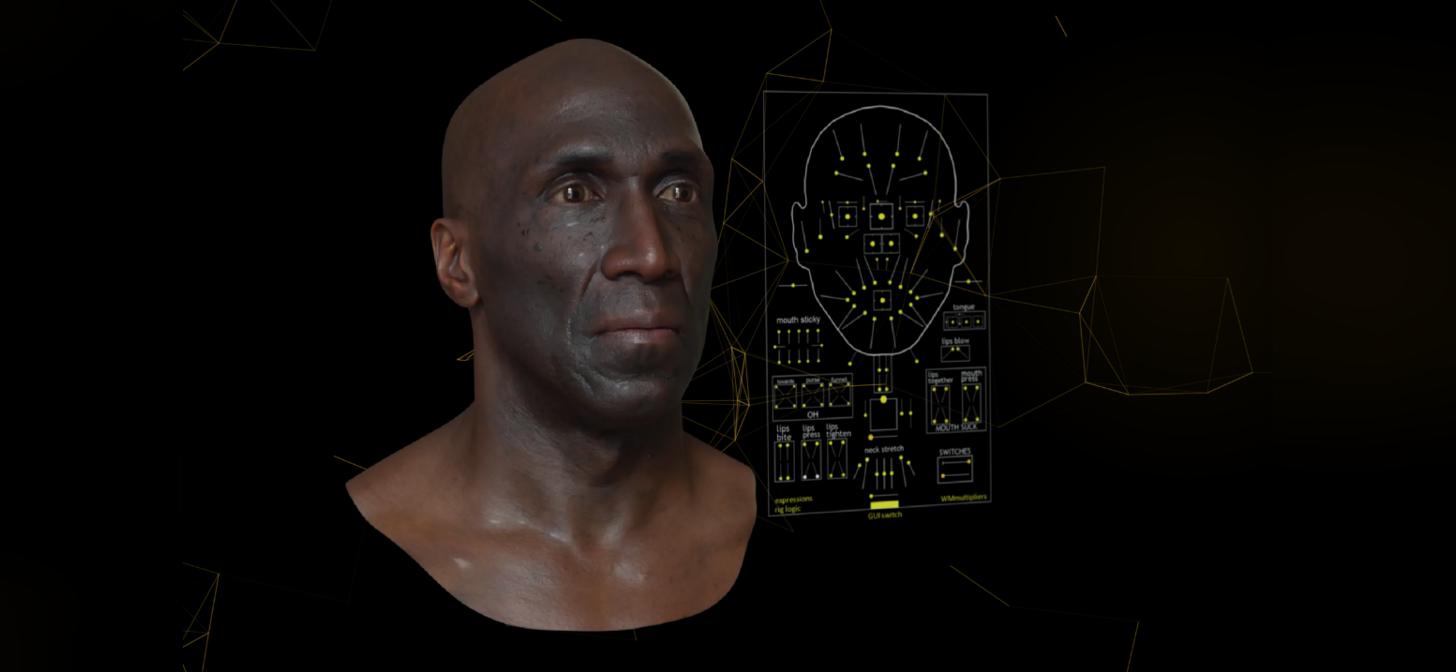
BlenderNation
MetaHuman is Epic Game’s impressive face animator and editor for Unreal Engine. With this new add-on by Poly Hammer, you’ll be able to edit these models inside Blender and send them back to UE for…
plucky kelp
hollow aurora
Any Metahuman experts? Metahuman Creator allows you to choose between 3 body typ...
Blender for Unreal Metahuman Mod
Using Blender to modify a MetaHuman body mesh for Unreal Engine can be done, but it's important to consider potential conflicts with future updates from Epic Games that might change the underlying mesh topology Minor adjustments like tweaking proportions or adding small details are usually fine, but significant changes might cause issues.
To start, you can export the MetaHuman mesh from Unreal Engine to Blender for detailed modifications. After making your changes in Blender, you'll need to re-import the modified mesh back into Unreal Engine. However, it's crucial to maintain all necessary data, such as animation curves, when exporting and re-importing the mesh
For detailed character alterations like bumpy veins, scars, or deformities for a zombie, you can use Blender's sculpting tools to add these features to the MetaHuman mesh Once you've completed your modifications, you can re-import the mesh into Unreal Engine and continue working on it there.
Here's a general workflow:
- Export the MetaHuman mesh from Unreal Engine to Blender.
- Use Blender to make detailed modifications to the mesh.
- Re-import the modified mesh back into Unreal Engine.
- Ensure all necessary data, such as animation curves, are retained during the import process.
For more detailed tutorials and specific steps, you can refer to resources like the one provided by Bad Decisions Studio, which offers an hour-long guide on customizing MetaHumans using Unreal Engine 5, Blender, and Substance 3D Painter
 quiet wing
Hello,
I have a scene with 2 metahumans placed in it, hair works well, animations work well, everything works well in the viewport. But as soon as I press play they become static, no animation, no hair. When I don't have those problems when I am playing with them as a main character. They work fine in the viewport, it's when I press play that the animation and hair disappears.
jagged fulcrum
plucky kelp
Blender for Unreal Metahuman Mod
Using Blender to modify a MetaHuman body mesh ...
most people are using maya for this, I am using blender too and yeah, a lot of works need to be done some times need to remodel or readjust the bones if I want to upgrade to new version
jagged fulcrum
plucky kelp
Hello folks. I am trying to apply the concepts in this animated frog tutorial( h...
Metahuman default control is meant for creating animation purposes in sequencer. for specific controls, usually devs are creating small and modular control rig to control that specific area. Like look at feature above to control some spines and head based on certain location. For your case, this location / rotation might coming from user controller
soft marsh
i finally found a bullet proof solution for the whole pawn rotation thing
soft marsh
Lol man unreal just crash in some spectacular style
blew up then took a age to restart .. when i came back it was behaving strangely and my metahumans hair turned gray
so i was like let me check the hairs material
had to juggle them around to get the engine to accept them again
but now its got the reflection issues hehe
soft marsh
well that is annoying because that has completely buggered up my mh hair now 😠
plucky kelp
jagged fulcrum
Metahuman default control is meant for creating animation purposes in sequencer....
at this point, i have a metahuman, that responds to live microphone lip movement, and right trigger blinks, laft joystick moves head up down left right, with clamps on (limits) movement.
next i have to try to use the sams AIM node that i used for the head rotation, on the right joystick to move the arm. my idea is to use the fk control, to follow the hand_aim_target_control...but i dont think it will work. the head is a bone rotation that follows a target controller in x,y space.we shall see
jagged fulcrum
plucky kelp
next i have to try to use the sams AIM node that i used for the head rotation, o...
ah I see you already gone that far 
both body and face actually have head bone, body act as leader pose for face head bone by default if you check the face post process anim blueprint, and also there are some post processing animation you need to be aware of when controlling metahuman face or body if you are trying to utilize metahuman control rig
 vestal barn
soft marsh
blew up then took a age to restart .. when i came back it was behaving strangely...
vestal barn
soft marsh
blew up then took a age to restart .. when i came back it was behaving strangely...
have had that before can be annoying
soft marsh
yeah as i mentioned about unreal editor starting up funny that all it is... it doesnt restart correctly and stops rendering the mats correctly which then leads you down a path of actually breaking them by messing up the settings
@plucky kelp you might want too google root bone lock fix
this will fix situations where you cannot stop the character from rotating on yaw input but you need to get yaw input to manage bones
btw of which is categorized as a bug... i would call it more of a oversight in side locomotion base state
this is the basic fix.. which i thought was fairly elegant.. and i love the free interps you can do with that stuff
 quiet wing
Can somebody help me with this please?
soft marsh
metahuman got stress again hair fell out 😂
went bald
did you try setting the force lod to 1 in lodsync settings?
quiet wing
soft marsh
did you try setting the force lod to 1 in lodsync settings?
Yes, but it's also the animation that stops playing.
soft marsh
oh in the animation seq did you set it to looping?
quiet wing
It's a BP animation that I am using, but it doesn't play any animation at all, in the viewport you can see that the animation BP works, when I presse play, and it just get's stuck at frame one to me.
soft marsh
would need to have a look at the state machine in the animgraph i would imagine
heh i wish i had of saved the screenshot of when my metahumans hair fell on the floor like a wig
ah and also is your character bp set to use the animation blueprint with the correct blueprint referenced ?
quiet wing
soft marsh
ah and also is your character bp set to use the animation blueprint with the cor...
yes
soft marsh
oh then its defo probably in the state machine/seq i would of thought
quiet wing
soft marsh
heh i wish i had of saved the screenshot of when my metahumans hair fell on the ...
Yes, I read about this. Unfortunatly, my hair doesn't show at all. In game, cause personally I need a shave lol.
soft marsh
oh gotcha so thats actually you
soft marsh
ok 😄
quiet wing
I'm handsome too, but he is figment of my imagination fortunately or unfortunately 😆
soft marsh
haha i was figuring to use a lady figment of my imagination .. to make my ai metahuman ... need bit of birds and bees in a game cant be looking at men all day if your straight 😂
quiet wing
soft marsh
haha i was figuring to use a lady figment of my imagination .. to make my ai met...
You're absolutly right, as an ex-friend of mine said, you always need a hooker to make a good game 😅 Because he told us, that all AAA games had one.
trying out a few things with the animation, I got nothing. I mean it works fine outside of play that is what I cannnot understand, they are correctly animation outside of play, but when I press this play button, anim and hair disapear.
soft marsh
have you got the hairlodsetup function in the character?
quiet wing
yes
soft marsh
well ... lets compare some stuff in my character bp to yours
quiet wing
It's weird, I just trying to change the default pawn class again to a metahuman, and that one doesn't move either...
soft marsh
ok so just for the structure i have

still got some hair issues my there btw
now i am going to show you how my methuman retargeting looks ... unless your sure all that stuff is correct aswell
quiet wing
I think it could be a retargeting issue, even iff everything works fine outside of 'play'.

 soft marsh
yep
its the metahuman it self that i imported and paired to my MGT character interface
quiet wing
Well, eitherway, Character or Actor, they both behave the same, none of them work 😅
I'm using an actor in the precise case.
MGT ?
soft marsh
yeah that just where my original character comes from its a game template . . multi player gravity template
soft marsh
but yeah it shouldnt really mater
its just about getting the retargeting to work
because youre retargeting manny
so what ever manny does your metahuman should do
quiet wing
Well retargeting made things worse... but it did change stuff on my character
soft marsh
I will see if i recover the 10ish step guide i made for the initial metahuman to manny retargeting process
ok that wernt to bad lucky that server isnt to busy
with that approach you just need:

1) Add MetaHuman
1.1) Assign Class to Character
2) Organize the structure so that its attached to Mesh under capsual + add cameraboom/follow camera
2.2) Zero out and position the Body cordinates and then set: location-z: -70 rotation-z: -90
2.3) set lod sync level to 1 (incase hairs not showing)
3) Enable Live Retargeting for the meta human (one tick box)
3.3) Compile .. Connect "Mesh" to broken node in SetupAnimationInEditor function.
4) Assign Skeletal Mesh as UE5 Manny
5) Assign the Animation BP class to AB_Manny_C
5.1) Set Visibility Based Anim Tick to .. always tick pose and bones (important) or next step will breake the meta human
5.2) Set Visibility of mesh to false.
6) Add AC_MGT_PLAYER_COMP to the character
7) Add a character movement component to the character
8) Configure AC_MGT_PLAYER_COMP as above (in right screen shot)
9) One final side note to remember... if you find that when you restart or recover from a crash that the metahuman stops retargeting the manny mesh animation .. goto the Body and make sure that the retargeted animation is set.. for some reason this seems to get lost now and again
I'm using a different animation system though... I think it's level related in the fact, that not even I spawned character can run around the mesh which I use as a background.
when it normally can
yet
If I just drag and dropped a metahuman in any level they are not animating on play.
ok, it's not level related, I understand why.
Do you have anydesk by any chance to take control of my computer ? It might help you to figure it out.
soft marsh
i do have anydesk but would you mind if we used rustdesk
as i have a deciated server with the rust stuff on so it will run like the wind
quiet wing
I would prefere anydesk please.
soft marsh
i just need to give you my public key
quiet wing
let's pm
soft marsh
but yeah for any one else literally from leo ai
RustDesk is often considered the best open-source free desktop remote access software because it offers a combination of features like strong security with end-to-end encryption, ease of use, cross-platform compatibility, self-hosting capabilities, and a fully open-source codebase, allowing users to audit and customize the software to their needs, making it a reliable and transparent alternative to proprietary options like TeamViewer; all while remaining completely free to use.
Key points that make RustDesk stand out:
Open Source and Transparency:
The source code is publicly available, enabling users to inspect and verify its security features, unlike many closed-source remote desktop applications.
Self-Hosting Option:
Users can set up their own server to fully control the connection and data flow, enhancing privacy and security.
Cross-Platform Compatibility:
Works seamlessly across various operating systems like Windows, macOS, Linux, Android, and iOS, allowing for remote access to a wide range of devices.
End-to-End Encryption:
Securely encrypts data transmitted during remote sessions, protecting sensitive information.
Minimal Configuration:
Easy to set up and use, even for non-technical users, with a straightforward interface.
Performance:
Generally considered to have high performance with smooth remote control capabilities.
Your Remote Desktop SUCKS!! Try this instead (FREE + Open ...
4 days ago — yes I have a million tabs open ooh a new chat GPT feature all right so OpenAI. just dropped tasks as part of chat. GPT.


YouTube ·
NetworkChuck
Should you self-host a rustdesk server? - Reddit
13 May 2024 — The Signaling Server then tries to connect A and B directly to each other using hole punching. If hole punching fails,

Reddit
Rustdesk - an Open Source, Self Hosted alternative to ...
14 Jun 2022 — and it works on all of these different operating systems which is great so it's got windows it's got Mac it's got Linux...
Can somebody explain to me what is going on in that video and how it works in the editor but not on play.
jagged fulcrum
quiet wing
I experienced same problem, disabling LOD Sync in blueprint and remove the groom from blueprint then add it again resolved it in my case
quiet wing
jagged fulcrum
I experienced same problem, disabling LOD Sync in blueprint and remove the groom...
Thank You for your answer it has unfortunately not worked for me 😦
soft marsh
man i am about to blow a gasket with this weapon left hand ik stuff
nfi why i get this issue all the time .. the weapons never aligned every where
the previews contradict one another and then even when there all happy then the in game outcome contradicts them
I can see why the devs of the gravity template went with something simple a emissive character lol
abp_manny .. 500IdleSightAnimSeq .. Methuman Skeleton ... in game 💀


ah yeah know what i think i know why now ... the gun initially hand to be straight to the hand then only ever rotate the hand after that
quiet wing
quiet wing
So I have established that no animations what so ever are actually working in the level, I also added a rotating cube which doesn't rotate at play time so I'm lost
quiet wing
quiet wing
So I have established that no animations what so ever are actually working in th...
I found the solution after 2-3 days, dumb human error, by default on a gamemode it's set to bloody game state... I had to set it to gametstatebase... Now it works.
 restive idol
Any tutorial to understand the city sample project crowd and vehicle system and their interactions?
 formal wind
is there a way to disable metahuman cloth physics in the sequencer? I have a standard hoodie mesh and because my metahuman is moving the laces are moving too and it's quite distracting. I tried unchecking simulate physics but that didn't help

 vocal dew
formal wind
is there a way to disable metahuman cloth physics in the sequencer? I have a sta...
vocal dew
formal wind
is there a way to disable metahuman cloth physics in the sequencer? I have a sta...
Sure is a way
 lament pumice
Anybody know what is the secret sauce to re-import a metahuman face from blender again? Something about the vertices aint right as can be seen in the screenshots, first is original, second is reimported.
Control rig and everything works fine, i'm using the newest metahumans with "high" quality, so no morph targets. I haven't made any modifications in blender, just import and export again

 formal wind
vocal dew
Sure is a way
formal wind
vocal dew
Sure is a way
how?
 sacred rose

I'm facing some issues with Metahumans in Unreal Engine and could really use some help. Specifically, I've noticed that the Metahumans default to a T-pose when preview screen, even though they pose not correctly in the viewport. Additionally, the fingers on the hands are twisting or not looking good, making the animations appear off.
I'm also looking for a reliable T-pose reference file or asset to help resolve the finger issues.
Has anyone encountered similar problems or have any suggestions on how to fix these issues? Any guidance or recommendations would be greatly appreciated.
hollow arch
sacred rose
I'm facing some issues with Metahumans in Unreal Engine and could really use som...
Whats your workflow look like? How are you importing them, or creating your own?
 formal dirge
Anyone know how to fix the disappearing hair in UE5.3? I tweaked the LODs and no change. For context, I copy paster just the head and hair and Lodsync to a new blueprint.
hollow arch
formal dirge
Anyone know how to fix the disappearing hair in UE5.3? I tweaked the LODs and no...
Is this in editor only, or during packaged project.
If editor only, set Parent Socket to Head in Hair BP component details panel.
formal dirge
hollow arch
Is this in editor only, or during packaged project.
Its as is rn. Im working on sequencer animation for a shortfilm
formal dirge
hollow arch
If editor only, set Parent Socket to Head in Hair BP component details panel.
Ill try this out
hollow arch
Of course, double check. All your lod settings. Unfortunately, they're scattered.
formal dirge
hollow arch
Of course, double check. All your lod settings. Unfortunately, they're scattered...
Okay so the LOD works on the metahuman bp but it becomes an issue when i copy paste the face and grooms into a new bp
jagged fulcrum
formal wind
how?
it is not cloth sim, it is rigid body physic, you need to go to its post process anim blueprint then disable it
hollow arch
formal dirge
Okay so the LOD works on the metahuman bp but it becomes an issue when i copy pa...
When you copy paste bp components, many of the settings or names get changed without notice. I wouldn't reccoment copy and paste. But id check the naming convention : lod sync matches. And binding asset etc
formal dirge
hollow arch
When you copy paste bp components, many of the settings or names get changed wit...
Rip in that case, do you know how to delete the body in the metahuman bp? it doesnt compile if I straight up delete them
hollow arch
Well you can just remove body references. Or just set the body skel mesh component selection to none. Otherwise id say keep tinkering and learning more about ue
formal wind
jagged fulcrum
it is not cloth sim, it is rigid body physic, you need to go to its post process...
thanks. is it in here? I don't see any nodes
 jagged fulcrum
formal wind
thanks. is it in here? I don't see any nodes
jagged fulcrum
formal wind
thanks. is it in here? I don't see any nodes
Not that one, it is the main anim bp. You need to find the post process anim bp, you need to go to that skeletal mesh, go to detail, then find post process anim
 spring arrow
Hi! Im having an issue in ue5.5 where the only options available to me when downloading metahumans is "cinematic (complete)" does anyone know why I can't seem to get any of the optimized variants?
 slate lichen
spring arrow
Hi! Im having an issue in ue5.5 where the only options available to me when down...
slate lichen
spring arrow
Hi! Im having an issue in ue5.5 where the only options available to me when down...
they doesnt appear in the quixel menu?
hollow arch
Fyi theyre not "optimized". Just have lower texture resolution and exclude lower LODs.
 timber glade
hi
can someone please help me out with this metahuman Skelton
So when i'm using this in unreal engine the fingers got squeeze in Default A pose
and i'm converting this to tpose for rokoko live link but i'm getting same problem , so how can we fix this mesh
 soft marsh
if you havnt tried convai i recommend to check it out .. has to be one of the funniest things i've seen in years
hollow arch
Looks like you have a custom made metahuman. I'd guess its a problem with that workflow.
 lethal jetty
Any tips to solve this wacky metahuman identity issue with the top lip, double lipping and also not tracking teeth properly?

 simple forge
lethal jetty
Any tips to solve this wacky metahuman identity issue with the top lip, double l...
simple forge
lethal jetty
Any tips to solve this wacky metahuman identity issue with the top lip, double l...
Are you sure you don’t have the template mesh also visible in this window?
lethal jetty
@simple forge Thanks for answering. It seems that it might just be a visual glitch as my skel mesh and exported test anims come out fine. What do you make of it?
simple forge
lethal jetty
<@755265182334320711> Thanks for answering. It seems that it might just be a vis...
I'm glad that the mesh worked out! Only time I have seen something similar is if I havent unchecked the template mesh when viewing the teeth pose.
lethal jetty
@simple forge While you're hear, I ran into a new problem where my head rot isn't working. I export it from the performance to animation sequence and my head is still. Any tips?
I tried exporting the same performance to a level sequence and it has the head movement.
But I want it as an animation sequence
Update, baking the anim from the sequence worked. Just adds another step and another file (level sequence) to bloat
simple forge
lethal jetty
Update, baking the anim from the sequence worked. Just adds another step and ano...
what version of UE are you in?
lethal jetty
5.5.3 @simple forge
I got the head to animate, now I'm just stuck trying to get the dang head to follow the body properly
simple forge
lethal jetty
I got the head to animate, now I'm just stuck trying to get the dang head to fol...
how about you close sequencer, use the rotate gizmo to just select the MH BP rotate it and then rotate it back and reopen sequencer
sometimes when using sequencer it will cause the head and body to detach whenver you close sequencer. So re-setting it this way always works for me.
lethal jetty
In this instance I'm trying to use a animation sequence instead of the anim bp
I know it has something to do with matching the bones
simple forge
lethal jetty
In this instance I'm trying to use a animation sequence instead of the anim bp
what do you mean by using an animation sequence instead of the anim bp? are you using sequencer?
lethal jetty
@simple forge In the metahuman bp, for the face, I changed it from animbp to animation sequence to test. The sequence does not follow the body. It should, as in the construction script, I try to get it to follow the torso leader pose but still
lethal jetty
Well I gave up on it, I'm just going to use a level sequence instead.
New issue, facial hair isn't fully tracking
 simple forge
lethal jetty
Well I gave up on it, I'm just going to use a level sequence instead.
New issue,...
simple forge
lethal jetty
Well I gave up on it, I'm just going to use a level sequence instead.
New issue,...
I actually noticed this in 5.4 and 5.5 when you assign a head and body anim sequence in the viewport instead of using sequencer, the head does indeed detach from the body
lethal jetty
Yuppers, I spent a good 2hrs looking up how to fix that. I know it has something to do with the skeletal system matching and something is causing it to override.
I'm okay with using level sequences that I can spawn and destroy as I'm making a story rich game.
Now I need to find out why my dang hair isn't fully attached. It's like it's ahead in time a bit
simple forge
lethal jetty
Yuppers, I spent a good 2hrs looking up how to fix that. I know it has something...
hmm seems like problem after problem 😭 maybe check the binding asset
lethal jetty
Lol, It's metahumans in general. They are amazing...but also a headache.
A lot of problems come from following tutorials meticulously and when they finish, it works like a dream, when I finish, my heads not moving or the groom assets are in the future haha
 lone hill
hey, anyone knows why my metahuman's facial hair gets super lit?
 hollow arch
lone hill
hey, anyone knows why my metahuman's facial hair gets super lit?
hollow arch
lone hill
hey, anyone knows why my metahuman's facial hair gets super lit?
Try Use Cards = on (bp groom component setting)
If that doesn't work, keep searching. I've seem others report this often. There must be a solution somewhere.
jagged fulcrum
a lot of metahuman guys  https://fxtwitter.com/wasabi3dArt/status/1890752599701225867

How to pick a random girl from street, super easy, you can do it right away, lol
#gamedev #indiegame #ScreenshotSaturday #CelebrateIndies #indiedev
lethal jetty
In the infinite wisdom of all who used metahuman, how the heck do I fix this? It's just the beard doing it. I tried duplicating the groom asset, replacing it. Removing and only attaching on begin play. I have no clue how to fix this.
 jagged fulcrum
lethal jetty
In the infinite wisdom of all who used metahuman, how the heck do I fix this? It...
jagged fulcrum
lethal jetty
In the infinite wisdom of all who used metahuman, how the heck do I fix this? It...
have you check the groom binding?
lethal jetty
jagged fulcrum
have you check the groom binding?
Thanks for getting back to me.
I have, I checked the groom binding but I don't exactly know what to look for to make it work properly. Any tips?
jagged fulcrum
lethal jetty
Thanks for getting back to me.
I have, I checked the groom binding but I don't ...
nothing much to check there, to ensure it select valid skeletal mesh. and also maybe need to check the face physic asset and collision radius on simulation tab
lethal jetty
jagged fulcrum
nothing much to check there, to ensure it select valid skeletal mesh. and also m...
I tested the same anim on the character with the red shirt behind in the image and the beard worked fine (thin beard though). I'll check the collision radius in the morning! Thanks for the suggestion
 pine stirrup
I'm trying to use SetMorphTarget on my MetaHuman but nothing happens. When I adjust the curves in the Morph Target Preview for the head's skeletal mesh... nothing happens. What am I doing wrong? I've tried every combination of
CTRL_expressions_jawOpen
jawOpen
head_lod0_mesh__jaw_open
 hollow arch
Scroll down in asset details, is there a control rig anywhere
lethal jetty
@jagged fulcrum @simple forge I fixed the beard issue by going to the groom asset, under LOD tab I disabled every RBH. Seemed to have worked and now I can move on. Thank you guys for taking the time to help
jagged fulcrum
lethal jetty
<@210653581290897408> <@755265182334320711> I fixed the beard issue by going to ...
thanks for coming back, usually people disappear here once they got the solution , what is RBH?
lethal jetty
jagged fulcrum
thanks for coming back, usually people disappear here once they got the solution...
Good question and I have no clue haha. It’s either RBH or RHB or something. It’s in the groom asset inside the LOD tab. Disabling it, whatever it does made it work
jagged fulcrum
lethal jetty
Good question and I have no clue haha. It’s either RBH or RHB or something. It’s...
this one?

I got weird issue also on some of my hair related to LOD, will try play around with this, never touch this before
hollow arch
Wow thanks for finding that. One of the many random settings to have in your backpocket when a metahuman breaks.
simple forge
lethal jetty
<@210653581290897408> <@755265182334320711> I fixed the beard issue by going to ...
haha of course! it is always something as simple as a little check box, I am so happy you got it sorted!!
 hollow robin
pine stirrup
I'm trying to use [SetMorphTarget](https://dev.epicgames.com/documentation/en-us...
hollow robin
pine stirrup
I'm trying to use [SetMorphTarget](https://dev.epicgames.com/documentation/en-us...
I think you generally want to adjust the control curves, not the morphs directly.. the rig logic node takes care of the rest.
Instead of looking under Morph Targets, try looking under Curves and you should see many starting with ctl or possibly ctrl. I'm not in front of UE at the moment.
pine stirrup
hollow arch
Scroll down in asset details, is there a control rig anywhere
So it does have the Face_ControlBoard_CtrlRig assigned, I assume that's the MetaHuman one. I can certainly add curves to an animation sequence but I'm looking to drive the movements from the Actor's BP
pine stirrup
hollow robin
I think you generally want to adjust the control curves, not the morphs directly...
Oddly I see none
 hollow robin
pine stirrup
Oddly I see none
hollow robin
pine stirrup
Oddly I see none
Yeah, Epic have been slowly breaking the visibility of float curves since 5.3 for some reason... but they are there... and you can see and adjust them with a Modify Curve node.
 pine stirrup
Ahh, so I see that and it does work here in the ABP. How would I control this via BP as in I want a timeline to drive it

I suppose have the ABP read an alpha var on the Char... does require me to modify the Meta human Face_AnimBP though
@hollow robin this sent me on the right path! So in the ABP there is a function called SetControl, this you can call from the BP!
 hollow arch
pine stirrup
<@1013073852571603015> this sent me on the right path! So in the ABP there is a ...
hollow arch
pine stirrup
<@1013073852571603015> this sent me on the right path! So in the ABP there is a ...
Nice. You could also add curves to a different anim sequence that drive this curve in the anim bp. Thatd be more of an involved solution, but there a million ways to do it. The entire curve/ctrl rig/morph target system is still confusing to me on most days.
pine stirrup
hollow arch
Nice. You could also add curves to a different anim sequence that drive this cur...
Yeah that would work. My goal was to have the audio drive the mouth moving WITHOUT having to record animations for every single piece of dialogue
hollow arch
Ooh thats nice. I'm driving blendspaces with audio amplitude right now. Are you talking basic mouth opening? What are your data sources.
pine stirrup
hollow arch
Ooh thats nice. I'm driving blendspaces with audio amplitude right now. Are you ...
Yeah just simple mouth up and down, I'd like to expand it as it's a bit uncanney. Right now I'm using AI generated dialogue from ElevenLabs
 stark urchin
So i have seen people use the face control rig to control eye target "look at" transforms, but it cancels all the previous face anims from the sequence player, so now the meta human just stares at the target location without any expressions

 swift remnant
Is there any way to automate audio to lipsync via blueprints? I've used the Metahuman performance capture lipsync whole setup and that works fine, but since I'm generating my audio from ChatGPT, I don't have any audio pre-recorded.
If there was a node that allowed me to run the 'Process And Export To Anim Sequences' (as seen in the screenshot below) to the newly generated audio, then find and apply it to the metahuman, then I'd be golden, but there are no such nodes to my knowledge. Are there other ways to do this in blueprints? I would really appreciate some advice. 🙂

 floral sandal
hey does anyone have NVIDIA ACE documentation? it's been recently removed right when i needed it to integrate it into my game project for the characters
formal wind
is there a way to save posed metahuman into a static mesh? it works for skeletons but not for MH. when I do it through actor - convert to static mesh, the engine crashes
hollow arch
stark urchin
So i have seen people use the face control rig to control eye target "look at" t...
Try additive, or duplicate the pose asset bound curve anim and remove all but eyes.
hollow arch
swift remnant
Is there any way to automate audio to lipsync via blueprints? I've used the Meta...
Unfortunately no. Metahuman Performance has the new lipsync animation exporter locked to bake-only.
hollow arch
floral sandal
hey does anyone have NVIDIA ACE documentation? it's been recently removed right ...
There should be pdf docs inside the zip file you download the plugin as.
swift remnant
hollow arch
Unfortunately no. Metahuman Performance has the new lipsync animation exporter l...
Ok, thanks for the heads-up. I think I've come across a new solution that might solve my problem for now.
 loud sedge
Im having some issues with the metahuman the clothes just dont seem to match the animation when playing the game looks correct in the viewport of the Player blueprint


 hollow arch
loud sedge
randomly seems to have fixed itself
hollow arch
loud sedge
randomly seems to have fixed itself
Its running on construction script, which is in editor only and can be inconsistent
pine stirrup
swift remnant
Is there any way to automate audio to lipsync via blueprints? I've used the Meta...
I'm trying this myself, it's super rudimentary but I tied in Sound submixes to grab the "gain" of the currently played sound (dialogue waves). Tied that into curves using the MH's ABP for the face.
 pine stirrup
swift remnant
Is there any way to automate audio to lipsync via blueprints? I've used the Meta...
pine stirrup
swift remnant
Is there any way to automate audio to lipsync via blueprints? I've used the Meta...
How do you generate audio from ChatGPT? I thought that was text only (or is that a paid feature?)
swift remnant
pine stirrup
I'm trying this myself, it's super rudimentary but I tied in Sound submixes to g...
This is cool; I'm trying something similar right now. Did you get it working? This setup is insightful. Thanks!
swift remnant
pine stirrup
How do you generate audio from ChatGPT? I thought that was text only (or is that...
Well, I was maybe being a bit too brief. I'm generating a response with ChatGPT, then sending a transcript to ElevenLabs which then is downloaded and played. This tutorial is very similar to what I have going on except for the initial voice recognition (which I did differently based on some documentation) and of course the lipsync which I'm still working on implementing: https://www.youtube.com/watch?v=xBs-nXzXwoM&t=2702s
pine stirrup
swift remnant
Well, I was maybe being a bit too brief. I'm generating a response with ChatGPT,...
Okay you're doing exactly the same thing I'm doing then LOL. I'm using 11 Labs as well.
pine stirrup
swift remnant
This is cool; I'm trying something similar right now. Did you get it working? Th...
I did, it's very rudimentary so it's just the mouth moving up and down. Down it's somewhat janky as mouths move in different directions for different sounds, but it's better than nothing
swift remnant
pine stirrup
I did, it's very rudimentary so it's just the mouth moving up and down. Down it'...
Well, this is great to hear, because I wasn't 100% sure if this was gonna work. I don't mind if it's a bit simple, I've found if you apply an animation to the body to give the character a bit of motion to their body, it helps cover a lot of that up. I was also planing on having it randomly switch to a different morph target like a "o" or "a' consonant just to get a bit of variation. While the native metahuman audio to lipsync is much better, it's still not perfect, and I don't think people expect perfection for a video game style lipsync, it just needs to not be noticeably bad. 🤣 The one thing it does well is the automatic blinking and general movement of the face. I'm thinking about processing a metahuman audio to lipsync, but not actually talking so I get a bit of face movement and blinking, then having that loop.
Do you mind if I pick your brain a bit as I build this lipsync for my system?
pine stirrup
swift remnant
Do you mind if I pick your brain a bit as I build this lipsync for my system?
Sure! Feel free to shoot me a DM, I can help out with ideas and might even tap into that for my own project lol
swift remnant
pine stirrup
Sure! Feel free to shoot me a DM, I can help out with ideas and might even tap i...
Thanks man, you're a life-saver!
 green dagger
Hi, I’m trying to use meta human for a school project. We’re trying to build a ML emotion classifier based on facial movements and want to use the meta human animations as training data since it’s labeled (happy, sad, angry, etc)
I was messing around with the meta human builder where you can see the different poses/ animations. Though I couldn’t seem to find a way to move to a project or whatever to get an fbx file out of the animations itself. I was only able to move the rig.
Anyone know how to get those specific sequences?
jagged fulcrum
green dagger
Hi, I’m trying to use meta human for a school project. We’re trying to build a M...
you can play around with sequencer and default metahuman face pose asset
green dagger
jagged fulcrum
you can play around with sequencer and default metahuman face pose asset
That’s the only fbx files we get from metahuman?
jagged fulcrum
green dagger
That’s the only fbx files we get from metahuman?
you can get body, face, animation. Just export it to fbx from UE
soft marsh
man well i dont know if will help one but yeah forgod sake make sure you tick pose+bones always
and also dont get tricked into using to using the wrong retargeted skeleton
or anims will never work no mater what you do even when they seem to be working in the viewport
you can litereally watch it do the live debug thing and nothing will happnen on the anim bp
that is because live retarget is retarging the slightly incorrect skeleton
soft marsh
easy thing to screw up when switching 2 different retargeted metahumans
key factor the only reason theres a second retargeted or no second retarget is because you didnt or did adjust him to manny
hollow arch
green dagger
That’s the only fbx files we get from metahuman?
Yes, unfortunately, the animations in the Web metahuman creator are unavailable. Try the pose library and free assets on fab
 vernal orchid
Hey does anyone know of a way to use a custom mesh in metahumans? I'm not talking about mesh to metahuman where it conforms the metahuman base model to the shape of your custom mesh. I'm talking about using a custom mesh and topology and get it inside UE with the metahumans controls and blendshapes on it.
I have a statue bust sculpt where the hair is sculpted and part of the head, but it's otherwise a human face. I can't just make a bald metahuman or create a separate mesh for the hair, it has to look like a single peace of marble. All I need to do with it is use UE5's audio to face animation plugin to create a lipsync face animation while having metahuman's detailed facial expression blendshapes.
I've tried using AdvancedSkeleton in Maya to create a custom face rig and then I imported a generic metahuman head with the audio to face animation and transfered the animation into the custom rig using AS's metahuman animation transfer tool, but then I'm limited by AS's very basic blendshapes.
hollow arch
Sounds like fiddling with DNA in Maya might do it? Lots of tools online for it.
Maybe Metapipe 3?
hollow arch
*Not sure if this tool has competition, or a free alternative solution

Metapipe 3 | Advanced Metahuman Customization
GET METAPIPE BUNDLE NOW: https://www.artstation.com/a/44407448
Discord Support: https://discord.gg/cEAjVkz6Yk
Website: https://www.artsandspells.com/
 stuck badger
hey folks! i'm having the same issue in blender. trying to apply the shapekey/blenshape animation of a metahuman onto a custom mesh. also using the audio to mocap tool. when i export the animation i get hundreds of bones and can't make any sense of it. any hints or tutorials would be appreciated!
i got the iclone trial to do kind of the same and got to the point where i could convert the facial animation shapekeys to a rigify facerig, but i had trouble with retargeting that too. also iclone is pretty expensive.
stuck badger
whenever i try to parent the mesh onto the rig (with automatic weights) it rips the geometry apart.
 gilded raptor
Hello guys, Q: Does the Metahuman still has some bug & large filesize for the scene? (just thinking of using it) -TIA ✨
 foggy panther
Hey ho, aight, quick sanity check:
made a metahuman, prototyped some stuff on it, working quite well, want to use that as a base class to base all the other metahumans I want to create off...
class settings: parent class is actor? it doesn't inherit from character or anything like that?
have I misunderstood something basic?
Aight, I'm sorted, just surprised that the metahumans aren't based on the character class...
 restive fjord
Hii Folks, is there a way in how I can optimize my MetaHumans for games.
Specially while using NPCs it will become really sloppy. So I'm actually looking for a solution ahead of time.
stuck badger
got it somewhat working with CC and iclone and shapekeys but really rushed those 😅
timing is off
hollow arch
restive fjord
Hii Folks, is there a way in how I can optimize my MetaHumans for games.
Special...
In addition to the basics in the guide, research VAT and AI + Nav Mesh optimization.

Epic Games Developer
Optimize your Skeletal Mesh assets. MetaHuman used as example.
 lunar elm
is there an issue with Meta human's hair physics in Unreal 5.5?
I can't seem to get it to work, even started a new project and the hair is not simulating. On 5.3 I just add a meta human and hair works right away, nothing to tweak. I skiped 5.4.
I also did check on thta 5.5 on Groom asset it does has simulate on and i do have groom plugins.
 ocean sinew
anyone have experience with marvelous designer?
jagged fulcrum
hollow arch
In addition to the basics in the guide, research VAT and AI + Nav Mesh optimizat...
this very useful 👍
hollow arch
jagged fulcrum
this very useful 👍
Unreal fest youTube videos also have a lot of optimization info.
lethal jetty
Question: I need my metahumans eyes to track the player camera at times during a level sequence. How do you guys do it? I tried a few methods and it seems that I can get the eyes to track, but then the facial anim doesn't work. Or I get the facial anim to work but then the eyes can't track. Any tips or tried and tested tutorials you can suggest? Any key words?
lethal jetty
For anyone one wondering how to track head and eyes within a metahuman, this worked for me
https://www.youtube.com/watch?v=NtVdLHmSc4k

This Unreal Engine 5.3 tutorial focuses on creating automatic eye and head look-ats for Metahumans to be used in Sequencer for cinematic animations where the character looks at another object or Actor in the scene.
If you are animating metahumans by hand using the built-in control rigs, you have an easier way to do it with the control rig's loo...
vestal barn
stuck badger
got it somewhat working with CC and iclone and shapekeys but really rushed those...
i hope this is for a horror game
 umbral idol
When I try to package my UE5.5 project, it keeps getting stuck on Groom assets that I imported from Metahumans. No matter how long I let the packaging run, it never continues. I have already re-imported and rebuilt the groom assets but that didn't help. And every time I start a new packaging attempt, it's different groom assets each time, so it's not due to a specific groom asset. I would be very grateful if someone could help me.
Output Log:
UATHelper: Packaging (Windows): LogHairStrands: Display: Waiting for groom bindings to be ready 0/9 (Hair_S_BuzzCut_Female_F_Binding) ...
UATHelper: Packaging (Windows): LogHairStrands: Display: Waiting for groom bindings to be ready 1/9 (Hair_S_BuzzCut_AfricanFemale_C_Binding) ...
UATHelper: Packaging (Windows): LogHairStrands: Display: Waiting for groom bindings to be ready 2/9 (Hair_S_BuzzCut_Female_A_Binding) ...
UATHelper: Packaging (Windows): LogHairStrands: Display: Waiting for groom bindings to be ready 5/9 (Hair_S_BuzzCut_AsianFemale_E_Binding) ...
umbral idol
This is how I store the groom assets, if it is relevant:

 hollow arch
lethal jetty
Question: I need my metahumans eyes to track the player camera at times during a...
hollow arch
lethal jetty
Question: I need my metahumans eyes to track the player camera at times during a...
You can blend facial bones or exclude/arrange certain curves from your pose assets, depending on what your methods are for LookAt or face emotion. Face animation blueprint puzzle solving should be expected.
lethal jetty
hollow arch
You can blend facial bones or exclude/arrange certain curves from your pose asse...
I tried a few methods and I found that video helped me, turns out I needed to use the facial anim bp post process to toss the scripting into. The regular facial anim BP, I couldn't get get the manual eye tracking to work at the same time as the other facial anims for the mouth and expressions. I have it working well enough now
hollow arch
Might be the rig logic node. I moved everything from post process into the main bp. Keeping only the rig logic node 😅.
lethal jetty
Question: I exported a texture file from a metahuman torso shirt. I'm trying to edit it in GIMP (photoshop alt) and it imports a blank transparent image. Any tips?
jagged fulcrum
lethal jetty
Question: I exported a texture file from a metahuman torso shirt. I'm trying to ...
you are exporting roughness texture map?
lethal jetty
jagged fulcrum
you are exporting roughness texture map?
Nope, the diffuse/color. I worked around it by enlarging the image preview in file explorer, screen snipped and pasted into gimp. Then I scaled it and did what I needed to do for the texture. I saved it, exported it back to the engine, then put inside the appropriate mat instance and boom, job done
 fresh cliff
Does anyone how to simulate this shirt of this character. I've skinned this shirt with metahuman bones in maya, know I want to simulate this in unreal engine.

I need someone to help me for just 10 minutes. Can you join a video chat so I can share my screen?
fresh cliff
Anyone knows Chaos Cloth? Need help
vestal barn
I would post in chaos physics
You essentially need to bring in your shirt as a seperate fbx and then apply some other things for realism - look up some tutorials by goblination
fresh cliff
vestal barn
You essentially need to bring in your shirt as a seperate fbx and then apply som...
I've tried his tutorial but unable to get the result.
 late sequoia
what step of the process are you on? is your shirt imported to a chaos cloth asset?
fresh cliff
The thing I've made cloth in Maya and know want to apply chaos on cloth. But unable to do that.
pine stirrup
fresh cliff
The thing I've made cloth in Maya and know want to apply chaos on cloth. But una...
You'll want #chaos-physics for sure, they helped me with Chaos Cloth adding some static meshes to a naked skeletal mesh I had awhile back
Anyone have tips, techniques, tools or input on how I can get the meta human variant to look as close to the existing mesh I already have? I get it won't be perfect but as a programmer I'm having a hard time just moving around the nodes in the MH online tool for the facial points... and blending between premade MH don't give me the result I'm looking for.

 hollow arch
pine stirrup
Anyone have tips, techniques, tools or input on how I can get the meta human var...
hollow arch
pine stirrup
Anyone have tips, techniques, tools or input on how I can get the meta human var...
Not sure if free Maya DNA scripting would help, but there is a pay2win option via Metapipe
 woven wigeon
Is there a way so it doesn't always have to reskin the skeletal mesh and redo the groom processing on loading the first PIE launch in the editor? the asset hasn't changed since i closed and reloaded editor. but first time i launch PIE is always bogged down, quick loads after that though.
hollow arch
woven wigeon
Is there a way so it doesn't always have to reskin the skeletal mesh and redo th...
Could you share screenshots of what you believe is slowing down project launch time? I don't think the engine is literally reskinning the metahuman everytime you press PIE.
woven wigeon
@hollow arch ty for your reply, i did not say everytime I said on first PIE on new editor load. It then caches the shaders and each subsequent PIE in same editor session is extremely fast.

Right clicking the MetaHuman content folder and Resave All recompiled the shaders and fixed it. Weird that it got reset somehow 🤷
formal wind
does anyone know why when downloading highest resolution of metahuman the base color textures are only 2k?
hollow arch
@woven wigeon probably a redirector issue or something.
@formal wind Whats your bridge download settings?
formal wind
hollow arch
<@160533006262468609> probably a redirector issue or something.
<@8869767690249...
the only setting that I see are these one down below. there's preferences tab but it only show library path
 hollow arch
Whats your UE version? I thought there was a cinematic option above highest quality.
vestal barn
Yeah think cinematic is 5.5
 muted sinew
Hi Guys, i want to learn about Metahuman so i can use it in my Short File project. So please share Tutorial links to learn about Metahuman please.
 fickle kayak
Hi guys, I could really use some help with this weird stretching issue that suddenly popped up now that I've started using 5.5 metahumans. This issue essentially happened as soon as I swapped in the torso's mesh for my own custom clothes, even when I hadn't touched the construction script at all. I tried using the leader/master pose component node like I've been using before just fine, and it still doesn't work 😭 The older metahumans in the project that I updated to 5.5 don't have this issue at all.
I made a forum post about it for help which should have more info, but this is the gist of it
https://forums.unrealengine.com/t/skinning-issue-when-applying-clothes-to-5-5-metahuman/2375797


Epic Developer Community Forums
So this is an issue with applying clothes to metahumans I haven’t encountered in a while, but I am unable to solve in this scenario. My project for work had recently updated to 5.5, and with that came using 5.5 metahumans. For the older metahumans, I had to update them (from 5.0 - 5.2) through bridge and/or metahuman creator. I created some new...
hollow arch
fickle kayak
Hi guys, I could really use some help with this weird stretching issue that sudd...
You have vertices weighted to nothing. So they weight to the root by default
You need to double check your mesh bone weight painting
fickle kayak
Thing is, when I tried this on other metahumans (ones that used to be older versions before I upgraded them), they display fine
hollow arch
well re weight them and it will be fine
fickle kayak
I'll try again just in case, but I'm p sure I remember reweighting them. I think I even just directly copied the metahuman base mesh's skin weights onto the shirt to make sure nothing got missed
fickle kayak
fickle kayak
Thing is, when I tried this on other metahumans (ones that used to be older vers...
Also to add, clothes that displayed just fine on other metahumans also break and stretch when applied to these specific new 5.5 metahumans
hollow arch
fickle kayak
I'll try again just in case, but I'm p sure I remember reweighting them. I think...
They are different skeletal meshes, you cant rely on this method.
No easy shortcuts for skinning
fickle kayak
Ahh I see. It's worked no problem for so long but I guess if it's not foolproof, I'll try out the default skinning then and see if that fixes the issue. Thank you
 proper badger
hi
is the MetaHuman API already available?
or what is the best/easiest way to randomly generate characters and use them in a game?
at least their faces
 median violet
Hello!
I'm not sure if anyone encountered this issue before when using Path Tracing in Unreal Engine, but whenever I switch to Path Tracing, it completely freezes. I traced back my steps, and everything seemed fine, but as soon as I imported the custom hair (xgen) into Unreal—just importing it into the scene—that's when it starts freezing.
I know it has something to do with the groom/hair system, but I just don't know what's causing it. Whenever I import a Metahuman into my scene, it works fine when path tracing is turned on. It would very MUCH appreciated if anyone could help me with this, thank you!
 soft marsh
hey I am trying to collapse a bunch of nodes that are collapsed them self and are attach to a sequence but when i do so.. the result is a jumbled up and weird.. as if its treating one of the sequences as a specific exec node and putting them in random order
soft marsh
 waxen adder
because its a bp and you need to launch it
soft marsh
median violet
Hello!
I'm not sure if anyone encountered this issue before when using Path Tr...
have you tried to bypass this function in the metahuman bp?
 soft marsh
proper badger
hi
soft marsh
proper badger
hi
You should look at the mutables sample on epic for the generating metahumans with custom attributes ... putting them in as a working character/ai.. is really down to getting the animation blueprint to run them
hollow arch
proper badger
or what is the best/easiest way to randomly generate characters and use them in ...
Metahumans are more of a framework, not a character creator as much.
proper badger
hollow arch
Metahumans are more of a framework, not a character creator as much.
But there's a MetaHuman Creator
 spare wedge
Hello. I was wondering if anyone can help me out with my Metahuman? Not sure why but it seems to loose color when I'm using any lights except directional. Can't figure out why. Using UE 5.5.3
Figured it out. Turning off "Allow MegaLights" fixed it

 gleaming crest
Anyone know what to do to unlock the Metahuman face materials? I am trying to create a Metahuman hologram. I created the material for it following a tutorial. It works with Manny (including the head) and also on torso/legs/arms of my Metahuman. The face doesn't accept a material change. I can't exchange the Skeletal Mesh Asset of the head with a renamed duplicate, or any of the 14 materials. 🤔
gleaming crest
Found a solution for sequencer, by using the Material Overlay Switcher function. Then deactivated visibility for all the hair. Good enough for now. But if anyone has a good tutorial on this I am still interested in the proper approach. 😁
median violet
soft marsh
have you tried to bypass this function in the metahuman bp?
This one doesn't work as well! 😦
What causing this issue?

MetaHuman Dark Body/Shading Issue?
hollow arch
proper badger
But there's a MetaHuman Creator
Thats over 5 years old and has not been updated once. Metahuman is not for skipping all character creation labor.
proper badger
hollow arch
Thats over 5 years old and has not been updated once. Metahuman is not for skipp...
5 years old? I doubt that
I have seen it can export models for ue 5.5
 waxen adder
waxen adder
waxen adder
 simple forge
waxen adder
simple forge
waxen adder
What version of UE is this
waxen adder
simple forge
What version of UE is this
5.5
simple forge
waxen adder
5.5
Maybe try using an obj or fbx file instead
 celest vessel
hey guys, my hair strands are **flickering **like hell in the shadow of trees. even nothing is moving, neither the trees nor the character, groom simulation turned off.
the only solution I found so far would be r.HairStrands.SkyLighting.IntegrationType 1 but it drains a lot of FPS.
would be very thankful for other ideas!
 waxen adder
simple forge
Maybe try using an obj or fbx file instead
waxen adder
simple forge
Maybe try using an obj or fbx file instead
I’ve tried but still get that error lol it’s been chaos
hollow aurora
Any Metahuman experts able to tell me why the whites of my eyes have black patches? I need RayTraced translucency enabled.
 waxen adder
hollow aurora
Any Metahuman experts able to tell me why the whites of my eyes have black patch...
waxen adder
hollow aurora
Any Metahuman experts able to tell me why the whites of my eyes have black patch...
That metahuman of yours is possessed by the devil, I suggest calling a meta priest 😂
hollow aurora
My Eyebrow groom is being clipped as the Metahuman rotates. Visible in editor as well. All Lumen. Why?
 formal wind
does anyone know why metahuman looks wonky when I save it posed to a static mesh? if I switch to lod0 it looks fine but head is missing

 dry sierra
Hey guys sorry I need pc advice
ram- 16gb
storage - 512ssd
processor- core i7 10th gen
display size- 15"inches
graphics card - nvidia rtx 2060
graphics size- 6g
What do you think about this specs for doing unreal
Engine 5 , metahumans , ray tracing /blender path tracing
simple forge
waxen adder
I’ve tried but still get that error lol it’s been chaos
I would try in an older engine version
vestal barn
dry sierra
Hey guys sorry I need pc advice
ram- 16gb
storage - 512ssd
processor- core i...
defs not good enough
need more vram
dry sierra
vestal barn
defs not good enough
8gb ?
dry sierra
vestal barn
defs not good enough
What’s the lowest spec pc I could get that can run metahumans ? Or is it just the vram that’s the issue ?
lethal jetty
Question: After trying the LODSync 1 trick and a few other things, **what is the sure fire way to get your metahuman hair to visible close up and far away? **
I seem to either have my hair if on LOD 1 forced but my character looks like a Xbox 360 character. That or the hair is there upclose on some characters but disappears or goes wonky when to far.
Well I found a "fix", this seemed to do the trick
 vestal barn
dry sierra
What’s the lowest spec pc I could get that can run metahumans ? Or is it just t...
vestal barn
dry sierra
What’s the lowest spec pc I could get that can run metahumans ? Or is it just t...
Oh since you mentioned path tracing and that’s very resource heavy
Your setup could likely run metahumans at the lower quality
dry sierra
Oh okay that’s all I needed to know actually lol
 rancid marsh
Any idea why this is happening? I added custom clothing to a MetaHuman, and it works fine; on the Body with just hands and feet.. But when I switch Body to the full mesh version, most of the clothing stays in place instead of following along...
 gleaming crest
When I am updating my Metahuman Model from 5.0 to 5.5 in a 5.5 project (using Quixel Bridge) I get prompted to chose a data table type, with a long list to chose from. Which one do I chose? 🤔 Can't find any info on that popup window anywhere. Has to do something with a .json file. I thought Quixel Bridge would handle that stuff automatically.
I think it's the Migrationinfo.json. I chose a random one to be able to continue. Got an error message.
Not sure if the update went through now, or not.
hollow arch
rancid marsh
Any idea why this is happening? I added custom clothing to a MetaHuman, and it w...
Skeletal mesh vertex bone weights are per-LOD. Check your LODs for intended weighting.
waxen adder
Guys my custom meta human is not showing in unreal engine 5
It shows in meta human website but the finished result is not there in quick bridge it only shows the non custom factory default meta humans
waxen adder
Can anyone do high quality custom hair for my metahuman
 clear isle
hollow aurora
Any Metahuman experts able to tell me why the whites of my eyes have black patch...
clear isle
hollow aurora
Any Metahuman experts able to tell me why the whites of my eyes have black patch...
Go to EyeOcclusion Material, set to Additive
 noble coral
Hello, metahuman hairstrands interpolation takes like 20ms in my scene, is there a way to optimize it?
gleaming crest
waxen adder
Guys my custom meta human is not showing in unreal engine 5
It shows in meta hum...
Check if you are logged in. Opening it from within a project didn't automatically log me into Quixel Bridge. Seems to be handled separately from the Epic Launcher login.
hollow aurora
clear isle
Go to EyeOcclusion Material, set to Additive
Thanks
proper badger
Is there a way to export or to get the MetaHuman Creator's default animations? Like Fear B, Idle, etc.
hollow arch
noble coral
Hello, metahuman hairstrands interpolation takes like 20ms in my scene, is there...
Strands cannot run fast
Use cards
hollow arch
proper badger
Is there a way to export or to get the MetaHuman Creator's default animations? L...
Sadly no.
waxen adder
gleaming crest
Check if you are logged in. Opening it from within a project didn't automaticall...
Sorted it thanks
 undone dove
Is there a breakdown for each version of metahuman that shows the body proportion changes? I have custom meshes modeled to ue4 metahuman but the proportions are wrong when upgrading to a newer metahuman model
An additional question: does anyone know of a plugin for blender that will create the control rig for a metahuman? Or has anyone had success using rigify on the metahuman skeleton?
 fallen perch
Replaced by AI | No Stress Mocap
This is a video for mocap enthusiasts
https://www.youtube.com/watch?v=iCIaBEpkDeI

This is a video for mocap enthusiasts.
 thorny ravine
How do I add emotions to my face in an easy way without using an iPhone?
 echo egret
Hi everyone, i made a custom Metahuman with custom groom but my groom is doing weird thing with the scale of the groom

Is there any way to resolve that
soft marsh
i did read some where thers a issue with emmisive lights being in the scene that wreak havok on the metahumans hair
oops was scroll up
hollow arch
thorny ravine
How do I add emotions to my face in an easy way without using an iPhone?
Metahuman pose library
thorny ravine
hollow arch
Metahuman pose library
In
Content/MetaHumans/Common/common/PoseLibrary/Face
I can't find the PoseLibrary file.
waxen adder
 nocturne snow
quick tutorial on how to create custom clothes for metahumans in marvelous designer and apply to metahumans with cloth physics, just one possible workflow out of 1000s but maybe it might be useful to you! https://youtu.be/VJ2H3E_tOc0

Basically, how to create clothes for Metahumans in Marvelous Designer and rig in Unreal Engine with cloth physics! Let's gooo
Timestamps
00:00 Introduction
01:05 Preparing Metahuman for Marvelous Designer
03:44 Creating clothes in marvelous Designer
12:49 Creating cloth physics for clothes in Unreal Engine
24:05 Outroduction
soft marsh
any one knows what makes the methumans breath?
i only ask because i would like to tame the effect it has on the camera
on gravity enabled sphers and such it can be problematic with them constant moving there head when they shouldnt etc
like metahumans should a raw game flag
head under mouse control == true
when it false they can go back to there regular animation bp
hollow arch
soft marsh
any one knows what makes the methumans breath?
Breathing? Like neck blend shapes?
For the other request, research look at via control rig.
soft marsh
hollow arch
For the other request, research look at via control rig.
yeah i had a mind to go dig around in there .. just dont want to mess with metahumans base code to much but i guess it dosnt mater to much .. i solved a heap of the issue now
still got this stupid thing where the camera lag fights with the head mounted camera slightly
hollow arch
soft marsh
still got this stupid thing where the camera lag fights with the head mounted ca...
Stutter appearance or what? Sometimes the control rig lookAt will fight against anim playback.
Or just reduce camera lag, or use different control variables for lookAt input
hollow arch
You should look into Aim Offset solutions. As this can solve your problem without using IK.
soft marsh
thanks .. i will take a look i was figuring i need one for the weapon system
and yeah its stuttering because obs and it hates to print those debug statements also watching a movie in 1080p while developing
should really sort my pc out a bit in that regard so it got 2 gpus again
but yeah its not comming from log spam
unless the graph is just broken some where.. but is a massive graph .. if i post on blueprintue it will just be spaggetii giagantic mess... any way but i'll endevour to try
that camera lag is annoying tho as it should know better then to not stop short of forward vector
lag overshoot/undershoot protection
seeing as it some how knows it but then chooses to not know it
soft marsh
man this the function
its such a monster
but maybe you guys can understand what i am trying to do
 soft marsh
@untold tapir

i think it was the fact that when log spam fills up 12GB of ram in unreal we hit issues ;D
cpus brisling along at 30%
and gpu not even to bothered
gpu bouncing between 0% and 18%
thorny ravine
How do I share animations with other metahuman characters?

 keen lily
Hello! The My Metahumans tab is no longer showing up for me under Quixel BRIDGE. I've tried 5.4.4 and 5.5.4. Does anyone know what the fix is for this? Thanks!
vestal barn
Just double checking you’ve signed in (I’ve made this mistake so many times)
thorny ravine
How do I fix the gap between the head and body in MetaHuman? Any smart ideas?
 solemn harness
does anyone have any idea, how to add a chain which is simulated using physics bones and constraint on the metahuman character?
something similar to how ghost rider has a chain along his shoulder,
I need it to be simulated so it looks realistic instead of it stretching if done via weight paint.
soft marsh
is there a metahuman space suite ?
nm first link in google
lol
but seems a bit involved
hollow arch
thorny ravine
How do I fix the gap between the head and body in MetaHuman? Any smart ideas?
This should work automatically. Ensure matching LODs, or google has many ideas.
 gritty thunder
Did anyone try to export metahumans in blender, maybe modify them (or not) and then import them back into engine? I did this with the body of the metahuman to add some morph targets (although, this issue happens even if, just as a test, I export and reimport a metahuman body mesh into engine), and the body of the metahuman has this roughness/normal issue between the body and the metahuman head, it seems weird, I don't know why this happens..
The second photo is how the normal metahuman body mesh that I originally had looks.
Both body meshes use the same textures and materials


 native spire
Hey folks! Does anyone have a good rig in Blender for metahuman bodies? I've yet to find a decent set of rig tools for MH. Not expecting something official of course, and I know there are a few head/face rigs in the works, but seemingly nothing for the body?
hollow robin
gritty thunder
Did anyone try to export metahumans in blender, maybe modify them (or not) and t...
My guess is that the vertex colour data is being lost in the round trip to Blender.
See here for an explanation. It's for Maya but the same principles would apply to Blender.
https://forums.unrealengine.com/t/metahuman-seam-after-exporting-from-maya/1346076

Epic Developer Community Forums
Hi guys, I have a problem that I haven’t been able to solve for a month, I created a custom mh from blendshapes and set up a binding. There are no seams in the maya preview, everything looks smoothed out, but after exporting and configuring in unreal, I see a seam between the head and the body, and the strangeness is that the more I change the...
gritty thunder
hollow robin
My guess is that the vertex colour data is being lost in the round trip to Blend...
Hi! Thank you! I tried this method now, but unfortunately it didn't work..
I don't know how to fix this, it is so weird..
hollow robin
gritty thunder
Hi! Thank you! I tried this method now, but unfortunately it didn't work..
I do...
If it's not vertex colours then the only other cause I can think of is that the vertex normals along the neck seam have been changed.
hollow arch
hollow robin
If it's not vertex colours then the only other cause I can think of is that the ...
Ive heard of this before too. Check this channel, way back.
gritty thunder
hollow arch
Ive heard of this before too. Check this channel, way back.
Hi! I checked this channel, and only found a link to maya (https://forums.unrealengine.com/t/vertex-normal-rotation-alignment-tool-v1-0-maya-script/1995007)
Is this the one that you were talking about?
I made all of my changes for the metahuman in blender, not in maya.. Can't I do something similar in blender? Or I should make all of the changes that I made to my metahuman (shape keys) again in maya?

Epic Developer Community Forums
🕶 Vertex Normal Rotation Alignment Tool v1.0 [Maya Script]🍻 This script will set the vertex normal rotations to the same value as the vertex normal rotations of another object (2 separate skeleton meshes) if the vertex are in the same position space. All the vertex of the 2nd object that matched will be selected to show which vertex was a...
gritty thunder
hollow robin
If it's not vertex colours then the only other cause I can think of is that the ...
This is so confusing, thank you, I'll look into it hopefully I find something..
hollow arch
Unfortunately, Maya is required for some high level MetaHuman tweaking.
gritty thunder
That's really unfortunate.. I just wanted to solve this neck seam issue inside blender, but I can't seem to get it to work
hollow robin
gritty thunder
That's really unfortunate.. I just wanted to solve this neck seam issue inside b...
I'm sure there would be a way to do it in Blender as well, but as I don't use Blender myself I can't help you with it sorry.
gritty thunder
hollow robin
I'm sure there would be a way to do it in Blender as well, but as I don't use Bl...
Hopefully I can find something, if I do I will post here in case anyone has this same issue. Thank you and I hope you have a nice day💪 ❤️
gritty thunder
So I tried a lot of thing, changing vertex normals and vertex colors, but in the end I just unchecked recompute normals on import
In case if anyone has this issue (and they used blender to make metahuman changes), it seems that it is an easy fix
Basically if you import metahuman from from blender to unreal engine, make sure that when you import it you uncheck "Recompute Normals" (there will be two screenshots in my message, one from when you import metahuman normally, and one screenshot from the asset details if you choose to reimport the mesh using an already existing metahuman mesh from the project, without creating a new mesh on import)
However this method isn't working for my female metahuman mesh (maybe because I edited the base female mesh too much), so I used this other method, which thankfully worked: https://forums.unrealengine.com/t/metahuman-seam-issue-in-ue5/1161628/3



Epic Developer Community Forums
I found this post, it solved this issue!
hollow aurora
Is there a compilation somewhere of everything Metahuman animation related? I'm interested in any tutorials and workflows that focus on productivity and new features (Control Rig, etc).
hollow arch
hollow aurora
Is there a compilation somewhere of everything Metahuman animation related? I'm ...
A few things to get started.
https://youtu.be/Ca5jNZu1-3I
https://youtu.be/2k2gNc_7CT0
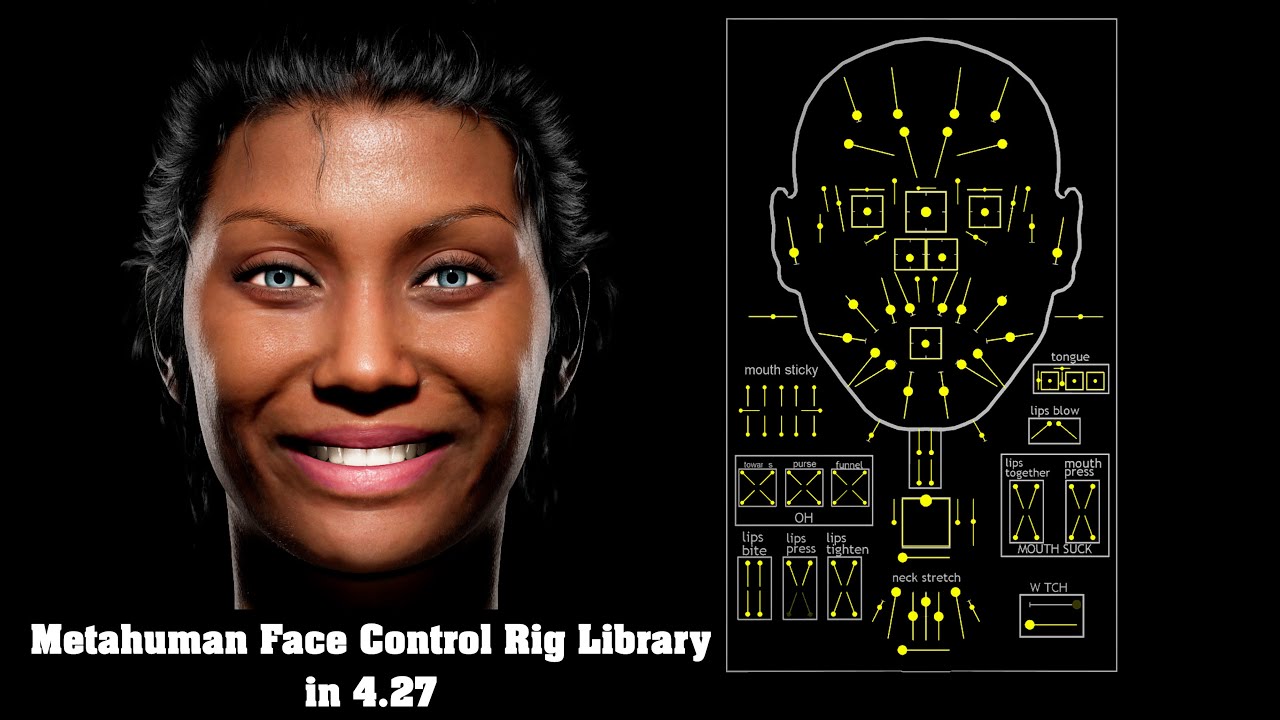
This Metahuman Face Control Rig Board video library has been inspired and tailored by the original video shared by Unreal Engine featuring Adam Walton from Cubic Motion. All the credit goes to Adam Walton for his descriptions and incredible overview. This library would not be possible without his video.
Link to original Metahuman Control Rig v...

In this presentation, Cubic Motion’s Senior Technical Animator Riham Toulan takes you through animating a MetaHuman with Control Rig in Unreal Engine’s Sequencer. The techniques demonstrated can also be applied to animating any asset rigged with Control Rig.
Find out more and request Early Access at: https://www.unrealengine.com/metahuman-c...
vestal barn
hollow aurora
Is there a compilation somewhere of everything Metahuman animation related? I'm ...
Are you interested in mocap or not
hollow aurora
vestal barn
Are you interested in mocap or not
Only in importing and using Mocap data
vestal barn
hollow aurora
Only in importing and using Mocap data
no facial anims - just body?
hollow aurora
Both.
soft marsh
any idea why the landing animation is doing this.. Its not simulate physics

very odd
any way i think its just the animation MM_Land etc
that must be smashed up if they where retargeted from UE4 manny possibly
replaced fall to land and land to locomotion to a mixamo animation and it went away 😄
hollow arch
soft marsh
very odd
Is the body expanding and morphing randomly? This happens when I mix up additive anims.
soft marsh
hollow arch
Is the body expanding and morphing randomly? This happens when I mix up additive...
yeah google was illuding to this also .. so what it means is you mixing blendspaces and regular sequences in the state machine logic ?
for me the metahuman just wraped it self up into a ball like that
other thing I was wondering if its the result of the animation not have any key frame at all
when i imported those animations it was ue4 to ue5 retargeted
and there was some complaints
but yeah this should be good
now we can soft jump/fall/land and falling in gravity to hard land and jetpack/hover and every thing should be some what happy 😅
soft marsh
this is the issue i face also with out simulate physics making the movement component work
 pine stirrup
I used the Skeletal Mesh editor to do Poly Cuts on my MH body so the chest/thighs wouldn't clip through clothing. However this only seems to take effect at LOD0. I tried to regenerate LODs but it doesn't seem to take into account the verts that I removed from LOD0 and all lower LODs have the parts I removed. So when a character switches to a lower LOD you can see clothes poke through. How do I get the lower LODs to accept the geometry of LOD0?

 hollow arch
pine stirrup
I used the Skeletal Mesh editor to do Poly Cuts on my MH body so the chest/thigh...
hollow arch
pine stirrup
I used the Skeletal Mesh editor to do Poly Cuts on my MH body so the chest/thigh...
I would suggest approaching your issue from different angle.
Cute solution I have used is, you can import the same metahuman from metahuman creator, but with different clothes on. Then swap the different skin skel meshes that dont interfere as much. Limited options, but very possible solution.
Online search suggests experimenting with material translucency. Or using 5.5 Mutable plugin, which solves this apparently (I haven't tested it yet, but I'm assuming its decent).
Even if you could get your approach to work functionally, regenerating metahuman LODs result very poorly. The LODs that come with default metahumans are not auto generated in UE, but created before import (probably DNA related). https://forums.unrealengine.com/t/skeletal-mesh-regenerate-lods-bad-results-please-help/1857565?u=some
Also, you may have needed to re paint the skin weights on your metahuman after this process, as the UE Skel Mesh Editor is very - fun to use.

Epic Developer Community Forums
Regenerating LODs for my Skeletal Mesh is producing bad results. Many folds & bad choices in destruction: Unable to produce consistent results regenerating Metahuman LOD 1 inside UE 5.4. The problem persists in all versions of Unreal. I’m using python to run unreal.SkeletalMesh.generate_lod() to regenerate LODs 1-3. https://docs.unrea...
pine stirrup
hollow arch
I would suggest approaching your issue from different angle.
Cute solution I hav...
Ah, so I see there are some issues with LOD generation from your write up. I ended up setting LODs to 0, then back to 4 and regenerating. I guess it had to delete them before it would generate new ones.
For my purposes, I didn't see any artifacts or holes like you saw (since it's really just hands anyway). I suppose I got lucky.
I thought about the transparent material approach and while I've done similar before I'm trying to keep performance in mind as you'd still have all those verts on the skel mesh and now an extra transparent layer in the material which takes more shader instructions. Yeah that Skel Mesh editor has A LOT to be desired, coming from a programming background and not artist one... and sucking at Blender I'll take keeping everything in UE though!
 tidal jewel
can someone explain what i gotta further do to have this dudes cloths with the same exact rig moves along with it, at first i thought it was broken, but ive done things like reimport meshes into the face making sure the face rig was right and i even remember doing something that shows that the face stuff works and isnt just broken, but when i do a cinimatic level sequence it doesnt seem to work, idk what my problem here is or how to fix it
 hollow arch
pine stirrup
Ah, so I see there are some issues with LOD generation from your write up. I end...
hollow arch
pine stirrup
Ah, so I see there are some issues with LOD generation from your write up. I end...
How do your fingers look post regeneration
 timber sorrel
Why metahuman not working for crouch. Here is my anim BP setup. I have tried with/out blends nodes too.

Also enabled crouch in char movement component
Thanks in advance
pine stirrup
hollow arch
How do your fingers look post regeneration
Honestly not bad, good enough for my needs
timber sorrel
Tried without blending too. Still animation is not working
Tried but no luck
Yeah yeah tried that without no layered blends too
I have assigned metahuman skeletal mesh to mannequin. Is that a issue
hollow arch
Hardware issue.
hollow arch
I dont know. Try #ue5-general
 gloomy fractal
After some advice, I'm not sure whether to use metahumans or character creator. I hace CC4 and iClone already, but I'm just not sure which to go with. In terms of creating and using your own clothing assets, and for animation, as it's mostly cinematics I want to use unreal for, which would be the best way to go?
Does anybody have experience using and animating/clothing with both systems?
vestal barn
depending on what you want and the amount of time you want to invest for custom metahuman clothing, there are paid solutions like metatailor (but only what's available) - or could go get a paid license for marvellous designer which i recommend if this is something you will do for the long term
alternatively if you already have maya or such look into the more normal skinning clothing methods
gloomy fractal
I’ve got marvellous designer already for making the clothes, and I use 3ds max. Is the animation options for metahuman better than with iclone?
pine stirrup
I'm trying to get my metahuman to just blink randomly, I've tried every combination of SetControl and SetMorphTarget with a bunch of combinations of names and none of them get the eyes to move. What am I doing wrong?
CTRL_L_eye_blink
CTRL_R_eye_blink
CTRL_expressions_eyeBlinkL
CTRL_expressions_eyeBlinkR
eye_blink_L
eye_blink_R
 hollow arch
pine stirrup
I'm trying to get my metahuman to just blink randomly, I've tried every combinat...
hollow arch
pine stirrup
I'm trying to get my metahuman to just blink randomly, I've tried every combinat...
I gave up with this approach and simply blended in an anim sequence with blinking as the only modified curve lol.
 fathom loom
Hey guys!
So, I need a very deformed humanoid character for my game. I don't have enough character modelling experience to make a character in the fidelity level I need, so MetaHuman's seem like a pretty intuitive way to make them. However, I tried deforming the mesh in blender, (make it much taller, with a weirdly shaped face) and reimporting it, only to get a bunch of errors that are probably related to how altered the mesh is.
So are there any ways to deform the metahumans, in a way that they are still animatable, (face animation doesn't need to be perfect). And if not, are there any alternate ways to achieve a good result without making a model from start to finish?
vestal barn
could you post some references for what you want it to look like? metahumans may or may not be very compatiable with your idea
pine stirrup
hollow arch
I gave up with this approach and simply blended in an anim sequence with blinkin...
Did you go with an additive sequence in the ABP or a slotted montage or something else?
hollow arch
pine stirrup
Did you go with an additive sequence in the ABP or a slotted montage or somethin...
I applied it additively, after removing all curves from the anim sequence except for eye and throat for passive breathing.
I forgot where I got the anim sequence from, but I think it it was part of some metahuman related default pack.


Default face board ctrl rig too (selected in Skel Mesh asset)

Anim BP logic can get tricky if you use this method in combination with other ctrl rig/blendshape related nodes. I used a few others, and had to selectively remove blink related controls from their functionality.
pine stirrup
hollow arch
I applied it additively, after removing all curves from the anim sequence except...
This worked... kinda. His eyes poke through on a blink but that's probably specific to my MH. Needs some tweaks to timings and such since currently it's just looping a little too regularly but the concept will have to do.
 hollow arch
Lower speed of anim sequence might be a decent back alley workaround. Not sure about the eye clipping, I used my method on 6 custom metahumans and they all worked. 😌
With speed of a normal blink, no one will ever notice the clipping.
tidal jewel
can i possibly get someone to do a task i cannot do on my current computer, its a task that literally cant run on my computer, this sucks to ask, but if i need to ill try to set up some sort of way to pay - I'm trying to change the head of my metahuman to a mesh i made and my device no matter what kind of attempt at fixing doesn't work and i have been suggested many times just to get a new computer because my computer however simple it seems hates me and this is my last attempt at getting help
 sharp torrent
Anyone know if I can use cloth physics in a mesh that have 2 material IDs? What I can see that cloth data is added to specific material slot and if I have a cloth with two or more material IDs it won't work.
hollow robin
sharp torrent
Anyone know if I can use cloth physics in a mesh that have 2 material IDs? What ...
You need to use the newer panel cloth workflow, not the legacy workflow.
sharp torrent
You mean the experimental plugin?
dry sierra
Hey guys how do you get a closer result to how you actually look with meta human animator , kindly lemme know on your workflow and if you can I would
Like to see how yours turned out thanks ( either using poly scan or live link app or , just photos/ face builder blender ) 🙏
 dry wadi
hello, does anyone know why metahuman face animations wont play back on other skeletal meshes even when they share the same skeleton? ive tried adding the face post process blueprint but that just brings through the head movement track, not the actual facial animation. so far the only way ive been to get it to work is by exporting the animation using the preview mesh option, then reimporting that targeted to my specific custom metahuman - would be great to figure out how to skip that step
 azure jetty
Full Metahuman Pipeline in Maya - Free Access Until May 15th! Download link below : https://2dnac.com/helixedit-pricing/ 🚨
⚡️ Currently available to individual artists, indies, and studios — but as demand from the AAA industry ramps up, now’s your moment to get in early.
🎯 Whether you're working on MetaHuman-style characters, stylized creatures, or anything in-between, HelixEdit gives you:
Unlock Next-Gen Character Creation!
✅ Seamless Integration – A simplified pipeline that speeds up your workflow.
✅ Complete Customization – Sculpt unique bodies while keeping MetaHuman topology.
✅ Automated LODs – Effortlessly optimize for any platform without compromising quality.
✅ Blendshapes adjustment
✅ Joint placement
✅ Additional tools
🎉 FREE 1-Month License Available NOW
Try it before it becomes the industry’s go-to and early access closes.
🎬 See it in action: https://youtu.be/3ZEjqMza7lo
Additionally, here’s a brief explanation for those unfamiliar with what HelixEdit does : https://youtu.be/JOBuwDCajYQ
UserGuide : https://2dnac.com/helixedit-user-guide/
🧠 The AAA space is catching on fast — grab your slot while it’s still open and explore the full power of HelixEdit! 🚀

Explore HelixEdit pricing plans and find the perfect fit for your character creation needs. Compare features and get started today.

HelixEdit: The Ultimate Tool for AAA Character Creation in Maya
https://www.youtube.com/watch?v=aXRog5Iwdlg&list=PLvSq9AIoh5xr7TbToLX1nsNgschj-6AGS&index=2
In this video, we’re excited to showcase HelixEdit, the groundbreaking tool designed to revolutionize AAA character creation in Maya. Whether you’re working on human characters, creatur...
HelixEdit: The Ultimate Tool for AAA Character Creation in Maya
https://www.youtube.com/watch?v=aXRog5Iwdlg&list=PLvSq9AIoh5xr7TbToLX1nsNgschj-6AGS&index=2
In this video, we’re excited to showcase HelixEdit, the groundbreaking tool designed to revolutionize AAA character creation in Maya. Whether you’re working on human characters, creatur...
Welcome to the HelixEdit User Guide! Here, you'll find everything you need to master HelixEdit—from core features and workflows to best practices and troubleshooting. Whether you're a beginner or an advanced user, this guide will help you streamline character creation with ease.
 spiral thorn
Hi Everyone! I am trying to import alembic format hair, but when I try to import it to ue5, it imports it as static mesh, not a particle system or hair that I adjusted in blender, how to fix it? anyone please?
 tacit trench
anyone had this issue with metahumans?

when i click on distorted part it selects the hair groom component. it goes from being normal to this distorted version, flickering between normal and distorted version infinitely
 tardy delta
spiral thorn
Hi Everyone! I am trying to import alembic format hair, but when I try to import...
tardy delta
spiral thorn
Hi Everyone! I am trying to import alembic format hair, but when I try to import...
Create a Groom Asset and reimport the alembic from there. At least that is what I usually do.
plucky kelp
I'm doing a 1000-frame engine warmup to prevent hair jittering, but the hair still jitters if the character is moving. Is this normal? Why does this happen? How can I prevent it?
tardy delta
plucky kelp
I'm doing a 1000-frame engine warmup to prevent hair jittering, but the hair sti...
Sadly Unreal freezes all hair simulation if it doesn't have any stimulus to move, so even you set warmup frames the hair will stay still until it feels some animation prompting its simulation. As a good work flow, don't use your metahuman animation to the cut and always try to have animation before and after the start of the shot.
There is a way to setup the warming frames from the camera cut so you can add a bit of animation before the start of the frames and get your hair going
stark urchin
Hi guys I’ve been trying to find an efficient way of merging the metahuman meshes ( torso, legs, feet, and body ) I used the skeletal mesh merger plugin provided by epic, but it completely deletes the material IDs after merging. Is it possible to merge the parts into one body mesh using the mutable sample? Or will I have to use some other way ?
 elder pagoda
Hello there , I have a custom metahuman and would just like to know how can I check that it maintains the full range of facial expressions metahuman are supposed to have ?
 thorn marsh
Hi, for some reason metahumans I make in creator wont show up in bridge anymore. They were working fine, UE 5.5 and mh creator 5.5. Any idea how to force bridge to update?
stark urchin
I suppose not many have tried merging metahuman meshes
spiral thorn
tardy delta
Create a Groom Asset and reimport the alembic from there. At least that is what ...
thank you very much!
hollow aurora
Any users of Character Creator from Reallusion? How does it compare with Metahumans? Character Creator 5 looks pretty amazing!
hollow arch
stark urchin
Hi guys I’ve been trying to find an efficient way of merging the metahuman meshe...
We used Blender. Basically like making a skeletal mesh from scratch. Redo all the texture mapping and stuff like that. Worth it imo, one of the biggest performance gains you can do for a modular character is reduce number of skel mesh components ticking. I have successfully skel mesh merged in UE, but I have never been able to solve the materials breaking. And then there is the question of if you need physics or blendshapes. Its a rabit hole no one has really solved yet.
hollow arch
hollow aurora
Any users of Character Creator from Reallusion? How does it compare with Metahu...
MetaHuman loses the character creation debate. But it's more about what framework you want to use. CC might have better off the shelf characters. But if the assets and workflow doesn't integrate well with your project and goals, you may want a simpler but more accessible framework like MetaHuman.
hollow aurora
hollow arch
MetaHuman loses the character creation debate. But it's more about what framewor...
I haven't looked into CC5 but I thought they have streamlined the Unreal workflow?
hollow arch
Its probably accessible enough. Just wanted to bring awareness to the decision of production framework.
plucky kelp
how do you get your metahuman from the creator to UE5?
dry sierra
plucky kelp
how do you get your metahuman from the creator to UE5?
Download it then add it
plucky kelp
download it from where.
 weak hatch
quixel bridge. So long as you used the same credentials for metahuman creator as you do for bridge.
dry sierra
plucky kelp
download it from where.
Yh okay I’ll send a link
dry sierra
plucky kelp
how do you get your metahuman from the creator to UE5?
https://youtu.be/JUK5sR1Ztbk?si=ToCobXXsDVL4mv6h
here you go

Check Out My Multiplayer Survival Game Course:
https://smartpoly.teachable.com
Hello guys welcome back to another video. In this video I will be showing you guys how you can download Metahumans in Unreal Engine 5.5. With the release of FAB and Unreal Engine 5.5, it is extremely confusing and there is no information on how to download Metahumans...
 minor tartan
Hello guys, I have a big problem with my metahumans. I am on UE 5.5 and updated the bridge plugin etc.
The problem is, that all my changes I make in metahuman creator won’t update on my metahumans in editor.
When I open bridge inside of unreal, some metahuman won’t appear at all and some will show the correct changes but won’t update when importer into unreal.
I hope somebody can help me.
Many thanks in advance!
minor tartan
thorn marsh
Hi, for some reason metahumans I make in creator wont show up in bridge anymore....
Hey Ray do you have any solution yet?
soft marsh
anyone know how i could line trace the metahumans mesh.. so i can get the hit bone with out messing with the capsule it self?
np figured it out
Capsual -> RagDoll (wont break gravity)
Mesh -> Block All
Mesh -> Generate Hit Events
Skeletel Mesh Physics Asset -> Select All -> Generates hit event
if any one else runs into that...
 soft marsh
ok that is weird when i hit the character for some reason the head is never triggering the hit.. and when i hit the pelvis it launches them very violently
ah i get it :D.. so like fall out .. each limb can have a health till its no longer functional
kind of cool
but yeah why no head hit?
and perhaps i could remove pelvis from generating hit but seems odd that bone sends him flying so
hollow arch
soft marsh
but yeah why no head hit?
Might want to look into how MetaHumans are modularly assembled. Set leader pose component (body parts) or copy pose from mesh (head attachment) may not support physics out of the box.
soft marsh
hollow arch
Might want to look into how MetaHumans are modularly assembled. Set leader pose ...
yes this is something i've been chasing for a while i really want to make a frame work so i can have my metahumans under a umbrella (parent bp) of characters and be able spawn them# framework fasion once there in there club of "metahuams" that the game recognizes
hollow arch
You read my mind 😅 thats what I'm solving right now. I don't think this is a good solution for performance, but it helps me add new characters quickly. I have data assets that contain each MetaHuman's skel meshes, grooms, unique static default data, etc. And on BeginPlay() I load the data asset, assign everything and then unload the data asset. I'm probably going to do something else, because it feels redundant. Now I'm going to be testing if significant memory is shared between all of my MetaHumans thanks to them all running on identical code. Also need to look into Mutables sometime, but I'm waiting a few version updates on that before diving down the rabbit hole.
soft marsh
yeah i was thinking of a doing data asset for my weapon system as it seems more like realistic database but the way that stands it just needs the Master BP's to do every thng pritty much its .. its own db in respect but with the metahumans that doesnt seem possible with out something like even a struct
i guess the data asset is dynamic and easily modifiable
vs being somewhat static and each bp has to be modified
also i was figuring we need to character to nothing in world settings if we did something like this ... and spawn all the characters from gamestate
but yeah if you need to test something let me know if i can i will happily devote a little bit of time to that
hollow arch
soft marsh
i guess the data asset is dynamic and easily modifiable
I think Data Assets are not to be modified at runtime
I have a blank Data Asset variable on the template metahuman class which gets assigned when characters are spawned.
soft marsh
ah i see well.. even if each metahuman just needs a data asset to be recognized i think that would be a good thing
still annoys me that we cant cast class to class with the object recasted in one hit
we only want a object reference not a object
its kind of infuriating
 lone ridge
Best way to attach clothes to Mets human? I got this hoodie from a different video game asset

Metahumans*
hollow arch
soft marsh
we only want a object reference not a object
C++ is calling your name
hollow arch
lone ridge
Best way to attach clothes to Mets human? I got this hoodie from a different vid...
Easiest is to pay for a sevice like MetaTailor or others.
Best is to weight it Lod : Lod yourself in external DCC
lone ridge
hollow arch
Easiest is to pay for a sevice like MetaTailor or others.
Best is to weight it L...
Is this a hard thing to do? I don't even know what that means. Im pretty new to blender.. I could attach the head maybe to the body? But that also ends up looking odd when exporting to mixamo to getting animations
and new to unreal engine
hollow arch
It's not a beginner task. If your focus is on 3d models and blender-type tasks, then it's important to know.
soft marsh
hollow arch
C++ is calling your name
I know i already tried the fucntions literaly called "mycrappycast" 😂
but yeah with visual studio i cant get no luv
the concept is there
but just no real way to do it from what i can tell that really makes that much sense
i deleted mycrappycast but yeah all it did was take a UObject and UClass as inputs
all wants to do is spit out a unvalided cast of that object really
maybe it should be mycrappycharactercast
still doesnt get you universal inputs and outputs
 mint wasp
I need some signposts, guidance, or rumors about solving some specific issues with what I want to do with Meta humans. I've been googling around and haven't dug up any gems yet.
One is how to control the hair a bit more. For example I was able to get this out of Metahuman creator:

But the blend that includes the sideburns and temple hair is ... annoying at best.
Photoshop can give me this:

Mo' betta. But where do I customize this?
hollow arch
Make your own textures in external dcc
mint wasp
Second is the body...
There are only three body styles on no obvious way to control the content... do I need to make a completly custom mesh?
 mint wasp
hollow arch
Make your own textures in external dcc
mint wasp
hollow arch
Make your own textures in external dcc
Yeah - that's what I'm thinking.
I just didn't want to reinvent the wheel.
hollow arch
Doesnt need to be custom. You can still use the metahuman framework, but you'll need go explore custom options.
Dna, Maya, something along those lines. Paid solutions if you wanted to.
mint wasp
I guess that's what I'm exploring... are the custom options in metahuman creator (if so, I've missed them) or are they exporting the mesh and then working it.
K. Was just checking. I'd hate to find out that there was a built-in system that I'd missed.
So - to sum up: Metahuman creator is primarily for customizing the head and face, and base skeleton size.
soft marsh
mint wasp
I need some signposts, guidance, or rumors about solving some specific issues wi...
great work there
mint wasp
soft marsh
great work there
Thanks! The face editor is fairly straightforward. But (I'm also reaching out on other threads) it seems that for body style, it's diving into custom clothing... and I'm learning about the built-in groom systems.

 woven viper
am i missing something...? how do you export a metahuman skeletal mesh to maya from the engine without breaking everything? https://imgur.com/yfOnsaL
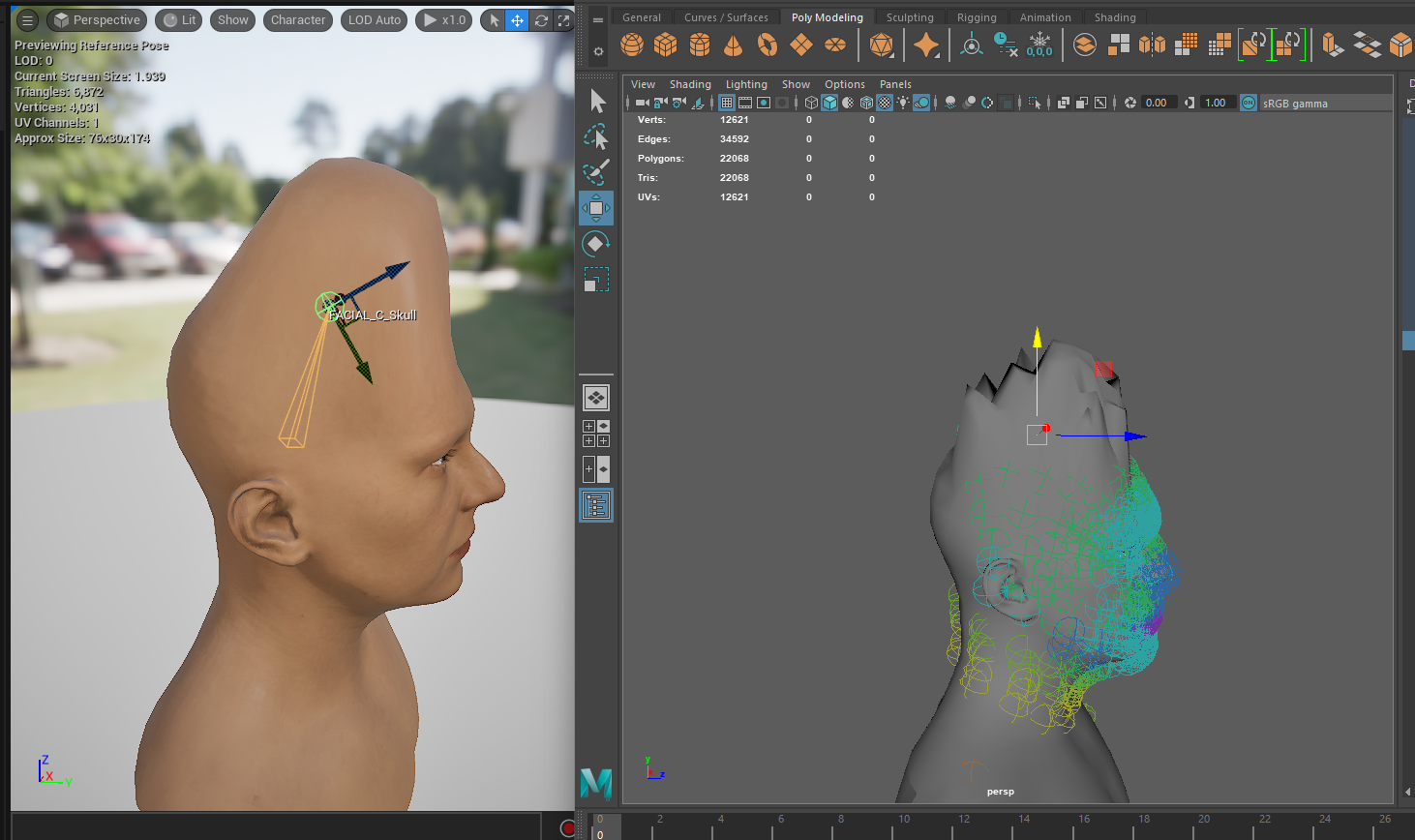
issue is some import setting cus the exported fbx is fine
 rigid wind
woven viper
am i missing something...? how do you export a metahuman skeletal mesh to maya f...
rigid wind
woven viper
am i missing something...? how do you export a metahuman skeletal mesh to maya f...
it's my understanding you have to use the standalone quixel bridge to do it. and it'll only work with maya 2024 or under. Quixel bridge has an export plugin specifically for maya.
woven viper
yea i figured it out in the weirdest way, i said screw it and downloaded blender, imported and the skinning was perfectly fine and identical to engine
so that told me the fbx export was fine, maya importing is just FUBAR
so i exported it from blender and imported that into maya, and weights are normal identical to engine

rigid wind
well its nice to know there's another way to do it
woven viper
wasted a day but alls well in the end lol
yea im using medium preset, not possible to export from bridge
atleast i tried, only got older high end stuff
rigid wind
Hey all, have something I’m trying to understand. My idea is to take a single metahuman mesh, import it into maya > zbrush, then add a bunch of other meshes, wrap them with the base mesh, and turn them into morph targets. This is all for a customizable character. Is this the best way to do this? Solo developer trying to understand the best way to do it.
 fresh turret
Aye, guys. Having an engine error.
Installed a MetaHuman and my engine crashed right after it was completed, and now when I try to load it back up. I get this error.
"plugin 'animationdata' failed to load because 'animationdata' could not be loaded"
On 5.5.4, fyi.
dry sierra
fresh turret
Aye, guys. Having an engine error.
Installed a MetaHuman and my engine crashed r...
Check if drivers need to be updated or it’s a heating issue
stark urchin
hollow arch
We used Blender. Basically like making a skeletal mesh from scratch. Redo all th...
So basically in order to reduce those mesh draw calls, the best way is to export the metahuman in blender and make the clothes patented to the body mesh, and re import into UE ? It’s kinda sad that the skeletal mesh merger plugin doesn’t fix the materials
stark urchin
I suppose that’s the only way of optimising them if you want to use them as city pedestrians
vestal barn
mint wasp
But the blend that includes the sideburns and temple hair is ... annoying at bes...
make some grooms in houdini
or purchase them
hollow arch
stark urchin
So basically in order to reduce those mesh draw calls, the best way is to export...
This wouldn't reduce the mesh draw cause, but it would reduce the overhead of animation ticking.
hollow arch
stark urchin
So basically in order to reduce those mesh draw calls, the best way is to export...
Mutable plugin might do this for you. I will test this in depth in next month
hollow arch
stark urchin
I suppose that’s the only way of optimising them if you want to use them as city...
You can copy the city sample plugin, where they are rendered not as skeletal mesh assets but VAT. Also mass ai, maybe.
stark urchin
hollow arch
You can copy the city sample plugin, where they are rendered not as skeletal mes...
They’re rendered as what 😂 virtual animated textures ? ?
stark urchin
hollow arch
Mutable plugin *might* do this for you. I will test this in depth in next month
I’ll give mutable a try as well just to see if it does that
Btw what’s worse is if you’re using GASP characters with metahumans for pedestrians , now with that live generic retargeg anim bp there’s additional cost on the anim tick
hollow arch
stark urchin
Btw what’s worse is if you’re using GASP characters with metahumans for pedestri...
Oof yeah... I retarget everything manually to avoid live retargeting overhead.
 whole glade
ive made a new actor with a skeletal mesh of my metahumans head bust, and a bunch of groom assets. however only the second LOD shows for them, meaning up close and far away the groom assets are invisible. why?


 rain badger
so i am using unreal 5.4 version and i am stuck at this part where in tutorial its clearly showing import morph option but in my meta human option i cant see the option and if i cant check the option i cant morph my charector how to get rid of it ? https://www.youtube.com/watch?v=b_ZjsUg2XCc&t=681s


Ultimate MetaHuman Customisation guide using Unreal Engine 5, Blender and Adobe Substance Painter. This is the fastest and most effective workflow to customise a MetaHuman outside Unreal Engine without additional paid plugins.
What will you learn at the end of this video:
- Customise MetaHuman Mesh
- Customise MetaHuman Skin Texture
- Cust...
 gilded badger
Hey, I'm currently working on my character creator and have reimported new metahumans for it. Rish now it seems that the female skeletal mesh always gets stretched to the mail proportins (on the right you can see the actual desired hight from the same skeletal mesh placed in the level (f_Tal_nrw)). I'm not sure where this could come from, I tried without the ABP, reimported a female metahuman skeleton (as male and female both used the same base skeleton, which had male appearance in the common female folder) but both actions had no impact. Would appreciate your feedback 🙂

 drifting merlin
Any groom or hair experts here? were are having an issue where the hairs seem to have a moire pattern when you get farther away from the object with hairs?

 amber bluff
Hey, I'm trying to download my metahuman with just the underwear but no matter what I do there are clothes, I've googled for the past couple hours with no helps whatsoever. I did find find a shared body but the issue is the meshes don't align, does anyone have any suggestions or help?


 hollow arch
amber bluff
Hey, I'm trying to download my metahuman with just the underwear but no matter w...
hollow arch
amber bluff
Hey, I'm trying to download my metahuman with just the underwear but no matter w...
Search for a skel mesh asset with the name preview
pine stirrup
Once I added a 2nd MetaHuman to my game, the AssetManager started complaining that there are now duplicate named assets. Each MetaHuman has their own material (in my case MI_HeadSynthesized_Baked) but they share the same name. Is there a better way to manage this? Should I be renaming each material after importing or is there a way to set the material names in MH creator before importing into UE?
[2025.04.24-12.30.42:647][ 0]LogAssetManager: Warning: Found duplicate PrimaryAssetID EpicMetaHumans:MI_HeadSynthesized_Baked, path /Game/MetaHumans/Common/Face/Materials/Baked/MI_HeadSynthesized_Baked.MI_HeadSynthesized_Baked conflicts with existing path /Game/MetaHumans/HansNoir/Face/Materials/Baked/MI_HeadSynthesized_Baked.MI_HeadSynthesized_Baked. Two different primary assets can not have the same type and name.
 carmine scarab
how come when adding "trey" to my project the metahuman_base_skel looks like this when it's supposed to look like this..

 hollow arch
carmine scarab
how come when adding "trey" to my project the metahuman_base_skel looks like thi...
hollow arch
carmine scarab
how come when adding "trey" to my project the metahuman_base_skel looks like thi...
A Skeleton is different than a Skeletal Mesh.
In the Skeleton window, change the preview mesh.
Skeletal Mesh will is the literal polygons. Skeleton is just a hierarchical list of bones, pretty much.
carmine scarab
hollow arch
A Skeleton is different than a Skeletal Mesh.
In the Skeleton window, change the...
what is the preview mesh for the whole character?
i dont see it..
hollow arch
One of the panels where you select stuff. Try buttons around top of Skeleton window.
Preview something should be selectable.
 vagrant dawn
I created this hair in XGen, and its style looks good initially, like in the video. But when I turn on animation or simulation , the hairstyle gets messed up. Can anyone help me with a solution?
carmine scarab
hollow arch
One of the panels where you select stuff. Try buttons around top of Skeleton win...
i understand what the preview mesh is; im saying there is no mesh for that character

this is the closest one i can find
i dont see any of "trey"
like in this pic

 trim sinew
Is there a known fix for eyes glowing like this?

seems to happen only with lumen reflections
https://forums.unrealengine.com/t/lumen-gi-skylight-glowing-lacrimal-fluid/239224 suggests decreasing the lacrimal fluid opacity (.01 by default)

Epic Developer Community Forums
Looks like Lumen’s GI doesn’t play nice with Metahuman’s default lacrimal fluid material when illuminated with a skylight. Below you’ll see that without the skylight, and without Lumen GI, there is no issue. This can obviously be reduced by lowering the opacity of the lacrimal fluid, but the default setting looks ridiculous. Considering...
whole glade
is there a way i can just download hairs and add them to my character?
dry sierra
whole glade
is there a way i can just download hairs and add them to my character?
Umm if you mean externally I guess u can buy hair addon on blender then take your metahuman to blender and change it or
Smthin
 meager sable
dry sierra
Umm if you mean externally I guess u can buy hair addon on blender then take you...
meager sable
dry sierra
Umm if you mean externally I guess u can buy hair addon on blender then take you...
there is also free modifers from blender for hair
carmine scarab
 robust crane
Hi everyone, I’m totally new at this.....
I’m running into a problem where only the hands and feet of my MetaHuman show up in the scene – the body, head, and hair are missing.
I’m still learning, so maybe I missed something, but here’s what I’ve tried so far:
I manually created a "Meshes" folder, but nothing showed up.
I tried migrating files from another MetaHuman, didn’t fix it.
Construction Script linking didn’t help either.
There’s no full body mesh in the Content Browser, just hands and feet. Any advice on how to fully load the MetaHuman and get everything working properly?
Thanks a lot in advance, really appreciate any tips!
hollow aurora
Does anyone have experience using morph targets? Need to animate a Metahuman getting heavier.
dry sierra
robust crane
Hi everyone, I’m totally new at this.....
I’m running into a problem where only ...
Okay , have you tried opening a new project and reimporting the character ?? And are you removing the body mesh and face mesh seperately ?! , what blender version are you using ?? , to see your metahuman in full you can drag the BP class metahuman to your scene
 atomic steppe
I have a detached metahuman head when I play animation through the Blueprint but it works absolutely fine if I set those animations in sequencer.
What is the correct way of playing body and face animations during gameplay?
I took a look at a few youtube tutorials and all of them are sequencer related and the solutions don't seem to work for me.
 hollow arch
atomic steppe
I have a detached metahuman head when I play animation through the Blueprint but...
hollow arch
atomic steppe
I have a detached metahuman head when I play animation through the Blueprint but...
You only play animation for the body in an anim blueprint. The Face anim BP will use the copy pose from mesh node, while filtering out >=Head bone influence. Face animation can be added to the face anim bp.
atomic steppe
hollow arch
You only play animation for the body in an anim blueprint. The Face anim BP will...
I see...
I am not very experienced with anim blueprints. By default the body does not have an anim blueprint so that's something I will have to create?
One other confusing thing is the Copy Pose From Mesh node. Is this node taking the current animation or a single pose from the body? I don't see where the reference to the body is in the Copy Pose node.
 wise raven
Anyone know if metahumans are strictly for inside UE5 rendering? I know the licensing hints at that, but I'm looking to just create a game trailer with metahumans in blender for the actual game that is made in UE5.
hollow arch
You might have to make an abp for the body, first check if any is assigned in the default Blueprint.
As for copy pose from mesh, i dont know exactly, it just works. The face basically copies the body animation and floats(animates) at the exact place where the seam is. Good luck!
atomic steppe
hollow arch
You might have to make an abp for the body, first check if any is assigned in th...
Thanks for explaining!
atomic steppe
wise raven
Anyone know if metahumans are strictly for inside UE5 rendering? I know the lice...
You're not allowed to use metahumans in other software as far as I am aware.
wise raven
atomic steppe
You're not allowed to use metahumans in other software as far as I am aware.
yah, im leaning towards that too, blows
 kind viper
Has anyone ever had a problem with sockets moving around using Live Retarget? I set a left hand socket and attached a bow to the socket on the sk_manniquin, (everything is snapped to target) and when i play a draw animation the bow shifts forward through the fingers.
kind viper
Maybe the retargeter needs to be adjusted
jagged fulcrum
wise raven
Anyone know if metahumans are strictly for inside UE5 rendering? I know the lice...
I'd rather using Daz for blender render, there are tons of assets and customizations for that, no benefit of using metahuman there since most of the feature is UE specific like bone/shapekeys corrective, animation rig, lips animation, etc
 lavish wren
Good evening, I am having issues moving my custom metahuman in the sequncer any tips? Thank you for your help.
The bones are in the skeletal mesh and they are paired to a control rig. The control rig is not moving the bones in the sequencer.
 winged mortar
hey folks. When I export metahuman textures from unreal they show up as black even though they have RGB info in unreal. Any tips on how to solve this issue? Anyone ran into this before? thanks.
robust crane
dry sierra
Okay , have you tried opening a new project and reimporting the character ?? And...
I’m using the BP_Metahuman class directly from Bridge in UE5.5 Preview, but only the hands and feet are showing — the body is completely invisible. I didn’t separate the mesh, and I assigned the correct skeletal mesh (f_med_unw_body) and AnimBP.
Do you think I should try reimporting the MetaHuman? Or could it be a bug with the Preview version?
 atomic dock
I somehow have the problem that there is one random strain of hair flying weirdly around. even if I turn down hair length it is not affected. Does anyone here know the issue?

 late sequoia
Not sure how to fix it but I've been getting the same issue with that hairstyle. Even with all groom physics turned off... that strand just shoots out sometimes. Happens in sequencer when I animate.
nocturne snow
Recently started using the Livesync Marvelous Designer plug in to get Metahuman animations and assets back and forth really quickly between Unreal Engine and MD, it's saving a lot of space without having to export a bunch of fbx's and obj's to my drive! Made a walk through here - https://youtu.be/tEShT0YyUJY

Link to LiveSync documentation - https://support-connect.clo-set.com/hc/en-us/categories/8924150294415-LiveSync
Link to LiveSync for Unreal Engine plug in download - https://support-connect.clo-set.com/hc/en-us/articles/9803777473295-LiveSync-version-archive
TIMESTAMPS
00:00 Introduction
01:00 Setting up Livesync in Unreal Engine
03:22 Creati...
thorn marsh
hollow aurora
Does anyone have experience using morph targets? Need to animate a Metahuman get...
Any luck with this? I actually need to do the same on a static MH. I may actually just end up taking it to Maya since animating morphs in Maya are straight forward and easy to manipulate on a fully clothed MH….but ideally this could all be done in UE, but the base MH rig doesn’t have these features.
 noble maple
thorn marsh
Any luck with this? I actually need to do the same on a static MH. I may actuall...
noble maple
thorn marsh
Any luck with this? I actually need to do the same on a static MH. I may actuall...
I’ve seen videos of people making mh heads bigger, dunno if that’s the same
dry sierra
robust crane
I’m using the BP_Metahuman class directly from Bridge in UE5.5 Preview, but only...
Yes try to reimport it as also high optimized , don’t go for cinematic or low either medium / high
thorn marsh
noble maple
I’ve seen videos of people making mh heads bigger, dunno if that’s the same
not exactly, these are very specific body morphs that need to animate in sequencer/keyframes.
nocturne snow
clip from my short recorded with face and cbody capture
 sly patio
glowing metahuman. anyone know how to fix this?
in game does the same thing from the back
 toxic depot
I'm using control rig to animate the face. But when I bake it to animation sequences and attempt to play the animation, It doesn't seems to work. I'm using CC4 as a character + autosetup + livelink, so basically its a metahuman. The animation sequences itself however works perfectly. Its just when i put into the sequencer it became a problem. I've disabled body animation + control rig, I've disable face control rig and even delete it after, I've tried changing a few additive setting, none works. I've been stuck at this for days, can anyone help me out TT


 stiff meadow
I swear i've had this issue before but i can't remember what it was :((

 nocturne grove
how do you remove the shoes in the MH creator?
vestal barn
nocturne grove
how do you remove the shoes in the MH creator?
Use the thongs preset - which you then remove in editor
nocturne grove
You mean that you need to remove them manually in a 3D editor?
hollow arch
nocturne grove
You mean that you need to remove them manually in a 3D editor?
You can remove just the shoes in UE. But then you have to manually offset Z
vestal barn
Basically all of the shoe models except thongs, if you remove them, there’s no underlying foot model
If you remove thongs you just get the foot underneath
 ocean needle
Hi everyone! I already posted this in general but I am having this problem when try to launch the editor. Does anyone know how to fix it? I need quixel bridge for my metahumans project.
 nocturne snow
made this short cinematic using metahumans and mo cap
 sharp idol
toxic depot
I'm using control rig to animate the face. But when I bake it to animation seque...
sharp idol
toxic depot
I'm using control rig to animate the face. But when I bake it to animation seque...
I'm having the same issue
 hardy mica
winged mortar
hey folks. When I export metahuman textures from unreal they show up as black ev...
hardy mica
winged mortar
hey folks. When I export metahuman textures from unreal they show up as black ev...
Is this been fixed?
gilded badger
Hi, I'm currently working on my Character Creator and have a problem with the Female Body, it seems to get stretched to the mail proportions always. When I place the SKM in the world everything looks fine, as soon as I add it in the Character BP it's getting stretched (to male proportions it seems). I tried deactivating the ABP as I thought it might come from there and also retargeted all MH SKMs to my used Skeleton but nothing changes the outcome. Any hint on what could cause it would be highly appreciated!


 past ice
UE devs are planning on making MetaHuman run locally in 5.6?
https://www.youtube.com/watch?v=AFCa4AWzhDE
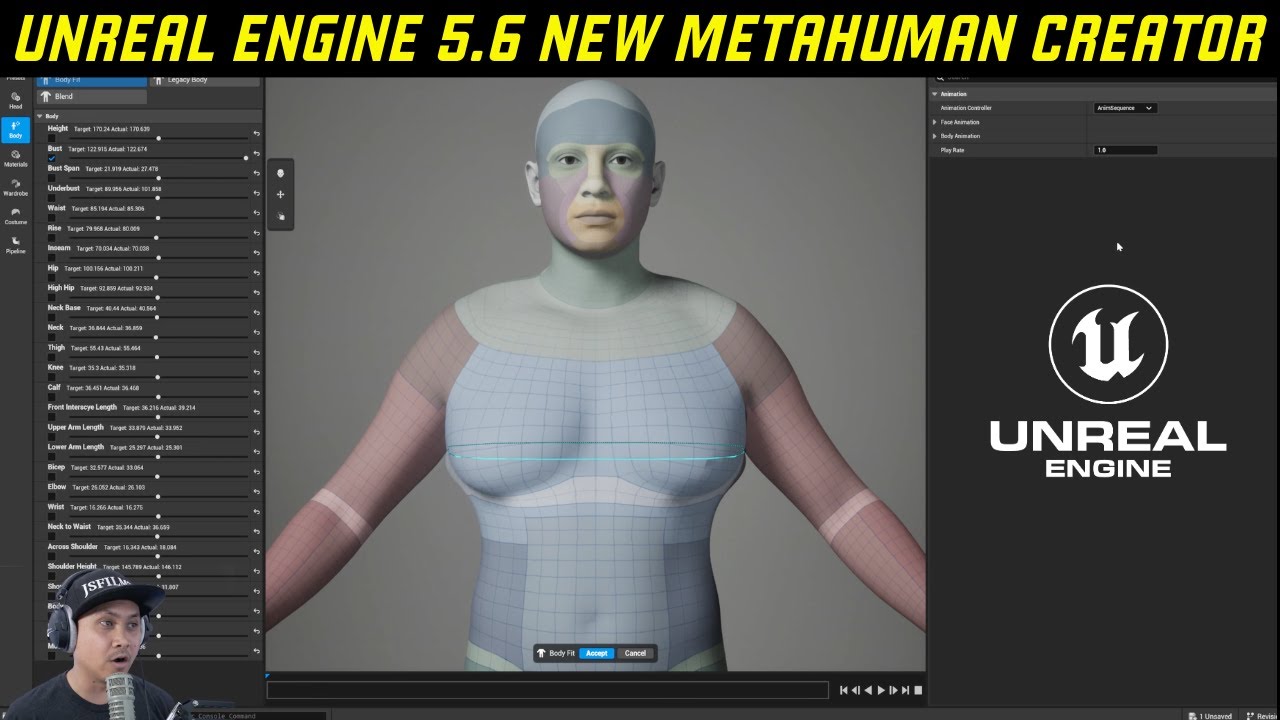
Unreal Engine 5.6 New Metahuman Creator Plugin
50% Off Code for all Leartes Products: JS50
https://gumroad.com/a/457429971
AI Voice Changer I use: https://try.elevenlabs.io/pjupe0vdnndd
https://linktr.ee/jsfilmz
@UnrealEngine #unrealengine5 #ue5 #metahuman #metahumancreator
 earnest patrol
past ice
UE devs are planning on making MetaHuman run locally in 5.6?
https://www.youtube...
earnest patrol
past ice
UE devs are planning on making MetaHuman run locally in 5.6?
https://www.youtube...
you know speaking of metahuman, I really hope the epic games developers had made an update for megalights to have support for hair groom strands on 5.6 soon. I really don't enjoy using hair cards for megalights to be honest. It's not the best
past ice
earnest patrol
you know speaking of metahuman, I really hope the epic games developers had made...
Agreed.
 last gazelle
https://www.instagram.com/reel/DJepjqDswTs/?igsh=MXhrN3pzbm01aGpuMw==
Guys, clarify me one thing. Isn't it illegal to use metahumans outside of unreal and rendering it somewhere else like blender? I think they are normalizing it way too much.

Watch my process breakdown on Patreon or ask me about it in Discord https://linktr.ee/goodgood3d
I’ve never been this excited by a blender plugin before, but Poly Hammer’s new Metahuman dna addon is just so freakin good. Of all the tools I’ve tried to create a decent facial mocap, the Metahuman Animator is by far the best. It has a super ...
Likes
3327

 Instagram
 split edge
last gazelle
https://www.instagram.com/reel/DJepjqDswTs/?igsh=MXhrN3pzbm01aGpuMw==
Guys, cl...
split edge
last gazelle
https://www.instagram.com/reel/DJepjqDswTs/?igsh=MXhrN3pzbm01aGpuMw==
Guys, cl...
Let's not use the term illegal. It has nothing to do with any law.
It's outside of terms of use of Metahuman creator yes, so if they annoy epic, Epic would have a legitimate reason to terminate their license and forbid them to use any of epic's product.
It's also in the FAQ of the MHC homepage: https://www.unrealengine.com/en-US/metahuman
But that's between them and epic's lawyer, nothing we have-to/should care about.

Unreal Engine
Create photorealistic digital humans, fully rigged and complete with hair and clothing, in minutes with Unreal Engine's free online MetaHuman app.
last gazelle
split edge
Let's not use the term illegal. It has nothing to do with any law.
It's outside ...
I see. Really thanks for the info.
 ivory tusk
anyone tried turning on cloth simulation from Blueprint.
because looks like cloth simulation is completely broken when we try to control parameter from blueprint.
i'm simply trying to enable simulation from blueprint.
also tried adding/spawning fresh skeletal mesh that also don't simulate cloth
last gazelle
ivory tusk
anyone tried turning on cloth simulation from Blueprint.
because looks like clot...
Are you using the new chaos cloth system?
ivory tusk
last gazelle
Are you using the new chaos cloth system?
i think yes. using default cloth system

 autumn osprey
I've a specific question for anyone with the Unreal 5.6 Beta of the Metahuman Creator. I saw online that it's now right inside of Unreal. I also saw there were ( and this is important ) "facial motion captures" that you can use to see how it works on your new Metahuman. ARE those animation files now local somewhere for us to use?
last gazelle
ivory tusk
Ok so this is the old cloth simulation method. And the issue you might be having is cloth simulation acting weird, this is because the collision mesh of your skeletal mesh is intersecting with your cloth.
 hoary gazelle
anyone tryna help me turn this picture from ai, (im sure its not anyone real or even close to it as the prompts i used were so specific and the picture is exactly the same as the prompts) and turn it into a meta human, i used face builder and got the head mesh, but for some damn reason, i have the metahuman plugin installed and enabled, but i cannot right click and create an identity to be able to turn this into an actual meta human, could someone maybe take the mesh from me, or maybe the picture and turn it into one or model one for me? i know this is alot to ask as im trying to make a realistic metahuman and not some low poly character but im at a dead end and cannot figure this out no matter how hard i keep trying. i essentially am just asking for someone to either make the character for me, or provide some extremely in depth step by step hand holding if possible because ive been at this a really long time now and its getting nowhere.

im aware i didint upload the picture of what i want the character to look like but i didint want to have 2 huge messages due to pictures, if anyone is able to help or at least reply to me, please do so and let me know via DM that you did, so i can make sure i get it, im trying to make an open world rpg if anyone is curious what the character im hoping ot get is for
ivory tusk
last gazelle
Ok so this is the old cloth simulation method. And the issue you might be having...
No it's chaos cloth. you can see on left details panel.
Expectation: By Default this Square Cloth Simulation is Disabled. and i want to turn on Simulation when i wanted using Blueprint.
For that i'm setting "Disable Cloth Simulation"(it's default component variable) parameter to turn on simulation.
 crimson reef
Have you solved this problem?
vestal barn
ivory tusk
No it's chaos cloth. you can see on left details panel.
Expectation: By Default ...
What are you trying to achieve with the cloth, clothing for a metahuman? I am also pretty sure this is the old cloth - unless you are in some hidden UI
ivory tusk
vestal barn
What are you trying to achieve with the cloth, clothing for a metahuman? I am al...
okk what is new cloth system?
vestal barn
it depends on ur use case - if you are doing something simple like a plane of cloth - what you are doing is fine. If you want something more complicated like clothing, new system way better
just search chaos cloth tutorials etc. should come up
ivory tusk
vestal barn
it depends on ur use case - if you are doing something simple like a plane of cl...
I have a flat plane square cloth. and When i play game it should not simulate cloth. and i want to simulate cloth on trigger
vestal barn
is there maybe a way were just a generic looping cloth animation could work? Work that into a sequencer and play that on blueprint
vestal barn
ivory tusk
I have a flat plane square cloth. and When i play game it should not simulate cl...
im not a game dev so might pass this onto to someone else
 hushed rapids
hi, when I import the character from metahuman and use live retargeting it works but when I restart the engine it just doest work and I have to reimport the metahuman from quixel bridge to make it work.
 tulip heart
I thought IK would work out of the box in metahumans, but it doesn't?
atomic dock
anyone else having the error "server error" when trying to download the high resolution metahuman body and face textures in new 5.6 editor?
tulip heart
m_med_nrw_body_preview <- Is this crap safe to delete? It's driving me crazy with some missing bones error
The Skeleton metahuman_base_skel is missing bones that SkeletalMesh m_med_nrw_body_preview needs. They will be added now. Please save the Skeleton!
 viral pewter
Hey guys, anyone had same result like I do on the image when trying retarget mocap trough HumanIK in Maya ?
 viral pewter
For anyone wondering it was the rig itself from quixel bridge 👆
Needed follow this to get it working -> https://virtualfilmer.com/how-to-import-a-metahuman-source-rig-into-maya-from-quixel-bridge/
and his HIK setup too
 rough zealot
Using animations made in sequencer for my first metahuman, I retargeted them to another methuman (Specifically the face and head animations). The scale for my 2nd metahumans head is off and I cannot figure out how to fix this. Anyone have a solution?

 vale panther
Has anyone figured out how to use the realtime facial animation from live audio source in 5.6? Haven’t been able to find anything on it.
vale panther
Got pretty far but every microphone I try to use only has 2 or more channel options. Capture manager wants single channel. Can’t seem to force one channel on windows
vestal barn
rough zealot
Using animations made in sequencer for my first metahuman, I retargeted them to ...
the head seemingly detaching from the body is a somewhat common problem and can happen sometimes for no apparent reason, this isnt a surefire fix, but i think there's some "recalibration" type fix where you bring said metahuman into a new compeltely empty sequencer, and delete the rigs
save and then go back to your other one
only happened to me once and this seemed to fix it
 scenic forge
Is there somewhere to get replacement hair and clothing for Metahumans?
Other than Fab.
vestal barn
scenic forge
Is there somewhere to get replacement hair and clothing for Metahumans?
buy or create ur own?
scenic forge
I may try to create my own eventually if I can't find hat I need. But if there's something I can buy for a price I like, then I'm open to that as well. I'm just not finding anything I like on Fab so I'm wondering if there's other places to shop.
hollow aurora
Any LiveLink experts?
I recorded my Metahuman using LiveLink and Take Recorder. When I play back in Sequencer I get a 'doubling' of my face mesh. Why?
How do you record audio with Take Recorder?
 ornate cradle
Sorry if this is a dumb question or it has been asked before but I can't find any specific information on it.
In 5.6, I can see you can upload a mesh with metahuman topology into the editor and use it as a basis for you metahuman. It requires a left eye, a right eye, teeth and the head itself.
The issue is I can't find any documentation on what constitutes each part. So if anyone has the time, can I get some help with these questions?
-
What constitutes the eye? Is it the ball, the transparent dome and the fleshy part too or just the ball?
-
What constitutes the teeth? Is it everything within the mouth bag including the gums?
-
Exported heads seem to be non-manifold with unusual tears in the topology. If I were to merge these non-manifold edges, would this break the topology? (This isn't too big a deal as I can just transfer the shape back to a proper head using UVs)
-
Are the eyelashes considered critical to the topology of the metahuman or can these be deleted?
Thanks
clear isle
hollow aurora
Any LiveLink experts?
I recorded my Metahuman using LiveLink and Take Recorder. ...
Check the Outliner. You might have a metahuman in the level as well as the Level Sequence spawning another one. As for audio I don't believe you can record it within Unreal. I would use another means to record the mic such as OBS and sync up the audio afterwards
 fluid oriole
Hi guys, here's a short preview of the Metawadrobe - Daily Update Episode 2, if you would like to see the full video you can find it here https://www.youtube.com/watch?v=nOa2dsMVDXE
 gentle musk
Hey everyone, I was wondering if anyone has attempted to replace the metahuman hair cards with their own custom ones or their own material? I can't seem to get it to work, and Google isn't helpful. 😅 Thanks in advance!! 🙏
 worn cargo
gentle musk
Hey everyone, I was wondering if anyone has attempted to replace the metahuman h...
worn cargo
gentle musk
Hey everyone, I was wondering if anyone has attempted to replace the metahuman h...
Check if your material has Used with hair strands on
hollow aurora
So the new parametric body parameters in MH Creator 5.6 are cool, but does anyone know if you can somehow keyframe these properties? Would be so cool to be able to animate body morph changes!
sharp idol
Absolutely losing my mind with Metahumans. I animated this character which is using a MH rig, and their head keeps popping off. Loading the file it's attatched, then pops off when the project is saved.

 plucky kelp


conform is broken
is there any mention of a fix, maybe a beta build we can try where it is fixed?
spare wedge
Hello. I was wondering if anyone has/had a problem where your metahuman is not rendering in Path Tracer?
For me all the custom clothes disappear and render is stuck on 0%. If I move the scene to I don't see the metahuman is renders fine. Using Unreal 5.5.4.
 spiral glen
Why cant I retarget with tall meta humans?
vestal barn
sharp idol
Absolutely losing my mind with Metahumans. I animated this character which is us...
If this is in sequencer - (I assume so) try adding a completely new sequencer, adding your metahuman, deleting the rigs in there and returning to your original
fluid oriole
Fixing error in modular metahuman clothing https://youtu.be/dWC3Te3yZDg
An ever-growing clothing pack designed primarily for Unreal Engine MetaHuman tall medium weight female and male body types, A new outfit and video update will be created every week day and updated to the pack.
 lone hollow
Anyone else unable to login to Bridge for UE5.5 and access your metahumans?
 formal spire
lone hollow
Anyone else unable to login to Bridge for UE5.5 and access your metahumans?
formal spire
lone hollow
Anyone else unable to login to Bridge for UE5.5 and access your metahumans?
Broken here for me too in 5.5 and 5.4 across multiple machines and accounts. Maybe some updates are being rolled out for the upcoming 5.6 metahuman integration
lone hollow
If that's the case it would have been nice to have a heads up considering how many studios rely on this service for their pipelines. Hope it won't be down long.
lone hollow
Looks like its been resolved!
 ebon garnet
fluid oriole
Fixing error in modular metahuman clothing https://youtu.be/dWC3Te3yZDg
ebon garnet
fluid oriole
Fixing error in modular metahuman clothing https://youtu.be/dWC3Te3yZDg
You spelled wardrobe wrong.
fluid oriole
ebon garnet
You spelled wardrobe wrong.
Yes noticed that today while working with some metahuman wardrobe assets for the new metahuman creator, english isnt my first, language sounds like wadrobe to me. I already requested changes in the title on fab.
 fluid oriole
Added clothing to Metahuman Creator Plugin, you can watch the full video here https://www.youtube.com/watch?v=Ja5PjHVX6hA
 valid knoll
As soon as I enabled control rig for my metahuman it no uses the Control Rig Layer Instance and not my set Animation Blueprint?
 kind valley
Hey guys I´m following this Youtube tutorial https://www.youtube.com/watch?v=NrNO0fq72js to retarget my character with a metahuman and at minute 3:20 when he changes the Source IK Rig Asset it only shows the one already selected in my dropdown menu and not the one he selects (I´m using the Horror engine so the player blueprint is different I think)

In this Unreal Engine 5 blueprints tutorial, MizzoFrizzo will show you how to easily replace the Mannequin with a metahuman using live retarget in Unreal Engine 5.5.
Pitchfork is releasing their first game, Skyblocker, on April 16th, 2025. You can support what we do here at Pitchfork Academy by wishlisting it on Steam today!
 ashen scarab
plucky kelp
ashen scarab
plucky kelp
 vale panther
Anyone using the LiveLinkHub to drive MetaHuman facial animations in realtime?
 zenith patio
Quick question. In UE 5.7 (I did a local build here) there is a library of Metahuman presets. In 5.6 beta there's a space for this, but it's empty. How can I populate it? I'll include a screen shot of 5.7's Presets folder:
 nocturne snow
Does anyone know if its possible to have the hair asset react to the metahuman hand, to like brush it aside to reveal the ear?
jagged fulcrum
nocturne snow
Does anyone know if its possible to have the hair asset react to the metahuman h...
metahuman default head skeleton has no hand bone, you need to add it, then add physic asset to the hands, you can copy the bones from the body. Not sure if UE skeleton editor can do this, I did it in blender
 lucid ibex
I am trying to use Livelink with my metahuman. I got the IP from my Mac and put it on my iPhone, but I can't see my phone in UE5. I also tried by turning off my Mac's firewall, but still no fix. Could anyone help?
fluid oriole
 valid forge
Hello everybody,
I'm wondering about metahuman in a game.
Is it really good for a game or just a cinematic?
Is it better to use a hair mesh or leave the groom on?
I've done a test and it doesn't look as good as I'd hoped!
So yes my graphics card is at the end of its life!!!!
hollow aurora
Wrestling with 3 Metahuman render issues using Lumen. That is these are visible in the Viewport and also in a Deferred render.
Part of the eyes are black. This depend on the viewing angle of the camera.
Facial hair is full of noise artifacts
Hair is rendering in front of translucent visor instead of behind. CVARs issue? Material issue or?
 plucky kelp
considering how chaos flesh came out almost a decade ago and still doesnt function properly why not just use bone physics for that sort of thing?
Sure lag bones arent physics but you could use spring bones and if you want a soft body you can tie in a alembic simulation over control rig setting up the min max values for each direction
plucky kelp
hollow aurora
Wrestling with 3 Metahuman render issues using Lumen. That is these are visible ...
material issue for sure, change the sorting priority of the glass so it renders on top of the hair

Epic Games Developer
Set Translucent Sort Priority
video tutorial https://youtu.be/IOoBkceGYJs
If you ever face translucency rendering problems you can always use this option to determine which object to render first.
UE doc about it : https://docs.unrealengine.com/4.27/en-US/RenderingAndGraphics/Materials/HowTo/Transparency/
hollow aurora
plucky kelp
https://dev.epicgames.com/documentation/en-us/unreal-engine/BlueprintAPI/Renderi...
Thanks!
hollow aurora
plucky kelp
https://dev.epicgames.com/documentation/en-us/unreal-engine/BlueprintAPI/Renderi...
You were correct about it being a depth sorting issue.
However it was a different issue than what is talked about in the videos.
However to correct I had to use the following Cvar
r.HairStrands.ComposeAfterTranslucency - 0
jagged fulcrum
plucky kelp
considering how chaos flesh came out almost a decade ago and still doesnt functi...
Most dev use deformer graph to efficiently achieve this I guess, it must be hard for epic dev to create generic feature since it is costly and the use cases is very specific for each project
valid forge
Hello, When I place my character in the scene, he burns with the lights and I can't reduce the intensity otherwise my set becomes too dark. The old character reacts quite well to meta.


Do I have to play with the material parameters?
Thank you for your answers.
vestal barn
There a lot of parameters to play with lighting, maybe adjust some of soft source, attenuation radius, have multiple lights, a not very intense moonlight etc.
It makes sense that smth closer to the light is more blown out
ashen scarab
zenith patio
Quick question. In UE 5.7 (I did a local build here) there is a library of Meta...
5.7?
5.7 is out?
i took a break for TWO DAYS
jagged fulcrum
ashen scarab
5.7 is out?
i am using 5.8 now
 tulip solstice
jagged fulcrum
i am using 5.8 now
tulip solstice
jagged fulcrum
i am using 5.8 now

 narrow hatch
Hello everyone. I am new - and I have some MH questions. Even though I am very new, is it okay to jsut barge in and start asking questions? I definitely do not want to be a jerk.
vestal barn
Yeah sure what’s up
fluid oriole
scenic forge
Okay, where can I go to learn how to do this realtime facial capture they just showed?
narrow hatch
@vestal barn Thank you in advance Max.
I have a client that sent over a few Maya files of a character that originates as a MH. While I got only the Maya files, I also got a .dna file. I am able to use the faceboard and aniamte the face, use their rig to pose/aniamte the character; however, I would like to be able to ingest this back into Unreal. From what I have seen online, most tutorials have the custom MH created in MH Creator, and then sent to Maya where it is modified and then sent back. I do not have the option of having the original MH asset in UE. This is a character that is very nice - well developed - with a costume, etc.
Do you know of any resource online that may be able to at least point me in the correct direction?
 regal hare
Is there a way to edit just 1 side of the face at a time? Say I wanted to just edit one ear to make its shape different.
regal hare
Nvm found it for anyone else who needs it. https://i.imgur.com/JP106ax.png
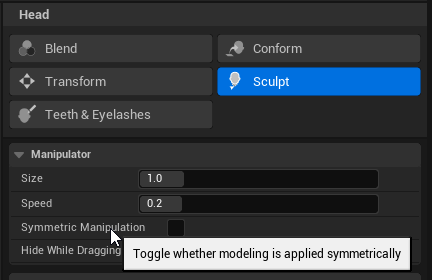 minor tartan
Hey guys, I am having trouble migrating my body animations to UE 5.6 metahumans.
In 5.5 the retargeting from SK_Manny to metahuman worked fine, but in 5.6 it looks very distorted on the neck.
I tried the same retargeting procedure and even constructed the metahuman with the old metahumanbody mesh, it did not fix the issue. I hope somebody could help me out?
Many thanks in advance!
robust crane
Hmm ...so i successfully downloaded the textures, but when I click "Create Full Rig", nothing happens or a red warning appears. I also tried switching to LOD1, restarting the project, and re-downloading assets — no success.
vestal barn
narrow hatch
<@762896249522356225> Thank you in advance Max.
I have a client that sent over ...
Unfortunately I myself don’t have much experience editing metahumans in the way you describe (without the original metahuman), there should be plenty of documentation on metahuman mesh editing though
For the costume and clothing I would look at chaos cloth as the solution, or just have it as skinned, depending on what it is
regal hare
Anyone got this to work yet? When imported into unreal the materials appear black and checkered. https://www.fab.com/listings/9e04c752-1979-4723-b78f-6d24afc532bc

Fab.com
MetaHuman Techwear Outfit is a parametric outfit asset created for MetaHuman characters. It is capable of resizing with your character in MetaHuman Creator in Unreal Engine. It consists of a Jacket, Pants, and Shoes, but they are all one outfit as opposed to separate pieces. It includes a full set of LODs. It is compatib...
plucky kelp
anyone know how to work around conform not working or if they fixed it in a different build?
regal hare
plucky kelp
anyone know how to work around conform not working or if they fixed it in a diff...
What's not working?
plucky kelp
plucky kelp
this lol
when you use conform the vertex order is loss on import causing these monstrostities ;.;
plucky kelp
is okie im sure its just broken in the preview. metahuman would be an incredible tool if they focused more on tools for the artists ;.;
plucky kelp
really if epic wanted to pull a pro gamer move they would just add reverse deformations
imagine rigging your character once then being able to sculpt on them and throw in their new shapes where your rig automatically adjusts to each new shape like in daz or cc4
this is something eletronic arts did for their own game engine for the sims back in 2011
 ebon garnet
regal hare
Anyone got this to work yet? When imported into unreal the materials appear blac...
ebon garnet
regal hare
Anyone got this to work yet? When imported into unreal the materials appear blac...
There instructions in the fab description, just follow them and it works
regal hare
ebon garnet
There instructions in the fab description, just follow them and it works
Everything else imported fine.
Will try again later.
ebon garnet
Works fine for me, just put the content in the right directory

I tried it differently before and it didn't work, so maybe there's a hardcoded path in there or something
 mystic folio
plucky kelp
sadly i can confirm its not fixed in this release
mystic folio
plucky kelp
sadly i can confirm its not fixed in this release
At least I am not alone. I have not tried any preview build of 5.6. So when I dove into it yesterday, that was the first thing I tried because I have a long background in DAZ and got so excited that new body modelling features were added as well as the option to 1-click import and conform to a custom sculpt.
Unfortunately no matter what I tried, I never got the body conform feature to work. Used the option to Export the Body straight out of the new Meta Human Assembly Window, used a pre-exesting body and only tried minor sculpts. Tried it in Blender and Zbrush. You either get abominations like this or for whatever reason it's hitting you with inconsistent topology error eventhough you haven't changed anything on a pre-existing body export.
It's such a bummer, because it does work for some people. Or at least it used to work in the preview build. https://www.youtube.com/watch?v=HLMPBgz5T4s
It's driving me nuts.
 dire flame
Hello everyone! I'm wondering if there's an efficient way to combine a 5.6 Metahuman head and body into a single mesh in Maya. I'm asking for clothes skinning purposes.
minor tartan
dire flame
Hello everyone! I'm wondering if there's an efficient way to combine a 5.6 Metah...
You could try this:
1.Take Metahuman BP and place it into a level.
2. On selection go to the right corner of your editor and select “export selected”.
3. Open Mesh in Maya and Connect Verts if you need closed geometry.
I hope this helps.
dire flame
minor tartan
You could try this:
1.Take Metahuman BP and place it into a level.
2. On selec...
Thanks Nicolas!
narrow hatch
vestal barn
For the costume and clothing I would look at chaos cloth as the solution, or jus...
Right on! Thank you! I apprecaite the tips and thoughts. I will make sure I post my efforts - - when I can 🙂
past ice
Do u need internet connection to auto rig ur metahuman. Also is there a way to make custom clothes for MetaHuman characters?
past ice
fluid oriole
Nice work.
past ice
robust crane
Hmm ...so i successfully downloaded the textures, but when I click "Create Full ...
Same. Have u found a solution?
narrow hatch
Hi All - This is for UE 5.6 - The asset(s) operate (and save) correctly in 5.5.4; however, not in 5.6
When I ingest a skinned body, and a skinned headinto UE All parts of the asset save - except the Skeletal Mesh asset. For the life of me I cannot figure out what is causing Unreal to suffer from this. Everything works properly in UE 5.5.4 - - bu the new 5.6 will not save the Skeletal Meshes -
 cedar stag
Will we ever be able to use the previous created metahumans from 5.5 in the metahuman creator in 5.6?
dire flame
Hello everyone! 😀
I’ve been trying to find a definitive answer to this without success:
Which specific bones from the Metahuman skeleton must be assigned and skinned to custom clothing in Maya to ensure Unreal Engine imports the clothing without throwing skeleton mismatch errors?
Any guidance on the required bone hierarchy or best practices for proper skinning would be greatly appreciated.
fluid oriole
Hi guys, I've had a lot of people ask me to create a tutorial that shows the process of adding custom clothing to the Metahuman Creator Plugin and I've just posted a video on the subject here without use of any external apps http://youtube.com/watch?v=Su-UPxamCvI&t

New outfits with video updates will be regularly added every weekday to expand the content of the pack (Currently standing at 54 wearable asset). This makes it a dynamic resource for anyone looking to dress their MetaHuman characters in Unreal Engine with a variety of clothing options
ashen scarab
regal hare
Anyone got this to work yet? When imported into unreal the materials appear blac...
works just fine here
try just keeping all the settings default while importing
regal hare
I fixed it after
 coral fossil
Does anyone know where the 5.6 metahuman plugin for blender is ?
There are for houdini and Maya and the reveal they also showed the blender logo but I can't find the plugin?
robust crane
past ice
Same. Have u found a solution?
I think in my case is RAM .But I will upgrade soon .I also had and still have a problem in previous versions with metahumans (only hands and fits visible) .
ebon garnet
I don't suppose anyone knows where the LOD settings on the hair is? I've got weird pop-in on certain lods for the metahuman and I want to figure out which setting controls it..
Also get same on frame one of this sequence weirdly, I guess the groom hasn't warmed up properly or something equally dumb
Tried setting the lod on the hair component, but it seems to be being ignored
and gets reset by something
hollow arch
ebon garnet
Also get same on frame one of this sequence weirdly, I guess the groom hasn't wa...
The metahuman blueprint has groom related constructor and begin play logic. Maybe that is connected?
past ice
robust crane
I think in my case is RAM .But I will upgrade soon .I also had and still have ...
I got it to work. Not sure how. I clicked create rig on one of the presets I loaded into the window and it worked. I then closed ue5 and reopened it and opened the metahuman window with the character I tweaked and it worked. Did u get a browser window pop up asking u to log in for Metahuman access? It seems the rigging is done online? Can anyone confirm it?
 silver ibex
Does anyone know how to disable motion blur only on Metahuman?

This is .png from Movie render queue
valid knoll
For games that need a variety of avatars is metahuman lightweight enough and shares enough common assets that having 30 metahumans would bloat things too bad?
Or should I look at another character creation method that's more dynamic and uses more shared assets?
 rugged anvil
am I the only one who is finding the MHs like wayy too complex AND simple at the same time? Personally I've got the idea of just sculpting it all in the editor, great improvement. However, I'm still not quite sure on how I'm to make clothes/hair, as I will not be using any sub based software like Maya, MD, etc.
also, any places to start for changing outfits/character design at runtime? Like if I want to have the player able to select various clothing pieces, how would one do that?
valid knoll
rugged anvil
also, any places to start for changing outfits/character design at runtime? Like...
Pree 5.6 I was using meta tailor, but I think you can do stuff in 5.6 now
New outfits with video updates will be regularly added every weekday to expand the content of the pack (Currently standing at 54 wearable asset). This makes it a dynamic resource for anyone looking to dress their MetaHuman characters in Unreal Engine with a variety of clothing options
rugged anvil
valid knoll
Pree 5.6 I was using meta tailor, but I think you can do stuff in 5.6 now
metatailor is paid, I'll have a look at that vid ty, just seeing so far he's not making it a physics asset though, which is a bit of an issue hopefully it gets fixed at the end 
vestal barn
rugged anvil
am I the only one who is finding the MHs like wayy too complex AND simple at the...
you can make clothes and hair in blender, should be numerous tutorials for making hair.
 azure cargo
hey, does anyone know how I can find the migrate option in the quixel bridge for my metahuman?. I was trying to migrate my previous metahuman that was created from web application for 5.5, to migrated to 5.6 on my copy project that's in 5.6. For whenever if I want to change up anything my previous metahuman characters in the New Metahuman Creator in 5.6
azure cargo
never mind. I think I finally figure it out
robust crane
past ice
I got it to work. Not sure how. I clicked create rig on one of the presets I loa...
Hey, thanks for sharing your steps.
In my case, I didn’t get any browser login prompt – the only thing that happened was MetaHuman asking for an update.
Not sure if that’s connected, but still no luck with Control Rig working properly after that.
 proud jacinth
Hey There! kinda new on metahumans, was wondering what are the steps to set up your livelink and character animation, any good tut or documentation on this?
proud jacinth
so far i got to link via ARKit but just facial expresion not head translation or rotation also cant use live link face just arkkt mode
 nocturne snow
first full skit with metahumans, called hexpods - https://youtu.be/6asyalvFsHw

🚨Wearing Hexpods might result in hearing loss and or amazing dance moves 🚨
Comment if you'd wear the pods but watch out you get hexed!
Made in Unreal Engine + Blender + Davinci Resolve + Photoshop + Substance Painter etc
autumn osprey
Still can't drag and drop my marketplace grooms and clothing assets into the new Metahuman Creator. And there's just that one default clothing asset in there. Hopefully this get's addressed.
Did anyone else find those nice facial idle animations deep in the Creator program now? They're there and they're awesome. Finally.
 calm patrol
What is the default MetaHuman basemesh to export/use for custom morphing.
I exported the mesh of a MH i had created but reimport has not recognised it for Conform feature.
 valid knoll
Is there a plugin that lets you make an in game character creation using Metahuman assets?
plucky kelp
i tried exporting from blender to the 3dsmax fbx converter then back into unreal and the conform feature is working, apparently u need to convert it because it isnt the "right" version of fbx i guess lol
now i have a new problem, im trying to port a model from a ps2 game to metahuman, the head comes out fine but the body lacks enough polygons for the conform to look right
its a ps2 model from the game doa on the playstation 2
the body shape is mostly there but the metahuman body lacks enough polygons to have a belly button and lots of the muscular structure is loss
anyone got a way of conforming it at a higher poly, only thing i can think of is subdividing the metahuman body then wrapping it over the original model but after that the shape would be a little different so im trying to think of a way to project the real shape of the ps2 game model onto a subdivided metahuman in the same distance the regular low poly body was conformed with
past ice
robust crane
Hey, thanks for sharing your steps.
In my case, I didn’t get any browser login p...
That's wierd. About the login prompt. I wonder why I got that. I assume its to sign the metahuman license/ service? Btw, can Substrate be used with MetaHuman materials? Anyone tried it?
ashen scarab
is using metahumans and then rescaling bones a viable way to create teenagers?
cus the creator on its own is made for adult skeletons
or am i better off in blender?
regal hare
Anyone used this yet? https://i.imgur.com/N8AnkKb.png

Doesn't matter what packaging path I choose it seems to not find anything when it comes to exporting .mhpkg
https://dev.epicgames.com/documentation/en-us/fab/asset-file-format-and-structure-requirements-in-fab
https://dev.epicgames.com/documentation/en-us/metahuman/verify-and-package-metahuman-assets-for-fab
https://dev.epicgames.com/documentation/en-us/metahuman/asset-format-and-structure-requirements-for-metahumans-on-fab
Docs I followed in regards to metahumans.
valid knoll
Is it typical for certain metahumans downloaded at low quality to have issues with their hair? Is it a groom to card issue or just a bug?

 hexed pecan
5.6 no nipples wth?
 regal hare
Nipples aren't real
lone hollow
Anyone know how to solve this tiny gap on Metahumans when you apply an animation to the body? I've seen a handful of people report this same phenomenon but no clear solution. Doesn't seem to be wide spread but it's definitely plaguing me.

Using 5.6 btw
hexed pecan
regal hare
Nipples aren't real
 hexed pecan
lone hollow
Anyone know how to solve this tiny gap on Metahumans when you apply an animation...
hexed pecan
lone hollow
Anyone know how to solve this tiny gap on Metahumans when you apply an animation...
I noticed the same or even worse, but when playing/simulating, it will be corrected in place, I guess its a bug in the preview
fluid oriole
regal hare
Anyone used this yet? https://i.imgur.com/N8AnkKb.png
Trying to figure this out aswell, any luck yet?
regal hare
fluid oriole
Trying to figure this out aswell, any luck yet?
Not yet was going to try moving all metahumans to a single directory next was a project for tomorrow.
I tried changing the directories in the project settings but no dice.
fluid oriole
regal hare
I tried changing the directories in the project settings but no dice.
Darn, it's funny how packaging is harder to figure out than everything else.
 frosty panther
Does anyone have an issue with imported hairstyles and/or outfits not being stored in the character editor whenever opening a new MetaHuman Character file? I'm assuming I'd have to go to the default engine directory/find the hard coded path to store the custom assets?
lone hollow
hexed pecan
I noticed the same or even worse, but when playing/simulating, it will be correc...
Unfortunately I get this when simulating/playing. 🥲
fluid oriole
Has anyone else experienced this? Migrating old metahumans to the plugin doesn't seem to keep their original body structure which causes overlapping with clothing that was made for their body type, In my case this is a tall medium weight female body. What I'm mainly noticing is that the height changes.


 fresh dragon
Hi, anyone else ran into this issue when enabling nanite on metahuman skeletal meshes? #nanite message
 compact wigeon
I have a few Questions, Live Link and MetaHuman Live Link, the old plugins for 5.7 are no longer being used and it's being built into the metahuman , Found the answer, Yes it is.
gloomy fractal
Mesh to Metahuman is being weird, the mesh I import looks fine, but when I make a metahuman identity with it and use conform in the editor it looks nothing like the mesh I imported, any ideas?
 tight rampart
Does anyone know if there is just a simple repository to download the methumand body/face meshes needed to make custome assets somewhere? Seems very silly that we have to go through Maya.. especially when it seems like a lot of people have done this.. and no one shares them?
 untold pilot
Unreal 5.6 doesn't create shape keys for meta humans unless they are "Cine(complete)" type?
is this supposed to be like this?
zenith patio
I posted this to the dev forums, but I'd love it if someone from @Epic could comment (keep in mind, I'm not a programmer & barely can put a simple script together): While having the new groom tools available for Houdini is nice, could we please see tools equivalent to what is available for Maya? I can’t use things like DNA Calibration in Houdini because as far as I know the compiled DLLs are specific only to Maya.
It seems like Houdini is much better suited for doing extremely custom Metahumans (similar to what you can do with Metapipe) and other than Maya being the standard, I’m not sure why a bare-bones Houdini version of the DNA Calibration repo on Github?
We’re developing a series and as the defacto show runner, I am doing my best to stay clear of all Autodesk software and instead stick to Unreal, Houdini, and so on.
 oak minnow
Sorry guys, but a beginner question, as I am completely confused. Where the hell is Metahuman creator for <5.6 versions? I keep seeing that I should enable "Metahuman Creator Core Data", but right now, it is insanely non obvious how to use the creator today
autumn osprey
Has anyone been able to get their previously working marketplace grooms and clothing purchases to import into Metahuman Creator 5.6? WITHOUT ... leaving Unreal? If it's possible I'd appreciate a tutorial link, but if it's only possible by using another DCC at this time, I'm more than happy to wait. It's the whole "don't have to leave Unreal Engine" thing that I'm into. Too much for this old brain to learn as it is.
autumn osprey
oak minnow
Sorry guys, but a beginner question, as I am completely confused. Where the hell...
Right click in the Metahuman folder, and click on Metahuman/Metahuman Character, and that should open the program for you.
oak minnow
autumn osprey
Right click in the Metahuman folder, and click on Metahuman/Metahuman Character,...
Metahuman folder where, inside the engine?
I don't understand, it's like Metahuman creator incloud no longer exists now that it is in UE5.6, am I understanding that correctly?
 hollow token
oak minnow
I don't understand, it's like Metahuman creator incloud no longer exists now tha...
hollow token
oak minnow
I don't understand, it's like Metahuman creator incloud no longer exists now tha...
I am just trying to find it, I can't figure it out.
website just direct to download UE
In 5.6 where do I find it?
oak minnow
hollow token
I am just trying to find it, I can't figure it out.
Good, at least I am not going insane. I've spent last hour trying to figure out something that I'd expect takes a minute to setup
oak minnow
hollow token
In 5.6 where do I find it?
 hollow token
oak minnow
hollow token
oak minnow
sorry been a while since I used UE, just a normal game project or do I open a metahuman project?
oak minnow
Normal game project, but before running it, install Core data, and enable Metahuman plugin after
 hollow token
jep core is ofc installed, thanks
 autumn ibex
Hey all, new to unreal, having issues opening the metahuman creator, this is what I'm seeing and what I have enabled.


 regal hare
autumn ibex
regal hare
autumn ibex
Do you have Metahuman SDK enabled?
regal hare
fluid oriole
Darn, it's funny how packaging is harder to figure out than everything else.
I got clothing to show up, that's it so far. https://i.imgur.com/YialFwl.png
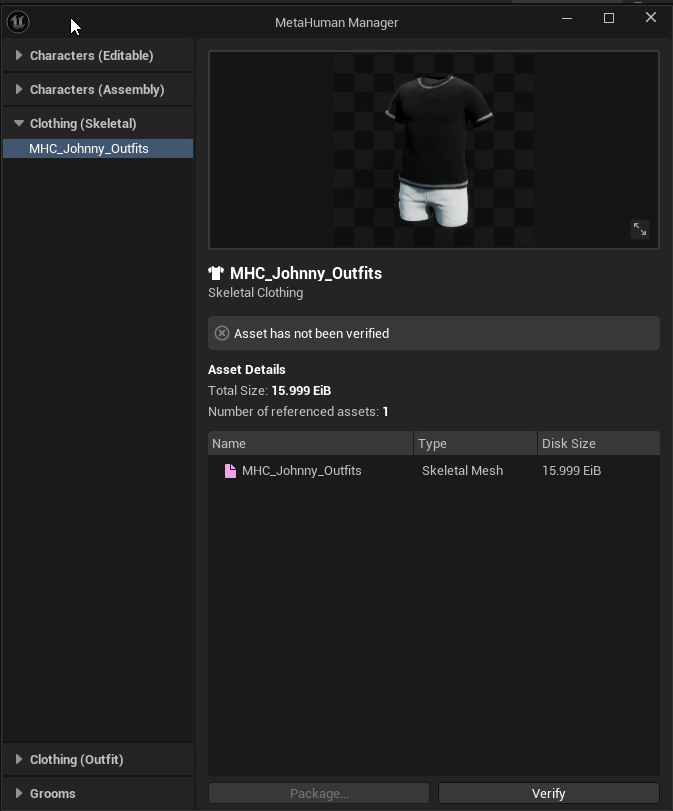 autumn ibex
So just wait for a software update? lol
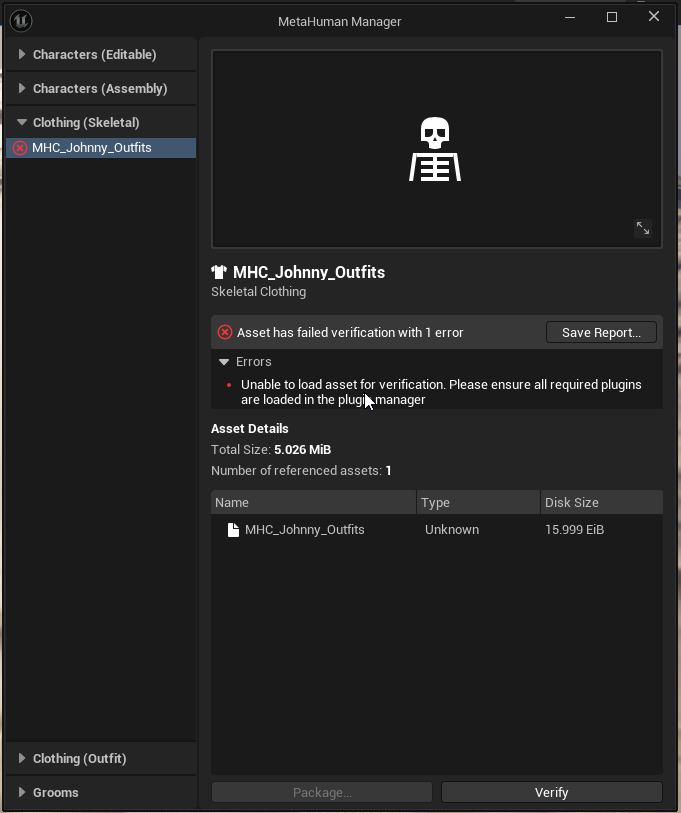
 distant tapir
what is the best way to deal with a femalecharacter where I want the bindpose to include high heels ?

 soft karma
Hi, question about Metahuman in UE5.6.Has anyone found a good way to get your model back into UE so that UE MH Conform function will take it and use it as a new head model for example.It always throws me a message that it's not Mezahuman topology.I've searched the whole internet and no tutorial describes this step sufficiently.Thanks a lot for any advice.F.
PS: And I apologize in advance if this has already been dealt with I don't want to be rude but I'm a bit new to MH and I don't know what to do with it and I'm pretty sad about it.
untold pilot
soft karma
Hi, question about Metahuman in UE5.6.Has anyone found a good way to get your mo...
U don't take the model from unreal edit and put it back. U take the model out of ue edit it above a new morph target, save it and import only the morph target on ur original meta human
 dire path
did anyone have success integrating ALS refactored with metahumans?
soft karma
untold pilot
U don't take the model from unreal edit and put it back. U take the model out of...
Ah, that makes much more sense now.
Is this something that can be done easily in Blender, or would you recommend using Maya or even ZBrush with the Mesh Warp plugin?
I just need a little push in the right direction on how to best approach this – I couldn’t really find a clear, step-by-step tutorial on YouTube specifically for this.
Thanks a lot in advance for your help!
fluid oriole
regal hare
I got clothing to show up, that's it so far. https://i.imgur.com/YialFwl.png
Still no luck I see, the fact that all this has been handed to us with no documantation is a very big problem but I guess its cause its all still experimental, on my end I just realized how to create parametric clothing without having to adjust it to fit multiple body types, the process only took 5-10 minutes instead of up to an hour, but it wouldn't have been possible with 5.6 preview. Anyway I'll probably be back with a quick tutorial. Now that my rant is over I must say that these tools are absolute genius!
soft karma
fluid oriole
Still no luck I see, the fact that all this has been handed to us with no documa...
I'm looking forward to the totorial, it looks great!
regal hare
fluid oriole
Still no luck I see, the fact that all this has been handed to us with no documa...
Heck yeah man good shit.
untold pilot
soft karma
Ah, that makes much more sense now.
Is this something that can be done easily in...
I watched some older tutorials and started messing up when things didn't work, the way I did is DEFINITELY not the better way to do it but worked. Can be done in blender just fine, but it's more annoying if u don't have metapipe or other plugin, saw a video of someone using ZBrush mesh warp and it's indeed insane, if u can use it go for it lmao.

this was a test with an audio animation animation and the seam is bcuz the head and the body have diferent lods
Basically, any quality mh model work but only cine generate the mesh morphs, so keep in mind if u need them, u disable everything exept "export morph targets" and "export LOD" if (u need them). In blender u create as many morphs as u want for u can use it as ur base template and send the morph to any other mh. If u want to sculpt u need to take ur time separating the eye and mouth parts from the face and merging the loose parts.
for the body just select all and merge, and u good to go
also, ur groom stuff will break, so u need to fix or create ur own in blender or that above is the result
and finally in unreal u simple reimport ur face and body from the ones u saved from blender
but I have no clue how to make it work as dna in the editor at all
 spice robin
oak minnow
Sorry guys, but a beginner question, as I am completely confused. Where the hell...
spice robin
oak minnow
Sorry guys, but a beginner question, as I am completely confused. Where the hell...
Go here and make sure the option for Metahuman Core Data is checked for installation. Took me a while to figure this out as well.


I am experimenting with 5.6 and the Metahuman plugin. I imported a 5.5 MH character and modded a few things. When it is assembled and dropped into the level, it looks like this. Suggestions? Also, I can't find the clothing that I had on the original 5.5 character. Where is the clothing located? Can the clothing from the online MH creator be used with 5.6?

 primal pecan
spice robin
I am experimenting with 5.6 and the Metahuman plugin. I imported a 5.5 MH charac...
primal pecan
spice robin
I am experimenting with 5.6 and the Metahuman plugin. I imported a 5.5 MH charac...
I am surprised you are exclusively rendering the facial hair. My gut says check your material file paths
 sick trellis
Hello, i'm trying to figure out but the new metahuman don't seem to have nipples ??
oak minnow
spice robin
Go here and make sure the option for Metahuman Core Data is checked for installa...
That ain't it, I wanted to use metahuman in my 5.3 project, but this is no longer possible, as Metahuman Creator no longer exists outside 5.6
fluid oriole
Resizable clothing in 10 minutes, you can see full video here ~ https://www.youtube.com/watch?v=9NxEzdr7T7E
fluid oriole
soft karma
I'm looking forward to the totorial, it looks great!
Thanks, here it is ☝️
 rocky pendant


 soft karma
fluid oriole
Thanks, here it is ☝️
soft karma
fluid oriole
Thanks, here it is ☝️
Yes!Thanks a lot, this is a great shift. Now it's just a matter of connecting it all, it looks like there's already an instruction on how to export the modified head and body from Blender, you can throw it all into UE MH and the clothes still fit. A lot of projects are starting to take shape. Thanks a lot for the video!
 pale zealot
Hi! wanted to ask if anyone can help me understand how I should be rigging this shirt properly (using blender right now), the area around the armpits is driving me insane, every time I get the weight painting fixed for a particular pose, I try another one and it breaks again 😦
I made the shirt in marvelous designer and my idea is to rig it to this MH character so I can bring it to Unreal.
I was also considering trying the UE chaos cloth simulation for the shirt, as my end goal is not a realtime production but VFX animation.
Any help is appreciated. Thanks!


 gilded marten
Hello everyone, I am making a custom MetaHuman character in Unreal Engine 5.6.
I am facing an issue in this -
You can see the image that I selected and applied the eyelashes on the character but then also I am not able to see the changes. This is only happening with mustach, eyelashes and beard.
The head hair is showing and eyebrows are also showing.
If anyone has any idea then please help me, I am frustrated fixing this. 😐
 vestal barn
pale zealot
Hi! wanted to ask if anyone can help me understand how I should be rigging this ...
vestal barn
pale zealot
Hi! wanted to ask if anyone can help me understand how I should be rigging this ...
Having used chaos cloth for a cinematic before it can produce great results, but you really really need to know what you’re doing, otherwise everything will break and not have a fun time
Skinning that as you are is probably the better choice
sick trellis
Hello, new metahuman has those seams in the back that the old one didn't have

has anybody noticed the same issue on metahuman from 5.6 ??
 pale zealot
vestal barn
Having used chaos cloth for a cinematic before it can produce great results, but...
pale zealot
vestal barn
Having used chaos cloth for a cinematic before it can produce great results, but...
sad to hear that 😦
I was planning on having outfits that could really use some physics... do you have any source or tutorial that properly covers the chaos cloth in order to use it correctly? or any tips?
vestal barn
I’d search up kinematic collider chaos cloth tuts
It’s good whilst your in the flow of it, but I went back to an old project using it, and it kinda just fell apart
If you are authoring your own cloth I’d use marvellous designer
pale zealot
vestal barn
If you are authoring your own cloth I’d use marvellous designer
thats what Im using right now, but I want to avoid the back and forth between MD and UE; ideally I'd want everything to work in-engine inside UE, so Im creating the cloth in MD, then rigging it in blender and then just directyl to UE. I'd look up tuts of what you said, appreciate it 🙂
vestal barn
Shouldn’t be much back and forth if you just are improving a USD from MD to UE
pale zealot
vestal barn
Shouldn’t be much back and forth if you just are improving a USD from MD to UE
You mean with the chaos cloth? With the bridge I mean having to send constantly the poses and animations to MD for simulation and bringing that back to UE, want to avoid that, thus why I’m rigging so the stuff works directly inside UE, and I can be free of MD once the clothes are created (and not depend on it forever every time I move the character)
vestal barn
pale zealot
You mean with the chaos cloth? With the bridge I mean having to send constantly ...
Yeah, you don’t have to do that… chaos cloth is simulating in unreal and just sending the clothes from MD
pale zealot
vestal barn
Yeah, you don’t have to do that… chaos cloth is simulating in unreal and just se...
been checking some videos and it seems quite powerful, didnt know that you could use the skeletal mesh as a collider (last time I checked you had to use the physics asset which is really bad to say the least), so that is very promising, don't know if it's as powerful as MD for complex clothing though, I can only see examples of really simple clothes or capes
vestal barn
pale zealot
been checking some videos and it seems quite powerful, didnt know that you could...
yes it certainly does have its faults, there is a good epic example of some multilayered stuff in the smth smth captain hook example, think there's some videos by jsfilms ref this... but yeah. Another limitation is the chaos cloth sim cant handle super detailed meshes, think you cant have a face (or maybe its vertex count) upwards of around 15k
calm patrol
Maya crashes for me when attempting to run the Metahuman plugin(Character Assembly)
Can someone who has it working simple send me the metahuman basemesh? simple seeking the baasemesh to morph(wrap)
pale zealot
calm patrol
Maya crashes for me when attempting to run the Metahuman plugin(Character Assemb...
there was someone who uploaded the meshes to a dropbox folder a while ago, I saved the link, here you go, note that they are from 2022, I dont think the topology has changed at all since though:
https://www.dropbox.com/scl/fo/y960yffmy7jor0un7pfgu/h?rlkey=7a2l5ytwlova6i2ekkvxbpyd2&e=1&dl=0
 calm patrol
pale zealot
there was someone who uploaded the meshes to a dropbox folder a while ago, I sav...
calm patrol
pale zealot
there was someone who uploaded the meshes to a dropbox folder a while ago, I sav...
Thank you for the link, from testing sadly the meshes are still non manifold and MetaHuman says it's not the right topology somehow.
I thought the mesh output from Maya after DCC export would be better.


 pale zealot
calm patrol
Thank you for the link, from testing sadly the meshes are still non manifold and...
pale zealot
calm patrol
Thank you for the link, from testing sadly the meshes are still non manifold and...
Metahuman meshes are non manifold, they have open seams separating several pieces like you show in the screenshot, that is just how they are. You can check by just exporting the body yourself.
Perhaps the error here lies in the 5.6 MH, they may have updated topology, perhaps?
calm patrol
pale zealot
Metahuman meshes are non manifold, they have open seams separating several piece...
Perhaps, only know that export and reimporting the mesh from 5.6 metahuman was the first thing tried with the same topology error.
There was a hint suggesting the output mesh from the "DCC" export is different when exporting from maya, thus my request. Sadly Maya keeps crashing.
There is more to this mysterious story, or Epic games is up to something 🙉
pale zealot
calm patrol
Perhaps, only know that export and reimporting the mesh from 5.6 metahuman was t...
Hmm, so exporting from UE and inmediately importing the same file gives you a different mesh? That doesn’t sound right, something going on there definitely. Have you tried with other fresh MH just to see if maybe that one you are using is broken? Or maybe even try another UE version
calm patrol
Will try that
stark urchin
Why is it that all the metahuman clothing presets are not available in the 5.6 metahuman creator?
the ones from quixel
jagged fulcrum
stark urchin
Why is it that all the metahuman clothing presets are not available in the 5.6 m...
I think there is a new pipeline for creator to create asset standard. this is pretty new I guess, I wonder how this workflow works
 spring rover
A lil’ MetaHuman animator reel for a character I worked on last year!
https://www.instagram.com/reel/DK14pbEMpbS/?igsh=ajZlODVnbHYwbWF6

🦋If eyes could talk🦋
Last year, I was responsible for bringing Fia to life, the heroine of Daughter of the Inner Stars.
This involved layering a magnificent performance by Misha Pinnington with manual additive animation using performance capture and keyframe cleanup.
In this dialogue-free film, @jamesvinsonpictus ‘s directorial vision...
Instagram
 hasty pelican
Hello everyone, I'm new to this metahuman stuff. Essentially, I'm trying to create a morph target for my metahuman face so I've created 2 faces using ue5.6 metahuman editor. However, the two faces have a different number of vertices so I can't create a shape key (morph target) for my metahuman face in blender. Do you guys have any work around for this?


 blazing cliff
hii, are there any mayjor reasons why we should not use Metahumans as characters for a rpg?
I havent used them in a while, in previous versions they were so insanely expensive that they bordered on unusable for me but now our project manager thinks its a good idea to switch our rig to them since they come with the facial animation tool, the rest of our models are everythig else than hyperrealistic
Hes so obsessed with them.... is he right and they are a good choice or should we stick to storebought unreal human models ?
jagged fulcrum
hasty pelican
Hello everyone, I'm new to this metahuman stuff. Essentially, I'm trying to crea...
common metahuman problem, I usually change something randomly and reassemble the face until the vert number same. Not sure what causing this. I hope someone give me suggestion too on how to resolve this
hasty pelican
Do u usually have to redo that many times? Because that sounds pretty annoying :v
jagged fulcrum
hasty pelican
Do u usually have to redo that many times? Because that sounds pretty annoying :...
usually just 1-2 times, sometimes I resculpt a bit the original mesh before converting to mh
 shadow stump
I am following a tutorial for using a face scan to Metahuman in 5.6 using Bleander as the scan cleanup tool. I am using the app Qlone for my face scan and wondering if there are quality differences between saving the scan as FBX or GLB to bring it into Blender for the clean up? Tutorial just shows using a GLB file but I have both options and have only used FBX in the past with my limited 3d experience. Looking for the highest quality so I can get the best out of a scan I did earlier this year.
pale zealot
shadow stump
I am following a tutorial for using a face scan to Metahuman in 5.6 using Bleand...
both formats carry the same information geometry-wise
 regal flower
HI - I’m working on a photorealistic fashion try-on platform im new to all of this so im looking to hire someone to help build the pipeline from CLO3D to Unreal Engine and simulate garments on avatars. (thinking using meta human to generate the avatars from a still picture) Would love to connect to anyone thats open to freelance. please dm me
soft karma
Could someone help with exporting the head model to metahuman 5.6? I have a scan, model in Blender. I don't know how to make the model work as a Metahuman topology, I've searched the whole internet, I have Maya, I have Belnder, I have absolutely everything I can except for paid plugins, I know I have to somehow wrap the original MH sit to the new model. But I don't know how and what exactly that means. Every time UE throws an error with a wrong topology, I've been sitting in it for a week and I'm sad. Thanks everyone for any advice or help.
shadow stump
soft karma
Could someone help with exporting the head model to metahuman 5.6? I have a scan...
Are you following a tutorial? Which app did you scan with?
pale zealot
soft karma
Could someone help with exporting the head model to metahuman 5.6? I have a scan...
look up mesh to metahuman, turns any mesh to MH topology, you can do it in 5 minutes inside UE
regal flower
hi - if anyone is looking for freelance work and can help me set up backend to a website where a user uploads a picture & it ai runs it through metahuman to create a avatar for clothing try on (need to use clo3d files) please message me. i am new to this stuff & am looking to learn/hire someone
 sullen grove
hello guys, it seems that you cant live retarget mh in 5.6 anymore, if i retarget the animation blueprint from manny to metahuman is the same thing?
soft karma
shadow stump
Are you following a tutorial? Which app did you scan with?
Hi and thanks a lot for the message, I scanned via Polycam. The scan works, I have the model in Blender ok.I can get the FBX face into the UE, I just need the face, but the problem is I don't have a GPU with DX12 support so I can't turn on face recognition to do it via DNA. So I'm trying to do it through their new Conform and trying to make a MH topology head. Now I'm running ZBrush and learning ZWrap. But it seems to me that it's a bit too much for me. But I don't want to give up.
soft karma
pale zealot
look up mesh to metahuman, turns any mesh to MH topology, you can do it in 5 min...
Hey, I know, I know, I tried. The problem is, as I wrote above, I don't turn on the active frame track in UE because DX12 :/ there must be a way around this. Someone did this in UE5.1 on DX11, but it doesn't work on my pc anyway. I understand I have an old potato pc, but I'm working with what I have and I'm having a lot of fun with it and I'd really like to make a nice animation with a head that I create from a photo. I don't know how else to map the whole thing to the MH head manually via ZBrus and ZWrap. But I'm old and this learning thing is a bit of a pain.
soft marsh
did any one ever find a solution to the metahuman hair being very high complexity?
 slender bough
Hi all 😄 has anyone managed to get cloth simulation to work in the Metahuman Character editor using resizable outfit assets. The pipeline is amazing, but the cloth simulation data always seems to get lost when turning an outfit asset into a Metahuman Wardrobe item. I would love to know whether this is just me or if it is just not implemented yet!
 little pike
So, besides the customization possibilities of the MH in 5.6, how exactly are the MH in 5.6 better than other MH versions? Skin texture appearance? Animation? I have MH done in 5.4 with skin texture upgrades from 3DScanstore, and wonder if the 5.6 MH are even better than that? I'm making a short film and already shot many scenes with the 5.4 MH. And I don't have the computer to handle both 5.4 and 5.6 UE versions....so should I jump ship over to 5.6 and start all over again with new edition MH?
vestal barn
soft marsh
did any one ever find a solution to the metahuman hair being very high complexit...
in what sense? Hair is a very complex matter for cgi rendering, simulating thousands of strands meshed thin strands is not super simple. You can use cards or just a mesh if you want better performance
vestal barn
little pike
So, besides the customization possibilities of the MH in 5.6, how exactly are th...
I've been considering this myself, not having bought scanstore stuff, but have seen a lot of reference using it, and thinking it looks a lot better than regular 5.4 MH. I guess really it depends on what you want your end characters to look like? I don't think it gets too much more high end skin texture wise, but maybe if you want a bit of a more custom body look, 5.6 could be the way to go (plus if you consider the skin textures equal to scanstore, then you have heaps more options)
But again, new versions raise new problems, and if you are significantly into your project, and like the way the humans are looking, I dont think its super necessary to switch over
little pike
is the facial rig better for higher quality mocap capture in 5.6?
vestal barn
haven't actually had a look at that yet, haven't done any mocap yet
soft marsh
vestal barn
in what sense? Hair is a very *complex* matter for cgi rendering, simulating tho...
thanks i know the whole thing with make it to lod -1 was the only way to make it not look wierd
blazing cliff
Are metahumans in any way shape or form usable as npc's in game?
I tried to profile them today and out of the box 10 medium quality models with 2k textures forced lod3 drain my fps by 60
That seems so hardcore, is there anything im missing or are they simply unusable as game characters right now?
 agile hemlock
Is there a way to make metahuman NPC's (multiple) smooth on performance?
blazing cliff
agile hemlock
Is there a way to make metahuman NPC's (multiple) smooth on performance?
Atleast nothing simple as far as i can tell....
 ember moat
Hey has anyone here experimented with removing a metahumans face? like a fully blank face (no mouth, eyes, ears etc)
ember moat
blazing cliff
Are metahumans in any way shape or form usable as npc's in game?
I tried to pro...
They are definitely usable, because lots of studios are using them now for this. It would just come down to using optimization techniques, I don't know much about texture streaming and culling yet but this is what youll need to do
blazing cliff
ember moat
They are definitely usable, because lots of studios are using them now for this....
What should i cull if i have 10 metahumans close to my character ?
Im sure you can optimize them in some way but i cant find any resources on that, ive asked in several subs and on here twice and it seems no one knows how to
ember moat
blazing cliff
What should i cull if i have 10 metahumans close to my character ?
Good question man, this video is from 2 years ago but might be helpful:
https://www.youtube.com/watch?v=YvB_drutelc

Adding Metahumans to projects in Unreal Engine 5 can really slow it down and cause issues. Using this tip you can improve your development process and performance drastically.
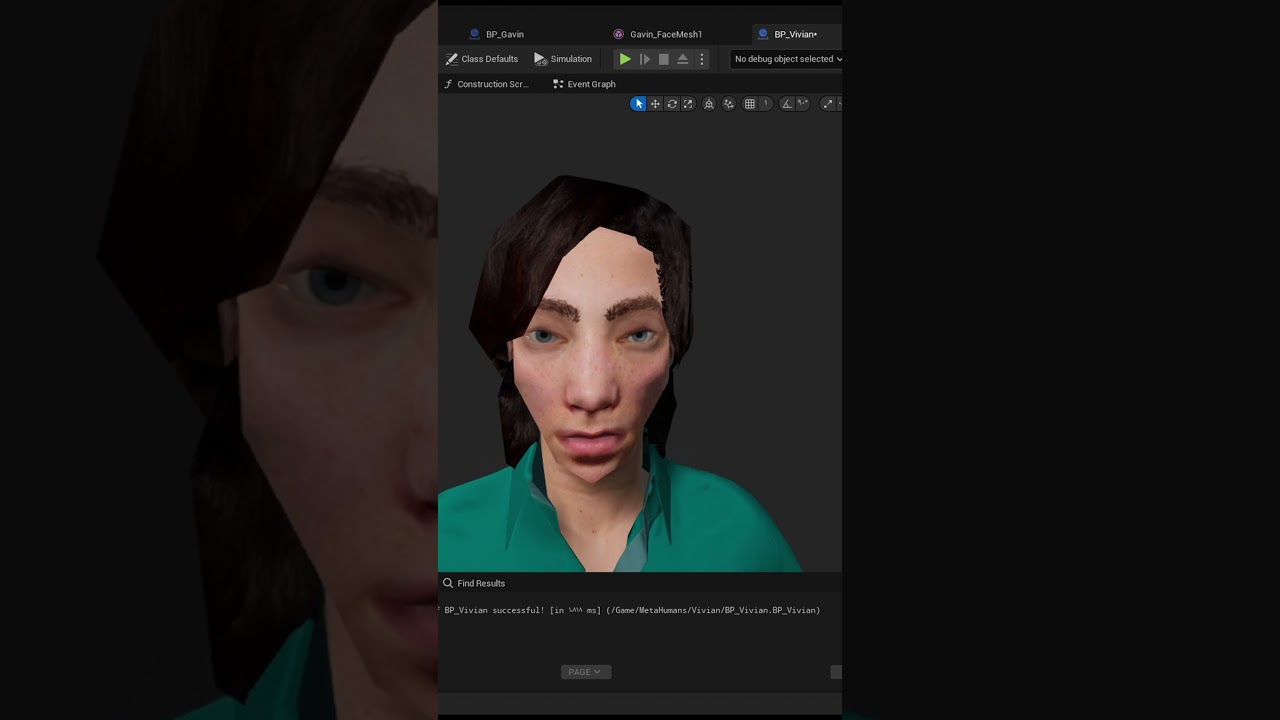
In this video, I dive into the specifics of optimizing MetaHumans in Unreal Engine by controlling texture resolutions and adjusting the number of bones. Discover how to reduce resource usage by tweaking texture quality and simplifying the skeleton, helping your project perform better without compromising too much visual fidelity. Whether you're ...
Explore the technology enhancements and size optimization flow that enabled importing highly believable and fully animated MetaHumans as non-playable characters (NPCs) in UEFN without compromising characters' quality, and performance.
thats uefn but still^
blazing cliff
Its just like reduce the texture sizes
I did a test today with just 10 metahumans on lowest quality and they tanked 60 frames
Only the model without anything else
ember moat
Yeah the detail is huge
blazing cliff
now i might be able to squeeze a few frames out of them still but i cant imagine you can make a significant amount of them run with ai + pathfinding in a full scene and still hit more than 20 fps on anything older than a 3080
But i very well might be wrong im gonna check out the other 2 vids ty
ember moat
yeah
I feel you
bump:
Hey has anyone here experimented with removing a metahumans face? like a fully blank face (no mouth, eyes, ears etc)
lone hollow
So did the Region Influence option get removed entirely in 5.6? I can't seem to find it, this was very useful for preventing eyeball clipping during blinks on certain custom meshes.

 untold elk
Hi everyone,
I'm currently testing custom clothing in Unreal Engine 5.6 and created the garments in Blender, based on both Metahuman shapes A and B.
I’ve set up the required nodes for Cloth Asset and Outfit Asset as described in the documentation (see screenshots). However, when I assign the outfit asset to the corresponding Metahuman in Metahuman Creator, the clothing appears heavily distorted (see screenshot).
Does anyone have an idea what might be causing this?
Thanks in advance!


 void jasper
why oh why do the metahumans not have nipples. I mean come on are we in the 50s
 grand prawn
In UE 5.6 Metahuman Creator, my character looks perfect. When clicking "Assemble" the character's blueprint is all black. Any solution?

 untold elk
grand prawn
In UE 5.6 Metahuman Creator, my character looks perfect. When clicking "Assembl...
untold elk
grand prawn
In UE 5.6 Metahuman Creator, my character looks perfect. When clicking "Assembl...
Did you download the textures beforehand?
 soft karma
pale zealot
look up mesh to metahuman, turns any mesh to MH topology, you can do it in 5 min...
soft karma
pale zealot
look up mesh to metahuman, turns any mesh to MH topology, you can do it in 5 min...
SOLVED! Workin head with details animations etc. God this was pain. Now, clothes! 🙂
 fiery jungle
untold elk
Did you download the textures beforehand?
fiery jungle
untold elk
Did you download the textures beforehand?
Hey there - I got the same problem. I always make sure to download the textures, then rig and then assemble the metahuman, but still my metahuman is black...
grand prawn
untold elk
Did you download the textures beforehand?
Yes I did. In fact it doesn't allow you to select "Assemble" before you download the texture source files.
nocturne snow
Is there anyway to access the clothing that the old Metahuman creater had? Not sure I can find it in the character creator in 5.6
untold elk
grand prawn
Yes I did. In fact it doesn't allow you to select "Assemble" before you downloa...
@fiery jungle @grand prawn Are you using the editor in a different language? Switch to English and try again.
fiery jungle
untold elk
<@343357187739090946> <@185845569904836609> Are you using the editor in a differ...
Oh, pleeeease don't you tell me that this could be a language specific bug.