#enfusion_scenario
1 messages · Page 26 of 1
 mental cove
 solar shard
I made some more dedicated server tests with my task framework which is based on @sullen talon coopSample. And while everything works fine in SP when having the tasks initialed after the task manager and all managers and the gamemode together with the tasks in the same layer (which seems to be VERY important), on dedicated server it seems like the task manager itself initialized since he handles a lot of other stuff successful but the tasks themself dont get initialized (or rpl to the clients)
 quasi jay
mental cove
I haven’t looked at my code for a couple days now, so not entirely sure. But fro...
quasi jay
mental cove
I haven’t looked at my code for a couple days now, so not entirely sure. But fro...
You must implement these methods to your task data class if you want to feed them into Rpcs:
static void Encode(SSnapSerializerBase snapshot, ScriptCtx ctx, ScriptBitSerializer packet)
static bool Decode(ScriptBitSerializer packet, ScriptCtx ctx, SSnapSerializerBase snapshot)
static bool SnapCompare(SSnapSerializerBase lhs, SSnapSerializerBase rhs, ScriptCtx ctx)
static bool PropCompare(SCR_BaseTaskData prop, SSnapSerializerBase snapshot, ScriptCtx ctx)
static bool Extract(SCR_BaseTaskData prop, ScriptCtx ctx, SSnapSerializerBase snapshot)
static bool Inject(SSnapSerializerBase snapshot, ScriptCtx ctx, SCR_BaseTaskData prop)
 sullen talon
solar shard
I made some more dedicated server tests with my task framework which is based on...
sullen talon
solar shard
I made some more dedicated server tests with my task framework which is based on...
For tasks please ask @quasi jay
 barren heart
@solar shard I went with a custom task manager and this is the closest I've got. Can't quite figure it.
Also is dedicated vastly different from using peer tool in results. Or if it works here should it work there?

 median oar
barren heart
<@721320175504457740> I went with a custom task manager and this is the closest ...
median oar
barren heart
<@721320175504457740> I went with a custom task manager and this is the closest ...
As long as the code does get called on the server yes. Gui of the Player does not as an example 🙂 (As far as i saw in my tests for my missions etc.)
median oar
barren heart
<@721320175504457740> I went with a custom task manager and this is the closest ...
I did call a function that would end the game. It was executed by the client but checked for master. As this GUI runs in the editor with peer tool it does not run on the server. So I had to call this function from init.
 lean scroll
Recommendations on finding assets in prefab? Vehicles/Compositions/etc.
 flat marsh
How can you make the loadouts have random weapons on spawn?
 pallid shoal
How do I remove a mod I posted
solar shard
barren heart
<@721320175504457740> I went with a custom task manager and this is the closest ...
this looks pretty good this looks like it did for me in the first place, that the default values are transported to clients. Since I placed all tasks, managers and gamemode into the same layer making sure that the task manager is above the tasks, the map compiles flawless (and I dont have to replace the tasks after every workbench restart) but the tasks still dont show up for clients. @quasi jay once again we beg for your support. Its weired that it seems no one of us where ever able to get the task system from the coopSample working in... coop. (Peer-tool: as far as I know the peer-tool is valid for testing similar to dedicated server environment. While all tasks show up in scenario/sp/editor, they wont show up for clients in peer-tool or real dedicated server)
median oar
pallid shoal
How do I remove a mod I posted
Good question does anybody know?
solar shard
@quasi jay are you aware that the tasks in you coopSample also dont work correctly in MP environment? (1st. Screenshot is vom a client.)
 quasi jay
solar shard
<@182493650658263041> are you aware that the tasks in you coopSample also dont w...
quasi jay
solar shard
<@182493650658263041> are you aware that the tasks in you coopSample also dont w...
The example was rushed, maybe I missed something 😦 Sorry for that.
solar shard
(2nd Screenshot is in editor / host /sp where they show up correctly)
 solar shard
quasi jay
The example was rushed, maybe I missed something 😦 Sorry for that.
solar shard
quasi jay
The example was rushed, maybe I missed something 😦 Sorry for that.
I know you rushed it together with ex0 so we had something to work with and I love you for that. But that could just explain why we try to figure out since about 2 weeks why our task system isnt working quiet well. I believe someone figured out that it works only properly when the tasks are initialized after all clients are joined which isnt very JIP friendly but in total we never solved it) 😄
 eternal yoke
I hope someone can help. in my mission the radios dont work, i have set the radio manager and chatentity but with no luck and i become a error, when i try to open the radiomenu with g: "NULL pointer to instance
Class: 'SCR_VONController'
Function: 'InitEntries'
Stack trace:
scripts/game/VON/SCR_VONController.c:353 Function InitEntries
scripts/game/UI/HUD/QuickMenu/SCR_QuickMenu_BaseDisplay.c:171 Function OnOpen
scripts/game/UI/HUD/QuickMenu/SCR_QuickMenu_BaseDisplay.c:346 Function OnMenuOpen" how can i fix the radio and the error? thanks for reading
 warm pawn
eternal yoke
I hope someone can help. in my mission the radios dont work, i have set the radi...
warm pawn
eternal yoke
I hope someone can help. in my mission the radios dont work, i have set the radi...
There is some trickery going on in your mission because it fails fetching PlayerController, which shouldnt be possible in any standard setup (SCR_VONController is its child)
 merry frost
is there a way to get 2 triggers to have to be fulfilled which then triggers a final trigger to end a mission? In arma 3 i'd usually just check a couple of global variables in the end trigger
I have tried creating a base trigger and then having the 2 triggers below it but it just triggers the end straight away
or is basetriggerentity the wrong thing to use?
quasi jay
solar shard
I know you rushed it together with ex0 so we had something to work with and I lo...
Did you try using tasks only in generated for? Not pre-placed ones?
solar shard
only preplaced one. thats actual a good idea. like creating a prefab of a preplaced task and spawn it in runtime?
quasi jay
Yes, in EOnInit ideally.
solar shard
but the taskmanager should have them already registered, even when not generated at that moment?
hm that didnt work sadly
 unique minnow
Hey, I can't add entities to my prefab when I edit it
merry frost
do global variables still work? And how do I set them up?
quasi jay
solar shard
hm that didnt work sadly
Can you please try overriding this method?
//------------------------------------------------------------------------------------------------
//! Return the title of this task.
override string GetTitle()
{
    return "Test";
}
actually, @barren heart seems to get after the problem. We are in the final testing phase right now. Standby please
@barren heart you son of a... it works! At least in peer-mode. Maybe I can test a real dedicated server tomorrow

@quasi jay the core of the issue is regarding that and @barren heart came after it by comparing the coop taskmanager and the base taskmanager If I'm right. He can elaborate that way better.
//task.SetTargetFaction(targetFaction);
SetTaskFaction(task, targetFaction);```Oh yeah, makes sense 🤦♂️ The task manager should be doing this, not the task itself.
Good job to you guys! 🎖️
solar shard
@quasi jay is there any logic behind the sorting order, the tasks appear in the journal? I dont see any changes by re-naming them or adding them in another order in the manager.
quasi jay
solar shard
<@182493650658263041> is there any logic behind the sorting order, the tasks app...
Nope. It's just filtered by faction and your assigned task should always be on top. The rest depends on how they are inserted in the array.
You can see SCR_UITaskManagerComponent.GenerateUI();
The array of tasks is this one:
SCR_BaseTaskManager.m_aTaskList
sullen talon
quasi jay
Oh yeah, makes sense 🤦♂️ The task manager should be doing this, not the task i...
Ah, that is my bad. Let me fix that tomorrow :)
quasi jay
sullen talon
Ah, that is my bad. Let me fix that tomorrow :)
Is it? I believe I wrote it there wrong. 😦
sullen talon
quasi jay
Is it? I believe I wrote it there wrong. 😦
No worries, let's take a look tomorrow. The intention was to push an example quickly, to give guys here an idea on how to approach things, maybe we missed it, happens 😃
quasi jay
If you are wondering why tasks are so difficult to work with, here it is:
The task manager is basically taking care of replicating everything for tasks. Making it necessary for tasks to have proper replication API implemented.
This way tasks are super-optimized and easily scalable for large count of them. No promises, but I believe we can make it easier to use in the future. 🤷♂️
For now, we can only provide you improved version of the examples, once we get to it. 😉
solar shard
quasi jay
If you are wondering why tasks are so difficult to work with, here it is:
The ta...
Which is great. Thank you for your patience with us and that you share that 🙂
quasi jay
solar shard
Which is great. Thank you for your patience with us and that you share that 🙂
You guys have my respect, your patience and enthusiasm is very much appreaciated and I am sorry for not helping you even more.
I am still having hard time managing my free time. 🙃 I wish I could help more, most of the time. If only a day had like 48 hours 😅, I'd still always have stuff to do.
Anyway, good luck, I am going to get some sleep now! 😴
GN!
solar shard
quasi jay
You guys have my respect, your patience and enthusiasm is very much appreaciated...
thanks. I can understand that verywell as a manager in the media industry and veteran with a lot of time spend in theater, work-life-balance was always an issue and right now the mix between work, familiy and Arma is not easy 😉
I dont even might to imagine how working in games industry is nowadays.
@barren heart It works on dedicated server too. Really good job! Thanks for your awesome support and to teach me what you've done. And btw, @slender gull great work with the overhauled taskmanager in the first place!
(Dedicated Server as a client)

 quartz socket
what's the difference between SCR_GamemodeBase and GamemodeBase?
 summer hill
I'm sure this has been asked before, but is there a tutorial for tasks? I know about the sample coop mission in the pins, but I'm still confused. The only thing I am able to do is place a red square on the map.
solar shard
summer hill
I'm sure this has been asked before, but is there a tutorial for tasks? I know a...
not exactly that Im aware of. Im writing one down right now but this may take 2-3 days since I dont have that much time right now. What you can do is study my sourcecode of the NightOps map for example. There is a whole task framework setup with different task stages, unlocks and bonus benefits just for copy and paste

GitHub
Test- and Demo-Environment of Arma Reforger coop scenarios - GitHub - Zealous666/AR_NightOps1985: Test- and Demo-Environment of Arma Reforger coop scenarios
summer hill
Thanks, can't wait for the one you are writing 😉
 willow inlet
quartz socket
what's the difference between SCR_GamemodeBase and GamemodeBase?
willow inlet
quartz socket
what's the difference between SCR_GamemodeBase and GamemodeBase?
- BaseGameMode is lowest game implementation, has minimal amount of definitions
- SCR_BaseGameMode is expanded in script (so you can see the code too) by all the script invokers and overridable methods, this you should inherit when you want to write your own gamemode
- SCR_GameModeWhatever - inherits from above and has specific game mode implementation
You can use Text Search to find all the usage of given class and read the code of the class to figure out what it is about
willow inlet
summer hill
I'm sure this has been asked before, but is there a tutorial for tasks? I know a...
Tasks were just very much discussed here. Scroll up
quartz socket
willow inlet
- BaseGameMode is lowest game implementation, has minimal amount of definitions
...
ah, ok, thx
 long raptor
Challenge for mission makers. Rush game mode but with toilets. Replace the mcoms with flushable toilets that fill up with water. When it overflows it's capped. Everyone is armed with a plunger you have to use to unstop the toilet. Call it "Flush"
summer hill
Is there a way to make a prefab out of all the managers? Like set up a world and make a prefab to place down, or a way to copy paste?
solar shard
summer hill
Is there a way to make a prefab out of all the managers? Like set up a world and...
What you could test, is to make the managers either a child of the gamemode or from a generic entity. Even of a comment. And then create a prefab. But since initialization order of gamemode and specific managers is important, I would test that intensive if everything launches correctly.
 chilly lava
solar shard
What you could test, is to make the managers either a child of the gamemode or f...
chilly lava
solar shard
What you could test, is to make the managers either a child of the gamemode or f...
I think thats a great idea; but how do you save the prefab outside the world/project you are in so you can use it for the next project? or am i missing something?
 errant fjord
I assume Mission Making is much harder than Arma 3? Is this right?
 distant moon
yea bro is it . i have published Coop mission . SPECOPS COOP and FIRSTBLOOD COOP.
the new script meta is realy hard when your novice in c+ . And all base fonction in arma 3 is not present in enfusion .
I cross my finger for see one same system of Eden Editor With all modul and trigger system , and waypoint . i d'ont like all this composent in enfusion . is realy hard for nothing .
 jaunty sigil
Has anyone managed to get multiple GameMasters working?
errant fjord
distant moon
the new script meta is realy hard when your novice in c+ . And all base fonction...
do you mean C++ or C?
solar shard
chilly lava
I think thats a great idea; but how do you save the prefab outside the world/pro...
they are just a little textfile in your project folder. You can just right click on it in your ressource manager and "show in explorer" to find it. Just make sure to have the corresponding SCR (if custom) also moved to a new project
 west karma
chilly lava
I think thats a great idea; but how do you save the prefab outside the world/pro...
west karma
chilly lava
I think thats a great idea; but how do you save the prefab outside the world/pro...
You can just copy the files over in the normal file browser
merry frost
Does this include prefab triggers and the like? I got a set of triggers I'd like to share with some people and if I can just send them those files to plugin that would be great
chilly lava
west karma
You can just copy the files over in the normal file browser
ah yea ofc makes sense 😄
 junior cliff
solar shard
they are just a little textfile in your project folder. You can just right click...
junior cliff
solar shard
they are just a little textfile in your project folder. You can just right click...
Or create separate addon with prefabs etc. and depend on it in your other addon, I would dare to say it's more "proper" way.
lean scroll
@west karma lots of good discussion here which will no doubt be too advanced for many mission makers. Is there any plans to include any in your guide (i.e dedicated server objectives) or is it out of scope?
lean scroll
lean scroll
<@213027352379260929> lots of good discussion here which will no doubt be too ad...
@proud sorrel same question to you bud
west karma
lean scroll
<@213027352379260929> lots of good discussion here which will no doubt be too ad...
We will see. So far every time I write a new bit it turns out what I'm doing doesn't work in MP
chilly lava
west karma
We will see. So far every time I write a new bit it turns out what I'm doing doe...
uh you making a guide? do you have a youtube or other channel i can drop by and look? 😄
west karma
chilly lava
uh you making a guide? do you have a youtube or other channel i can drop by and ...
I have written a guide yes
https://github.com/Herbiie/ArmAReforgerMissionMakingGuide/wiki/1)--ArmA-Reforger-Mission-Making-%7C-Getting-Started
GitHub
A guide for making a basic Arma Reforger Mission, editted as I learn! - 1) ArmA Reforger Mission Making | Getting Started · Herbiie/ArmAReforgerMissionMakingGuide Wiki
chilly lava
bookmarked 😄 ty
 proud sorrel
lean scroll
<@145278694515146752> same question to you bud
proud sorrel
lean scroll
<@145278694515146752> same question to you bud
Yeah, a lot of these lessons are going ti make it into future guides
 tall heart
Is there any way to change the terrain of an existing map?
median oar
errant fjord
I assume Mission Making is much harder than Arma 3? Is this right?
I would nod say so. Depends on your knowledge in arma 3 i never wrote a mod an now its that easy and handy for me as C# developer xD As a unity user i would say its even mutch easier than that :) But not as stable and some implementation are .... etc. but they can still make it better :)
 thorny vine
Hey Guys just try to make m first mission and get used to workbench.
Everytime I place down a SpawnPoint from the prefabs it will sometimes work and sometimes spawn me in the middle of nowhere.
Any ideas what I'm doing wrong?
thorny vine
Oh that totally fixed my problem! Thanks.
summer hill
jaunty sigil
Has anyone managed to get multiple GameMasters working?
On a dedicated server, any admin that logs in is a GM.
 zinc wharf
I just noticed that certain worlds are greyed out?
is that some form of protection for scenarios now
for example, my own project - the Eden layer is grey and locked
and CaptureAndHold - everything is grey and locked
that must of changed today right?
west karma
I noticed that
 amber tinsel
The lock was there before, I guess they just added greying out, basically you cannot edit anything that you load from a mod, because they are packed (bundled inside a .pak). You can only edit something if you have the projects source files.
amber tinsel
barren heart
<@721320175504457740> I went with a custom task manager and this is the closest ...
How did you make it so the player can abandon the task? I seem to not even be able to accept / assign a current task. (trying it in the sample coop project) 🤔
summer hill
Wow, tasks are super confusing to me. Is there a way to just place markers on the map?
merry frost
I've export my mission to the workshop, I can download it and boot it up via the game locally. However, when I run it on my dedicated server I can connect and it recognises it but I get to the last step and it crashes my game with an access violation. Is there any reason for this?
someone suggested my mission might have been corrupted? but i cant tell why
chilly lava
can someone explain to me what chimeracharacter is?
i havent been able to find info on their wiki or other places :/
barren heart
amber tinsel
How did you make it so the player can abandon the task? I seem to not even be ab...
@sullen talon
Ok so I redownloaded the sample and I can replicate that...
There's two coop task managers in the default coop project. Works with the bottom one deleted as far as joining and leaving tasks.
During my testing earlier in the week I started loosing my mind when breakpoints weren't being hit for no good reason, only to find a second task manager.
Thought I'd done it by mistake 😁

@amber tinsel ^
sullen talon
barren heart
<@261877528057085952>
Ok so I redownloaded the sample and I can replicate that....
oh my gosh  I am in the middle of something, but I'll try to resolve that soon™️ 🙂
barren heart
Hah no worries, the sample got us this far so 👍
 trail thistle
What does this 'index out of bounds' mean?
 amber tinsel
barren heart
<@261877528057085952>
Ok so I redownloaded the sample and I can replicate that....
amber tinsel
barren heart
<@261877528057085952>
Ok so I redownloaded the sample and I can replicate that....
Thanks, I didn't see that. Can confirm it works with the 2nd TaskManager deleted 🙂
amber tinsel
trail thistle
What does this 'index out of bounds' mean?
Index out of Bounds usually happens when you try to access an array element that doesn't exist.
For example if you have an array with 5 elements, at indices 0,1,2,3,4 ; then trying to access element at index 5 will throw this error
In your case, at TimeAndWeatherManagerEntity.c, line 288, it tries to read the first entry from "Ordered Daytime Info", which is an Attribute, so you probably forgot to set that in the Properties
 trail thistle
amber tinsel
Index out of Bounds usually happens when you try to access an array element that...
trail thistle
amber tinsel
Index out of Bounds usually happens when you try to access an array element that...
Could you print screenshot me your daytime info? It's not liking the order I've put things in
amber tinsel
Just check the default TimeAndWeatherManager Prefab. That should work. Then compare to what you changed to find out what broke it.
trail thistle
amber tinsel
Just check the default TimeAndWeatherManager Prefab. That should work. Then comp...
Ahh okay I think it was because I added the entity through the 'create' menu rather than the prefab
 worthy glade
im holding off until there's more guides for working with game modes and scripts for triggers, anyone know if there are any good ones yet
 supple kayak
Do ai still not work individually in the normal world?
They still can only be in groups?
 steep nebula
I think you gotta make a group of 1.
you will get used to this, its the same type of thing in DCS mission making
 crisp rain
@worthy glade what specifically are you trying to do?
solar shard
barren heart
Hah no worries, the sample got us this far so 👍
Holy moly. I never realized that. Was always so confused that @sullen talon said over and over again that the taskmanager must be above the tasks but in his sample it was the other way around. Never noticed there are two of them 😂
BTW to add some more investigation to that for later search: it seems tasks work the best when gamemode (!) Task manager and tasks are all in the same layer in that order.
solar shard
Does someone know a work-around so we dont have to copy/paste the steam exe to the workbench folder for using "peer-tool" after every update? Took me a whole our to figure out why my peer-tool isnt working anymore 😄
 red apex
last week i was a bit drunk while fiddling - at that time i copied a streetLamp and made it flicker using the baseLightManager component.
now im sober, i just cant recreate what i did that night. Does anybody know how to make a light flickering ( using BaseLightManager Component -> LightSlots -> 'LightShouldTick' ? )
chilly lava
solution: get drunk again 😄
lean scroll
I am building a US base from scratch. I am finding it hard to see the BarbedTape.et when placing over grass. It doesn't pop like 3DEN did. Makes alignment and rotation difficult. Right now I am building over concrete surface, aligning, then Ctrl-X/V in place.
Any tips on object placement? Hide the surface grass?
I did find using the ground manipulation tool easier to move objects versus move tool.
amber tinsel
solar shard
Does someone know a work-around so we dont have to copy/paste the steam exe to t...
You can just use a relative or absolute path to the exe.
Like ../../Arma Reforger/ArmaReforgerSteam.exe
Or C:\Steam\Steamapps\common\...
lean scroll
solar shard
Does someone know a work-around so we dont have to copy/paste the steam exe to t...
Check SneakyAzWhat videos on peer tool?
solar shard
amber tinsel
You can just use a relative or absolute path to the exe.
Like `../../Arma Reforg...
Ah i didn’t know tat. You learn something everyday. Thanks!!
 wild trellis
So I've altered Conflict mission to be PVE as US faction. The missions work great until I get down into the southern USSR bases and they stop spawning in. If working my way down from the north, it's always around Morton or Chotain where the bases stop spawning, only the fireplaces of the bases spawn in. Anyone got any clues as to why? Been stuck on this since the weekend...
lean scroll
What is the difference between "MobileWaterTank_US_01.et" and "MobileWaterTank_US_01_base.et"? Functionality differences? I see it with a lot of entities with the "base" added to the name.
amber tinsel
you can compare them, I assume the non-base version inherits from the base version.
Over in the properties, you can use the drop-down "entity instance" to go back and forth between versions. On the little gear icon you can also switch to "only show modified properties"
 solar shard
Often the base games lacks on settings like specific components I assume
solar shard
wild trellis
So I've altered Conflict mission to be PVE as US faction. The missions work gre...
Can’t tell without seeing how you have achieved it. Did you share your stuff somewhere? What did you actually do to alter it / implement AI?
amber tinsel
Anyone else getting weird VM Exceptions when adding a Script to a TaskManager?
I guess you actually have to overwrite the class, instead of adding a script?
lean scroll
This is where a FORUM would come in handy... /s
trail thistle
I've made a map and published, what do I need to do to make a mission/scenario file so I can set it up on my server too?
amber tinsel
I explain creating a mission config at the start here :)
https://www.youtube.com/watch?v=obrwBQTBGw8
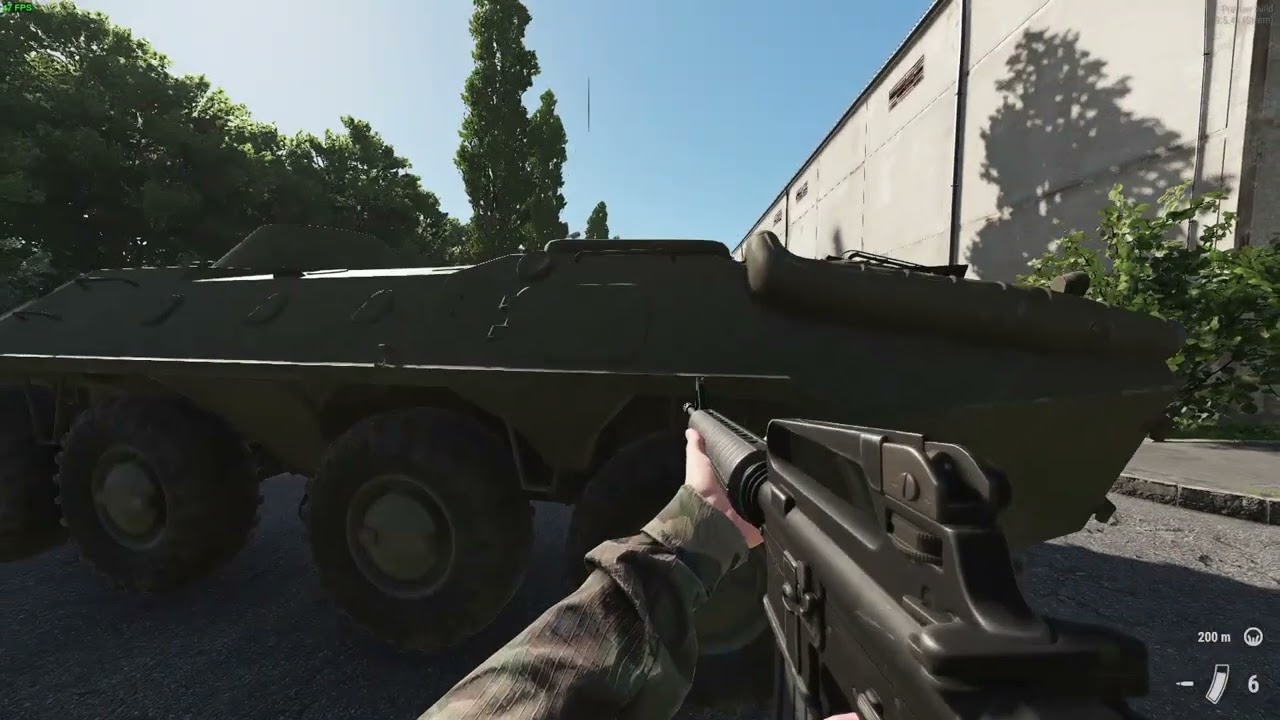
In this second part, we create the mission config, so it actually shows up in game, and then we publish the mission to the workshop :)
Source files: https://github.com/DasCapschen/Arma-Reforger-Tutorial-Project
Just in case you wonder, this second part was recorded on Linux instead of Windows, using GE-Proton-7-18. Works really well, just some...
lean scroll
@trail thistle Check out all the youtube vidoes...especially from DasCapshen, SneakAzWhat, and uselessFodder
trail thistle
Will do, thanks
lean scroll
What does the map look like? Island?
trail thistle
I'll link you to some screenshots, 2 secs
trail thistle
lean scroll
What does the map look like? Island?
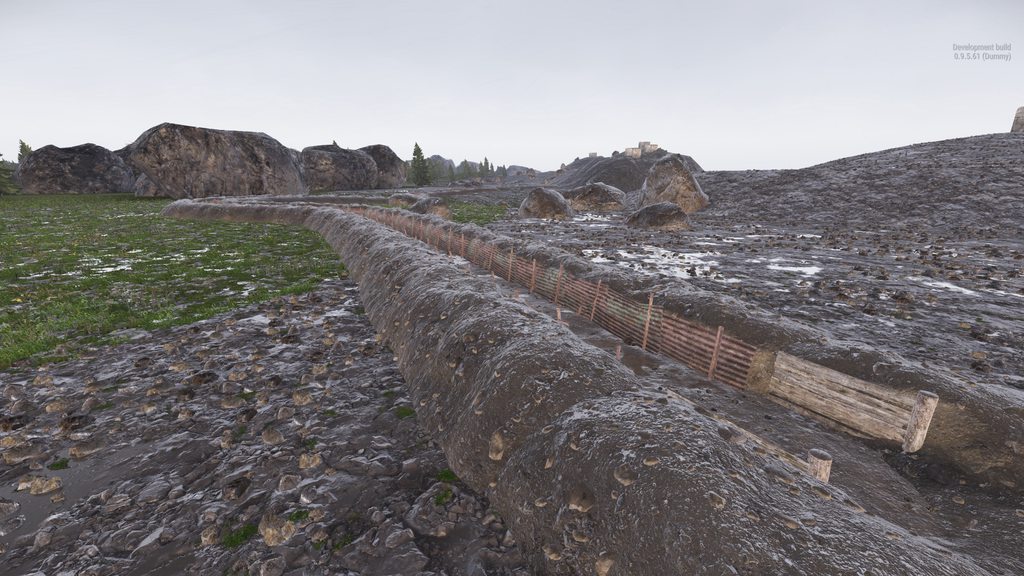
Only posts one screenshot when I post the album link for some reason
amber tinsel
Are Child Entities initialised before or after their parent? 🤔
lean scroll
I would think after parent, like parent child tasks.
but I am still thinking in sqf world.
crisp rain
@trail thistle trenches 🥳
trail thistle
This may be a stupid question - but when I've published my project, where do I find the serverData.json file so I can grab the scenario Id?
My mission file looks like this My Games\ArmaReforger\addons\MyMissionFolder but don't see any serverData.json file in there. not sure how to find the modId either - sorry for my noobness
amber tinsel
the ID of your mod should be your Projects title. (unless you need the GUID, which is different) You can find both by double clicking your addon.gproj in workbench.
Not sure about serverData.json.
crisp rain
^ I use the -listScenarios in commandprompt to get scenarioid
trail thistle
Okay cheers - and yeah forget about that listscenarios arg. I'll check
Is the format that you enter in scenarioId like this {GUID}/Missions/MyMissionName.conf right?
crisp rain
I don't think the guid is in that beginning part
lean scroll
From the serverData.json
{
    "id": "596338F447D34E39",
    "name": "NightOps - Everon 1985",
    "revision": {
        "version": "1.0.26",
        "dependencies": [],
        "scenarios": [
            {
                "name": "MSSION 1 - Flashpoint 1985",
                "gameId": "{1C7C31ACBB314DCF}Missions/MissionHeader_1.conf"
            }
        ],
        "downloaded": true
    }
}
this is located on the server... wait out. I'll get the exact location
crisp rain
oh server/addons/
then enter your specific addon to see the serverdata.json.
@trail thistle
lean scroll
Here is my server_config.json.
{
  "dedicatedServerId": "ff6fd998-fef7-4968-8304-1dfb5f4f0766",
  "region": "US-VA",
"gameHostBindAddress": "154.16.169.143",
"gameHostBindPort": 2201,
"gameHostRegisterBindAddress": "154.16.169.143",
"gameHostRegisterPort": 2201,
  "adminPassword": "",
  "game": {
    "name": "2nd Armored Division",
    "password": "",
    "scenarioId": "{ECC61978EDCC2B5A}Missions/23_Campaign.conf",
"playerCountLimit": 20,
    "visible": true,
    "gameMode": "",
    "supportedGameClientTypes": [
      "PLATFORM_PC"
    ],
    "gameProperties": {
      "serverMaxViewDistance": 0,
      "networkViewDistance": 0,
      "disableThirdPerson": false,
      "serverMinGrassDistance": 0,
      "battlEye": true,
      "fastValidation": true
    },
    "mods": [
      {
        "modId": "597F187230094D01",
        "name": "Pastas Radio Sounds",
        "version": "1.0.0"
      },
      {
        "modId": "597C74F4846C092C",
        "name": "Flashlight_MX991_RED LIGHT MOD",
        "version": "1.0.0"
      }
    ]
  }
}
I'm getting this:
SCRIPT       : Profile - Using MachineName!
NETWORK      : Starting dedicated server using command line args.
BACKEND   (E): Http Error apiCode="ResourceNotFoundError", message="Resource assetVersion not found"
BACKEND   (E): [RestApi] ID:[2] Error Code:400 - Bad Request, apiCode="ResourceNotFoundError", message="Resource assetVersion not found"
BACKEND   (E): Error Code:400 - Bad Request, apiCode="ResourceNotFoundError", message="Resource assetVersion not found"
DEFAULT      : Entered online game state.
ENGINE       : Game successfully created.
ENGINE       : Game destroyed.
Server config here https://pastebin.com/8CsMe1AW
I copied the GUID into my scenarioId and put the ID in dependencies into my mods list from the addon.gproj file
Pastebin
Pastebin.com is the number one paste tool since 2002. Pastebin is a website where you can store text online for a set period of time.
crisp rain
GUID doesn't go in scenarioid
trail thistle
Dependency id?
crisp rain
So you have the mods downloaded? If you go into your server folder then /addons do you see your mods in there/
If so, go into this folder '58D0FB3206B6F859' and youll find the serverdata.json which will have your actual scenarioID (listed as gameID)
trail thistle
I don't know where the addons are located on my server, I've tried the path above in the screenshot and then /home/steamcmd/.configs/addons and nothing there

Might be easier to quickly screenshare with someone
crisp rain
ok so they aren't downloaded then. Just use this for your scenarioid and that will let the server boot up and download the mods {ECC61978EDCC2B5A}Missions/23_Campaign.conf
trail thistle
Putting the GUID in my modId seemed to fix it
lean scroll
@trail thistle What is the name of it? D-Day Land Invasion?
west karma
lean scroll
<@236904325320933398> Check out all the youtube vidoes...especially from DasCaps...
😢
lean scroll
GitHub
A guide for making a basic Arma Reforger Mission, editted as I learn! - Home · Herbiie/ArmAReforgerMissionMakingGuide Wiki
Better?
LOL!
lean scroll
I'm old school, I prefer text.
west karma
Does anyone know what the parameters/arguments are for SpawnEntityPrefab ?
amber tinsel
/**
\brief Safely instantiate the entity from template (with all components) and calls EOnInit if the entity sets event mask EntityEvent.INIT.
@param templateResource Template resource of the entity to instantiate.
@return instantiated entity
*/
proto external IEntity SpawnEntityPrefab(notnull Resource templateResource, BaseWorld world = null, EntitySpawnParams params = null);
that? or did you want an explanation? 😅
west karma
Yes explanation pls 😄
Basically how do I spawn things via script without having placed it in the editor
amber tinsel
one moment 😄
okay, I haven't tried it, but here's my guess at what you need:
templateResourceseems to just be the essentially the.et, which you can get byResource.Load("path/to/file.et")worldshould just beGetGame().GetWorld()paramstells the entity where to spawn (Position, Rotation), what it's parent is (if any), etc. Should be able to create that byEntitySpawnParams params;and then modify as you need.params.Scale = 2.0;etc
Hope that helps?
west karma
It does yes 🙂
But how do you tell EntitySpawnParams what the position & rotation are?
amber tinsel
by using the Transform member of the SpawnParams. Which seems to be a Matrix. (4 vectors)
There is probably a helper function to generate that, somewhere... let's go hunt for it 😄
so, for some reason the Matrix seems to be 4x3 (the last row is probably hardcoded to 0, 0, 0, 1)
the 4 vectors are probably columns, each 3 entries long
should probably not touch the first 3, they are for scale and rotation
the 4th vector should be position.
and then you can use for example Math3D.AnglesToMatrix() to convert Euler Angles (how many degrees to rotate along X, Y, Z axis), or Math3D.DirectionAndUpMatrix() to give it the direction in which the entity should look
These functions return you 3 vectors, which are used for the first 3 entries in EntitySpawnParams.Transform
amber tinsel
west karma
It does yes 🙂
But how do you tell ```EntitySpawnParams``` what the position & ...
or, you could just spawn it without EntitySpawnParams and then use entity.SetOrigin() for position and entity.SetAngles() for rotation :)
west karma
hmm ok, thank you for all the help! I am much n00b.
would that be then like
entity.SetOrigin(x,y,z);```yes, I think that should work (but haven't tried)
amber tinsel
west karma
hmm ok, thank you for all the help! I am much n00b.
would that be then like
```...
no problem! we are all learning together here 😄
trail thistle
Anyone know what I've done to have an image missing? I've got them all set up and pointed to edds files in the mission file
 west karma
amber tinsel
no problem! we are all learning together here 😄
west karma
amber tinsel
no problem! we are all learning together here 😄
I SPAWNED A THING
        vector mat[4];
        entityA.GetWorldTransform(mat);
        EntitySpawnParams spawnParams = new EntitySpawnParams;
        spawnParams.TransformMode = ETransformMode.WORLD;
        spawnParams.Transform = mat;
IEntity entityB = GetGame().SpawnEntityPrefab(Resource.Load("{27E2E58E734A80EC}Prefabs/Vehicles/Wheeled/M998/M1025_MERDC.et"), GetGame().GetWorld(),spawnParams);```Somewhat stealing from the PrefabsSpawner
amber tinsel
ah, nice 😄
Yeah, always a good idea to steal code from existing things 👍
west karma
One step closer to random mission generator xD
amber tinsel
Published my notes on Github pages, maybe it helps someone. https://dascapschen.github.io/ArmaReforgerNotes/#/page/HQ ¯_(ツ)_/¯
median oar
west karma
One step closer to random mission generator xD
Maybe you want to check out: https://github.com/devinSpitz/AiAndEnvSpawnFramework It can also randomly choose spawns from its children by a percentage value. It's always choose a random item and only the percentage you choose 🙂
solar shard
median oar
Maybe you want to check out: https://github.com/devinSpitz/AiAndEnvSpawnFramewor...
I really can recommended it. Use it in NightOps and it’s very comfortable to use.
west karma
I'll have a look 🙂
trail thistle
what do you need in your mission to get chat to work?
median oar
ChatManager or something like that 😄
amber tinsel
I think it's called ScriptedChatEntity
trail thistle
Ok cheers
What'd be the best way to make a map? For the in game M
Just photoshop it?
amber tinsel
I have a feeling that the game/workbench can generate one for you.
trail thistle
Let me know when someone figures out how lol
amber tinsel
you'll need a SCR_MapEntity and then you can give it your maps .topo file. How you generate the .topo file I don't know yet. Probably in the terrain tool somewhere
okay, to generate the topo file, should be the "Export Map Data" tool (looks like a globe) and then export "Geometry 2D" I think.
 trail thistle
ooo nice find
amber tinsel
it takes really long on Everon ... stuck at 23% ... 🙈
it just filled my RAM and crashed 🙃
oh, btw, you need to switch to the Export Tab down here
 trail thistle
I exported one and linked it to my MapEntity but didn't really change much as far as i can tell
 amber tinsel
hmm ... okay, maybe that isn't quite right then... 🤔
trail thistle
I got it working by adding an SCR_MapEntity and applying it to that instead. I think I need to adjust the params to get the terrain to show up, but progress at least!
 amber tinsel
oh yeah, you need to pay attention, there are sometimes Thing and SCR_Thing ; always use the SCR Variant if possible. The non-SCR ones tend to not work.
you could also export Rasterization from the Map Export menu, and set that as the satellite background image in SCR_MapEntity, maybe that helps with the missing terrain?
trail thistle
ahhh I got it
you have to export a rasterization which will give you a .tga file - rename that to .edds and then that will allow you to set it as a satmap
It don't look great but better than nothing. Probably down to tweaking params
 amber tinsel
yeah, I think that needs tweaking of parms. It seems to be flipped. Probably not a good idea to just rename the .tga file to .edds
Maybe you need to import the tga file again?
Right Click the TGA and select "register and import", it creates an EDDS for you
@trail thistle
amber tinsel
did it work?
flat marsh
How can you add other mods to your missions e.g a modded gun?
trail thistle
Works great yeah
trail thistle
flat marsh
How can you add other mods to your missions e.g a modded gun?
Start a new project with the mods you want as dependencies
flat marsh
What about added them to an existing project
trail thistle
not really too sure. I would imagine you'd need to manually drag the related files into your project folder
amber tinsel
You can double click your .gproj file and add dependencies there. You'll need the GUID tho
amber tinsel
should be
flat marsh
Sound nice one @amber tinsel
trail thistle
for some reason my arsenal boxes are completely empty on my server but when I play in the tools i can see guns and stuff in there
amber tinsel
Sounds like a replication issue.
amber tinsel
Uh, so... I just got tasks working, and it was really easy... they even replicate properly... 😬
This is a "why does it work?" situation ... I had issues in SampleCoop and NightOps, and... I do nothing different ... 🤔
solar shard
amber tinsel
Uh, so... I just got tasks working, and it was really easy... they even replicat...
What issues did you had on my map? Since the beginning of this week, everything SHOULD be flawless.
amber tinsel
Some problem with task replication in peer tool. I think I couldn't assign tasks as a remote player. 🤔
Though, maybe cloned the project before you pushed some fix? I'll test it again, one moment.
No, I just tried again and it worked. Sorry 🙈
 sour gust
I'm trying to create a MP mission with the Eden map, but I can't figure out how to activate street lights / interior lights when it's night. I see that these objects have an "Active" attribute, read-only, and it's set to Inactive. Is there some kind of manager that handles that?
 lean scroll
@dawn acorn If that is the is the default eden, you can't.
You have to create a new world as a Sub-scene(of current world)
 dawn acorn
lean scroll
<@265243928339546112> If that is the is the default eden, you can't.
dawn acorn
lean scroll
<@265243928339546112> If that is the is the default eden, you can't.
thats what i did, it worked few days ago but it suddenly got bugged
lean scroll
If you think something is bugged in the eden files, then you have to uninstall the game, and reintall. Try verify both game and workbench in steam.
summer hill
20 years of learning Arma script down the drain 😛
lean scroll
LOL, TELL ME ABOUT IT!
Workbench is a great tool through. I can really see the potential for some great stuff from people other than me, who know what they are doing.
west karma
Just need 20 more years learning c# 😛
dawn acorn
lean scroll
If you think something is bugged in the eden files, then you have to uninstall t...
redownloaded both and its still not working, rip
wild trellis
solar shard
Can’t tell without seeing how you have achieved it. Did you share your stuff som...
Its on the workshop as "Conflict PVE" All I did was make only the US faction playable, also added some loadouts copied/edited from the campaign "US Player." I also added a few AI patrols, but I was having the issue before I did that. I think I also changed some stuff in the CampaignMPGameMode, added Loadout selection and edited the VehicleAssetList.conf.
solar shard
amber tinsel
Some problem with task replication in peer tool. I think I couldn't assign tasks...
That is absolutely possible. I publish and commit very regularly new versions since I still fix a lot of things. But there is only one known bug left to fix in mission 1 regarding the moving apc spawnPoint and I’m working mostly on map 2 & 3 right now.
solar shard
wild trellis
Its on the workshop as "Conflict PVE" All I did was make only the US faction pl...
And what exactly is the issue? What is stopping to spawn in?
 fluid nova
how can i add waypoint to missions file
solar shard
Am I the only one whos worldeditor is mega laggy since the last update? especially when placing entities I have 2 seconds lags every time since 2 days
quasi jay
Hello! 👋
If anyone needs help with scripting, feel free to tag me in your question, that way I won't miss it and answer eventually. 🙂
amber tinsel
solar shard
That is absolutely possible. I publish and commit very regularly new versions si...
actually, I'm not so sure now. The whole tasks thing seems kind of unreliable. I have issues today that didn't show up yesterday, despite not changing a thing :/
I feel like initialisation order is important, but random...
Sometimes tasks show up, sometimes they don't. Sometimes they show up twice. I don't understand 😕
solar shard
amber tinsel
actually, I'm not so sure now. The whole tasks thing seems kind of unreliable. I...
I know exactly what you mean. Initializing order is important, true. What I do usual, when it comes to this behavious, a cut all tasks and taskmanager, paste them on same position and then restart workbench.
But the most important thing for me to figure out, was to have the stuff altogether in one layer.
- gamemode
- taskmanager
- tasks
(In that order)

 amber tinsel
yeah, I have gamemode, taskmanager and tasks in the same layer in that order. I'll try the cut-and-paste trick.
solar shard
If you use my taskmanager and so on, I didnt update it since about 3 days. So all comits since then havend touched the task framework as its working flawless right now and I REALLY DONT WANT TO TOUCH IT ANYMORE 😄
(Its based on SolidJuhos taskmanager and Biscuit made the most recent changed to get it running on dedicated server)
amber tinsel
I made my own task manager, but it is based on yours and the SampleCoop one. 😄
I had it working flawlessly yesterday... and today it broke... :1
I had some luck with making the tasks children of the task manager though, I believe children are initialised after their parent.
Funny thing I noticed:
- in CoopSample, I got the tasks to show up twice. (calling SetTaskFaction in OnPlayerRegistered, this is the magic making it work ; thanks to your TaskManager! 😄)
- in my own project, the Peer gets a Null Pointer Exception in SCR_BaseTask, causing the Task to not create there -> task only shows up once 😂
 solar shard
amber tinsel
I had some luck with making the tasks children of the task manager though, I bel...
solar shard
amber tinsel
I had some luck with making the tasks children of the task manager though, I bel...
the coopSample has by mistake two task managers added as biscuit noticed some days ago. Maybe thats the reason they are showing twice
amber tinsel
solar shard
the coopSample has by mistake two task managers added as biscuit noticed some da...
yeah I know, this is already with the 2nd one deleted
solar shard
ah okay, funny indeed
 vague crater
Hi @amber tinsel !
Sorry for the @, i was reading the step you gave to create a map with SCR_MapEntity and the Geometry 2D Export and I've got some questions for you
I follow the instructions to generate satmap and the .topo file but there's no file created in the destination Path :x Any idea ? 😰
amber tinsel
vague crater
I follow the instructions to generate satmap and the .topo file but there's no f...
Can you check if the .topo file is instead created next to your world file?
vague crater
amber tinsel
Can you check if the .topo file is instead created next to your world file?
there is only .terr .layer and .ent :x
amber tinsel
Hmm... What did you select as the path?
vague crater
amber tinsel
Hmm... What did you select as the path?
I created an "Export" File inside my Main file for Enfusion
 amber tinsel
And in the destination Path, you selected the Export folder?
Do you get any errors in the Log Console?
It should say something like
RESOURCES    : Map Data(All) successfully generated
RESOURCES    : Map Data(All) successfully exported to Export/CoopTest.topo
founded
 amber tinsel
Okay, the file is not created, because it fails. But the error message doesn't say why it failed :/
vague crater
UpdateEntities
WORLD : PostFrame
ENTITY (E): Huge number of entities (96428) per scene tree leaf! Center position <8192.000000 -50.000000 8192.000000>
ENTITY (E): Huge number of entities (96428) per scene tree leaf! Center position <8192.000000 -50.000000 8192.000000>
this is coming back again and again
amber tinsel
I'm sorry, but I don't know what that means. Maybe try asking in the #enfusion_terrain channel, there are people who know more about making Maps than I do 😄
vague crater
amber tinsel
I'm sorry, but I don't know what that means. Maybe try asking in the <#976159873...
yep, i did it too x)
vague crater
amber tinsel
I'm sorry, but I don't know what that means. Maybe try asking in the <#976159873...
thx for taking time 😉
amber tinsel
vague crater
yep, i did it too x)
post your error log there too, maybe someone knows what the errors mean :)
vague crater
amber tinsel
post your error log there too, maybe someone knows what the errors mean :)
amber tinsel
no, in #enfusion_terrain
west karma
@quasi jay Any ideas for limiting numbers of loadouts?
My thought was that where ever the array of loadouts gets called to the RespawnMenu count, get the list of players, get what loadout they have, then count each type of loadout, compare it to the maximum, then if it's over remove it from the array of loadouts?
trail thistle
Afternoon, how easy it would be to group these into its own prefab? They contain entities from Prefabs and PrefabsLibrary

 fiery solar
solar shard
I know exactly what you mean. Initializing order is important, true. What I do u...
fiery solar
solar shard
I know exactly what you mean. Initializing order is important, true. What I do u...
Hey, im also workin with the task manager but i cant figure out how you tell a task to attach itself to a unit of enemies, because when i try the cooptest by itself everything works fine but when i have it on the eden map only move tasks work, killing enemies does nada
solar shard
fiery solar
Hey, im also workin with the task manager but i cant figure out how you tell a t...
in the sampleCoop, there is a entity called "gameLogic" or something like that. That contains a script which handles what happens when the eliminate task is completed. Besides that, the eliminateTask seems just to check for the nearest entity. If that is dead, it completes the task. So for example, if you wanna kill an vehicle, just place the task right below it. I wasnt so happy with that, thats why I use another own method which you will find in my sourcecode. Its a trigger as a child to the command truck in mission 1
solar shard

GitHub
Test- and Demo-Environment of Arma Reforger coop scenarios - GitHub - Zealous666/AR_NightOps1985: Test- and Demo-Environment of Arma Reforger coop scenarios
fiery solar
thanks dude
merry frost
i've placed a SCR_TriggerTask down next to a trigger in the workbench but the task doesn't show up in the list when I press run. Do I need to add some other component to make it work?
amber tinsel
You need to assign the Task to a faction for it to show up in the UI. You can do that in the TaskManager with SetTaskFaction(task, faction);
merry frost
where is the task manager?
just add it in the task I just placed down via its script node?
quasi jay
west karma
<@182493650658263041> Any ideas for limiting numbers of loadouts?
My thought w...
Hey there! 👋
That's of course a possible way to go, but how would you replenish them afterwards?
Maybe you just want to disable some of them?
So when giving the players option to select loadout, you would check if there are free slots for that given loadout or not. Based on that you either show it or not. 🙂
merry frost
amber tinsel
You need to assign the Task to a faction for it to show up in the UI. You can do...
where is the task manager, I cannot find it. The prefabs have some extra stuff.
the taskmanager_editor?
amber tinsel
That won't work since you have to override the Task Manager class to call that function.
Just giving the Prefab a script didn't work for me. (though you can try)
If you can wait a day or two, I am making a tutorial on how to use tasks right now :)
Until then, you can check out https://github.com/Zealous666/AR_NightOps1985 for a working example.
GitHub
Test- and Demo-Environment of Arma Reforger coop scenarios - GitHub - Zealous666/AR_NightOps1985: Test- and Demo-Environment of Arma Reforger coop scenarios
merry frost
ok, so not as simple as juts placing an existing bi prefab then?
i see you made your own task manager
solar shard
The task manager is based on the sampleCoop made by BI
Just more advanced and Dedicated adjusted
And I didn’t made it. Some folks from this discord here contributed to it.
merry frost
it would be nice tho if the task could just be assigned in itself to the faction without having to do all these extra steps
solar shard
Well, right now, it is as it is. And actually, it’s pretty simple to setup everything.
The manager does what it’s supposed to do. It manages all the tasks: when to unlock, what to do once unlock, which to unlock next and so on
merry frost
yeah but it hasn't come with the editor is my point 🙂
amber tinsel
well, Workbench is much more than a simple Mission Editor. A dev already said on twitter they want to make a proper mission editor, but it will take time.
merry frost
ok, i've added the task manager in, added the trigger task, and made sure its assigned to the US faction, but it doesn't show up in game and gives a list of VM errors
or is it not possible to use the base tasks for it, but have to use the ones out of the template?
red apex
i had some problems with the TimeAndWeatherManager, which cant be edited and 2 of these managers wont work. My workaround is to copy eden.ent in the right folder structure - and everything works fine. (terrain is not missing)
Im not sure what the downside is of this approach - but it suits my (cinematic timeline) purposes. i have outlined my workaround in the first part of this video https://www.youtube.com/watch?v=OOoA28w3Lcg
if anyone knows: i'd like to know what the drawbacks are when using this approach in a mpmission.

A very basic howto make a movie with the Cinematic Timeline in the ArmaReforger workbench.
west karma
quasi jay
Hey there! 👋
That's of course a possible way to go, but how would you replenis...
Yes this is what I want but I have 0 idea where to start doing that haha
merry frost
amber tinsel
well, Workbench is much more than a simple Mission Editor. A dev already said on...
ok, i've had a look through the example and cannot get the task to spawn at all. I'm just trying a simple move one. Do I need to add the "CoopLogic" too?
 wild trellis
solar shard
And what exactly is the issue? What is stopping to spawn in?
wild trellis
solar shard
And what exactly is the issue? What is stopping to spawn in?
If I knew, I wouldn't have posted about this issue. Been trying to figure out why for about a week now.
solar shard
red apex
i had some problems with the TimeAndWeatherManager, which cant be edited and 2 o...
Take a look at the gamemode of my NightOps maps. There is custom component „ForcedWeather….something“ which we made based on C&H mode. That overwrites the weather manager without issue and don’t resets itself all the time. All what you have to make sure is to:
- add the component to your gamemode and configure it in your need
- that the default weather manager exists in the default Eden.et
red apex
What do you mean with 'don’t resets itself all the time' - timeandweathermanager looses its settings?
junior cliff
solar shard
Take a look at the gamemode of my NightOps maps. There is custom component „Forc...
If you also want to set the time(speed) I've made a component for that too:
https://github.com/veteran29/VET_Reforger/blob/master/VET_Core/scripts/Game/GameMode/Misc/VET_InitTimeComponent.c
Couldn't find if there's one in game and it was fairly simple so I just wrote it.
solar shard
red apex
What do you mean with 'don’t resets itself all the time' - timeandweatherman...
When you Edit the default one in Eden.et it resets itself as everything in that layer. When you add another one it will conflict since there are then. That’s why we made this component for NightOps and everyone to use.
red apex
i somehow refuse to believe we need some script to modify a perfectly nice timeandweather component. my approach is to 'save as' in my project with the correct folder structure. terrain wont get lost if you use the correct folderstructure where you do save as.
From that point, i load the newly saved world - and i can use the timeandweather component like normal (or edit eden). no resets, no weird things. nothing.
Hence my question: i dont know the drawbacks (and i dont do mp mission making) because for my movie-making - this works like a charm.
solar shard
Well, thats good to hear. We just noticed, that - since you cant edit the eden.et persistent - it resets after workbench reload or publishing. Which makes totally sense and is intended. What is weired, that another manager placed in your own layers wont overwrite it all the time but often conflicts (error output in log: several managers). Thats why we came to that solution. Actually ex0 from bohemia suggested us that way since he made this for the official Capture & Hold mode
red apex
yea, the errorlog showed me the multimanager error. i will check for resets as you described, and get back with my results if they differ from what you said. thx!
wild trellis
hmmm I just tried to start my mission over AGAIN, and it seems CTI_Campaign_Eden is now locked? o.O
....Turns out I just had to restart the World Editor...
amber tinsel
Written Tutorial on setting up Tasks here: https://dascapschen.github.io/ArmaReforgerNotes/#/page/scenarios%2Ftasks%2Ftutorial
I'll also extend it to cover replicating custom variables and such in the coming days.
Video tutorial coming soon too.
merry frost
amber tinsel
Written Tutorial on setting up Tasks here: https://dascapschen.github.io/ArmaRef...
thanks for that. I'll have a look through ity
amber tinsel
video will be here in a few minutes, when youtube is done processing :)
https://www.youtube.com/watch?v=D3ly7oKY_vI
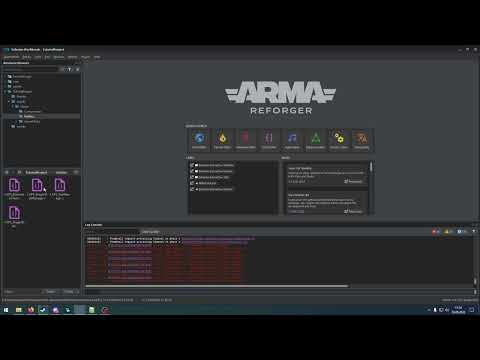
In this video we will look at how to set up a basic task system. :)
Source files: https://github.com/DasCapschen/Arma-Reforger-Tutorial-Project
Written Tutorial: https://dascapschen.github.io/ArmaReforgerNotes/#/page/scenarios%2Ftasks%2Ftutorial
Chapters
0:00 - Preview
03:24 - Better but currently bugged way (explanation)
07:16 - Vehicle Destr...
 brisk notch
hello everyone, I need to transfer my mission to another pc,
where I can find the whole files of that mission?
trail thistle
brisk notch
hello everyone, I need to transfer my mission to another pc,
where I can find t...
C:\Users\your username\Documents\My Games\ArmaReforger\addons
dawn acorn
how do i delete entities from the map, like a house or rock?
solar shard
From the default Eden.et? I believe that’s not possible right now till a function like hideTerrainObject has been included
dawn acorn
I swear it was possible a few days ago
trail thistle
I'm getting this error every time I launch my server with my mod
19:50:38:024  WORLD        : InitEntities 'SandBoxSceneWorld'
19:50:38:024   ENTITY       : Init entity @"ENTITY:1" ('SCR_AIGroup') at <0.000000 0.000000 0.000000> @"{8B4D49A9F324E7D5}Prefabs/Groups/PlayableGroup.et"
19:50:38:024    SCRIPT    (W): Cannot spawn team members of group SCR_AIGroup<0x000001908862E900>, AIWorld is missing in the world!
    ```
I have an SCR_AIWorld in my map (no AI spawns just yet)Do you have multiple layers in the world?
Try putting aiworld in higher layer than other stuff
trail thistle
I'll try
willow inlet
The warning about playable group is fine, that's players groups and it just complains about AI formations which are not needed
trail thistle
It's all in default with the rest of the logic
willow inlet
trail thistle
It's all in default with the rest of the logic
Hmm
Ok, but do you have actually any problem with running the mod it is just this error you wonder about?
trail thistle
It runs okay in reforger tools and don't see any errors in the log console - but when I publish it + try to join the server i crash to desktop
willow inlet
trail thistle
It runs okay in reforger tools and don't see any errors in the log console - but...
Cool, you found a crash, thank you
Can you send me the published version? I'll debug
trail thistle
here's what my console.log looks like https://pastebin.com/DEGkmXzB
Pastebin
Pastebin.com is the number one paste tool since 2002. Pastebin is a website where you can store text online for a set period of time.
willow inlet
I see, it's inconsistent item list for replication
You need to check spawning framework or coop mission sample.
Basically you have something placed directly in the world which wants to replicate over network in dynamic fashion.
trail thistle
Do you mean this? https://github.com/exocs/Reforger-Sample-Coop

GitHub
Contribute to exocs/Reforger-Sample-Coop development by creating an account on GitHub.
willow inlet
Yes indeed
 ionic folio
what are deployment points and whys it always none? cant be spawn points as i have them in the map..

 left lava
How to make the MapDescriptor bigger ? the scale not work
 dawn acorn
is there a way to run my scenario i made in gamemaster?
wild trellis
just log in as admin and you should have game master ability?
I believe its on by default when you hit the play button in the world editor
 hazy raven
Hello everybody, i have a question i want to change in the AIspawnerComponent, the class filter to react only when a player is in the zone, do you have a solution for that ?
solar shard
hazy raven
Hello everybody, i have a question i want to change in the AIspawnerComponent, t...
Check Herbiies tutorial, he offers a simple solution that trigger only fire when players are inside
solar shard
left lava
How to make the MapDescriptor bigger ? the scale not work
Pretty sure that’s just a icon that there is no real icon available. Like a warning symbol or placeholder. That’s why we can’t resize it.
solar shard
dawn acorn
is there a way to run my scenario i made in gamemaster?
If you have implemented the correct gamemode, of course. And out of Editor you can always use gm to test things
 quartz pollen
you ever find a good guide for this? been stuck all day trying (@ me in the servers channel if you want)
solar shard
quartz pollen
you ever find a good guide for this? been stuck all day trying (@ me in the serv...
Hey. I haven’t spent a single minute on that topic the last weeks due too many other things to solve first and since some nice people offered me their dedicated server to test things out. But there are several tutorials around.
quartz pollen
ah okay, i'll keep trying and post something if i get it working
 rapid star
forgive me if this is a stupid question. but how do I put down a character and make it the player's character in a coop mission?
 hazy inlet
I'm still trying to figure out how to make the weapon tracks from conflict work in a custom coop mission
Anyone know what's needed?
west karma
solar shard
Check Herbiies tutorial, he offers a simple solution that trigger only fire when...
I don't think I do haha
solar shard
Well class filters can’t be reduced to player only but you show this user script to make this afterwards
 sinful dagger
ionic folio
what are deployment points and whys it always none? cant be spawn points as i ha...
sinful dagger
ionic folio
what are deployment points and whys it always none? cant be spawn points as i ha...
Do you have an issue for that ?
 austere cobalt
rapid star
forgive me if this is a stupid question. but how do I put down a character and m...
wild trellis
austere cobalt
rapid star
forgive me if this is a stupid question. but how do I put down a character and m...
wild trellis
So I managed to figure out that removing the USSR faction is breaking the southern bases in conflict mission. Anyone know a way I can still have the USSR team "playable" in the world, but actually have all players join the US only when they join the mission?
How are these southern (USSR) bases connected to the USSR faction?
 celest sequoia
How do i make ai get into a car then drive? I've set up get in and move waypoints, but they dont get in the car. Just walk over to it.
wild trellis
I dont think they can drive yet? Ive only seen them get into a gunners seat
celest sequoia
At one point i has two ai in the front seats, couldn't get them to move though.
solar shard
wild trellis
I dont think they can drive yet? Ive only seen them get into a gunners seat
This is the actual answer at this moment afaik
wild trellis
he rotated and seemed to be searching for targets, but he never fired, ended up getting out while i was driving and died (lol)
solar shard
You can set them the Gunner or passenger seat specifically via getIn waypoint but I would spare the driver seat since even with the correct mesh the best they do right now is driving in a straight line
ionic folio
sinful dagger
Do you have an issue for that ?
??
sinful dagger
ionic folio
??
I ask you if you had a solution for the problem: "No deployment point available"
ionic folio
nah i dont know why it says that 😄 so no idea how to fix it sorry.
sinful dagger
the same
if i find i will tell you
sour gust
red apex
i had some problems with the TimeAndWeatherManager, which cant be edited and 2 o...
Sir I just found out your "workaround" enables to customize the Eden map objects. I was trying to Save-as the map but with a different name and this resulted in the terrain to go missing. Now looking if I could get the fog to work.
 pearl badge
Is it possible to put the AI Units on the map? I tried adding SCR_MapDescriptorComponent to the prefab but it doesn't show up.
dawn acorn
is there a way you can permanently hide vanilla entities?
 plain elbow
my editor crashes when i go the prefab world folder to load in the pp but it crashes straight when i open the folder in recourse manger
anyone else have this?
willow inlet
plain elbow
my editor crashes when i go the prefab world folder to load in the pp but it cra...
one of the prefabs is broken. WB is trying to generate preview images so it needs to instantiate the objects. If something is very wrong with them, it may crash
plain elbow
willow inlet
one of the prefabs is broken. WB is trying to generate preview images so it need...
so is there a way to disable the image loading?
willow inlet
plain elbow
so is there a way to disable the image loading?
not that I know of
You can try running WB with -clearSettings (AFAIK thats how it goes) - this should remove history of assets loaded.
I would rather look into what is causing the crash exactly. DId you check error.log?
plain elbow
willow inlet
not that I know of
You can try running WB with -clearSettings (AFAIK thats how i...
treid new world/ mission as well no go
willow inlet
plain elbow
treid new world/ mission as well no go
try to figure out on what prefabs its crashing.
Should not happen on vanilla assets
plain elbow
willow inlet
try to figure out on what prefabs its crashing.
Should not happen on vanilla ass...
well it does in the vanilla world folder
plain elbow
willow inlet
try to figure out on what prefabs its crashing.
Should not happen on vanilla ass...
maybe i can try to load in the pp via importing it from an other mission file ?
solar shard
dawn acorn
is there a way you can permanently hide vanilla entities?
Not right now I believe
celest sequoia
How would i make ai open a barn door?
willow inlet
celest sequoia
How would i make ai open a barn door?
Door needs to have navmesh link component, AI needs to want to go inside
solar shard
willow inlet
Door needs to have navmesh link component, AI needs to want to go inside
This sounds awesome.
„me wants to go inside. Me wants to make snu snu!“ 😂😂😂👍🏻
flat marsh
Has anyone had issues with AI just getting stuck on there missions? I have edited the Map e.g place objects down everywhere. Do I need to update the NavMesh or somet?
willow inlet
flat marsh
Has anyone had issues with AI just getting stuck on there missions? I have edite...
Yes, you have to have custom navmesh for your scenario. There is a way to save only some area, not whole map (navmesh can be quite big like 1gb).
Check AIWorld entity, NavmeshWorldComponent for settings of areas.
solar shard
Does someone know a other way to make a vehicle "unmoveable" then setting its fuel to 0?
willow inlet
solar shard
Does someone know a other way to make a vehicle "unmoveable" then setting its fu...
destroy engine
celest sequoia
I can get ai to open doors on my subscene, but not ones part of eden
solar shard
willow inlet
destroy engine
can you hint me the way? I try to setup a prefab for that, so editing the fuel managment component was the easy way
Ah I guess this could be done via the damage handling component
willow inlet
solar shard
can you hint me the way? I try to setup a prefab for that, so editing the fuel m...
check damage manager on vehicle, look for hitzones
You can add Init script to vehicle, get DamageManagerComponent and add damage for certain hitzones, but its a bit of scripting
 halcyon patrol
can you unlock the GM_Eden layers? I want to edit the perception of AI?
willow inlet
halcyon patrol
can you unlock the GM_Eden layers? I want to edit the perception of AI?
no
halcyon patrol
or do i need to just create my own world and replicate
willow inlet
halcyon patrol
or do i need to just create my own world and replicate
you could override the prefabs which are used on Eden layers
solar shard
willow inlet
check damage manager on vehicle, look for hitzones
You can add Init script to ve...
is there no way to disable the whole car controller manager? Or do I think in the wrong direction?
halcyon patrol
Can I force the perceptionmanager2 to override perceptionmanager1 in this
 celest sequoia
So why cant i get doors that are part of Eden default to open, only the ones placed on subscene?
willow inlet
solar shard
is there no way to disable the whole car controller manager? Or do I think in th...
I never tried, so its up to you 🙂
willow inlet
halcyon patrol
Can I force the perceptionmanager2 to override perceptionmanager1 in this
no, it won't work. only first perceptionManager will work.
Override prefab which is used in your addon, don't add second one
willow inlet
celest sequoia
So why cant i get doors that are part of Eden default to open, only the ones pla...
There is a bug with EntityIDs which is visible in Workbench but in game it should be fine.
It happens when you load world in World Editor - you have layers, entities have their IDs. Navmesh links (as for opening doors) require those IDs to be proper, otherwise cannot find the door.
But, if you change anything on the map and rebuild the navmesh, your IDs may be still wrong.
The only way we found out to fix it - is to save world with your changes, then restart WB, then build navmesh.
After that, when your addon is packed - you should be able to confirm it working in the game.
In short - dont trust navmesh links in WB
celest sequoia
willow inlet
There is a bug with EntityIDs which is visible in Workbench but in game it shoul...
Got it to work. Cheers.
solar shard
willow inlet
I never tried, so its up to you 🙂
Solved it. Thank you for your help.
Different topic you could possible answer in no time with a simple yes or no.
Is there at this point the possibility already, to utilize something like Arma‘s profileNamespace to store some variables at the client or on a server persistent to load later on in another session?
junior cliff
Yes, you can read/write files in profile dir.
flat marsh
willow inlet
Yes, you have to have custom navmesh for your scenario. There is a way to save o...
Does this apply to the default map? I haven’t made a custom map. Just edited the default one? Thanks
willow inlet
flat marsh
Does this apply to the default map? I haven’t made a custom map. Just edited the...
It applies to any scenario which adds static objects which AI has to navigate around
flat marsh
willow inlet
It applies to any scenario which adds static objects which AI has to navigate ar...
Okay, I don’t think I set anything to static actually. Doesn’t do it by default?
 light oak
can i make bigger makers as MapDescriptor makers or other makers
 shadow crescent
hi all. question. how hard it is to implemt spawn of radio like in conflict mission into my own mission please?
austere cobalt
Hi, which component needs to be added to show name tags for players and AI like in conflict?
willow inlet
flat marsh
Okay, I don’t think I set anything to static actually. Doesn’t do it by default?
Doesn't matter if set to static actually
Anything which is placed on world layers and have colliders
willow inlet
austere cobalt
Hi, which component needs to be added to show name tags for players and AI like ...
Look for "nametag"
flat marsh
Huh okay.
Is there any tutorials for the navmesh system
Can’t figure out how to use it
willow inlet
shadow crescent
hi all. question. how hard it is to implemt spawn of radio like in conflict miss...
Shouldn't be hard, both GM and Conflict has it
willow inlet
flat marsh
Is there any tutorials for the navmesh system
Did you check Biki and #enfusion_resources ?
If it's not there then it has to be created
austere cobalt
willow inlet
Look for "nametag"
My gamemode hat one already I set the frendlies config but still nothing.
Also made sure the characters have the tag
 mystic kestrel
how can i set waypoints for players?
willow inlet
austere cobalt
My gamemode hat one already I set the frendlies config but still nothing.
Also m...
Do you have tag Manager in the world, placed from vanilla prefab?
willow inlet
mystic kestrel
how can i set waypoints for players?
Those are called tasks
mystic kestrel
willow inlet
Those are called tasks
are there no real waypoints for players anymore?
i don't like this task system
willow inlet
Tasks and waypoints will be merged together at some point in future, when there is more integration between players and AI
flat marsh
How long does it take usually to redo the navmesh?
Is this normal? https://i.gyazo.com/2b8c75cf4026e09985f4f9cc0fe9901a.png
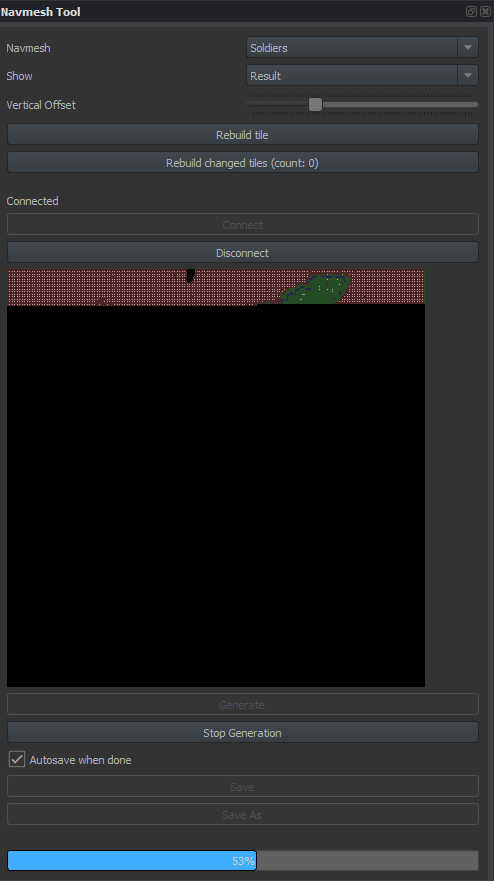
And its the second time its crashed...
How do I only generate say a village?
flat marsh
Erm
Bascially nothing on the WIki
Nothing good turned up on discord
I have managed to figure it out I think though. I have generated just the village I want 🙂
Oh god my AI WORKS! Finally. They dont get stuck
 willow inlet
Good job
flat marsh
Haha thanks. Just a learning process
 ornate onyx
I'm sure this is basic & has been answered before (I did search the channels to try & find).
How do I make markers/objectives for my players? I followed a couple 2-hour tutorials and they covered managers/win conditions/etc but not how to show players a marker that says like "move here" or "kill this guy" or what have you.
I don't know if Enfusion supports markers natively or if I need to program custom UI for that. I know I saw an orange diamond marker being used in the top "assassinate" mission on the workshop so I hope that's a standard thing I can use.
solar shard
ornate onyx
I'm sure this is basic & has been answered before (I did search the channels to ...
you can use those those diamond marker as a workaround till 3d task markers are a thing. Maybe you saw it in my NightOps - Everon 1985 mission.
Right now its a mix of the playercontroller setup in the gamemode, a hudWaypoint file and, in my case, a very lazy workaround. Those waypoint is attached to an invisible comment which I move around through the map via getOrigin / setOrigin 😉
you can use the stuff here: https://github.com/Zealous666/AR_NightOps1985
 torpid tundra
mystic kestrel
i don't like this task system
torpid tundra
mystic kestrel
i don't like this task system
I miss the old editor lol
sour gust
So did someone figure out how to properly apply fog settings in the Eden map? I see it has a Fog_Haze GenericWorldFogEntiy but it doesn't apply once the scenario is played.
I also found out there is a WeatherItems class of configuration files which may be used to apply these settings but I don't know where it needs referencing to be loaded.
 sour gust
flat marsh
Oh god my AI WORKS! Finally. They dont get stuck
sour gust
flat marsh
Oh god my AI WORKS! Finally. They dont get stuck
Could you shortly summarize how you've generated or re-generated a navmesh? I'm tweaking the Eden map for a mission and noticed the AI don't recognize that new objects (e.g. compositions) I've placed need to be avoided
flat marsh
Well I only needed to generate a NavMesh for a village I'm using. Using the Navmesh tool I just generated it, but when it comes up with generating a position I just put the coords in for the village @sour gust

I have the NavMesh "Soliders" already there. Don't know how you create it. Connect to Local Server. Generate either whole Map or specific position
Though my Editor crashed 3 times in a row trying to generate whole map 🤔
sour gust
Haven't found out how to open the Navmesh tool (if I click on the button, nothing happens). Will sleep on it and retry tomorrow
flat marsh
Yeah so if you click the NavMesh tool on the "Top Bar". Then bottom right of editor will say NavMesh tool
 narrow path
Did you figure out how to eneable RTO spawning?
narrow path
flat marsh
https://i.gyazo.com/0d8473d8318178fcf3b8bbb642677f28.png
You dont need to generate nav mesh there already is one called eden.topo
flat marsh
Oh. Well tbf I literally only needed the navmesh for the village. As it’s sectioned off and a FFA game mode.
I literally didn’t know how to use it. Went in blind and it worked 🤣
narrow path
fairs, you can also use MapEntity_everon.et that already has it loaded
flat marsh
Can you update the default navmesh or is it read only?
narrow path
flat marsh
Can you update the default navmesh or is it read only?
its read only.
narrow path
flat marsh
That’s why I updated it because I added loads of stuff
fair warning if your add in things directly to the map it will not allow players to connect, you have to spawn them in after the map and mission has been initalised
flat marsh
Err. Yeah. As a sub scene?
Everything’s working. Servers been up for almost a week now 🙂
narrow path
and it allows connections?
flat marsh
Yeah, it’s only static objects
narrow path
ah okay
flat marsh
Yeah I’ve learned lots last week
Been up all night and morning trying to get things to work 🤦🏻
narrow path
yeah i made an entire mission published it, and went to test it with mates got a inconsistant table error, and found out you cant just place objects and shit down in the map editor so had to remake it with Ex0 and a couple other's helps
flat marsh
Yeah tiring. I need to learn more of the networking side of scripting. But for now the server is doing well
narrow path
now that you haver said that the server is gunna start throwing every error under the sun for the next week
flat marsh
Hopefully have my custom program done in a day or 2 that will allow me to restart the server and change scenarios/maps 🙂
Yeah true
Well Auto restart with random selection
 muted scroll
Hello, How can I add or modify the image on a panel to, for example, put my team's logo or put information such as a briefing?
muted scroll
Like this for Arma 3 https://images.app.goo.gl/LqFnwt7Htf2m2hcR8
solar shard
sour gust
So did someone figure out how to properly apply fog settings in the Eden map? I ...
I put a second fog-haze in my own layer and it works perfectly. Do not try to edit stuff in the Eden.et layer. Weather manager is another thing. That conflicts if you put another on it. That’s why we developed that force weather component which you add to the gamemode like in the c&h mod example. You can find it in our framework „NightOps Coop Missions Framework“.
GitHub
NightOps - Coop Missions Framework. Contribute to Zealous666/AR_NightOpsCMF development by creating an account on GitHub.
solar shard
narrow path
Did you figure out how to eneable RTO spawning?
Yeah. It is enabled in our coop missions framework. It’s just one little tickbox in one of the gamemodes components. ~~But I’m not at pc right now, to check which one exactly it was. ~~Will tell you later if you didn’t find out already. Here you go:
solar shard
 sour gust
flat marsh
Yeah so if you click the NavMesh tool on the "Top Bar". Then bottom right of edi...
sour gust
flat marsh
Yeah so if you click the NavMesh tool on the "Top Bar". Then bottom right of edi...
I see now where it is, thanks 👍
flat marsh
No problem. Would be nice if it switched automatically
sour gust
@solar shard I loaded your mission and set some heavy fog in Fog_Haze2 in your Init layer. Again this looks fine in the editor but resets as soon as I hit the play button. If it works on your end, I guess there's something I'm doing differently (euphemism for WRONG 🤣)
 solar shard
Well that’s weired. Works good on my side but i use it not this heavy way and only to have a snooth foggy horizon
narrow path
solar shard
ty dude
tall heart
can i make fog ?
 sullen aspen
I have two questions. How do i not make the mission only start when the admin says so? And how do i limit the amount of loadouts players can select per squad?
 proven delta
solar shard
I put a second fog-haze in my own layer and it works perfectly. Do not try to ed...
proven delta
solar shard
I put a second fog-haze in my own layer and it works perfectly. Do not try to ed...
hey wzup.. could you probably help me out?
iam trying the whole day now to get this automatic AI spawn trigger working on my mission..
but if i enter the sphere there is no AI spawning for me..
solar shard
proven delta
hey wzup.. could you probably help me out?
iam trying the whole day now to get t...
Which system do you use? The vanilla AI spawner (from the coopSample) or by any chance the NightOps dynamic spawn framework?
proven delta
NightOps dynamic spawn framework
solar shard
Ah. Alright. @median oar who developed the actual framework made some good explanations in his git https://github.com/devinSpitz/NightOps-DynamicSpawnFramework and @west karma will write afaik a tutorial about it soon. But let’s see what we can do. What’s the issue. It just don’t trigger?
GitHub
Arma Reforger - It does spawn and despawn on player contact just with hierarchie no naming - GitHub - devinSpitz/NightOps-DynamicSpawnFramework: Arma Reforger - It does spawn and despawn on player ...
You placed the trigger prefab and a spawner prefab as it’s child in the world and assigned some AI prefab in its component?
proven delta
solar shard
Ah. Alright. <@341208920871665664> who developed the actual framework made some ...
oh.. didnt did the child thing.. gimme a sec im trying again
this is ma actuall trigger setting https://i.gyazo.com/5b5d71cbc1b4352a2d30e0e0fb044dc7.png
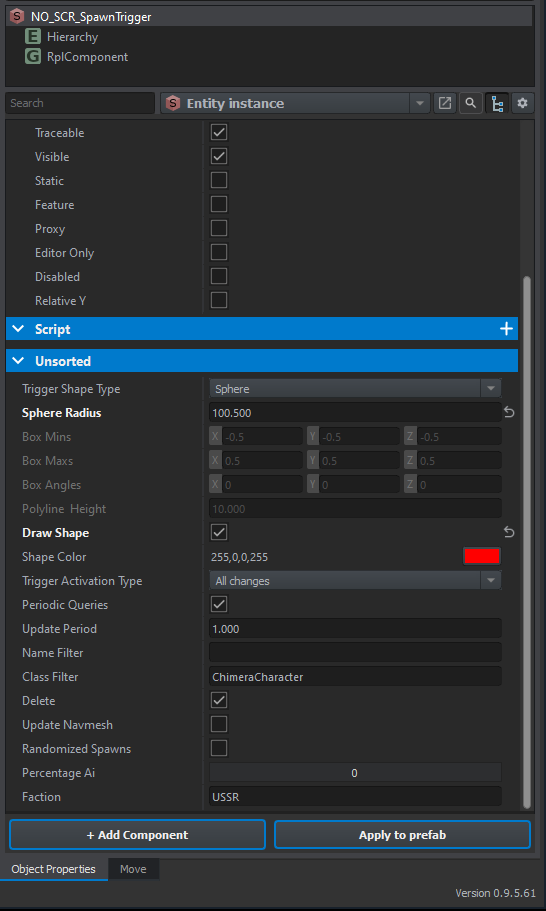 solar shard
Trigger looks good. Be aware that in this case, the AI will Respawn once you leave the trigger again. That’s why the „Delete“ flag for. Just as a sidenote
proven delta
solar shard
Trigger looks good. Be aware that in this case, the AI will Respawn once you lea...
thank you man.. first time something is spawning here 😄
crazy..
solar shard
The system is pretty straight-forward:
Now select a group or vehicle prefab of the prepared spawner prefabs and put it in his child. That way he knows which prefabs to spawn. You can put as many as you want
proven delta
but is there a way to limit the spawns inside the sphere ? and have mulitple triggers wich are at different times triggering different units on different places?
solar shard
You can even add more waves in the same spawner with a different player count. Default is 1 player. But you could for example make a second wave of the same prefab when there are at least 5 players connected etc. For difficulty balancing stuff.
solar shard
proven delta
but is there a way to limit the spawns inside the sphere ? and have mulitple tri...
Absolutely. I strongly recommended to download my showcase campaign „NightOps Everon 1985“. Look into the first mission to see many different ways how to utilize the framework.
GitHub
Test- and Demo-Environment of Arma Reforger coop scenarios - GitHub - Zealous666/AR_NightOps1985: Test- and Demo-Environment of Arma Reforger coop scenarios
It uses one of our other Frageworks too though: CoopMissionsFramework to setup easily coop missions. A task framework will follow soon. But don’t want to spoil too much since it’s still in development.
proven delta
hehe okay.. man thank you so much dude... you saved my day 😄
i litterly was biting my teeth out .. didnt find the issue and the parenting was it actually .. thank you 
solar shard
The Everon Mission will be a Little Bit More Self-explanationry once we implemented the task system since then, there is even less to care about. I’m online the next hours, feel free to ping me if needed
 remote magnet
I need help getting a triggers Box Mins and Box Maxs values in my script. I am able to get the sphere size with this
SCR_BaseTriggerEntity trigger = SCR_BaseTriggerEntity.Cast(GetGame().GetWorld().FindEntityByName(TriggerName)); if (trigger) { Marker_Radius = trigger.GetSphereRadius(); };
But I cant figure out how to get the box values along with any other data from the trigger. I cannot find any other functions like GetSphereRadius but for the box values. If anyone can point me in the right direction that would be great.
median oar
Hello there a have a little problem with the task system 😄 I can assign, complete and fail tasks (Get the notification) but after an assignment, while opening the journal I get an error :
SCRIPT (E): NULL pointer to an instance
Class: 'SCR_UITaskManagerComponent'
Function: 'GenerateUI'
Stack trace:
Scripts/Game/Tasks/SCR_UITaskManagerComponent.c:266 Function GenerateUI
Scripts/Game/Tasks/SCR_UITaskManagerComponent.c:732 Function Action_ShowTasks
Scripts/Game/Tasks/SCR_UITaskManagerComponent.c:538 Function Action_TasksOpen
It's from this line of code and I don't know how this currentTaskUI can be null xD
RichTextWidget textWidget = RichTextWidget.Cast(currentTaskUI.FindAnyWidget("TaskTitle"));
Does somebody know more? @quasi jay
The task manager looks ok I think and the task as well. All the prefabs are set and there also available 😦

 quasi jay
median oar
Hello there a have a little problem with the task system 😄 I can assign, comple...
quasi jay
median oar
Hello there a have a little problem with the task system 😄 I can assign, comple...
Hello! Is the currentTaskUI being created above or how is the pointer found? 🤔
median oar
currentTaskUI = task.GenerateTaskDescriptionUI(this, m_aWidgets);
Should declare that variable if you mean that 😄 But thats all inside of the SCR_UITaskManagerComponent which i did not change ;D @quasi jay
sullen talon
median oar
```
currentTaskUI = task.GenerateTaskDescriptionUI(this, m_aWidgets);
```
Shoul...
Check the order of initialization, e.g. layers in world can unfortunately enforce it, it was mentioned some time ago
 whole phoenix
hi @sullen talon is there a way to get vehicles to respawn? I cannot seem to find a way. Just empty ones.
sullen talon
whole phoenix
hi <@261877528057085952> is there a way to get vehicles to respawn? I cannot see...
There should be a spawner, it's used on the larger C&H scenarios
median oar
sullen talon
Check the order of initialization, e.g. layers in world can unfortunately enforc...
Thanks 😄 Do you see something wrong? xD Having it as child or not does not make the difference and i think there is all i need xD I making am advanced task framework as i did for the spawns :)
 red apex
sour gust
Sir I just found out your "workaround" enables to customize the Eden map objects...
red apex
sour gust
Sir I just found out your "workaround" enables to customize the Eden map objects...
that is easy, on the left pane (which is probably showing 'hierarchy') click on the 'create' tab on the bottom. from there, add the GenericWorldFogEntity - and play with its properties on the right pane.
red apex
red apex
that is easy, on the left pane (which is probably showing 'hierarchy') click on...
hmm weird. it previews fog, but when really running the preview the fog is gone.
sour gust
Yes, and I think at this point I've tried all combinations, with the GenericWorldFogEntity of the map, in additional layers, etc. but when running the scenario it's not applied. Maybe it's somehow overridden by the time & weather settings? At least I got minor relief that I'm not alone having this issue 💩
@red apex ☝️
muted scroll
Hello,
where we can found the conflict mission for see how they are make ?
sullen talon
median oar
Thanks 😄 Do you see something wrong? xD Having it as child or not does not make...
The hierarchy of those things could also be problematic. Try moving the task manager itself to a higher layer than the tasks, or create new layer (after managers) for task and try again
median oar
sullen talon
The hierarchy of those things could also be problematic. Try moving the task man...
Ok thanks, will try to move that stuff to a higher layer but the tasks have to be children as i hate naming objects xD As children is much cleaner and you can just use GetParent :)
Like in my spawn system its fully drag and drop no naming at all xD Naming for me is like goto or public static that gets changed from every where in code all the time xD
solar shard
median oar
Ok thanks, will try to move that stuff to a higher layer but the tasks have to b...
Well sofar we figured out that gamemode, taskmanager and tasks are best in the same layer in that order and in my example the tasks are children of the manager too. That works flawless. I fear the issue is somewhere deeper since you started the code from scratch. Really looking forward to your framework!
proven delta
@solar shard hey can i just add here the USA in addition aswell?
that both faction triggering the trigger? https://i.gyazo.com/e580f751ff5d9210a44aee6266585fbe.png
https://i.gyazo.com/9caa1fcc20a2cae2cbc713850c5f5483.png

 median oar
proven delta
<@721320175504457740> hey can i just add here the USA in addition aswell?
that b...
median oar
proven delta
<@721320175504457740> hey can i just add here the USA in addition aswell?
that b...
Nope 😄 unfortunately no xD
Maybe make 2 triggers one for the USSR AI's and one for the US AI's? But actually the spawns do not have to be inside the trigger 😄 and you can just trigger them by code as well if you rather have 1 Trigger that spawns both.
proven delta
median oar
Maybe make 2 triggers one for the USSR AI's and one for the US AI's? But actuall...
copy... is there a way to make a trigger activate till the ai wich got triggered is death, that they not anymore respawnd..?
solar shard
well you could add anothe trigger for example, a faction control trigger. And once it fires, you could disable/delete the actual spawn trigger for example
 slate garnet
Any documentation on the evacuate task?
median oar
proven delta
copy... is there a way to make a trigger activate till the ai wich got triggered...
As @solar shard said just disable the delte checkbox and only enable the trigger on first change :) So they will spawn as soon as the find the first alive player inside the trigger and afterwards they will stay :)
proven delta
median oar
As <@721320175504457740> said just disable the delte checkbox and only enable th...
copy, thanks
 night pond
do unarmed enemy AI punch back?
whole phoenix
think i posted in the wrong room. But on this particular deathmatch map I cannot see any weapons in the arsenals ?! any ideas why? BUMP
 austere cobalt
willow inlet
Do you have tag Manager in the world, placed from vanilla prefab?
austere cobalt
willow inlet
Do you have tag Manager in the world, placed from vanilla prefab?
Ahhh that one was missing. Now the tags are displayed correctly thank you!
 coral smelt
Hi, can anyone experienced help with how to do a Conflict-based scenario? For example, I want more AI, more buildings.
I tried everything in the editor, but when I test it in Reforger it doesn't have any AI at all.
Maybe I’m building the sub-scene on the wrong world, or am I using the wrong system layer?
ionic folio
Why would a humvee placed into the map. not work correctly? the gun on top doesnt work and has an ammo box floating under humvee. works when spawned in as gamemaster tho .
merry frost
is it just me having done something wrong or does adding a script to a trigger within a task cause it to break the task completion?
and if there is, do I have to add something to get around it?
merry frost
I'm assuming its possibly something to do with me using the onActivate for the script which has an override in it. Should I just use a regular user script and does that only get called when the trigger is triggered then?
sour gust
Did anyone manage to get a thick fog working (not in the editor, but when playing the scenario)? I still can't find out what's missing with Fog_Haze
 glacial pivot
Hey duders when people load my mission it has totally irrelevant mods it's asking for. https://i.imgur.com/1fczX2S.png
I have only one mod
wild trellis
coral smelt
Hi, can anyone experienced help with how to do a Conflict-based scenario? For ex...
What I did was open up conflict in the world editor. Then save as (a different name) in your project's folder. Then load it up and explore the entities you see all over the map. I found one AI patrol that traveled in a semi circle and I could copy/paste that into many different areas of the map. See here for more on that: #enfusion_ai message
speaking of, i think i want to try to add a new cap point...! Wish me luck! XD
oh also make sure "Spawn AI" is checked
median oar
glacial pivot
I have only one mod
This one mod seem to have dependecies :)
 fathom granite
Its there any way to add the arsenals the "save loadout" of the gamemaster mode?
coral smelt
wild trellis
What I did was open up conflict in the world editor. Then save as (a different ...
Thanks!
glacial pivot
median oar
This one mod seem to have dependecies :)
But I just made it, it shouldn't have any dependencies other than itself. Also I've even tried adding those mods lmao. When people or I join it just crashes before you can get in. We can all play the map offline though
the only thing for dependencies is this https://i.imgur.com/2Q4lvrk.png
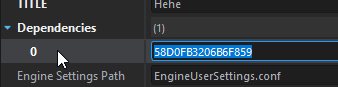
58D0FB3206B6F859
can I remove that? It's not reforger is it?
 lime stratus
That is reforger, no shouldn't remove that
median oar
glacial pivot
58D0FB3206B6F859
normaly this is the base gsme but im not on the comouter xD
solar shard
glacial pivot
can I remove that? It's not reforger is it?
No
You need this. Reforger base
median oar
glacial pivot
But I just made it, it shouldn't have any dependencies other than itself. Also I...
Then check the config.json on the server you may have add them there?
glacial pivot
The only thing in the config.json is my test mod
median oar
hmmm. did you clean your profile on the server? And did you restart the game?
glacial pivot
Clean my profile on the server? How does one do that? o.O
and yeah restarted that and the server many times
Delete the profile folder in my games - > armareforgerserver?
median oar
glacial pivot
and yeah restarted that and the server many times
normaly you have a start paramter with the profile folder :) remove everything inside and try again maybe it has something cached?
glacial pivot
wait there is a config.json in here (mygames/armareforgerserver/profile) but it doesn't have any of the mods listed, just mods I was testing it out the other day getting things to work. Just to be clear is this the folder where everything is cached? I just see logs and stuff do I delete this?
median oar
glacial pivot
wait there is a config.json in here (mygames/armareforgerserver/profile) but it ...
nope xD
glacial pivot
yeah its just logs and stuff, not sure why the config is in there lol
median oar
should look like this :)
So Arma reforger server and addons folder should be there :)
glacial pivot
Is there something I'm missing I've never seen this window before in my life lmao
median oar
No its just on linux there should be a folder like that on windows too or im wrong?
glacial pivot
we have a launch.bat
cd Z:\SteamLibrary\steamapps\common\server
start /wait /REALTIME ArmaReforgerServer.exe -config "Z:\SteamLibrary\steamapps\common\server\server.json" -profile ArmaReforgerServer
median oar
Yeah last parameter :) so it should ve in the folder xou execute the bat or in the folder where the exe is :)
there should at least be an addons folder for the server :)
glacial pivot
there is an addons folder but it is just core and data folders
it's just so confusing, I tell it via cd where the common/server folder is, but it doesn't even touch anything in there. It just dumps everything to documents/my games/armareforgerserver/
Like I look at profile, in the same folder as the exe and launch.bat, nothings been touched since 05/26
median oar
glacial pivot
it's just so confusing, I tell it via cd where the common/server folder is, but ...
Yeah cause you dont give the profile parameter a full path only a relative one xD
glacial pivot
ohhh
median oar
glacial pivot
ohhh
So windows does its things xD
glacial pivot
Wow lol so I do this? "-profile "Z:\SteamLibrary\steamapps\common\server\profile""
median oar
i would do that. Now you know for sure where its saved even if you call it from a bat or .cmd or what ever :)
glacial pivot
Yeah exactly! And for addons?
median oar
glacial pivot
Yeah exactly! And for addons?
There should be in this folder after the fiest start :)
glacial pivot
Also there's a config file in here is there an example of how it should be setup? For profile specifically
Hey! It's reading the addons folder and profile!! Awesome! 😄
median oar
An example is on the wiki but i dont have a link right now xD
glacial pivot
Wait a second now it wants all of these mods https://i.imgur.com/rrSYbIB.png
 median oar
glacial pivot
Also there's a config file in here is there an example of how it should be setup...
glacial pivot
median oar
glacial pivot
Also there's a config file in here is there an example of how it should be setup...
glacial pivot
I feel like I'm being trolled so hard (not by you! You're awesome!)
median oar
glacial pivot
Wait a second now it wants all of these mods https://i.imgur.com/rrSYbIB.png
what? xD
median oar
glacial pivot
I feel like I'm being trolled so hard (not by you! You're awesome!)
Try to start from scratch with the tutorial :)
glacial pivot
I did and it worked, people were able to join I was able to join
That was last night lol
Now I just try to test out this simple mod that I made lmao
median oar
glacial pivot
Now I just try to test out this simple mod that I made lmao
send the config file via pm maybe you made a mistske there? but its realy hard to mess it up like that xD
glacial pivot
yeah I am so confused haha
median oar
glacial pivot
yeah I am so confused haha
After changing the region in his config.json it did work. Does not make any sense but yeah xD
glacial pivot
Yeah it's only showing one file this time, so hopefully it connects. Will update when it's done downloading 😄
It officially works! I can join the server! Thank you so much!!
 wraith glen
https://github.com/Zealous666/AR_NightOpsCMF/blob/main/Scripts/Game/NO_CoopMissionsFramework/NO_SCR_ForceTimeAndWeatherComponent.c I'm using this script to override the weather manager in the eden scene but now if I place a new weather manager, it overrides that one instead, leading to the lighting being very wonky because I can't keep it enabled, is there a way to prevent this from happening?
GitHub
Contribute to Zealous666/AR_NightOpsCMF development by creating an account on GitHub.
might be fixed? testing it now
solar shard
wraith glen
https://github.com/Zealous666/AR_NightOpsCMF/blob/main/Scripts/Game/NO_CoopMissi...
hey, the ForceWeather... component from NightOps uses the default weather manager in the eden.et. So it requires it, or if you use a custom terrain, it requires a placed weather manager
But you dont need ANOTHER weather manager.
Why would you add another one?
wraith glen
if I don't add another, the lighting becomes really janky. no godrays or anything like that
not sure why
solar shard
but there is the default one from eden.et? thats weired
since our component only edits the settings from the preplaced weather manager
wraith glen
when I re-added the weather manager it just started using the eden one again in the editor, hopefully it was a one time bug
gonna try it in-game now
solar shard
ok, so you should never use two weather managers, since they always might conflict each other. Thats why we created this component to edit the original one
wraith glen
this is strange, all working now but only when I place a second weather manager after the script overrides the first one
 solar shard
wonder if it still works once you restart thr workbench or publish it, since from our experience two managers are always bad. On my NightOpes Everon map I never use a second one, only our component and the default one in eden.et and got great results
wraith glen
arma moment ¯_(ツ)_/¯
yeah this is a published build that's working
❓

after restarting the map, this happens
I'll try deleting the manager rq
💀
 halcyon patrol
Hey, is it possible to make this whole full screen a custom image rather than just the small sub screen?
 wraith glen
through a little snippet of script, think I've fixed the issue for myself, thanks anyways zeal ;)
 wraith glen
here's the final version of the updated scripting if anyone else has this issue, rename your weather manager to 'skull_reaction' and insert this code at the start of EOnInit of the original code
 narrow path
I have 2 questions, 1 : how do i make a trigger only activate when a player steps in to it, and 2 : Is there anyway to get AI to recognise that somthing is in the way and go around it, right now when moving to waypoints they seem to just go in as stright a line as possible ignoring entire buildings if they are in the way.
 barren needle
narrow path
I have 2 questions, 1 : how do i make a trigger only activate when a player step...
barren needle
narrow path
I have 2 questions, 1 : how do i make a trigger only activate when a player step...
You need to rebuild the navmesh if you add structures
median oar
narrow path
I have 2 questions, 1 : how do i make a trigger only activate when a player step...
Check out the NO_SCR_EnvSpawnerComponent script here: https://github.com/devinSpitz/NightOps-DynamicSpawnFramework
It rebuild the navmesh on runtime for the enviroment it spawns :)
GitHub
Arma Reforger - It does spawn and despawn on player contact just with hierarchie no naming - GitHub - devinSpitz/NightOps-DynamicSpawnFramework: Arma Reforger - It does spawn and despawn on player ...
solar shard
narrow path
I have 2 questions, 1 : how do i make a trigger only activate when a player step...
The first question is literally covered in herbiies first tutorial
west karma
solar shard
The first question is literally covered in herbiies first tutorial
It's not
solar shard
You sure? Making it that way, that a trigger only fires when a player enters it instead of all characters is exactly what you cover. Or did I misunderstood the qestion?!
lean scroll
What is best way to place markers on the map? Through the task system? comments system?
I just need a marker to show a supply position.
solar shard
west karma
Only triggers that fire when all of one side are eaad
oh wait, you are right. You make all these filters like not USSR, not alive but I missed that you dont have the isPlayer filter in it.
@narrow path adapt herbiies code from his tutorial and try something like if(!IsPlayer(cc)) return false; or similar
  override bool ScriptedEntityFilterForQuery(IEntity ent) {
        SCR_ChimeraCharacter cc = SCR_ChimeraCharacter.Cast(ent);
        if (!cc) return false; // If the entity is not a person, filter it out
        if (cc.GetFactionKey() != "US") return false; // If the entity does not have the Faction key of USSR, filter it out
        if (!IsAlive(cc)) return false; // If the entity is dead, filter it out
        return true; // Otherwise, include it!
    }```

But this in a user-script of a trigger and your magic in the onActivate of that and you should be fine(added with the !isplayer stuff)
west karma
You need to create isPlayer too
{
  int playerId = GetGame().GetPlayerManager().GetPlayerIdFromControlledEntity(yourEntityHere);
  return playerId > 0;
}```override bool ScriptedEntityFilterForQuery(IEntity ent) {
SCR_ChimeraCharacter cc = SCR_ChimeraCharacter.Cast(ent);
if (!cc) return false; // If the entity is not a person, filter it out
if (isPlayer(cc) return false; // If the entity is not a player, filter it out
if (!IsAlive(cc)) return false; // If the entity is dead, filter it out
return true; // Otherwise, include it!
}
bool IsPlayer(IEntity ent)
{
int playerId = GetGame().GetPlayerManager().GetPlayerIdFromControlledEntity(ent);
return playerId > 0;
}```https://github.com/Herbiie/ArmAReforgerMissionMakingGuide/wiki/4)-ArmA-Reforger-Mission-Making-%7C-Extras#creating-a-trigger-that-only-activates-when-a-player-enters-it
GitHub
A guide for making a basic Arma Reforger Mission, editted as I learn! - 4) ArmA Reforger Mission Making | Extras · Herbiie/ArmAReforgerMissionMakingGuide Wiki
lean scroll
Getting error in NO_SCR_CoopTaskManager:
NULL pointer to instance
Class: 'NO_SCR_CoopTaskManager'
Entity id:2305843009213693970
Function: 'OnPlayerRegistered'
Stack trace:
scripts/Game/NO_CoopMissionsFramework/NO_SCR_CoopTaskManager.c:172 Function OnPlayerRegistered
scripts/Game/GameMode/SCR_BaseGameMode.c:651 Function OnPlayerRegistered
     SCRIPT    (E): SCR_CoopTaskManager is missing m_pRplComponent!
SCRIPT    (E): NULL pointer to instance
Class:      'NO_SCR_CoopTaskManager'
Entity id:2305843009213693964

Function: 'OnPlayerRegistered'
Stack trace:
scripts/Game/NO_CoopMissionsFramework/NO_SCR_CoopTaskManager.c:172 Function OnPlayerRegistered
scripts/Game/GameMode/SCR_BaseGameMode.c:651 Function OnPlayerRegistered
SCRIPT    (E): NULL pointer to instance
Class:      'NO_SCR_CoopTaskManager'
Entity id:2305843009213693964

Function: 'OnPlayerRegistered'
Stack trace:
scripts/Game/NO_CoopMissionsFramework/NO_SCR_CoopTaskManager.c:172 Function OnPlayerRegistered
scripts/Game/GameMode/SCR_BaseGameMode.c:651 Function OnPlayerRegistered
been looking for this too
solar shard
lean scroll
Getting error in NO_SCR_CoopTaskManager:
NULL pointer to instance
Class: '...
Where do you use this? Do you try to complete a task via a trigger? Seems like you do not address it correctly.
lean scroll
solar shard
Where do you use this? Do you try to complete a task via a trigger? Seems like y...
After placing the CoopTaskManager on the world, and trying to saving the world. The log console shows this error.
solar shard
lean scroll
After placing the CoopTaskManager on the world, and trying to saving the world. ...
have you setup tasks? for example has his child? and are they named correctly in the taskManager... is the whole taskmanager setup?
A tutorial about this all will follow soon. But for now, I can just try to help you troubleshooting.
lean scroll
solar shard
have you setup tasks? for example has his child? and are they named correctly in...
at this point I have not. I have moved on to other components of setting up the mission. TBH... Let me wait for your tutorial. I don't want to waste your time for something that maybe "Operator Headspace and Timing"
solar shard
It’s all fine. We develop a dynamic task framework right now which will allow you to make it a little bit more flexible. But the current one works fine if setup correctly. So the least you have to do is setup one task and place its name into the task managers initial task. Just download the NightOps Everon 1985 map and do it as it is there in mission 1.
lean scroll
That will be great. Dynamic tasks, and spawning will allow some really good stuff to be published. And THANKS for all you guys are doing.
 gritty vortex
Anyone figure out a way to create a volume that damages things inside?
solar shard
lean scroll
That will be great. Dynamic tasks, and spawning will allow some really good stuf...
Be aware if you use the everon map it has two of our frameworks as a dependency. The CoopMissionsFramework you are using and the DynamicSpawnFramework. How to use this you will see in my files.
If you want to use the dynamic spawn framework by yourself, copy the defines file in the scripts folder to your own missions script folder and uncomment the defines as explained in the file. Will all be covered in the tutorial but I’m sure you will be fine. It’s pretty simple.
narrow path
median oar
Check out the NO_SCR_EnvSpawnerComponent script here: https://github.com/devinSp...
Ive not added any buildings only the prefabs like the sandbag, living quarters etc, thing is they will just run in to the railings on bridges and such, aswell as that, im not using the Night ops scripts for spawning but one provided by klamacz so, i gotta figure out how to run that navmesh generator at run time without using the night ops stuff
However i have no idea where he is calling for the navmesh to be generated in his script.
solar shard
I’m pretty sure @median oar who developed it, can help you with that. Just make sure to credit the folks whose code you are using, as a general advice.
narrow path
solar shard
I’m pretty sure <@341208920871665664> who developed it, can help you with that. ...
Yeah i am, just without documentation idk how yall are figuring all this out
median oar
narrow path
Yeah i am, just without documentation idk how yall are figuring all this out
Mostly I have learned from the Coop example of exos. That's why I also credit his git all the time xD And after that just dig in the code share your experience and so on.... so everyone knows more 🙂
narrow path
yeah, it doesnt help too much that the tool tips in the script editor dont tell yo much, if you get the SQF plugin for Visual studio you can hover over any code piece like IsServer for example and it will tell you what it does and give an example current script editor does do that and it make me sad.
median oar
narrow path
yeah, it doesnt help too much that the tool tips in the script editor dont tell ...
Im using Rider normaly so even Visual studio is a downgrade. For me its also downgrade but still good enouth for now xD
narrow path
i only use visual studio cuz thats what i used in college, but for me all the tool tips are like PlayerController : PlayerController. Like aye lad thanks
median oar
True and anoying but doable :)
ALT + Left Key will bring you back one file that helped me a lot :)
 muted ginkgo
is someone around to help a noob make his gamemode into a scenarion? I created the mission header but it doesnt load up in reforger
is it also a problem that reforger says my addon is 0bytes?
narrow path
muted ginkgo
is someone around to help a noob make his gamemode into a scenarion? I created t...
if its not showing up in the scenarios list try moving the enfusion project folder outside of my documents for instance in the root of c. and put the following in to your launch conditions for arma reforger. -addonsDir "D:/Path/To/Your/Custom/Folder/Root" -addons YourAddonId
Aswell as the above do not use the placeholder images i think they are still bugged
muted ginkgo
@narrow path thank you it worked. Is it possible to have a server side mod only?
lean scroll
@solar shard Ran Mission 2 - Night Operations on hosted dedicated server. Worked pretty good. Enjoyable. Completed the intel collection mission, and RTB'd. Failed to give a mission complete, and allow us to select next sub-mission. The waypoint marker was at the radio, but said intel mission was not completed. We'll try again to see what happens. Let me know if you need a hosted dedicated server to test on. At this stage, I'm rotating through different missions from workshop. Looking for a good "Patrol Operations" mission.
narrow path
muted ginkgo
<@254168963552903180> thank you it worked. Is it possible to have a server side ...
I have no idea.
gritty vortex
muted ginkgo
<@254168963552903180> thank you it worked. Is it possible to have a server side ...
Not right now. But your scripts can check if it's running on server in conditionals.
median oar
lean scroll
<@721320175504457740> Ran Mission 2 - Night Operations on hosted dedicated serve...
Fix is already on the way as he told me :)
lean scroll
ok, cool. I see you release Dynamic Task Framework. 0.0.2 Thanks
median oar
lean scroll
ok, cool. I see you release Dynamic Task Framework. 0.0.2 Thanks
Yeah, it does not have all the prefabs there yet (Inspiration is welcome and the functionality is very flexible) but it does work nicely 🙂 Just hard to get into it without an example but this will change xD The existing example is my testing ground 🙂
solar shard
lean scroll
<@721320175504457740> Ran Mission 2 - Night Operations on hosted dedicated serve...
Thank you very much for your kind feedback. As the mission is marked as WIP this is the current progress I published for public use. Internal it’s almost done including all three operations, the possibility to start the next one once one is finished, storing the progress persistent on the server and with more adjustments. I will publish it sometimes in the next week.
And the NightOps Dynamic Task Framework which is released just this night will be implemented into all missions too the coming week while Herbiie write tutorials about all the frameworks so you all have not the hard time to use et for your own missions.
Thanks for the kind server offering btw
lean scroll
@solar shard, my pleasure to be the end user of some great stuff to come. Off to a great start. Love the framework stuff.
 round path
Hello All, just made my first server for enforger just using the Conflict mode so nothing fancy lol. Question,,,,,, how can I make the server or mission persistant?
amber tinsel
median oar
ALT + Left Key will bring you back one file that helped me a lot :)
That's a life saver, thanks 😂
lean scroll
round path
Hello All, just made my first server for enforger just using the Conflict mode s...
It should be persistent automatically. I have to set a restart schedule to reset mine.
round path
@lean scroll I probably didn't say properly what I ment. I open the server, play the mission, capture a few places and then close server. I reopen server and it is reset to the start again and now no places have been captured. How ro save the mission to where it is before closing server?
lean scroll
Question: when you say “close the server” do you mean shut it down or stop it? Stopping the server resets it back to the beginning. At this point there is no persistent mode. Just leave the server up and rejoin. At least that is how my dedicated server works.
median oar
lean scroll
Question: when you say “close the server” do you mean shut it down or stop it? S...
Yeah, exactly persistence have to be made in code 🙂
glacial pivot
Hi there, play from here is spawning the camera at 0,0,0
Ahh, now I have to verify integrity of files not once but twice now. (Every time I restart the engine I need to reverify)
round path
@lean scroll ok cheers
 magic oasis
Hi, is there info on restarting a mission at mission completion? Or must i restart the server?
barren heart
magic oasis
Hi, is there info on restarting a mission at mission completion? Or must i resta...
So you can play mission header from script, can't give you the exact method right now. And you can get the currently loaded mission header.
That's hard to test in editor since you don't actually load mission headers but maps directly, unless maybe if you go through main menu first.
It works seemly fine for SP I have not tested it for MP but presumably a dedicated server will respond to the commands. What happens to the players is anyone's guess 😄
solar shard
barren heart
So you can play mission header from script, can't give you the exact method righ...
Can tell you tomorrow when we have a big internal test session with your NightOps mechanics on a dedicated server. Looking forward to publish the update next week for everyone including this mission restart thing and persistent progress saving.
 nocturne mist
is "{8C8EDD6FAE094000}Missions/ the same as the ModId?
whole phoenix
@median oar love the TaskFrame but I knows zero about scripting, I have managed through everyones brilliant input to get the tasks working. But i want to add the waypoint markers for each task on screen. I have no idea how to recreate your NO_SCR_TaskMarkerComponent (if that is in deed that on screen marker) I wanted to copy and import yours but unable. All help greatly received and Thanks for the work you have done.
median oar
whole phoenix
<@341208920871665664> love the TaskFrame but I knows zero about scripting, I hav...
There are not all prefabs yes so not all is doable without coding but do you use the normal task manager?
median oar
whole phoenix
<@341208920871665664> love the TaskFrame but I knows zero about scripting, I hav...
I adapted it to the default task manager for you it will mark the task object as soon as the task is assigned. Credits to @barren heart he wrote the script 😄 Some features are missing cause there in other parts of the framework but should do the basic work for you 😄
 fierce plaza
I hope I am in the right spot to ask this. I am having a hard time having the "all classes" available to a player on my dedicated server, it works in testing in EDEN, its an evron Mission but when joining as a player you only get the "default" loadout.
whole phoenix
median oar
There are not all prefabs yes so not all is doable without coding but do you use...
Thankyou so much
whole phoenix
median oar
I adapted it to the default task manager for you it will mark the task object as...
IAm I adding this as a script to the task manager?
median oar
Yes but actualy it doesent mather :) the gameobject just needs a RplComponent
whole phoenix
I reall am noob at this lol I keep getting
 median oar
Not as a user script :)
add this file to your /Scripts/Game folder and reconpile the code 🙂


 whole phoenix
lol
succeed so far
how do i now attach that ?
ahahahahaha brilliant found it
in components. wow who said 57 is too old to learn lol
time to test
median oar
whole phoenix
time to test
Did it work? xD
whole phoenix
nope because i had annother error come up
ENTITY : Create entity @"ENTITY:2305843009213694141" ('MoveTask_1', SCR_TriggerTask) at <4827.602051 109.799004 8264.117188>
SCRIPT (E): NULL pointer to instance
Class: 'SCR_TriggerTask'
Entity name:'MoveTask_1' id:2305843009213694141
Function: 'SCR_BaseTask'
Stack trace:
Scripts/Game/Tasks/SCR_BaseTask.c:1001 Function SCR_BaseTask
I thing I might of deleted the tasks i had set up to show on map and screen
median oar
That should not be from this script there is something else wrong 😄
whole phoenix
yep I might have deleted the bit i did earlier. I shall make coffee and fix
but thank you that little bit of help is amazing
median oar
whole phoenix
yep I might have deleted the bit i did earlier. I shall make coffee and fix
With the taskFramework as dependencies making tasks and trigger them to what ever state you want is pretty easy :) So may give it a try in the future
whole phoenix
I have it on my enfusion already and was playing through it
median oar
whole phoenix
I have it on my enfusion already and was playing through it
@west karma has already started (not released yet ) making tutorials on that kind of stuff so keep an eye on them 😄
whole phoenix
yep will do I saw them on git hub pictures make it easier lol
halcyon patrol
@west karma Do you know how I can make it so I can delete player loadouts from the loadout manager in the GameMode_Editor prefab?
 median oar
halcyon patrol
<@213027352379260929> Do you know how I can make it so I can delete player loado...
median oar
halcyon patrol
<@213027352379260929> Do you know how I can make it so I can delete player loado...
Right click on the instance of the prefab ( in Hierarchy) and then "Break Prefab" :)
median oar
halcyon patrol
<@213027352379260929> Do you know how I can make it so I can delete player loado...
Sometimes it needs multi breaks cause it has more underlying prefabs. At least when its red you should be able to remove it 😄
 halcyon patrol
@median oar Thank you! and do I have to "remake" the prefab back together to make it all work again?
median oar
halcyon patrol
<@341208920871665664> Thank you! and do I have to "remake" the prefab back toget...
You dont have to but i would make a new one out of it inside of your prefab folder :) (drag and drop from hierarchy to inside of the ressource browser while in prefab folder)
halcyon patrol
Thanks
proven delta
Hey guys.. i gotta question.. im trying to place ammo and weapon crates..
they work till i restart enfusion engine..
when i restart the whole Enfusion Workbench it looks like this..
anyone knows what iam doing wrong?
https://i.gyazo.com/5363443f2e7e456f907781302130c74d.jpg https://i.gyazo.com/eec51faaac84d9a572ef6a07b682ab38.jpg https://i.gyazo.com/04ababf4e52535f829403f3d3128440c.png

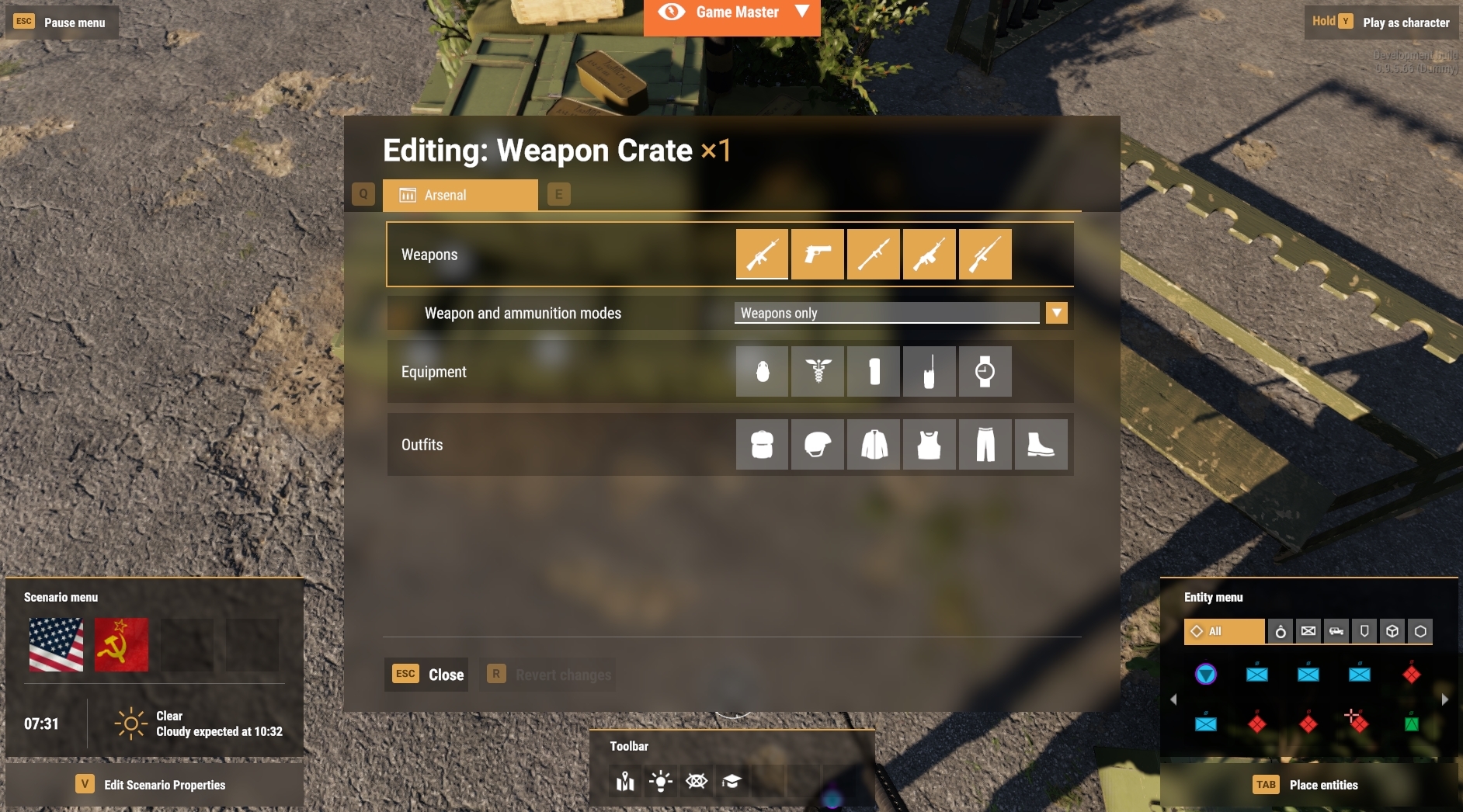
 whole phoenix
@median oar I had the CoopLogic missing and now it works in Workbench. next to try my server .... drumroll plz lol
@median oar however i do get this error does not seem to do any but do you know? PATHFINDING(E): No navmesh file specified! Nothing has been initialized.
median oar
whole phoenix
<@341208920871665664> however i do get this error does not seem to do any but do...
ots not related but on the AIworld prefab specify the everon cti navmesh :)
median oar
whole phoenix
<@341208920871665664> however i do get this error does not seem to do any but do...
So it does work? :)
whole phoenix
yes in workbench i can stream ... so u can see
@median oar shall i go in general voice chat here so i can stream?
median oar
whole phoenix
<@341208920871665664> shall i go in general voice chat here so i can stream?
No time right now sry xD
median oar
whole phoenix
Thanks again for all the help. Much appreciated.
no problem :)
median oar
whole phoenix
no probs will do a vid clip
Send me a link please :)
whole phoenix
median oar
Send me a link please :)
it didnt work online no waypoints no tasks either.
median oar
whole phoenix
it didnt work online no waypoints no tasks either.
so your task system does not work :)
whole phoenix
nope Iwill go through it all again in the morrow see if I missed something.
median oar
the video does not dhow sny ingame scene xD
median oar
whole phoenix
looking forward to tomorrow than :)
 late plover
Hey Guys does anyone know how to give units or groups infinite ammo? Thanks
whole phoenix
@median oar closest i have got to it working is this and the waypoint marker working on screen when i select 'accept'
 median oar
whole phoenix
<@341208920871665664> closest i have got to it working is this and the waypoint ...
median oar
whole phoenix
<@341208920871665664> closest i have got to it working is this and the waypoint ...
Yes it does react on assign of the task :)
if assign the marker is there otherwise not :)
whole phoenix
but no tasks working, think i will build a test map till i get it right.
all works fine in workbench though
solar shard
whole phoenix
but no tasks working, think i will build a test map till i get it right.
While we will publish tutorials (about the frameworks) not too far from here, I will publish the update of the NightOps tutorial campaign tomorrow with the full implemented Dynamic Task Framework. This could help you to solve this, I hope.
whole phoenix
solar shard
While we will publish tutorials (about the frameworks) not too far from here, I ...
awesome
merry frost
whole phoenix
but no tasks working, think i will build a test map till i get it right.
I did make a small mission based on the das tutorial. Seems to work fine. I did extend it so it would end the mission and works in mp too
Very basic, 2 clear triggers and then it ends the mission
It's good enough for most simple missions people want to make. I could upload it later if you want
Or maybe I should github it?
lean scroll
GitHub please @merry frost. Easy to look at files, and figure things out. THANKS!
merry frost
Yeah I'll have to have a look at that then. Going to add small bits to it for some of my clanmates to be able to move around
whole phoenix
lean scroll
GitHub please <@330077251435757570>. Easy to look at files, and figure things ou...
Ditto please
merry frost
lean scroll
GitHub please <@330077251435757570>. Easy to look at files, and figure things ou...
@whole phoenix here is what I have done so far, needs some more documentation. Credit to @amber tinsel for the task manager code.
GitHub
Contribute to sgtscuba/AR-Tutorial-Mission development by creating an account on GitHub.
i'll be updating it as and when to extend what is in it so that it can be a simple copy paste then add stuff like people etc to extend the mission
lean scroll
quick question.... Is there any way to view the in game map when in enfusion workbench? I just need to reference bunker locations quickly
whole phoenix
merry frost
<@419619068631580673> here is what I have done so far, needs some more documenta...
ta
merry frost
np
i'll be updating it from time to time as I learn things, but it'll have been tested in mp like this has so far
whole phoenix
have you played it online via a server?
merry frost
yes, I have a dedi and a couple of people to try it, like i say there is no enemies in it and i've been able to try it with a couple of different setups
the peer tool is also quite handy for pre testing it too
whole phoenix
excellent i got so far and it would not work online and now i have just buggered the map up. I shall start again .
merry frost
lol
like i say, most of the documentation is missing atm. But you should be able to build a mission out of it
whole phoenix
thanks again
 frigid hare
You even figure this out? I have the same issue
lean scroll
@frigid hare with the same mod? If so, delete it in your addons folder. Test. If that doesn't work, delete the entire contents of the addons folder, verify your steam files, and test.
frigid hare
lean scroll
<@809517198031716443> with the same mod? If so, delete it in your addons folder....
@lean scroll I'm not going to delete from my add-ons folder, as that's the master-source for the mods files; it is a mod I am developing
lean scroll
@frigid hare Have you looked at the .conf file causing the error? Post it up, and maybe some one can see the cause for the error.
frigid hare
lean scroll
<@809517198031716443> Have you looked at the .conf file causing the error? Post ...
I just found the solution; for missions that are not on workshop you don't use the json server config, instead I start server like this: ArmaReforgerServer.exe -gproj="C:\Users\Steven\Documents\My Games\ArmaReforger\addons\Public Enemy\addon.grpoj" -profile ArmaReforgerServer -addons PublicEnemy -addonsDir "C:\Users\Steven\Documents\My Games\ArmaReforger\addons" -server NewWorld.ent -bindIP 192.168.5.205 -bindPort:2001`
lean scroll
Did you find that on the BIKI for reforger?
frigid hare
lean scroll
Did you find that on the BIKI for reforger?
no, worked backwards from how the World Editor does it in the log files
 low stag
Hi yall, so im trying to publish my mission but i keep getting and "addon processing failed" error. Does anyone know how to fix this? I cant find anything online about this.
solar shard
frigid hare
<@456226577798135808> I'm not going to delete from my add-ons folder, as that's ...
Don’t put your mod (you are working on) into your addons folder. That causes issues. Create a project folder etc next to the addons folder instead
barren heart
frigid hare
I just found the solution; for missions that are not on workshop you don't use t...
Nice one that's gonna really help my testing next week. I don't suppose you or the Bohemia Interactive folks have the syntax for a dedicated server to load a MissionHeader without the config file too? 👍
muted scroll
Hello, how it's possible to use "gamemaster (new zeus)" inside the workbench to try some missions ? I have to put something inside the mission ?
barren heart
Just hold Y while in game (in WB)
muted scroll
okay thanks for this 😉
solar shard
muted scroll
Hello, how it's possible to use "gamemaster (new zeus)" inside the workbench to ...
And / or change the ESC key to something else like SHIFT ESC in the settings unter “World Editor”
muted scroll
Hello,
In the conflict mission. I want add IA patrol team or group when we create a building like bunkers / roadblock. To motivate people to create more defences. And the area more difficult to be retake bye a small team.
You have idea to make this ?
lean scroll
@muted scroll Rabid Squirrel has developed a script for random AI spawn based on distance from player.

Welcome to the first in a series of short scripting tutorials for Arma reforger. I’m going to attempt to approach this from the angle of a beginner. By this I mean that those who are new to scripting in Arma Reforger, or just in general, should be able to take what I’ve done here and run with it to create their own scripts.
For those that watc...
muted scroll
lean scroll
<@152928052639301632> Rabid Squirrel has developed a script for random AI spawn...
Thanks, i go try to make that to have the IA spawning when a player construct a building in the conflict mission 😉
 wooden owl
Is there a way to force groups to use MG turrets? The Defense waypoint seems like a suggestion, they do use it sometimes but its like they get bored after a minute and get off.
whole phoenix
Anyone know why the weather never changes to what i set in workbench?
west karma
whole phoenix
Anyone know why the weather never changes to what i set in workbench?
Yes, there's already a weather component in Eden that it defaults to, so you have to overwrite it after the game has started
whole phoenix
west karma
Yes, there's already a weather component in Eden that it defaults to, so you hav...
how do we do that ?
Do i have to use the game master or is there a script we can use to enforce rain 🌧
west karma
SO if you use the Coop Framework it'll work but we've not done a tutorial for that yet
whole phoenix
Ah ha lol your guides are amazing. Hard work well appreciated and getting us Moving.
The only thing i have not got working so far is the aiSpawner and keeping that beautiful rain falling. Taken 150 hrs lol
solar shard
whole phoenix
how do we do that ?
If you use the NightOps Custom Missions Framework, you can add the NO_SCR_ForceWeather.... component to the gamemode and edit it there. All is needed is the default weather manager in the eden.et. It will force-overwrite the weather. Since, if you just place another manager next to the default one, it will conflict all the time. Our way is actually the once we got "inspired" by the official C&H sample mod. So I guess its some sort of intented to solve it that way at this point of early access state.
wooden owl
Anyone get this error when they are trying to publish their mission?
BACKEND   (E): Http Error apiCode="ResourceNotFoundError", message="Resource asset not found"
BACKEND   (E): [RestApi] ID:[3] Error Code:400 - Bad Request, apiCode="ResourceNotFoundError", message="Resource asset not found"
BACKEND   (E): Error Code:400 - Bad Request, apiCode="ResourceNotFoundError", message="Resource asset not found"
It doesn't link to an asset that it's looking for or anything?
whole phoenix
My mission Map is finally up on my server and working like a treat. Thanks for all the help.
solar shard
whole phoenix
My mission Map is finally up on my server and working like a treat. Thanks for a...
@lean scroll The NightOps tutorial-campaign received a big update including the implementation of the Dynamic Task Framework. Also the 2nd mission is finished with all three operations. You can now select in the player hub which OP to start, will be teleported back to the hub once finished and the mission is completed once all three OPs are done. Progress is saved persistent. Still some issues with JIP but we are looking into that and you can use it to learn how to do it by yourself. Tutorials will follow about all frameworks.
whole phoenix
solar shard
<@456226577798135808> The NightOps tutorial-campaign received a big update inclu...
Awesome. Will have a look later back to work this week. I got the weather override to work, waypoints and waypoint on screen marker. End mission as well. Saving and switching missions in MP online will be cool. Great work you guys.
One thing I have not sussed is the ai intelligence. I presume this is adjustable in the ‘perception’ manager?
solar shard
whole phoenix
Awesome. Will have a look later back to work this week. I got the weather overri...
While we will offer more missions with a wider variety of features we focus now on covering all frameworks with tutorials first before looking into more gamemodes, you can also learn right now a lot just by looking into the source code and in the example maps in the frameworks. A yes, and bug fixes are a thing too, of course 😉
lean scroll
@solar shard Great stuff. I'll check it out. Y'all are blazing a trail to ARMA 4. Mission makers need dynamic tasks and spawning for COOP missions. Randomization is key. Thanks to your team.
Actually everyone is all these areas, terrain, sound, model, etc.. Thanks. I think BI knew what they were doing when they threw this out there, and said have at it.
barren needle
Agreed it was a good idea, and the engine is looking schmick (for the most part)
great design all round, just some teething problems that should be easy to knock on the head
lean scroll
OK Aaron, you got me, WTF is shmick? I assume that is a good thing. LOL
lean scroll
ahhhhh, thanks. groovy. 🙂
 silent depot
Apologies if this is in the wrong place, but I've created a terrain and added the TDM ganemode, spawns, factions, load outs, garbage manager, and perception manager but still no joy with having the terrain playable in the workshop, is there anything else I'm missing?
frigid hare
barren heart
Nice one that's gonna really help my testing next week. I don't suppose you or t...
In workshop create a new .conf file, choose class ServerConfig, fill out the boxes in there with your mission header. and then use the parameter -MissionHeader to point to that new conf file you just created.
barren heart
frigid hare
In workshop create a new .conf file, choose class ServerConfig, fill out the box...
Awesome dude, that's gonna help a lot 😊
red apex
sour gust
Yes, and I think at this point I've tried all combinations, with the GenericWorl...
hey @sour gust - i think we should define the fog in the WeatherStates.conf
By default, the first weather state is 'Clear' - which is obviously not what you want.
What i did: i override the weatherStates.conf, and now i can edit the states/settings and when i preview, the weather is accoring to the 'Start State' - i dont have fog yet, but at least my weather is 'cloudy' now!
solar shard
sour gust
Yes, and I think at this point I've tried all combinations, with the GenericWorl...
@red apex Im pretty sure its been overwritten bei the GenericFogEntity which exists already in the Eden.et (as it does indead with the weather manager)
We offer a streamlined solution in the NightOps Custom Modes Framework where you add a custom component to the gamemode which refers to the default weather manager and weather works flawless. Looking forward to do the same with the fog haze the next week or so of our theory is correct.
red apex
i know what solution you have, i just believe its a 'hack' - and i like to understand why this happens in the engine. we're overlooking something. there must be some logic in why this happens.
solar shard
Yeah it’s a hack somehow. Well no. Actually it just inherits from an existing class. The issue is that Eden.et has an own manager already which we aren’t allowed to edit.
For example, if you use your own custom terrain with your own single manager or generic fog entity, it obviously works flawless.
So the misunderstanding is somewhere in the minds that we thought adding a 2nd manager would be a good idea. Or that the engine can’t handle the layer hierarchy as we want it to be right now.
red apex
"The issue is that Eden.et has an own manager already which we aren’t allowed to edit."
i dispute that. i have eden without that manager. i have a fully editable eden
solar shard
But I totally agree with you. We miss something here
solar shard
red apex
"The issue is that Eden.et has an own manager already which we aren’t allowed to...
That you should have no issues as long as it not does not somehow resets the Eden state.
red apex
well. so far i can set anything with the weather manager. - except the fog. it a fogging irritating problem.
also, there is some panel where you can change fogsettings (curves) but it operates quite weird. after setting something the settingspannel switches back to default. once selecting a setting it shows your previous adjustments again. not sure if a bug. but certainly weird.
gritty vortex
red apex
well. so far i can set anything with the weather manager. - except the fog. i...
you can control fog by making your own weather state with fog
red apex
yea, i am now fiddling with the weatherpresets
@gritty vortex did you set something in this fog-entity params screen?
sour gust
In my fully edited version (copy) of Eden.et, I did modify the GenericFogEntity and the changes didn't take effect, but modifying the weather component is fine. But apparently the fog entity is not part of the weather component
@gritty vortex could you provide a short description how you create your custom weather state & include fog in it?
red apex
but the weatherstates (which is part of weather component) has settings!
https://drive.google.com/file/d/1b_PiHf97RzUb3FzuLkEkIguFd2IrpQrn/view?usp=sharing

Google Docs
also, that 'Graph Editor - Fog Entity Params' behaves strange when setting something
so @sour gust what i did wat override the weatherstates.conf. now you can set in timeweather component to this states.conf - which allows you to edit it.
gritty vortex
sour gust
<@267285803720245258> could you provide a short description how you create your ...
well there are curves for the fog params and time if I remember correctly
sour gust
OK I see so I should copy the file, make my edits and update the weather component state machine to the updated/custom one? will try later, this looks promising
red apex
yea, when you create a state - the curves editor works normally.
when i try to edit the preconfigured 'Clear' that curveditor behaves weird.
dont COPY the file... use the override option!
search weatherstates.conf, rightmouse - override. and you are done
if i recall correctly, the timeandweather component use that file directly. (but you can set it manually, to be sure it takes the correct one)
median oar
red apex
"The issue is that Eden.et has an own manager already which we aren’t allowed to...
Could you edit it and it was like that on a server? Would sursprise me cause it will not get saved in your addon. That means it can not be there. Only if your mod is more than 1GB (1gb is only navmesh so at least 3-4 GB) and every player has to download a second eden xD
sour gust
Thanks @red apex , definitely learned something with the "Override". Will test shortly
solar shard
median oar
Could you edit it and it was like that on a server? Would sursprise me cause it ...
I guess he handles it as a dubbed custom terrain?!
red apex
i want my normal weather back! https://twitter.com/jerry_hopper/status/1536698434643697664



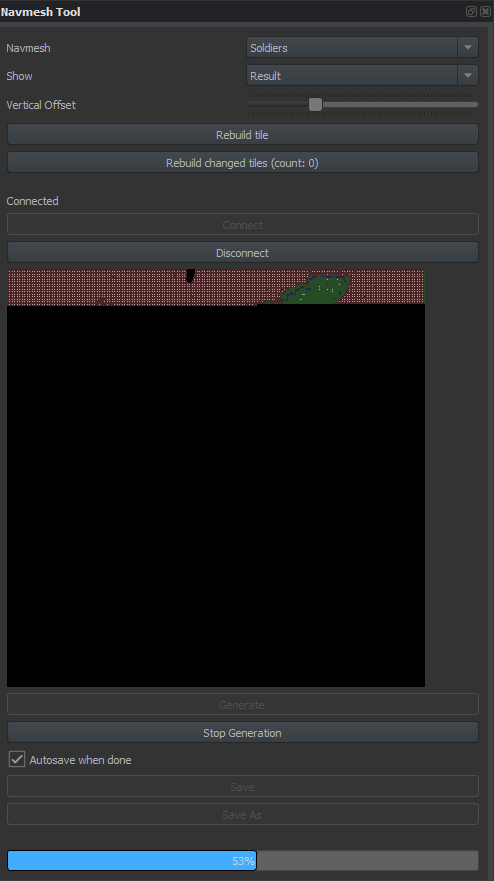
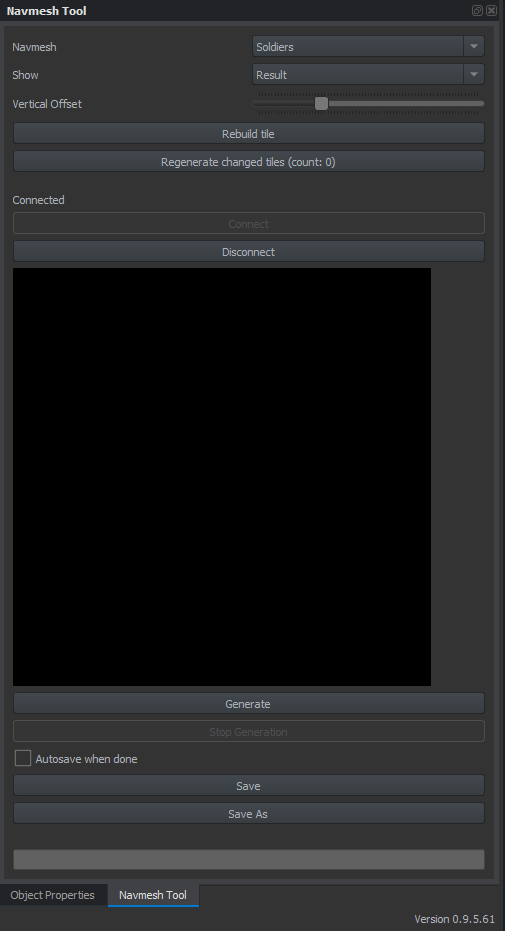
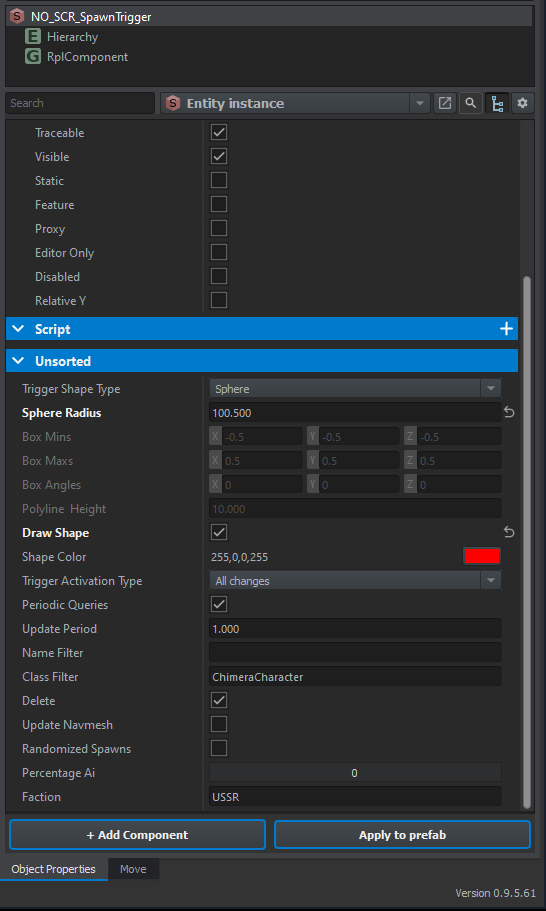
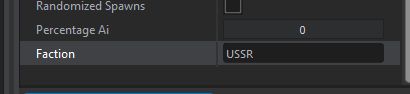
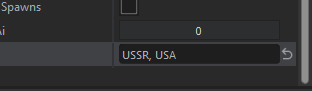


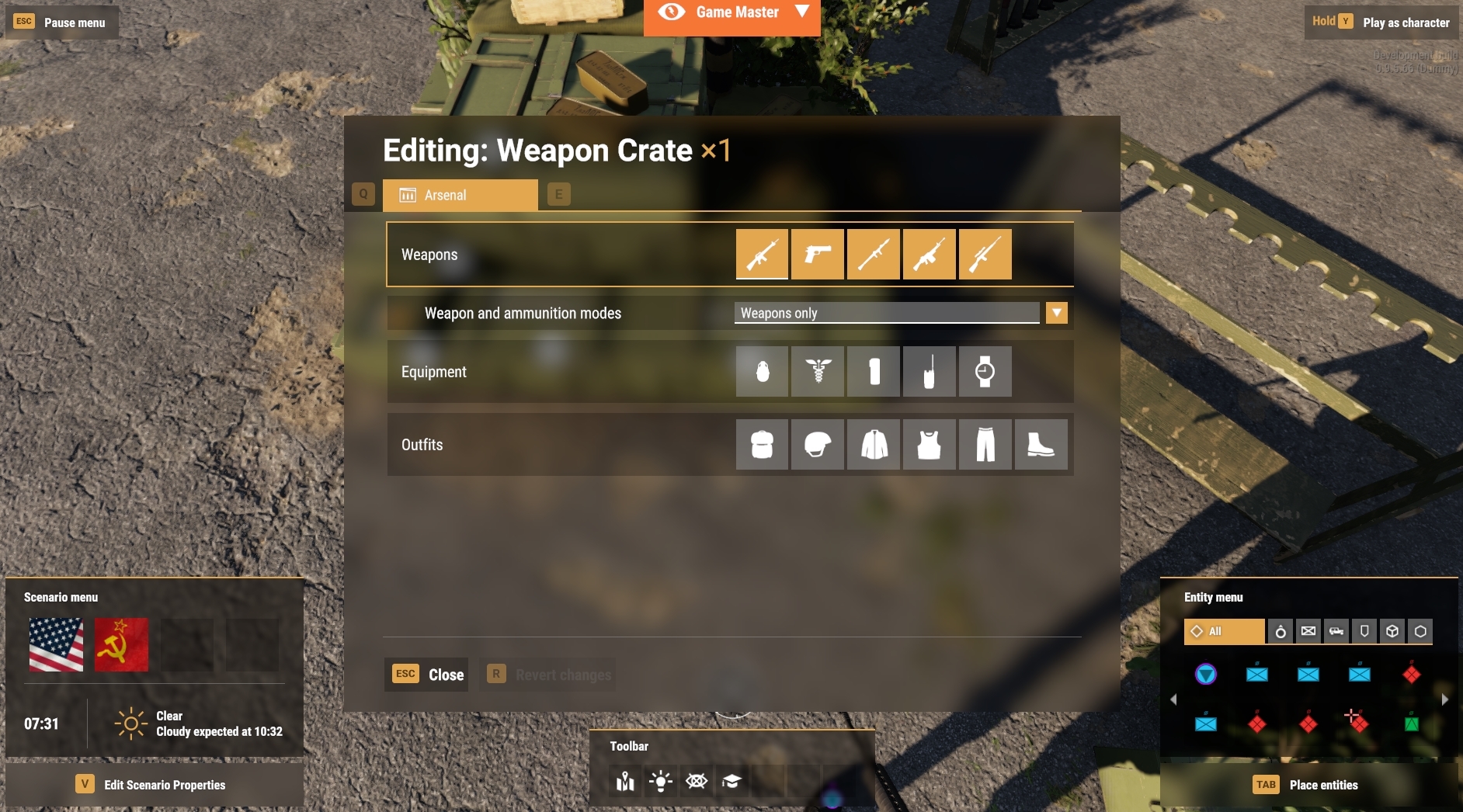
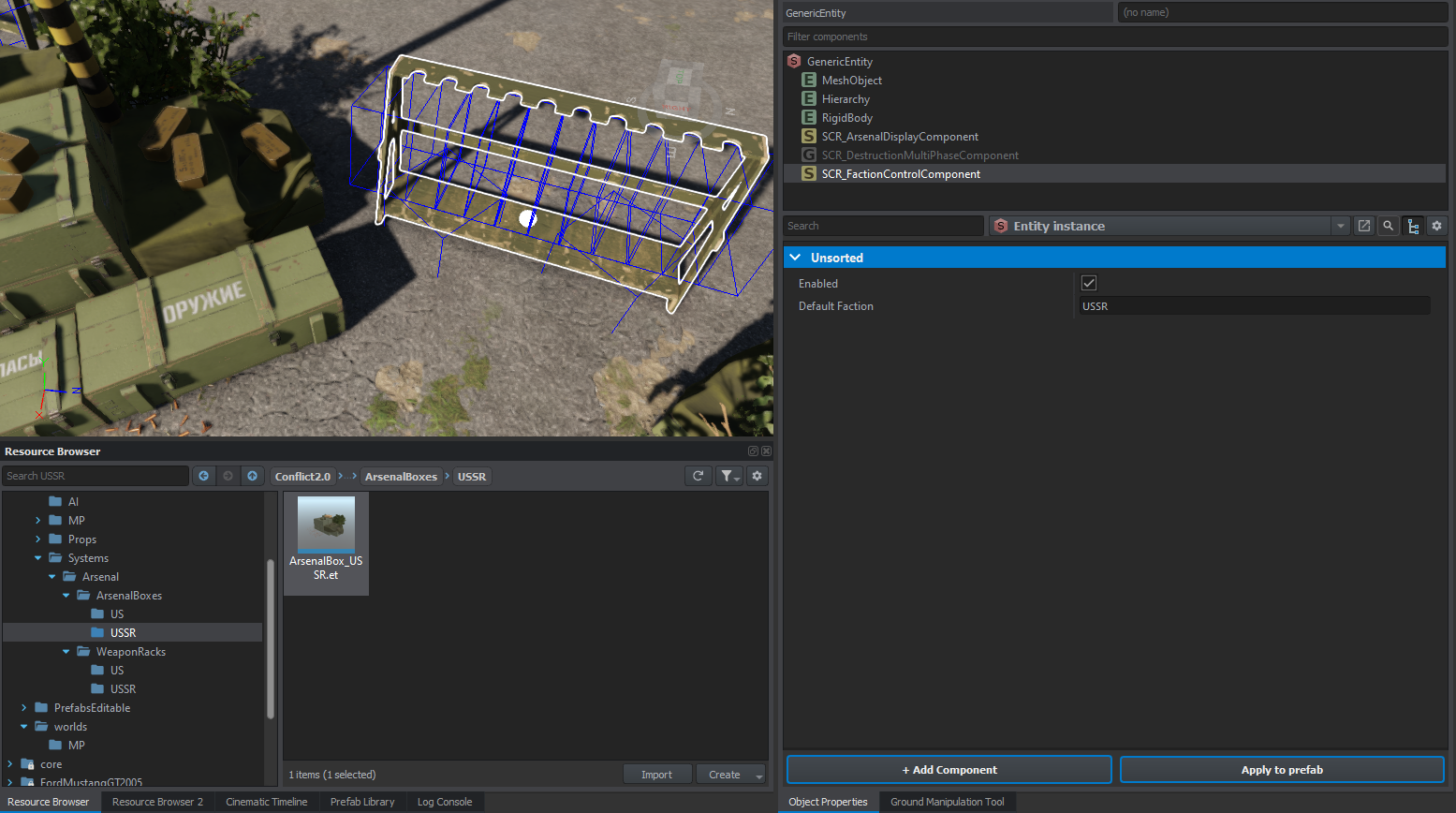 solar shard
You are just in heaven soldier. Your fight is over.
red apex
gosh, assault rifles allowed in heaven? What must hell be like?
median oar
solar shard
You are just in heaven soldier. Your fight is over.
as i said that means massive size of the mod but yes possible xD
solar shard
red apex
gosh, assault rifles allowed in heaven? What must hell be like?
Fix Bayonets. For tanith!
median oar
Open 1 door on eden means you either do it on runtime (smart) or cooy paste everything as new xD
sour gust
Now the big question is, how well does Reforger AI see through fog. I hope they don't!
red apex
median oar
as i said that means massive size of the mod but yes possible xD
Sunscreen would be IT!
median oar
sour gust
Now the big question is, how well does Reforger AI see through fog. I hope they ...
They see trouth walls sometimes so idk xD
red apex
hmm.. that option 'live edit' in the graph editor doesnt seem to do what i think it should do.
red apex
median oar
Could you edit it and it was like that on a server? Would sursprise me cause it ...
yes you can. also, only eden.et is in my 'modfolder' all other stuff is referenced from the original eden.
But if i - lets say repopulate eden with only trees - yes, the mod will become bigger. - but not that much, as i am referencing to trees that are shipped with reforger.
red apex
sour gust
Thanks <@274553684464107520> , definitely learned something with the "Override"....
this actually is how i retextured the original bottle with 'buckfastwine' sticker. Make a override (or a new entity) and whip a new texture on it.
in case you missed that bottle : https://www.youtube.com/watch?v=CCHxwMHEt90

This lighthouse was brought to you by TheBuckFastWine.
Crag Point Lighthouse, Everon.
median oar
red apex
yes you can. also, only eden.et is in my 'modfolder' all other stuff is refere...
Any new object etc. still means you have to make the navmesh new which is 1GB if done over the hole map xD (if calculated on runtime its not and can be recalculated on runtime )
As the hole map navmesh calc goes some time it would not calc the hole on runtime either xD
curios how you did that. Is it already published?
red apex
im zipping the directory now.
i descibed how i do it in this vid: https://www.youtube.com/watch?v=OOoA28w3Lcg
i describe this way between 00:01:00 - 00:04:00
A very basic howto make a movie with the Cinematic Timeline in the ArmaReforger workbench.
i think arma will always look in its 'modfolder' - IF nothing is found there - it tries the default path.
.... kinda like windows which always try load DLL's first from current folder, and if missing it looks in its systemdirs...
The key is: DONT RENAME EDEN, and USE THE EXACT SAME FOLDER STRUCT
median oar
Yes the principal should work nice :)
im not exactly sure as long as you dont change anything the navmesh should still work. But whats the fun about make it not read only and then stuck with the original? xD
sour gust
@red apex I did override the weatherstates.conf, made sure it's correctly referred to by the only timeandweathermanagerentity I have in the map, yet no changes take effect. I turned the sun light params to entirely blue and can't see a difference. can you see what I'm missing?
When I change the time of day or the cloud states in the timeandweathermanagerentity, everything is applying correctly, except the (supposedly overridden) weatherstates.conf

 whole phoenix
@red apex thanks for the guide sir.
sour gust
Update: I found that the WeatherStates.conf does indeed apply correctly, because if I duplicate and apply its copy, things start looking funny...

Original WeatherStates.conf for reference

Still, whatever the fog entity params I set, in the original or in the duplicate, I don't observe any difference in the fog behavior.
Could it be that these params are not yet functional? If anyone from Bohemia could comment, would be really helpful!
 gritty vortex
yea the curves seem to reset also when I click them
red apex
silly question: How does one paste a picture in discord?
lean scroll
drag and drop
red apex
doesnt work for me

so, the graph editor acts weird.... but ONLY when you change something in the 'Master cycle'
... silly that ctrl-v doesnt work from clipboard in discord....
lean scroll
depends on the server settings as well.
red apex
sour gust
<@274553684464107520> I did override the weatherstates.conf, made sure it's corr...
Have you set the correct 'Start state' ?
.... Where are the weather girsl when you need them? - it's raining questions!
lean scroll
Processing crash logs.../s
 rich niche
red apex
i descibed how i do it in this vid: https://www.youtube.com/watch?v=OOoA28w3Lcg...
rich niche
red apex
i descibed how i do it in this vid: https://www.youtube.com/watch?v=OOoA28w3Lcg...
You are using Save world as which is not ideal. Was there some reason why you haven't created a Subscene as advised in the Warning dialog?
red apex
yes. i need full control over the island.
rich niche
Ok, let me see the video to learn what full control means. I might get back to you 😉
red apex
i use the editable eden as a editable location for cinematics.
i might need to remove certain trees.... or add them
rich niche
ah, I see. Yep, this is what you can't do in the subscene
red apex
what i am trying is create a simple enviroment for use in creating movies using the frame-renderer export fuction.
Basic stuff like controlling weather, fog , lighting and use of some prefab particles emitters are the absolute minimum practices i need to master.
rich niche
@red apex you can zoom in / out the Cinematic timeline using CTRL+Mouse scroll wheel 😉
red apex
what is ... aaaah BLACK MAGIC!!
red apex
cinematic-timeline: i still have crackled-audio problems with the outputted .wav file 😥
gritty vortex
is saving supported for scenarios we make?
sour gust
@red apex I do have the SCR_InitWeatherComponent set in my GameMode prefab. Changing parameters there does not influence the weatherstates. Do you have a project with the fog working? It would be great if you could share it and I could maybe figure out what's different
 silent depot
Can anyone tell me how to get ai to respawn after being killed? I've set up TDM and added a few AI on US and USSR but I can't figure out how to get them to respawn after being killed.
median oar
silent depot
Can anyone tell me how to get ai to respawn after being killed? I've set up TDM ...
check this script it should help you :) https://github.com/devinSpitz/NightOps-DynamicSpawnFramework/blob/main/Scripts/Game/NO_DSF/NO_SCR_AISpawnerComponent.c
GitHub
Arma Reforger - It does spawn and despawn on player contact just with hierarchie no naming - NightOps-DynamicSpawnFramework/NO_SCR_AISpawnerComponent.c at main · devinSpitz/NightOps-DynamicSpawnFra...
There is a boolean for respawn from there you can find a way to do it your self :) Or just use the framework xD
silent depot
Where would I find the Boolean for respawns
median oar
silent depot
Where would I find the Boolean for respawns
Line 17 :)
lean scroll
Good Day All,
I want to NOT display the waypoint marker for a task once it is accepted. It's really not conducive to realism.
In unsorted there is "HUD Icon" but I can't edit it even when duplicating to mission. Anyone know how to shut that off?
I tried to set to "No value". But that throws all kinds of VM errors.
median oar
lean scroll
Good Day All,
I want to NOT display the waypoint marker for a task once it is...
Did you break the prefab instance? Anyway remove the MapDescripter could work but im not sure if it will end in errors :)
lean scroll
@median oar I just found it. It is in the taskmanager > taskmarkercomponent. Uncheck enabled.
median oar
lean scroll
<@341208920871665664> I just found it. It is in the taskmanager > taskmarkercomp...
you talk about our framework? than yes xD
lean scroll
yes
 warped spear
Can anyone in here assist me? I have the following MP scenario prefab "GameMode_Editor_Full1" - In the editor if I ONLY have this prefab then it works but I have no camera/movement. Adding a camera manager then completely crashes to desktop. Obviously I can spawn in the viewport with no scenario prefab and the camera. What am I doing wrong?
 median oar
lean scroll
yes
median oar
lean scroll
yes
nice :) i first thought you were talking about the default map markers on the tasks xD
lean scroll
@median oar I didn't reference because I thought it was generic to all. My mistake.
median oar
lean scroll
<@341208920871665664> I didn't reference because I thought it was generic to all...
No just handy feature cause that was asked a lot :)
lean scroll
very.
@warped spear I think you are missing some required managers. That is usually what happens to me if I forget to put one down that is required.
warped spear
lean scroll
<@322602915174809603> I think you are missing some required managers. That is us...
Its a prefab though, there is nothing at all descriptive in the logs unless the game master prefab is broken itself
lean scroll
@warped spear I can't see your hierarchy panel in the screenshots. What's in there?
warped spear
lean scroll
<@322602915174809603> I can't see your hierarchy panel in the screenshots. What'...
Sure, if I delete CameraManager the game mode works but I just have no camera, else it crashes to desktop
 lean scroll
@warped spear Did you try SCR_CameraManager in the prefabs?
warped spear
lean scroll
<@322602915174809603> Did you try SCR_CameraManager in the prefabs?
Yep same thing, crash to desktop.
Delete it.... and I can spawn but no camera
median oar
Try to move the cameraManager inside the prefab :) maybe it helps
warped spear
median oar
Try to move the cameraManager inside the prefab :) maybe it helps
Hah well I did try that and no dice
median oar
And put an A in from of that layer so its on top :)
thats not musts but it helps some time :)
Restart workbench es well in between can help xD
Ai World may also would be good in the manager layer
like the weather manager too
thats all no more idee for now xD
warped spear
Layers have no utility other than organization
median oar
Yes but with the task manager there where problems if it was in the wrong layer and more stuff like that. You dont have to i just told you what may could help xD
warped spear
The root cause of the problem though I have described. Its that without a camera manager the prefab works. But no camera exists.
lean scroll
@warped spear what kind of game mode are you setting up? i.e. COOP?
warped spear
No its just the game master
lean scroll
ok. let me try some stuff. brb.
warped spear
I have Missions/GameMaster.conf and the MP Full prefab
According to the wiki as long as I have that config and the mp prefab it should work. I just dont get why having the camera manager breaks it
lean scroll
@warped spear I think I got... I was able to play in world editor, started in GM and flew around in the world.
summer hill
In the task system, we are improving the architecture to support modding more.
Does anyone know what exactly this means?
lean scroll
I can't post images here for some reason. I must not rate.
@warped spear Used 3 prefabs, GameMode_editor_Full, SCR_cameraManager, SCR_AIWorld.
Set navMeshWorldComponent = GM_Eden.nmn in SCR_AIWorld.
Set SCR_Faction checkbox "IsPlayable" checked for US Faction.
Press play, full screen mode. Entered game in GM Mode. Had camera control. Flew around. No VM errors, no CTD's.
warped spear
Maybe its a issue with navmesh
warped spear
lean scroll
Press play, full screen mode. Entered game in GM Mode. Had camera control. Flew ...
Yeah IDK I cant replicate it working. Just a hard crash https://pastebin.com/6iQiGv7U
Pastebin
Pastebin.com is the number one paste tool since 2002. Pastebin is a website where you can store text online for a set period of time.
 lost spruce
Is there a way to make one faction friendly to another? Like in the Arma 3 editor, you could change faction relations.
barren needle
lost spruce
Is there a way to make one faction friendly to another? Like in the Arma 3 edito...
as far as I can tell, the only way is to override SCR_ChimeraAIAgent.IsEnemy method because the Faction.IsFactionEnemy method is locked up in compiled proto code
but perception does use the IsEnemy method
its not ideal though and I hope they provide a better way to define relations
lost spruce
Hopefully they will add proper faction relations, yeah. Cheers for the workaround.
barren needle
yeh Im pretty sure Faction.IsFactionEnemy simply returns faction != otherFaction atm
silent depot
@median oar do you happen to know how I use the NightOps stuff as I've added say SpawnDefend.et but that doesn't actually do anything :/
median oar
silent depot
<@341208920871665664> do you happen to know how I use the NightOps stuff as I've...
Yes there are spawn triggers wich would activate the spawn :) activate the triggers can also be done via script. And the triggers only need to be parent of the spawn :)
If you want to spawn them Immidiate they also have to have a parent trigger but also have to be set as Spawn Immidiate :)
median oar
silent depot
<@341208920871665664> do you happen to know how I use the NightOps stuff as I've...
You can ask question here with tagging me. Tutorials are in the making :) You can also take a look at the example inside the world folder :)
 fleet junco
Hiya so i have a problem i am trying to make my own conflict in the enfusion engine. I manage to set it all up and works on the engine when you play it from there but when i go over to scenarios to test it the vehicle shop and the ai dont work.
sullen talon
barren needle
as far as I can tell, the only way is to override SCR_ChimeraAIAgent.IsEnemy met...
Check ScriptedFaction, there should be a callback for that
silent depot
Has anyone experienced and issue like mine? I made a TDM custom terrain which was working fine yesterday but today when I go on the workshop and try and play the scenario it says there is no map, no faction, I haven't updated or published my terrain/mission since yesterday so how could it just break on its own?
solar shard
silent depot
Has anyone experienced and issue like mine? I made a TDM custom terrain which wa...
Not experienced the same but there was an game update yesterday. That’s the only change I could imagine.
silent depot
@solar shard somehow all projects I've worked on with enfusion tools, even ones I haven't published show up as blank workshop items which is really strange. Must be something to do woth the recent update. Also with my terrain that was finished it's almost like 90% of my layers have vanished.
solar shard
Vanished layers is sometimes a meta of file naming issue and maybe solved by hand. The workshop thing is either when publishing by an new name or a cache error from my experience. Mostly deleted and re-downloading in Workshop solved it.
silent depot
@solar shard the weird thing is I haven't even published the items so no idea why they would be showing in the workshop, probably deleted something when I was messing with scripts. Probably won't get that terrain back
 naive pivot
anybody know how i apply game master to my custom map?
im leaving for vaca in a few hours hope its easy and quick
pls help 😦
silent depot
@naive pivot you need GameMode_EditorFull to start with.
silent depot
If you search in prefabs it would be in modes MP or the other way round
silent depot
@naive pivot just drag it in anywhere, if you later publish you will need to make a config file.
naive pivot
ya i have the map published so what do i do so console people can download and play
is it hard
silent depot
@naive pivot I'm not sure how you can make it console playable tbh.
naive pivot
somebody asked me if i could make it so it has game master scenario so he could download it so i assume they have them? or was he confused?
i also heard console cant load new GM scenarios but maybe thats just single player?
so was he confused or are we confused?
barren heart
silent depot
<@721320175504457740> the weird thing is I haven't even published the items so n...
You created the mod in the default addons folder by any chance or added an addondir flag on launch?
solar shard
naive pivot
ya i have the map published so what do i do so console people can download and p...
Workshop is Shared. If you publish to pc it also appears on Xbox
It’s not like Bethesda (fallout 4/Skyrim SE) where you publish for each platform separately
naive pivot
right but how do i do it
i just want it so my map can be loaded for the console players i have to be gone in 2 hours so need to figure this out soon so people can enjoy it
gamemaster preferably since i assume it takes less
so far i did what @silent depot did and dragged thething
but is that it?
cant be that easy