#✨┃vfx-and-particles
1 messages · Page 34 of 1
 golden rock
 hearty flare
You need to create a material using a particle system shader and assign the texture to it
and then drag that material into that slot
golden rock
how do i do that
hearty flare
 lavish flare
I have a simple particle system (a shining star). I just want it to appear and disappear and when it disappears I want it in a new position. So it looks like a new star. So I wrote this script

And this is my particle System

The issue is it doesn't disappear (fade out) on the first run, when the coroutine runs and spawns it in a new place, then the fade out works but the duration is just for 1 sec
Its not the random amount that defined in the script
What I might be doing wrong?
 crimson zealot
lavish flare
I have a simple particle system (a shining star). I just want it to appear and d...
crimson zealot
lavish flare
I have a simple particle system (a shining star). I just want it to appear and d...
well first off, are you saying the whole particle system is a star, and you are spawning and despawning/moving a bunch of them? can you make each particle be a star instead so that the particle system can just handle all of that?
lavish flare
Yeah its just one particle system. It basically just a billboard and it rotates, to give the feel of a twinkling star. I just want it to fade in then fade out and spawn in a new place
crimson zealot
so you can you just have the particle system shape cover the whole are you want them to spawn in, set the lifetime to what you need, have it loop, and delete your script?
lavish flare
No no there is no bunch. Its just one star. One particle system, One star
 crimson zealot
yeah sorry, i should say it
lavish flare
I want it to fade in and then fade out, and when it fades out I want it in a new place
crimson zealot
it doesn't really matter either way though
right, so have it emit one every 1 second and have the lifetime be one second
lavish flare
yes
crimson zealot
and then it will have one at a time...use color over lifetime to have it fade out
lavish flare
crimson zealot
right, so have it emit one every 1 second and have the lifetime be one second
I think its already set to that
lavish flare
crimson zealot
and then it will have one at a time...use color over lifetime to have it fade ou...
yeah thats the issue
crimson zealot
it's not looping though
lavish flare
its not working
I dont want it to loop, check my script. I restart it when I have a new position
crimson zealot
right, what i'm saying is that your script serves no purpose
everything it is trying to do, the particle system can handle if you configure it correctly
so instead of trying to fix it, i recommend doing that
(or maybe i'm wrong, but i haven't heard anything so far that would make me think i am)
lavish flare
crimson zealot
everything it is trying to do, the particle system can handle if you configure i...
even spawn at random location after it fades out?
crimson zealot
crimson zealot
so you can you just have the particle system shape cover the whole are you want ...
☝️ does that make sense?
lavish flare
So you want me to put my star particle system inside another particle system?
crimson zealot
No. Your script picks a random x/y position to spawn the particle in. That's the same as saying 'spawn a star somewhere randomly in this box". So go into the particle system's shape module and set the shape to 'box' and give it the dimensions you have in your script. Now your star will spawn somewhere randomly in that area.
lavish flare
Ah I got it
crimson zealot
if you then have this particle system loop, it will spawn 1 star somewhere randomly in that area every 1 second
lavish flare
fixed it
lavish flare
crimson zealot
No. Your script picks a random x/y position to spawn the particle in. That's the...
Yeah that could work but I made other objects blocking the scene so I just can random spawn them in a box, thats why I have that while loop. It checks if the star is about to spawn in a place where it will be blocked from view
and gets a new position
so i guess Ill need the script for positions.
anyway thax alot
crimson zealot
lavish flare
Yeah that could work but I made other objects blocking the scene so I just can r...
I would still let the particle system handle spawning, and just move any particles in that area to somewhere outside of it as soon as they spawn.
then all your script does is say 'check if any particles are in the bad zone and if they are, move them into the good zone (and you can decide if you want to do that by finding a new random point or pushing them towards the closest edge or what)
and the particle system can handle everything else


 tepid current
tepid current
tepid current
the texts look weirder than the texts of the normal unity's interface
 frosty widget
im trying to change the color of my particle using the particle system and "start color" isnt working when i change it.
fixed it, rendering was not set
 warm torrent
Unity? 🤔
warm torrent
Using the included tools for animating and particle effect systems
What tools you need really depends what kind of animation you're envisioning
I cannot give specific answers to broad questions
Yes
warm torrent
Yes
Compared to sprite sheet animations, unity animator animations are computationally cheaper, take less storage space and for a simple thing like this are considerably less effort to make
The limitation is that animation is limited to altering variables such as position, size and color
But that isn't a problem in this case
 rich haven
scale, tint, transform are all available in unity animator, but what is easier to work with?
mix matching sprite sheets and unity animation seems very painful
warm torrent
You should be looking at tutorials and documentation
This is not something you're going to guess your way through
https://youtu.be/sgHicuJAu3g apply these concepts
 granite fog
Hello, how can I achieve this butterfly vfx? Has any tutorial?

¡Hi there! You can view the description of this Asset in the Unity 3D AssetStore :)
Link: https://assetstore.unity.com/packages/vfx/particles/the-nature-environment-and-enchanted-lights-173766?aid=1011leALc
Also you can go to my publisher's page in: https://assetstore.unity.com/publishers/45845
If you have a question, you can ask me anytime!
Un...
warm torrent
granite fog
Hello, how can I achieve this butterfly vfx? Has any tutorial?
https://www.yout...
It's a very simple effect, so you should be able to recreate it using generic concepts from most particle system / vfx graph tutorials
-The butterfly is a spritesheet with about 3 frames of flapping animation
-No rotation, always faces camera
-spawned randomly inside a shape, like a cube or rectangle
-Alpha fades in and out over particle lifetime
-Noise controls motion, stretched on one axis to make up/down motion prominent
granite fog
warm torrent
It's a very simple effect, so you should be able to recreate it using generic co...
I thought the butterfly was a mesh with animations, this was my only problem, the particle spawn system I did already
warm torrent
granite fog
I thought the butterfly was a mesh with animations, this was my only problem, th...
In Unity's VFX graph examples there is a mesh based butterfly effect, but it's orders of magnitude more complex
 opal star
granite fog
I thought the butterfly was a mesh with animations, this was my only problem, th...
opal star
granite fog
I thought the butterfly was a mesh with animations, this was my only problem, th...
The new HDRP sample scene has a butterdly vfx graph that is really neat
granite fog
opal star
The new HDRP sample scene has a butterdly vfx graph that is really neat
this?
opal star
no just the sample scene that comes with HDRP package
but these have good things in them too 🙂
 pearl fern
what's a way to make a pixelated effect on a sprite?
 midnight grove
Get a new computer? Look at the release notes in newer versions of unity to see if there's been performance enhancements for VFX graph?
You can't "do" anything to the editor to improve performance, that's on Unity.
Did you try turning off the auto compiling in the window as well?
 astral stump
If I have a subemitter that happens on particle impact and I put the burst count to 1 why does it spawn multiple particles and how can I prevent that?
 leaden cape
Anyone had experience with resolving frame lag / hitches the first time visual effects play on device? after the first time they play fine. 2019/URP. Thinking its probably shaders but its not practical to preload all from a shader variant collection, or practical to use the warm all shaders call. I thinking it might be possible to build a collection on the fly with to warm just the shaders needed. But there doesn't seem to be an easy way to identify these from a Visual effect asset at runtime.
 craggy lark
hay everyone, im just starting out with unity, and i haven't really found an example for this so far.
there's a fire effect I want to look a curtain way, and be dynamic (world space i think) since it'll be moving.
what im trying to figure out most is how to have the fire sort of... follow the outside of a sphere with its movement i think?
here's what I have so far.
 thorny atlas
how would one go about profiling a visual effect to see how inefficient it is?
i made a VFX graph version of a particle effect thinking it would be faster, and it isnt, its actually doubles the load
 sinful light
Is it possible to generate a point cache object in runtime, so I can animate the actual mesh while emitting from it?
Oh there is a feature for skinned mesh point clouds out there 🙂 Thanks anyway
sinful light
I love the skinned mesh node 🙂

 frank crown
hello, is there any way to get multiply velocity over lifetime in vfx graph? I saw an old screenshot with the node but I can't find it, even with experimental nodes enabled
was it removed or something?
I tried doing this as well (taking the position and normalizing it to have the particles move away from the center of the sphere, and multiplying it by the time so that it slows down as it reaches the end of its life) but the velocity stays the same throughout the lifetime

 torn geyser
In VFX Graph, Is it possible to have a boolean property control whether an entire spawn/init/update/output node system is enabled?
 steady zephyr
torn geyser
In VFX Graph, Is it possible to have a boolean property control whether an entir...
steady zephyr
torn geyser
In VFX Graph, Is it possible to have a boolean property control whether an entir...
Dont think so but I'm not totally sure. You have to find another way to disable it.
For example, bool->branch->set alpha.
 night saffron

I have a particle explosion I am making but when my camera goes behind the big ship, the particles disappear. Does anyone know how to fix this?
 warm torrent
@night saffron VFX graph? There's a "bounding box" field that determines when the effect should be culled when camera pivots away from it
night saffron
warm torrent
<@!276572896229457934> VFX graph? There's a "bounding box" field that determines...
I have never touched particles before. How would I change that?
warm torrent
night saffron
I have never touched particles before. How would I change that?
Depends, is it a particle system or a vfx graph?
night saffron
particle system
warm torrent
Then my guess about bounding box isn't correct, I believe the particle system generates its bounding box on the fly and shouldn't have disappearing issues
Going to need more info about the circumstances when the disappearing happens
night saffron
The particles disappear if the camera rotates around the particle system to the other side. So the images I took above is when I am looking at it from the front of the ship (shows) and then I went to the back of the ship and turned around (does not show)
It is not a distance based disappearance more of a rotation based disappearance.
 slate sable
torn geyser
In VFX Graph, Is it possible to have a boolean property control whether an entir...
slate sable
torn geyser
In VFX Graph, Is it possible to have a boolean property control whether an entir...
You could put Set Alive at the end of init. That would be your bool. As quat mentioned you can do bool -> branch and either set alpha or use it to set the spawn count to 0 or something like that.
warm torrent
night saffron
It is not a distance based disappearance more of a rotation based disappearance.
Is the particle Render Mode under Renderer set to Billboard?
And Render Alignment to View
night saffron
warm torrent
Is the particle Render Mode under `Renderer` set to Billboard?
Yes it is set to billboard and I don't know the render alignment (I am in bed now) but it should be whatever the default one is called.
torn geyser
@steady zephyr @slate sable thank you so much for your responses!
sinful light
Not sure if this is VFX, I guess its more shadergraph, but did anyone figure out if you can create a grass shader? not like for a single grass item but like a whole plane full of grass, some fancy vertex displacement or anything? I am not sure if its even possible after trying out and googling a lot
Or is it better to just spam grass prefabs all over the place with animated vertex and let the batching and stuff do its thing?
warm torrent
sinful light
Not sure if this is VFX, I guess its more shadergraph, but did anyone figure out...
Geometry shaders can be used for that kind of generation, but that's outside of Shader Graph's capabilities at the moment
Similar results can be achieved with VFX graph's particles, as shown in one of the official examples, but the approach is somewhat different
sinful light
warm torrent
Similar results can be achieved with VFX graph's particles, as shown in one of t...
Thanks for that hint, I will check them out 🙂
night saffron
When viewing this particle system from the front it shows (top image) but if I moved to the other side of the particle system it is invisible. Does anyone know why?

 crimson zealot
night saffron
When viewing this particle system from the front it shows (top image) but if I m...
crimson zealot
night saffron
When viewing this particle system from the front it shows (top image) but if I m...
what's the view orientation of the particles? are they world aligned?
night saffron
crimson zealot
what's the view orientation of the particles? are they world aligned?
As in simulation space? I have it as a world currently but I have tried both world and local.
crimson zealot
night saffron
As in simulation space? I have it as a world currently but I have tried both wor...
in the renderer, i think it's view orientation
night saffron
crimson zealot
in the renderer, i think it's view orientation
The only thing I can see that sounds sort of like that is the render alignment. The render alignment is set to view.
crimson zealot
night saffron
The only thing I can see that sounds sort of like that is the render alignment. ...
haha sorry, that's the one. and the render mode?
night saffron
Billboard
crimson zealot
seems fine...can you tell what's happening? like as you travel around them and they disappear, what's that look like?
it could just be that from that angle, the ship is occluding them all, but i'm not sure why that would be unless it has some wonky bounding boxes
night saffron
I have made a quick video of it. File size is too big so do you mind if I send you a download link in a dm?
crimson zealot
sure
oh man yeah, basically those particles are too big
not sure exactly, but my guess is they are being culled because their pivot is behind the camera?
But really the solution is to use much smaller particles, and maybe tweak the min/max size. They might show up again if you change the min size from 0
and .5 max size doesn't really make sense to me...use 1 and set the start size to half
night saffron
Ok.
crimson zealot
night saffron
Ok.
you could maybe test my pivot theory by turning on 'visualize pivot'
 crimson zealot
night saffron
Ok
crimson zealot
night saffron
Ok
feels like they should show up...what about if you fix the min size?
i guess they aren't 0 size, we can see that they are big
night saffron
The min particle size is 0 but the start size is between... 15 and 40
crimson zealot
night saffron
The min particle size is 0 but the start size is between... 15 and 40
hah, i think it might actually be because you are using a lit shader
and have a light on one side
probably you want to use the unlit particle shader
night saffron
crimson zealot
hah, i think it might actually be because you are using a lit shader
Ah, yep that was it lol. Thanks, now it is super bright so i need to edit the particle a bit but atleast it shows properly. Again, thanks.
crimson zealot
night saffron
Ah, yep that was it lol. Thanks, now it is super bright so i need to edit the pa...
Took me long enough 😛
night saffron
crimson zealot
Took me long enough 😛
I am used to programming, and art but never touched materials in unity so I did not even know what lit and unlit did. So does unlit just mean it shows the exact texture without being affected by any lighting.
crimson zealot
night saffron
I am used to programming, and art but never touched materials in unity so I did ...
well it could do lots of things other than showing an exact texture, it just means what it says on the box: the unlit shader doesn't get any lighting information (but you could simulate your own lighting effects in the shader if you wanted).
night saffron
Ah, ok.
crimson zealot
mostly for VFX/particle work, you want to handle that as part of the effect and not have the scene lighting messing with it, so unlit FX shaders are very common
but like anything it depends what you're going for
night saffron
Yeah, ok. That makes sense, thanks.
 prime dome
Anyone know any tutorials or something that show off like
How to make an orbiting particle effect that emits a trail, follows an object, but always stays upright
 kindred wren
prime dome
How to make an orbiting particle effect that emits a trail, follows an object, b...
kindred wren
prime dome
How to make an orbiting particle effect that emits a trail, follows an object, b...
If you want the object to emit a trail you could add the trail renderer component (right click the object > effects > trail)
prime dome
It’s been a hot minute since I’ve used unity lol
I’ll come back to this part when I’m ready to do it
slate sable
sinful light
Or is it better to just spam grass prefabs all over the place with animated vert...
It's possible with parallax mapping. We used a custom parallax mapping node for this effect because we had to do some optimizations but it's possible. Spamming lots of grass prefabs won't probably look as good but it won't be as demanding.
 warm torrent
slate sable
It's possible with parallax mapping. We used a custom parallax mapping node for ...
warm torrent
slate sable
It's possible with parallax mapping. We used a custom parallax mapping node for ...
How's the wind animation done if it's just a texture?
slate sable
warm torrent
How's the wind animation done if it's just a texture?
It's just a noise texture getting offset by time. It affects the higher layers more.
warm torrent
Ah, so it's not just a height map
Do you mean layers as separate geometry, like some fur techniques, or are those within the shader too?
slate sable
The grass "blades" itself are a height map with some white pixels that are the blades.
These layers are not a separate geometry, they just look that way. That's what the parallax mapping does.
It's all within one shader.
warm torrent
Seems convenient!
sinful light
slate sable
The grass "blades" itself are a height map with some white pixels that are the b...
Dang it, wont steal but you got some hints? 🙂
warm torrent
I assume the gist of it is that the heightmap is turned into layers using a Step or Smoothstep node, then lots of those are combined using Blend
Though it may get expensive that way
sinful light
Just sounds like a geometry shader
warm torrent
sinful light
Just sounds like a geometry shader
Parallax mapping is a fragment shader, as it doesn't modify the geometry
Or vertices
It offsets parts of the texture based on viewing angle or other factors
 compact urchin
Compiling Vertex program
Platform defines: UNITY_ENABLE_REFLECTION_BUFFERS UNITY_USE_DITHER_MASK_FOR_ALPHABLENDED_SHADOWS UNITY_PBS_USE_BRDF1 UNITY_SPECCUBE_BOX_PROJECTION UNITY_SPECCUBE_BLENDING UNITY_ENABLE_DETAIL_NORMALMAP SHADER_API_DESKTOP UNITY_LIGHT_PROBE_PROXY_VOLUME UNITY_LIGHTMAP_FULL_HDR UNITY_PASS_FORWARDBASE
Disabled keywords: UNITY_NO_DXT5nm UNITY_ENABLE_NATIVE_SHADOW_LOOKUPS UNITY_METAL_SHADOWS_USE_POINT_FILTERING UNITY_NO_SCREENSPACE_SHADOWS UNITY_PBS_USE_BRDF2 UNITY_PBS_USE_BRDF3 UNITY_NO_FULL_STANDARD_SHADER UNITY_HARDWARE_TIER1 UNITY_HARDWARE_TIER2 UNITY_HARDWARE_TIER3 UNITY_COLORSPACE_GAMMA UNITY_HALF_PRECISION_FRAGMENT_SHADER_REGISTERS UNITY_LIGHTMAP_DLDR_ENCODING UNITY_LIGHTMAP_RGBM_ENCODING UNITY_VIRTUAL_TEXTURING UNITY_PRETRANSFORM_TO_DISPLAY_ORIENTATION UNITY_ASTC_NORMALMAP_ENCODING SHADER_API_GLES30
``` I get this error when i make a vfx graphHow could I fix it?
slate sable
sinful light
Dang it, wont steal but you got some hints? 🙂
We have a custom parallax mapping node that basically has this code inside but a bit modified for our use.
https://learnopengl.com/Advanced-Lighting/Parallax-Mapping
Learn OpenGL . com provides good and clear modern 3.3+ OpenGL tutorials with clear examples. A great resource to learn modern OpenGL aimed at beginners.
granite fog
why my preview is grey?
 sinful light
did you click on it?
sinful light
granite fog
why my preview is grey?
I have to rotate/drag the preview sometimes, the sphere, so it updates
granite fog
ye, when i create a material it wont show too, but the tutorial i was watching was fine
 sinful light
granite fog
ye, when i create a material it wont show too, but the tutorial i was watching w...
sinful light
granite fog
ye, when i create a material it wont show too, but the tutorial i was watching w...
did you try to rotate it, if it does not update, something in the shade ris wrog
how does your nodes look like
granite fog
sinful light
your Out is going nowhere
you are not setting anything to the main node
see how something is attached to the main nodes on the right?
 sinful light
granite fog
sinful light
granite fog
right now you are just generating a voronoi or somethin, but it does not go anywhere in the shaders visual properties
granite fog
hmm let me try to attach it, in the tutorial he didnt attached it https://youtu.be/yJ0NRr-DdYU?t=325

Unity Shader Graph - Waterfall and Ripples Tutorial
In this Shader Graph tutorial we are going to see the steps I took to create this very stylized Waterfall with Ripples. It's one shader for the waterfall and another for the ripples. And we also need some meshes and a simple texture for the ripples.
I've also used a Cartoon Water shader and ...
sinful light
granite fog
hmm let me try to attach it, in the tutorial he didnt attached it https://youtu....
well... some effort in looking ahead a few seconds/minutes would have saved us time...
 granite fog
oh, true, thanks

 sinful light
I am working with some preview packages and Unity 2021, so you have some previous version and you are using unlit, i am using a lit shader
warm torrent
granite fog
They have to be enabled in Graph Settings in modern SG
 granite fog
warm torrent
They have to be enabled in Graph Settings in modern SG
granite fog
warm torrent
They have to be enabled in Graph Settings in modern SG
thanks, worked ♥
 torpid compass
hello i have an issue with reflection probes, whenever i add 2 reflection probes unity just freezes
this is how it freezes

and it stays like that
if anyone answers please ping me
sinful light
Does anyone know how to increase the particle strip segments? Somehow my quads are being output super chunky and the curve is more a blocked 3 segment curve here.

white dots emit the dark lines with GPUEvent
sinful light
Okay I am dumb, using a particle strip, you have to up the trigger event rate of course, otherwise it will stretch over a low count of particles...
 ruby ember
why can't I change these values?
 opal star
slate sable
The grass "blades" itself are a height map with some white pixels that are the b...
opal star
slate sable
The grass "blades" itself are a height map with some white pixels that are the b...
I have to ask since Im looking into grass as well is there any tesselation going on here or just parallax mapping ? How dense is the grass mesh ? And for the wind do you offset the heightmap with the noise?
frank crown
anybody knows how to do trails that follow the transform in vfx graph? kind of like the regular, non vfx graph trail that gets generated behind the transform when you move it
I can only get trail to work by moving their particles from inside the graph
nvm found how to do it
slate sable
opal star
I have to ask since Im looking into grass as well is there any tesselation going...
Mainly my colleague worked on this but this has tesselation. We are using amplify shader editor because of that. Before that we used shader graph and made a small tool that would generate mesh chunks with LODs from the terrain. I think the height map stays the same and the wind is directly used in the parallax mapping to offset the layers.
frank crown
ok, so I'm doing this to spawn a particle, and then update a trail that follows this particle
it works but problem is, the size of each segment doesn't stay consistent relative to speed
I wanna use trigger event rate over distance instead but when I use it, no matter what the rate is there's just no trail
any idea what the issue is?
 warm torrent
ruby ember
why can't I change these values?
warm torrent
ruby ember
why can't I change these values?
You can't change the default materials or shaders
You must duplicate it, or what's easier just make a new material and choose the same shader
opal star
slate sable
Mainly my colleague worked on this but this has tesselation. We are using amplif...
Thanks for the info. Last questionnif you can. What are you using for the noise to get that wave across the grass effect
ruby ember
warm torrent
You can't change the default materials or shaders
You must duplicate it, or what...
how do I duplicate it?
warm torrent
ruby ember
how do I duplicate it?
First you'll have to find it in the project file browser, but like all default assets it's hidden
I never can recall how to find them
slate sable
opal star
Thanks for the info. Last questionnif you can. What are you using for the noise ...
It's a texture. Look up flow maps.
opal star
slate sable
It's a texture. Look up flow maps.
Ah right cool cool. I was thinking you were doing something with perlin and octaves. I was considering using a flow map as well
warm torrent
Flow maps are just one type of distortion map, and in a way normal maps are too
You can use any distortion map as the wind direction
Flow maps and normal maps are just set up in a particular way to represent certain things
Flow direction or surface slope direction, respectively
prime dome
any website to download sound effects?
slate sable
prime dome
any website to download sound effects?
I would probably ask in #🔊┃audio
Here are few huge free audio packs. https://sonniss.com/gameaudiogdc
If you are looking for paid effects, I personally like Epidemic Sound or BOOM Library.
frank crown
is it possible to recreate the "blend-add" alpha sorting described in this video in VFX/Shader Graph? https://www.youtube.com/watch?v=YPy2hytwDLM
In this 2013 GDC session, Blizzard Entertainment's Julian Love discusses the implementation of visual effects in Blizzard's Diablo franchise.
Register for GDC: http://ubm.io/2gk5KTU
Join the GDC mailing list: http://www.gdconf.com/subscribe
Follow GDC on Twitter: https://twitter.com/Official_GDC
GDC talks cover a range of developmental top...
warm torrent
frank crown
is it possible to recreate the "blend-add" alpha sorting described in this video...
It's definitely possible, but out of the box you can apply emission with intensity to particles, which gives you effectively the same results
Additive, alpha blend, alpha blend with base texture used as emission map as well

The diablo way is cheaper arguably, as it uses the alpha channel for both transparency and intensity
frank crown
thanks
warm torrent
But yes you can do it in SG and use those as particles in VFX graph
If you want the exact same thing
frank crown
I'll have to try premultiply again but edit my textures to have their greyscale in the alpha channel as well cause right now they don't and I'm using the red channel instead, and for some reason that screws with premultiply
even with single channel textures
warm torrent
Premultiplying didn't seem to make a difference here, compared to alpha blending
I admit I don't even recall what's it supposed to do
frank crown
if it's anything like blend add, it's supposed to either blend with values or add to them depending on whether the existing values are higher or lower
so that everything blend together but without quickly being all white
crimson zealot
frank crown
if it's anything like blend add, it's supposed to either blend with values or ad...
check out this tutorial https://www.youtube.com/watch?v=jh7DtNXqnlM

In this tutorial we're using both shadergraph and amplify shader editor to build a Diablo 3 inspired VFX shader, based on a GDC talk by Julian Love from 2013 where he describes a magical "blend add shader".
This is a 50% shader magic and 50% particle custom vertex stream solution, so I guess actually that's more like 80% shader and 30% particl...
I forget what he discovered exactly, but IIRC it seems like unity doesn't do premultiply properly
crimson zealot
warm torrent
It's definitely possible, but out of the box you can apply emission with intensi...
Just to clarify, you mean you get the same results because it's an alpha blend, and then you can use another texture for emissive parts (which you want brighter) which is an additive blend? Emission is more than just an additive blend though, right?
warm torrent
crimson zealot
Just to clarify, you mean you get the same results because it's an alpha blend, ...
Technically it's entirely different, but if the goal is to have a sprite effect that has both powerful luminescence and some shadowing underneath, then it's rather similar
Nice video
The part about premultiplied not working right is nice to see, means I wasn't confused for no reason
 vapid wagon
Hi everyone, I was curious about how in genshin impact they were able to do this kind of effect :
https://youtube.com/clip/UgxMHAxTpX8P6cC4-ht4AaABCQ
It looks like the character is stretch away, and I would love to know how to do it, because I'm trying to find a way to make a vfx to show the speed of the character like this one. Have you got an idea of how they done it?


YouTube
5 seconds · Clipped by Mathieu Yato · Original video "¦¦ Kazuha Full Showcase - Genshin Impact ¦¦" by ANDROID PLAYSTATION GAMER
hearty flare
it looks like a well placed quad/particle with a blurred streak on it tbh
vapid wagon
hearty flare
it looks like a well placed quad/particle with a blurred streak on it tbh
So they only use a quad particule to do it ? Then they applied the texture on it with the colours of the character to make it looks like it is stretch away ?
hearty flare
That's my guess, yes
vapid wagon
ok thank you for your answer it really helps me !
 solar jewel
working on some stylized fire fx. feedback appreciated!
 cosmic geyser
solar jewel
working on some stylized fire fx. feedback appreciated!
cosmic geyser
solar jewel
working on some stylized fire fx. feedback appreciated!
This cool, the only thing is the upper part, the flames that appear and disappear, there are some that disappear being very large
warm torrent
solar jewel
working on some stylized fire fx. feedback appreciated!
Looks really good! Would love a little breakdown of it
solar jewel
cosmic geyser
This cool, the only thing is the upper part, the flames that appear and disappea...
I will look into that, thanks!
solar jewel
warm torrent
Looks really good! Would love a little breakdown of it
I've been wanting to make a breakdown of it actually because i think it looks really cool in the wireframe mode, imo it's not very abvious (it's coolness) cause its unlit and alpha clipped. Can't promise anything though. I will post it here if i ever make one.
solar jewel
solar jewel
I've been wanting to make a breakdown of it actually because i think it looks re...
And its inspired from this tutorial https://www.youtube.com/watch?v=3m0JkeK4m8E
warm torrent
Figured it must've been one or two mesh blobs with vertex wobble
 whole plover
Hey folks, I don't know if I'm going nutts or this has always been this way, should I be able to modify a value of the main module while the particle system is in pause and see how it is applied?

 hollow crest
Hey guys, how can I get my shader to hide edges and center of an object?
Just like a ring (Note, that I'd like to move the shaded area from the center until it reaches the end of the object and dissolves)
thorny atlas
does it sound right/feasible that a vfx graph effect on a console would be all round slower than the same effect in the particle system?
seems i can have 8 explosions going on shuriken for the same cost as one VFX graph based one
which in itself is not a problem, but i always thought the point of GPU based vfx is that is can cope with millions before it starts to hurt, so i was hoping for my small operations it would be almost free
warm torrent
thorny atlas
which in itself is not a problem, but i always thought the point of GPU based vf...
Generally yes, but it depends on a variety of factors
VFX graph requires compute shader support and maybe something else from the target hardware to work / to work properly
VFX graphs have a resource cost when instantiating/destroying them, so if you're rapidly spawning effects that don't have a massive number of particles, Shuriken might perform better in that scenario
For that reason particle pooling is recommended if the effect needs to be used frequently
Still, a 8 to 1 performance difference is really drastic, and probably suggests to me that the console you're using isn't quite handling the GPU acceleration of particles
thorny atlas
its a short explosion, but even if i just have the sparks going, there is a big hit when the effect starts
since this is a test scene, specifically designed to stress test what i can get away with, the objects with the effects are not being instantiated, they are present on the scene and set active all the time on repeat
the console in question is an xbox one not UWP
i have found a couple of quirks where GPU based operations around compute are not actually faster on that
 primal lotus
Anyway to disable the orange outline on particle systems when not in game?

(that is, the scene view)
prime dome
in my 2d game there is a spot of darkness where there is light and i have no idea why its there can someone help
 crimson zealot
primal lotus
Anyway to disable the orange outline on particle systems when not in game?
crimson zealot
primal lotus
Anyway to disable the orange outline on particle systems when not in game?
It's either this, or something else in that menu

 young swan
Does anybody know if it's possible inside the VFX Graph to feed key values into a curve?
i can't find a way to change the keys based on other values. I just have to do it manually every time
I can't find anything on the documentation. Functionality for curves seems to be extremely poor 😕
 flint imp
Hey! Does anyone know of a simple and performant grass shader which simply renders grass on top of a mesh?
primal lotus
Sorry @young swan, I'm n00b but I wonder if you could somehow leverage https://docs.unity3d.com/2018.3/Documentation/ScriptReference/AnimationCurve.Evaluate.html or something similar in this case
 slate sable
young swan
I can't find anything on the documentation. Functionality for curves seems to be...
slate sable
young swan
I can't find anything on the documentation. Functionality for curves seems to be...
You can feed in the curve with a C# script.
https://docs.unity3d.com/2019.1/Documentation/ScriptReference/Experimental.VFX.VisualEffect.SetAnimationCurve.html
There is no way you can "generate" the curve from values in the vfx itself. You could make a node that would take X values and lerp/smoothstep between them and then Sample the value.
young swan
slate sable
You can feed in the curve with a C# script.
https://docs.unity3d.com/2019.1/Docu...
Yeah it seems like as of now they haven't implemented a lot of functionality for curves in the VFX Graph.
So I guess the only other solution would be using the Has/Get/Set methods with an exposed curve
But since the data that I need to feed is all the results of data calculated inside the VFX Graph itself I think I'm just gonna need to go with the Math, Logic, etc nodes and make my own "curves"
or is there any way to read data out of a VFX Graph into a script?
I know I can read some data out, for example exposed properties and such. But it is possible to get the result of node calculations (for example lerp + multiply) and pass it to the CPU world?
 granite rivet
are the cutscenes in genshin impact realtime?
midnight grove
That's not really related to VFX. But yes, they're most likely real time.
frank crown
is trigger event rate over distance in vfx graph broken? I'm trying to update a trail using that but it doesn't seem to trigger at all no matter what the rate is
using trigger over time it works fine but then unless I maintain the same speed for the trail origin it ends up with uneven segment length
 young swan
frank crown
is trigger event rate over distance in vfx graph broken? I'm trying to update a ...
young swan
frank crown
is trigger event rate over distance in vfx graph broken? I'm trying to update a ...
Trigger over distance works fine for me
have you tried spawning a simple particle on teh GPU event to test that it's working?
young swan

i just tested with these basic systems
works just fine
I'm on VFX version 10.4.0
@frank crown try your GPU event with the simplest particle you can
see if it works
frank crown
I'll try tomorrow it's midnight where I live
young swan
and check the inspector options on the contexts and blocks
sometimes it's easy to forget you changed something on those
frank crown
@young swan just tried with both over time and over distance and in neither case does the particle spawn for some reason
 frank crown
also I get that a bunch
 young swan
frank crown
<@!175825309571088384> just tried with both over time and over distance and in n...
young swan
frank crown
<@!175825309571088384> just tried with both over time and over distance and in n...
in that screenshot your Trigger Event Rate is disabled and your secondary particle has no lifetime
frank crown
oh right I'm dumb
young swan
frank crown
also I get that a bunch
no idea about the errors. I'm fairly new to VFX Graph too
frank crown
just tried that and with over time the particles spawn but not with over distance

and the inspector options are just this
 young swan
check inspector settings for the Update Particle contexts
i know there's a setting that can disable particle spawns
@frank crown oh actually I know what the problem may be
your particles are not affected by any forces, thus they are not registering any distance changes (i think)
because you are updating the position of the main particle
young swan
dunno, maybe try Set Old Position in your first Update context
before you set the position
frank crown
I'll try that
young swan
I'm not very experienced with positioning particles, so that may not work
frank crown
didn't work
guess I could always like, calculate the force to always have my particle be on the proper position every frame but that'd be a bit excessive
also premultiply blending seems broken, at least with shaders
it just results in like, a flat 0.5x alpha
nevermind, manually multiplying the color with the alpha in the shader fixed it
young swan
maybe someone with more experience can help you figure out how to make the Trigger Event Rate work with position instead of velocity
if it's not possible, it looks like you are gonna have to use velocity
alternatively you could create a custom subgraph block that mimics the Trigger Event Rate over Distance
and make it use position and oldPosition instead of velocity
(if that's even possible)
frank crown
I might try that later, thanks
 frank crown
think I'll just try calculating the velocity to follow the proper position
young swan
seems like the best option yeh
 lone citrus
does anyone know how to add a glitch effect or static effect once i see something using raycast
warm torrent
lone citrus
does anyone know how to add a glitch effect or static effect once i see somethin...
To the screen or the object you're seeing?
lone citrus
warm torrent
To the screen or the object you're seeing?
screen as a whole
warm torrent
lone citrus
screen as a whole
Some sort of glitch post processing effect that gets activated via script when the raycast succeeds
lone citrus
warm torrent
Some sort of glitch post processing effect that gets activated via script when t...
yea so where would i get the glitch post processing
and how would i activivate it
cuz the glitch stuff that i found so far are scripts
how woul di call a script from another script if the raycast hit
warm torrent
lone citrus
how woul di call a script from another script if the raycast hit
Searching with that will give you useful info I think
 jovial obsidian
hey im using some explosion particles i made myself but sometimes they work perfectly but other they become kind of transparent could you help me??
jovial obsidian
help pls
warm torrent
jovial obsidian
hey im using some explosion particles i made myself but sometimes they work perf...
I don't know what "kind of transparent" means
jovial obsidian
ok too late i fixed it
at this very momen
t
it was the water
the explosion got under water
when there was a wave
 slender fable
Anyone know how I can enable view of the bounding box in Initialise Particle?
slate sable
slender fable
Anyone know how I can enable view of the bounding box in Initialise Particle?
When you put your visual effect in the scene and select it, there should be a little box on the bottom right of your scene view with an option to enable it.
slender fable
Omg, right in front of me the whole time. Thank you @slate sable
 west jewel
With Particle Systems, which mode is like footsteps dissolving in snow, in that a new foot step takes the oldest one and uses it?
This is the Ring Buffer Mode setting, right at the bottom of the Main Module Settings. Options are...
"Pause Until Replace" and "Loop Until Replace", neither of which make any sense, to me.
warm torrent
@west jewel
Ring Buffer Mode Keeps particles alive until they reach the Max Particles count, at which point new particles recycle the oldest ones, instead of removing particles when their lifetimes elapse.
Loop means their lifetime starts over
Pause means lifetime stops at the end
So if you have color over lifetime with pause, the color is stuck at the final color
WIth loop it wraps back to the start of color over lifetime
frank crown
is it possible to have particle bursts with delay between individual particles? so that I can spawn like, 5 particles over the span of 1 second with 1 event call, rather than starting a continuous spawn then manually disabling it a second later
afaik the delay on single burst just delays all the particles at the same time
west jewel
warm torrent
Pause means lifetime stops at the end
Which one of these replaces the oldest one first, as in the example given in the question?
slate sable
frank crown
is it possible to have particle bursts with delay between individual particles? ...
There are some extra options in the inspector when you select the spawn nodes. Maybe some could help.
frank crown
iirc they're either the same as the ones in the graph view, or they turn the node into a periodic burst node, which doesn't accomplish what I want
warm torrent
west jewel
Which one of these replaces the oldest one first, as in the example given in the...
Both
The Modes merely answer the question what should a particle do when it's waiting to be replaced by a newer particle
west jewel
warm torrent
The Modes merely answer the question what should a particle do when it's waiting...
I see. So Unity is just appalling at describing this functionality. And/or I'm not able to discern what they mean when they write.
warm torrent
west jewel
I see. So Unity is just appalling at describing this functionality. And/or I'm n...
I don't quite see what you think is wrong with those descriptions
The documentation is lacking or vague at some points but this probably isn't one of those
prime dome
is this the right place for particle system stuff?
okay so i need help making a particle system for like a wind effect
in 2d
can anyone help me please?
warm torrent
prime dome
can anyone help me please?
You'll have to be more specific
Everyone's busy with their own stuff
prime dome
i need help with a particle system in 2d
that looks like wind lines in a motion around the bottom of a square
warm torrent
prime dome
i need help with a particle system in 2d
that looks like wind lines in a motion ...
Start by searching "unity wind line particle" on the internet
prime dome
the internet helped nothing so i whipped up a janky version of my own instead
 safe nebula
this is kinda what you where supposed to do, start on your own with the internet and then come back with specific question for how to fix/improve what you have
frank crown
is there any particular reason setting the alpha with premultiplied particles just does nothing?
it ends up just using the texture's alpha, and ignoring the one I set
warm torrent
frank crown
is there any particular reason setting the alpha with premultiplied particles ju...
I heard some talk that the premultiplied alpha implementation is just wrong so it doesn't work right
But I'm wholly not sure
frank crown
I know it's not working properly to begin with but I thought it was something to do with how it does sorting in general
this seems to be more of an issue with vfx graph itself
and yeah it seems like premultiply has been broken for a while, which makes me wonder why it's not fixed yet
steady zephyr
warm torrent
I heard some talk that the premultiplied alpha implementation is just wrong so i...
Lmao
warm torrent
prime dome
Any decent particle and shader artists here?
I doubt they'll reveal themselves until you reveal your questions
 tulip mirage
How do you add "Soft Particles" to a custom shader graph for VFX Graph?
 crimson zealot
tulip mirage
How do you add "Soft Particles" to a custom shader graph for VFX Graph?
crimson zealot
tulip mirage
How do you add "Soft Particles" to a custom shader graph for VFX Graph?
Make sure you enable your depth texture. I forget if this actually works as-is or if I had to play with it. I think maybe I added some better control over the fade curve but it's been a while.
 tulip mirage
crimson zealot
Make sure you enable your depth texture. I forget if this actually works as-is o...
tulip mirage
crimson zealot
Make sure you enable your depth texture. I forget if this actually works as-is o...
I'm starting to see it, but I'm not sure where in my graph I need to plug this into. Do I Multiply the output of the shader graph (i.e. the final output for a Fog particle) with this combination you posted?
crimson zealot
tulip mirage
I'm starting to see it, but I'm not sure where in my graph I need to plug this i...
depends how you're blending, but IIRC the idea is that you multiply that output into you the alpha (or whatever you are using for erosion) so that it fades out sections of the particle that are intersection with other geometry
tulip mirage
crimson zealot
depends how you're blending, but IIRC the idea is that you multiply that output ...
Hopefully you can read this

 crimson zealot
what am i reading for? does it work? what's it look like?
i would start by taking everything else out of the shader for now and put a big debug texture on the quad so you can make sure the soft particle part is working
just feed what i gave you into the alpha and see what you get
 tulip mirage
crimson zealot
what am i reading for? does it work? what's it look like?
tulip mirage
crimson zealot
what am i reading for? does it work? what's it look like?
It seems to be working, in that there are no intersections with the level geometry (not pictured).
crimson zealot
well, great
tulip mirage
crimson zealot
well, great
Thanks for answering
west jewel
warm torrent
The documentation is lacking or vague at some points but this probably isn't one...
It's not clear, explicit, explanatory nor even rudimentary. It only makes some sense once you understand what this is, and what the two modes do. That's not documentation, it's bordering on being worse than having nothing there.
NativeArrays and NativeSlices have no documentation, which makes them better, because it's safe to presume I'll need to experiment and that Unity have used common conventions for their operation, mechanics and paradigms, and that this leaning on common conventions helped them feel there was no need to document the things. The writings for RingBufferMode give the opposite impression - that they thought they knew what they were doing, but went entirely their own ways in thinking how it should be done. Given how many things are Unity specific and don't follow common conventions in aligned or even the exact same fields, it'd be better if they said nothing than wrote a word salad of distractions.
warm torrent
I know it's pretty fruitless to disagree, but I really don't understand what's ambiguous about the description
We are reading the same part of the docs, right?
Keeps particles alive until they reach the Max Particles count, at which point new particles recycle the oldest ones, instead of removing particles when their lifetimes elapse.
I've never used the system but that explains it about as clearly as concisely as possible
primal lotus
@crimson zealot I'm still new myself but was looking into "soft" geometry a few days ago. Perhaps these resourses will help aid in what you were already given: https://www.youtube.com/watch?v=ayd8L6ZyCvw&ab_channel=AETuts & https://www.reddit.com/r/Unity3D/comments/aczi9v/how_to_use_scene_depth_node_in_shadergraph/

This is a tutorial on creating an intersection shader using Shader Graph in Unity 2019 alpha which uses the depth scene node
This material is part of the URP Material Pack Vol 2:
https://bit.ly/lwrp-materials-2
Checkout my assets for more Tuts!
...

reddit
6 votes and 4 comments so far on Reddit
Ooops, & I see I mis-pinged. These were for @tulip mirage
slate sable
@tulip mirage also, if you import VFXGraph Additions (from package manager > VFXGraph > Samples) you'll get a premade soft particle node for the VFX shadergraph.
ruby ember
while using Visual Effects Graph I get shader warnings and when I try to apply a texture to a mesh I get an error
Shader warning in '[SimpleHeadsAndSparks] [Heads] Update Particle': 'SAMPLE_DEPTH_TEXTURE': macro redefinition. Previous definition found at E:/Program Files/Unity Hub/2021.1.18f1/Editor/Data/CGIncludes/HLSLSupport.cginc:343. at E:/Unity Projects/VFX Effects Test/Library/PackageCache/com.unity.render-pipelines.core@11.0.0/ShaderLibrary/API/D3D11.hlsl(115)
those are the warnings that I get
Shader error in 'Hidden/VFX/vfxgraph_MuzzleFlash/System/Output Particle Mesh': redefinition of 'PackHeightmap' at game/Library/PackageCache/com.unity.render-pipelines.core@11.0.0/ShaderLibrary/Common.hlsl(1202) (on d3d11)

Compiling Fragment program
Platform defines: SHADER_API_DESKTOP UNITY_COLORSPACE_GAMMA UNITY_ENABLE_DETAIL_NORMALMAP UNITY_ENABLE_REFLECTION_BUFFERS UNITY_LIGHTMAP_FULL_HDR UNITY_LIGHT_PROBE_PROXY_VOLUME UNITY_PASS_FORWARDBASE UNITY_PBS_USE_BRDF1 UNITY_SPECCUBE_BLENDING UNITY_SPECCUBE_BOX_PROJECTION UNITY_USE_DITHER_MASK_FOR_ALPHABLENDED_SHADOWS
Disabled keywords: SHADER_API_GLES30 UNITY_ASTC_NORMALMAP_ENCODING UNITY_ENABLE_NATIVE_SHADOW_LOOKUPS UNITY_HALF_PRECISION_FRAGMENT_SHADER_REGISTERS UNITY_HARDWARE_TIER1 UNITY_HARDWARE_TIER2 UNITY_HARDWARE_TIER3 UNITY_LIGHTMAP_DLDR_ENCODING UNITY_LIGHTMAP_RGBM_ENCODING UNITY_METAL_SHADOWS_USE_POINT_FILTERING UNITY_NO_DXT5nm UNITY_NO_FULL_STANDARD_SHADER UNITY_NO_SCREENSPACE_SHADOWS UNITY_PBS_USE_BRDF2 UNITY_PBS_USE_BRDF3 UNITY_PRETRANSFORM_TO_DISPLAY_ORIENTATION UNITY_VIRTUAL_TEXTURING
this is the error
currently I can't apply a texture to a mesh
and the defaults won't work too
it is just purple
 dull obsidian
ruby ember
while using Visual Effects Graph I get shader warnings and when I try to apply a...
dull obsidian
ruby ember
while using Visual Effects Graph I get shader warnings and when I try to apply a...
Are you using Universal Render Pipeline / URP? you will need Unity 2021.2 or newer for Visual Effect /VFX graph to support URP. or if you are using Built-in Render Pipeline / BRP it's not supported to use with VFX graph
prime dome
@dull obsidian Hey
dull obsidian
prime dome
<@!471083604135378975> Hey
Don't Just Say "Hello" in Chat.
prime dome
@dull obsidian Do you have portfolio?
@dull obsidian Im just looking for some help with VFX.
safe nebula
dont just tag people, write your question and wait till someone comes around that can answer it
safe nebula
warm torrent
I doubt they'll reveal themselves until you reveal your questions
which you where already told here
prime dome
...ok
Is there anyone here that is familiar with VFX in unity? Making particle effects and using shaders.
 cobalt scarab
@prime dome You only have to ask the question. Consult #854851968446365696 on how to ask questions on the server.
safe nebula
the answer to that extremely broad question is: yes there are but as Patchi said, they wont reveal themselfs until you ask a specific question
prime dome
My question is "who is interested enough and somewhat knowledgeable enough to chat with me about general VFX in unity, such as particle effects and shaders. We just need a few tips and guides that it".
cobalt scarab
@prime dome If you don't have specific questions, please don't spam the channel.
prime dome
nvm jesus...
dull obsidian
@prime dome you got off on a bad start by tagging me directly and friend requesting me out of nowhere (something bots do and you can get banned for) so don't be surprised if you have a negative reaction from not following rules and etiquette. with that said / lesson learned, if you're looking for tutorials / guides, i highly recommend this series by Thomas Iché who works on the Visual Effects Graph team at Unity https://www.youtube.com/watch?v=sNJ_SU20-o0&list=PLtRuo28h-g1mndib2hMyp-dVfx7Jq9cOH

Introduction tutorial of VFX Graph and rendering of particles on HDRP.
Textures available in this blogpost: https://blogs.unity3d.com/2016/11/28/free-vfx-image-sequences-flipbooks/
Chapters:
00:00 Introduction
00:24 Overview of VFX Graph (How to install)
02:06 Visual Effect Graph Assets
03:40 The Visual Effect Graph Window
07:08 VFX Graph Log...
safe nebula
the reason you are supposed to ask a specific question is so nobody has to commit to unknown depths of questions, maybe the tips and guides you need are more specific than you think
if you are upfront people can decide whether they are willing and able to help
prime dome
👍
dull obsidian
prime dome
<@!471083604135378975> Do you have portfolio?
I post some of my work to twitter if you're interested. https://twitter.com/landon_vfx/media
I've made no tutorials yet myself, but i have a few things on github https://github.com/landonth
 prime dome
@dull obsidian Would it be possible if we had a conversation? like DM?
dull obsidian
prime dome
<@!471083604135378975> Would it be possible if we had a conversation? like DM?
we can just talk here. while i do private consulting, i'm too busy with jobs right now even if you were willing to hire me for consulting, i'm booked out for months. If we keep it here, either you can wait for my reply if / when i'm around here in my free time or someone else might be able to respond with useful info. 😉
slate sable
@prime dome I already responded to your random DM on how I think the effect you want is made. I don't think anyone here will give you any more insight or make it for you for free. You should search on Google or YouTube for some tutorials on how to make basic visual effects first to at least know how VFX works before asking very general questions here. The active people are here to answer questions they know an answer to or to try and find a solution to a problem they are interested in. You should ask a specific question ( like you asked me in DM ) rather than try to recruit someone to chat with you privately.
warm torrent
Fishing for free tutoring isn't nice
cobalt scarab
prime dome
My question is "who is interested enough and somewhat knowledgeable enough to c...
@prime dome You already have a warning to not send unsolicited DMs for people, and also making collab posts here, of which this was an attempt as well. If you continue ignoring rules of the server next infraction will result in a ban.
ruby ember
dull obsidian
Are you using Universal Render Pipeline / URP? you will need Unity 2021.2 or new...
I'm very new to Unity and I actually have no clue what a render pipeline is so ye I was using the built in and right now I am downloading the Universal RP but I sitll have no clue how I switch to it and how it works
safe nebula
ruby ember
safe nebula
https://docs.unity3d.com/Packages/com.unity.render-pipelines.universal@12.0/manu...
I'm stuck on updating my shaders to urp
cobalt scarab
ruby ember
I'm very new to Unity and I actually have no clue what a render pipeline is so y...
This video is still relevant for the most part, I think. Should explain what it is. https://youtu.be/m6YqTrwjpP0

In Unity 2019, we introduced a few changes to the Lightweight Render Pipeline, including a name change! It is now called the Universal Render Pipeline - but what exactly is it? How do you use the URP? Well let's check it out!
The Universal Render Pipeline (URP) is a prebuilt Scriptable Render Pipeline, made by Unity. The technology offers graph...
ruby ember
it tells me to go to edit > rendering > materials but that is not an option for me
cobalt scarab
Make sure you have URP installed
ruby ember
I do
it only shows "Generate Shader Included" option
ye for some reason I just can't update the shaders to urp
warm torrent
The option was moved in some editor version
cobalt scarab
Didn't you just start the project as well?
ruby ember
warm torrent
The option was moved in some editor version
to where?
warm torrent
I forget
ruby ember
shit
warm torrent
Anyway, if your project is fresh I'm not sure all this is necessary
sinful light
 ruby ember
I mean ye I only got like 4 materials so
ruby ember
sinful light
ye that just does not exist there is no "Render Pipeline"
sinful light
than you did not install the package
warm torrent
Upgrading things is a terrible hassle if you have the option to instead make a new project using the correct template
ruby ember
sinful light
than you did not install the package
it says I installed Universal RP
sinful light
should be in your packages
 ruby ember
my version is 12.0.0
warm torrent
sinful light
than you did not install the package
21.2. moved that option
ruby ember
and I use unity 2021.2
ruby ember
it does
sinful light
In the end, if you have 4 materials, just go to your material, click on shader and go to Universal Render Pipeline and set it to your desired shader type
cobalt scarab
I'll tell you in a few minutes when it opens...
ruby ember
dull obsidian
Are you using Universal Render Pipeline / URP? you will need Unity 2021.2 or new...
it works now thank you!
cobalt scarab
Window > Rendering > Render Pipeline Converter
warm torrent
@ruby ember I believe all this could've been avoided by choosing the URP template when making the project
ruby ember
warm torrent
<@!160794332230713344> I believe all this could've been avoided by choosing the ...
well I did not know I needed it lol
but ye thank you
warm torrent
There's a lot of pitfalls when starting out, understandably
sinful light
Well sometimes you just think you need URP and go off with the standard pipeline
you dont need
cobalt scarab
sinful light
is it worth it upgrading to that beta?
For short question it's fine. I think beta is mostly stable. If you work with 2d and using Post Processing you might want to wait for Beta 10 to come out, the next one. There's a UI bug disappearing it. It was reported to be fixed there.
ruby ember
cobalt scarab
Window > Rendering > Render Pipeline Converter
thank you
sinful light
Oh okay, well I am workin in 3D right now, so no problem there I guess, but I just wait for the next stable one 🙂 Thanks 🙂
warm torrent
sinful light
is it worth it upgrading to that beta?
Upgrading an existing project is rarely worth it, and using a beta release is always a risk
But if you really super want the new features then it might be worth it
I think 21.2. is the version where URP is really starting to surpass buit-in RP
ruby ember
what does a render pipeline exactly do?
sinful light
Well, I disagree or rather I d say, it depends. Having an older project and you need to upgrade, there is no worth it or not worth it, its cheaper then rebuilding it 😉 Same goes for small amount of materials. But I agree with using betas in general, you can always get a bug that is new and get you stuck
cobalt scarab
You also get some .net 9, I think, features. (I could be mixing it with 8). But there are C# features in 2021.2 that are not in 2021.1.
sinful light
oh, well thats interesting
warm torrent
There's improvements to a lot of things besides rendering pipelines too definitely
sinful light
@ruby ember It tells the system how to render stuff, generally said. So it tells the system how to render depth or shadow and all the things that belong to rendering. In this case it adds or removes features to adapt to the system, so it can be more performant or sqeeze out more quality.
warm torrent
But they're more like nice to have stuff and workflow improvements than entirely new capability
ruby ember
sinful light
<@!160794332230713344> It tells the system how to render stuff, generally said. ...
isn't that just a shader?
warm torrent
ruby ember
what does a render pipeline exactly do?
It determines what rendering features the engine has and how you can work with them
sinful light
@ruby ember a shader tells the gpu how to handle vertices and fragments on a mesh, generally said again.
there is a good video about shaders by a girl, forgot the name, will look it up later. That explains a lot about shader scriptibng and how things are computed in that parts of the shader
warm torrent
Shaders are just a part of the whole rendering process
@ruby ember Comparing URP and HDRP gives you a pretty good picture what rendering pipelines do
URP is mostly just effects that work on both desktops and mobile, and are straightforward to configure
HDRP does a whole lot more things, but it's much heavier even when stripped down, and it gives you incredibly granular control over each effect, which means you need to understand them well before you can use them effectively
sinful light
and for most of the time, HDRP is overkill for one person projects, until you do realtime rendering or what not
ruby ember
warm torrent
<@!160794332230713344> Comparing URP and HDRP gives you a pretty good picture wh...
so HDRP is better if you understand it technically?
warm torrent
ruby ember
so HDRP is better if you understand it technically?
"Better" is subjective
It can do photorealism better if that's your goal
sinful light
Visual quality especially on realistic visuals is better, yes
but if you dont know what you do, it will get worse 😄 for example not getting some LODs well setup and stuff might just eat up your time without satisfying result 😄
warm torrent
Yes, if you don't understand all the options, it's not only slower to work with but will actually hinder your visuals
ruby ember
is the build in rp good?
warm torrent
It's perfectly decent
sinful light
things like shadergraph are not supported by the default renderer I think. here is a list https://docs.unity3d.com/Packages/com.unity.render-pipelines.universal@12.0/manual/universalrp-builtin-feature-comparison.html
I start with URP right form the beginning, as I know I will use shadergraph, but thats personal preference
 scarlet narwhal
I've just thrown together a quick VFX graph and I'm wondering - is there any way to make it always face the camera? It's a 2D effect really.
I know I can get each particle to do so, but I mean the whole thing.
sinful light
scarlet narwhal
I've just thrown together a quick VFX graph and I'm wondering - is there any way...
What exactly do you want to face the camera? If its the particles, you said, you know how to. But if you mean like the origin from where they get spawned, you can paste in custom positions / rotations for example. Can you explain a bit more?
warm torrent
If the VFX graph is in local space, you could rotate the whole object towards the active camera using a script
Might be a more elegant way to do it from within the graph but I don't know
scarlet narwhal
sinful light
What exactly do you want to face the camera? If its the particles, you said, you...
I spawn 5 particles around a circle that's around the Z axis, ie they are at different positions on a plane that has a constant Z. I want that plane to always face the camera. Maybe just doing it with a script is right.
sinful light
scarlet narwhal
I spawn 5 particles around a circle that's around the Z axis, ie they are at dif...
If you parent it correctly and set it to local, it should rotate with it, but yeah, I am not sure this is what you are after. some images might help 🙂
scarlet narwhal
What do you mean by "parent it correctly", so I can try that?
 lilac locust
hi anyone an idea why i see my particle only in 2d mode (editor) in 3d its invisible, in game view it works aswell
 white palm
https://drive.google.com/file/d/13UKgW8UzZAM-LDeHxeQavgXcG2128EMy/view?usp=sharing why my particle doesnt look correctly, i mean if you see on video if i turn off Texture Sheet Animation, its looks the way i expected, if turn on, its looks like that, anyway sorry for using drive, i guess you need download for view it, i dunno why i get banned IP from streamable

Google Drive
my material is set to Mobile/Particles/Additive
warm torrent
white palm
https://drive.google.com/file/d/13UKgW8UzZAM-LDeHxeQavgXcG2128EMy/view?usp=shari...
You can put videos under 8mb directly into discord
your texture is a texture sheet which means it has multiple images on one texture

Texture Sheet Animation divides the texture into tiles so it only displays one of those at the time, and allows you to decide how the particles switch between the tiles
warm torrent
Particle system doesn't have such functionality so you could just move the emitter
Nothing hacky about it
With VFX graph you probably could do that from within the graph I think
white palm
warm torrent
You can put videos under 8mb directly into discord
thanks for replying me, though my question hasn't answered yet, so let me explain better, about texture sheet animation, for what i see and read and translate from its name, its allow me to get multiple sprite, and that exactly what i want, i dont like just square, or star, but ii want give more randomness for what particle will looks, or its animating ffrom square to the last one, but what i dont get why its tranparent??, if you watch the video in game view only line particle are show, and in scene view the sprite texture are there but transparentt
warm torrent
white palm
thanks for replying me, though my question hasn't answered yet, so let me explai...
This is probably beccause your "frame over time" is 15, which means it'll only show the 15th tile, which on your texture sheet is an empty spot
You'll want to randomize start frame to something like 1 to 14 (or 0 to 14), and make sure there's no change over time
white palm
ooo let me try
white palm
warm torrent
This is probably beccause your "frame over time" is 15, which means it'll only s...
Thanks, that fixed my problem
tulip mirage
slate sable
<@!194340042301374464> also, if you import VFXGraph Additions (from package mana...
thanks
 fluid lagoon
the planet is moving way too much
basically you need realistic parallax
the planet being really big and really far away means it wouldn't move much in the frame as the ship moves

Like the background in the window in this gif
prime dome
Yeah I know, but how can I achieve that effect?
warm torrent
prime dome
Yeah I know, but how can I achieve that effect?
The planet camera needs to move slower
If it moves at half speed compared to the ship, the planet will appear twice as big
One tenth the speed, ten times as big
prime dome
Is it possible to do it with camera settings or should I script it in?
warm torrent
Can't think of a way off the top of my head
I would just make a script on the planet camera that sets its position to main camera position divided by scale multiplier
If you do it in LateUpdate() it should be smooth
prime dome
Thanks, I'll try something when I get home
 tender yarrow
Hello guys, is there a way to display a lit mesh in VFX graph in URP ?
sinful light
tender yarrow
Hello guys, is there a way to display a lit mesh in VFX graph in URP ?
What exactly do you mean? Output mesh and put a lit material on it?
tender yarrow
sinful light
What exactly do you mean? Output mesh and put a lit material on it?
I can only assign a texture 2D to my mesh, not a material
I saw on forums that lit meshes in VFX are only supported by hdrp but thought there is a way to bypass this
prime dome
hi foalks, how can i adjust the alpha of all particles (including subemitters) of a "Shuriken" particle sys?
i could write a script, but do i ha ve to?
scarlet narwhal
Any idea why the spawned particles for the "Trigger Event Always" event are all at local (0,0,0)? I mean it looks pretty simple

The stuff spawning in "trigger on die" also inherits source position and is fine
scarlet narwhal
Adding a Set Lifetime fixed it. That can't be right.
sinful light
scarlet narwhal
Adding a Set Lifetime fixed it. That can't be right.
Well there needs to be any lifetime, doesn it?
scarlet narwhal
They were visible though, just in the wrong place.
sinful light
Oh okay, hm thats weird indeed
 twilit lagoon
In the vfxgraph we have the Collide with AABox (Axis-Aligned).. it would be immensely helpful if there was a Collide with Box block, which we could rotate in space.. is there a way to request it?
In fact, I believe all colliders should be allowed to be rotated
young swan
@twilit lagoon you can use Signed Distance Fields to use any shape as a collision
as far as I know they can be rotated
it would be neat if they added more functionality for collisions with primitives
twilit lagoon
@young swan I've tried using SDFs for collision, but they aren't as perfect as the primitive collisions.. Might give it another shot
sinful light
I am wondering, can you use a shadergraph distortion on screen color on top of a VFX effect? On my end, it just kills the distortion. you can see, the plane is a transparent distortion shader, it cuts the VFX:

So I can make it transparent with render queue but it does not affect the VFX effect itself
 lofty orbit
is VFX pooling especially useful?
I have a usecase where a physics world has many colliding "metal" rigidbodies, and i want to generate sounds and sparks from onHit events....
i have made an audio manager with an audio source pool to handle the sound part, but what about VFX?
the thing that worries me is that a VFX pool would need to have specific VFX prefabs to handle different cases other than just sparks
whereas audio sources can be dynamically assigned audio clips
warm torrent
lofty orbit
is VFX pooling especially useful?
Yes
Apparently instantiating whole VFX graph systems is expensive and leads to drawcalls
https://blog.unity.com/technology/upgrading-vfx-in-the-fps-sample-with-visual-effect-graph
Though I don't know if this topic has changed since 2019, or if this is what you're asking exactly
slate sable
lofty orbit
I have a usecase where a physics world has many colliding "metal" rigidbodies, a...
You can use one VFX Graph with huge bounds and pass it events with the positions and rotations where the sparks should appear. So one vfx graph object would handle sparks from all the objects making them.
 bold kelp
heya, a rather simple question
How do I preview the system without the orange highlights?
 warm torrent
bold kelp
heya, a rather simple question
How do I preview the system without the orange hi...
warm torrent
bold kelp
heya, a rather simple question
How do I preview the system without the orange hi...
From scene view's gizmos menu "selection outline"
twilit lagoon
warm torrent
From scene view's gizmos menu "selection outline"
I didn't know that, thanks a lot!
bold kelp
warm torrent
From scene view's gizmos menu "selection outline"
Oo okay I never went to that section before, thanks!
While I'm at it, how do you hide the empty space for the textures to remove this awkward line on the top?
 warm torrent
bold kelp
While I'm at it, how do you hide the empty space for the textures to remove this...
warm torrent
bold kelp
While I'm at it, how do you hide the empty space for the textures to remove this...
From import settings change Wrap Mode to Clamp
The other options are situationally useful also
bold kelp
warm torrent
From import settings change Wrap Mode to Clamp
How is that not on default o.o
warm torrent
bold kelp
How is that not on default o.o
In most cases where wrap mode makes any difference, repeat is the most useful
Like common surface textures
 fluid grove
How would you accomplish the blade heat distortion effect on the saber like in this video?
https://www.youtube.com/watch?v=2vBg9bR9q1I
A quick VR prototype that I made in Unity inspired by sword art online second season, This is just a fan-made project, and none of what you saw is intended for a commercial release :D
---- Twitter -----
https://twitter.com/allaith_hammed
---- Instagram -----
https://www.instagram.com/zax_dev
#SwordArtOnline #SAO #GGO #UnityVR
sinful light
Anyone knows, why a trigger on die wont work at all?
more explicit with particle strips
Okay, seems like I have to generate a particle on die and than a trigger for a strip inside of that update
 fringe lake
is there any way to make particles that cast shadows onto other things and receive shadows from other things but don't cast shadows onto each other?
 shadow thistle
Is vfx graph gd for mobile now? If not, what are the restrictions?
lofty orbit
@warm torrent @slate sable just wanted to thank you guys for this information. I was about to start pooling many instances of vfx and manually setting their parameters per instance from a manager... (needless to say this would be overkill). I managed to figure out VFX event attributes (and a huge world-space bounds approach), which massively simplifies the VFX system overall
lofty orbit
bit of a shame that i can only spawn one burst of particles per frame with this method though
 spark spoke
does anyone have wispy smoke texture sheet
 floral adder
Does anyone know how you would make this kind of effect? I saw it in this devlog and it looks really interesting and i was curious how you would make something like that. It is Unreal engine though so im not sure if that makes a difference. https://youtu.be/ieXZgH3_ErM?t=330

GET THE FULL PATH BUNDLE
https://game.courses/game-architecture/?ref=41
================================
WISHLIST ARCADIAN RIFT NOW:
https://store.steampowered.com/app/1702630/Arcadian_Rift/
Another development update for my indie sci fi game Arcadian Rift! This month I was away for the vast majority of the month and also preparing for my mov...
 wet light
 warm torrent
spark spoke
does anyone have wispy smoke texture sheet
warm torrent
spark spoke
does anyone have wispy smoke texture sheet
VFX Graph package's "Additions" sample that you can import has many smoke sheets
frank crown
hi, I have a shader with polar coordinates + parallax mapping to make a portal, but it's got a weird line going from the middle to the bottom
any idea how to fix it?

happens even without parallax mapping
primal lotus
I've see similar issues in other engines. If you get close does it go away?
(Could be mips/compression in your polar coordinate texture)
frank crown
yes
primal lotus
Noticable with other textures?
frank crown
yup
seems to show up even when both "sides" of the textures are the exact same color too
sinful light
is there any limit for spawn and system trees in one visual effect?
 turbid acorn
Hey Folks, i try to create a puddle from a huge rain drop on a floor in 2D Space. The puddle is the sub emitter of the raindrop particle system. The problem is, that the puddle appears above the collision ( on the centerpoint of the drop). I dont use a shape on the sub emitter. Is there any good way make the puddle appear on the intersection of the collision ?
sinful light
turbid acorn
Hey Folks, i try to create a puddle from a huge rain drop on a floor in 2D Spa...
Did you think about using vfx graph instead?
warm torrent
turbid acorn
Hey Folks, i try to create a puddle from a huge rain drop on a floor in 2D Spa...
Why not use Shape for that?
 grizzled orbit
hey guys for some reason i can't change the colour of this

when i change colour it disppears
new to making vfx with shader graph
and particle system
grizzled orbit
kind of fixed it and this is how it looks now


Tried the shader graph. This is the first VFX that I made using shuriken and shader graph. Followed the tutorial on youtube from @GabrielAguiarFX
#VFX #unity3d https://t.co/4QIiKojWFc
 Twitter
·
sinful light
Twitter
·
sinful light
Will there be depth buffer collision for URP soon?
warm torrent
sinful light
Will there be depth buffer collision for URP soon?
https://forum.unity.com/threads/vfx-collide-with-depth-buffer-in-urp.1059341/ Who knows, but you can hack the support in with instructions from here
 ebon rampart
Hi everyone! New here and this is actually my first question, hope it hasn't been asked before but, is there a way to isolate Graphs in VFX Graphs? Let's say, in Shuriken you can just turn on/ff the Game Objects themselves and just leave the one you want to test "isolated" but in VFX Graph when I have a bunch of Systems going on, sometimes is a bit hard to find the right graph I want to check and I get lost easily, mostly when the are a lot of systems in the same graph. Is there a good practice to avoid this or a way to just isolate systems? Thanks in advance! 😄
sinful light
warm torrent
<https://forum.unity.com/threads/vfx-collide-with-depth-buffer-in-urp.1059341/> ...
Dang it, thank you! 🙂
sinful light
ebon rampart
Hi everyone! New here and this is actually my first question, hope it hasn't bee...
You van name the systems, right? 😉 just name them properly so you know whats going on 🙂 i dont know of a fast way like the eye button in hierarchy
vapid wagon
Hi I’m new on visuals effects I would like to recreate in my way the spear attack VFX made in Genshin Impact as shown in this video :
https://youtu.be/DzeGivT6wBU?t=1
I’ve already tried to make a texture that is similar to a spear attack (maybe this is not the best) and make a plane in 3ds to make it looks like it’s in 3d.
And for the moment I have this kind of effect which is good but it seems like this is a little flat while in the video there is a motion on the effect that makes it more realistic, I think that maybe they are playing with the offset of the UV/Texture to make it feels like it moves, but I don’t know how to do it and if it’s the answer to my question because maybe it also a spritesheet that make it looks like it moves idk actually.
I would like to hear your thoughts on it to show if I’m wrong or if I am on the right track for the answer.

Genshin Impact (PC / PS4 Pro) - All Characters Skills and Attack Animations Zhongli Update
All Gameplay played, recorded & edited by me. Gameplay Raw Footage edited afterwards in a transformative manner for information purposes. #GenshinImpact #Endgame #Bosses
join our discord community & discuss your favourite games with us: https://discordapp...
slate sable
ebon rampart
Hi everyone! New here and this is actually my first question, hope it hasn't bee...
You can create prefabs for them and open that or you can look in the inspector. The visual effects have a preview that starts when you select the effect.
slate sable
vapid wagon
Hi I’m new on visuals effects I would like to recreate in my way the spear attac...
If you look at it frame by frame, you can see that it's not just scaling. I think it's just a flipbook (<- spreadsheet) animation that some artist made by hand.

Btw, you can move a youtube video frame by frame by using [ , ] and **[ . ] ** keys.
vapid wagon
Ho so, they are not using the particule system / shader to scale it but use a spritesheet draw by hand ?
vapid wagon
slate sable
Btw, you can move a youtube video frame by frame by using **[ , ]** and **[ . ] ...
didn't know about it thank you !
slate sable
I think that's exactly what's happening there.
warm torrent
slate sable
If you look at it frame by frame, you can see that it's not just scaling. I thin...
Probably not flipbook, but a kind of a "burst spread" of the same slash sprites pointing towards the end which shrink faster than the main effect
Plus some extra that fade quickly dragging behind
slate sable
warm torrent
Probably not flipbook, but a kind of a "burst spread" of the same slash sprites ...
I guess you are right because some of the parts are in front of the player. I missed that.
Maybe they just took few of them and rotated them around the axis of the spear to make it look more 3D
vapid wagon
Interesting to see your thoughts on it, thank you for your answer! Seems like it will be more complicated to what I thought.
Actually my effect looks like this but it doesn't seems that satisfying as I would like x)
 warm torrent
vapid wagon
Actually my effect looks like this but it doesn't seems that satisfying as I wou...
warm torrent
vapid wagon
Actually my effect looks like this but it doesn't seems that satisfying as I wou...
Looks pretty good!
The after-sparkles could have more momentum, but more importantly the pointy burst at the front would would really elevate it
Like these
 vapid wagon
warm torrent
Looks pretty good!
The after-sparkles could have more momentum, but more importa...
vapid wagon
warm torrent
Looks pretty good!
The after-sparkles could have more momentum, but more importa...
Yeah my particles are not perfectly set, ok I'll try to make it more pointy then thanks for the advice, I appreciate it ! ^^
sinful light
vapid wagon
Actually my effect looks like this but it doesn't seems that satisfying as I wou...
It also looks inverted to me, somehow. As if the arrow burst points to the right but it flies to the left, I like the general movement tho, would just try to flip the sprite to test it out
Like this moment, it looks like the arrows are pointing to the right, being thicker on the left side and loosing scale on the right. As you can see in the image above, the burst is more like growing to one side and then shrinking instead of shrinking in the form/sprite itself.
 vapid wagon
sinful light
It also looks inverted to me, somehow. As if the arrow burst points to the right...
vapid wagon
sinful light
It also looks inverted to me, somehow. As if the arrow burst points to the right...
Ho I didn't saw it but you're right ! I'll see it now, I'll try to create another sprite cause it is not enough pointy like Patchi says but yes it's definitely shrinking the wrong way ! Thank you for your advice, it help me so much, you guys are great !
sinful light
vapid wagon
Ho I didn't saw it but you're right ! I'll see it now, I'll try to create anothe...
Looking forward to your update, and thats what the community here is for 🙂
vapid wagon
sinful light
Looking forward to your update, and thats what the community here is for 🙂
Yep, I'll keep uploading updates to have your thoughts on it! Thank you again for all of your advice everyone! ^^
primal lotus
Could be scaling in xyz seoerately
 latent chasm
I have a projectile prefab from an asset that came with a script attached to provide movement, doing so by adding velocity to a rigidbody. I removed that script, adding my own projectile script which handles movement with Vector3.MoveToward, and transform.LookAt
The issue is, the projectile is moving in a straight line and not moving toward the enemies. There's no other scripts on the objects, other than my projectile script. Also, the enemies are actually getting hit still, it just appears to be a visual issue. Here's a clip of what's happening, is there something in the particle system settings I need to change?
 prime dome
latent chasm
I have a projectile prefab from an asset that came with a script attached to pro...
prime dome
latent chasm
I have a projectile prefab from an asset that came with a script attached to pro...
is there even a particle system and where is it?
 amber trellis
why can i not edit these properties?

unlit shader graph
here are the parameters but still unable to be changed

something is wrong I can feel it
in the tutorials people do have this droplists and I personally don't

ok I fixed it
steady zephyr
how come nothing except "base color" affects the color of a lit mesh?
trying to set color from map
hearty flare
amber trellis
why can i not edit these properties?
The UI has changed, you select them and edit them in the inspector that's in shadergraph
 flint saffron

 clear lantern
How do I make particles not reflect light? I'm making black smoke but it turns a bit white at certain angles which leads me to believe it's reflecting the white light in the scene

 flint saffron
clear lantern
How do I make particles not reflect light? I'm making black smoke but it turns a...
flint saffron
clear lantern
How do I make particles not reflect light? I'm making black smoke but it turns a...
make sure that your color is connected into the Emission channel
slate sable
amber trellis
Try to change the mode from white to black?
 cold raft
Hi, after adding a vfx graph, my parent game object's origin becomes offset and the vfx graph's origin is somehow in the middle, instead of in the start.
Any idea why?
steady zephyr
steady zephyr
how come nothing except "base color" affects the color of a lit mesh?
anyone
steady zephyr
does "color from map" not work on lit mesh?
k it was something in my volume settings
 proper forum
Quick question, shaders can also apply to images, right? Like, 2d images?
steady zephyr
Yes. A shader is often just a program on the GPU.
Go to shadertoy.com for pixel shaders lots of 2d input
shadow thistle
Should I use post-processing v2 or URP for mobile? Mainly for the bloom.
 royal tulip
using the Quad Node in VFX graph to render hit decals. but using a render scale of anything other than 1 stops it from working. Anyone know why this might be?
vapid wagon
Hi everyone, just wanted to have some feedback on the effect that I've made, the player is teleported before to make it looks like he is super fast in the attack, and then there is a combo of slash attacks in circles, I would love to have your comments on it, and don't hesitate to show me where I could improve things.
slate sable
vapid wagon
Hi everyone, just wanted to have some feedback on the effect that I've made, the...
Wow, it looks great! Maybe try adding some sparks during the effect and not at the end.
vapid wagon
slate sable
Wow, it looks great! Maybe try adding some sparks during the effect and not at t...
thanks ! ok I'll try to make it during the effect ! Thanks for the advice !
Another video showing the effect with another dash attack effects and the spear effect of the last time too, sometimes at the end (the fix with particle during the combo slash attack was not fixed yet), here again, I would love to hear about your thoughts!
proper forum
Well, I guess right now I have a question with some VFX. Say I wanted an effect to play like uh
Like when the player 'time travels' or 'teleports' or what have you. How would I do that? Is it as simple as just putting a shader on an image in a canvas?
 warm sequoia
Does anyone know how effects like these are created

these deffinitely aren't particles
and yes this is unity
proper forum
Yeah, I had the sphere idea too

No actually! What sort of stuff?
Also I guess I’m trying to figure out how to get this to uh
“Play” whenever the teleportation ability triggers
Coroutines are my best friend at this point lol
Well, that just made the glow a neat grey
 fervent falcon
should i bother with learning lots about the particle system as an aspiring game/level designer / programmer
will artists generally be the ones handling the fx, or is a designer expected to create them as well in the game industry?
fervent falcon
how much should I know?
so basic understanding is enough?
no need to be able to make the coolest vfx
just know how much time and effort it takes and the limits of it?
got ya
proper forum
Is it possible to animate post processing effects? Mostly for special effect purposes
 arctic bison
Is there any way to combine the blackboard and inspector graph in Shader Graph the way it is in VFX Graph? This two window thing is super shite and annoying af.
dull obsidian
arctic bison
Is there any way to combine the blackboard and inspector graph in Shader Graph t...
not yet but i agree and work is being made to unify the common front end node graph editor UI, it's called graph tools foundation. no idea how long this will take for unity to develop and integrate, though
fervent falcon
how do i turn bounce off for particles..

 elder latch
Is there any way in VFX graph to kill a particle which has no lifetime? For example when the effect is stopped?
slate sable
elder latch
Is there any way in VFX graph to kill a particle which has no lifetime? For exam...
You could try setting Alive to false.
I don't think you can check if the effect is stopped or running directly in VFXGraph so you would probably need to have an exposed bool property that you would set using a script.
elder latch
slate sable
You could try setting Alive to false.
I don't think you can check if the effect ...
Oh thx. Thats a good hint. I didnt even know/think of SetAlive. Its a pitty that events seem to only be able to spawn particles. I'll try setting alive via properties than
bold kelp
Hey guys, a little noob question
Which parameter is responsible for the length of the particle? Aside of the lifetime. I need to cut the particle as soon as it hits the floor but lowering the lifetime only quickens the entire movement

Should I be altering curves?
slate sable
Lifetime defines how long will be the particle alive. The Over Life nodes set some attribute during the particle's life. So you want the end of your curves to be the state when the particle dies (no alpha, ...) .
@bold kelp
 velvet bay
Hey! Anyone can recommend good stylized VFX online courses for Unity?
 opaque knoll
Hi all. For Shuriken, i turned off align to direction and spherize direction but it's still pointing outwards of the mesh shape?
 bold kelp
slate sable
Lifetime defines how long will be the particle alive. The **Over Life** nodes se...
bold kelp
slate sable
Lifetime defines how long will be the particle alive. The **Over Life** nodes se...
Every curve should be till 1?
slate sable
bold kelp
Every curve should be till 1?
Yes. The age is 0-1, like you can see in the Age Over Life node. So basically time / lifetime. That's what the Set X Over Life nodes use too.
bold kelp
slate sable
Yes. The age is 0-1, like you can see in the **Age Over Life** node. So basicall...
Ah thanks, I was doing silly things like cutting off the gradient earlier, completely forgetting this x)
bold kelp
slate sable
Yes. The age is 0-1, like you can see in the **Age Over Life** node. So basicall...
While I'm at it, why doesn't the size parameter react to any changes though https://i.gyazo.com/b192e5fbbabb64684692ff6b4de0be3d.gif
 slate sable
bold kelp
While I'm at it, why doesn't the size parameter react to any changes though http...
slate sable
bold kelp
While I'm at it, why doesn't the size parameter react to any changes though http...
Because you set size and then you set size over life. Both are set. So you probably want to set size over life and then do Multiply Size
bold kelp
slate sable
Because you set size and then you set size over life. Both are set. So you proba...
Oh right all i had to do is switch em up >.>. Tysm!
But I see there's no multiply size over lifetime in 2020.3.17 right
slate sable
bold kelp
But I see there's no multiply size over lifetime in 2020.3.17 right
You can achieve that by having Multiply Size node and input a Sample Curve with Age Over Life as time
Or you can select the Set Size over Life and in the inspector change overwrite to multiply
bold kelp
slate sable
You can achieve that by having **Multiply Size** node and input a **Sample Curve...
Linking this message to myself, ty ty ty
arctic bison
Can literally anyone try and run the 'Head and Trails System' default on their integrated graphics? I can't get it to work on my laptop and am curious if this is an IGPU issue.
Please @me if you do.
 rustic ore
Hi, does anyone know of any solid rain fx with lit shaders for HDRP?
 gaunt ivy
Hello, I want my character to be made of fire. how can I do that ?
slate sable
gaunt ivy
Hello, I want my character to be made of fire. how can I do that ?
Use skinned mesh sampling and emit fire particles from the points you get.
gaunt ivy
slate sable
Use skinned mesh sampling and emit fire particles from the points you get.
how ?
bold kelp
Is selecting all parented effects like this to play the entire section not possible in the vfx graph? https://i.gyazo.com/40dc3b77873b9b568b76fca664ff5126.gif
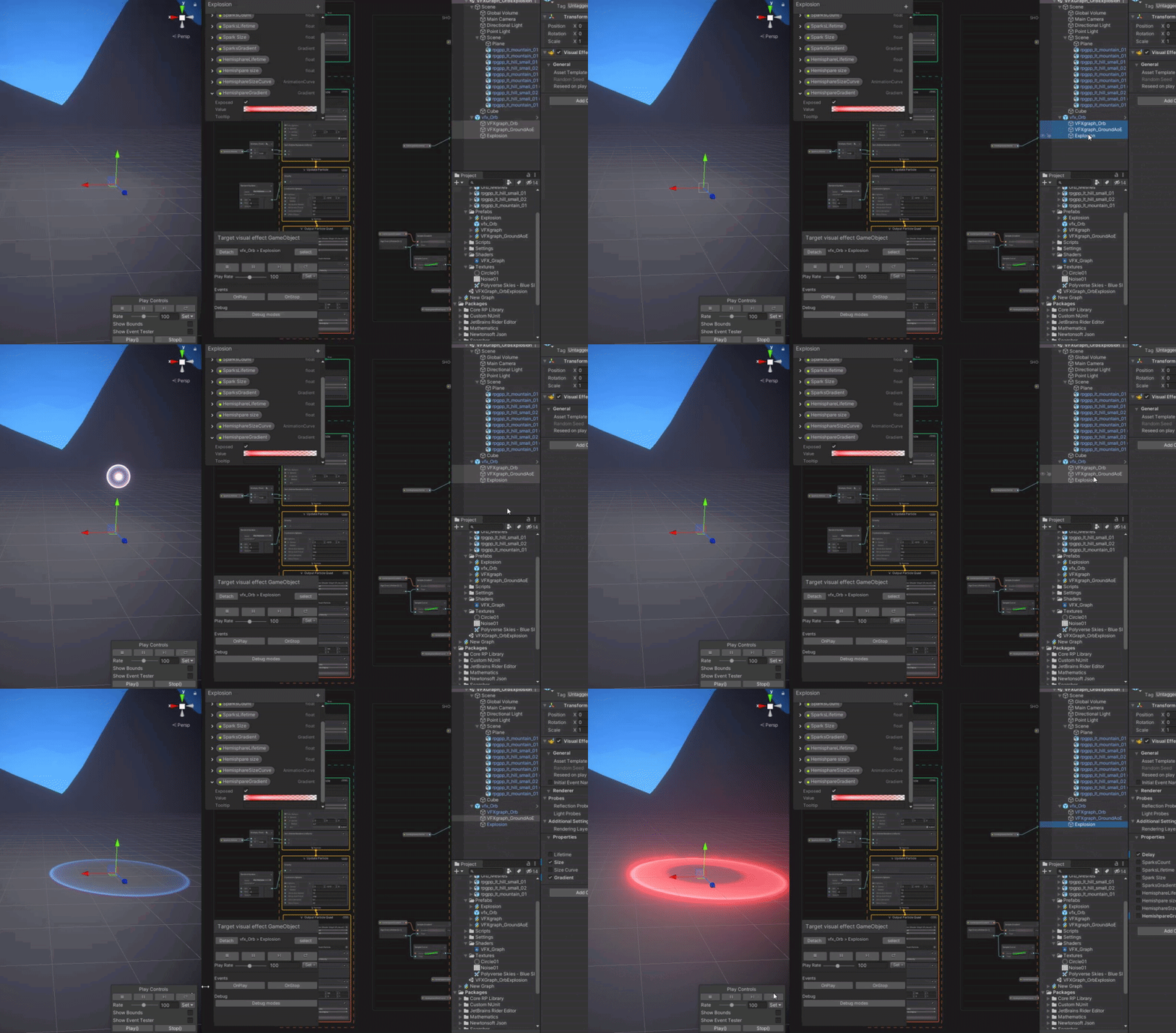 slate sable
gaunt ivy
how ?
slate sable
gaunt ivy
how ?
Search for some tutorials. Don't ask for a complete solution.
https://www.youtube.com/watch?v=ePbeaYuMNK4
If you are using builtin in pipeline you'll need to look for something different using legacy particle system and some different kind of skinned mesh sampling.
Let's see how to spawn particles in an animated character, in a skinned mesh. This technique can be quite useful to create some pretty cool effects for a character or an animated object. Enjoy!
00:00 Intro
00:38 Project Setup
01:17 VFX Graph Setup
03:35 Skinned Mesh to Mesh Script
07:05 VFX Graph Adjustments
08:14 Skinned Mesh to Mesh Final Sc...
gaunt ivy
Okey thanks.
steady zephyr
2020.1.1f1 to 2021.1.16f1 made my VFX graph stuff run at 1/3 speed... anyone know why this could be?
steady zephyr
https://forum.unity.com/threads/2020-2-0b1-performance-reduction.965363/page-2 is it something to do with this thread?

Unity Forum
But we can start to try to isolate what causes this and why reproducing it might've failed (post excluding stats view FPS changes, yep the change was...
bold kelp
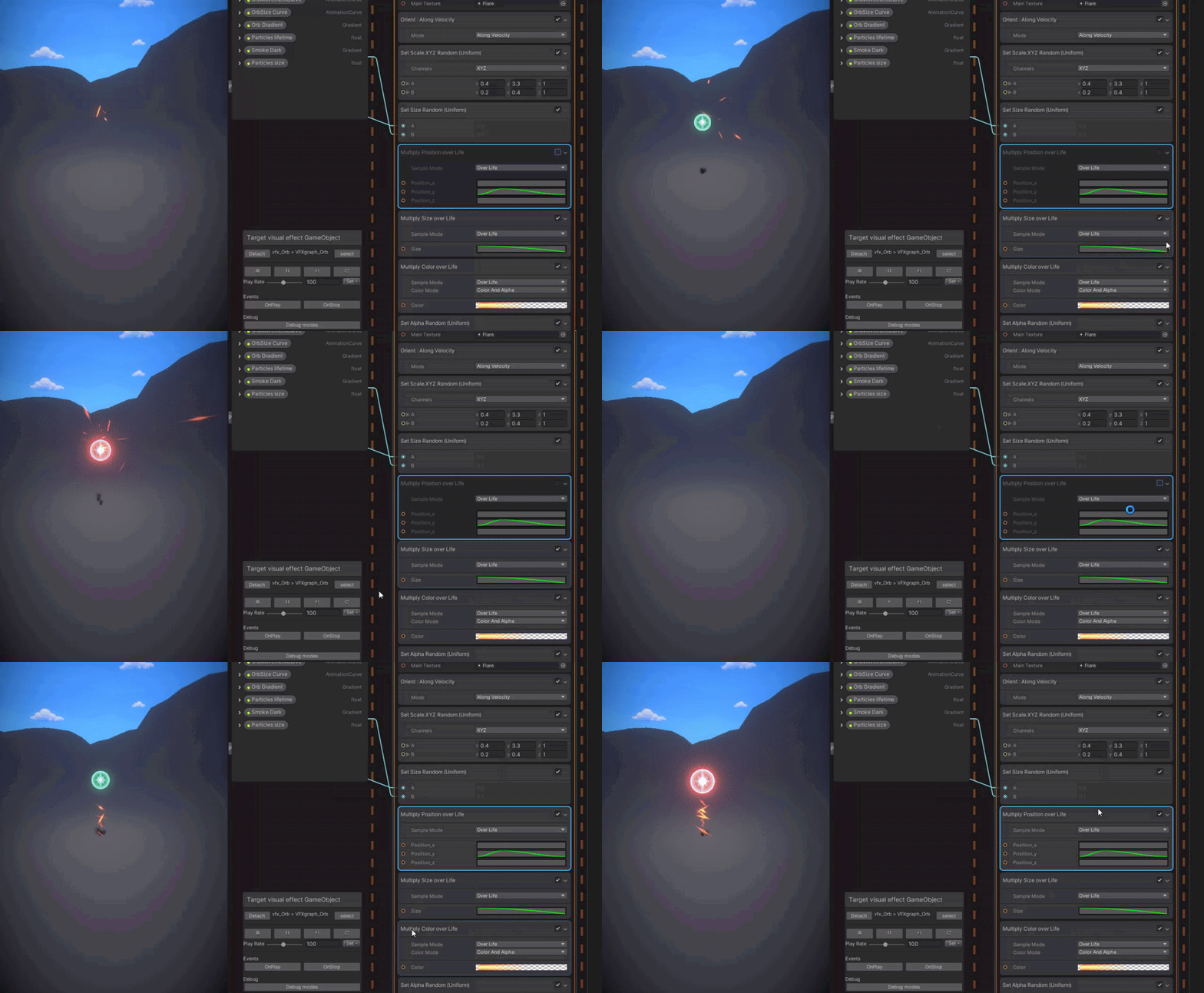
How do I make the particles follow the sphare they are drawn into
Current attempt was trying to copy the orbs position over lifetime under the conform to sphare in the update particle
slate sable
bold kelp
Current attempt was trying to copy the orbs position over lifetime under the con...
I would use GPU event to spawn the sparks through the orb particle so you can easily get its position and use it as the position of your conform to sphere node.
Or you could just use the same curves I guess.
 prime ginkgo
how can i make particle stay one size i made a aura particle system but when i go closer it looks like it gets smaller
i dont want it to scale by distance
warm torrent
prime ginkgo
i dont want it to scale by distance
There's a maximum size setting under Renderer
It's set on by default because transparent particles that cover a lot of the screen are extremely expensive
lilac locust
Hi guys im not sure if its the right channel. im looking for a tutorial for a particle/grounf marker that align on ground/slopes
So that marker/effect "bend" anf correct align on slopes. Any ideas?
 quiet smelt
How can I plug a VFX shadergraph into this Output Particle Mesh node?

This tutorial I am following shows a shadergraph slot for the VFX shadergraph, but I don't have it in the version of the VXF stuff I am using
 slate sable
quiet smelt
This tutorial I am following shows a shadergraph slot for the VFX shadergraph, b...
slate sable
quiet smelt
This tutorial I am following shows a shadergraph slot for the VFX shadergraph, b...
Maybe you need experimental stuff enabled. Go to Edit > Preferences > Visual Effects and enable experimental operators/blocks
twilit lagoon
Hi everyone, would this be a good channel for VFXGraph Request For Enhancements (RFEs)/suggestions? There are a few small quality of life improvements that I can think of that would help our workflow tremendously
For example:
- Hold Alt + Click and Drag to clone/duplicate a node
cobalt scarab
twilit lagoon
Hi everyone, would this be a good channel for VFXGraph Request For Enhancements ...
All suggestion should go to official forums.
 tough mortar
Hello, I'm using VFX graph at the moment and I'm looking for a way to set VFX property binder settings during runtime
For example, how could I change the target gameobject here via script
 fluid lagoon
tough mortar
Hello, I'm using VFX graph at the moment and I'm looking for a way to set VFX pr...
tough mortar
fluid lagoon
tough mortar
Hello, I'm using VFX graph at the moment and I'm looking for a way to set VFX pr...
tough mortar
for changing the settings inside a VFX property binder?
slate sable
tough mortar
for changing the settings inside a VFX property binder?
You might find something useful in the UnityEngine.VFX.Utility namespace, that's where the binder stuff is, but I'm not sure if you can actually do what you want. You could create your own binder and then have complete freedom of what you want to assign.
 gleaming meteor
Hi everyone! 😄
In an Oculus Quest 2 project we're working on, I need a short 13sec video to repeat on a plane. What would be the most optimized way to achieve this?
slate sable
 unique condor
how does unity use this graph?
more exactly how does it draw the particles
unique condor
how does unity use this graph?
more exactly how does it draw the particles
It generates shaders from your graph and lets GPU draw it.
unique condor
slate sable
It generates shaders from your graph and lets GPU draw it.
is there a more in depth resources or information?
slate sable
unique condor
is there a more in depth resources or information?
You can see the shaders it generates or at least their temp files. Not sure where exactly rn but it's there.
granite fog
hi, how can i achieve this shape glow effects around the sword model, its only in the blade, its like the same model but extruded
rustic ore
Hi, I'm having trouble with vfx particles appearing green when the particles are between a light and myself. I've created a diffusion profile, I've added it to the HDRP Default Settings Diffusion List, and assigned that Diffusion Profile to the Output Particle Lit Quad component of the VFX I'm working on. I've followed old posts here about the issue, gone through a bunch of forum posts about it, but it still doesn't work. Any ideas?
rustic ore
rustic ore
Hi, I'm having trouble with vfx particles appearing green when the particles are...
The material type is set to 'Translucent'.
granite fog
im trying to make the vfx apear only in the blade of sword, but its spliting in tow

 jolly dove
is VFX and particles essentially like 3D modelling and blender?
granite fog
Particles is part of vfx process, blender is a software to process 3d models, i think it's different stuffs
steady zephyr
if i'm doing set position from map, how can I get an ID for each particle?
getparticleid doesn't seem to work since the values are changing
I want the ID to be the index from the texture that I use to set position
slate sable
steady zephyr
I want the ID to be the index from the texture that I use to set position
You can use normal set position node and load/sample a texture yourself so you have more control over it.
steady zephyr
thx
bold kelp
Hello, does anybody know what would be the process of importing the textures and distorting them like it's done in this video in niagara?
https://www.youtube.com/watch?v=fGB-zxRPfwA&list=PLRpiOeaDPL_6t0WEUgaxrekJG5ocxW-lX&index=4

Patreon - https://www.patreon.com/1MAFX
I wanted to explore a bit more difficult and more stylized shapes of the trails in substance designer. Part 2 will add more nodes to your library and hopefully, you will feel more familiar with substance and trails.
https://twitter.com/pmargacz - Here I post most of my VFX
https://www.artstation.com/mge...
steady zephyr
seems like support for enabling a block with a bool has not been added yet
i want to disable my graph from having a lifetime
setting lifetime to 0 is not the same thing as having no lifetime apparently
also means there's no way to switch between spawn modes?
 iron folio
I'm having issues with VFX graph. None of the effects are working. Not even the sample ones. They won't spawn any particles
It only happens on this project that I've upgraded from 2018 to 2021
opaque knoll
Hi all. For Shuriken, it seems OnParticleUpdateJobScheduled stops being called when ps.Stop() is called
What if there are still particles i wanna jobify?
rustic ore
rustic ore
Hi, I'm having trouble with vfx particles appearing green when the particles are...
Solved. Used a Diffusion Profile of the environment asset that was already in the scene.
 next flicker
Anyone able to shed some light (oops pun) on the problem I'm having as described in this forum post: https://forum.unity.com/threads/how-do-i-fix-these-particles-using-the-urp-lit-shader-so-the-particles-receive-light-correctly.1174310/

Unity Forum
I'm trying to get dust trails in Unity 2019 that don't glow in the dark. I've never been able to nail this down. I either get trails that look good in...
Basically, trying to get dust trails with particles that are affected by light. I either get dust trails that glow in the dark, or trails that don't glow in the dark but change brightness as you rotate the camera.
bold kelp
slate sable
Or you could just use the same curves I guess.
Since I have never used a GPU event before, I'd love to use the curves, but it seems like that conform to sphare is 10 times as sensitive to the curve o.o https://i.gyazo.com/fb6cb417abbaf610f3f474f129106e0d.gif
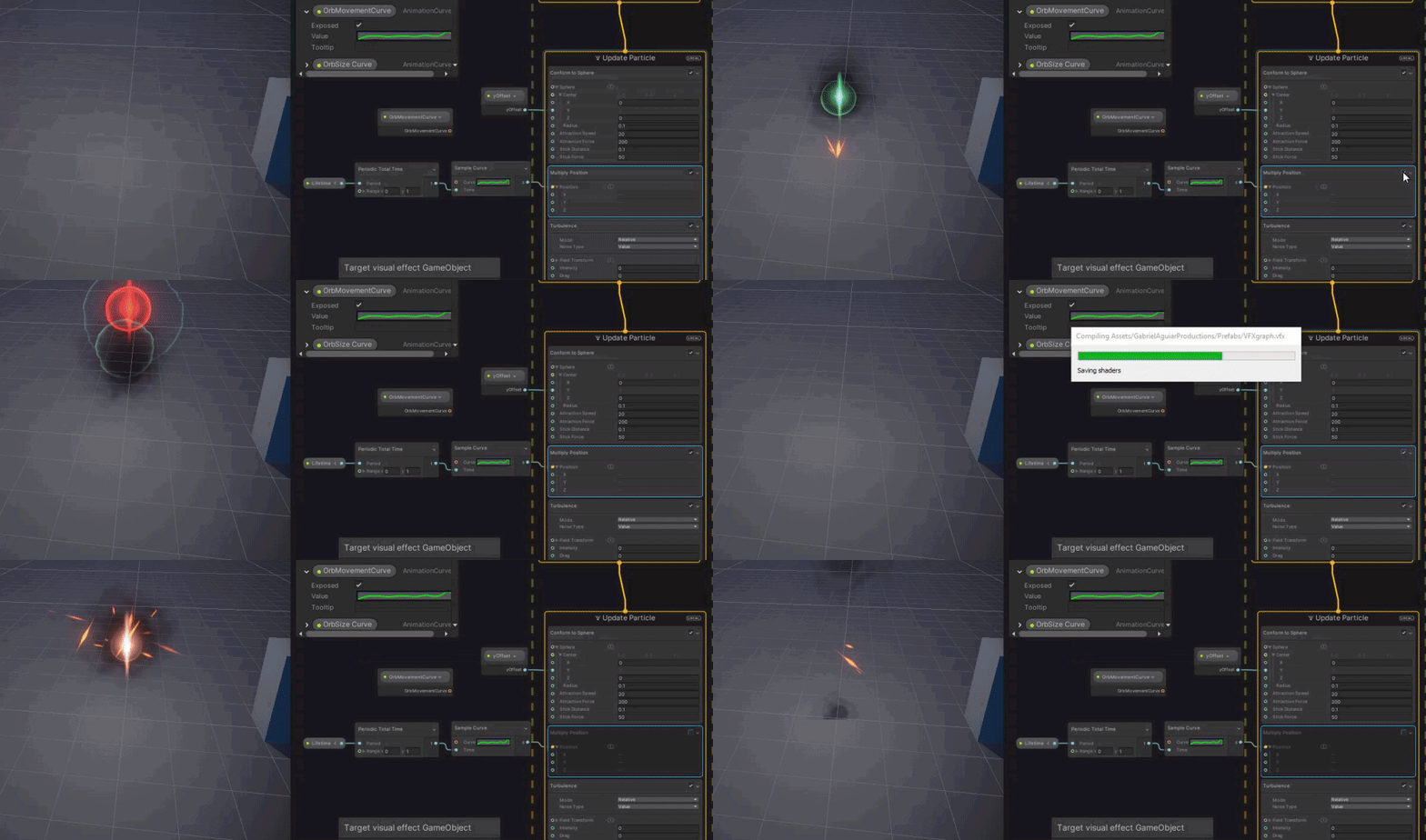
 plush pond
is it possible to change circle's center position? i've tried using position source attribute and custom vector3 attribute but it always stays at (0,0,0)
 dull obsidian
steady zephyr
i want to disable my graph from having a lifetime
dull obsidian
steady zephyr
i want to disable my graph from having a lifetime
for what purpose? you want particles to live forever / infinite lifetime?
steady zephyr
dull obsidian
for what purpose? you want particles to live forever / infinite lifetime?
I'm updating position every frame from an external source
Sometimes I want to not update every frame and trigger some lifetime effects
In which case I would turn lifetime on.
The only way it updates "correctly" otherwise if lifetime is never set, even to 0
Particles should live "forever" but get replaced every frame
Not every frame actually it's like 30fps
 glass jolt
hey, got a small play/stop script for vfx graph, but im confused why its not working. any ideas?

 shrewd pond
So I am rendering some cutscenes for a small mobile game. What would be the advice for having videos without bloating the size? It can't be done in-engine.
young swan
glass jolt
hey, got a small play/stop script for vfx graph, but im confused why its not wor...
are you sure your setup is correct? That code should work
glass jolt
young swan
are you sure your setup is correct? That code should work
pretty certain of it, not sure why it wouldn't
slate sable
glass jolt
pretty certain of it, not sure why it wouldn't
Do your events work with the event tester in scene?
 sharp otter
Is there a way to make the particle system (shuriken) follow the shape in which it was formed? E.g. if I have a donut shape, can I have the particles move along the donut shape?
I cant seem to find an option for this in the particle system
scarlet narwhal
Anyone know why the "generate motion vector" option isn't available in my LWRP vfx graph output quad block?
 quick quiver
@scarlet narwhal URP doesn't support that yet afaik, they are only now adding movecs to it
like, URP 12 just got motion vector buffer now but it's not really utilized anywhere yet
scarlet narwhal
Ah ok. Don’t know why I didn’t just use hdrp anyway.
young swan
The latest versions of the VFX Graph are finally adding more URP support, for example lit output contexts
but I think it's still on the beta versions of 2021.x
(VFX Graph version 12.0.0 and onwards)
but last time I checked, the URP support on the VFX Graph is still "In Preview"
@scarlet narwhal also, do you have Experimental Blocks enabled?
 rigid dagger
I'm working on a particle effect training module, and in it, the final step for this particular lesson is to add a Texture Sheet Animation. After setting mine up (right), I get these black boxes. Is there a way to ignore the texture sheet's background?
 warm torrent
rigid dagger
I'm working on a particle effect training module, and in it, the final step for ...
warm torrent
rigid dagger
I'm working on a particle effect training module, and in it, the final step for ...
Does your texture have an alpha channel and is the material set to transparent?
glass jolt
@slate sable @young swan
today i got it to work first thing in the morning lol. im not sure what i did, cus the VFX setup & code is unchanged 😅
 jade cypress
sharp otter
Is there a way to make the particle system (shuriken) follow the shape in which ...
jade cypress
sharp otter
Is there a way to make the particle system (shuriken) follow the shape in which ...
What so you want the particles to move around the donut? If so you can use velocity over life time and increase the Orbital X value on Z axis. try a low amount first, someting like 10 so you can see what it happening.
sharp otter
jade cypress
What so you want the particles to move around the donut? If so you can use velo...
Okey I will try this out thank you
 upbeat abyss
Hello there. We have a problem with a simple VFX (make with the particle system). Depending on the camera angle part of the yellow circle are cut ... Could you help us?
https://cdn.discordapp.com/attachments/489353512908488719/892769331971256390/unknown.png
We use a billboard to display this yellow circle
 jade cypress
upbeat abyss
Hello there. We have a problem with a simple VFX (make with the particle system)...
jade cypress
upbeat abyss
Hello there. We have a problem with a simple VFX (make with the particle system)...
Do you mean the yellow line that goes 'dotted' the further in the distance? If so look at your mipmap settings and into Anisotropic filtering.
upbeat abyss
jade cypress
Do you mean the yellow line that goes 'dotted' the further in the distance? If ...
Yes. Mipmap is disabled :/
jade cypress
upbeat abyss
Yes. Mipmap is disabled :/
Are you using a texture to produce that line? If so try increasing the Aniso Level in the texture import settings
upbeat abyss
jade cypress
Are you using a texture to produce that line? If so try increasing the Aniso Le...
Thanks !!! 🙂 It works 🙂 \o/
prime ginkgo
how do i make a particle stay still and not move at all and keep playing forever without disappearing
jade cypress
prime ginkgo
how do i make a particle stay still and not move at all and keep playing forever...
This should get you started - Try setting duration to 0.5, Looping check, Prewarm Check, Start lifetime 0.5, Start speed 0, In Emission set Rate over Time to 2.
prime ginkgo
jade cypress
This should get you started - Try setting duration to 0.5, Looping check, Prewar...
okay i fixed that but now i need this

i want it to stay still here too like on the mesh shape
i put in the shape thing as mesh and renderer
it just keeps floating around ( i want it to be an aura kinda )
it just floats to random places in the mesh shape lol
jade cypress
prime ginkgo
it just floats to random places in the mesh shape lol
Why don't you just create a shader instead of using a particle system? You could use a simple Fresnel multiplied by your colour texture to get the same effect?
prime ginkgo
jade cypress
Why don't you just create a shader instead of using a particle system? You coul...
idrk how to make a shader or find one like that
jade cypress
prime ginkgo
idrk how to make a shader or find one like that
If youre using a render pipeline that supports shader graph such as URP or HDRP then I would highly recommend you use a shader instead of a particle to create the effect you desire. This is a good start. https://youtu.be/Ar9eIn4z6XE
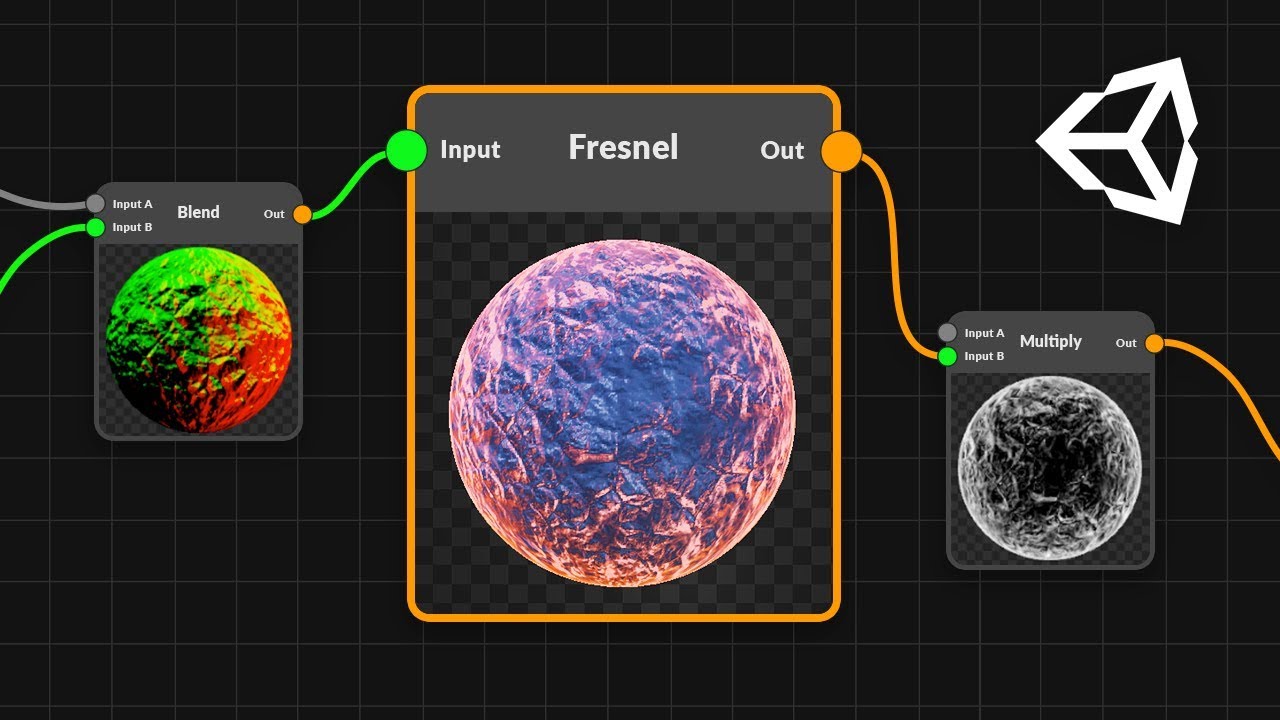
● Check out Bolt: http://ludiq.io/bolt/download
The time has come... Let's explore Unity's new Shader Graph!
♥ Support Brackeys on Patreon: http://patreon.com/brackeys/
····················································································
♥ Subscribe: http://bit.ly/1kMekJV
● Website: http://brackeys.com/
● Facebook: https://f...
 marsh drift
I have this game object which is sort of like those spherical cameras, where the "eye" follows the player and occasionally shoots a beam at him.
Looking for a way to create a "breaking down" effect; something with a bit of lightning(mimicing power), to show it's being shutdown/breakdown.
Any tips/tutorials/videos/anything you know that could help
 prime ginkgo
jade cypress
If youre using a render pipeline that supports shader graph such as URP or HDRP ...
prime ginkgo
jade cypress
If youre using a render pipeline that supports shader graph such as URP or HDRP ...
thanks ill try my best
 maiden saffron
hey folks how can I make it go all the way down

 terse storm
steady zephyr
terse storm
steady zephyr
is "orientation" the same thing as "direction"
fluid lagoon
steady zephyr
is "orientation" the same thing as "direction"
not sure what this is relevant to exactly but no
orientation implies more than just a direction
because you can have an object that is pointing in a direction but that still leaves 360 degrees of freedom where it can freely twist around and still be pointing that direction
steady zephyr
fluid lagoon
not sure what this is relevant to exactly but no
there is "set direction from map" but no "set orientation from map"
fluid lagoon
steady zephyr
there is "set direction from map" but no "set orientation from map"
huh
in what context
what are we talking about?
steady zephyr
VFX graph
slate sable
steady zephyr
there is "set direction from map" but no "set orientation from map"
I am guessing the direction means the direction of velocity where the particle is moving.
So you can use that to direct particles in different ways from a map I guess.
I found this in documentation for Get Direction. (so maybe there is no use of setting it? idk)
https://docs.unity3d.com/Packages/com.unity.visualeffectgraph@10.2/manual/Operator-GetAttributeDirection.html
I don't think there is such thing as orientation in VFX graph. There are Orient nodes that change the axis of the particle as you can see in the computed source code.
https://docs.unity3d.com/Packages/com.unity.visualeffectgraph@10.2/manual/Block-Orient.html
 warm torrent
Where the particle sprite is facing, where the particle point is facing and where the particle is moving are all different things in some contexts from what I understand
 onyx marsh
Hey; I am looking for someone to make me a simple smoke particle system, I have a few dollars to spare, hit me up if you are up for it.
steady zephyr
slate sable
I am guessing the direction means the direction of velocity where the particle i...
I don't think there is such thing as orientation in VFX graph.
there is
 slate sable
steady zephyr
there is
slate sable
steady zephyr
there is
That's not "orientation". That's a node that orients the particle on 3 different axis. It's basically a verb. Not an actual attribute.
Same with force. There is no force attribute but there is a node that adds force -> adds velocity over time
slate sable
onyx marsh
Hey; I am looking for someone to make me a simple smoke particle system, I have ...
I don't think you should be asking here. Read the #📖┃code-of-conduct (blue part about job posting) if you don't want to have an encounter with an admin. 🙂
 keen hamlet
hello i have an issue with my particle system in unity
the particle system is different when the game is played
compared to when in the scene view
i have a script for sprinting which turns the particle system on
but it is completely different to what i want
the particle system is under the camera object because its a fps
steady zephyr
not giving enough info
keen hamlet
Ok sorry I’ll send a video when I get home
 worn coral
is there a way to make it so the particles don't follow the rocket. I want them to just spawn from the rocket but them be independent.
worn coral
?
slate sable
worn coral
is there a way to make it so the particles don't follow the rocket. I want them ...
Set the simulation space to world
worn coral
slate sable
Set the simulation space to world
thanks that fixed it!
 stray badge
how do i emit particles from vfx graph at a location?
do i have to move the emitter
or can i pass params kinda like particle system
 covert thicket
We've created a thorough introduction to the principles of #✨┃vfx-and-particles with VFXGraph ✨ https://www.youtube.com/watch?v=hXjNC8pNOTE

Join us as we run through the principles of VFX Graph! We'll be making special potions, falling leaves and fire effects. Gain a better understanding of the VFX Graph’s components, Sin Waves, Randomness and Texture as Data. We take audience suggestions throughout the video to illustrate the flexibility of these concepts.
Follow us on Twitch and...
 wicked yew
Hi i try to understand how culling space is working for vfx graph. In my Scene view when i stopped seeing the origin point of the particle effect, the vfx is no longer rendered, i try to change culling flags to always simulate but it didn't affect anything do someone have a solution for this ?
warm torrent
wicked yew
Hi i try to understand how culling space is working for vfx graph. In my Scene v...
Increase the size of the bounding box
wicked yew
Oh yes yes, it works ! thanks a lot ! but do you know why always recompute didn't worked ??
@warm torrent
warm torrent
wicked yew
Oh yes yes, it works ! thanks a lot ! but do you know why always recompute didn'...
I do not
wicked yew
ok ok !
 honest pewter
Is there a way to display/view all particle systems in scene view without entering play mode?
fluid lagoon
honest pewter
Is there a way to display/view all particle systems in scene view without enteri...
Type t: ParticleSystem in the hierarchy window search bar
honest pewter
Right, that lets me start the particle systems but once I deselect them they pause (in editor mode).
Is there a setting to enable particle simulation in editor view without needing to select the particle system?
fluid lagoon
I don't think so
jade cypress
honest pewter
Is there a way to display/view all particle systems in scene view without enteri...
select them all in the hierarchy and they will all play, but when you edit you can only edit one at a time.
twilit lagoon
Hi all, I tried using a certain code to restrict the FPS on my Game view in Play mode:
Screen.SetResolution (1920, 1080, false); QualitySettings.vSyncCount = 0; Application.targetFrameRate = 30;
It does work, but I want something else actually. I want my VFX graph to still be running at an uncapped FPS in the background (or lets say, 60), but have the display only show a few frames a second.. Is that possible?
warm torrent
twilit lagoon
Hi all, I tried using a certain code to restrict the FPS on my Game view in Play...
This seems like a very strange feature to want, may I ask why
If I had to do it I'd try to set FixedUpdate to 30 and tie absolutely everything to it besides the VFX
 granite cairn
Does anyone know how LOD groups store references to materials? I'm trying to change a property of the materials for all objects on a list, and it works fine with regular objects, but fails to find the renderer component for LOD groups (I assume because LOD groups store meshes as children)?
Is it as simple as getting the child of the game object rather than the game object itself?
twilit lagoon
warm torrent
If I had to do it I'd try to set FixedUpdate to 30 and tie absolutely everything...
I only have the visual effect on my scene.. The particles behavior is dependent on a high frame rate, apparently.. Perhaps it's just easier if I record in a lower framerate then
 gleaming granite
Hello I have created a vfx graph that has a grid of lit particle meshes. that i would like to do now is offset the individual particles by some noise. I am essentially trying to create an ocean minecraft style
honest pewter
jade cypress
select them all in the hierarchy and they will all play, but when you edit you c...
It seems like changing the simulate layers for particles to 'everything' made them simulate in editor like I wanted
fluid lagoon
gleaming granite
Hello I have created a vfx graph that has a grid of lit particle meshes. that i...
just make a noise node and add it to the particle position and set the particle position to the result
gleaming granite
fluid lagoon
just make a noise node and add it to the particle position and set the particle ...
the add it to the particle position is that in the updated Particle or output particle lit mesh

Something like this?
gleaming granite
issue is that is moving all the particles equally
primal lotus
Hi, is there anyway to disable selected object outline in the editor?
(it's distracting when working with particle systems)
nvm! Found it! (Gizmos > Selection Outline)
slate sable
gleaming granite
issue is that is moving all the particles equally
Try using particleID + Time in coordinate of the perlin noise
fluid lagoon
gleaming granite
issue is that is moving all the particles equally
Yeah what Draxi said - you need to convert the particle ID into a coordinate for the noise function
gleaming granite
thanks all i was able to get it
gleaming granite
it is my understanding and i have not used VFX in a long time that i cant determine. when /where a gameobject interacts with them right since they are still all gpu?
gleaming granite
trying to figure out if i get get an object collision detection. since it is a plane i thought about using shader graph for vertex displacement but i dont thinking that will work since the collider does not change with that
 trim pilot
gleaming granite
trim pilot
gleaming granite
secondly is there a way to pass the specific particle position back to script. I can get the particle i want through the ID
stray badge
anyone have tips on making global, organized particle systems?
im using vfx graph in urp, and im having trouble trying to set everything up using one emitter on a singleton
how do you guys do large-scale particle system setups?
flint saffron
 worn coral
How should I go about simulating fluids in unity?
worn coral
Mainly 3d water
 grizzled kiln
I want to get a count of particles that are true for these two separate statements, can anyone help me?
 gleaming granite
worn coral
Mainly 3d water
gleaming granite
worn coral
Mainly 3d water
dont think anything like that is built in. you would have to use a plugin i believe
dull obsidian
gleaming granite
secondly is there a way to pass the specific particle position back to script. ...
this is not currently supported. reading back particle data from the GPU to the CPU can be costly and tricky, but it's definitely possible. this feature is on the VFX graph roadmap: https://portal.productboard.com/unity/1-unity-platform-rendering-visual-effects/c/125-particle-attribute-buffer-read-access-from-outside-graph
This will allow reading particle attributes (e.g. position, color, etc.) asynchronously from CPU or from other GPU passes.
gleaming granite
@dull obsidian i figured as much. I am thinking to build a shader that creates the movement then passing that to a mesh to get the vertex offset and passing it to the vfx for the spawning and movement you think that would work?
shadow thistle
Hi, any idea what is this kind of roar effect called or how to make it? From the origin(mouth), the screen tears as it spreads.
 hearty flare
I imagine it's just a form of radial blur
shadow thistle
oo make sense. Can I do this using URP?
hearty flare
Presumably there's an effect out there, sure
 lilac trout
I am looking for a guide or tutorial on creating a speed particle. like space dust flying past a ship as it moves so you can get an idea of the direction of movement in space. closest I can find are warp effect tutorials and those dont work as they cant account for changes in direction really. been searching for hours with no luck
unless I have it wrong and the fixed direction particle like the warp effects is the right way to go and I need to point the emitter in the direction of movement?
 thorny silo
hi, don't know if it is the right channel but, do you know what the fov of the editor camera is?
wicked yew
it's the field of view
thorny silo
yes, sorry i mean, how much 🙂
thorny silo
wicked yew
by default you mean ?
no i mean the camera that renders the editor viewport
 lilac trout
in a tutorial video I was watching on vfx graph particles, it was mentioned that large particles (the sprites them selves being scaled very large) causes problems with ram use. sounds odd to me, any one know if this is true?
 silver brook
Can somebody help me with render texture? I iam trying to do the retro look render texture and now it's rendering only black/No camera thing!
(Not sure where to post this)
silver brook
wicked yew
yep !
Idk anyone else on this server who might know this stuff... Do you?

There
What can I do to that?
wicked yew
How your scene look like ?
silver brook

And i have turned warn if no cameras rendering off
and if i take the render texture off.... it works like normal
wicked yew
Well that's strange Because we can see that your main camera is display
silver brook
hmmmm
I've been fighting with this problem for about 2 hours now....
I used an raw image to display it for camera
silver brook
wicked yew
Well that's strange Because we can see that your main camera is display
U have any ideas?
wicked yew
Not really... did you check this out ? https://docs.unity3d.com/Manual/class-RenderTexture.html#:~:text=The Render Texture inspector A Unity window that,Inspector is almost identical to the Texture Inspector
silver brook
wicked yew
Not really... did you check this out ? https://docs.unity3d.com/Manual/class-Ren...
Yeah.... I did check it out
silver brook
I GOT IT WORKING
gleaming granite
i have my texture map working in shadergraph and this is helping with where i need intersections with game objects. now i have to get the vfx to roll the texture the same as the shader graph. is there a way i can have the 2D texture in world space in vfx?
prime dome
please can someone help
2021-10-11 20:51:12.536586-0600 INTERFACE[8424:8402538] MemoryManager: Using 'Default' Allocator.
-> applicationDidFinishLaunching()
Loading player data from /private/var/containers/Bundle/Application/85463E68-DB2A-417D-8A27-145E1A5D845D/INTERFACE.app/Data/data.unity3d
2021-10-11 20:51:12.641355-0600 INTERFACE[8424:8402538] fopen failed for data file: errno = 2 (No such file or directory)
2021-10-11 20:51:12.641403-0600 INTERFACE[8424:8402538] Errors found! Invalidating cache...
2021-10-11 20:51:12.834958-0600 INTERFACE[8424:8402538] Writing analzed variants.
-> applicationDidBecomeActive()
2021-10-11 20:51:12.844742-0600 INTERFACE[8424:8402538] Writing analzed variants.
[Subsystems] Discovering subsystems at path /private/var/containers/Bundle/Application/85463E68-DB2A-417D-8A27-145E1A5D845D/INTERFACE.app/Data/UnitySubsystems
GfxDevice: creating device client; threaded=1
Initializing Metal device caps: Apple A14 GPU
Initialize engine version: 2020.3.16f1 (049d6eca3c44)
New input system (experimental) initialized
2021-10-11 20:51:13.274859-0600 INTERFACE[8424:8402799] fopen failed for data file: errno = 2 (No such file or directory)
2021-10-11 20:51:13.274903-0600 INTERFACE[8424:8402799] Errors found! Invalidating cache...
2021-10-11 20:51:13.431134-0600 INTERFACE[8424:8402538] Unbalanced calls to begin/end appearance transitions for <UnityViewControllerStoryboard: 0x105516b10>.
2021-10-11 20:51:13.431339-0600 INTERFACE[8424:8402538] Unbalanced calls to begin/end appearance transitions for <UnityDefaultViewController: 0x105437810>.
UnloadTime: 2.565208 ms```quick question, if I displace vertices in urp using a shader, will the vertex normals get recalculated properly or do I need to recalculate those myself?
lilac locust
anyone an idea. i only see particles in scene view when in 2d mode in 3d its invisible.... https://gyazo.com/0fd1179d3706a6d47be2a5b6a1331c97 i use unity 2021


 snow vale
not sure if this is the right channel for particle stuff, but I was wondering if anyone knew of a faster way to add the frames of animation to the texture sheet animation tab in the particle system editor?
Right now I have like multiple 70+ frame animations and dragging/dropping is feeling pretty slow
opaque knoll
Hi for shuriken, can the emission shape be controlled to expand outwards? Instead of random
Loop/pingpong only controls the arc angle/along the line, but there's nothing where in the "radius thickness" it spawns from
 rigid chasm
Damn, I missed the Horror VFX thing last night. Did any of you attend? https://lasiggraph.org/event/vfx-horror-achieving-eerie-aesthetics-film-tv-and-games
gleaming granite
did anyone have any thoughts on if a 2D texture in vfx graph can be in world space
thorny silo
Hi, does anyone know what the best solution to recreate a multipass shader in URP is? Or a good way to have a shader render before another? the order is important
this is the effect i want to achieve

the white is renderer after the red but renders in front of everything else
thanks
i managed to recreate the same effect by having 2 materials on the same object and having them on different render queues, but i was wondering if there was a way with one material
slate sable
thorny silo
i managed to recreate the same effect by having 2 materials on the same object a...
thorny silo
ahhh sweet, thanks a lot!
jolly dove
thorny silo
this is the effect i want to achieve
that's a shader thing
Anyone know how I can make ripples of a pond vfx and it ignores z-level, i.e. see through walls?
 slate glen
Hi! Does anyone know how to kill all particles of a Visual Effect Graph via script and then spawn more? I set age past lifetime which killed the particles, and then I set age to be 0 to allow for new ones, but when I sent an OnPlay event (and .Play()), no particles spawned
Gonna try killing the particles with a world-sized kill box and then removing the kill box before sending another OnPlay event
slate glen
slate glen
Hi! Does anyone know how to kill all particles of a Visual Effect Graph via scri...
Turns out I needed to kill the strips, too
 forest nimbus
Hey i hope im at the right place here..
I want a single Particle to rotate clockwise.. like the Simple Ribbon system but just a single particle 😅
In VFX Graph
slate sable
forest nimbus
Hey i hope im at the right place here..
I want a single Particle to rotate cloc...
You can
-set angular velocity on Initialize
-set angle in Update/Output with Time as the input for one axis
-add angle in Update by a very small amount (<- speed of this might depend on fps, not sure)
Just few quick ideas
forest nimbus
okay thank you.. which time would i use for the 2nd point?
 spiral moth
is there any way to get some debug info out of a vfx graph at all
i know i can query GetParticleSystemInfo("System").aliveCount for example
basically i have an issue where i know the particles exist but i can't see them, so i'd like to somehow get position info out of the system if possible
i thought OutputEvent might be a way to maybe capture position data but the Samples package doesn't have an actual working example of that although the scripts are there..
for example adding the VFXOutputEventPrefabSpawn script to a VisualEffect gameobject does spawn the supplied prefab, but only seems to spawn the prefab at one specific offset where i expected it to spawn at particle positions.. it also seems to work sporadically as if it's buggy in some way.
 molten grotto
anyone seen this before ?
 arctic bison


any particular reasons the shder editor would show metallic red, but the editor window would show flat grey?
The inspector even shows it metallic
 spiral moth
arctic bison
any particular reasons the shder editor would show metallic red, but the editor ...
spiral moth
arctic bison
any particular reasons the shder editor would show metallic red, but the editor ...
you might need reflection probes setup to give it something to reflect..
arctic bison
Huh maybe. Thanks for advice
lofty orbit
Is there any major reason to not have VFX objects be persistent through loading screens?
I'm thinking of making some dynamically callable VFX generators persistent through scenes so that i dont have to reload them (they will be individually heavy), with static functions that expose parameterizeable effect calls, so I'm wondering if this would create non-obvious problems
 limpid jacinth
i've been thinking of a particle sea vfx graph system, could as much only find this topic https://rafalwilinski.medium.com/tutorial-particle-sea-in-unity3d-70ff1350fa9e
an adaptation for vfx graph would be great
do you know of any tutorial? please @ me or write me in DM, thanks
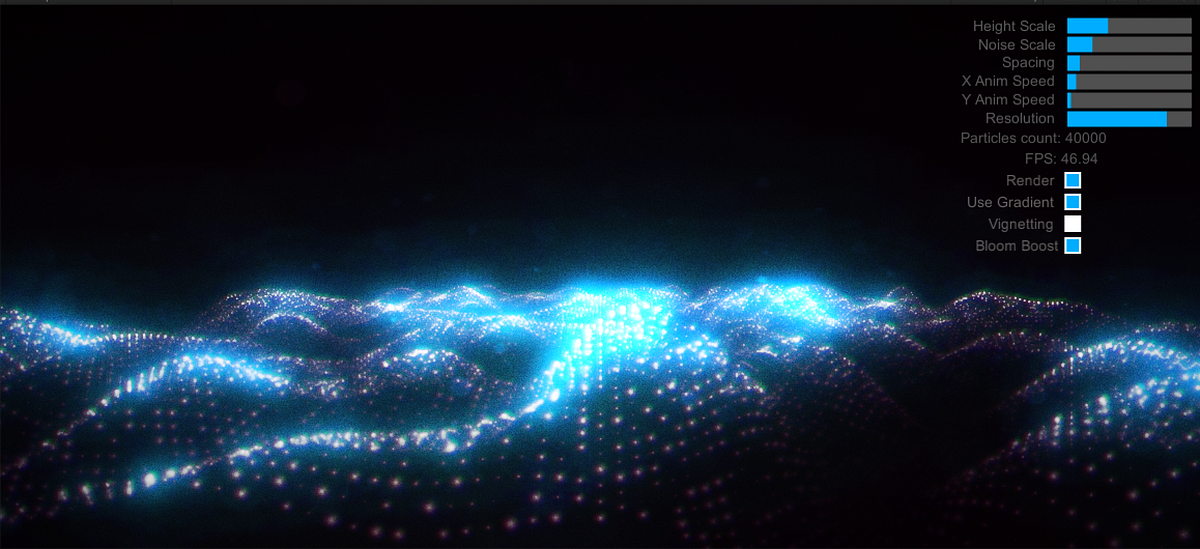
Medium
When I saw it, I was totally shocked. Firstly — it looked amazing, Secondly — it was playing smoothly in my browser on a non-high-end PC…
spiral moth
limpid jacinth
i've been thinking of a particle sea vfx graph system, could as much only find t...
Not sure of any specific tutorial but there have been a few ports of the well known Houdini Ocean Toolkit (HOT) for various 3D apps.. i think it uses an algorithm known as Tessendorf to simulate waves and crests etc so might be possible to pull something useful out of that.. source code is available if you google it
 subtle pawn
Does anyone know how to get good shapes for UPS (Unity's Particle System)? I really cant find out how to get good shapes and Im not too sure how to get them into UPS
grizzled orbit
hey should i be worried about vfx graph not supporting devices>?
so far been using shader graph and shuriken
quick quiver
if you target mobile, then yes
dull obsidian
spiral moth
basically i have an issue where i know the particles exist but i can't see them,...
only initial spawn positions can be read via c# script events. it's not currently supported to "read back" particle position data to cpu memory once a given particle has been spawned and is now in gpu memory. but this feature is on the roadmap.
spiral moth
dull obsidian
only initial spawn positions can be read via c# script events. it's not currentl...
that makes sense yep.. any idea how the OutputEvent is used and what data can be monitored?
Basically i've rebuilt Phil's system here:
https://forum.unity.com/threads/vfxgraph-strategies-for-making-one-graph-handle-multiple-particle-systems.659980/#post-7542508

Unity Forum
I'm trying to make an example of using only one graph for handling multiple particle systems of the same type, resulting in much less draw calls than...
I'm getting the aliveCount to say the spawns are working as expected but i can't 'see' the particles
slate glen
Has anyone figured out how to use Event Attributes? I'm trying to queue a set of events, each with different values for custom exposed properties (e.g. spawn position). When I bind Event Attribute payloads to an event and send the event to the graph, the graph uses the default value for the exposed property instead of the value I set in the Event Attribute payload
slate glen
slate glen
Has anyone figured out how to use Event Attributes? I'm trying to queue a set of...
Despite sending a payload via this code, the graph uses the default value for SpawnPosition:
var eventAttribute = vfx.CreateVFXEventAttribute();
eventAttribute.SetVector3("SpawnPosition", vfxRequest.SpawnPosition);
vfx.SendEvent("OnSpawn", eventAttribute);
 slate glen
Despite sending a payload via this code, the graph uses the default value for Sp...
slate glen
slate glen
Despite sending a payload via this code, the graph uses the default value for Sp...
You can extract the payload data in an Initialize context via Get Attribute: [attribute] (Source) , however, only one event attribute payload can be processed per frame and it seems the others are discarded, in 2020. I'm currently stuck with 2020 so I will try to emulate multiple-events-per-frame by packing the payloads into a texture and running one event that traverses that texture
Related threads:
Official solution in 2021:
https://forum.unity.com/threads/new-feature-direct-link.1137253/
spiral moth
slate glen
You can extract the payload data in an Initialize context via `Get Attribute: [a...
Ah so this approach is 2021 only.. Yeah the texture method is what i'm currently attempting to do also.
slate glen
spiral moth
Ah so this approach is 2021 only.. Yeah the texture method is what i'm currentl...
Let me know if you get stuck or have questions. I'm working on it, too, and will do the same here. This doc was helpful for speed: https://docs.unity3d.com/ScriptReference/Texture2D.GetRawTextureData.html
slate glen
slate glen
Let me know if you get stuck or have questions. I'm working on it, too, and will...
Use LoadTexture instead of SampleTexture to avoid unintended changes to your data (e.g. via blurs or other filters)
 spiral moth
slate glen
Use LoadTexture instead of SampleTexture to avoid unintended changes to your dat...
spiral moth
slate glen
Use LoadTexture instead of SampleTexture to avoid unintended changes to your dat...
Ah perhaps that's my problem, i'm using Sample Texture2D with some modulo stuff to convert from index to x/y rows.. in Phils example ( i linked to above ) i think he's using a custom Sample Texture Pixel node which i'd guess does this internally..

Tbh i think my version should be working and i am getting aliveCount to confirm particles are being spawned, the problem is they're not showing up even though my bounding box is enormous.
slate glen
spiral moth
Ah perhaps that's my problem, i'm using Sample Texture2D with some modulo stuff ...
Good find. LoadTexture will also treat your texture like a 2D array of cells instead of a continuous space so you can just specify the x and y indices to traverse, instead of messing with UVs
spiral moth
slate glen
Good find. LoadTexture will also treat your texture like a 2D array of cells ins...
Yeah i noticed you're just using x so i'd guess you'll have to convert your index to x/y right? ie when your index is greater than your texture width you'll have to increment y and loop x back to zero right..
slate glen
spiral moth
Yeah i noticed you're just using x so i'd guess you'll have to convert your inde...
Yeah for now I'm doing one attribute type per row, so y = 0 is position, y = 1 is rotation, and so on. The x indices are to select that particular position instance (or rotation instance if y = 1)
spiral moth
Ah right ok
 spiral moth
Ah interesting.. only issue i would suggest might be - having a non-square texture might be less efficient but i guess it's not a huge problem
slate glen
There might be an optimal texture layout, maybe a square-like texture would be better. Would have to think about how the compute shader works (or whatever they are using). Could also profile
same thought lol
spiral moth
hehe yeah
basically Phils method does alternating, so first pixel is pos second is rot so it increments in 2's
and uses the w channel for whatever single float values you might need
slate glen
I like the use of the w channel, will look out for opportunities. Padding always feels bad to me
spiral moth
yeahh
i think you can set the data format of the texture to only use 3 channel rgb possibly
if you're not using w and want that extra efficiency
slate glen
Couldn't find a format for that
spiral moth
ah really
warm torrent
This is a shuriken lit quad particle using solid color with spherical normal map, and the problem is the reflection "bends" at sharp angles causing that crescent shaped sideways horizon
I don't intend to dwell on this problem but if anyone recognizes it that'd be helpful for sure