
#ue4-general
1 messages · Page 686 of 1
 fierce tulip
knowing how to google is one of the most important gamedev skills
 ashen frost
@plush yew do i only scale the rig the mesh as well?
 cyan oak
cheers for the help 😄
 gilded plinth
Hey all, I just pulled the camera back with a SunSky actor for the planetary view. How would I go about making that tiny white circle/sun bigger?
ashen frost
oh okay
idk if mines it or not
maybe its why its doing this
yea 😫
btw, it only happens when i go to object, apply, scale
when i scale it at first
it looks normal
but then i go there
and that happens
 harsh tiger
https://gyazo.com/10d93016f405ea9d1e0eebfd6adf2f70 i've got a construction script that adds a static mesh into the scene.
my question is. is it possible for me to make it so after i have 5 cubes i can click the 2nd and move it separately?
 ashen frost
ah i see
your help has been really useful, thanks for getting me this far
kay, I hope it eventually works
fierce tulip
@harsh tiger please dont repeat the same question, give it at least 2 hours between. thank you.
 mossy bay
Alright, I've placed everything, now to build the light.
Ooh it's taking a while, now that there's a lot more modular actors in here, lol.
 low rock
Hi guys, I recently buy a laptop dell g7 with i7 9750H, 16 ram, 2070 rtx. and also i have a desktop with i7 8600, 16gb ram and 1660ti, when i open the same project on my laptop runs 60fps and my desktop runs 120fps, it doesnt make sense for me because my laptop it´s more powerfull than my desktop, btw my laptop i´ts plug in
 abstract relic
Did you remove the fps cap on the project? Do you have vs install?
Laptop typically have caps themselves. Never messed with them.
low rock
i did not consider that how you can remove the fps cap /:
 next badger
@harsh tiger you don't use construction script for that...as it will regenerate all the content on each "construction", which happens on level load as well
 normal burrow
r.VSync 0
low rock
@normal burrow let me try
normal burrow
They talking bout 60hz cap
 keen geyser
Is there a hotkey/command to drop your perspective camera to a point based on another ortho viewport?
abstract relic
Keep forgetting about hz. Damnit
harsh tiger
@next badger fuck, so is what i'm suggesting not possible?
next badger
@harsh tiger language...you want to use construction script, and then modify what was made manually? no...not possible
you can make Blutility tho
harsh tiger
ah okay, i'll look into blutility. i've see people use it before but not got much experience with it myself. thank you
normal burrow
And shadows good
low rock
@normal burrow i use t.max fps 120 and it work
next badger
@mossy bay it doesn't look like static lighting issue
normal burrow
HighTide wins again then
mossy bay
🤔
This is what it looks like on Blender.
I think I found one of the culprits.
Overlapping UVs it seems.
abstract relic
Will give you a trick. In blender >>> mat >>> texture >>> checker >>> set vector by uv
mossy bay
There's no texture image.
It seems like marking seams makes a difference.
I'm using the Smart UV unwrap since the Lightmap Pack breaks every poly up into it's own island.
Well, unless I set the margin to 0.
abstract relic
No
abstract relic
Bad pablos
normal burrow
don't do it
abstract relic
If you have islands. They need to at least have 8 px margins minimum. Otherwise you’ll get some texture bleeding and a broken mip
next badger

On this week's livestream, Epic Games Technical Writer Tim Hobson goes over some tips and techniques for creating custom lightmap UVs inside Unreal Engine 4, using the auto-generate lightmap in-editor tools. Tim also covers some gotchas that you need to be aware of in order to...
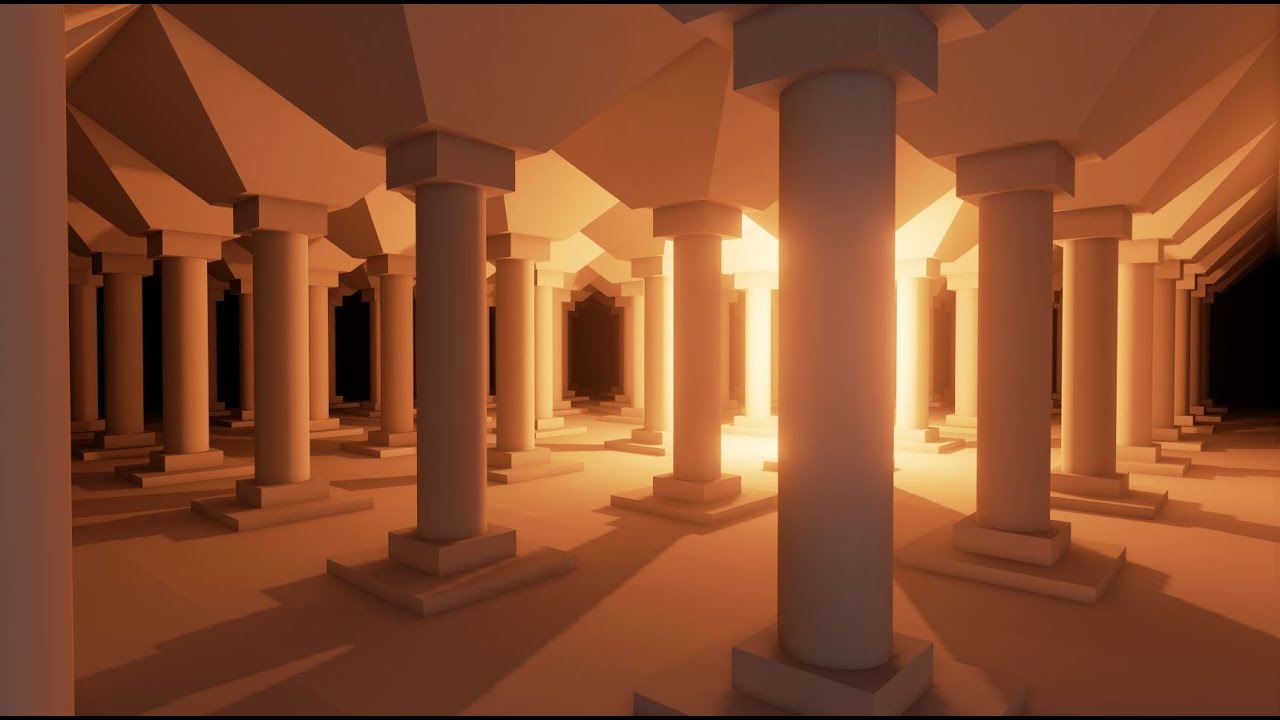
Learn the process of creating a second UV channel for static light builds in Unreal Engine 4. This tutorial covers the process of unwrapping a UV set in 3DS Max for use in Unreal Engine. This tutorial is aimed at Beginner/Intermediate engine users.
 rancid lynx
holy shit blueprints can be fun. it gives you powers nearly as strong as programming. when you really get rolling, its fun to do sometimes
once you have a super direction. oh, those look like nice tutorials. thanks. ill save those
next badger
@rancid lynx blueprints are programming...visual one
rancid lynx
exactly. i can feel the power
i learned java, only well enough to build textured cubes on screen and move a camera with WASD. with lwjgl, but never got any further
mossy bay
Seems like the highest margin I can go up to is 1.0 @abstract relic
rancid lynx
blueprints take out all the tedious formatting. its actually really fun once in a blue moon.
i cant wait to show you guys what ive been working on over the last year.
next badger
@mossy bay iirc margin is % of side dimension
mossy bay
Oh.
rancid lynx
it might not be terrible
mossy bay
So what's the recommended percentage then?
next badger
get your lowest MIP (lexture lod), and make sure it will have 1 pixel margin
1024x1024 texture, with lowest mip/lod 32px will have...1/32 margin
ligthmaps are generally few pixels in size
like really, some even just 4 by 4
mossy bay
I just went by 0.5 or something.
next badger
@mossy bay i recommend you to enable the Polygon Edit plugin (i think that's proper name) and use it in ue4 to generate lightmap uv
mossy bay
So I should do the lightmap stuff within UE4?
next badger
@mossy bay you can...and it's relatively good in quality
esp for automatic
doesnt matter, plugin can generate completely new uv from scratch...only non manifold geo matters
 cyan robin
how do you keep a sound playing throughout scene changes?
cyan robin
thanks
next badger
@mossy bay
mossy bay
4.21.2
next badger
oh...nope...
next badger
well, you can export uved mesh as fbx...but that's make no sense
mossy bay
Perhaps I could get the latest version of UE4, and migrate the map from the newer version to the older version?
Though that seems like a pain.
mossy bay
Big oof.
next badger
all assets can be only upgraded
mossy bay
So Pavlov needs to somehow start using the latest version of the engine.
next badger
@mossy bay well, i gave you 2 videos about lightmap uving, you can learn from those and use same tech in blender
mossy bay
I guess that's what I'll do then.
ashen frost
I accidentally wen into this view but I have no clue how to leave it
next badger
@ashen frost it says left on the top left corner
ashen frost
Thanks men
 ashen frost
would you by any chance know about importing 3d animations into unreal?
next badger
skeletal?
ashen frost
yea with skeletal
next badger
you import rigged mesh first, and them you import animation and picking that skeleton you imported with mesh...that's most of it
also 100500 of weird issues
ashen frost
kay
ashen frost
but like, my character doesn't show in the animation tab because its so tiny which is weird because its normal size everywhere else
next badger
@ashen frost go to down of the details tab in the animation, and find import scale
set it, and click reimport on the top
ashen frost
k
ashen frost
@plush yew mhm, you mean the one with the answer right?
 exotic cave
Anyone here good with shader efficiency issues? I can't figure out why my flower heads are turning in measurably worse performance than the leaves directly underneath them, which are using the same material...
next badger
@exotic cave shading model? 2 sided? masked vs translucent? shader instruction count?
ashen frost
i kept trying but the rig kept getting deformed 😢 @plush yew
exotic cave
@next badger : The flower heads and the leaves on the same flowers use the exact same material, they're all double-sided masked foliage
Could it be the size of the texture?
ashen frost
@next badger i couldn't exactly find import scale
next badger
it also may be that mesh has dual triangles
next badger
but generally those became red. not just darker green
exotic cave
Is texture size an issue?
next badger
@exotic cave no, not on shader complexity
exotic cave
hurms
next badger
if it uses same material, it's probably the geo issue
ashen frost
@next badger dual triangles? can you snip it pls?
next badger
@ashen frost sometimes just 2 triangle at same place, sometimes degenerates (triangles that made of the same verts)
mossy bay
I feel like I regret having the chairs be their own individual actors, lol.
next badger
@mossy bay static mesh actors?
next badger
if yes - those are best way
when you merge meshes, you also merge lightmaps...so
they should be just instances of the same chair, right?
exotic cave
Oh, also, is there an easy way to turn on/off landscape grass with a key binding at runtime?
I love my grass, but I have a feeling it's gonna choke the heckram out of older machines
next badger
yes...you can bind a console command
mossy bay
ashen frost
@next badger i checked by am not to sure what you mean
next badger
@exotic cave
exotic cave
Much appreciated @next badger !
next badger
@exotic cave you can get list of the commands here
mossy bay
So what should I do Alexey?
exotic cave
I'm on 4.23, should be ok 🙂
mossy bay
Component?
next badger
@mossy bay if it's a component it should be attached to something
mossy bay
It's just an actor, I believe.
mossy bay
next badger
exotic cave
@mossy bay : You could possibly actually set those chairs up as instanced static mesh foliage 😄
mossy bay
Oh?
exotic cave
There's a way to make stuff spawn in rows
mossy bay
How can I do that?
exotic cave
Lemme find
mossy bay
If it's more efficient and more optimized, I'll certainly do it that way.
next badger
@mossy bay don't...it will only complicate stuff...
next badger
it is more pefrormant for sure...but only if you have like 1000s of those
moving foliage is pain, lightmaps for foliage is pain...foliage is pain in general
exotic cave
A collection of tips and tricks about how to get the most out of the Open World Tools.
Click on "Non Random Placement For The Grass Tool"
mossy bay
Wow, it seems like no matter what I do, the chairs always look like this.
exotic cave
Using several submeshes on that chair?
There was a big discussion in here the other day about why that happens
Basically each submesh gets sent to its own light baking thread on a diff CPU core IIRC
And so you getta the seams
next badger
@mossy bay cant you take a look on chair mesh properties and look if proper lightmap channel is picked there?
exotic cave
It's def weird if you're getting that on something that's baked into a single static mesh
mossy bay
next badger
that's a bad lightmap
mossy bay
Big oof.
exotic cave
Would turning on "Generate Lightmap UV's" help?
next badger
the lightmap uv number in the details tab
@exotic cave in this case - no, it won't help -_-
exotic cave
hangs head in shame
next badger
@exotic cave can you show uv0 ?
next badger
@exotic cave soooryy
exotic cave
pins medal on @next badger
mossy bay
Unfortunately I can't now, I had to shut off the computer, and I don't have a laptop powerful enough to continue working on it.
exotic cave
idly worries that his demo drops to 70 fps on his i9/2080 in places
I'm pretty sure that means it's gonna suck hard on anything that isn't an i9/2080
next badger
unreal insights
exotic cave
Yeah, I probably better
exotic cave
You think this is bad, try doing the actual optics on anything scientifically photorealistic 😄
next badger
ligthmaps are cheap way to store lighting information, so game could be run on potato pcs and consoles
exotic cave
I totally endorse @plush yew ' strategy
next badger
you are totally can use dynamic lights...but w/o shadows (208 lights in this scene)
https://i.gyazo.com/b9b47f5c72b74b180ac8defb02ee700e.mp4
well, VR is tough
exotic cave
prefers grilled lightning
mossy bay
I know, haha.
I just wanted to get that out there though.
Well, I just gotta make a good lightmap it seems.
I don't seem to be a good at that yet, haha.
 hollow niche
can anyone teach me
 marsh swallow
@grim ore Does your Resizable Widget still work?
next badger
@hollow niche post in #looking-for-talent or search through #looking-for-work
 icy narwhal
How do open worlds work?
Like the landscape in the world, is it just one big ass landscape with level streams?
I looked into level streaming yesterday and looking at that, I don't think you would have whole landscapes in sub levels and and stream them in D_D
next badger
in ue you also have world composition
 grim ore
@marsh swallow I would assume so, it mainly uses math to determine what you are doing and resize the widget panel
marsh swallow
okay. i tried it and dropped the files in place with the editor open. lol. Well once i added it to the widget it crashed and then it wouldnt open anymore. But rebuilding VS fixed it
😂 so i will try again
exotic cave
sighs as he realizes he's created another giant, beautiful hog of a UE project
also sighs as he realizes ants are trying to eat his dinner
How am I gonna market this thing? Am I gonna have to put a picture of a potato with a big crossbar over it? 😦
icy narwhal
Yes, potatoes solve everything. @_@
normal burrow
hi
exotic cave
Hey @normal burrow
normal burrow
potatoes good
exotic cave
Not if I try to run this project on one 😄
 fallow elk
I got a simulated physics question
whats the best way to go about having a large number of simulated objects while not being too expensive?
I've also noticed some general simulation lag and rubber banding when some objects are interacting with eachother
exotic cave
@fallow elk : I mean, use simple colliders for everything you can...
 lament saddle
fallow elk
lament saddle
fallow elk
nah it's barrels and crates that are also destructible
exotic cave
I would suggest having the barrels and crates be non-dynamic until they're destroyed, then.
fallow elk
do elaborate
exotic cave
You're familiar with the difference between BlockAll and BlockAllDynamic colliders, yes?
I'm not the best expert on this stuff, but...
My understanding is that non-dynamic colliders can be optimized pretty heavily. Dynamic colliders get very expensive, because as a general rule they're O^n efficiency, meaning every time you add a dynamic collider it has to get tested against all the other dynamic colliders in the scene (though I could be wrong if UE does some fancy location-based stuff on this).
So, what I would do in your case is have one version of the barrels and crates that exists until they are destroyed, with a non-dynamic collider. As soon as it gets blown up, you can replace it with the destructed meshes that have and need dynamic colliders.
Hopefully now someone else who actually knows this stuff more seriously can correct all the mistakes I just made 😄
Note that this is based on my general knowledge of gaming engines and game development and that I have not actually done a lot of this kind of work in UE myself, so I could be way off.
 flat idol
Malus there is also #legacy-physics channel for asking related / specific questions. Phys can be expensive indeed, and you may have some luck with using asynchronous scene for large population of objects.
exotic cave
Also, your super fancy gothic name letters are gonna make it really hard for people to tag you 😄
exotic cave
Are you going to need your barrels and crates to be moving around while they're still whole?
exotic cave
Yea, then you need an expert that is not me
fallow elk
but I'm sure there are better ways to impliment what I'm wanting to do
and no stress, it was a question for future reference
flat idol
you can also try using physics primitives (eg capsule, box) they might calculate bit faster
fallow elk
the main idea is that they can be picked up, rolled, moved, and so on
exotic cave
If you're out to spawn thousands of goat cheeses rolling down a mountain, Skyrim style, then I'm not the guy for ya really
fallow elk
and if let go of while rolling or carried, they will drop and roll away or fall
flat idol
two issues two, one is every barrels are individual actor classes, and they will update (and perhaps replicate on net) transforms which is a lot of work. this means, your barrels are always going to be relatively expensive in ram and cpu side both.
fallow elk
if in a cart or wagon they will jostle around and, if the cart falls over or goes off a cliff, the cargo will fly off
or even break while on the cart from stress
exotic cave
And is this a networked game?
fallow elk
it will be yes
however
to try and keep it ps1 style, I'm thinking about fable styled world change points
rather than a constant world map
but, if constant map is affordable I will opt for that
exotic cave
If you need real-world destructible physics on most of your objects it's gonna get pretty expensive no matter what.
There's no magic bullet I'm aware of for that
fallow elk
well I was thinking to lessen the load, each area would be it's own respective server lobby as a child to the main server parent
moving between areas would be moving between servers in the group
potentially providing each individual lobby with more resources
exotic cave
This is sounding like the kind of project that is gonna need more than one person 😄
fallow elk
I am a one man army and damnit I'm going to do as much as possible
flat idol
physics and character doesnt play nice together, but when it comes to networking it most definitely messy
exotic cave
What he said. There's a reason Skyrim is a single-player experience.
flat idol
there are projects out there dealing with distributed load of physics over multiple servers, but it's also difficult stuff anyways
abstract relic
you must put in the work of a few hundred men mind you 😛
exotic cave
UE can do the math on everything you want to do, but when you're talking about real-world physics on a networked game with a large number of objects all responding dynamically in real-time...I mean, you're going to hit the ceiling on performance on any home computer in a big hurry.
flat idol
dealing with one server at a time probably your best bet and have your dedicated server enabled the whole time so you can see whats going on.
exotic cave
You'd arguably need a supercomputer doing the physics on the world, server-side, and then dictating all resulting positions to every client computer one-way, and I am super duper not the person to help you set that up even if it is possible in UE 😄
fallow elk
oh that's not what I meant
the server needs to keep track of items spawned, destroyed, and so on
individual lobby is for clientside resource gain
exotic cave
I'm going to bow out and wish you good luck
fallow elk
but that may not be required since there will be the classic PS1 fog
so any LOD and items needing to be spawned in radius will be pretty cruisy for most computers I'd say
awhhh but I was enjoying your company and perspective D:
exotic cave
I mean, just start going and doing it 😄
You will see what we're talking about in a pretty big hurry
fallow elk
I know I will 😄
exotic cave
Fog is in general a technique for graphics optimization, by the way, and not physics optimization
Especially when talking about a shared multiplayer space
fallow elk
a close proximity fog would give wiggle room for how much can be on screen at a time, less items on screen means more power for physics and destructibles
right?
exotic cave
Not really 😄
Physics is done on your CPU as a general rule, graphics on your GPU
You're working off a theoretical model from twenty years ago before that split really got defined.
It's not the PS1 anymore...the problem that used to be solved with fog (expensive draw calls on faraway objects) generally gets done with LOD's now
And in any case unless you start using some kind of GPU-based physics stuffs (I'm sure this exists somewhere) you're not really sharing your physics and graphics work on the same processor anymore
fallow elk
I'm very aware, I think you're misunderstanding what I'm saying
exotic cave
Feel free to try to explain, though my time for the night is limited and I'm probably logging off soon
Remember, the kind of graphics fog you're talking about is a client-side concept. 🙂 Your server has to conceptualize the entire stage as if the fog doesn't exist, if this is a networked game.
exotic cave
If you are doing a single-player game and intend to have only a small area around the player in which physics and destructibles are calculated, then yes, smaller computed scene means you can get more complex
The second you have the stage be networked, all that goes out the window
Because then everything in the stage has to be calculated for physics and destructibles no matter what.
With that I think I'll be done for the night. Good luck! 🙂
 scarlet birch
I'm having something really weird happen here and I don't understand it. I add a particle notify to a montage and attach it to a socket on the right hand. When the animation plays I get two particles spawned. One on the right hand and a mirror of it on the left.
flat idol
Only in preview or runtime as well?
scarlet birch
Idk, haven't tried runtime yet. I was going to restart the editor first.
Yeah, it's doing it in standalone too with two different particles. I'm going to try removing them and readding the socket
actually, I'll try a differnt bone first
It's the particle.
Yeah, ok I have no idea. Going to have to look at it a bit.
flat idol
Could be the sequence also have a notify added? So montage will play both perhaps?
scarlet birch
Nah, I got it now. I just happened to pick a second particle to test with that also had a bone/socket in the emitters.
It was the particles themselves
Thanks though.
 lament yarrow
I'm wondering if anyone else checks World's flags on a modules start up?
It seems that OnPostWorldInitialization is called several times with different Worlds (of the same type though)
 dense gate
@fierce forge try blending bones in the respective animation. I have no experience with animation like that, it's just a concept I have in mind
abstract relic
The issue is with the pawn. Not the animation. You’ll need to reset it’s rotation.
 plush yew
Hi to all!
I made quite a large and good graphically map for a VR game. The game is exported on Android. Unfortunately, it stutters strongly on the phone. Can I customize this map to work properly on my phone? I can't find information about the export options and graphics anywhere 😦
 fleet cedar
@plush yew You're going to need to profile the game to find where the bottle neck is that is causing a stutter
I'd recommend: https://youtu.be/o-6EMTjzvns which might give you a decent jumping off point

In this presentation by Drifter's Matt Tonks and Ray Davis, the duo reveal how their small team tackled the challenge of porting Epic's robust Robo Recall to Oculus Quest without suffering and loss in gameplay. Topics covered include profiling performance budgets, game-thread ...
What it probably is is that your scene if it's quite large has a lot of draw calls in it, type in "stat RHI" and look at that draw call number
 austere scroll
Quick question, is there a way to know when i started my project ??
 civic lance
Is it possible to make it so the objects (static mesh assets) would only be rendered when the player is close to them? I am making a kind of like an interactive scene where the objects would produce sounds and you would have to follow the sound, until you are very close to the object which is emitting that sound, and then the object itself appears (gets rendered).
 fallen marten
Add an overlap event for them that turns on the visibility, or try full distance volumes
plush yew
@fallen marten Am trying to add a shake to the object when i hit it
You got any idea how i can do that?
finally found the documentation about how to use C++ and blueprint together https://dq8iqaixvew1d.cloudfront.net/en-US/Resources/SampleGames/ARPG/BalancingBlueprintAndCPP/index.html
Describe how to make a combination Blueprint/C++ game, and decisions you might make along the way.
fallen marten
@plush yew yeah man use cam shake. It's built in and very customisable and effective
 midnight gate
 brazen wolf
is there any good games that only used blue prints? need inspo
fallen marten
@plush yew well you can make a function that gets its location and alters its world vector randomly over the course of a timeline
Just get creative
@plush yew
 lime geyser
im at my wits end homies replication is so fuckin rickety
plush yew

Am testing out Hit and over lap for my sword
Over lap is working fine
but hit is not printing anything
any1 can tell why?
How On Component hit works anyway never used it b4!
plush yew
ok. i have an expensive scene. Is it possible to capture it and for example project it to a wall like a hologram of sorts?
that it would be viewable from many different angles
 frank oar
Hi all!
I have been looking around for some advice on VR in unreal and was hoping i might find some here ? (I feel like its a very basic issue)...
I would like to test an Environment I made using unreal engine, I used a VR template but I cant figure out how to preview it it vr WITH hands..
I vaguely remember the initial screen allows you to knock some blocks around with VR hands ?
I would really like to get into my level with them so i would be grateful for ANY help or advice!
Thanks in advance!

The environment i made is the Severn Gymnasium map, I was hoping i could use the hands seen in the above picture to the right to test out my map.
 paper swift
I just wanted to say THANK YOU THANK YOU THANK YOU @regal mulch for the multiplayer feedback in the UE4 forums and for your document and for the lobby kit.
I spent 2 weeks pulling my hair before I saw your reply in you tune then followed it to the forums and then remembered that years ago I bought your Lobby Kit. Went back to it, opened it in one screen and your document on another screen and in couple of hours BOOM BOOM BOOM my project magically worked (I have my own lobby in my multiplayer system)…
I only wish you all the best of luck with everything you do mate...
Thank you again :)
Raed
 ionic sandal
Guys, noobie question: How do I apply changes made to an instance of a BP to the BP itself?
 primal harbor
is there any way to set up the ue4 project folder to allow work from multiple computers by chance? I know some people use svn but I was wondering if its possible in other ways
marsh swallow
@ionic sandal In the world outline.
ionic sandal
@marsh swallow Thank you :)
I feel silly, I've been looking around the property that I changed in the components section of the Actor
marsh swallow
🙂 np!
ionic sandal
@marsh swallow Shouldn't there be more options? For example to know which changes am I applying? I remember Unity had a nice interface for that where you could select which changes to carry over to the prefab (BP in Unreal)
 rocky pond
hi there does anyone here know why i'm getting this bug while trying to start game
the blueprint is when released open level set show mouse coursor false
everything else works fine
frank oar
I now have locomotion but cant get rotation with the thumb stick to work, and the teleport sucks because you have to keep the thumb stick clicked in to choose the orientation you end up in when you teleport ... I would much prefer smooth locomotion...
 worldly axle
Hello, how can i change the distance needed for the lod? I am pretty near but it still is in a low lod
 zinc lava
Hey guys, question about VR. I modified the VR starter content and added thumbstick locomotion. The problem is the player capsule component stays in the center of the play area and can cause strange blocking issues when the player walks around.
anyway around this?
plush yew
hi, can anyone recommend a good program to create lowpoly characters for ue4? because I try to use Blender, I took the skeleton but when I put the animation on ue4, the arms are deformed
fierce tulip
blender
marsh swallow
So the constant issue of NavMeshes breaking for the AI. Is there any way to rebuild all maps Nav Meshes at once or during package?
plush yew
blender
Lol, How do I import Blender's arms on ue4 without deforming them?
fierce tulip
I would follow a few more tutorials, unless you want to use overly complex and expensive tools like maya, 3dsmax, or others that have a much steeper learning curve.
plush yew
Nope, I'm used to using Blender, but thanks :) I'll follow some tutorials
fierce tulip
I dont use blender myself, and many who are just getting into importing them to ue4 seem to have similar issues. so my best bet is to find "export animation from blender to ue4" tuts
and lets hope the blender <> ue4 plugin thingy will be released soon
though with current world situation... it might take a while
 white geode
hey guys, is there a possible fix for shadows like these where the wall is really short/thin that causes this?
its weird cause when I move the mesh, the preview shadows look perfect
then when I build the lighting, it turns into that
frank oar
@zinc lava Hi! Could you please explain to me how you managed to add thumbstick locomotion ?
I Have no idea where to look! and if you managed to solve your issue with the player capsule, hows that going ?
 frail sail
Guys when i pressing TAB key in game in pie its shows match info.(expected) but when start from standalone mode it gonna focus chat or Widgets. Why its happen? i expected it show match info in both pie and standalone mode.
how i can disable focus widget while pressing tab?
jeez everything is fine
wtf this happening
 stable robin
New here. I'm looking for a solution for cutting between level cameras and recalling camera moves from the sequencer. Anybody do this with a Streamdeck, MIDI, OSC, etc? I am jumping in and out of UE4 a lot and want to take that control off my keyboard/mouse. Workflow-wise. Thanks for any help!
civic lance
@white geode what lighting quality are you building it with?
I've had some problems like that on preview quality. Building it with high/production quality solved my issue
But it does take MUCH more time
By the way guys, does anyone have a really nice looking grass mesh with good LODs? I am using that animated grass from the KiteDemo. It's really good, but it's resource heavy
frail sail

civic lance
When I have a lot of it on my map, my fps can barely keep up
white geode
I'll try out the higher quality, thanks
frail sail
only works if add directly key. then i cant change key from input in game. YAMETEEEEE 
 golden magnet
so when painting something in landscape the longer you hold left mouse button the stronger the effect is, is there a way to have the same effect/strength the whole time?
 honest vale
there's a checkbox for enabling painting towards a target strength
near the strength slider
zinc lava
@frank oar i added this. which works.
if its the best way. idk lol but it works in my build
i still havent solved my capsule problem
frank oar
thank you so much @zinc lava ! the question is where do i nevigate to in order to make this blueprint ?
zinc lava
@frank oar I more or less followed this video. https://www.youtube.com/watch?v=EtEYIh9ndkc

This step-by-step tutorial shows how to implement thumbstick (aka gamepad or joystick) locomotion as an alternative to teleportation in the standard VR template.
It adds the ability to walk up and down stairs and ramps, making it particularly suited for ArchViz.
This method ...
i also made some changes. but it should get you where u need to be
frank oar
https://youtu.be/zlzBifkjXDk i just started watching this one XD @zinc lava its only 3 motnsh old so im hoping its all still relevent

How to make advanced joystick locomotion for VR in Unreal Engine 4. This is a similar style of movement seen in games such as Pavlov, Zero Caliber and Skyrim:VR. Topics covered: Blueprint scripting, controller inputs. This tutorial was made using an Oculus Rift S headset, but ...
zinc lava
i changed the blueprints a bit as you can see on my screen shot. again i still have the issue of the player capsule component being at the center of player area. If you figure it out let me know lol
 frozen pollen
Is there a trick to lighting interiors when there's no windows? I just can't get it to look right
 smoky bear
some of my assets disappeared after restarting my pc, my pc was slow so i saved my project and restarted it, when i opened it, my main level disappeared, my colored folders turned back to grey and my player skeleton disappeared too, i can see my level in the project content folder but not in ue4, i'm using 4.21, i really need help
abstract relic
Delete /intermediate folder
smoky bear
sorry, i don't get it could you be more precise please
 sharp crest
I have this, how would I get the top and bottom location of the box?
I suck at math
actually nv I got it I think
abstract relic
/[project]/intermediate
Delete it
smoky bear
oh ok
i still have the same error when starting my project "failed to open map file."
now it is "discovering asset data"
still the same
 surreal raft
why is my print string not displaying my yaw rotation, it stays at 0? https://gyazo.com/3c490f756b49f6c2306fadbd19c65194

 autumn cove
hey I'm a real noob in UE and I only use it for making videos in sequencer, so I hope there's an easy way to solve my question: How can I trigger a destructible mesh in sequencer? I'd like to have an actor crash through a wooden door. Is there an easy way to accomplish that?
 drowsy turtle
how to make animated loading screen?
sharp crest
is there a way to automatically remove grass (landscape grass) around a mesh/actor/using bps?
(something that works in-game)
@drowsy turtle google.com
drowsy turtle
that doesn't answer my question
sharp crest
actually it does
sharp crest
depends on what u r looking for, what I found worked pretty well. and I found it on google.. lol
sharp crest
😅
 honest rune
found an annoying issue that I assume is a bug. Whenever you add a package to a project, it deletes any empty folders in the project
 summer maple
Hey everyone ! I have a problem with actors location, appeared with the 24.3 update (still present on 25.0).
All actors on persistent level have wrong location. Here an example with a start player :
https://cdn.discordapp.com/attachments/630090830031618099/691319054522122281/unknown.png
And coords change when I load a sublevel (landscape) near of the actor :
https://cdn.discordapp.com/attachments/630090830031618099/691319168477429840/unknown.png
Coords look correct after loading, but the bug is also here when I test the game, players start at the bullshit coords, not the correct...
I don't understand why. Someone had this problem recently ?

 drowsy turtle
is there any easy and fast option to add subtitles? Cuz... uhh...
i think that's too long
for just a subtitles
 fierce tulip
there is a built in subtitle system
drowsy turtle
oh
fierce tulip

How do I get started with using the built in Subtitles system in Unreal Engine 4?
Source Files: https://github.com/MWadstein/wtf-hdi-files
drowsy turtle
thx
fierce tulip
bit old, not sure how relevant
scarlet birch
I have a bunch of UI image files in multiple folders is there a quick way to import those with the folder structure?
smoky bear
some of my assets disappeared after restarting my pc, my pc was slow so i saved my project and restarted it, when i opened it, my main level disappeared, my colored folders turned back to grey and my player skeleton disappeared too, i can see my level in the project content folder but not in ue4, i'm using 4.21, i really need help
@smoky bear i posted this earlier and still haven't found a solution, please i really need help
i already tried deleting the "intermediate" folder
scarlet birch
Folder colors are stored in a config file. You may have deleted the file or overwritten it. I keep a copy of that part of the config and paste it in when I need it. There's also I think some scripts floating around to do it.
smoky bear
the thing is that i didn't change any file on the project folder, my pc was just getting slow because i'm only using it with 8gb of ram (my other 8gb ram stick was giving me random bsod so it went to warranty) so i saved my project and restarted my pc, then when i opened my project that happened
scarlet birch
I don't know if the file location has changed since 4.21 to now but I think the config is in intermediate or saved.
drowsy turtle
Wow @fierce tulip rly thank you bud
scarlet birch
@smoky bear It's under Project/saved/config/EditorPerProjectUserSettings.ini
PathColor
at least it is in 4.24
smoky bear
my problem isn't just the pathcolor, but the fact that i lost 1 entire level, and my main character's skeleton
i spent 1 year on that level, lucky i have backups but they are also glitchy
scarlet birch
It's possible if one config was deleted something else was too
smoky bear
my only guess is that something got corrupted while saving
the last thing i did before saving was retargeting a skeleton
scarlet birch
Sounds likely. At least you have backups.
scarlet birch
Memory?
smoky bear
mouse won't move, no bsod, i need to hard reset
i'm starting to believe that this ram has problems too
i stress tested my ram, and it went to 100% usage, and my pc was fine
i could do tasks slowly but without freezing
scarlet birch
I meant it might be running out of memory and having to cache a lot.
If you had 16GB and now have 8
smoky bear
or that yes, i can't build lighting with 8gb of ram, with 16 i could
scarlet birch
I'd look and see if memory is maxed and disk writes are high when it locks up on you
smoky bear
disk is usually at 100% too
i have my os on an ssd, then i have ue4 and my projects on a normal hdd
my other ram stick went to warranty 3 weeks ago, hope i get news soon, i doubt so because of the coronavirus
scarlet birch
I always ran into problems with 16GB and haven't since upgrading to 32.
 mint onyx
Hey guys! Is there a way to change my project to older version and load the maps?
scarlet birch
no
abstract relic
No
mint onyx
💔 😢
smoky bear
i though about getting a 16gb stick this time
abstract relic
There’s no backwards compatibility
scarlet birch
I would. Then you can add another later. Memory makes a huge difference all over the place.
 rich reef
Been getting this crash on UE4 4.24.1, 4.24.3 and 4.25 Preview 2 for 2 weeks straight now (just out of nowhere), happens every time I launch the editor, anyone know what could cause this?
https://pastebin.com/ksSEeqFX (crash report)
https://pastebin.com/yNTPfkUm (My log file)
Please ping on reply ❤️
 smoky bear
this is not UE related, but when i do normal tasks on my pc i get random stutters like sound freezes for 1 sec like it's "scratching"
then goes back to normal
i'm not sure it is software related but do you think formatting would fix this?
scarlet birch
yeah,, you can't figure out what's wrong with your project when you have hardware issues already.
rich reef
If its to any help, this is the code that gets marked out in the crash report:
(Inside of SharedPointer.h)
 acoustic needle
Hey, so I'm trying to figure out a way to have a UI widget toggle a static switch parameter. Does anyone know how to do this?
summer maple
Hey everyone ! I have a problem with actors location, appeared with the 24.3 update (still present on 25.0).
All actors on persistent level have wrong location. Here an example with a start player :
https://cdn.discordapp.com/attachments/630090830031618099/691319054522122281/unknown.png
And coords change when I load a sublevel (landscape) near of the actor :
https://cdn.discordapp.com/attachments/630090830031618099/691319168477429840/unknown.png
Coords look correct after loading, but the bug is also here when I test the game, players start at the bullshit coords, not the correct...
I don't understand why. Someone had this problem recently ?
scarlet birch
Doh! well that was easy. Just select all the source folders in file explorer and drag them to the content browser.
 gilded igloo
Hey guys! How can I bind the PlayerStart or just a player to the scene? atm the scene doesnt really care if its there
plush yew

I did make a custom collision called with the name of my sword
how i can tell it to connect with my sword now?
any thoughts?
 steady bone
I feel really dumb for asking this, but how do I get my Collections to show up in the Content Browser?
I have my sources panel open, and I've made a collection
I can switch to collections view but cant I dock it too?
grim ore
@gilded igloo If you have a character in the scene and its set to auto possess it wont use the player start. if you want to use the player start remove any characters or set them to not be auto possess. Also make sure your game mode has a default pawn
@steady bone depending on which version of the engine you are using it might replace the source panel on the left when you switch to it
gilded igloo
oh, thanks a lot!!
scarlet birch
@steady bone It seems like you can't do it anymore in 4.24
steady bone
Wow that's annoying. I remember it used to just dock under all the Contents...
scarlet birch
yeah
grim ore
they change it in .25
 grim ore
it depends on how you are moving it, collisions are for physics
scarlet birch
are you printing the actor or the component from the overlap event?
 scarlet birch
is there something attached to it that falls under that darksword type?
grim ore
in .25
plush yew

I even blocked the darksword type
The sword and the player are still overlapping with it
am confused
scarlet birch
try getting the component
plush yew
@scarlet birch getting the component?

Its only like this now
And its still overlapping
 scarlet birch
print the component name so you know exactly what is overlapping
scarlet birch
BP_Player is an actor not the component. Plug the other component into the display name node.
plush yew
Oh
The player Collider
and the sword collider
Maybe cuz its physics?
its overlapping with it?
scarlet birch
@grim ore Hey I can't find that option to dock collections
grim ore
it's in .25
scarlet birch
Oh, Duh
grim ore
you can still tab between the collections or source panel but they added the dock collections as well
scarlet birch
Does it work with floating/undocked collection panels? I usually have like 4 open on one monitor

 grim ore
@scarlet birch the content browsers? if so its a toggle for all 4 at once
plush yew
It worked now i get it
scarlet birch
Read the collision dock it explains it really well.
Understanding collision channels and making use of them can make your life much easier.
plush yew
@scarlet birch :d
i know you ganna kill me
but i have one last problem
And this one is cracy
crazy

Look 😄
it collided with it 7 times in a row
And i checked
only the sword collider is colliding
scarlet birch
Yeah. I use traces but the principal is the same, keep track of hits during the swing and only use the hits you want. So if an object hits once, then ignore any hits from it on the same swing.
 mossy bay
Okay I guess nevermind, lol.
 cerulean harness
Just got into Unreal engine
do you guys think anytime in the future they'll modernize their Ui?
abstract relic
Compared to what
 little warren
Hey guys, I'm trying to rotate something for a specific reason.
Using FRotators, this works but a gimbal lock (or extremely weird rotations) happen: (rot1 - rot2 + rot3), however if I do this on only the Yaw axis it works.
But now I need to do it on all the axis, so I'm wondering what the equivalent of this equation would be in FQuats, I tried (quat1 - quat2 + quat3) but this also gives me very weird rotations, so I'm wondering if there's another way or if I'm using FQuats the wrong way
 spare sun
the ui does appear pretty modern to me tbh
 forest tree
Has anyone ever seen this in the GPU Visualiser? My GPU usage is super high and I found this in the log.
"EditorSelectionOutlines" is super slow
 midnight root
whats under that >
 dire coral
Im making a remake of a game CS everthing the same except its in UE4. do you know any tutorials just for something like recoil or to setup the money
its going to be singelplayer for starts
rich reef
Check out Virtus FPS series @dire coral Its a great place to start imo
(I completed the whole thing, then did VirtusLearnigHubs multiplayer series)
rich reef
Fyi tho lol, it teacher neither economy systems nor recoil lmao
But like, if you go through it Im sure you will be able to figure out how to do recoil and a cash system yourself
mossy bay
Anyone here experienced with lightmapping with static lights?
rich reef
Once you know what he teach you, you will be able to use that knowledge in other scenarios 😉
forest tree
@midnight root I neglected to take a screenie of the contents
midnight root
?
sorry lost
ive been working last hour on fixing mesh . so not sure what you're getting at
forest tree
You just wrote "what was under that >"
I was replying to that
I've since made a screenshot though:
 flat axle
How do I set a reference to game level with "Open Level" blueprint node?
midnight root
far right error .no idea guessing but..ive yet to need such things
far right arrow ;0-0
@forest tree checked for that error online getting nothing atnm
@forest tree if you highlighted or double click does it provide more info
short of your answering, this may help https://www.youtube.com/watch?v=fLhim2BNtWE
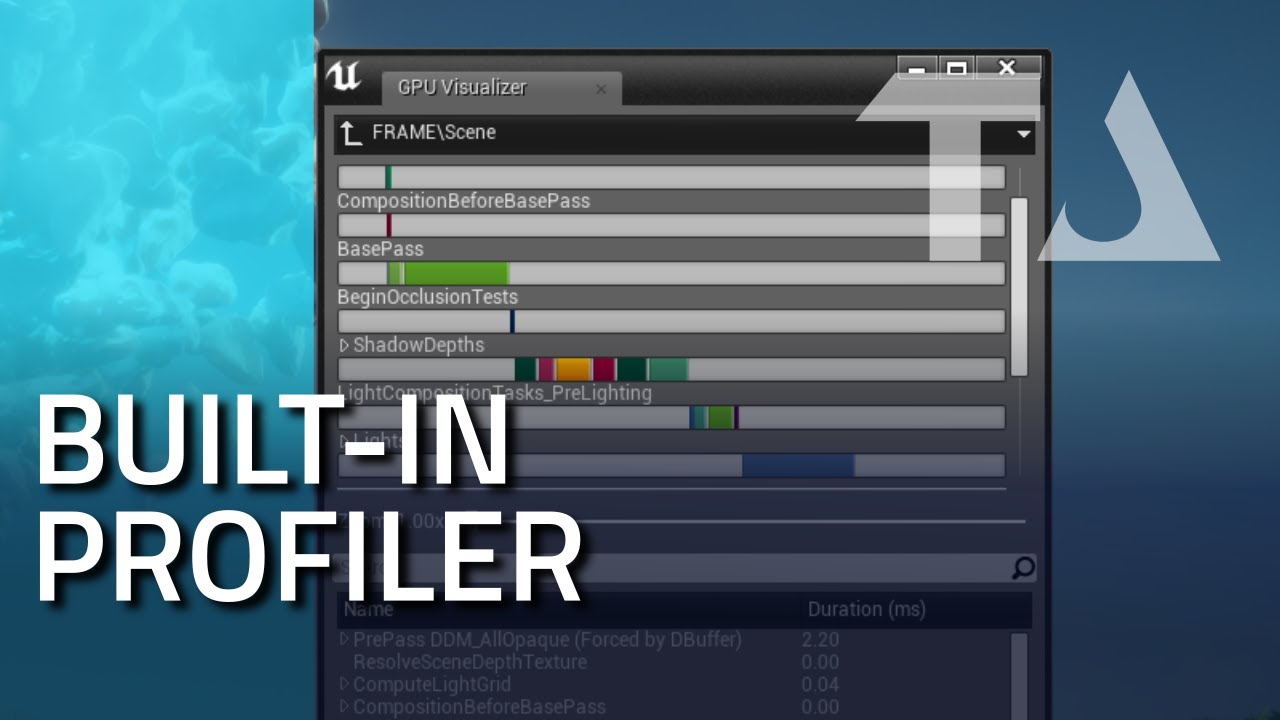
How to use built-in profiling tool in Unreal Engine. Read profiling GPU stats from inside a build. Check performance cost of rendering passes, like ComputeLightGrid, HZB, Translucency etc.
Get project files: http://cbr.sh/od53nz
All parts playlist: https://www.youtube.com/pla...
2 yrs ago , if applicable, not sure how much may have changed
maybe a start>
marsh swallow
So i just came across something interesting.....
This was a true condition. At least I thought.
So by looking at this, why did it not throw a compile error. Will a bool just assume false if its a non-existant variable?
this is 4.24.3 btw
fallen marten
How is it non existent?
 empty arrow
frank oar
empty arrow
frank oar
Anyone able to give me some advice please ? I want to know if i can program an animation to stop an half way through the animation with a button press. During gameplay in unreal ?
plush yew
im so happy rn i finally got a whole C# code and use it as a Blueprint
fallen marten
Does it have to be an animation ? Use a montage and you can use stop montage node @frank oar
frank oar
the idea is that the character could be observed mid animation for errors in form etc... (its a project i am working on for sports).
@fallen marten
fallen marten
Yeah make a montage from your animation and you will be able to control its play. You can even adjust the play speed and choose which part of the montage you want to start from
@frank oar
frank oar
@fallen marten that sounds fantastic! where do i start or rather what terms should i use to look for tutorials ?
 half solstice
I need help with unreal vertex painting
Nothing is working
I've followed all tutorials
fallen marten
Look up anim montages, and some form of tutorial will come up - you need only right click animation and choose create montage, make sure you have a slot in your anim BP, and the node to use montages is called 'play anim montage' and 'stop current montage' (from memory)
Pretty simple stuff

Describes how Animation Montages can be played back at runtime.
@frank oar
Plenty of UE4 docs
frank oar
thank you so much @fallen marten !
i will take a good look into this, it sounds like exactly what i was hoping for!
thank you @fallen marten
sharp crest
Unable to load plugin 'Substance'. when starting the packaged version of my game with Substance plugin :/
anyone knows how to fix this?
tried to google but no results
I think I might have installed it wrongly cuz I moved it from the engine installation to my project
I will try to reinstall regularly
EDIT: worked
fallen marten
No worries @frank oar
plush yew
Hey everyone, I'm just getting into UE and this may be the most simple question ever. So apologies in advance.
But I'm looking for the node editor ?
When I double click on a material (a quixel megascan I imported) this is what I get
but I'm looking for the node graph
the parent icon ?
aah thanks ! so why am I getting this weird metal rust material ?
 ornate hamlet
has NetPktLag and other net variables been deprecated. In 4.24.3 the console no longer autocompletes to these commands for me
I can't find anything online
marsh swallow
Did someone ping me? i cant see it. lol
plush yew
https://docs.unrealengine.com/en-US/Engine/Rendering/Materials/MaterialInstances/index.html
@plush yew thank you
Hierarchical material relationships that allow modification of properties to alter behavior and appearance of child materials without shader recompilation.
 pine siren
What is wrong here?
The whole "fade to black" on approach, and "Preview" being mirrored..
pine siren
Yeah, but I'm not.. 😦
plush yew
@plush yew
i found a way to bounce the mat
easier way
as you want to do it let me knowe
Been working on this today
still in progress
 devout rune
So my editor usually runs at 60 fps, but sometimes it unlocks to 90-120 fps (usually after I do something performance intensive). Anyone know the reason for this? I'd like to know where this happens automatically or if it's something i can activate manually.
plush yew
@plush yew Do you want to slice the trees?
 glass yarrow
@devout rune do you run it on a laptop? Mine runs 60fps on battery power then 120 when plugged in
devout rune
Yeah, I'm running on a laptop, but I always run UE4 plugged in. It seems to haven at points that would be counterintuitive, and by that I mean things that should decrease performance.
 rough hound
https://i.gyazo.com/bac06d354a1a82a0a2546cad89cca788.gif why is my particle effect being scaled up so much?

I didn't though
I even tried scaling it down
it's at 0.1
fierce tulip
its because the version you have in cascade/niagara is really big and you scaled it down is my best bet with the info you gave us
scarlet birch
You put a volcano into a teacup
rough hound
The particle in my level is original scale, the particle in the anim editor is 0.1 scale
fierce tulip
cascade? because particles dont scale well
abstract relic
make sure socket scale hasn't been messed with
normal burrow
how do you set units in blender zadkiel?
rough hound
So it's at 1 and 0.5 now but now it's more or less invisible when just placed in the world
? Set units in blender?
normal burrow
nevermind if you didn't export the character. but would guess HighTide is right. the bone's scale is probably not 1.0 that you spawn the effect at
you'd want to check the scale of each bone parent to the bone you spawn the effect at, up to the root. they should all be 1.0 for xyz or very close to 1.0
plush yew
Hey guys, quick question. When you import models do you always use FBX ? Or sometimes OBJ ?
For some reason I can't get to import stuff properly with OBJ, but it works with FBX
It's just a simple subdivided plane
fierce tulip
generally always fbx
plush yew
generally always fbx
@fierce tulip I see, thanks
Other quick question : Is there an auto update feature for models ? For example when you import a model, you realize it needs more subdivisions or additional modeling so you go back into 3DSmax (or whatever) and save it again
It's a pain to always go back and forth between softwares, save, reimport...
Is there a faster way ?
 random tree
next badger
random tree
next badger
This document outlines how to the auto-reimport functionality of UE4 works, and how to set it up to get the most out of the feature.
plush yew
@lalaland#2325 https://docs.unrealengine.com/en-US/Engine/Content/AutoReImport/index.html
@next badger amazing thanks a lot !
This document outlines how to the auto-reimport functionality of UE4 works, and how to set it up to get the most out of the feature.
scarlet birch
Given I have a user widget that has a sound cue object variable is there a way to have all instances of that widget use the same instance of the sound. or is that something I even need to worry about? I have a custom button and would like to avoid having a UI with 30 buttons have 30 instances of the sound.
I guess I could set the sound in the menu instances. I'd like to have it in just one place though.
 undone sinew
I've crashed atleast a dozen times this evening, and I'
I've noticed that it has to do with splitting the editor on more than one monitor.
Not like one of the popups on a 2nd monitor, but some of the default windows placed onto a second monitor.
And the crashes are tied to very specific actions. For instance, I could keep duplicating the same crash, if I had my layout, and deleted a specific set of keyframes in the sequencer.
Repeated 3 times, with the same crash
But, once reverting to the default layout, and deleting the keyframes, no crash at all.
Other times I crashed with a split layout, were clicking certain objects in the perspective viewport while screen percentage was 100.
Turning screen percentage down to 50, fixed that, but isn't necessary if in the default layout.
fierce tulip
thats a proper bug for a bugreport if i have seen one
though, i use three monitors and ive not had that specific click on thing bug
next badger
i wonder if it's just GPU crashes
undone sinew
I'm using RTX, and suspect its tied heavily to that
I might have to test that, and if it is RTX, maybe do my work with RTX turned off, and only turn it on for rendering.
I'm happy to do workarounds, just have to figure them all out
 arctic flame
Anyone know how I can change the default value of "Visibility Based Anim Tick Option" from an INI file?
normal burrow
for every single skeletal mesh component?
arctic flame
yes
 hollow palm
plush yew
hollow palm
plush yew
haha funny
 heady quartz



 ocean juniper
Yes
 somber hornet
If anybody here could do me a solid, really new to UE4 and using Landscape Splines to make a road, the control point (mountain sprite) that is created when you ctrl+click has disappeared from all of my already constructed splines and does not show on any new ones either. Sprites and splines are turned on in viewport??
idk how to fix this i cant continue until i fix it
cyan robin
i'm trying to do something very simple
call a c++ function from a blueprint
i tried all the advice on the internet and can't figure this out
header file:
public:
    UFUNCTION(BlueprintCallable, Category = "Log")
        void Log();
.cpp file:
void ATest::Log()
{
    //
}
this is a c++ actor class
i then created a blueprint class derived from this
and when i drag out from the node the function name "Log" is not showing?
somber hornet
I'm just using the simple landscape splines and it wont work on my original landscape but if i create a new landscape it works there? I'm so confused
plush yew
Kinda cool
 quaint copper
im learning how to make landscapes i want to make a game
civic lance
I noticed that when you build lightning, it builds it on all levels. Is it possible to just build it on the current level?
 misty sable
Hi all! Just hoping you could please help me with an issue. I’d like to licence a product (https://www.unrealengine.com/marketplace/en-US/product/scrolls-and-books-icons) from the Unreal marketplace, and then use those icons outside of Unreal. Is it possible to export them in some way?
plush yew
Not sure if this fits into any of the other channels but I have a function that's supposed to return an array element
When it runs in-game it runs constantly and picks a random array element instead of sticking to one
Is there any way I can make it run once or have it stick with the single array element?
I'm a major UE4 noob so I have no idea what I'm doing
abstract relic
Try Get owning actor
cyan robin
just tried that and said cast failed
normal burrow
Thing needs to exist Javin
cyan robin
i have two blueprint actors i'm trying to communicate with
the above is BP_Messenger trying to cast to BP_Basics
abstract relic

What is a Blueprint Interface in Unreal Engine 4 Blueprints?
Source Files: https://github.com/MWadstein/wtf-hdi-files
cyan robin
thanks so i'm not casting a reference to the instance?
 tight needle
i need some help with unreal engine 4.25 i have a packaging error
cyan robin
makes more sense @abstract relic
cyan robin
i can create an event with the blueprint interface in a character class but not in an actor class?
i don't understand
WTF indeed
plush yew
hello
cyan robin
those videos are great though
plush yew
I have a death animation
but how do i add this animation when my character hits 0 HP?
cause rn when my character hits 0 hp nothing happens
the character will still be alive
 dark rune
on event point dmg/radial damage, after dealing damage check if health <=0hp
use play animation node
dark rune
hold on im checking with my project
plush yew
oh okay sorry
cyan robin
how do you get a function from a cast?
"By using the Get Player Character node, then using a Cast To MyCharacter node (the special Character Blueprint), you can then say if the Player Character is MyCharacter, let me access the Variables, Functions, Events or any other special functionality contained within that Blueprint."
Examples of different Casting Nodes and usage cases.
trying to get access to the function within the blueprint after casting from another blueprint
ah, so you have to add an event to access a function?
fallen marten
@plush yew you can do it with either
plush yew
okay
can you send like a screenshot of what nodes to do it with and what goes where?
or text what nodes goes with what
Please and thank you
fallen marten
@cyan robin if the interface is added to the actors class defaults then you should be able to add the interface event you want
plush yew
if not i'll try to figure it out
oh wait my friends wants to help
he was afk for like 30 mins
fallen marten
@GameDevDorian#679 make a state in your anim bp
Death
When health hits 0, have your anim BP death state run, and check the death animation 'looping' box to false
 violet goblet
"auto reimporter"
when importing a file is once cancelld, it is "forever" ignored for the importer, how can i reset that?
fallen marten
Try restart the editor
fallen marten
The file you want to re-import, open it, check the details tab and see if it has a pathname of the source file
@violet goblet
violet goblet
but its not imported in the first place (canceled), so where to "open it" than? 🙂
 gilded sierra
Hello, i'm having trouble with grass generation, the align to surface option i creating this thing. Any idea how to fix it ?
 hoary locust
because the texture is low resolution?
pine siren
this is without any texture. I feel like the shadows/edeges are like.. softened
This is a "mountain" a bit closer, and a lot higher mesh-resolution.. Is there some settings with lighting or something I've done wrong maybe..
fallen marten
@violet goblet try drag and drop it from the file explorer into the editor. Also check the file extension is correct In case that's why ue4 doesn't 'see' it
plush yew
get velocity stops updating when u are in air?
what kinda thing is that?lmao
doesnt update x,y when u are in air
pine siren
You want the HUD-display that pops up on the right side of the screen?
violet goblet
@fallen marten what worked out:
copy the folder "XYZ" (which should be auto imported watched), rename it like "_XYZ"
delete content from original folder (XYZ), now copy all content from "_XYZ" to "XYZ"
and unreal will recognize all as "new"
 blissful trail
i have this integer that goes up by 1 every 1 second until it reaches 145 i also have this float that goes up by 1 any way to sync them up ?
plush yew
@pine siren Yes
do you know anything about it?
Just give me the name of it or a tutorial and i will search it out!
pine siren
@plush yew I have no idea. Never made a hud. But shouldn't it be kinda similar to creating a menu etc., with "Widget blueprint" or whatever it's called?
An example of how to create, display, and remove UI elements from the screen during gameplay.
fallen marten
@violet goblet I would never have guessed to do that - just replacing the files with copies of themselves.. glad that worked man
lime geyser
how would I change an input value to a relative input vector? just like GetLastInputVector but replicated, because GetLastInputVector refuses to go to server
fallen marten
The input value would have to be set as a replicated variable, and used in the event that replicates to server
lime geyser
where would I set that? isnt that set in charactermovement?
I tried to just use input scale but that launches relative only to world
fallen marten
the event needs that vector as an input
Im checking my character to double check how i repped my launch
 regal lark
Hello everyone
regal lark
ive been thinking about learning how to use unreal
austere scroll
and of course the gun is a separate mesh and the character is anotyer separate meah
regal lark
any where i should start?
austere scroll
How do you animate them ???
@regal lark i started by watching virtus learning hub , that helped me alot
austere scroll
Choose a game u want to make like (fps,rpg,side scroller, horror)
Choose a game u want to make like (fps,rpg,side scroller, horror)
He has courses on.many game genres
fallen marten
@lime geyser yeah the vector that feeds into my launch character comes from the point damage node which is a server event. If this helps,its how ive got my backwards walking events setup to replicate
And inside that function the events call, is a replicated bunch of variables
plush yew

The Legend of Zelda Breath of the Wild Gameplay Walkthrough Part 1! Intro and Magnesis Trial Gameplay!
NEXT PART ► http://zack.watch/ZeldaBOTWPart2 PLAYLIST ► http://zack.watch/ZeldaBOTWList
SUBSCRIBE ► http://sub.zackscott.games ► Thanks for every Like! 👍 Ring the Bell! 🔔 ⤴
...
If any1 know how to add UMG ui when he picked up the apple
please let me know
really need it
fallen marten
@plush yew do you even have a widget made?
plush yew
If you can lead me to a tutorail that will help alot
fallen marten
dude... there are literally hundreds of tutorials
just ask Dr Google
https://www.youtube.com/watch?v=LwEu2PqqCIo
first cab off the rank
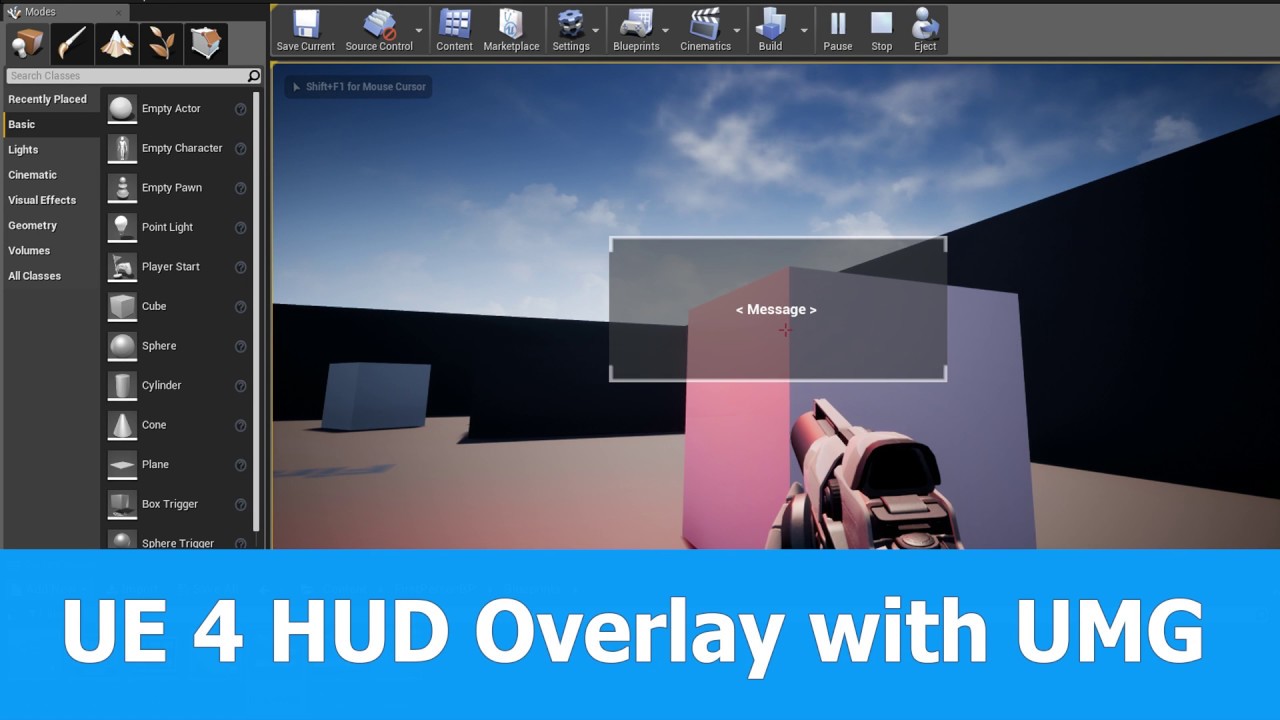
This is a Unreal Engine (UE4.15) tutorial on how to add a HUD widget blueprint overlay with UMG components to the viewport when the game starts.
See my social profiles here
G+: https://plus.google.com/+JayAnAm
Twitter: https://twitter.com/jayanamgames
Facebook: https://www.fa...
theres more in UE4 Docs
gilded igloo
Hey guys, for some reason I cant find certain levels in my file explorer, any idea why?
nvrmnd, fixed it
 regal mulch
Who's using 4.24.3 and can do a very quick test for me?
(Requires the creation of two BPs and changing a variable.)
fallen marten
Shoot
regal mulch
Right:
Note: Make sure to create the following BPs via Rightclick in Content Browser -> Click "Blueprint Class" -> Select Class in List. Don't rightclick the parent to create children!
- Create a
ActorBP Child and call itBP_Actor_Base. - Open the new BP and create a variable of type
Actor Class (Array). Save and compile. - Create a
BP_Actor_BaseBP Child and call itBP_Actor_Test. - Open, Save and Compile both Blueprints.
- Open the Class Defaults of both Blueprints.
- Add (e.g.) two entries to the Array in the
BP_Actor_Test. - Hit Compile.
Expected result would be, that the BP_Actor_Test now has two entries and the parent BP_Actor_Base still has an empty array, right?
fallen marten
For step 1 - what class?
regal mulch
That's just a note. Lemme reformat, my bad.
fallen marten
The array variable isn't showing in the test class defaults
regal mulch
You made the Test one a Child of the Base one?
fallen marten
Yup
regal mulch
And compiled both?
fallen marten
Yup
regal mulch
Hm, that is not even what I wanted to test haha
fallen marten
I can get the variable in the BP, but it ain't showing in the class defaults which is kinda weird
regal mulch
It does for me at least.
fallen marten
Doesn't even show in the class defaults in the base
regal mulch
The thing I wanted to confirm is that changing the child will change the parent. Which it shouldn't.
You sure it's not just very hidden? :D
fallen marten
No worries
regal mulch
Would be nice if you could test that if you find the variable
Cause this is a pretty breaking bug and I can reproduce it in 4.24.3 unlike 4.22.3
fallen marten
I'll keep looking man - this is bugging me now haha
Ok I tried adding a different variable, a bool, and it shows in class defaults, but not the actor variable, or when you convert the actor variable to an array
Just changed the bool to an array, added two elements and set them, compile save and it doesn't pass the change back the parent
regal mulch
I have it now on two different PCs
fallen marten
Just changed the actor array to an actor class array, and it showed in the defaults
Added two elements in the child and compiled and saved like before and still no change to the parent
regal mulch
Strange. We have it on two different PCs with new projects on launcher 4.24.3 version.
Will record a video when I'm back
fallen marten
I'm using the twinmotion project as it was already up - trying to get its materials to work on 4.21
Idk if it's going to bug on mine - feel free to DM me with more tests tomorrow. I have to head to bed shortly
Holy shit haha 😂
That's crazy
Nooooo not at all 🙃
 orchid seal
I'm trying to learn vertex paiting and in every tutorial I watched on youtube they say "this is just a basic things" and they open a texture with a clusterfuck of nodes. My mind has melted
 polar viper
Someone removed my message
next badger
@plush yew what's the difference? sentences are made out of letters
also name implies
spare sun
I dont understand the question either, a sentence string is interpreted as an array of letters
you wanna replace certain words or what?
 loud knoll
Anyone know if you can override a constant color parameter in a cascade emitter? the color is changing fine as long as the values are high enough to overpower the the constant value and I want to just set that constant value to 0 once I change the color to the new color?
pine siren
loop through the letters of the word..?
fierce tulip
@loud knoll any reason why your initial color isnt the color you are trying to overpower?
plush yew
does anyone have any project with great examples of replication?
fierce tulip
@loud knoll also, please dont cross-post same question :)
spare sun
either just loop through all letters after the input or filter it during input
rough hound
https://i.gyazo.com/6921cf27950da3c313bdd95fd86fede4.gif Do you guys know why the distortion effect might linger when in game but not in the animation editor?
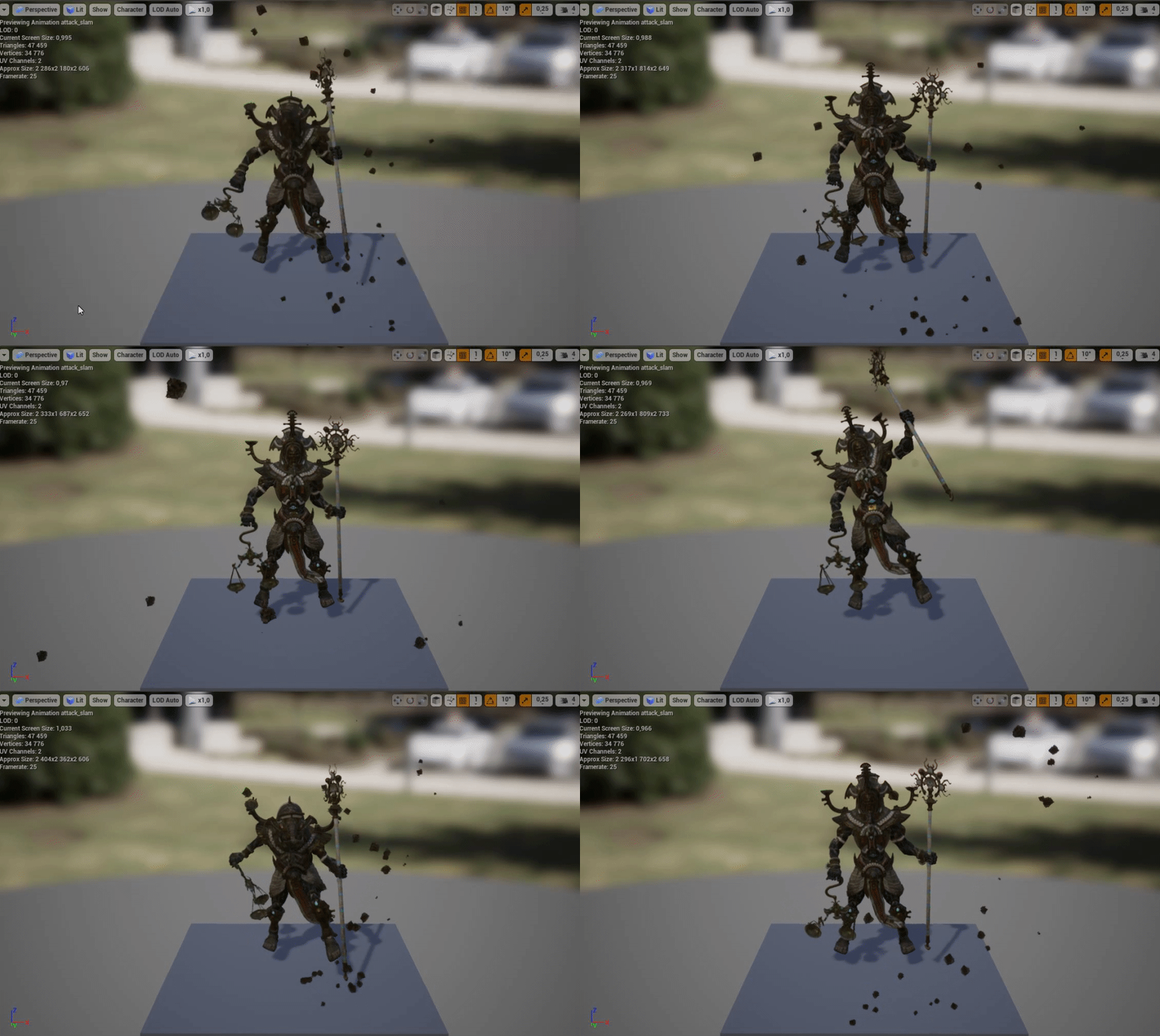
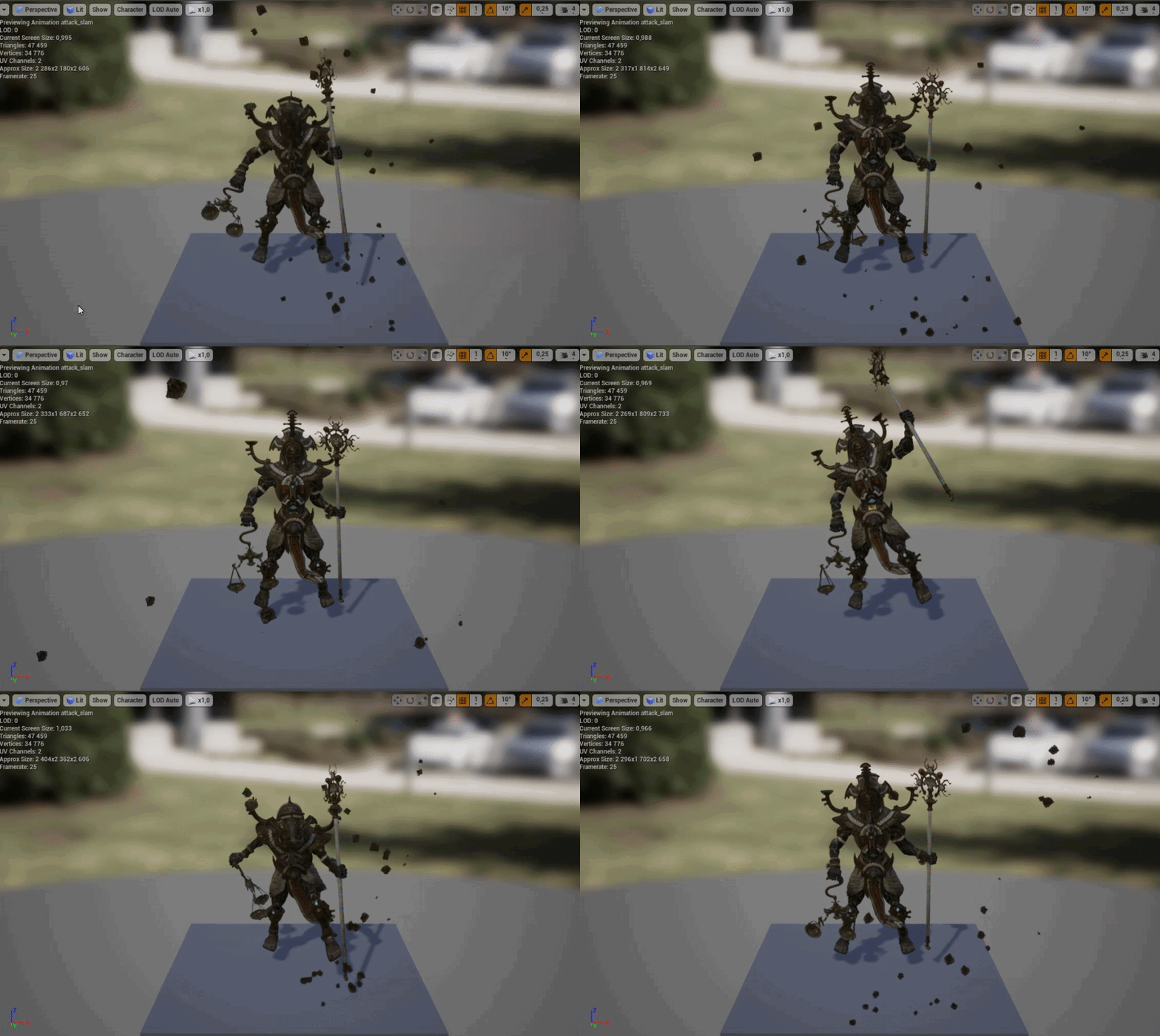
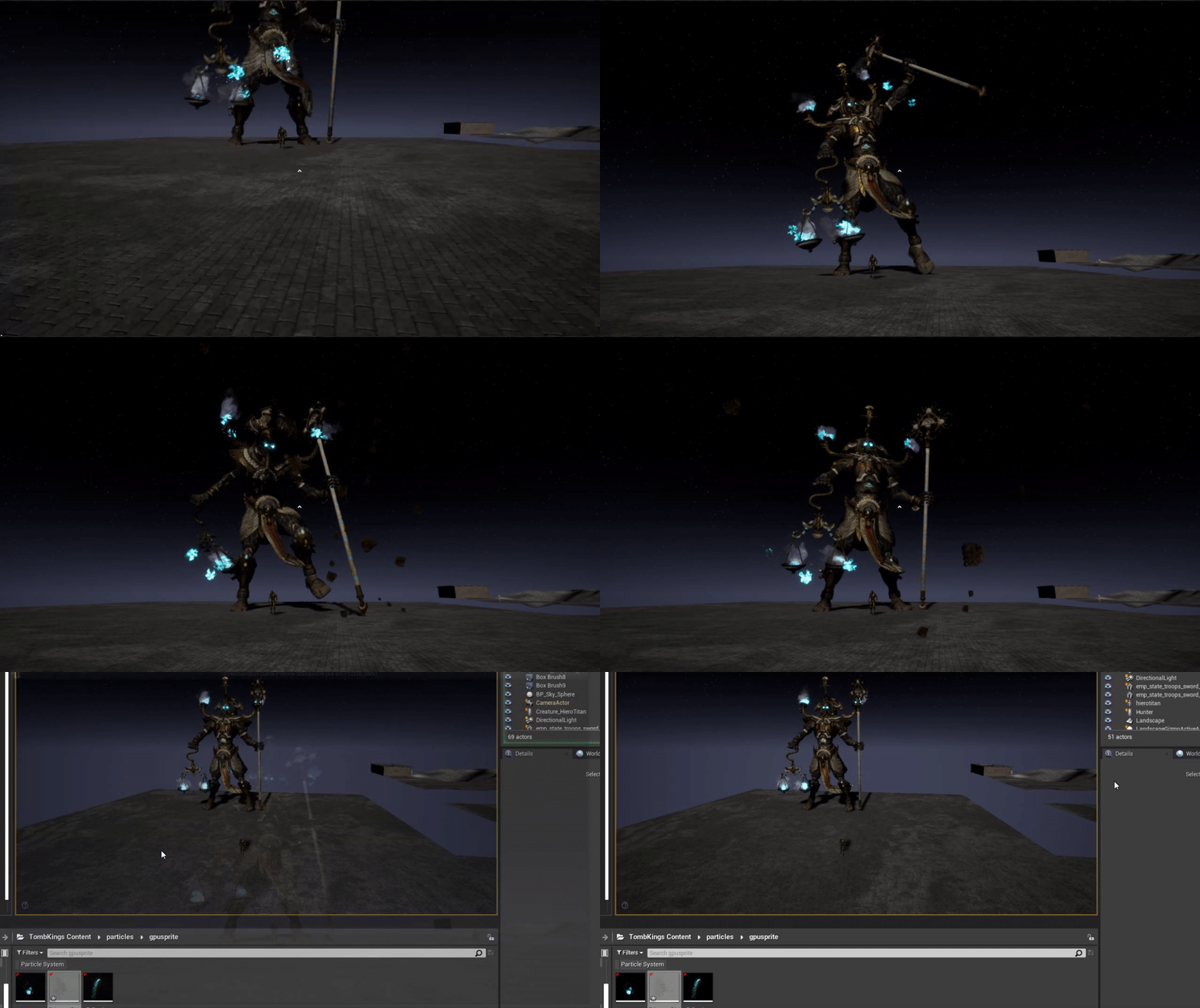
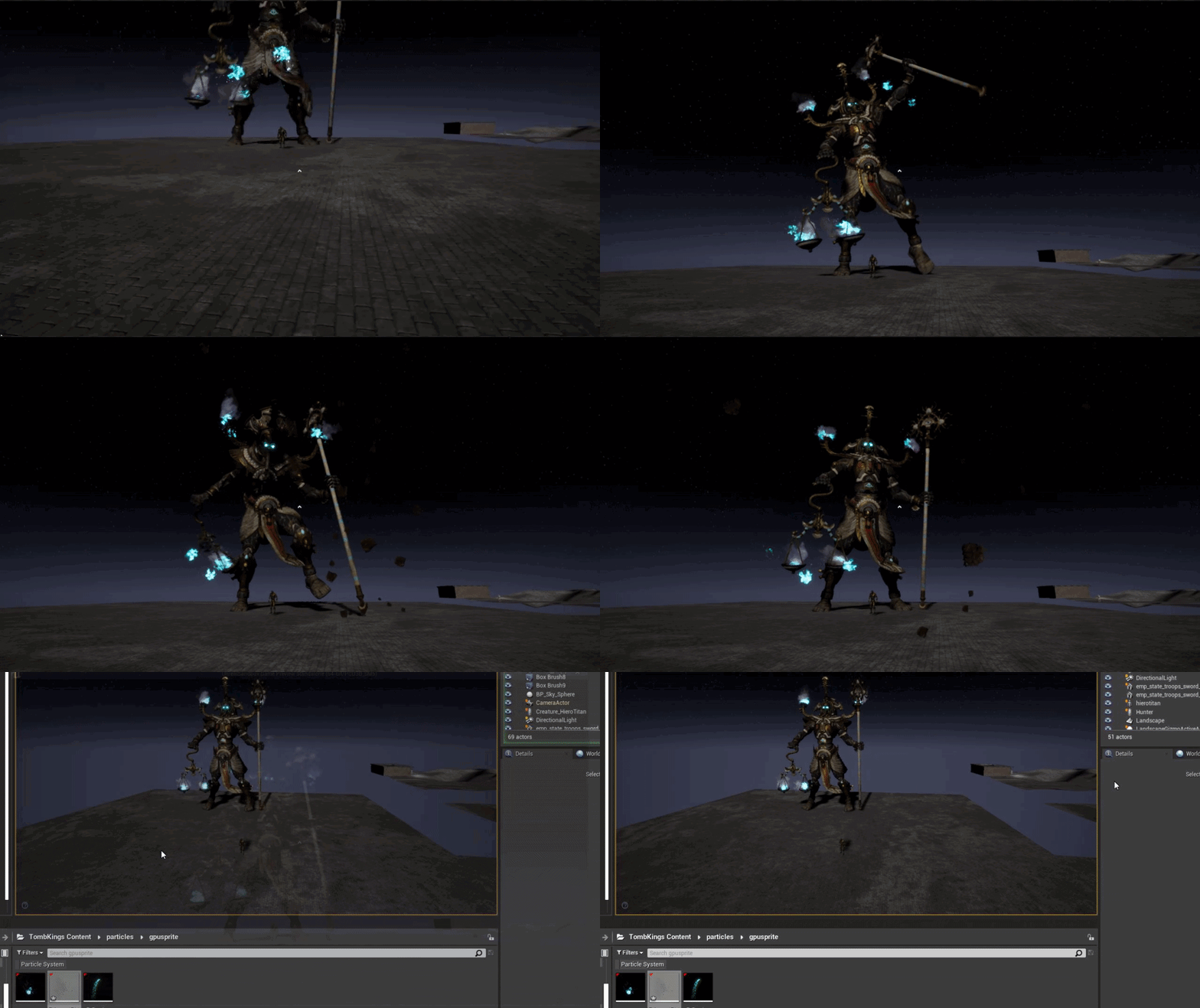 fierce tulip
seems like it started another loop before ending
pine siren
Have anyone used UWorld::SetNewWorldOrigin before? I can't find much documentation about it.
When I have moved a lot, and have called "SetNewWorldOrigin" several times, I thought this would prevent floating precision errors.
LogLevel: WORLD TRANSLATION END {621898857, 817, 126981589} took 0.1455 ms```
But when I move out here, I really stutter. My actorPosition x/y/z apparently moves smoothly at around "0,0,0", but everything is jumping around..Oh thanks
I had the emitter duration set to 0
set it to 0.1 and that fixed it
🙂
It seems to only be rendering at certain angles, is there a way i could get it to render from all angles?
fierce tulip
need to set the bounds in cascade
polar viper
i want to know why my message was removed
fierce tulip
oh right, because you where asking for in-depth help, and in that case you'll need to contact the unreal bot to post on #looking-for-talent
kinda got distracted
 weak cypress
i just tested my game outside the engine
polar viper
if you told me i would of copied it and removed it then posted it into #looking-for-talent
fierce tulip
@polar viper you cant really, the bot works differently
rough hound
https://i.gyazo.com/331116390133f4262bce94837261d391.gif i used the "set fixed bounds" option and now it's broken 😅
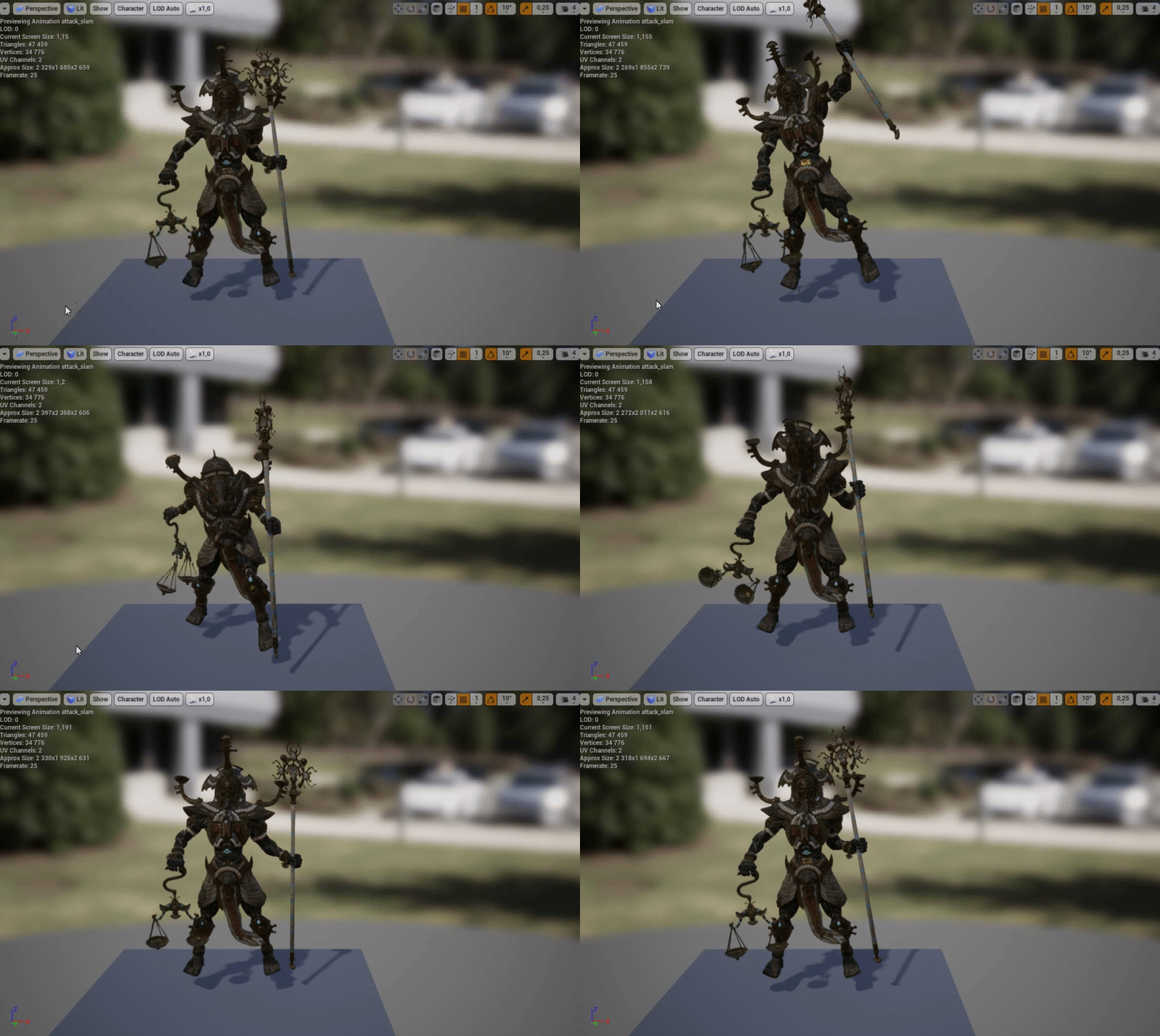
 fierce tulip
Fixed bounds will use the bounds of that frame. often needs to be bigger
rough hound
So how should i approach this?
fierce tulip
first try to find a frame where the effect is at its biggest, and round it up quite nicely
rough hound
Alright, thanks.
next badger
@fierce tulip sorry to poke, do you know if it's possible to affect particle system speeds by the scale? now the scale only affects the size of the particles -_-
fierce tulip
see my reply in #visual-fx
regal mulch
@plush yew Yop that's the bug.
 tawdry storm
@regal mulch just tested it as you described and funnily enough on the first compile it worked as expected, but after compiling again and saving the two windows seem to be linked and as soon as I add a new entry in the child blueprint I get the same entry mirrored to the parent. If I select a class it mirrors that as well.
tested in 4.24.3
regal mulch
Yeah it doesn't even need you to press compile anymore at some point
It's utterly broken and no one seems to notice
Base class shows "reset to defaults" on its own property. Haha
tawdry storm
yeah but even when you click that it stays linked up
Oh... clearing both array, compiling and saving both blueprints it seems to break the link
but only until you recompile 😄
OH
I got something
tawdry storm
regal mulch
Just needed someone to reproduce it outside the office
tawdry storm
when you recompile the parent it gets rid of the entries that weren't set in it
so creating one in the parent and then two in the child an then recompile the child and then the parent it works as expected 🤔
regal mulch
Problem is we have it as far as the child always getting variables reset
tawdry storm
but only until you recompile the parent again
regal mulch
You know this happens recursively right?
tawdry storm
it's less than stellar, but at least it's visually fixed, but yeah no idea how that behaved in an actual project and if you have entries in it
tawdry storm
I feared as much 😄
regal mulch
I also don't know if this is the only symptom of it
We have the problem that we set booleans on the child. Hit compile and it resets them back to what they were before.
tawdry storm
but if you recompile the parent it always goes back to it's former entry, no matter what the child has overwritten
regal mulch
I think I got it as far as that the parent sticked to the values