#📚┃suno-school
1 messages · Page 211 of 1
 quiet solar
 sleek stump
Midi dload is a Premier feature, it's not available in the Pro level.
 acoustic egret
quiet solar
Have you extracted full stems rather than vocal/instrument only?
acoustic egret
quiet solar
Have you extracted full stems rather than vocal/instrument only?
Yes full
acoustic egret
sleek stump
Midi dload is a Premier feature, it's not available in the Pro level.
Oh whatttt. I gotta be premiere?!?
sleek stump
Correct, it is a Premier feature.
acoustic egret
😐
acoustic egret
sleek stump
Correct, it is a Premier feature.
Is melodyne a workaround?
Or would it be more accurate to use premiere inbuilt feature
sleek stump
I heard mixed feelings about the midi outputs from Studio, I havent used them yet so... one of the problems is that stems tend to have multiple instrumets in them so midi is a bit of a mess for those stems.
But then thats going to be an issue across the board, not just for Studio
quiet solar
sleek stump
Correct, it is a Premier feature.
Haha. I managed to miss the key part of his original post. 😂
 rough depot
does it matter if i hit enter so i can read it better? or does that kill the rhythm?
quiet solar
It may well do if you hit Create with it spread over more than 8 lines.
While you're making the edits, though, do whatever works for you. You can always fix the structure as the last step in the process.
rough depot
ah yes true,
(so am i right, its actually funnier if she sings it with a "straight" power metal voice?)
quiet solar
That's probably quite subjective, but I find that often that unexpected humor works best if you play it straight.
Personally, I'd keep it as is - I really like how that section sounds.
rough depot
Hmm the "i fear no demon" line isnt coming out well I should scrap it But other than that this version is FIRE. The singer even sounds like the guy who sang Ruby Eyes (Valyrian!) https://suno.com/s/bBIr5XUldPRPPja8
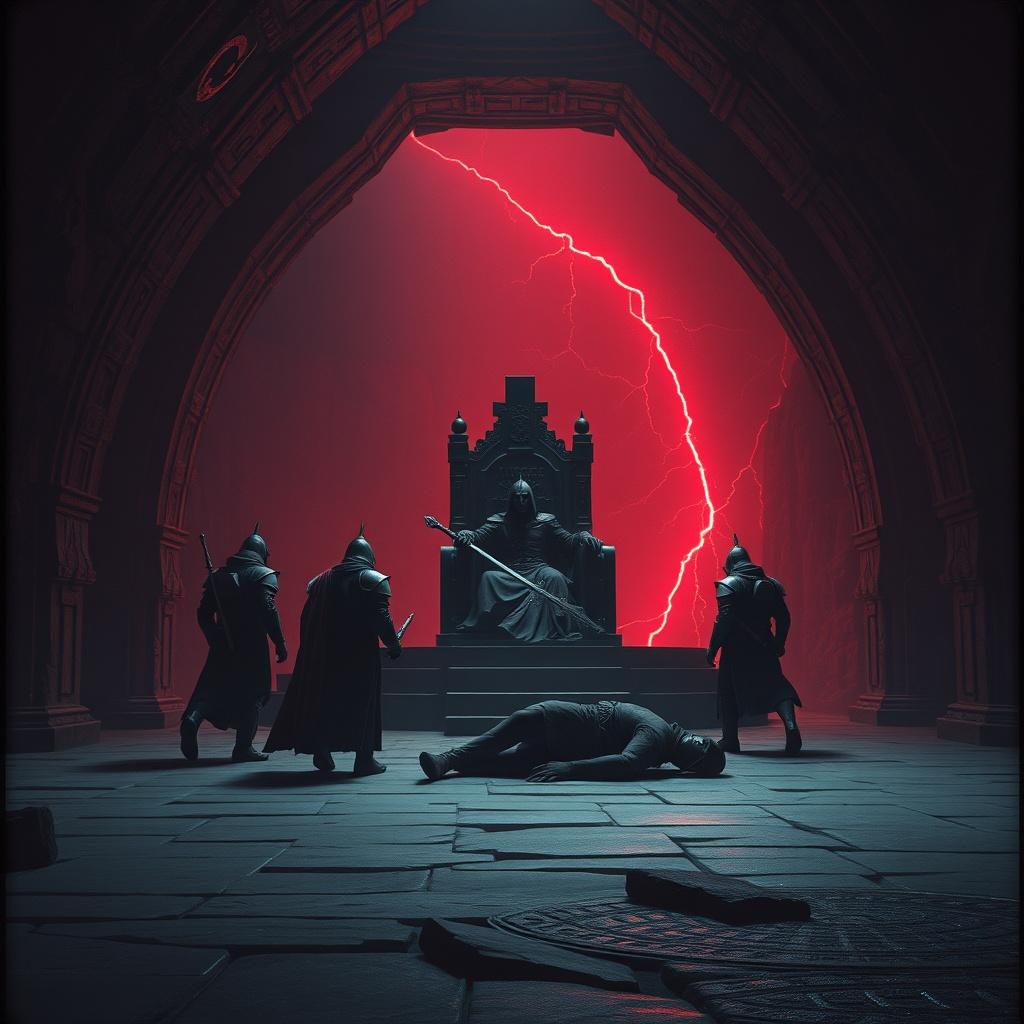
"I fear no demon," spoke Char-leen, her sword prepared to strike.
maybe....the mighty dark held fast, her sword prepared to strike?
Experiment:
Leave the dungeon completely bare!
[Man](This Woman scares me!)
[Final Heavy Chord with a Harpsichord flourish]
This iteration is even better, in terms of the bridge; I could just cut out that parts where it starts to break down. Or I can try and make it work. https://suno.com/s/zOY7nIXprrxuPBal
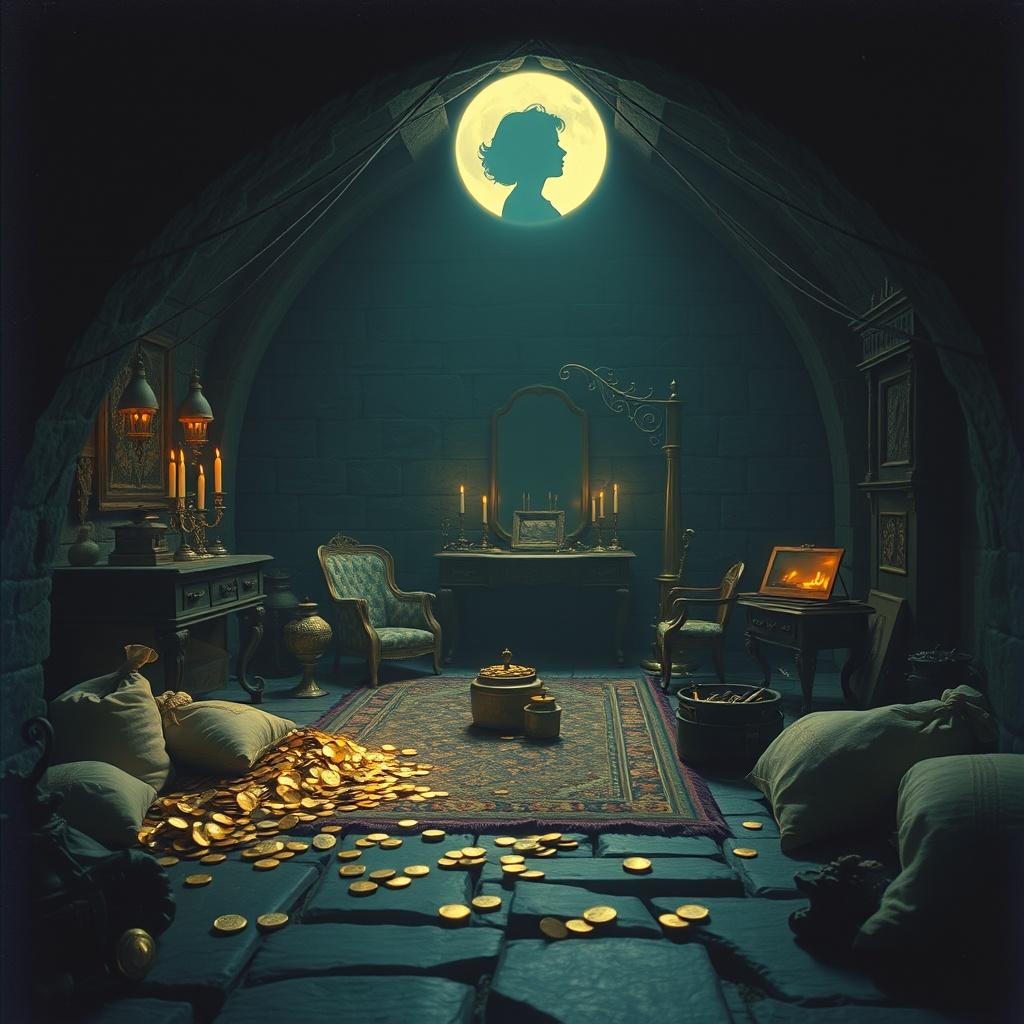
I actually added more lines (also experiment failed)
TFW,,,,,you accidentally reverse weirdness and style
Here. We. Go. Perfection. https://suno.com/s/VtdzJ66t2d6NOLAE

Absolute CINEMA
rough depot
Do style prompts phrased thusly work?
If symphonic power metal and 90s disney villain songs had a baby. That's what style I want.
https://suno.com/s/4KcXBsVpNCq5RTVW ugh nope didnt work

 frozen dagger
rough depot
Do style prompts phrased thusly work?
> If symphonic power metal and 90s disney ...
frozen dagger
rough depot
Do style prompts phrased thusly work?
> If symphonic power metal and 90s disney ...
type it in and then click the magic wand 😄
rough depot
ah good point
Lyrics need edits. Gah! The vocals are wrong for this type of song. https://suno.com/s/v9XHKhs9iAbCMd0T
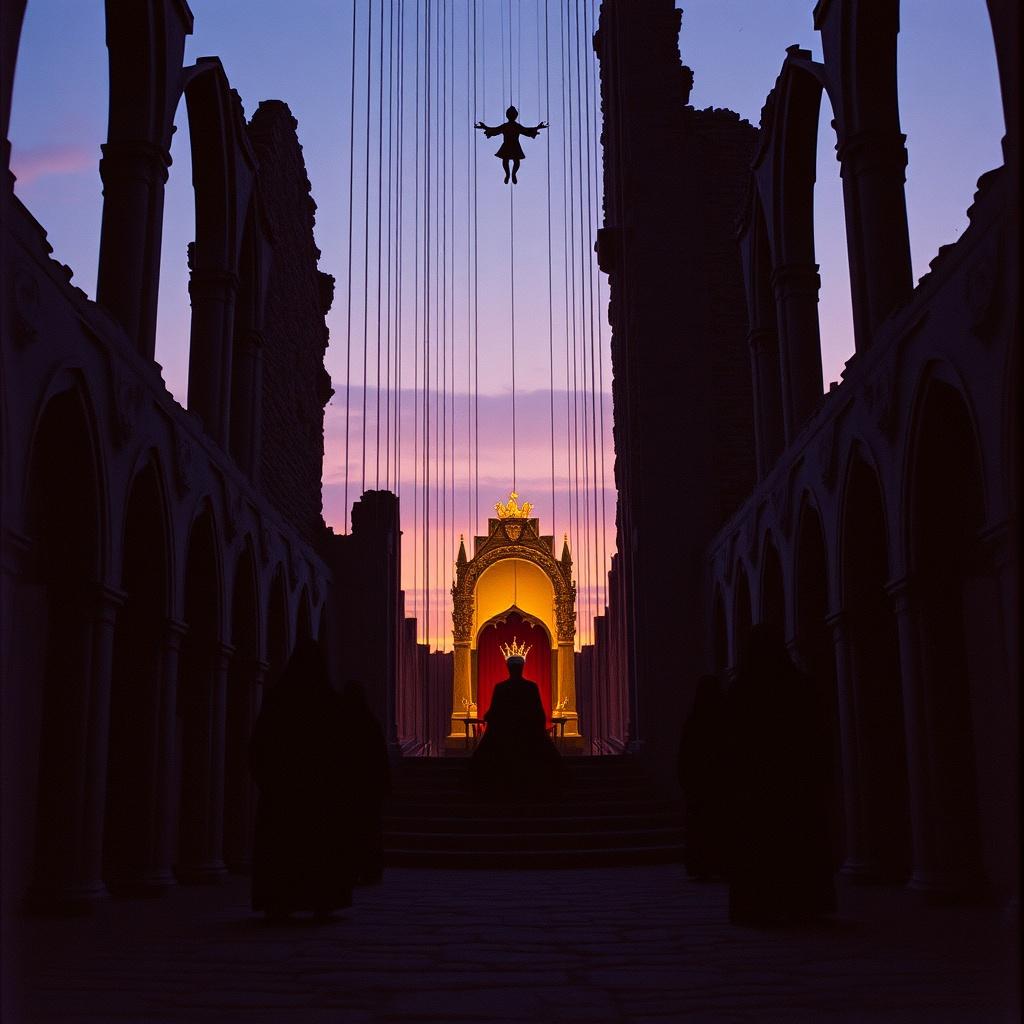
The spoken word parts are perfect but....
Damnit gemini putting spoilers in the lyrics
https://suno.com/s/lbX4gcH1kHx6Ihrc hmm no discard and draw. this sounds too heroic
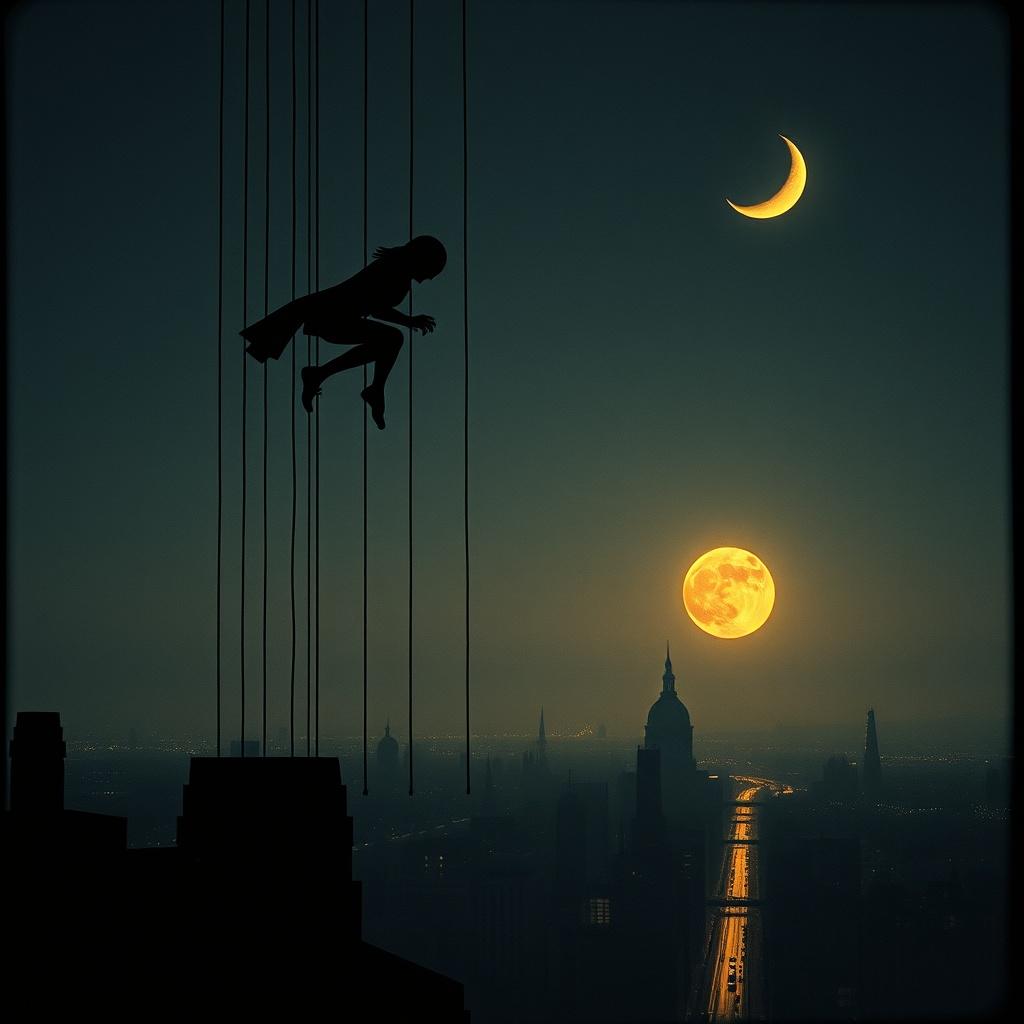
I think that "power metal" specifically triggers that vocal style.
is suno not capable of mixing styles?
frozen dagger
rough depot
is suno not capable of mixing styles?
yes. i find making it in layers better results for me. make basline, then cover in another style, or parts of.
rough depot
how do you mean? like stemming the vocals out?
frozen dagger
no, just make one style cover it with the other. create a symphonic power ballad and cover it with disney villain music, or vice versa.
you can fuse the text prompts as well. experimentation.
rough depot
wont covering it as symphonic power metal overwrite the vocals?
NVM looks like all i had to do was add some shit to the style prompt
The track bursts in with sinister electric guitars, and orchestral strings. Vocals are fiercely theatrical—sinister, expressive, rich in character—dancing atop intricate riffs. SInister, slow voice, creepily calm and devilish. Musical theater, operatic, like a damn disney villain song from the 90s unapologetically evil
https://suno.com/s/YDMbXO06ectRbjzi
CInema. Though I wonder if I could make the final chorus more frantic and maniacal . Sadly no maniacal laughter at the end but....
 frozen dagger
rough depot
NVM looks like all i had to do was add some shit to the style prompt
> The track...
frozen dagger
rough depot
NVM looks like all i had to do was add some shit to the style prompt
> The track...
can add laughter with Sounds and Studio 🙂
frozen dagger
rough depot
NVM looks like all i had to do was add some shit to the style prompt
> The track...
[maniacal laughter] never hit for me. [laughter] worked sometimes, seldom, but sometimes.
rough depot
gah. i already posted it to my yt album
rough depot
I HAVE MADE FIRE https://suno.com/s/EBmZ7IQ1X6kNZpcf

ACCIDENTAL. CINEMA. I put new lyrics into the lyricizer, but forgot to clear the stylicizer. And I wound up with this ABSOLUTE CATJAM OMG I AM DYING HERE - this is incredible!
 polar spade
For what its worth in these chats, regarding syllables, keep in mind of the words that can be either 1 or 2 syllables, like iron [airn] or i-ruhn. Or Tokyo, is Toke-yo or Toke-ee-yo.
Probably = Prah'bly or prob-ba-bly
Lavatory = lav-uh-tor-y or lav-uh-tree
And dozens others.
And least not forget that "real" is ALWAYS two syllables whereas "reel" is one
So then we have to work out whether Suno is giving "going to" as 3 tokens or maybe just one by singing "gonna".
As in that example I gave yesterday. If a line doesnt work or gets a pause because the genre calls for it, and yet we don't want that, we may have to physically spell things awkwardly to force some direction. This can affect metering and rhyme.

 half dragon
 halcyon sundial
Is your Cover from an uploaded audio with vocal? If so, Suno won't let you create Persona from it.
halcyon sundial
half dragon
Is your Cover from an uploaded audio with vocal? If so, Suno won't let you creat...
is there any way to avoid this
i only want to use the melodics
half dragon
halcyon sundial
i only want to use the melodics
Maybe try to extract the vocal...with other free software then upload just the instrumental or just the melody assuming you own the rights
or even hum it yourself
 main hazel
@polar spade

need ur pro skills if any ideas what to promt for such song
0:32 good backing melody
 lone nova
How could you recreate the portal song vocal?
https://www.youtube.com/watch?v=Y6ljFaKRTrI

'Still Alive' from at the end of Portal during the credits.
'Still Alive' by Jonathan Coulton: http://www.jonathancoulton.com
and sung by Ellen McLain (GLaDOS, TF2 Announcer, HL2 Overwatch Administrator)
I don't own the song or video in any way. It's a great song, and I uploaded it purely based on that and to share it with others.
Enjoy!
Ly...
 sonic folio
That's what I want 🔥
How do you prompt that?
For example
Dubstep, Main vocals:pitched-up,sped-up etc. etc.
frozen dagger
lone nova
How could you recreate the portal song vocal?
https://www.youtube.com/watch?v=Y6...
nice. good example. just saw this. have a game open i need to close to hear, but off the top of my head i'm thinking we would want to combine the classic TTS (text-to-speech) voice and combine it with an auto-tune effect.
i was trying to think of some examples yesterday and got bored with it and dropped it. this is a fun experiment. let me close my game and toy with something.
frozen dagger
frozen dagger
nice. good example. just saw this. have a game open i need to close to hear, but...
well. i made something pretty fun, but i am unable to further play-test and tweak it because Suno is having some issues loading right now. But I got a useable voice variant, from here I would refine the music style and continue to tweak the voice via covers and more splicing to get more variations in the pitch and cadence that i'd want.
but if Suno would let me I'd be putting some lo-fi chiptune breakbeats and other odd timing stuff to keep playing and generate more lyrics. Creating a large sampler size to pool from.
(I did record the process will update later if possible.)
Persona: https://suno.com/persona/89f91688-aeea-4e71-a5a4-4d7b804ce3a2
(Quick) Example of song generated using Persona:
https://suno.com/s/omlhNt40T7S3KYLE
(lyrics parodied, it's ok)

Suno
Create stunning original music for free in seconds using our AI generator. Make your own masterpieces, share with friends, and discover music from artists worldwide.
 polar spade
main hazel
<@465342107905818624>
polar spade
main hazel
<@465342107905818624>
Start here in this bit of chat about links to some AI genre analyzers, including my suggestions. As we did before, its about tweaking several times for me to get something "just right". #📚┃suno-school message
frozen dagger
lone nova
How could you recreate the portal song vocal?
https://www.youtube.com/watch?v=Y6...
https://suno.com/s/M3A0GahY10LFkQC3
I used Deathcab for Cutie - I will follow you into the dark as my style inspiration. Literally, typed it in and used the Suno Magic Wand to turn that into a style prompt. Used Suno Lyric edit tool to re-write the lyrics. "Safe for work Parody" (after just Parody made a funny jab at OpenAI in it's first draft but dropping some small foul language).
That was fun. I would need to edit the recorded footage to be viewable. If I get around to doing that I'll share it in workflows later. Can use the method to create some fun stuff. But, I think it's pretty good with minimal effort. Could up-pitch it more to be closer to source, but I'd rather be close, but not cloned.
 main hazel
polar spade
Start here in this bit of chat about links to some AI genre analyzers, including...
main hazel
polar spade
Start here in this bit of chat about links to some AI genre analyzers, including...
dont got any good ones, sadly
polar spade
main hazel
dont got any good ones, sadly
😢 It makes sense that it wont get any different when I try then. Not sure where to go from there. What do you feel might improve the odds? I would guess tweaking a few prompts?
rough depot
Example of cover being epic https://suno.com/s/Ebsk4Ny6hClBq1PC

 wintry jacinth
Just double checking there isn’t a sure fire way to stop the singer from screaming into what should have been a chill song
rough depot
wintry jacinth
Just double checking there isn’t a sure fire way to stop the singer from screami...
Aint found one
wintry jacinth
rough depot
Aint found one
It burns my credits. Negative prompts are not weighted enough imo. If I say no screaming there should be no screaming, or belting
frozen dagger
wintry jacinth
Just double checking there isn’t a sure fire way to stop the singer from screami...
There is not a "sure fire" method, yet, unfortunately. Negative prompts (even when using the appropriate negative prompt space in the advanced options for pro users) can backfire and include what we want excluded.
Your options are to evaluate your prompt and/or audio influence and see why it is maybe screaming (if it is consistently doing so, with &without negative prompts) and adjust it as needed so it stops. Try to strongarm it into the calmer style you want by adding some tags to describe what you want (both in the lyrics as meta-tags and in the style prompt), adjusting those magic sliders.
...option 2. cut/replace the section. This is probably more consistent since your just replacing a section and gonna ignore stlye prompts. Remove the vocals by splitting the stems if necessary so it doesn't even "see" the screaming. Replace that section with a prompt that only describes the vocal (since the audio is already there).
quiet solar
As with pretty much all AIs, it's more effective to tell Suno what you do want it to do, rather than what you don't.
frozen dagger
Kanthric would've said it much better than I.
wintry jacinth
So this is the Style prompt I used:
INDIE POP, SINGER-SONGWRITER RAP, calm straight tone, restrained vocal delivery, driving acoustic rhythm guitar, Rhodes piano, pop bassline
quiet solar
Is it going full screamo, or is the singer just being overly enthusiastic/loud?
There's nothing in there that's obviously steering Suno towards unhelpful influences. Maybe switch out "restrained vocal delivery" and replace it with something like "soft, intimate vocals"? Or slip in other genres that are softer at the end, to help influence the general vibe?
Ultimately, if it keeps happening across multiple brand new generations, something is being connected somewhere behind the scenes to screamo vibes.
wintry jacinth
Not screamo like metal, like soulful R&B Broadway/Amway belting
i removed pop, but it made it too mellow so its something with Pop
frozen dagger
wintry jacinth
So this is the Style prompt I used:
INDIE POP, SINGER-SONGWRITER RAP, calm strai...
try putting the stuff that involves the softer singing at the start of the style prompt. (add more descriptive to it if u want. anything more to add more emphasis.) Sometimes putting it at the start can help add more emphasis. Adding more things about it can also.
The pop was probably the culprit as you see in wild variation. So to @quiet solar 's point earlier, it boils down to articulating the sound into words (and then hoping the AI picks up what you're putting down).
quiet solar
wintry jacinth
Not screamo like metal, like soulful R&B Broadway/Amway belting
"vocal delivery" might be influencing that problem too
I suspect that phrase is more commonly associated with "strong vocal delivery" than "soft vocal delivery"
wintry jacinth
yeah that could be an issue, Ill try both. ill remove it, and then put in the front
frozen dagger
frozen dagger
try putting the stuff that involves the softer singing at the start of the style...
Also, if you're satisfied with the vocals in the rest of the song, cropping that selection and turning it into a Persona is closest to "sure fire" as we can get. If you have something that sounds close that helps immensely.
wintry jacinth
Good idea, I am using my best approach at using my own voice which is me just singing calmy but Ill try that anyway
So is it usually best to leave the negative prompts alone then?
frozen dagger
wintry jacinth
So is it usually best to leave the negative prompts alone then?
Depends on who you ask. I'm in the camp of using it as a last resort. I try to focus all of my prompting on what I want to start with, and don't usually run into a situation where I feel the need to use it.
*edit: and at the same time see many with great tracks that use negative prompts often.
 pure panther
Anyone else getting songs that get really really quiet all of a sudden, like the volume was turned down?
frozen dagger
pure panther
Anyone else getting songs that get really really quiet all of a sudden, like the...
#📚┃suno-school message
Bored Ape mentioned it happening again today.
pure panther
I've had it happen periodically for about 2 weeks now. It's so weird.
I'm not mentioning dynamics or volume in my prompts anywhere, so I thnk it's just a weird bug.
lone nova
pure panther
I'm not mentioning dynamics or volume in my prompts anywhere, so I thnk it's jus...
it is surely annoying, but can you just use pro editor fix it?
what is the biggest suno bug currently exist, that make it really hard to get what you want?
polar spade
main hazel
dont got any good ones, sadly
I meant to ask: which genre analyzer app did you use and what prompts did they give that didnt get close? It almost seems similar to the last one but more 4/4 than waltz.
main hazel
polar spade
I meant to ask: which genre analyzer app did you use and what prompts did they g...
i dont remember but it was one u sent i think
and gave me either general promts or like pop when it was walz
polar spade
main hazel
and gave me either general promts or like pop when it was walz
The youtube video you posted was not waltz, though. This one is 4/4.
main hazel
polar spade
The youtube video you posted was not waltz, though. This one is 4/4.
oh yeah not this one, i was talkin about when tried for the first time
polar spade
main hazel
oh yeah not this one, i was talkin about when tried for the first time
So.... you just posted a youtube short. That's something you are trying to prompt for now?
main hazel
polar spade
So.... you just posted a youtube short. That's something you are trying to pro...
yeah
main hazel
polar spade
So.... you just posted a youtube short. That's something you are trying to pro...
this promt would help me get closer to the nostalgic chanson, general stuff,
i m kinda frozen in the walz stuff still, still cant get out of it lol
polar spade
main hazel
yeah
Back in February,, when we did this, we just added "waltz" to change to a waltz. But the onset before were all 4/4. Now ytoure talking waltz out and throwing the prompts in a new create and yet it just gives everything a waltz vibe. Yea. Odd.
polar spade
main hazel
this promt would help me get closer to the nostalgic chanson, general stuff,
i...
Well. You got an mp3 of the song? Ill at least paste it in the analyzer and send you the prompts it gives back.
main hazel
polar spade
Well. You got an mp3 of the song? Ill at least paste it in the analyzer and send...
sure lemme check
since we re at it, theres a better one even i was lookin 4
lemme check
polar spade
main hazel
since we re at it, theres a better one even i was lookin 4
That's fine. Im just going to throw in the AI app and give you back the prompts.
main hazel
1sec, im gonna cut off the intro (jazz saxophone part) dont want that
main hazel
polar spade
That's fine. Im just going to throw in the AI app and give you back the prompts.
polar spade
But thats the same as before then. Its the oom pa pa waltz vibe. So the genre for that is Laiko waltz. I just now put Laiko Waltz in prompts and got that Slavic eastern Europe sound. Then its just about tweaking until the song sounds nice.
main hazel
polar spade
But thats the same as before then. Its the oom pa pa waltz vibe. So the genre...
hmmm that sounds far off , like greek style
sirtaki
polar spade
main hazel
hmmm that sounds far off , like greek style
Yea. Maybe, youre right.
. Its in the neighborhood though. So thats a good starting point, than, well, California Surf Punk.
Same as the song in February. Started with Laiko and kept tweaking to get a closer sound. In part, there are no lyrics, which might shape the sound as well.
From the February one the prompts were a combination of :
Laiko waltz, russian dance, russian rai, oom pa, euro pop, slow schlager, disco polo, volksmusik, ensemble, turku, syrtos
main hazel
polar spade
Yea. Maybe, youre right.
. Its in the neighborhood though. So thats a good sta...
yesterday i digged hard for maybe some rdy songs by some ppl this was the closest i could come with, lots of punk or sythwave stuff there hard to find
main hazel
main hazel
https://suno.com/song/96772855-8122-4c2f-b8e6-4842de3e7d1c
but still too slow and still far from mine
polar spade
main hazel
yesterday i digged hard for maybe some rdy songs by some ppl this was the closes...
Yea. I can hear the folk and cinema vibe, more acoustic sound. Not as close to the waltz-y more traditional late 80s feel
polar spade
main hazel
yesterday i digged hard for maybe some rdy songs by some ppl this was the closes...
If you find some songs that are similar, and they have remix on, then stack three or four as inspiration or a couple as Mashup to see what happens.
It would cost credits to cover them just to make a playlist.
main hazel
polar spade
If you find some songs that are similar, and they have remix on, then stack thre...
ye tthese things can work i just wished i had a solid promt, to not depend on the stacking
polar spade
main hazel
ye tthese things can work i just wished i had a solid promt, to not depend on th...
Sure. Hope you find the magic prompt. But you have options, too.
main hazel
main hazel
when u uploaded that song in ur ai checker, it didnt give u any more promts tho?
polar spade
main hazel
when u uploaded that song in ur ai checker, it didnt give u any more promts tho?
Canzone - Nepoltana is prominent. LAIKO is next. Give it a minute ill write the others down.
main hazel
polar spade
Canzone - Nepoltana is prominent. LAIKO is next. Give it a minute ill write the...
chatgpt keeps sayin laiko also doesnt match its more guitar stye or sth when i tried back then
what was that page u had to analyze them again?
polar spade
main hazel
what was that page u had to analyze them again?
For me it has seemed to be the more accurate.
main hazel
/report
 shadow plaza
Last night i saw Add your Voice in the mix BETA .. today i cant find it .. on the website version
was it leaked update by mistake
?
rough depot
Any way to get a song to open with sousa-esque marching brass? https://suno.com/s/3O9JW8nHCLxRGgA5

 thick osprey
Hope this is the right forum
I have a song that I want to make a Swedish translation of. Can I get the same Melody and arrangement somehow and then work with the Swedish lyric?
polar spade
rough depot
Any way to get a song to open with sousa-esque marching brass? https://suno.com/...
3.0 and 3.5 are better for that in having a deeper natural brass sound with slight reverb to sound more like a recording than a generative AI piece.
So prompts can be as simply as "sousa, marching band, celebration, Fourth of July" Not sure if it comprehends all holidays well, but it certainly knows "Christmas"
 onyx lynx
 quiet solar
thick osprey
Hope this is the right forum
I have a song that I want to make a Swedish transla...
quiet solar
thick osprey
Hope this is the right forum
I have a song that I want to make a Swedish transla...
If the original song is yours, then yes - at least in principle. If it's not yours, then no; you shouldn't be uploading or recreating other artists' content into Suno.
In terms of doing the translation, how easy/difficult that will be depends on close Swedish is to the original language, and to what extent you'll need to translate into lyrics that fit the existing arrangement, rhythm and rhyme scheme, which may not be able to be a literal translation.
Covering an existing song from your Suno Library and switching out the lyrics is possible, though advance warning - it's may not be the most straightforward exercise in practice.
thick osprey
The lyrics are mine. I did the arrangement/style and Suno did the work. My question is, how do I preserve the original music without alter it? It is not the original that comes out when I do a cover of it. Is there any commands that I should use?
Regarding the translation, I’m aware of the difficulties 🥹
 tight prism
You don't alter the styles
@thick osprey When you take an existing song and want to "cover" it, changing the lyric structure has an impact. Touching the arrangement can have an impact. It can change the song over all so it isn't an exact match.
 dusky stone
hello guys, just recorded my own voice (backing voice) in Suno studio and would like to have it replaced by AI with reverber exactly as it is. I used REPLACE, put the exact lyrics, slider W15%, S50% and A85% but Ai is generating weird stuff. can you pls help?
frozen dagger
thick osprey
The lyrics are mine. I did the arrangement/style and Suno did the work. My quest...
If you want the music to sound (mostly) the same, but change the lyrics (drastically), but keep (a similar) melody to the way they are sang... then it sounds like maybe you want to start by separating the vocal and audio stems. (Ain't gonna' be perfect here.) After you have them split tho, now the music is isolated and can be left mostly untouched. Now you can focus your efforts (where they are needed most) in covering the melody of the lyrics with your new Swedish lyrics.
Either covering the vocal stems since it is obviously similar to the vocal melody (it should be the vocal melody, right?), or take another step and create a better version of the vocal melody (like a keyboard playing the vocal melody) to Cover the lyrics.
Then you're mixing layers, because it's not going to be a one-and-done thing. It's not going to be a one-to-one (exact copy).
99 red balloons is a thing. So like, ofc it can be done, in theory. Sounds like you have the vision.
tl;dr Cover the vocal stem with the Swedish lyrics, layer it with the original instrumental, mix to desired thickness.
frozen dagger
dusky stone
hello guys, just recorded my own voice (backing voice) in Suno studio and would ...
Replace ignores what is selected, looks at whats around the selection (within the context window).
dusky stone
frozen dagger
Replace ignores what is selected, looks at whats around the selection (within t...
so should I use cover? But i noticed that cover also add drums, piano, pads, sometimes
frozen dagger
dusky stone
so should I use cover? But i noticed that cover also add drums, piano, pads, som...
if you want Suno to use what you recorded as audio influence to create something new, then yes, Cover, not Replace. Replace is supposed to ignore the selection, look at the surrounding audio as context, and use the prompt boxes to create output.
dusky stone
frozen dagger
if you want Suno to use what you recorded as audio influence to create something...
ok thanks, let me try and give you fb
ok, better, but it's really adding and not following exact melody. Which slider options can you pls suggets?
frozen dagger
dusky stone
so should I use cover? But i noticed that cover also add drums, piano, pads, som...
and yeah it does that... adding other instruments.
you want to create a vocal output that matches the sound of your recording.
It always does its own thing in the end. I like how I think Kanthric called it before "a probability machine". You're wanting it to stay as close to the vocal audio as possible. Then isolating the vocal on the timeline (mute everything else, vocal is a separate stem too) and put audio slider to 85%. Weirdness from default to low 15%. Exploring in between that 15-50 for weird to see if it is making any noticeable difference in adherence.
50-85 on style depending on what you're trying to do.
dusky stone
frozen dagger
and yeah it does that... adding other instruments.
you want to create a vocal ou...
you mean while covering mutin all and leave only the lead vocal track?
dusky stone
frozen dagger
and yeah it does that... adding other instruments.
you want to create a vocal ou...
and also if i got a generated cover track with say vocals an guitar can I re-extract stem from it?
frozen dagger
dusky stone
you mean while covering mutin all and leave only the lead vocal track?
if that is all you're really trying to change. don't know what you're doing. im assuming your style prompt is something to change your voice. everything sounded like you wanted your recorded voice to be changed. muting everything else helps Suno focus on the voice, and not include other instruments in the new gen. (it is still seeing all of that, especially if you're Covering a section in studio on the same track as the audio and not a new track. Where the context window is probably (could be) larger.)
dusky stone
frozen dagger
if that is all you're really trying to change. don't know what you're doing. im ...
ok ty!!! I'm getting for sure better results than before...thanks
frozen dagger
dusky stone
ok ty!!! I'm getting for sure better results than before...thanks
good. glad to hear that. good luck experimenting and learning.
frozen dagger
dusky stone
ok ty!!! I'm getting for sure better results than before...thanks
along with being a probability machine, it also feels like it has a momentum engine. sometimes just feeding it some more credits and letting it do a few more gens it feels like it stops doing weird things and getting on the same page with the direction I'm wanting Suno to go.
polar spade
frozen dagger
along with being a probability machine, it also feels like it has a momentum eng...
You've discovered my "Rule of 20 Gens" lol.
tight prism
@polar spade how does one get chat access?
polar spade
tight prism
<@465342107905818624> how does one get chat access?
Not sure. May be just a roll out to a few rando folk. I see a comment or two out there.
polar spade
tight prism
Is there some place I can ask for that access?
I mean, there's the suggestion-web https://discord.com/channels/1069381916492562582/1154587937611190354 where devs are lurking.
I didnt see a request in the https://discord.com/channels/1069381916492562582/1290756014714519683 research-feedback. So, again, maybe random. They do that occassionally.
Only recently, a few got Studio for awhile, so we just waited until we all had it, or it dies on the vine to never be seen again. Who knows.
frozen dagger
tight prism
Is there some place I can ask for that access?
... More -> Feedback -> I want to apply to be an early tester for Suno

 tight prism
Thanks
 karmic jacinth
I tried to upload my songs to soundclouds for artists
and they ask me for license rights , a pdf with a license that i own the songs
how can i do that ? i have premier pro on suno
dusky stone
Can you regroup parts of a track after splitting or adding?
 polar spade
dusky stone
Can you regroup parts of a track after splitting or adding?
polar spade
dusky stone
Can you regroup parts of a track after splitting or adding?
You can save just a track [ export /selected time range] and redrag it back in. Only takes a moment. I haven't found anything to tape splices together in the module itself.
Oh right.. I was thinking of Studio... I forgot which channel I was in. Too many words beginning with S.
half dragon
rough depot
What if i like 2 gens and wanna merge them
You'd need Studio for this.. put them both on the same timeline, chop and merge them however you like.
dusky stone
polar spade
You can save just a track [ export /selected time range] and redrag it back in. ...
ah ok, I was thinking more a easier and faster "regroup option" like in premiere or powerpoint😅
rough depot
ah. can i add a fife track to the first one then?
So, is it common for highly similar leitmotifs to crop up after multiple generations across different songs?
polar spade
dusky stone
ah ok, I was thinking more a easier and faster "regroup option" like in premiere...
In edit, you just save as new song and start over in edit if there is more.
Keep in mind, there is no edit history when editing the new combined song.
And the old edit history disappears. There is no Project save or history with Pro edit. Only in Studio.
polar spade
dusky stone
ah ok, I was thinking more a easier and faster "regroup option" like in premiere...
Keep in mind for any readers... to say "adobe Premier" so theres no cofusion from Suno Premier.🥴
dusky stone
polar spade
Keep in mind for any readers... to say "adobe Premier" so theres no cofusion fro...
ah sorry did not know this, and yes I'm askin it for Suno Studio
polar spade
dusky stone
ah sorry did not know this, and yes I'm askin it for Suno Studio
Oh... Studio... well , we have what I mentioned to highlight or Single out each track and export and drag back in. So yea, there's that for Studio. For Pro, not so much. Just editing and save and starting over.
polar spade
dusky stone
ah sorry did not know this, and yes I'm askin it for Suno Studio
And Heal Edit is more or less a CTRL-Z thing, I have not seen it do much more than reverse the process and go back to the original track or larger segment. Its hard to tell what "heal Edit" is intended to do.
 fervent mango
hi, can someone help me a bit cause i think im going insane, i have this song and i really like the chorus and the verse but the verse cuts very abruptly and weird into the chorus so i want to make the verse longer so it transitions better, so right now the verse is like 8 bars and i want to make it like 12 or 16 bars, how the hell do i do that cause i tried song editor and nothing works, it glitches out and basically still plays the chorus, it just doesnt want to extend that verse and the verse only
rough depot
Does "new lyrics" overwrite the whole ass song or does it stick to the sections you highlighted?
 tight cloak
fervent mango
hi, can someone help me a bit cause i think im going insane, i have this song a...
tight cloak
fervent mango
hi, can someone help me a bit cause i think im going insane, i have this song a...
I think the best option is to download the track as WAV or MP3, than cut the part where it goes wrong.
Now you can upload this WAV or MP3 file an select the 'Cover' function. Add your new lyrics, use the same style direction prompt. Play around with the "More option" section, i recommend using a higher value for the "Audio influence". This way it stays as much as the original you had, but because you have a cut version it will never be 100% the same.
main hazel
frozen dagger
If you want the music to sound (mostly) the same, but change the lyrics (drastic...
interestin point, if i, lets say generated a song that sounds good to me, now i want my old persona voice to sing it instead. is it better to just cover it after as is, or better to seperate the vocals from original track first? coz i still found suno might do odd stuff if gets just the melody
 graceful tree
i'm experiencing a problem in extending a song.
i have created a one minute song on suno for a kids youtube and its impressive! https://suno.com/s/j9hn2dtosohhtprk
now i'm trying to extend the song for another one more minute, because i have 2 minutes song lyrics, i used whatever option i had there and tried to extend , remix and everythin i can do on editor and suno ui to get it done, but i could never get another one minute of the song. what can i do
Suno
Create stunning original music for free in seconds using our AI generator. Make your own masterpieces, share with friends, and discover music from artists worldwide.
quiet solar
tight prism
<@465342107905818624> how does one get chat access?
It looks like they randomly extended the Chat beta to more/different users this week, as it suddenly popped up as an option on the desktop version for me for the first time.
If you've used the chat function within the lyrics box or the magic wand in styles, it's pretty much a fusion of the two but allowing for a bit more of a conversational back and forth about tweaks and changes after you've generated a song as a starting point. It's kinda cool, especially if you need a hand translating what you're thinking into prompts that Suno can work with.
quiet solar
graceful tree
i'm experiencing a problem in extending a song.
i have created a one minute song...
Have you tried doing a cover of the song with the same style prompt, and adding in your additional lyrics? If you're on Pro/Premier, setting the audio influence to somewhere around 50%-70% and the weirdness down at the 15%-25% mark will also help with keeping the same broad style, although you should expect some differences to the instrumentation as a result.
Adding a perfect extension to an existing song that's seamless with what went before isn't straightforward in Suno. If you're worried you might get attached to one specific version on the way and not want to lose it, you're always far, far better off starting with the complete song from the outset.
graceful tree
see its an episode based project like theres 50 episodes, so the music style is consistent in each episode
quiet solar
karmic jacinth
how can i do that ? i have premier pro on suno
Short answer is that you can't. There's no way to generate a PDF from Suno that says "XYZ user has the licence rights to this song".
Soundcloud isn't the most friendly platform for AI generated tracks - I suspect deliberately. But if you're determined that's where you want your music to go, you'll need to provide them with timestamp evidence that the song was created while you were subscribed to Pro/Premier - so a combination of the date-stamped song on Suno, billing records from your bank, and a copy of Suno's TOS that confirms Suno isn't acting as a rights-holder. The most important bit is the paragraph with "...if you are a user who has subscribed to the Pro or Premier paid tier of the Service, Suno hereby assigns to you all of its right, title and interest in..."
On top you'll need to explain to the Soundcloud team that this is something that you created as an artist with the use of AI and confirm it doesn't contain samples of existing licensed works (presuming that's true) or that if it does, you have a licence to use them (and attach evidence from the rights holder of this).
dusky stone
Pls help with Simple mastery Workflow:
As I checked with you few days ago I'm doing the following 4 step:
• STEP 1 -3db in Audition
• STEP 2 BandLab Mastering
• STEP 3 Hard Limiter in Audition
• STEP 4 Match Loudness -14 LUFS in Audition
I have a friend (and also double ckehed on line and with copilot) that told me:
Double mastering — BandLab already applies compression, limiting, EQ and loudness. Adding a second limiter in Audition means you are mastering the track twice, which reduces dynamics and can introduce distortion.
Unnecessary loudness normalization — After BandLab pushes the track to around –9/–10 LUFS, forcing it back to –14 LUFS lowers the volume but keeps the heavy compression, resulting in a weaker and less natural sound.
Redundant processing — Lowering to –3 dB → BandLab mastering → hard limiter → loudness match is more processing than a Suno track needs. Suno exports are already clean, balanced and partially mastered.
Risk of harsh highs and pumping — BandLab boosts high frequencies and loudness. A second limiter can exaggerate these boosts, making the track sound harsh or “over‑processed”.
No added benefit — Each extra step after BandLab does not improve quality; it only increases the chance of degrading the mix.
What is your opinion? Many thanks
graceful tree
has anyone experienced issues in voice changing in the editor mode. a part of the song where a female character is expected to sing but always i get the adult male singer singing it. how to solve the issue?
acoustic egret
how do i make a music video for my song on suno?
graceful tree
graceful tree
has anyone experienced issues in voice changing in the editor mode. a part of th...
out of luck today.
 half dragon
graceful tree
has anyone experienced issues in voice changing in the editor mode. a part of th...
half dragon
graceful tree
has anyone experienced issues in voice changing in the editor mode. a part of th...
That is known to be a difficult task.
You might want to try Extend to redo that section, until you got the female voice you like and hopefully musically matches up..
then bring it into Studio (if you have access) or DAW to replace the section in the song.
Or try to Cover the whole song with Female and hope you can mix and match any sections you like (in Studio or external DAW)
half dragon
acoustic egret
how do i make a music video for my song on suno?
Either make it yourself, shoot the actual video or use AI video gen --> edit yourself
or look for online services where you upload your song, then it'd generate the videos for you
Either way, there's cost involved so ... just keep that in mind.
acoustic egret
half dragon
Either make it yourself, shoot the actual video or use AI video gen --> edit you...
does suno have a feature tho to generate a song into a AI music video?
half dragon
acoustic egret
does suno have a feature tho to generate a song into a AI music video?
No, Suno doesn't have that feature. Only audio for songs.
acoustic egret
half dragon
No, Suno doesn't have that feature. Only audio for songs.
dam ok
half dragon
acoustic egret
dam ok
It can generate a video with scrolling lyric though... kinda like lyric videos
acoustic egret
half dragon
It can generate a video with scrolling lyric though... kinda like lyric videos
how do u do this?
half dragon
Under Download > Video
 acoustic egret
half dragon
Under Download > Video
acoustic egret
half dragon
Under Download > Video
thanks g
also, i make metal music and was wondering if theres a way to download guitar di stems instead of the amped track
half dragon
acoustic egret
also, i make metal music and was wondering if theres a way to download guitar di...
Do you have Pro subscription? if so, you can extract them stems and download
acoustic egret
half dragon
Do you have Pro subscription? if so, you can extract them stems and download
yeah ive got pro and ive done that but htats the AMPED guitar track. not the raw DI
half dragon
acoustic egret
yeah ive got pro and ive done that but htats the AMPED guitar track. not the raw...
With Studio you can.. but that requires Premiere
acoustic egret
ah dam ok
acoustic egret
half dragon
With Studio you can.. but that requires Premiere
so how do you do this, remove the amp?
just curious
half dragon
let me check
Right click on the time line on whatever stem track you want > Remove FX
 frozen dagger
main hazel
interestin point, if i, lets say generated a song that sounds good to me, now i ...
frozen dagger
main hazel
interestin point, if i, lets say generated a song that sounds good to me, now i ...
In my experience the Persona tool has been having issues. Anytime I am trying to basically just kinda swap the singer in a song using Cover and Persona together, it seems to just ignore my Persona. So, I have been separating stems most the time for me. Or creating instrumentals as a first layer then doing the lyrics with a Persona after I have some music I like.
Suno is always trying to predict what comes next, even if you explicitly tell it what comes next.
With this "stick to the original 100%, but make changes.", it's easy to see how things can get difficult. Human or ai.
The sliders for example. You want it to stick to audio so like super high audio influence seems legit, but now if it is sticking to the audio then it doesn't have room to make the changes, so we dial up the weirdness slider a little bit to give it some freedom to make the changes, and maybe dial our audio slider down again to give it a little more freedom. Trying to find a "sweet spot".
dusky stone
dusky stone
Pls help with Simple mastery Workflow:
As I checked with you few days ago I'm d...
Guys, getting bit confused and LF your help. Another said:
Phase 1: Surgery (Adobe Audition) -6 dB.
Phase 2: Polishing (BandLab)
that's all.
What do you think and what do you think of the free version of Band Lab where you can not touch the slidere at all? Thanks!
shadow plaza
shadow plaza
Last night i saw Add your Voice in the mix BETA .. today i cant find it .. on th...
Well do you guys have this feature ?
it was amaizing manage to clone my voice not 100% but 80%
i would love to test it more before release to public where i can apply for that ?
frozen dagger
shadow plaza
i would love to test it more before release to public where i can apply for that...
 obsidian nacelle
hey, i am relativly new here, and cant find something on the interweb. I doing an Movie trailer, Narrator type track, but the Voice is making breaks in the lyrics where i dont want them.... i could force breaks by adding an empty row, but how to stop this speach breaks?
frozen dagger
obsidian nacelle
hey, i am relativly new here, and cant find something on the interweb. I doing a...
one trick is to use hyphens to link the words together, create a chain.
"walk-it-back-talk-back-walkie-talkie"
There is a workflow where the user suggested using commas after every word for flow.
https://discord.com/channels/1069381916492562582/1476269784084643892
Haven't tested this method myself. But could be worth taking a look at as well.
quiet solar
dusky stone
Guys, getting bit confused and LF your help. Another said:
Phase 1: Surgery (Ad...
You'd have to talk to someone who uses Bandlab regularly, and who is familiar with audio mastering and what Bandlab does (or doesn't) do. Quite honestly, it sounds like you've effectively already got that advice with what your friend has pitched in.
If I recall correctly, you wanted to use Bandlab to shortcut the manual mastering process so you could apply a simple workflow to songs in general, rather than mastering each one individually as needed? That was always going to have side effects, since AFAIK Bandlab isn't specifically designed to optimise songs for loudness for streaming services. And mastering isn't an identical process to be applied in the same way to all songs.
If you wanted to avoid the risk of overprocessing it looks like you've got three broad options:
-
Use Bandlab and try to guesstimate the output LUFS based on the db slider. Tweak afterwards only if needed. That's it.
-
Manually master the track on your current process, replacing your current STEP 2 with EQ balancing - either manually, or using a tool that can do dynamic EQ balancing based on presets you've already set up.
-
Accept that this is quite tricky to boil down to a short number of repeatable steps and set aside some time to learn a bit more about the different mastering steps, so you feel more comfortable mastering each track individually without a static workflow
dusky stone
quiet solar
You'd have to talk to someone who uses Bandlab regularly, and who is familiar wi...
thanks a lot as usual! You recall well, I 'm more in the creative phase so being new to mastering I would like to spend less time possible and dedicate that time to creation. I could also be open to spend 100 bucks/year, but only if somone really confirmed me that Mixea, LANDR, or whichever is really worth it the difference. Thank all the others who have experience and wants to share their thoughts!
polar spade
obsidian nacelle
works perfectly
Adding hyphens took AWAY the pauses? Interesting.
 oblique escarp
hello! i'm trying to remix/cover one of my songs that originally has male/female duet parts, and I'm trying to make it to only be a solo male singer. Any tips?
I've specified - solo male singer, one male vocals only. In the exclusions, I had "no harmonies, no duets, no female vocals, no backing vocals". I'm even using a male persona that I've been using. I even set the Audio Influence to zero and style influence to 100. I'm around 50 remixes already and it just keeps adding the female singer back after the chorus.
The remix also just starts sounding exactly like the original song after the first chorus. (I've set a 50 bpm [from 102 bpm] for the remix). I'm wasting so much credits 😓 If anyone has had a solution / correct prompt for it, I'd greatly appreciate it. Or if this is just something Suno can't do yet, please let me know ? 😅 TIA!
frozen dagger
oblique escarp
hello! i'm trying to remix/cover one of my songs that originally has male/female...
I wonder if this is as easy a fix as selecting Male in the Advanced Options where the sliders are? That is usually very consistent.
The 0 audio is perplexing to me. As I thought it affected the Persona, as well as the audio being covered (remixed).
The negative prompts are notorious for including, instead of excluding, as well. So sometimes saying "no female" can add the female. Still, that advanced option selection (male and female) usually takes priority in the influence of the output.
oblique escarp
frozen dagger
I wonder if this is as easy a fix as selecting Male in the Advanced Options wher...
I had the Male option selected there, too. That's why I'm so confused. I'm also starting to think the exclusions doesn't work. I'm trying to remix an acoustic version of the song with only a ukulele, so i had "no guitar, no drums, no keyboard, no bass, no synth" but they all just get added back, and I don't get ukulele in the entirety of the generated song. 🙁 oh well. I guess I'll keep trying and pray to the AI gods to actually listen to my prompts 🤣
frozen dagger
oblique escarp
I had the Male option selected there, too. That's why I'm so confused. I'm also ...
Persona combined with Cover has not been giving me the outputs I would have expected it to make compared to before the new v5 form and it's changes.
If you just want the male voice to change I would clear all the exclusion prompts, remove the persona, and cover the song with male selected in adv options and prompt for the style of male singer i want in my style prompt. I would not care as much about the other sounds, just getting the male vocal i want. Then I'd work with the male vocal as one layer and the instrumental as another and work on Covering those together, maybe? Hard to say without really knowing what it is. The BPM change would add an extra hurdle. But I would try to change it one thing at a time, or layer at a time. If one simple prompt doesn't work. Adding a bunch more usually just makes it worse. Want to simplify as best we can. If that makes any sense.
Sorry half-distracted by kids. 🙂
 twin bough
Question:
Does Suno 4.5 cut off at 4 min?
Ugh... never mind... I just found out the HARD way. sighs
frozen dagger
twin bough
Ugh... never mind... I just found out the HARD way. _sighs_
lower cap on the free-plan (4.5all model), but you should be able to extend still to make it longer. Create extensions and use "Get Full Song" to have suno stitch the first 4 minutes together with any number of extensions.
twin bough
frozen dagger
lower cap on the free-plan (4.5all model), but you should be able to extend stil...
That's the problem. I'm not sure how to continue the song from the point where it cuts off with the same lyrics.
It cuts off at 4 min fairly close to the end of the song. It's technically an extension of a song I did several months ago that is 5 min 23 second but a different version.
frozen dagger
twin bough
That's the problem. I'm not sure how to continue the song from the point where i...
yeah, you're likely going to have to set your extend point to a point earlier and adjust the lyrics so they only contain what is not already present in the song before the extend point. trying to extend in music if u can.
twin bough
Ok. SO should I set the extend from to 4:00 or 3:30 min?
 frozen dagger
it will lose the audio from after the extend point when you "get full song", but since it is a new audio file you can do things in a DAW or Studio even to use the older audio for transistions.
twin bough
Ok. Idk wht DAW or Studio is. I don't have pro at the moment. Can't afford it. I'm working through some stuff, hence the writing of the song. 🙁
frozen dagger
somewhere before the end of the song, not in the middle of singing. usually within the music to keep the audio mostly the same as well.
(if we wanted to drastically change the music then I would try to extend from within a point of silence because that makes it easier)
twin bough
So now ... how do I combine these two... or can I? because the first part cuts at 4 min but the extended one starts at 3.34
I mean, I COULD download them and plug them into Audacity. I'm tired. And have a massive headache (I currently have a concussion from a fall last night). So yeah... not relaly feeling like doing all that lol. @frozen dagger
frozen dagger
There is a get full song button above the extension. generating an extend now to screenshot it
frozen dagger
twin bough
I mean, I COULD download them and plug them into Audacity. I'm tired. And have a...
on desktop, you can see that there is a button that shows up on mouseover and selectining the extension. or clicking the ... menu (right-clicking) can navigate to create -> get full song. Suno does just puts them together.
Combines original track, and the chain of extensions that came it came from. A picture to illustrate would serve better than me trying to explain that. but you can do multiple extends and do one "get full song" that combines them all into a lengthy track if you wish.
 twin bough
wtf? Why is it 10 min and 41 second????
frozen dagger
extends. adds to. 4min (well 3:30 extend point) + lenght of extend 1, + lenght of any extends you did off of extend 1, etc
or it glitched? lol
twin bough
no no no... what happened was this song here:
https://suno.com/s/qsvgeRqWR8G9KFLM
Is an extension of an origianl I did.
I was trying to get the exact same instrumental but with different lyrics. sighs Why does this ALWAYS have to be so bloody complicated.
So when I got that song. I forgot that it was an extension of my original. I had done completely new lyrics. And when it cut off at 4 min, I wanted to extend THAT version, NOT the original.

 twin bough
frozen dagger
extends. adds to. 4min (well 3:30 extend point) + lenght of extend 1, + lenght o...
twin bough
frozen dagger
extends. adds to. 4min (well 3:30 extend point) + lenght of extend 1, + lenght o...
See? 10 min 41 second. Ugh
oblique escarp
frozen dagger
Persona combined with Cover has not been giving me the outputs I would have expe...
I’ll give it a shot!
twin bough
So if I wanted to use similar instrumental from one song but totally different lyrics, how do I go about doing that?
frozen dagger
if i understand it correctly then it is still just all added on to each other. I was going to suggest just opening it in editor and cropping it out. easy. but free plan doesnt have editor i think. but audacity can do it as well, just cut that first part off?
twin bough
Looks like I need pro, but I can't get it right now. sighs
twin bough
frozen dagger
if i understand it correctly then it is still just all added on to each other. I...
Yeah, I was thinking of that as well.
But I also want it in Suno, so I'll have to do the Audacity for now... and then get Pro when I can. And then cut out the first part of the song. Because tehre is a good enough break between the songs that I'll be able to do taht in the editor in Suno.
frozen dagger
twin bough
But I also want it in Suno, so I'll have to do the Audacity for now... and then ...
Ya, it feels like work, but it's part of the process too. It sounds lovely. If that helps. 🙂
All I do is play and experiment. A thousand versions of "one song". With the limits in place you have currently. I'd do the audacity crop. Can upload it back to Suno (if under that 4min cap). But in the meantime, enjoy what you did make, and nothing stopping you from doing Cover I think on basic plan, right? Covering that 10 min song is basically a lot of context to create something new with everything you made before, and it won't be 10 minutes because Cover will cap it too. lol
twin bough
frozen dagger
Ya, it feels like work, but it's part of the process too. It sounds lovely. If t...
Thank you. I appreciate all your help. It means the world to me. 🥺😢🥹
twin bough
frozen dagger
Ya, it feels like work, but it's part of the process too. It sounds lovely. If t...
If it's NOT under the 4 min cap, which it won't be if I crop it in Audacity, can I upload it to Suno if I pro and it will keep the whole thing? Or can I edit it directly in Suno if I have pro?
frozen dagger
twin bough
If it's NOT under the 4 min cap, which it won't be if I crop it in Audacity, can...
Both. With Pro you have access to editor and the cap is 8 min for uploads I believe.
twin bough
frozen dagger
Both. With Pro you have access to editor and the cap is 8 min for uploads I beli...
Thank you, again. 🙂
frozen dagger
twin bough
Thank you, again. 🙂
you're welcome. gl hf 🙂
twin bough
frozen dagger
you're welcome. gl hf 🙂
hf? What does that mean? Lol. I know gl means good luck.
Oh have fun. lol
Got it. 😄
@granite stream @cedar thistle sorry but I'm tagging specific "team" role people beacuse there isn't a moderator role here. And when I tag "team" I get a bunch of random people.
This is a scam message. Might want to get rid of this person.
Thank you 🙂
wintry jacinth
Hey guys when I try to use the Replace feature, or even Extend feature, for instrumental only track + using an Audio Seed, how does it work?
Does it listen to that spot in the Audio Seed as well as relative context of what was already generated? Do I need to put the Metatags of what that 'section' is considered as (Chorus, Outro) etc.
twin bough
frozen dagger
you're welcome. gl hf 🙂
Oh hey, I have a question. If I split this track into TWO section. Cutting it at the point I need to, can I upload both to the Suno using free version, but them add them together? I'm asking, because you're saying they need to be 4 min or less... but yet the extended versions using 4.5 was over 10 min. lol. Will that work?
frozen dagger
twin bough
Oh hey, I have a question. If I split this track into TWO section. Cutting it at...
on basic plan, without the editor, there is no way to stitch 2 pieces of audio together.
twin bough
frozen dagger
on basic plan, without the editor, there is no way to stitch 2 pieces of audio t...
Ok.
Is there a way that I can use the same intrumental from one song I did, and use it in another? I have new lyrics I want to try. 🙂
Also, is there a way I can take
https://suno.com/s/HXrxOEqWVK7BDpmY
and
https://suno.com/s/bvuGGuWyygSDrUlj
and combine them in suno without it adding the original song? Because this is perfect. 🙁

 frozen dagger
twin bough
Ok.
Is there a way that I can use the same intrumental from one song I did, an...
frozen dagger
twin bough
Ok.
Is there a way that I can use the same intrumental from one song I did, an...
That is kinda what Cover does. Without Pro you can't extract the stems, which may be helpful to remove the vocals first. But it's always going to make changes, but be similar.
Persona also works in the same way as Cover with the legacy Persona (Pro plan stuff). Uses the Persona to influence the output. Where Cover is trying to create something using the audio as painting to re-imagine "something like this", Persona uses it the audio as the the influence to create something new. Like painting a new picture, using the same colors and textures etc as the old painting.
frozen dagger
twin bough
Also, is there a way I can take
https://suno.com/s/HXrxOEqWVK7BDpmY
and
https:...
Depending on what you mean... there's several things to do. If you want like the vocal of one and the music of the other, with Pro, you could try splitting the vocals and instruments and then use them together with Cover to create something new, or use Mashup, to try and smash em together. Inspo to use them each like a palette to dip your sound brush in.
twin bough
OMG.... 😭😭😭

Ugh... why did it go for 4 min and 53 second... instead of completeling it... ffs. I can't win. I can't afford to get Pro and I don't have the patience to mess around with this. I give up.
I dno't get this. I mean, it was LITERALLY at the end. All that was left... was the last chorus and the outro. Maybe a min. SO stupid.
I"ll just have to a wait a couple weeks until I get paid to do the pro. I keep getting the perfect version. I'll just start from scratch when I get the pro. 🙁
frozen dagger
twin bough
I dno't get this. I mean, it was LITERALLY at the end. All that was left... was ...
Cover? It does that. It is frustrating. The tools we have are still not 100%, shall we say. But they do give us some tools to "fix" that.
I hate the cliche, but "it is what it is". They do make constant improvements and the phrase "not there yet" gets tossed around a lot.
twin bough
frozen dagger
Cover? It does that. It is frustrating. The tools we have are still not 100%, sh...
Yeah apparently. I mean the original is 5 min and 23 seconds. I wanted to use the same instrumental with different lyrics. So I figured it would make the cover at least the same amount of lenght... 5 min 23 seconds... guess not. I'll have to wait for pro. 🙁
frozen dagger
twin bough
Yeah apparently. I mean the original is 5 min and 23 seconds. I wanted to use th...
Even with Pro this "issue" is a thing. Worse so when the song is longer than 8 minutes. Obviously larger than the cap that Cover can do. Even then I can give it an 8 minute song and then the output will end up being around 4.5 mins or something. Think it has to do with whatever resource it is needed to use, and it just uses it up. Like using up all your bandwidth, or memory. It does the best it can with what it can do. Which is where most of my workflows/work-arounds usually revolve around basic steps; one layer at a time. Nudging and adjusting.
It tries ones patience for sure. Many sleepless nights trying to get across some imaginary finish line cus it's so close to what I want, or something new entirely showed up and had to include it and it changed everything. The same process we go through, Suno is going through everytime we hit create. lol. I kinda feel sorry for it.
wintry jacinth
is there anywhere to see the actual inner workings, and not just best guesses?
frozen dagger
Take your time. That is the best advice. There is no rush. Try to enjoy the process as much as the outcome. The experience is valuable.
But take your time... mostly because that's when errors happen. When you're working with replacing lyrics there is a few things to keep an eye on to make sure Suno hasn't auto-replaced something, or you copy and pasted something incorrect, etc.
Talk about generating songs that are 99% there being frustrating is one thing. When the song is 100% great, until you realize there is an error from oversight... that is worse. Feels like those great gens are when I was just not paying much mind, or trying to hurry, and it was a great sound (that I can't recreate as much as I try) but it's messed up with some mess up.
(Leaving my favorite stanza off a song completely) =\
twin bough
frozen dagger
Even with Pro this "issue" is a thing. Worse so when the song is longer than 8 m...
Yeah. I try to keep my song no more than 5 min. The odd one is almomst 5.5 min. Like this one.

I think this is final one using the free version.
frozen dagger
wintry jacinth
is there anywhere to see the actual inner workings, and not just best guesses?
Not really, not that I am aware of. Hence "Suno School", our community to share and learn. "Predictive theory". It's more art than science imo, though.
wintry jacinth
Any insight into the previous question would be great if you mess with instrumentals at all
frozen dagger
wintry jacinth
Any insight into the previous question would be great if you mess with instrumen...
i stopped using meta tags to tag verse so much. i do it maybe half the time. if you want a certain structure than yes, list it by all means. Or don't tag it and let Suno interpret.
When you're extending instrumentals you have to create a placeholder "skeleton" of insturmental tags tho or else it will just create a few seconds of audio and try to end the song again immediately (usually), since it is instrumental and has no lyrics. Something to go off of, if there is no lyrics then audio or even a Persona added can help make Suno create longer extensions.
Replace says what it does on mouse over. Studio's replace ignores selected audio and looks at what is around it (inside the context window this can be adjusted separately).
If you have an example and can ask a question about it i can try to form a more coherent answer; to the best of my ability.
If the question is how does Suno ai work as an ai neural network model, or whatever... no idea. above my pay grade. i make cheeseburgers and pancakes in the day and beats at night.
wintry jacinth
frozen dagger
i stopped using meta tags to tag verse so much. i do it maybe half the time. if ...
The thing is instrumental music, or atleast how I make it, isn't really structured like Verse, or even Chorus. Especially cinematic pieces. It's much more Rubato and gradually layers or 'Through-composed'
So I wouldn't assume that it would accurately be able to identify a section when I replace it since there are no lyrics or tags used when it was generated.
if I wanted to extend a part where it swells, but say the brass in it got way to loud in that one generation or distorted and I wanted to replace that 'swell'? is it enough for it to just rely on the context, do I have to change the style box to 'brass swell' or the lyrics box to 'Brass Swell'
frozen dagger
wintry jacinth
The thing is instrumental music, or atleast how I make it, isn't really structur...
Rubato, Through-composed... now you're speaking my language. Add aleatoric and wabi-sabi in there and that's me in a nutshell. The aleaotirc rubato, indeterminate, nature of my music is why I prefer not to use structure tags. I prefer to let Suno handle most of that, unless I feel a need to step in. It is trained on much more info about song structure than I am.
When it's working with instrumental audio it is usually pretty good at looking at context to create new output. Using audio to create new output this way is my prefered method. It is much easier to work with audio and text prompts than just the text prompts.
With the brass swell example. There is no way to know exactly what Suno is going to do.
We can not "command" or program Suno. We can only guide it with context and prompts that it will use to create something based on the models training, our inputs (text and audio), and a little bit of luck. Usually a few gens can get it to do what you want, or close to it tho.
My only reservation in this is in the mystery of how Suno (maybe) uses our personal profile, or our creations, to influence any other outputs. As far as I understand it, that is not a thing, but it feels like it is a lot of the time.
So, if it is, even a little bit, my rubato & through-composed outputs experience could vary from yours a bit.
wintry jacinth
frozen dagger
My only reservation in this is in the mystery of how Suno (maybe) uses our pers...
oh you mean like a 'recursive learning' thing where our own generations influence later generations?
frozen dagger
wintry jacinth
oh you mean like a 'recursive learning' thing where our own generations influenc...
ya. official word is that is not a thing. but i still scratch my head. even the auto-lyrics feels like it pulls from my past creations i swear
wintry jacinth
?
I know that our generations are used to train the machine so to speak, I saw it on a breakdown on it going over the terms of service. So there is a non 0 chance that your generation influences mine
frozen dagger
i don't wanna take the chat into a rabbit hole. just expressing concern about if it does have some recursive learning that is going to effect outputs
wintry jacinth
frozen dagger
Rubato, Through-composed... now you're speaking my language. Add aleatoric and w...
i had to look up wabi-sabi btw haha, thats pretty dope.
A more direct question though should I leave the Style box exactly as it is, when the track was generated, regardless of the section I want to replace? Or if the piece 'opens up' a bit where its just wood winds and drums I only leave that in the box
frozen dagger
wintry jacinth
i had to look up wabi-sabi btw haha, thats pretty dope.
A more direct question...
when you're doing replace, or Cover, the style prompt box is always "Make it sound like this". With Cover it is going to make the selected audio "Make it sound like this style prompt", but like a sonic paintjob over what is already there. With replace it is going to use what is in the style prompt to create a whole new car (i guess in my painjob analogy), a whole new sound; not reskinning what is already there, forget what is there, put what I have in the style prompt there.
EXCEPT, with both of these, they are both looking at the surrounding audio to of course try to make something that fits in the space given, with the style prompt it was told to do, using what was around it to influence it. It's a lot, really.
Alternatively, if we want to keep the music mostly unchanged, or we want it to be the ONLY influence used to create our new generation (weather Cover or Replace), we can delete the style prompt. It isn't really needed. The audio is the prompt, the influence. Audio is almost always better to use if you can.
Using text is incredibly ... ugh what's a good word for it? arduous? i'm gonna say that. google it after. sounds right. very counter-intuitive. language is broad and general and iterpretive. audio is very quantative and measurable, calculatable.
arduous. +100
wintry jacinth
haha, yes. id use inefficient, as sometimes its like trying to describe a color.
Heard though, ill try to remove the prompt all together
frozen dagger
wintry jacinth
haha, yes. id use inefficient, as sometimes its like trying to describe a color.
it is a very good brain exercise though.
wintry jacinth
true, I just want it get it down pat to save my limited credits. But it's still new. It's insane we even have this
frozen dagger
wintry jacinth
true, I just want it get it down pat to save my limited credits. But it's still ...
agreed. try not to overthink it. keep it simple.
 twilit glacier
Hello! I need help resolving a double charge issue, as email support still hasn’t resolved it. I’m receiving automated responses that do not address my problem.
On March 2, 2026, I attempted to purchase a subscription on the Suno website using a virtual Visa card, but the subscription was never activated. I was charged $30 twice. Both payments now show as completed in my bank account, and I still have not received a refund.
I contacted support by email on March 2 and have followed up several times since then. However, I keep receiving automated responses that do not resolve the issue. It has been over two weeks, and I still have not received any update or refund.
I hope there are real people responding here and not just bots.
rough depot
Ok love this reprise but....i wanna do it more 50s rock style. what do you think? https://suno.com/s/SgIXqXXnCNRd6PfP

like would a radical change to genre mess up the effect?
or should i trust King Chaos?
 quick wedge
twilit glacier
Hello! I need help resolving a double charge issue, as email support still hasn’...
quick wedge
twilit glacier
Hello! I need help resolving a double charge issue, as email support still hasn’...
Suno discord can’t help you with that when the tickets are replied through by email. The server is community ran plus they’re backlogged too. Try to have some patience until they see to your message. Other option is checking ticket help https://discord.com/channels/1069381916492562582/1479483412250366054 where DAViD can expedite the ticket.
quiet solar
wintry jacinth
I know that our generations are used to train the machine so to speak, I saw it ...
Suno has the right to use anything we upload or create for training purposes (amongst other things), but...
...as OBLMOUS says, it's a general rule in AI that it's a terrible idea for the long-term to train a model on it's own outputs, as over time that will amplify the model's own idiosyncracies and slowly erode diversity and originality. And it's very, VERY difficult to un-train it to remove that once it's been embedded.
Team Suno have separately said that Suno doesn't use user-generated content for training. Nor does it use our past generations, likes, listening behaviour or anything else outside of the Create window to influence what it makes.
twin bough
Is it just me, or does this "newer" 4.5 sound more like the older 3.0? It sounds really tinny and lots of treble when listening to the songs. I have heard some of my songs that I made in earlier versions, and listened to the ones I've made today, and man, they sound rough. I get they're trying to promote their pro, but that's NOT the way to do it. lol
quiet solar
twin bough
Is it just me, or does this "newer" 4.5 sound more like the older 3.0? It sounds...
Never really noticed that with 4.5 All, although I imagine experience can vary a lot by genre.
v5 is also more than capable of putting out songs that are very treble-heavy. 😉
twin bough
quiet solar
Never really noticed that with 4.5 All, although I imagine experience can vary a...
Maybe treble heavy is the wrong term. Just it's hard to understand what the singer is saying compared to the version I've gotten using v5. Maybe it's just me, but being a singer/musician myself for over 40 years, I tend to have an ear for this kinda stuff. shrugs I'll play around with it some more. Thanks!
rough depot
Can one append 2 songs?
frozen dagger
rough depot
Can one append 2 songs?
With Studio, or a DAW, yes. Editor with Pro in Suno won't do it. Would need Premier tier.
rough depot
ah cool
rough depot
https://suno.com/s/wrwr2fg53gAvyVNF even better!
 polar spade
twin bough
Maybe treble heavy is the wrong term. Just it's hard to understand what the sing...
polar spade
twin bough
Maybe treble heavy is the wrong term. Just it's hard to understand what the sing...
Which model are you referring to specifically? There are three that say 4.5. A 4.5-all, 4.5 Pro and 4.5+ Pro. Just the latter two? And youbrannall three to compare if their all doing the same as you describe?
Recent proposal in social ads I keep seeing are for 4.5-all, as well, which kinda pushes hanging out in Basic as its available at that level. Im not sure where marketing is going with that. Or at least thats the feel of thr message.
I dont think im wholly using lower versions unless its for effect. Then with all models and each generation I seem to get that one more bass-y one more treble-y feeling like its trying to let me decide.
The only way to know probably is to do many change ups on prompts and styles and sliders and see whats consistent. As we tend to "write what we like" it may result in a similar sound and we start thinking its universal for everyone.
 remote sapphire
How can we create longer music tracks without using many lyrics?
 wispy rampart
Hi everyone, I’m in a bit of a bind. I’ve been locked out of my account after signing out of my laptop to try and sync it with my phone. The issue is that I didn't have a password set up, and now the web version is just forcing me into a new 'onboarding' flow instead of letting me log back in.
My handle is @King_FemZee (Olufemi Sonuga). I’m on a free plan but I’ve got about 90-100 credits on there and a few songs I've already finished that I really don't want to lose. I suspect I might have originally connected via TikTok, Facebook, or Instagram, but those options aren't appearing clearly now.
Has anyone else dealt with this 'forced onboarding' loop? Any advice on how to get back to my original profile would be massively appreciated! Cheers
 flint havenBOT
SUNO SUPPORT HELP
For support assistance, please contact the correct team by email:
Billing and subscription issues: billing@suno.com
General support and all other concerns: support@suno.com
If you need help understanding who to contact and what information to include so the process goes more smoothly, feel free to check the guidance provided in the #support-guide channel or start a private thread in #ticket-help for assistance.
Please note that Discord is not a secondary support channel and will not speed up existing support requests. Support is handled in a queue, and requests are worked in the order they are received.
polar spade
remote sapphire
How can we create longer music tracks without using many lyrics?
To save time, I'll see if a search of this channel can bring up some notes on that. In short, most suggestions is to use pace-markers (yes a play on place-marker) to tell suno to keep going. dashes, slashes, tags such as [interlude], periods, elipses and so on to give a page of character and markers indicating to suno to keep going.
Here's one: #📚┃suno-school message
For a few credits more you can paste in fake lyrics to get a long song then, do an instrumental cover of that, or stem out the instrumental from that , or originally just keep extending an instrumental.
sonic folio
sonic folio
That's what I want 🔥
How do you prompt that?
For example
Dubstep, Main vocal...
@lone nova
lone nova
sonic folio
That's what I want 🔥
How do you prompt that?
For example
Dubstep, Main vocal...
According to @frozen dagger
-
use the classic TTS (text-to-speech) voice,
https://www.minimax.io/audio/text-to-speech
tune it: higher pitch, download a longer speech -
add auto tune to it
https://bedroomproducersblog.com/2024/04/28/sixth-sample-spoton/
u can use opensource free "audacity" with "spoton" -
upload to suno, use that song for cover, (change slider for audio influence to very high)
-
edit that cover, cutting aways stuff you do not want.
-
cover again (change slider for audio influence to very high)
6 use that cover for persona

Sixth Sample released Spoton, a free vocal tuning plugin for Windows and macOS. We already covered the best free autotune plugins, and Spoton could be the latest addition to the list. The 64-bit exclusive release is available for the following formats: Windows (AU, VST3 or AAX) and macOS (VST3 or AAX). The developer Sixth Sample describes
 calm crow
I am trying to figure out how to stop V5 from inserting a soloist/Iead voice/individual singer into a song intended to be for a choir (with no solos). I searched some older posts and didn't see anything definitive (or I tried what was suggested without success). I use negative prompts and metatags (e.g. [Full Choir]) in the lyrics to try to steer Suno in the right direction. In virtually every iteration of every track I create, a soloist rears his head and no longer wants to just blend and blasts through the rest of the choir. I've had many uncharitable thoughts about this non-existent--yet somehow always there--AI diva (or is it divo for a male?). Has anyone been able to find a (more) reliable method of keeping soloist from taking over choir numbers?
 ripe galleon
one of the instruments in the songs i made started to sing the lyrics 😭
remote sapphire
polar spade
To save time, I'll see if a search of this channel can bring up some notes on t...
Thank You
 neat nexus
ripe galleon
one of the instruments in the songs i made started to sing the lyrics 😭
neat nexus
ripe galleon
one of the instruments in the songs i made started to sing the lyrics 😭
Wow! It's been a while since I've seen an ogg in the wild.
ripe galleon
neat nexus
Wow! It's been a while since I've seen an ogg in the wild.
lol
neat nexus
I quit using them myself back when it turned out all the players were MP3 only.
ripe galleon
i see
rough depot
Is it better to start with a baroque song and cover as power metal, or the other way around?
polar spade
rough depot
Is it better to start with a baroque song and cover as power metal, or the other...
Most times going from least instruments to more is better.
rough depot
polar spade
Most times going from least instruments to more is better.
Hmm so which would be more then....
Here is my "Base" trying to combine both styles, but I am not hearing any harpsichords https://suno.com/s/BZ5D8DTq25CANzbl
Okay i am starting to think that "Ballad" gets translated as "sing this very frotting slow"
polar spade
rough depot
Is it better to start with a baroque song and cover as power metal, or the other...
OK. Strike that then. Going from more separated and spaced instruments to a full production, with overtones, distortions, layers, transitions, etc. would be the better direction probably.
rough depot
Which means?
Like look what I did with THIS cover: https://suno.com/s/zRFDXx4Jyw8ifNMB
rough depot
Still too slow, what am i doing wrong? https://suno.com/s/rNwa4busgX58oZfE
 remote sapphire
How can we create longer music tracks without using many lyrics?
remote sapphire
remote sapphire
How can we create longer music tracks without using many lyrics?
Can we use extend to extend the music
rough depot
Gah! This would almost be perfect if it weren't for 2 things: 1) Awkward pauses during the Princess' speech 2) wrong gender on "just had to be you" https://suno.com/s/cFvJ1Xfe6SJG5o5O
 frozen dagger
lone nova
According to <@1301016751739244605>
1. use the classic TTS (text-to-speech) voic...
frozen dagger
lone nova
According to <@1301016751739244605>
1. use the classic TTS (text-to-speech) voic...
I didn't do steps 1 and 2 there. I just used Suno's Sounds and type "Classic TTS (text-to-speech) voice, "Sample lyrics lines".
And ran that a few times to get one i liked, then took that into the Suno Studio and played with traspose to change the speed and pitch and copy and paste a few of these different pitched ones together. Then used that sample of transposed vocal clips that were TTS sounds from Suno to use to remix a Cover with placeholder lyrics and turn that into a Persona.
Same principle, just I stayed in-house at Suno. Idea being that I want to avoid using uploaded audio to create a Persona inside Suno. (and the challenge of not going outside Suno)
Need to finish that video.
rough depot
That said, the friggin switch to woman voice during the bridge is a nice touch
frozen dagger
remote sapphire
Can we use extend to extend the music
Absolutely, that is what Extend is for, to extend the length of the song. If it is an instrumental you usually want to createa placeholder tags inside the lyrics box (since there are no lyrics in an instrumental, when we extend Suno thinks "ok, song's over, nothing to sing here" and only creates a few seconds of music. But, if we give it something like:
[intro- instrumental]
[instrumental interlude]
[Breakdown]
[Bridge]
[Instrumental drop]
[outro- instrumental]
--If we put something, anything (placeholder) tags in the lyrics box (since no lyrics) this give Suno some idea that we want the song to continue, not end immediatley.
When done with extends, use "Get Full Song" to stitch the original and the extends.
rough depot
Huh wait it has the same leitmotif as...oooh
rough depot
No notes, actually, I like this version justfine.
 small bridge
okay I'm having an issue, every time i go into the editor current or legacy, its deleting the lyrics to my song as I load in so it has no lyrics, wehn i exit and go back to my workspace, my lyrics are now gone. I am lucky i have my lyrics backed up somewhere else so I can copy and paste them back, but this is rediculous. Is anyone else encountering this error? I can't use my credits and make anything if it's doing this, because it can't align the lyrcis with my song so I can make changed. Yes I tried exiting out of my tab and opening a new on, multiple times.
polar spade
small bridge
okay I'm having an issue, every time i go into the editor current or legacy, its...
Im not at my desktop, but there is something to selecting or highlighting your waveform and it will pop up the lyrics. Also true for aligning lyrics. Id have to "prove" it by getting on my computer, but thats what I recall.
Having said that, ive done things enough to know to make a habit of trying to highlight and copy your lyrics periodically while work. Or at minimum paste them in a pad of doc somewhere. Through wes houldn't have to do that, its just some to conceded , do it, and move on. Anytime the lyrics either disappear or double up or get all gibberish and duplicated, just paste the lyrics back in and continue. Its too often and in too many circumstance to argue every moment.
The time we forget, usually going to our History we can find the original song or most recent one to copy from.
quiet solar
calm crow
I am trying to figure out how to stop V5 from inserting a soloist/Iead voice/ind...
No truly reliable method that I know of, sorry.
Suno can be a bit tricky with multiple voices at the best of times, and choirs are their own unique headache.
As in life, sometimes you have no choice but to work with a diva and do the best you can despite them. xD
small bridge
polar spade
Im not at my desktop, but there is something to selecting or highlighting your w...
No, its not like a me issue where I'm just not selecting the lyrics they just disappear on every song when I open the editor. Of course I do have my lyrics backed up, but this doesn't happen to me regular. I do have them sometimes double up when I am editing a song and leave the editor. But never when opening the editor to adjust has all the lyrics just vanished before. I have been using Suno since December the year it launched, every month since then, and this has never happened so I was asking if it's a known new bug, or if I should contact support as I can't use my account right now. and I have credits that will expire on the 25th.
frozen dagger
small bridge
No, its not like a me issue where I'm just not selecting the lyrics they just di...
Just out of curiosity, in this song where the lyrics vanished, are the vocals an un-natural voice? Do they sound like a normal human singing voice, or are the vocals modified in some way? (time-stretched, robotic, vocoded, etc.)
small bridge
frozen dagger
Just out of curiosity, in this song where the lyrics vanished, are the vocals an...
No, it's just one of my songs that i was going into the pro editor to change how a part had turned out. I wasn't satisfied with how it was sounding so I opened the editor, it took a long time to open and when I did the lyrics had vanished. I closed the ditor thinking they would be back, but they were erased. (I had back up so not a problem) i went into song details added back the lyrics saved, refreshed the page went into the editor again same song, and it did the exact same thing again. I tried two more times same song, it continued doing it. I closed all internet tabs, reopened the internet and then went to the site. Tried a new song. it did the same thing. I repasted my lyrics back in on the other song and then sighed and came over here.
frozen dagger
small bridge
No, it's just one of my songs that i was going into the pro editor to change how...
very detailed explanation. maybe re-post that in the bug thread.
but answered my question, and my follow up (kinda). I don't have a lot of experience with the editor. still, using it yesterday with some moddified (transposed down) vocals, when it was brought into the editor it did a bad lip-reading thing where it created new (incorrect) lyrics. I wasn't concerned about it as they were placeholder lyrics. My point being that it seems that the editor doesn't use the lyrics prompt to create the lyrics list, it transcribes the audio when it is brought in? So my asking was if the vocals were modified was to see if they could have been ignored when it didn't recognize singing in the song.
Doesn't seem to be the case here. If the editor does transcribe it's own lyrics when brought in editor, instead of using the lyrics from the lyrics prompt, that does create issues. I'm not sure it does that, but I can't explain how else it created it's own incorrect lyrics yesterday.
If that is the way it does lyrics that part of the system could be having an error and not generating anything.
 quartz charm
Question.
Got song made, it sounds phenomenonal for me. But there is One slight issue in it.
in one section of the song, there is an 'glitch', in the audio. its not an effect, the vocals and audio both glitch out mid sentence. We talk like half a second. It is not bad bad, but noticable.
What would be the best way to get this glitch fixed? Tried remake the section in the editor, all the replacements are either totally different vocals or audio is different.
Is there any way to keep the original song as is, and just have it fix the glitched section?
polar spade
small bridge
No, it's just one of my songs that i was going into the pro editor to change how...
I searched the bug channel for "lyrics disappear" -- already I got about four different scenarios, some in editor , others not, some starting with lyrics , then from an editing standpoint lyrics disappear upon clicking somewhere, others their lyrics never appear or lyrics are not similar in some way. So towards your question, I dont known if those separate entities are all the same bug, but certainly seems reporting would always help. Treat is as need-to-know and report it.
I dont think asking support would help much for tech situations - [theyre forcus is more on account matters]-where they would pass the bug along back to the devs anyway The bug channel would get in front of them faster and we all see the results as they get fixed. Especially if you can screen record an incident while it happens - repeat the problem -- they appreciate that.
quartz charm
this the audio glitch in question
small bridge
polar spade
I searched the bug channel for "lyrics disappear" -- already I got about four di...
Thanks so much this is very helpful I will report it. A video might not be possible as I don't have screen cap software. I just checked the bugs channel its very active today so maybe it s a full software issue today. Seems like the whole thing might be struggling.
small bridge
frozen dagger
very detailed explanation. maybe re-post that in the bug thread.
but answered my...
Thanks so much for your answer I did make a post in bugs. Yeah your problem has happened to me before where it's definetly made up lyrics, or mumbled, or merged lyrics sounded graty and robotic, made white noise. I've encountered so many errors and thousands of wasted credits, but this was the first time the lyric thing happened to me so I was like huh, this is new. I wish it wasn't making jibberish lyrics up for you, thats never fun~!
 eternal nacelle
I struggled with "Replace Section" today just to try and get it to pronounce one word correctly. "Dreamy". Not "Eeamy". "Dreamy". 20 takes later not one clear "Dreamy" even though I've heard it do it in other versions of the song. Maybe I just don't know how to do replace correctly. Any advice?
frozen dagger
eternal nacelle
I struggled with "Replace Section" today just to try and get it to pronounce one...
did you try using a phonetic spelling? something like "dree-me"? If the vocal already there (the one with mispronunciation) is still there, try removing it first?
rough depot
ok how is it that suno can make an 8 minute long track by dragging out interludes but cant seem to do more than a 4:30 long song when i NEED it to be longer? https://suno.com/s/rJUKKadLa1pmuyXg

*4;47. like yall
rough depot
wtf extend shortned it! https://suno.com/s/tJ5k9o9wwxc0qNto
 frozen dagger
rough depot
wtf extend shortned it! https://suno.com/s/tJ5k9o9wwxc0qNto
frozen dagger
rough depot
wtf extend shortned it! https://suno.com/s/tJ5k9o9wwxc0qNto
that can't really be... did you use the "Get Full Song" on the extend after you did extend?
Extend is creating something to add to a song, from a selected point. So it should have made whatever length that was added to the song. So unless you put the extend point like way back and it didn't make much?
rough depot
All it did was repeat the first 4 mins
When i hit full song it repeated the first 4 tweice
frozen dagger
rough depot
When i hit full song it repeated the first 4 tweice
well.. did you extend the first song from the end of it with the full lyrics and then click get full song? cus that would do that.
rough depot
Ok so... I want there to be one of those hard "orch beats" im doing wrong https://suno.com/s/eAUjFYW3WowFYW1b
 frozen dagger
this example doesn't show anything in the style prompt.
anytime u want to change transform the sound just cover whatever it is (base song) with a style prompt that is what you want to add or change into. Try putting "Orchestral beats" in the style prompt with a cover and put style influence up higher (85 max)
 frozen dagger
ugh, wrong chat. (deleted my msg_
 queen linden
Suno keeps adding nonsensical words to the beginning of a song,,, then it added the same to the end frustrated
 rain lance
So has anyone figured out how to get Suno to stop creating the same song it wants everytime and actually stick to the cover? The only difference I get from 20% Audio Similarity to 100% is a difference in audio quality. It still is creating the song IT wants to. Also still getting stuck with the problem of all songs being the same exact time and cutting off.
rain lance
Suno chat gave me this, how accurate would this work? Obviously I do not want to change things like instrumentation, it's other things like pacing changes I want to avoid.
 queen linden
It really is like playing a slot machine
quiet solar
rain lance
So has anyone figured out how to get Suno to stop creating the same song it want...
I'd need more info than that to comment, because I don't know what you're trying to do. It sounds like you want it to exactly recreate the instrumentation of the original, while still changing it in some unspecified way. Those kind of "please change my song without changing it" requests do tend to be more difficult than average.
Are you able to share a link to the original and one of the cover attempts that you feel ignored the style prompt?
Suno Chat's advice on "how would I stop the cover sounding too much like the original" is spot on, but I'm not sure that's the answer to the exact question you asked.
Separately, if the songs are cutting off at a specific time, that sounds like the original audio is too long for Suno to cover in one go.
Having an audio reference like Cover/Persona takes up processing space Suno could otherwise allocate to song length. So, for example, v4.5 and v5 can create songs to a maximum length of 8 minutes, but I've seen covers cap out at around 5 minutes.
 worthy kraken
Is there any specific prompt that would make Suno continue melody for several seconds, instead of cutting it and starting new one when i extend the song?
rough depot
queen linden
Suno keeps adding nonsensical words to the beginning of a song,,, then it added ...
tell me about it https://suno.com/s/EBmZ7IQ1X6kNZpcf
 rain lance
queen linden
It really is like playing a slot machine
rain lance
queen linden
It really is like playing a slot machine
It's a slot machine if you get lemon & cherry every single time
polar spade
worthy kraken
Is there any specific prompt that would make Suno continue melody for several se...
Its not controlled, but you can sample the melody line to try to have it pepper it more in your song. We assume then, we can make edits later or replace parts to control more where these land.
polar spade
rain lance
It's a slot machine if you get lemon & cherry every single time
So are having children. With that in mind, we work with what we get sometimes. 🙂
worthy kraken
polar spade
Its not controlled, but you can sample the melody line to try to have it pepper ...
How do i sample? I don't remember than function.
polar spade
worthy kraken
How do i sample? I don't remember than function.
I think just edit/ sample. Let me find it. Here Yangon. Something to try.
 worthy kraken
I found it, but not sure what it does. When i click on it it just says "added as a sample"
Is there any guide on that function in Suno?
polar spade
If you sample the whole song, I believe you can choose a 30 second sample spot of your choice. And it interlaced it within the next output of whatever youre creating. I think a sample and a cover can be run at the same time. Cover song A while adding a sample of song B.
worthy kraken
polar spade
If you sample the whole song, I believe you can choose a 30 second sample spot o...
Can i use it on the same song without covering?
polar spade
worthy kraken
Is there any guide on that function in Suno?
Ive checked where one can sample the whole song, but that might not be preferable to sampling a key melody line. Move your selection slider as much as you wish.
 polar spade
worthy kraken
Can i use it on the same song without covering?
polar spade
worthy kraken
Can i use it on the same song without covering?
You would be covering a same song with a same song sample. No reason why you cant do that, I think. Im not at my desktop so I cant test for you at the moment.
polar spade
worthy kraken
Is there any guide on that function in Suno?
We should have one, if not. But let me check if anyone has made a vid.
worthy kraken
polar spade
Ive checked where one can sample the whole song, but that might not be preferabl...
Not exacly sure what i do with this. I have the song, where there is like 2 seconds of melody between words. I want the words after that 2 seconds to sound different (regenerate that part), so i am using extend on the first or second second of the melody. But the output makes that melody suddenly stop and start sounding different.
So what are my actions in this example? I press the sample, then... select that 2 seconds of sound i want to have intact? How do i make sure that the melody continues afterwards?
Sorry, im just really bad without step-by-step guides in such things. Can't figure out exact order of actions without knowing that i am even doing.
polar spade
A short clip , whether helpful, im not sure. But searching how to staple with Suno brought up many. "how to sample a song in Suno" https://share.google/6agLt4JpXrHdVaVmb

www.google.com
Discover how to transform any song sample from Suno AI into completely original new tracks to fuel your creative music production.
Don’t let AI music generators hold you back. Discover secret advanced techniques for crafting exceptional songs! https://masteraifast.com/shop/aisongcreatorsystem
#sunostudio #sunoai #aimusicgenerator
polar spade
worthy kraken
Not exacly sure what i do with this. I have the song, where there is like 2 seco...
Again, we cant force a sample to appear at a certain spot, in theory, but its a tool to place the melodic aspect of the sample within the new output.
As I mentioned, afterwards, we might have something eith more of thr melody peppered through in which we then spend time editing and splicing to move the arrangement as we need. So it can be more more than we want to then do 13 more steps to get it sounding as we need. But the idea is to see how it can be used as a tool at the moment.
It may not be appropriate for the very specific thing youre trying to do in one to three steps.
But try things a couple of times. Get an idea of how it could be helpful in some way.
worthy kraken
polar spade
Again, we cant force a sample to appear at a certain spot, in theory, but its a ...
Ah, so it affects whole song... ok. I will try it.
Its just so weird, usually when using extend function Suno does well with continuing the song. Even using part of the previous audio in the new clip sometimes.
But for some reason in this exact part it refuses to do so. I even tried to add specific tags like [Resume music] or [continue melody] at the start of an extend prompt, but it just cuts the old one entirely and basicly starts a new song in the middle of an old song, every single time
Thank you, i will look if that function can help.
polar spade
worthy kraken
Ah, so it affects whole song... ok. I will try it.
Its just so weird, usually ...
Some songs it peppers the sample throughout. In others it might just be icing a bit at the end. Its seem random.
polar spade
worthy kraken
Ah, so it affects whole song... ok. I will try it.
Its just so weird, usually ...
Make a persona of just the melody line . Stem out the best instrument that has the melody, or maybe cheaper, run a cover of the song as an acoustic or similar instrument appropriate for the song to have an instrumental thats carried the melody heavily. Then make a persona of that melody.
Go back to extend [using the Create UI] and attach the melody persona as well to influence the extension. Again, purely experimental and not guaranteeing results preferred, but may give you surprising results.
quiet solar
worthy kraken
Ah, so it affects whole song... ok. I will try it.
Its just so weird, usually ...
Just to flag, Suno's tags aren't read like a LLM would do - it uses them to look up references in other music to understand what you want. It doesn't really function well with things like negatives (e.g. "no drums"), conditionals (e.g. "drums only") or contextuals (e.g. "continue the same drum line as before").
Some people have said Extend is a bit more likely to misbehave recently, but in the past I've found if it does something odd then that usually means it's struggling a bit with the place you've done the extend from. It helps if Suno has something to anchor itself around, such as putting the extend point at the start or end of a chorus. Sometimes it can be worth moving the point a bit earlier in the song than you strictly need to if you run into this type of issue.
worthy kraken
quiet solar
Just to flag, Suno's tags aren't read like a LLM would do - it uses them to look...
Sadly it's not really possible. I spend way too much generations to get the vocalize sequence i need.
But instead of pausing after it and playing a bit of music before the next part of the song, it created only 2 second musical interlude... that is totally ok for me to continue from, but it leaves me only 2 seconds of time to extend from.
I know it would work well if i had the bigger window maybe, but i do not(
And generating another good vocalize seems like a task for months, considering how suno mostly ignores the way you write sounds and sing it in its own way most of the time.
quiet solar
So you're just trying to rewrite about 2 seconds worth of vocals at the very start of a new segment, but leave as much as possible around it unchanged?
If so, and you have a Pro membership...
You could download the instrument/vocal stems, record yourself singing the start of the line exactly way you want it, replace that bit of the vocal stem in a DAW / audio editor, export the vocals/instruments as a combined audio file, reupload it to Suno, and then do a high audio influence cover on it. Suno will happily replace your voice with the AI singer, but use what you did with the melody as a vocal guide.
It might sound like a bit of a faff, but it'll be more reliable (and probably faster) than trying to get what you want through multiple generations.
worthy kraken
quiet solar
So you're just trying to rewrite about 2 seconds worth of vocals at the very sta...
Not quite. I have the vocal section, then 2 seconds of musical interlude, and i need to change what happens after that interlude.
I don't even care if it will be more music of straight vocals, i just need the transition to be smooth, not cut.
quiet solar
And I'm guessing you don't want to use Cover to fix any transition issues, because of the risk of it changing other things elsewhere?
worthy kraken
Yep, covers pretty much change a lot of details in the song, especially vocal expressions
quiet solar
And you're on the Basic plan as opposed to Pro or Premier?
(frantically trying to think of what's the most viable option)
tight prism
I haven't had that problem with covers. I use covers to fix minor details of a song without changing it overall
worthy kraken
quiet solar
And you're on the Basic plan as opposed to Pro or Premier?
Now on Basic, sometimes using Pro when i have the money. Sadly, Premier costs half of my month income so it is not an option)
polar spade
tight prism
I haven't had that problem with covers. I use covers to fix minor details of a s...
Good morning. You like testing things. Have you tried Milo- 1080 yet in Labs? A fun sequencer synth to play with for looping.

 severe narwhal
polar spade
Good morning. You like testing things. Have you tried Milo- 1080 yet in Labs...
severe narwhal
polar spade
Good morning. You like testing things. Have you tried Milo- 1080 yet in Labs...
Yep! 👍
quiet solar
worthy kraken
Now on Basic, sometimes using Pro when i have the money. Sadly, Premier costs ha...
Yeah, I'm just not sure you have access to the tools to do it any other way than rolling the dice with Extend on Basic.
tight prism
polar spade
Good morning. You like testing things. Have you tried Milo- 1080 yet in Labs...
I didn't know it was there.
Oh it's new, it wasn't there the other day
Interesting, play with it more later.
 stuck junco
polar spade
Good morning. You like testing things. Have you tried Milo- 1080 yet in Labs...
stuck junco
polar spade
Good morning. You like testing things. Have you tried Milo- 1080 yet in Labs...
Speaking of... #🤖│friends-with-milo 👀
 civic venture
Guys how to do this
[Male-1] 4 lines
[Male-2] 4 lines
[Male-1] 4 lines
[Male-2] 4 lines
Continue
rough depot
ok I need the final chorus of THIS https://suno.com/s/MMUiIQ85rUMDXe4c

Christ dudes this particular help request requires 2 links
tight prism
Right but you can't send links that fast.
So send the second link now that the time delay has expired.
rough depot
Basically, I want to link it up like... Master of Mind => Master of Cards => Heroic Reprise
tight prism
So do you want to change the final chorus you have?
What do you actually need help with on the final chorus?
rough depot
Figuring out how to get the voice and cadence to match
The singer changes from Mal to the Mastermind
tight prism
Unless you have a persona, you can't.
tight prism
It would need to be used on each song.
Well, that isn't really something that is shown unless it's a public persona
All my persona's are my voice and so they are not public for others to use.
rough depot
i meant if i make one is it like [Persona: Name] or what ever?
tight prism
If you're collabing with someone and want the same voice across three songs and users, you need a public persona all can use.
You create a pesona and call it what you want.
rough depot
and.
tight prism
You need a Pro or higher account.
tight prism
There's a button called "Persona"
You click it, you select the persona you want for the song.
tight prism
No.
A persona is a vocal persona you lock to the song.
You can use prompts to get additional voices, singers.
You could Extend or do other edits.
rough depot
another extend on top of an extend? gah.
tight prism
Or you do a cover with a new persona then edit the vocal tracks later.
rough depot
I'm lucky enough that the leitmotif is largely in tact
[Chorus Layered, robotic voices, devoid of inflection], didnt change the sound at all
 simple bay
hi , anyone knows how to make liminal instrumental music on suno? i burned like 10k credits so far with no results
rough depot
See, this is what i am up against - https://suno.com/s/FU3wmSfezya48W9n

It sounds too heroic i need the last chorus to sound evil boastful
tight prism
Are you happy with the upbeat tone?
rough depot
Not in the end chorus!
tight prism
You didn't really shift musical tone
rough depot
i tried to shift it!
tight prism
That's the vocals
You need to tell it to not be upbeat and aggressive like you did earlier
rough depot
thx
tight prism
[Drop: High-octane Power Metal. Orchestral, fast, and aggressive] << You did that
Now you need to do the same thing to change it to something else where you want it.
rough depot
I did not know that
tight prism
Also why do you have two chorus' back to back? You did it before the second to last chrorus
Oh there's an interlude...I mean the song structure does play a part.
Perhaps you don't want that to be the last chorus but an outro
Which would trigger a change in flow
rough depot
the voice didnt change (also its clear the lyrics need work too) https://suno.com/s/LecItWZVk4vCfuzb
 tight prism
What type of tagging did you do?
rough depot
[Tempo Shift to Half-TIme, Darker Chords]
[Chorus Layered, robotic voices, devoid of inflection]
tight prism
[Tempo Shift to Half-TIme, Darker Chords] << not in what you linked just now
rough depot
damn it too many syllables on "critical level
gah wrong link
(hold on i may have played the wrong gen)
i really should be renaming these more uniquely
here it is. still yelling https://suno.com/s/OdyViCXs3kzDO916
why. wont. it. friggin. stop. shouting.
Christ maybe I should JUST have the spoken word portion at the end and not reprise the chorus at all.
devoid of inflection and here it is inflecting
tight prism
Is it really a chorus?
rough depot
yes a dark reprise of the one earlier
[Chorus: Soaring, layered vocals with a powerful lead]
The source of all my trauma. and my dear grandmother’s bane.
You cannot be allowed to cause another person pain.
Their machinations are on a whole new level.
I never would have thought that their dark god was the supreme devil.
to
[Tempo Shift to Half-TIme, Darker Chords]
[Chorus Layered, robotic voices, devoid of inflection]
The first to fall was that sad and most pathetic clown.
Now I as the mastermind will surely knock you all down.
Prepare to feel deep despair beyond the mortal level.
And your wretched souls will be the food for the supreme-devil.
tight prism
You should try to be consistent in your tagging.
[Chorus: Layered, robotic voices, devoid of inflection]
Or try [Vocal Styles: Layered, robotic voices, devoid of inflection]
rough depot
ok so suppose i want to add a woman shouting "Malcolm!"
tight prism
[Vocal Styles: Female Voice, Shouting] Shout these words
[Vocal Styles: Female Vocals Only | Powerful Soaring Crescendo | Rising Inflection ]
Father, can’t you see me [Powerful Soaring Crescendo] CRYYY-YYY-YYY
rough depot
i see
tight prism
Lesson from school: AI learned based on standard song structures, what a verse should be like what a chorus should do, etc. It works on logic of song structure.
If you start doing very odd things like Verse-Chorus-Chorus it can make AI get wonky.
If AI knows a verse is 8-16 bars and you make your verse 4 bars, it can mess with the transition into the next section of the song.
rough depot
I know that- i was matching the original as much as possible in terms of syllable
tight prism
Not just syllable count.
tight prism
Depending on the song type you could have 4-6 syllables per bar or if you're Snopp or Slim Shady you got 12 syllables per bar
rough depot
i want to call this symphonic power metal opera??? no clue tbh
The "original" is a power metal cover of an accidental disney villain song that was originally intended to be cold techno
The problem is I dont want to write another verse from this perspective. Just one.
tight prism
Does it need the be its own chorus? Have you tried making it just a nother phrase in the other chorus
rough depot
what do you mean?
tight prism
Don't have two chorus tags. First 8 lines and change the tone for the last 8 lines
All in one chorus tag
Or perhaps make the second course a bridge
rough depot
because i want a complete vocal and tonal shift between the singers. also the scream in the middle.
[Bridge: Layered, Robotic, Deeper tone]
The first to fall was that sad and most pathetic clown.
Now I as the mastermind will surely knock you all down.
Prepare to feel deep despair beyond the mortal level.
And your wretched souls will be the food of the supreme-devil.
polar spade
rough depot
[Bridge: Layered, Robotic, Deeper tone]
The first to fall was that sad and most ...
@rough depot Honestly, suno likes to switch voicing in bridges more than choruses, so thats a great idea.
rough depot
trying now
If all else fails i can just do spoken word. He will be getting cut off mid-sentence by the heroic reprise, seen here: https://suno.com/s/wrwr2fg53gAvyVNF

(I originally wanted it to evoke 50s classic rock but...meh this fine)
Am i mispelling Calliope?
gah i t turned the whole blame thing female https://suno.com/s/4erDuMNpzVAlAFEH
 tight prism
Bro, if you change something for one thing you have to change it back
If you switch to female vocals and don't control when to go back to make, AI will start making choices.
What do you have your sliders at in the advanced options?
rough depot
50/50/25
tight prism
So 50 weird, 50 style and 25 audio?
rough depot
my actual style section is blank
tight prism
That's also a problem.
I also make sure it has the right styles for the song I'm working on.
So based on your sliders...50% of the time AI will do what it wants (weirdness), 50% for styles means your styles only have 50% influence.
Audio Influence at 25% means the cover, inspo, etc you're using only has 25% impact.
You're allowing AI to do a lot of thinking on its own
rough depot
The default inspo seems to give me good results for cover/reprise type stuff
tight prism
Do you want the song you're covering/inspo to have as much influence on the track as possible?
or it is there just as an "idea"
rough depot
Regard Master of Ass, a cover of Master of Mind. That was a satisfying result
tight prism
That wasn't the question.
rough depot
I dont know what you mean by influence.
tight prism
Are you using an Audio track?
rough depot
No i am clicking the cover button
tight prism
So yes.
rough depot
It seems that even at 25% the beats are almost entirely the same though
tight prism
You're using the original song's audio
Right but 75% of the time AI will make choices
Choices you are clearly not happy with
You can't control the song if you're letting AI make the majority of the choices.
rough depot
So what will happen if i crank that up?
tight prism
Well when you hit red it can lose the plot
rough depot
I dont want an exact duplicate of the song. The current level of matching is adequate.
Listen to the pre-choruses on all three tracks - that's damn near perfect
tight prism
So yuo crank it to 85% and the audio will have 85% influence on the song
tight prism
It means that 15% of the time AI will make a choice for the music.
rough depot
Influence how, wont it just override my lyrics?
rough depot
Then explain why the beat sounds identical despite being at 25
tight prism
Because they are?
rough depot
I would call that a "strong influence"
tight prism
The beats aren't the only part.
The beats can stay the same but a riff could change over that beat.
rough depot
I was also changing the instruments up (or trying to, i cant get the damn circus instruments to play at all)
I couldnt care less about the riffs
I'm cutting the ones from the "malcolm" segment out anyway.
I just need his verse, his pre-chorus, his chorus, and a taunting dark bridge/chorus
tight prism
So have you just tried to extend from the point of his song you want to create?
rough depot
I was going to manually string it together in audacity.
if i could confidently use extend I wouldn't be trying to handle it within the cover now would I?
Ok what am i doing wrong? I deliberately shift back to male bass, and it fails to have the woman voice scream his name https://suno.com/s/BPfaX8fINzibeg1m
Basically, he gets hit with a psychic lash during that interlude.
tight prism
Because you forgot Vocal Styles:
rough depot
Putting vocal styles there made the whole song female voiced.
tight prism
Doesn't for me because I tell it to go back to male when done.
When I tell it to go fast in Part A and want part B to not be fast, I have to tell it that
rough depot
So did I ! I did exactly that and it didnt switch
tight prism
But I also make it so AI respects as much asI tell it.
rough depot
[Bridge Layered, Robotic, Male Bass Voice]
The first to fall was that sad and most pathetic clown.
its still skipping the shout
tight prism
Where's he original master of cards or the song you're working from
rough depot
[Vocal Styles: Female Voice, Shouts Horrified] Malcolm!
Its a cover of a cover because i couldnt reopen the workspace with the lyrics

The above is a cover of the Master of Mind track
polar spade
rough depot
Am i mispelling Calliope?
Suno has never liked the word "calliope" 😊
rough depot
a "heroic reprise" as it were
The intention is for each section to have different styles while maintaining the same overall beat. more heroic sounding instruments. https://suno.com/s/zRFDXx4Jyw8ifNMB
 wispy copper
Hi everyone! Can anyone help me out? I'm new here (I've only had a free account so far); I used to be a subscriber to Roffusion and then Producer.ai. Is there a way in Sunoban to regenerate an uploaded song with an almost identical sound, in ultra-faithful mode? Since I’m not a subscriber yet, these kinds of professional settings are disabled for me... Could you possibly help me out and send a screenshot of the settings panel?
rough depot
Point is, it isnt obeying the vocal shifts which is par for the course - changing from male to female almost never works whenever i try it and we been over this a million times
Putting the literal words "vocal styles" changes the whole damn song to female. including the words BEFORE the tag
tight prism
rough depot
Putting the literal words "vocal styles" changes the whole damn song to female. ...
I don't see that happening. I think the line being outside of a structure...it's not being used
half dragon
wispy copper
Hi everyone! Can anyone help me out? I'm new here (I've only had a free account ...
What is sunoban? and what is ultra-faithful mode?
Did you mean Suno? if so, there isn't ultra-faithful mode in Suno that I know of.
rough depot
tight prism
I don't see that happening. I think the line being outside of a structure...it's...
Putting screams and chants outside of the structure has worked before
tight prism
rough depot
Putting screams and chants outside of the structure has worked before
I'm covering the song and the "Malcom" part isn't even being used.
rough depot
Thats what I've been saying
tight prism
No, you never said that line doesn't get sung.
rough depot
I did.
tight prism
It's doesn't say "Malcom" at all
rough depot
having the tag TRANSFORMS THE WHOLE SONG
tight prism
Not a shout or whisper..it ignores the line
rough depot
And STILL fails to say malcolm
tight prism
Right
rough depot
THATS WHAT I BEEN SAYING
It 1) Ignores the line 2) Changes the first verse to female voice
tight prism
I don't see the the verse or chorus being changed. I only see a different in vocals once it hits the final chorus.
So I can't replicate that part of it.
rough depot
This is closer, but this sounds less like a scream of horror and more like pillow talk https://suno.com/s/4mOc2RTPGnDwLQes

what am i missing thats causing the phrasing to mismatch
The calculations surpass the mortal level
vs
Their machinations are on a whole new level.
trying some thing different now.

 random crypt
I have the pro plan and was previously able to make personas of good covers of my original guitar/vocal worktapes, but now make persona is grayed out. What am I missing?
rough depot
maybe i should sample Malcolm's "temporary antagonist" song
Why does it DO this? first it mangles the second verse then it totally fails to change the voice. https://suno.com/s/2oDL7KKR0nsPAqns
 wispy copper
half dragon
What is sunoban? and what is ultra-faithful mode?
Did you mean Suno? if so, ther...
wispy copper
half dragon
What is sunoban? and what is ultra-faithful mode?
Did you mean Suno? if so, ther...
Sorry 😅 Just Suno, without "ban"...😂
rough depot
[Vocal Style Shift to Evil Male Voice, Layered, Robotic, Bass]
[Chorus Dark Reprise]
[Vocal Style: Male Voice, Cold and Clinical, VIle.]
This not enough to trigger a change?
never. mind. I found the issue.
I missed a line
wispy copper
half dragon
What is sunoban? and what is ultra-faithful mode?
Did you mean Suno? if so, ther...
I’m thinking of regeneration that’s almost exactly the same...
half dragon
wispy copper
I’m thinking of regeneration that’s almost exactly the same...
Cover is your best bet. Keep the audio influence meterin the range of 80-85%
wispy copper
half dragon
Cover is your best bet. Keep the audio influence meterin the range of 80-85%
I uploaded the original song (in Producer.ai), and with settings of 0.01% for "Cover," over 90% for "Strength," and 98% for "Lyrics Strength," it copied the original song... Does Suno have this feature?
rough depot
ffs. why. wont. it. shift. the. voice???
half dragon
wispy copper
I uploaded the original song (in Producer.ai), and with settings of 0.01% for "C...
When Cover on uploaded song
- Make sure the lyric is what you want
- Add in a new style (if want to change)
- Adjust the slider -- this is where you should experiement -- if you want the same melody, different style like on Style box, increase the slider and increase the Audio Influence slider
That's it.. it may give you exact song, but usually it'd give a new song with the same melody -- and you can keep generating until you like what you hear.
wispy copper
half dragon
When Cover on uploaded song
1. Make sure the lyric is what you want
2. Add in a...
Thanks so much for the info! I’ll take my time learning everything here, or just experiment a bit, and if I can’t figure it out, I’ll ask someone… 😅 Maybe even you! 👍🏻🤝
frozen dagger
random crypt
I have the pro plan and was previously able to make personas of good covers of m...
Currently not able to make Persona with uploaded audio, or it's derivatives.
 hard beacon
was that ever possible??? never try it 🙂
frozen dagger
hard beacon
was that ever possible??? never try it 🙂
not sure if it was, honestly. i do see hints of something coming soon maybe tho.
hard beacon
i think making a persona isn't available due to copyright reasons (clone a voice-style)
but to be honest.. i am not sure about it
random crypt
Thanks. Strange. I used to. I wonder why now. It's my own guitar/vocal so no copyright conflicts.
hard beacon
like i say before.. i am not sure about it.. maybe i am totally wrong 🙂 but that would be a logical reason (upload a voice -> persona create)
tight prism
At the start of this year you could upload a file and directly turn it into a persona.
After they started rolling out updates at the start of Feburary you could no long directly create a persona from an upload
hard beacon
maybe the function was abused
tight prism
It was just that.
frozen dagger
random crypt
Thanks. Strange. I used to. I wonder why now. It's my own guitar/vocal so no co...
I would keep an eye out for new features soon where you can use your own voice in Suno. At the moment, it is not something that is part of the platform. Sounds like it was a thing temporarily. Even the Persona info says "it has been disabled"
tight prism
WMG/Sony/Univerisal didn't like the idea of one of their artists being uploaded and a persona made directly from it.
Suno has to touch it
Upload my vocal recording > Create song from recording as Inspiration > Create persona from new song.
rough depot
WMG doesnt care about the artist (spoiler alert)
Anyways. WHY is it doing weird stuff again
tight prism
rough depot
Anyways. WHY is it doing weird stuff again
What weird stuff?
sleek stump
Generative AI will always do weird things, that should be expected and accounted for in anyones process, TBH. Been at this with suno almost 3 years now, theres always been odd and weird stuff that happens.
 bronze island
Yeah, it's also not recommended to put emojis next to the lyrics because it will then speak gibberish after that. It will say things like "Hanse" or "Itu" and other nonsense lol 😂
sleek stump
Honestly, once ones skill at prompting improves, the ability to get what you want from Suno quicker goes up exponentially.
rough depot
now he is hiccuping https://suno.com/s/fKuOrUEVEAqobE4S
Or breathing in in a VERY distracting way, its very jarring
and it suddenly speeds up or slows down phrasing at random despite ZERO changes to the syllables
tight prism
Where at?
rough depot
the start of almost every line
And the chorus on this one is adding a bunch of crap https://suno.com/s/qlX1p3LdIsLAeBMB
Its supposed to be "The source of all my trauma. and my dear grandmother’s bane." I am hearing THE MECHANISM in the background
Literally the same number of syllables and its messing up the tempo
and on this one, it DISOBEYED my second chorus and just repeated the first chorus https://suno.com/s/q0sSthT87uT3HFZF
 tight prism
rough depot
and on this one, it DISOBEYED my second chorus and just repeated the first choru...
tight prism
rough depot
and on this one, it DISOBEYED my second chorus and just repeated the first choru...
I heard the second chorus and the bridge that says "this is only for suno it won't be in the song"
rough depot
yeah now its no longer conforming to the original beat
WHY DOES IT KEEP DOING THIS? https://suno.com/s/KLUekSzFd38V0eIe

It's THE SOURCE OF ALL MY TRAUMA not whatever this is
and it dropped "the" from "the stakes have been raised" and it isnt doing the drop
Contrast with THIS which executed it perfectly. https://suno.com/s/SgIXqXXnCNRd6PfP
again! mechanism, from the original song, sliding right into the lyrics! https://suno.com/s/akmhnDXpHGCNZHFo

this one is even worse? what is causing this??? https://suno.com/s/FRcHcKGhVXvV7WjH
 sweet ivy
Lining up another original song & someone suggested if I wanted the melody followed, there would be a hight probability in studio.. What sort of language can I use to try and get Suno to follow the melody on the audio track I loaded ?
tight prism
rough depot
this one is even worse? what is causing this??? https://suno.com/s/FRcHcKGhVXvV7...
What is "this"? You need to provide some details.
rough depot
Butcchering the chorus.
Instead of singing "The source of all my trauma" it's coming out with gibberish.
It did it again though this time the verse and pre-chorus are coming out great https://suno.com/s/tWWdLOI10Lm6zTYQ
the REST of the chorus works but its been butchering the first line for many generations.
....and it's REPEATING THE SAME CHORUS instead of the ALTERED CHORUS
I want it to sing
[Vocal Style: Male Voice, Evil, Gloating, Deep, Bass]
The first to fall was that sad and most pathetic clown.
Now I as the mastermind will surely knock you all down.
Prepare to feel deep despair beyond the mortal level.
And your wretched souls will be the food of the supreme-devil.
NOT REPEAT
The source of all my trauma. and my dear grandmother’s bane.
You cannot be allowed to cause another person pain.
Their machinations are on a whole new level.
I never would have thought that their dark god was the supreme devil.
(the latter of which it keeps butchering!)
more of that Mr Beast spam?
and on this one, once again, even worse with the first line. https://suno.com/s/GrrmLRKUH71Ys88J
I am messing around with different sliders but nothing seems to be fixing the dag-blasted chorus problem
tight prism
Where's the original song you are covering?
rough depot
Here. I have made a heroic reprise of the exact same song before and had zero issues but now this is happening. https://suno.com/song/37662169-0a85-457a-b822-3b3c6dad02c8
 thorn wren
ok - try gen in 4.5all and then cover in 5 - does that help?
rough depot
I thought they were both already in 5? I need lunch
ok this is more like it no idea what i changed https://suno.com/s/nulzUCvCXZQNwArL
 mild egret
rough depot
It did it again though this time the verse and pre-chorus are coming out great h...
mild egret
rough depot
It did it again though this time the verse and pre-chorus are coming out great h...
The ...TYQ version covered: https://suno.com/song/c24d1dea-fbbb-4cbe-89f0-df9699beff3e - Chorus is usually something repeated, so maybe that's why the chorus is repeated with words the same as the first time. I just renamed the Chorus and Verses, to get over that possible hurdle. My output won't be what you wanted because only you will know what you wanted. I tried, and my version sings all the right words.
 rough depot
I;ve never had a "chorus variation" go awry before this song
I think its tag positioning?
polar spade
sweet ivy
Lining up another original song & someone suggested if I wanted the melody follo...
Im not sure about a higher probability in Studio. Its convenient in studio, but logistically, Create has the ability to toss in Mashup, samples, personas, exclusions whatever it may take to nudge that sound as close to the same melody.
So , play around more with covering a song as just an instrumental. But a good way is to stem out the vocal which usually is singing the melody then make an instrumental of THAT to get a nice melodic instrumental.
Or the usual, cover a song in Create with whatever prompts to change up the styles , and Styles slider 65%-85% and audio about 80% as well. Thats a good start. Then drag it into Studio.
sweet ivy
@polar spadeCan I try Create in Studio uploading the piano-vocal I did, I'm sure it will be the same as using Create from the library. Does Suno respond to a prompt like "Follow the melody in the audio uploaded"
polar spade
sweet ivy
<@465342107905818624>Can I try Create in Studio uploading the piano-vocal I did,...
There is that clicking the upper left icon and it opens Create panel, so sure , use that , thats what I use. Always try the Cover/Replace tool in the middle of Studio's sequencer too, for similar or picking out specific instruments. Its good to see both their strengths.
I dont think it would respond to that like "Follow the melody...." in that it would just ignore it......but more because the audio slider will strengthen that command to follow the melody, anyway as part of its algorhythm.
sweet ivy
@polar spade Thanks again for your help
 hollow jay
Why isn’t the persona voice same with and without cover
When I add cover the voice is different to without cover
quiet solar
rough depot
I;ve never had a "chorus variation" go awry before this song
It happens. Choruses typically repeat, and they work very well as anchor points for things like Extend as a result. In older models, modifying the chorus could take multiple attempts. v5 is a lot better with flexibility, but it's worth recognising that any time you're pushing Suno to do something far from the norms of a genre then there's a good chance it'll find it more difficult.
Also, if you're covering a song with high audio influence, that can interfere with the lyrics being changed from one chorus to the next. I'm not sure what your settings are, and it's quite hard to follow your process when you're posting a huge number of different iterations, but it sounds like that first line is being influenced by something from a previous iteration of the song where the chorus originally sang something different?
It's also worth repeating what people have said before - Suno can only be guided, not instructed. Getting a better understanding of what is going to be straightforward and what may be more difficult is part of the learning curve. That sometimes involves going down dead ends, and sometimes leads to exploring creative workarounds.
What I can say is that the more you want to lock in certain bits of the song, or make very specific changes, the more you have to approach the song as a producer rather than a prompter, looking at whether Suno can create a workable sample that you can build back into the original song to achieve what you want via editing.
rough depot
yet every other time i hve done the "final chorus is different" trope flawlessly before
quiet solar
Yeah, v5 is a lot better than previous models. That doesn't mean it's perfect.
It looks like you're doing it through covers - what audio influence slider setting(s) are you using?
rough depot
Depends. i was getting by with 25 but 44 fuinally gave me what i wanted. https://suno.com/s/nulzUCvCXZQNwArL
Rolling the dice on Part 3 Now
Yeah i am making "reprises" using the cover system.
Not bad for a first try but i forgot to sselect female https://suno.com/s/JwY1P6WcO1tMoKrO
The opener sounds about as "elfy" as it needs to
frozen dagger
hollow jay
Why isn’t the persona voice same with and without cover
When I add cover the vo...
Lately, when I use a Persona on a Cover, it has a hard time replacing the voice that is there. I have to extract the vocal & instrumental stems and Cover them that way. =\
rough depot
[Intro: Sweeping violin, medieval harp, shredding mandolin] worked surprisingly well
Okay I am satisfied https://suno.com/s/rkb6jgEFOLaQdFkB
 quiet solar
@rough depot Glad to hear it. 🙂
Don't take this wrong way, but while it's fine to post examples of a problem you're trying to overcome (and can help people make suggestions, as they can see your prompts and hear the issue for themselves), if you could refrain from posting completed versions here that would be appreciated, as that's more for the share and discover section of Discord.
Also, as a bit of a tip for the future, if you want people to take a look at a specific section of a song, you can use "copy link at current time" so that we don't have to skim through the song to try to find the bit you're referring to.
rough depot
i do not see the option to link at current time
frozen dagger
rough depot
i do not see the option to link at current time
 quiet solar
rough depot
i do not see the option to link at current time
quiet solar
rough depot
i do not see the option to link at current time
If you play the song in your library or on it's song page to the point you want to share at, it comes up as an option under Share (as OBLMOUS kindly screencapped above).
rough depot
gah
sweet ivy
@quiet solar . I was talking with @polar spade earlier about setting up another original cover. The craziest thing happened. I didn't realize I had my piano-vocal & lyrics already in the Create workflow. I hit create thinking I was starting from the beginning. Suddenly it's generating 2 versions. There was nothing in the style prompt. I ended up with a perfect version in one, and the other just off melody in the bridge. The style was folk-country, contemporary no steel, or telecasters
twin bough
This is annoying tf out fo my ADHD. It keeps telling me with a BRIGHT RED notification that I have a notification. I do NOT. How tf do I get rid of that!?
 rough depot
...is there a way to force suno to pronounce Lives as "He yet lives" instead of "extra lives"?
half dragon
rough depot
...is there a way to force suno to pronounce Lives as "He yet lives" instead of ...
Phonetic spelling
rough depot
So livvs?
polar spade
twin bough
This is annoying tf out fo my ADHD. It keeps telling me with a BRIGHT RED notifi...
You can click a couple of times to refresh it to see if it goes away, but its a known bug. So, eventually fixed. Nothing can be done than just wait for it to work later.
Think thats annoying? I dont even have any notifications and it says I have not yet read them. 😄
 twin bough
polar spade
You can click a couple of times to refresh it to see if it goes away, but its a ...
twin bough
polar spade
You can click a couple of times to refresh it to see if it goes away, but its a ...
YEAH... it's annoying af.
 rugged tendon
rough depot
So livvs?
rugged tendon
rough depot
So livvs?
I did a quick test and the best approach to the English different sounds, same spelling is to use a phonetic spelling. Here is an example of the verses:
https://suno.com/s/wTZMFS4AbUojoE8e?time=59
English:
The lead will lead if you shine the light
I bow to the bow before the fight
The minute hand moved in less than a minute
A dove dived low, then rose from view
Phonetic:
The led will leed if you shine the light
I bow to the bo before the fight
The minute hand moved in less than a my-noot
A dove dived low, then rose from view
I use a standard instruction to GPT-5.4 to adjust spelling phonetically when we need it to sound different.
 rough depot
rugged tendon
I did a quick test and the best approach to the English different sounds, same s...
rough depot
rugged tendon
I did a quick test and the best approach to the English different sounds, same s...
Well my line was "yet lives"
 solemn topaz
rough depot
Well my line was "yet lives"
solemn topaz
rough depot
Well my line was "yet lives"
Quick check—by “lives,” do you mean still alive or like live/on-air?
rough depot
"He lives still." or "i used to live there".
those two options sounf the same!
I mean "Yet Lives" as in "the person who spoke those words before dying was reporting that her grandchild yet lives"
frozen dagger
rough depot
I mean "Yet Lives" as in "the person who spoke those words before dying was repo...
rough depot
[Sustain[ Isnt working . gah
[Chorus: Emotional]
[Sustain]Yet Lyhvs!
The words that she had said
[Sustain] Yet Lyhvs!
My master who lies dead
When I saw the light fading from her eyes
My heart gave a despairing cry!
Dispense with the mariah careying gah https://suno.com/s/kmQxQ2OmWvm1M80Q
 solemn topaz
rough depot
"He lives still." or "i used to live there".
solemn topaz
rough depot
"He lives still." or "i used to live there".
Hmm 🤔, mybe try saying it like “livz” — might sound closer to what we’re going for.
rough depot
Okay i think i need better punctuation but this is close to what i want https://suno.com/s/SC08WkHJxPbuXEkd
i lied. the outro is trash.
rugged tendon
rough depot
[Sustain[ Isnt working . gah
Try "yet livz"
frozen dagger
"lihvs"
rough depot
I'm past that
now i need figure out how to stop them from screaming so loud that i cant understand the lyrics
hard to be impactful when the distortion is so high
rugged tendon
You can try things like the following in the styles:
clean melodic lead vocals
crisp vocal articulation
prominent vocal mix
clean anthemic refrain
chorus designed for singalong
lyrics easy to understand
orchestration supports rather than buries the singer
That can keep the metal screaming from destroying the singing.
specifically something like:
symphonic power metal ballad, clear lead vocals, anthemic clean chorus, intelligible lyrics, soaring but controlled singing, powerful female/male lead, minimal screaming, screams only as background texture, chorus front and centered in the mix, polished modern production, wide orchestration but vocals kept prominent
rough depot
and no SCREAMING
wait. what d oyou think li mean by distortion? i am talking about the way the pitch goes so high and they sing so fast that i cant understand waht they saying
rugged tendon
I was thinking the distortion either acoustically on the instruments. That can over load the vocal frequencies. Also screaming by background vocals can do the same.
rough depot
no i was talking about the vocals being distorted
(Yet Lives being pronounced that way is inexcusable)
Because "yet lives" with a long I isn't a real expression. Lives the PRESENT VERB not the PLURAL NOUN.
rugged tendon
I had an original recording I was helping a creator "fix" and that had some horrible distortion in the vocal track and I had to have Studio clean it up so I could lay it back down on new instrumentals. But there's only so much you can do when the original vocals are slightly off tempo.
rough depot
i am trying your style. maybe i need moar in-verse tags?
[Intro]
[Vocal Style: Clear, Refined, Mature, British Accent][Verse 1]
For sixty years of my life I held a royal post high.
For memory of lost love, that I wished to remain nigh.
As court wizard of this land, teaching them the arcane way.
Caring for them was my cause, never thought I’d pull away.[Pre-Chorus: Buildup]
But when I dream I recall Merlinda’s dying words
Not a day goes by when they can not be heard[Chorus: Emotional]
Yet Lihvs, The words that she had said.
Yet Lihvs!, My master who lies dead.
When I saw the light fading from her eyes
My heart gave a despairing cry!
rugged tendon
that can help, it's not 100% for sure but a few generations can definitely pick up on the in-verse tags.
rough depot
This latest one has a great opening - then it starts screaming .... JESUS
rugged tendon
Do you have premier and access to Studio?
rough depot
it added MORE screaming after i changed it to the style you suggested
rugged tendon
Because you can absolutely edit that out and fix it
 rugged tendon
I pulled the words screaming out of the style text and that seemed to help. The problem is that "power metal ballad" is SO heavy. What you could try is power ballad and an instrumental with power metal ballad and then do a mashup between them. It might pull the musical style rather than the lyrics.
rough depot
I also may need to change the lyrics i am "pantsing" this oen and not plugging it into gemini at all
Ok so far so good on this one...why isnt there a pause between the verse and the prechorus what am..."Yet leaves"? damn it
Merlinda's last words were "yet lives" not "yet leaves"
removing "metal" turns it into a Celine Dion song.
rugged tendon
🙂
rough depot
Goddamnit. I write a heavily emotionally impactful chapter and...
I wanted Rhapsody of Fire not New Kids on the Block
(and hearing the term "despairing cry" sung in this happy style is jarring)
what IS this ABOSLUTE CRAP going on with the chorus? https://suno.com/s/0VK7ymAEVc6CwWKb?time=68
 rugged tendon
I hope you didn't mind I remixed and removed the growling pre-choruses: https://suno.com/s/wOokC6Enm1GT8ZzL

I used Studio mode and regenerated the pre-chorus sections.
rough depot
ok can you explain what part of my prompt that is causing all of this screaming? where EVERY FRIGGIN syllable is dragged out? 14 friggin syllables a line and yet its singing godsdamn slow https://suno.com/s/zvcdpBc9JcW2EcQY

 willow socket
Please let me know do i create something where i need the same voice and style throughout whatever I generate.....background music can vary but i need the same voice
rugged tendon
rough depot
ok can you explain what part of my prompt that is causing all of this screaming?...
"soaring" might be part of the problem. I removed that from your style and it has less of her voice pulling every syllable.
willow socket
for example a sanskrit shloka. There are n number of shlokas and almost all sound they have a same tune to it
rugged tendon
a persona will generally keep the same vocal timbre and style.
You generate a song then create a Persona from it.
willow socket
I wanted to try it, but needed confirmation because its only available in paid version
rugged tendon
Not sure it this will so you the example: https://suno.com/persona/5a961e44-3889-42c5-aa9a-17c24a1e7ab2
Suno
Create stunning original music for free in seconds using our AI generator. Make your own masterpieces, share with friends, and discover music from artists worldwide.
The first is the song that the Persona was generated from and the second was generated from the Persona for the voice. In this case I pushed a reggae style that wasn't there originally but you'll notice it sort of combined with the original style with the requested on.
https://suno.com/s/G1EnciC7XksMJP0j Persona generated from this
https://suno.com/s/g8hHMa4CyRjBnLd2 song using it.

 willow socket
thanks....that helped a lot!
rugged tendon
I also used a Persona to build a mini album that had the same voice through out it.
https://suno.com/s/C7xCkfP7RA2ulx6p
I used it for all of these: https://suno.com/playlist/8be2d892-c350-482c-abd0-e74d0779cdec


Suno is building a future where anyone can make great music.
 glacial basalt
My all slow songs starts with humming vocals how can solve this?
rugged tendon
try -humming it might work
you can use -... or put it in the "More Options" \ "Excluded Styles" section without the -
Has anyone else noticed that certain chord progressions seem to come up more often than others?
quiet solar
rugged tendon
Has anyone else noticed that certain chord progressions seem to come up more oft...
Yes - especially if you use a genre where the same chord progressions often come up in lots of other songs.
rugged tendon
quiet solar
Yes - especially if you use a genre where the same chord progressions often come...
I'm glad I wasn't imagining it.
quiet solar
It's a feature of a lot of pop/rock music in general. Suno's just learning from us. xD
rugged tendon
I suppose you can help prevent that by suggesting a key?
quiet solar
rough depot
ok can you explain what part of my prompt that is causing all of this screaming?...
From an earlier post when we discussed this:
"It should fit fairly neatly into lines provided the BPM isn't too high. Anything below 140bpm should probably be okay. Anything higher and there's a fair risk it'll split the lines in two and stretch them out over twice the space with gaps and sustains."
That's exactly what Suno has done here, effectively splitting each of your lines in two (c.7-8 syllables per line) and is doing sustains to fill out the two bars it's assigning to each line. Why?
Because you can't look at syllable count in isolation - BPM is also a crucial factor. Genre, meter and your prompting will also have a steering effect on the way the line is performed.
BPM
Your song is about 160BPM, which is on the fast side for a 14 syllable line to fit comfortably into two bars - so Suno's performing it over 4 bars instead. It won't always make that judgement call, so you could try a few times and see if it locks on a version that performs it more like a fast rap.
Alternatively, you may want to try one of the following. I'd pick just one to experiment with for any new generation:
Discourage splitting lines by:
- lowering the BPM
- lowering the syllable count per line
Assume lines will continue to split, but influence the delivery by:
- raising the BPM
- raising the syllable count per line
Prompting
What you're calling 'screaming' and others might label something more like 'emotional delivery' is a common feature of powerful singers and symphonic metal. Both of which you've asked for in the style prompt. You also may need to be more precise when describing vocal delivery if you're after something more pacy and rap-like.
quiet solar
rugged tendon
I suppose you can help prevent that by suggesting a key?
I wouldn't expect so from a typical key signature, it'll just shift the same chord patterns to the new key. Some people claim to have prompted Suno to use specific chords, but I've never actually seen that happen reliably in practice.
You definitely can steer Suno on the use of minor, major or sustained chords. I've not tried prompting it on chord progressions, but you could give that a go - or approach it in a different way, by including a genre that doesn't use the same chord patterns at the end of your style prompt to see if that mixes things up a little.
 cobalt rivet
I have come here to say that I hate suno editor 🤣. When I want to change the intro of the song he do It wrong , and It happens also when you want to arrenge the ending of a song. Its so frustrating!!!!! 😩. Can someone tell me if there is there a trick or a magic spell to do It without destroying the song and end up spending a lot of credits trying? 🤣
tight prism
<@&1082792303976001547> ^^^
dusky stone
hello guys, I'm trying to extract stems in studio (and it did it and imported in the timeline) but it's like half an hour that I can see the tracks but still "loading". Any clue pls?
 true shard
need help
polar spade
dusky stone
hello guys, I'm trying to extract stems in studio (and it did it and imported in...
There's been a few comments of delays in Studio.
Start with clicking a refresh. Or pull down to refresh.
If its caused by any recent updates then 1) make sure you clean up your desktop. The usual clear cache, use only one browser, log out-log in, empty localStorage. So that files are syncing.
And 2) at least check your Library to find the files and if needed dragging them into Studio.
And as always, bottom of left panel windows choose More.... and Feedback to report any issues.
polar spade
@patent pumice Commenting in here from your note about prompt scrolling not working.
Just for compare, using Android desktop. The prompt scroll was working by flicking through. May be specific to the input method.
Update: I can use my finger to swipe the prompts on my Android and use the keyboard arrow keys to move left and right on desktop.
dusky stone
polar spade
There's been a few comments of delays in Studio.
Start with clicking a refres...
tried, but still not working, sorry what dym by 1) make sure you clean up your desktop?
dusky stone
polar spade
There's been a few comments of delays in Studio.
Start with clicking a refres...
about 2) files are not in library bc it's locked in the process to extract stems. Can see like Version 1 to 8 but still loading
btw what is the difference bw the various versions?
half dragon
dusky stone
btw what is the difference bw the various versions?
They shouldn't be any difference in term of the music and song... only variants are the way Suno categorizes the extracted instruments.
polar spade
dusky stone
about 2) files are not in library bc it's locked in the process to extract stems...
To see stems in the library, if they are there, is to click your filter to un-tick the "Hide Stems" . Often its been we can see the files in Library even if its churning in Studio onscreen.
dusky stone
polar spade
To see stems in the library, if they are there, is to click your filter to un-ti...
ok, thanks solved, version 5 and version 8 now appeared...other still chargingm do not why
 vast vapor
Can someone help me get studio to have the input pulldown menu to do something?
I pokes it with all the sticks I know to poke it with. Suno has permissions from Chrome. The input pulldown does nothing at all.
half dragon
vast vapor
Can someone help me get studio to have the input pulldown menu to do something?
...
Usually when you select an input, you'd want to record with it - it wouldn't do anything at all if you just select it.
First, create a new track, then:
- select an input
- arm it by clicking the circle in front of the input
- then when you're ready to recrod, press that RED circle on the bottom of the studio screen, where you see the play, ffw buttons
It'd then start the recording, and you can play the instrument, or sing into the mic which connected through that input
Press stop or pause if you want to stop or pause the recording.
That's it.
vast vapor
half dragon
Usually when you select an input, you'd want to record with it - it wouldn't do ...
I create a new track. I try to select an input. Grey button with nothing happening when I hover over "input."
sorry... the "no input" button. It won;t let me select one.
half dragon
vast vapor
I create a new track. I try to select an input. Grey button with nothing happeni...
When you click, you see the list of inputs but they're all grey'd out?
There must be some issue for the input in your system... make sure you test the inputs outside of Studio and see if you can at least record through.
Then reload Studio? in some cases, you might need to reboot your computer to reset those inputs.
vast vapor
Reloaded, rebooted, retied chrome settings for permission. Tried Firefox.

It is the mic I use all the time. Works fine... it is working now
Thanks for your time. Seems to be a weird glitch. I wrote an email to Suno... Maybe they can help? It may be an account settings thing in their cookies?
half dragon
vast vapor
Thanks for your time. Seems to be a weird glitch. I wrote an email to Suno... Ma...
No problem. Sending an email to support is always a good idea; though I doubt it's account related.
vast vapor
well... I can't seem to find solutions from the normal internet search routines. None of my troubleshooting has worked. I guess I just have to ask the folks that wrote the damn thing.
They are busier than a one legged person in a butt kicking contest.
polar spade
vast vapor
well... I can't seem to find solutions from the normal internet search routines....
Your mic may be "chosen" in other apps, but not set as "default" depeending on how many mikes you have. So go to settings and make sure the mic shows there as a default mic.
~~ You may try going to settings and making sure Suno is added as a permitted app for the microphone as well, if this is your first time trying it. Its shouldnt be needed, but it might be tried to see if it forces anything.~~ Sorry, Suno is browser based so Chrome would show as accessing mic, not "suno" when in a desktop.
And check your recent activity to see if Chrome has requested use of your mic when running Studio.
I meant to ask, does +Audio record in the Create panel work? You can go over to the left , in Studio, and just try there.
vast vapor
recorded in create... got nothing but static.
Looked in windows setting to see if it was called... chrome didn't ask for microphone that has full permissions for suno in chrome.
main hazel
polar spade
Your mic may be "chosen" in other apps, but not set as "default" depeending on ...
possible to DM you for a second?
!report
dusky stone
guys, in studio, after extracting stems, I'm hearing clips (like a beep low in volume but high in frequency) in all the tracks (even if they're not playing) and this is very notable especially at the quite beginning and end...in some cases I can cut, but sometimes are part of the song (like intro or ending piano). What to do? ty
half dragon
dusky stone
guys, in studio, after extracting stems, I'm hearing clips (like a beep low in v...
They appear only after extracting Stems? not in the original song? that's strange and unfortunate...
You'd have to cut them or maybe Remaster to see if it can be healed; no better way.
There are times, my original song generated with clicks and pops.. when extracting Stems, they'd be on their own stem so I can just remove that stem; but if it's mixed in other stems.. then it sucks as you have to manually clean them.
dusky stone
half dragon
They appear only after extracting Stems? not in the original song? that's strang...
only after extracting. This has been for at least a couple of week (But consider that I'm new to Studio, so they could have been there before)
rough depot
This line RIGHT HERE whats the name for this type of distortion? https://suno.com/s/MxY40qBdJv6g9ItG?time=239
 quiet solar
cobalt rivet
I have come here to say that I hate suno editor 🤣. When I want to change the in...
quiet solar
cobalt rivet
I have come here to say that I hate suno editor 🤣. When I want to change the in...
No magic spells I'm afraid.
The hardest part of any song to change is the start, as you can't really give Suno a prompt for "here's what came before..."
Your best bet to do that is probably using Cover, and specifically throwing in some things in the style prompt and as style tags in the lyrics box for the intro to steer Suno differently, but it'll very likely take a few attempts.
For ending a song, I'd generally use Extend from the Library rather than Replace in the editor, and do that maybe at least 20s before the end of the song. Too short and Suno will sometimes improvise rather than give you, say, a 10s piece of audio just ending the song. Though you can always give it a try.
Setting your extend point to just before or just after a chorus can help with consistency, as those act as good anchor points for Suno to work from.
quiet solar
rough depot
This line RIGHT HERE whats the name for this type of distortion? https://suno.co...
I'd describe it as "overdriven electric guitars" if that helps you at all.
rough depot
....the guitars are not the issue. the vocals are
it sounds like someone talking into a weird filter
 young basin
Kinda a basic question, but how exactly does Extend work? From what I see, it just makes a separate song that continues where you cut off instead of just adding it on to the original
half dragon
young basin
Kinda a basic question, but how exactly does Extend work? From what I see, it ju...
It's like what it sounds like, it lets you extend your song clip... it'd create Part 2, Part3 (depends if you extend from Part 2 before merging), then at the end when you like one of the Part 2 clips, you'd then click Get Whole Song, it'd merge Part 2 into the original song clip and that'd create a new song., and you can keep doing that... you're right, the original song clip would remain untouched.
young basin
half dragon
It's like what it sounds like, it lets you extend your song clip... it'd create ...
Ohhhh okay, thanks! I've never used it before and so I never reaized that there was a Get Full Song option.
 frail yacht
Could someone help me? I'd like to add some French words to an English song, but I don't want them to be spoken with an English accent. I'd like the singer to pronounce them as if French were their native language, without an accent. How can I do that? How do I indicate this in the lyrics?
 topaz heath
whats up yall, Im new on suno and i only have one problem, I m not able to modify the lyrics on the songs i ve created, even the apposite function doesnt work for me becuse it either doesnt change the lyrics or something strange with a totally different accent comes out, I d appreciate if isomeone could help me, P.S im Italian and so are the lyrics
half dragon
frail yacht
Could someone help me? I'd like to add some French words to an English song, but...
Maybe try one of these or in combination -- might work or might not work as not always guaranteed.
- Phonetic Spelling
- Style: Bilingual French and English vocals or French-accented singer
- Structured tags within Lyric: [Switch to French accent] or [Vocalist: Native French] or [French pronunciation]
- Use Persona --> might be the most effective?
frail yacht
half dragon
Maybe try one of these or in combination -- might work or might not work as not ...
let me trying
half dragon
topaz heath
whats up yall, Im new on suno and i only have one problem, I m not able to modif...
You can't modify the written lyric or how it was sung?
Former is easy... the latter might take some time and effort, basic idea is to select the section and replace it by regen in editor or Studio
frail yacht
half dragon
You can't modify the written lyric or how it was sung?
Former is easy... the lat...
Tried in Studio but not working, result is not english not french....so
frail yacht
half dragon
You can't modify the written lyric or how it was sung?
Former is easy... the lat...
how to can add tag like [Vocalist: Native French] to one word on lyrics, I mean for exmaple something like:
We walk by the sea in the soft evening light You whisper [Vocalist: Native French] Paris, into the night.... I mean how to include only Paris word?
half dragon
frail yacht
how to can add tag like [Vocalist: Native French] to one word on lyrics, I mean ...
In that case, I woudn't use the tag -- try Phonetic Spelling
frozen dagger
frail yacht
Could someone help me? I'd like to add some French words to an English song, but...
try creating a song with all French lyrics. in whatever music style your want for your song so it resembles. After you have a song in French, make a Persona out of the French singing voice, use it to sing the words in your Enlgish song that you want to sound French.
Worked pretty well for spanish. I would try that.
frozen dagger
frozen dagger
try creating a song with all French lyrics. in whatever music style your want fo...
alternatively, if it's just a few words I might play with Suno "Sounds" to see if something like:
Young Frenchman says, "Paris, the city of lights"
(or whatever I want him to say.) to maybe make some sound bites to add to the song.
frail yacht
frozen dagger
alternatively, if it's just a few words I might play with Suno "Sounds" to see i...
Thanks I will try
topaz heath
half dragon
You can't modify the written lyric or how it was sung?
Former is easy... the lat...
I tried everything but the results are nowhere good as a song just generated
frail yacht
frozen dagger
alternatively, if it's just a few words I might play with Suno "Sounds" to see i...
Problem is I already use a persona in english for my song and impossible to add more than one persona to sng
rough depot
I need a sanity check - what sticks out in my style and lyrics tagging? https://suno.com/s/jYK1p0xQ2dZlYnZ6
 frozen dagger
frail yacht
Problem is I already use a persona in english for my song and impossible to add ...
frozen dagger
frail yacht
Problem is I already use a persona in english for my song and impossible to add ...
use the same persona you are already using to do the song with all French lyrics, so that the voice sounds similar but with lyrics all in French (and maybe a tag [French], just to double down), and see how that goes? there are ways to blend the voices. Studio might be a better place to change the Persona voice you use now to sound like French speaker.
rough depot
(3:15 in and its so far so good crossing my fingers)
quiet solar
frail yacht
Could someone help me? I'd like to add some French words to an English song, but...
Interesting. When I've used French lyrics in an otherwise English song, the singer fluently switched over to French rather than english-accented French. That was in model v4, so it might be worth trying v4 or v4.5 if you weren't already.
Just tested the same song on v5 and got the same 'English-accented performance' you mentioned.
frail yacht
frozen dagger
use the same persona you are already using to do the song with all French lyrics...
I already tried with Editor, but not good result, in fact very bad result. Anywau I will made some other test, thanks for all
rough depot
3:30 here come the third chorus....NAILED IT!. 4:03, good solo.'
GOLLY GOSH DARN IT! 4:19 and the NOT NICE AI starts growling. RUINED. what the HECK is CAUSING this???? Growling is literally in the goshdarn negative style section!! https://suno.com/s/jYK1p0xQ2dZlYnZ6
frozen dagger
rough depot
GOLLY GOSH DARN IT! 4:19 and the NOT NICE AI starts growling. RUINED. what the H...
my money is on "restrained delivery". along with the idea that negative prompts been known to include what we want excluded. that's always possible still unfortunately.
rough depot
what cheeses me off is the fact that it was PERFECT before that point
Am I doing latin chanting wrong or summat?
frozen dagger
rough depot
what cheeses me off is the fact that it was PERFECT before that point
that is almost always how it seems to go in Suno. 99%. You could try simply removing the exclamation point "Atroom!"
Suno is highly contextual. With the lyrics language and the punctuation.
rough depot
fluff.
got it
i just wish i didn have to butcher the spelling to get the pronunciation right
frozen dagger
You have tags, so when you bring that into editor it will be sectioned automatically. Since you like it except that growling Bridge, could just select the bridge and try to Cover/replace it?
It's all spinning the Suno wheel
rough depot
i could try i suppose
the second gen seems to be skipping the chanting entirely.
In addition, in the outro, I hear a leitmotif that I've also heard in my other songs https://suno.com/s/Q2ZO12f3FD4mR60k
Ok this looks like a job for a stem?
I can add the latin chanting after the fact
frozen dagger
There is a lot going on with tags. I find it to get confused with too much instruction. Starts switching things around and doing things at the wrong place. So, I try to keep it simple. If it's not paying mind, being weird, I usually have to result to building it piece by piece. This is only when I have multiple instructions.
 thin flint
When on earth is chat coming out? Unless I have it and don't see it? Saw at least three Youtube videos about it already.
cobalt rivet
quiet solar
No magic spells I'm afraid.
The hardest part of any song to change is the start...
Thanks 🥰
half dragon
thin flint
When on earth is chat coming out? Unless I have it and don't see it? Saw at leas...
It's not released to the public yet - they're probably Suno alpha/beta testers?
rain lance
rough depot
what cheeses me off is the fact that it was PERFECT before that point
I've been having that issue with every song for months. They've changed not just v5, but all models to act like that. It takes hundreds of credits to try and fix it and doesn't sound nearly as good as it should.
rough depot
crokey
rain lance
It's not just Suno either, but most mainstream AIs are going through this right now, where they think they're right and no amount of input you give will change their minds. You have to get very creative for any kind of solution.
rough depot
who the frick is designing them that way, the goddamn Mastermind?
 tardy dust
what is "hooks" and why is it not available to me even though I am a premium member?
polar spade
tardy dust
what is "hooks" and why is it not available to me even though I am a premium mem...
Hooks are a means to promo an output (song) with a referenced short video or 10 sec to 4 min. So, one sees a video, with the playbar below, and maybe lyrics scrolling.

 sour dove
can i glue audio clips back together in suno studio
polar spade
Yes. Its a sequencer made to do that specific thing. Overlay and splice different or same tracks together.
Also, you might wish to chat Studio stuff in the Studio channel. https://discord.com/channels/1069381916492562582/1468669215908171968
 earnest rune
do you guys get really short clips like 22 seconds? Ive been getting alot of that todya. is there something i can do to prevent that?

never did that to me before until now
for referenc eim using "Sample song" feature
also every song im asking remi to write me, ,it keeps writing songs about coffee cups and mugs. is this some kind of bug? lol
Has anyone experienced this?
polar spade
earnest rune
also every song im asking remi to write me, ,it keeps writing songs about coffee...
Ive not seen it force a theme on every moment, WHEN we click delete and clear the Create panel and start over. Otherwise, it does seem as if something is overlooked or simply a glitch that Suno is buffering something, that by starting completely new it should not repeat. Most instances like those ytou mention just is Suno not knowing what quite to do with what we're giving it. So a change up in any direction or fully starting over is helpful.
First, copy or save whatever prompts or lyrics you wish, but click the trash button bottom left of the Creat panel to clear the data and start new.
Further , you can take time to clean up your desktop if its been a day of Suno-ing. Clear cache. Log out. Close all browsers. Open one browser. Log in. Youre trying to make sure any updates are syncing properly so Suno is not struggling with any corrupted or old junk still sitting in cache.
You may try to add an odd prompt in like "spa" to see if it changes the length.
And change up the section or time that you are sampling , avoiding sampling a whole song but keep it more minimal, such as a a nice hook or melody line found in the sample song. At least try just 10 seconds and no more.
But.... anything that is repeatable, its always fine to make either a screen shot, or better, a video and post in the bug - channel.
tight prism
I got to say, as someone with 30+ years of tech support and a lot of that time running support teams. The "Clear your cache" is a generic step that doesn't actually cover a lot of the issues. Only certain things are stored in cache and the styles, lyrics prompts are not part of what is stored in cached. Issue with generation of a song such as length, white noise, etc. are server side issues.
For example, around 12AM EST last night all generations for me started to become very low quality. The queue was taking way long than normal. Then I started getting 7:59 songs, one here and there and then all of them. Clearing cache wasn't fixing that.
tight prism
@polar spade is there a reason there isn't a more general suggestion/bug/feature section
polar spade
tight prism
<@465342107905818624> is there a reason there isn't a more general suggestion/bu...
Not an encompassing channel.
But there are the suggestion channels such as https://discord.com/channels/1069381916492562582/1154587937611190354
.... and well as the bug channel in the same Feedback section. https://discord.com/channels/1069381916492562582/1082775596767117312
If one works out a good workflow/workaround they can also post their ideas in the workflow section.
As some common issues pop up, occassional additions are added to the Suno -FAQs https://discord.com/channels/1069381916492562582/1372994765196361774
tight prism
polar spade
Not an encompassing channel.
But there are the suggestion channels such as ht...
But what about things that aren't specific to a UI/UX?
"Suggestions-web" means, to me, suggestions for the web UI/UX.
It doesn't mean "suggestion for suno in general"
polar spade
tight prism
"Suggestions-web" means, to me, suggestions for the web UI/UX.
The suggestions- layout https://discord.com/channels/1069381916492562582/1260263379243761776 has been utilized by anyone wishes to be more technical or design oriented in their suggestion.
Its not a post and discuss channel though. Its no different than the bug channel.
Still just a suggestion box
 neon crow
earnest rune
neon crow
earnest rune
I figured out yesterday if I refreshed, i got my second song
neon crow
tight prism
I got to say, as someone with 30+ years of tech support and a lot of that time r...
I don't even know how to clear the cache...are you talking about the browser? That clears everything and does nothing. I work in tech too and the only cache I know of is the browser cache. Is there a suno cache?
tight prism
No, there isn't. Clearing cache clears session data and browsing data.
It would solve issues with logins perhaps or your credits not being displayed. The final output of the song, however, is server side.
 urban gyro
when can I expect a new version of Suno? I'm already tired of V5. It feels too monotonous
tight prism
"Here I am now, entertain me"
polar spade
 autumn mist
how can you make video more than 7 sec?
autumn mist
how can you make video more than 7 sec?
The artwork video limit is 10 seconds. Are you generating one using Suno video generator, or uploading one of your own?
autumn mist
vica versa.. so its max 10sec! good to know!
polar spade
autumn mist
vica versa.. so its max 10sec! good to know!
Uploading something 10 sec or less should be fine as for video length. Anything longer, ive forgotten what it would do: give an error? Or just truncate it?
 long sphinx
Don't do a "mashup with mashup"
queen linden
long sphinx
Don't do a "mashup with mashup"
ohhhh ???? hard lesson learned?
 remote ivy
do paragraph long bracketed directions get largely ignored when they are in lyric box sections?
long sphinx
Yup. Hard lesson. https://suno.com/s/NWJIdXV6kZ4TbQx3

Listen and make your own on Suno.
sleek stump
remote ivy
do paragraph long bracketed directions get largely ignored when they are in lyri...
Usually... Suno ignores overload.
long sphinx
I effing told it to be instrumental, but one of the 2 renders did let the lyrics seep through at the end
sleek stump
I have had the best success with succinct tags
remote ivy
sleek stump
Usually... Suno ignores overload.
darn i got some sweet instructions form the lyric box magic wand editor but its like it wrote a short story for each section
sleek stump
remote ivy
darn i got some sweet instructions form the lyric box magic wand editor but its ...
Longer natural language descriptions works great in teh Styles prompt, but if you have a song with lyrics, succinct tags are best for control. That said, if you are doing an instrumental, them lots of tag instruction absolutely work.
Lety me dig up a sample of what I have been doing...
remote ivy
unrelated....i also asked it to give me some meta tags for guitar motion it gave me the following: <meta name="guitar-motion" content="I: circular ascent; II: suspended peak; III: cascading fall; IV: low glide; V: homeward resolve">
<meta name="description" content="Guitar-motion I–V instantiated: circular ascent, suspended peak, cascading fall, low glide, and homeward resolve.">
<meta name="keywords" content="guitar-motion I, guitar-motion II, guitar-motion III, guitar-motion IV, guitar-motion V, circular ascent, suspended peak, cascading fall, low glide, homeward resolve, instrumental phrasing, articulation">
i asked it to put into the song sections, and it placed it like the following: [movement 1] (guitar-motion I: circular ascent)
sleek stump
Check teh lyrics window in this track... https://suno.com/s/kN3jGEIvBl4c3T7f
Listen and make your own on Suno.
remote ivy
560 credits left...i feel like ill burn through them if shotgun renders testing stuff
sleek stump
Yup, experimenting can get expensive...
long sphinx
I wanted to like the mashup mechanic, but...
sleek stump
It's not for everyone.. I dont care for it either.
 foggy jasper
dang not getting amazing results from v5 extend, quality wise. transients and tonals
versus using sample, mashup or inspo
my guess is its using different conditioning
long sphinx
https://suno.com/s/z3247O564pltAynz
(tried a mashup of 2 anti-holiday songs)
 earnest rune
polar spade
Ive not seen it force a theme on every moment, WHEN we click delete and clear t...
earnest rune
polar spade
Ive not seen it force a theme on every moment, WHEN we click delete and clear t...
Wow thanks for writing all that ! It’s very helpful
 hexed rain
hello i heard i can ask for help here. apparently the help channel got deleted for no reason ?
frozen dagger
hexed rain
hello i heard i can ask for help here. apparently the help channel got deleted f...
this is a good place to ask a question. if not the right place, can be directed to the proper channel.
hexed rain
oki, i found a song that clearly sounds like a suno song but i cannot find the title, and keywords didnt worked, is there a feature to search song by lyrics ?
frozen dagger
hexed rain
oki, i found a song that clearly sounds like a suno song but i cannot find the t...
not that i am aware of. i wish. seen it requested by others. search function isn't great either.
have you tried doing just a regular google search? I have come across my old songs searching. Same account old name showed. I was kinda surpised to see it pop up in the search engine. Could be worth a try for you.
hexed rain
i tried gemini and he coulnd and a bit of google i could do biguer search
na its giving me barely anything
sleek stump
hexed rain
oki, i found a song that clearly sounds like a suno song but i cannot find the t...
Suno currently does not have any advanced search methods like this. While what you are hoping for would be a cool feature, it is logistically near impossible. Suno would have to run a search through every track created on the platform every time you wanted to search that way, and that would be against millions of songs, and the number growing exponentially every week.
remote ivy
hexed rain
😭
you'll notice when you do search for a song, even though it says you can search for songs, the first songs that come up, usually have the genre that coincides with a word in your search term...its really just looks like poor design or a bug to me
if i search for my song "black opal hart" the first 15 results are black metal...before it gets to my song
and black metal shows up as a genre button
even though i'm not searching for genre
 remote ivy
hexed rain
:\
remote ivy
hexed rain
:\
keep in mind its also possible the song was made w/ suno but not made public
you really can't say w/ any certainty its a song that was made public before being put on youtube.
hexed rain
D:
remote ivy
sleek stump
Check teh lyrics window in this track... https://suno.com/s/kN3jGEIvBl4c3T7f
how would i make this more detailed w/ the transitions (->) like in your example, so that its less random, i'd want to layer the bass guitar, electric guitar, rhodes, horns, drums, w/ a little more precision : [instrumental break: 8 bars]
[lead vocalist talking to guitar play] Bomb-buh, Show us what free sounds like!
[drums and bass guitar minimal in the background, 6 bars]
[lead electric guitar plays a complex melody in a sparse arrangement, 2 bars]
uh, yeah, set it free
[rhodes piano layers ontop of electric guitar, 2 bars]
whew, you got it
[full wall of sound, drums and bass guitar fully engage the guitar and piano, 2 bars]
and also intersperse adlibs in between.
hexed rain
no i mean its not my song, im trying to find it lol
i would try making a long version myself but idk how to
sleek stump
remote ivy
how would i make this more detailed w/ the transitions (->) like in your example...
So far I have not had any success in getting Suno to follow any length requests, aka: Bars.
Some things to note, some of what your Instrumental section details will confuse Suno and get ignored. If you tag a section for an instrumental, asking it to speak or sing inside it will ignore either the section type or the vocal, or both if its really knackered. If you want things like spoken lines, use a tag like [Break] or [Interlude]. Additionally, "full wall of sound will likely just get ignored, instead try [Full Band]. You are also going to be fighting the genre training, Suno often just does what it thinks is the popular way and do what it wants.
Spend a little more energy in the styles prompt, that will primarily lay out how you want the track to progress, anbd then place your direction tags in teh lyrics where the prompt would expect them.
remote ivy
i had this in style prompt: The groove and Rhythm are king an overall soulful engaging funk song with instrumental break and groove break successivel
i didn't look up anything, just what i though i should put
sleek stump
Thats pretty sparse. I generally lay out how I want to track to progress arrangement wise, and I almost always get something really cloise or exactly what I asked for.
remote ivy
sleek stump
Thats pretty sparse. I generally lay out how I want to track to progress arrange...
starts at 02:00: https://suno.com/s/TARwI5TW49Oowmyk (replaced with version w/ working dance break)
sleek stump
I listened to the entire track, (cool funk by the way), and I feel like Suno ignored at least half the tags you had there.
remote ivy
sleek stump
I listened to the entire track, (cool funk by the way), and I feel like Suno ign...
yeah it might have just did what it wanted and some coincidences since the layer below was pure instrumental w/ the song structure and bar length laid out in the section
sleek stump
It certainly ignored all the bar direction
remote ivy
sleek stump
It certainly ignored all the bar direction
it did follow the disco dance break in a different render though
remote ivy
remote ivy
how would i make this more detailed w/ the transitions (->) like in your example...
pasted the section in lyric box, magic wand edit mode, asked it to "update tags to compatible with suno recognition and logic" : [Instrumental Break - 8 Bars]
[Lead Synth + Bass Guitar]
[Spoken Ad-Lib - Lead Vocal] Bomb-buh, show us what free sounds like!
[Drums + Bass Guitar - Minimal Groove - 6 Bars]
[Lead Electric Guitar - Melody - 2 Bars]
Ad-lib (Vocal): uh, yeah, free it up
[Rhodes Piano + Electric Guitar - Layered - 2 Bars]
Ad-lib (Vocal): let it loose
[Full Band - Drums, Bass, Guitar, Rhodes - Wall of Sound - 2 Bars]
remote ivy
remote ivy
pasted the section in lyric box, magic wand edit mode, asked it to "update tags...
when i further asked it to "update the tags and ad-libs so that they are sequential" it put brackets around the vocal addlibs, like so: [Ad-lib 2 (Vocal)]: uh, yeah, free it up
rough depot
200 flipping bpm and theyre still melismating and stretching out single syllables out to like 4 bars
[Verse 1: Punchy march-like delivery]
It was a dull and boring day,
The pick rang out on stone so gray,
(Mine, Mine, All the time!)
So had it been many a year,
We hammered away and drank our beer
(MINE AND ADN, it’s nothing big!)[Pre-Chorus: Punchy march-like delivery]
But old Flinty, the great old sod,
Had travelers come to his shack.
(A job to do, a job to do!)
They needed him and his magic rod
(Phrasing man, phrasing man!)
For something called a Cadillac![Chorus - Bombastic and fun]
Clang-clang, bang-bang!
Daz Grund, the dwarven hold!
We sing, we mine, we stomp in time,
The hearth is good as gold![Flute solo with bass guitar]
[Verse 2: Punchy march-like delivery]
The Outlander walks halls of stone,
With the fourth princess on the roam.
(Daz Grund, underground!)
Never did I see it before,
An elf what partied like a dwarf!
What am i doing wrong?
they sing so slow https://suno.com/s/MMznzDBsVbO6BmHX
and how do i prevent it from pausing between lines 1 and 2 of the verse?
 heavy ruin
Wondering if someone can help me. So I have a song and as often happens I get an iteration of it that I really love, but then I want to change some of the lyrics. So I use the song as "inspiration" to generate a new track with the slightly modified lyrics. This often works well for me but I tend to get distortion added to the vocals every time I do this. This happens with inspo, with personas, with anything. Is there a way to clean up the distortion from this tracks vocals? I'm really trying to learn here.
https://suno.com/s/qVYTWShPWNvaSxNL
 remote ivy
heavy ruin
Wondering if someone can help me. So I have a song and as often happens I get an...
remote ivy
heavy ruin
Wondering if someone can help me. So I have a song and as often happens I get an...
here is an idea you can experiment check out your song radio, the next song sounds pretty similar, try using that prompt instead of yours and see if it generates clean vocals like in the your adjacent song radio song...won't help you clean up your vocals on gen, though.
sweet ivy
What exactly is a Remaster supposed to do. Both versions I generated seemed to punch up the vocal and push it too far out front & jacked the high frequencies a bit ?
polar spade
rough depot
200 flipping bpm and theyre still melismating and stretching out single syllable...
There is an Adjust Speed tool , if that helps any. Remix Edit/Adjust speed
 rough depot
wheres that?
heavy ruin
remote ivy
here is an idea you can experiment check out your song radio, the next song soun...
I produced a cleaner more balanced version, it looses some of that sawtooth I covet so much though. https://suno.com/s/mOd8Psbojl2uz4z7
 polar spade
rough depot
wheres that?
polar spade
rough depot
wheres that?
Click songs menu... then Remix-edit/Adjust Speed
rough depot
I ask for short and punchy and they singing like they in church https://suno.com/s/HEiHg5lhc9qviPgY?time=41

It's MINE MINE ALL THE TIME not MIIIIIIIIINE MIIIIIIINE AAAAAALLLLLL THEEEEE TIIIIIIIME
remote ivy
heavy ruin
I produced a cleaner more balanced version, it looses some of that sawtooth I co...
.how many gens were you doing before you gave up previously?
heavy ruin
remote ivy
.how many gens were you doing before you gave up previously?
enough to know it's time to move on 🙂
heavy ruin
remote ivy
.how many gens were you doing before you gave up previously?
sometimes I get lucky on the first or second iteration, somtimes never
polar spade
rough depot
It's MINE MINE ALL THE TIME not MIIIIIIIIINE MIIIIIIINE AAAAAALLLLLL THEEEEE TII...
Why not double the line, so suno sings it faster, but twice.
rough depot
polar spade
Why not double the line, so suno sings it faster, but twice.
because that isnt how i wrote it
remote ivy
heavy ruin
sometimes I get lucky on the first or second iteration, somtimes never
i wrote a sticky note: don't generate rough outlines...because rough outline ..i.e first gen susually sounds best for me...and i can never get it quite the same after
rough depot
And its supposed to be an answer to the first 2 lines
a chanting answer
It was a dull and boring day-,
The pick rang out on stone so gray,-,
(MINE, MINE, ALL THE TIME)
remote ivy
although sometimes i need to hear rought outline to render to know what to revise...the dilemma
heavy ruin
remote ivy
i wrote a sticky note: don't generate rough outlines...because rough outline .....
I know what you mean, I wish replace lyrics in the Editor worked better, in my songs it trys to replace them at some other point than what has been selected
remote ivy
heavy ruin
I know what you mean, I wish replace lyrics in the Editor worked better, in my s...
ive been using sample lately,,,to revise...a perk that it only takes 4 credits
polar spade
rough depot
And its supposed to be an answer to the first 2 lines
Suno is singing
2 measures first line
2 measures second line
Then you want it to sing the response in one measure. Suno wants to sing in two measure to match the A/A pattern you have in lines 1 and 2.
And then repeat.
heavy ruin
can you use sample in that way to say, revise one line in a verse?
polar spade
heavy ruin
can you use sample in that way to say, revise one line in a verse?
The melding of the sample in sample tool is random -- and generative. So we cant pick the spot to apply the sample. As well, the sample may be varied and altered from the original to give more of a motif than a perfect clone.
rough depot
polar spade
Suno is singing
2 measures first line
2 measures second line
Then you want it t...
but thats not what i want. I want the 2 lines followed by a short and punchy answering background thingy
Its "between" the lines, not a part of them
polar spade
rough depot
but thats not what i want. I want the 2 lines followed by a short and punchy ans...
Right, I know that. Just explaining how Suno sees it. Its more common to have four lines in 8 measures (32 beats) than three lines in 5 measures (20 beats)
Try the hyphen trick you used the other day. Didnt you say it worked decently?
mine-mine-all-the-time
polar spade
@rough depot Or, again. write the line twice, let them sing it twice fast instead of once slowly... then edit out one of the lines from each ... its odd but might work.
Remember , you're going to lose a whole measure if you can get them to sing it fast, so the next following lyrics might need to be shorter. Maybe "It been many a year" instead of "So had it been many a year" But its up to Suno. Suno might put the last 4 beats after the faster mine-mine-all-the-time anyway to still stay with the 8 bars instead of hmmmm 6. .
frozen dagger
polar spade
Right, I know that. Just explaining how Suno sees it. Its more common to have fo...
or maybe
(MINE)
(MINE)
(ALL-THE-TIME)
rough depot
My first cursed attempt got it right but i needed more lyrics. https://suno.com/s/pUqCQaueGXaNHjmO

it was the wrong style unfortunately
polar spade
@rough depot And as I noted a couple of days ago... to speed things up we can also write the words as one word My'n'my'n'all'thetime.... hmmmm I dont know how best to write that as one word, to be honest, and have it pronounce it correctly.
rough depot
Its also holding Dwarven Hold too long.
polar spade
Just tossing in some ideas. But I've got to get some sleep tonight. Goodnight all.
 turbid latch
Is this channel only for help with prompts, or is also somewhere I can get some feedback on how things sound and the lyrics I put into a song?
quiet solar
heavy ruin
Wondering if someone can help me. So I have a song and as often happens I get an...
If at all possible, it'll save future you a lot of pain if you're able to lock down the lyrics before creating and fine tuning the song. But I've been there more than a few times as well. xD
I'd be tempted to suggest using the same original style prompt with a high (70% ish) audio influence / low weirdness (20% ish) cover as your starting point rather than Inspo, if you're just making minor tweaks that are consistent with the original flow of the song.
If you want to clean it up, you can use the same approach but tweak the style prompt to focus more explicitly on production effects, or vocal delivery, or whatever needs changing. Adding something along the lines of "Professional, Studio-quality production, with a clean balanced mix, Clear separation between instruments and vocals, light compression" may help get you started - I'm not promising that as a silver bullet, though, you'll need to tailor it to what you're trying to change.
remote sapphire
How can we create longer music tracks without using many lyric
 autumn echo
turbid latch
Is this channel only for help with prompts, or is also somewhere I can get some ...
autumn echo
turbid latch
Is this channel only for help with prompts, or is also somewhere I can get some ...
Have you try asking AI what type of music genre is suitable for your lyrics?
sleek stump
turbid latch
Is this channel only for help with prompts, or is also somewhere I can get some ...
Ya, this channel isnt intended to review your songs, its for helping each other with prompting and what not. General-chat would be a good place to ask for song feedback.
tight prism
autumn echo
Have you try asking AI what type of music genre is suitable for your lyrics?
Dear god I'd never do that. AI would suggest wrong things from jump street.
 fair adder
guys i can't find the editor anymore, can somebody help me? the option is not there anymore when i developpe de three dots menu on a song>remix/edit, while it used to be before