#Blur stuff for privacy
1 messages · Page 1 of 1 (latest)
 hidden stream
unblur on hover
.icon__6e9f8, /* Server Icons */
.icon_f34534 /* Server Icons in folders */ {
    &:not(:hover){
  filter: blur(4px);
    }
}

.avatar_c19a55, .svg__44b0c > foreignObject, .replyAvatar_c19a55 /* User Avatars */ {
    &:not(:hover){
  filter: blur(4px);
    }
}

.avatarDecoration_c19a55, .avatarDecoration__44b0c /* User Avatar Decorations */ {
    &:not(:hover){
  filter: blur(4px);
    }
}

[class^="username_"], [class^="name__"], .nickname__63ed3, .userTagUsername__63ed3, .guildTagContainer__63ed3 /* Usernames and Tags */ {
    &:not(:hover){
  filter: blur(4px);
    }
}

.accountNameText__9bfb9 /* Usernames on linked accounts */ {
    &:not(:hover){
  filter: blur(4px);
    }
}
 spice crown
NTTS gonna love this one
 pale shoal
blur bad cause reversible
the demo theme that just replace it by colored dash is better
see this for example :
https://youtu.be/xDLxFGXuPEc
https://youtu.be/Yi-Vea2AUEU

Please consider supporting my videos on Patreon:
http://www.patreon.com/CaptainDisillusion
Socials:
https://bsky.app/profile/captaindisillusion.bsky.social
https://www.instagram.com/captaindisillusion/
CD /
• Intro - https://youtu.be/R4sF0MT1TGM
• Aspect Ratio - https://youtu.be/g5ZgUIobSj0
• Frame Rate - https://youtu.be/DyqjTZHRdRs
•...
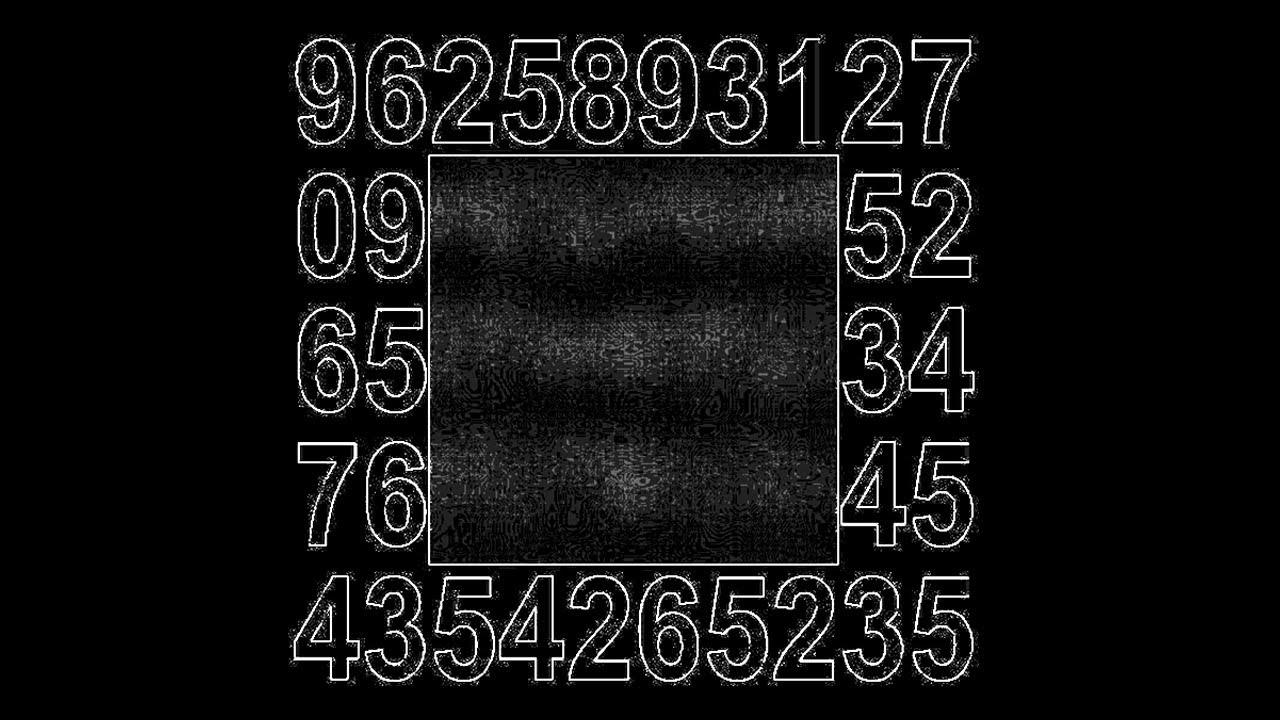
I solved @CaptainDisillusion's password puzzle. Stick around to see how to keep your information safe. Don't blur your password.
-- Music, in order --
Nook's Cranny (small) - Animal Crossing New Horizons
2pm - Animal Crossing
10pm - Lud and Schlatt's Musical Emporium
Honeyhive Galaxy - Super Mario Galaxy
Mr Resetti - Animal Crossing
Doom Eterna...
thinking of blur as privacy give you a false sense of security
 fervent marlin
pale shoal
thinking of blur as privacy give you a false sense of security
fervent marlin
pale shoal
thinking of blur as privacy give you a false sense of security
ik (i actually watched the 2ng vid a while back) but if you set the blur high enough it should work fine. screenshot with just 7px instead of 4

 terse veldt
Use -webkit-text-security: disc; for censoring text
and you can do a few things for censoring images
I use this --censored-server-icon: url("data:image/svg+xml,<svg xmlns='http://www.w3.org/2000/svg' width='120' height='120'><rect width='120' height='120' fill='%231e1a21'/><text xmlns='http://www.w3.org/2000/svg' x='50%' y='50%' fill='%23dbdee1' dominant-baseline='middle' text-anchor='middle' style='font-size: 48px'>-</text></svg>");
but you could do something else too
and this theme #🎨-css-snippets message shows another approach
(It needs to be put through the class updater, so you can't just import it)
pale shoal
terse veldt
and this theme https://discord.com/channels/1015060230222131221/1028106818368589...
that's that other theme that i was mentionning indeed
 noble hawk
I want to blur the channel names as well
fervent marlin
hidden stream
unblur on hover
```css
.icon__6e9f8, /* Server Icons */
.icon_f34534 /* Server ...
@noble hawk this version still includes the blurred channel names as in the screenshot
noble hawk
got it, thank you ^^
noble hawk
i only need names and content blurred, idk why you need timestamps blurred
terse veldt
if you're actually worried about privacy, don't use this
also, i wouldn't consider timezones to be very confidential
Most of the time it doesn't even narrow your country down
i guess in some cases, they could narrow it down a bit more, but not that much
 wooden cypress
A better approach would be to use javascript to replace all text and images with placeholders:
(() => {
  // A simple jumble of lorem ipsum letters used to generate placeholder text
  const loremRaw = 'Lorem ipsum dolor sit amet, consectetur adipiscing elit, sed do eiusmod tempor incididunt ut labore et dolore magna aliqua';
  const loremLetters = loremRaw.toLowerCase().replace(/[^a-z]/g, '');

  // Generate placeholder text matching original text shape & case
  function loremOfShape(shape) {
    return Array.from(shape).map((char, index) => {
      const isLetter = /[a-zA-Z]/.test(char);
      if (isLetter) {
        const wasUpper = char === char.toUpperCase();
        const letter = loremLetters[index % loremLetters.length];
        return wasUpper ? letter.toUpperCase() : letter;
      } else {
        return char;
      }
    }).join('');
  }

  // Replace all text nodes with placeholder
  function replaceTextNodes(node) {
    if (node.nodeType === Node.TEXT_NODE && node.textContent.trim().length > 0) {
      node.textContent = loremOfShape(node.textContent);
    } else {
      node.childNodes.forEach(replaceTextNodes);
    }
  }

  // Replace all images with a placeholder source
  function replaceImages() {
    const placeholderSrc = 'https://via.placeholder.com/150?text=Placeholder';
    document.querySelectorAll('img').forEach(img => {
      img.src = placeholderSrc;
      img.srcset = '';
      img.alt = 'Placeholder image';
    });
  }

  replaceTextNodes(document.body);
  replaceImages();
})();
 terse veldt
I think using -webkit-text-security or a custom font is best
since it's pure css, and doesn't actually change the content
terse veldt
terse veldt
I use this `--censored-server-icon: url("data:image/svg+xml,<svg xmlns='http://w...
and you can replace the images with css too
wooden cypress
-webkit-text-security has the problem of you are really just replacing all text with a monospace unicode glyph with no kerning or leading which will incidentally also cause a layout shift (though slight)
terse veldt
so will lorem ipsum though?
wooden cypress
A custom font could work well. Image replacement with CSS didn't work well when I tried this across the discord client.
The JS is calculating same-size/shape strings.
terse veldt
oh wait you're replacing letters with similar widths
wooden cypress
I do agree that being able to just do:
* {
    -webkit-text-security: disc !important;
}
Is pretty easy cheesy

kinda looks like ass though 😄
could also just do:
* {
    color: rgba(0,0,0,0) !important;
}

I like the lorem ipsum approach since it lets you see the appearance of the actual font still.
Lots of effective ways to spin this though.
 languid basalt
Can you make one so the whole screen is 1 big blur
terse veldt
languid basalt
Can you make one so the whole screen is 1 big blur
:root { filter: blur; }
 flint gull
this doesnt work for me for some reason, so ill just paste this
body { filter: blur(10px); }
fullscreen blur
 fervent marlin
flint gull
this doesnt work for me for some reason, so ill just paste this
fervent marlin
flint gull
this doesnt work for me for some reason, so ill just paste this
he forgot (10px) after blur, this should work: :root{filter:blur(10px)}
flint gull
fervent marlin
he forgot (10px) after blur, this should work: `:root{filter:blur(10px)}`
any important difference between root/body?
fervent marlin
flint gull
any important difference between root/body?
:root is as high as html but its specificity is higher, so if you have
:root {
  color: yellow;
}

html {
  color: red;
}
text will be red
terse veldt
oh oops