#🎥|animation
1 messages · Page 3 of 1
 fading turtle
I go 896 x 512 and crop the top and bottom of outputs slightly
 clever falcon
i'll try that
clever falcon
fading turtle
I go 896 x 512 and crop the top and bottom of outputs slightly
ty ♥
 waxen lion
happy new year!

 neon elbow
Thank you, I'm glad you dig it 😸
 keen kindle

#stablediffusion #tutorial #howto #imgtovideo #imgtoanimation #thinplatesplinemotion #img2img #deforum #animation #smile #aimfriende
SUBSCRIBE or the clowns go hungry. Thanks!
An efficient tutorial where I show you how to quickly use a thin plate spline motion model to generate animations from a single image. We'll go through the Google Colab ...
#aianimated #aianimation #stablediffusion #ai #aiart #deforum
Stable diffusion 3d animation. Edison light bulbs and a city zen lofi jam. Prop hunting for the longer features. Executing Big Top Plans(tm;) over here with this wily bunch of #carneys! Another Sideshow reel from the world renowned Steampunk Circus. Edison style lighting in various s...
fun stuff
#stablediffusion #deforum #frameinterpolation #tutorial #aiart #howto #FILM #interpolation #imgtovideo #imgtoanimation #img2video #animation #smile #aimfriende
SUBSCRIBE or the clowns go hungry.
Make better Stable Diffusion animations faster with frame interpolation. Interpolate between two or more images or an entire video. Super slow motion! ...
 formal monolith


“This fleeting life will eventually be lost to us all. You might as well be bold and love someone, climb a mountain, and chase a dream.”
After multiple tries, I was able to create this aging animation using @deforum_art and a fine-tuned #stablediffusion model. #AIArtwork
Likes
300
 Twitter
·
Twitter
·
 astral bane

SEA GODDESS STABLE DIFFUSION AUTOMATIC1111 https://start.me/p/xb4Npa/ai
my animations https://www.youtube.com/watch?v=2dpphx8uEuM&list=PL8G7-J1OZZnT60bZ0hX3GI6nYQfFhguIv
 hallow bramble
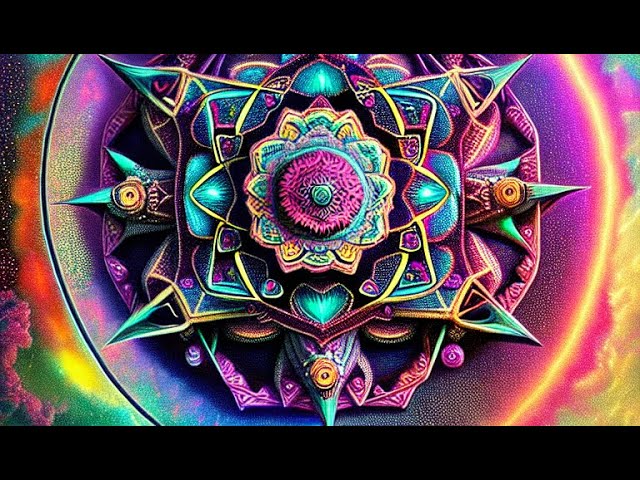
A short little trippy animation:


"It's A Trip" 🍄🤖🎵📽️
AI-generated trip.
#aiart #stablediffusionart #iastitraia
Twitter
·
 sharp depot
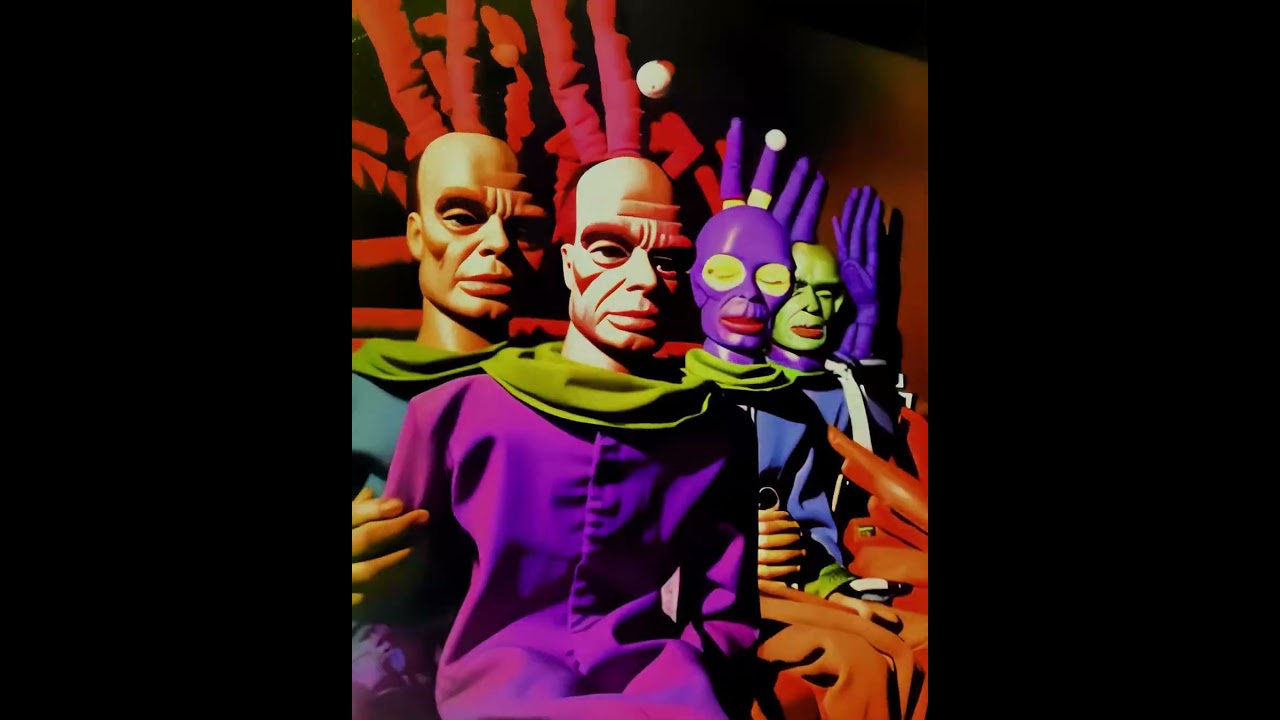
VCV rack modulations recorded to CSV, converted to Deforum keyframe format.
fading turtle
https://imgur.com/a/cMJO9qD
outpainting fun

 gentle nova
More img2img dragonball https://youtube.com/shorts/QERlbBAenUk?feature=share
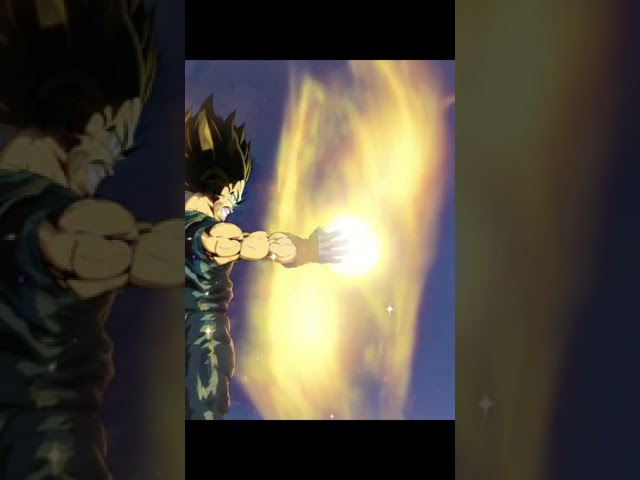
Vegeta Final Flash A.I. Done with Stable diffusion img2img.
Using sh figurearts
 faint harness

Supporting in any way through the links below will allow further work and development to be done. With that said, regardless of the outcome, thank you for being here!
#stablediffusion2.0 #aesthetic #ai #art #animation #midjourneyv4 #stablediffusion #midjourney
I love what I do, and if it so pleases you to want to support me, thine link is ...
fading turtle
Great addition!!
 radiant mist
What feature specifically makes it possible? What was missing from v6 to make it not possible?
 faint rivet
radiant mist
What feature specifically makes it possible? What was missing from v6 to make it...
faint rivet
radiant mist
What feature specifically makes it possible? What was missing from v6 to make it...
Hybrid video settings
hallow bramble
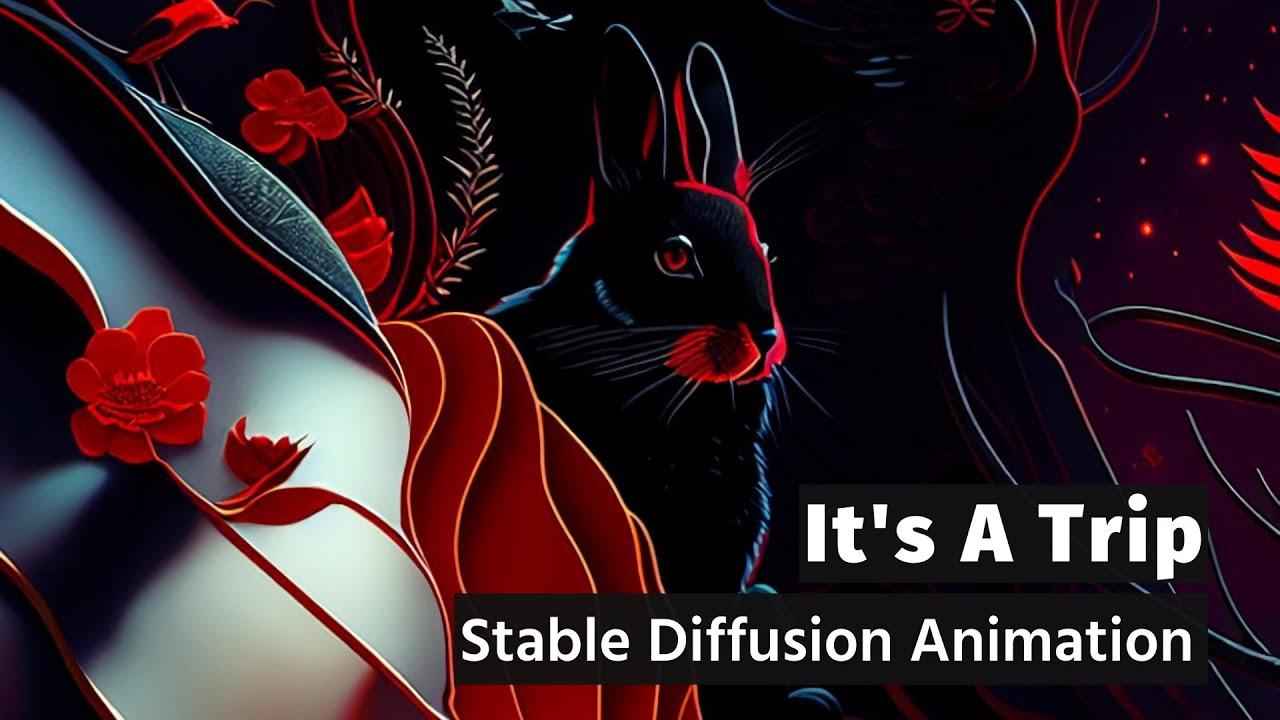
"It's A Trip"
Audioreactive AI-generated music video
Generated with Deforum Diffusion using Dreamlike Diffusion model.
Thank you for watching!
#aiart #stablediffusion #aianimation #trippyart #deforumdiffusion
 cloud plover
fuck shit sorry wrong channel
 neat jewel
Let's say you have a 2d image generated in SD and are using Deforum to translate Z into the frame, down, and at the same time rotate up. Is there a way to reduce the amount of "chatter"? I have tried playing with the strength and specifying the seed but things still change more than desired?
astral bane

UKRAINE WAR - REALITY ANIMATED STABLE DIFFUSON DEFORUM
ALL SCENES ANIMATED USING AUTOMATIC1111 DEFORUM - DAVINCI RESOLVE USED FOR EDITING
SUPPORT UKRAINE AGAINST THE MADMAN DICTATOR PUTIN OR WE WILL REGRET IT
AI LINKS https://start.me/p/xb4Npa/ai
My Animations https://www.youtube.com/watch?v=2dpph...
 somber island
 faint rivet

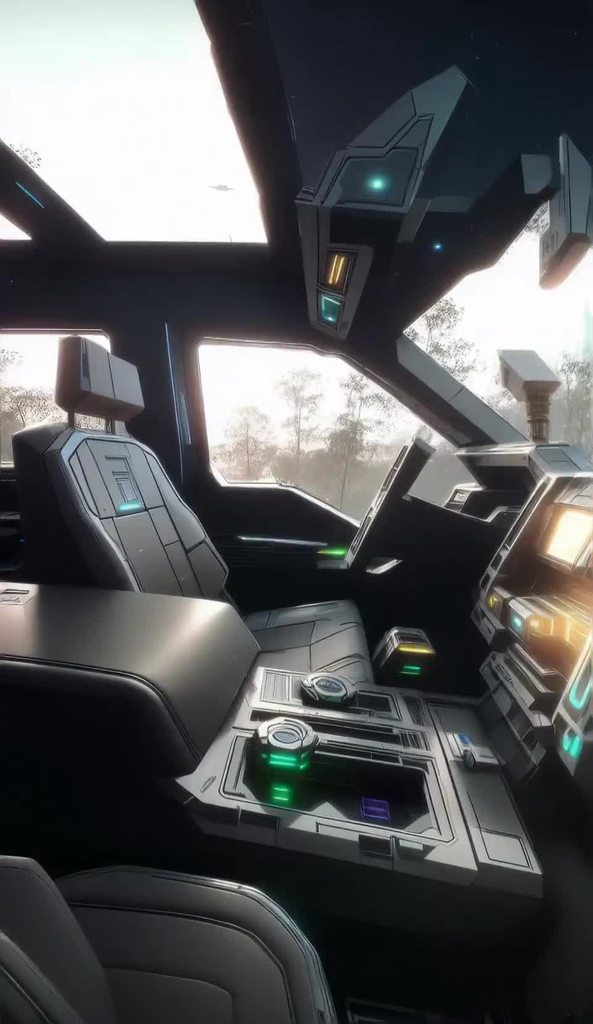
This was made with a customized version of Deforum Stable Diffusion. It was all "dreamt" by Stable Diffusion, based on my text prompts. Enlarged with ESRGAN. I also used RIFE (FlowFrames) to add 5x more frames, and final editing in Vegas Pro 19. It decided to dream Gwyneth Paltrow without a top on for a few frames, which I've edited out. Damnit...
faint rivet
somber island
https://imgur.com/xS6fAGf
Warp Fusion? Nice job
neat jewel
has anyone incorporated thin plate motion into webui like automatic1111?
 fallen girder
"Maximum Madness" | Deforum Animation (Postapocalypse v1) [4K] Workflow in the video description
https://youtu.be/FUudWd1CXBY
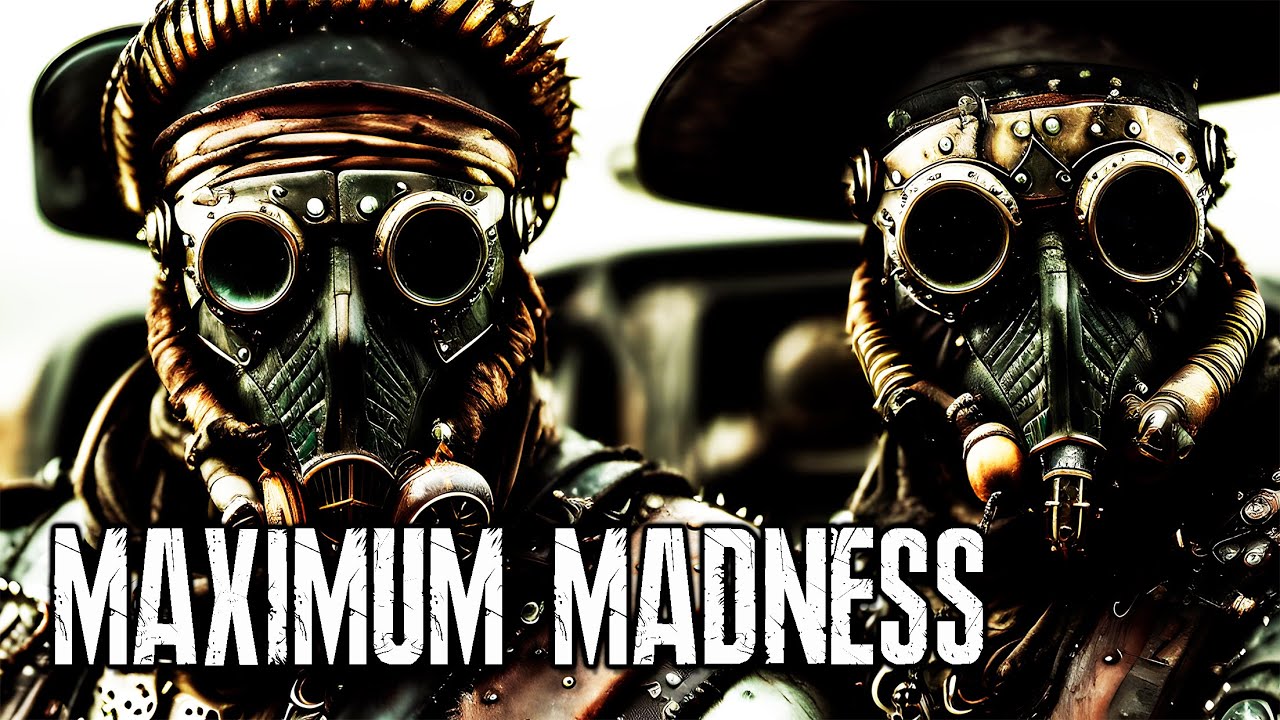
A postapocalyptic animation made it with: Postapocalypse v1 / Deforum v0.6 colab notebook, and upscaled x4 with RealESRGAN model on Cupscale (13.750 frames), hope you enjoy it, let me know what do you think in the comments, Subscribe and Like for more animations very soon.
👉 AI Generated Animations Playlist here: https://youtube.com/playlist?li...
 hollow prawn
HEY! can anyone explain to me how I can make the default zoom function -"0:(1.02+0.02sin(23.14*t/20))" have a frequency at 87bpm?
i know its a fucker of a question
even just what number i should make larger or smaller to test for myself?
 rapid moth
When in doubt slap it in graphtoy and tinker
 wet spear
AI Animation With Double Exposure Model
https://www.youtube.com/watch?v=9G32ccHIBBY

Feat : Hessid · Zetno Creato
This is generated using Stable diffusion's deforun model
This is made purely for educational purpose alone
 oblique ivy
oblique ivy
rapid moth
oblique ivy
oblique ivy
oblique ivy
rapid moth


 errant jungle
more cohesion testing with Selma... feedback appreciated 🙂
 fluid grotto
My
astral bane

Chronicles of Civilization: A Journey Through the Ages
Audioreactive AI-generated music video
Generated with Deforum Diffusion using Dreamlike Diffusion model.
Thank you for watching!
faint rivet

The release of Deforum Stable Diffusion 0.7 adds Hybrid Video Compositing in 2D/3D by reallybigname!
It has various ways to composite video in with the init image of your rendering, including using depth maps, video depth maps, blends, difference, with composite mask equalization, inversion, autocontrast hi/lo schedules, mask contrast schedule,...
 mossy ridge
neat jewel
mossy ridge
neat jewel
@mossy ridge thats really cool how did you do that smooth of an animation?
Does anyone know if its possible to "pan" through parts of a larger image? Like if you were to use a larger upscaled image as a base and want to move through it?
using deforum or something like that
 thorny ginkgo
errant jungle
more cohesion testing with Selma... feedback appreciated 🙂
thorny ginkgo
errant jungle
more cohesion testing with Selma... feedback appreciated 🙂
Thats so fire i wanna learn from u
thorny ginkgo
somber island
https://imgur.com/xS6fAGf
How do you make this
neat jewel
Someone said its this
most likely similar to deforum in terms of using a reference video of getting in the truck and driving it and then using prompts/ai to overwrite it
thorny ginkgo
Im pretty new to animations
neat jewel
Are you running locally or off collabs?
thorny ginkgo
But how do i even overwrite and already existing video w prompts/ai
Tried both
Running locally rn
neat jewel
Well I use automatic1111 locally and deforum for automatic1111 is fairly easy to get going
thorny ginkgo
Mind me dming you?
neat jewel
thats fine
mossy ridge
neat jewel
<@456226577798135808> thats really cool how did you do that smooth of an animati...
I used the stable-diffusion-webui-depthmap-script extension script/tab in Automatic1111. You install this script/tab from the extensions tab of Automatic1111.
neat jewel
I have deforum for automatic1111
I dont think I notice the depth map portion
it doesn't have the flicker I associate with deforum

this stuff or something else?
mossy ridge
go to extension, select Available, than click "load from", it will be there to install as an option.
restart the program after installing it (there is also a button to restart it in the tab)

 mossy ridge
you must install it: go to Extension tab, select Available, click the button "load from" , than look for "stable-diffusion-webui-depthmap-script", install it, than restart Automatic1111.
mossy ridge
it is not deforum.
neat jewel
oh
Depth Maps
script Depth Maps, Stereo Image, 3D Mesh and Video generator extension.
this one?
mossy ridge
yes
neat jewel
checking it out thanks
mossy ridge
if you do something cool post it 🙂
neat jewel
anything I need to do initially besides drag an image in
do you recommend a specific depth model
I assume you have to generate the depth map on the left and then only after can try generating video on the right which sets the motion?
oh thats pretty neat the depth map
Arguments: ('', '300', '40', 1, '-0.015, 0.0, -0.05', '0.03, 0.03, 0.05, 0.03', False, 0, 2) {}
Traceback (most recent call last):
File "E:\SD\modules\call_queue.py", line 45, in f
res = list(func(*args, **kwargs))
File "E:\SD\modules\call_queue.py", line 28, in f
res = func(*args, **kwargs)
File "E:\SD\extensions\stable-diffusion-webui-depthmap-script\scripts\depthmap.py", line 712, in run_makevideo
raise Exception("Could not open mesh.")
Exception: Could not open mesh.
is the mesh the generated depthmap?
no thats a png
or do I need to use this generate 3d inpainted mesh and demo video button ocne
I clicked go on generating the mesh, now but then maybe I can iterate on the right side without doing that each time?
mossy ridge
it's all "automatic" hahaha , just select "Generate 3D inpainted mesh and demo videos. (Sloooow)" at the bottom, you will get the resulting videos in the outputs\extras-images folder.
neat jewel
yeah I assume you don't need to generate the mesh for each animation do you?

once I have a mesh I can play with these values?
mossy ridge
the mesh is generated and you will find it in the same folder: outputs\extras-images.
select the orange button "Generate" on the left (having selected "Generate 3D inpainted mesh and demo videos. (Sloooow)" at the bottom). You can ignore the orange button one on the right... to start. You will still get the videos etc.
neat jewel
yeah its half done
but if I want to play with/tweak the video movement settings thats what right side is for correct?
mossy ridge
the video movement is not as controllable as in Deforum, you might wanna look into the sources for that. It would be very cool to be able to move the point of view with a gamepad.
neat jewel
the first video didnt move enough stuff
oh the second one was better
I see it struggles a bit with making the parralax look the best
It has some advantages over deforum with the smoothness tho
mossy ridge
you can also make stereo images and video with this tool
neat jewel
is there a guide for the usage of the trajectory and translate fields for this?
mossy ridge
idk
neat jewel
mossy ridge
nice
neat jewel
the other one's distorted the scene too much
oh I see the crop function does exactly what I was wondering about earlier
It lets you focus on part of a larger image and then using the movement you can move over to it
mossy ridge
neat jewel
whats the double curve like boomerang one?
mossy ridge
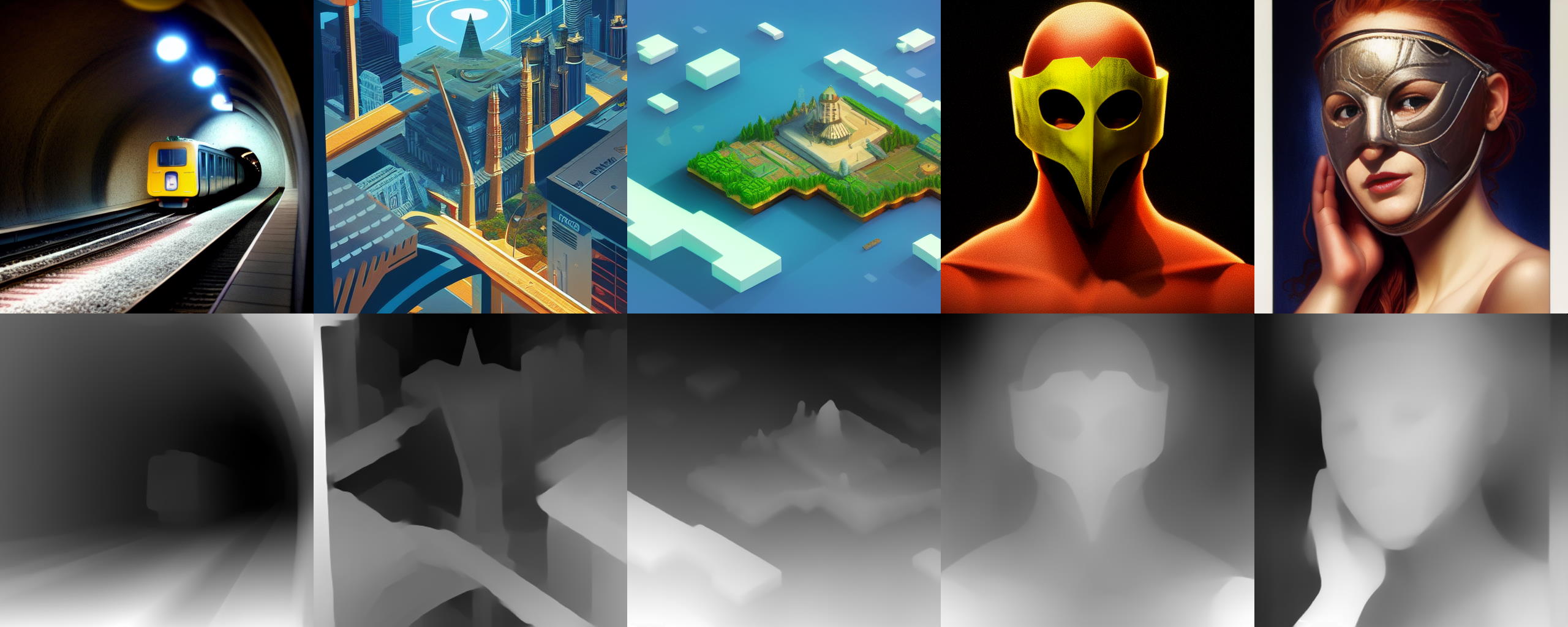
https://github.com/thygate/stable-diffusion-webui-depthmap-script is where you can find the best info about it
GitHub
High Resolution Depth Maps for Stable Diffusion WebUI - GitHub - thygate/stable-diffusion-webui-depthmap-script: High Resolution Depth Maps for Stable Diffusion WebUI
faint harness

Supporting in any way through the links below will allow further work and development to be done. With that said, regardless of the outcome, thank you for being here!
#stablediffusion2.0 #aesthetic #ai #art #animation #midjourneyv4 #stablediffusion #midjourney
I love what I do, and if it so pleases you to want to support me, thine link is ...
 subtle atlas
Hi! I made this music video using masks in deforum. That's my first try so any advice or feedback is welcome! Thanks! https://www.youtube.com/watch?v=OMtrXoIxB4Q

Nouvel EP "Pochette surprise 1/3 disponible!!
https://fanlink.to/pochettesurprise
Instagram : instagram.com/jeanneto__/
Twitter : twitter.com/JeanneTo__
Mail : jeannetomusic@gmail.com
MGMT : agency.ohlala@gmail.com
Booking : ben@hooh.agency
Instru/Mix/Master/Video : Cadillac Prod (@cadillac_prod)
 worldly dome
AI generated music video
https://youtu.be/w07YFHmJax8

The official music video for Notice - This Love
From the debut album "Chapter 1"
►Subscribe to the Notice channel for all the best and latest official music videos, behind the scenes and live performances.
Youtube: https://tinyurl.com/NoticeYT
Spotify: https://tinyurl.com/SpotifyNotice
Instagram: https://tinyurl.com/noticeinstagram
Tik Tok: h...
neat jewel
mossy ridge
https://github.com/thygate/stable-diffusion-webui-depthmap-script is where you c...
That doesn't seem to discuss the generate video from inpainted mesh aspect at all
mossy ridge
neat jewel
That doesn't seem to discuss the generate video from inpainted mesh aspect at al...
As you can read in the fourth paragraph, 3D-Photo-Inpainting functionalities are derived from https://github.com/vt-vl-lab/3d-photo-inpainting . Also consider that in stable-diffusion-webui-depthmap-script 3D-Photo-Inpainting functionalities have been present only since version v0.3.4. The latest version is v0.3.6 so it is a new feature of a beta software.

GitHub
[CVPR 2020] 3D Photography using Context-aware Layered Depth Inpainting - GitHub - vt-vl-lab/3d-photo-inpainting: [CVPR 2020] 3D Photography using Context-aware Layered Depth Inpainting
neat jewel
I found it near the bottom
so circle essentially will go in and out with the settings, not sure what double line is
as they both only take 3 values would be nice if it was like deforums keyframe system
mossy ridge
To find details on how to change the the trajectories, for example, take a look at the 3D-Photo-Inpainting documentation in it's DOCUMENTATION.md. You have this file also locally because you have installed the extension script stable-diffusion-webui-depthmap-script witch contains the vt-vl-lab/3d-photo-impainting software nested into it . You have it in the installation subdirectory extensions\stable-diffusion-webui-depthmap-script\scripts\inpaint\DOCUMENTATION.md (use / in Linux).
 acoustic ice
animation for original song Outlaw https://youtu.be/E72I7ejkgNY

 glacial kayak
 mossy ridge
neat jewel
I found it near the bottom
mossy ridge
neat jewel
I found it near the bottom
extensions\stable-diffusion-webui-depthmap-script\scripts\inpaint\utils.py contains the functions that determine the trajectories. You could try fiddling with that file. In principle it should be possible to ad new types of trajectories (extending what you find after lines 30, 37 and 44 of this utils.py with a new trajectory). It might work right away, but I suspect that the rest of the code might need be adapted if the rest of the code is limited to those three categories of trajectories. If you get it to work communicate it to the developers so that they can incorporate the change in the sources.
It would be nice to make a long, slightly random trajectory with minimal movements, imitating the natural motions of an observer standing.
neat jewel
nice ill look at those
 tender flicker
duck model
 mossy ridge
prompt travel
 gentle nova
Here's 1 dancer change into 13 different characters/styles using SD2.1 + Embeddings and Custom Models (would love feedback)
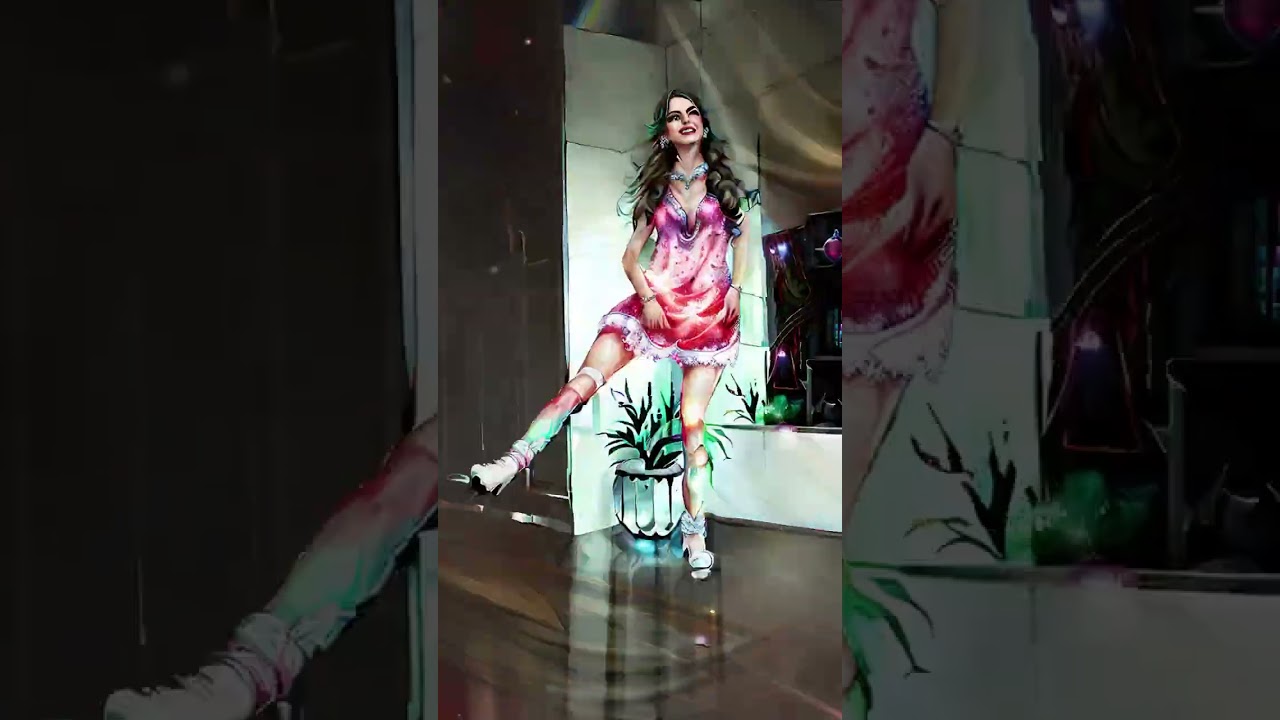
Please Support the creator of the Original video. Here's a link to the original video and his Channel!
https://www.youtube.com/shorts/XDYHnHsTXl0
https://www.youtube.com/@IsiShuffles
What would you like to see transformed by AI next? What style would you like it to be? Let me know in the comments below.
IF you like this type of content you g...
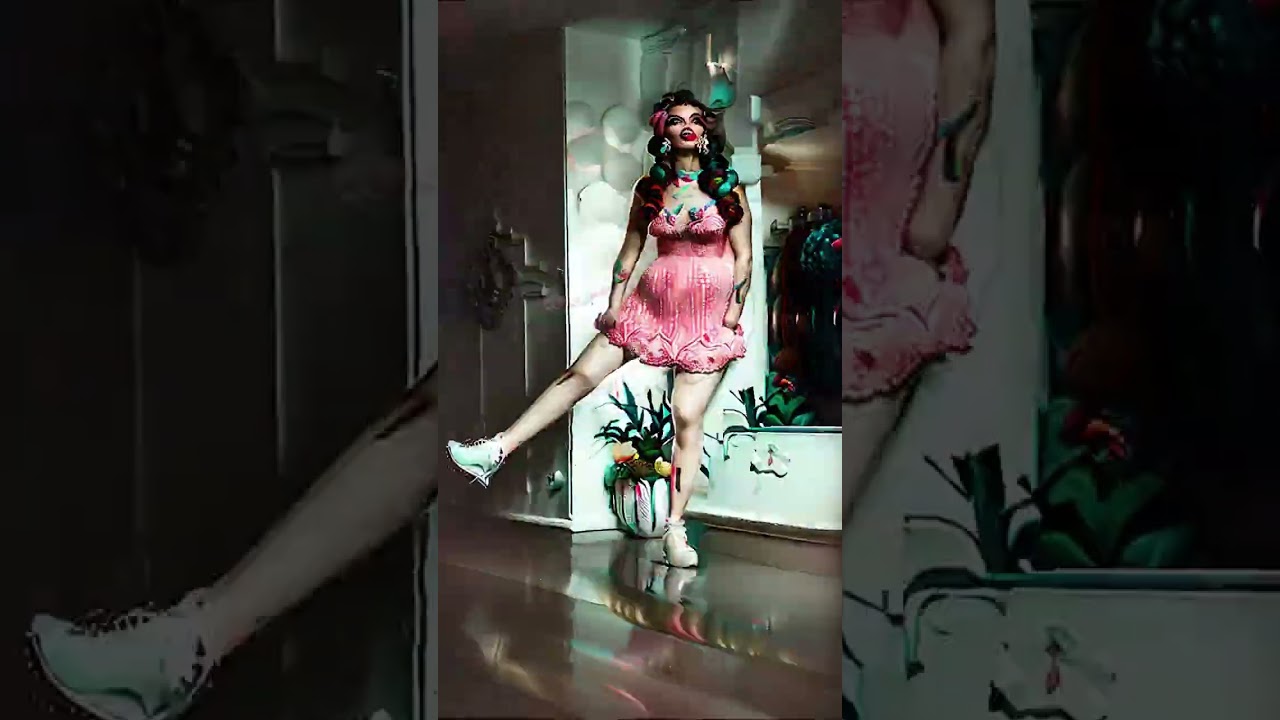
Please Support the creator of the Original video. Here's a link to the original video and his Channel!
https://www.youtube.com/shorts/XDYHnHsTXl0
https://www.youtube.com/@IsiShuffles
What would you like to see transformed by AI next? What style would you like it to be? Let me know in the comments below.
IF you like this type of content you g...
sharp depot
Thanks!!!!
 twilit vault
How to make videos like that
I mean i know the concept, but is there already preade tool ?
Its cool af
(Or the name of the thingy)
Vids like this 🤩
 desert mulch
Hey guys just did my first test with deforum for a dnb music, what you think? still trying to learn the best way to make it reactive with the strength schedule..

#music #musicvideo #videoclip #drumnbass #drumnbassmusic #taelimb #pegasus #scifi #robot #reactor #audio #audioreact #audioreactive #audionsync #sync #abstract #abstractart #aigenerated #aigeneratedart #ai #aiart #aiartcommunity #aiartwork #digitalart #stablediffusion #stablediffusionai #stablediffusionart #deforum #robodiffusion
neat jewel
gentle nova
Here's 1 dancer change into 13 different characters/styles using SD2.1 + Embeddi...
You already got taken down for copyright on the music
gentle nova
neat jewel
You already got taken down for copyright on the music
Darn it! Thanks for the heads-up
neat jewel
desert mulch
Hey guys just did my first test with deforum for a dnb music, what you think? st...
There is a couple things I have seen mentioned for synching audio/getting stuff from it what are you using for that?
 muted notch
please check out my new video, let me know what you think 🙂 https://www.youtube.com/watch?v=hDGb1H3nXf4
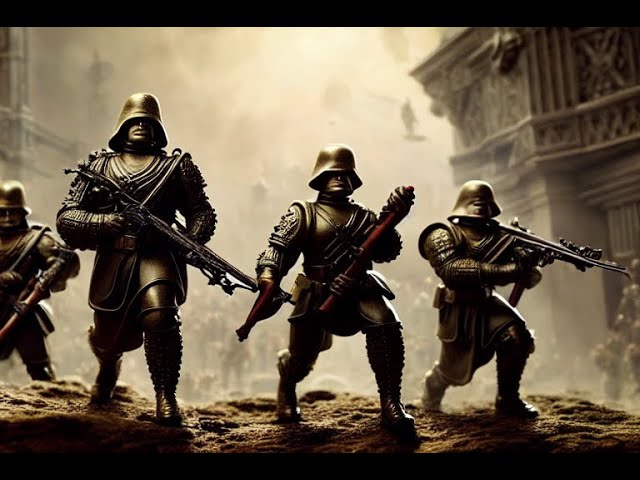
Made using Stable Diffusion 1.5 custom cinematic model.
mossy ridge
gentle nova
https://www.youtube.com/shorts/yCNclYDNHGo
Nice video. It is cool the way it is, but If you want a less blurry output you might want to try changing cfg scale value and sampling steps.
 minor valley
I did some rendering 🙂
gentle nova
mossy ridge
Nice video. It is cool the way it is, but If you want a less blurry output you m...
Thanks! I'll work with it more.
desert mulch
neat jewel
There is a couple things I have seen mentioned for synching audio/getting stuff ...
yeah i used moises.ai to get the track by layers and then add it to Audio to keyframe string generator to output the value for each frame ,then i linked the kick sample values to the strength schedule. it seems when there is no kick (no higher value) i get a less quality rendered frame..maybe the value just need to be higher
faint rivet

I used the AUTOMATIC1111 version of deforum (webui) to create this using a source video. I rendered it at 8fps and brought it up to 24fps in post.
Original video "The Doodle House":
https://www.youtube.com/watch?v=f7ke3HznCCo
#aiartist #aiartist #deforum #stablediffusion
🌲⭐🌃
🤜 Forest Star Walz
👉 #reallybigname
https://www.youtube.com/reall...
hollow prawn
i cant get a FUCKING eyelid to close. i have an eye floating in space, I want it to close. IT WONT FUCKING CLOSE. ive been tyring for like 24 hours. different strength and scale settings, different prompts.
The eye just stays the fuck open forever
neat jewel
are you changing your prompt?
have you verified that your model understands the prompt you are using and can even generate an image of the eye being closed?
hollow prawn
yeah, ive made an "eye open" prompt followed by a "eye closed" prompt. I havent verified that.. no. interesting..
im using the analogue diffusion model. How do I verify that?
 slate orchid
Deforum Hybrid Video mode test with masking mode set to blending (so it looks less like 3d and more like high quality digital art)
https://youtu.be/8fZd93R4Aps

Testing Deforum Hybrid Video mode with https://www.youtube.com/watch?v=56uv5B5-DAI as a source and the mode set to blend composite. Model used it a little bit fine-tuned Anything 3.0.
The settings https://gist.github.com/kabachuha/00fcf2f8b35d4dc06186e59f00fb9e66, the plugin for AUTOMATIC1111's webui https://github.com/deforum-art/deforum-for-a...
faint rivet

I used the AUTOMATIC1111 version of deforum (webui) to create this using a source video. But, this one is using some new experimental code which uses RANSAC differently! I stopped and resumed a bunch of times during this render, changing settings to try things out. I rendered at 25fps like the original, and used RIFE to bring it up to 50fps.
...
 waxen basin
Dystopian Mushroom Kingdom
 spare goblet
 strong cloud
This is so neat! i'd love to know more about how you did this. 🙂
 wary rain
My latest animation, using Deforum + SD v2.1 + this "Double Exposure" Textual Inversion!
https://www.youtube.com/watch?v=ny0TjXfdOyE&ab_channel=RATDREAMS%3AAI🐀

Take a journey through the stars with this visually stunning and musically groovy Interstellar Dream. Let Shook's music transport you as we explore the vastness of the universe. Get lost in the beauty of space and let your imagination run wild.
#ratdreams #aiart #stablediffusion
🐀 MUSIC CREDIT 🐀
Shook - Almost There
https://open.spotify.com/...
 fallen girder
"Ocean Depths" | Deforum Animation (Openjourney v2) [4K] Workflow in the video description
https://youtu.be/VyuHQ7G9APQ

A short animation made it with: Openjourney v2 / Deforum v0.7 colab notebook, and upscaled x4 with RealESRGAN model on Cupscale (12.240 frames), hope you enjoy it, let me know what do you think in the comments, Subscribe and Like for more animations very soon.
👉 AI Generated Animations Playlist here: https://youtube.com/playlist?list=PLNfSdx-fT...
mossy ridge
hollow prawn
faint rivet
https://www.youtube.com/watch?v=BsRRtUQPnfg
holy shit dude rofl. how did you do this
faint rivet
hollow prawn
holy shit dude rofl. how did you do this
using the new hybrid video compositing features I added!
However, in this particular video, I'm using a new modified version of the ransac routine I used for motion tracking where I compare the video frame against the prev_img to get the motion instead of the previous video frame.
But, you can do similar right now using either the notebook or the webui version
With that video, the source video has a lot to do with how cool it looks. (see link in description)
hollow prawn
thats nuts man! Yeah I'm having difficulty getting specific motion to move directionally from frame to frame like you've done. For example from one side of the room, moving across to filling the whole room.
faint rivet
hollow prawn
thats nuts man! Yeah I'm having difficulty getting specific motion to move direc...
are you using hybrid video or regular animation_mode = "Video Input"?
hollow prawn
oh nah sorry, lol im just using text prompts in deforum to create the original video
faint rivet
hollow prawn
oh nah sorry, lol im just using text prompts in deforum to create the original v...
This is all my new hybrid video stuff. You can mix video in with your animation before it goes in for generation. You can use it to just slightly influence an animation with a low alpha.
Or, you can copy the motion from the video in a few different ways - without mixing the video in at all.
You can also color match against a video, with or without using the video.
The release of Deforum Stable Diffusion 0.7 adds Hybrid Video Compositing in 2D/3D by reallybigname!
It has various ways to composite video in with the init image of your rendering, including using depth maps, video depth maps, blends, difference, with composite mask equalization, inversion, autocontrast hi/lo schedules, mask contrast schedule,...

Now that I have my Hybrid Video Compositing in 2D/3D working in the AUTOMATIC1111 version of deforum, I'm gonna start playing around with the new depth model from Stability.AI! This is just a first test. The depth model works differently, so I need to play with the settings.
Find out more about deforum.
https://deforum.github.io/
#aiart #aia...
Working on more features right now!
 hollow stream
strong cloud
spare goblet
This is so neat! i'd love to know more about how you did this. 🙂
hollow stream
strong cloud
spare goblet
This is so neat! i'd love to know more about how you did this. 🙂
ty, it's pretty simple. Rendering my base video to a png/jpeg sequence, then using https://github.com/PeterL1n/RobustVideoMatting to greenscreen the original video so i can use the mask in after effects. In SD webui i find the right "look" for the girl and bounce everything fully into a batch of jpg's which i then import into AE, mask etc.
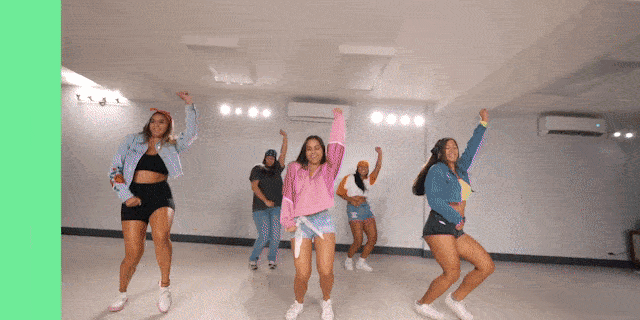
GitHub
Robust Video Matting in PyTorch, TensorFlow, TensorFlow.js, ONNX, CoreML! - GitHub - PeterL1n/RobustVideoMatting: Robust Video Matting in PyTorch, TensorFlow, TensorFlow.js, ONNX, CoreML!
@spare goblet actually u should watch @waxen basin youtube channel where i learned allot from! amazing videos: https://www.youtube.com/@enigmatic_e

 quartz musk
mossy ridge
As you can read in the fourth paragraph, 3D-Photo-Inpainting functionalities are...
quartz musk
mossy ridge
As you can read in the fourth paragraph, 3D-Photo-Inpainting functionalities are...
Thanks for sharing this repository. I did not know about it. Today, I managed to make this using it: https://twitter.com/satindergrewal/status/1612002832131182594 😁


This is the reason I did outpainting of this image. To make it a 3d Photo! #GwenStacy #3dphoto #StableDiffusion #AIart #InvokeAI
Twitter
·
hollow prawn
faint rivet
https://www.youtube.com/watch?v=JPOkB49iqHo
you're a legend dude, i'm about to sleep but will really look into all your stuff and how to use your stuff tomorrow :)
 faint rivet
Deforum 0.7 has my optical flow stuff... but, this is a different implementation of it, hot off the presses
with depth-based compositing
 full trail

TikTok
They are so hot 🔥 #fyp #fypシ #margotrobbie #emmawatson #elisabetholsen #alexandradaddario #foryou #animation #ai #scarlettjohansson #trending #viral
spare goblet
strong cloud
ty, it's pretty simple. Rendering my base video to a png/jpeg sequence, then usi...
Ah pretty neat, but I do not have AE, so I suppose this is a non-starter for me. 🙂
strong cloud
spare goblet
Ah pretty neat, but I do not have AE, so I suppose this is a non-starter for me....
yeah i guess you'll have to wait untill someone makes it so you can import a video and output a video straight away 😄
 shadow harness
is there a way to stop deforum from saving every image when you create an animation?
I've already unchecked the box for "always save all generated images" in the settings. Deforum is still saving all images atm though
hollow prawn
can someone point me to some info / in the right direction to have the same face on a character throughout an animation?
hollow prawn
faint rivet
https://streamable.com/8zq80k
checking out hybrid video now man. lots to wrap my head around here. ur some kind of genius
awesome work
 karmic atlas
hi, im looking for a tool (API)? to outpaint video. Created it 1080 x 1920 and i want to have it 1920 x 1080. So i thought I'll give a try with AI.
But I can;t find a tool for video, only for single images.
Can you help?
 real adder
Extracted video frames and save them as png (using ffmpeg). Then I applyed img2img to every frame (using same seed to keep coherence). Background generated as a separate image. Background and character mixed together using capcut.https://streamable.com/e8m4vk


 left raven
real adder
Extracted video frames and save them as png (using ffmpeg). Then I applyed img2i...
left raven
real adder
Extracted video frames and save them as png (using ffmpeg). Then I applyed img2i...
that is insteresting!
I've used Ebsynth to achieve that
Let me know if you have time to talk. Would like to know more 🙂
neat jewel
strong cloud
yeah i guess you'll have to wait untill someone makes it so you can import a vid...
Deforum turns your video input into individual png frames and outputs a video?
left raven
Yes, but whithout consistency between them. Just a bit. At least of all what I've seen so far...
Is there a channel for talk about animation?
neat jewel
This is the channel to talk about animations?
astral bane
premier pro davinci resolve free great
neat jewel
what can you do in the free version of davinci resolve
Premier pro of course still $$$ unless you "acquire it" at which point you could also have after effects
astral bane
Davinci free is great got most of the paid version think there is a YT video on difference
you can always check out FileCR web site
neat jewel
do you use it for timeline editing as well or is it more for post effects
I wish the plate spline library was easier to generate or train additional models for
astral bane
i was using premier pro switched to resolve it is used by all the major studios
neat jewel
cool I downloaded the free one I had been using shotcut for some things gimp for some things etc
faint rivet

Quick test of new method of doing optical flow where I compare against previous rendered image instead of previous video frame. Rendered at 448x448 15fps, brought up to 1080p 60fps in post.
#aiartist #aiart #aiartist #deforum #stablediffusion
🌲⭐🌃
🤜 Forest Star Walz
👉 #reallybigname
https://www.youtube.com/reallybigname
https://www.facebook....

Testing new way to apply optical flow with my hybrid video compositing in Deforum Stable Diffusion.
Original video:
https://www.youtube.com/shorts/F0LpaHcaRR8
#aiart #aiartist #deforum #stablediffusion
🌲⭐🌃
🤜 Forest Star Walz
👉 #reallybigname
https://www.youtube.com/reallybigname
https://www.facebook.com/reallybigname
https://www.instagram....
neat jewel
using masks and then making the mask be lego?
astral bane
neat jewel
cool I downloaded the free one I had been using shotcut for some things gimp for...
there are a bunch of tutorials on YT takes a bit to learn but worth it
faint rivet
neat jewel
using masks and then making the mask be lego?
Other than some upsampling in post, these were output straight from Deforum using my new Hybrid Video Compositing in 2D/3D Animation Mode.
full trail
 oblique ivy
 serene veldt
 fading turtle

 glacial rock
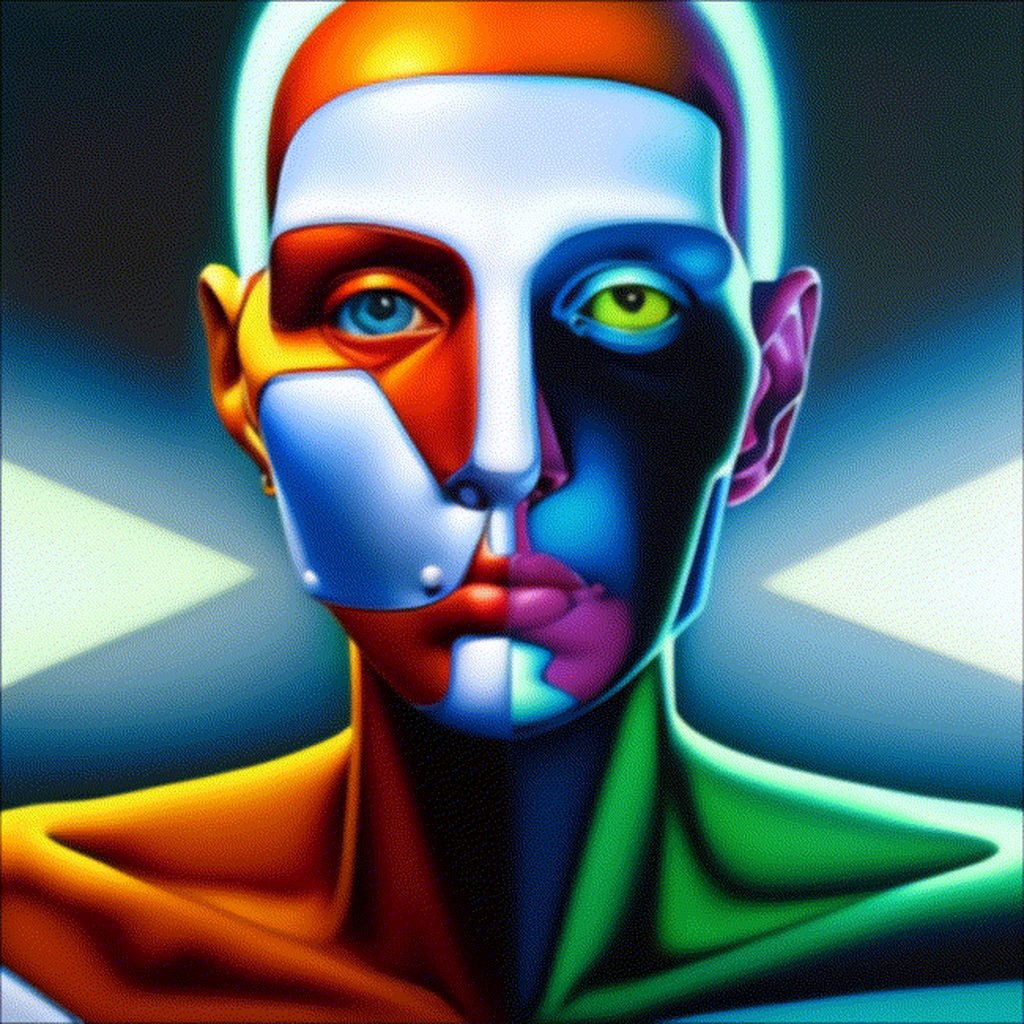
Hey all, I've been learning a lot about stable diffusion and I have become obsessed with creating animation renders that with clean frames and little variation- so they look temporally coherent. I don't really care for stills. I'd like to get involved with the community. I've developed a technique and style I really like, and it's been pretty repeatable. I'd like to share some of my work here and get to know others who aspire to use AI for animation, trade tips, etc. Is this the right group?
I really like @restive ocean 's lion above. BTW 🙂

 restive ocean
glacial rock
Hey all, I've been learning a lot about stable diffusion and I have become obses...
restive ocean
glacial rock
Hey all, I've been learning a lot about stable diffusion and I have become obses...
Thanks ❤️
strong cloud
glacial rock
Hey all, I've been learning a lot about stable diffusion and I have become obses...
nice one! how did you do it? the only solution to consistency i know atm is by halfing the amount of frames and use pixel blending and tracking a face and then revert the tracking back in AE, but it takes allot of time. Would love to hear you're technique.
strong cloud
neat jewel
Deforum turns your video input into individual png frames and outputs a video?
ah yeah didn't know that one, im fine by using png sequences anyways... but maybe something for @spare goblet to lookup.
 latent fox
fading turtle
https://imgur.com/a/qbnCXed
latent fox
fading turtle
https://imgur.com/a/qbnCXed
I love this one - HOw did you make it?
 vast cipher
I started using the Apple optimizations for SD over the weekend. Dug into the new fork that incorporates image2image. I am very new to SD so still figuring out basics, but having a ton of fun. I made this on my MacMini M1. Pretty simple, used an initial image of one of my synths, and wrote code to use the output as input for the next. I also used the same prompt for each frame, but then added random modifiers (like feel or a color) to the prompt. Used ffmpeg to create the animation. Music is my own. https://www.tiktok.com/@peej4533/video/7186328287050747182?is_from_webapp=1&sender_device=pc&web_id=7186622287593719342

TikTok
Stable Diffusion the Hydrasynth. All processing done locally on my MacMini M1. #synthtok #beats #eurorack #stablediffusion #ai #trippyvideos #psychedelicart
I think my next steps are to make the strength of the image2image variable, such that at the beginning it stays closer to the original. Then over the first few frames it gets progressively further away, then stays at like 0.5 or so for the remainder. That way it should create a nice blend at the beginning. I dunno, just experimenting.
neat jewel
restive ocean
Thanks ❤️
how are you doing those? liquify in after effects or something similar? I have been looking for workflows to add a little bit of animation that isnt depthly
neat jewel
glacial rock
Hey all, I've been learning a lot about stable diffusion and I have become obses...
How much of that image is from the original video input? Or are you saying you animated that frame by frame in the AI?
neat jewel
vast cipher
I started using the Apple optimizations for SD over the weekend. Dug into the ne...
there is a img2img loopback script in the automatic1111 webui dont know if it works on mac. Deforum extension supports prompts on a frame rate basis and also starting with an image.
vast cipher
neat jewel
there is a img2img loopback script in the automatic1111 webui dont know if it wo...
oh cool, yeah i've only used the apple extensions (compiling models to CoreML) cause I figured that'd be fastest on an M processor. The image2image stuff isn't merged into main yet, but prob will be soon.
the other thing I experimented with was using the intermediate steps as a sort of transition by reordering the frames. meaning the new frame starts when its most noisey. ultimately i gave up on it cause it was more fun to explore the image2image settings and leave the interpolation to something like ffmpeg. but i might get back to that and explore it more. here is an example of one of my experiments.
neat jewel
In general because it IS generated as you see people talk about coherence here its very hard to get the AI to generate something very similar every frame. You can change the "denoising" strength and use the same seed and it helps but you still get popping
some options are to generate less frames and then use something like flowframes or other options to interpolate between them
neat jewel
what are you guys using to dump your frames out of video?
mossy ridge
Here is a little video part of a series of video I made for an art exposition back in 2016. I found the Idea to make it on the web soon after the first style transfer paper was published(https://arxiv.org/abs/1508.06576). It is not stable diffusion, but I think it is worth sharing to remember that nice things like videos etc. can be done without a user interface ( ui / web-ui ), just using the command line. One cool aspect of avoiding user interfaces is the stronger ability to make customized render pipelines imho. Also you get a better understanding of what is going on "under the hood".
mossy ridge
restive ocean
neat jewel
how are you doing those? liquify in after effects or something similar? I have b...
I did everything by photoshop
neat jewel
using liquefy? and then making frames?
@restive ocean ive been trying to find the easiest way to add simple animations to my 2d images. but havent found an easy workflow for a non artist so far.
restive ocean
no, I just removed the parts that I was going to animate, I removed the lion's mane, then I redesigned the places where the mane would move, then I separated the skeleton to move and moved and created layers to later animate along the line of the time
https://www.youtube.com/watch?v=3MQoA_THPEU @neat jewel

http://ytwizard.com/r/9QmwRL
http://ytwizard.com/r/9QmwRL
The Complete Spine Game Rigging & Animation Course
Start creating fantastic game animations today!
neat jewel
 restive ocean
this shows some of the most basic procedure
neat jewel
yeah I figured if there was some easy way to apply a rig/skeleton to the 2d object?
I watched a tutorial for blender but got lost because it was like cut the fore ground the background, project this, make a mesh around it etc
restive ocean
neat jewel
yeah I figured if there was some easy way to apply a rig/skeleton to the 2d obje...
if you don't want to make skeleton manually, you can use pintool to animate
neat jewel
Photoshop itself does not have timelines for animation or does it? vs like after effects
restive ocean
well, if i knew how to work with after effects i would definitely work with after effects, it is much better than photoshop
if you have any idea with after effects I recommend you use it

exemple attemp to animation eyes
neat jewel
I don't right now but if I have to buy photoshop/AE
restive ocean
this was just a test to animate the eyes, and it was also done by photoshop
neat jewel
I'd like to know its not too hard first
restive ocean
neat jewel
I don't right now but if I have to buy photoshop/AE
purchase?
🕵️♂️
neat jewel
true just dont know if everything is locked into the CC versions now
 restive ocean
neat jewel
I'd like to know its not too hard first
restive ocean
neat jewel
I'd like to know its not too hard first
well, it's difficult at first sight, but you need to try it, why don't you use the trial version for you to try it out?
neat jewel
I might, I will check the video you mentioned as well
restive ocean
well this video I sent you is not the best, but you can search on youtube, how to animate with pin tool photoshop
mossy ridge
https://www.gimp.org/ gimp is better than photoshop: free and opensource
 neat jewel
I have gimp and blender
restive ocean
mossy ridge
https://www.gimp.org/ gimp is better than photoshop: free and opensource
@neat jewel I've heard of it, a good alternative for you
mossy ridge
there are also stable diffusion plugins for gimp
neat jewel
It just doesn't have easy buttons like liquify and puppet warp
restive ocean
neat jewel
It just doesn't have easy buttons like liquify and puppet warp
you can use external programs to make the skeleton
neat jewel

Get started with 2D animation in Blender 2.8, make your very first 2D animation, learn the simple technique I use in my 2D animated NPR videos. using Blender 2.8 Eevee and Gimp for free.
[AR Subs Revised and Included]
Intro : 0:00
Gimp : 0:52
Blender : 5:11
Download tutorial files
👉 http://bit.ly/2DTut-StartingImage - (( To start tutorial ...
this guy covers the whole workflow but this is what I said I got lost it was a bit much for me once I had to start trying to make the mesh in blender
restive ocean
for you to improve you will need to start, my first animation was horrible, because I was just copying what people did, you need to start to improve yourself
neat jewel
Oh I know but I am just an old nerd who's playing around
this puppet warp thing looks like what I was looking for though
vast cipher
made this one today using a pic of my modular synth. I tried starting with a low strength for image2image so it maintains the original image more, then each successive step it raises it by 0.1 until it hits 0.5, then stays at 0.5 for the remainder. Was trying to make the initial blend out of the original image slower. Next I am going to try randomizing the strength. Maybe make it so normally it is low, so is similar to the previous step, but like 10% of the time it makes the strength 0.5 (or higher) so there is occasional steps that change the image more.
left raven
Does anybody know when DreamStudio Pro is gonna be released? As Emad says, it will be possible to create entire movies, storyboarding, audio and 3D camera. Any thoughts?
 dense crater
Music 🎵
ENMY - Demon Eyes
https://www.youtube.com/watch?v=jOpQ44R_ZpU
Background made in Deforum Stable Diffusion. Edited in After Effects.
Playlists 🤘
Lyric Videos: https://www.youtube.com/playlist?list=PLbE04GKgUXzmlmmsUOMeT6LeA2zJWFK5a
Spotify: https://open.spotify.com/playlist/1ssLjezNiGRKuNOZQ6sT07?si=09bd1213354c442b
Lyrics 🎶
It's hard...
 hollow wren
interpolating between 2 seeds and back. probably should have reused the images from the first half and reversed the order rather than generating them all twice.
I think there's a limit to how small of a change in the variation strength results in a different image, sometimes a small change results in a large difference in the output so it would be nice to put an even smaller change in-between
ideally a process would identify adjacent frames with the largest difference and insert another frame in-between
neat jewel
2 seeds but same prompt the whole time @hollow wren ?
hollow wren
yes
neat jewel
It's definitely hard to get any sort of consistency, I think if you had done them back reverse it would have worked well. Not sure the easiest way to do that importing/reversing the frames
hollow wren
yeah the second half of the video is just the first half in reverse I didn't realize I was having it return to the start seed
but since it is, it already generated all of those images, so it could have cached and reused them
it's interesting how sometimes it changes quickly and sometimes it almost doesn't change from one frame to the next
it seems like it doesn't support precision beyond multiples of 0.01, not sure why since it does sometimes make a difference

0.01 can make a huge difference, it would be good to have much finer precision to smooth out sudden changes in the output
hollow wren
interpolating between 2 seeds using the same prompt. turns into a phone case in the middle, kind of surprising
also I updated the generating code so it caches images, so since this loops back to the start seed it only took half as long to generate
vast cipher
hollow wren
interpolating between 2 seeds using the same prompt. turns into a phone case in ...
these are great! i am very new to SD...been using the Apple extensions and just coding it myself using ffmpeg to make the videos. Are you using a tool, or hacking it together yourself?
vast cipher
also, i like making weird trippy videos, so i don't mind the more visible interpolation that ffmpeg does. my video above used a very low (1fps) input framerate so you can see the mpeg interpolation. I like how it shifts around, but was wondering if there are alternate interpolation methods. anyone has tips, i am all ears. I use the CLI on mac...so any commandline tool works best for me right now.
 inner crest
vast cipher
inner crest
vast cipher
I just made this...thinking my next step is to do take an end frame and reverse the output so I could fade back to the real video. hmmmmm.
 shrewd dirge
Anyone know how to upload your images to deforum
neat jewel
are you doing it in collab then its your google drive
otherwise you can just put a hard drive path in the img2img field
under the init tab
@restive ocean tried both photoshop and after effects and wow the puppet features of after effects are super nice
 rugged prism
vast cipher
I just made this...thinking my next step is to do take an end frame and reverse ...
rugged prism
vast cipher
I just made this...thinking my next step is to do take an end frame and reverse ...
Check out the new hybrid video mode in deforum
neat jewel
Is it also only in the collabs? or can I update/reclone and use it locally?
vast cipher
rugged prism
Check out the new hybrid video mode in deforum
interesting...i am def not a python person, much more comfortable on mac in swift. i'll dig in tho, maybe i can figure out some techniques and use them in my swift app. seems like I am using similar tools (ffmpeg/huggingface etc)
shrewd dirge
Anyone know how to upload your images to deforum @neat jewel
neat jewel
I don't know what you mean because I run things locally
so for me on the init tab I put like e:\sd\img2img\thisone.png
I think the default in google collab uses the link to the file in your google drive
shrewd dirge
You know how deforum creates videos I was wondering how do I get my images in there @neat jewel
neat jewel
On the Deforum tab if using automatic1111 you go to the init tab
neat jewel
yes then you also need to enable init at the top
or it will ignore it
then the str 0 no init field is your strength field instead of over on the keyframes page
I usually start around .75 (so .25) so it doesn't change from my starting image too much
shrewd dirge
I’m gonna try bro big thanks please keep helping me @neat jewel
For some reason it won’t generate @neat jewel
But if I uncheck use_init it would generate
Also I don’t see where to start at .75 option is
Ok that worked thanks so when I pasted the image file it came with quotations once I deleted those it work thanks yo @neat jewel
neat jewel

this one
It's kind of the inverse of the strength on the keyframes page
so strength of 1 means don't change my init image
 violet moth
Ive been playing around with animations is super fun. Is there any useful documentation around here?
Here's what ive made: https://www.tiktok.com/@aioverlordy/video/7187125368204037382
 rugged prism
vast cipher
rugged prism
vast cipher
huh interesting. how are those built? frames of the video pulled out and processed with img2img?
I am experimenting with it more like a blend or interlude. like this:
trying to get the blend out and back in right now...playing with the strength low as it blends to the real video frames, then ramping it up during the SD part,
also you can see where it jumps at the cut point. anyway, just messing around.
faint rivet
 grim crown
violet moth
Ive been playing around with animations is super fun. Is there any useful docume...
grim crown
violet moth
Ive been playing around with animations is super fun. Is there any useful docume...
How did you make it?
grim crown
hollow wren
interpolating between 2 seeds using the same prompt. turns into a phone case in ...
Amazing. How did you make it? How do I make one?
hollow wren
grim crown
Amazing. How did you make it? How do I make one?

GitHub
Small script for AUTOMATIC1111/stable-diffusion-webui to create images between two seeds - GitHub - yownas/seed_travel: Small script for AUTOMATIC1111/stable-diffusion-webui to create images betwee...
serene veldt

 open wasp
nice one
 slate kindle
First attempt, and I literally feel like I have no idea what I'm doing 😅
 mild tinsel
#🎥|animation parallel universe with micro particles
 forest plaza
slate kindle
First attempt, and I literally feel like I have no idea what I'm doing 😅
forest plaza
slate kindle
First attempt, and I literally feel like I have no idea what I'm doing 😅
welp it looks like you know what you're doing. well done, gorgeous
vast cipher
soooo....we gonna need mooooore GPUs. I need to be able to do this as a live video filter, and not after an hour of processing and cut together manually. this is just too awesome.
sharp depot
Playing around with Deforum's hybrid video options.
https://www.youtube.com/watch?v=KgYHNln4AuM
 forest plaza
sharp depot
Playing around with Deforum's hybrid video options.
https://www.youtube.com/watc...
forest plaza
sharp depot
Playing around with Deforum's hybrid video options.
https://www.youtube.com/watc...
modulating a knob into SD? of course!
faint rivet
sharp depot
Playing around with Deforum's hybrid video options.
https://www.youtube.com/watc...
So glad to see people start using the options! Super cool.
glacial rock
neat jewel
How much of that image is from the original video input? Or are you saying you a...
I would say about 80%. Mostly pose and facial matching
glacial rock
strong cloud
nice one! how did you do it? the only solution to consistency i know atm is by h...
So yeah my technique is much faster, I do not use AE or facial tracking. The longest time is image processing. And there are plenty of failures, some luck is involved. But my process has been repeatable enough that if I wanted I could make a few new clips in about an hour. I think I may share my steps on github or something like that. I can't share most of my work here because it is NSFW. However here is some SFW
 strong cloud
glacial rock
So yeah my technique is much faster, I do not use AE or facial tracking. The lon...
strong cloud
glacial rock
So yeah my technique is much faster, I do not use AE or facial tracking. The lon...
yeah would love to know the process! does looks a little bit like its morphing in between frames tho but yeah it does looks consistent.
glacial rock
strong cloud
yeah would love to know the process! does looks a little bit like its morphing i...
will try to remember to tag you when I post it online.
glacial rock
strong cloud
yeah would love to know the process! does looks a little bit like its morphing i...
So the 2nd clip is actually a second process, that relies on interpolation models as well as diffusion models
glacial rock
 ocean night
Learning Deforum params
 glacial rock
 ocean night
glacial rock
ocean night
glacial rock
can u share ur deforum settings here ?
sharp depot
faint rivet
So glad to see people start using the options! Super cool.
Thanks for your work reallybigname!!!! , your options really expand deforum !
faint rivet
experimental RANSAC-based cadence between any two frames (video or not)
actually, this is cadence 5. So, if only rendered every 5 frames, and my ransac cadence is filling in 4 frames every cycle.
waxen basin
I go over my process on my YT video. https://youtu.be/SeZdwZu_x7I

In this video I use my bad art to create a cool animation using Ebsynth and Stable Diffusion
Support me by joining my Patreon:
https://www.patreon.com/enigmatic_e
Instagram:
enigmatic_e
Tik Tok:
enimatic_e
Twitter:
8bit_e
neat jewel
I've had no luck with ebsynth after downloading it from your first video on it @waxen basin
it just gets angry and throws errors about missing frame images , at first it was because I had the folders mixed up between original and keyframe
From what I understood of the workflow was, dump the frames of your video
take a few of those frames into img2img and get them painted over/adjusted to what you want
or use batchimg2img for all frames then select the ones you actually want ebsynth to use for keyframes
but if I picked frame 1 10 100 and 200 as keyframes ebsynth never figured that out
I got it to work this time, do you want to use as few keyframes as possible without it breaking?
waxen basin
neat jewel
I got it to work this time, do you want to use as few keyframes as possible with...
I typically get errors when the dimensions are not the same or if the file names are not the same.
neat jewel
It seems like contrasting deforum and ebsynth, deforum you get popping/jitter while ebsynth will get ghosting
I was getting those at first but because I had reversed my folder drags
fallen girder
"Panopticon" | Deforum Animation (Stable Diffusion v2.1 / fking_scifi v2) [4K] Workflow in the video description
https://youtu.be/LaxHQhCC3Sc
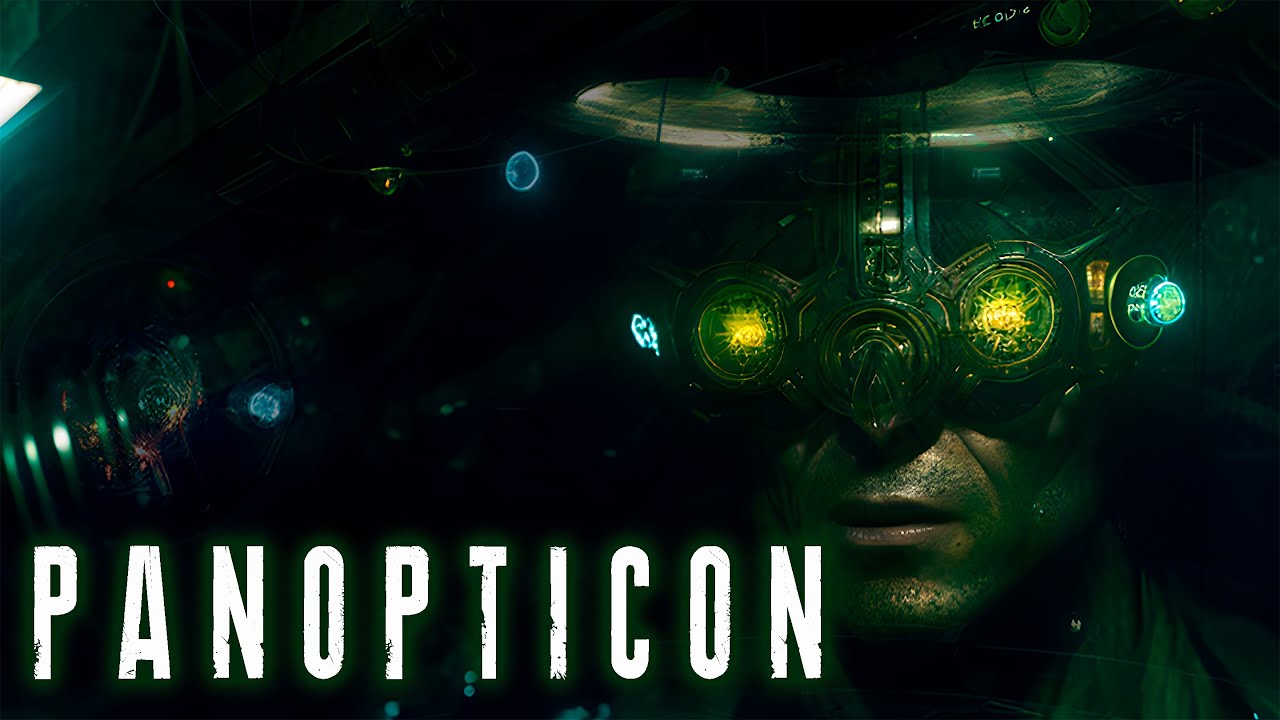
Panopticon means a type of institutional building and a system of control designed by the philosopher and jurist Jeremy Bentham in the late 18th century. The idea behind the panopticon is the creation of a circular building with a central tower, in which an observer can see all the cells that surround the tower. The idea is that the people in th...
neat jewel
fallen girder
"Panopticon" | Deforum Animation (Stable Diffusion v2.1 / fking_scifi v2) [4K] W...
gives me shareware era demo scene vibes
shrewd dirge
Anyone know how to keep the same faces throughout the video in duefourm @neat jewel
 silver sun
I need help with video input. Its not pulling my video at all. Installed locally.
RuntimeError: Init video path or mask video path is not valid
neat jewel
on the init page Truth you have put your path in the field?

in my case these will be like E:\animation\original.mp4
and then at the top you need to select use init and strength_0_no_init and set it to like .75
shrewd dirge
@neat jewel you talking me or @silver sun
neat jewel
I am talking to @silver sun
shrewd dirge
Anyone know how to keep the same faces throughout the video in defourm @neat jewel
neat jewel
not really
unless you were masking faces and not changing the faces
or you can use ebsynth but it has its own problems
you can try to minimize it by using a fixed seed
shrewd dirge
@neat jewel something in here?
 neat jewel
are you doing a video or an image
shrewd dirge
Video
neat jewel
You are outputting a video but are you inputting a video
shrewd dirge
I didn’t know you could do that @neat jewel
shrewd dirge
And it will be in the video when we generate @neat jewel
neat jewel
I don't think you understand
shrewd dirge
I know my bad
neat jewel
Deforum can essentially do three things
- make a video out of a series of prompts by generating each frame of the video
- make a video out of a series of prompts by generating each frame based on an initial image similar to img2img
- make a video out of a series of prompts by generating an img2img frame by frame from frames taken from a video
anytime you generate a new frame you get some amount of difference which tends to result in jitter
glacial rock
waxen basin
I go over my process on my YT video. https://youtu.be/SeZdwZu_x7I
very cool!!!
 neon shard
these ai videos lookin like acid trips i aint even bullshittn...
glacial rock
So I am going to try something today. I am scaling up the process and I am going to process a few thousand frames of a music video I own the rights too. It's going better than expected so far, but the processing will probably take a few days and this is very experimental- most clips I have done were 20 or so seconds and very intentionally shot to achieve my end result. This will be a project from 5 years ago. My expectations are low- but will share when done. IF my computers don't catch fire that is.
neat jewel
@faint rivet is there a readme for your new hybrid stuff before I just start breaking things?
glacial rock
glacial rock
So I am going to try something today. I am scaling up the process and I am going...
Right now I am getting about a frame per minute, so I am expecting to have a composite in 4-5 days
neat jewel
Which process are you trying to use?
 red mirage
shrewd dirge
Anyone know how to upload your images to deforum
red mirage
shrewd dirge
Anyone know how to upload your images to deforum
Place the file location in the Init tab and switch the mode to Video Input in the animation mode tab
red mirage
glacial rock
So I am going to try something today. I am scaling up the process and I am going...
Not sure if you posted your method you discussed previously in the Chel cosplay video but I'd be interested in hearing what you did! It feels like depth maps are probably the solution but I'm not sure.
I'd be interested in a workflow where I'd have total control over what I'm shooting and have a direct style (think Cel shaded). If you have any workflow things you'd be willing to share I'd love to help work it out!
neat jewel
even depth map animations frequently fall apart as the model doesn't know whats on the other side of a 3d object for me
and point-e where it is now I don't think we can convert objects to point objects as easily as we can generate images
red mirage
Just so I'm not being a total leech lol, here's some of the experiments I've been running. These first trials were all img2img batching. I finally figured out how Deform works but haven't been getting consistent results like what I've been looking for.
(Trial v04 is my favorite for how crazy it is though)
neat jewel
I feel like consistent and img2img/deforum is an oxymoron
glacial rock
red mirage
Not sure if you posted your method you discussed previously in the Chel cosplay ...
I will share the base process this month. Trying to understand where limits truly are before I share.
I'd like to also 'elevate' my knowledge a little- because I do think 2D diffusion is not enough. It's too random. There needs to be some mechanism for temporal truths in each clip. That doesn't really exist right now. I think it will require special tagging and preprocessing of clips to achieve, but I am not quite there yet.
But I am pretty proud of the short clips I shared above.
neat jewel
It does
glacial rock
?
neat jewel
If you are talking about going over videos the closest to that is EBsynth
Im working on a composition now to show this
glacial rock
Oh TBH I never got anything that great with EbSynth. Would love to see what you put out and learn from you
red mirage
Yeah I figured it would be. Trying to find an all in one solution or just something streamlined that can be more automatic. However it could be a pipe dream lol.
However Temporal you should be proud cause you did create awesome stuff. I get your hesitation, I'm trying to power up my learnings as well. I'm like 5 months behind the SD curve and trying to absorb fast lol
neat jewel
Deforum seems to be worse than using batch img2img and putting it together with flowframes for the purposes of "painting over a video"
Let me see how quickly I can get something out of EBsynth I am just trying to throw together a comparison
A lot of my earlier was NSFW so not something I can share here
red mirage
Gotta start from some where ha ha
neat jewel
so far with img2img you are fighting with consistency and jitter with ebsynth you fight ghosting
red mirage
Gonna dip my toes in and see if I can help somewhere
 still shoal
neat jewel
still shoal
neat jewel
Deforum ignored the letterbox/black borders of the original so just made her fat
the left is straight up batch img2img using flowframes, and the middle ebsynth
the more keyframes you use the closer ebsynth will be to batch img2img but it lets you skip some which can keep a consistent style/face for example applied to an object
shrewd dirge
Anyone know how to train a model in dreambooth
 cerulean escarp
@neat jewel how do you put a video in deforum
glacial rock
red mirage
Yeah I figured it would be. Trying to find an all in one solution or just someth...
Same here. I was watching from the sidelines and jumped in a little while ago. I have a background in ML from when I did some research in college (Car plate OCR- sorry if you have ever gotten a red light ticket that may be my fault depending on the region your in), but that was from like a decade ago and everything is so different now. It's amazing and TBH I am very excited for the future.
glacial rock
neat jewel
If you have a link to original.mp4 I wouldn't mind trying it with my technique. It's a good edge case video due to lighting and movement.
neat jewel
just a random girl dancing off redgifs
I haven't tried really big names hybrid thing either
and truthfully I didn't try very hard this was just an example to compare the different methods
most of todays computational time was spent trying to make an embedding for space marines
glacial rock
neat jewel
and truthfully I didn't try very hard this was just an example to compare the di...
No worries at all. Thanks for sharing the clip! I'll try to process it between batches for this music video.
red mirage
neat jewel
the left is straight up batch img2img using flowframes, and the middle ebsynth
Feel free to link me to somewhere else if this already exists somewhere else but where do you enable flow frames? You had some pretty good results. Even with just using img2img.
Here's what I had after throwing EB synth into the mix. I gotta do a better workflow to blend between the reference frames but I'm no too disappointed. I'm also using footage that's really hard for EB synth since the arching is the worst for it lmao.
red mirage
glacial rock
Same here. I was watching from the sidelines and jumped in a little while ago. I...
I'm very much reminded from when I was learning Deepfakes a couple of years ago. Many of the same principles kind of apply here so it's pretty exciting.
inner crest
glacial rock
Oh it is! TBH for myself I am avoiding deepfakes because it's not really my style and I don't want to put fuel on a blazing fire. The stuff Microsoft showcased with Kinect years back was already dangerous enough in the wrong hands. This isn't that but it's close example if anyone wants to see. https://youtu.be/gLoI9hAX9dw

Fake videos and audio keep getting better, faster and easier to make, increasing the mind-blowing technology's potential for harm if put in the wrong hands. Bloomberg QuickTake explains how good deep fakes have gotten in the last few months, and what's being done to counter them.
Video by Henry Baker, Christian Capestany
Like this video? Subs...
faint rivet
neat jewel
<@578704698996031498> is there a readme for your new hybrid stuff before I just ...
This should be in the new documentation soon, if it isn't already.
https://docs.google.com/document/d/1I9zJfmmJd9l6aEdPa_JZBbciOw-6r2CsWcesGLbCb-8/edit

Google Docs
Hybrid Video in 2D/3D Animation Modes Unlike Video Input mode, Hybrid Video allows for video while using 2D or 3D animation modes by mixing video in using various compositing methods. Hybrid video motion settings allow you to use the motion from a video with or without compositing the actual vi...
neat jewel
red mirage
Feel free to link me to somewhere else if this already exists somewhere else but...
flowframes is a program, i am using the free version he has newer ones on his patreon https://nmkd.itch.io/flowframes

itch.io
Video interpolation for everyone. Up to 100x faster than DAIN, compatible with all recent AMD/Nvidia/Intel GPUs.
neat jewel
red mirage
Feel free to link me to somewhere else if this already exists somewhere else but...
you can also set overlaps in EBsynth, I think it does some by default to get more of a blend between those styles. There are also frame blending options in like AE
red mirage
glacial rock
Oh it is! TBH for myself I am avoiding deepfakes because it's not really my styl...
God I've watched those so many times lmao. This stuff was way more advance then what I was working with. But the best thing I was able to do was being able to make people in an interview speak a language they didn't actually know. I can maybe link that here but it's got some sensitive footage.
neat jewel
faint rivet
This should be in the new documentation soon, if it isn't already.
https://docs....
So this can take the camera movement but ignore whatever is going on in the video itself? But it can also apply the character movement like the dancing girl to a totally different prompt generated character? Kind of like a puppet mode?
red mirage
neat jewel
you can also set overlaps in EBsynth, I think it does some by default to get mor...
A god amongst men if I've ever seen one. I'll take a look at this tomorrow and see how to incorporate it but this is already massively helpful. Thank you for the link! We will solve this together lol.
faint rivet
neat jewel
Oooh, lemme try (using experimental optical flow cadence)
neat jewel
Like its very hard right now to take that girl and completely replace her
Like if you wanted to turn her into a Hatsune Miku
red mirage
neat jewel
Like its very hard right now to take that girl and completely replace her
Your almost better off using the software that takes 2D video and converts it to mocap data and then apply that to a 3D model then reverse engineer via EB synth or something that to remake your video lol
neat jewel
Even completely changing her outfit is difficult because by the time you get the denoise high enough you blow out the movement
I've played around with the idea of almost like "untextured" animation or scenes for posing that might be easier for the computer to then "draw over"
Yeah in a sense what you were saying extrapolating motion capture data and applying it elsewhere
red mirage
neat jewel
I've played around with the idea of almost like "untextured" animation or scenes...
I forget where I've seen it. But I saw someone doing that exact workflow, and drawing over a blank (unreal 4 style) model is way easier for stuff like SD and what not to do.
neat jewel
That's essentially what the thin plate spline library does but it has to be "trained" for a specific set of movements
So its like ted talks and jackie chan talking mostly atm
for image generation in general the hardest thing for the AI has been detailed posing especially with multiple characters
red mirage
Ooof, training for specific movements is way less preferable than styles or specific characters.
Yeah multiple characters is okay so long as you don't want faces ha ha. You almost have to just do one at a time.
neat jewel
Although I did point out a trick I learned on a set where you can say (twogirls_a_and_b) (agirl has blond hair and blue eyes) (bgirl has black hair and red eyes)
and you'll generally get two characters in the scene
red mirage
neat jewel
Although I did point out a trick I learned on a set where you can say (twogirls_...
Hot dang that's genius. That's some ChatGPT stuff ha ha. Good stuff! Gonna sign off here but I'll check in when I got more to post. Thanks homie.

 red mirage
Positioning is kind of crazy in the first image ha ha.
neat jewel
yeah I mean its a minimally descriptive prompt
faint rivet
neat jewel
Here's with my hybrid stuff using normal cadence 3
not an anime prompt... claymation, haha
neat jewel
Looks like it has similar issues to ebsynth
faint rivet
neat jewel
her body doesn't seem to change much
it's depth-based. It thinks her body is out front more.
neat jewel
Yeah she does lean forward during part of it
so when she turns it like loses its reference similar to how EBsynth loses its reference from the keyframe
faint rivet
well, that was a quick render... I'm using mask contrast and the mask autocontrast cutoff hi/lo to control the depth. I just guessed. lol
faint rivet
neat jewel
Yeah she does lean forward during part of it
here you go... not depth based
A little lego perhaps?
neat jewel
It seems like it worked better not depth based
faint rivet
I'm changing settings every time...just depends
faint rivet
neat jewel
It seems like it worked better not depth based
If you want really great human masks, there's a colab you can use here:
https://github.com/PeterL1n/RobustVideoMatting
GitHub
Robust Video Matting in PyTorch, TensorFlow, TensorFlow.js, ONNX, CoreML! - GitHub - PeterL1n/RobustVideoMatting: Robust Video Matting in PyTorch, TensorFlow, TensorFlow.js, ONNX, CoreML!
 bright moss
faint rivet
bright moss
faint rivet
with more between frames these would look super cool and trippy
faint rivet
yeah, well.. I ordered a 4090.
bright moss
niice
bright moss
I just got a 3070 (8gb) for my pc (for free kinda) so I can stop using my laptop with a 3070 that is worse, because it's a laptop
faint rivet
I've done a lot with this thing. It's just that now that I'm working on my hybrid video stuff and other features, I'm doing a lot of tests... and this is gonna speed up development, and make me able to share nicer examples quicker.
bright moss
faint rivet
I've done a lot with this thing. It's just that now that I'm working on my hybri...
Super cool! I just find it fun and kind of like a hobby
faint rivet
I created the hybrid video stuff to make cool videos... They were just mods. I didn't particularly want to have to integrate and bug test! I'm gonna use the hell out of that card.
faint rivet
ugh... found on newegg for $2100
bright moss
Dang.
bright moss
I was looking at things and it goes upwards of $2500 in some places, so that's not terrible
faint rivet
well, there's liquid cooled versions and stuff
bright moss
faint rivet
I got the MSI version
are there actually differences in hardware/stats between brands? I know it's all produced by NVIDIA and then the other brands put their branding on it
faint rivet
always some differences...
bright moss
Ok
faint rivet
but mostly the same. lol
depends on the agreements with manufacturer... some generations have OC versions of cards, others don't seem to... often time the main difference is cooling.
bright moss
Since we are in the animations channel, I was wondering if you have seen this? https://www.reddit.com/r/StableDiffusion/comments/109754j/introducing_latent_blending_a_new_stablediffusion/

it's super trippy looking
faint rivet
yeah, it manages to be super cool, yet have terribly unimpressive demos at the same time.
bright moss
as in the two example videos they showed?
faint rivet
I'd like to see some faster interpolations... when it's that slow, it's like, a really long RIFE
I want to play with it though
bright moss
yeah the slowness isn't very cool, but maybe it has to be that slow to get the really smooth interpolation and you can speed it up later
faint rivet
for sure
bright moss
I think the volcano to room one is cooler than the forest to mountain one
I wish I could figure out how to set it up easily. Maybe I should spend some time tonight doing that.
faint rivet
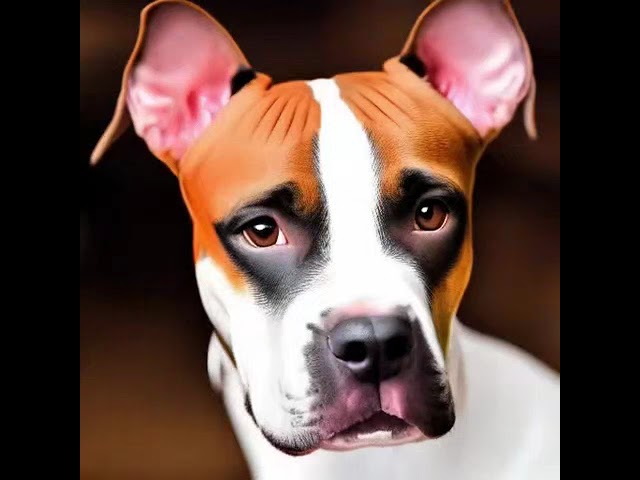
I found a list of 1,000 prompts used to test another AI called "Parti" and so I decided to run it through the Deforum Stable Diffusion notebook on Interpolation mode with 10 images per prompt, and then frame interpolation with RIFE which gave me 10,000 images.
I rendered each frame with only 15 samples each using euler_ancestral sampler with t...
bright moss
how long did that take... geez
faint rivet
a day
Here's a fun shorter one...
https://www.youtube.com/watch?v=NH9pXN4dJnI

To add FPS, I use FlowFrames, and usually with the RIFE method. But, for interpolation animations like this, with less movement and more morphing, I sometimes find that FLAVR or XVFI yield better looking results. This one was done with 8x FLAVR.
#aiartist #aiart #aiartist #deforum #stablediffusion
🌲⭐🌃
🤜 Forest Star Walz
👉 #reallybigname
htt...
bright moss
is that a custom lego model? I tried making one when I was attempting dreambooth models but it failed and pretty much only did castles (with only like 3 castles in the training set) and always pput them in boxes (with no boxes in the training set)
faint rivet
naw, that was just SD 1.4 I think.. maybe 1.5
bright moss
hm
Once I try out Lora training I am going to try to make a lego model again
Alas, I must go. Nice chatting with you!
faint rivet
Yeah, I'd like to make a custom lego model, or use one.
I've done a lot of faux-interpolation looking stuff. Take care!
https://www.youtube.com/watch?v=ZWrGY9zdoAE

#aiart #aiartist #deforum #stablediffusion
🌲⭐🌃
🤜 Forest Star Walz
👉 #reallybigname
https://www.youtube.com/reallybigname
https://www.facebook.com/reallybigname
https://www.instagram.com/reallybigname
https://www.pinterest.com/reallybigname
https://www.twitter.com/reallybigname
https://www.snapchat.com/add/reallybigname
https://www.soundcloud....
faint rivet
bright moss
with more between frames these would look super cool and trippy
Oh, this just finished. Full frame rate...
 bleak ocean
Reflection 🪞.
Using automatic 1111
neat jewel
faint rivet
If you want really great human masks, there's a colab you can use here:
https://...
Ive bookmarked that but not played with it yet. Does it just remove backgrounds or could you essentially remove the people and then replace them
neat jewel
faint rivet
Oh, this just finished. Full frame rate...
That one is kind of trippy, I just got a 4080 with 16gig recently was 1200-1300?
@faint rivet do I need to like install anaconda then clone this RVM and run it from a conda console? since I use automatic1111 running it in python is a bit new to me
glacial rock
faint rivet
If you want really great human masks, there's a colab you can use here:
https://...
This is phenomenal. I am going to try it as soon as I can.
glacial rock
neat jewel
Ive bookmarked that but not played with it yet. Does it just remove backgrounds ...
Have not tried it yet, but looks like background removal.
bright moss
faint rivet
Oh, this just finished. Full frame rate...
funky
faint rivet
neat jewel
<@578704698996031498> do I need to like install anaconda then clone this RVM and...
Personally, I used the A1111 wiki instructions to install in an anaconda environment. But, some people just run it with the normal install instructions (not in anaconda environment)
faint rivet
neat jewel
Ive bookmarked that but not played with it yet. Does it just remove backgrounds ...
it can give you a grayscale mask of humans or humans on a green screen or both. Just try the colab with a short clip. It's easy. It'll generate all of what it can.
faint rivet
neat jewel
<@578704698996031498> do I need to like install anaconda then clone this RVM and...
Oh sorry, I thought you meant auto1111... You're talking about running this human masking thing. I haven't set it up locally in an anaconda environment yet. I've just run it on a free colab.
glacial rock
faint rivet
If you want really great human masks, there's a colab you can use here:
https://...
My first time using google collab. It says there is free GPU usage but I am questioning it. When I ran an input, it worked, but it held up my GPU which is currently processing several thousand frames of video. Once it was done, GPU went back to regular average time per frame.
So it will take a few days... doing music video in batches of 1000 frames and total of 5300+ frames. I am on frame 600 and been processing for almost 10 hours.
But here is part of a shot from the music video. This is a first pass using the exact same method... with minor tweaks... as I used above. Excited to see the final output with all scenes. Will share the entire thing regardless when complete. If I can, I'll put it to the original music but I want to give the artist a heads up/double check. I own the video, they own the music.
glacial rock
glacial rock
My first time using google collab. It says there is free GPU usage but I am ques...
@faint rivet do you know if there is a way to specify a different background color by default? If not will take footage into another tool.
faint rivet
glacial rock
<@578704698996031498> do you know if there is a way to specify a different back...
I think those are the only options. But, you can do anything with a mask.
glacial rock
faint rivet
I think those are the only options. But, you can do anything with a mask.
Ok, I may make a PR. I found the code that sets the color... it could be configurable!! Just not yet.
glacial rock
glacial rock
Ok, I may make a PR. I found the code that sets the color... it could be configu...
So it looks like owner is to busy to take PRs and didn't want to wait. I forked it and modified the collab to accept any RGB background color. It works!
@faint rivet here's a collab if you want to use it. https://colab.research.google.com/drive/11ERb04vWXy5YhSyCqejaaoBFEwIzinAT#scrollTo=XQS1RNu3IEl2
 rapid moth
gentle nova
rapid moth
gentle nova
consistent characters and styles with a walking animation from multiple perspectives. Using Img2Img and ProtogenAnime+SD2.1 with Embeddings model
What would you like to see transformed by AI next? What style would you like it to be? Let me know in the comments below.
IF you like this type of content you gotta let me know with those Subs and Likes. So I KNOW to keep making it! Thanks y'all!
#fyp #viral #anime #art #3d #lotr #fantasy #scifi #aiart
astral bane

#stablediffusion #aiart #deforum
schielo.at 2023
Song: Sir Cubworth - Orbital Romance
neat jewel
glacial rock
<@578704698996031498> here's a collab if you want to use it. https://colab.rese...
so this is RVM but with configurable background color? his webcam demo had multiple color options
neat jewel
astral bane
https://www.youtube.com/watch?v=-LAyw6pmCq8
trippy like enders game
neat jewel
gentle nova
consistent characters and styles with a walking animation from multiple perspect...
copywrite blocked for your use of music
gentle nova
neat jewel
copywrite blocked for your use of music
Ty
glacial rock
neat jewel
so this is RVM but with configurable background color? his webcam demo had multi...
I don't have a webcam so I didn't even look at that. However the new Collab suits my needs perfectly.
glacial rock
glacial rock
I don't have a webcam so I didn't even look at that. However the new Collab suit...
Also I guess I can offload the processing to a google GPU, even though I am still a little skeptical as I saw some perf drops when I ran this on my local machine. I have also never used google Collab before this so I learned how that works and how to modify existing ones or make new ones so it was worthwhile.
@neat jewel Here's my version of the dancer. I will be going back to the music video. The first 1000 frames cam out pretty good, but there were some very funny errors in a particular shot.
glacial rock
rugged prism
I mainly see very low denoising
change her to something else and keep the consistency
neat jewel
yeah in general @rugged prism that seems to be the big challenge
and something like her dress makes it even harder
it almost looks like img2img but her face is masked to not change as much
rugged prism
neat jewel
it almost looks like img2img but her face is masked to not change as much
he probably img2imged it
with low denoise
rugged prism
neat jewel
yeah in general <@242722473949396992> that seems to be the big challenge
and yeah, this is why I wrote that 😛
neat jewel
I think its a little more than that
rugged prism
I need a better rez input video, the one you sent is like 240*480
neat jewel
yeah thats the size mostly on like redgifs I just went lazily looking for some SFW videos to try some things with
rugged prism
I'm exporting a diff one we can work on, easier one
I'll try to do something with this one ^
glacial rock
rugged prism
he probably img2imged it
So I will share my steps on github. Img2Img is part of my process! Low denoise is pretty obvious! 😛 My goal is to apply this work to high fidelity filmmaking and marketing with inputs I create- so this is intended! We are all standing on the shoulders of giants and I wish you luck in what your working on!
Anything I do or modify will be contributing back to open source, process or code FYI!
neat jewel
what size footage are you hoping for base with 512 by 512 being the most easy for SD
rugged prism
neat jewel
what size footage are you hoping for base with 512 by 512 being the most easy fo...
I love to test on 512512
just cuz it's quick
neat jewel
yeah just so many videos are shot on phones and not square resolutions
I actually converted that dancing girl one to 512 by 512 using the frames in irfanview to add padding to it
so they would all be 512/512
rugged prism
neat jewel
yeah thats the size mostly on like redgifs I just went lazily looking for some S...
https://www.pexels.com/ is a great resource for vids
neat jewel
all your videos the girl has the same face
glacial rock
Yes... I didn't want to change it. Going for output consistency.
glacial rock
rugged prism
@rugged prism
If I have time later, I will try again 1024x1024 as I have found larger outputs to be generally less random than smaller ones. I am still not 100% sure why. However kicking off the music video render and won't be back for 12ish hours.
red mirage
glacial rock
<@242722473949396992>
I wonder if it's because it's easier to generate randomness at smaller intervals than larger ones.
 agile cloud
rugged prism
agile cloud
rugged prism
this was created with ai?
neat jewel
glacial rock
<@242722473949396992>
I had to request access to the collab you posted earlier that you are using to remove the backgrounds to white
neat jewel
agile cloud
this was created with ai?
no its free stock from pexels to play with
we are all kind of chasing the same goals of being able to use videos as reference for movement while having smoother less jittery pops via AI image overlay/generation
red mirage
Not bad. So are you halfing the amount of frames you're running through SD and then using flowframe to interpolate between them to get back at your original frame rate?
neat jewel
nope thats raw 1 to 1
if I halved them for flowframes it would be smoother likely
Im going to see what I can get from EBsynth now.
I was testing if you use stronger prompt weights on lower denoise whether you can get more change
Eb Synth doesn't like having more than a certain number of keyframes
red mirage
Interesting. I haven't run into that with Eb Synth yet. I did fire up flow frames and did the workflow I explained above. It's still ugly as hell but I'm gonna try to figure out how to best make it so that the transition between keyframes and key looks can flow into each other better rather than the hard cut that it is here.
neat jewel
yeah frame blending after effects can help with some of that too
looks like ebsynth does not like more than 20-25 keyframes
just means should split it up I guess then
I wonder also if you had an embedding strongly trained for a particular subject if it would tend to be more consistent when img2img over the video?
because a lot of times its details like how the hair is styled or specific outfits that get overwritten
like @glacial rock girls face
red mirage
neat jewel
I wonder also if you had an embedding strongly trained for a particular subject ...
So I actually did try that with some other versions. I used the Hades: https://huggingface.co/Akumetsu971/SD_Boichi_Art_Style/blob/main/README.md embedding and here were some of the results I got:
 neat jewel
yeah thats a style not a subject embedding however
who is it people post lots of stuff of emma watson? Hermoine or whatever
I am saying if you had a strongly trained emma watson embedding and chose to make the img2img prompt to make the dancer emma watson would it be more consistent
or something like that
playing with the advanced settings on EBsynth some of them are interesting
de flicker essentially .5-10 is the difference between it "popping" or "smearing"
glacial rock
neat jewel
I had to request access to the collab you posted earlier that you are using to r...
made it public
neat jewel
Thanks
red mirage
Ah, I see what you mean. I've been testing more style embedding rather than subject embedding but I do have some subject ones I might test to see how it works. But judging for how it worked style wise I have to imagine it'll do better focusing on a single character something like that.
glacial rock
neat jewel
Nice!
glacial rock
neat jewel
like <@1061845222046322778> girls face
If you look closely frame by frame, you will see subtle differences that don't come through as well in video. It's still a challenge and not perfect.
inner crest
neat jewel
this turned out a little interesting
Batch img2img, vs half the frames, third of the frames, quarter of the frames so 30/15/10/7.5 fps
I feel like the third frames actually ended up being the best and looking most natural?
so essentially tells me that because of the issues we mention here that somewhat lower framerate is better for now
red mirage
This is great! It sucks to lose out on some of the motions of the full frame version, but it def reduces the jitteriness when reducing them.
 unborn quest
hello, this is my result for Santa Pets interpolate animation https://twitter.com/i/status/1610607820558274564
neat jewel
unborn quest
hello, this is my result for Santa Pets interpolate animation https://twitter.co...
fun
rapid moth
Lower frame rate is better often. More frames equals more generations aka more noise and jitter. Looks bad tbh.
mossy ridge
Hello! everyone! I've made an animated music video with AI. I tried to find a new approach and aesthetic for this one. The music is Portuguese psych-pop / alternative folk. Hope you enjoy it 🙂
https://www.youtube.com/watch?v=mPExOIgpAkM

Transmutação é o 3º single do álbum de estreia de Metamito, a ser editado dia 20 de janeiro de 2023.
Disponível em todas as plataformas digitais:
https://music.meta-mito.com/transmutacao
Música, letra, gravação e produção: António Miguel (Metamito)
Mistura: Pedro Ferreira, no HAUS.
Masterização: João Alves, no Sweet Mastering Studio
Vídeo ...
faint rivet
neat jewel
really doesn't understand the rotation of the humans lol
guy turned his back and was drawing the face on the back of his head/lapels of his jacket
 cold fractal
First try, worked!
faint rivet
faint rivet
neat jewel
really doesn't understand the rotation of the humans lol
I thought it was cool how his body rotated around without his head... very undead-like.
But, if you want some warpage, check out the last one I just posted.
neat jewel
I need a script in photoshop that does this for me
 stark bolt
In regards to temporal consistency between frames, I vaguely remember seeing a paper or github repo a month or two back that described something like denoising the video and then adding a transparent noise image over the first frame and then mapping that transparent noise image to the remaining frames in the video. Did anyone else see this? Maybe it was a dream
neat jewel
Was it something that was almost talking about something similar to a depthmap but was for the motion?
the deepfake stuff clearly does it with heads but that can just be because the movements are so restricted and well trained for facial movement
neat jewel
@glacial rock tried the colab! awesome
 tribal glade
glacial rock
mossy ridge
Hello! everyone! I've made an animated music video with AI. I tried to find a n...
tribal glade
glacial rock
mossy ridge
Hello! everyone! I've made an animated music video with AI. I tried to find a n...
Very cool! Excited to share my music video. Almost halfway done processing. Some frames in some scenes did get weird... others look really brilliant.
glacial rock
neat jewel
<@1061845222046322778> tried the colab! awesome
awesome, hope it helps
neat jewel
This was for @faint rivet
faint rivet
neat jewel
This was for <@578704698996031498>
What did you use?
neat jewel
I used Temporal's colab to strip the background, pulled it into after effects, adjusted the composition to be 12fps, then used VLC's scene edit thing to pump out the pngs of every frame then img2img, then flowframes to put it back together at "30 fps" since the original was already 12
its interesting how really the textures/popping in the body doesnt stand out its just the changing lego head that you really notice
glacial rock
I think it's pretty phenomenal TBH. 12 FPS give it a toy stop motion vibe
faint rivet
Oh, I just used deforum.
neat jewel
I haven't been getting as good of results with deforum as I do with batch img2img
glacial rock
btw with my guide, I will show a command line way to do frame extraction that only takes a few seconds so you wont be limited to VLC/AE. I plan to post this weekend when I have time to complete my write up.
However if you have ffmpeg or willing to install it (I use it in Ubuntu running in WSL, and have Windows Host):
ffmpeg -r 12 raw12/out%03d.png -i Freakazoid.mp4
Also random shoutout to AE and Video Copilot fans. "Andrew Kramer here!" 😛 I used to do a lot in AE.
faint rivet
neat jewel
I haven't been getting as good of results with deforum as I do with batch img2im...
I added hybrid video in 2D/3D in the last update. Video Input mode in Deforum isn't very good.
By the way, it works with the 512-depth-ema.ckpt in deforum webui.
neat jewel
pretty sure I have ffmpeg for something because it gets used by after effects and flowframes but it isnt recognized in the command prompt
glacial rock
Clips from music video experiment...
neat jewel
trying to render a claymation version of that video now for reallybigname lol
glacial rock
neat jewel
pretty sure I have ffmpeg for something because it gets used by after effects an...
Where is it on disk? You should be able to add it to your system environment variables path for command line use
neat jewel
not sure probably installed itself somewhere
glacial rock
glacial rock
Where is it on disk? You should be able to add it to your system environment var...
If you can't add it, IIRC the .exe is pretty portable so you can also copy it to your working directory
glacial rock
neat jewel
not sure probably installed itself somewhere
hahaha Well no worries. you can also download another copy and place it anywhere you want
neat jewel
kinda wish i went for the 24gig card now but thenagain it was another 700 bucks
glacial rock
Oh wow. What GPU are you using?
neat jewel
4080 so 16gig
glacial rock
I have 8GB 2070 so things are pretty slow
I am considering standing up an Azure VM to improve processing time
neat jewel
just upgraded from a 1080 with 8gig
glacial rock
Another clip:
neat jewel
I turned off xformers because of the issue I was having with it almost locking my pc
its a little creepy them all looking like the same girl lol
glacial rock
glacial rock
Another clip:
LOL I know. Wasn't exactly expecting that... but i am committed to 4000 more frames of rendering for this experiment. Oh well!
glacial rock
awkward cut in the middle because I was lazy with interpolation... text reconstruction worked well in stable diffusion transfer.
neat jewel
the hula doll has her face too lol
glacial rock
lol I know. It a way, it actually makes the video cooler. When we shot it, we wanted the hula girl to look like the singer so this just bridges the gap.
neat jewel
well there you go haha
glacial rock
I have some ethical concerns, so while I will share clips here I want to make sure the artist is ok with it cause her likeness has changed so much in the render. Asking nicely please don't share these clips online outside of this group
neat jewel
its interesting the powerdraw and gpu temp isn't bad it just eats all the memory
glacial rock
The process is very memory intensive. Same GPU temp isn't bad... but fan is running like hell
neat jewel
My cpu and memory loads are like 50% but GPU ram is tapped out
glacial rock
Oh there should be a way to get it to 100% or close. I am sitting at 97% as we speak on 8GB GPU Ram
glacial rock
GPU is really what you need
this is great example of the diffusion process failing wonderfully. Will try to make a quick clip before I sign off.

That's a dude in source, not a lady. Second face should not be there. This part of the music video is blurry and it was raining so there is some rain noise over the clips
source input
 neat jewel
something off this time
glacial rock
clay looks really smooth. The face though 😄
neat jewel
something about the speed was different
same original images, batch to new folder but when I did it at 30fps it was too long
glacial rock
easily the worst thing I have made so far 😄
neat jewel
interesting batchimg2img generated twice as many files
I must have done something weird
oh
somehow I dumped the lego ones into the original folder
seems like a bug
it put batched files into my input directory as well as the output directories
faint rivet
neat jewel
something about the speed was different
That's super cool though. But, you can't do this in img2img
https://youtu.be/rjWgafx5GWg
Created using my Hybrid Video mods to Deforum
#aiart #aiartist #deforum #stablediffusion
🌲⭐🌃
🤜 Forest Star Walz
👉 #reallybigname
https://www.youtube.com/reallybigname
https://www.facebook.com/reallybigname
https://www.instagram.com/reallybigname
https://www.pinterest.com/reallybigname
https://www.twitter.com/reallybigname
https://www.snapcha...
neat jewel
yeah that's like tripping balls right there
I dont like all the ghosting/smearing
same thing happens in Ebsynth
faint rivet
Well, it's intentional. It's optical flow
glacial rock
I was going to say. Deforum seems like it ate a 100 sheet. Also not crazy about blending personally, but keep it up and hone your style @faint rivet !
faint rivet
You don't understand. I added a bunch of features you can use in many ways.
You can mix video with 2d or 3d animation mode.
neat jewel
yeah I need to play with it tomorrow
faint rivet
On webui, my section has it's own tab
It's different than Video Input mode, and different than img2img. You can take movement only from a video if you use perspective or affine motion by the way... You don't even need to use the video.
You can also set color coherence to video input, so it grabs a color sample from every frame... Again, with our without using the video.
glacial rock
faint rivet
It's different than Video Input mode, and different than img2img. You can take m...
Do you have a guide you want to share?
faint rivet
I think they are working on the wiki. But, I can give you the document I gave them.
glacial rock
sure I'd be interested to read up on it. Cause 2d+3d was my next project with this after the music video.
neat jewel
Google Docs
Hybrid Video in 2D/3D Animation Modes Unlike Video Input mode, Hybrid Video allows for video while using 2D or 3D animation modes by mixing video in using various compositing methods. Hybrid video motion settings allow you to use the motion from a video with or without compositing the actual vi...
faint rivet
glacial rock
Do you have a guide you want to share?
yeah, that's the one
My YouTube has a bunch of experiments I did as I got closer to release, and some after release.
glacial rock
neat jewel
https://docs.google.com/document/d/1I9zJfmmJd9l6aEdPa_JZBbciOw-6r2CsWcesGLbCb-8/...
bookmarked for my weekend! Thank you
faint rivet
rendering another now... all straight from deforum... copied sound from init video
neat jewel
its interesting the differences between the two approaches
faint rivet
Well, I'm trying to make it similar to your approach, but I can do a lot of things with it...
neat jewel
the deforum version there its almost more like the lego is noise within the model boundary of the dude
Im about to start another batch with a different style just to see before I go to bed
faint rivet
It uses optical flow, which you can't do with img2img
faint rivet
So, with hybrid video, you have alpha control. At full alpha, it's similar to img2img... similar, but not the same.. Strength works differently with steps in deforum. (100 steps at strength 0.9 = 10 steps).
So, when you lower the alpha of the incoming video to the render stream, it allows parts to persist between frames. When the next frame comes, my functions use optical flow to warp the render towards the incoming frame... None of that can apply in img2img, since it is basically just a photo application. Every image is a separate render.
That last one was on full alpha... and so is the next one. But, then I'll lower the alpha and adjust...
neat jewel
So it’s like flow frames or frame blending a bit or even eBsynths sort of holding the frame
Sorta
Img2img has no sense of blending
I’m accomplishing that via other tools
bleak ocean
I’m pretty happy with the interpolation here.
faint rivet
neat jewel
I’m accomplishing that via other tools
well, the image goes back in as the init image for the render, pre-render... so, you can't accomplish it with other tools without using deforum from console as an in/out device along with some other tool to warp the image before sending back as init image.
Uh oh, I think I went a little heavy on the legos... just peeked at my render
waxen lion
 faint rivet
My technique works a lot better with full frame rate, because there's less distance between movements. I'll render it at full 30fps later... That was just a quick one.
even better with 60fps
rapid moth
waxen lion
Nice!!! Great subtle changes!
waxen lion
rapid moth
Nice!!! Great subtle changes!
thanks! About time I get back on the horse. Brutal two weeks of work. I'll get some updates in the guide by Sunday
spare goblet
love it
faint rivet
claymation rendering now...
 glacial rock
Wanted to share a comparison for 512 vs 1024 in terms of quality and consistency.
glacial rock
glacial rock
Wanted to share a comparison for 512 vs 1024 in terms of quality and consistency...
512
glacial rock
glacial rock
Wanted to share a comparison for 512 vs 1024 in terms of quality and consistency...
1024
larger outputs consistently yield better results for me. No upscaling has occurred.
faint rivet

Claymation from video. 2x speed (full 30 frames at 60fps), 1x speed (30fps upped to 60fps), and 0.5x speed (15fps upped to 60fps).
I'm not sure where the original video came from. If anybody knows, I'll link it here. The guy had a purple shirt.
#aiart #aiartist #deforum #stablediffusion
🌲⭐🌃
🤜 Forest Star Walz
👉 #reallybigname
https://ww...
faint harness

Supporting in any way through the links below will allow further work and development to be done. With that said, regardless of the outcome, thank you for being here!
#stablediffusion2.0 #aesthetic #ai #art #animation #midjourneyv4 #stablediffusion #midjourney
I love what I do, and if it so pleases you to want to support me, thine link is ...
faint rivet

Animated with Deforum Stable Diffusion - Hybrid Video
Normal speed first. Half speed after with different music. Using some experimental new cadence... and a new way of doing optical flow... that's not YET in deforum.
I made a video mask using:
https://github.com/PeterL1n/RobustVideoMatting
Original video:
“Back in Time Square - Vik x Miranda...
 near badger
bleak ocean
neat jewel
waxen lion
near badger
bleak ocean
neat jewel
waxen lion
Awesome
neat jewel
near badger
Did you mask the video and only redo the face?
near badger
neat jewel
Did you mask the video and only redo the face?
no. original is here
#🎥|animation message
neat jewel
near badger
no. original is here
https://discord.com/channels/1002292111942635562/1025266140...
yeah I posted it lol
was just curious what process you had used
near badger
ebsynth
GitHub
AUTOMATIC1111 UI extension for creating videos using img2img and ebsynth. - GitHub - s9roll7/ebsynth_utility: AUTOMATIC1111 UI extension for creating videos using img2img and ebsynth.
neat jewel
yeah I use it also
neat jewel
faint rivet
https://youtu.be/ZPcthY0GqG8
Definitely true that B&W just like removing the background reduces the number of things and the noticeability of the popping
neat jewel
glacial rock
512
Makes sense from a matching details perspective. Not all the models/plugins etc seem to like 1024x1024 tho
neat jewel
rapid moth
very cool
Lot's happening while I was asleep
@glacial rock what method did you use to do the upscaling?
near badger
near badger
"gigantic breasts" token seems to do the job a bit
 neat jewel
lol I didn't notice that but yeah she is bustier with more cleavage
I was watching the arms and such for popping and didn't really notice a lot of flicker
neat jewel
@faint rivet trying hybrid now but it generates one frame and then blank frames
neat jewel
I clicked things until it worked but am unsure what was causing that
faint rivet
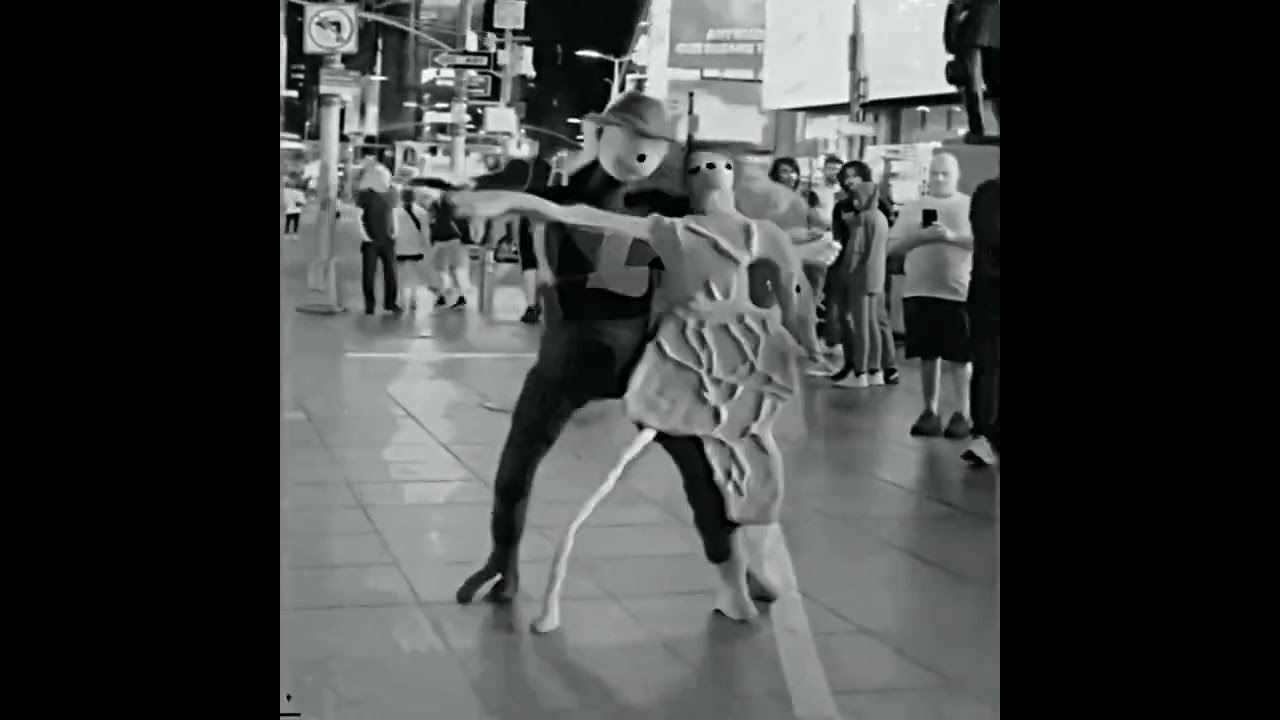
Animated with Deforum Stable Diffusion - Hybrid Video
Using a new way of doing optical flow... that's not YET in deforum.
I made a video mask using:
https://github.com/PeterL1n/RobustVideoMatting
Original video:
“Back in Time Square - Vik x Miranda”
https://www.youtube.com/watch?v=I1dxE8GKFBs
#aiart #aiartist #deforum #stablediffusion
🌲⭐🌃
...
neat jewel
you guys keep getting nailed for umg copyrights
faint rivet
You can watch it on youtube
neat jewel
ah
freaking amazon guy took out my mailbox delivering to the neighbors
guess I get to dig post holes today
faint rivet
ugh
working on new optical flow styles, and we're going to incoporate human masking like I used above.
neat jewel
kept giving me errors trying to use some of the depth options
like I said I ended up clicking around until it worked
faint rivet
I just did it manually with a video mask in deforum. But, we'll make it so you can just generate them in deforum and output with the mask.
neat jewel

I left your default numbers alone and am using full frames don't know if I should have tried anything else
faint rivet
You may need to be in 3D mode to use depth. It uses the depth maps from the last rendered frame (deforum already made them before my mods). Video Depth will always work.
I'm about to pass out. pretty tired to give advice right now... 💤
Although, I suggest first leaving comp mask on None
and just controlling the comp alpha
Make it sweep up and down and see what it does...
leave on farneback
there's a known issue with other types of optical flow... I'll replace those soon, and have even more styles to choose from
Farneback is good though
gnight!
neat jewel
when I use video depth it threw errors maybe I dont have the right deforum depth plugin I do have other depthmap things
 silent yarrow
neat jewel
silent yarrow
neat jewel
@faint rivet @glacial rock well you were maybe on to something with the 1024 thing. I am unsure what other settings I should have tried with deforum. I ended up having to run it through flowframes anyway to compile it as it errored out in deforum making the mp4
silent yarrow
neat jewel
using interpolation?
silent yarrow
me ? nop superposition of two video
silent yarrow
that normal that uberduck 😉
neat jewel
uberduck is a person? or a text to speech thing
silent yarrow
text to voice
neat jewel
oh pretty cool
silent yarrow

Uberduck is an open source machine learning community focused on text to speech, synthetic media, and voice cloning.
 lucid wagon




 glacial rock
neat jewel
Makes sense from a matching details perspective. Not all the models/plugins etc ...
glacial rock
neat jewel
Makes sense from a matching details perspective. Not all the models/plugins etc ...
Curious which ones didn't fare well? Overall I have seen this trend in my work and not found any counter examples.
glacial rock
neat jewel
<@1061845222046322778> what method did you use to do the upscaling?
I am not doing any upscaling. This is raw output.
glacial rock
neat jewel
<@578704698996031498> <@1061845222046322778> well you were maybe on to something...
Looks awesome!! Glad to see high resolutions are also benefiting you. I will make sure it's in my guide.
neat jewel
its actually been ok with the 512x1024
hmm
this one did not work well too many people in the frame
neat jewel
@glacial rock I need to work with shorter clips for these 512x1024 ones or it takes forever
neat jewel
Don't feel like I am seeing less popping with hybrid video but maybe i don't have it set right. It does pop fast enough with this higher resolution higher framerate it hides it to some extent? dunno
I do think in general the less things changing IE keeping shorts/white shirt or a simple background etc reduces the number of things that create noise which is why the greyscale/black and white thing also makes things seem smoother
faint rivet

Original video "People are Awesome - Skateboard Edition"
https://www.youtube.com/watch?v=J6mlMSxOAnM
#aiart #aiartist #deforum #stablediffusion
🌲⭐🌃
🤜 Forest Star Walz
👉 #reallybigname
https://www.youtube.com/reallybigname
https://www.facebook.com/reallybigname
https://www.instagram.com/reallybigname
https://www.pinterest.com/reallybigname
ht...
 stable sky
let me know what you guys think https://www.youtube.com/watch?v=kKf7u8_yepI
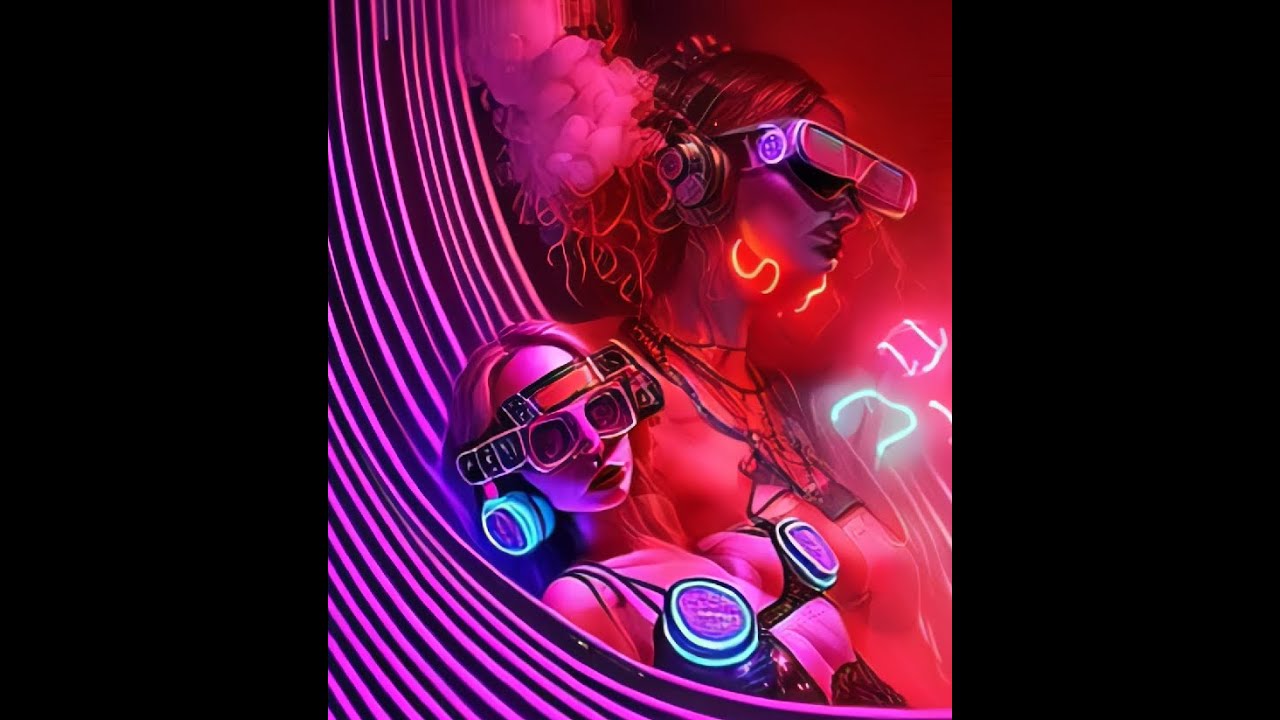
Animation created using Deforum - SD v1.5 - Post editing in After Effects.
Don't forget to Like the video and subscribe for upcoming content!
Industrial Techno Beat 'ILLUSION'
Music credits go to channel 'Aim To Head Release' - https://www.youtube.com/@UC1KJEk-EZMmDF9DJKMK5OCQ
#techno #technomusic #hardtechno #animation #musicvideo #trippy...
neat jewel
stable sky
let me know what you guys think https://www.youtube.com/watch?v=kKf7u8_yepI
Love it, again like some others this gives me demo scene vibes I used to love those in the shareware days. What are you using to get it to be music sensitive?
 glass bough

Made with stable diffusion
I DO NOT OWN THIS AUDIO
what paramter uis being changed her to make the image changed
stable sky
neat jewel
Love it, again like some others this gives me demo scene vibes I used to love th...
thanks for your reply! Creating an Audio to keyframe string based on the beat and in Deforum you can create translation sequences on X/Y/Z axes based on those strings!
glacial rock
neat jewel
<@1061845222046322778> I need to work with shorter clips for these 512x1024 ones...
yeah I know it takes forever. It's also a resource hog and while it doesn't lock my machine up- it does make it hard to do other things in parallel . I just got over 50% of the music video done at 1920x1080... but TBH it's worth it. Before I kick off batch #4 of 6 I am going to try a new experiment.
I just busted out my trusty C100 camera and set up a studio in my garage. I had avoided this because I didn't have greenscreen. But with the bg removal rool, I may not need one. While an older camera, the video footage from it is really good. I am going to do myself and see how it goes with a short HQ clip.
 kindred tinsel
 glacial rock
Here is a sequence from the music video from todays render side by side with source. sorry for the crap editing in a rush
serene veldt
 glacial rock
neat jewel
glacial rock
neat jewel
Almost reminds me of the gorillaz music videos with the character style.
fading turtle
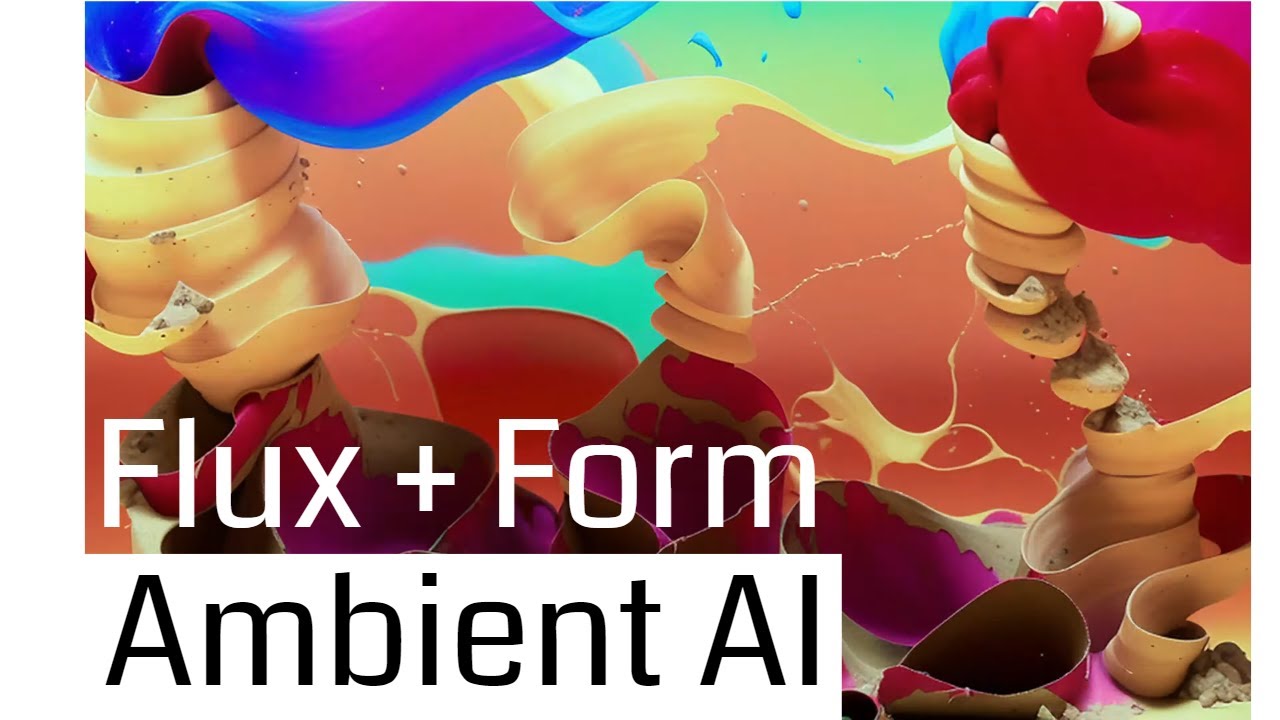
This animation was created using Touchdesigner and Stable Diffusion (automatic1111). Inspired by recursive growth experiments in Houdini.
To get early access to my custom tools / interactive approach to creating and developing with Stable Diffusion, join my Patreon.
Patreon: https://www.patreon.com/user?u=80175670
#stablediffusion #touchdesi...
 dapper geyser
I made dis
glacial rock
Another example of variation with comparing 540p to 1080p. The variance in the face specifically is much higher in 540p.. and it would seem to have dropped the beard completely.
rapid moth
neat jewel
glacial rock
Another example of variation with comparing 540p to 1080p. The variance in the f...
also the shirt logo
neat jewel
I tried to put a background back into the video after the fact but even with rotoscoping there is too many edges
glass bough
https://www.youtube.com/watch?v=xi5ZMWCH_gg&t=1s
https://www.chigozie.co.uk/audio-keyframe-generator/
Made with stable diffusion
I DO NOT OWN THIS AUDIO
Generates keyframe strings for AI notebooks using audio volume.
i spoke to the guy who made that animation, he said he uses the 2nd link to generate a lot of it
how do you reckon he gets that shaking effect
and the changing image on the beat
neat jewel
well I think the second link gives him a string which goes into the different animation fields on deforum
that was based on the audio
rapid moth
If you are trying to make a coherent video then I think going too crazy with the camera movements hurt you. If you are going for trippy then it's a nice effect
 silent magnet
Hi @neat jewel . I saw you mention some collab that you use to remove background? I can't seem to find the link in the convo above
neon elbow
AI Art Is Here To Stay - (AI Assisted Music Video)
https://youtu.be/gIG7wbUREnI
Used open chat gpt to generate lyrics, and deforum in SD for bg video

Lyrics and background video elements we're generated by AI.
Verse 1:
Rising from the ashes, a new form of art
A digital creation, with a synthetic heart
Artificial intelligence, taking the stage
A new era of art, humanity can't disengage
Chorus:
Nothing you can do, to stop the rise of AI
A future that's coming, no reason to defy
Embrace the tec...
silent magnet
Nice, thanks @neat jewel ! @glacial rock hope to see your tutorial soon, until then it's Automatic1111 + ebsynth it seems 🧑🏭
silent magnet
neat jewel
I can never get access to chatgpt
try mornings, evenings never work...
neat jewel
It depends on your goals it seems like choosing the right underlying footage is a big part of it
and just in general the less "detail" the better the animation will end up looking because the popping will be less noticeable
I'm a scrub compared to these other guys
unborn quest
neat jewel
I can never get access to chatgpt
Remove the cookie on this site and try again login, for me its WORKS!
inner crest
 glossy ravine
Has anybody found a way to skip images during a test generation with batch img2img processing on the automatic UI? For instance, I want to render 1 out of every 100 frames for 1000 images I have in a folder just to get an idea how an animation will look as it goes along. Yes I know I can create separate folders for these images, but was wondering if there is a fast or inherent way using a custom extension or something else im missing?
 cunning shale
https://youtube.com/shorts/7YEU2y9U2cs?feature=share running deforum on webui local but, i have some weird pixalated glitches from using real ESRGAN anime.

Ai experiment using deforum, FILM interpolation, real ESRGAN 4X Anime, on visions of chaos, the upscaler created some random glitches on top of the camera movement glitch edges from deforum.
 vital yacht
My new AI animation created with Deforum and ProtoGen X 5.3 Model
https://www.instagram.com/reel/Cnc4ELVttUV/?utm_source=ig_web_copy_link

Instagram
Terenzio Avantaggiato | Tragix shared a post on Instagram: ""Underwater memories" | One-Shot
🔹🔹🔹🔹🔹🔹
AI Generated Animation
Created by AI+@tragix.ai
Audio: "Robodub"
by Tommy Manfredi 🔥
@tommytommimanfredi
Created with:
Deforum Stable Diffusion v. 0.7
Model: ProtoGen_X5.3
Sampler: Dpmpp_2s_a
Init Video: None
Embeddings: None
🔹🔹🔹🔹🔹🔹
I hope ...
astral bane
Leave a suggestion in the comments for my next song to animate! I’m releasing new videos every week, subscribe if you’d like to see more.
Every lyric of the song was used to generate images, which were then animated.
Attributions:
I created all the visuals myself, but the audio is entirely attributed to Smashmouth.
This would not have been po...
neat jewel
glossy ravine
Has anybody found a way to skip images during a test generation with batch img2i...
open your file explorer window, change the width of the window to like say 10 columns, select drag one column and copy to another folder
then batch that folder with 1/10th of the "frames"
I use this a lot of times to delete 1/4th 1/3rd 1/2 of the frames etc
yo @faint rivet so if I use the music based stuff to setup zoom strength etc on 2d I can use that with hybrid video as well right? under hybrid video which thing specifically makes it = go off the video vs go off your animation settings or how do you control the blend?
glossy ravine
Hope they come up with an intuitive way to do skips and custom / multi batches going forward. Right now making 10 different folders for 10 different prompts of the animation running on 10 different tabs is kinda killer
neat jewel
are you trying to generate the animation or batching from frames from an existing animation
glacial rock
silent magnet
Nice, thanks <@98974689447137280> ! <@1061845222046322778> hope to see your tut...
It will come out today! 200 more frames on the current massive render which has taken about 4 days. It turned out to be partially a disaster and partially a win. Because I shot the film, I think I know partially why. The two major factor for all the sequences that came out poorly was either due to 1) I had scaled up a 1080 video to zoom in and reframe subject and 2) Rain or smoke creating noise in the frame. I will have it done in about an hour, and then will do a full side by side review.
glacial rock
neat jewel
open your file explorer window, change the width of the window to like say 10 co...
I do this too. Another way would to be writing a shell or python script to skip every nth frame of video. Maybe I'll put that in my github if folks need it.
glacial rock
neat jewel
It depends on your goals it seems like choosing the right underlying footage is ...
100% The more intentional you can be with the inputs the better the outputs are.
glacial rock
neat jewel
also the shirt logo
yeah the shirt logo is garbage 😮 . I've been tuning for peoples faces and forms so next video I wore a solid color shirt. Small details are so much more complex vs big ones to get right. I am still struggling with this.
neat jewel
crazy
That is not cheap at all
Only seems viable if you are going to be using it to generate income
faint rivet
neat jewel
yo <@578704698996031498> so if I use the music based stuff to setup zoom strengt...
You can mix video with 2D or 3D animation mode, including all keyframing.
fading turtle
 fading turtle
neat jewel
yo <@578704698996031498> so if I use the music based stuff to setup zoom strengt...
fading turtle
neat jewel
yo <@578704698996031498> so if I use the music based stuff to setup zoom strengt...
definitely use @faint rivet's hybrid mod. its super powerful and really good. you can even make mograph stuff with it.
neat jewel
faint rivet
You can mix video with 2D or 3D animation mode, including all keyframing.
yeah I set up things in zoom and strength schedule but it seemed like it wasnt using the video at all
which made me think I had something wrong in the hybrid video settings
I wasn't sure which settings to use that might lean more towards the video input
faint rivet
neat jewel
yeah I set up things in zoom and strength schedule but it seemed like it wasnt u...
comp alpha schedule controls how much the video is mixed in, regardless of whether you're using a mask or not. I suggest leaving mask on None at first and just turn on compositing with comp alpha at 1. That's similar to video input or img2img, but still not the same, due to the way strength works during animation.
There are a lot of ways to use it, but try doing somehting like strength 0.9, scale 25, turn hybrid composite on and set comp alpha to like 0.75
silent magnet
glacial rock
It will come out today! 200 more frames on the current massive render which has ...
Neat! Please post it here once it is out
neat jewel
strength from video init page, strength schedule or something on hybrid @faint rivet

I have strength schedule keying off music along with "zoom" on 2d mode
by scale do you mean CFG scale?
faint rivet
neat jewel
I was just talking about strength schedule. Anyway, ith your settings you should be seeing video.
yeah, cfg_scale is scale.
neat jewel
I am not seeing another scale attribute
faint rivet
yeah, sry. in notebook, it's just called scale, and there's no schedule.
in SD it is technically cfg_scale
neat jewel
Loading base model ()...Done.
Removing last two layers (global_pool & classifier).
Building Encoder-Decoder model..Done.
Error verifying pickled file from E:\SD\models/Deforum\AdaBins_nyu.pt:
Traceback (most recent call last):
File "E:\SD\modules\safe.py", line 81, in check_pt
with zipfile.ZipFile(filename) as z:
File "E:\Python\Python310\lib\zipfile.py", line 1267, in init
self._RealGetContents()
File "E:\Python\Python310\lib\zipfile.py", line 1334, in _RealGetContents
raise BadZipFile("File is not a zip file")
zipfile.BadZipFile: File is not a zip file
During handling of the above exception, another exception occurred:
Traceback (most recent call last):
File "E:\SD\modules\safe.py", line 135, in load_with_extra
check_pt(filename, extra_handler)
File "E:\SD\modules\safe.py", line 102, in check_pt
unpickler.load()
_pickle.UnpicklingError: persistent IDs in protocol 0 must be ASCII strings
-----> !!!! The file is most likely corrupted !!!! <-----
You can skip this check with --disable-safe-unpickle commandline argument, but that is not going to help you.
doesnt like something
last time I think I changed it to blend and then it started working
faint rivet
Don't forget that there is a correspondence between strength and steps using deforum. So, at strength 0.9, steps 100, it will only take 10 steps.
neat jewel
I wish the errors were more useful
and it just shits out all the keyframe data you have in there lol
faint rivet
not sure why that happened, but don't think it had anything to do with hybrid video
hybrid video may load adabins if using depth or video depth, but normal 3D mode with depth enabled does that as well. This was some problem verifying your adabins file.
neat jewel
Im using 2d mode tho?
faint rivet
doesn't matter
or, shouldn't... I mean, at least regarding that error
You can use depth mask or video depth mask in 2D or 3D mode.
But, again, I would encourage you to get it working without masks before playing with any of the other options. It is easy to get confused.
faint rivet
even without hybrid video at all, I think you'll crash with depth warping on in 3D mode, based on the error you're reporting.
may want to delete the adabins file and let it redownload
I've never had a problem with that. But, it seems like the has check is failing for your adabins file.
neat jewel
now its mad about keyframes
but I deleted the inputs and it is skipping generating them
faint rivet
no idea what you're talking about
keyframing requires a default 0th frame input
0: (0) or whatever
neat jewel
Don't know either but I hit the generate hybrid one and it regenerated the keyrames and is working now
I am seeing frames like the input video so will let this run and see what happens
faint rivet
right on.. .yeah, every clip is different, and settings are highly dependent on what you want to accomplish. But, now you got it working you can play with it.
neat jewel
I wanted to see whathappens if i do like one of the videos I have been posting but add music based camera movement to it
faint rivet

#aiart #aiartist #deforum #stablediffusion
🌲⭐🌃
🤜 Forest Star Walz
👉 #reallybigname
https://www.youtube.com/reallybigname
https://www.facebook.com/reallybigname
https://www.instagram.com/reallybigname
https://www.pinterest.com/reallybigname
https://www.twitter.com/reallybigname
https://www.snapchat.com/add/reallybigname
https://www.soundcloud....
camera movement will obviously fight the video movement, but can lead to cool effects - especially when using cadence, since the motion stuff still runs during cadence.
neat jewel
Do you want to go up or down on the alpha setting to move away from the video input
 plucky plover
CRT TV World. Included workflow + settings in description https://www.youtube.com/watch?v=5_dYgNnaQgY

Made with Deforum + Stable Diffusion
Workflow + Settings Below
Want to work together? contact@snckpck.com
Find me @ pizzzza.com
Workflow:
Rendered in AUTOMATIC1111 with Deforum extension
Exported as 15fps .mp4
Upscaled to 4k with Topaz Video AI
Interpolated with Flowframes to 30fps
Clips edited in Premiere Pro
Deforum Settings:
Model used ...


 neat jewel
can you generate images with txt2img withit?
glacial rock
Ouch. I guess I ran my computer too hard. It started to choke on the last few hundred frames. Had to restart my system. Will be pushing my notes to git soon.
neat jewel
@faint rivet I got some interesting effects but not really sure what caused them when I lowered the alpha a bit
neat jewel
like the "ghost" explosion with the beat is awesome
glacial rock
@neat jewel @silent magnet My guide is out! I am looking for folks who want to share prompts and styles. If you don't know how to make pull requests in git, message me and I can help on your behalf.
https://github.com/TaylorTheDeveloper/Stable-Diffusion-Animation-Processing

GitHub
This repo provides guides on Animation Processing with Stable Diffusion. My goal is to help improve the ability for others to generate high fidelity animated artwork using Stable Diffusion. - Git...
https://github.com/TaylorTheDeveloper/Stable-Diffusion-Animation-Processing/blob/main/prompts/paintingAnimation/prompt.EXAMPLES.md
https://github.com/TaylorTheDeveloper/Stable-Diffusion-Animation-Processing/blob/main/prompts/paintingAnimation/prompt.champagneHoneybee.EXAMPLES.md
GitHub
This repo provides guides on Animation Processing with Stable Diffusion. My goal is to help improve the ability for others to generate high fidelity animated artwork using Stable Diffusion. - Sta...
GitHub
This repo provides guides on Animation Processing with Stable Diffusion. My goal is to help improve the ability for others to generate high fidelity animated artwork using Stable Diffusion. - Sta...
glacial rock
glacial rock
I do this too. Another way would to be writing a shell or python script to skip ...
@neat jewel there is a tool in my project you can run with python to automate this task so it's no longer manual. Right now it takes an skip value and grabs every frame for that value, so 2 is every 2nd frame, 3 is every 3rd frame, 4 is every fourth frame and so on. I may update this later to take an offset as well.
https://github.com/TaylorTheDeveloper/Stable-Diffusion-Animation-Processing/blob/main/tools/frameReducer.py
GitHub
This repo provides guides on Animation Processing with Stable Diffusion. My goal is to help improve the ability for others to generate high fidelity animated artwork using Stable Diffusion. - Sta...
inner crest
Happy Martin Luther King Day !
neat jewel
whenever I try to have deforum end with an mpg it errors making the file
ffmpeg is indeed in my environment variables and can be called
plucky plover
neat jewel
whenever I try to have deforum end with an mpg it errors making the file
i had the same problem. thing that fixed it was pointing to the ffmpeg.exe in video output settings
neat jewel
ah I put the folder, it wants the exe itself?
glacial rock
inner crest
Happy Martin Luther King Day !
How'd you do this?
faint rivet
faint rivet
new finer setting for farneback optical flow
 livid wasp
A quick story lesson made with AI... what's next?

A quick story lesson made with AI... what's next?
for contact: 3Dave.pell@gmail.com
ArtStation: https://www.artstation.com/pellaaa
Instagram: https://instagram.com/dav3_pell/
 muted zealot
SD 1.5 inpaint checkpoint
plucky plover
https://youtu.be/1-ZzBEAe70I data glitch! with custom model i made on 90s computer graphics

Made with Deforum + Stable Diffusion
Want to work together? contact@snckpck.com
Find me @ pizzzza.com
Workflow:
Rendered in AUTOMATIC1111 with Deforum extension
Exported as 15fps .mp4
Upscaled to 4k with Topaz Video AI
Interpolated with Flowframes to 30fps
Clips edited in Premiere Pro
Deforum Settings:
Custom trained model on 90s computer gr...
neat jewel
glacial rock
<@98974689447137280> <@552897454107000832> My guide is out! I am looking for f...
I don't really see anything different in what you are doing? clean input, remove background, batch img2img, flowframes. Is there a unique step here?
 whole fractal

'This AI generated Psychedelic Animation will Blow your Mind'
Hi guys, Part 2 coming your way! Yeehaa!
For todays video we revisit a popular Nebula Sector 53:
in other words: another supercool trippy animation!
He here is Part 2 of a new truly incredible animation!
It has TONS of AMAZING moments, scenes and frames in it!
I had a really hard ti...
 daring warren
One of my first tests, hope you like it!
https://twitter.com/NoFaceKolektiv/status/1615425886240575522


Hey there anon 😈
Testing some things.
GN 🫠🌉
#digitalart #animation #stablediffusion #psychedelic #AIart #AIArtwork #AIArtCommuity #AIAnimation #DigitalArtist #Diffuser #ETH #nftart #deforum #discodiffusion #AUTOMATIC1111
Twitter
·
inner crest
glacial rock
How'd you do this?
a sin function in Tz
and mixing a lot of art style together
and every 120 frames, the strength drops
neat jewel
By drop you are increasing or decrease denoise
Since strength 1 is like zero denoise right
mossy ridge
inner crest
rapid moth
@inner crest based, makes me want to commit sodoku
somber island

Made with Warpfusion by Alex Spirin.
Model: dreamlikeart
Original video filmed with Galaxy S10 at the back of my truck.
Song: HOME - We're Finally Landing
#stablediffusion
recommend watching in 4k60 : D
 abstract whale
hi
unborn quest
Best framework by Theo
AI generated video
https://twitter.com/mdsanima/status/1615424239946895361


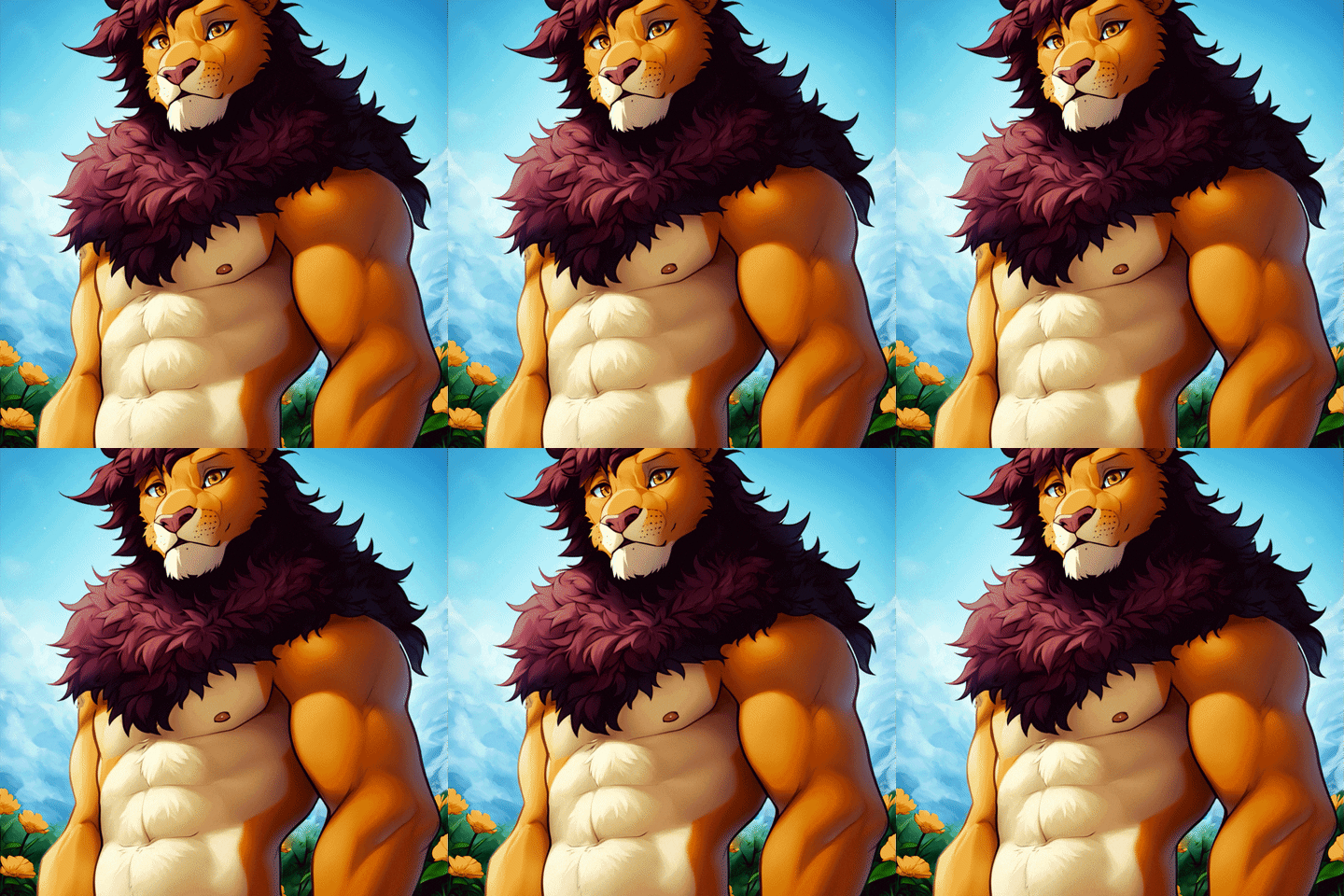

 fallen girder
"Netrunner" | Deforum Animation (Stable Diffusion v2.1) [4K] Workflow in the video description
https://youtu.be/c_0X2QiFJG0

A short animation made it with: Stable Diffusion v2.1 / fking_scifi v2 / Deforum v0.7 colab notebook, and upscaled x4 with RealESRGAN model on Cupscale (7.870 frames), hope you enjoy it, let me know what do you think in the comments, Subscribe and Like for more animations very soon.
👉 AI Generated Animations Playlist here: https://youtube.com/p...
 fringe flare
unborn quest
Best framework by Theo
AI generated video
https://twitter.com/mdsanima/status/1...
fringe flare
unborn quest
Best framework by Theo
AI generated video
https://twitter.com/mdsanima/status/1...
nice and smooth, how did you do that? its just img to img with same seed?
unborn quest
fringe flare
nice and smooth, how did you do that? its just img to img with same seed?
this is a VToonify you can chek this here https://github.com/williamyang1991/VToonify
GitHub
[SIGGRAPH Asia 2022] VToonify: Controllable High-Resolution Portrait Video Style Transfer - GitHub - williamyang1991/VToonify: [SIGGRAPH Asia 2022] VToonify: Controllable High-Resolution Portrait V...
fringe flare
unborn quest
this is a VToonify you can chek this here https://github.com/williamyang1991/VTo...
ty for sharing bro, appreciate that
 fickle raft
hallow bramble
fickle raft
hallow bramble

Zombie Life
Audioreactive AI-generated music video
Generated with Deforum Diffusion using Protogen 5.3 model.
Thank you for watching!
More content:
 fickle sage
Hey there, I've been working with the deforum notebook fine but I've had this issue since yesterday. After the first frame I get these types of frames. Anyone know how to fix?

