#Horrible performance STILL
1 messages · Page 1 of 1 (latest)
 viscid cairn
 vague mulch
Yeah I'm averaging 45. Playable, not nice though.
 stark oriole
i think yall just need better pcs lwk
i get 70-90 fps on some medium some high graphics settings
with liquid simulation off since that tanks performance
 sweet lava
ya
 raven hemlock
stark oriole
i get 70-90 fps on some medium some high graphics settings
raven hemlock
stark oriole
i get 70-90 fps on some medium some high graphics settings
Not everyone is rich 🥀


 stark oriole
 rigid finch
i see your goated pc
not really
i meant them
not you, you got a peak system
 subtle sandal
Is it just me, or do you need a supercomputer just to mask poor optimization? If that’s the case, then there’s hope that one day we’ll all be able to play the game without having to set everything to low.
stark oriole
subtle sandal
Is it just me, or do you need a supercomputer just to mask poor optimization? If...
it's mainly a problem with unreal engine. the devs did a great job optimizing the game, it's just super hard because of how unoptimized unreal engine is
subtle sandal
I don’t really understand why the FPS in this scene drops so much and why the image stutters when moving. VRAM has plenty of headroom, GPU and CPU aren’t anywhere near fully utilized, nothing is bottlenecked, and I see similar performance spikes even in Behemoth, yet it runs smoothly there.

 stark oriole
subtle sandal
I don’t really understand why the FPS in this scene drops so much and why the im...
stark oriole
subtle sandal
I don’t really understand why the FPS in this scene drops so much and why the im...
the jungle is likely more laggy than other areas since it has the most foliage
since you're in the forest and the jungle, it probably has both loaded
just a guess tho
subtle sandal
In desperation, I tried using Meta’s ASW for frame reprojection and set it to 36 FPS with interpolation up to 72 FPS. I don’t understand it — the game still stuttered and had major drops. Basically, it didn’t help at all.
stark oriole
its only been like, 5 days after the full release. just give the developers some time
im sure they're working very hard to fix as many performance related issues as possible
subtle sandal
I’m sure about that too. I just want to describe as much as possible what’s happening to help guide the developers in the right direction. In my opinion, it’s currently a roller coaster that needs to become a gentle uphill and gentle downhill. I would never want the game taken away. I love this game, but I want to wait until it’s properly optimized. I don’t want to ruin this amazing experience with stuttering, frame drops, or unnecessary lowering of detail. This isn’t a criticism—it’s a request. I really want this game; it’s the only VR game that truly excites me. It’s a dream game.
sweet lava
viscid cairn
Well not horrible the game just needs WAYY more optimization.
have you tried setting your display settings to performance instead of quality?
viscid cairn
I fixed it now
sweet lava
viscid cairn
I fixed it now
how
subtle sandal
Could investing in Virtual Desktop help me maintain a stable 72 FPS? Right now I’m using Steam Link and it fluctuates between 45 and 72 FPS depending on where I am. Would this software be able to provide smoother performance and interpolate the missing frames so that it appears consistently smooth?
rigid finch
My specs don’t guarantee stability, for the record
I absolutely get performance issues- it’s never stable for a set moment and dependent from a scene-to-scene basis.
rigid finch
subtle sandal
Could investing in Virtual Desktop help me maintain a stable 72 FPS? Right now I...
It’s the only medium i’ve played, but I’d absolutely recommend Virtual Desktop for performance and clarity. Irrifutably even
subtle sandal
rigid finch
I absolutely get performance issues- it’s never stable for a set moment and depe...
So even Synchronous Spacewarp (SSW) didn’t help make the game run smoothly?
viscid cairn
sweet lava
how
Lowered the graphics, and turned off dlss
sweet lava
viscid cairn
Lowered the graphics, and turned off dlss
how do you turn off dlss?
sweet lava
viscid cairn
Upscaling
when I did this it just paused i’ll try again later tho
rigid finch
subtle sandal
So even Synchronous Spacewarp (SSW) didn’t help make the game run smoothly?
That, I wouldn’t know.
I’ve never relied on SSW for fluidity just raw horsepower, which works well in my case.
subtle sandal
After the update, the DLSS image quality on Quality is worse than it used to be on Ultra Performance, and it actually looked really good before. It also didn’t bring any performance improvement. Please revert it back to the level of version 1.0.
I didn’t want to write this, but it seems like the developers aren’t communicating with us very transparently. My PC setup is between the minimum and recommended requirements, closer to the recommended side. I’m using a Meta Quest 3, but I lowered the rendering resolution to 80%. I disabled SteamVR Home. I set DLSS to Performance, all other settings to Low, and turned off shadows.
Even with all that, I’m not able to achieve smooth gameplay. When I look at the ocean, it’s fine. But on the beach, it already starts to stutter, and when I go deeper into the jungle, in some areas it becomes very shaky and drops to around 50 FPS.
I don’t know what else I should configure. With my PC, I would expect to run at medium settings, but I can’t even afford minimum. I’ve tried Steam Link, Meta Link, both wired and wireless. I have WiFi 6 and I’m 1 meter from the router.
That note in today’s update suggesting that it’s basically our fault for not setting things correctly — I’m sorry, but that felt quite unfair.
 bronze light
rigid finch
bronze light
rigid finch
what version of open composite are you using? for me it just crashes after loading the island
bronze light
subtle sandal
After the update, the DLSS image quality on Quality is worse than it used to be ...
I'm getting the exact same bad performance no matter what settings I use in game
subtle sandal
It’s interesting that at any point on the island, the FPS depends on the direction I’m facing. I don’t even have to move or do anything—just the viewing direction at a given spot on the island determines how many FPS I get. Sometimes it’s just a slight drop and it quickly stabilizes back to 72 FPS, but in certain directions it stays around, say, 50 to 55 FPS. Then I turn 40 degrees to the right and suddenly I have 72 FPS; if I turn 110°, I suddenly have 66 FPS. In another spot in the jungle, it behaves differently again. There are places where I can turn in any direction and still have a steady 72 FPS. So it really depends on the viewing angle at a given location.
I also think the game is very sensitive to disruptions and may even be disrupting itself. For example, I once got a notification that the battery in my right controller was low, and that alone dropped the FPS to around 20 for about a minute, and it took over a minute to stabilize again. So overall, it feels like the game’s stability is like walking on thin ice.
rigid finch
bronze light
what version of open composite are you using? for me it just crashes after loadi...
Mine claims it's up-to-date.
subtle sandal
Hi friends. Now I really don’t understand anything. I opened the Task Manager / Performance in Windows, and I was monitoring both GPU and CPU usage, looking at all 6 cores, or rather 12 logical processors. In the game Bootstrap Island, I found a spot where my FPS drops to 50–55 even at the lowest detail settings and while standing still. The image stuttered a lot when walking. But what really got me was that none of the logical processors were heavily used—at most around 50%, but most were lower. There was no bottleneck. Even the GPU had a decent performance margin, and so did the memory. Nothing was overloaded, yet I still had stuttering and 50–55 FPS. I just don’t get it. What is happening in this game? Does anyone understand this? I’m trying to figure it out, but I can’t.
subtle sandal

Ukázka hry bootstrap island na RTX4060TI, Ryzen 5 5600, RAM 32 GB, SSD
 glossy linden
subtle sandal
https://m.youtube.com/watch?v=gsKidntzTgo
glossy linden
subtle sandal
https://m.youtube.com/watch?v=gsKidntzTgo
Could it be that the system is using shared memory since vram is almost saturated?
subtle sandal
glossy linden
Could it be that the system is using shared memory since vram is almost saturate...
I don’t think so. The minimum VRAM requirements are met, and there’s always sufficient headroom. I’m rather hoping the developers will give us an answer about what’s going on.
glossy linden
Yeah I think you are right I just tried not to say that at the end it's a game issue once again 🙂
subtle sandal
glossy linden
Yeah I think you are right I just tried not to say that at the end it's a game ...
I understand you. I’m also very grateful for this amazing game and I’m definitely not trying to blame the developers. Quite the opposite. The developers keep recommending that we check our hardware and settings, because they’re not aware of any issue on their side. That’s why I took the time to prepare this video, so they can see how it performs on my setup, in the hope that it will help them figure out what the problem is.
I would really love for this great game to run smoothly and stably, which is why I’m trying to provide the developers with the best possible feedback. Hopefully it will help them identify the cause of these issues so we can all fully enjoy the game 😉
glossy linden
subtle sandal
I understand you. I’m also very grateful for this amazing game and I’m definitel...
Yeah, totally agree with you. On my side the thing I hate The most is the extreme pop in (mainly textures and trees) even on epic setting.
rigid finch
stark oriole
the jungle is likely more laggy than other areas since it has the most foliage
It’s more scene-by-scene, I found the jungle to have better performance than the riverlands- the beach being most performant
 subtle sandal
glossy linden
Yeah, totally agree with you. On my side the thing I hate The most is the extre...
subtle sandal
glossy linden
Yeah, totally agree with you. On my side the thing I hate The most is the extre...
A well-implemented LOD is only slightly more demanding than aggressive pop-in. Since it doesn’t solve the performance issues anyway, they might as well rework it into a proper LOD system.
subtle sandal
rigid finch
It’s more scene-by-scene, I found the jungle to have better performance than the...
Yesterday I went through a specific scene that I previously claimed was dropping below 50 FPS. Why is it now running at 65–72 FPS and much more stable? If I were developing this game and someone told me this, I’d think they were crazy.
sweet lava
I can run half life alyx very smoothly with graphics to high but this game seems to be the breaking point
specifically looking at the volcano
subtle sandal
I tried reducing the horizontal field of view in the game via Steam to 50% in hopes that it might help improve performance or make the image sharper. Neither happened—apart from the narrower field of view, it ran just as poorly. I’m mentioning this to point out that even when the game renders 50% less, the FPS drops and stuttering remain exactly the same.
It seems the culprit is frametime spikes caused by poor scheduling of engine calculations, with their impact varying depending on the scene’s processing order.
subtle sandal
I tried running it via cable using Meta Quest Link and even completely disabled shadows. It’s a disaster—can I expect improvements, or should I not wait and just play it like this? https://m.youtube.com/watch?v=iaprHFbcEaQ
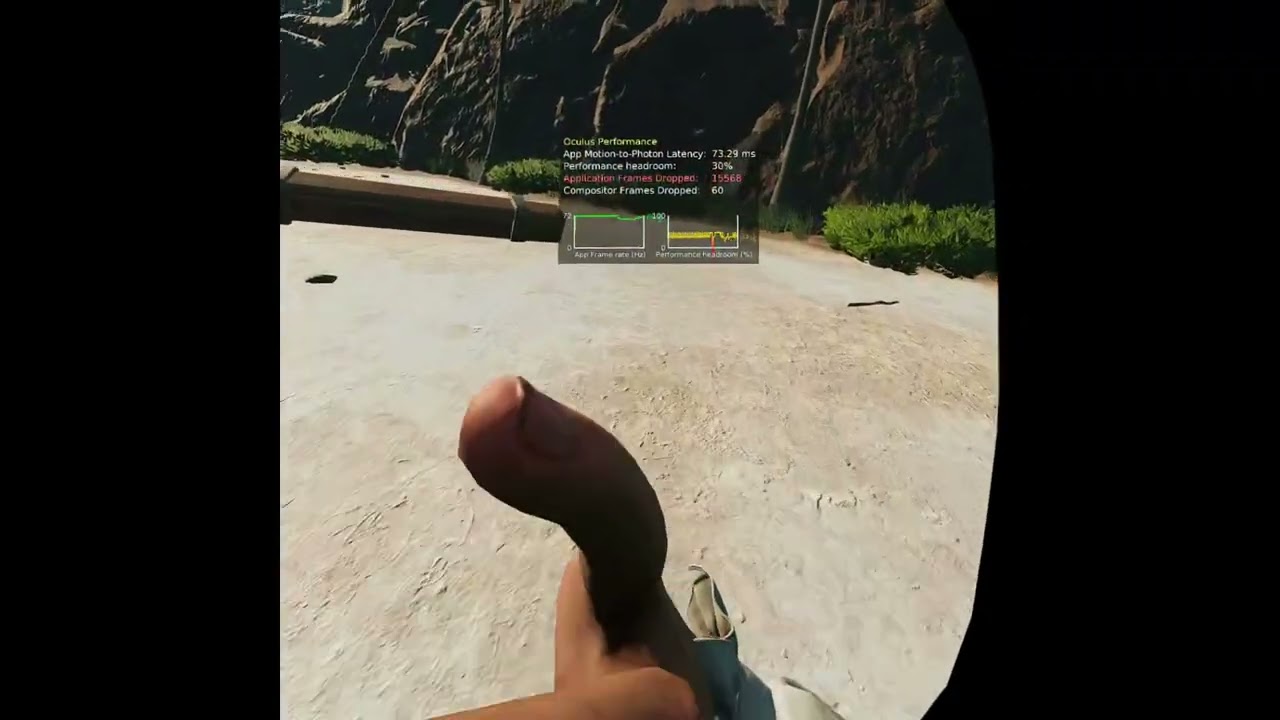
Bootstrap Island na nejnižší nastavení přes kabel a meta link. Hráno s meta quest 3, render 80%, PC: RTX4060TI 8 GB VRAM, Ryzen 55600, RAM 32 GB, SSD. Níže už to dát nejde a stále to je velmi nestabilní.
 frozen dune
The problem seems to get worse the older the save file gets. Audio stutters, halted gameplay.
stark oriole
frozen dune
The problem seems to get worse the older the save file gets. Audio stutters, hal...
that is what i have noticed as well. my saves get laggy and stuttery the more i play
subtle sandal
If the game is CPU-limited, would it be possible to add a “physics quality” setting?
Even slightly simplified physics (fewer active objects, lower simulation frequency, or reduced interaction complexity) might significantly improve FPS stability in VR without affecting visuals as much.
subtle sandal
Hi everyone,
I analyzed what causes FPS drops depending on the viewing direction. I picked a spot where FPS varied significantly between different angles. These FPS levels remained consistent over time. I checked which settings were causing the drops and either turned them off completely or lowered them. The other settings, which had no noticeable impact, I turned up to high. This setup gives the best balance of visuals and smoothness.
That doesn’t mean FPS drops no longer occur. But they always recover to 72 FPS after a short moment. Some landscapes are naturally more problematic, but even there, if you stop and stand still for a while, it goes back to 72 FPS.
My hardware is right between the minimum and recommended specs, and this seems to be the best approach. This is a clear message for the developers: if I set the problematic graphical details to low or turn them off completely, then the FPS drops during movement are caused by unoptimized performance, and that should be their first focus. These drops shouldn’t happen too often, last too long, or be too severe.
As for the other settings that still cause issues, I’m not sure if the algorithms can be optimized to allow slightly higher values. If not, we’ll just have to accept that if we don’t meet at least the recommended specs, we need to completely give up on dynamic shadows and leave the problematic effects on low.
I wish the developers good luck in mitigating the FPS drops that occur during movement, and if I come up with any further analysis that could help, we’ll definitely share it 😉 Oh, and I keep the display on Quality — I wouldn’t lower it unnecessarily when rendering at Meta Quest 2 resolution.
Check out the graph where I’ve marked the problematic settings.
 raven hemlock
subtle sandal
Hi everyone,
I analyzed what causes FPS drops depending on the viewing direction...
raven hemlock
subtle sandal
Hi everyone,
I analyzed what causes FPS drops depending on the viewing direction...
Soo.. red = bad and green = good?
subtle sandal
raven hemlock
Soo.. red = bad and green = good?
Yes, you understand it correctly.
subtle sandal
But even so, I found places on the island where the FPS consistently stays around 55. And it’s the same regardless of whether you use my settings or set everything to LOW. In those areas, it’s simply poorly optimized and nothing really helps.