#use localApi from external project (import/export payload config)

70 messages · Page 1 of 1 (latest)

long mulch
#

Heyy ✨

Does anyone ever needed to access the payload Local API from another project ? If doable, how ? (it's been a week I tried EVERYTHING and about to just give up unless someone had a thought on this)

e.g. I have payload setup as an headless cms, and have an astro website wanting to query the cms in a typesafe way, but I'm not in a monorepo setup (and wasn't able to make it work anyway in this setup, maybe because I don't understand anything ¯_(ツ)_/¯).
Ultimately I looked for something to build the payload config (like we build payload types) that I could have as an npm dependency of my fronted project. (without secrets in the output of course)

So I could basically like import this payload-config, package, perhaps even build and export a wrapper around not even care about the payload dependencies and possible versions missmatch. And type the needed secret vars for a better typesafe usage.

e.g.

import { getPayload } from 'payload';
import configPromise from '@/payload.config';

interface Params {
  databaseUri: string;
  payloadSecret: string;
  // ...
}
export default async function getLocalApi(params: Params) {
  // ...
  const payload = await getPayload({ config: configPromise });
  // ...
  return payload;
}

I know this is explained here somehow https://payloadcms.com/docs/local-api/outside-nextjs
but,

  • it won't work a least in dev mode for a serverless hosted astro website if I'm right (how to exec from payload instead of node or astro ?)
  • I can't really import my config from my cms project to my astro project (always having different ts config making them uncompatible, even though I'm using the default payload-website template and astro default scaffolding.)

Maybe I'm just trying to hack things, but only because I can't make what the doc says work in my headerless payload, astro frontend setup.

I'd love some help, perhaps even talking about this

Many thanks ✨
Payload

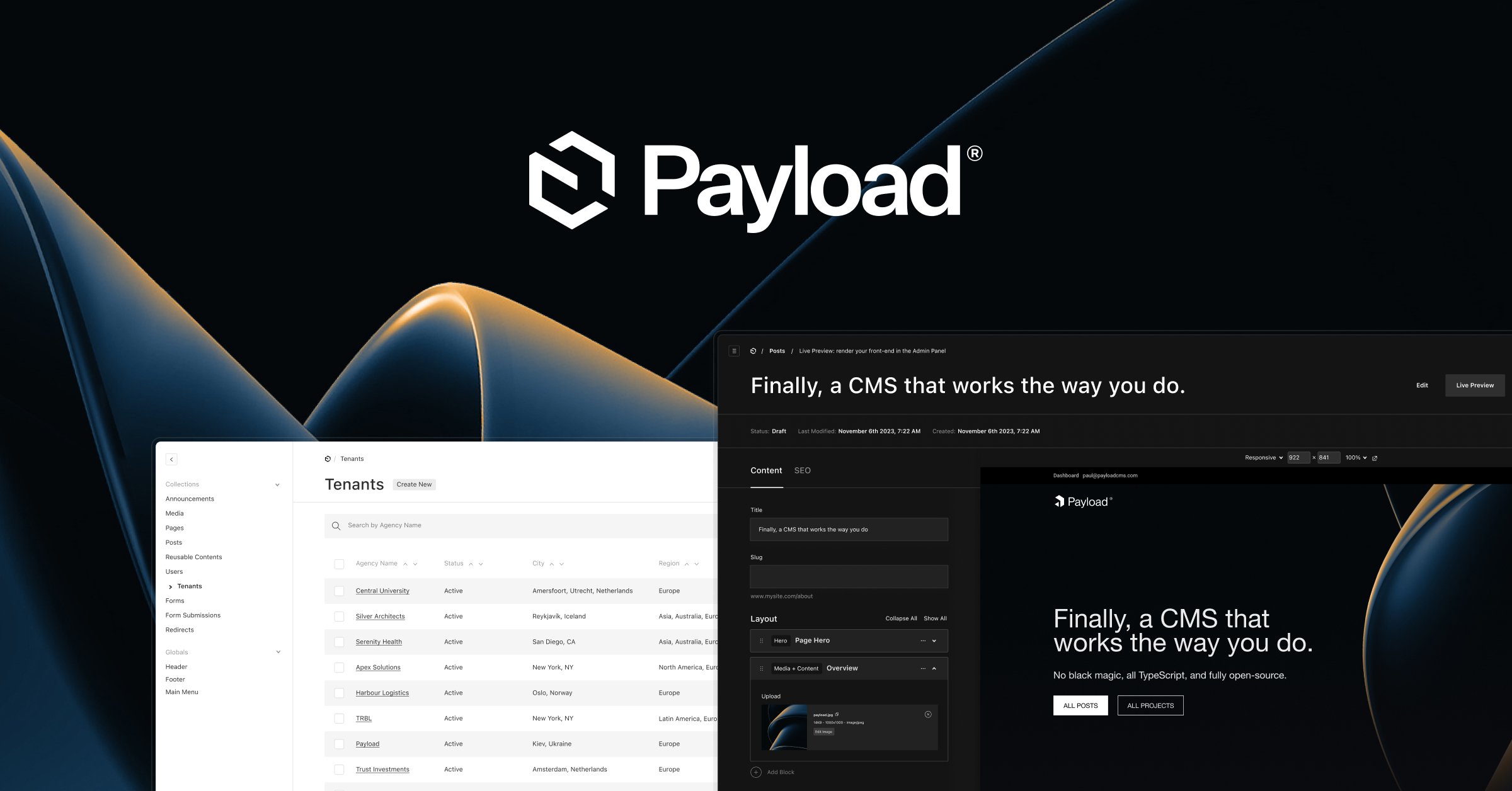
Payload is a headless CMS and application framework built with TypeScript, Node.js, React and MongoDB

twin matrixBOT
long mulch
#

Asnwer from Rommy <#general message>

Take a look at https://github.com/fusionary/turbo-payload
im fairly certain it requires a monorepo approach for local api, otherwise you’ll just need to use the rest or graphql api

Thanks Rommy for the answer 🙏 (no mention for spam)

I let it here for history and will have to try this out. It requires me to stop current devs and rewrite the full project as a monorepo, and don't have time yet. But I added this to the roadmad, with a reminder to update this thread once done so next people could have the solution.

This thread is still open for complementary solutions or experience feedback on implementing this.

GitHub

A monorepo built on Payload 3 to demonstrate the use of frameworks other than Next.js for their frontend. - fusionary/turbo-payload

nocturne ember
#

I've been stuck here for 6 hours. 😆

#

Can you add nodejs app in repo. thank you very muchtired

brittle saddle
stone vale
#

it's also possible in a multi repo setup by publishing your config as an npm package, but a mono repo setup is a lot easier

nocturne ember
#

Hi, could you please guide me on how to correctly run a Payload configuration (payload.config.ts) within a Node.js application?

https://github.com/ducmaster01/payloadcms-monorepo-nodejs

My code currently looks like this:

import { getPayload } from "payload";
import { config } from "@repo/payload";

async function main() {
  const payload = await getPayload({ config });
  console.log(payload);
}

main();

The relevant section of my package.json is as follows:

{
  "scripts": {
    "dev": "payload run src/index.ts --use-swc",
    "build": "swc src -d dist",
    "start": "node dist/src/index.js"
  }
}

Running the dev command works fine, but when I try to build (build) and run (start), I encounter this error: TypeError [ERR_UNKNOWN_FILE_EXTENSION]: Unknown file extension ".ts" for ...\astro-payload-mono\apps\payload\src\index.ts

Here’s my tsconfig.json file for reference:

{
  "compilerOptions": {
    "target": "ESNext",
    "module": "ESNext",
    "moduleResolution": "Node",
    "esModuleInterop": true,
    "strict": true,
    "skipLibCheck": true,
    "forceConsistentCasingInFileNames": true,
    "outDir": "dist",
    "rootDir": "src"
  },
  "include": ["src/**/*"],
  "exclude": ["node_modules", "dist"]
}

Could you please help me understand why this happens and how to resolve it?

Thank you very much!

GitHub

Contribute to ducmaster01/payloadcms-monorepo-nodejs development by creating an account on GitHub.

woeful crag
#

i think this is because of your module and moduleResolution settings in the tsconfig

#

try changing the moduleResolution to bundler

#

i would recommend es2022 for the module. it allows top level await as you might need that if your calling payload from outside next js.

nocturne ember
#

I tried all kinds of moduleResolution and I still can't build it

woeful crag
#

when you change this setting you'll also have to change the import statements. as before they would have the file extension on them but now with bundler they wont

#

ahh i see

nocturne ember
#
import { getPayload } from "payload";
import { config } from "@repo/payload";

async function main() {
  const payload = await getPayload({ config });
  console.log(payload);
}
main();

I used import

woeful crag
#

so your using swc to build, so youll need to update the .swcrc file as well. the tsconfig would be if you were using tsc to build or just building types.

#

while not directly related. you can see how i structure my monorepo for a payload auth plugin. Im using swc to build src and then tsc to build the .d.ts files.

woeful crag
# nocturne ember

hang on, reading this again. it seems its not an issue with building..., its when you run node start

#

it seems node isnt working with the .ts files

nocturne ember
#

I thought we would compile ts to js then execute it with node

woeful crag
#
woeful crag
nocturne ember
#

yeah i'm having that problem i think i have to compile it TeriDerp

woeful crag
#

or just try using tsx

#

let me know if that works

nocturne ember
#

tks you

#

yes it works but i am a bit confused

woeful crag
#

its just because the node js runtime doesnt support typescript. the tsx package just extends the node js runtime to support ts

nocturne ember
#

yes i understand, but why can't it be approached in a way that compiles ts to js

woeful crag
#

you could try building the payload app. next build and then when you import the config into the node app reference the built index.js file instead.

#

i think thats why i read someone saying they built theyre payload app as a package (compiled it to js) then just added as a dep to the node or other app they need it in.

#

alternatively if you just want to use the payload local api and you dont actually need the admin panel at all you could just run it without the whole next js app part.

#

i did this in the db-adapter package which is for the better auth. in the dev folder i just needed a basic payload local api to run tests with.

nocturne ember
nocturne ember
#

as i understand it still doesn't compile ts. so the only way is tsx to run ts with node. or build nextjs app and then import into node

woeful crag
nocturne ember
#

if not compile ts then i can use payload run src/index.ts --use-swc

#

and my docker image will contain the entire source code

#

😆

long mulch
long mulch
# woeful crag i think thats why i read someone saying they built theyre payload app as a packa...

You're mentionning people building the payload as a package. If you ever remind where was some discussions about this I will be happy to have links or clue on how to find this, as I couldn't make it work + didn't find discussions about this topic :(

Ultimately I would like a esm build of the payload.config only but I think I tried everything already with all possible compiler/bundler and all possible configuration :/

woeful crag
#

literally just define a buildConfig and provide a database adapter and you have a payload config instance

long mulch
#

ok lol thanks anyway 😅
I think I rather refactor my whole project instead of jumping again in this rabbit hole of nothing working 😭
But yes, I might give it a try with a fresh mind later on... who knows..

woeful crag
#

heres a quick project i whipped up

#

run pnpm i && pnpm build && pnpm start might have to update the connection string rq too. but yeah i just built this and ran it with tsx no problem.

#

@long mulch ```import { getPayload as getPayloadBase } from "payload";
import { buildConfig } from "payload";
import { postgresAdapter } from "@payloadcms/db-postgres";

export const payloadConfig = buildConfig({
admin: {
user: "user",
},
secret: "super-secret-payload-key",
db: postgresAdapter({
pool: {
connectionString: "",
},
push: false,
transactionOptions: false,
}),
});

export async function getPayload() {
return await getPayloadBase({ config: payloadConfig });
}

async function main() {
const payload = await getPayload();
payload.logger.info("Hello, world!");
}

main();

export default payloadConfig;```

#

barebones, install deps, build it and run it

long mulch
#

@woeful crag looks close to what I try but I trust your config (as I'm terrible...haha), gonna try this up today thanks !

woeful crag
#

lol i just noticed theres a bunch of things in package.json thats not needed, because i copied right from a dev instance im using to test my auth plugin

#

but yeah it should work without issues

#

you could package the buildConfig and export the getPayload function then in any node project just import the getCustomPayload function and it will return that instance of it.

#

but again this i only recommend if your using payload as a datalayer, and dont need to use the admin dashboard. as that you will have to have all whole next js app

#

and yeah for your case would definetly make a monorepo, use pnpm workspaces and youll have no issue.

crimson sparrow
#

Hey @long mulch, did you manage to get a solution working? I'm in a similar situation... currently I'm using Drizzle + Payload's exported schema in a separate backend to query the db directly, which works & means I'm not writing queries from scratch, but still had to add my own logic for resolving nested relationships - which I don't love!

Also not in a monorepo (keen not to change this if possible) and looking for an easy way to just share my payload config 🙏 were you able to package your config?

crimson sparrow
#

For anyone who might come across this, I was able to export my build config as JSON, and then from within my Next.js app I could use this static config to initialize getPayload and successfully use the local API. I'm struggling though with trying to use the same static config in my separate backend - I'm can't get getPayload working because of import errors from within the payload package - this could however be because I'm using Cloudflare Workers which has some messy node compatibility. Going to stick with Drizzle for now!

spice plover
#

Hey, for anyone looking through this trying to make a monorepo work I would look at here: https://github.com/payloadcms/payload/tree/main/examples/remix . This worked for me and I tried for the longest time to make https://github.com/fusionary/turbo-payload work, but it had the weirdest issue with multi-tenant application. I gave up on turborepo but the example from the team works quite well!

GitHub

Payload is the open-source, fullstack Next.js framework, giving you instant backend superpowers. Get a full TypeScript backend and admin panel instantly. Use Payload as a headless CMS or for buildi...

GitHub

A monorepo built on Payload 3 to demonstrate the use of frameworks other than Next.js for their frontend. - fusionary/turbo-payload

long mulch
#

@crimson sparrow sorry was on holiday, had to pause my project, I should be back on it soon. I didn't forget this thread and will update when I a have fully functional solution.
I will try refactoring my thing as a monorepo though. because it just makes more sense to me.
I also tried in all the hacks I tried before posting here, to export the config as a json a could use the other side, but if you do that you have all your sensitive info burned into this json. so you must consider that ;)

#

I was about to go for the turbo-payload example, maybe I'll give it a try first but @spice plover thanks for sharing an alternative solution in case I can't set things up properly !

spice plover
#

@long mulch it could work. It’s just this weird bug I had that couldn’t make multi-tenant work. Fusionary is a legitimate partner of PayloadCMS so you should be good. Also, if you’re launching on payload cloud I could only make it work with certain command line options. Right now I can’t launch mine in Payload cloud from the example I mentioned. Vercel works fine though.

spice plover
#

In case anyone is trying Fusionary turbo payload on the payload cloud then these are the build settings I used to make it run.

long mulch
#

Hey, It took me some time, but have something working in dev. As promised, I wrote a little postmortem to document this for the next ones.

Here it is:
https://educated-eye-9f3.notion.site/Payload-cms-turbo-monorepo-migration-postmortem-1d664e06286280a692dfd377415e9ea3
(might have some typos and mistakes, I will proofread it later)

It's still wip for the deployment part as it might require some specific config like @spice plover suggested with his payload cloud deployment.

I leave the issue unresolved until I have something production ready though...

Notion de Paul Senon on Notion

(for sharing payload config across apps leveraging payload localAPI)