 halcyon moat
Hi everyone,
I recently watched this tutorial on customizing the admin navbar in Payload CMS (https://www.youtube.com/watch?v=F1ejRLr2Uzo&ab_channel=AllAboutPayload), but it seems that the method shown is now outdated as the file path no longer exists in PayloadCMS 3.
Could someone please share the current, recommended way to legitimately modify the admin navbar in PayloadCMS 3? Any guidance or updated documentation references would be greatly appreciated.
Thanks in advance!
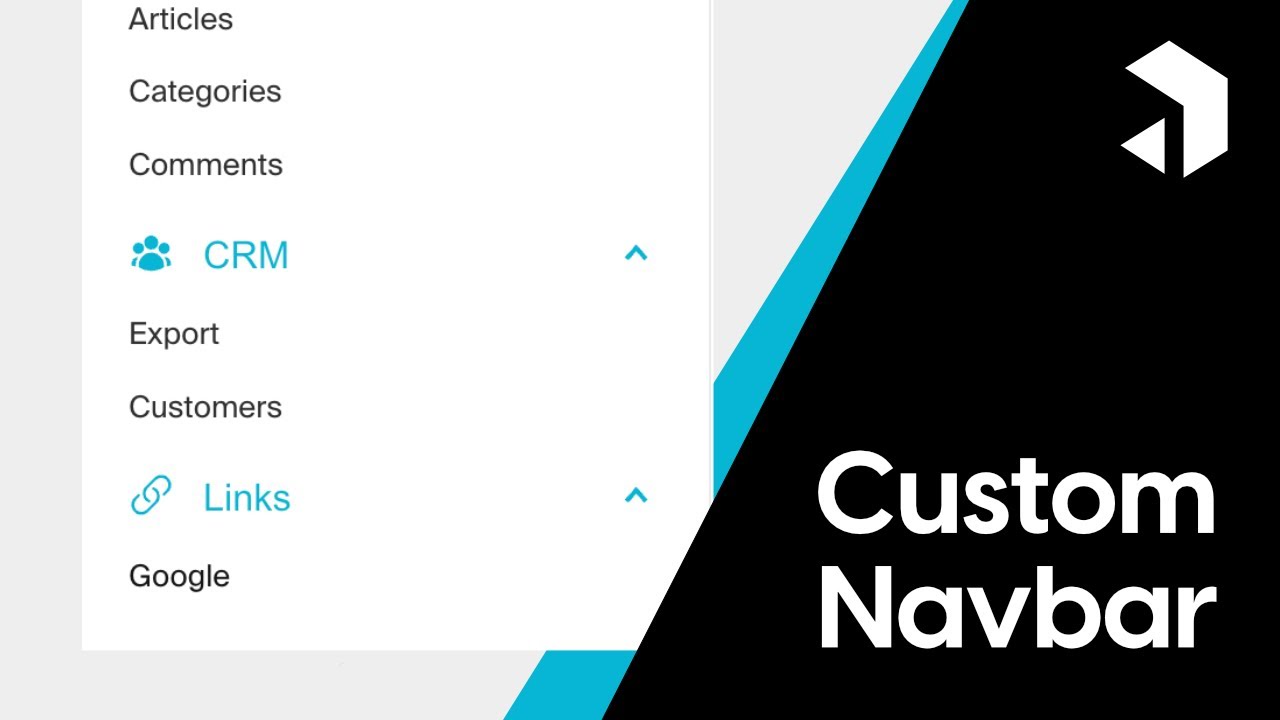
Hey everyone! 🌍🎉 Welcome to our Custom Navbar Guide! 📺👨💻
In this special episode, we're diving into the exciting process of creating a custom navbar using Payload CMS and Tailwind CSS. 🌐💻 Building on our previous tutorials, I'll show you how to enhance your navbar with custom styling, icons, and dynamic links, offering a tailored experience fo...
 rapid sphinx
 vestal ferry