#Piano roll
1 messages · Page 1 of 1 (latest)
 sacred kayak
 coarse socket
sacred kayak
i have recently gotten into using fl studio and i'm having a problem with the pi...
coarse socket
sacred kayak
i have recently gotten into using fl studio and i'm having a problem with the pi...
i have never heard of this problem before. could you provide a video showing your problem
sacred kayak
coarse socket
i have never heard of this problem before. could you provide a video showing you...
yes i could i have my bpm set to 140 as the tutorial i am watching said
its acting like its at a higher bpm than it is
coarse socket
sacred kayak
yes i could i have my bpm set to 140 as the tutorial i am watching said
i think you are simply putting the notes too close together
sacred kayak
coarse socket
i think you are simply putting the notes too close together
i have tried spacing them out
coarse socket
sacred kayak
i have tried spacing them out
how spaced out did you do
perhap you could try just a few notes and see what fits
 sacred kayak
coarse socket
perhap you could try just a few notes and see what fits
sacred kayak
coarse socket
perhap you could try just a few notes and see what fits
i can try
sacred kayak
coarse socket
how spaced out did you do
 coarse socket
sacred kayak
coarse socket
sacred kayak
so do you hear the difference before and after spacing them out
sacred kayak
coarse socket
so do you hear the difference before and after spacing them out
there was no diffrence
it just sounds and looks like its going really fast
coarse socket
in the channel rack, click the hihat sound and show me the audio waveform
 sacred kayak
is the hihit the red thing on the bottom
sacred kayak
is it this?
 coarse socket
so it seems normal
sacred kayak
heres the one for the other sound im using
 coarse socket
ok, could you make the notes really spaced out and far away. i just want to make sure
sacred kayak
ok i just tried that and i think i know whats wrong but not how to fix it
instead of that line thing moving smoothly its moving on a big grid
do you have any idea on how to fix that
the grid is this
 coarse socket
press F11 > Audio, at Playback tracking, try the other 2 except the one that were originally selected
 sacred kayak
its moving smoothly now but its still going fast
coarse socket
have you tried zooming out in the piano roll, just ctrl + scroll the scroll wheel. maybe you are really zoomed in the whole time
sacred kayak
yes i have
sacred kayak
im using the free version btw idk if that means anything
sacred kayak
coarse socket
i think we can go in the vc to figure this out. just wait a moment for me
i don't have a mic at the moment
coarse socket
sacred kayak
i don't have a mic at the moment
i dont as well but we can simply type still in this right here
sacred kayak
coarse socket
i dont as well but we can simply type still in this right here
alright
coarse socket
sacred kayak
im using the free version btw idk if that means anything
it should be fine
sacred kayak
ok
sacred kayak
what do you want me to show you?
coarse socket
just play the track, i want to hear how it sounds like
sacred kayak
ok its gonna sound but cause i have edited it try to fix it
it sounds like its going way to fast
coarse socket
i think you mean it's not going on beat like how you want it
sacred kayak
to me it just sounds fast
ive been following a tutorial and i did it exactly as he did but it came out completely diffrent
coarse socket
how about you try what i did, just 4 notes, see if it's slow enough for you
 coarse socket
you turned on the slide note feature by accident. turn it off by clicking the triangle on the top left here

@sacred kayak
sacred kayak
what does that do?
coarse socket
place the notes back with the triangle off
sacred kayak
ok
coarse socket
you dont have to worry about it for now. just figure out a solution to your problem first
sacred kayak
can i swear on t his server?
coarse socket
yes, but the bot automatically remove and replace the swear word with a 
sacred kayak
ah
coarse socket
so just dont swear i guess
sacred kayak
cause i guess i messed up my piano roll somehow cause now they are all in squares
coarse socket
huh
coarse socket
because you are zoomed out
coarse socket
try dragging this midi file onto your piano roll
sacred kayak
kinda sketch
sacred kayak
should i delete all them first?
coarse socket
what is it
sacred kayak
if i can't make it like that cause it will make it go really fast how can i make it how i was going for
if you want i can show you the tutorial which is what i was going for
coarse socket
sacred kayak
if i can't make it like that cause it will make it go really fast how can i make...
i dont know what this sentence mean, but sure show me the video
sacred kayak
coarse socket
i dont know what this sentence mean, but sure show me the video
i mean if i put them all together like i just did and it made it go fast is there a way to make what i was trying to do without doing that?
like that
sacred kayak
uh ok so i mean the way i did it before is there a way to do it again without it becoming really fast again
cause spacing them out will leave a pause and i don't want that
sacred kayak
cause if there is a pause its gonna sound bad with what i have
coarse socket
maybe you could send the video and i help you place the notes exactly like they did
sacred kayak
alright
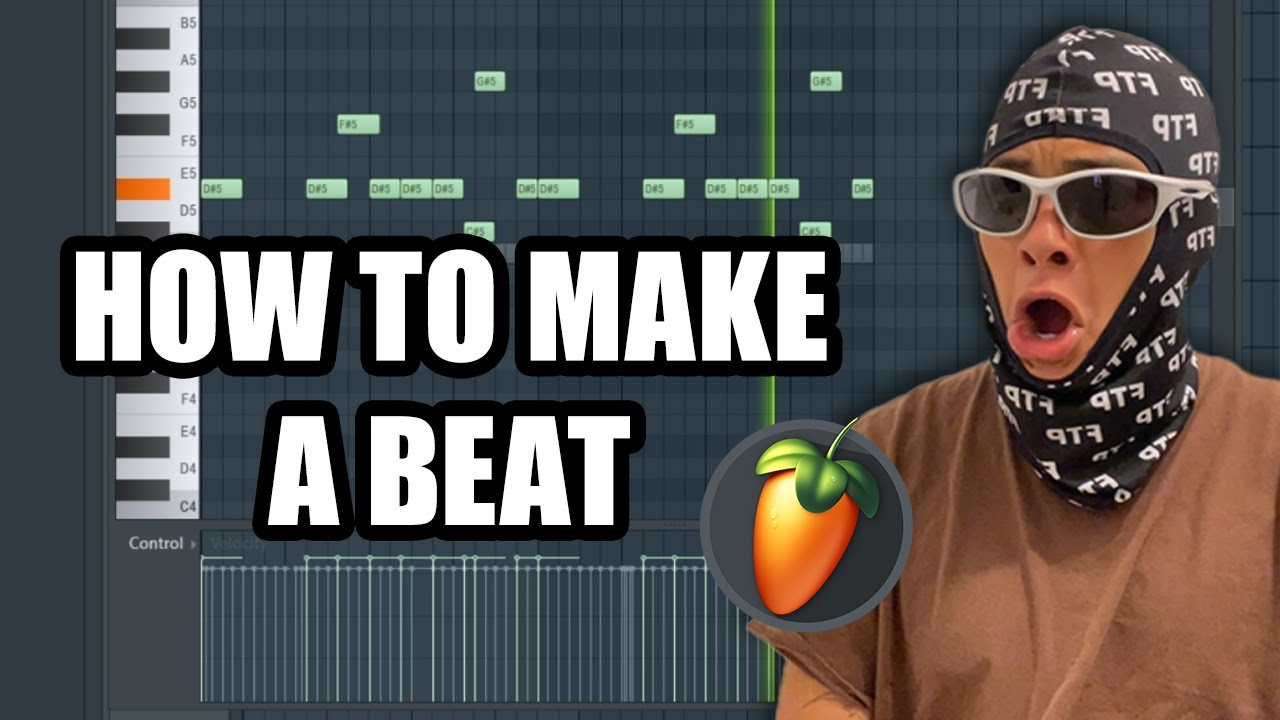
🔗 Discord for beat makers: https://discord.gg/shonci
🔗 patreon (soundkits/presets/tutorials): https://www.patreon.com/c/shonci
🔗 Check out my other stuff: https://beacons.ai/shonci
🔗 Fl Studio: https://www.image-line.com/
🔗 Looperman: https://www.looperman.com/
🔗 Reddit drumkits: https://www.reddit.com/r/Drumkits/
Chapters...
do you want me to show the what im using
coarse socket
i think it's fine
sacred kayak
alright
coarse socket
ok so all you have to do is from the number 1 to 2 at the top, place 8 notes all equal length

you should use shift + click to make the note fully fit @sacred kayak
sacred kayak
ok
coarse socket
@sacred kayak you dont seem to have the snapping feature on
sacred kayak
i didn't known which one to use
coarse socket
on the top left of the piano roll, click the magnet so it turns slightly light green

choose Line
i keep mixing up between stuff 😔
sacred kayak
like that?
coarse socket
yes but make each note half the length
sacred kayak
ok
coarse socket
currently you only have 4 notes
sacred kayak
like that
coarse socket
yes
sacred kayak
is there a way to make it just slightly faster
you can probally see what im going for in the start
bbut since its slow now it wont really work
coarse socket
well, if you make the notes closer, you will be off beat. you can make it twice as fast by making each note shorter by half, or increase the bpm
coarse socket
so you now have it at 155 bpm
sacred kayak
coarse socket
well, if you make the notes closer, you will be off beat. you can make it twice ...
it wont let me make them any shorter
sacred kayak
coarse socket
so you now have it at 155 bpm
yes
coarse socket
sacred kayak
it wont let me make them any shorter
in the magnet, choose 1/2 step

now zoom in, and you should see more lines
@sacred kayak
coarse socket
you mean big in this way?

@sacred kayak
you turned on the musical note thing
ok you turned it off
sacred kayak
ik i turned it off
sacred kayak
coarse socket
you mean big in this way?
yes
coarse socket
sacred kayak
?
coarse socket
use scroll wheel on the little square in the corner
to reset to default size, alt + click the square
sacred kayak
i did alt and lmb but it didn't work
sacred kayak
coarse socket
you mean big in this way?
i want them to be like this but a bit shorter i guess
coarse socket
the visual length of each note depends on your horizontal zoom, or the length of the note itself
sacred kayak
oh
btw how do i make them closer so there is barely a pause
cause it just overlaps them
coarse socket
you mean the gaps visually?
sacred kayak
there are gaps in between meaning tthere are pauses
coarse socket
you mean the sound dont last the whole note?
coarse socket
that require a longer sounding hihat so the sound itself need to sound longer
but that would make the hihat less of a hihat
sacred kayak
i zoomed in
sacred kayak
coarse socket
but that would make the hihat less of a hihat
wdym
i guess you can't really notice the pause
coarse socket
you should put notes at the start of each line
 sacred kayak
ah ok
so make them longer to make them start at each line
well than there is a pause when the sound stops if its lounger
longer
is how i have it good?
sacred kayak
coarse socket
you should put notes at the start of each line
i mean is how i have the notes close enough to that
coarse socket
press alt + L
sacred kayak
what is that
coarse socket
it simply make the notes go long enough until there is another note
sacred kayak
coarse socket
it simply make the notes go long enough until there is another note
how do i use it?
coarse socket
normally just hit accept after doing alt + L
sacred kayak
ok
coarse socket
you can always undo this (unless you quit fl studio and other stuff)
sacred kayak
it still is like that
coarse socket
huh
sacred kayak
even if i do that it still stops since it is a short note
coarse socket
you mean the length of the note does not make the sound sounds longer?
coarse socket
because you need the sound itself to be longer, a hihat only last a little bit
sacred kayak
how
if i just keep them short with a small pause will it give me the results i wantr
coarse socket
i still dont understand bruh