#VUT Dongle causing extreme lag with VBS (XRE)
44 messages · Page 1 of 1 (latest)
 wanton bay
Known bug sadly, the trackers talk to the headset on a 5Ghz frequency, while your headset is probably in 6 or 6e with your internet, which makes it switch between the 2 and create this "lag"
To use the trackers directly in the headset and still have connect wirelessly, you will need to set your connection to 5 Ghz
 vagrant tendon
I only have 5Ghz on my router, so I don't think that's it.
wanton bay
If you watch this video, does it look like what you are experiencing ?
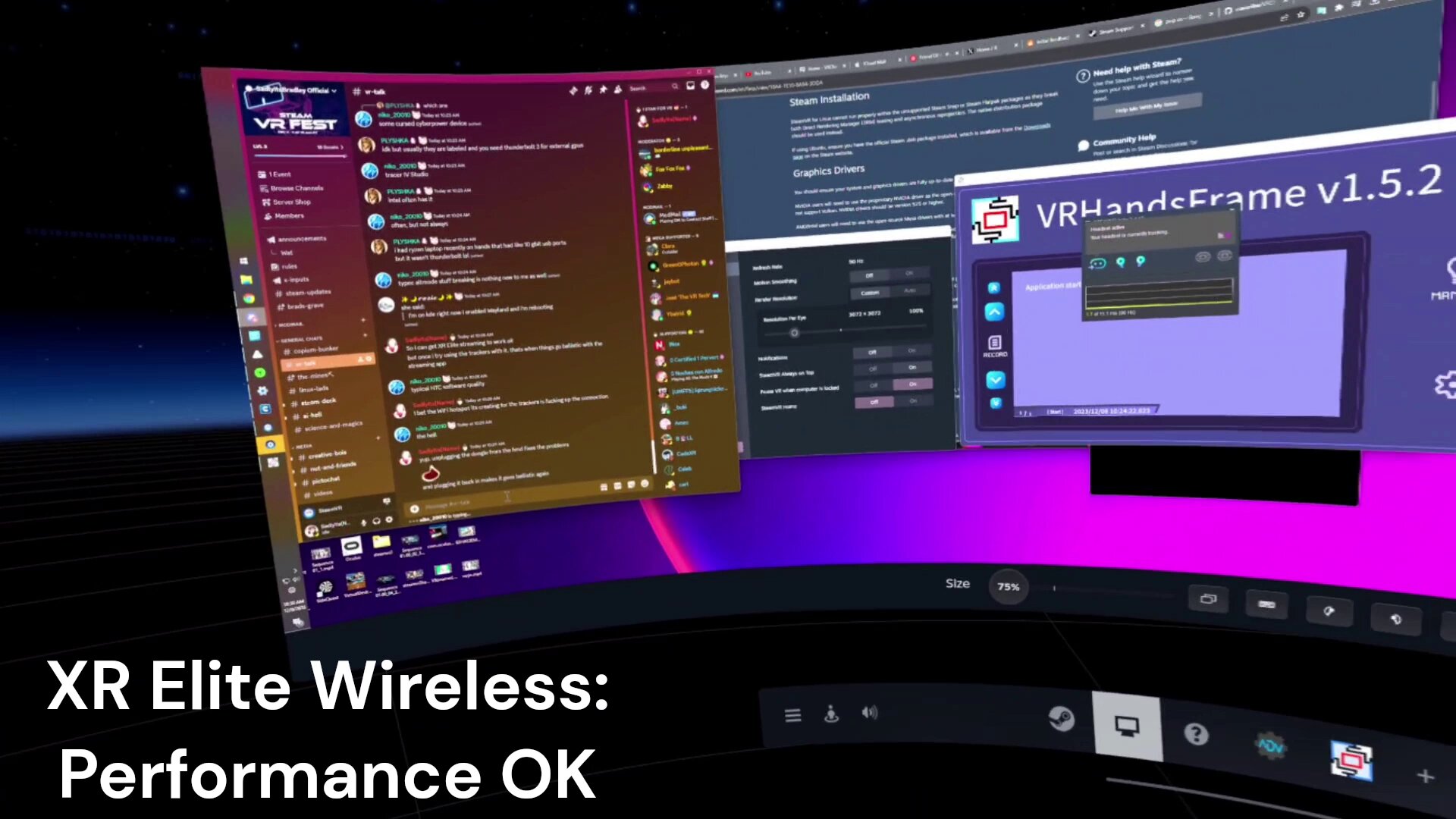
https://x.com/SadlyItsBradley/status/1733152792234135996
Unfortunately this has been my entire experience trying to use the Vive Ultimate Trackers with PC VR (on XR Elite)
At this point it just seems the way the dongle communicates with the trackers is incompatible with my network for streaming PC VR
 Twitter
·
vagrant tendon
Twitter
·
vagrant tendon
for the most part, for me the bitrate is reduced dramatically but i dont get any errors
i need to lower the bitrate to 20mbps to even navigate steamvr menus
until i unplug the dongle that is
wanton bay
ANd if you have the dongle but no trackers on, is it the same ?
vagrant tendon
yes i think let me double check
wanton bay
If it does the same without any tracker being turned on, then it is not a wifi problem indeed
Do you use a USB hub or splitter to connect the dongle to the headset ?
vagrant tendon
I usually do
wanton bay
Did you try without the hub to see if the problem is stil lthere ?
vagrant tendon
I've been using it without the splitter while troubleshooting
wanton bay
So you plug the dongle directly in the battery craddle without anything else connected to the headset, and you still have the problem ?
Actually, do you have the problem without PCVR also ?
vagrant tendon
It only causes issues with streaming, standalone it works fine, steamvr on its own is fine
wanton bay
And did you check while having all trackers turned off and just the dongle in the headset ?
vagrant tendon
just got to it, streaming works great
turned on one tracker and the issues reoccurs
wanton bay
With that I am pretty sure this is a connexion issue as I said first
make sure there isnt a different connection on your router the headset is accessing
vagrant tendon
i have a dedicated single band access point wired to my PC for VR streaming
which is the only connection i have saved on my headset
and the AP broadcasts its own unique SSID and all that so i know its not accessing a different AP
wanton bay
The last test I could propose would be to go wired with a splitter and see if you have the same issue without wifi
But if you dont, then I do not have any other hint
vagrant tendon
Still happens over USB
turned off wifi on the headset to make sure
this has been a reoccurring issue over the past few weeks, I have gotten it to work without lag in the past by restarting my headset, PC, and AP, but that doesnt seem to do anything anymore
really confuses me that it doesnt seem to have anything to do with the network
idk what can be done if it still happens over USB
i hope i dont have to wait for a firmware update to release or something
wanton bay
ok, the fact that it happens with USB proves its not wifi
Does the issue get progressively worse if you turn on more trackers ?
Maybe @whole crypt can shed any light on this, I am out of ideas
I use the XRE myself with trackers, and over a Wifi 5 network it works fine
Did you try to up the bitrate, or set it to auto ? Since you had to set it so low
vagrant tendon
wanton bay
ok, the fact that it happens with USB proves its not wifi
Does the issue get pro...
the amount of trackers connected doesnt seem to effect the lag
vagrant tendon
wanton bay
Maybe <@382927407415427082> can shed any light on this, I am out of ideas
I use...
i have my bitrate set to 100 and i sometimes try with dynamic bitrate on but usually off
resolution set to "Quality"
vagrant tendon
I seem to have fixed the issue for now
since the last time i experienced the lag, i have updated my graphics drivers (they were up to date when the issue last occurred), and detached and reattached the full face tracking module
Ill post updates if I run into the issue again but I suspect the issue was related to the face tracking module
probably related to the combination of the face tracker having some issue and the VUT's causing the headset to send additional tracking data to steamvr
wanton bay
Glad that it seems solved, keep us updated 🙂
vagrant tendon
Issue persists, my previous fix no longer works
i used to be able to reconnect the face tracking module and the dongle and it would work fine, but now the lag continues after reconnecting everything
vagrant tendon
at a loss for solutions, still havent seen anyone with the same issue
vagrant tendon
after reviewing the below thread i have found another fix
https://forum.htc.com/topic/18428-focus3-with-ultimate-tracker-stuttering-in-pc-vr-streaming-session/
VIVE Forum
Focus3 with Ultimate tracker - stuttering in PC VR streaming session
As soon as I connect an Ultimate tracker to the Focus3 headset, the streaming performance indicator in Vive Business Streaming becames red, SteamVR's lobby starts stuttering. When I start a VR application SteamVR shows good refresh rate, but in the headset it is unusably slow. As soon as I switch...
manually setting the wifi channel to a less congested one on my router settings seems to have fixed the issue
will post updates if issue reoccurs
VIVE Forum
As soon as I connect an Ultimate tracker to the Focus3 headset, the streaming performance indicator in Vive Business Streaming becames red, SteamVR's lobby starts stuttering. When I start a VR application SteamVR shows good refresh rate, but in the headset it is unusably slow. As soon as I switch...