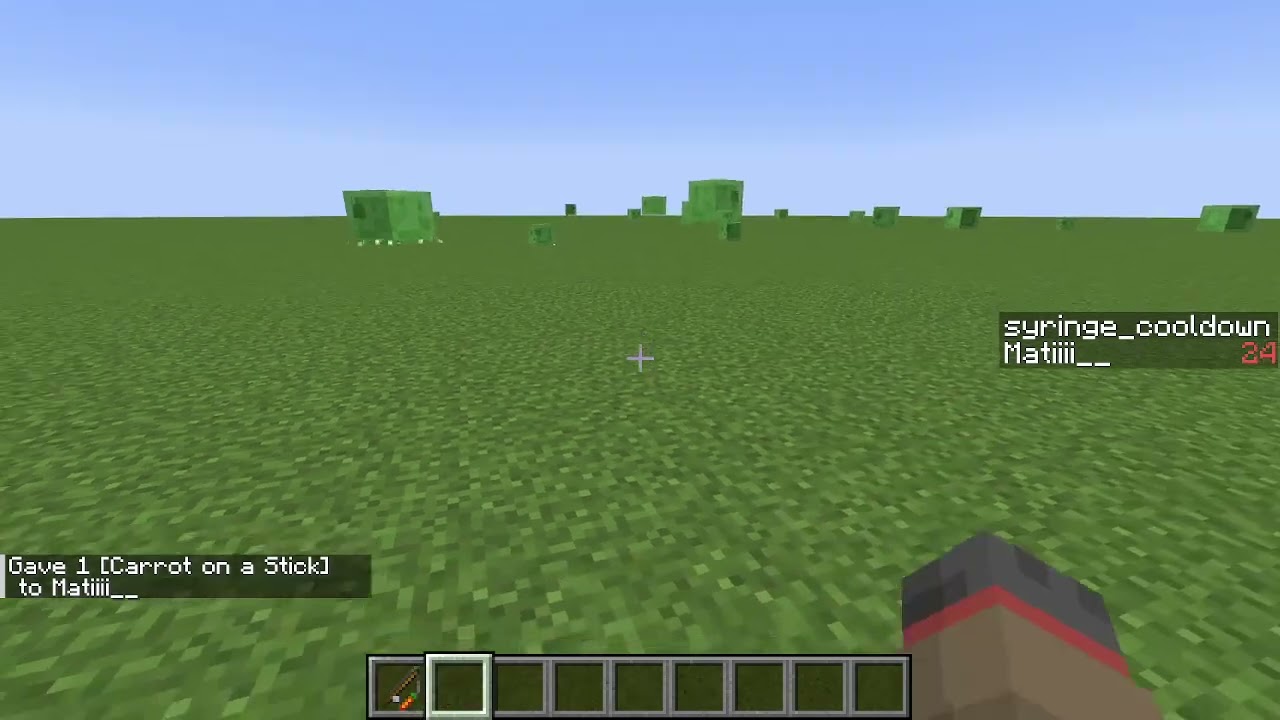
#Trying to make a syringe with a delay before applying the effect
1 messages · Page 1 of 1 (latest)
 pearl fossilBOT
<@&1201956957406109788>
Someone will come and help soon!
💬 While you wait, take this time to provide more context and details.
                        🙇 After a while, hit the Summon Helpers button to ping the helper team. They'll be happy to help you


                        ✅ Once your question has been resolved (or you no longer need it), please click Resolve Question or run /resolve
 sour matrix
tick.mcfunction

load.mcfunction

checkforclick1.mcfunction

checkforsyringe.mcfunction

usesiryinge.mcfunction
 sour matrix
usesiryinge.mcfunction
sour matrix
sour matrix
usesiryinge.mcfunction
it seems that this one doesnt works
sour matrix
I tried to add something to the checkforclick1.mcfunction file of the original custom wand and now the effect function and the cooldown scoreboard doesnt work aswell 💀
I remove the line I added but it still doesnt work
Idk why this is happening
 waxen hare
sour matrix
Idk why this is happening
waxen hare
sour matrix
Idk why this is happening
make sure that you have a score of 0 in syringe_cooldown, it doesnt look like you set it anywhere. having no score, and having a score of 0 are different. if thats not the case you can put a say or tellraw in each function with a different text to see which one is not firing, and catch what the problem is
 sick hare
Yes, to me it looks like that’s the issue, a value that is not set isn’t equal to 0
It’s not equal to anything, not even itself (in Minecraft)
sour matrix
I need to do scoreboard players set syringe_cooldown 0, but where? in usesiryinge.mcfunction?
waxen hare
It depends on what you are doing, but in this case I would use the tick advancement to give players the score when they first join the game and never again
 frosty sun
You can also add 0 at any point

 frosty sun
That works perfect
sour matrix
k
it doesnt do anything

It should happen something to this scoreboard i think
when i right click
oh wait
i didnt save lol
1 sec
yessss
it works
sour matrix
I want to add now like a cooldown but in this case, a cooldown that when it ends, it applies the effect
The idea would be that the player takes a little while to apply the syringe and then it would disappear (I already added the latter)
pearl fossilBOT
pearl fossil
<@&1201956957406109788>
<@&935561184806060073> <@&1202694677766348840>
**🙇 Helpers Arise!**
Please note that you still might not immediately get a response since all helpers are human beings and volunteers (and also might be sleeping right now)
 Requested by .matiiii__
 stiff hollow
sour matrix
The idea would be that the player takes a little while to apply the syringe and ...
stiff hollow
sour matrix
The idea would be that the player takes a little while to apply the syringe and ...
ooh ok so
how i would do it is:
- in the function that triggers when you use the item, give the player a tag and /schedule function namespace:using_syringe 1t replace (sending the full command because schedule can be convoluted, but this sets a function to run in 1 tick and if the function is already scheduled, it gets rid of the old schedule)
- in the scheduled function, run another function as @a with the tag for using a syringe
- in the function that runs as all syringe-using players, add 1 to the syringe “cooldown” scoreboard, and unless the scoreboard exceeds some amount reschedule the last function for next tick, if the scoreboard DOES exceed the amount you set, instead remove the tag from the player and do not reschedule the function
hopefully thats somewhat legible im on mobile in a hurry rn :P
more features could be added like progress bar, slowness while using and swapping item cancelling but those can come after base functionality
sour matrix
yea Im gonna test it later
I was thinking on give slowness to when Im using the syringe too
sour matrix
stiff hollow
how i would do it is:
- in the function that triggers when you use the item, giv...
how does the give tag command looks?
I honestly dont know it
 charred snowBOT
📜 /tag
tag <targets> add <name>
Adds a tag to the targets.
tag <targets> list
Lists all tags on the targets.
tag <targets> remove <name>
Removes a tag from the targets.
sour matrix
stiff hollow
how i would do it is:
- in the function that triggers when you use the item, giv...
"in the scheduled function, run another function as @a with the tag for using a syringe"
this is an execute line?
stiff hollow
yes
sour matrix
k
stiff hollow
sour matrix
it should be a @s, not an @a right?
yep

 stiff hollow
the execute as @a run function … would go under the scheduled function
(usesyringe)
sour matrix
oh k
but which function it should run?
bcs usesyringe its the one that gives the effect
stiff hollow
sour matrix
bcs usesyringe its the one that gives the effect
ok so
you need to make a new function or two
sour matrix
ye
stiff hollow
im a little preoccupied so i cant look through everything youve done rn but
sour matrix
oh k srry
stiff hollow
goal is
- schedule a function that literally just executes another function as the players in question (because you can’t schedule a function and save the executor)
- reschedule the function if players with the special tag still exists
the “another function” would be the timer for each player, which would run the actual effects of the syringe when enough time has passed
rather than simply delaying when the effect happens we’re making a timer so that we can do things like a progress bar and have individual people have their own use timers (just delaying the effect with a tag alone would mess up if 2 people used it at once and would let us add less features)
sour matrix
stiff hollow
rather than simply delaying when the effect happens we’re making a timer so that...
right
stiff hollow
im assuming you want it to cancel if you stop holding the syringe, thats the main thing i mean by “extra features”
otherwise you could just drop the syringe to duplicate the effect lol
sour matrix
ye thats more advanced
sour matrix
stiff hollow
otherwise you could just drop the syringe to duplicate the effect lol
oh right LOL
sour matrix
sour matrix
ye thats more advanced
if u want we can deal with that later
first im gonna work on the first stuff
stiff hollow
yeah ofc, just trying to give you a method thatd work cleanly both for now and adding things later :P
gtg now but gl
sour matrix
ye np man :)
ty for help
Trying to make a syringe with a delay before applying the effect
idk what I did but when i hold the item in my hand it dissapears and it gives me the effect. Kinda funny 😅
sour matrix
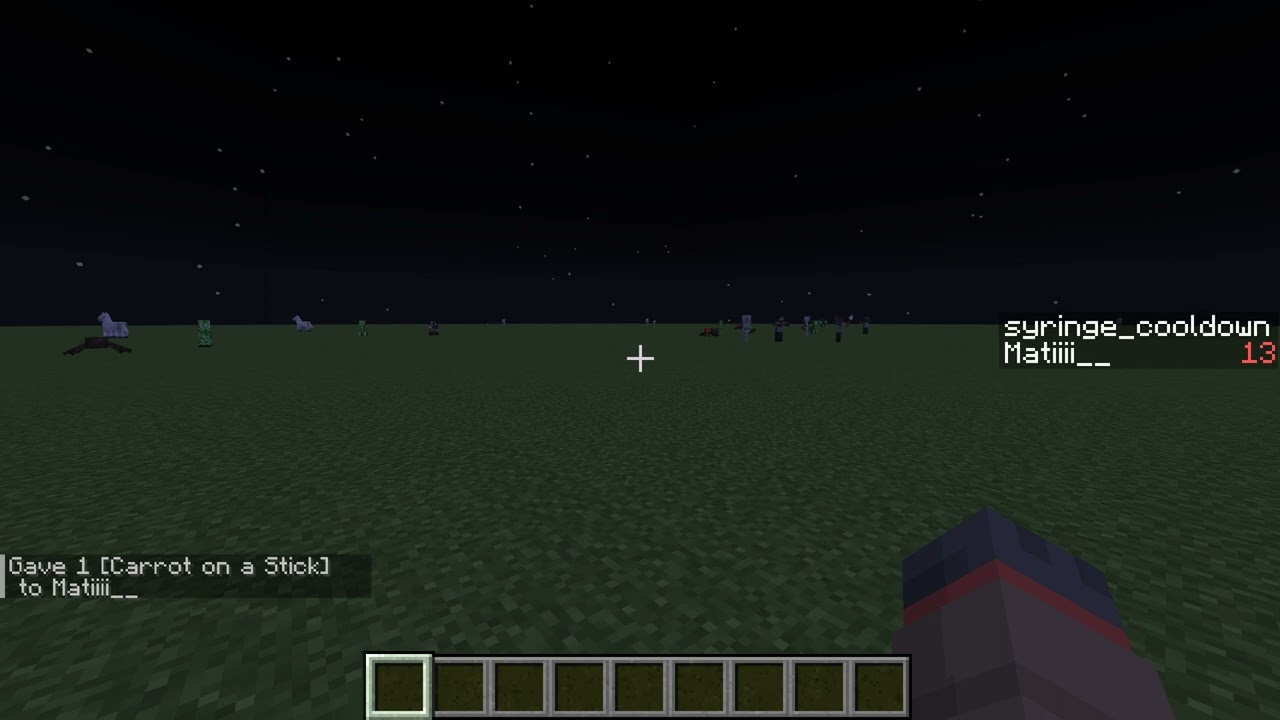
I made something similar to what you said and I have two problems:
-I put a sound so that when I get the effect a sound is heard but sometimes it bugs and the sound is not heard
-Also add to the side for now and just to test, to show me the time until it gives me the effect. The problem is that I don't know how to get it out when he gives it to me WITHOUT removing the objective.


tick.mcfunction

Ik this is sooo confusing but yea, i tried my best
sour matrix
 sour matrix
@stiff hollow can you help me rn?
stiff hollow
sour matrix
<@720770065611358309> can you help me rn?
when does each function get called?
which one is the scheduled one, which one is the advancement one
sour matrix
I dont have an advancement and I didnt scheduled a function lmao
I did it using execute and scoreboards
stiff hollow
oh sorry i meant scoreboard
which one is triggered from right clicking :P
checkforclick1?
sour matrix
yep
stiff hollow
ok so
you dont want to be executing as @a from there because youre already executing from the player who right clicked
so that should be @s
oh wait no
now i get what youre doing mb
yes thats good
the @a in checkforsyringe should be @s though
sour matrix
oh ok
stiff hollow
ok so
lets see
first off
the syringe_cooldown is 1.55 seconds long :P
idk if you meant for that to be longer or not
since its in ticks
sour matrix
stiff hollow
the syringe_cooldown is 1.55 seconds long :P
ye ik i was just doing it for test
sour matrix
stiff hollow
since its in ticks
yup
stiff hollow
sour matrix
I made something similar to what you said and I have two problems:
-I put a soun...
nvm found it
stiff hollow
sour matrix
first off the sound is not executing at @s so its playing from 0 0 0
thats why you can only hear it sometimes
second off, to get rid of the sidebar, you literally just set the sidebar to nothing :P
so
scoreboard objectives setdisplay sidebar
stiff hollow
lol
sour matrix
stiff hollow
second off, to get rid of the sidebar, you literally just set the sidebar to not...
oh k
stiff hollow
also just so yk
your current method works fine without schedule commands :) you did a good job putting it together
the reason i wanted you to use /schedule was optimization but tbh it doesnt matter all that much so this is fine
sour matrix
stiff hollow
your current method works fine without schedule commands :) you did a good job p...
oh ty! First time I made something using my knowledge
sour matrix
stiff hollow
the reason i wanted you to use /schedule was optimization but tbh it doesnt matt...
oh k
stiff hollow
ayy lol
stiff hollow
sour matrix
oh k
yeah ima be honest i usually dont bother with /schedule for this kinda thing either the effect is rly minimal in a pack that isnt using a billion timers
sour matrix
k so now how do I give slowness when the time is running and how do I prevent someone to just drop the item and then pick it up to "dupe" the effect
stiff hollow
it just makes it easier to do the progress bar (and item hold detection)
so basically
sour matrix
stiff hollow
yeah ima be honest i usually dont bother with /schedule for this kinda thing eit...
ye im doing some other stuff that makes a lil lag but it should be ok
stiff hollow
you need to run like 3 more commands under tick but
you should start by consolidating all commands that use @a in tick to 1 function
sour matrix
k
stiff hollow
because if you just make them all in 1 function you only need to run 1 @a and the rest can be @s
which is just a lot less laggy
 stiff hollow
tbh i still cant be here too long rn :P mind if i just give you homework again?
ill try to make my instructions legible
sour matrix
stiff hollow
tbh i still cant be here too long rn :P mind if i just give you homework again?
lol yep
stiff hollow
sour matrix
lol yep
- in case you dont understand how target selectors and “execute as” works, if you were to run a function as @a it would run a seperate version from every player’s point of view, as if they ran it in chat, meaning “@s” under a function as @a would actually run as @a, which im just telling you as a tip since you have a lot of stacked “@a”s that would also be applying random things to everyone on the map lol
- you would need to run a function as everyone who has the timer equal to or greater than 2, which
- checks if theyre holding the syringe in either hand and resets their timer (to 0) if not
- clears the slowness effect if theyre not holding the syringe
- give the player 2 seconds of slowness in the initial function when they use the syringe (the same one that sets the timer) with no particle effects, and clear the player of slowness when the syringe applies the absorption and such. if you dont care about it possibly clearing slowness from a person with an actual slowness potion or other slowness effect active, you can leave it there, otherwise you can make the clear commands only affect the player if they match a predicate check for whether they DONT have slowness WITH particles (sounds kinda like a lot but predicates arent actually all that bad to learn, i or someone else could help later)
thats probably longer than i needed but uh
tl;dr /effect give and /effect clear are gonna be your friends lol
sour matrix
lol ye ik that i have a lot of @a
stiff hollow
sorry i dont mean to keep talking about that but it would get messy if you had multiple people online, like it would give everyone absorption 💀
sour matrix
I have ALOT of recipes that in the /give mcfunction it says /give @a so yea...
I need to fix all that
sour matrix
stiff hollow
sorry i dont mean to keep talking about that but it *would* get messy if you had...
ik
sour matrix
im just working on a custom world based in some stuff like the game "the forest" but with some original stuff I want to create
For now im just doing it for a single player
stiff hollow
ah, fun
sour matrix
but maybe in future for a multi
stiff hollow
yeah prob best to plan ahead just in case
charred snowBOT
📜 /effect
effect clear [<targets>] [<effect>]
Removes an effect.
effect give <targets> <effect> [<seconds>] [<amplifier>] [<hideParticles>]
Gives an effect.
effect give <targets> <effect> infinite [<amplifier>] [<hideParticles>]
Gives an effect with infinite duration, which displays as ∞ in the GUI.
stiff hollow
hideParticles is a boolean btw so if you put 1, 0, true, or false there that would make it work
and cool, gl :)
oh also last thing
amplifier is how many levels it is above the base effect
so like amplifier of 1 would actually make it slowness 2
because why not ig
sour matrix
yup
sour matrix
oh btw so the point of this is when you hold the item it gives the effect and you need to hold it for <seconds/ticks> and when that time ends, it gives you the effect and the item dissapears?
just this for the last thing im gonna ask u bcs i just want to know what my goal is
stiff hollow
sour matrix
oh btw so the point of this is when you hold the item it gives the effect and yo...
yep
sour matrix
k perfect
ty
wait. Sorry for interrupt your game but idk how to detect when im holding the item
sour matrix
stiff hollow
yep
Before, while I was trying to figure out how to do what you said, at one point, I accidentally made it so that when I selected the object it would disappear and automatically give me the effect. But I don't remember how I did that because now I could easily fit everything in thanks to what I did.
stiff hollow
sour matrix
wait. Sorry for interrupt your game but idk how to detect when im holding the it...
oh uh
stiff hollow
sour matrix
you can just use the SelectedItem nbt you used in this
a predicate would be easier to work offhand into but
for now you can just try getting mainhand to work :P
sour matrix
k
So i should chaange that execute and put it in another place?
bcs if i put mainhand where the SelectedItem thing is, it shows an error
stiff hollow
you dont put mainhand there
you literally copy the nbt 1 for 1
SelectedItem means mainhand
sour matrix
oh k
sour matrix
Ok I made all but I have only ONE issue...
when I select the item, I get the effect, the scoreboard sets to 30 but if i keep holding the item the scoreboard still sets in 30
Ofc ik why that happens
bcs its works like a tick function and is having an epic fight against the actual tick.mcfunction that is constantly removing 1 point from the scoreboard (kinda funny)
So idk where do I need to set the timer so its not constantly setting that
I was thinking of a line that runs the timer at 30 if another function acts or something like that, but I have NO IDEA how to do that
Im gonna send A video of demostration
https://www.youtube.com/watch?v=rVDqIXc5zis
@stiff hollow