#Help with Zelda Movable Blocks by NOPEname

1 messages · Page 1 of 1 (latest)

simple summit
#

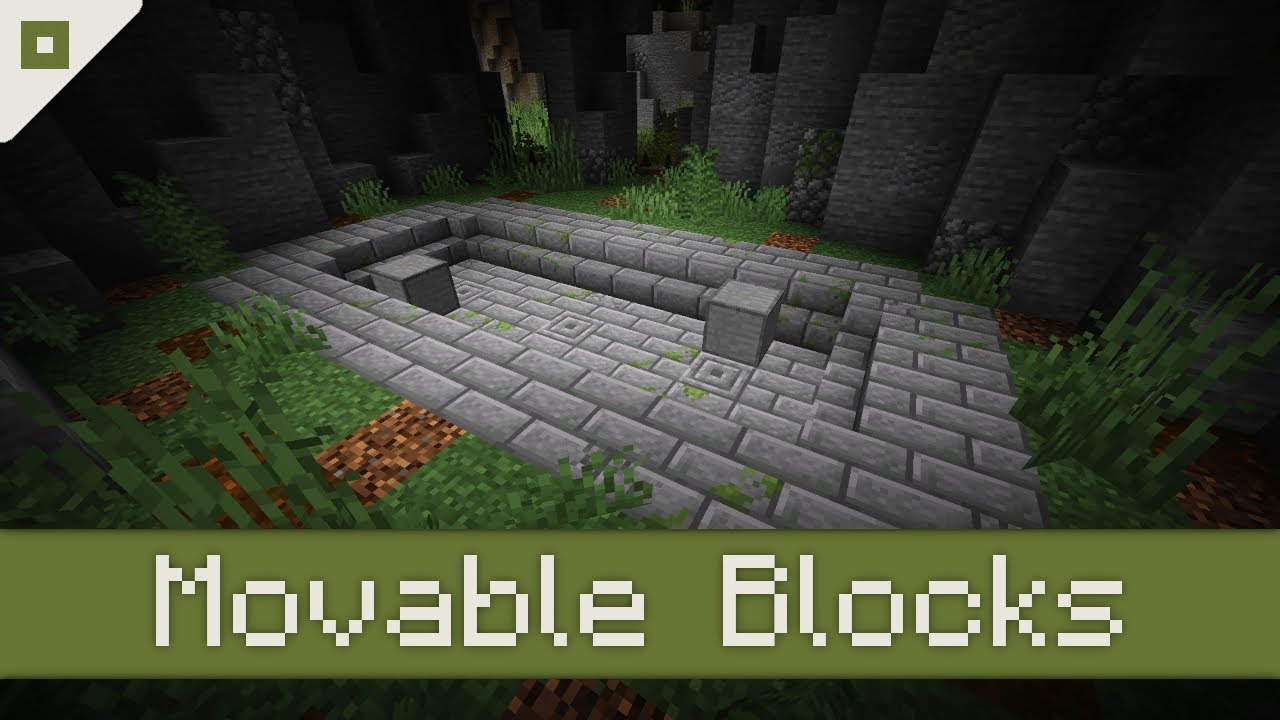
I found this datapack that makes movable block by a youtuber named NOPEname, who made the Zelda Project, and I wanted to try using the data pack to work on something akin to the Strength Boulder Puzzles in Pokémon. My issue is that while the block appears to have some form of gravity, it is unable to sink into water or lava. Instead, it floats over the lava when it falls. I was wondering if there was some way to edit it so that the blocks can actually fall into lava or water to be able to act as a bridge?

Video Example of the Datapack: https://www.youtube.com/watch?v=RgjUX-3rKE4
#

Is this code the reason for my issues?

#

execute as @e[tag=block] at @s positioned ~ ~-1 ~ if block ~ ~ ~ air unless entity @e[tag=block,distance=..0.1] run tp @s ~ ~ ~

forest sphinx
#

Yes that's probably the reason. You can create a block tag containing all the block the block should fall through (air, cave_air, void_air, water, lava and others if you want to) and instead of checking if block ~ ~ ~ air, use your block tag : if block ~ ~ ~ #<your namespace>:<tag name>

simple summit
#

So, if I wanted it to fall into air, water or lava, how necessarily would I code it? I'm not familiar with coding.

#

By <your namespace> do you mean the player's username?

steep basin
#

the name of the folder of your datapack

steep basin
forest sphinx
forest sphinx
# simple summit By <your namespace> do you mean the player's username?

You should read the wiki about datapacks to get familiar with how they work : https://minecraft.fandom.com/wiki/Data_pack?so=search

Minecraft Wiki

The data pack system provides a way for players to further customize their Minecraft experience. Data packs can be used to override or add new advancements, dimensions, functions, loot tables, predicates, recipes, structures, tags, world generation settings, and biomes without any code modification.

simple summit
#

I take it I'll need to make a tag file?

#

"if block ~ ~ ~ zmb:air_and_fluid" if I made a tag and called it "air_and_fluid"?

forest sphinx
#

Yes with a # in front of zmb

simple summit
#

And in "air_and_fluid", it would be coded as such:
{
"values": [
"minecraft:air",
"minecraft:cave_air",
"minecraft:lava",
"minecraft:water",
"minecraft:void_air"
]
}

forest sphinx
#

Yep looks nice to me but you should test in game if the tag works (for spelling mistakes...). You can also enable the logs in the launcher so the game tells you when something is broken

simple summit
#

I think I need to figure out where to make the air_and_fluid.json file.

#

In the datapack there is a folder called minecraft and a folder called zmb.

forest sphinx
#

Its located in data/<namespace>/tags/blocks/<file>.json

#

so in data/zmb/tags/blocks/air_and_fluid.json in your case

simple summit
#

I'd need to make the tags, blocks folders, then put air_and_fluid.json there under zmb.

#

The alternative is put it in the minecraft folder.

forest sphinx
#

It's better to never add anything in the minecraft namespace. That could cause compatibility issue and does not really make sense.

#

Use the minecraft namespace only if you want to modify vanilla features

simple summit
#

Okay, now the block has no gravity.

#

I was hoping the block could be dropped and fall into lava.

#

Pushed off a cliff and fall into lava. Now it just floats over the pit.

forest sphinx
#

Did you enable the logs ? Your tag may be broken, causing the falling part not to work properly

simple summit
#

How do I enable the logs?

forest sphinx
#

Try to do /execute if block ~ ~ ~ #zmb and let the auto completion do its job. If nothing is proposed then your tag is not working

#

In the launcher

tame ore
#
Checking the Minecraft Logs

To see the logs (which provides information that helps you debug resourcepacks and datapacks), do this:

simple summit
#

Is this available in the Technic launcher?

forest sphinx
#

You will need to restart the game tho

#

I don't know

#

But you can try to run the command I sent in game

simple summit
#

I'm not getting autocomplete for #zmb.

forest sphinx
#

Then your tag is either not working because of a spelling mistake or because of its location in folders

simple summit
#

datapacks > zelda movable blocks > data > zmb > tags > blocks > air_and_fluid.json.

#

It might have been a spelling mistake. I called it #zmb:air_and_fluids in the line of code.

forest sphinx
#

That's it

simple summit
#

Nope, still no gravity.

#

The block still floats over the hole.

forest sphinx
#

Does the autocompletion work now ?

#

If not, then the spelling mistake is in your tag file

simple summit
#

No auto complete.

forest sphinx
#
{
  "values": [
    "minecraft:cave_air",
    "minecraft:void_air",
    "minecraft:water",
    "minecraft:air",
    "minecraft:lava"
  ]
}
#

Is the datapack enabled ?

simple summit
#

It's doing everything but the gravity.

#

You fixed it.

forest sphinx
#

It's working now ?

simple summit
#

Now the blocks fall in lava.

forest sphinx
#

Nice ! Did you use /reload after changing the commands before ?

simple summit
#

I left the single-player save and entered again.

forest sphinx
#

Because for the game to take the changes into account you have to properly save the file and do /reload in game

simple summit
#

Thank you for your help.