#Change an item texture using a custom nbt
1 messages · Page 1 of 1 (latest)
 rich tide
yeah
there’s a CustomModelDat NBT
<@&935561184806060073> can help u more bcuz i gtg
 little trench
Well, as Silabear has just stated, you would want to use CustomModelData.
I can walk you through it more, but I’d need to be at my computer for that.
 earnest sedge
little trench
Well, as Silabear has just stated, you would want to use CustomModelData.
earnest sedge
little trench
Well, as Silabear has just stated, you would want to use CustomModelData.
here is a quick tutorial for CustomModelData: https://www.youtube.com/watch?v=HrFMdcjonyo
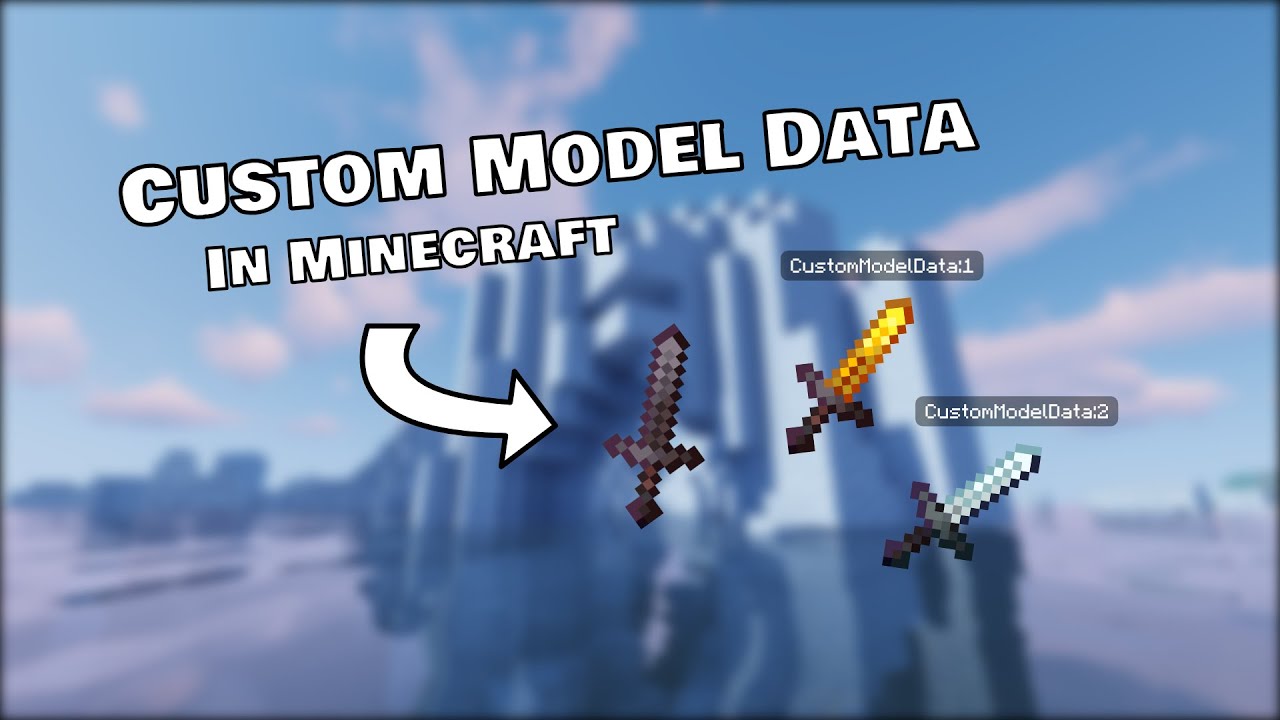
Learn what custom model data is and how to add it to your resource pack! Leave a like if you enjoyed it and don't forget to subscribe and hit that bell!
Default assets: https://bronghast014.weebly.com/assets.html
Join my Discord: https://discord.gg/Ktg9uVF
Check out my Website: https://bronghast014.weebl...
rich tide
Yeah of course
No, not at all
All textures/models/sounds/particles/shaders are with resource packs
rich tide
can you send both your model json files
the same as
you create any other file
ok but where did you find the arrow file
you must have like
made the arrow.json file
so how did you create the resource pack?
surely like
add folder
add another folder
;-; so your resource pack contains every minecraft file file
bruh moment
It’s good practise
Since you have the resource pack, it’s just easier to delete every other file
other than arrow.json and pack.mcmeta
alright
and I assume assets/minecraft/textures/banana.png?
that’s okay
ok so
in models/item
u gotta create banana.json
and in banana.json
just put
{
  "parent": "minecraft:item/generated",
  "textures": {
    "layer0": "minecraft:item/banana"
  }
}```reload the resource pack
and it should work
just get an arrow with {CustomModelData:1}
epic!
u are very welcome
rich tide
nope that’s fine