

1 messages · Page 1 of 1 (latest)
 copper moth
YASB + Komorebi
copper moth
 high sable
is in need for api?
high sable
is in need for api?
Yes, you need to get free API key
high sable
copper moth
Yes, you need to get free API key
what website?
copper moth
WeatherAPI.com free weather API and weather data and Geolocation API (JSON and XML) for hourly, daily and 15 min interval weather, historical data, bulk request, astronomy, sports and much more.
Also you can use current key inside config
There is 1 Million api call every month so we can't reach this soon 😄
copper moth
Cava installed on wsl, but I think there you can build for Windows also
there is xava also audio visualizer, which is working outside terminal
X11 Audio Visualizer for ALSA. Contribute to nikp123/xava development by creating an account on GitHub.
high sable
i can't understan well the windows installation
copper moth
for cava or xava ?
high sable
both
i want to run it in wezterm terminal
not using a wsl

what file do i run inside?
copper moth
I think you need build from source for Windows
high sable
or maybe i would choose xava coz its for windows
copper moth
I mean, for what do you need this? Cava or Xava for me is only for my OS selfie lol
high sable
just for showcasing hehe
high sable
Hello @copper moth what is your configuration for komorebi?
it seems so smooth
i would wanna try it if it works well to mine
high sable
thanks man
copper moth
what error?
high sable
 copper moth
which version ?
high sable
version for komorebi?
copper moth
Yeah
high sable
1.28
copper moth
Same
So this config is working just now for me, I'm not sure what is problem, try ask in Komorebi channel
 fading venture
copper moth
YASB + Komorebi
fading venture
copper moth
YASB + Komorebi
can i get that yasb config!
copper moth
This is default config from dev branch
copper moth
What does not work ?
copper moth
weather, komorebi widget ... maybe some others won't work with dev branch, better to check config there
for komorebi I think I have added options to hide widget when is offline
Weather is also new...
copper moth
I don't know when you merge, but maybe you can try to get from the dev repo and just run with default config from the src folder and let me know if all is working fine, if not, please let me know.
fading venture
copper moth
I don't know when you merge, but maybe you can try to get from the dev repo and ...
lol i just merged
but just local
everything works fine
after 5 min of getting it correct
i would use your repo as my main repo
but it is missing some things i like
so sticking with mine
copper moth
OK, but keep an eye on dev. I have also fixed the crashing when the config is updated, but I didn't update the repo yet. Also, the GitHub widget is coming there and other small fixes.
fading venture
looks sick
 fading venture
copper moth
OK, but keep an eye on dev. I have also fixed the crashing when the config is up...
fading venture
copper moth
OK, but keep an eye on dev. I have also fixed the crashing when the config is up...
cool
copper moth
fading venture
looks sick
I think is better to use Fluent Icons from OS for media player, but also maybe for other widgets, alignment is perfect there, nerd font is big 💩
fading venture
copper moth
I think is better to use Fluent Icons from OS for media player, but also maybe f...
lol ok i'll try
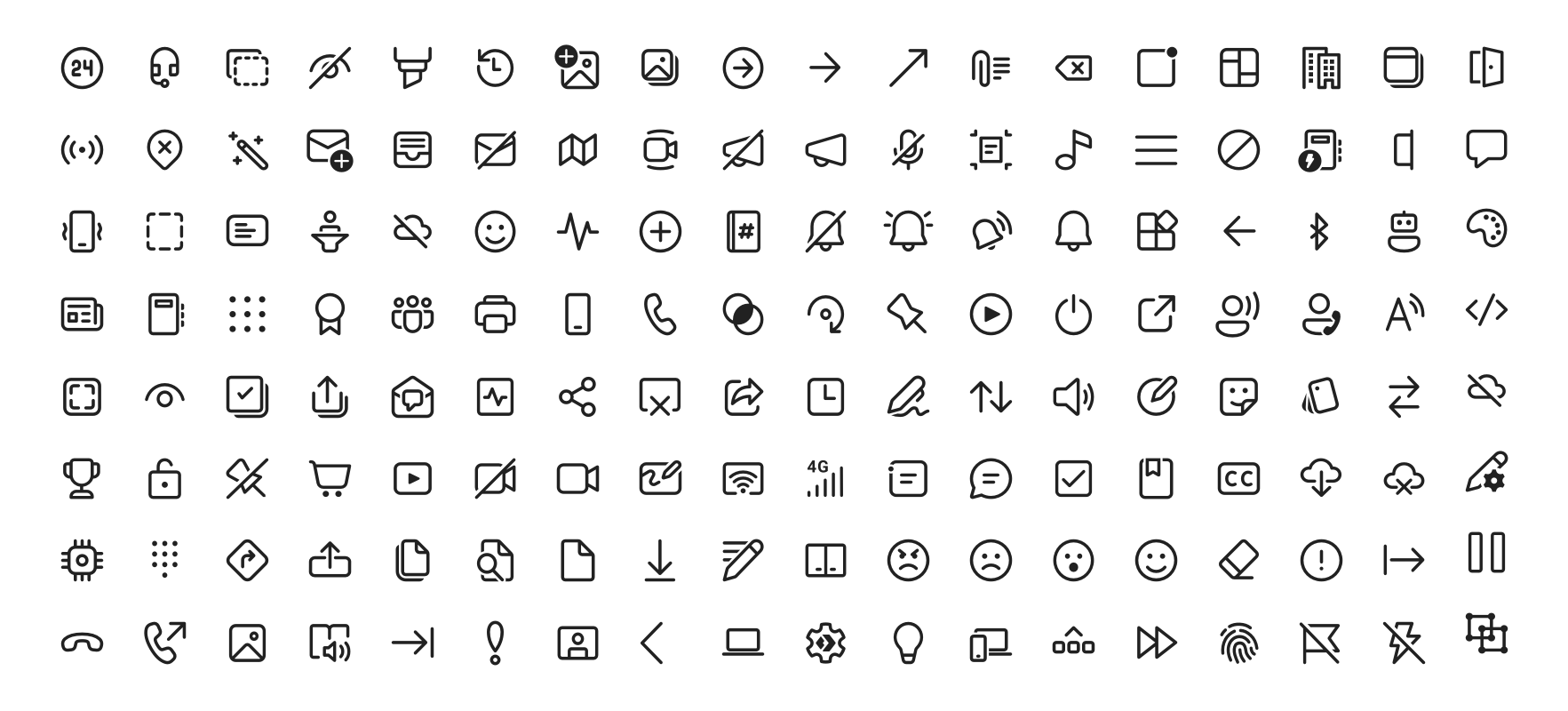
Fluent System Icons are a collection of familiar, friendly and modern icons from Microsoft. - microsoft/fluentui-system-icons
copper moth
Maybe we can find better icons for this bar, there is tons of font icons, but also maybe we can create own
copper moth
fading venture
this one?
https://github.com/microsoft/fluentui-system-icons
If you on Windows 11 you already have installed Fluent Icons
fading venture
ohk
copper moth
 fading venture
oh using fluent icons for battery might just be good
fading venture
copper moth
btw whats that app?
copper moth
Why not, maybe the font size is different from Nerd Font, but now you can easily define the font size for each icon.
copper moth
fading venture
btw whats that app?
A modern, native UWP replacement for the Win32 Character Map and Windows Font Viewer with flawless high DPI and touch support. - character-map-uwp/Character-Map-UWP
fading venture
thanks now switching to fluent icons lol
copper moth
Please show me how looks after 🙂
fading venture
copper moth
Please show me how looks after 🙂
looks better

the weather widget has the nerd fonts
