#Setting up a terminal command as a separate app/program
19 messages · Page 1 of 1 (latest)
 prisma basalt
prisma basalt
prisma basalt
D:
 glad marsh
 small canyon
nohup command & or maybe use tmux. I'd need more details to make a tailored recommendation.
Here's a video about tmux: https://youtu.be/nTqu6w2wc68?si=odoG-UJQ7l51Iumm in case you'd like to see if it fits your purpose.
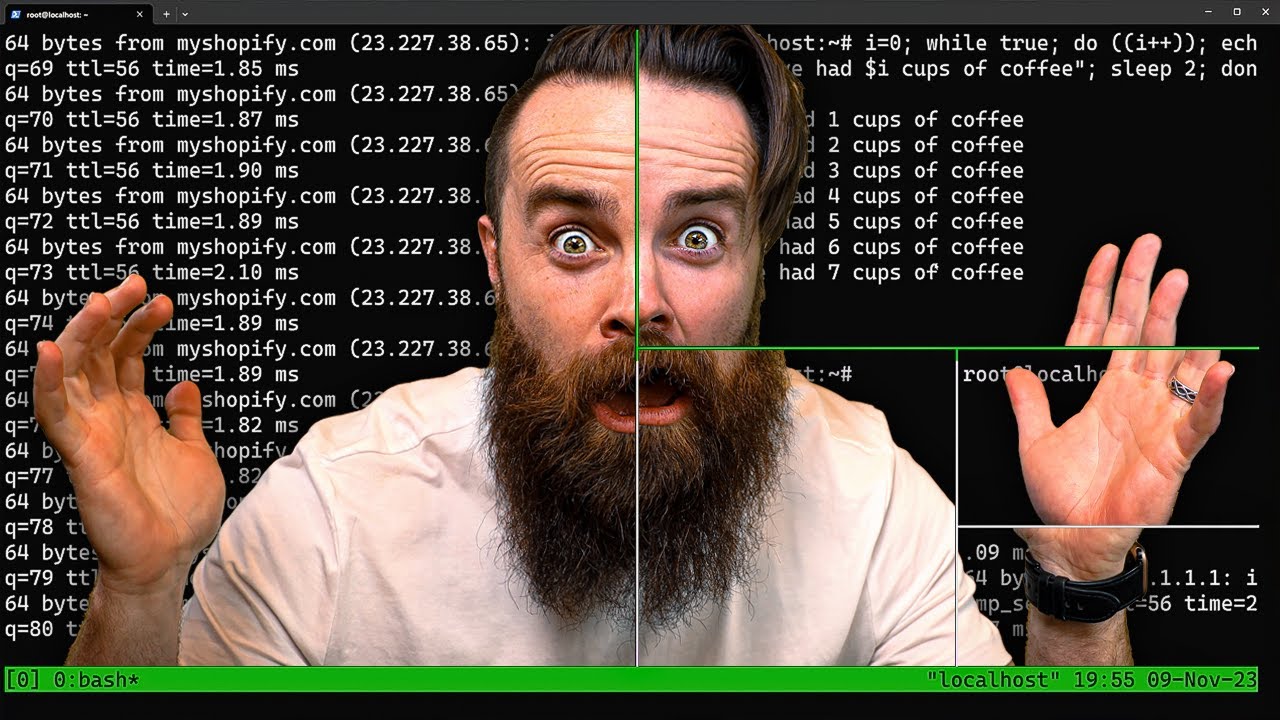
Spin up your next project with Linode: https://ntck.co/linode –You get a $100 Credit good for 60 days as a new user!
I just started using Tmux……it’s amazing! If you use a terminal or CLI in any capacity Tmux will 10x your productivity in 10 seconds. From creating multiple panes and windows with ease to leaving your terminal sessions active as...
 paper bolt
you can use something like <command> & disown.
e.g:
$> mycommand & disown
thanks guyts
im not experienced in stuff like this
sorry if i seem like an idot lmfao
so im trying to make like
my own custom app thingishy
so when i open it
it allows me to use ngrok
and then i can close it without worrying about the ngrok program being closed
paper bolt
prisma basalt
and then i can close it without worrying about the ngrok program being closed
for that, the recommended approach would be to setup ngrok as a service.

How to create a Systemd service in Linux from Dr. Shubham Dipt
however the easiest way is to create a casaos app based from ngrok's official docker images:

ngrok provides pre-built docker images for the ngrok Agent with instructions for getting started. An example command for starting a tunnel to port 80 on the host machine looks like this:
prisma basalt
Thanks