
#what the heck is going on I need help
65 messages · Page 1 of 1 (latest)
 gritty walrus
 lyric sentinel
gritty walrus
so I bound my air75 to my betafpv literadio 3 and now that I finally didit it ju...
lyric sentinel
gritty walrus
so I bound my air75 to my betafpv literadio 3 and now that I finally didit it ju...
To be honest, I doubt anyone here knows that radio... We mostly use EdgeTX radios as they are all the same no matter the manufacturer, this makes for uniform setup and troubleshooting. Here's the manual for your radio: https://support.betafpv.com/hc/en-us/articles/4412082282009-Manual-for-LiteRadio-3
Sounds like you need to calibrate the sticks though.

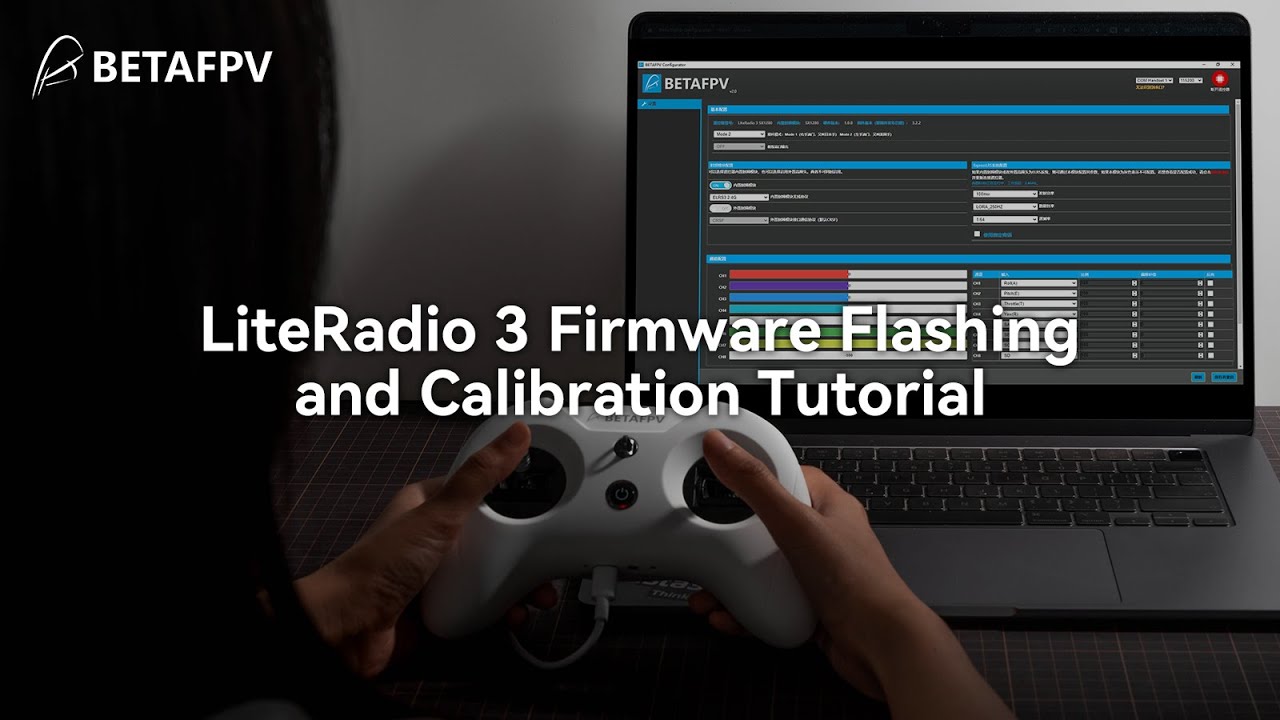
Here is the tutorial about how to flash LiteRadio 3 firmware and do the calibration.
Please open a ticket on our support page to connect to our support team if you encounter any issues: [email protected]
Click here to purchase:
LiteRadio 3: https://betafpv.com/products/literadio-3-radio-transmitter
For more from BETAFPV, follow @BETAFPVH...
gritty walrus
lyric sentinel
https://youtu.be/rsBt4ejfMho
thank you so much now I ran into another problem I have already calibrated the motors and if I do it in betaflight all of them are spinning in the right direction but if I arm they are just turning and not lifting ( sometimes right sometimes left)
lyric sentinel
gritty walrus
thank you so much now I ran into another problem I have already calibrated the m...
motors not spinning the right way or props on wrong according to the picture in the motors page
gritty walrus
ive checked that multiple times
they are going in the right direction in betaflight test
gritty walrus
lyric sentinel
motors not spinning the right way or props on wrong according to the picture in ...
anything else I could have done wrong
lyric sentinel
gritty walrus
they are going in the right direction in betaflight test
check the 3d picture on the setup page is doing what you do when you move it
make sure the prop direction matches the picture in motors page, looks like props in so make sure reversed motor direction isnt checked

 lyric sentinel
gritty walrus
these becaues they look alright
lyric sentinel
gritty walrus
these becaues they look alright
the 3d model, move the drone and it should match on the screen
check yaw direction
gritty walrus
looks fine to me
lyric sentinel
show me a video of setup page
show me the motors page


video of the top one with your drone also in the video frame, and a picture of the second picture I have here
gritty walrus
so I found out that my drone for some reason did not come with a profile I downloaded the PID tune profile for my drone from betafpv and now I want to import it but how do I do that @lyric sentinel
gritty walrus
lyric sentinel
so how do I import a .hex profile into betaflight
lyric sentinel
gritty walrus
so how do I import a .hex profile into betaflight
first backup from the presets page (save backup button), then flash the hex using the "load local firmware" button in the firmware flasher page
betafpvs hex firmwares for specific bnf drones typically have full configuration included, it should just work if its the correct hex, but imo learning how to make your drone fly is valuable learning experience.
gritty walrus
so there

 drifting ermine
https://hackmd.io/@nerdCopter/HJqA569dp
&
https://www.youtube.com/watch?v=H0wFSTdpIWM
may be of use here.
 drifting ermine
it will erase what you have configured. make sure you have a backup if it was a working configuration (or partially working configuration). -- you will/may need to copy/paste settings back in CLI
lyric sentinel
gritty walrus
Ive uploaded it and now do I click flash is that a bad idea
as long as you saved a backup like I mentioned then its fine, you can always flash back to what the backup was on.
gritty walrus
lyric sentinel
as long as you saved a backup like I mentioned then its fine, you can always fla...
where can I backup
lyric sentinel
gritty walrus
where can I backup
"save backup" in presets
drifting ermine
read the first link i sent above
gritty walrus
drifting ermine
read the first link i sent above
I know but I want to get the tune first
gritty walrus
lyric sentinel
"save backup" in presets
where exactly is that either im just really really blind or

 gritty walrus
drifting ermine
here
gritty walrus
drifting ermine
here
okay thanks I did it
now I want to flash it
how long is the flash gonna take
drifting ermine
seconds
gritty walrus
oh wait it said that it failed
"access to port failed"
do I have to config anything here?
 drifting ermine
installed configurator or web-configurator?
windows? --> unplug, replug, try again, if it fails read these: https://hackmd.io/@nerdCopter/rJv5TUrQ2
HackMD
recommend latest nightly configurator rather than 10.9 release. https://github.com/betaflight/betaflight-configurator-nightlies/releases
lyric sentinel
gritty walrus
"access to the port denied
Have you run the Impulse rc driver fixer?
gritty walrus
no
lyric sentinel
It makes flashing these things work on windows. Run it
The link is on the welcome page of betaflight, the welcome page is when you are disconnected from your drone

 drifting ermine
- the links i share are informative. they are answers to "frequently asked questions". if you ignore them, we can only hand-hold so much.
- colors have nothing to do with anything here.
lyric sentinel
gritty walrus
its in the newest version of configurator. Nerdcopter's link has it:https://hackmd.io/@nerdCopter/rJv5TUrQ2
https://impulserc.blob.core.windows.net/utilities/ImpulseRC_Driver_Fixer.exe