#Customer section screen shots
65 messages · Page 1 of 1 (latest)

 karmic lake
didnt know there was a difference
so i wanted to use it from that spot in the screen shot
how would i do that a
karmic lake
so all that logic and code i wrote in template
would that be at a specific URL ? i just copy paste and type it or ? im confused
 fallen bison
You can make a lot of things with Django admin
But it's pretty limited
Just basic cruds and some things for adding data to your database faster
karmic lake
damm
so like where do we use the custom views like idk how to view what i been writing so far
fallen bison
When using custom views you can make a lot of things with Django

Are you following a tutorial or are you creating something for a client?
Or just learning?
karmic lake
learning which should eventually lead to making something for someone to use
so the custom views are triggered by HTTP responses
so as long as i type the URL it will trigger the functions in VIEWS which will then render the template i was making yes?
i thought before that me clicking buttons in django admin would lead me to those templates i was making
but ill read up on it thanks
fallen bison
Why won't you start with a tutorial from Django girls?
karmic lake
sure
ill check it out
i mean before on my own
i used import to my admin.py and i imported my Order and Customer classes and it showed me as i expected there in admin panel
fallen bison
Yep
karmic lake
fallen bison
Why won't you start with a tutorial from Django girls?
is this a YouTube channel ?
fallen bison
Nope
karmic lake
what is it
fallen bison
karmic lake
alright crazy how i didnt realize there was something other then the admin panel haha
always learn something new
anyways ill take sometime going over those tutorials they got pictures and seem easy to follow thanks for all the help ill reach back out if i need anything else in future bro 👍
karmic lake
@fallen bison you free?
fallen bison
kinda
karmic lake
aigt
so i read through the django girls thing
and it told me most of the stuff i already know general takes on views urls templates models and admin panel
the other official documentation was confusing to me as to what exactly it allows
it showed me a section to which i had to edit my already congifured apps.py to include some new code as well as my installed_APPS section
 karmic lake
lmao had to step away 😭 im back now tho
after i made the changes tho no direct way to use my custom views other then what i been doing already? like for example it showed me section for altering the defualt django admin panel with some attributes like **AdminSite.site_header¶ **
attribute and the likes
but it seems limited i dont see how this connects to me solving the whole custom view i wanted to generate
fallen bison
i don't understand
What do you hope to achieve, and what steps have you taken so far?
karmic lake
what i am trying to do = configure my django project to let me design a customizable django.admin section
what have i done so far = followed documentation but ran in to some errors/misunderstandings
for instance
" ** If you are using a custom AdminSite, it is common to import all of the ModelAdmin subclasses into your code and register them to the custom AdminSite. In that case, in order to disable auto-discovery, you should put 'django.contrib.admin.apps.SimpleAdminConfig' instead of 'django.contrib.admin' in your INSTALLED_APPS setting.**"
but in this documentation i seen it say this
https://docs.djangoproject.com/en/4.1/ref/contrib/admin/#overriding-default-admin-site

so confused what is django.contrib.admin supposed to be changed to ?
fallen bison
i'm not good customizing django admin that much
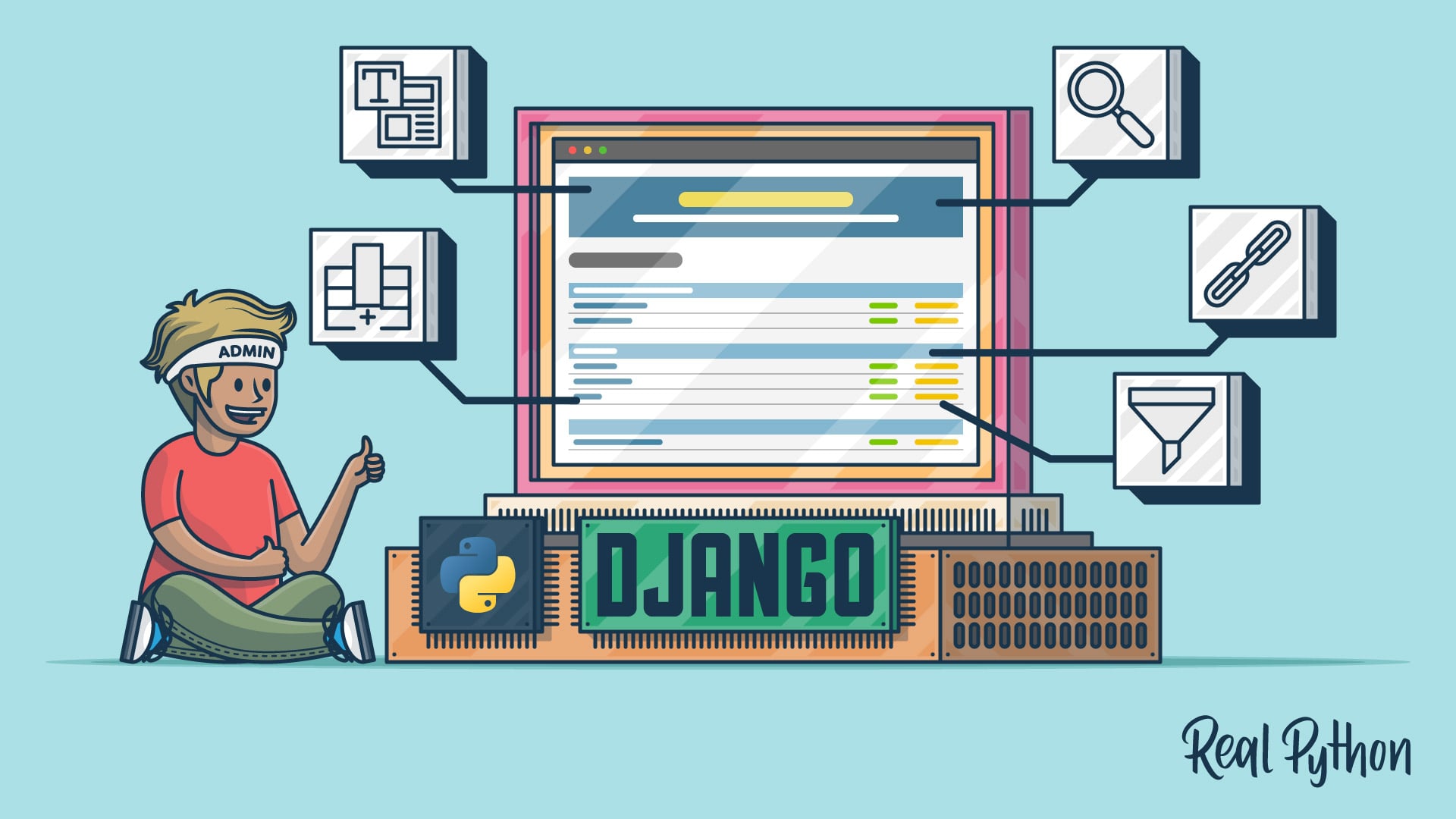
In this tutorial, you'll learn how to customize Django's admin with Python. You'll use AdminModel objects to add display columns, calculate values, link to referring objects, and search and filter results. You'll also use template overriding to gain full control over the admin's HTML.
karmic lake
@fallen bison hey again
so that article was good i learned a lot
i am stuck on how to auto populate the customer in question in my template
for example
i have selected said customer already
in the URL the ID of the customer is there
yet in my template there is a drop down and it wants me to select from a list of customers which customer the order should be linked to
even tho in my view function i already wrote code to handle that
my template is being stubborn and wants me to re select a customer even tho there id is in the URL and i made a function to handle that
def create_order(request, customer_id):
    customer = get_object_or_404(Customer, id=customer_id)
    if request.method == 'POST':
        form = OrderForm(request.POST)
        if form.is_valid():
            order = form.save(commit=False)
            order.customer = customer
            order.save()
            return redirect('create_order', customer_id=order.customer.id)

    else:
        form = OrderForm(initial={'customer': customer})
    return render(request, 'orders/order_form.html', {'form': form})


TEMPLATE:
{% if message %}
    <p>{{ message }}</p>
{% endif %}
<table>
<form method="post">
    {% csrf_token %}
    {{ form.as_p }}
    <input type="hidden" name="customer" value="{{ customer }}">
    <input type="submit" value="Create">
</form>
</table>
**nvm i resolved that issue **
fallen bison
Sorry I didn't see it