 thorny harness
A customer recently asked me to free up space on their StorageGRID by rehydrating specific volumes that had been configured for cloud tiering (Fabric Pool).
You might assume that switching the cloud tiering policy from "Auto" or "Snapshot Only" to "None" would automatically rehydrate the data, but there are a few extra steps required to ensure everything is retrieved properly.
The good news is there are two available options to do this, and you can choose the one that best fits your scenario.
If anyone knows of other methods, feel free to share, I'd be happy to test them and update this blog post
I’ve documented the full process while running tests in the lab, in case anyone else needs to do the same:
➡️ https://www.sysadmintutorials.com/how-to-rehydrate-cloud-tiering-data-from-netapp-fabricpool/
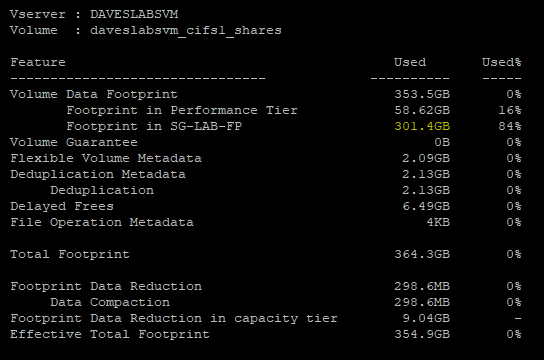
How to rehydrate data from a NetApp Fabric Pool Cloud Tier, back to the Performance Tier with step-by-step instructions.
 final nymph