#How to install custom ISO? Like Ubuntu Desktop
31 messages · Page 1 of 1 (latest)
 fluid shell
 gloomy olive
what are you using? a vps? a dedicated server? and why do you need desktop
fluid shell
gloomy olive
what are you using? a vps? a dedicated server? and why do you need desktop
Dedicated server
Just I need it to run StrategyQuantX
 shrewd hollow
Ubuntu desktop is a package that you install.
sudo apt update;sudo apt upgrade
sudo apt install ubuntu-desktop
Then if you whish to access it via remote desktop look for xDRP.
However this is not recommended to run a Linux server with a GUI.
fluid shell
shrewd hollow
Ubuntu desktop is a package that you install.
sudo apt update;sudo apt upgrade
s...
And can I install Windows user desktop?
I had install alredy Ubuntu server with GUI and have bugs
so inestable
shrewd hollow
if you desire to install Windows, you could install it via the IPMI with your own ISO, or pay a licence for Windows server with OVHcloud.
It is possible the GUI with Ubuntu and xRDP, or VNC could be unstable, or glitchy as Ubuntu server is made to work solely via the CLI, xRDP or VNC not being developed by Canonical, in this specific case might add to the instability.
fluid shell
So I can upload and install Windows 10 Desktop ISO with IPMI?
fluid shell
shrewd hollow
if you desire to install Windows, you could install it via the IPMI with your ow...
I cant upload ISO's :/

There is no option
 keen arrow
As it's under "CD image" you can. just Browse, find ISO select it and "connect"
it should work (:
fluid shell
keen arrow
As it's under "CD image" you can. just Browse, find ISO select it and "connect" ...
the upload is so slow T_T
what shi* is this
fluid shell
I need really help, there is no tutorials anywhere
 fossil hemlockBOT
 stealthprivacy has been warned
Reason: Capital letters
fluid shell
So slowww
 gloomy olive
that is just how KVM works it is slow and does take hours usually, there are guides like https://lowendtalk.com/discussion/196165/install-windows-server-on-any-vps-or-dedicated-server-without-kvm-ilo-or-ipmi if you want to do the QEMU approach but it's far more complicated
LowEndTalk
Hello LowEndTalk! it's been a long time.
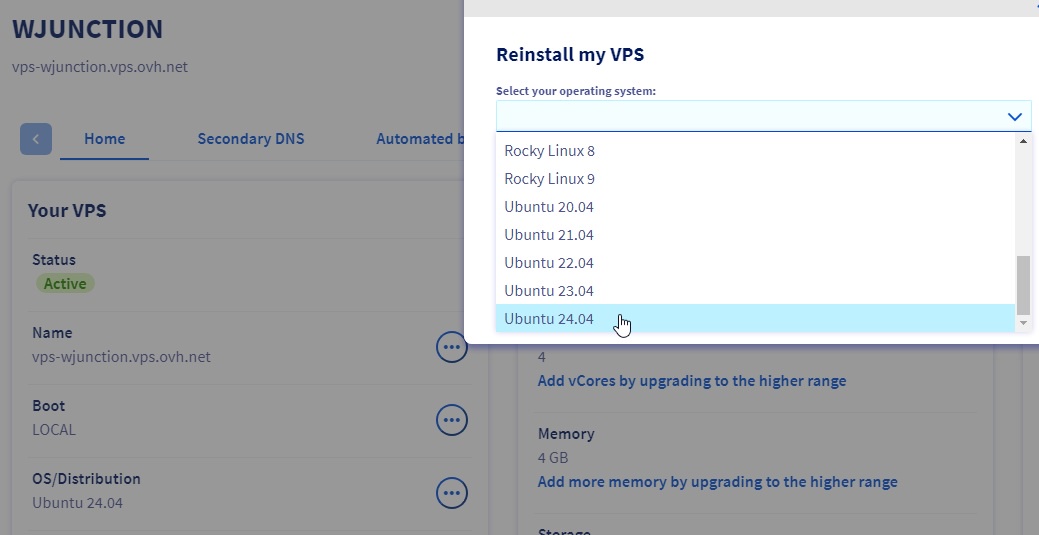
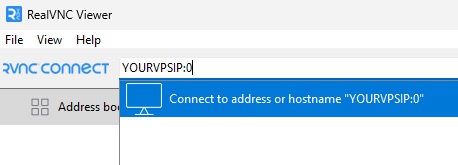
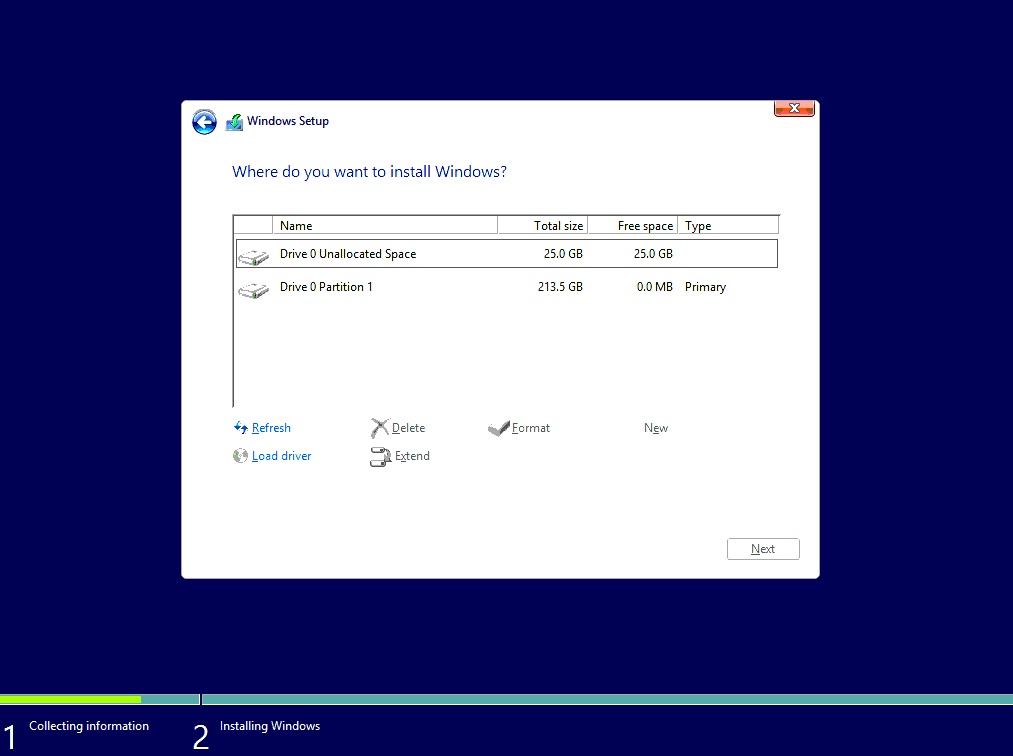

personally I would just use proxmox and virtualize windows as it's much easier
fluid shell
gloomy olive
that is just how KVM works it is slow and does take hours usually, there are gui...
hours 😩
fluid shell
gloomy olive
personally I would just use proxmox and virtualize windows as it's much easier
hmm
shrewd hollow
the upload speed being slow is normal for an IPMI over the network, specially, if you are at a certain distance for the server location physically in the world.
you will get there at one point, even for me being fairly close to one of our data centre and from our office (Meaning being in our network already), it does take me sometime to upload an .ISO to a server.
fluid shell
Finally resolved, just I used Proxmox to virtualize Windows 10 👌🏼
 plush girder
hi there sorry for jumping
but i can host proxmox on vps at OVH?
 prime aurora
plush girder
hi there sorry for jumping
but i can host proxmox on vps at OVH?
prime aurora
plush girder
hi there sorry for jumping
but i can host proxmox on vps at OVH?
This is possible, but not really a good idea for reasons, probably best to run Docker or something similar instead
Proxmox itself is based on Debian, so you can install the Proxmox packages directly if you Really want to https://pve.proxmox.com/wiki/Install_Proxmox_VE_on_Debian_12_Bookworm
plush girder
Actually that's what I need.
I got my proxmox backup.
So I just need to restore it
prime aurora
👍
plush girder
What plan I need to buy to install proxmox?
prime aurora
plush girder
What plan I need to buy to install proxmox?
For VPS, there isn't one specifically, there's no preinstalled environment for that on Cloud.
You can do it with the OVH Auto installer with Dedicated servers, but for VPS you'll need to manually install Proxmox with the link above.