#How should I provide instructions to my new video editor?

1 messages · Page 1 of 1 (latest)

grim socket
#

I have a question for people who have editors working for them. How do you provide instructions to your editors when you submit video projects to them? Do you provide very detailed instructions about what footage you want for every sentence or paragraph? Or do you only provide general instructions per video section? Or a combination of both?

I have a faceless and documentary-style channel. My goal is to reduce the number of hours I spend picking precise footage for him to use and making last minute changes to my videos after I receive them. I currently spend about 5 to 10 hours per video doing this.

#

How should I provide instructions to my video editor?

arctic falcon
#

timestamps with notes

grim socket
#

How should I provide instructions to my new video editor?

grim socket
# arctic falcon timestamps with notes

Thanks, Arman. I've bene trying so hard to stay on a bi-weekly schedule that I haven't bene able to ask for revisions yet because of lack of time. However, I can this week. The main reason I'm asking this questions is because, in the long-run, I want to provide instructions in a way whereby the need for revisions becomes very minimal if possible. That would help me potentially post a long-form video every week.

verbal wharf
#

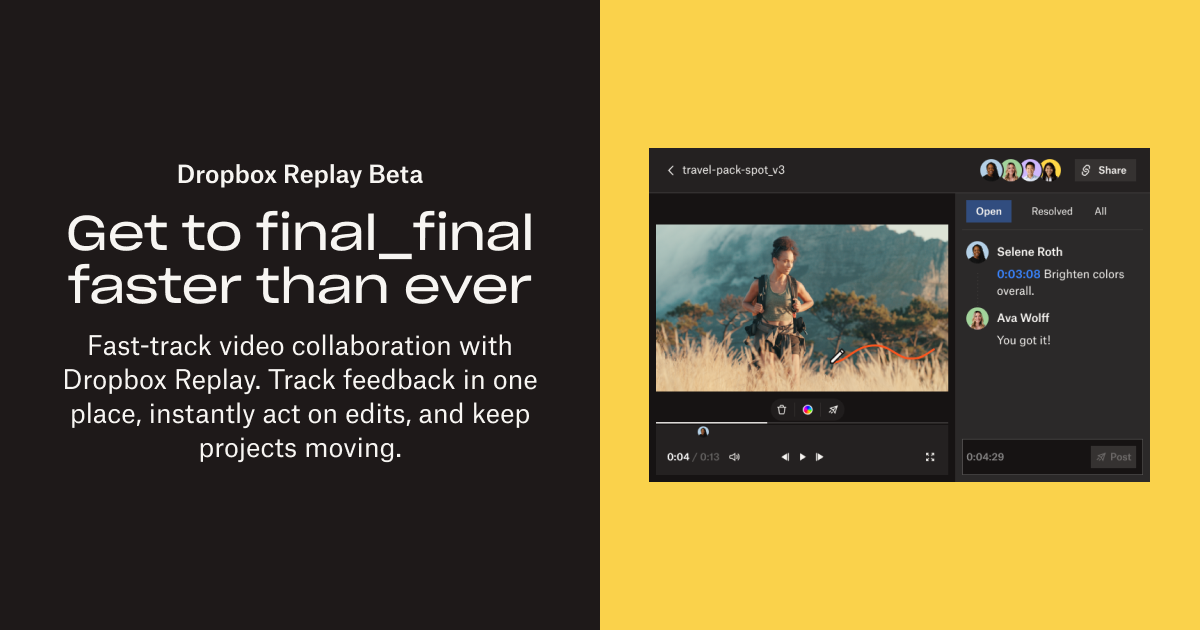
use tools like frame.io and obviously as Arman mentioned timestamps are always a go to

sullen cove
#

I just started using frame.io for my new channel. Also, doing frame by frame notes. I am trying to develop "ever green" templates that I can re-use to make life easier. I am doing a how to channel, but different overlays like "quotes", "end screens", etc appear over and over so it helps to have a doc with templates outlining thoes. Curious to learn more about how to best work with editors, because the post porduction editing can be overwhelming when you end up having 30 pages of notes on each video.

grim socket
grim socket
sullen cove
#

it offers more for storage for less and it cheaper overall

#

It doesn't sync with premier but I am not loving the integration with Adobe for frame.io