#Auto Complete?
57 messages · Page 1 of 1 (latest)
 haughty flame
another thing to add, is it normal to not have auto complete when typing in my import statements?
 woven lotus
If you are using visual studio code you could install the Astro extension
That should probably fix all of those problems
haughty flame
already have the extension installed, even uninstalled and reinstalled it
woven lotus
Interesting. Could you check if the extension is somehow disabled?
And we are talking about .astro files right?
haughty flame
it doesnt seem like its disabled, and yea .astro files
i messed around with astro a good while ago and iirc it worked then but not sure what i changed now
 errant lodge
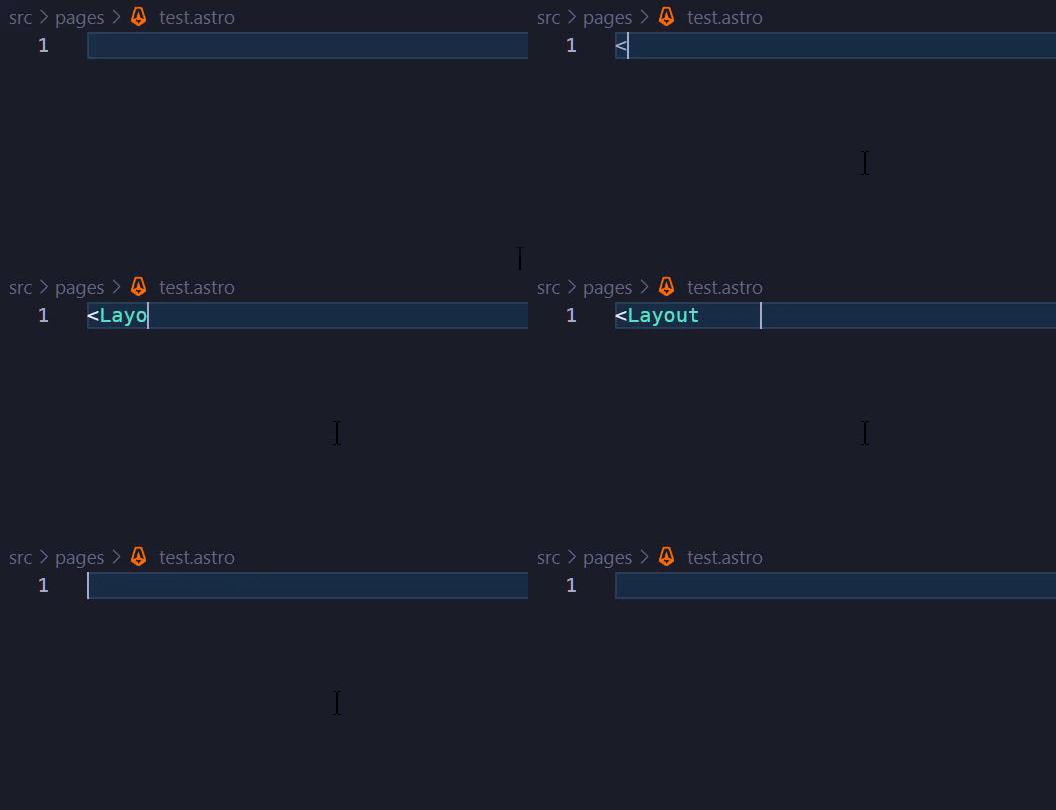
Try <Layout instead of just Layout
woven lotus
Oh. Of course. I kinda skimped over that part of the question…
haughty flame
errant lodge
Try `<Layout` instead of just `Layout`
nope, not getting anything
https://i.gyazo.com/8cf315f710d399a6e9e272c480fef43d.gif
 woven lotus
While having typed something like “<La” try control space
haughty flame
it says no suggestions
 hushed saffron
haughty flame
nope, not getting anything
https://i.gyazo.com/8cf315f710d399a6e9e272c480fef43d....
hushed saffron
haughty flame
nope, not getting anything
https://i.gyazo.com/8cf315f710d399a6e9e272c480fef43d....
I believe this should work, but auto-imports can be tricky depending on project set up, so maybe there’s something here stopping it working. Any chance you can share your repo?
cc @sonic vessel
 sonic vessel
Yeah, this is supposed to work. Hard to debug without further information
haughty flame
hushed saffron
I believe this should work, but auto-imports can be tricky depending on project ...
yep here you go! https://github.com/ReallPanda/different-frameworks
cc @sonic vessel

GitHub
Contribute to ReallPanda/different-frameworks development by creating an account on GitHub.

 sonic vessel
If you go in the Output tab, and then choose Astro in the dropdown, is there any information?
haughty flame
and its the Astro vscode extension that should be providing that right?
sonic vessel
haughty flame
and its the Astro vscode extension that should be providing that right?
Yep!
sonic vessel
sonic vessel
If you go in the Output tab, and then choose `Astro` in the dropdown, is there a...
Here
 haughty flame
oh i dont even see an Astro thing in the output
sonic vessel
Hmm, that'd mean that the extension never started
If you confirm that the extension is installed and enabled, I'm not quite sure what else to say unfortunately
Anything unusual about your setup?
haughty flame
yea it seems installed to me and enabled
 haughty flame
sonic vessel
Anything unusual about your setup?
haughty flame
sonic vessel
Anything unusual about your setup?
as in hardware? nope, pretty normal components, running Windows 10
sonic vessel
And in software? Something like WSL perhaps?
If you go in this log:

Is there anything about Astro?
haughty flame
oh i do actually, tired it out once but didnt like it lol
2022-11-07 07:57:17.467 [info] ExtensionService#_doActivateExtension astro-build.astro-vscode, startup: true, activationEvent: 'workspaceContains:astro.config.*'
2022-11-07 07:57:17.467 [info] ExtensionService#_doActivateExtension vscode.git, startup: true, activationEvent: '*'
2022-11-07 07:57:17.467 [info] ExtensionService#_doActivateExtension vscode.github, startup: true, activationEvent: '*'
2022-11-07 07:57:17.697 [error] Activating extension astro-build.astro-vscode failed due to an error:
2022-11-07 07:57:17.697 [error] TypeError: The "path" argument must be of type string. Received null
    at new NodeError (node:internal/errors:371:5)
    at validateString (node:internal/validators:120:11)
    at Object.join (node:path:429:7)
    at ww (c:\Users\adm\.vscode\extensions\astro-build.astro-vscode-0.28.2-win32-x64\dist\node\client.js:39:61851)
    at Tm (c:\Users\adm\.vscode\extensions\astro-build.astro-vscode-0.28.2-win32-x64\dist\node\client.js:39:62409)
    at hs (c:\Users\adm\.vscode\extensions\astro-build.astro-vscode-0.28.2-win32-x64\dist\node\client.js:39:60330)
at Pw (c:\Users\adm\.vscode\extensions\astro-build.astro-vscode-0.28.2-win32-x64\dist\node\client.js:39:67493)```thats the output of Extension Host
sonic vessel
Oh! That's really interesting
That's definitely some information, let me take a look at that
haughty flame
okay, ill go uninstall WSL as i dont use it anymore and see if it fixes it
sonic vessel
I don't think that's related
Wild guess: Do you have the TypeScript extension uninstalled?
haughty flame
i do not no
sonic vessel
Do you have any settings that looks like typescript.tsdk? Or typescript.locale
The error is essentially complaining that it couldn't find TypeScript, or more precisely the language files for it
haughty flame
i do have a tsconfig.json in the repo
sonic vessel
I meant in your VS Code config
haughty flame
aww, its even set up as null as default
sonic vessel
I don't think it is? The default value is "auto":
