#Can't scroll cosmetics pages in firefox, but works on every other browser
47 messages · Page 1 of 1 (latest)
 maiden granite
 neither can i, so I guess website issue
 floral idol
works for me 
maiden granite
floral idol
works for me <:hmmm:680618274320547889>
on firefox? I can't scroll anything on user page
 leaden lake
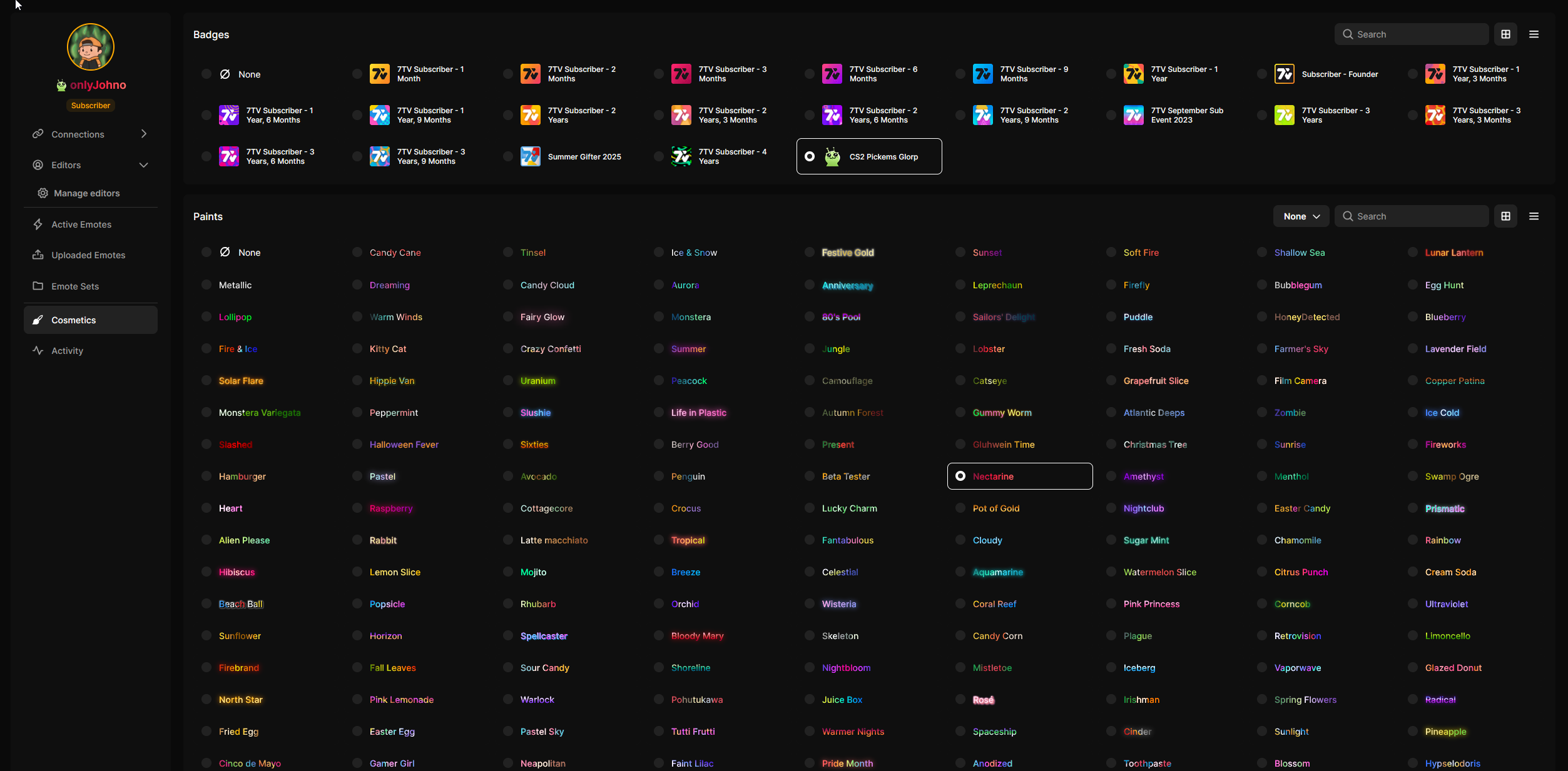
i just cant scroll
and theres no scroll bar 
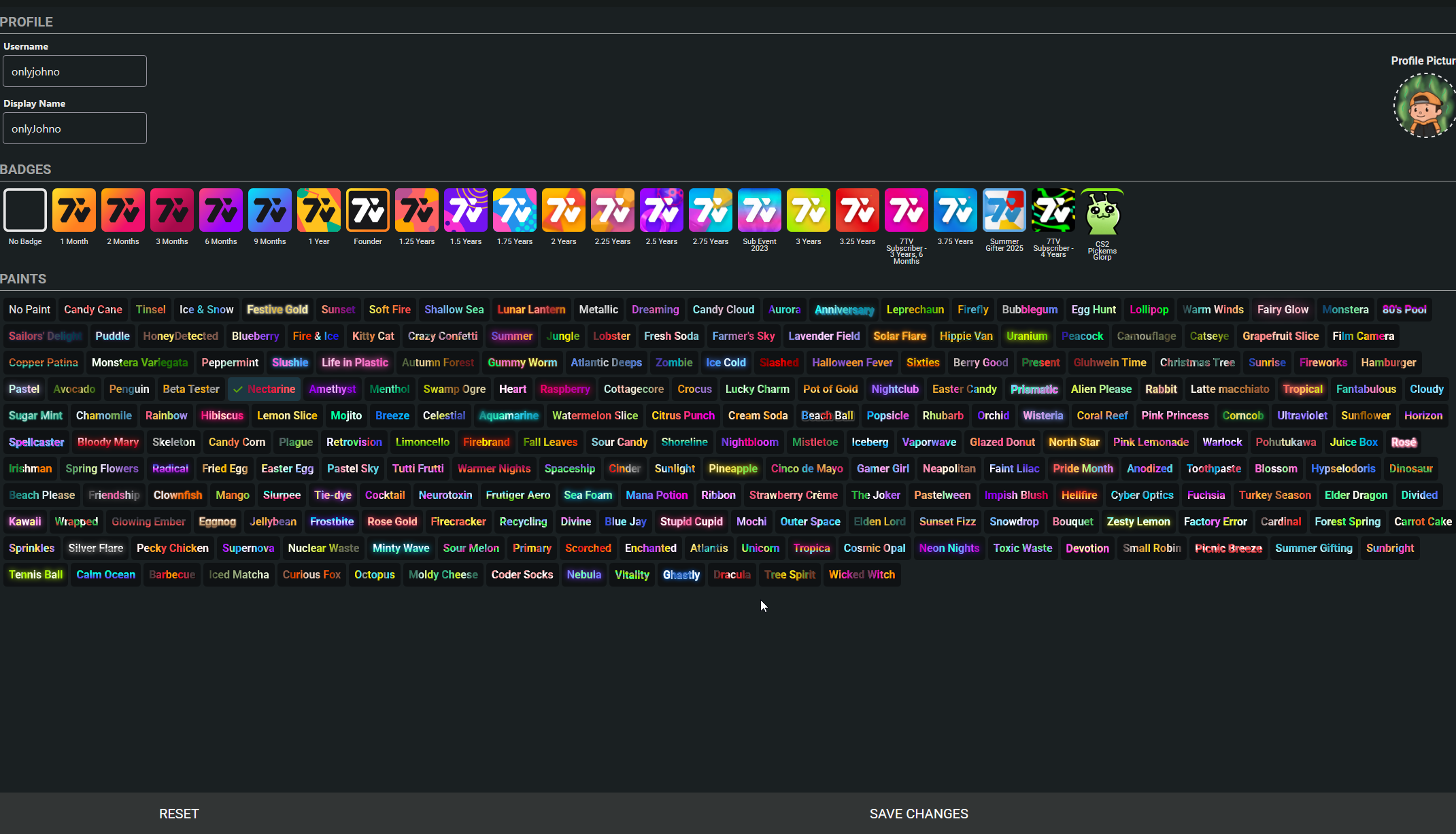
also doesnt work on activity page either
 floral idol
True 
leaden lake
obviously not a huge issue for me, since I can change the zoom and update if needed
but just an fyi it others experience it too
 blissful igloo
i have this issue too  im on firefox dev edition specifically
 dusty star
Since yesterday I also cannot scroll any emotes overviews in 7tv on Firefox. No scrollbar is showing. Can only view the top emotes. Latest standard version of Firefox on W10.
 river halo
+1 with same issue. On Firefox 144.0 (64-bit). Any pages with content further down the page, there's zero scroll ability. Evening using Page Down does nothing.
 haughty jungle
+1 cant scroll anywhere on firefox
 modern mulch
can you guys open inspect element and delete this key:

In the localStorage
So open inspect element > Storage > Local Storage
see if that fixes the issue
Cuz I tested myself and couldn't replicate
I see. I was on older version and didn't have the issue
I'll check right now and see why latest version breaks the infinite waterfall component
maiden granite
modern mulch
I can scroll emotes page after removing it but can't on user page still
modern mulch
ok I'll test rn and find a fix
 tough wolf
Cant even scroll on the 7tv.app homepage. Was trying to re-download the ext
blissful igloo
this too 
maiden granite
modern mulch
Is the issue still present?
still can't scroll anything on user page
and emotes page after closing pickems banner 
modern mulch
Ok I pushed a fix in the hope it get's redeployed asap
probably tomorrow or after
But in the meantime. You can type document.body.classList.remove('construction-bar'); in console to fix this issue
Apperantly that class had some issues preventing scrolling. My apology on this one
haughty jungle
modern mulch
But in the meantime. You can type `document.body.classList.remove('construction-...
I only know counter strike console how do i do this
modern mulch
ctrl + shift + i

 ftk
ftk
