 frank oxide
So, I have a mystery that I was wondering if anyone could solve--mostly Visual Tech Art, because of his grass video: https://www.youtube.com/watch?v=gfQNjC69PCM.
I watched this video: https://www.youtube.com/watch?v=LCqeVnmcz3E&t=689s
But since digging deeper into his presentation and methods, I've found that I don't believe that he actually solved this problem the way that he says he solved it, mainly in the creation of his grass geometry. What I don't believe is the idea that he was able to drive his grass with Bezier curves via any math he could have done in the vertex shader of his grass material. I've watched Visual Tech Art's grass video and know that bending a straight piece of geometry into a curve doesn't actually utilize the tilt, height, bend and midpoint parameters that he was talking about. Unless I'm wrong, and you CAN use the material graph to create Bezier curves via world position offset. I haven't been able to come across anyone who's been able to make grass bend in there except for Visual Tech Art's. I've looked for many ways to bend grass, and since he's cited Visual Tech Art's video in the creation of his grass system, I'm of the opinion that he actually just used that method to drive the bending of his grass, haha. I'm over here wondering if I can do it via 3 GPU particles per grass blade attached to each other with the ribbon renderer thrown on to render it--which is probably not very efficient.
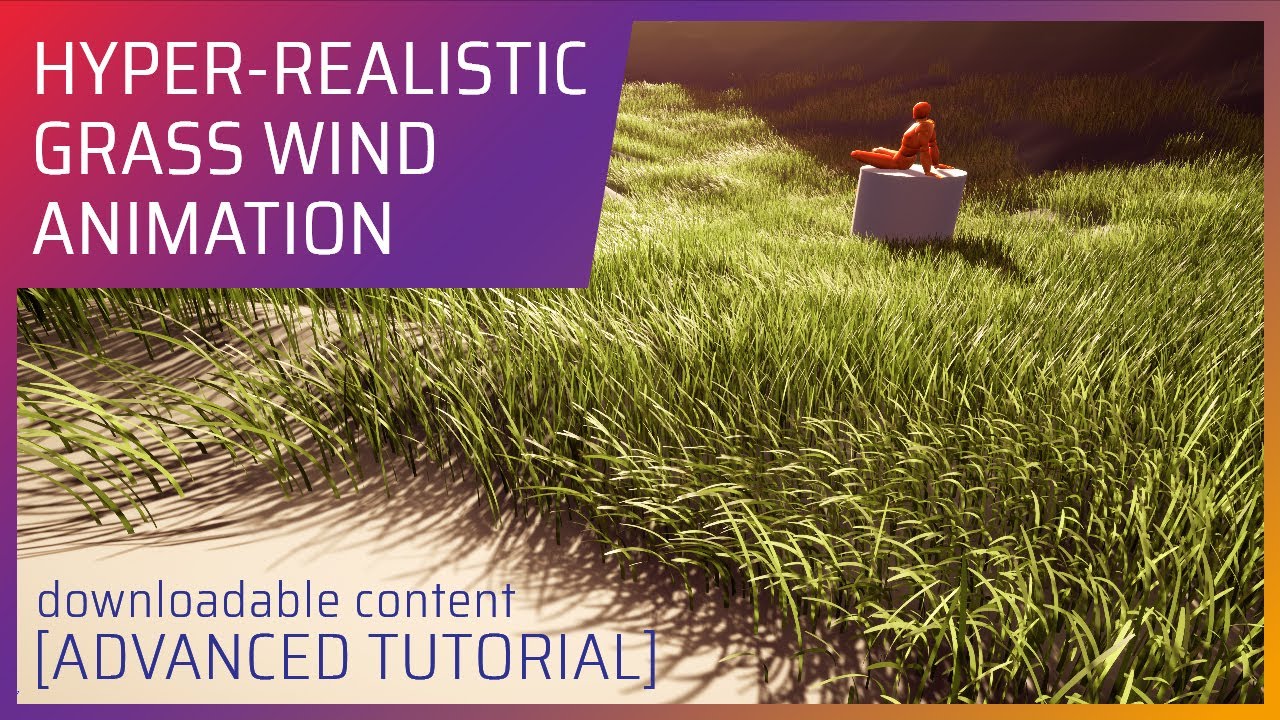
[DISCLAIMER] I know, this video is not very easy to follow, it requires some more than basic knowledge of the subject, but I think everyone should be able to wrap up his head around it eventually.
Here I illustrate my personal take on getting a realistic and good looking wind animation for the grass. As always I'm more than open to any feedback...

For a long time, mesh cards were standard for rendering grass in games – but it looks flat and artificial. So single-mesh-per-blade technique came to the rescue. It was used in games such as "Ghost of Tsushima" and "Zelda: Breath of the Wild" – and you have to admit: the grass there looks fantastic. During this talk, he will guide you through im...
 rare idol
 true owl
