#How to adjust Niagara system Tickrate and-or framerate ?
1 messages · Page 1 of 1 (latest)
 vague summit
 lost timber
Ooh that's a very good question. So basically you want to have like a "fake" lower fps? Kinda like what you'd do with animations
vague summit
Yup ! Like it's skipping ^^, flipbook style
vague summit
figured out that fixed delta time is an option only versions of UE5+ but i might be able to tinker with UE4 to make it work; but even then, if i hit play then the niagara system just freezes.
 strong ridge
maybe this workaround ? https://docs.unrealengine.com/4.26/en-US/BlueprintAPI/Niagara/AdvanceSimulation/
Advance Simulation
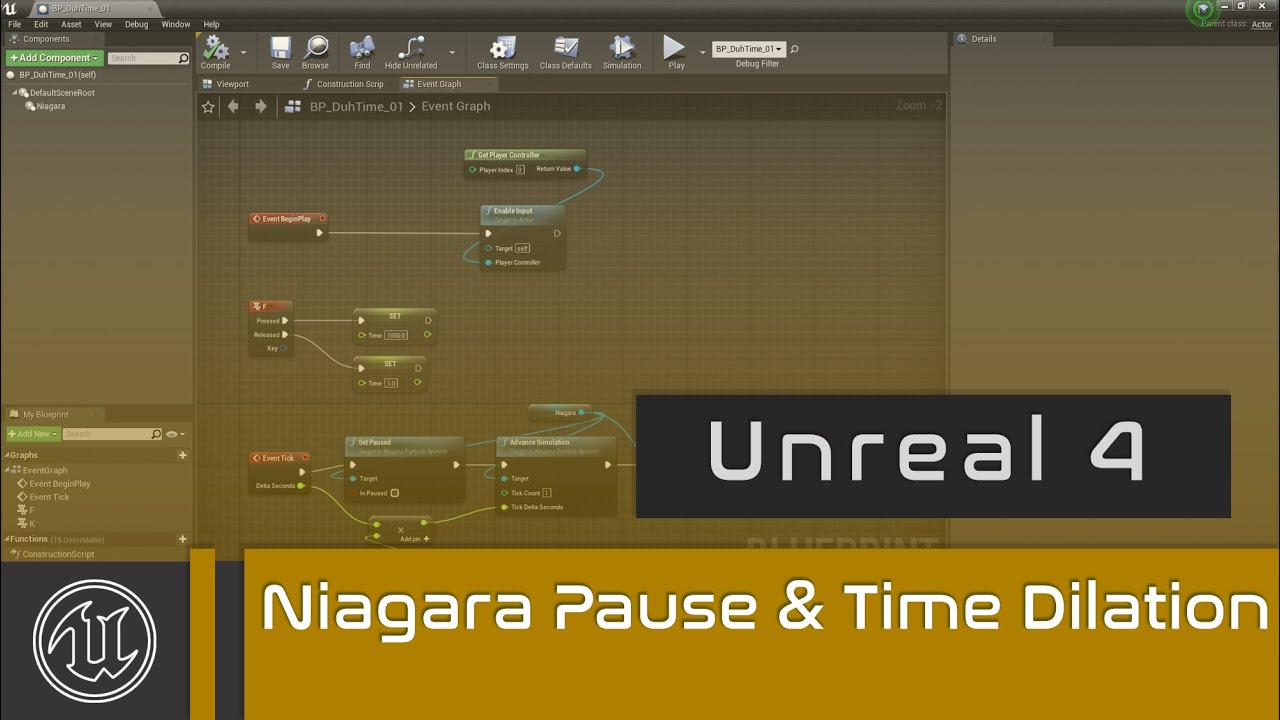
In this video we'll talk about Pausing Niagara Systems and using Time Dilation for Niagara in UE4.
UE4 Playlist: https://www.youtube.com/playlist?list=PLomQNLPOWtzbpKLbhlyYYneuoPfMgfE9f
Unreal Website: https://www.unrealengine.com
Chapters:
0:00 Intro
0:24 Blueprint Set Up
0:35 Blueprint Niagara System
1:02 Keyboard Input
1:41 Set Paused
2:1...
strong ridge
btw delta time stuff should have no effect on performance, one purpose it has is to keep visual "speed" constant regardless of 30 or 200 fps so things dont look weird
Heres a question, does it work if you simply set higher tick interval for the actor ? 🤷♂️
vague summit
strong ridge
Heres a question, does it work if you simply set higher tick interval for the ac...
no unfortunately niagara systems aren't related to actor ticks, i'm trying out advance simulation right now.
sadly advance simulation doesn't seem to work since it needs the niagara sim to actively be running to do so, so i can't stop, advance it and then stop again. i've messed around a bit just trying to make it work but i'm out of ideas
Nevermind ! Figure out a real hacky way to get it working with this

Thanks a million, i was completely lost on this issue.
vague summit
Yeah so after testing quite a bit, this is actually just a performance disaster. At first i thought it was just related to the tick count that it was skipping but it's actually the pausing/unpausing on top of it that's really killing gametime stability ( spikes to 150% of baseline ). very sad
strong ridge
what are you doing in Niagara that would be so heavy on fps ? @vague summit
vague summit
strong ridge
what are you doing in Niagara that would be so heavy on fps ? <@3866201273257164...
the performance hit is the same regardless of complexity, even an empty system causes hitching with my hacky setup