#Risk Of Rain 2 Triplanar Noise-Based Landscape Material
1 messages · Page 1 of 1 (latest)
 glad niche
 dark zephyr
Hey hey, i were asking the same question here few days ago, and didnt get the answer :D
As i understood it, it can be recreated with height map
But im not sure at all and didnt tested it yet
glad niche
dark zephyr
Hey hey, i were asking the same question here few days ago, and didnt get the an...
Ah yeah, I saw your post about that when searching through here
dark zephyr
Ill try something tomorrow, if there will be any result ill write you
glad niche
Noice, thanks =D
dark zephyr
Yup
I was thinking about some kind of this technique

Today we're looking at a couple of very simple ways to procedurally change the texture of your Landscape based on the slope of the terrain! These 2 slope masks are quite inexpensive and have very different looks. Everyone has their own way to do this and I haven't seen these specific methods covered in other tutorials. We also learn how to exclu...
4:50
glad niche
Oooo
Thanks for the vid, i'm probs gonna try and tinker with something like that in a minute
glad niche
i'm making some progress lmao
 dark zephyr
Hey hey, how did you do that?
glad niche
dark zephyr
Hey hey, how did you do that?
Noise node with very low quality, desaturated it so it's all white then used the normalized node to turn all the grey pixels into white or black, so it's perfectly smooth.
@dark zephyr
glad niche
Something is sorta coming out of this
I still gotta figure out how to layer this multiple times and distort only the edge and not the entire color. Or rather, distort the shape of the color so it sorta bleeds over the edge.

 glad niche
I'm still working on this, just been feeling unwell past few days
once I get better I will hopefully get more stuff done
dark zephyr
Probably the only thing what is still a mystery is how to make noisy transition
dark zephyr
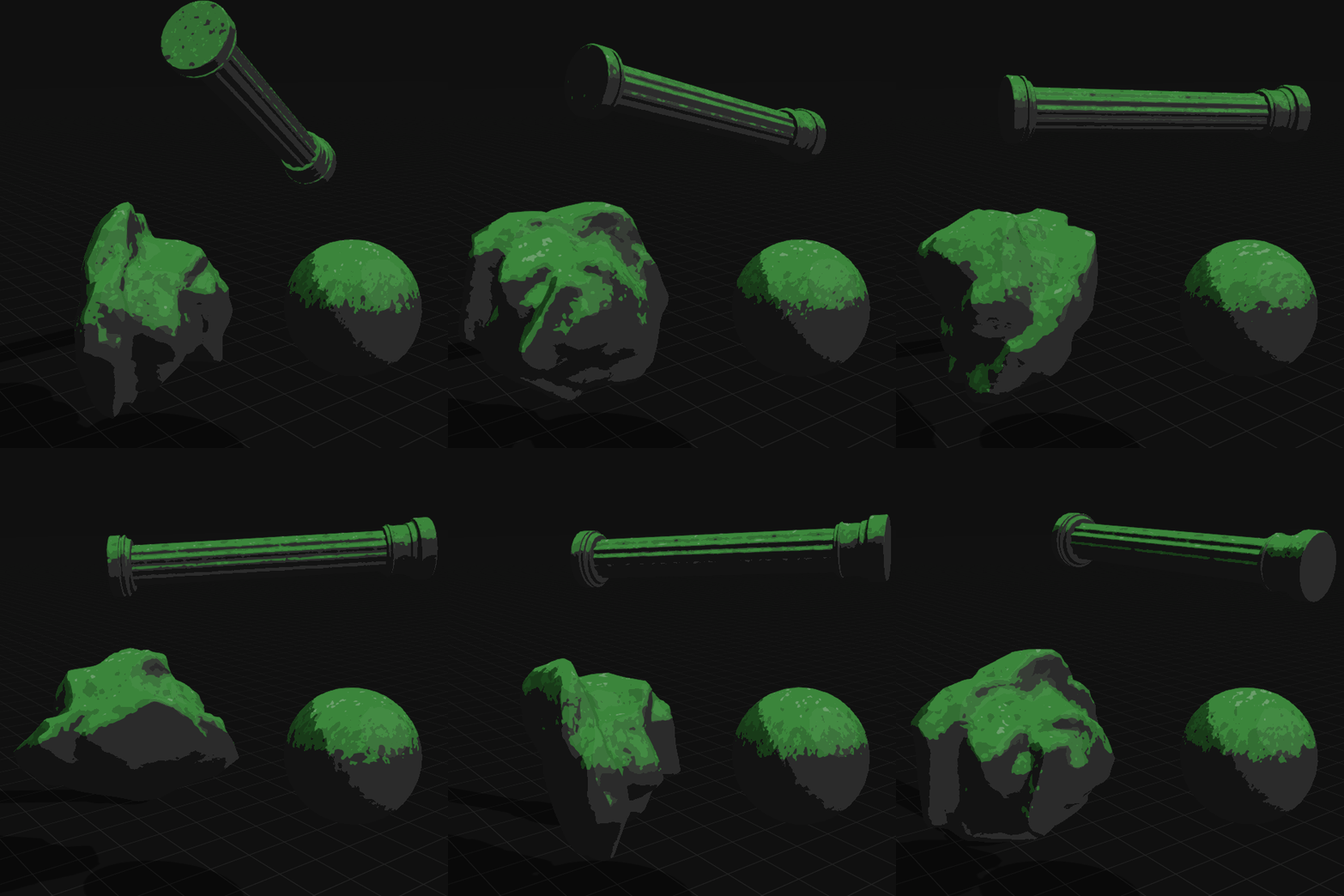
@glad niche I found a solution how to make the transition, but so far this option is not ideal, and needs to be improved

 glad niche
Oh wow, that is quite close to the effect
all that needs to be done is sharpening the edges of the slope effect, so it isn't blurry but clean crisp edges
reminds me of a gif of someone else who tried to recreate it, but in unity

Good job, really impressive work

 glad niche
Oh wow, that is quite close to the effect
all that needs to be done is sharpenin...
glad niche
glad niche
Oh wow, that is quite close to the effect
all that needs to be done is sharpenin...
What I did with this is the noise effect I used was just normalized (simply used the normalize node). Don't know if that would work in this implementation, but it's the easiest way I was able to get that sharp edge.
dark zephyr
Yup
tnx
But its still a mystery for me how the transition effect from light to dark at the edge is made.
Haha
nm
i got it

XD
dark zephyr
I can show you tomorrow, but that was quite simple
Just copy that thing which is getting the vertex thing, and make variables for one of them bigger than the other one
Subtract them
And lerp using that value
glad niche
Noiiiiice, very impressive work regardless
dark zephyr
 glad niche
Just tested this out, works amazing
Only suggestion i'd give is not to use a texture for the noise, but a noise node using computational gradient, then to normalize the math before the cheap contrast node.
Keeps that super sharp effect, no aliasing/blur
dark zephyr
Can you show that, coz i didnt fully understand it :D
glad niche
sure sure


suggested to make the noise node in the settings "gradient computational" for better quality
and setting the levels to 1, so it's more blobby and less grainy
but, up to preference on how you want the noise to look
before (blur/aliasing)
after (sharp, clean: no matter how far you zoom in it's sharp)


 clear gate
@glad niche which one of those noise methods would be cheaper though
it seems like the former but i cant know for sure
glad niche
¯_(ツ)_/¯