 fallow depot
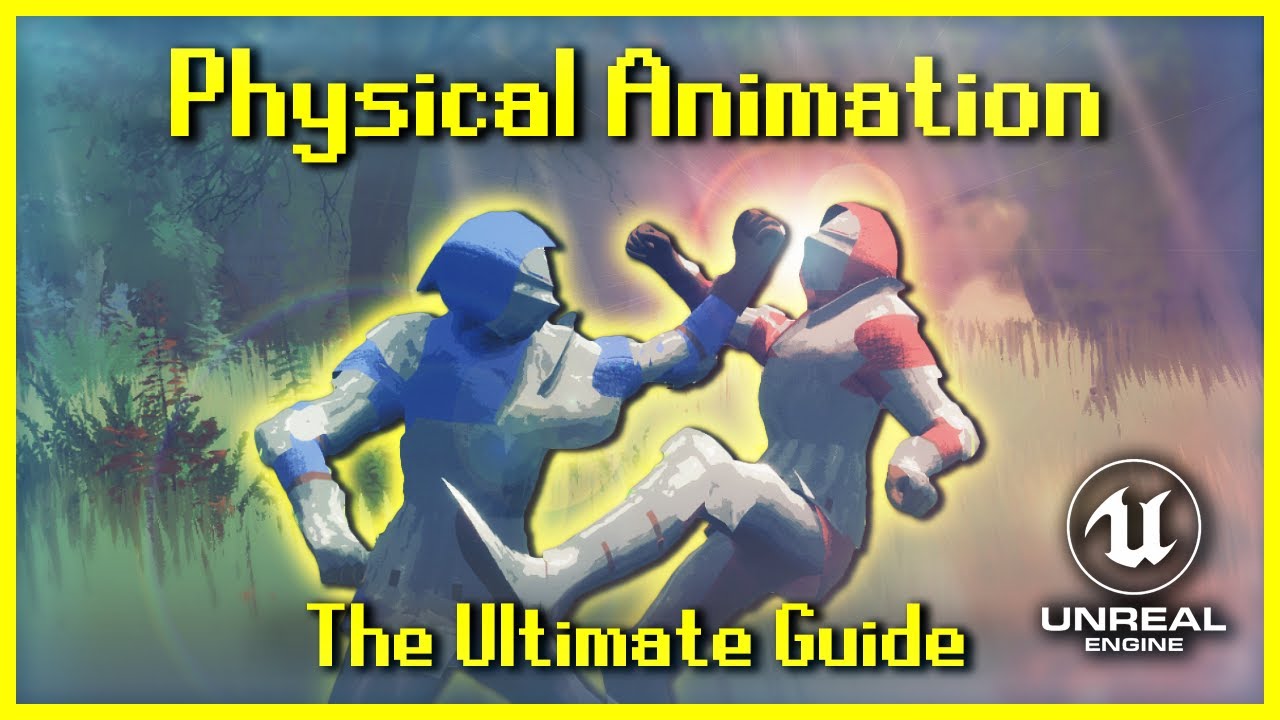
Hey guys I'm following the tutorial here: https://www.youtube.com/watch?v=46NfgXlnCzM
I'm currently at 39:40 when he's showing the animation while the simulation is active, i've watched from 35:00 to 45:00 several times now but i can't for the life of my get my animation to react in the same way as the video.
Simulation simply just ragdolls as if it had no strengths; i can see the animation trying to work (Twitching in the legs etc.) but it looks nothing like the one in the video.
Any insight as to why this is happening and a possible solution to get it working would be greatly appreciated 🙂
The first 1,000 people to use this link will get a 1 month free trial of Skillshare: https://skl.sh/prismaticadev02221
Hello dear viewer! Today we have a feature-length special that covers EVERYTHING you need to know about physical animation in Unreal Engine.
Physical animation can just be some extra sauce on your cake, or it can be integral ...
 naive flume