#so i am playing roblox and this happens
1 messages · Page 1 of 1 (latest)
 strong isle
@grim spoke more details you can add regarding your pc would make it more realistic to attempt helping
 grim spoke
strong isle
<@953455389318463508> more details you can add regarding your pc would make it m...
grim spoke
strong isle
<@953455389318463508> more details you can add regarding your pc would make it m...
So the laptop i am using is a omen 15 dh1xxx and it has a intel core i7 10750H 2.60GHz with a nvidia geforce rtx 2070 (with max q design whatever that means) and anytime i start playing roblox or any game now, it just slows way down to the point i will be getting 10-40 frames when just a few seconds before i was getting well over 110 frames. and it will only start slowing down after maybe 30 minutes - 45 minutes of play.
shouldnt my laptop be able to run games like roblox and minecraft with ease?
strong isle
if your playing with vsync off you'll liklely notice some performance limitations or consequences
grim spoke
vsync?
strong isle
thats common for 2xxx series nvidia gus and laptops
yes
vsync
limits fps to match display refresh rate
grim spoke
im assuming roblox doesnt have vsync does it
strong isle
that also doesnt overheat the gpu
beats me if roblox has vsync
people being arrested for playing roblox is a hobby i prefer to avoid :)
you could prob check the graphics settings
strong isle
DuckDuckGo. Privacy, Simplified.
kidnapping, groomers, exploitation and more
and ruben sim
grim spoke
yea well i aint that dumb to share my location or meet someone on roblox
but thanks i guess
strong isle

Stop leaving yourself vulnerable to data breaches. Go to my sponsor https://aura.com/rubensim to get a 14-day free trial and see if any of your data has been exposed
Over the past 10 months I've been creating a system to automatically flag and report freaky Roblox accounts. The results are shockingly effective.
Thumbnail chud by @Vodka_Lov3r ...
grim spoke
one more question
strong isle
sure
strong isle
windows has been having some windows update issues recently causing bsods
grim spoke
i havent really done any technical stuff on the computer ecept upgrading the ram
strong isle
 grim spoke
strong isle
windows has been having some windows update issues recently causing bsods
grim spoke
strong isle
windows has been having some windows update issues recently causing bsods
ok what about updating the bios
strong isle
that may or may not be related if you were experiencing windows instability or reliability concerns
bios updates can help. just avoid beta bios versions
grim spoke
i think i just need to upgrade ot an actual pc
this laptop is getting the that point nayways
strong isle
if you suspect windows is responsible attempt validating it by booting a live system linux bootable usb stick
if thats reliable and stable windows is more likely to be a suspect
only takes minutes to attempt to boot from debian or ubuntu in try me mode and check for any hardware errors
another fella several days ago suspected his pc was defective however after booting linux it was proved to be utterly flawless
windows was just broken
grim spoke
well i cant just do that
thier are inportant files on here and i dont know what to do
grim spoke
hmmm
strong isle
very good option to easily blame windows
if there was a windows issue
if not windows then hardware errrors or warnings can be more obvious
grim spoke
so all i do is plug the usb in, and it is like another pc that uses your current pc's recourses but doesn install itself onto said computer?
strong isle
download the iso you want to test, create a bootable usb from the iso using belena etcher
there's 7 of them with different desktop themes
the kde iso is liklely the most similar to windows
thats what the other fella used
grim spoke
well doesnt that mean i can use that usb drive as my actual os and just use it instead of windows?
just have it always plugged in and what not
idk how this stuff works 😭
strong isle
when you boot the usb it offers two primary boot options
Live system (amd64)
and installer
if you choose the first option, it loads a fully functional desktop gui
runs entirely from the usb stick, temporarily
always boots the same
grim spoke
so you cant actually us that as your normal os but you can use it to find issues
strong isle
when you want to go back to windows reboot without the usb stick or select your usual boot option
here's what the kde desktop gui offers

KDE Plasma 6 Linux desktop environment review and demo using the KDE Neon Linux distribution. KDE Plasma 6 was released on February 28th 2024, as detailed on the KDE website here: https://kde.org/announcements/megarelease/6/
My Krita video is here:
https://www.youtube.com/watch?v=fX3c2wQYX6I
If you like this video, you may also be interested i...
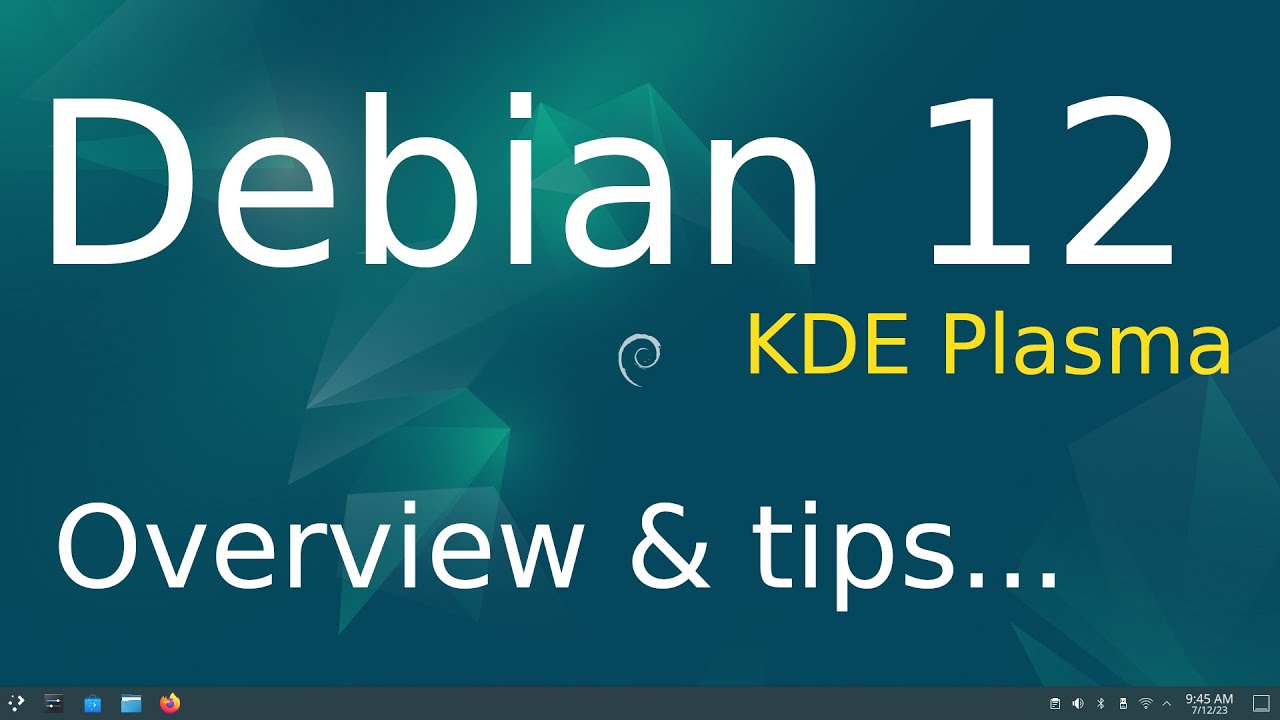
Filmed in 1920 x 1080. Overview & tips of Debian 12 ( bookworm )the KDE Plasma desktop. Best viewed on a large screen.
0:00 - Intro Debian 12 KDE Plasma Overview & Tips
0:08 - System Information
3:00 - Overview
3:30 - KRunner Demo
4:30 - Overview continued
5:28 - LibreOffice Version Information
5:50 - Overview continued
6:37 - Login tip
7:24...
strong isle
grim spoke
i havent really done any technical stuff on the computer ecept upgrading the ram
you could also run memtest86+
verify your laptop has no memory errors
grim spoke
huh ok
so i can make a bootable usb drive and test games and stuff to see if it runs fine and then if it does run fine then i know it is windows or some part of windows that is causeing the issue
what do i do if it is windwos?
strong isle
you could consdier a disk backup and clean reinstall or perhaps repairing the windows concern is something simpile
