#Framerate issues
1 messages · Page 1 of 1 (latest)
 cursive bloom
hi
 frail ginkgo
Hey, its a little easier to communicate here
First measure id try is to update your graphics driver
frail ginkgo
Ok, when ingame, do you mind running the ingame benchmark?
cursive bloom
did not even know that there was a benchmark
frail ginkgo
When its done, please share a screenshot of the results page, that might allready tell us the issue
In the graphics settings, at the bottom. Should say „Benchmark“
cursive bloom

OK I need to go pick up my kids, the benchmark didn't seem stuttery though which is odd
if there's any other tips or things you'd like me to try you can just put them here, I will probably not be able to return for a few hours
not til they are asleep
frail ginkgo
cursive bloom
OK I need to go pick up my kids, the benchmark didn't seem stuttery though which...
Its fine, just ping me once you are up for some troubleshooting
Maybe multiple times, or even dm me, ill try to help you out
cursive bloom
It's interesting it says max FPS of 110 when the FPS never went over 97 from afterburner / RTSS
cursive bloom
Razer…..dann
Damn
I can’t remember
Razer viper ultimate ?
And a g pro x superlight
Ok just checked my emails, it’s a viper ultimate
Sounds like you’re telling me that I need a Viper v3 pro (I need an excuse!)
frail ginkgo
with the 8k polling rate?
cursive bloom
Lol, I wouldn’t use 8k tbf
But I was (mostly) joking
Should be able to get back to my pc in around half an hour
frail ginkgo
@cursive bloom i have an idea for your issue
it can be, that due to the 100% gpu usage, there is no headroom for "tracking the mouse" if you limit the framerate to, say, 60fps there should be more than enough headroom to track the mouse ingame and your stutter while moving the mouse should be gone
cursive bloom
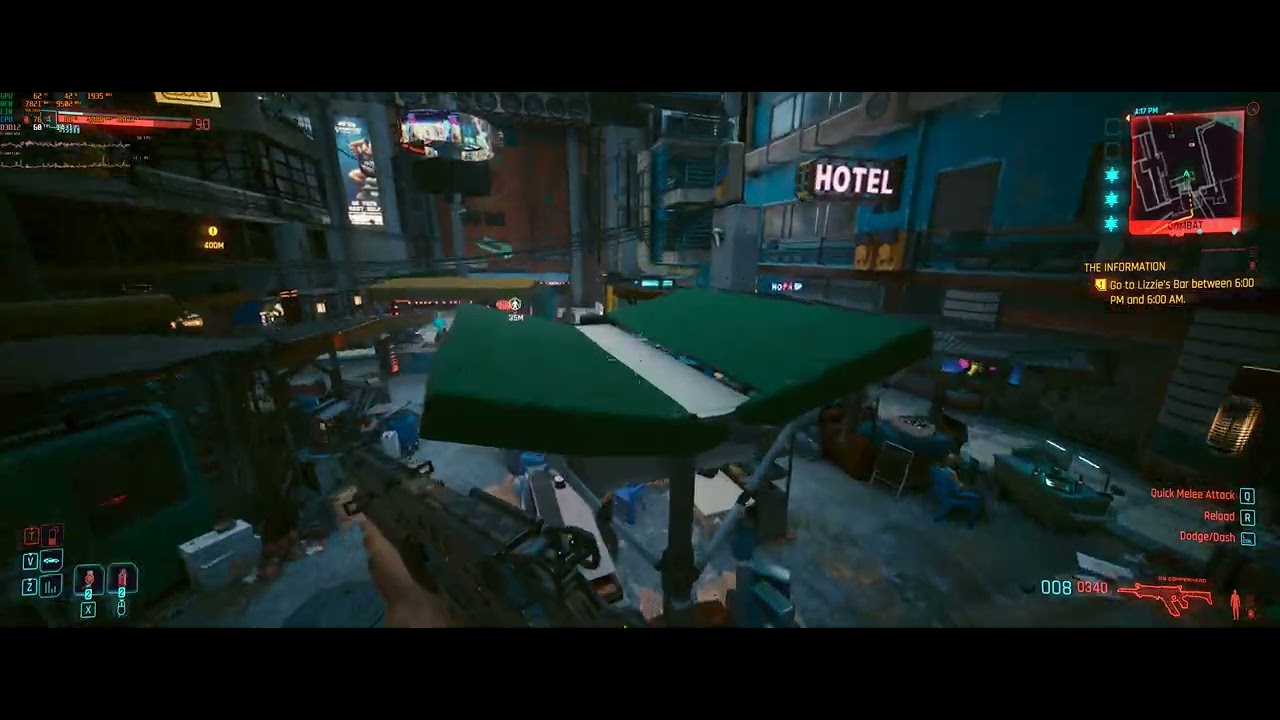
@frail ginkgo https://www.youtube.com/watch?v=ihEoRlEw-OU am I being overly sensitive or is this a stuttery mess
 frail ginkgo
it is stuttering
like hell,
did you try to change from fullscreen to borderless or the other way around?
@cursive bloom
in addition to this, have you done the troubleshooting steps mentioned in the following guide? https://steamcommunity.com/app/1091500/discussions/0/3821907263115437095

I had consistent frame time spikes (stutter) and slight fps drops even when at a capped 60 fps using only 80% of the GPU at 4K.. Ray tracing made the stutter worse Disable full screen optimization (right click cyberpunk 2077.exe and go to compatibility tab) Locked 60 fps and silky smooth frame time graph (no stutter) even with full tray tracing!...
cursive bloom
so it's improved, I realised I had special K running which seems to be what was limiting the fps

and it disabled fullscreen optimizations
it's improved...but still stuttering
cursive bloom
also I switched from borderless to fullscreen
almost certain it's 1000
let me look for my razer mouse, let me try that
how interesting
how interesting
frail ginkgo
huh?
cursive bloom
I don't have my razer mouse yet, but I grabbed my mx master 3
like, "work" / ergonomic mouse
moving around
and there isn't stuttering
but maybe i just can't move it fast enough
frail ginkgo
yeah i know the mx master, i work in a hospital in IT as tech support
know quite alot of hardware 😅
frail ginkgo
mouse causing issues?
cursive bloom
I saw some people saying that they had to drop polling rate from 1000 to 125 and stuttering stopped
and....it might have actually fixed it
how is that even possible lol
frail ginkgo
i had that exact issue on the division, lol
cursive bloom
I'll have to mess around more tomorrow to see if it's really fixed
(I fell asleep in my chair earlier lol, so I need to go to bed soon)
but I can hardly believe it
frail ginkgo
glad to hear that one of my first guesses was actually the issue 😅
cursive bloom
lol it's true
yh sorry, with kids I can only test when the opportunity arises lol
then I need to try and remember where I was
frail ginkgo
ayo, its totally fine,