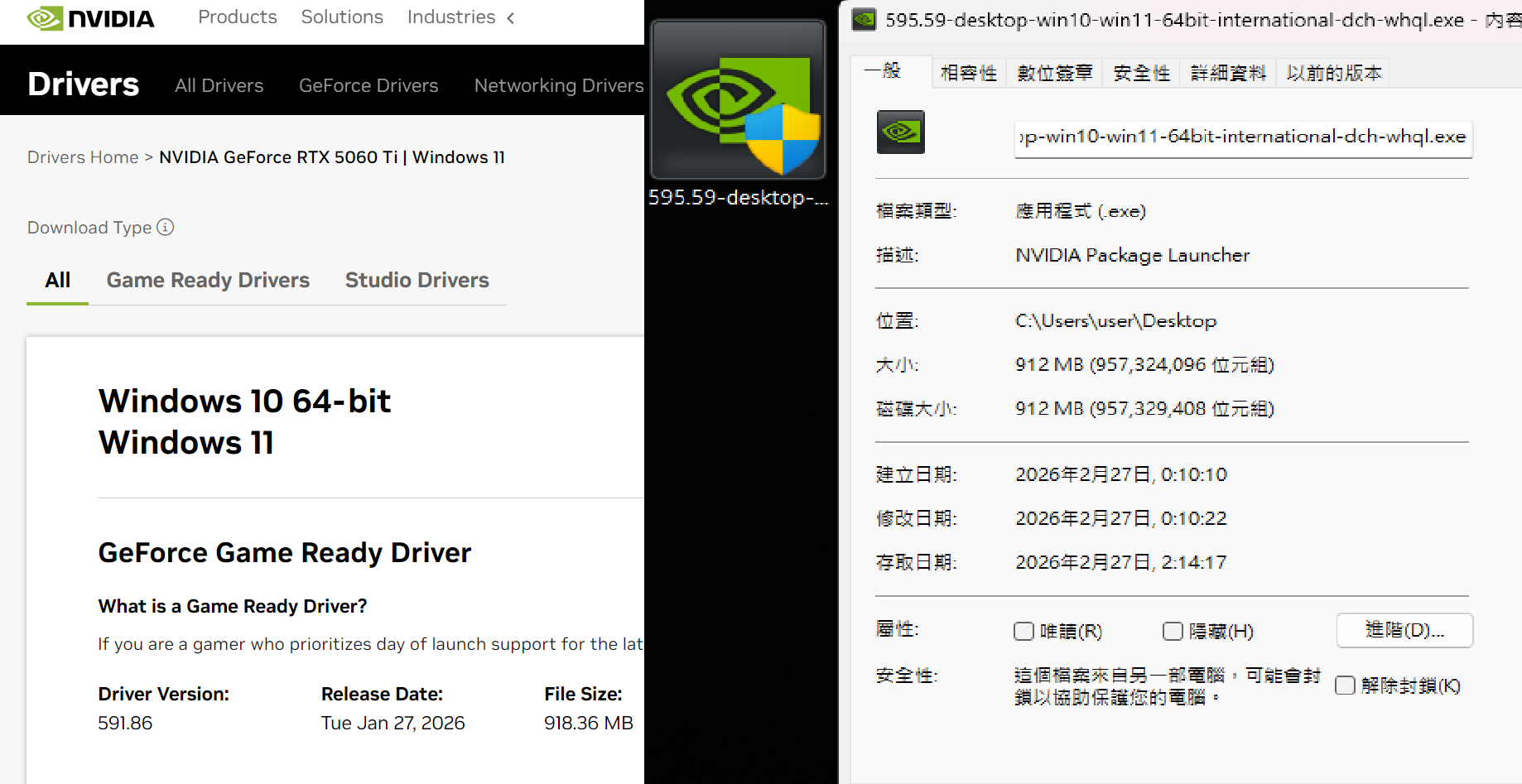
#GeForce Game Ready Driver 595.59

32 messages · Page 1 of 1 (latest)

woven steppe
#

Game Ready for Resident Evil Requiem

This new Game Ready Driver provides the best gaming experience for the latest new games supporting DLSS 4 technology including Resident Evil Requiem. In addition, there is Game Ready support for Marathon which features DLSS Super Resolution and NVIDIA Reflex.

Driver download
Laptop / Desktop

For both discussion and issue reporting purposes, include your model, CPU, and GPU in your post. Include overclocking/undervolting parameters if you do so. Example format:

**Model:** Legion Pro 5i 16IRX8
**CPU:** i9-13900HX
**GPU:** RTX 4070 (+210 core/+1000 mem)

Fixed Gaming Bugs

  • The Ascent: Intermittent black bar on top of screen on GeForce RTX 50 Series GPUs [5859818]
  • Total War: THREE KINGDOMS: Green artifacts appear on GeForce RTX 50 series [5745647]
  • FINAL FANTASY XII The Zodiac Age crashes with fatal error after driver update [5741199]
  • Call of Duty Modern Warfare (2019) displays image corruption after driver update [5733427]
  • Quantum Break: Performance drops significantly on Act 4 Part 1 [5607678]

Fixed General Bugs

  • Blackmagic Design: AV1 decode crash with multiple obu in one packet [5671098]

Open Issues

  • No open issues to highlight in this release.

Confirmed Additional Issues
-# This section covers issues officially acknowledged by Nvidia that are not in the original driver release notes OR in the Reddit moderator's r/Nvidia driver post
TBD

Unconfirmed Additional Issues
-# This section contains issues not officially acknowledged by Nvidia but are reported across multiple forums
TBD
Please keep the discussion in the post only about this version or issues introduced in this version.

If you found an issue, please include detailed description of what is broken or doesn't work.

#

Do you need to DDU and update?
No.
However, if you you do DDU, you need to first install Lenovo drivers and then Nvidia driver of your choice.
Every subsequent update after doing this, you don't need to DDU.

Avoid installing GeForce Experience or Nvidia App and avoid clean installing to new driver. Nvidia App, just as GeForce Experience, is an app that can cause a whole range of issues such as stuttering, whisper mode being enabled on it's own, app being broken, options not being available,... You can swap it for **DLSS Swapper **, Nvidia Profile Inspector (global and per game profile tuning), OBS (recording/streaming/replay) and Reshade/Special K (filters, colors)

DDU guide - ⁠#1020437208806727732 message
Nvidia subreddit thread for the update: https://www.reddit.com/r/nvidia/comments/1rfc1tu/game_ready_studio_driver_59559_faqdiscussion/
Nvidia forums thread for the update: https://www.nvidia.com/en-us/geforce/forums/game-ready-drivers/13/582871/geforce-grd-59559-feedback-thread-released-22626/

In case of any bugs and issues related to Nvidia drivers, use
https://docs.google.com/forms/d/e/1FAIpQLSewHJk1xP-C5elLBRCDLTLpNQZ9eiefrdZmUGP9hMCN6gKssA/viewform?usp=send_form
https://www.nvidia.com/en-us/geforce/forums/support/

Game Ready & Studio Driver 595.59 has been released. Driver Article Here: Link Here Game Ready Driver 595.59 Direct Download…

proud quarry
#

Model: Legion Pro 7i 16IRX10
CPU: U9-275HX
GPU: RTX 5090 (+150 core/+300 mem)

They fix GPU switch with Advanced Optimus. No more Windows lagging

worn nova
#

Oh nice, will test it rn -have you checked anything funny with fans? I see many complaints in the reddit post with people saying it makes third party apps like afterburner lose control/not report the GPU fans

#

they all seem to be on ~~5000 series ~~desktop GPUs so far

#

-apparently the issue is severe enough that nvidia has pulled them out from their site. Im still installing lol

#

Model: Legion Pro 9i gen 10
CPU: Ultra 9 275HX
GPU: RTX 5090

I can confirm this driver fixes the advanced optimus bug.

About the fan issue, it SEEMS to work normally (using LLT, seems to work in balanced mode and seems to work in custom modes with custom fans) -haven't checked in depth about this but I would err on the side of caution and wait for the inevitable hotfix driver

#

Update: its making an external monitor (connected via HDMI) to have constant black screens.

#

Rebooting the laptop seems to have made the blackscreens go away -gonna run some tests and check temps/fan rpm

#

Cyberpunk benchmark (balanced mode) went as usual, 1-3 fps higher than my average but still within margin of error. Temps seemed as always, fans spun as always at least apparently. Still gonna wait for the hotfix before I do anything else

woven steppe
#

A few notes related to 595.59: Branch r595_00-120 (DVS) New driver level game profile flags that are unique to r595 (595.00 to 595.99) e.g. in 'Resident Evil Requiem', 'Starfield', 'Dune: Awakening' and 'Mafia: The Old Country' driver level game profiles - investigating new flags' purpose DLSS returns quality level entry 0x00000007, that's eithe...

woven steppe
# worn nova they all seem to be on ~~5000 series ~~desktop GPUs so far

HW monitoring software (personally only use hwinfo64 and fancontrol however i've seen others mention afterburner) is not detecting one of the fans on my 5090 FE with this driver. It seems to not be applying curves to that fan either. Example: fan stop stops both fans, however only one fan will start up again with my fan control profile with this...

#

can you check RPM in LLT for example? is it being read?

worn nova
#

CPU and GPU fan RPM is being read in LLT and seems to check out - note: Im using the "normal" dashboard, I know theres a fancier one with more details that Im not using

woven steppe
#

thats completely fine

worn nova
#

I understand this laptop has 2 smaller fans besides the big ones for the CPU and GPU

woven steppe
#

what matters is that GPU fan is being read

worn nova
#

In that case, it seems to work both in balanced mode and also in custom modes with custom fan curve applied in LLT, at least at a glance

#

as in, no "0 rpm" read anywhere so far

woven steppe
#

Yes, which is a good sign that its only impacting desktop GPUs

#

thats my point

worn nova
#

Still, would be nice to see some hwinfo user report if they see something fishy regarding fan reads (seems to be in many GPUs that it only detects one fan if it has per-fan controls). In any case, we might get the hotfix driver quite soon lol

worn nova
#

Official statement

red current
#

Dont install for now driver has been removed the ai fucked up big time

Issues in the driver
Major one is that fans wont work

https://x.com/i/status/2027086678184317285

nvidia has removed the driver 595.59 released on 26th feb.

outraged users are complaining the driver on nvidia forum.
- youtube freezed
- hdr 144hz failed
- gpu fans stopped spinning
- voltage locked to 0.9v
- huge gaming performance loss
and more

nvidia forum

woven steppe
#

but its not for install, i agree

flat badger
#

Usually it's either windows causing issues with their updates or Nvidia

#

Seems this month they both blessed us with their broken updates

red current