
#several issues with new installation
134 messages · Page 1 of 1 (latest)
 steady estuary
 cerulean pendantBOT
Ahoi @steady estuary!
Welcome to the Mainsail support-forum!
There is a problem with the tags you selected for this post. Please fix them to fit your question.
For further information on tags please check the readme: #readme message
To change the tags of this post:
- Open the
...menu on the top right corner of this post. - Find
Edit tags - Select the checkbox of the correct tags.
Usually you just need to select one tag!
If you still have no idea which one to choose, feel free to ask here.
Note: This is an automated message
Thanks for your cooperation!
steady estuary
my printer.cfg
I have run all updates via mainsail today
kiauh gives me this message:


 pulsar lodge
Then I ask differently, do you use a cam?
steady estuary
pulsar lodge
Always add logs too
which are the logs again?
pulsar lodge
klippy.log, or what are you asking?
steady estuary
yea that, didn't knew which log you would need
pulsar lodge
You selected the klipper tag yourself 🤔
steady estuary
yea true,l I thought this issue was due to klipper
pulsar lodge
So it would make sense that I'm asking for the klippy.log then ^^
steady estuary
trueeee
pulsar lodge
I would have corrected you otherwise, that the tags are wrong
steady estuary
pulsar lodge
This error is all over your log:
b'Got error -1 in can write: (105)No buffer space available'
What settings did you use to flash your manta, and did you check that you placed all the jumpers correctly?
steady estuary
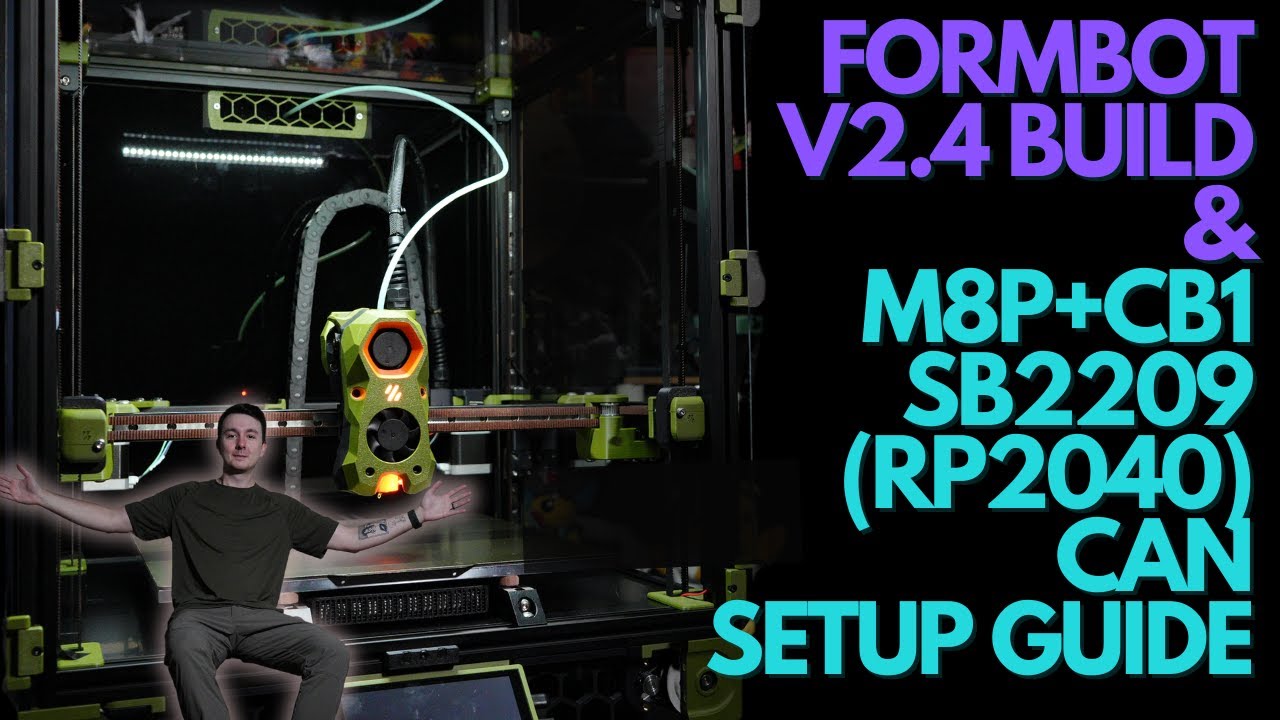
Turn your dream 3D Printing project into a reality at PCBWay:
https://pcbway.com/g/s49dwT
Hope you guys stick it out for this long video. Thanks again to Formbot for hooking me up with a discount. I really like this kit and if you want to build a Voron I think a Formbot kit is an easy affordable choice. This guide should get you through it but...
I have followed this. from CAN setup
can seems to work tho, end switch on the toolhead and the tap also works
pulsar lodge
But the homing doesn't work....
steady estuary
yea weird, I can home it from settings
but when I start a print it stop on the front left corner
pulsar lodge
So it works manually, but during printing a file it fails? Can you execute your start macro manually without errors?
steady estuary
let me try
3:54 PM
Error during homing probe: Communication timeout during homing
3:54 PM
Error during homing probe: Communication timeout during homing
3:54 PM
Error during homing probe: Communication timeout during homing
3:54 PM
Unknown command:"STATUS_LEVELING"
3:54 PM
Unknown command:"STATUS_HOMING"
3:54 PM
Unknown command:"STATUS_HOMING"
pulsar lodge
Those commands should be removed from the macros....No idea, where you got these
steady estuary
i used config from my friend
but that wouldn't explain why manual QGL also doesn't work
pulsar lodge
So it fails only during QGL maybe?
steady estuary
looks like yes
pulsar lodge
steady estuary
i used config from my friend
Not the whole config....
steady estuary
most of it yea, we both have the same printer. only changed the UUID's and the heater
but let me try to get those out
now i get this error

my friend had to same issue, his dad fixed it later on. se he also doesn't know what the issue was
couldn't it be different klipper versions on my HOST and mcu/ebbcan?
pulsar lodge
Nope, that would be another issue, reporting version mismatch....
pulsar lodge
I would think it's the can bus speed, but I'm no expert in this stuff. I asked some more knowledgeable people.
As you can read from the error:
b'Got error -1 in can write: (105)No buffer space available'
steady estuary
pulsar lodge
I would think it's the can bus speed, but I'm no expert in this stuff. I asked s...
i see. I have set everything to 100000
pulsar lodge
The can means writing to the can bus
steady estuary
i see
pulsar lodge
steady estuary
i see. I have set everything to 100000
100 000 or 1 000 000?
steady estuary
wait lemme check
1 000 000
both canbus and manta
those are the default. I have never changed them
could you ping me if you have an update @pulsar lodge?
i will be away from my pc for a bit now, so that I can respond quicker
pulsar lodge
steady estuary
could you ping me if you have an update <@216564703185338369>?
Sure, but no need to ping me ^^
 tropic nest
steady estuary
i used config from my friend
tropic nest
steady estuary
i used config from my friend
just copy a "random" config is not recommended...
steady estuary
pulsar lodge
Sure, but no need to ping me ^^
sorry
steady estuary
tropic nest
just copy a "random" config is not recommended...
what could go wrong that bad?
As it's the same hardware
now that i think, he uses a cm4 instead of a cb1
tropic nest
you missed some macros. so you didnt read, what you copied. i just talk about "copy without reading it"
steady estuary
i see, those weird for status, for the lights.
I have removed those
for what I know there shouldn't be any other issues in it now
steady estuary
tropic nest
you missed some macros. so you didnt read, what you copied. i just talk about "c...
double checked everything, I don't see anything weird in it now
\
tropic nest
do you use terminate jumper on both sides?
steady estuary
for the can bus?
no, it uses a custom cable from BTT
i have shortened the cable slightly on the manta m8p side
but made sure to make the cable correct
and communications works, as I am able to home it using the home all button
end stops and tap works
when i rund my print start macro this is the error I get
4:44 PM
Error during homing probe: Communication timeout during homing
4:44 PM
Error during homing probe: Communication timeout during homing
4:44 PM
Error during homing probe: Communication timeout during homing
tropic nest
the terminate jumper are on the boards. they have nothing todo with the cable itself
the "120 Ohm" jumper
steady estuary
ohhhh my bad
i did yes
I am able to run G32 without any problems
nvm, I ran G32 and now the MCU crashed
steady estuary
steady estuary
again with this error
tropic nest
steady estuary
ohhhh my bad
i did yes
on both sides?
 tropic nest
yes. on the left bottom is the jumper here
steady estuary
yes
it swasn't clear. burt next to the 2 resistor on the left bottom
and on my main board lemme check ofr you
and this one
 tropic nest
should be correct
steady estuary
yea, but canbus also works. so that's weird to me
i'm able to control the hotend, fans, tap, and end stops
tropic nest
it works in "standby", but when you get traffic on it, you will get issues when 1 jumper is missing
steady estuary
yea but shouldn't be an issue
tropic nest
that could be exactly your issue...
steady estuary
yea but they are there
and like. traffic works?
and right after I have finished my quad gantry leveling it crashes
5:19 PM
Probing failed due to printer shutdown
5:19 PM
MCU 'mcu' shutdown: Timer too close
5:19 PM
MCU 'mcu' shutdown: Timer too close
This often indicates the host computer is overloaded. Check
for other processes consuming excessive CPU time, high swap
usage, disk errors, overheating, unstable voltage, or
similar system problems on the host computer.
Once the underlying issue is corrected, use the
"FIRMWARE_RESTART" command to reset the firmware, reload the
config, and restart the host software.
Printer is shutdown
5:19 PM
Klipper state: Shutdown
5:19 PM
Retries: 2/5 Probed points range: 0.017500 tolerance: 0.007500
5:19 PM
Making the following Z adjustments:
stepper_z = 0.002212
stepper_z1 = 0.019837
stepper_z2 = -0.017962
stepper_z3 = -0.004087
https://github.com/bigtreetech/CB1/releases
I have used this installation, could that be an issue?

GitHub
OS System image for CB1. Contribute to bigtreetech/CB1 development by creating an account on GitHub.
steady estuary
but like @tropic nest the kiauh installer gives there are issues with klipper
when I try to update i get the following error


oh what I did notice, time is wrong
couldn't that be an issue?
time didn't fix the issue
tropic nest
steady estuary
could be also a bug in KIAUH
steady estuary
yea i see. but first time I installed kiauh it already had klipper installed
so i feel like the klipper installation is just corrupted
and also a different klipper version on my host compared to the MCU and mcu ebbcan
tropic nest
if your klipper installation should be corrupted, it would not start. so the installation is fine
steady estuary
a friend told me that could be an issue, but i'm not sure
tropic nest
then klipper would not start, when your mcu firmware would be too old
if klipper starts, its not your issue
tropic nest
most of the time, its a wiring issue. it could be also a "heavy load software" on the SBC.
steady estuary
tropic nest
most of the time, its a wiring issue. it could be also a "heavy load software" o...
Sbc is?
steady estuary
Ah i ser
I kight as well reinstall everything according to that vifeo i sent earlier
Because i neer a working printer tomorrow if possible
And my ender 3 is broken atm
steady estuary
trying to actually reinstall it, need to edit the /etc/network/interfaces.d file, but it doesn't want to work sadly
tropic nest
pls tell us some more informations. why doesnt it work? what is the error message? just with this sentence, nobody can help you...
steady estuary
Got an error the locationw wasn't there
reinstalled an older version of armbian
now it is installed, for what I know atleast. but now I get this error with klippy:
mcu 'mcu': Unable to open serial port: [Errno 2] could not open port /dev/serial/by-id/<your-mcu-id>: [Errno 2] No such file or directory: '/dev/serial/by-id/<your-mcu-id>'
i can only get /dev/
further then that is non existing
looks like an issue with my can for what I heard from tohers
reflashing both m8p and sb2209