#Seelen UI 24 Hour Time
97 messages · Page 1 of 1 (latest)

 zealous radish
you need to change it on settings

click the info icon to go to the website with the guide of how set the date format.
 knotty hornet
that is not what i mean i mean changing the time to the 24 hour format or do i understand some thing wrong?
zealous radish
on date format you set the time format too...
knotty hornet
but i need 24 hour format im probaly to stupid
knotty hornet
what should i change for 24 hour format
 zealous radish
ddd D MMM, HH:mm
 zealous radish
xd
knotty hornet
xD
zealous radish
try restarting the app maybe
zealous radish
where are u from?
knotty hornet
not date i mean time
 shrewd monolith
Everything works for me
knotty hornet
ok
zealous radish
knotty hornet
not date i mean time
bro the time is part of the date xd
knotty hornet
now i have this
 shrewd monolith
 zealous radish
shrewd monolith
zealous radish
shrewd monolith
share the link
shrewd monolith
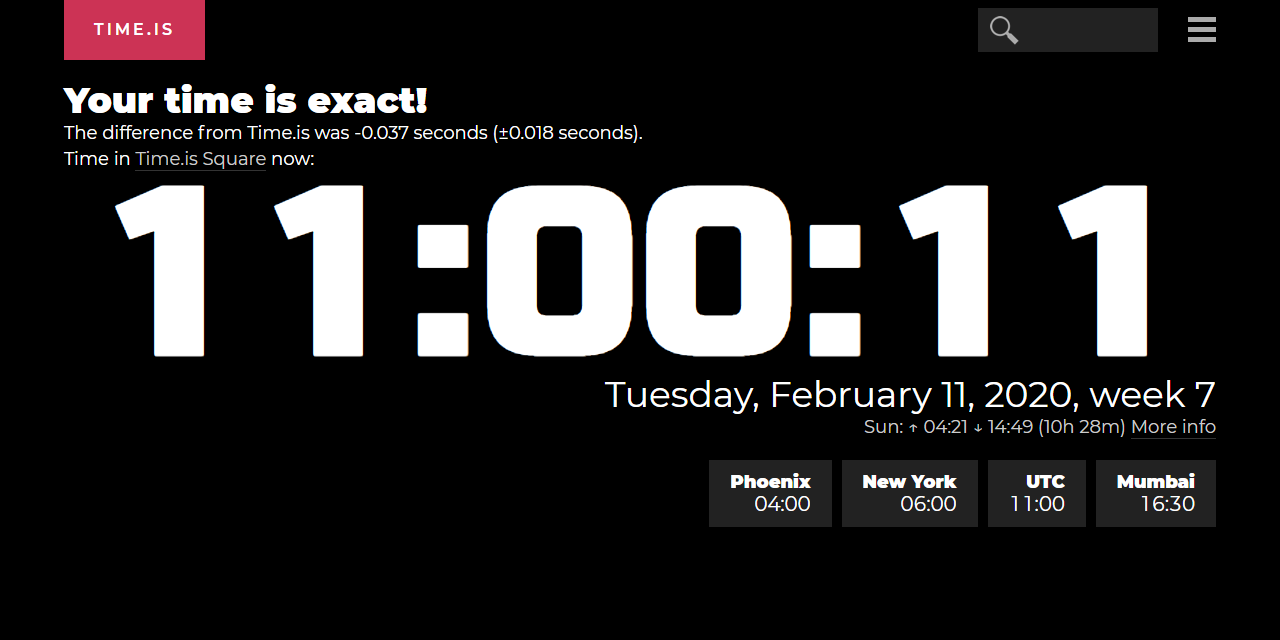
This is a Russian site
zealous radish
@knotty hornet check that website and compare
shrewd monolith
7 million locations, 58 languages, synchronized with atomic clock time.

 shrewd monolith
my settings
 knotty hornet
 zealous radish
hahaha so why it is showing 10 instead 22
shrewd monolith
use HH
knotty hornet
fixed it
zealous radish
bor
knotty hornet
it was the error
zealous radish
BRO
knotty hornet
i had ddd D MMM, hh:mm
zealous radish
I SENT U ON UPERCASED
zealous radish
zealous radish
ddd D MMM, HH:mm
.
knotty hornet
IM TO STUPID
zealous radish

shrewd monolith

zealous radish

knotty hornet
 shrewd monolith

zealous radish
restart it
knotty hornet
ok
zealous radish
 zealous radish
hmm so settings are not persisting correctly over changes on date, this looks like an bug.
 zealous radish
yeah but on hot change I say.
knotty hornet
yeah
knotty hornet
i found another bug
you cannot move the icons in dock sometimes
if i have my PC on for more than 2 Hours the dock does not allow moving icons anymore
zealous radish
uh? maybe did u enabled the lock taskbar?
zealous radish
you can't drag or items are rearrenged after move?
knotty hornet
yeah i can move them right now but sometimes it doesnt work
zealous radish
not pinned items always will go to the end
zealous radish
hmm strange.