#Angular Cards styling different from those in documentation.
28 messages · Page 1 of 1 (latest)
 civic turtle
 polar sphinx
That's because your system font is different from the font on the material's website.
This is the font used by material
https://fonts.google.com/specimen/Roboto

Google Fonts
Roboto has a dual nature. It has a mechanical skeleton and the forms are largely geometric. At the same time, the font features friendly and open curves. While
 bright stirrup
Roboto is imported by defalt when installing Angular Material. Isn't it?
bright stirrup
civic turtle
Which documentation?
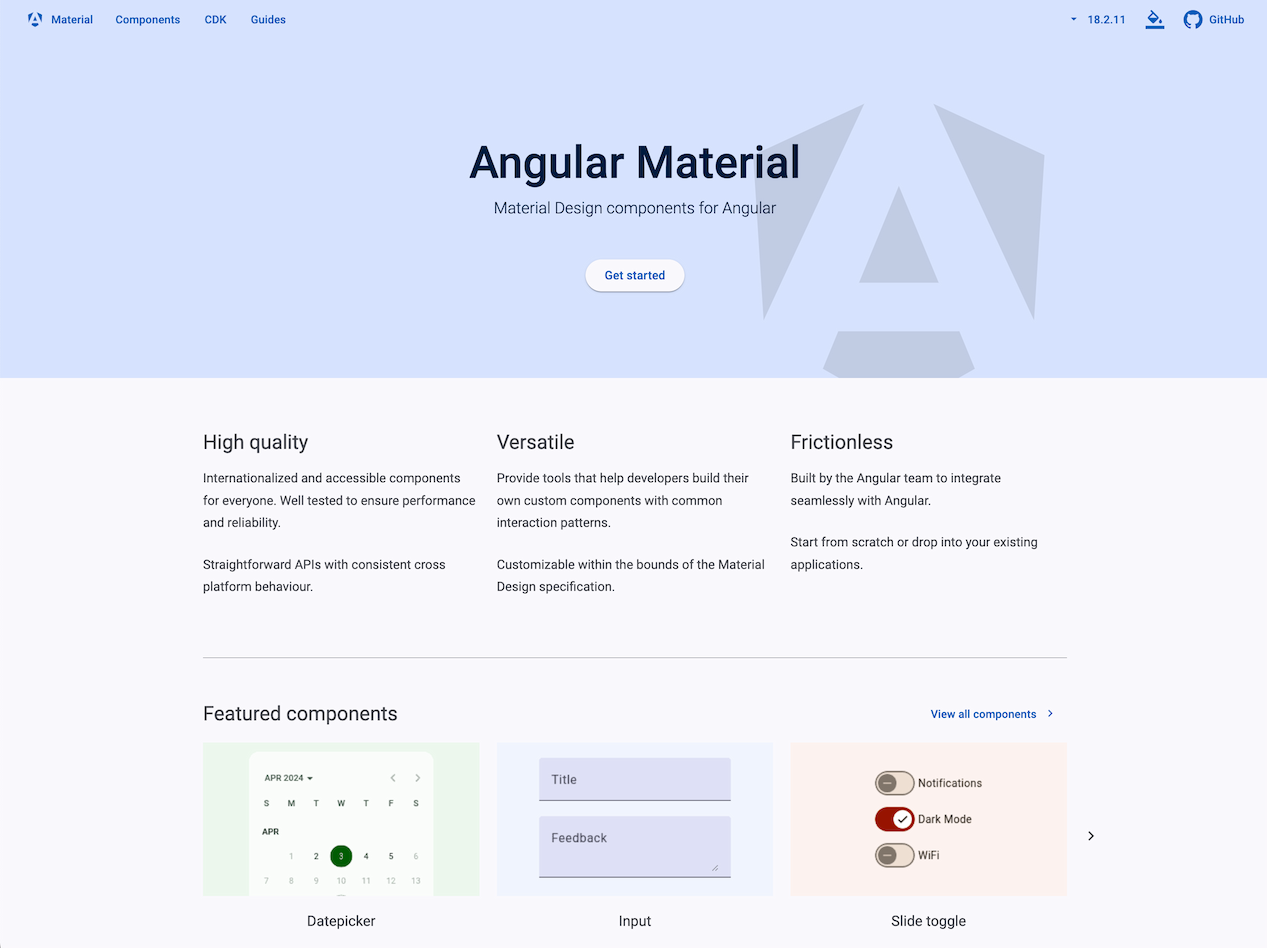
Angular Material
UI component infrastructure and Material Design components for Angular web applications.
civic turtle
Did you follow initial guide to setup your material environment?
In particular for your case:
https://material.angular.io/guide/typography
Angular Material
UI component infrastructure and Material Design components for Angular web applications.
bright stirrup
Yep, already tried it at least 3 times in separate projects
civic turtle
Which font is used when you inspect your project page?
civic turtle
Are you really sure you follow the rest of initial setup for theming too?
bright stirrup
civic turtle
Did you follow initial guide to setup your material environment?
In particular f...
Well this guide is more about customizing the typography. I want to use the one thats included without any changes
civic turtle
I suspect you're missing entirely or in big part Material theming.
Why your card background is grey?
bright stirrup
That's a good question I don't have an answer to. All I did was follow the installer after typing in the npm add @angular/material command
civic turtle
ng add, not npm.
But npm has no add command, so I'm sure you confused its name now that you posted.
Did you select a theme as explained in the guide?
bright stirrup
Oh right, ng. My bad
Anyhow, I selected the pink-bluegrey theme, selected yes for global typography and added Animations module
civic turtle
Did you get prompted with selection of theme, typography and animations?
bright stirrup
Yep.
civic turtle
Do you have your project on a public repo?
bright stirrup
Sure, this is the branch with latest version
https://github.com/Floppy-code/MySkin/tree/dev/myskin-spa
GitHub
Contribute to Floppy-code/MySkin development by creating an account on GitHub.
civic turtle
Would you create a Stackblitz for that?
bright stirrup
Will try
civic turtle
You can simply connect your repo, if you don't wanna copy manually its files.
bright stirrup

A angular-cli project based on @angular/animations, @angular/compiler, @angular/core, @angular/common, @angular/platform-browser-dynamic, @angular/forms, @angular/platform-browser, rxjs, tslib, zone.js and @angular/router.
For some reason the @angular/materal dependency wasn't installed though
civic turtle
It does not run.
It eerors out about css imports.
bright stirrup
Now that's something. Will take a look at it in the morning. Same code runs on localhost
bright stirrup
Had to redo a the stackblitz upload so it can work again.
https://stackblitz.com/edit/node-bp7uf3
Starter project for Node.js, a JavaScript runtime built on Chrome's V8 JavaScript engine.