#Bulk export/import bustups (P3F/P3P)
34 messages · Page 1 of 1 (latest)
 weak crane
 night sphinx
For extracting the TMX files, it's fairly easy to do with PAKPack (which I assume you have already) and a batch script; something like:
for %%i in ("%~1\*.bin") do (
    {PAKPack path} unpack "%%~i" "{output folder you want}\%%~nxi"
)
Where %~1 is the relevant bustup folder with all the portait bins should result in getting a bunch of folders named after each of those BIN files with the TMX files contained within. Converting those to PNG (and back) I believe can be done in a similar way with TMX Blaster, though I haven't used it myself to know for sure admitedly.
TMX Blaster does apparently have options for batch + recursive processing which in theory would work well for a setup like Im proposing, since you could in theory run something like TMXBlaster --batch -r {output folder from above batch script} {a seperate output folder for the PNG files}
Can confirm that yes this would work, and one could make a batch script like so to automatically extract and convert the TMX files to PNG:
for %%i in ("%~1\*.bin") do (
    {PAKPack path} unpack "%%~i" "{output folder you want}\%%~nxi"
)
TMXBlaster --batch -r -of PNG {output folder from above} {new output folder for converted PNG's}
(Again, %~1 is the respective bustup folder full of PAK files to extract dragged onto/passed into this batch script)
For converting back to TMX you can run TMXBlaster --batch -r -if PNG -of TMX {converted PNG output folder} {new folder for TMX output}, though depending on the game and the original TMX's settings you'll need to pass some extra arguments in there for a fully matching/correct output
weak crane
batch scripting 😔
I actually don't think I have PAKPack right now. I guess I should probably get that
wdym original tmx's settings?
night sphinx
weak crane
wdym original tmx's settings?
this stuff; most importantly the pixel format and userid which TMXBlaster will default to using PMSTC32 and 0 respectively, which may not always match up depending on the game
For example a P3F bustup (as shown here) uses a pixel format of PSMT8, and P3P bustups (at least on PC) have a userid of 1, and if these settings aren't matched to the original file it may not work correctly
 night sphinx
weak crane
batch scripting 😔
night sphinx
weak crane
batch scripting 😔
dw the code blocks i sent are basically all that would need to be written like you'd only have to replace the stuff in { } these brackets with actual paths then just save to .bat and run :3
night sphinx
night sphinx
this stuff; most importantly the pixel format and userid which TMXBlaster will d...
So for example converting a single png to a bustup that'll work on P3P PC would require doing TMXBlaster (-b or -ui 1, both do the same thing) in.png out.tmx, and for P3F it would probably be TMXBlaster --pixeltype 8 in.png out.tmx
weak crane
oh cool
with the output folder is that a full path or can it be relative to where the bin files are? it doesn't seem to actually be extracting in practice via batch but it works via CLI manually
weak crane
ok i dont know what i did differently tbh LMAO but it works now
let's make sure i can convert back...
weak crane
I've gotten most of the way in writing a script to convert back to bins. I have the TMXBlaster part of the script working correctly, I'm just struggling with actually taking the TMX output folder and converting those to proper bins
{path to TMXBlaster.exe} --batch -r -if PNG -of TMX -b "%~1" "TMX" -uc ""
for %%i in ("TMX\*") do (
    {path to PAKPack.exe} pack "%%~i" v2 "bin\%%~nxi"
)
where of course it's those parameters that are giving me trouble (this does run fine when not done via batch script so it's some fuck up in here)
hmm well the %%i being after the TMXblaster means it's the PNGs being picked up, not the TMXs... hmm
night sphinx
weak crane
```
{path to TMXBlaster.exe} --batch -r -if PNG -of TMX -b "%~1" "TMX" -uc ""
fo...
If I'm not mistaken the contents of the "TMX" folder are basically the bins as folders correct? (So TMX\b2_1_1.bin\X.tmx would be the path for a file)
If so then your pakpack loop here needs to have /d in it right before the %%i part iirc so that the script looks for folders not files
weak crane
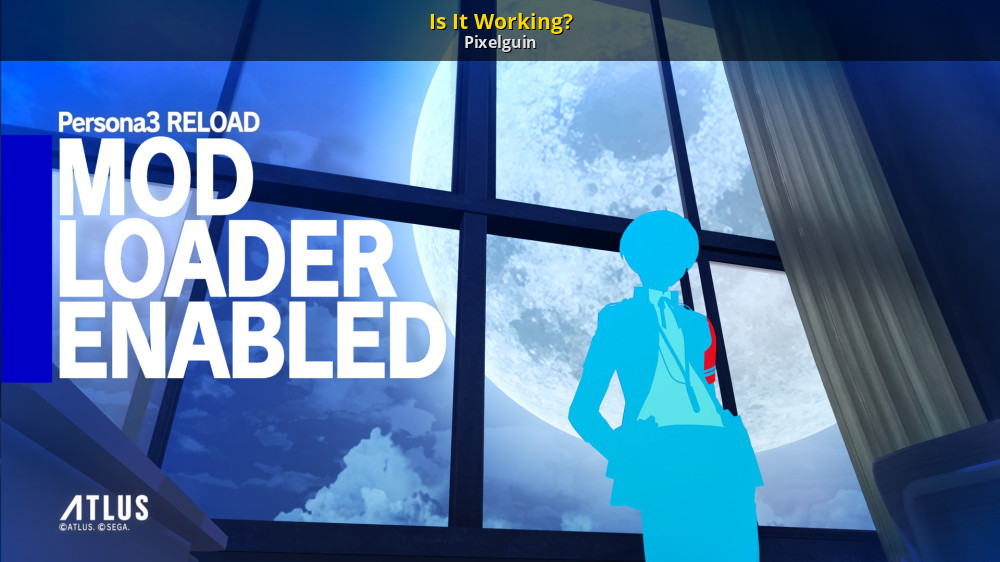
GameBanana
If you see this on the title screen, yes it is!... A Persona 3 Reload (P3R) Mod in the User Interface category, submitted by Pixelguin
yes, I do believe it is working correctly
i mean it looks like it's correct
if it breaks ingame i guess that's a different issue
night sphinx
weak crane
https://gamebanana.com/mods/494030 whoa
Wow no way!!! But fr good to hear haha
weak crane
anyways: I noticed with the packing process, they ask to specify a format/version, but the program itself doesn't seem to make it clear what your options are.
when unpacking I found p3p was v2; there's a full list here https://github.com/tge-was-taken/AtlusFileSystemLibrary/blob/d70da989be2d82179b58b81c104b46778f409c91/Source/PackTools/PAKPack/Program.cs#L21 (for anyone looking in the future)

GitHub
Library containing utilities for working with file systems used in Atlus games - tge-was-taken/AtlusFileSystemLibrary
night sphinx
weak crane
anyways: I noticed with the packing process, they ask to specify a format/versio...
Huh, I thought p3p was v1; guess not then lol
weak crane
guess I'll also drop my final scripts here too:
extract from bin
for %%i in ("%~1\*.bin") do (
    {full path to PAKPack.exe} unpack "%%~i" "TMX\%%~nxi"
)
{full path to TMXBlaster.exe} --batch -r -of PNG "TMX" "PNG"
repack to bin
{full path to TMXBlaster.exe} --batch -r -if PNG -of TMX -b "%~1" "TMX" -uc ""
for /d %%i in ("TMX\*") do (
    {full path to PAKPack.exe} pack "%%~i" v2 "bin\%%~nxi"
)
maybe p3p psp is different
night sphinx
I was thinking for p3p PC actually but tbf Im probably misremembering lol
(or getting it mixed up with P3F which is definitely v1)
weak crane
night sphinx
(or getting it mixed up with P3F which is definitely v1)
about that....
jk it is actually v1 lol