 timid obsidian
Hi, I'm currently following this guide on Gamebanana (https://gamebanana.com/tuts/17261#H1_5) to replace event text in P3R.
I figured out mostly everything on my own so far, however I've been having some difficulties trying to decompile the BMD .uasset files using the program linked in the guide I'm using (Atlus Script Tools/Atlus Script Compiler, most recent version on the github ).
I used the command given in the guide (aside from some small adjustments because it doesn't recognize the application unless I specify the exact file path) in the command prompt but it doesn't work (see screenshot) (It doesn't recognize the encoding nor the outformat, and probably more).
I don't know exactly what I did wrong, I'm thinking I might have the wrong version because it says nothing for P3R, just the other persona games (which would probably make sense because the latest version was released in 2023). There doesn't seem to be any other versions though, aside from the older ones. It also lists the different types of encoding/outformat methods at the bottom of the default message that plays when you activate the application in the command prompt and neither of the methods I used are in there.
The command and program apparently works fine in the guide, I must be doing something wrong but I'm not sure. I've rarely ever made mods for games so I don't know much about how this works, for all I know there could be a ridiculously simple solution to this and I'm just braindead.
Help/direction would be very much appreciated because I have no clue where to go from here. Thanks.

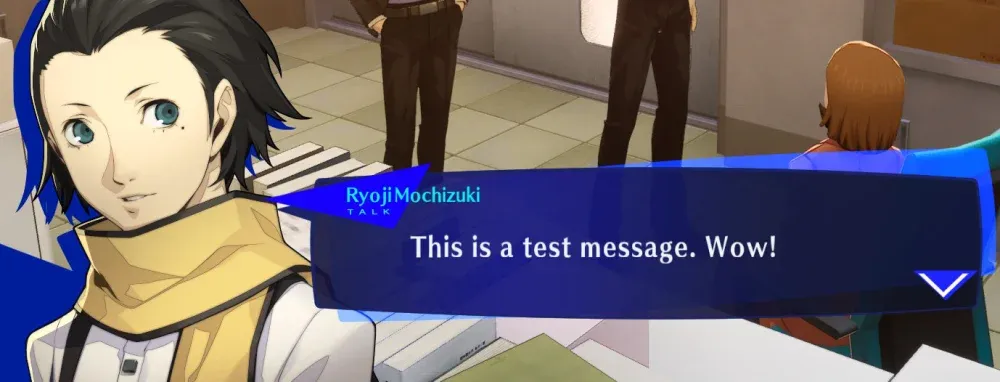
How to edit text in Persona 3 Reload... A Persona 3 Reload (P3R) Tutorial in the Other/Misc category, submitted by chlorophylls
 zenith kelp