#Simple Model Importing Issue.

66 messages · Page 1 of 1 (latest)

livid parcel
#

Hey there! This is really small and honestly something I was just experimenting with for fun but ran into a small snag along the way.
Im trying to do a simple model import where Im making Igor just a little more "Epic".

Im following this Tutorial by a Mudkip to import the model
https://www.youtube.com/watch?v=6f8BiGTvCWY&t=2s&ab_channel=AMudkip

I've gone through it top to bottom and got to the point where my model exports without any errors popping up but when I import the model in GFDStudio it starts our really small (Even though it looks good when you import it and runs the animations if you take time to zoom in) and trying to load the mod via Reloaded II and going to the Velvet Room in the game, the just crashes with no error or anything.

Heres some of the ways I tried to resolve it myself and MAYBE some areas that might be causing the issue?

1: I was having a lot of issues with applying the asset library shaders for when I applied the asset (P5R Fullbright etc), whenever I than reapplied the diffuse texture it would ether not show up or when It did and I exported it with the DDS tools and tried to reapply it the texture wouldn't load and show up pink. I seemed to fixed this issue by using a different version of Blender (I am Blender 3.6 now) and everything about the texture renders correctly but im hoping theres no underlining issue.

2: There might be something wrong with my UV's? I had issues getting my custom model to go along with the same UV map as the original model, the "UV0" wouldn't show up and I only worked when I ether renamed it to UV0 or UV1 in the data section and the model SEEMS to export fine, my faces are triangulated and I shouldn't have any 5 sided faces and my textures are the same size as another texture and I unwrapped the model normally, if not a tiny sketch for testing purposes. However when I reimport the models to blender to see if anything pops up, the GFS Blender runs an error saying " Mesh My model has tanget vectors but no normal maps -using the default uv map to calculate target tangets"

Sorry for any typos and the wall but I just wanna get this dapper guy in and start testing the waters for more model importing but as far as im aware im doing everything correct according to the tutorial and would appreciate the help.

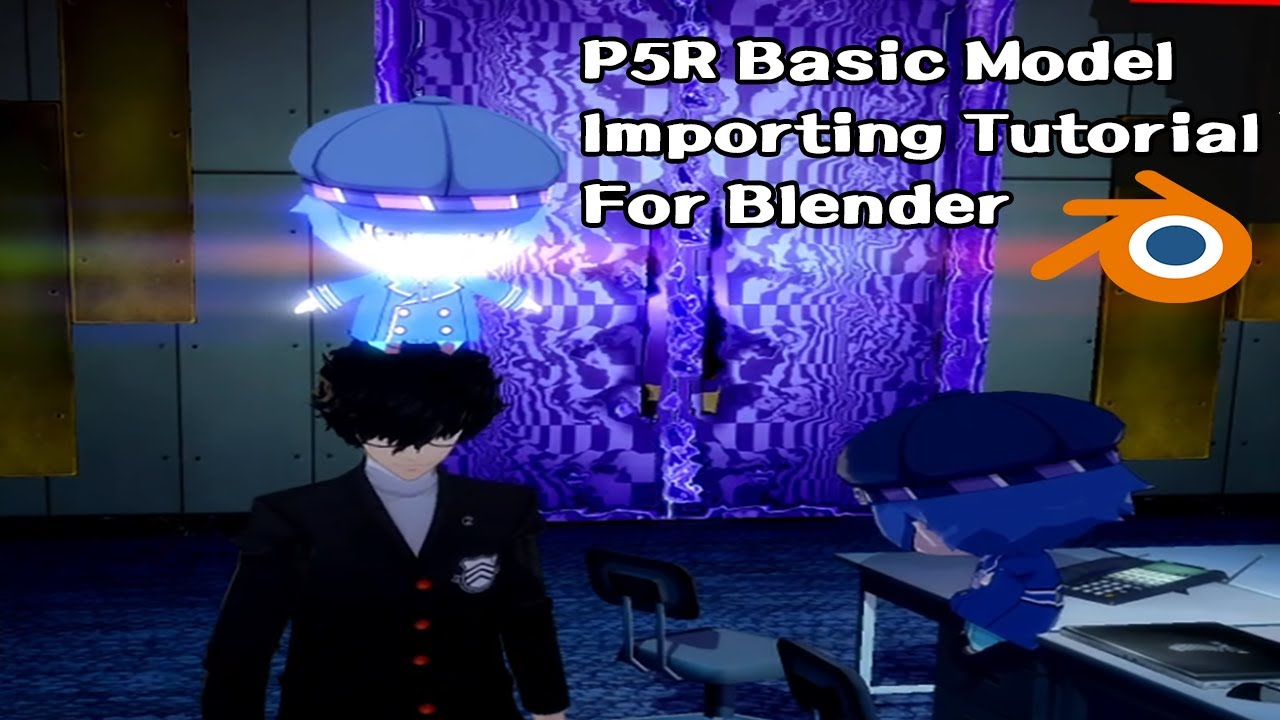
Originally this was meant to be a longer tutorial covering pretty much everything you could think of when it came to model importing. However, as I saw the length, and people wanting to import models, I've shortened it to make a guide covering the basics. And hey, you get to give Joker a hat!

Links;
Gfs Plugin: https://github.com/Pherakki/Blend...

▶ Play video
vestal sparrow
#

can you send your .blend file

livid parcel
#

Yee Yee one second.

vestal sparrow
#

the purple dds in blender thing is because older versions didnt support bc7 dds

#

they added it in uuuhhhhh 3.6.1 i think?

livid parcel
#

Ignore the model and texture being kind of bad, again this was suppose to be a quick test but in terms of technical stuff everything should be fine?

Let me know if the model sent with the textures, I can always send the folder too if its being picky.

#

Appericate the help

#

The base igor model is striaght import from the games files with the GFS tool and I haven't edied any of the bones names or any other parts of the model besides weighting the glasses and blunt to the head bone.

livid parcel
vestal sparrow
#

export from the latest version of exporter is not far away in gfd studio, though some meshes are missing (i assume they just need to be parented to the actual armature instead of other meshes, since that behavior was changed)

#

anyways, make sure to use UV0 for your meshes

#

the game is picky about this

#

basically, the way the game works is that it checks your material, and then looks for a shader corresponding to your setup, if it doesnt find a precompiled shader file, it just crashes

#

so we have to reuse already existing materials

#

you need to edit all materials if you want to use latest version of the plugin

#

these should match

#

alternatively, do it in gfd studio

#

if you match texcoords in this, it should load fine in game, i think?

livid parcel
#

Let me try something one second.
Confused about some of the meshes being missing cause as far as im aware I haven't touched the rest of the model.

So everything that says none needs to use UV0 or everything needs to use none?

I'll take a look over this. Sorry for any confusion and thank you for the help : )

vestal sparrow
#
  1. this is just because the latest version of the plugin lets you pick which meshes are parented to which bones yourself, so they just need to be parented to just the armature now
  2. make sure the Out matches the In
#

or in gfd studio, the second one matches the first one

#

i'm terrible at explaining things so ask some more questions if you didnt understand something

livid parcel
#

I ran a quick test with the GMD that you sent to see if I could get it too load in game.

This is what my file path looks like and this model should be named the exact same one as the one thats in the game files.

I know its trying to load it, cause the game crashed again 🥴

vestal sparrow
livid parcel
#

Oh oops

#

I thought that was already edited. My mistake

vestal sparrow
#

i didnt edit them

livid parcel
#

Let me try that than.

#

Damn I changed the texcord flags to that and it matches all of the other materials flags
Saved it, everything looks good in GFD, it'll even play the animations but the game still crashes trying to load it

vestal sparrow
#

do you have P5RCBT installed, it has an option to make the game load a random shader if it can't find the proper one instead of crashing

#

so you can see which mesh+material is causing it

#

also send your gmd again i guess

livid parcel
#

I dont think I have P5RCBT, at least doesn't sound familiar
Heres the file Im trying to load.

vestal sparrow
#

make sure to refresh gfd studio view by clicking on the model node before saving/ctrl+s

livid parcel
# vestal sparrow lol

Okay wait bare with me here for a second, sorry for being slow here.
When you say these need to be the same do they need to be the same as the other material setups as the rest of the model
0xF8FFFFF8
0xFFFFFFFF

Or does it just need to match itself
0xF8FFFFF8
0xF8FFFFF8

or
0xFFFFFFFF
0xFFFFFFFF

Etherway I tried all three changes and the still crashed the game, even with making sure to refresh and make sure its fully saved 💀

vestal sparrow
#

change the second to match the first one, basically

#

(it's not 0xF8FFFFF8 in every material)

livid parcel
#

Oh must have been a diffrent one or two cause most of them I saw were 0xF8FFFFF8
0xFFFFFFFF

So it would need to be
0xF8FFFFF8
0xF8FFFFF8

vestal sparrow
#

yes

#

your new material has 0xFFFFFFF8, for example

#

and outline meshes too

livid parcel
#

Wait so do I need to change that on all of the mesh materials even though some of those were like that already?

I edited the one new material to have the
0xF8FFFFF8
0xF8FFFFF8
And the game still crashed

vestal sparrow
#

it corresponds to the textures your material has

#

0xFFFFFFF8 = material uses only diffuse texture, in UV0
0xF8FFFFF8 = material uses diffuse and shadow textures, both in UV0

livid parcel
#

Let me try yours and I'll cross reference cause clearly im doing something wrong lmao

vestal sparrow
#

also what did you use to save dds, this game is bad and sometimes this can be an issue too

livid parcel
#

No way

vestal sparrow
#

oh hey

livid parcel
#

there he is

livid parcel
#

If thats what you meant

vestal sparrow
#

i think it just uses texconv, should be fine

livid parcel
# vestal sparrow

For future reference cause it might be easier
Where is this popup located. This is in Blender right

vestal sparrow
#

yes, it's in gfs material

#

on latest commit of the plugin (i don't know if release version has this)

livid parcel
#

Thats the thing I dont think I have that
My material page for the GFS materials looks different lol

but honestly thats whatever, if it means I can edit it in GFD studio.

I appericate the help, I think I could manage this but I guess I do have one more question.

How did that happen lol. Is this like, an issue with applying the things from the asset library? What would I do if I wanted my textures to act a bit diffrrent or have those diffrent mattes, they all wont use those same texcord flags would they?

#

Given it works in game, everything else seems to be done right yeah?

vestal sparrow
#

it's probably because the asset library material was saved with a different version of the plugin

#

i'd just recommend either loading some ingame models in blender and stealing materials from those, or replacing materials in gfd studio

livid parcel
#

I suppose I could always look at them myself. I have the whole game dump.

I think I get it now.

I apperciate the help!

vestal sparrow
#

do you have any other questions or can i close this thread

livid parcel
#

Not that comes to mind I think? Closed threads will always be here right, just in case I wanna look back at this?

vestal sparrow
#

yeah