
#So I got amd bundle and 4070
1 messages · Page 1 of 1 (latest)
 onyx otter
 odd night
what?
how about a list of parts, amd cpu okay which one motherboard x870e, fine..what cpu, how much ram are you on a ssd or a hard drive...
do you have vsync
which cod?
what map...
what settings what resolution...
 iron terrace
should be 9800x3d with a 4070
 thorn prawn
Posting this here for organization @onyx otter
 thorn prawn
onyx otter
all im over the place rn
thorn prawn
onyx otter
all im over the place rn
 onyx otter
lol haha
thorn prawn
Make one of these

 hollow root
onyx otter
all im over the place rn
hollow root
onyx otter
all im over the place rn
it's ok
thorn prawn
Follow the tutorial in this video to find out how: https://www.youtube.com/watch?v=_KQCcwP2mro
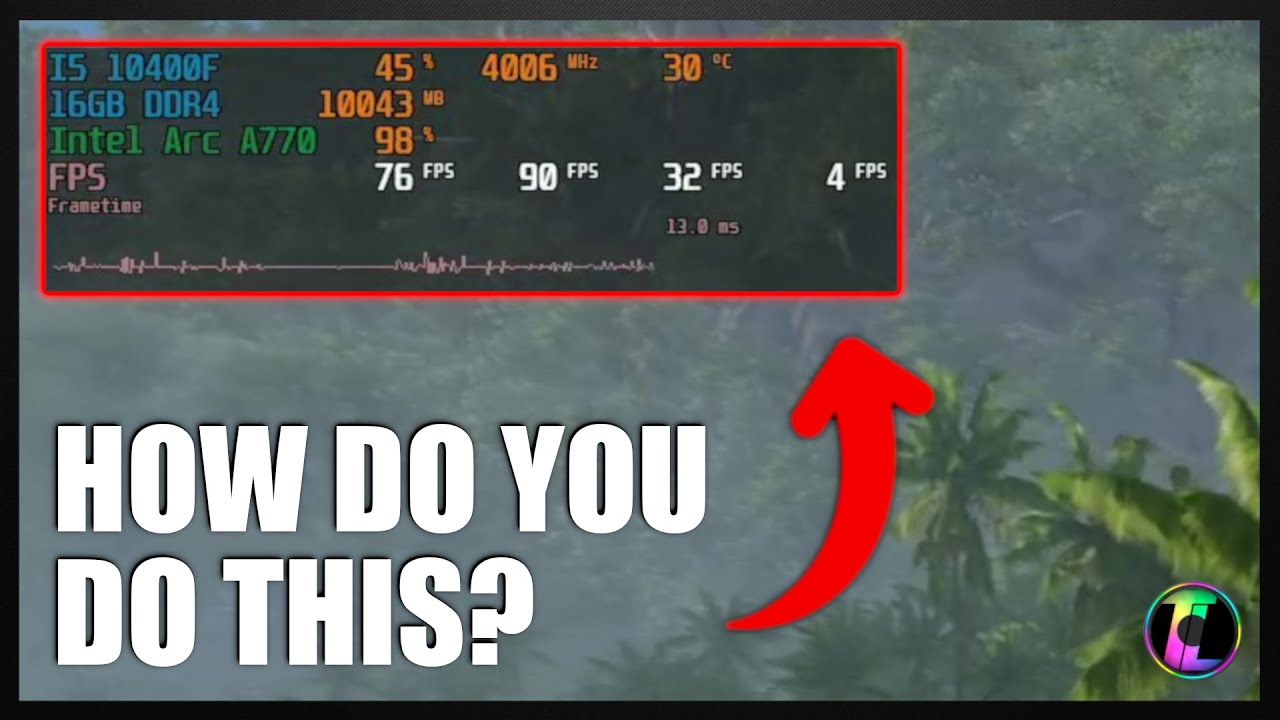
We get asked all the time how we view the metrics in games when benchmarking so we thought we would put together a quick guide to show you how you can do it to with MSI Afterburner and RviaTuner.
Featured Software
- MSI Afterburner: https://www.msi.com/Landing/afterburner/graphics-cards
#TechLabUK #PCGaming #MSIAfterburner #RivaTuner #IngameOv...
hollow root
what settings are you running btw? @onyx otter
thorn prawn
My prediction: Your GPU is maxed at 100%. The only thing you can do to improve it is by turning down the resolution—use enable DLSS & use Balanced or Performance preset.
hollow root
DLSS quality looks really nice in BO6
thorn prawn
hollow root
what settings are you running btw? <@382770319233908736>
He was in the call. His resolution is at 3440 x 1440, with all textures & effects at Normal/Medium, or Low.
Render Resolution at 100%
hollow root
yeah sounds about right
thorn prawn
Y'all need to stop playing shitty games lol
hollow root
you'll be happy to hear i haven't played any BO6/WZ this month
just went into the firing range for like 5 min to experiment with HDR
but no actual matches
back to the topic, he can override the transformer model i think (Preset K?) and run DLSS balanced and it would look good
onyx otter
my neck hurt look at that lol
onyx otter
thorn prawn
Follow the tutorial in this video to find out how: https://www.youtube.com/watch...
i already got it
onyx otter
It worked fine, but it’s a little delay or bad at the game
thorn prawn
onyx otter
It worked fine, but it’s a little delay or bad at the game
I’m asking for this stuff for a reason lol.
I want to see your frame times
Assuming 80 FPS, that’s a frametime of 12.5 ms. I want to see if it’s any worse than that
onyx otter
When I get home tonight I will do it
iron terrace
that combo should be getting avg fps of 150-170 1% lows of about 110
in bo6 with everything maxed
range is based on the sections of the map etc
hollow root
iron terrace
that combo should be getting avg fps of 150-170 1% lows of about 110
the BO6 benchmark gives a significantly lower FPS than actual gameplay
iron terrace
ya im talking actual gameplay
if its not then its a setting thats not correct in game settings or something in the background is hindering the cpu
ive already given all the steps to get everything working as it should be if they werent followed then thats why nothing is correct
thorn prawn
iron terrace
ive already given all the steps to get everything working as it should be if the...
Pacman is incredibly tech-illiterate, just an FYI. I didn't see where you gave the info to him, so I hope you just spoon fed it to him
iron terrace
i did in DMs xD
thorn prawn
iron terrace
i did in DMs xD
Why? Why didn't you do it here?
iron terrace
cause he was asking before he resorted to here and i been too busy to reply instantly
cause i get surgery in 2 days so been prepping wills etc and adjusted sleep schedule to deal with driving to the hospital at 4am
onyx otter
damn im sorry man feel better bro
onyx otter
thorn prawn
I’m asking for this stuff for a reason lol.
I want to see your frame times
where is it ?
 iron terrace
d3d13 8.3ms is frame time
onyx otter
can i rename it or nah

 iron terrace
 onyx otter
It’s my clock?
iron terrace
No lol
 onyx otter
can u join the call?
odd night
here is how ilay mine out and the renaming, if you want to make the colors different you can, these are just the default colors

this game runs like shit on a amd gpu t's a 8 year old crytek engined game
onyx otter
https://www.microcenter.com/product/653727/gskill-flare-x5-series-32gb-(2-x-16gb)-ddr5-6000-pc5-48000-cl36-dual-channel-desktop-memory-kit-f5-6000j3636f16gx2-fx5-black there way to get rgb with these ram

Micro Center
Get it now! Flare X5 series DDR5 memory is designed and optimized for the latest DDR5-enabled AMD Ryzen platforms, and supports AMD EXPO overclocking profiles to enable easy memory overclocking by simply enabling the EXPO profile in the BIOS with a compatible motherboard and processor.
hollow root
onyx otter
https://www.microcenter.com/product/653727/gskill-flare-x5-series-32gb-(2-x-16gb...
did you buy the 9800X3D bundle?
at micro center
onyx otter
yes
hollow root
they let you upgrade to RGB ram for $15 more as an option for the bundle
not sure if that's still possible
 onyx otter
so i didnt mess up or somethng
hollow root
you could ask them if you can swap the g skill ram for the rgb one for $15 more
not sure if that's possible
if not you'll have to shell about $80-90 on an RGB kit
onyx otter
what is the ram do i need?
hollow root
no unless you want RGB
onyx otter
i do
hollow root
onyx otter
i do
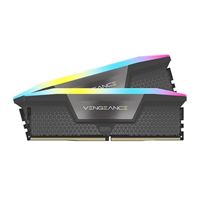
Micro Center
Get it now! CORSAIR VENGEANCE RGB DDR5 memory for AMD delivers DDR5 performance, higher frequencies, and greater capacities optimized for AMD motherboards while lighting up your PC with dynamic, individually addressable ten-zone RGB lighting.
onyx otter
is there a way i can get 64 gb with motherboard or only 32?
hollow root
onyx otter
is there a way i can get 64 gb with motherboard or only 32?
do you need 64 GB?
onyx otter
nah but my old build was 64 i think
hollow root
onyx otter
nah but my old build was 64 i think
are you using the pc for gaming or other stuff
onyx otter
its 32
hollow root
wat
onyx otter
hollow root
do you need 64 GB?
its 32gb
onyx otter
hollow root
are you using the pc for gaming or other stuff
i jusrt gaming and its my main pc i use it anything mostly gaming
onyx otter
ok
thorn prawn
Incredibly based idkok response
onyx otter
tru how i can check my benchmark?
thorn prawn
onyx otter
tru how i can check my benchmark?
What do you mean?
onyx otter
i want do a benchmark test
thorn prawn
There's various tools out there.
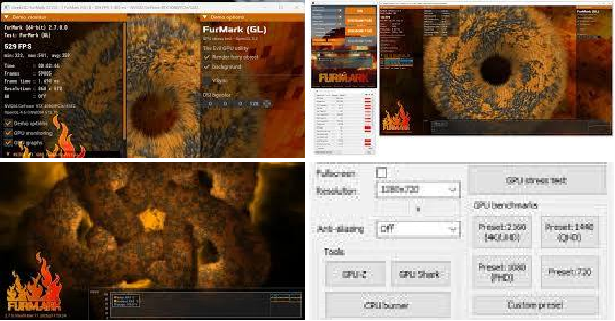
Use the classic Cinebench R23 (CPU) + Furmark (GPU)
R23 has the largest sample size of data for you to compare against, and Furmark would be the same, albeit you'll need to manually compare with other people
onyx otter
i dont see it on there
thorn prawn
Where?
onyx otter
on google
thorn prawn
You need message and communicate a bit better. Don't text message the same way you would talk.
Cinebench R23 can be found here: https://www.google.com/search?q=cinebench+r23&oq=cinebench+r23&gs_lcrp=EgZjaHJvbWUyBggAEEUYOdIBCDM3MzJqMGo3qAIAsAIB&sourceid=chrome-mobile&ie=UTF-8&sei=wveMaIjkCu2mqtsPsKrs0QU
Furmark can be found here: https://www.google.com/search?q=furmark&oq=furmark&gs_lcrp=EgZjaHJvbWUyBggAEEUYOdIBCDExODBqMGo5qAIAsAIB&sourceid=chrome-mobile&ie=UTF-8

www.google.com