I have an iPhone 14 Pro Max iOS 26 beta 3!
My phone has been messing up since May so around 3 months but I only downloaded the new iOS version last night so it’s not that. Sometimes I can’t hear my phone ringing so I get missed calls, sometimes I can’t send messages so I have to reinstall the app, sometimes the app closes seconds randomly when I get into it and the past 3-4 months my phone has been over heating a lot so I can barely charge my phone to 30% without it getting so hot I’m afraid it’s going to catch on fire.
Any help and suggestions would be appreciated?!
#Help me… please!
16 messages · Page 1 of 1 (latest)
 civic loom
 pine moth
civic loom
I have an iPhone 14 Pro Max iOS 26 beta 3!
My phone has been messing up since Ma...
pine moth
civic loom
I have an iPhone 14 Pro Max iOS 26 beta 3!
My phone has been messing up since Ma...
I would suggest going back to a Normal iOS,
It is a terrible idea to install a Beta, especially a developer beta on a personal device, as the software is intended for DEVELOPERS, not for people to install on their main phones.
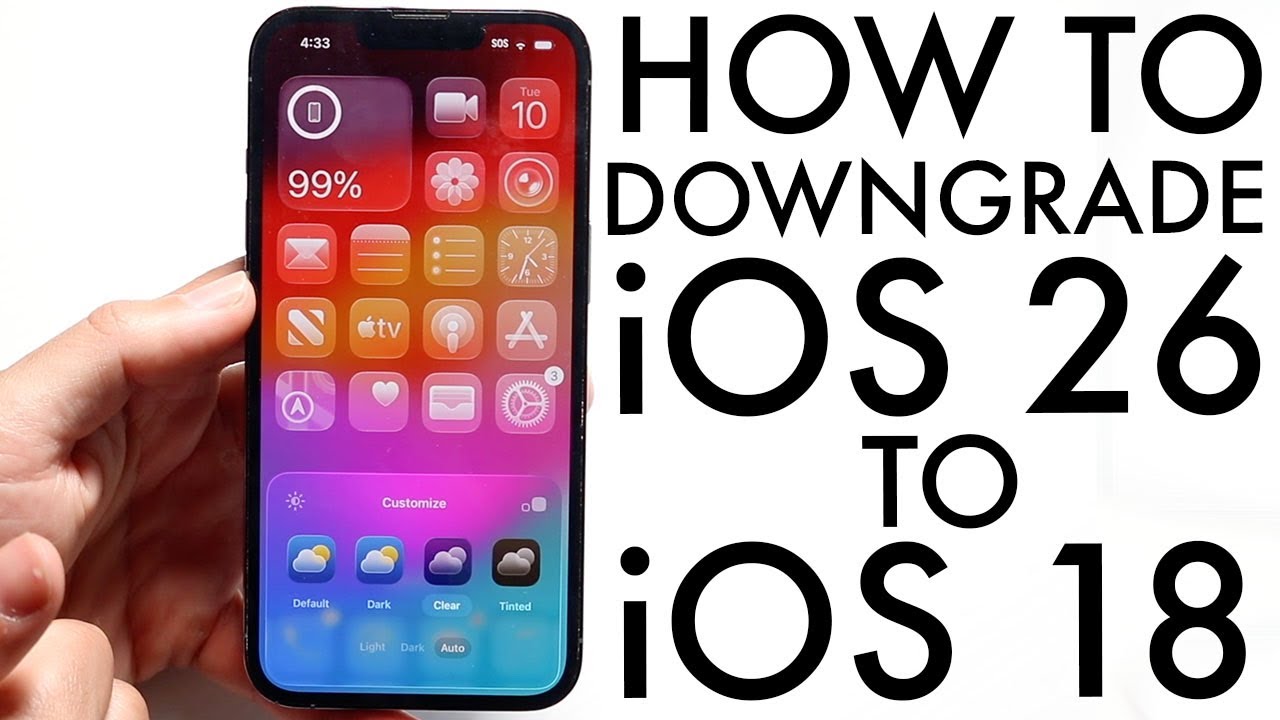
If possible install the iOS 18 software back using another computer and iPhone restore.
Here is a video if needed
Get The Cheapest iPhones Here: https://amzn.to/3JTnWAr
Get The Cheapest Androids Here: https://amzn.to/3r2k1st
Wallpapers I Use In My Videos Here: https://bit.ly/39S4cQi
Follow Me On Twitter: http://www.Twitter.com/SimpleAlpaca
GEAR I USE IN MY VIDEOS!: https://amzn.to/3qSr3Qi
Instagram: https://www.instagram.com/simplealpaca/
Snapchat: Simple...
My iPhone 13 installed the beta unintentionally, trust me it is worth it going back.
civic loom
Darn it don’t have a MacBook can’t restore it
I could just maybe factory reset it maybe
pine moth
civic loom
Darn it don’t have a MacBook can’t restore it
You can do it on a NON Apple computer aswell, using iTunes
pine moth
civic loom
I could just maybe factory reset it maybe
Don’t factory reset it
It will not uninstall the beta
Install iTunes on your windows laptop
pine moth
pine moth
Here is a video if needed
https://youtu.be/FqNPlL8K0ac?feature=shared
The steps here should remain the same, the interface may look a bit different
 limpid pivot
civic loom
I have an iPhone 14 Pro Max iOS 26 beta 3!
My phone has been messing up since Ma...
limpid pivot
civic loom
I have an iPhone 14 Pro Max iOS 26 beta 3!
My phone has been messing up since Ma...
💀
You clearly didn’t read the Apple Beta Software Agreement


 lusty sonnet
civic loom
Darn it don’t have a MacBook can’t restore it
lusty sonnet
civic loom
Darn it don’t have a MacBook can’t restore it
You can use a Windows PC as well to restore back to iOS 18.5.
If you don’t have a computer, you will need to borrow a friend’s computer for this.
civic loom
limpid pivot
You clearly didn’t read the Apple Beta Software Agreement
You clearly didn’t read that OP has been experiencing the issue before installing the beta.