
#Unable to update to ios 18
82 messages · Page 1 of 1 (latest)
 dark scarab
 rotund lantern
HI there are you running 18.1.1 atm ?
rotund lantern
huh what ?
dark scarab
rotund lantern
huh what ?

 wicked silo
Try updating with a computer
rotund lantern
dark scarab
do you have a mac or a pc?
wicked silo
Apple Support
Learn how to update your iPhone, iPad, or iPod touch to the latest version of iOS or iPadOS using your computer.
Apple Support
Learn how to update your iPhone, iPad, or iPod touch to the latest version of iOS or iPadOS using your computer.
dark scarab
wicked silo
windows: https://support.apple.com/en-us/108964
trying this, i cant figure out how to connect my iphone to itunes
wicked silo
dark scarab
trying this, i cant figure out how to connect my iphone to itunes
do you have itunes app on your computer?
you need to connect your phone with a cable
dark scarab
wicked silo
do you have itunes app on your computer?
yes i do
dark scarab
wicked silo
you need to connect your phone with a cable
and yes iv done that
wicked silo
opens your phone and push trust computer
dark scarab
wicked silo
opens your phone and push trust computer
it comes up with this notification

no trust thingy
idk if it’s the same thing
wicked silo
push allow
 wicked silo
try unplugging it again
dark scarab
done it like 10 times lmao
dark scarab
ill try again tho
dark scarab
wicked silo
do you have another cable?
second cable im using
wicked silo
dark scarab
second cable im using
try cleaning the usb or restart your phone
rotund lantern
dark scarab
i have a pc
Do you have itunes already downloaded?
wicked silo
rotund lantern
Do you have itunes already downloaded?
yes they have itunes
rotund lantern
wicked silo
yes they have itunes
okay should be easy then , just to plug and update
dark scarab
rotund lantern
okay should be easy then , just to plug and update
its plugging in, itunes up to date, restarted iphone, still no iphone icon in itunes
im getting sick of this apple trash nothingh works lol
rotund lantern
dark scarab
its plugging in, itunes up to date, restarted iphone, still no iphone icon in it...
did you see a prompt on your iphone that asked you to trust this computer?
did you click trust?
dark scarab
dark scarab
it comes up with this notification
@rotund lantern thats the prompt i get
rotund lantern
dark scarab
<@1249812467861684239> thats the prompt i get
ohh i see!
You could try putting your device into recovery mode and then connecting to itunes and see if your device would popup then you can update it
https://discussions.apple.com/thread/255578214?sortBy=rank
A guide on how to do it
dark scarab
rotund lantern
ohh i see!
You could try putting your device into recovery mode and then connect...
not going to loose any of my storage on my iphone?
rotund lantern
dark scarab
not going to loose any of my storage on my iphone?
no you wont, your simply updating, not downgrading
https://support.apple.com/en-us/118106
A more detailed guide
Apple Support
You can put your iOS device in recovery mode, then restore it using your computer.
dark scarab
rotund lantern
https://support.apple.com/en-us/118106
A more detailed guide
idk if im doing something wrong or its not working at all
rotund lantern
dark scarab
idk if im doing something wrong or its not working at all
Hmm is it entering recovery mode at all?
dark scarab
rotund lantern
Hmm is it entering recovery mode at all?
i dont think so
i was doing some reserach, could i use apple decives to update?
rotund lantern
Hmm your probably not doing it very well
https://youtu.be/biGKw6jg_Dc?si=Ygb0mOXaKsYywv3y
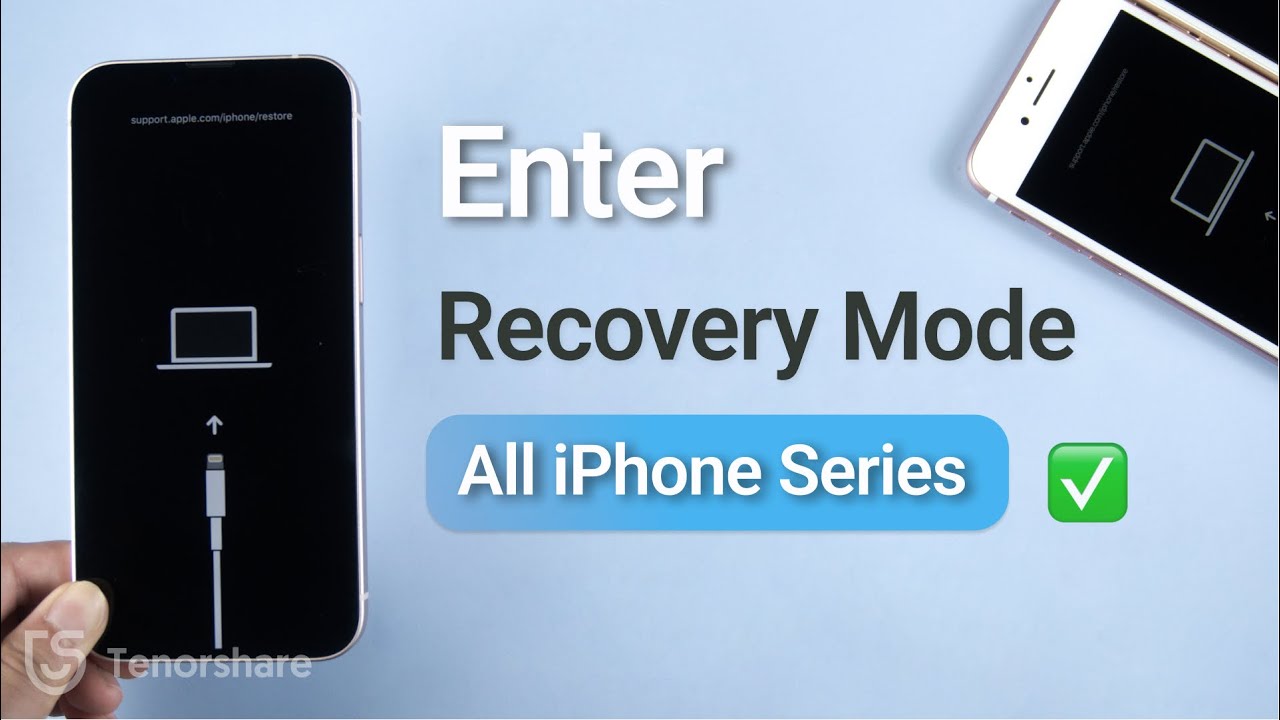
Recovery Mode allows users to recover their device if it becomes unresponsive. In today’s video, I’ll show you how to put your iPhone into recovery mode. Free download Tenorshare ReiBoot: https://bit.ly/3jGQSTl
Read printable guide here: https://www.tenorshare.com/iphone-tips/how-to-put-iphone-in-recovery-mode.html
#recoverymode#putiphoneinreco...
rotund lantern
dark scarab
i was doing some reserach, could i use apple decives to update?
Yeah
dark scarab
rotund lantern
Hmm your probably not doing it very well
https://youtu.be/biGKw6jg_Dc?si=Ygb0mO...
my siri just pops up when i hold the side button
rotund lantern
dark scarab
my siri just pops up when i hold the side button
Hmmm, then your not doing it properly, your not supposed to hold only the side button
also if you have a different cable use that
rotund lantern
rotund lantern
Hmm your probably not doing it very well
https://youtu.be/biGKw6jg_Dc?si=Ygb0mO...
follow this video
dark scarab
rotund lantern
Hmmm, then your not doing it properly, your not supposed to hold only the side b...
it worked i think

do i press restore
@rotund lantern seems to be working on apple devices but still nothing showing up on itunes
rotund lantern
dark scarab
do i press restore
no
rotund lantern
dark scarab
Are you able to click check for updates?
cos it seems greyed out
dark scarab
rotund lantern
Are you able to click check for updates?
cos it seems greyed out
im not no
rotund lantern
dark scarab
im not no
if you want to click restore, you would have to back up your device
Hmm wait, if itunes isnt working, try using 3utools (you can search and download it )
then you would be able to update
if that doesnt work, might have to flash like 18.2 ipsw into your device
rotund lantern
lol
rotund lantern
dark scarab
what does 3utools do
Its like Itunes on steriods
if itunes was captain america, 3utools would be superman
dark scarab
rotund lantern
if itunes was captain america, 3utools would be superman
itunes isnt even starlord
 rotund lantern
dark scarab
rotund lantern
dark scarab
Hmm im thinking it must be your usb cable, try plugging it into a different port
dark scarab
rotund lantern
Hmm im thinking it must be your usb cable, try plugging it into a different port
i think i’m done trying for today,
would it work if i backed up my enter phone then formatted it?
rotund lantern
dark scarab
i think i’m done trying for today,
would it work if i backed up my enter phone t...
yes most likely
backing up and then restoring
 hard wren
dark scarab
no, im on like ios 15
hard wren
dark scarab
no, im on like ios 15
my question is why have you been on ios 15 for all this time
dark scarab
hard wren
my question is why have you been on ios 15 for all this time
just never bothered to update 🤷
 steady jasper
dark scarab
just never bothered to update 🤷
steady jasper
dark scarab
just never bothered to update 🤷
seems like your auto update is enabled according to your first screenshot. probably one of those cases where auto update wasn't doing its job, resulting in your phone falling 3 major versions behind
usually updating through your computer works, assuming your cable works properly