#I18n integration (formerly css loading issue)

50 messages · Page 1 of 1 (latest)

subtle bison
#

app.config.ts:

// ...
export default defineConfig({
    tsr: {
        appDirectory: './src/router',
        generatedRouteTree: './src/router/routeTree.gen.ts',
        routesDirectory: './src/router/routes',
    },
    routers: {
        client: {
            entry: './src/router/client.tsx',
        },
        ssr: {
            entry: './src/router/ssr.tsx',
        },
        api: {
            entry: './src/router/api.ts',
        },
    },
    server: {
        devProxy: {
            '/api': 'http://localhost:4001',
        },
        preset: "node-server"
    },
    vite: {
        plugins: () => [
            viteTsConfigPaths({
                projects: ['./tsconfig.json'],
            }),
        ],
    },
});

./src/app/layout.tsx

import './reset.css';
import './globals.css';

export const RootLayout = ({ children }: React.PropsWithChildren) => {
    return children;
};

./src/router/routes/_root.tsx

// ...
import { RootLayout } from '~/app/layout';

export const Route = createRootRoute({
    meta: () => [
        {
            charSet: 'utf-8',
        },
        {
            name: 'viewport',
            content: 'width=device-width, initial-scale=1',
        },
        {
            title: 'ficlib',
        },
    ],
    component: RootComponent,
});

function RootComponent() {
    return (
        <RootDocument>
            <Outlet />
        </RootDocument>
    );
}

function RootDocument({ children }: { children: React.ReactNode }) {
    return (
        <Html>
            <Head>
                <Meta />
            </Head>
            <Body>
                <RootLayout>{children}</RootLayout>
                <ScrollRestoration />
                <Scripts />
            </Body>
        </Html>
    );
}

it's fine on dev server

#

message is glitched, nice

#

app.config.ts

import { defineConfig } from '@tanstack/start/config';
import viteTsConfigPaths from 'vite-tsconfig-paths';

export default defineConfig({
    tsr: {
        appDirectory: './src/router',
        generatedRouteTree: './src/router/routeTree.gen.ts',
        routesDirectory: './src/router/routes',
    },
    routers: {
        client: {
            entry: './src/router/client.tsx',
        },
        ssr: {
            entry: './src/router/ssr.tsx',
        },
        api: {
            entry: './src/router/api.ts',
        },
    },
    server: {
        devProxy: {
            '/api': 'http://localhost:4001',
        },
        preset: "node-server"
    },
    vite: {
        plugins: () => [
            viteTsConfigPaths({
                projects: ['./tsconfig.json'],
            }),
        ],
    },
});
#

./src/app/layout.tsx

import './reset.css';
import './globals.css';

export const RootLayout = ({ children }: React.PropsWithChildren) => {
    return children;
};
#

./src/router/routes/_root.tsx

import { createRootRoute } from '@tanstack/react-router';
import { Outlet, ScrollRestoration } from '@tanstack/react-router';
import { Body, Head, Html, Meta, Scripts } from '@tanstack/start';
import * as React from 'react';

import { RootLayout } from '~/app/layout';

export const Route = createRootRoute({
    meta: () => [
        {
            charSet: 'utf-8',
        },
        {
            name: 'viewport',
            content: 'width=device-width, initial-scale=1',
        },
        {
            title: 'ficlib',
        },
    ],
    component: RootComponent,
});

function RootComponent() {
    return (
        <RootDocument>
            <Outlet />
        </RootDocument>
    );
}

function RootDocument({ children }: { children: React.ReactNode }) {
    return (
        <Html>
            <Head>
                <Meta />
            </Head>
            <Body>
                <RootLayout>{children}</RootLayout>
                <ScrollRestoration />
                <Scripts />
            </Body>
        </Html>
    );
}
#

what I do:

bun run build
bun run start
#

this also doesn't work:

import './reset.css?url';
import './globals.css?url';
#

I tried to import css in _root.tsx but it doesn't work either

#

css files content is correct

narrow mango
#

try importing like this:

import resetCss from './reset.css?url';
import globalsCss from './globals.css?url';

and then add this to your route:

export const Route = createRootRoute({
    meta: () => [
        {
            charSet: 'utf-8',
        },
        {
            name: 'viewport',
            content: 'width=device-width, initial-scale=1',
        },
        {
            title: 'ficlib',
        },
    ],
    links: () => [
      { rel: "stylesheet", href: resetCss },
      { rel: "stylesheet", href: globalsCss },
    ],
    component: RootComponent,
});
subtle bison
#

I fixed it, this is what I added:

subtle bison
#

I used next.js before so it's kinda unintuitive

narrow mango
#

I'm not exactly sure what is the reason for this behaviour but I'm pretty sure this will not stay like this. I think in the future at some point just importing like this will work import './reset.css';... As it already does in dev mode but not in PROD mode. I dont think this inconsistent behaviour will stay. Maybe this should also be classified as a bug or there is already one. I think almost everybody goes through this issue as it was also for me the first thing I got stuck on

subtle bison
#

glad I don't use css modules in this project...

#

but I agree, this feature should be

undone tartan
#

@subtle bison Have you managed to add a custom font yet?

subtle bison
#

you can create your own cdn if you want to

silent badger
#

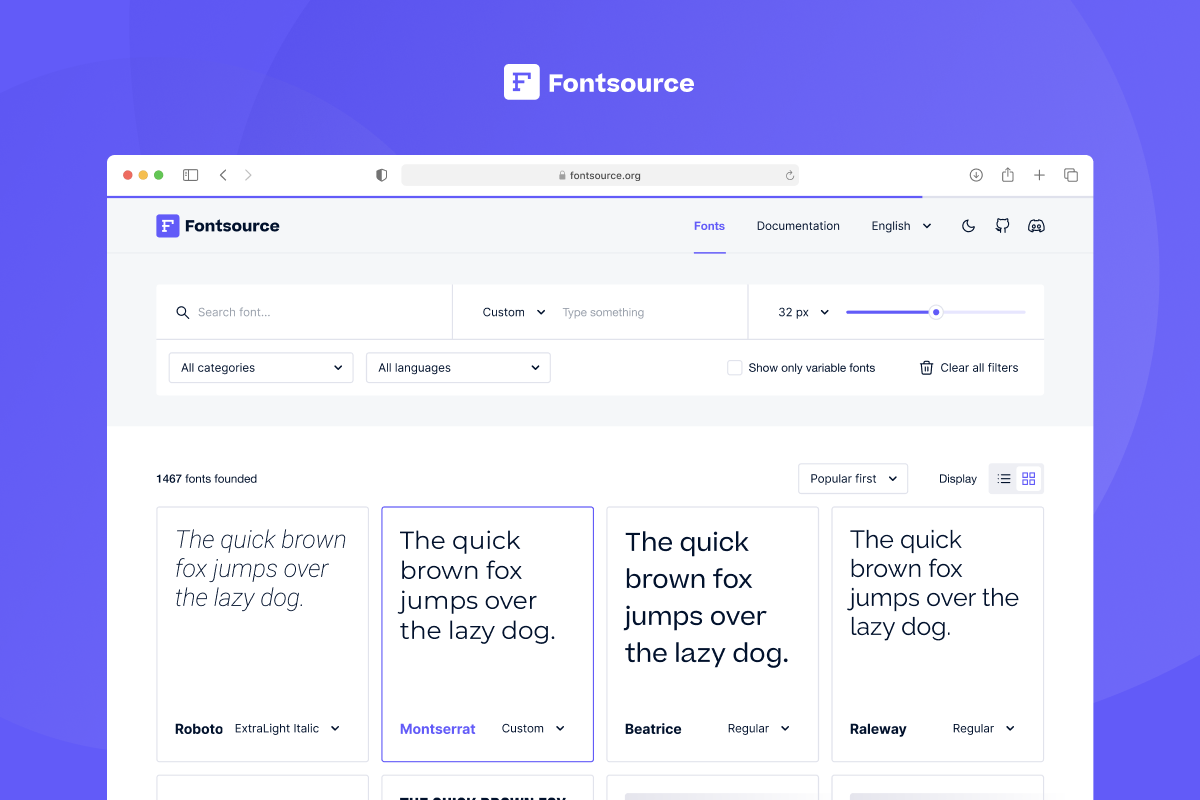
I load fontsource like this

undone tartan
#

I tried adding it using links like you have above but I had some troubles after hooking it up with tailwind.

I noticed those flickering of the styles when I reload the page, I will show a video later.

Nextjs’s abstraction has messed my basic web dev skills lol

silent badger
undone tartan
#

What is @fontsource?

silent badger
#

Download and self-host 1500+ open-source fonts in neatly bundled NPM packages. Access a comprehensive library of web typefaces for free.

undone tartan
#

Lovely, Ill give it a shot and see how it plays out

#

thanks for this information

undone tartan
undone tartan
#

Nevermind, It was an issue with how I setup the devtools causing the flickering, fixed

narrow mango
#

how did you fix it ?

subtle bison
silent badger
#

it happened on production

subtle bison
#

what

silent badger
undone tartan
#

@narrow mango The issue is with the devtools, just follow the docs on how to set it up and disable in production.

narrow mango
#

Yeah, I'm just curious what was the fix, as I also sometimes experience this randomly

subtle bison
#

it's dev server thing

narrow mango
#

@undone tartan yeah I set it up for PROD already. I thought you also fixed it in DEV

undone tartan
#

I am not experiencing it in dev too

narrow mango
#

ok then its fine, it happens rarely enough to not be an issue

undone tartan
#

maybe there's something else causing it for ya

narrow mango
#

yeah maybe, thanks

undone tartan
#

you are welcome

silent badger
#

you can use dynamic import to load message without node fs module

narrow mango
#

ah ok nice thanks!

silent badger
narrow mango
#

very cool, will do those improvements too, thank you 😄