#Dynamic injection of models into AR web app

1 messages · Page 1 of 1 (latest)

zealous edge
#

Hi! I'm new to using Needle Engine and I was wondering if there was a way to inject 3D models (gltf files along with their extensions) into an AR web app from a database of 3D models?

For example, an online store that displays 3D models of plants in AR. If a new plant was added and it's 3D model was uploaded to the database would it be possible to update the web app automatically to build and include this new plant to view in AR?

eternal solsticeBOT
faint badge
#

Hi, sure you dont need to rebuild the app for that. Your app could simply connect to your database to then e.g. download it directly when a user visits your web app or display a thumbnail or text and download it when clicked.

Needle Engine is a web engine and you can do this the same way you would with e.g. vanilla threejs 😉

zealous edge
#

Great! So if you download the model could it still have the functionality that needles engine bakes into it? Sorry still trying to wrap my head around how the needles engine actually works when it comes to building. Does it build individual 3D models/experiences which can be embedded in a web app through threejs for example?

faint badge
#

Yes to both of your questions - when you export a scene or prefab to GLB/glTF with our Unity or Blender integrations you get all the data stored in those files - so when they're loaded with Needle Engine they will be unpacked and become interactive (well depending on the components that you used of course). Note that they dont contain the actual javascript/typescript code for components This link might help to understand more.

If you want to load a GLB and let needle engine handle re-creating your components you can use e.g. loadSync (imported via import { loadSync } from "@needle-tools/engine" or you can wrap the URL in an AssetReference type and load it with loadAsync for example.

zealous edge
#

Thanks! I noticed that the engine has a function called AssetReference.getOrCreate() which allows you to load a asset from a url pointing to a gltf. I was wondering if this would work if I passed a url to a google cloud platform bucket. Alternatively I wanted to load the model directly using firebase and instantiate it as a component. Would this be possible with loadsync?

#

Basically just wondering if needles engine handles the creation of a component if I have the gltf file

faint badge
#

If the bucket url is publicly accessible it might work. Same for the loadsync method. They both ultimatety pass down the url to our GltfLoader with the needed plugins to load the file.

Yes if your file has components / needle engine extensions because it was exported with Unity or blender using our integrations then it will create the components and setup everything for you

#

If you use loadSync youll get the GLTF file back (with the scenes which contains the objects you can add to your scene) while the Addressable/AssetReference already returns the objects (and might have added it to your scene automatically depending on which method you call/which options you pass in)

zealous edge
#

I was wondering if I have a gltf file is it possible to instantiate that file into the unity scene?

faint badge
#

You can drag drop your gltf or glb file into the unity editor yes (same as with a fbx file). We use/maintain UnitGLTF that does import and export of gltf files into unity

#

Is that what you're asking for?

zealous edge
#

Kind of. Basically I've loaded a gltf file from a DB and I want to be able to make it a gameobject to add additionaly functionality and render it. Unless this can be done with just the base threejs?

#

I want to be able to view it in AR

faint badge
#

Yes just drop it into unity, add it to your scene and add components (if you need any) to it and then export with needle engine. If you want AR just add the WebXR component to any part of your scene and youre done

#

If you start from zero add the ExportInfo to your scene somewhere and click play (it will generate a web project and start a local server for testing)

zealous edge
#

I loaded the file with a script and I want to add it programatically

#

Not manually by dropping in

#

Similar to how AssetReference is able to create/instantiate a model loaded from a URL

faint badge
#

So you have a web project already? You can load it at runtime using typescript too (with a AssetReference for example yes)

zealous edge
#

Ya I have a web project

#

But instead of using a url I want to use the gltf file I already fetched

faint badge
#

By fetched you mean you have it on disc?

#

Whats your goal 🙂 im not sure - can you give me some more details?

zealous edge
#

Sure sorry if this is confusing let me start over

#

So the functionality that I want to implement is as follows:

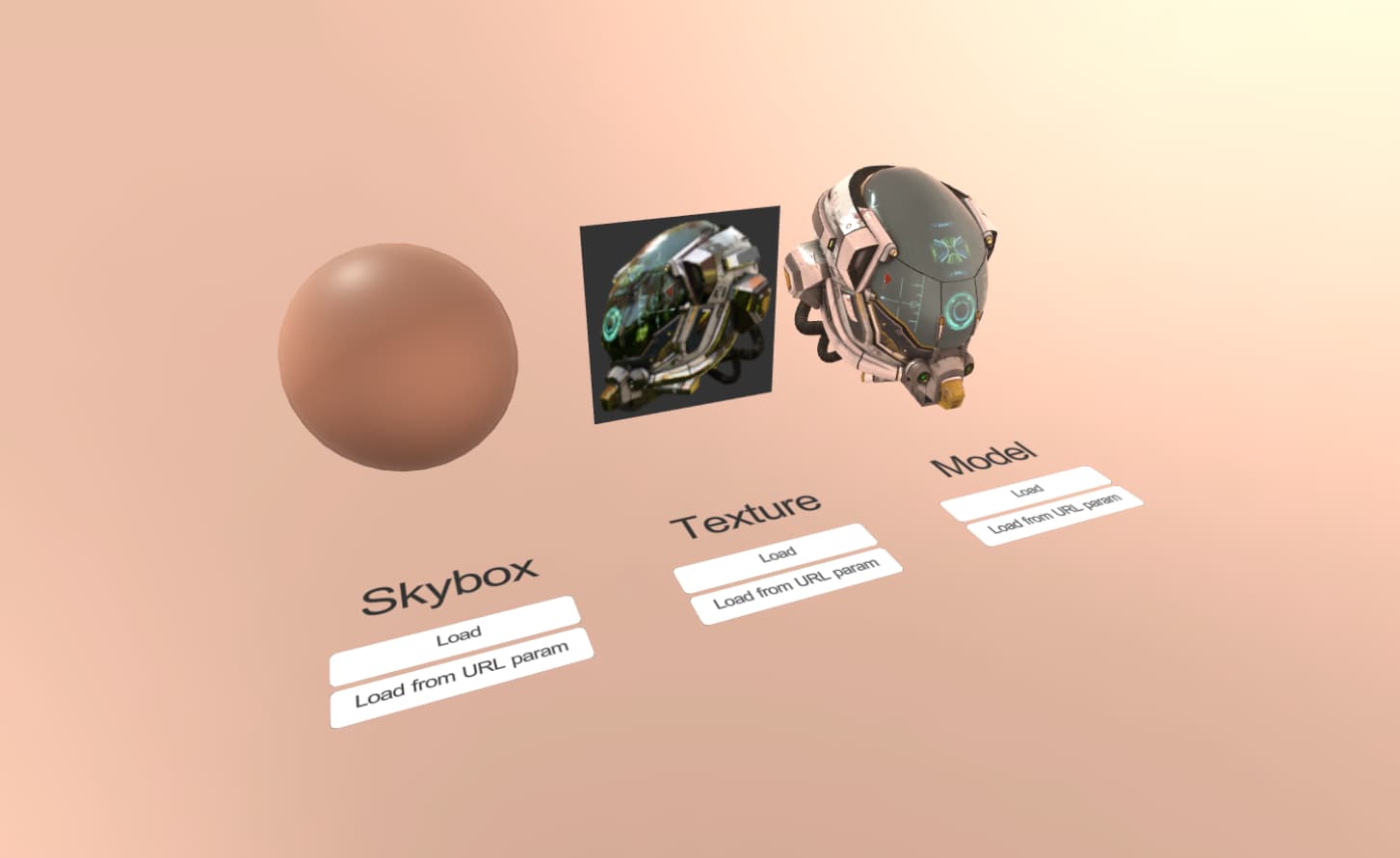
  1. When a user accesses the web app they can click a button (similar to the external content sample)
  2. This calls a function that makes a request to the google cloud bucket (storage) to get a gltf file
  3. This request returns the gltf file which is stored in-memory (app memory)
  4. I then render this gltf file either through just threejs or instantiating a unity game object (similar to how AssetReference instantiates objects)
faint badge
#

So you have step 1-3 ready I guess? Or where exactly do you need help?

(For clarification: Unity isn't involved anymore in this process at all, Unity is just used to author and setup your scene but what you describe is purely web based which is Needle Engine Runtime / threejs. Thats why i wasnt sure when you asked about instantiating the gltf in Unity)

If/when you have a file in memory as a binary blob from google you can use parseSync for example to turn it into a threejs glb/gltf file with all functionality/interactivity that you can then add to your scene

faint badge
#

Did you get it working @zealous edge ?