

1 messages · Page 1 of 1 (latest)
 strong flint
Hi!
I'm trying to add a simple dof to my project using Unitys own post processing.
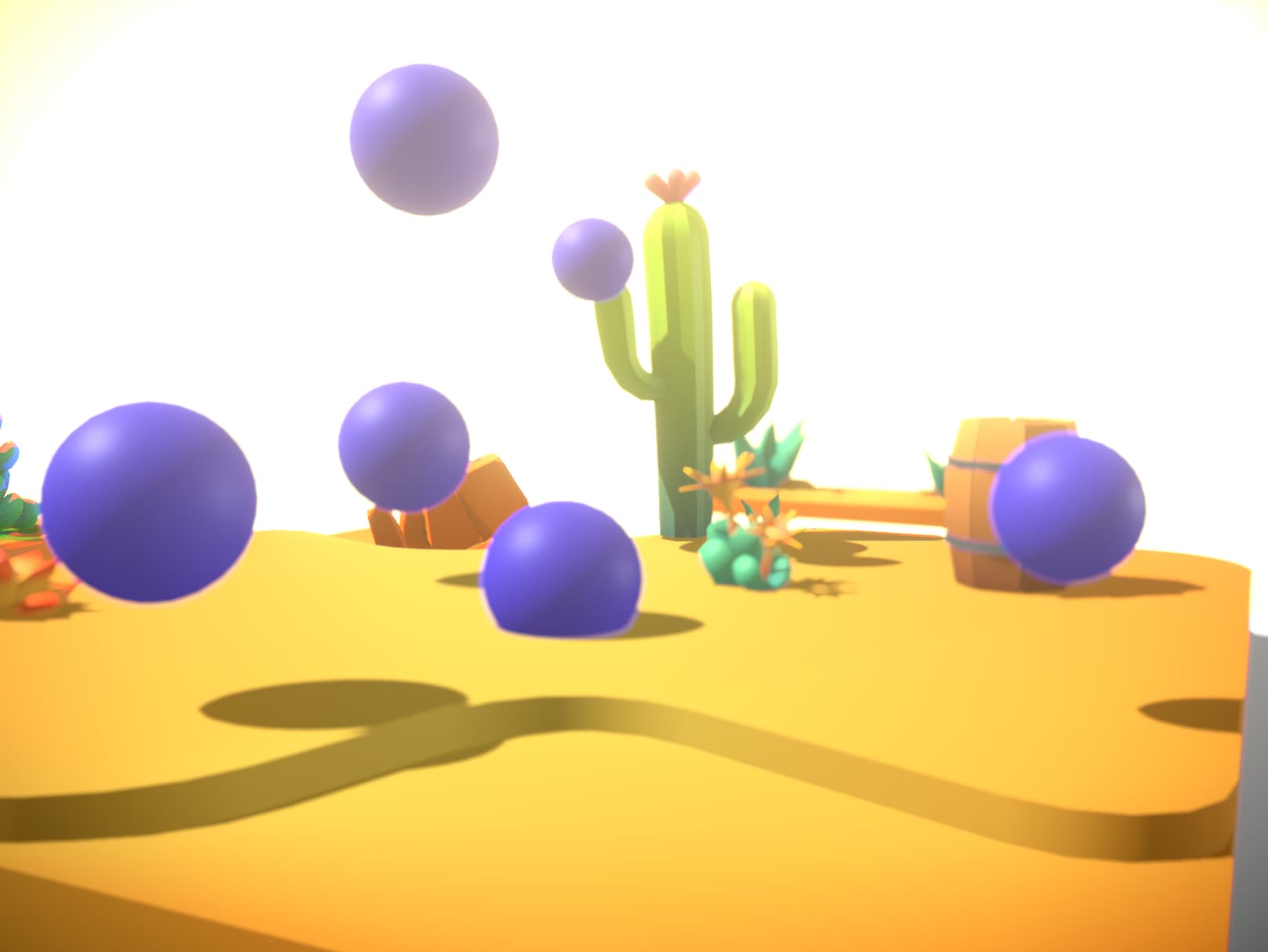
I get very ugly results and it is hard to make sense of how the changes to the effect parameters changes the runtime dof.
Plus I get the appended warning
 velvet crowBOT
strong flint
Hi!
I'm trying to add a simple dof to my project using Unitys own post processi...
velvet crowBOT
strong flint
Hi!
I'm trying to add a simple dof to my project using Unitys own post processi...
Hello there – we have an experimental AI bot 🤖 that might be able to help you with your question. Would you like to try this out?
 frozen jewel
You should get results that are relatively close to what you see in Unity.
Have you looked at the postprocessing sample? Does that work for you? If not please post your Unity version, render pipeline version etc. here - thanks!
https://engine.needle.tools/samples/postprocessing/
PostProcessing with DoF, Bloom, SSAO and more
The component in that sample that dynamically adjusts the focus point may also be helpful for testing for yours 🙂
strong flint
I will look into it, thanks!
(Is there a simple way through the console to change the post process values? I tried through both volume and sharedvolume but the changes did not seem to apply)
frozen jewel
You can add the "Needle Editor" component in your scene and then property changes you do will be synchronized to the live browser session.
*Not all properties but for example postprocessing works great
strong flint
Unity version is 2022.3.14f1
Is there an optimal engine version? I could not fint anything on the needle sites.
(The Needle Editor Sync did not do much, so I suspect there is a bigger error somewhere. I have yet to download the sample, will do that now and see how that looks, thanks! )
frozen jewel
That version should be fine! We should have recommended versions on the website tho 👀
strong flint
Yeah even if it matters little it is nice to refer to some list of recommended versions :)
I'll update you on the sample
strong flint
So far it seems to work now, however I'm not sure what did the trick 😅
You mentioned the Needle Editor component, do you have an example of how that would be used?
Plus I wonder if the artifact in the image is something that is easy to fix? (The corner of the fireplace looks blurry and weird)
 frozen jewel
You can add the Needle Editor Sync component and then after an export when you do changes in Unity (move objects around or change properties) you get live updates on the website

I think the artifacts you're seeing there are typical for depth-of-field implementations on strong depth discontinuities – it will probably get better if you add some sort of plane behind that window or reduce the far clip plane of the camera