#✅ - I need help with my Ender 3
17 messages · Page 1 of 1 (latest)
 whole nexusBOT
 quiet spindle
get them all even, then adjsut the stop switch if necessary
at some point if you keep tightening the it will start going down instead of up because of the tension
 small hollow
quiet spindle
get them all even, then adjsut the stop switch if necessary
small hollow
quiet spindle
get them all even, then adjsut the stop switch if necessary
I tried what you said but know the front 2 are doing it
 short comet
small hollow
I tried what you said but know the front 2 are doing it
short comet
small hollow
I tried what you said but know the front 2 are doing it
search a video about z-offset
 tall arch
short comet
search a video about z-offset
tall arch
short comet
search a video about z-offset
no, you mean z-limit switch
short comet
tall arch
no, you mean z-limit switch
no i mean z-offset
i used this video to calibrate my printer. just follow it up untill it doesnt apply anymore. somehwere around the bltoch i think doenst apply to you. https://www.youtube.com/watch?v=p82TT4tNsb4&t=1270s
https://www.youtube.com/watch?v=TWBJ-H0To9U or this I guess?
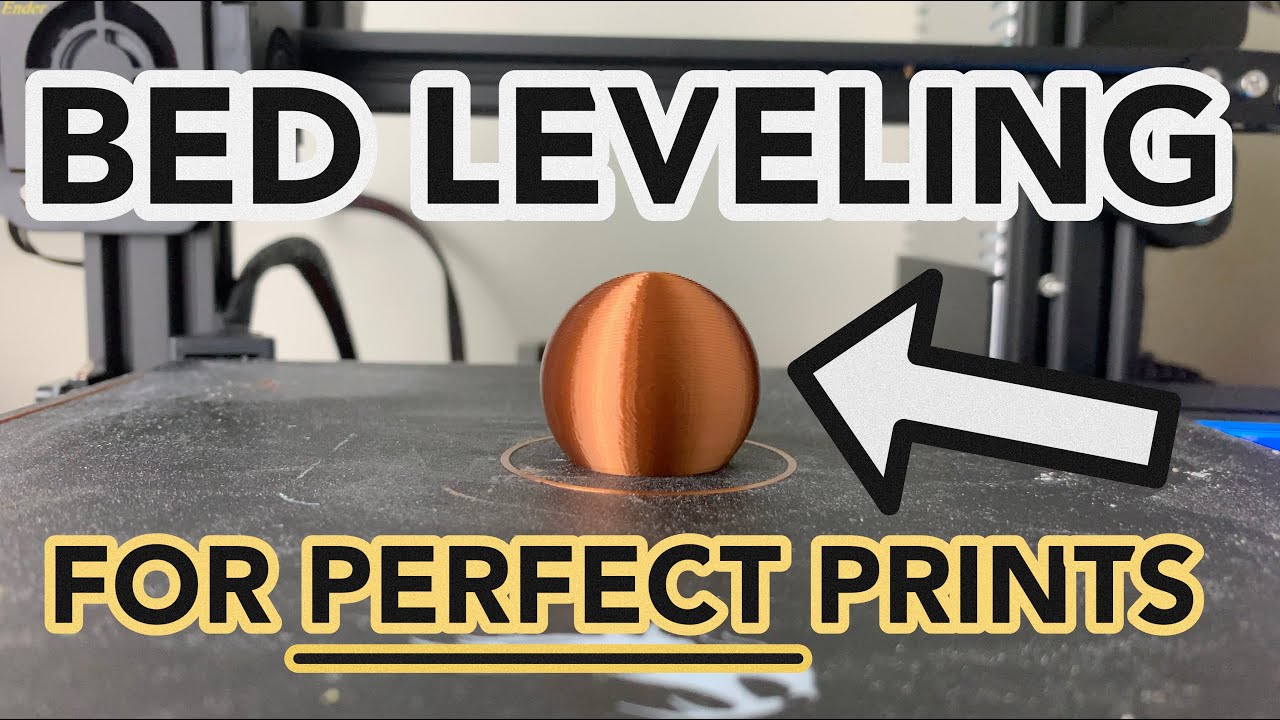
Improve the quality of your prints with this easy to follow bed leveling method. Use provided GCODE and STL files to level bed with ease and precision.
At 3D Printer Academy 95% of our content is free for everyone to enjoy.
➡️ Please consider supporting us on Patreon to gain special perks and help us make 3d printing accessible for everyone: ...
short comet
tall arch
no, you mean z-limit switch
or is the z-offset not a thing without a bl-touch?
tall arch
Typically for non abl printer you want the z-offset tp be set at 0 and adjust the bed to level it.
In this case the bed is tilted adjusting the z offset will not help
short comet
tall arch
In this case the bed is tilted adjusting the z offset will not help
the more I look at that picture the more I think that spring is compressed all the way. or is that a illusion on my part?
tall arch
It could be, we cant be sure since the bed is blocking the spring.
@small hollow is the spring fully compressed at the back?
 shut hare
@small hollow disassemble the bed, untighten screws for the levelling and just raise the bed. Then place it back down and tighten the screws
small hollow
Everyone sorry I fixed this two days ago I forgot to take It down
whole nexusBOT
whole nexus
> Hey <@980267409158062131>, thank you for contributing to this forum.
> Please...
This thread is closed now :white_check_mark: