#✅ - wobbly bed?
18 messages · Page 1 of 1 (latest)
 sacred path
 rough glenBOT
Hey @sacred path, thank you for contributing to this forum.
Please provide as much information (images, video, description) as you can. This will increase the chance that someone can help you with your issue.
Use the Close button when your issue is resolved.
 dim otter
should be one side with eccentric nuts under you can tighten if you havent tightened the whole screw too tight
sacred path
So I tried to tighten these but I’ve also noticed an issue that there are spacers between this base and the wheels. I’ve tightened them but to no succes
dim otter
may need to tighten the screws a bit more with a wrench on the bolt ... and then do it... it takes a bit to finesse
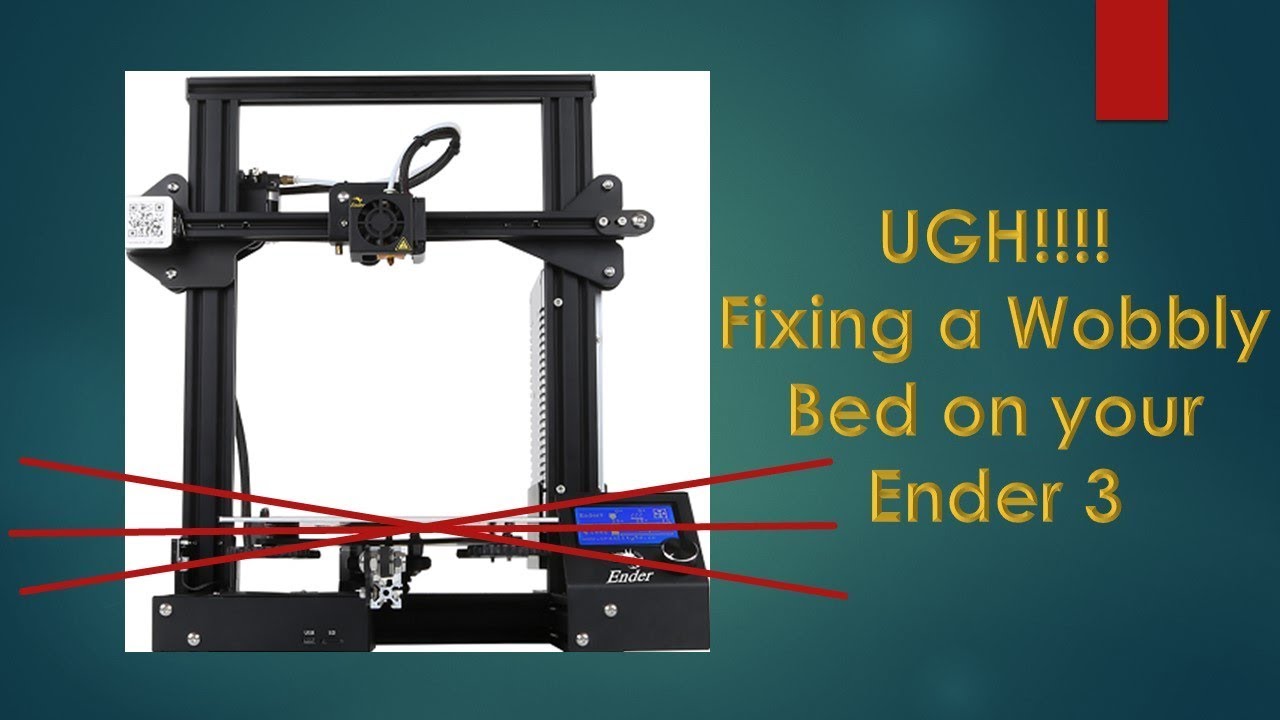
Hey Gang,
In this video I show you how to fix bed wobble on your Comgrow Creality Ender 3 3D printer. It's a real easy fix.
Please subscribe to my channel: https://www.youtube.com/channel/UCvVfDVa3CiHR5i9FNoa9TEA?view_as=subscriber
Also make sure to visit my Etsy Store: https://www.etsy.com/shop/JerryJacksonDIY?ref=seller-platform-mcnav
Belo...
might be helpful better visually
sacred path
What would be a tell if I tightened the eccentric nut too much?
dim otter
if there is a lot of friction while rolling it along the y bar
sacred path
Okay I have that a try, I’ll throw this thing back together and run a quick test print
dim otter
awesome have fun
sacred path
Before I level this one last question so I can make sure I’m doing it alright, how should I do a preload on the bed or should I do one at all?
dim otter
Preload?
sacred path
Yeah on the springs
dim otter
Just go tight and loosen. Print a bed level test
sacred path
Okay thank you
dim otter
Np
rough glenBOT
rough glen
> Hey <@456226577798135808>, thank you for contributing to this forum.
> Please...
This thread is closed now :white_check_mark: