
#How to do this effect ?
79 messages · Page 1 of 1 (latest)
 stuck bay
 analog glen
i'd guess edgedetect and deepglow
both of those are plugin effects
not sure if theres ways with builtin effects..
stuck bay
Thxx ;))
analog glen

stuck bay
I just want to know how to put the saber only on the car 😉 @analog glen
analog glen
saber needs a line/mask to follow afaik
i imagine thatd be difficult with the whole frame of a car
stuck bay
Yeah absolutely what I’m thinking so idk how they did it
analog glen
and im saying thats not saber 😉
stuck bay
Okay ;))
analog glen
edgedetect reduces the image to its lines - meaning everything black except the outlines of the car
and deepglow makes those lines glow in whichever color u want
stuck bay
I know that they use plexus plugin for some things
stuck bay
analog glen
edgedetect reduces the image to its lines - meaning everything black except the ...
Ohhh and it is on after effects already ?
analog glen
stuck bay
I know that they use plexus plugin for some things
could be, im not informed on all plugins out there^^
analog glen
stuck bay
Ohhh and it is on after effects already ?
no those're plugins
sapphire edgedetect
stuck bay
analog glen
no those're plugins
Okay i have sapphire
analog glen
search s_edgedetect in ur fx then
stuck bay
s_edge detect or s_edgedetectdouble ?
analog glen
for deepglow i dont remember where thats from
analog glen
stuck bay
s_edge detect or s_edgedetectdouble ?
regular should be fine
stuck bay
I have deep glow too
analog glen
well then
all u gotta do is play with the settings
analog glen
stuck bay
Nicee @analog glen
 analog glen
gj^^
if u want the environment not to be affected u can put a rough mask around the car for example
stuck bay
Yupp I Will
Do u know why my ae always render with green screens ?
It is tired
It’s ae 2023
analog glen
wdym with greenscreens?
stuck bay
Yup I render and It appears screen in green
analog glen
well u could just try to create a black solid below all ur layers...
as to why it does that im not sure
stuck bay
Okay :/
analog glen
depends if u just want a solution or really dig out the problem 😉
stuck bay
In the middle of edits 3 times appears big green screen Lmao i can’t forget the problem kekw
analog glen
well then
how about the formats of footage? are they all the same?
u could try rightclicking the footage in ur projectlist and "reload" them
random greenscreen is a sign that ae cant read the video data afaik
also what if u shuffle the clips around? does the greenscreen appear at a fixed time or with a fixed clip?
clearing cache is always a good idea if anything doesnt work as supposed
analog glen
haha
stuck bay
I clear and then I save every 5 minutes
analog glen
u have a projectlist, its on the left side by default
where all ur footage and comps are listed
find ur clips (not comps) and rightclick>reload them
stuck bay
Here ?
 analog glen
ya
stuck bay
I dont find 🥹😂
analog glen
btw since ur an organized man, if u have lots of footage u might want to put them in folders 😉
 stuck bay
Uhmm maybe i have lying
analog glen
stuck bay
I dont find 🥹😂
 analog glen
other than that......
clear both caches then restart ae
i dont have more ideas sry
could be lots of things in the settings as well
analog glen
stuck bay
But if it did it on all my edits that’s the not the problem I think
it could be if ae loses some references or sth
not just on one specific footage but generally

 pearl socket
you can use saber effect too
 waxen sorrel
stuck bay
Oh shitt go crazy
waxen sorrel
stuck bay
Oh shitt go crazy
What i do a lot with edge detect is basically just duplicate the layer then add s_edgedetect to it then add the layer blend to screen or whatever u think. After that you can then scale in only the edge detect to make it look even cooler and add effects ontop of only it.
stuck bay
Thx men 😉
waxen sorrel
watch this
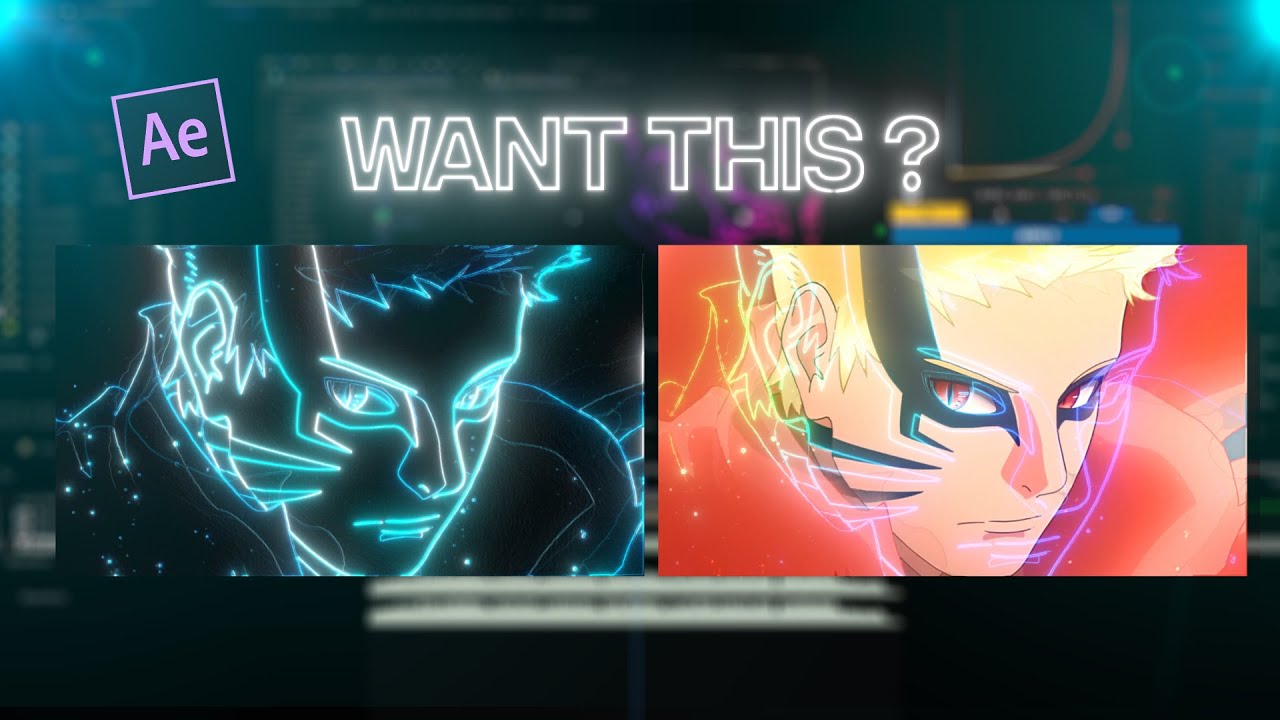
Plugins required : Sapphire , Deep glow ( u can use any glow u want)
very cool