
#Need help with my deployment
177 messages · Page 1 of 1 (latest)
 prime cairn
 half runeBOT
Project ID: 21580c19-45ac-4273-8aa3-11a0fdf0c9c1
prime cairn
21580c19-45ac-4273-8aa3-11a0fdf0c9c1
prime cairn
it's a rest api
prime cairn
3000
 little dew
did u set that in the env var settings
if no, then railway wont be able to figure out what port to show to u
so u need to set it in the env var settings
alternatively
ur code can depend on he value of PORT env var
prime cairn
I did set PORT = process.env.PORT || 3000 isnt that enough
I mean i did that with all my previous projects
prime cairn
I just did that wait lemme show you


can i share app.js code with you I mean if you can point out the bug i tried but I could not figure it out
 rotund spoke
You using a dockerfile?
prime cairn
nope
rotund spoke
Huh wierd. What did you set the env var port to?
prime cairn
like the PORT var?
rotund spoke
Yea the environment variable in the ss above
prime cairn
3000
rotund spoke
i feel like that should be fine. Are you able to share the part of your code that starts the server?


 rotund spoke
Does connected to db get logged?
rotund spoke
wait shouldnt it be 0.0.0.0:3000?
prime cairn
no?
rotund spoke
set the env var port to 0.0.0.0:3000 and se if that works
wait actually railway might not like that
rotund spoke
i would try app.listen("0.0.0.0:3000" , () => orapp.listen(3000, "0.0.0.0" , () =>
prime cairn
wouldn't it be a problem? cuz im deploying it so that ppl can see and interact with it, setting port var like that will make my app non reachable to others tho
rotund spoke
wouldn't it be a problem? try it and find out
rotund spoke
yea cus its listening on localhost or 127.0.01
just try 0.0.0.0 and we will find out
i wish i knew ofthe top of my head but its been ages since ive written app.listen
 glossy tide
loll
rotund spoke
prime cairn
senior i can tell
based
i do indeed think i was wrong
const port = process.env.PORT || 3333;

app.use(bodyParser.json());
app.use(bodyParser.raw({ type: "application/vnd.custom-type" }));
app.use(bodyParser.text({ type: "text/html" }));

app.get("/", async (req, res) => {
  res.json({ Hello: "World" });
});

app.listen(port, () => {
  console.log(`Example app listening at http://localhost:${port}`);
});
should work
try it anyways maybe
wait fuckit ill try. 1 sec
prime cairn
kk
rotund spoke
ah yes
 prime cairn
hm? worked?
little dew
lol
rotund spoke
chill bro its been 3 mins
rotund spoke
glossy tide
You can see those blue ticks
LMFAO
prime cairn
confuzzled frfr
rotund spoke
my little hands can only type so fast
prime cairn
👀
rotund spoke
yup
half runeBOT
 rotund spoke
do you know le awnser
prime cairn
glossy tide
This is an express app, right?
ye
rotund spoke
using templates is to smart for me
glossy tide

GitHub
Contribute to railwayapp-templates/expressjs-postgres development by creating an account on GitHub.
You don't need 127.0.0.1 or 0.0.0.0
Just listen on process.env.PORT
prime cairn
that's what i did tho
glossy tide
rotund spoke
i do indeed think i was wrong
```
const port = process.env.PORT || 3333;
app.u...
oh, you shared this here already
rotund spoke
glossy tide
oh, you shared this here already
yee
rotund spoke
could it be one of your middleware?
rotund spoke
prime cairn
u tripping
i allways am. dont worry its my natural state
glossy tide
Did you try redeploying?
prime cairn
rotund spoke
could it be one of your middleware?
idk tbh i think i did nothing wrong tho
or it seems
prime cairn
glossy tide
Did you try redeploying?
ye like more than 8 times
prime cairn
i did
prime cairn
nope
glossy tide
Do you have an index.js file?
prime cairn
ye for docs
glossy tide
set start command to node app.js in settings
prime cairn
i did lmfao
glossy tide
Oh
 prime cairn
ye
prime cairn
Connected to DB!
Server is listening on port 3000...
prime cairn
like push it as if it's a new project?
glossy tide
yes
 rotund spoke
has the new one deployed?
prime cairn
it does but when i visit the link it says server error
on my github repo it says all checks have failed idk why
rotund spoke
the same screen as before?
prime cairn
ye but i noticed that deploy logs are fat

when i check the other projects it just prints connected to db and server is listening
like this
 rotund spoke
prime cairn
rotund spoke
prime cairn
i guess fix this error
glossy tide
netflix clone api == blog api?
glossy tide
prime cairn
you have deployed netflix clone api here
glossy tide
prime cairn
like this
this is blog api
prime cairn
ye
blog api is already working
btw i just checked my github repo, it says 1 failing check in app.js
glossy tide
prime cairn
set your start command to ls
 glossy tide
what do you see in logs?

 glossy tide
prime cairn
glossy tide
prime cairn
Please copy paste this stuff ^
prime cairn
got it lmfao
rotund spoke
what was the issue
prime cairn
i mispelled a file name (watchList instead of WatchList)
logs be helpful sometimes frfr
rotund spoke
ahhh
 rotund spoke
thattle be a windows moment right there
prime cairn
glossy tide
https://tenor.com/view/pepe-the-frog-trippy-pepe-gif-11988854

yall go check it out and gimme your feedback
glossy tide
nice
prime cairn
why delete 👀
glossy tide
I thought you wanted your API's review lol
prime cairn
ye i did
glossy tide
docs look cool though
 glossy tide
 glossy tide
rotund spoke
is this a macro
glossy tide
rotund spoke
is this a macro
wdym
rotund spoke
WYZ out here with the capybara macro
glossy tide
rotund spoke
WYZ out here with the capybara macro
wdym by macro here lol?
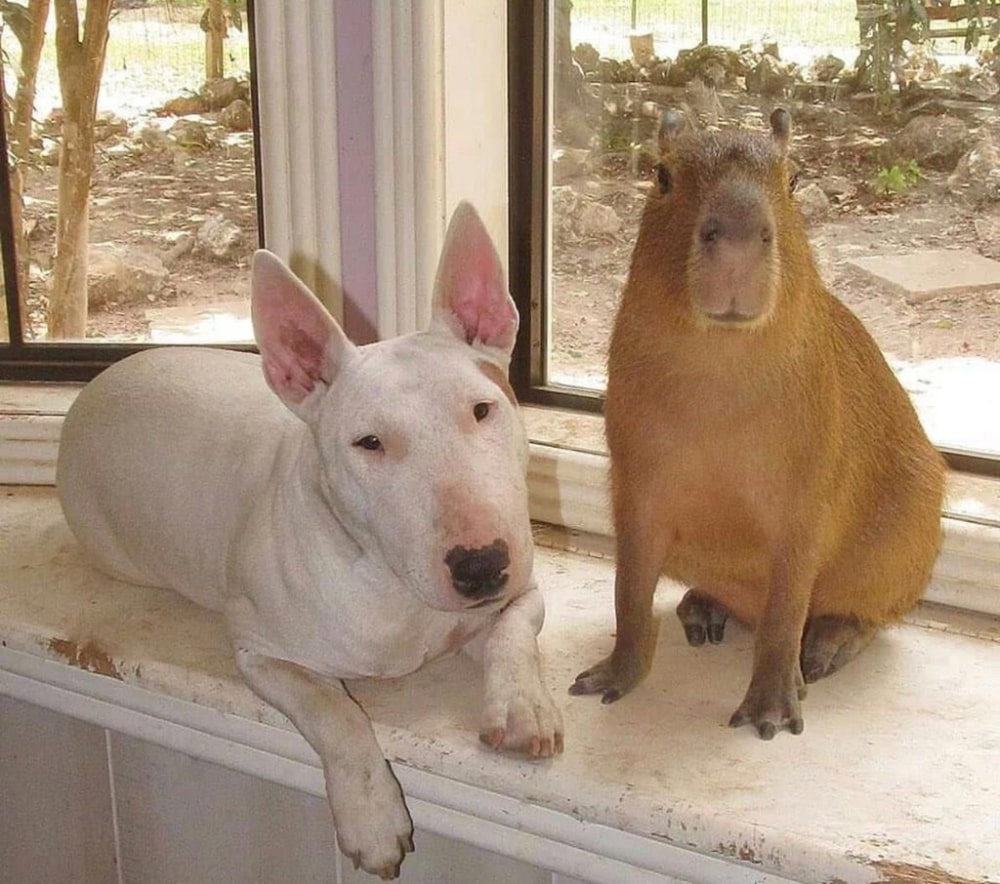
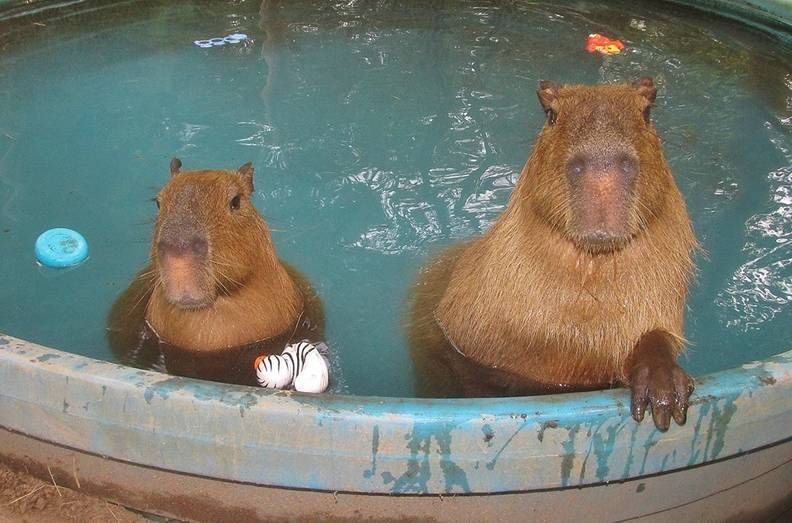
I am using https://capy.lol
capy.lol
The next generation of capybara APIs, access over 700+ images of capybaras in high definition.
little dew
why is the example like 100 lines long
curl 'https://api.capy.lol/v1/capybara?json=true'
 marble elm


 glossy tide
#1045027690270441573 💀
 toxic warren
Try removing the environment variable "PORT" that you created in railway.app.
Railway should already have a "PORT" env variable set up when you deploy for your app to find.