
#Trying to install dependencies
40 messages · Page 1 of 1 (latest)
 deft mortar
 visual solar
Yeah, it can happen with npm from time to time. When you are focused in the terminal, press ctrl + C to stop the process, and run npm install again. For a good measure you can remove /node_modules folder to make sure that there are no corrupted files in some module due to forcefully killing the process
deft mortar
deleted node modules folder and ran npm install --legacy-peer-deps again but still same issue
tries on a macbook and my pc both having the same issue
 visual solar
I'm not 100% sure, but OneDrive might be responsible for it. Try moving project folder somewhere else and running it again. Also have you tried running npm install without --legacy-peer-deps?
deft mortar
when i run npm install
 visual solar
Okay, can you move project directory outside OneDrive directory?
deft mortar
I tried dragging and dropping the file to a different location but it still exists inside the onedrive
visual solar
Try moving the project to for example C:\e-commerce, open it in your IDE and run npm install there
deft mortar
still keeps loading
 visual solar
Are you trying to install some public repository? If you can link it, I'll try to reproduce it on my end and see if there is some way to fix it
deft mortar
 zenith meteor
Have you copied the package.json of the project to insure you use the same versions of all dependencies?
Perhaps another node version?
 lone roost
deft mortar
https://github.com/AbdulR11/e-commerce/tree/main
lone roost
deft mortar
https://github.com/AbdulR11/e-commerce/tree/main
That link is inaccessible.
deft mortar
apologies try again now
lone roost
The fact that you need to use --legacy-peer-deps already means you are likely to encounter complications. This typically means you are working on an older project. It also means substitutes are going to be used, and those are not guaranteed to all be compatible with each other.
deft mortar
lone roost
The fact that you need to use --legacy-peer-deps already means you are likely to...
the project was released december 1 2023
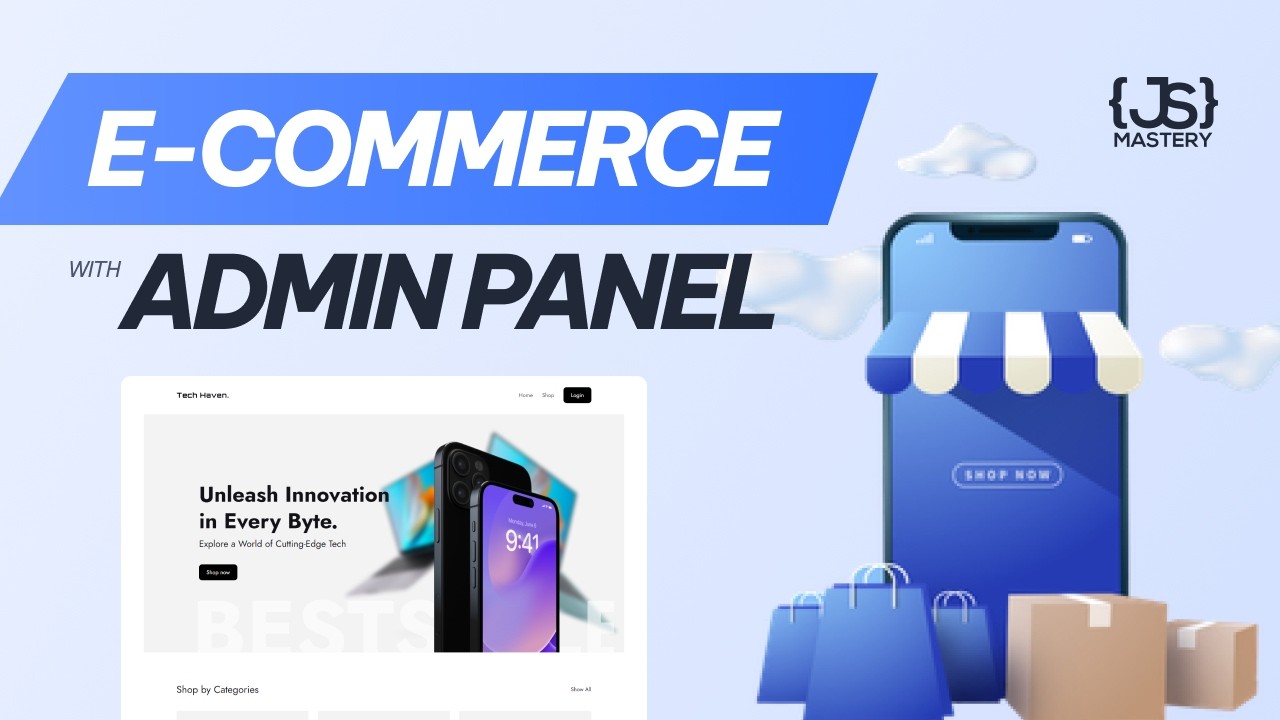
Learn how to build an incredible e-commerce webshop with an admin dashboard and CMS using Next 14, Stripe, TypeScript, and Payload CMS.
⭐ Payload CMS: https://payloadcms.com/new?utm_source=youtube&utm_medium=video&utm_campaign=jsmastery
🌟 Become a top 1% Next.js 14 developer in only one course: https://jsmastery.pro/next14
📚 Materials/Referen...
deft mortar
zenith meteor
Have you copied the package.json of the project to insure you use the same versi...
i directly cloned it using github desktop
lone roost
deft mortar
the project was released december 1 2023
Was --legacy-peer-deps used in the video?
deft mortar
lone roost
Was --legacy-peer-deps used in the video?
yes
Do you think I can continue working on this project without having to install the dependencies? or is there a manual way to instal them?
lone roost
deft mortar
yes
That means it was already using some dependencies that were old at that time.
lone roost
deft mortar
Do you think I can continue working on this project without having to install th...
Dependencies are required and it is not practical to install them in some other separate way.
visual solar
npm install with and without --legacy-peer-deps hangs on my computer too. There are some comments below the video stating that JSM's repo with finished project doesn't work too
lone roost
deft mortar
https://github.com/AbdulR11/e-commerce/tree/main
There are over a dozen differences between your package.json and the one provided by Adrian. This is Adrian's verions: https://github.com/adrianhajdin/ecommerce/blob/main/package.json
GitHub
Learn how to build an incredible e-commerce webshop with an admin dashboard and CMS using Next 14, Stripe, TypeScript, and Payload CMS. - adrianhajdin/ecommerce
deft mortar
lone roost
There are over a dozen differences between your package.json and the one provide...
shall i just copy and paste these into my vscode?
lone roost
deft mortar
shall i just copy and paste these into my vscode?
Yes.
deft mortar
 visual solar
lone roost
There are over a dozen differences between your package.json and the one provide...
visual solar
lone roost
There are over a dozen differences between your package.json and the one provide...
This one worked for me.
added 1300 packages, and audited 1301 packages in 3m
No wonder it takes a bit 😅
lone roost
deft mortar
Delete your node_modules folder first before you try to install again.
visual solar
deft mortar
Use npm install --legacy-peer-deps. It might take a while, but it should work
deft mortar
for some reason when i delete node modules folder then use npm install --legacy-peer-deps, the node modules folder re appears itself
visual solar
Yeah, that's the folder with all installed packages. When you run npm install it downloads and installs the packages there
lone roost
deft mortar
for some reason when i delete node modules folder then use npm install --legacy-...
That should happen. The install puts files into that folder. The reason to delete it is because you did previous installs with different settings in package.json, and the files that got placed in there can interfere.
deft mortar
so I changed my package.json code, removed the node_modules folder and then ran npm install --legacy-peer-deps and still same problem 😢

it worked on my laptop! idk why it wont on my pc but i guess il have to run with it
thanks so much for your help
zenith meteor
If you have any lock-files remove them too when removing the folder, then reinstall