

14 messages · Page 1 of 1 (latest)
 glass mesa
I've read through the other C++ thread and followed the linked tutorial (https://www.youtube.com/watch?v=77v-Poud_io&ab_channel=LearningLad) . It did work for c, but I'm still getting an error message when trying the same thing with c++.
I'm a complete beginner and therefore sadly have absolutely no idea what to do, googling it and following the docs didn't work, cuz.. I didn't understand a step there.. You can call me stupid at this point, I sadly know.
"If you get an error trying to build and debug with cl.exe, make sure you have started VS Code from the Developer Command Prompt for Visual Studio using the code . shortcut."
Help is highly appreciated! For safety reasons I've included the 'test code' since I don't even know whether it is for C++ or only for C and the error message I got
I honestly didn't think an installation could frustrate me again in my lifetime but here I am. sike
 dawn hull
just use visual studio instead of visual studio code
glass mesa
dawn hull
just use visual studio instead of visual studio code
If I'm allowed to ask completely stupidely: Can you send me a download-link? No joke, I'm running around in circles on their website. As in 'I literally can't find the download-link but keep getting redirected' which is a bit embarrassing tbf
 ornate plank
glass mesa
If I'm allowed to ask completely stupidely: Can you send me a download-link? No ...
ornate plank
glass mesa
If I'm allowed to ask completely stupidely: Can you send me a download-link? No ...
Did you download the MinGW exe? And also, you should use <cstdio>
glass mesa
Yes I did; For setting it up I blindly followed the linked tutorial as well
And thanks! Sadly same error message, had hope for a second xd
dawn hull
glass mesa
If I'm allowed to ask completely stupidely: Can you send me a download-link? No ...
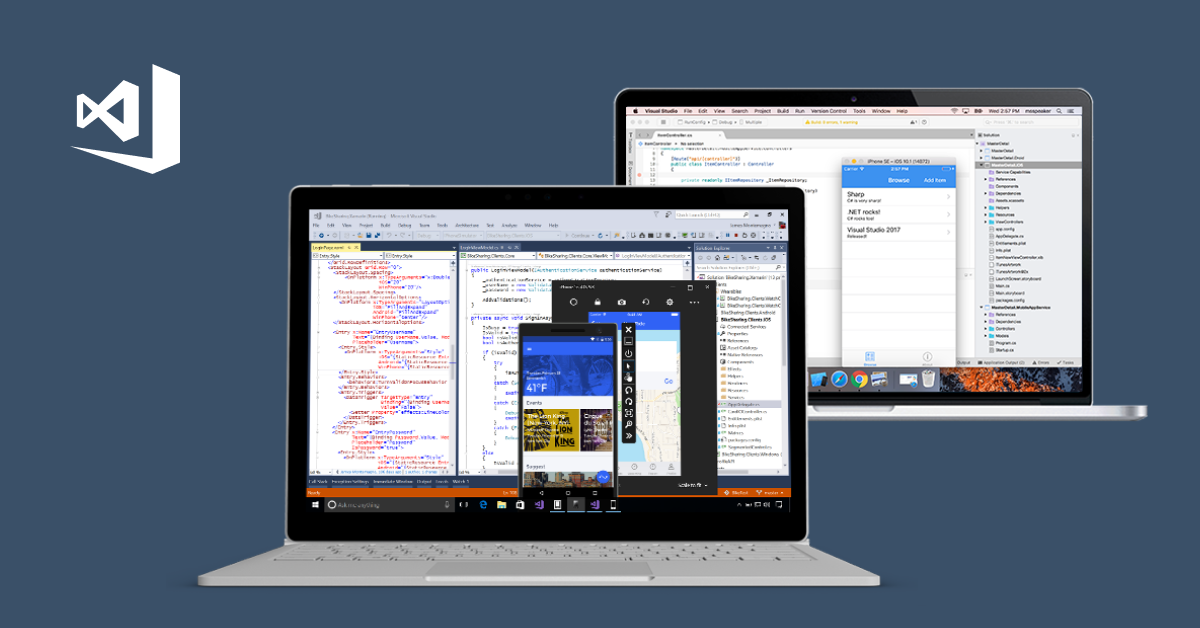
Pobierz bezpłatnie środowisko IDE programu Visual Studio lub program VS Code. Wypróbuj wersje Enterprise i Professional programu Visual Studio w systemie Windows i na komputerach Mac.
and download community
glass mesa
that's the main problem I have.
I go to community > Sends me to the side with "install, first steps, C++, ..."; There is no link beneath "install" so I navigate to C++ cuz that's what I'm looking for. Then no matter what link I click, I just redirected to a different website and click links til I'm on that first one again
e.g. I navigate to this installation, clicke the nice 'install' button and get sent to the start website again :4head:

(I think it's a good thing to note that I dunno what ".NET" is but since it's listed below C++ and before Java I just assume it's another programming language)
 timber moon
glass mesa
I've read through the other C++ thread and followed the linked tutorial (https:/...
timber moon
glass mesa
I've read through the other C++ thread and followed the linked tutorial (https:/...
this looks like c language 